Beautiful shadcn blocks
and a workspace to match
Blocks, templates, OG images, a Designer, MCP and a curated community catalog in one app. Free to start, one Pro plan for every block and tool.
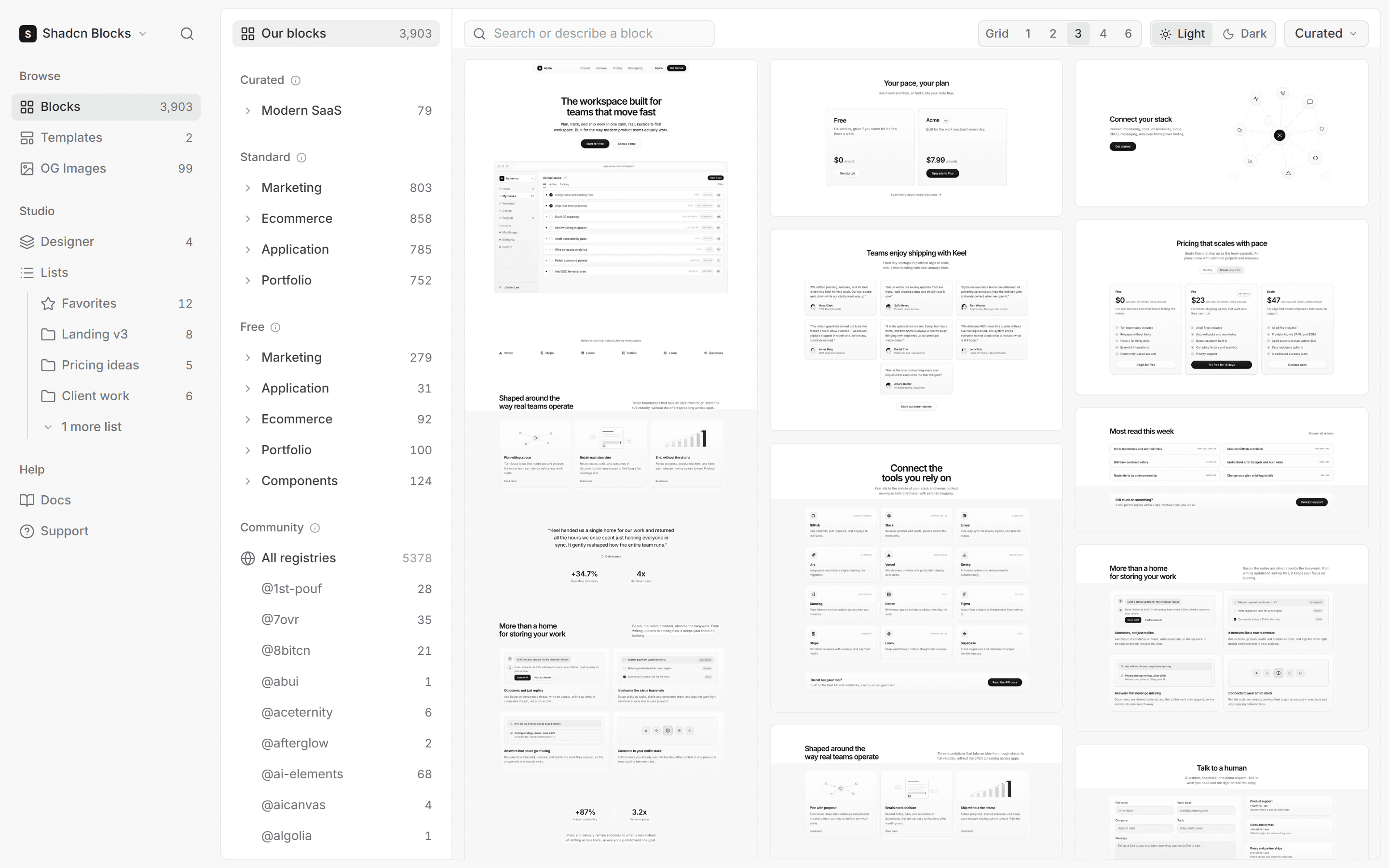
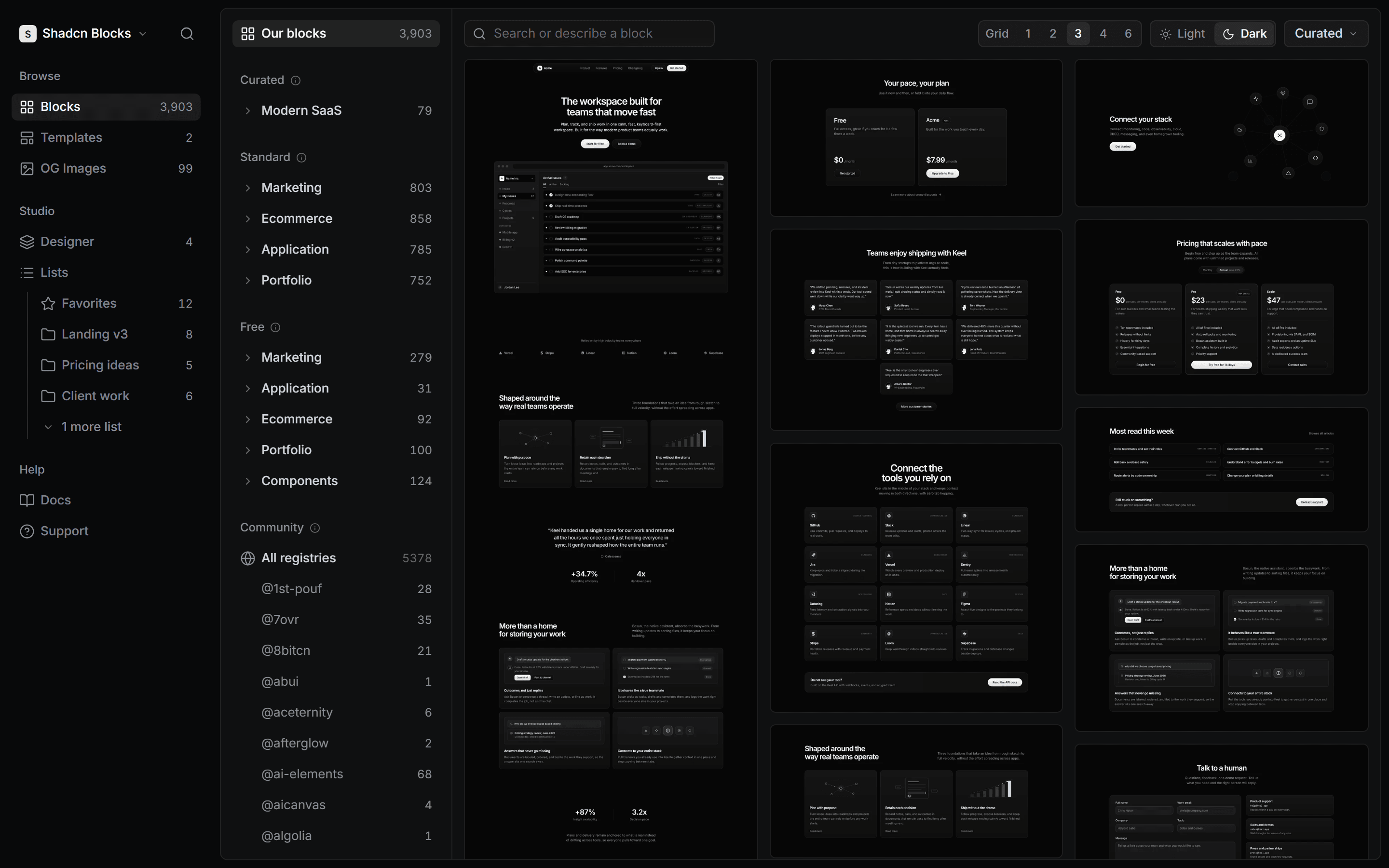
One ecosystem
What you build from and what you build with, in one place. Free to start, one Pro plan for every block and tool.
Blocks
3,923 shadcn/ui blocks in three tiers. Browse every one of them for free, install the free tiers straight away, and unlock the rest with Pro.
Three tiers
Premium is Modern SaaS: 99 blocks built one at a time in one style, so a page assembled from them reads as one design. Standard is Marketing, Ecommerce, Application and Portfolio, 3,198 blocks built at scale to cover far more ground. Free is our earlier work, 626 blocks open to everyone.
Browsing
The app filters the catalog by collection, tier and type, previews every block in light and dark, and lets you save any block to a list while you browse. The public site shows the same blocks with the basic filters.
Taking a block
Copy the source from the Code tab, install it with the shadcn CLI, open it in v0, or pull it into your editor over MCP. Every block ships as React and Tailwind on shadcn primitives, so it lands in a project like something you wrote.
| Plan | What you can install |
|---|---|
| Free | Every free collection, plus community |
| Pro | All 3,923 blocks across every tier |
| Team | All 3,923 blocks, for every seat |
Templates
Whole sites assembled from our blocks, paid for once and downloaded as a project. Templates sit outside the plans, so nothing about them needs a subscription.
What you get
A Next.js project with every page built from installable blocks, working navigation and the interactions wired. It arrives the way it would if you had installed each block yourself, so there is nothing to untangle before you start.
Before and after buying
Every template has a live preview and a page list, so you know exactly what you are getting. Once bought, the download sits on the template page for as long as you need it, and new versions come with the purchase.
| Template | What it is |
|---|---|
| Keel | Dark SaaS marketing site, 16 pages, $99 once |
| Primely | Modern SaaS starter, 8 pages, $79 once |
OG images
99 Open Graph image templates, each a single source file you drop into a project and render with your own copy. Preview every template on any account; a plan takes the files.
Downloads
Every template renders in light and dark. Take the PNG for a quick share image, or the SVG when you want to edit the artwork in a design tool before it ships.
The source
The Code tab shows the template's one file with its install path, ready for a Next.js route that generates the image at request time. Change the title and the line under it in code and every page gets its own image.
| Plan | What you can take |
|---|---|
| Free | Preview every template in light and dark |
| Pro | The PNGs, SVGs and source of every one |
| Team | The PNGs, SVGs and source, for every seat |
Community
Blocks from 136 public shadcn registries, captured and cataloged inside the app so they browse, filter, save and install like our own.
Curation
The 15 registries we picked by hand sort first in the grid, with a rule that marks where they end, and every other registry follows newest first. Searching by description covers them all.
Taking a community block
Nothing is gated. Install copies the shadcn CLI command against the block's own registry, Copy code copies its files, and the Designer can place it on a page next to ours. Community blocks live in the app only.
| Plan | What you can do |
|---|---|
| Free | Browse, save and install every one |
| Pro | The same, beside every block of ours |
| Team | The same, for everyone on the team |
Designer
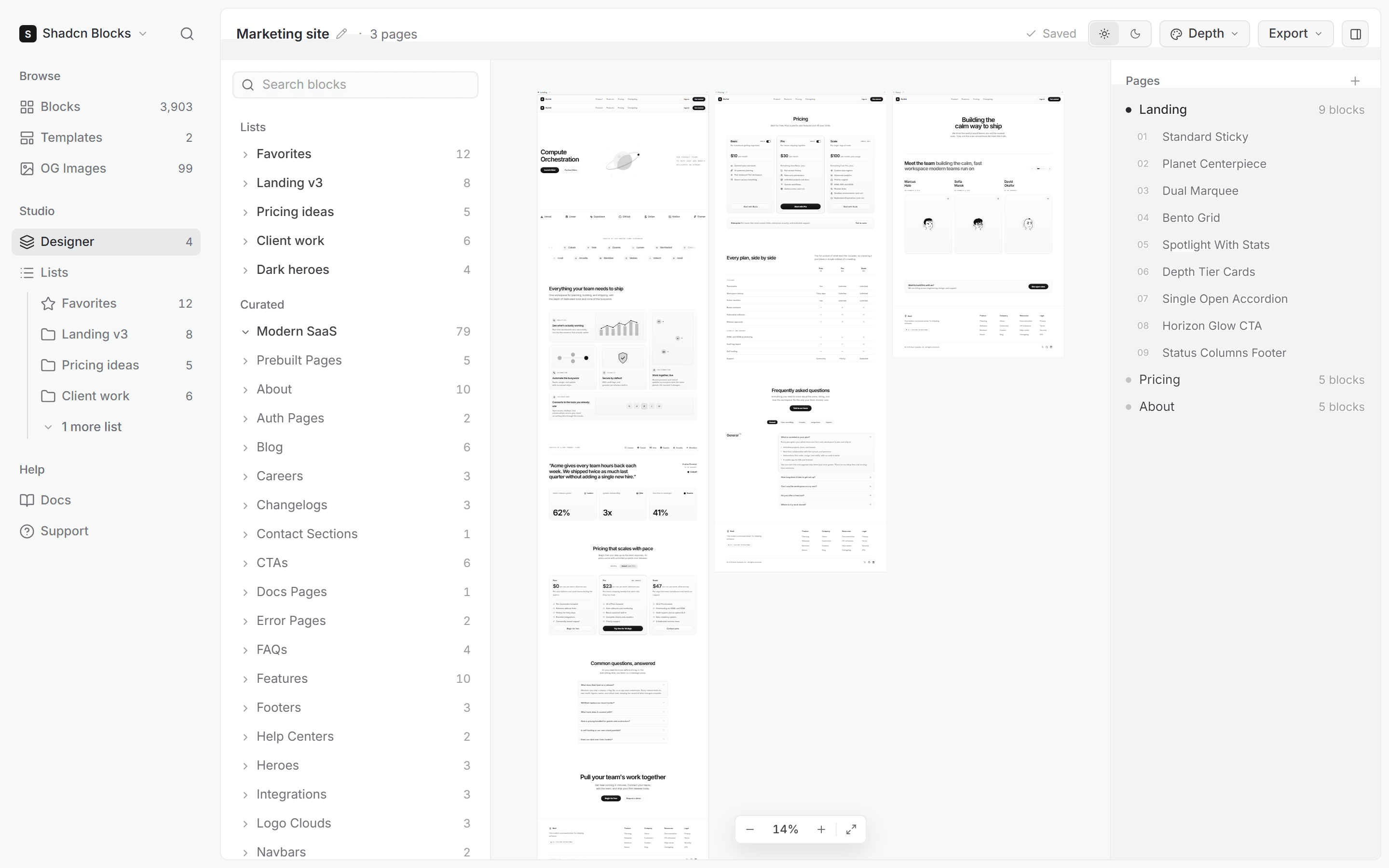
A page canvas inside the app. Drag blocks from the catalog and your lists into pages, see the whole site side by side, and keep the file with your team.
Files and pages
A file holds as many pages as the site needs, each one a column of blocks in order. Rename pages, delete them, and drag blocks between positions. Every file gets a screenshot thumbnail on the Designer landing so you can find it again.
The library
The panel beside the canvas lists your Favorites and lists above the full catalog, so a page starts from the blocks you already chose. Community blocks drop in next to ours, and any placed block opens on its own page in one click.
Light and dark
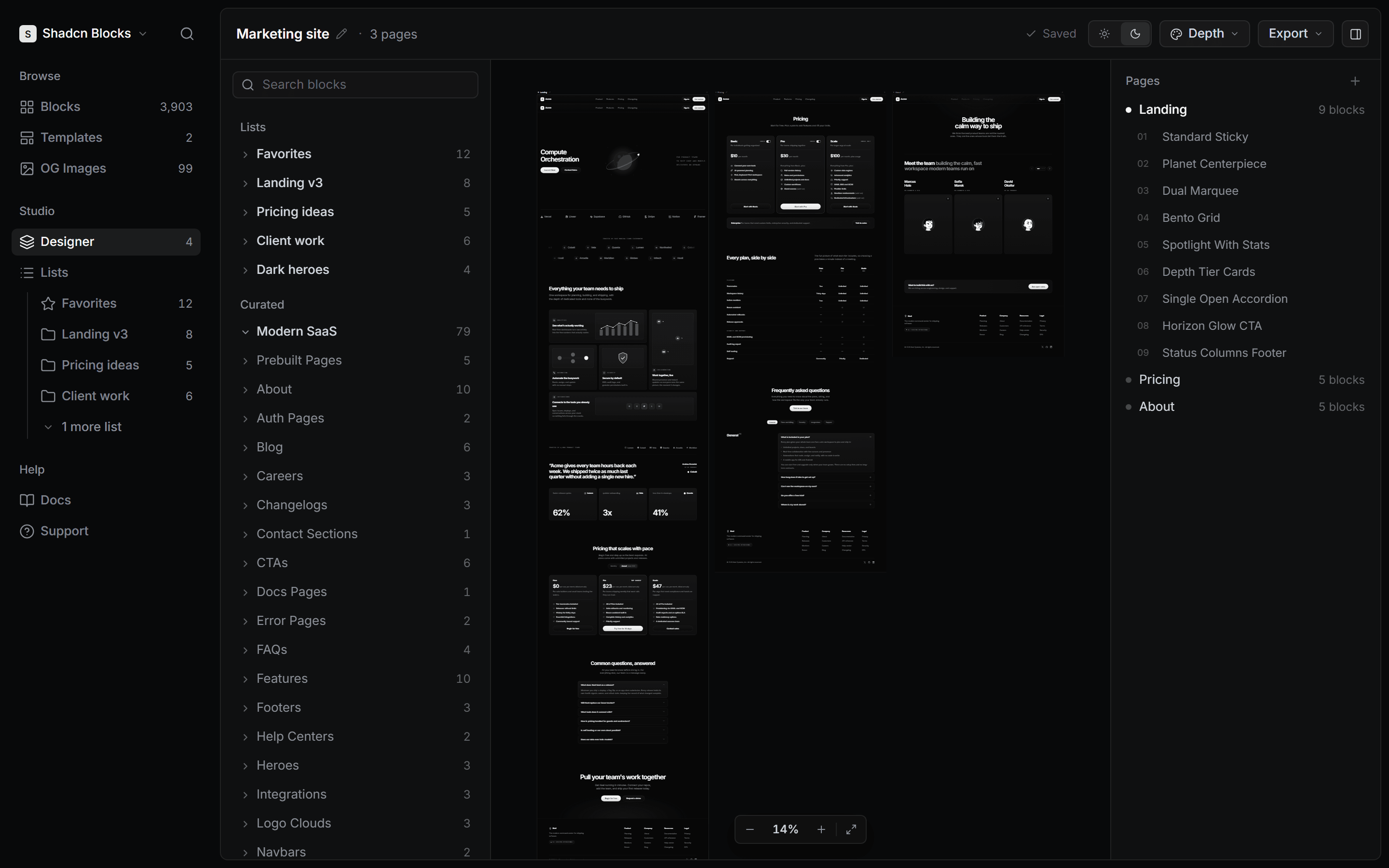
Flip the canvas between light and dark and every block shows its capture for that theme, so you can check a page in both before you commit to it. On Team the files belong to the workspace, so anyone with a seat can pick one up.
| Plan | What the Designer gives you |
|---|---|
| Free | One file, as many pages as you like |
| Pro | Unlimited files, as many pages each |
| Team | Unlimited files, shared across seats |
| Source | Available on the canvas |
|---|---|
| Our collections | Modern SaaSMarketingEcommerceApplicationPortfolioComponents |
| Community | Every curated registry block |
| Lists | Favorites and every list you keep |
MCP
A Model Context Protocol server that puts the catalog inside your editor. Describe the block you need in plain words and your assistant finds it, reads it and installs it.
Three tools
Search blocks takes a description like a hero with an image on the right and returns ranked matches with an install command for each. Get block returns one block's description, preview and command. List collections gives the assistant the map of the catalog, community registries included.
Setup
Create an API key on any account, free included, and add the server to Cursor, Claude Code or any client that speaks MCP. A free key covers the free and community blocks. For premium and standard blocks, put our registry in your components.json with a Pro or Team key, and the CLI does the rest.
| Plan | What the server can install |
|---|---|
| Free | Free collections and community blocks |
| Pro | Every block, through your API key |
| Team | Every block, a key for every seat |
Copy and CLI
Every block leaves the site the way you prefer: copied as code, installed with the shadcn CLI, or opened in v0. Dependencies come with it.
Copy
The Code tab shows the block's files with their imports resolved to shadcn primitives. Copy them into a project and the block renders as it did in the preview, with the same theme tokens your project already has.
CLI
Every block has an npx shadcn add command that installs the block and any primitives it needs. Our registry is listed in the shadcn directory, so shadcn search finds our blocks too. Premium and standard blocks install with an API key from a Pro or Team account.
| Plan | What you can copy or install |
|---|---|
| Free | Free collections and community blocks |
| Pro | Every block, through your API key |
| Team | Every block, a key for every seat |
Lists and favorites
Save blocks as you browse, star the ones you keep coming back to, and turn a shortlist into a page in the Designer.
Saving
Every block has a save action in the grid and on its page, community blocks included. Favorites is always there. The rest you name yourself, one per page you are planning or per client you are working for.
Where lists go
The Designer's library shows Favorites and every list above the catalog, so a page starts from what you already picked. On Team the lists belong to the workspace, so everyone sees the same shortlist.
| Plan | What you can keep |
|---|---|
| Free | Favorites and as many lists as you like |
| Pro | The same, across the whole catalog |
| Team | The same, shared across the workspace |
Teams
One subscription for the whole team: Pro for every seat, Designer files and lists that belong to the workspace, and one bill.
Seats and roles
Invite teammates by email. A member takes a seat when they accept, and pending invitations are free. The owner manages members and roles from settings, and every member gets the access the team's plan bought, so nobody needs a plan of their own.
Shared work
Files and lists belong to the team rather than to one person, so a page one person starts can be finished by another. Switch between your personal space and any team you belong to from the sidebar.
| Plan | Per month |
|---|---|
| Pro | $15 a month billed yearly, $20 billed quarterly, one seat |
| Team | $20 a seat a month billed yearly, $25 billed quarterly |
Theme picker
See any block in the theme your project uses before you take it: our presets or a tweakcn theme, in light and dark, on every preview at once.
Themes
Pick one of our presets or any tweakcn theme and every open preview retints, because the preview renders from the same CSS variables the block ships with. The choice stays with you as you browse.
Depth
Our premium blocks lift their surfaces with a depth token. The Depth theme installs with one shadcn command and switches it on; any other theme renders the same blocks as flat shadcn surfaces.
| Plan | What you can preview |
|---|---|
| Free | Every theme, on every block |
| Pro | Every theme, on every block |
| Team | Every theme, on every block |
Premium blocks
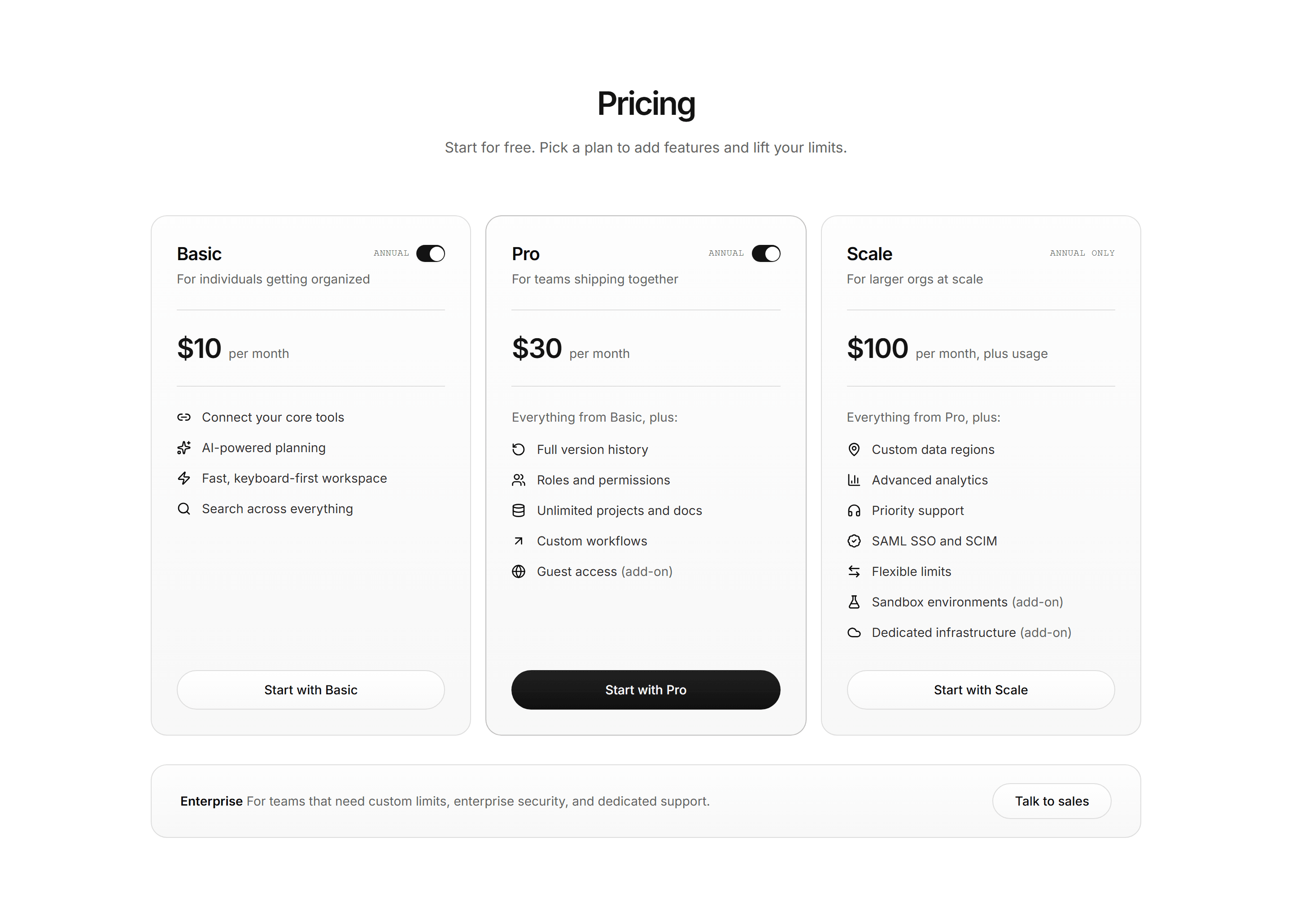
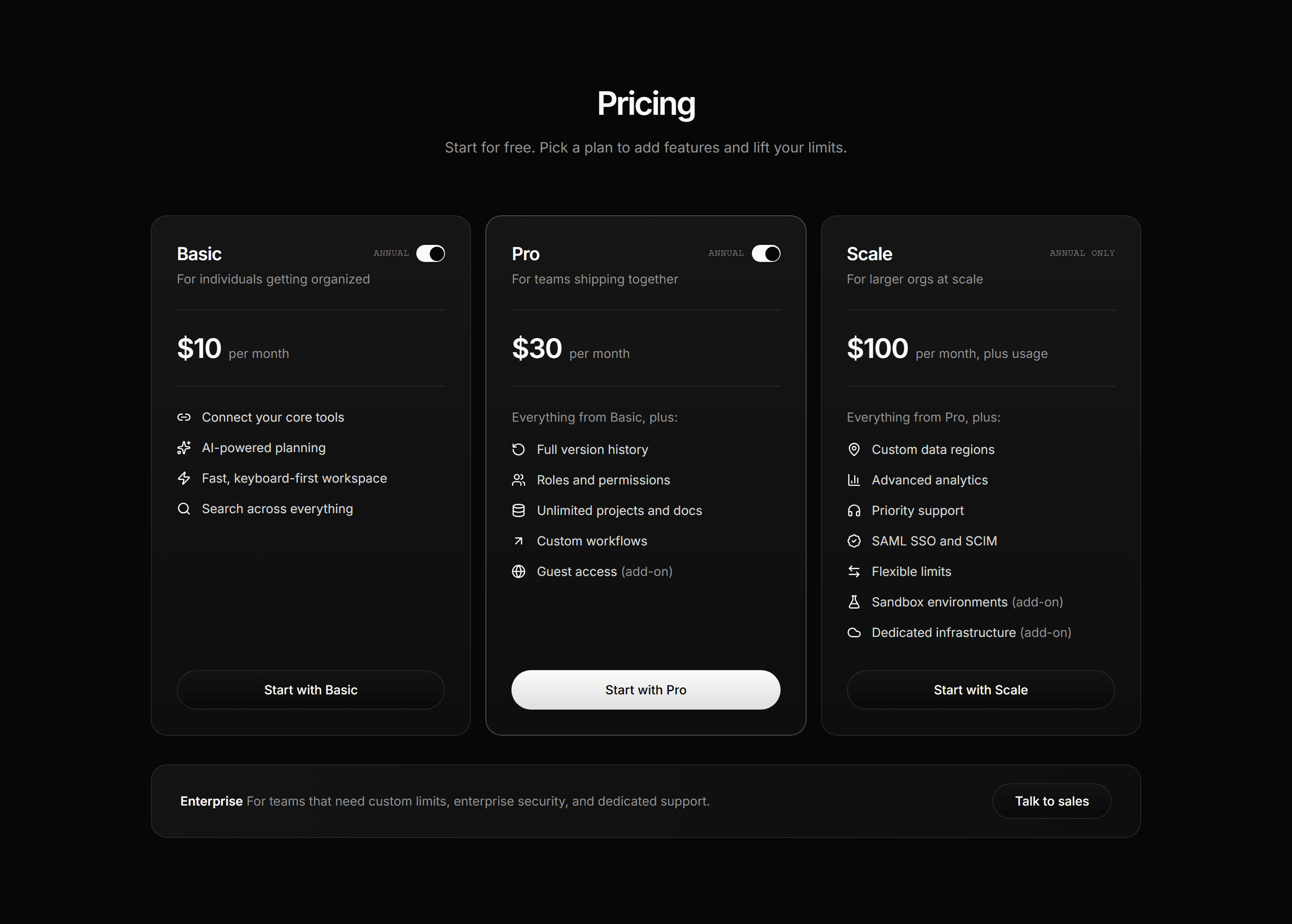
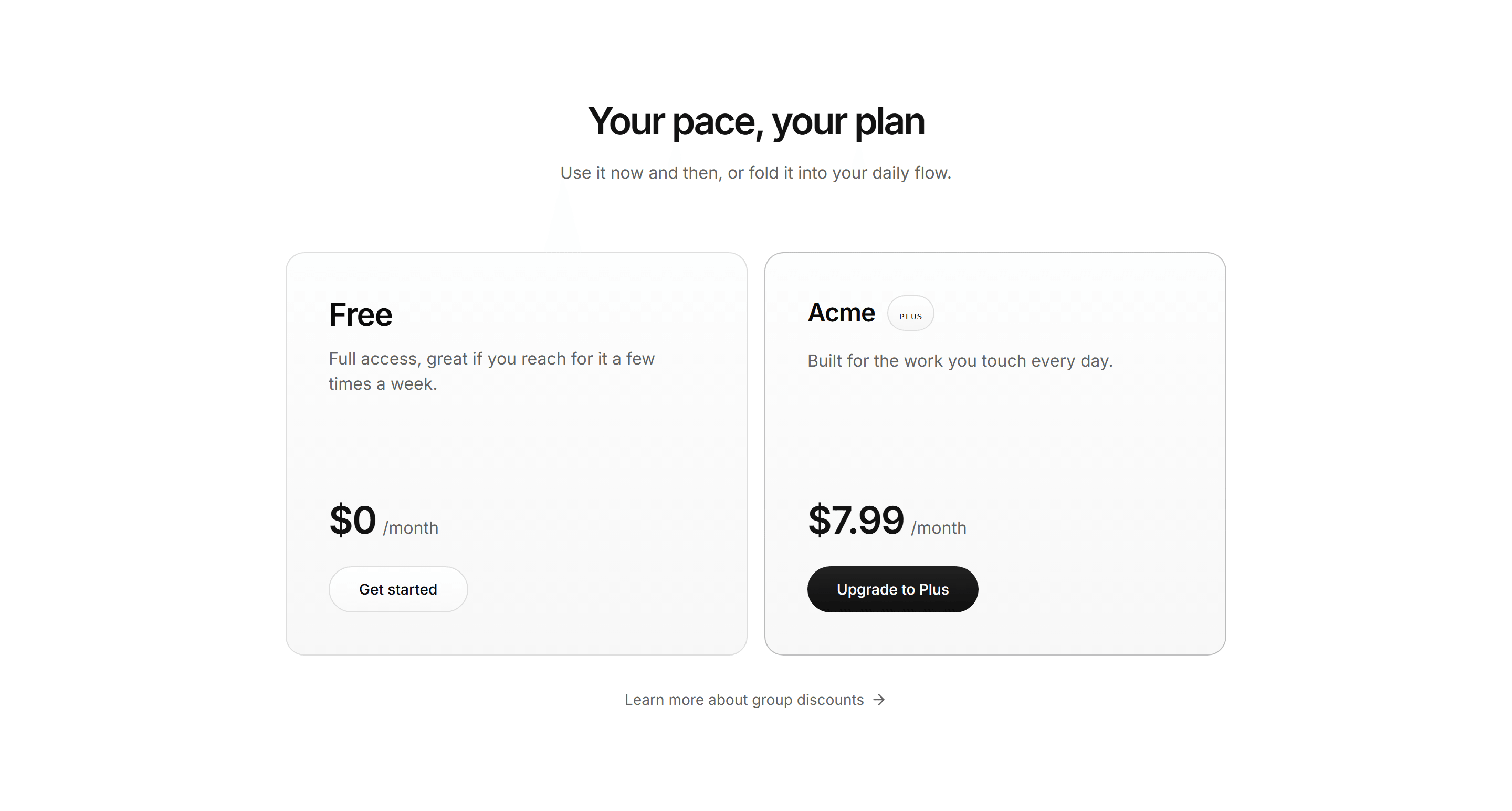
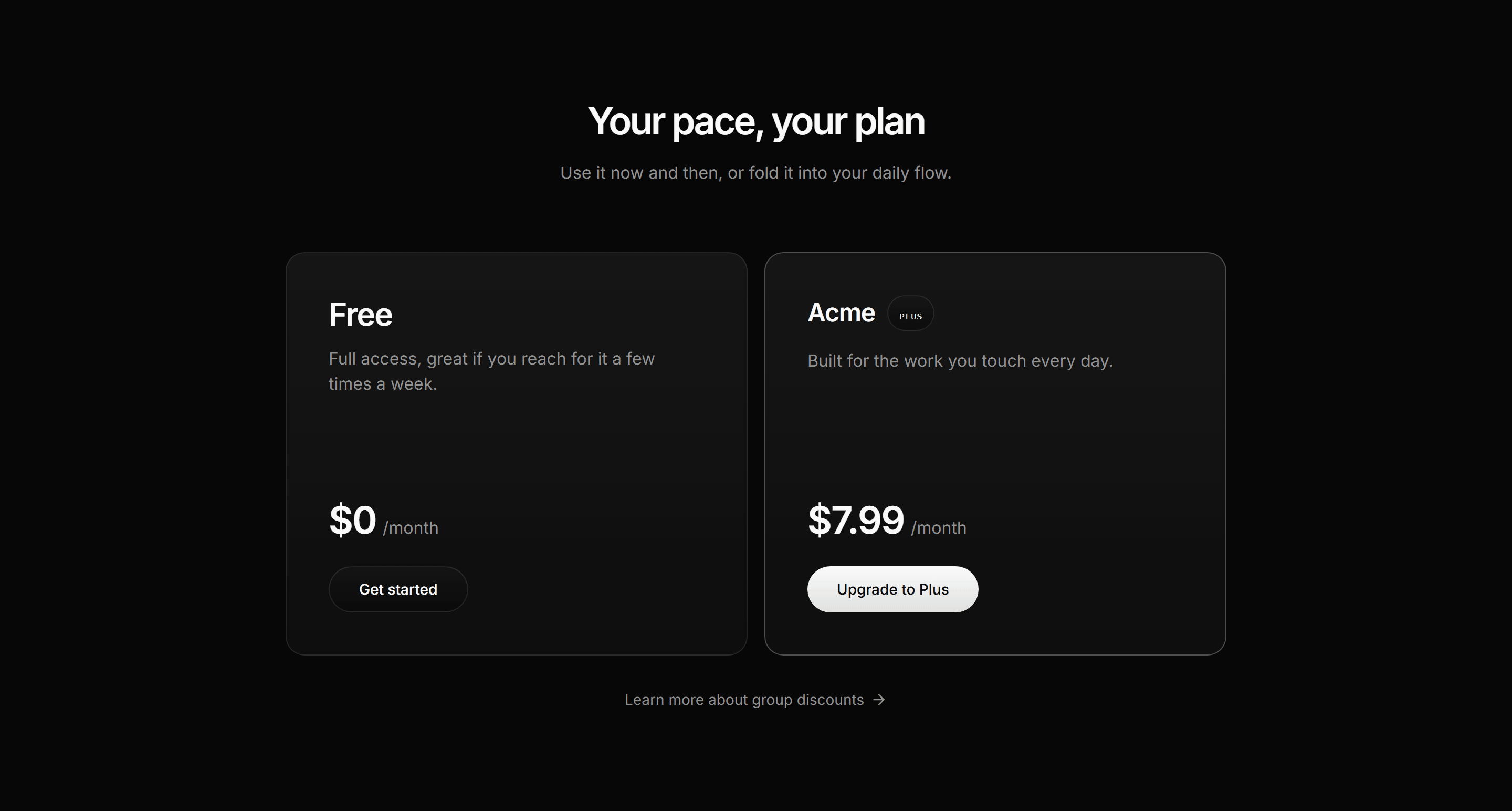
Handcrafted in one style, so the page reads as one design. Pro unlocks every block, and the tools to ship them, from $15 a month.
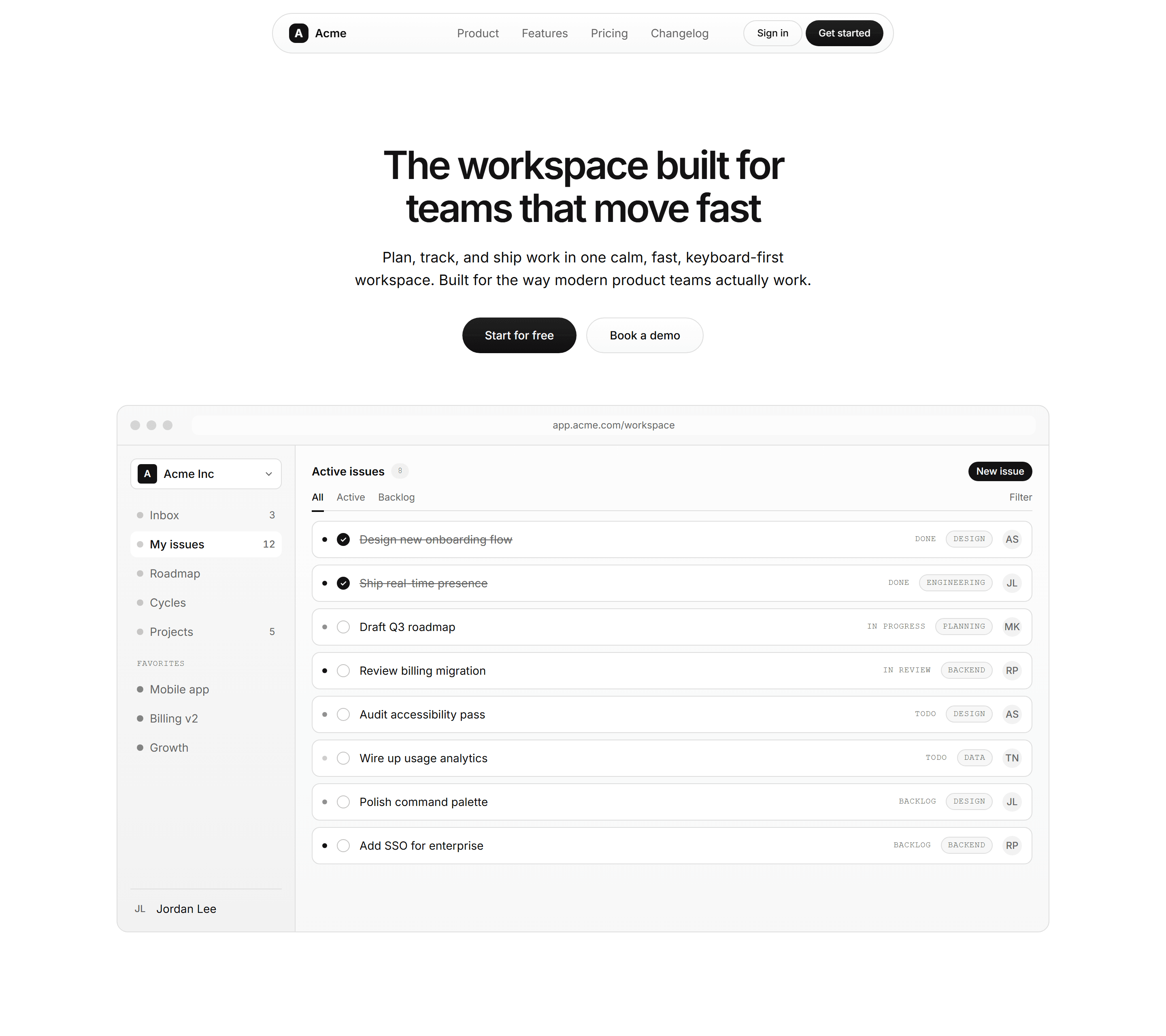
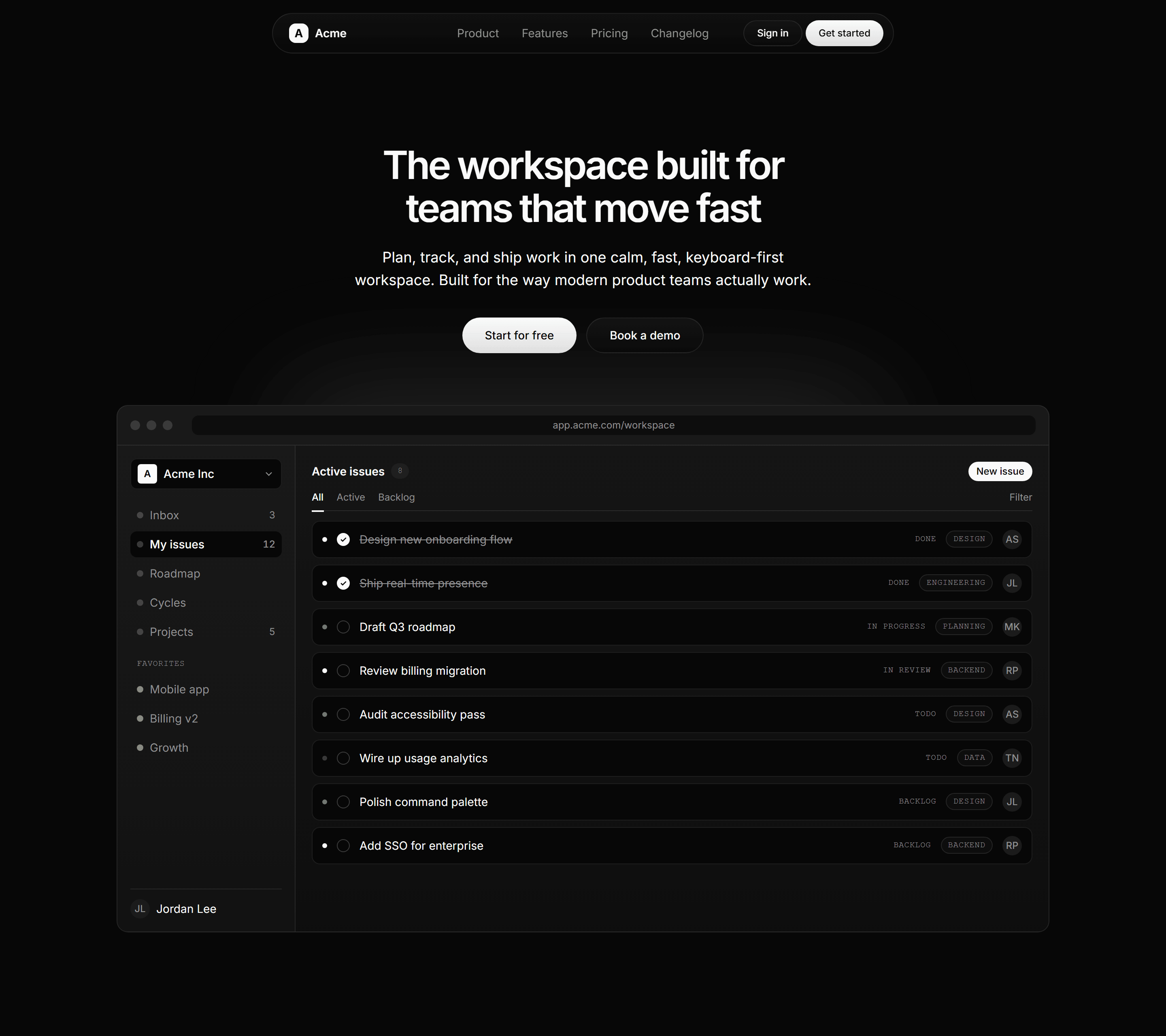
Thoughtful templates
A finished marketing site or SaaS starter, paid for once. Download it, put your name on it, and launch.


- Bought once, no plan required
- Every page built from our blocks
- Yours to keep, updates included
Powerful MCP
The whole catalog and your Designer files, inside Cursor, Claude Code or VS Code.
“Find a pricing section with a comparison table”
search_blocks5 matches
Ask
Describe the section in plain words.
Check
Preview it in light and dark before it installs.
Ship
One command installs it as code you own.
Draft the page, then hand it over
“Pull Landing v3 in and match every section to Modern SaaS.” Each section installs as a block.
get_designer_fileLanding v3, 3 sections
- + centered-with-backdrop.tsx
- + bento-grid.tsx
- + three-tier.tsx
Works in Cursor, Claude Code, VS Code, Codex and any client that speaks MCP.
Community blocks
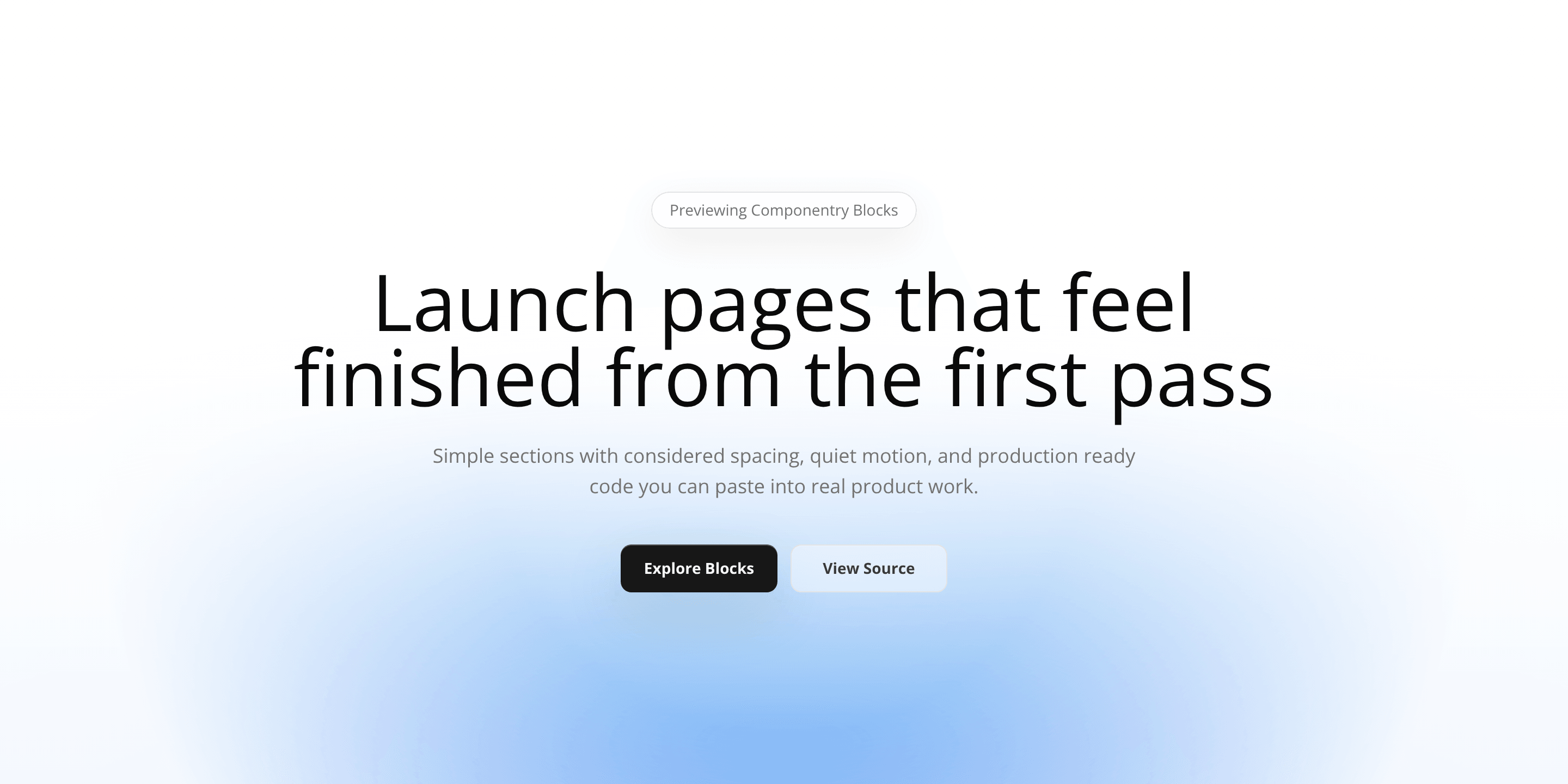
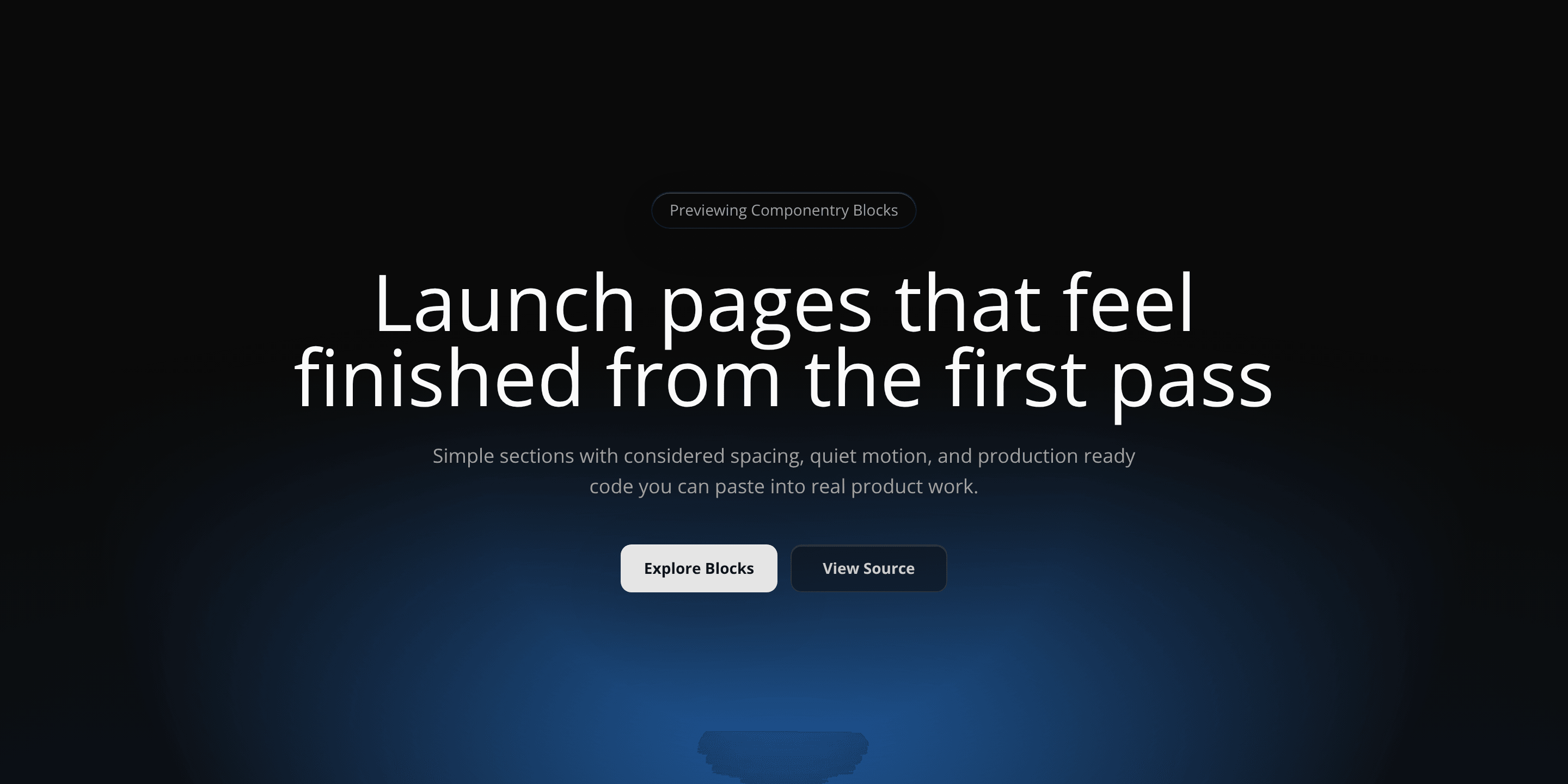
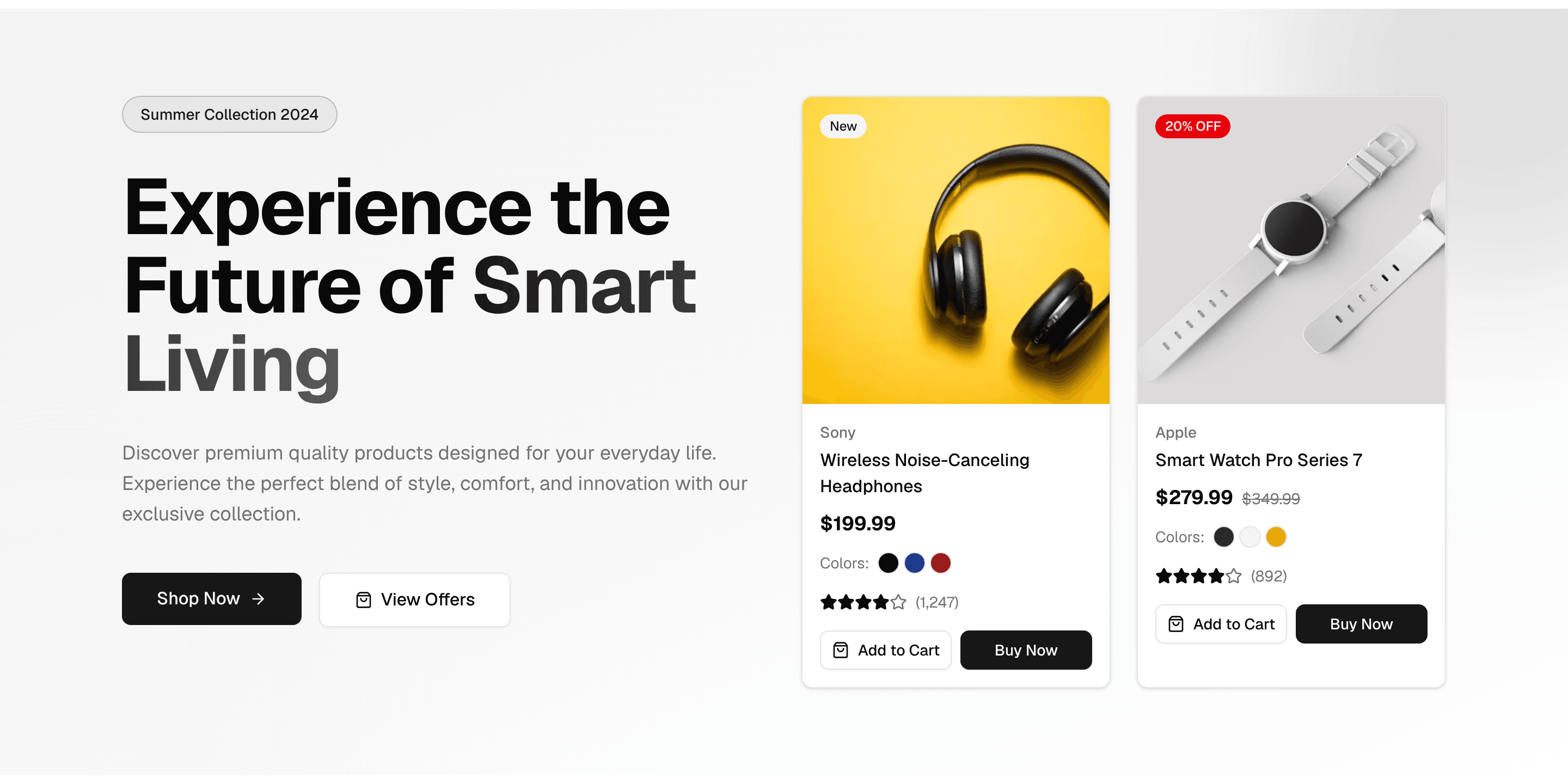
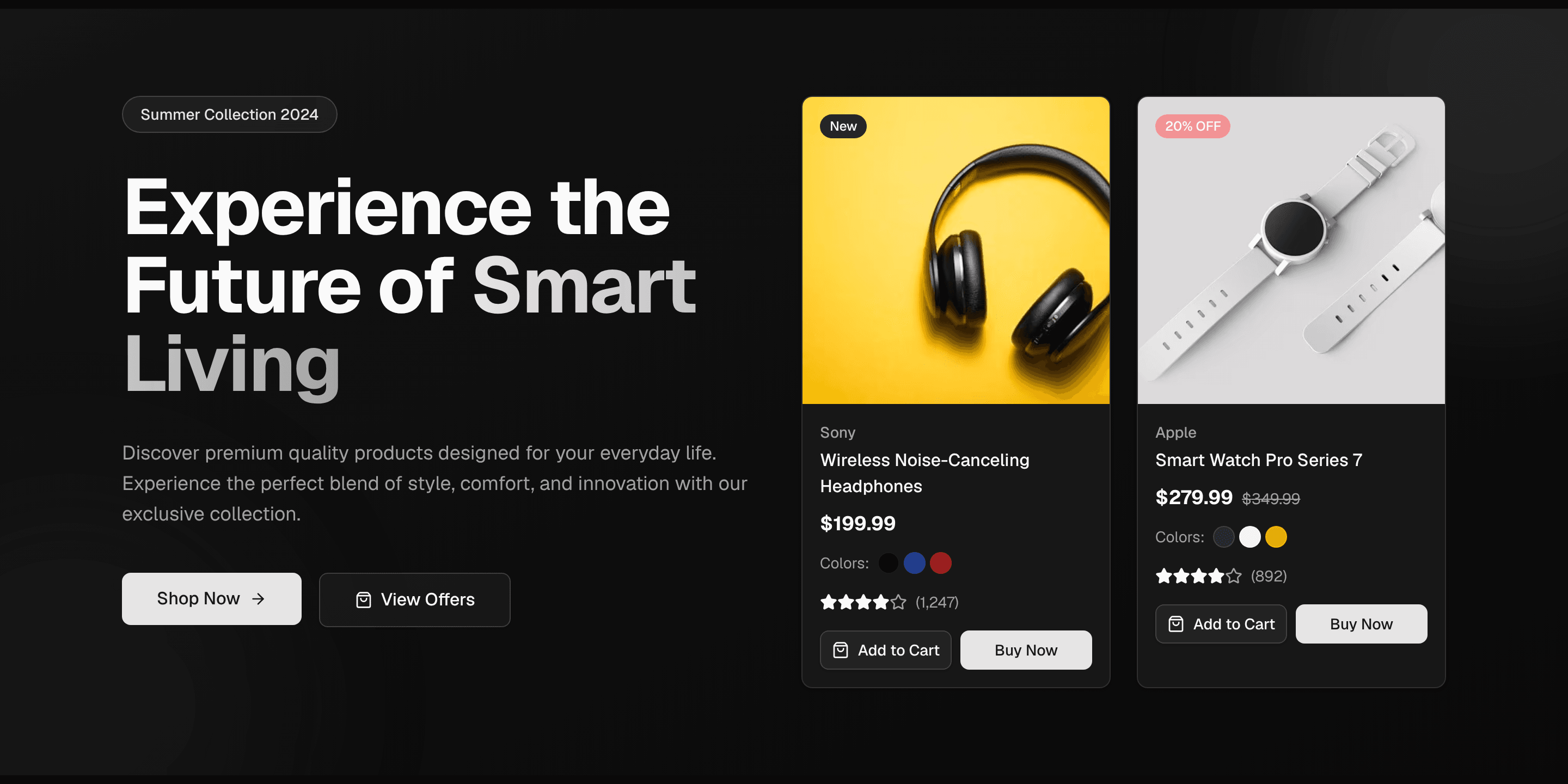
6,600+ blocks from 136 public shadcn registries, captured and cataloged inside the app. Free to browse, save and install on every plan.
Browse for free
Free on every plan. Preview any community block in light and dark, then install it with the CLI or over MCP.
Save to lists
Save one the way you save ours. Favorites and every list you keep hold community blocks beside ours.
Place in the Designer
Drag one into a page beside ours. Every registry sits in the Designer library, next to your lists and our catalog.
Visual Designer
Drag blocks into pages and see the whole site before you build it.
Compose
Start from Favorites and your lists, then the whole catalog, community included.
Compare
Flip the canvas between light and dark, in any theme, before a line of code exists.
Hand over
Ask your agent for the file over MCP, or install each block with the CLI.
Finishing OG images
Complete the project with a selection of OG images. 99 images across 9 categories, each rendered from one file with your own copy.
- Content15
- Product14
- Business15
- Developer10
- Media7
- Events12
- People7
- Data7
- Commerce12
Preview every template on any plan. Pro takes the PNG, the SVG and the source.
The blocks, and the workspace to ship them
Everything above in one account: blocks, templates, community, the Designer, MCP and OG images. Free to start, one Pro plan for every block and tool from $15 a month.