Shadcn CTA Section Blocks
Browse 18 call to action blocks for shadcn/ui. Banners, gradient panels, newsletter forms, and split layouts that turn page visitors into signups.
Marketing CTA Section: Awards CTA
A call to action that pairs award badges and recognition logos with a signup prompt. Builds trust before the click on a landing or pricing page.

Marketing CTA Section: Banner With Background
A full width banner with a background image, headline, and button. Anchors a campaign message across the top or bottom of any marketing page.

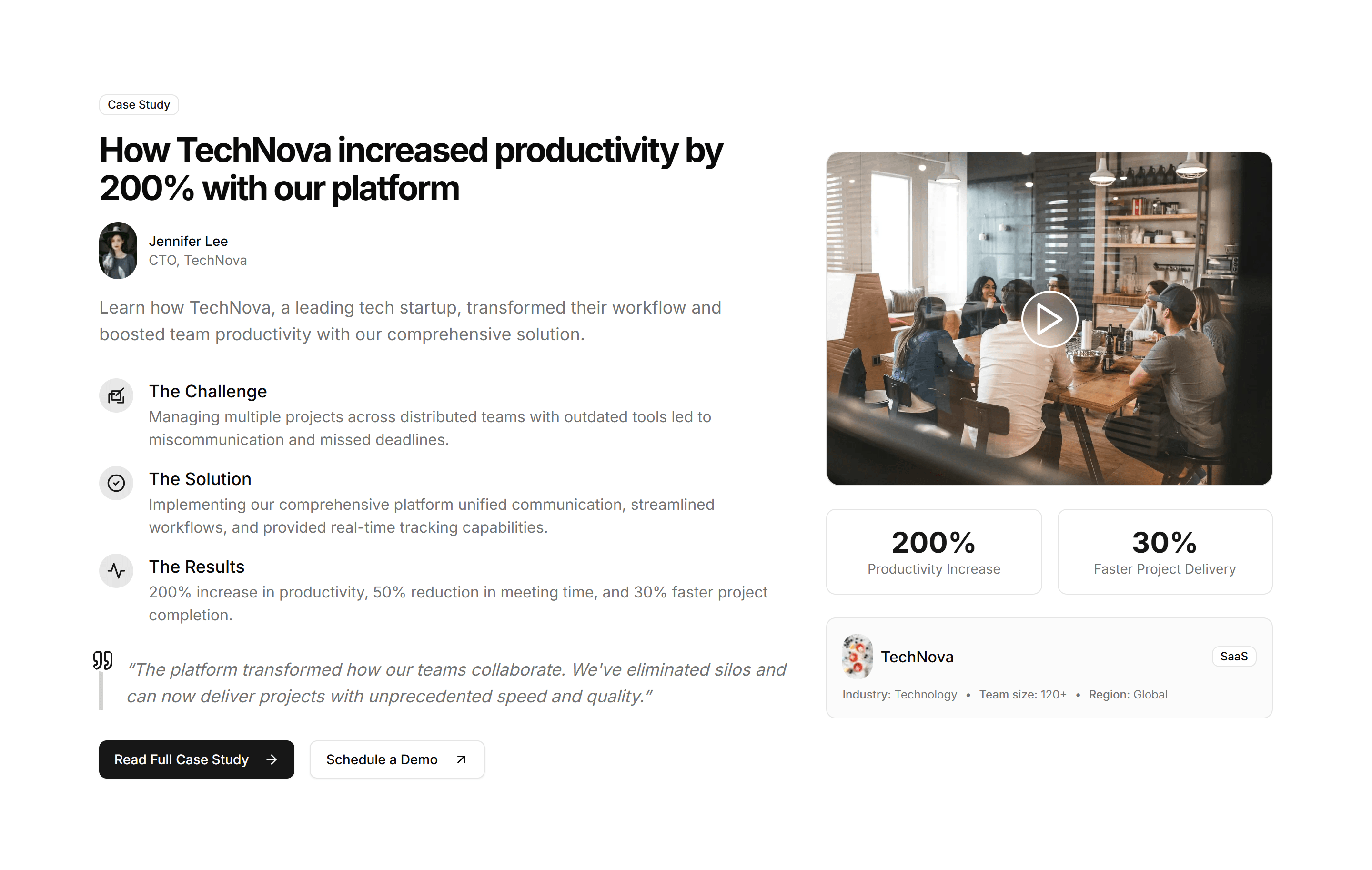
Marketing CTA Section: Case Study CTA
A call to action framed around a customer story with a headline result and link. Use it after proof points to push readers toward booking a demo.

Marketing CTA Section: Countdown Timer
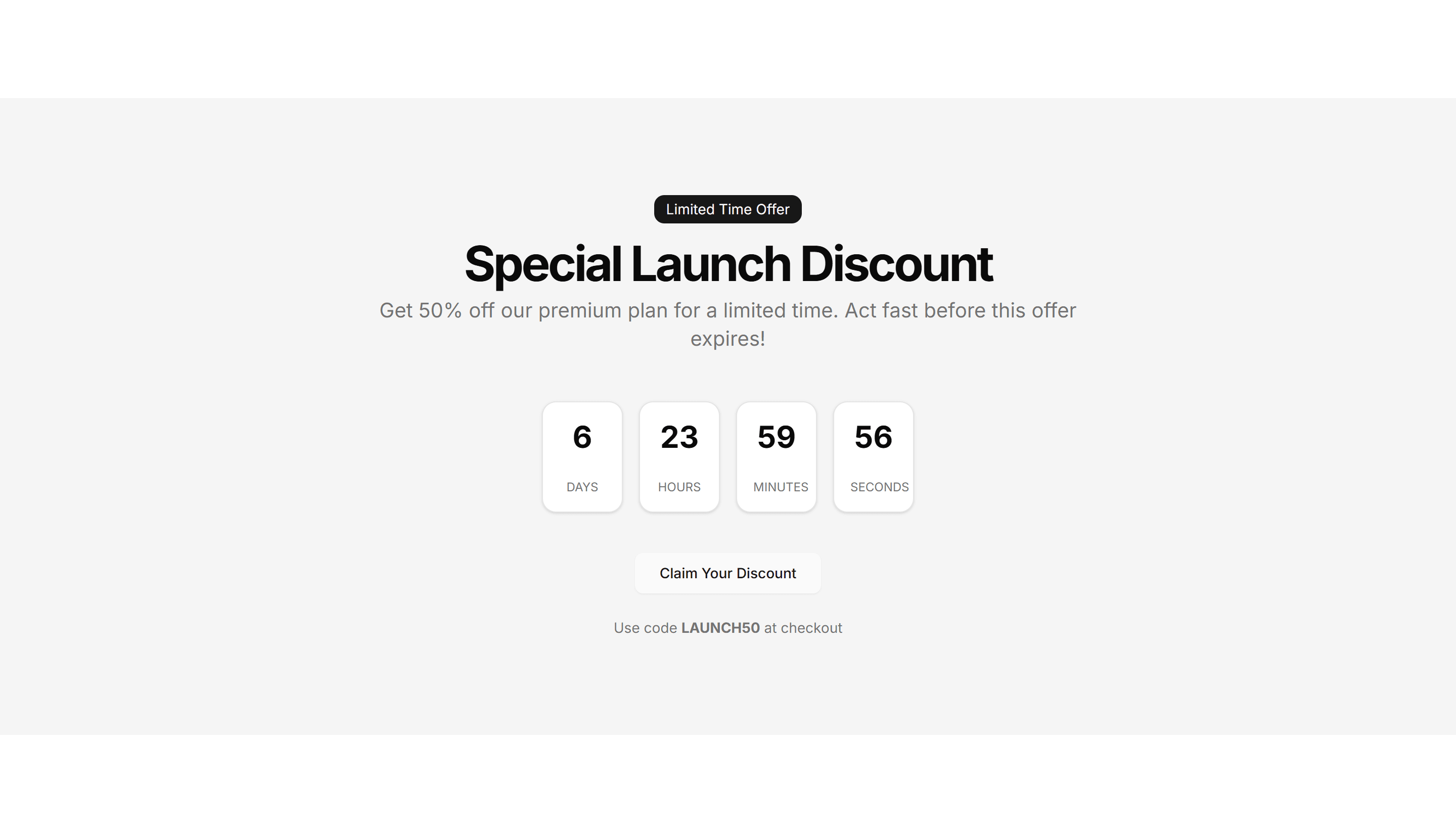
A call to action with a live countdown clock beside a headline and button. Drives urgency for a sale, launch, or webinar registration deadline.

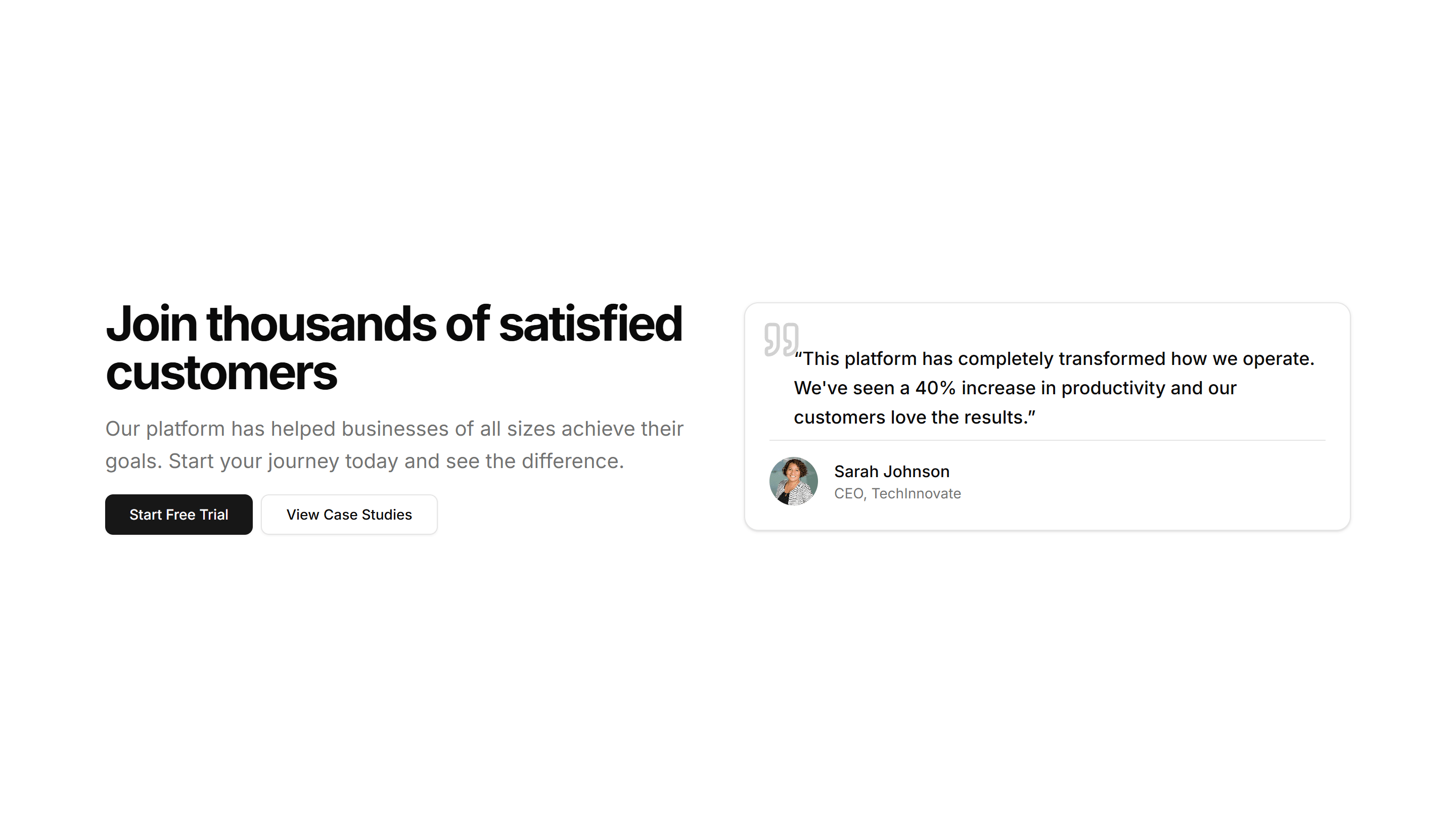
Marketing CTA Section: CTA With Testimonial
A call to action that places a customer quote and avatar right next to a signup button. Reinforces social proof at the moment a visitor decides.

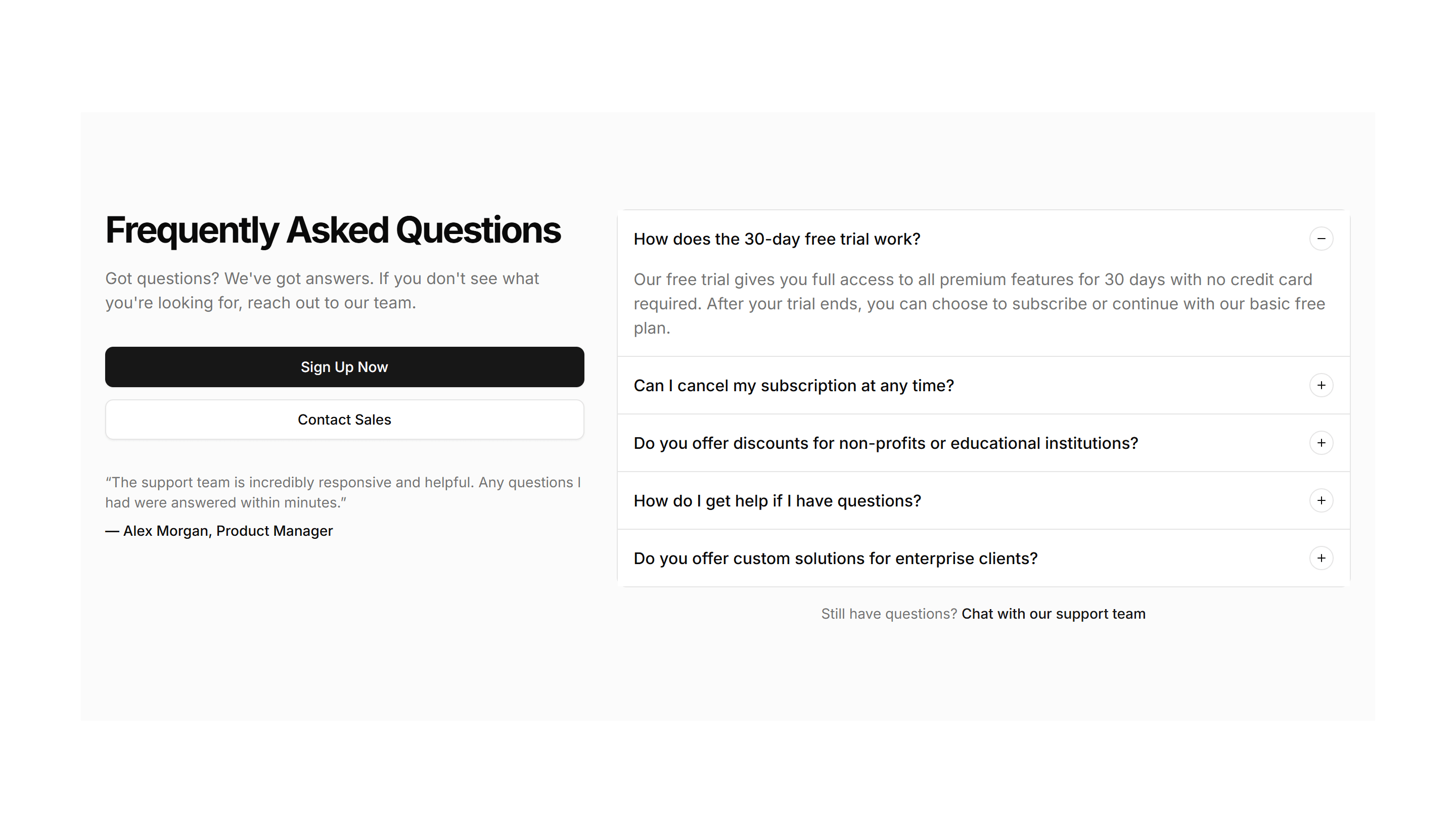
Marketing CTA Section: FAQ CTA
A short FAQ list paired with a closing prompt and button. Answers the last objections and nudges readers to convert at the end of a long page.

Marketing CTA Section: Feature Grid
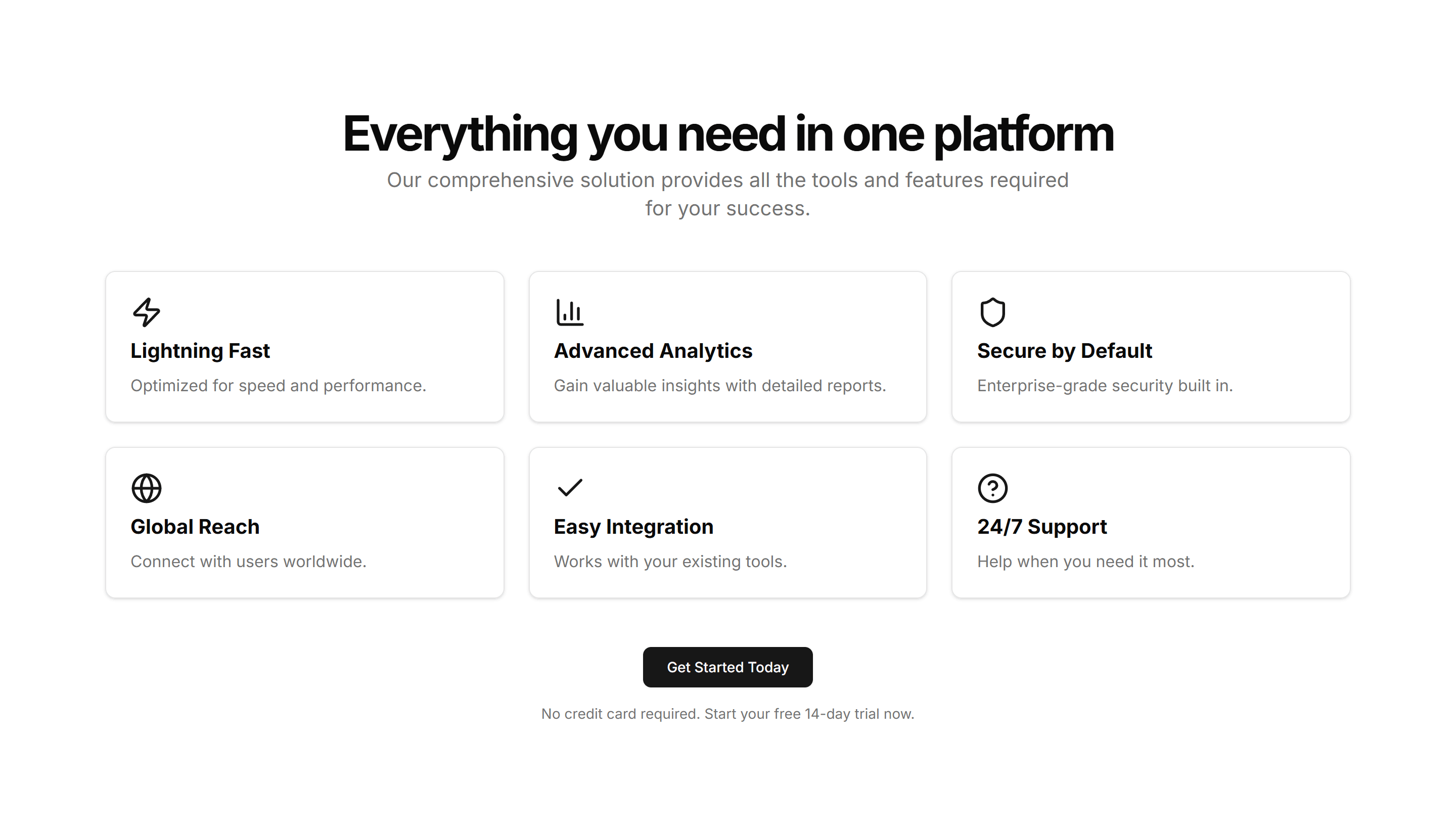
A call to action backed by a grid of feature highlights with icons. Recaps the value of a product before inviting visitors to start a free trial.

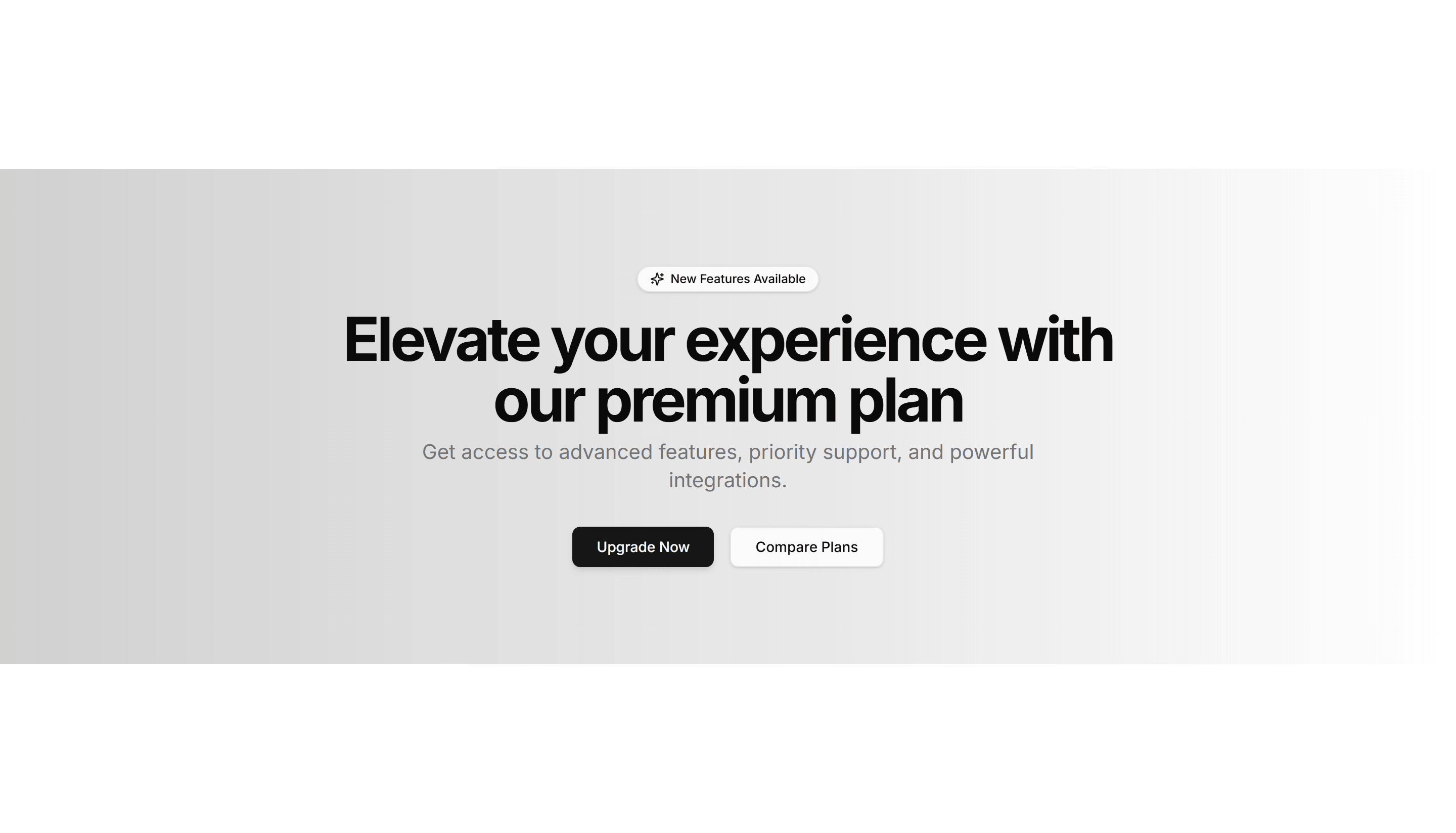
Marketing CTA Section: Gradient CTA
A centered call to action set on a vivid gradient panel with a headline and button. A bright closing section for a homepage or feature page.

Marketing CTA Section: Image With Text
A call to action that sets an image beside a headline, body copy, and button. Use it to show a product shot while inviting the visitor to act.

Marketing CTA Section: Integrations CTA
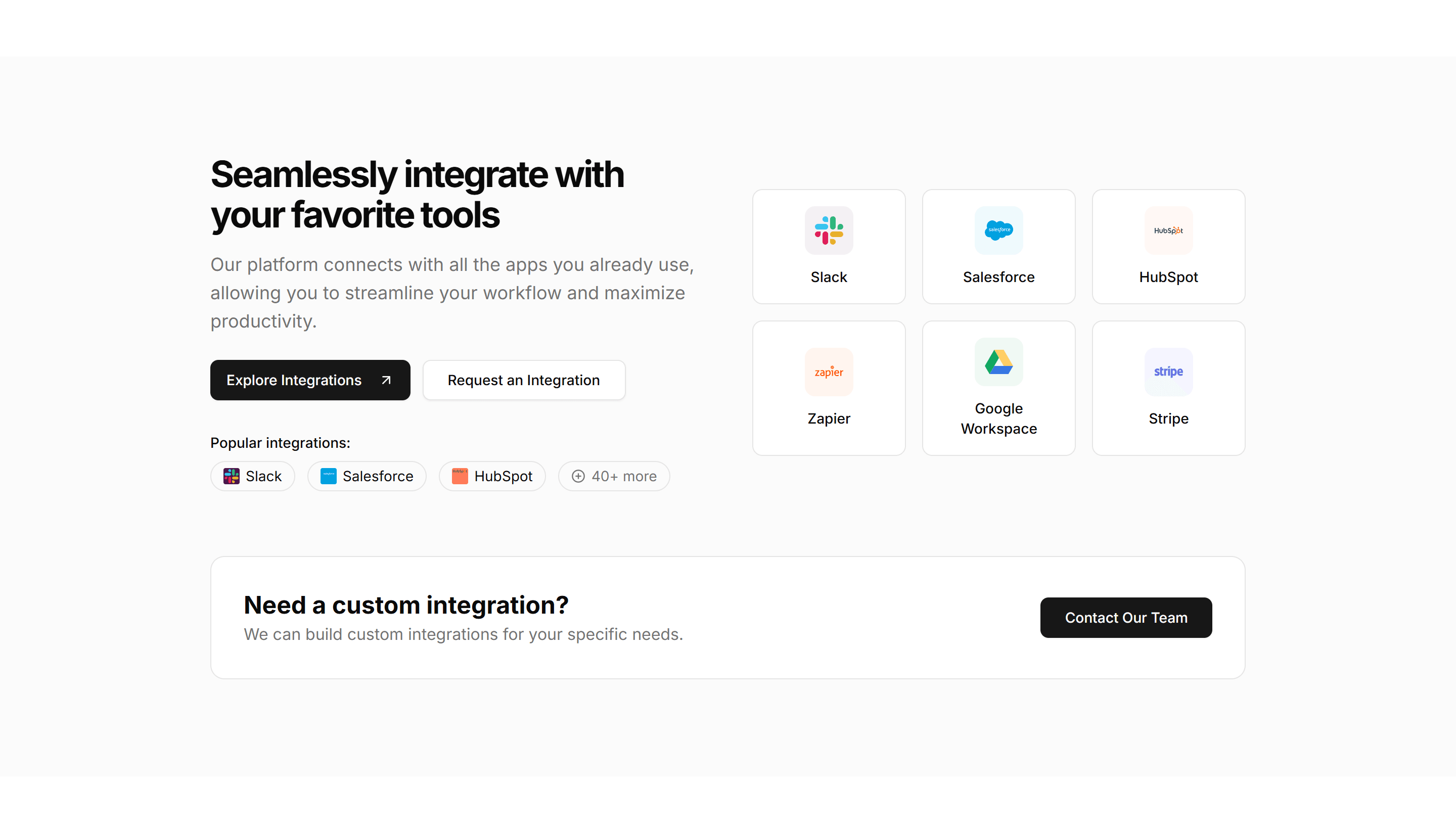
A call to action surrounded by logos of supported tools and platforms. Reassures teams about compatibility before they sign up and connect apps.

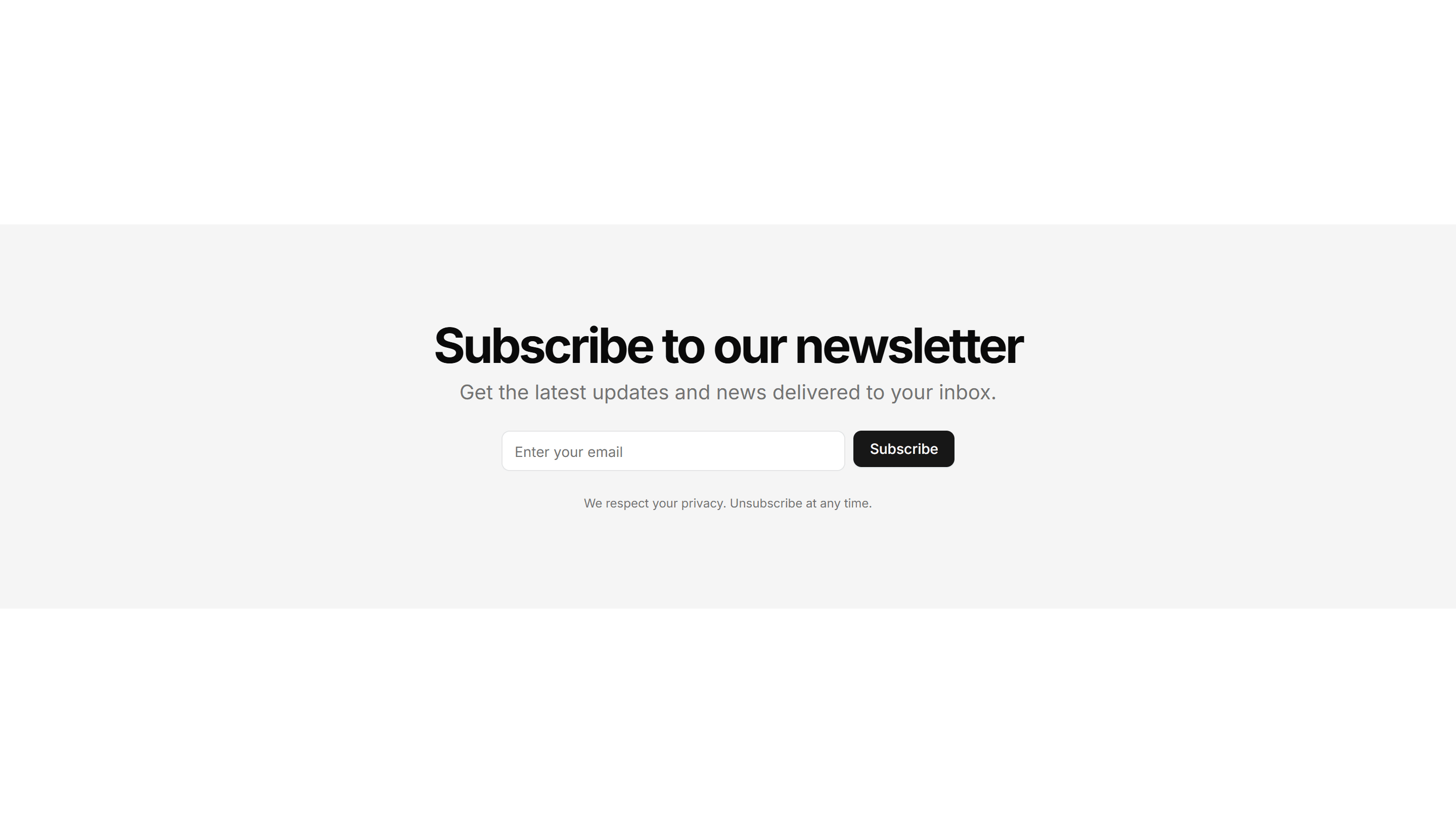
Marketing CTA Section: Newsletter Form
A signup section with an email input and subscribe button under a short pitch. Collects leads for a newsletter, waitlist, or product updates.
Marketing CTA Section: Quick Contact CTA
A compact contact prompt with a short form or button to reach the team. Drops into a footer or sidebar so visitors can get in touch fast.

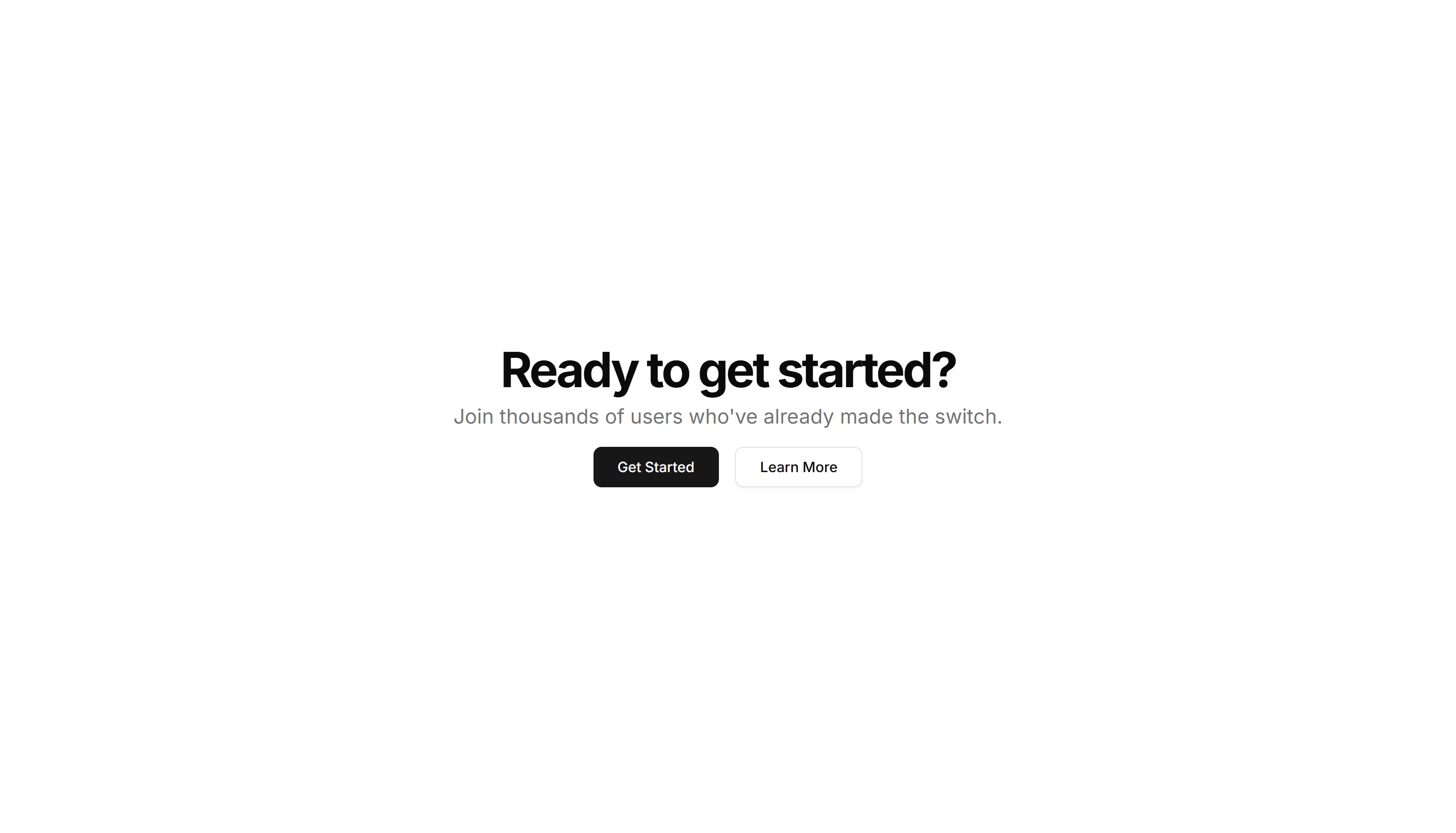
Marketing CTA Section: Simple Centered
A centered call to action with a headline, supporting line, and button. A clean closing section to end a landing page and prompt the next step.

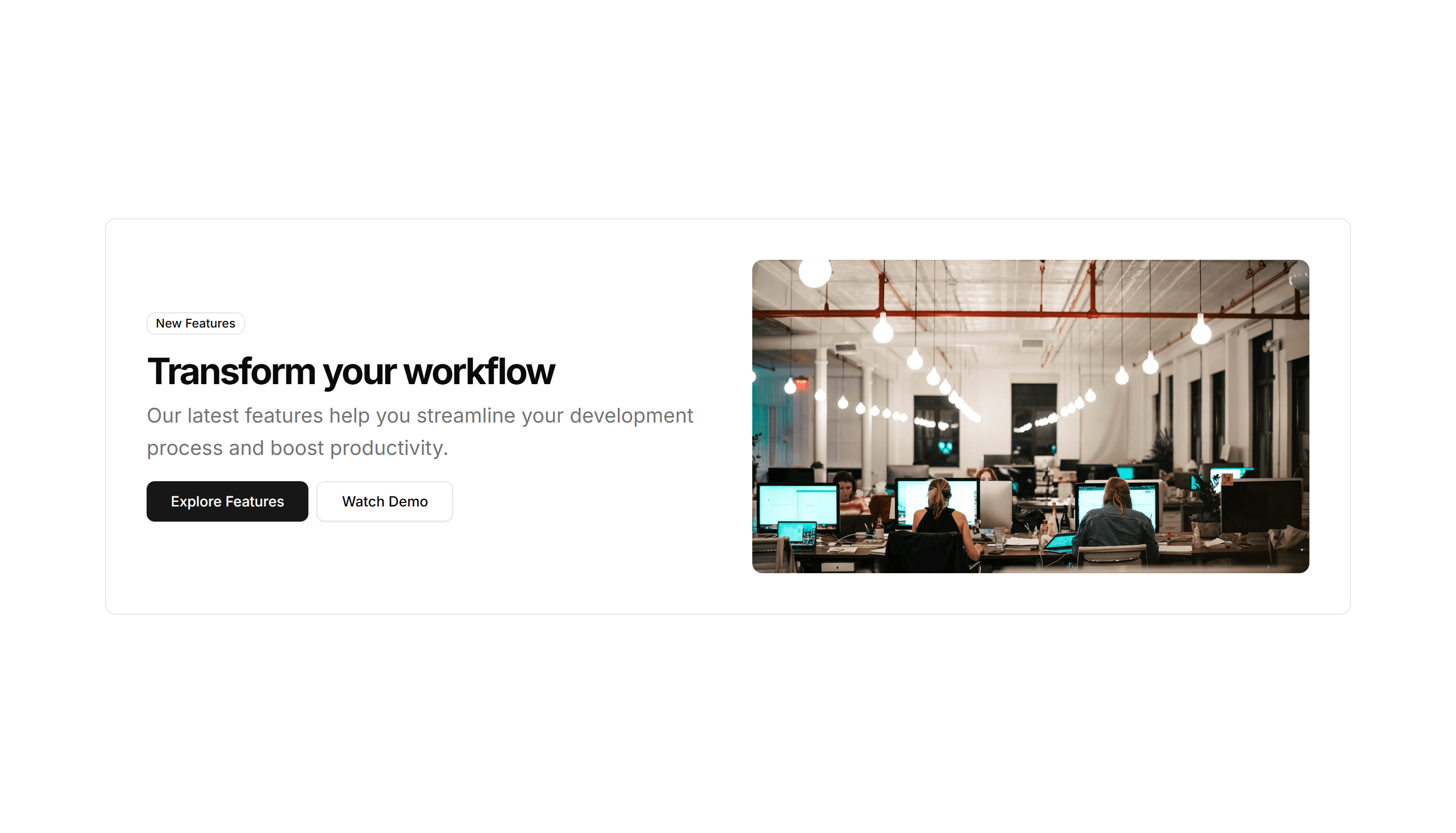
Marketing CTA Section: Split With Image
A two column call to action with copy on one side and an image on the other. Balances message and visual to invite a signup or demo request.
Marketing CTA Section: Stats CTA
A call to action that leads with key metrics like users or uptime, then a button. Uses hard numbers to convince visitors before they commit.

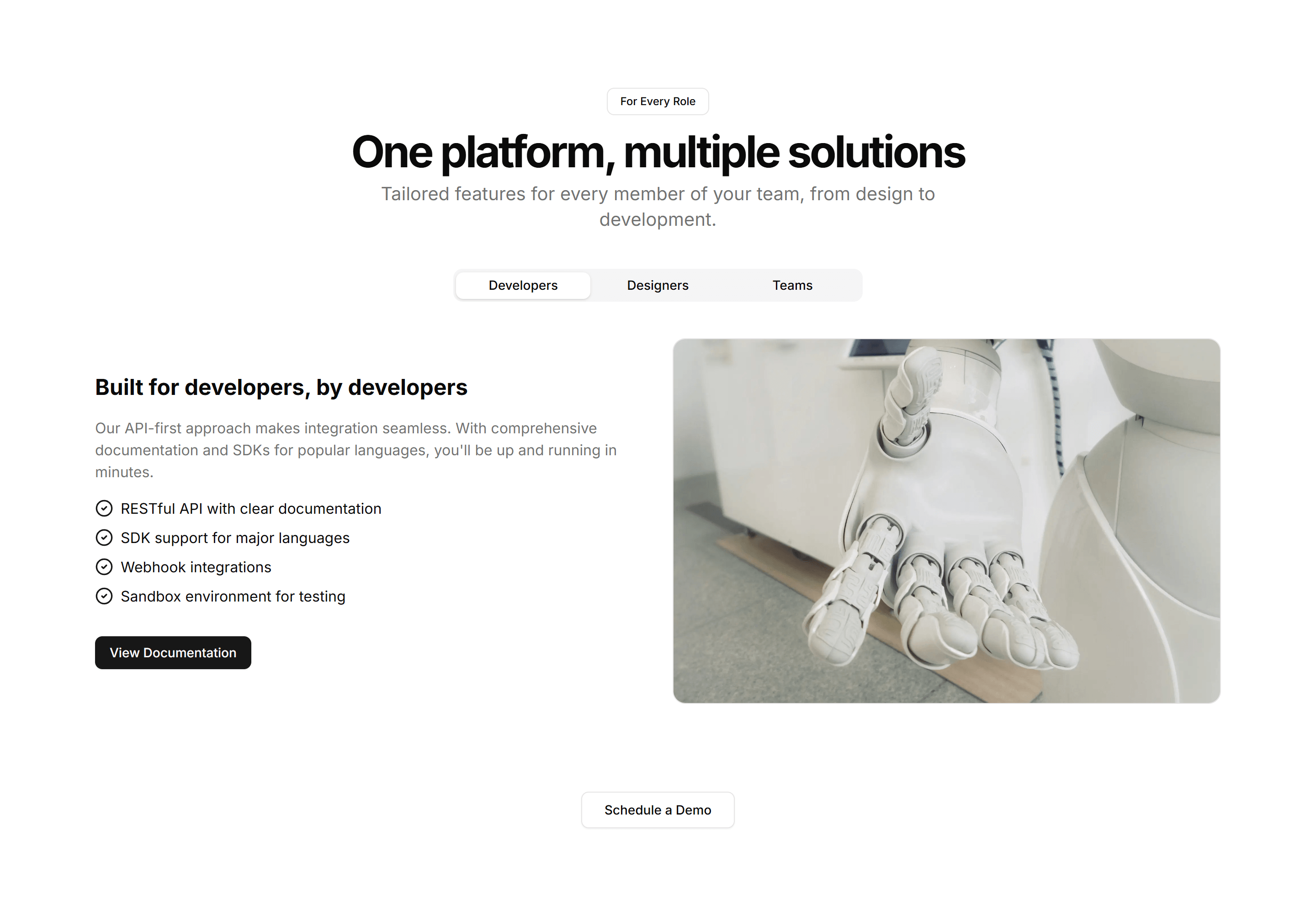
Marketing CTA Section: Tab CTA
A call to action with tabbed content that swaps messages by audience or use case. Lets visitors pick a path before clicking the matching button.

Marketing CTA Section: Video CTA
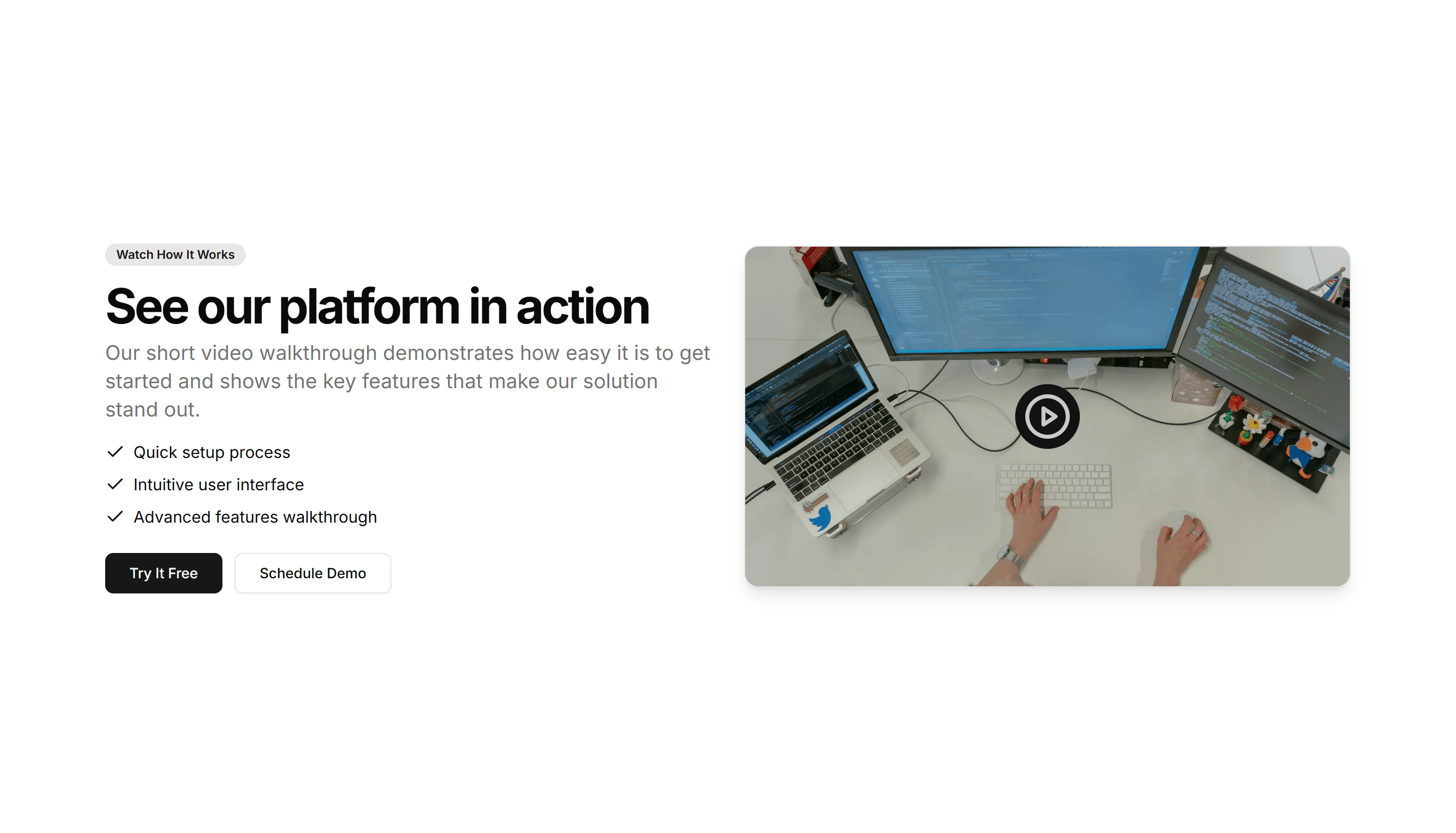
A call to action built around an embedded video with a headline and button. Plays a quick demo or pitch, then invites the viewer to start now.
Marketing CTA Section: Zigzag CTA
A call to action with alternating text and image rows that lead into a button. Walks readers through benefits before the final closing prompt.

Marketing CTA Section: Awards CTA
A call to action that pairs award badges and recognition logos with a signup prompt. Builds trust before the click on a landing or pricing page.

Marketing CTA Section: Case Study CTA
A call to action framed around a customer story with a headline result and link. Use it after proof points to push readers toward booking a demo.

Marketing CTA Section: CTA With Testimonial
A call to action that places a customer quote and avatar right next to a signup button. Reinforces social proof at the moment a visitor decides.

Marketing CTA Section: Feature Grid
A call to action backed by a grid of feature highlights with icons. Recaps the value of a product before inviting visitors to start a free trial.

Marketing CTA Section: Image With Text
A call to action that sets an image beside a headline, body copy, and button. Use it to show a product shot while inviting the visitor to act.

Marketing CTA Section: Newsletter Form
A signup section with an email input and subscribe button under a short pitch. Collects leads for a newsletter, waitlist, or product updates.

Marketing CTA Section: Simple Centered
A centered call to action with a headline, supporting line, and button. A clean closing section to end a landing page and prompt the next step.

Marketing CTA Section: Stats CTA
A call to action that leads with key metrics like users or uptime, then a button. Uses hard numbers to convince visitors before they commit.

Marketing CTA Section: Video CTA
A call to action built around an embedded video with a headline and button. Plays a quick demo or pitch, then invites the viewer to start now.

Marketing CTA Section: Banner With Background
A full width banner with a background image, headline, and button. Anchors a campaign message across the top or bottom of any marketing page.

Marketing CTA Section: Countdown Timer
A call to action with a live countdown clock beside a headline and button. Drives urgency for a sale, launch, or webinar registration deadline.
Marketing CTA Section: FAQ CTA
A short FAQ list paired with a closing prompt and button. Answers the last objections and nudges readers to convert at the end of a long page.

Marketing CTA Section: Gradient CTA
A centered call to action set on a vivid gradient panel with a headline and button. A bright closing section for a homepage or feature page.

Marketing CTA Section: Integrations CTA
A call to action surrounded by logos of supported tools and platforms. Reassures teams about compatibility before they sign up and connect apps.

Marketing CTA Section: Quick Contact CTA
A compact contact prompt with a short form or button to reach the team. Drops into a footer or sidebar so visitors can get in touch fast.

Marketing CTA Section: Split With Image
A two column call to action with copy on one side and an image on the other. Balances message and visual to invite a signup or demo request.

Marketing CTA Section: Tab CTA
A call to action with tabbed content that swaps messages by audience or use case. Lets visitors pick a path before clicking the matching button.

Marketing CTA Section: Zigzag CTA
A call to action with alternating text and image rows that lead into a button. Walks readers through benefits before the final closing prompt.

Marketing CTA Section: Awards CTA
A call to action that pairs award badges and recognition logos with a signup prompt. Builds trust before the click on a landing or pricing page.

Marketing CTA Section: Countdown Timer
A call to action with a live countdown clock beside a headline and button. Drives urgency for a sale, launch, or webinar registration deadline.

Marketing CTA Section: Feature Grid
A call to action backed by a grid of feature highlights with icons. Recaps the value of a product before inviting visitors to start a free trial.
Marketing CTA Section: Integrations CTA
A call to action surrounded by logos of supported tools and platforms. Reassures teams about compatibility before they sign up and connect apps.
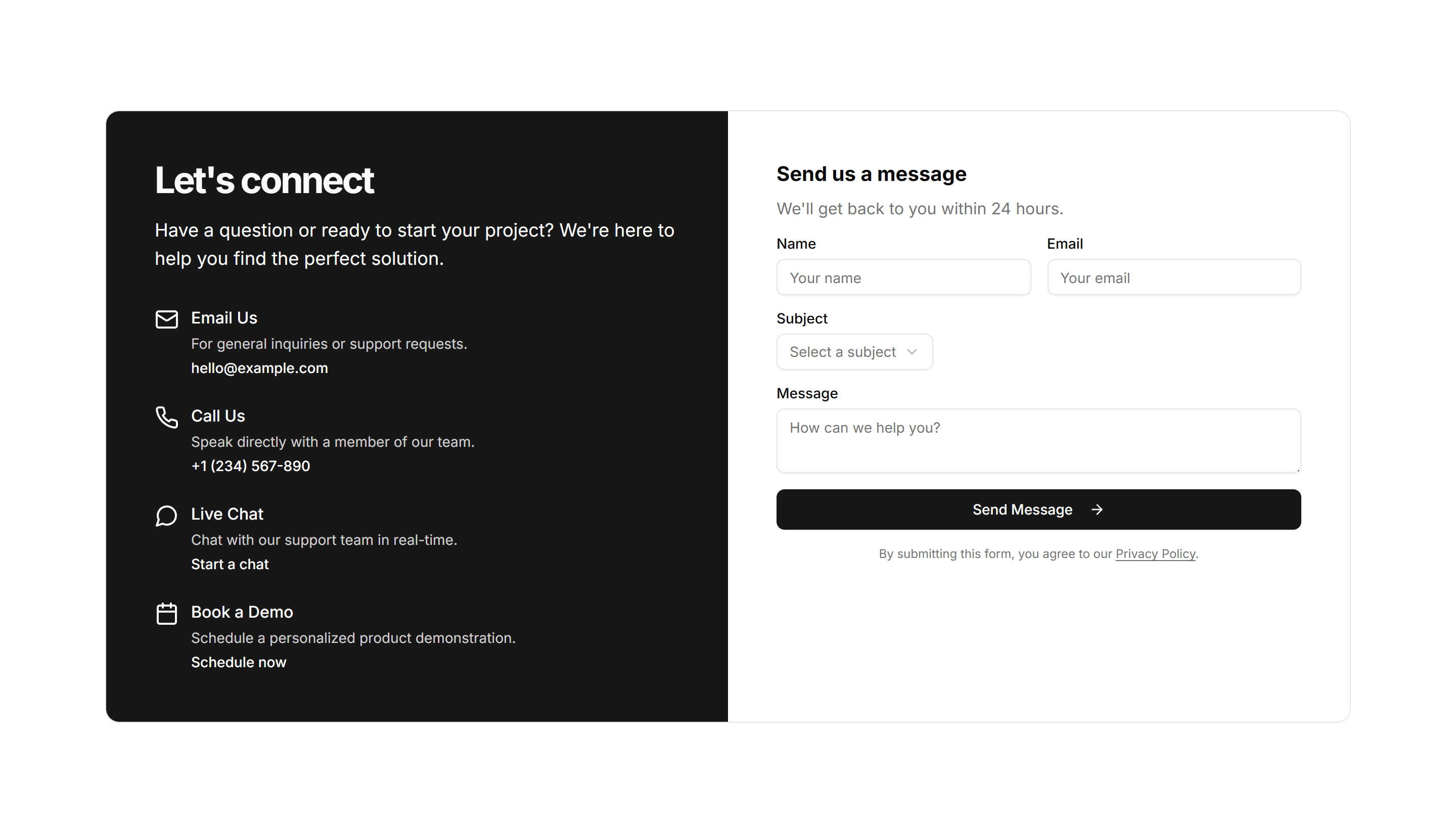
Marketing CTA Section: Simple Centered
A centered call to action with a headline, supporting line, and button. A clean closing section to end a landing page and prompt the next step.

Marketing CTA Section: Tab CTA
A call to action with tabbed content that swaps messages by audience or use case. Lets visitors pick a path before clicking the matching button.

Marketing CTA Section: Banner With Background
A full width banner with a background image, headline, and button. Anchors a campaign message across the top or bottom of any marketing page.

Marketing CTA Section: CTA With Testimonial
A call to action that places a customer quote and avatar right next to a signup button. Reinforces social proof at the moment a visitor decides.

Marketing CTA Section: Gradient CTA
A centered call to action set on a vivid gradient panel with a headline and button. A bright closing section for a homepage or feature page.

Marketing CTA Section: Newsletter Form
A signup section with an email input and subscribe button under a short pitch. Collects leads for a newsletter, waitlist, or product updates.

Marketing CTA Section: Split With Image
A two column call to action with copy on one side and an image on the other. Balances message and visual to invite a signup or demo request.

Marketing CTA Section: Video CTA
A call to action built around an embedded video with a headline and button. Plays a quick demo or pitch, then invites the viewer to start now.

Marketing CTA Section: Case Study CTA
A call to action framed around a customer story with a headline result and link. Use it after proof points to push readers toward booking a demo.

Marketing CTA Section: FAQ CTA
A short FAQ list paired with a closing prompt and button. Answers the last objections and nudges readers to convert at the end of a long page.

Marketing CTA Section: Image With Text
A call to action that sets an image beside a headline, body copy, and button. Use it to show a product shot while inviting the visitor to act.

Marketing CTA Section: Quick Contact CTA
A compact contact prompt with a short form or button to reach the team. Drops into a footer or sidebar so visitors can get in touch fast.
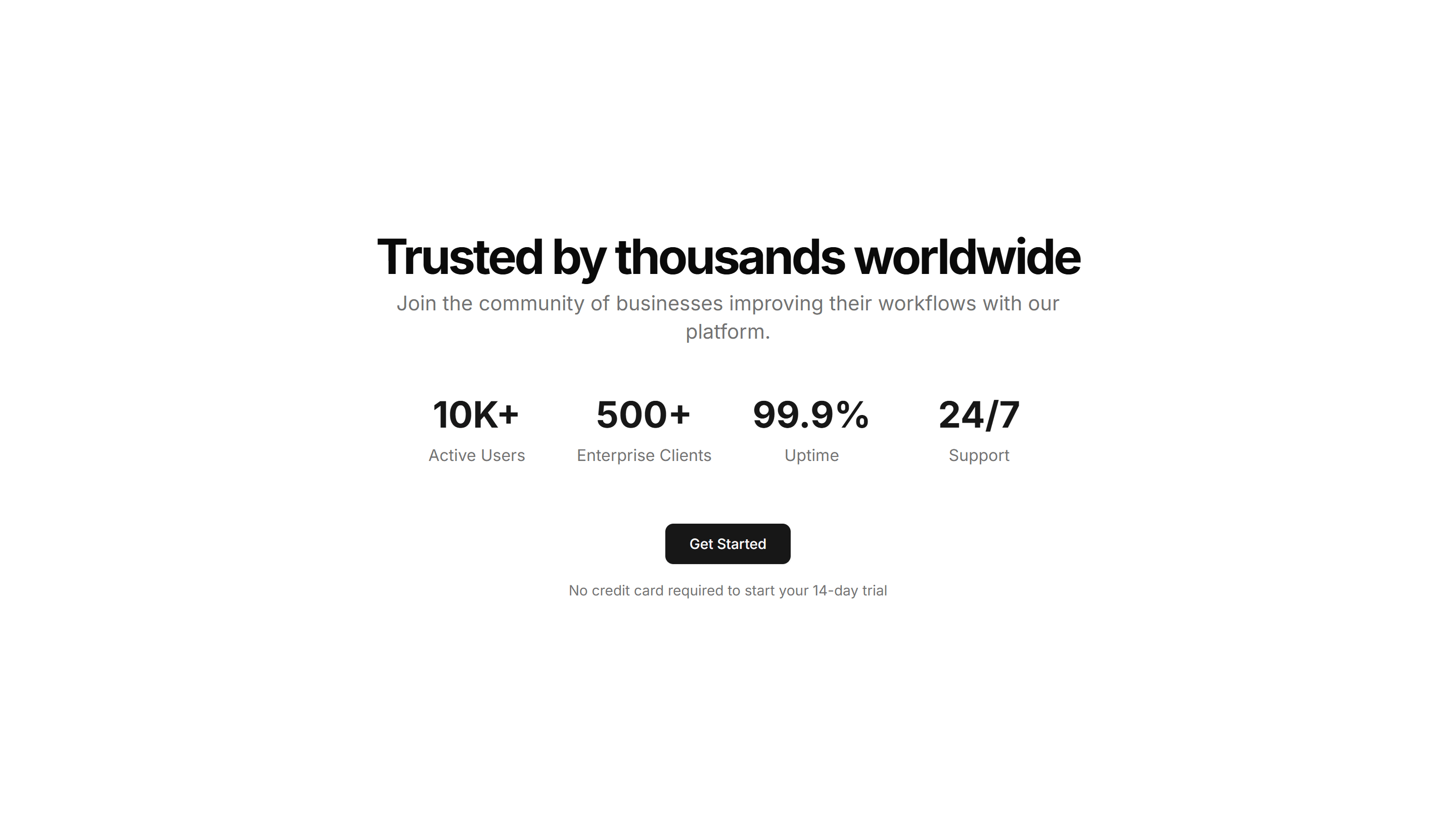
Marketing CTA Section: Stats CTA
A call to action that leads with key metrics like users or uptime, then a button. Uses hard numbers to convince visitors before they commit.
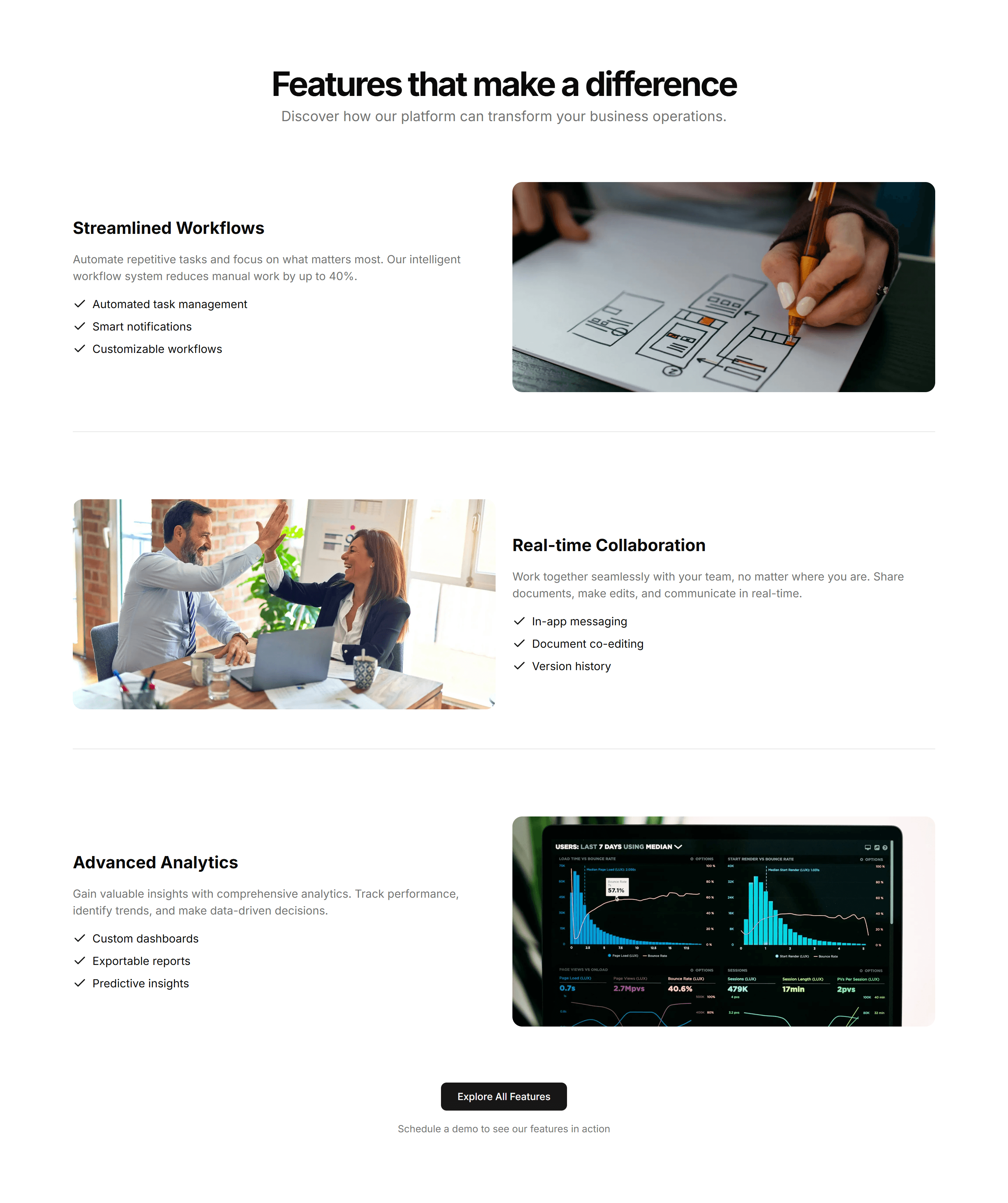
Marketing CTA Section: Zigzag CTA
A call to action with alternating text and image rows that lead into a button. Walks readers through benefits before the final closing prompt.