Shadcn User Profile Blocks
Browse 10 user profile blocks for shadcn/ui. Account headers, settings panels, billing, permissions, and team views you can copy, paste, and ship.
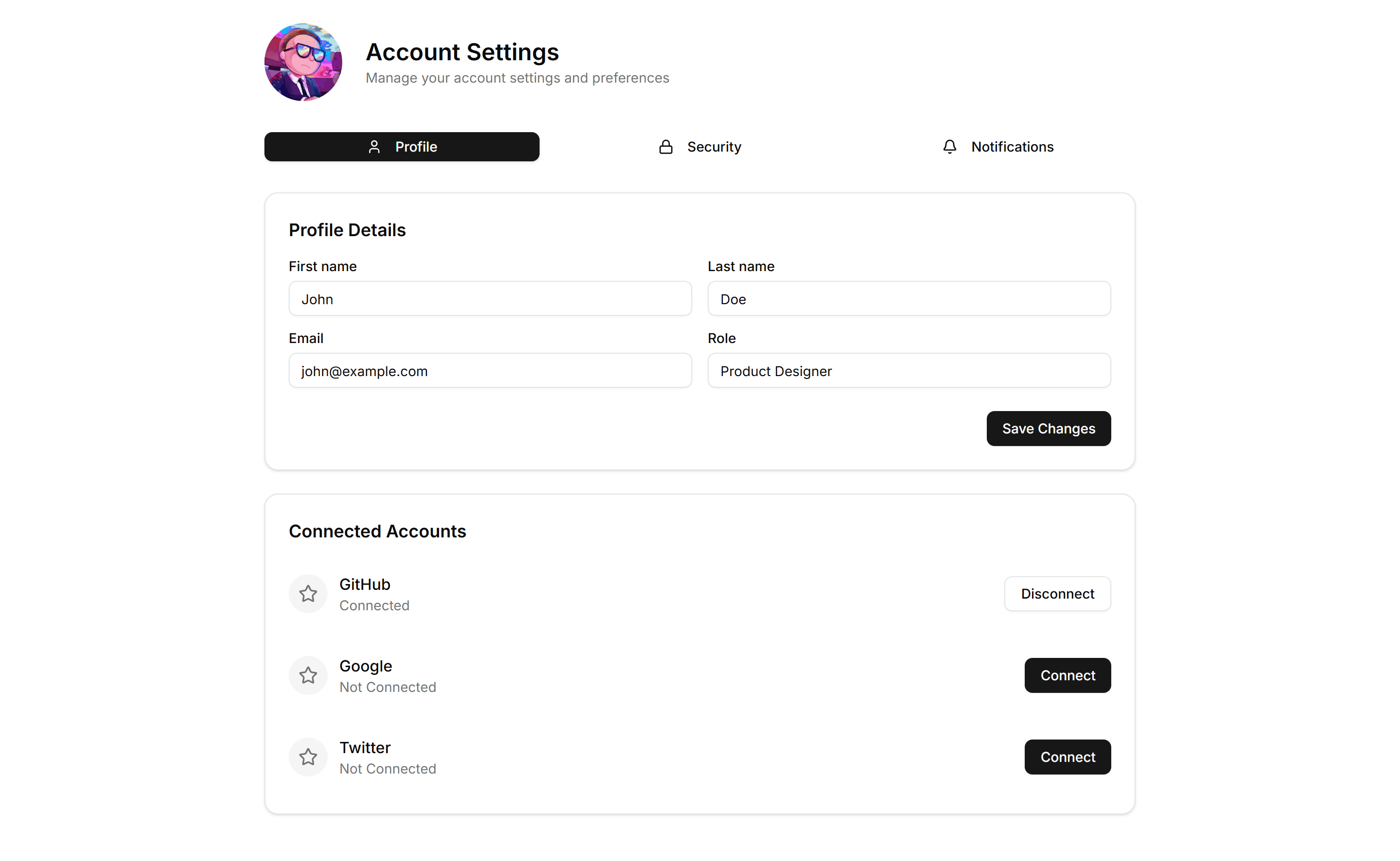
Application User Profile: Tabbed
A profile layout split into tabs for account, security, and notifications. Use it to organize many settings without crowding a single long page.
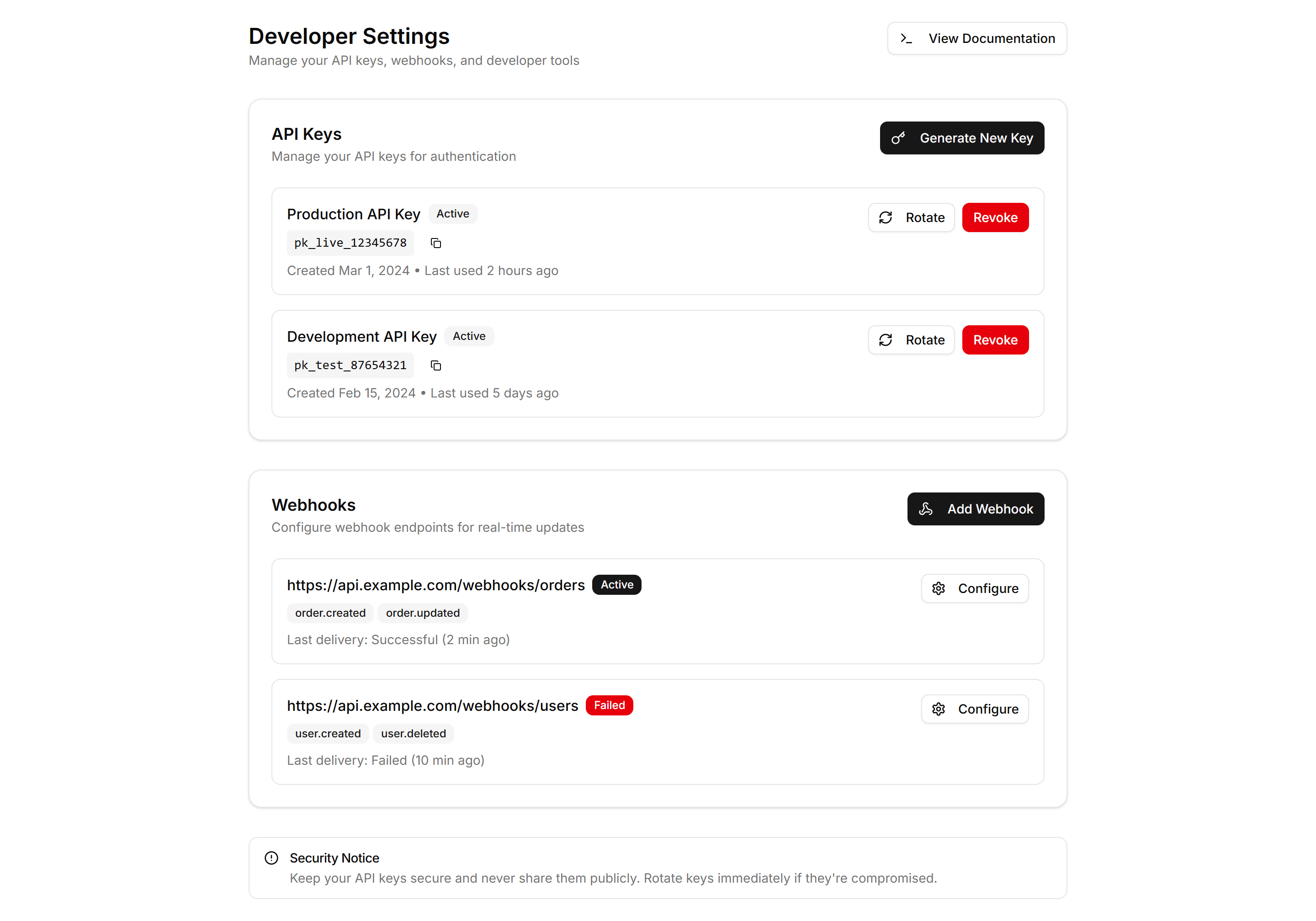
Application User Profile: Developer
A developer profile with API keys, access tokens, connected apps, and usage notes. Use it on settings pages where engineers manage their integrations.
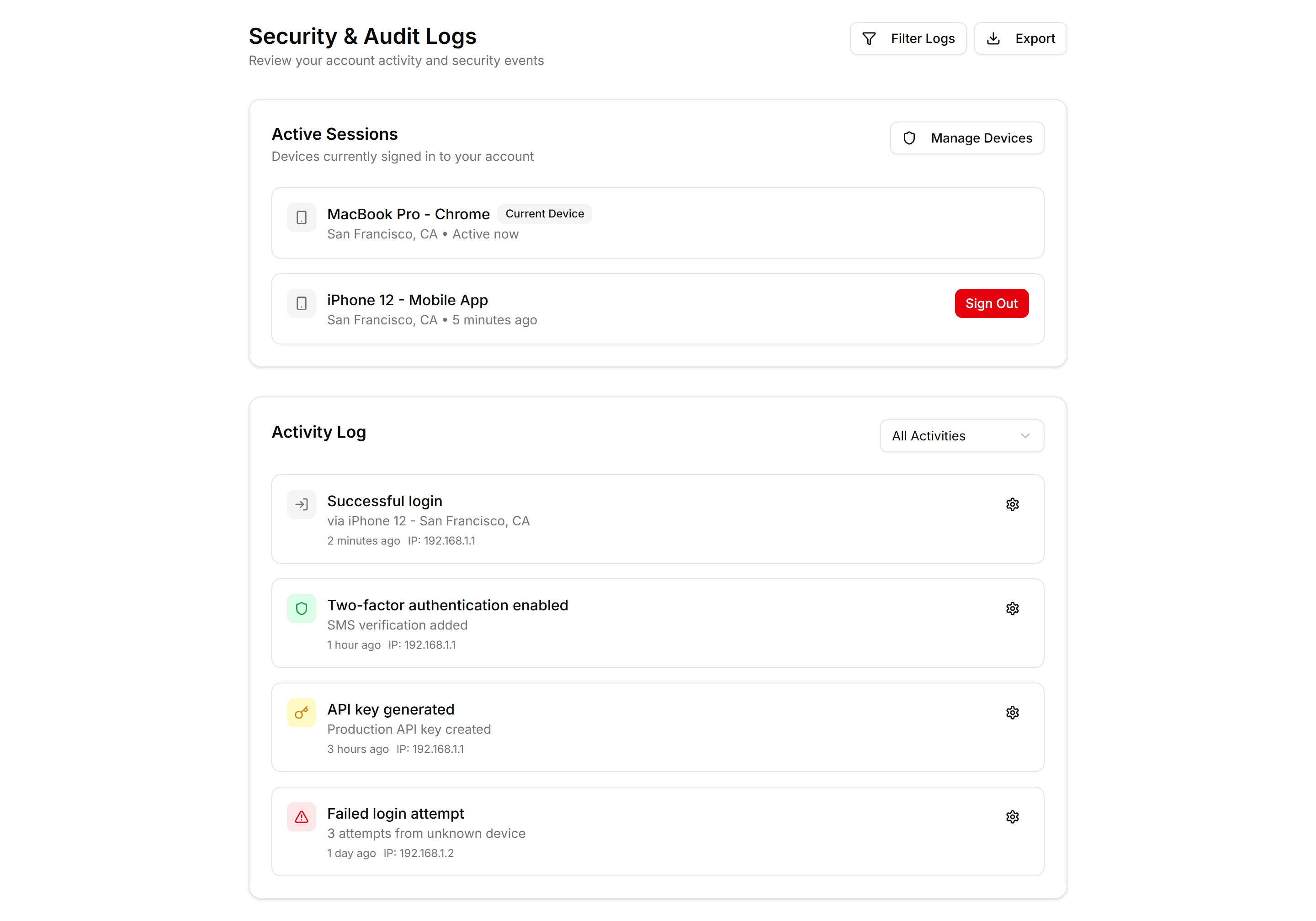
Application User Profile: Security Logs
A profile security view showing recent sign ins, devices, locations, and times. Use it so members can spot odd activity and protect their account.
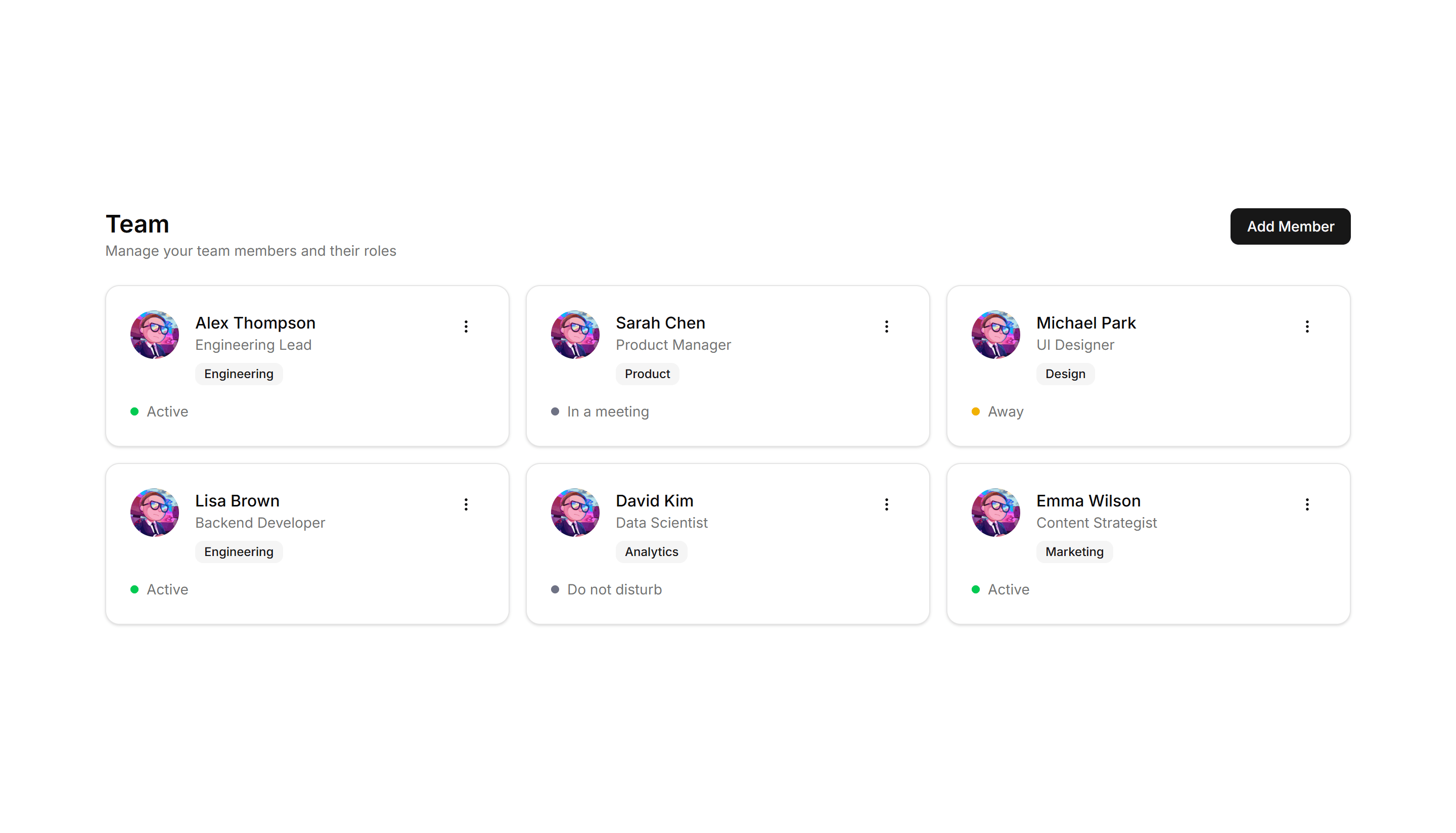
Application User Profile: Team Grid
A grid of teammate profiles with photos, titles, and contact buttons. Use it on an about page or internal directory to introduce the whole team.
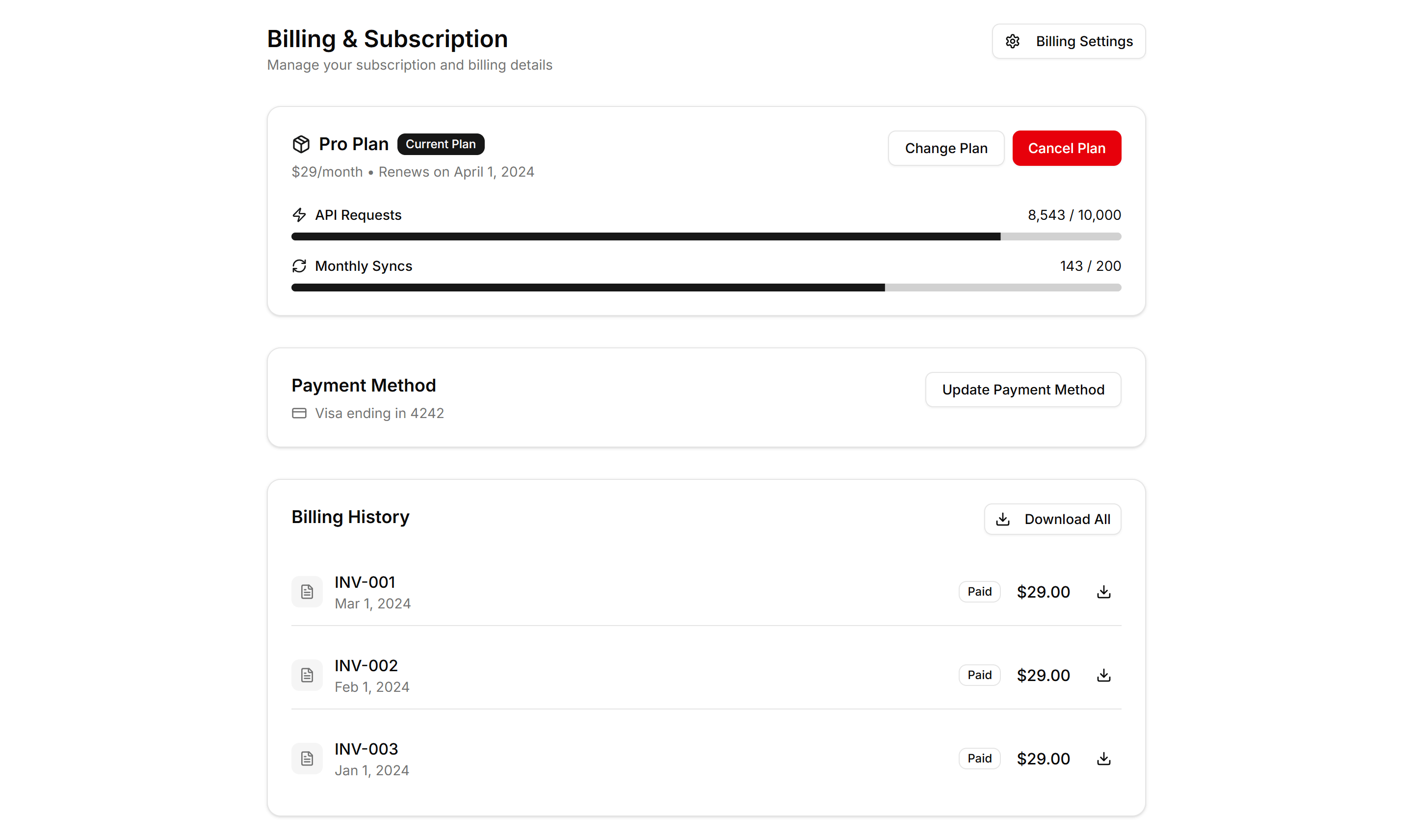
Application User Profile: Billing
A profile billing view with current plan, payment method, invoice history, and an upgrade prompt. Use it where members manage subscriptions and receipts.
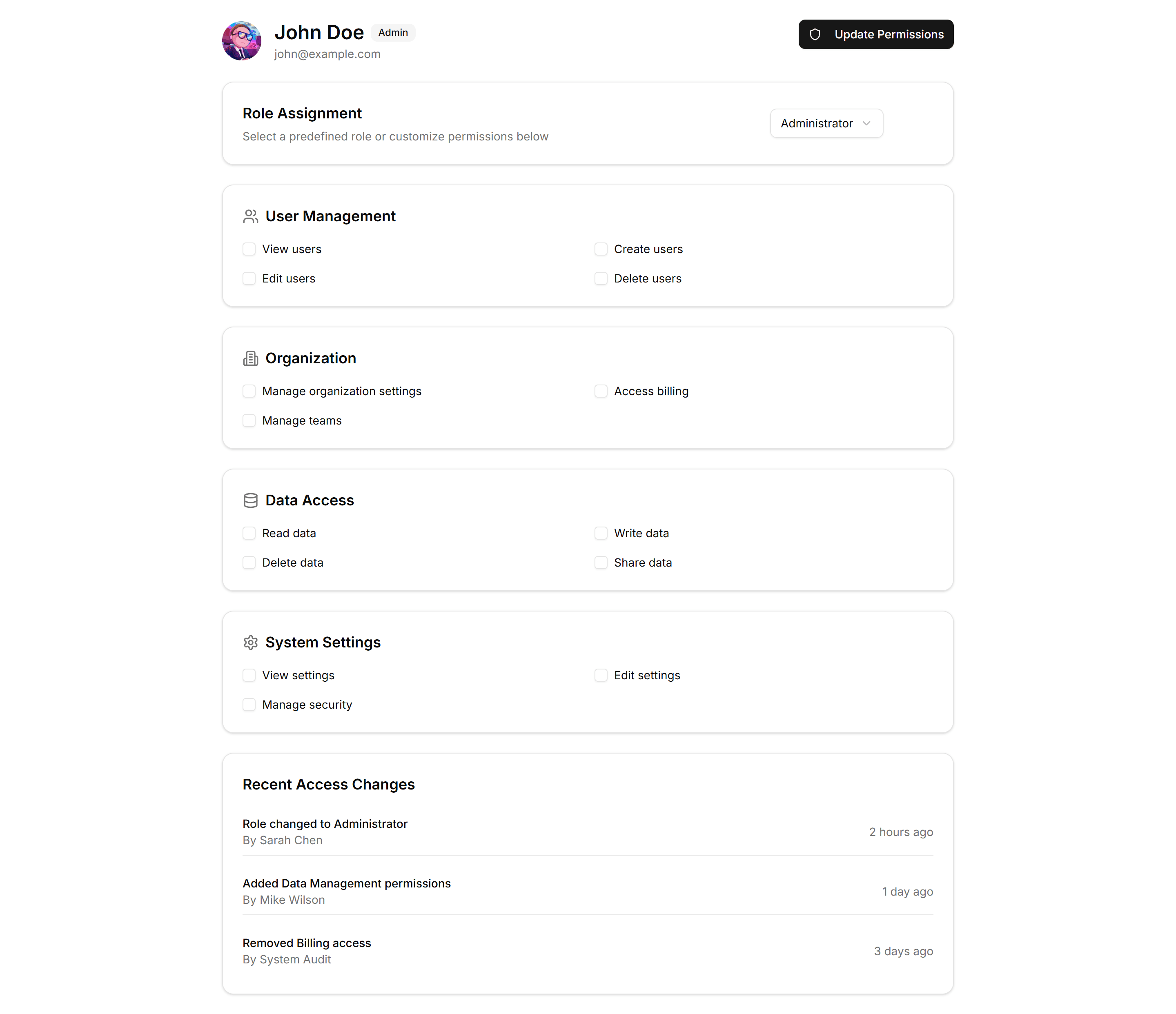
Application User Profile: Permissions
A profile permissions panel listing roles and toggles for what a member can view or edit. Use it where admins grant access across an application.
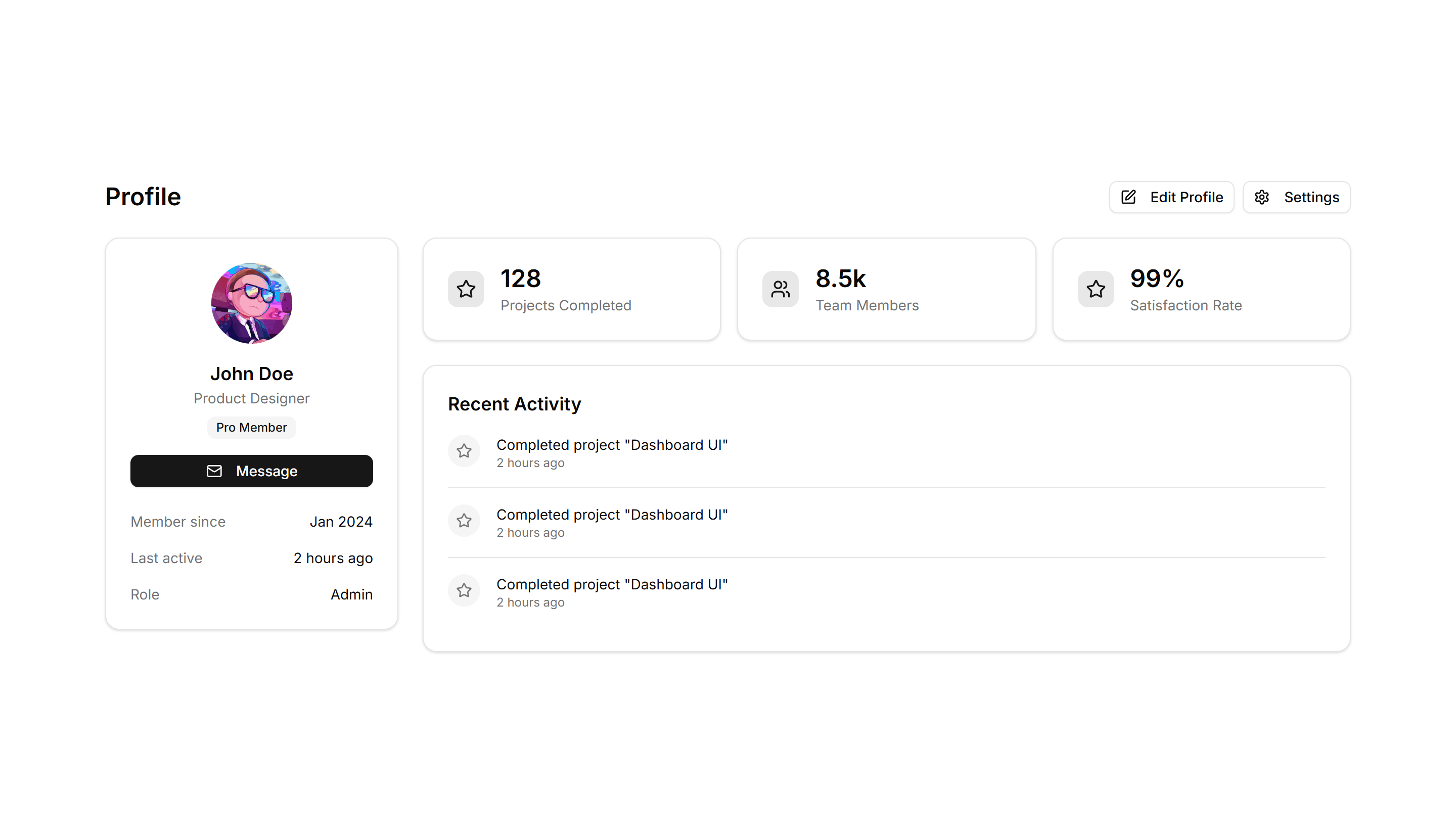
Application User Profile: With Stats
A profile header paired with metrics like followers, posts, and reputation. Use it on social or community pages to show a member at a glance.
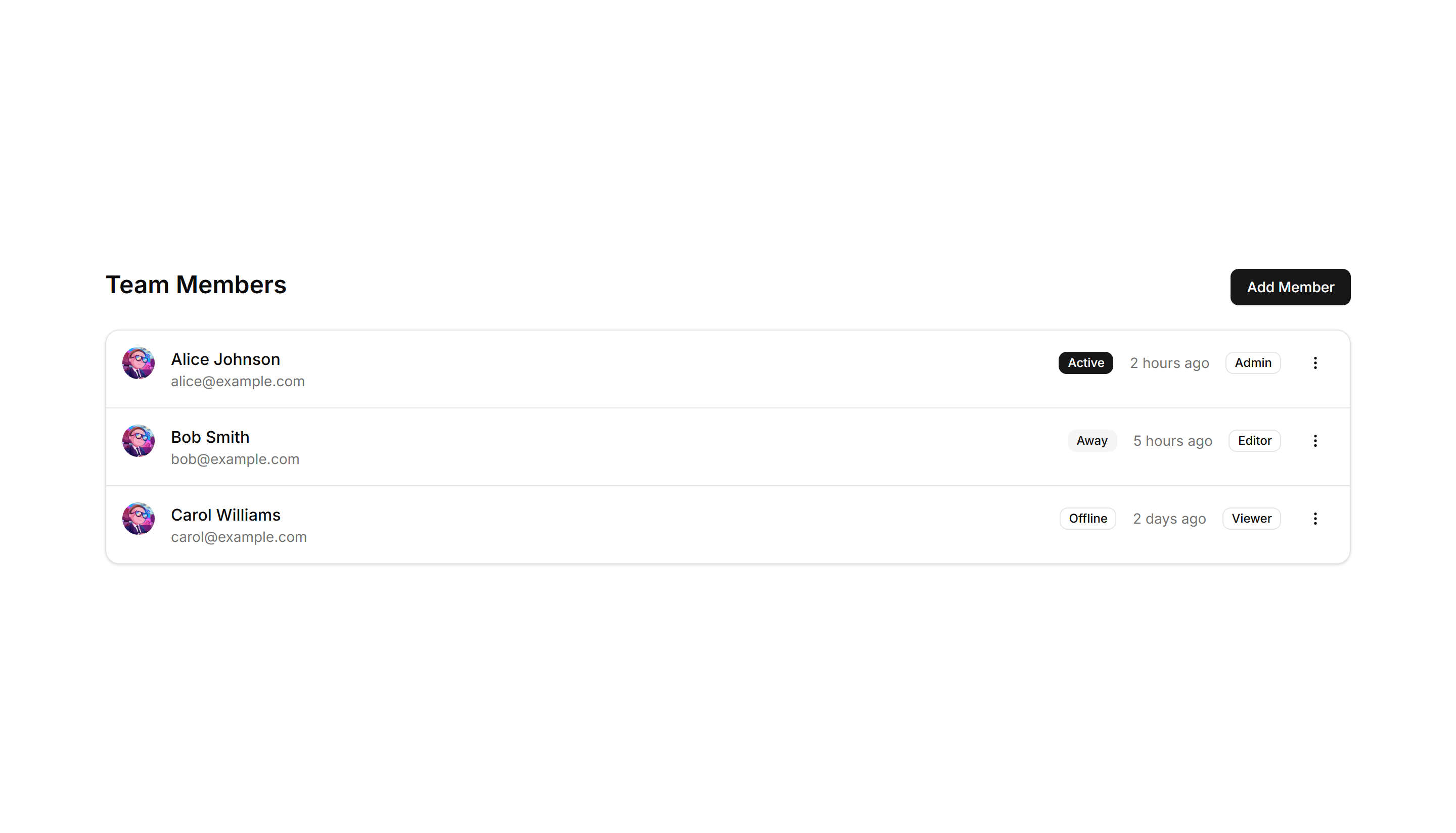
Application User Profile: Compact List
A dense list of user profiles with avatar, name, role, and quick actions per row. Fits admin tables and directories where space stays tight.
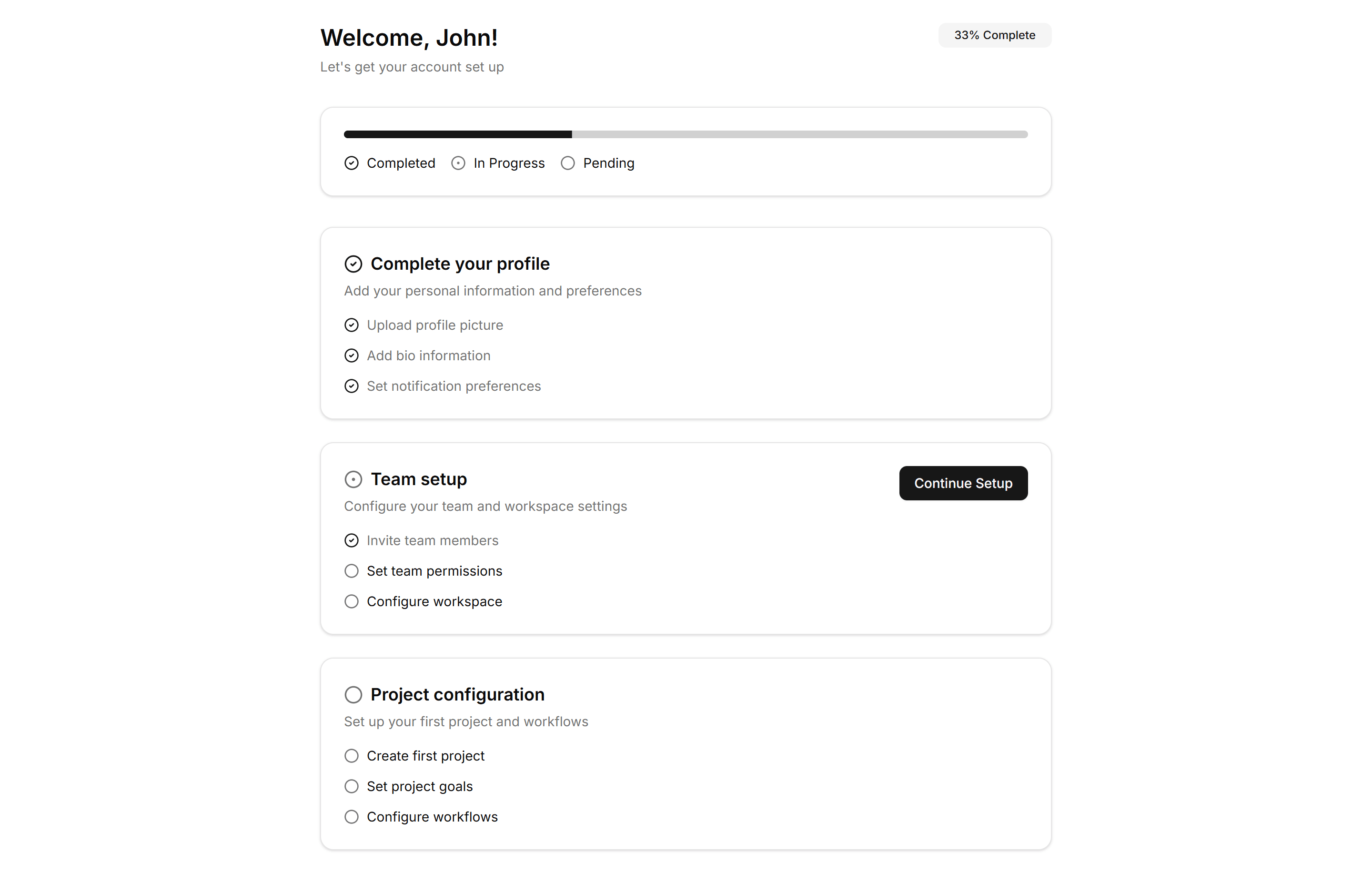
Application User Profile: Onboarding
A guided profile setup with steps for avatar, name, and preferences. Use it right after signup to help new users finish their account quickly.
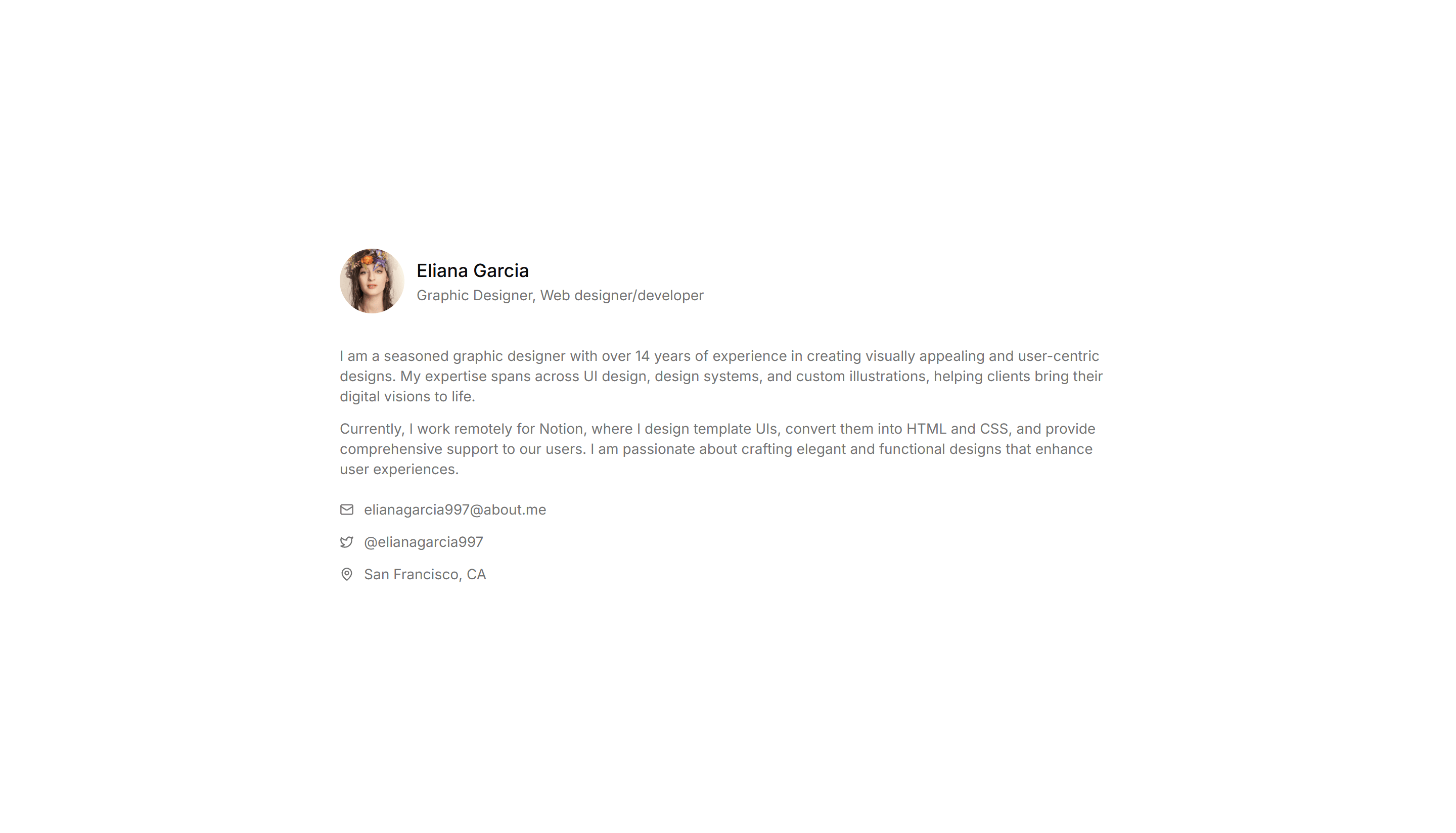
Application User Profile: Simple
A clean profile card with avatar, name, bio, and a few key details. Use it for a focused account summary on dashboards or member directory pages.