Shadcn Kanban and Board Blocks
Browse 16 Application Pro board blocks for shadcn/ui. Kanban boards, swimlanes, column cards, filters, and card detail blueprints.
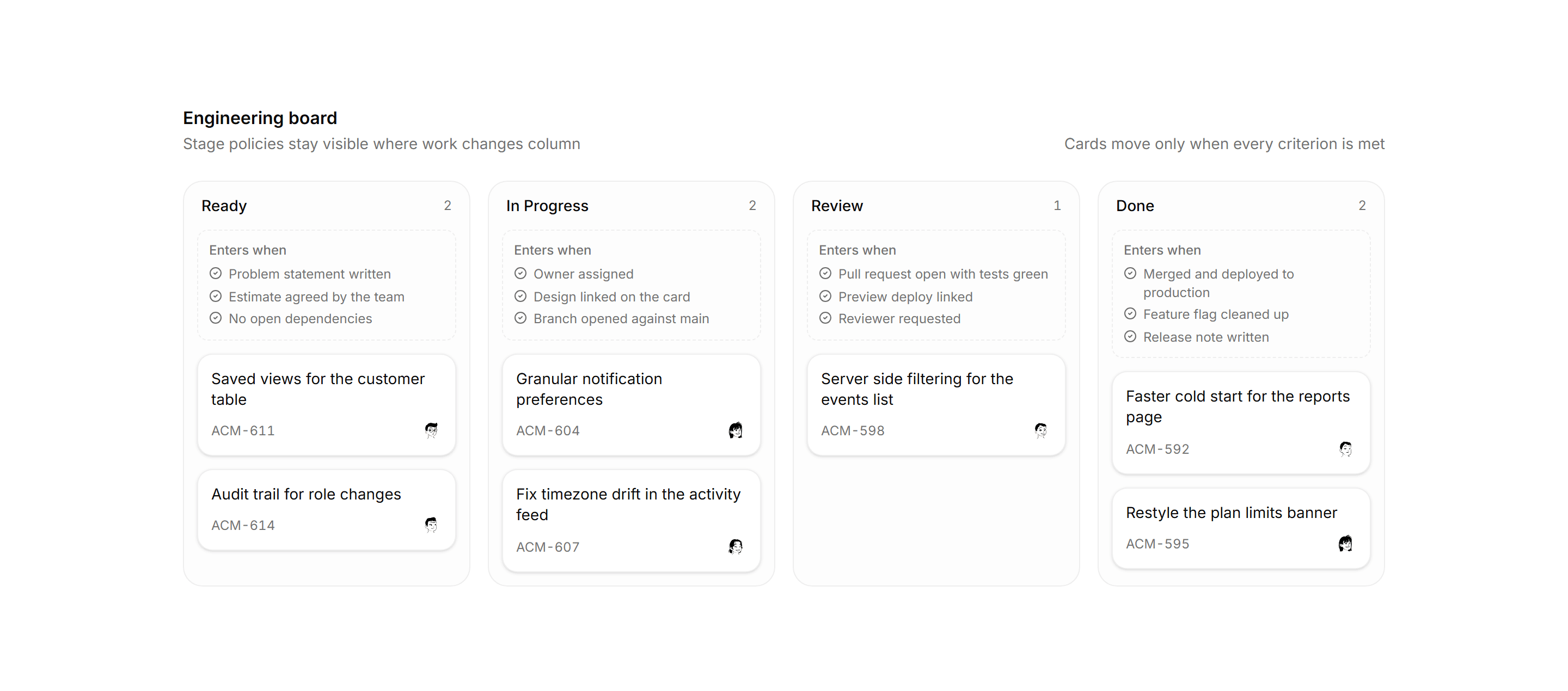
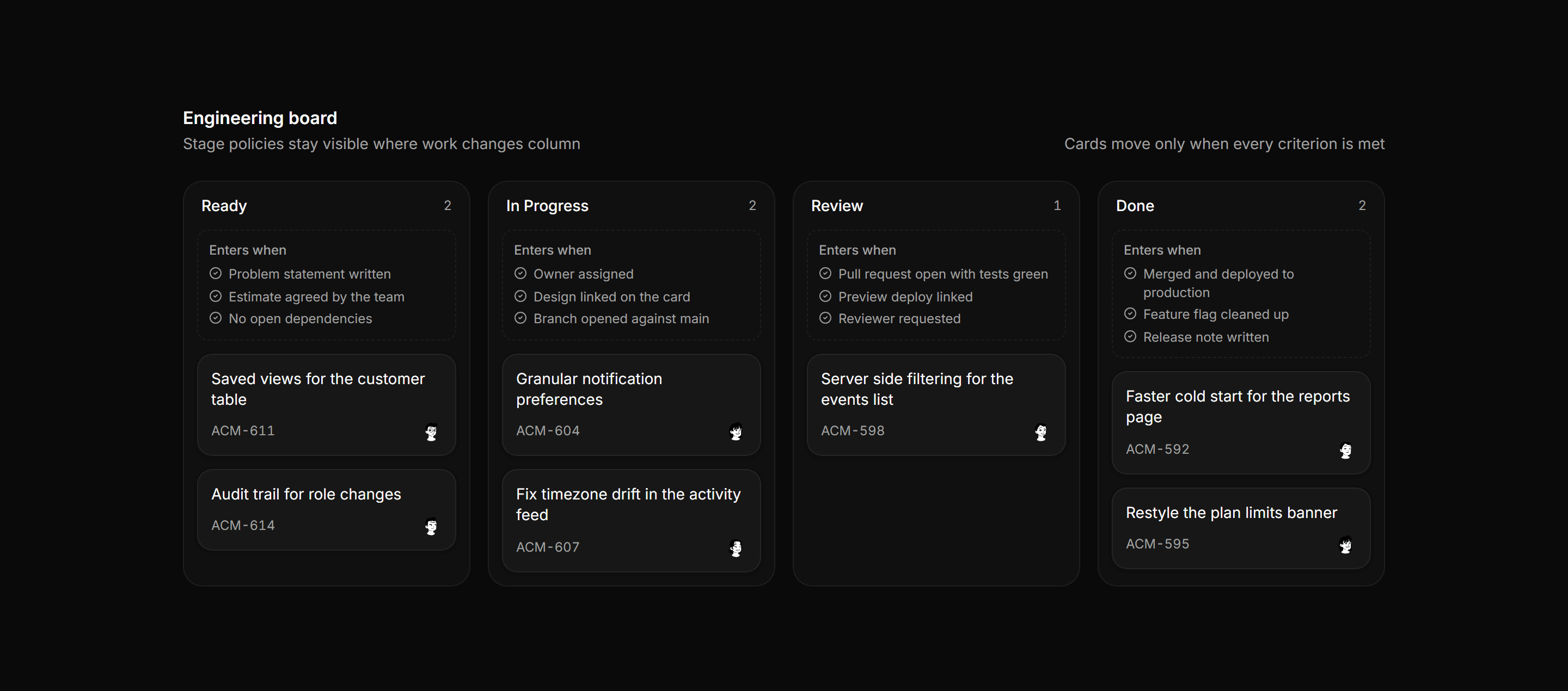
Application Kanban and Board: Column Policy Board
Kanban board where every column carries a dashed entry policy panel listing the criteria a card must meet before it can move into that stage.
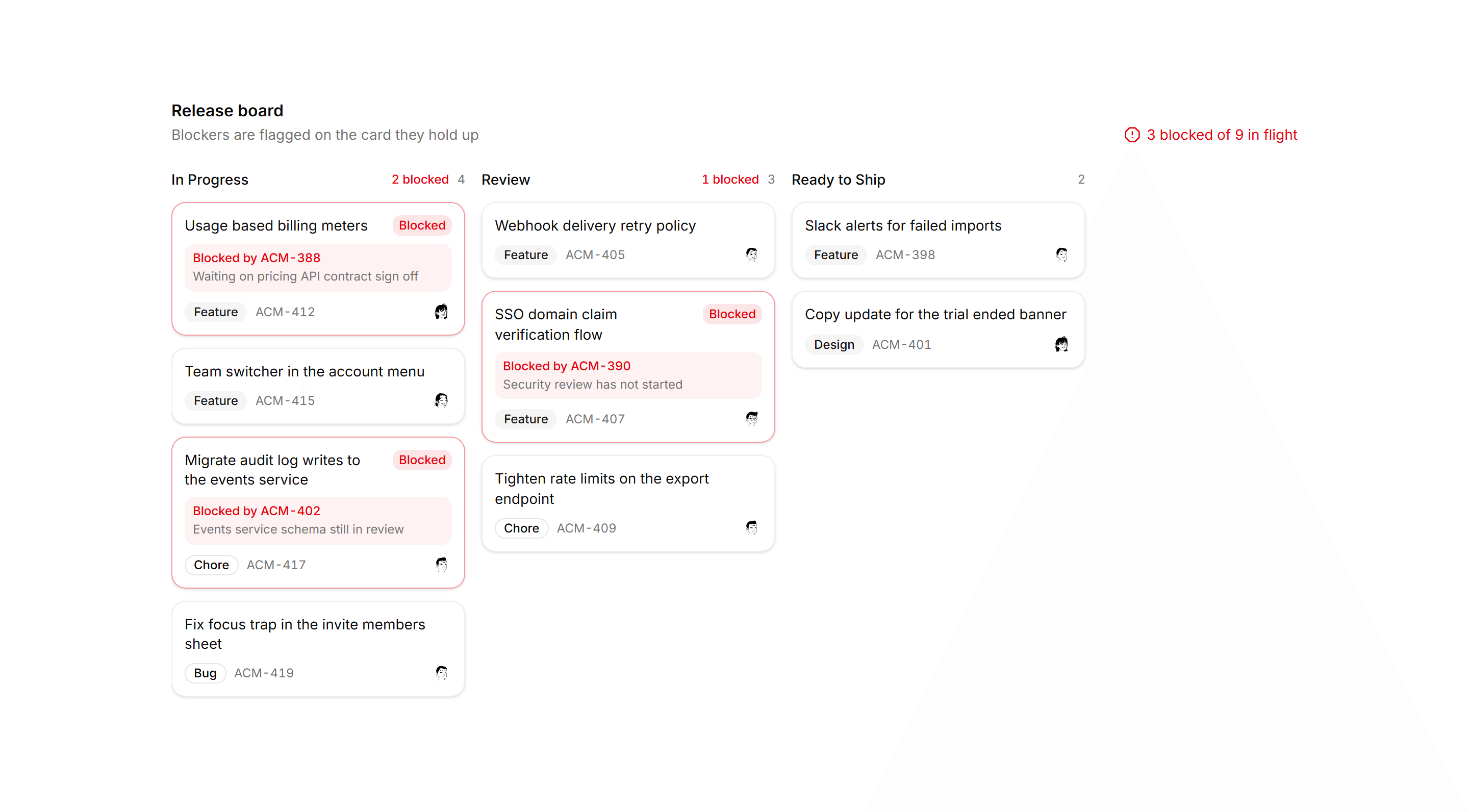
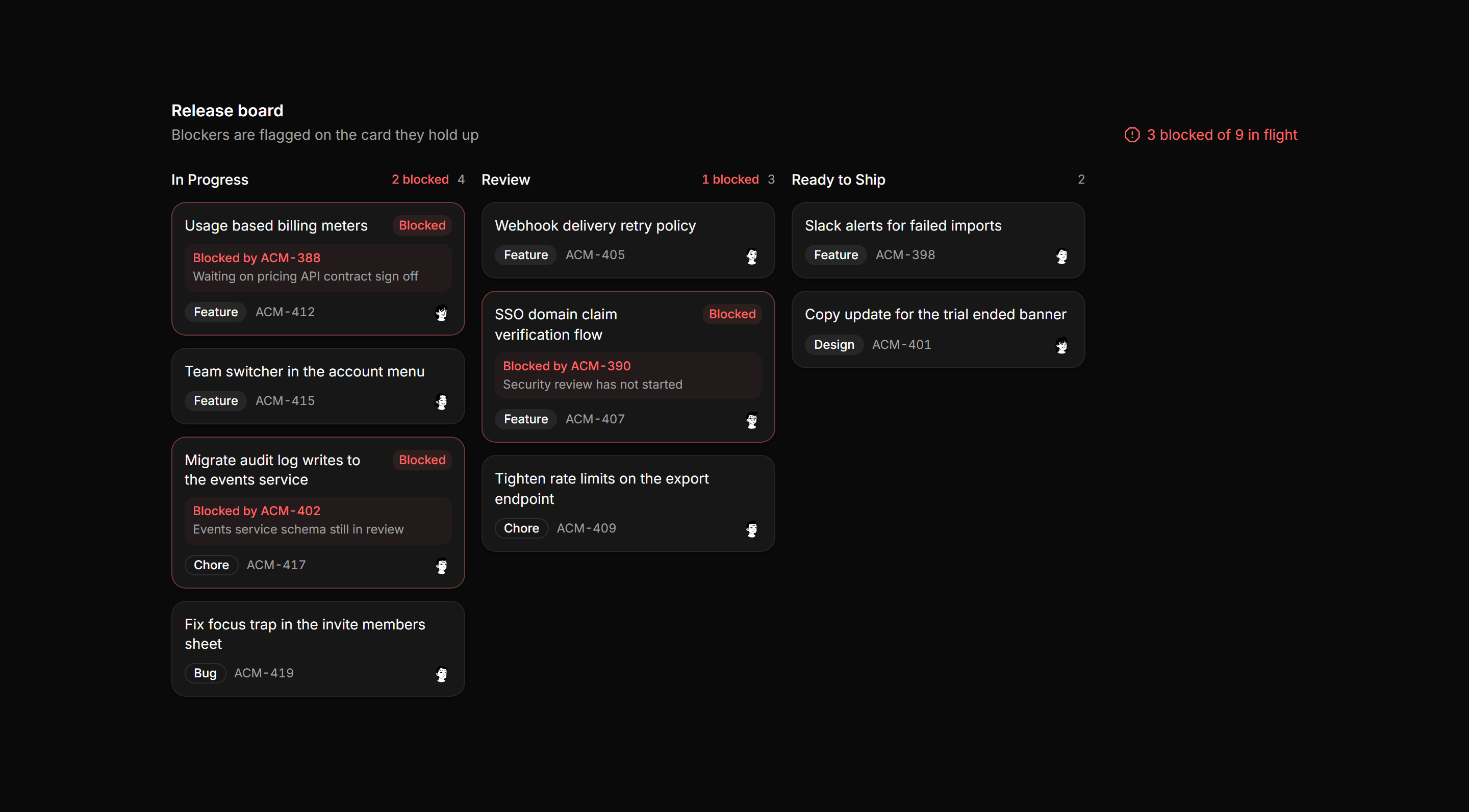
Application Kanban and Board: Blocked Cards Board
Kanban release board where blocked cards take a tinted border and Blocked chip, column headers count blockers, and the board totals every blocker.
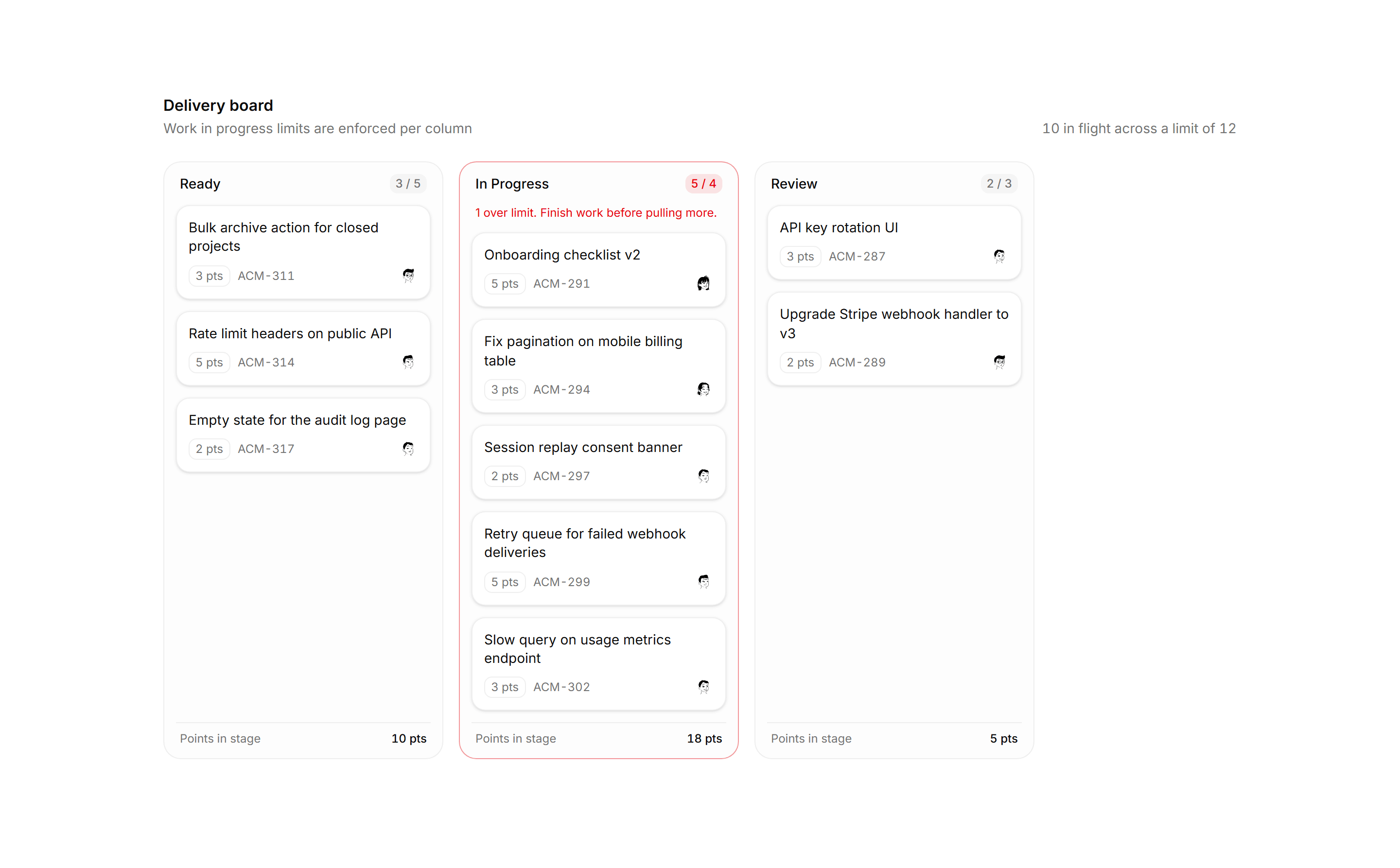
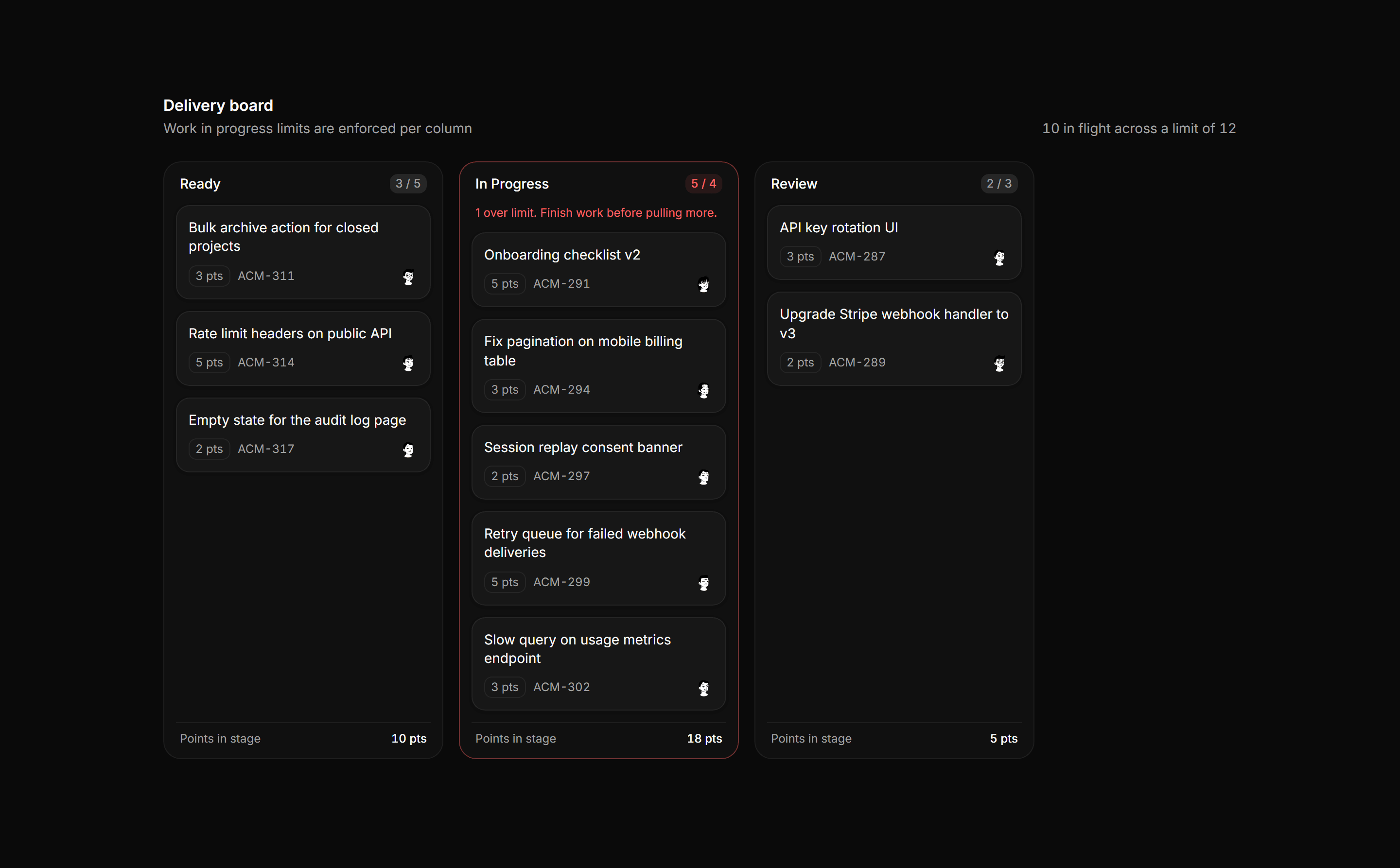
Application Kanban and Board: WIP Limit Board
A kanban board with per column work in progress limits, count against limit chips, an over limit column flagged, and story point totals per stage.
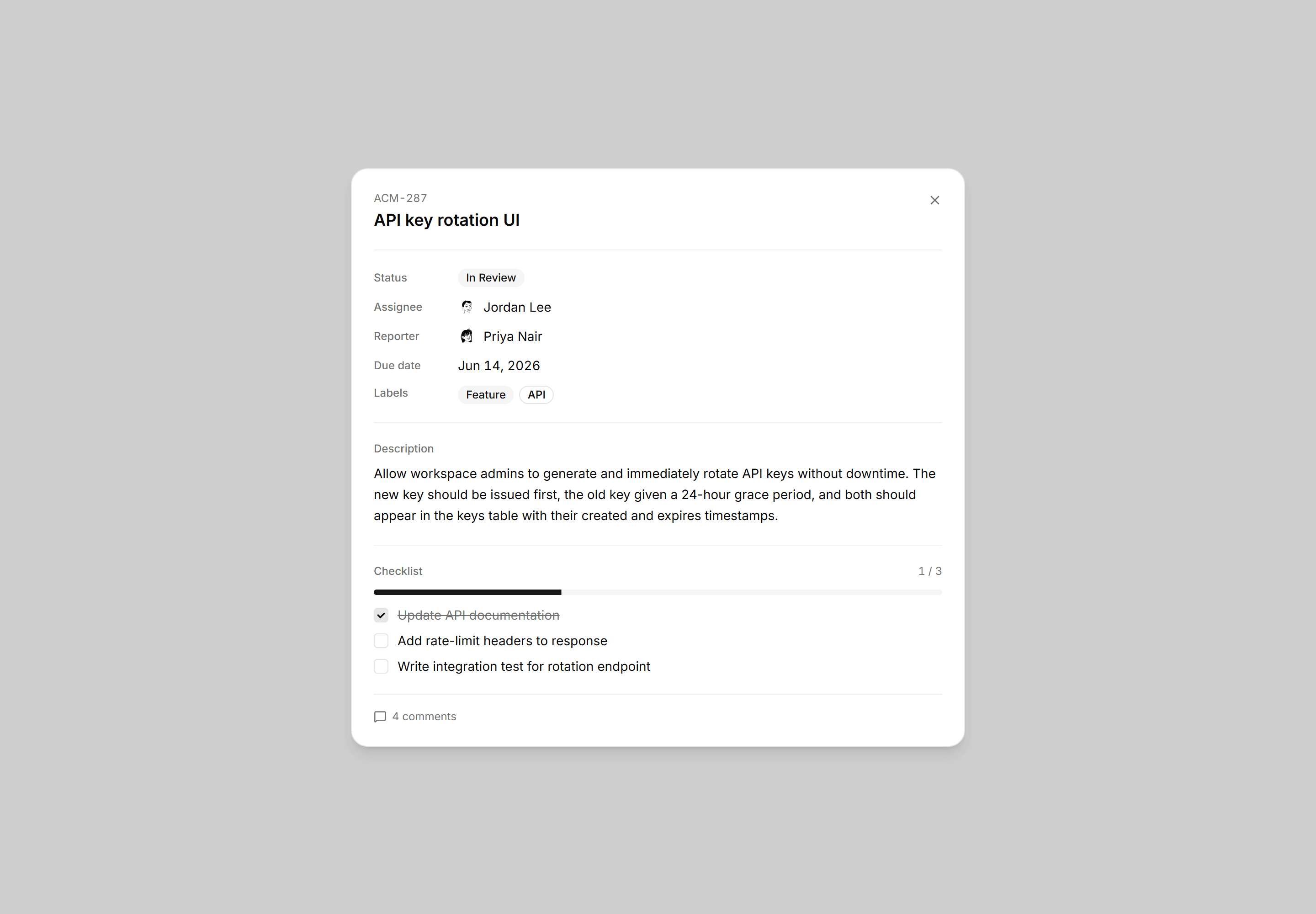
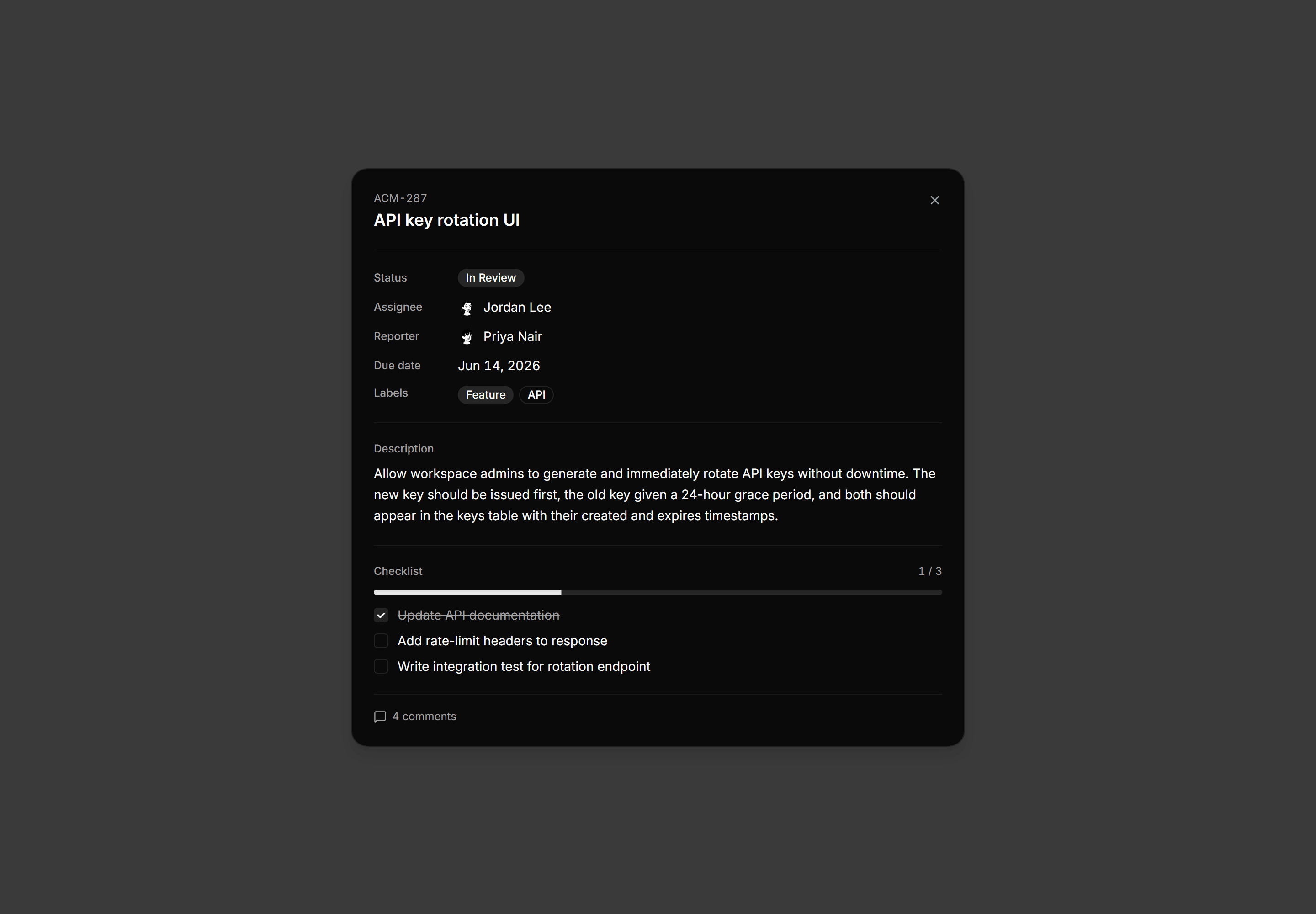
Application Kanban and Board: Card Detail Blueprint
Static open-card panel over a scrim showing status, assignee, description, a checklist with progress, and comment count.
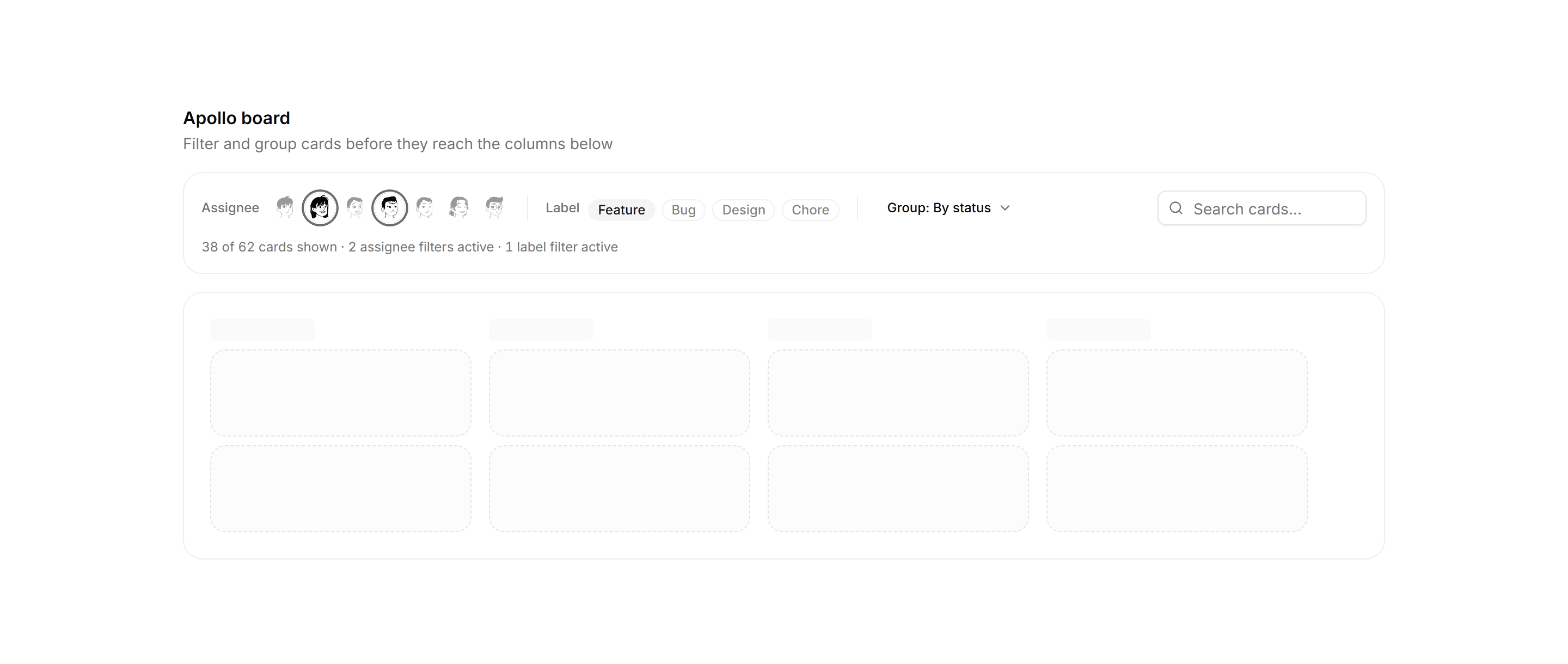
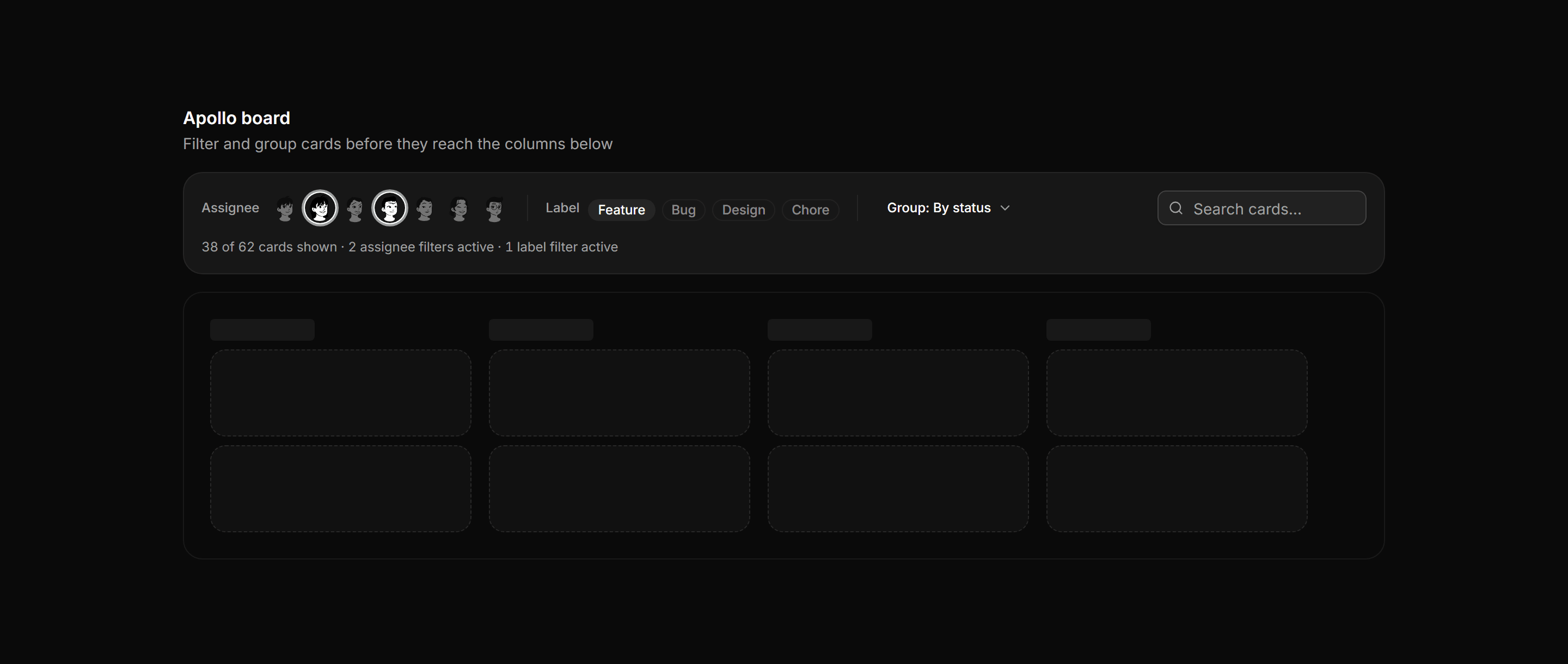
Application Kanban and Board: Board Filters Bar
Board toolbar with assignee avatar toggles, label chips, a group-by control, search, and a visible filtered card count.
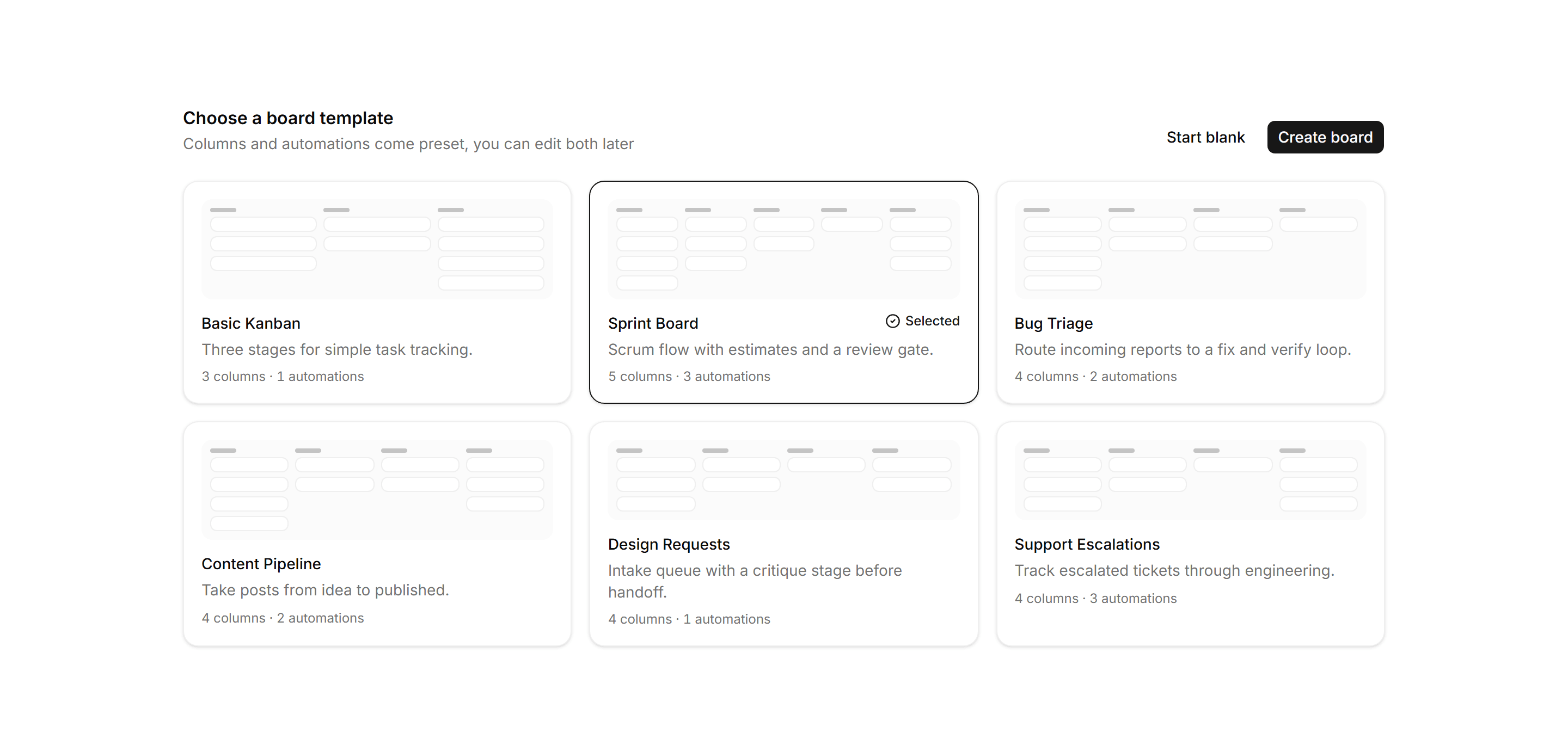
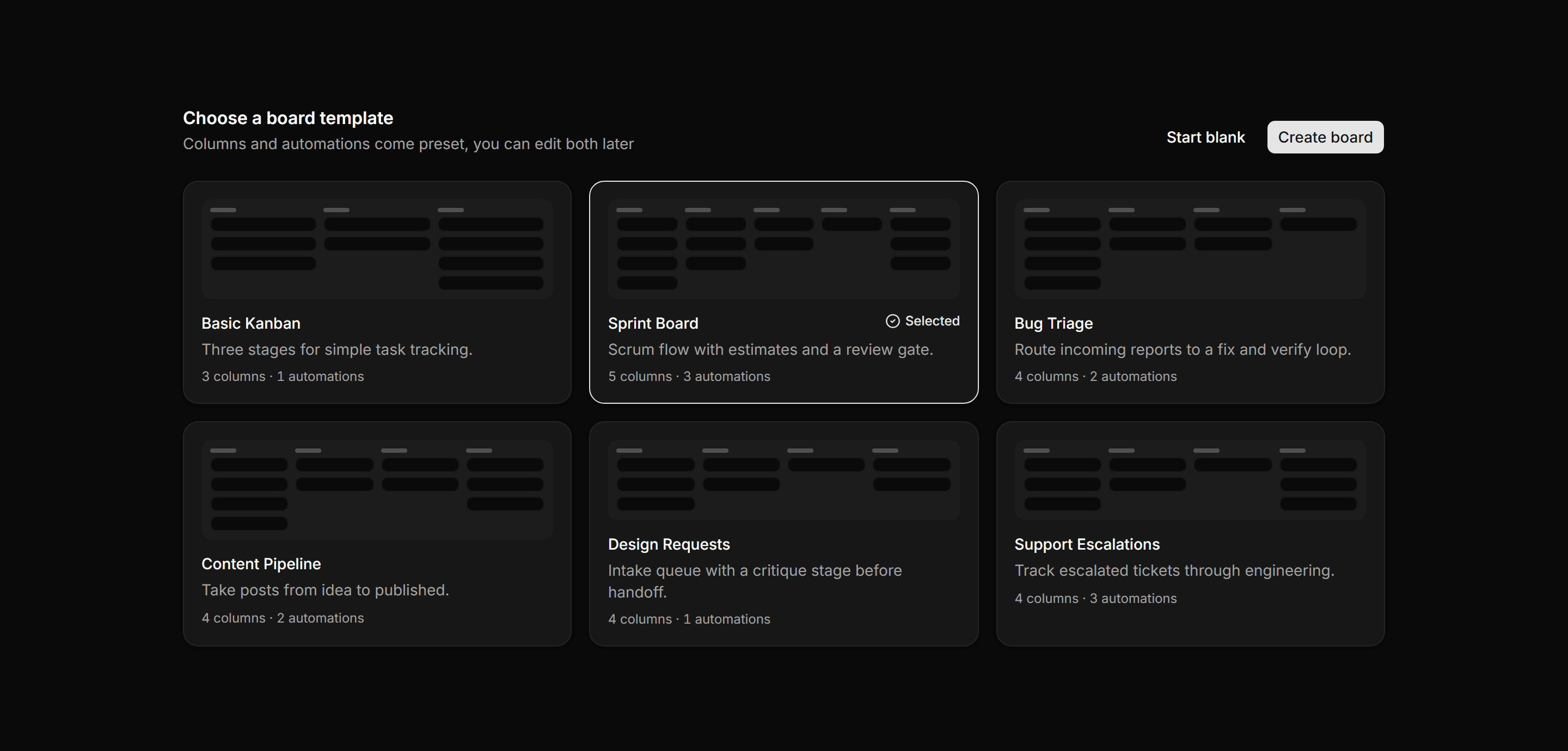
Application Kanban and Board: Board Template Picker
Board creation grid of workflow templates, each with a mini column mockup, a description, and a columns and automations meta line; one is selected.
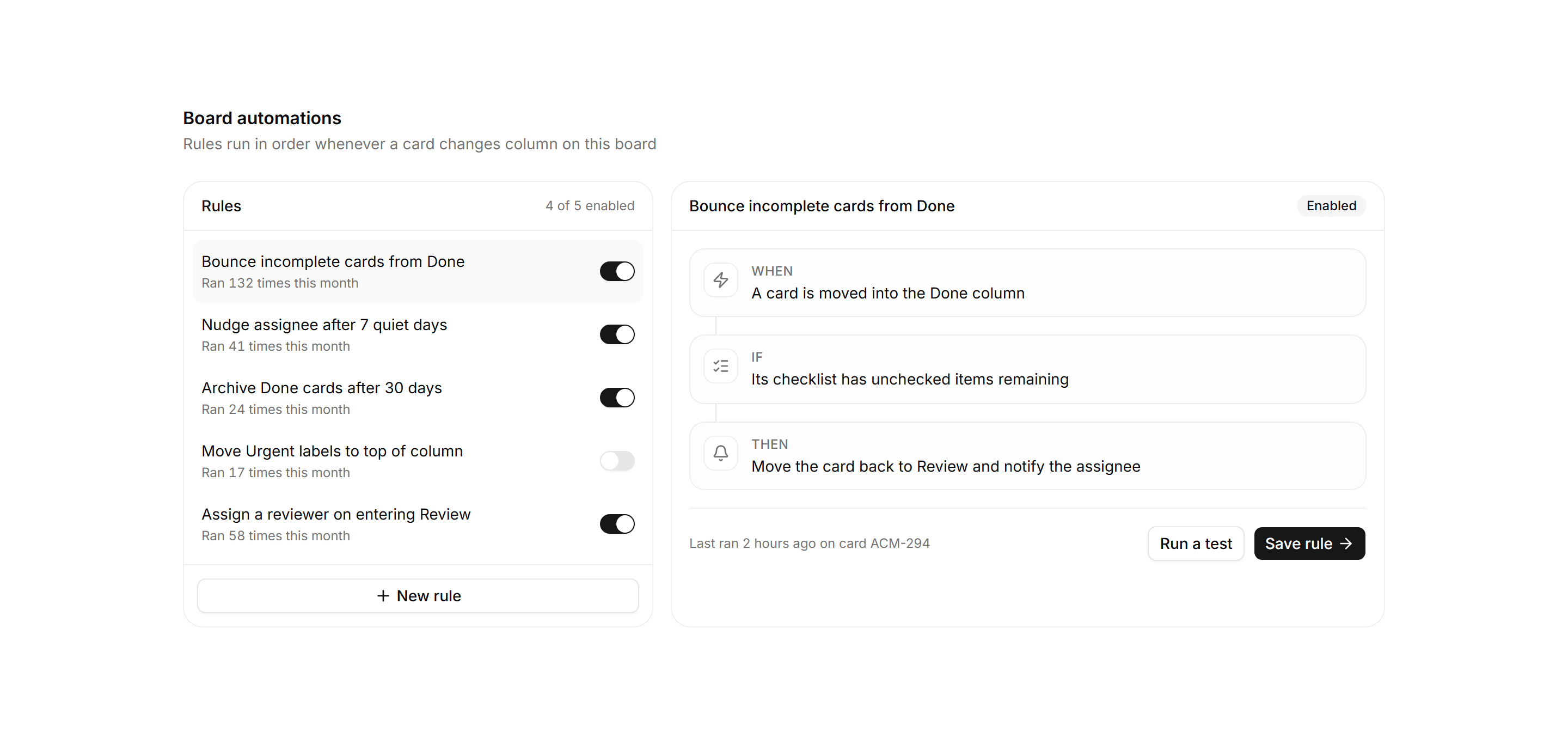
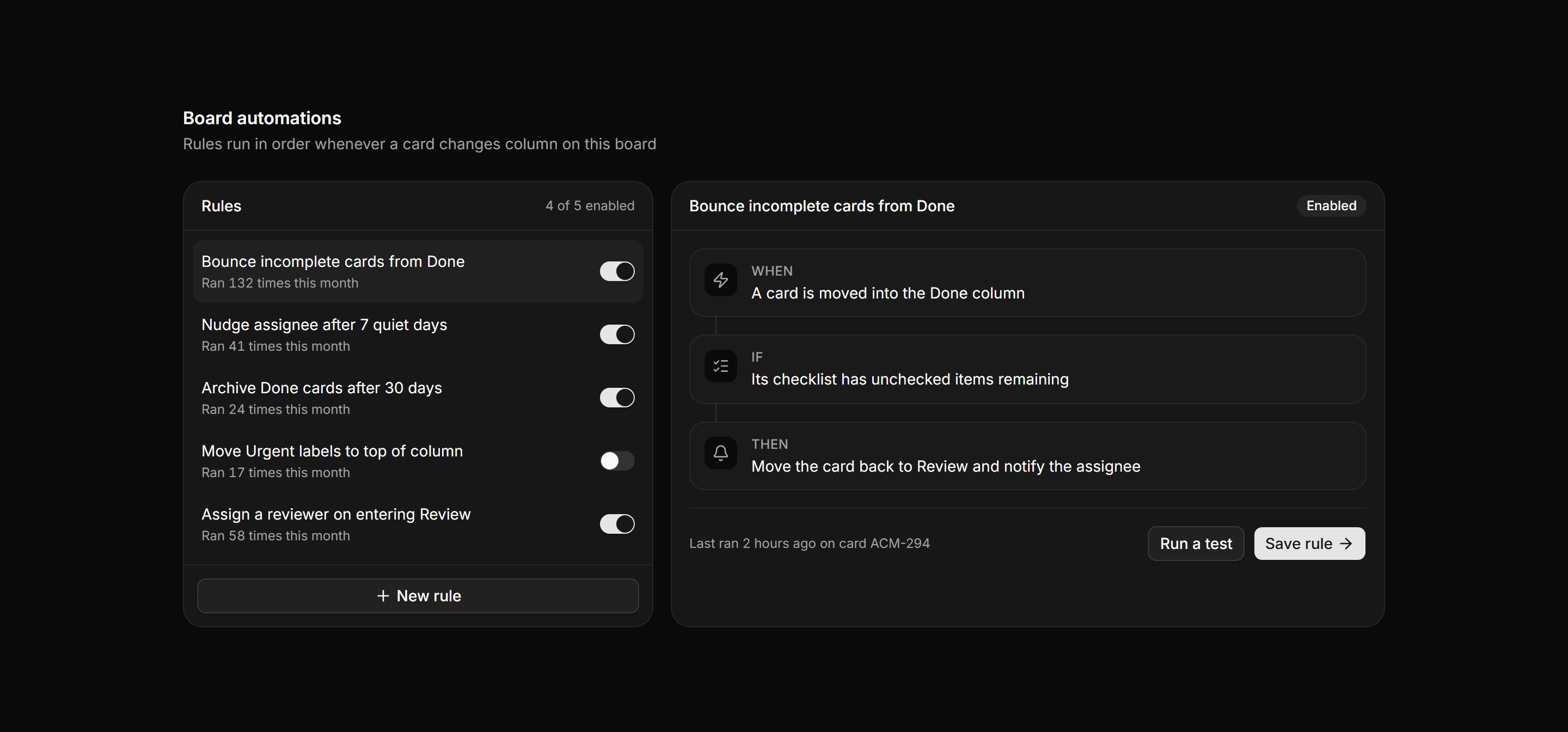
Application Kanban and Board: Board Automation Panel
A board automation surface pairing a rules list with enable switches and run counts beside a When, If, Then rule editor and save actions.
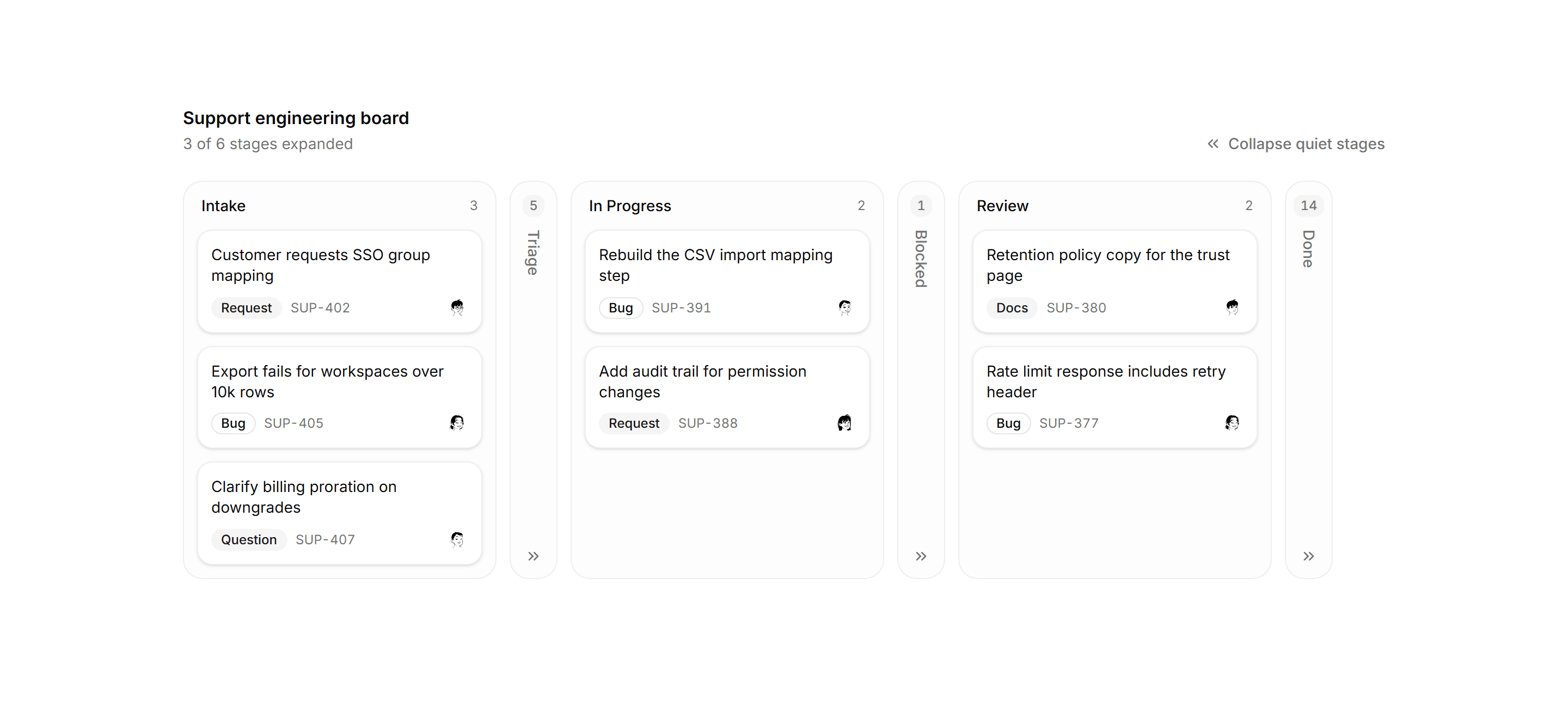
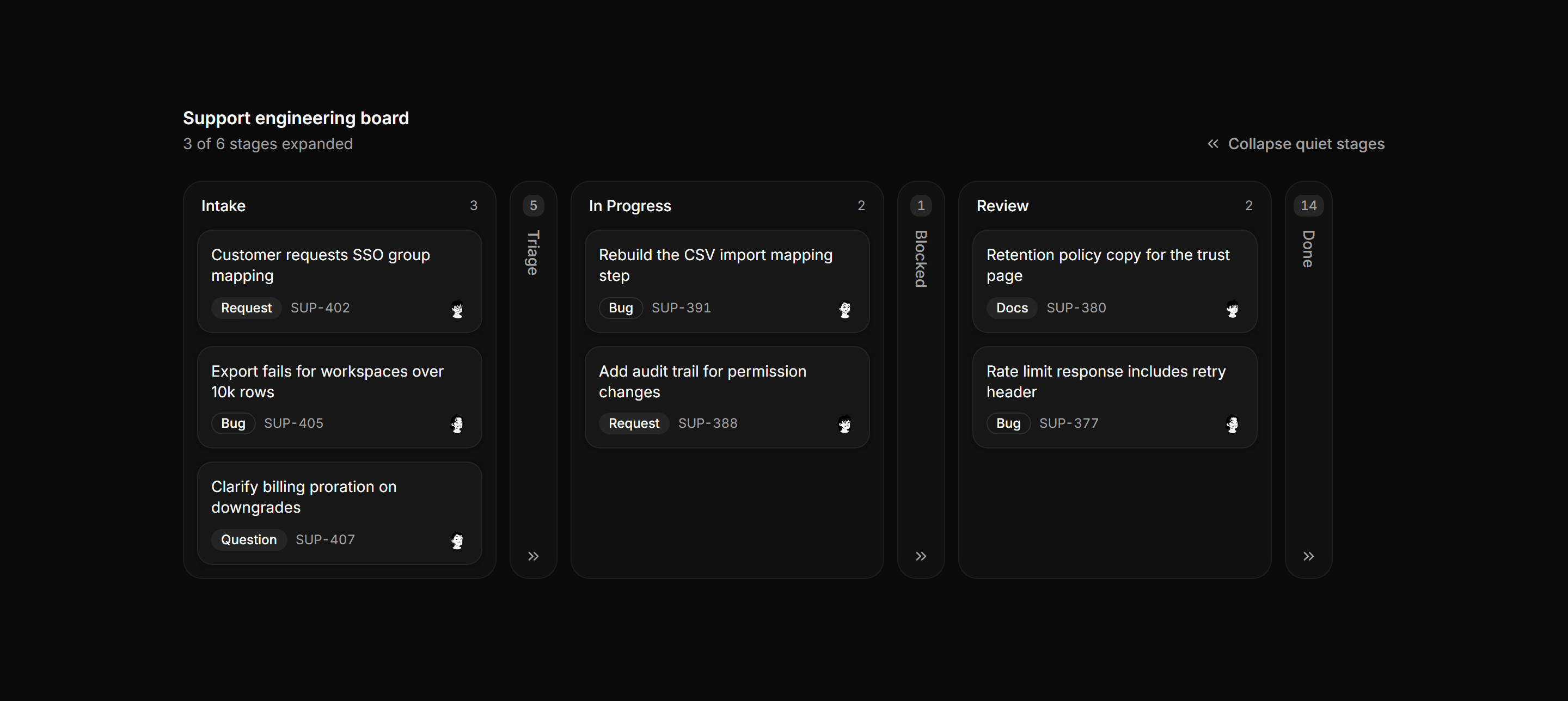
Application Kanban and Board: Collapsed Columns Board
A kanban board where quiet stages collapse into slim vertical rails showing name and count, while active stages stay expanded with cards.
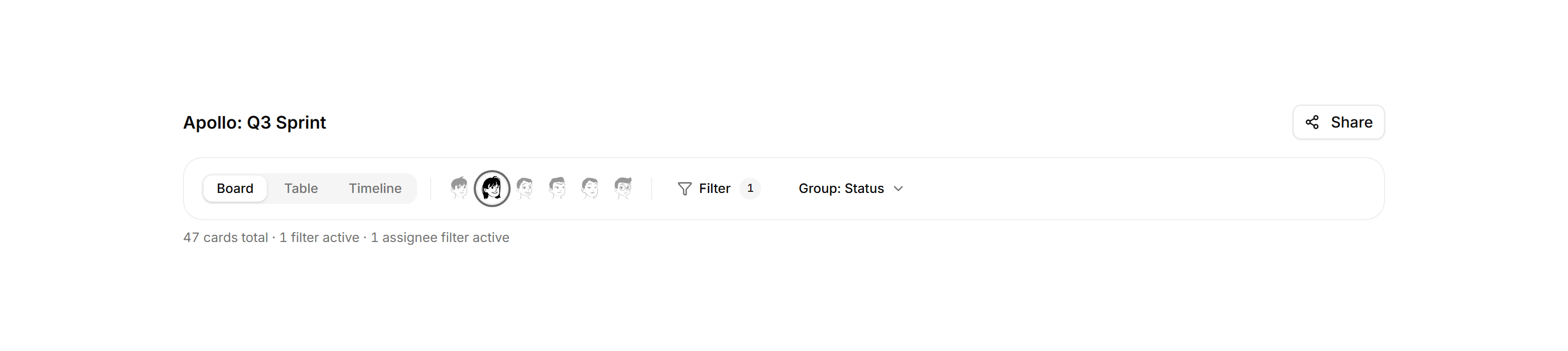
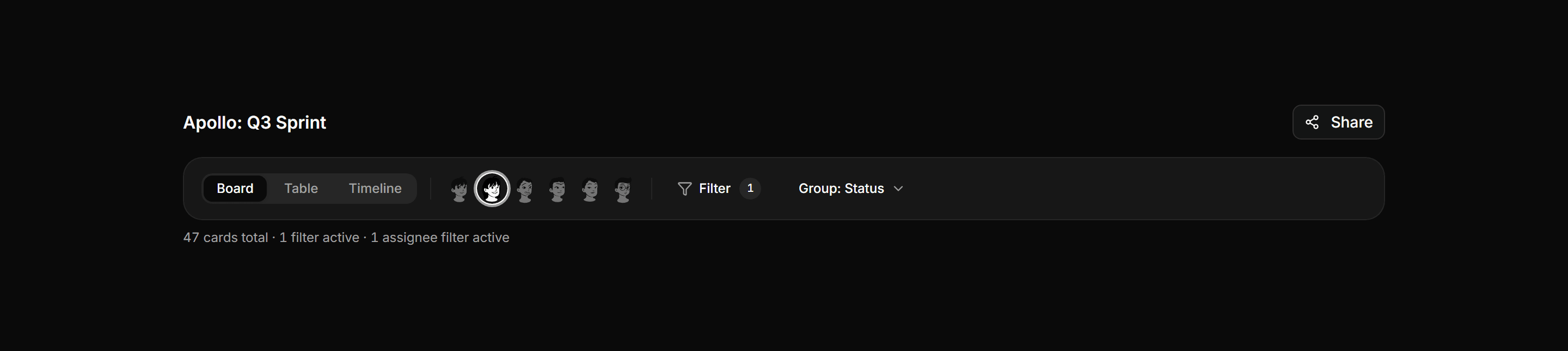
Application Kanban and Board: Board Header Toolbar
Board name, Board and Table and Timeline view switcher, member avatar filters, an active filter badge, group-by selector, and a share button.
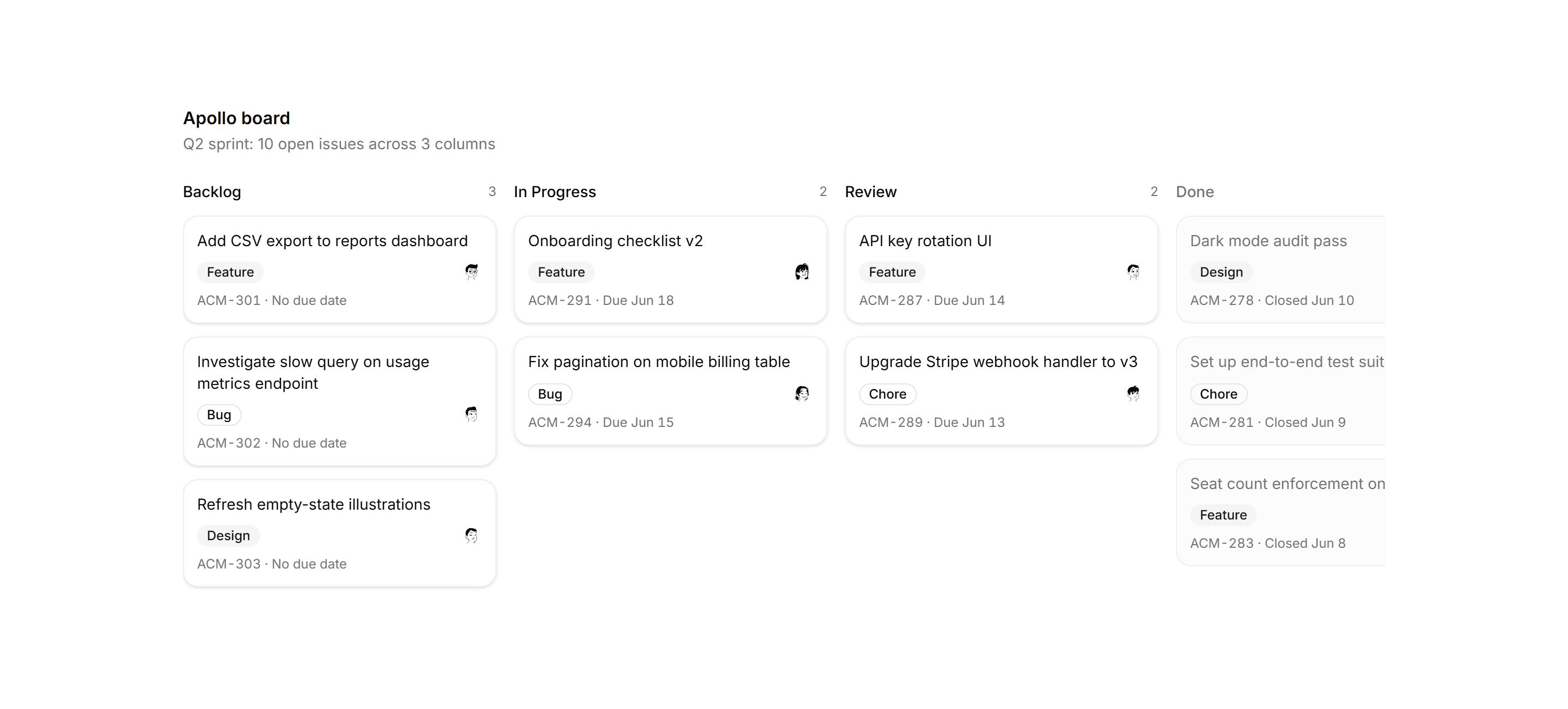
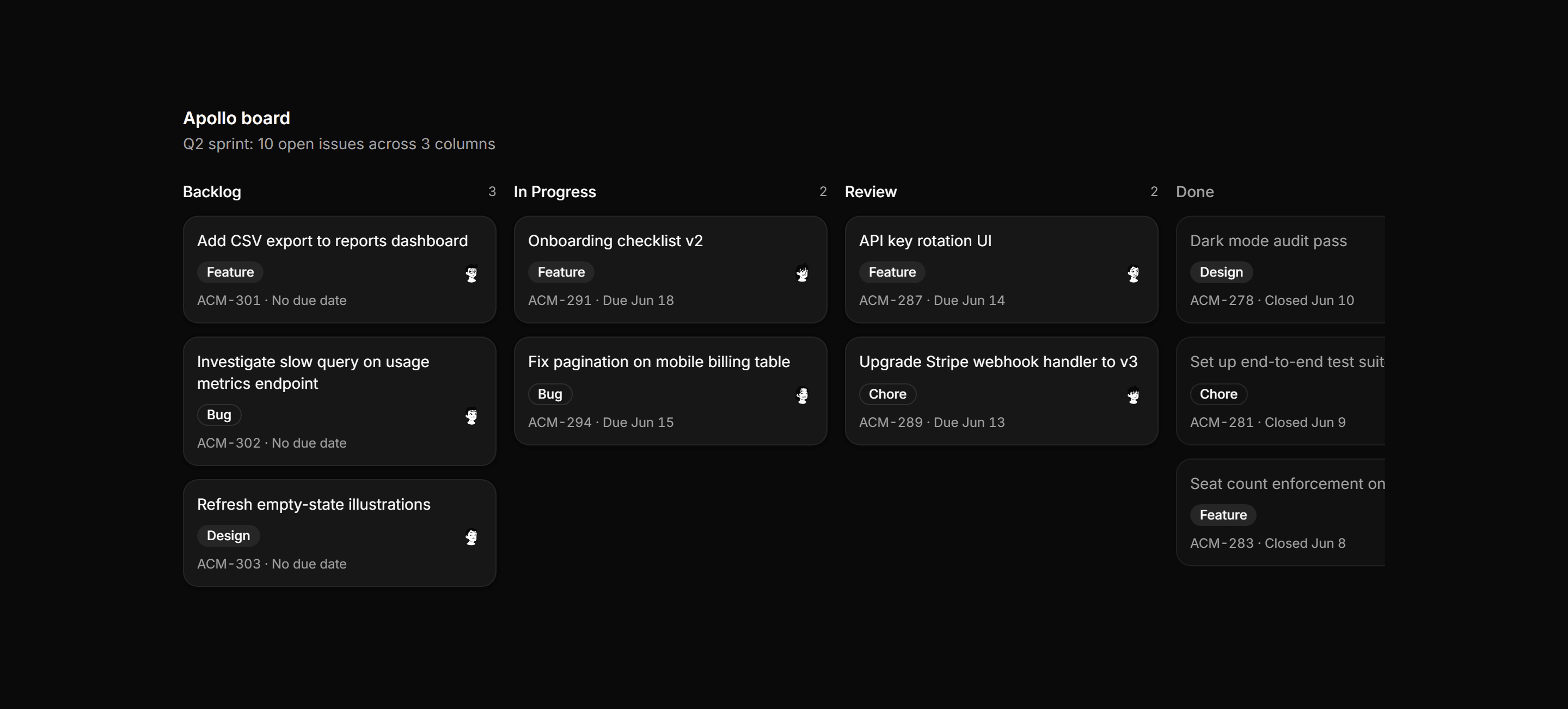
Application Kanban and Board: Kanban Board
Full four-column product board with issue cards showing label badges, assignee avatars, and muted Done column.
Application Kanban and Board: Board Column Card
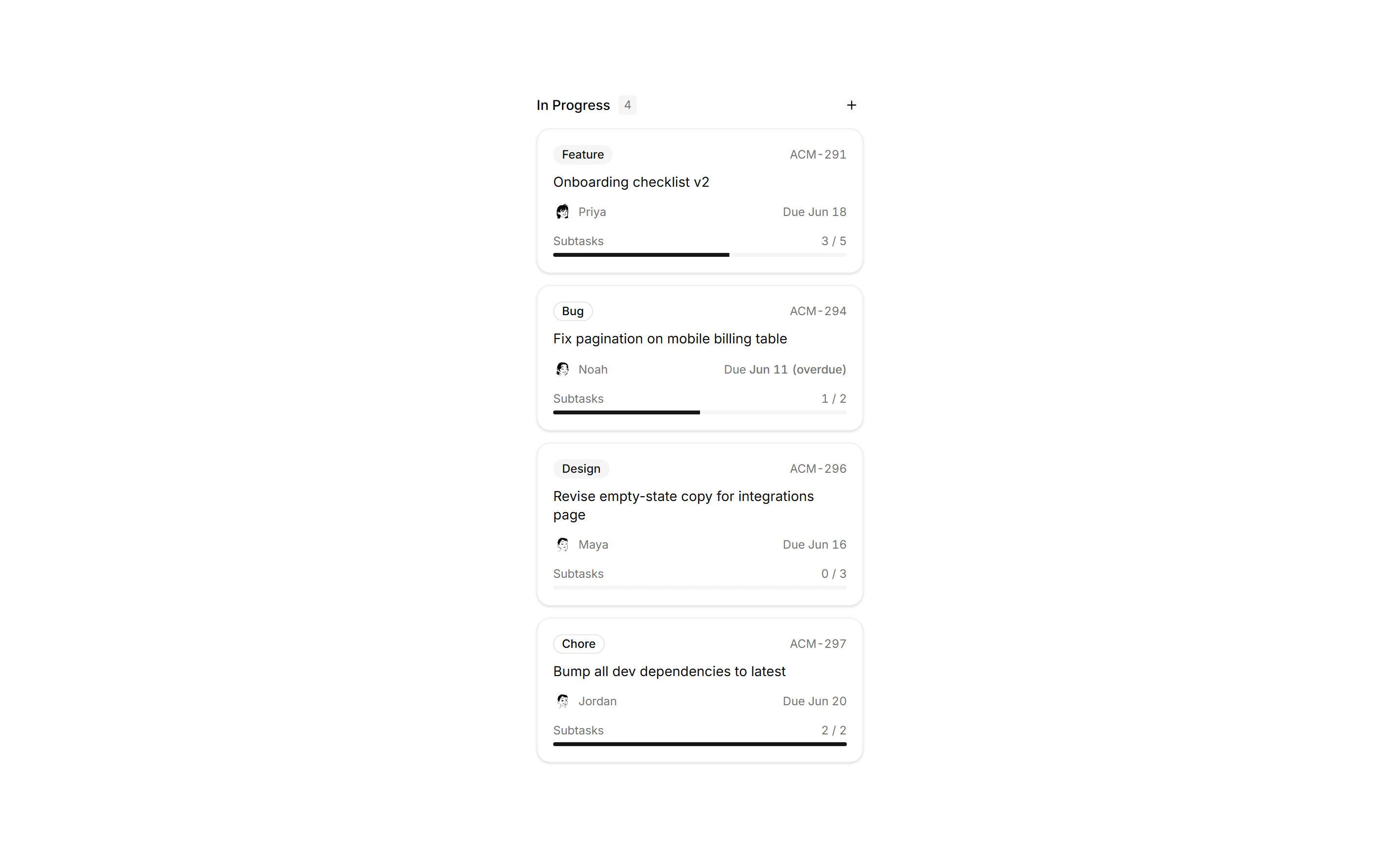
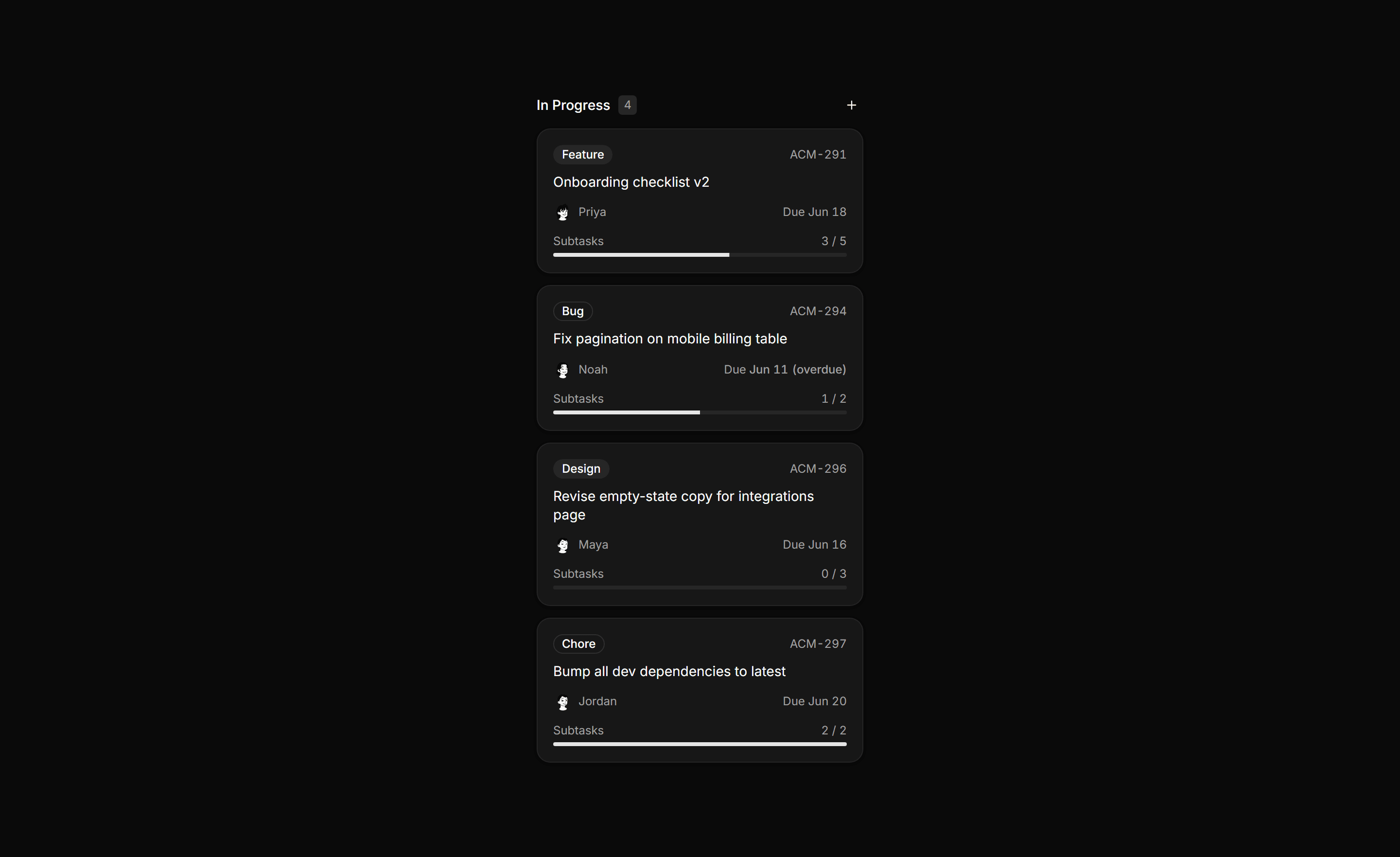
Isolated kanban column with header count, add affordance, and cards showing label, assignee, due date, and subtask progress.
Application Kanban and Board: Card Composer Column
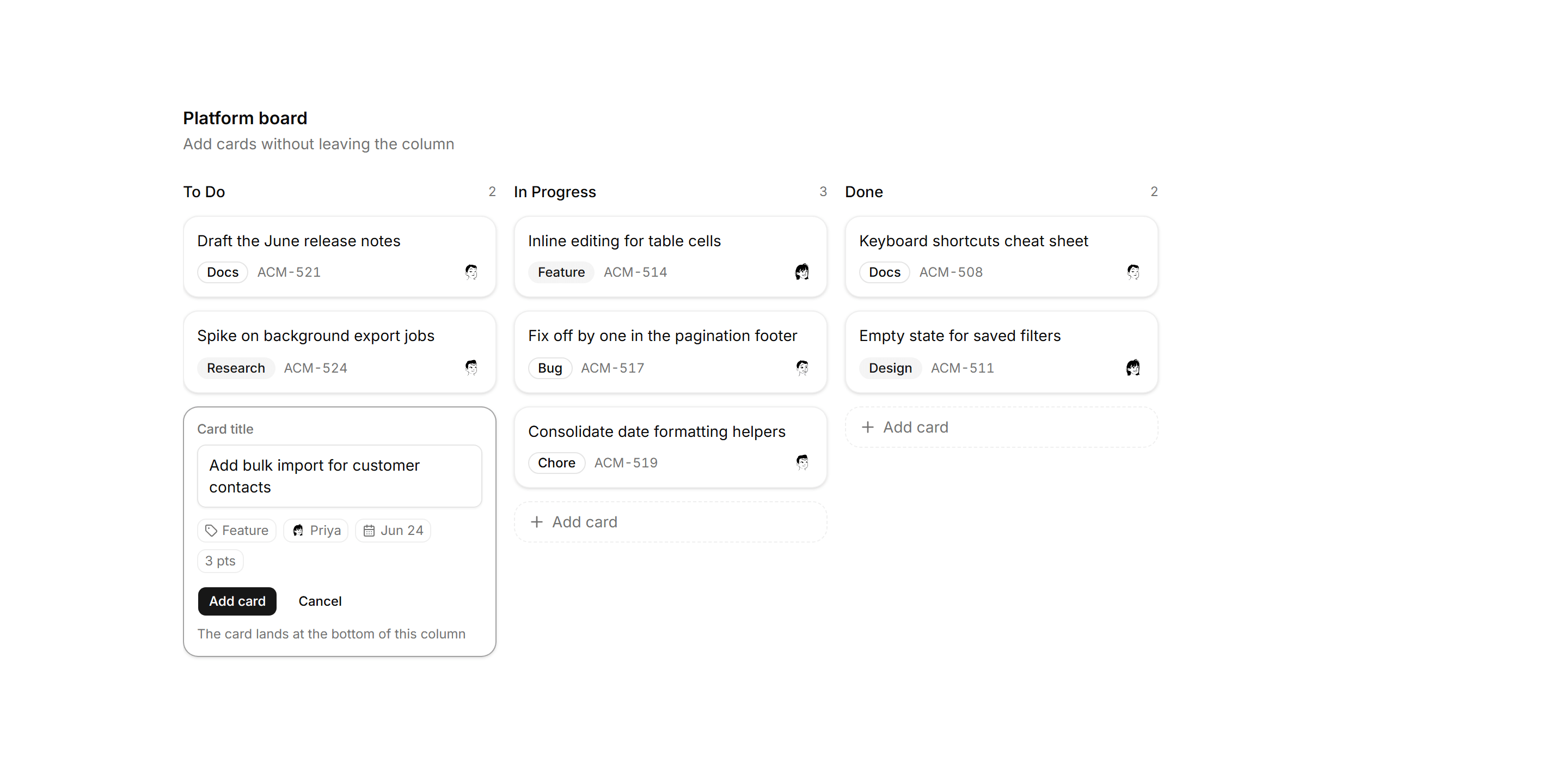
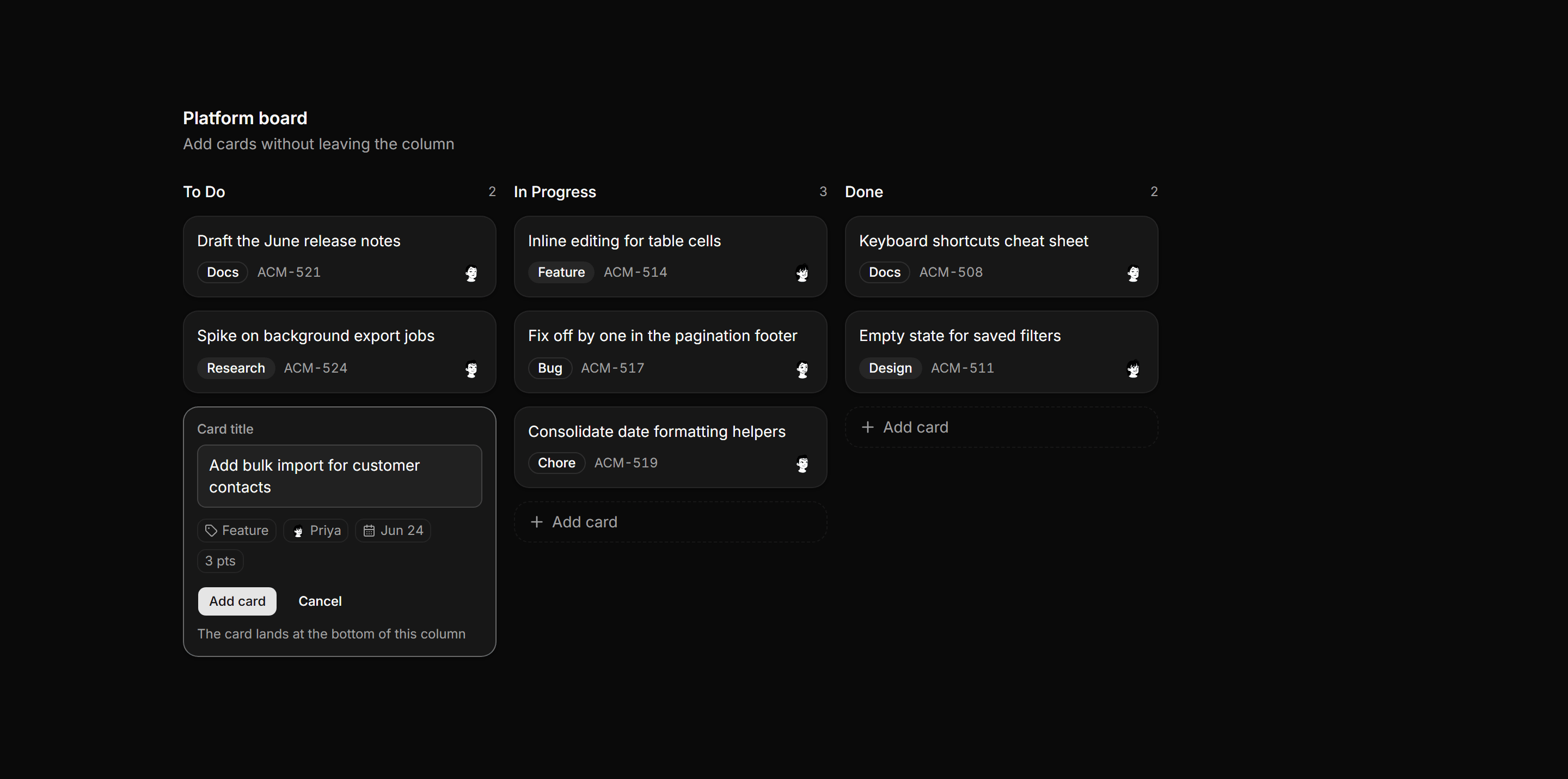
Kanban board with an open inline card composer in the first column, offering a title field, label, owner, due date, and estimate chips.
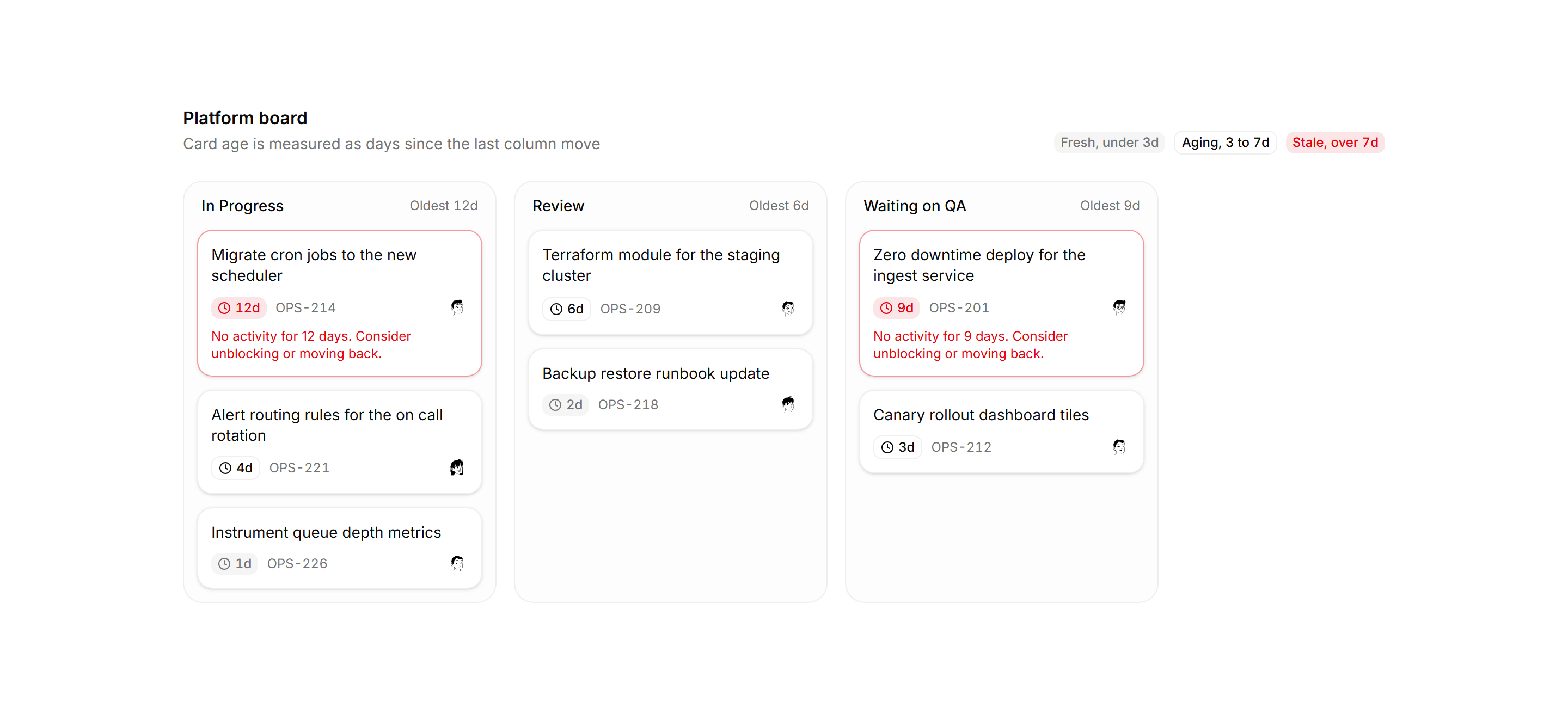
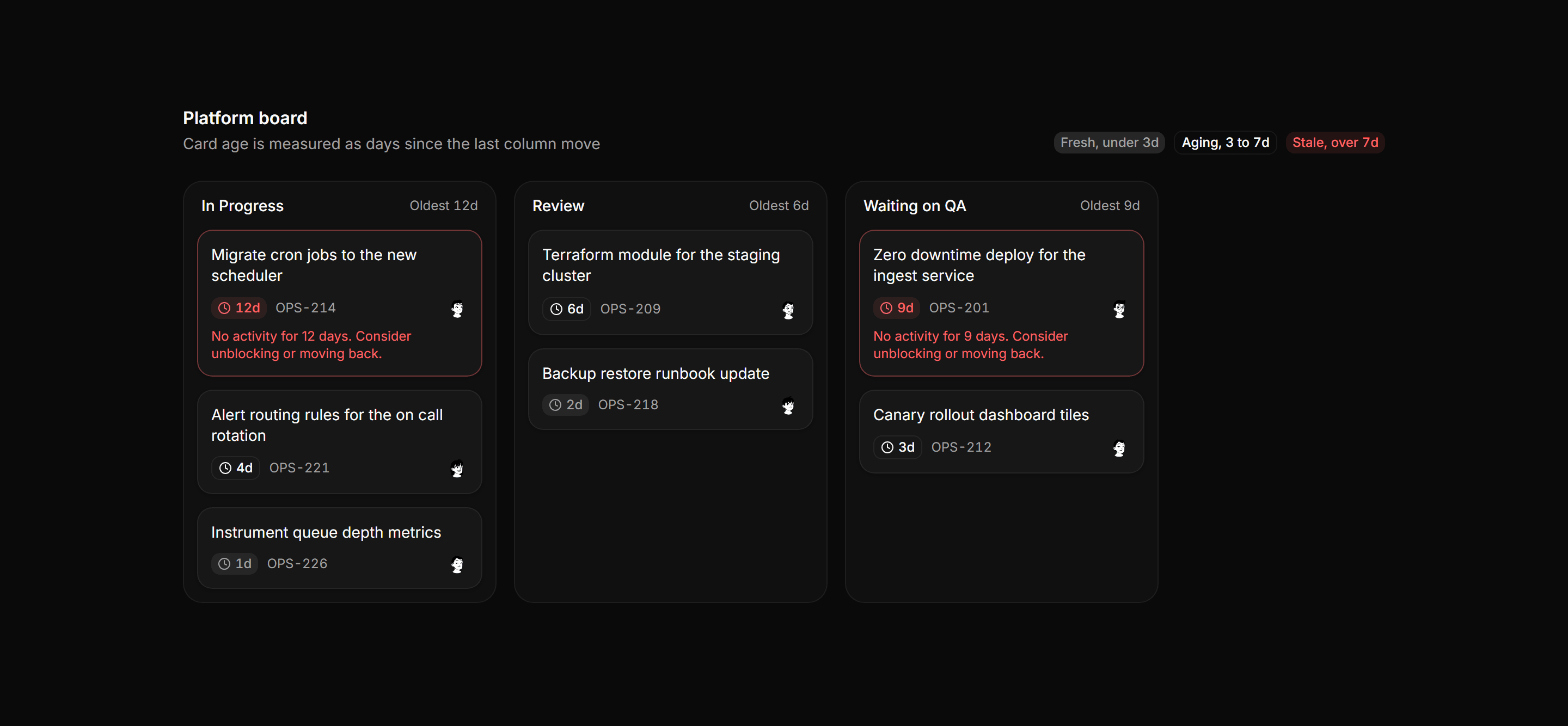
Application Kanban and Board: Card Aging Board
A kanban board where each card carries a days in column chip tiered fresh, aging, or stale, with stale cards flagged and a threshold legend.
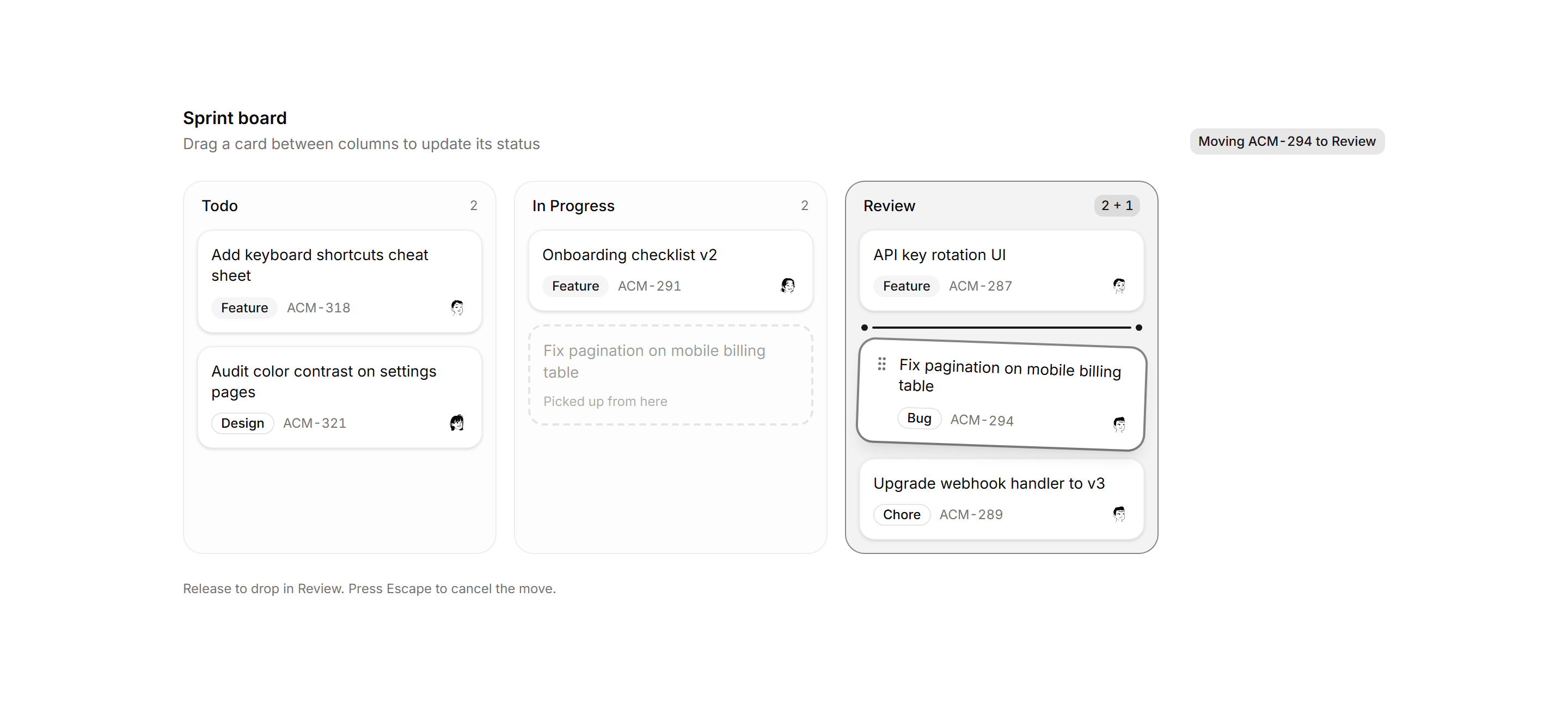
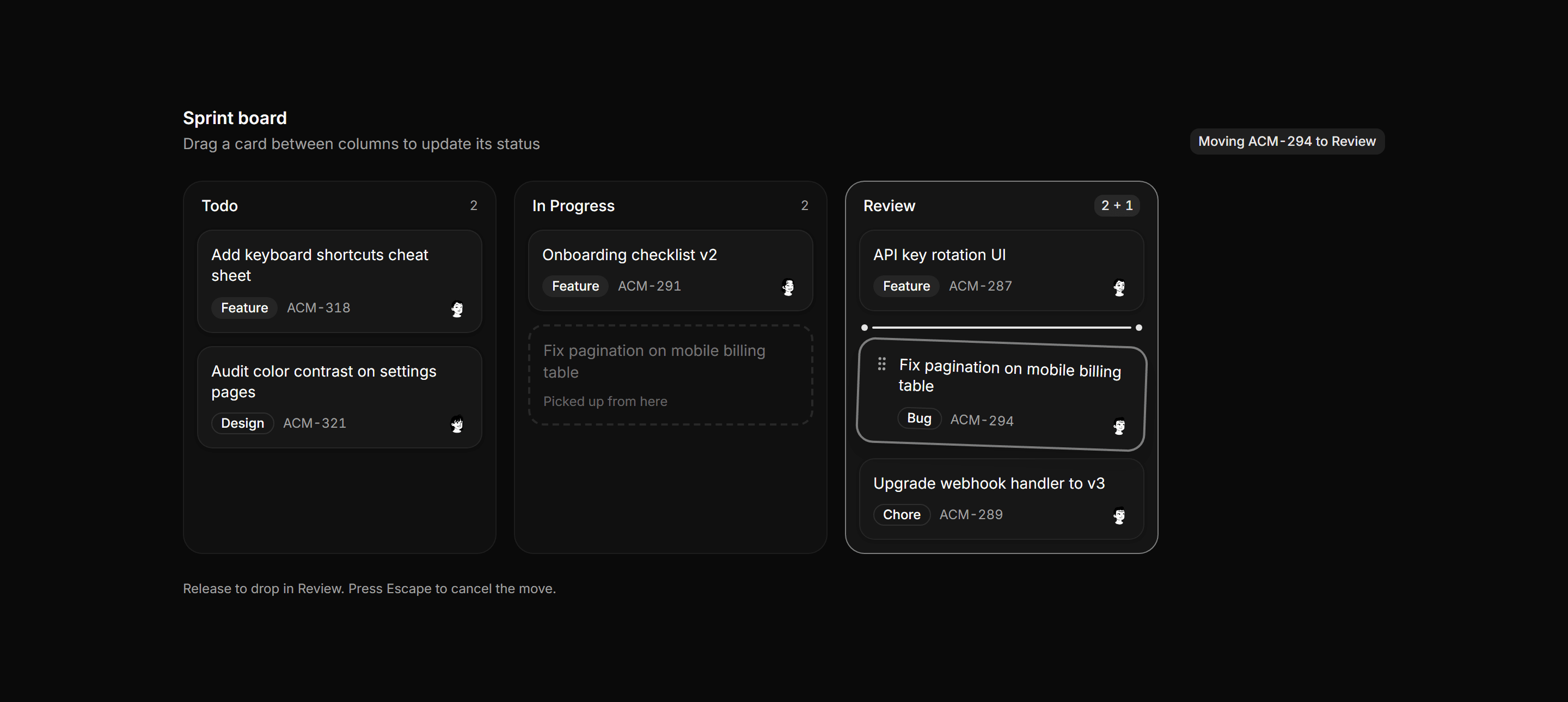
Application Kanban and Board: Drag State Board
A kanban board frozen mid drag with a dashed pickup ghost, a tilted lifted card over an insertion indicator, and a move status line.
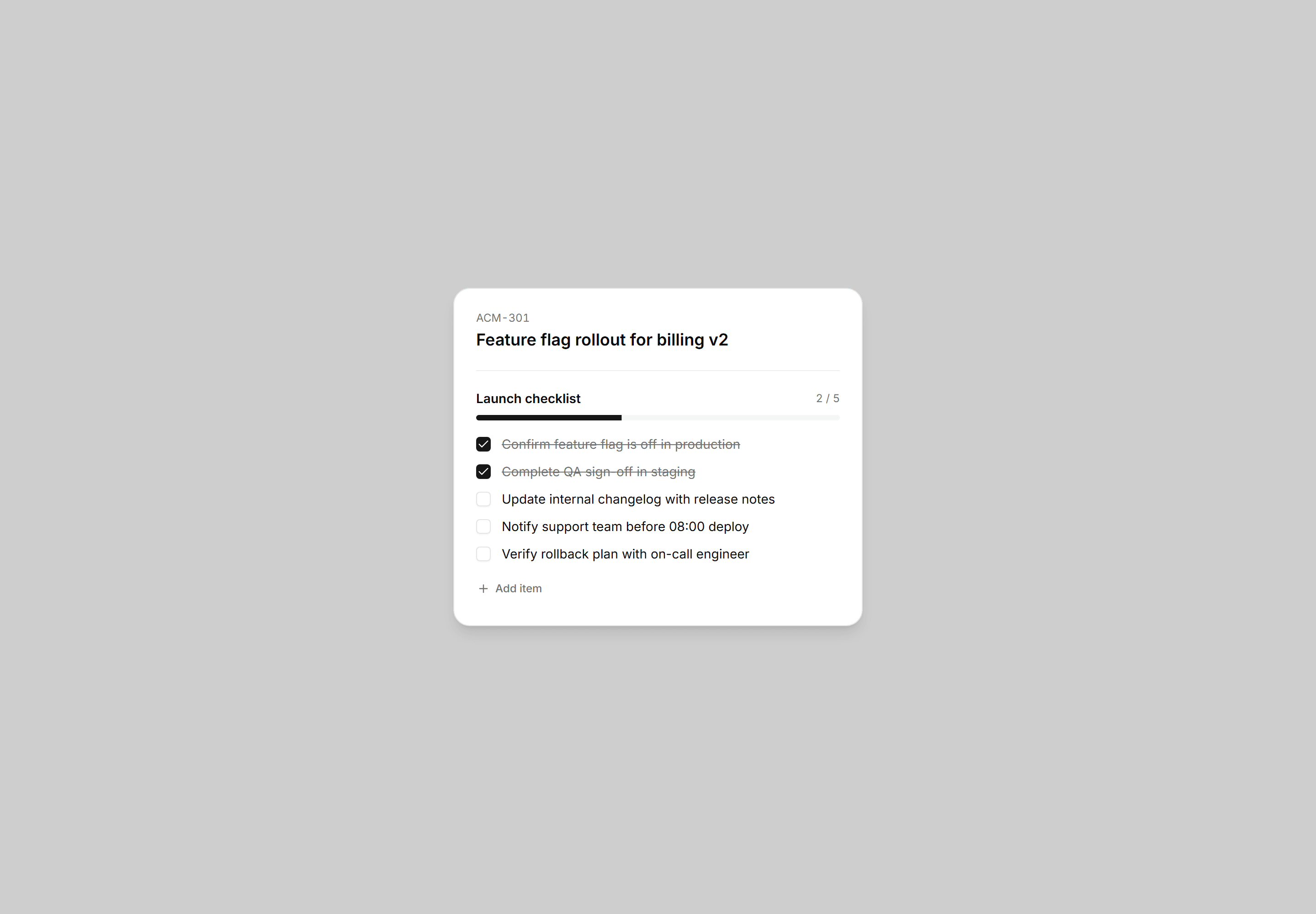
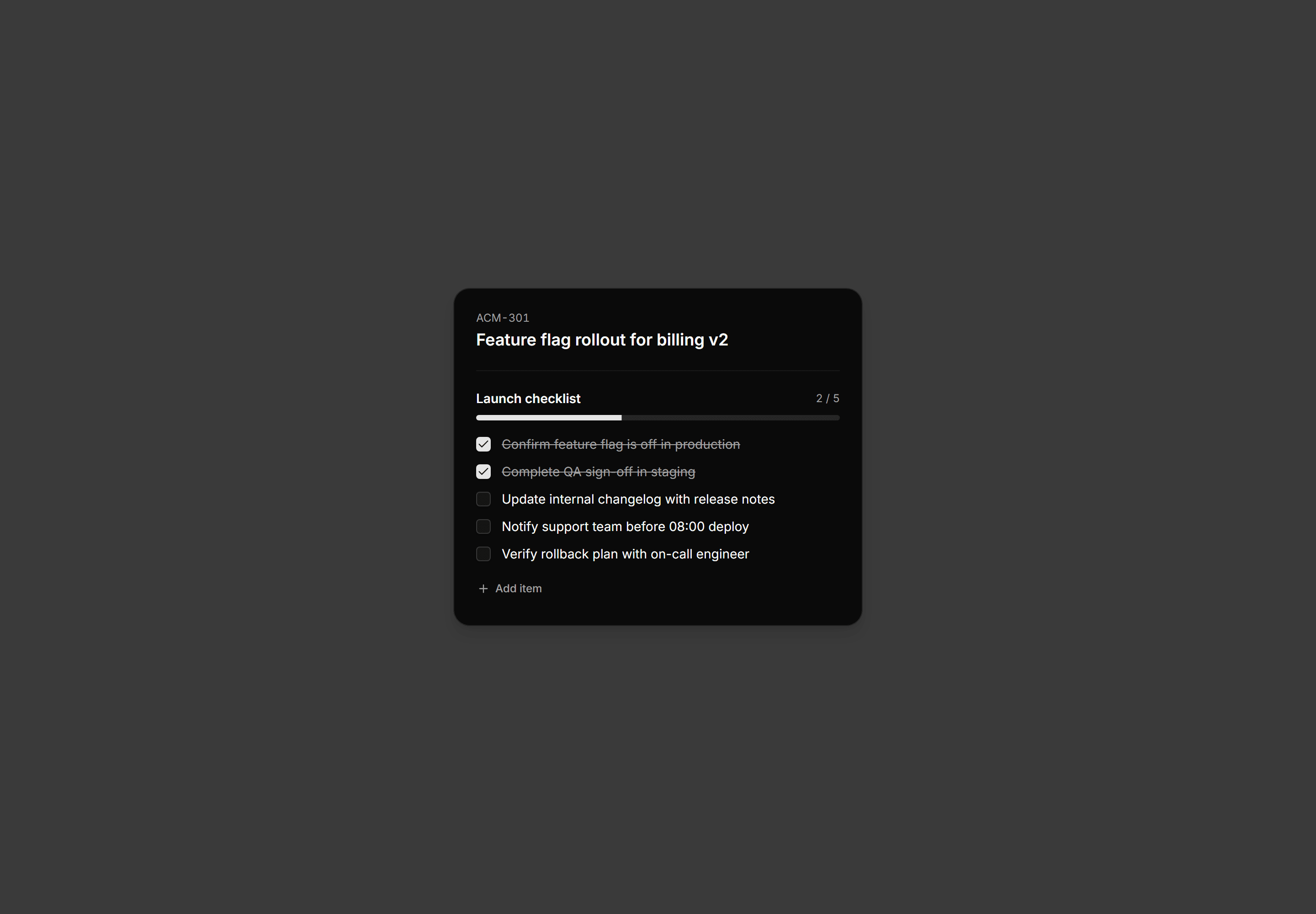
Application Kanban and Board: Card Checklist Panel
Subtask checklist inside an open kanban card with a progress bar, five items, two pre-checked, and an add-item affordance.
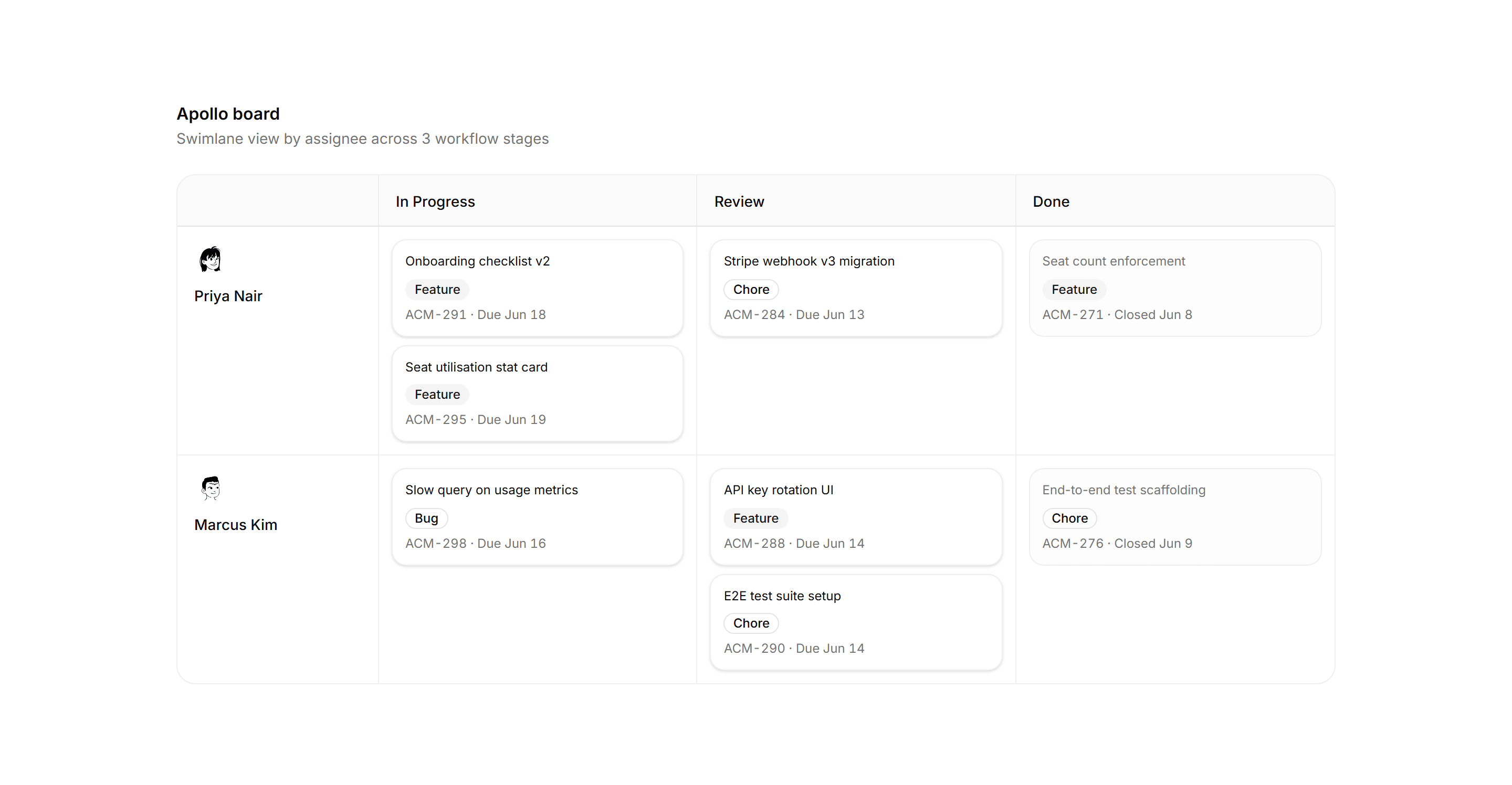
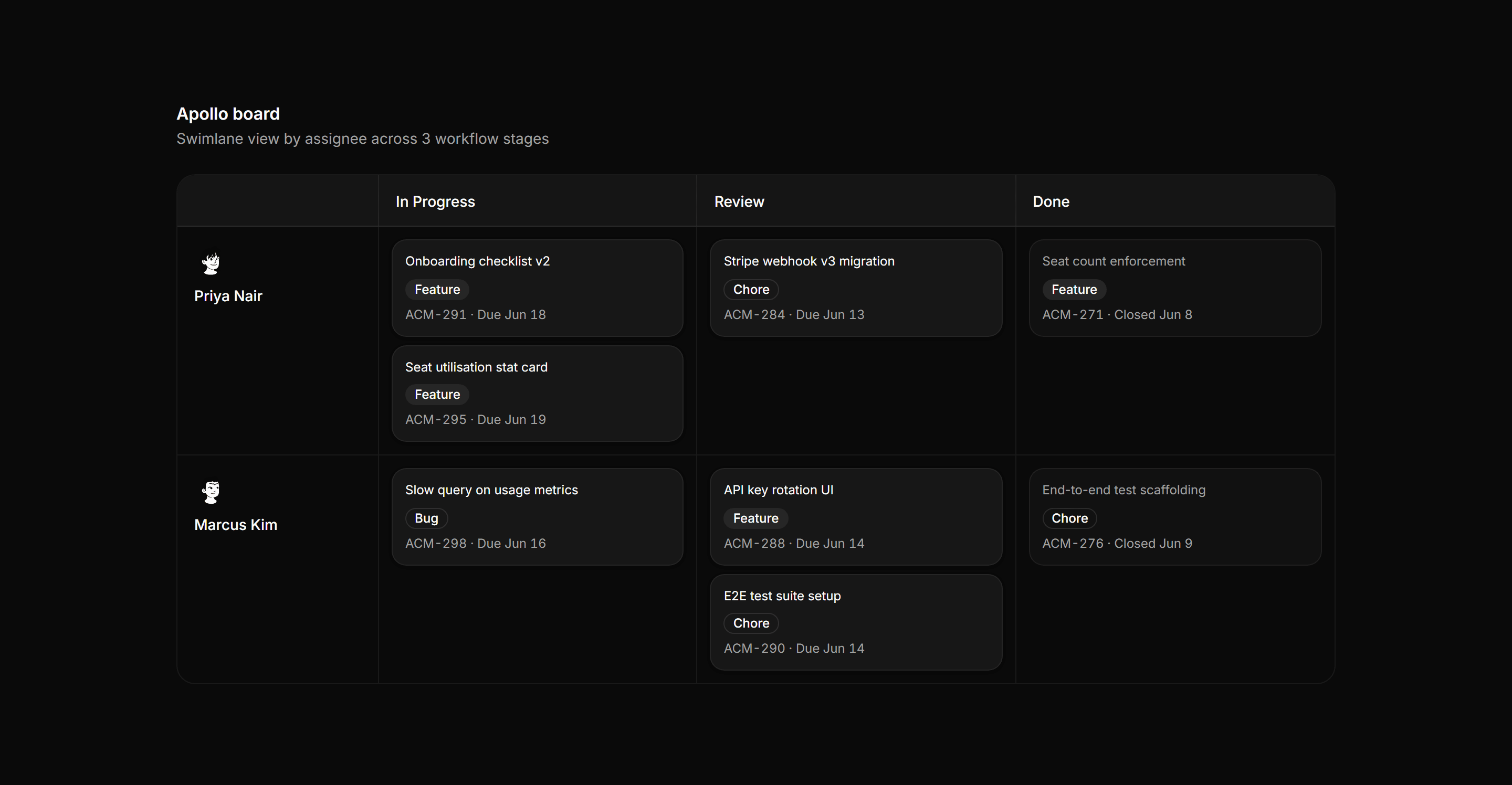
Application Kanban and Board: Swimlane Board
Kanban grid with two assignee lanes crossing three workflow columns and dashed empty-cell placeholders.