Shadcn FAQ Section Blocks
Browse 13 FAQ section blocks for shadcn/ui. Accordions, grids, tabbed and searchable layouts that answer common questions and reduce support load.
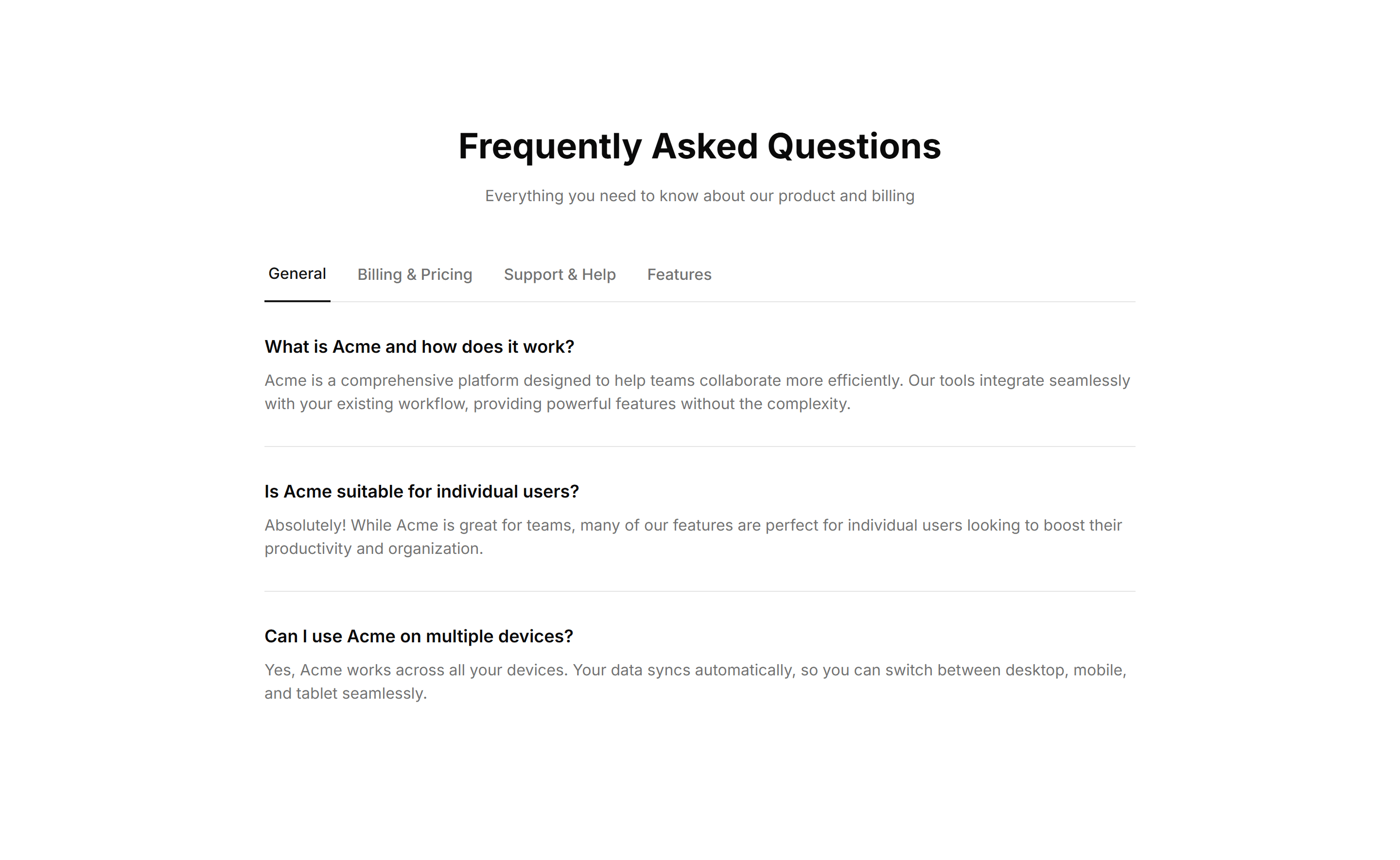
Marketing FAQ Section: Tabbed Categories
An FAQ section with tabs that group questions by category. Visitors pick a topic and see only relevant answers, keeping a broad help area uncluttered.
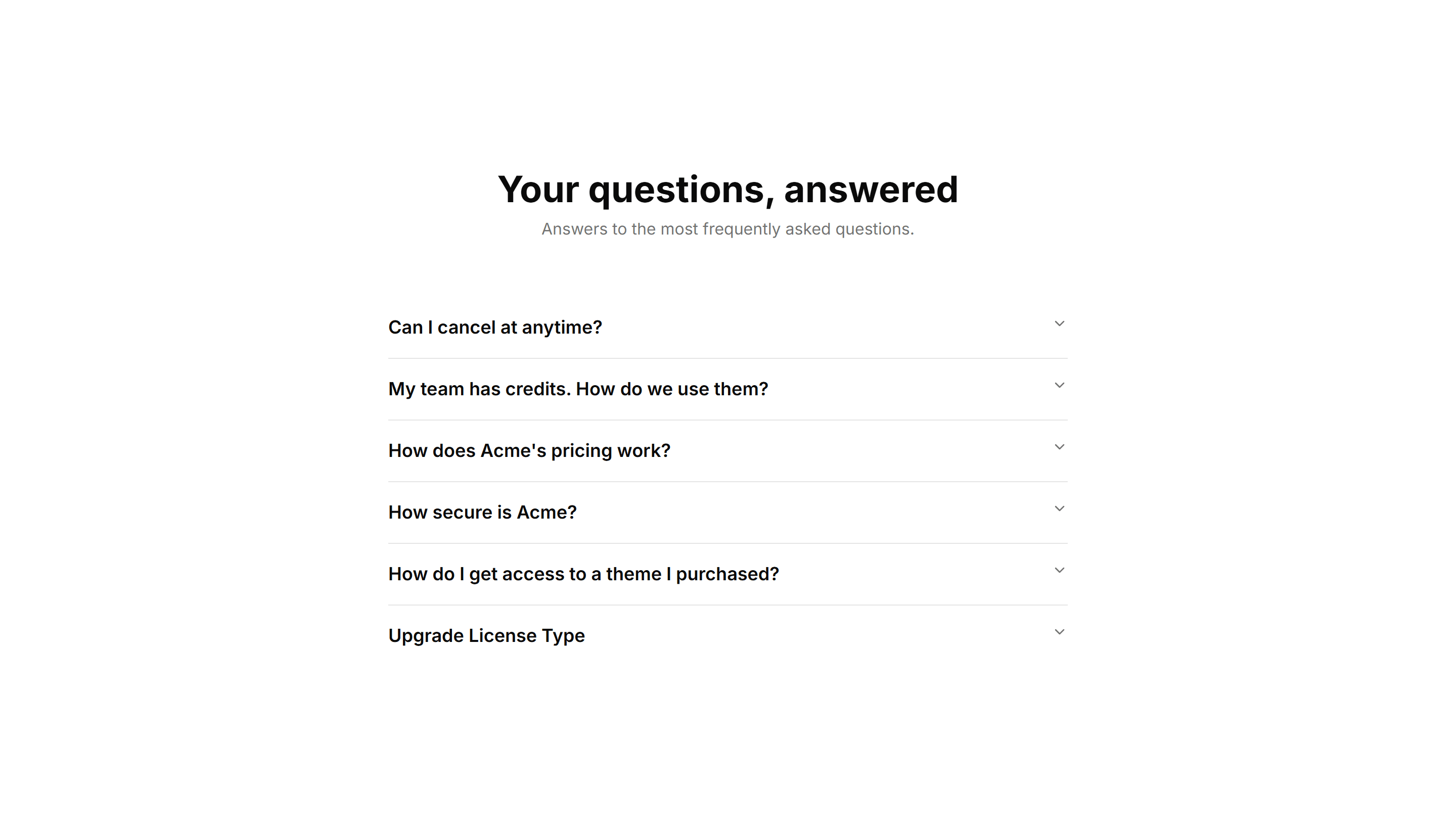
Marketing FAQ Section: Center Aligned
A centered FAQ column with a heading and stacked accordion items. Keeps focus on the questions and works well as a standalone support section on any page.
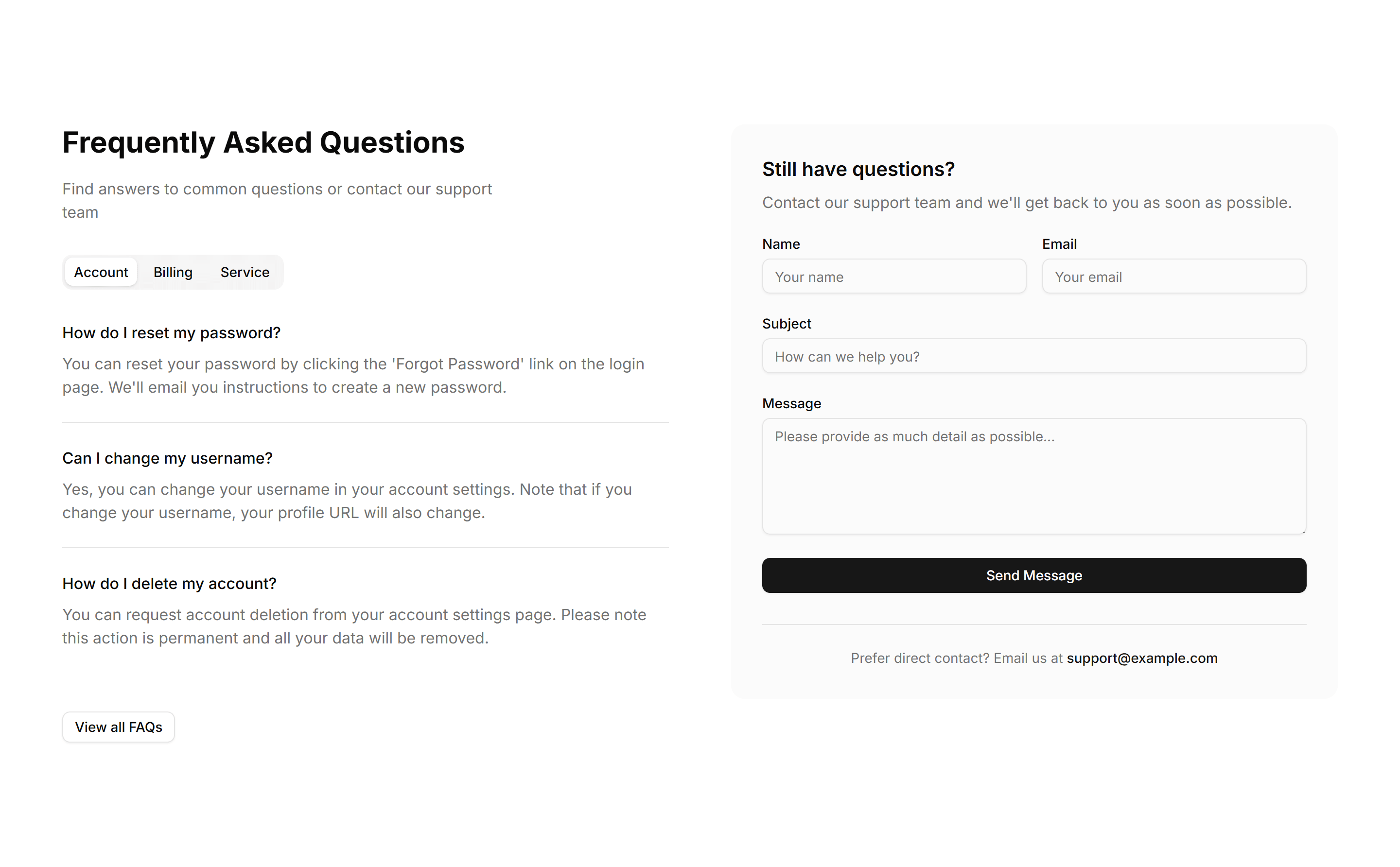
Marketing FAQ Section: Contact Form
An FAQ section paired with a contact form, so visitors read common answers and reach out when their question is not covered, all within one tidy section.
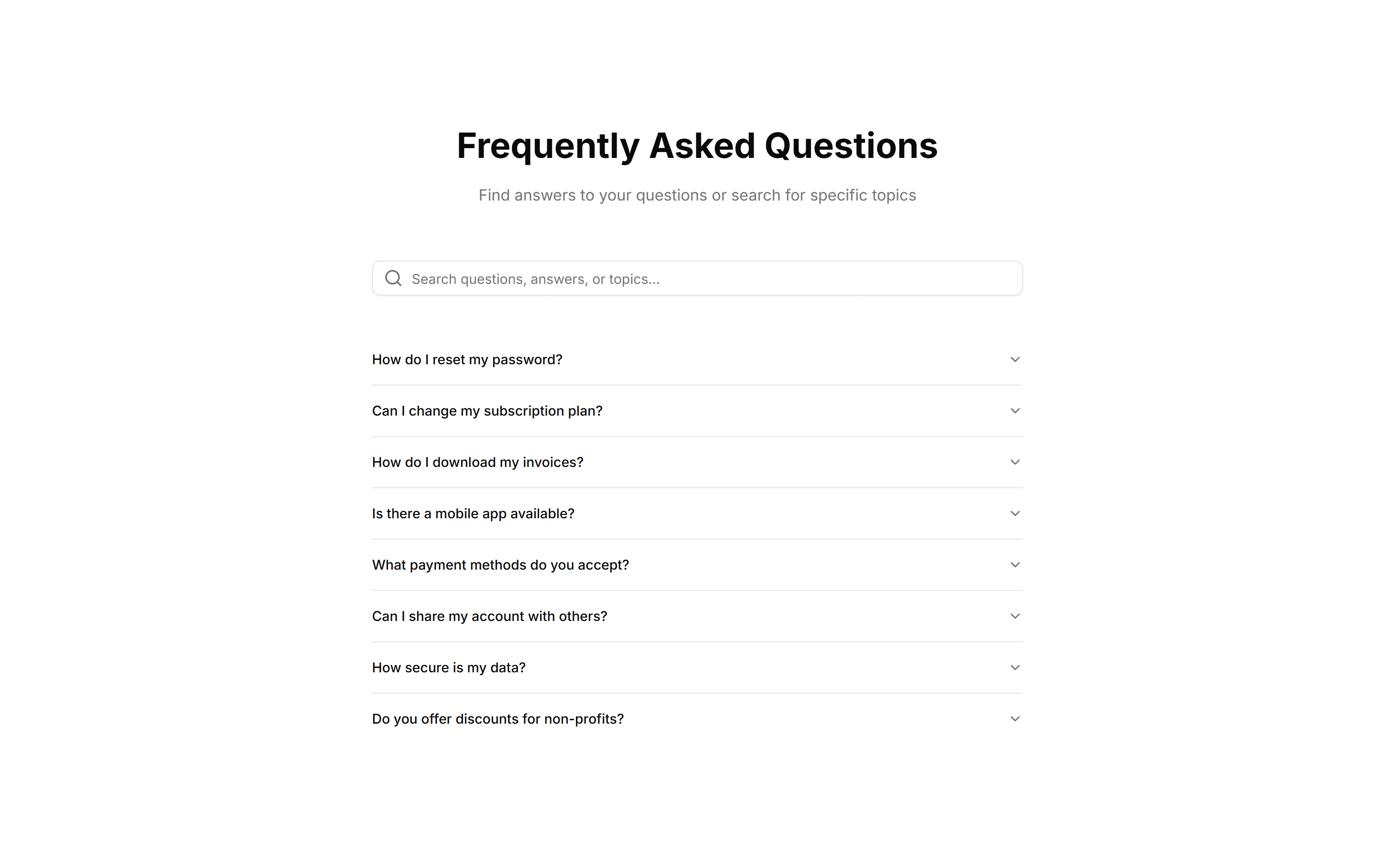
Marketing FAQ Section: Search Filter
An FAQ section with a search field that filters questions as you type. Helps visitors jump straight to the answer they want across a long question list.
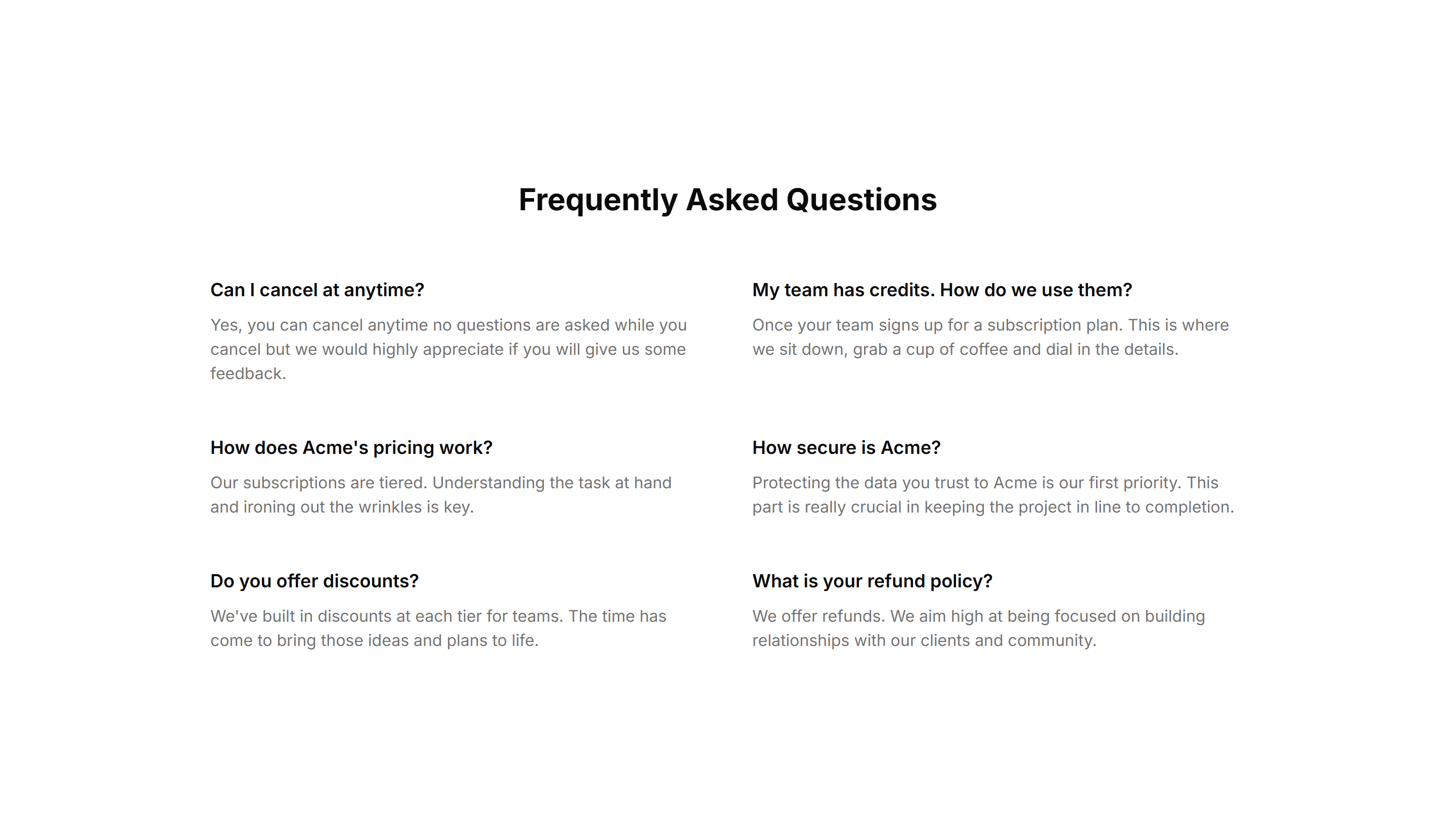
Marketing FAQ Section: Simple 2 Cols Grid
A plain two column grid of questions and answers. A compact way to cover many topics at once, ideal for a quick reference block near a page footer.
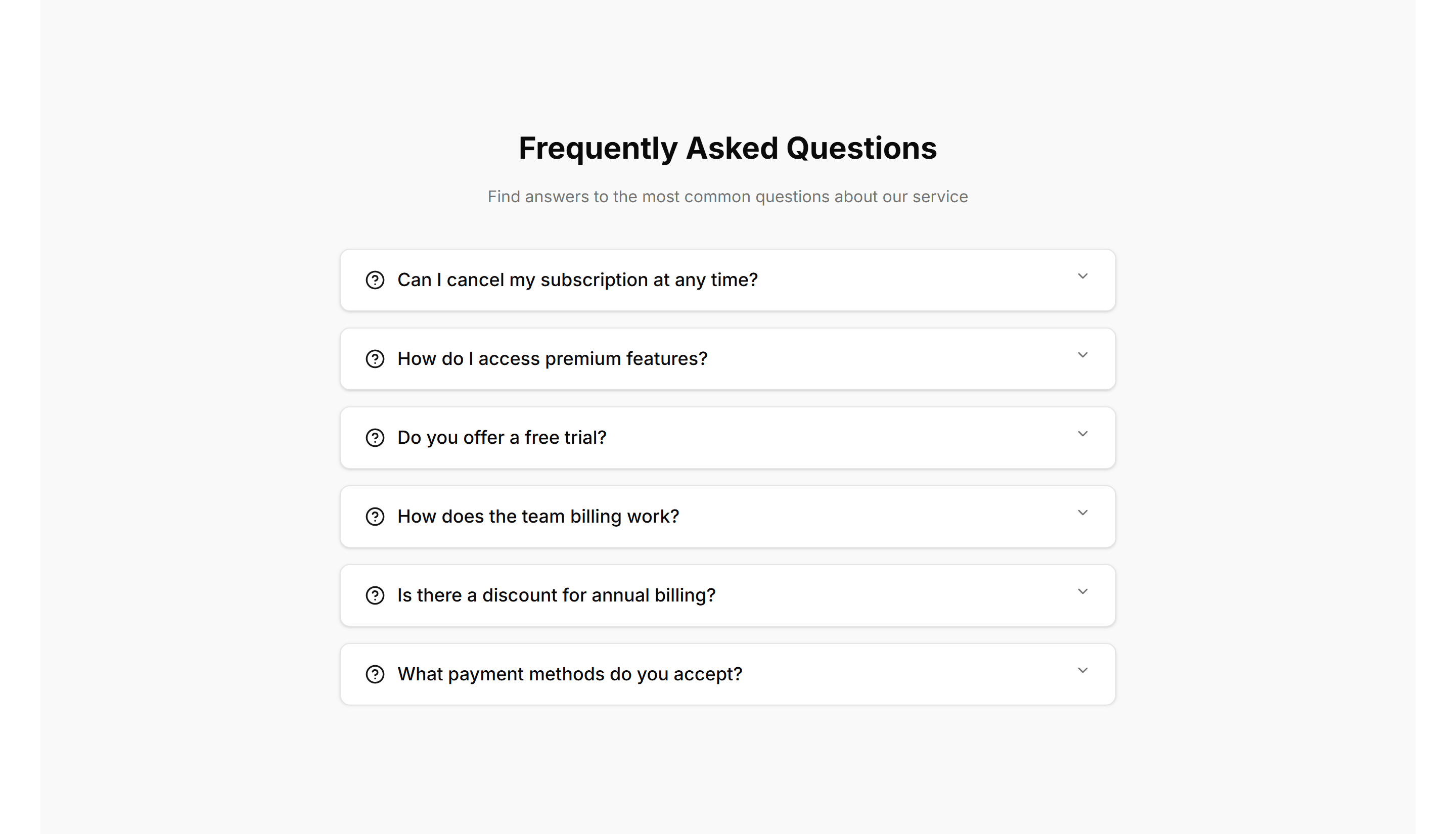
Marketing FAQ Section: Accordion With Background
An accordion FAQ set against a tinted background panel. Each question expands to reveal its answer, keeping long lists of details tidy and easy to scan.
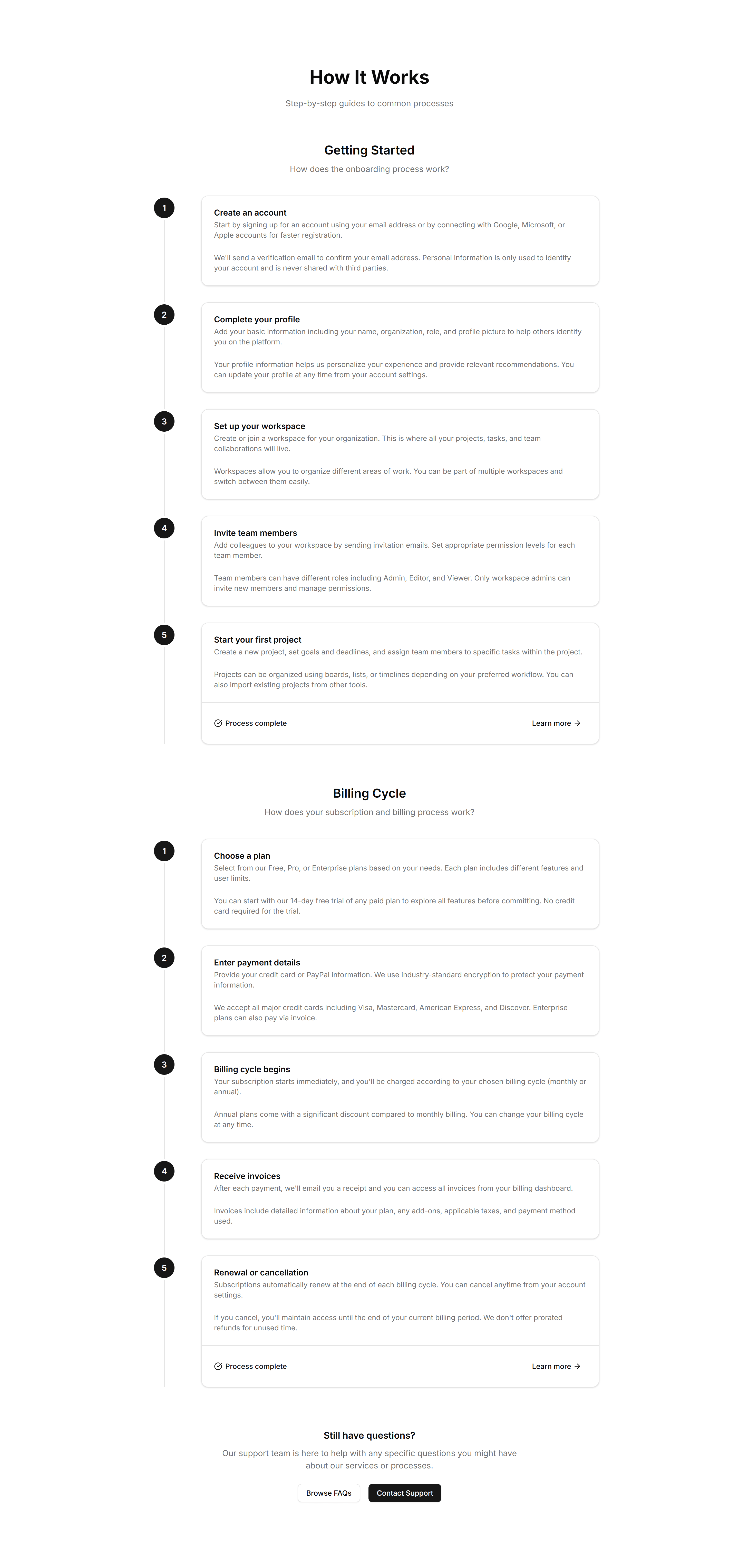
Marketing FAQ Section: Timeline FAQ
An FAQ laid out as a vertical timeline, walking visitors through questions in order. Suited to onboarding or step by step guides where sequence matters.
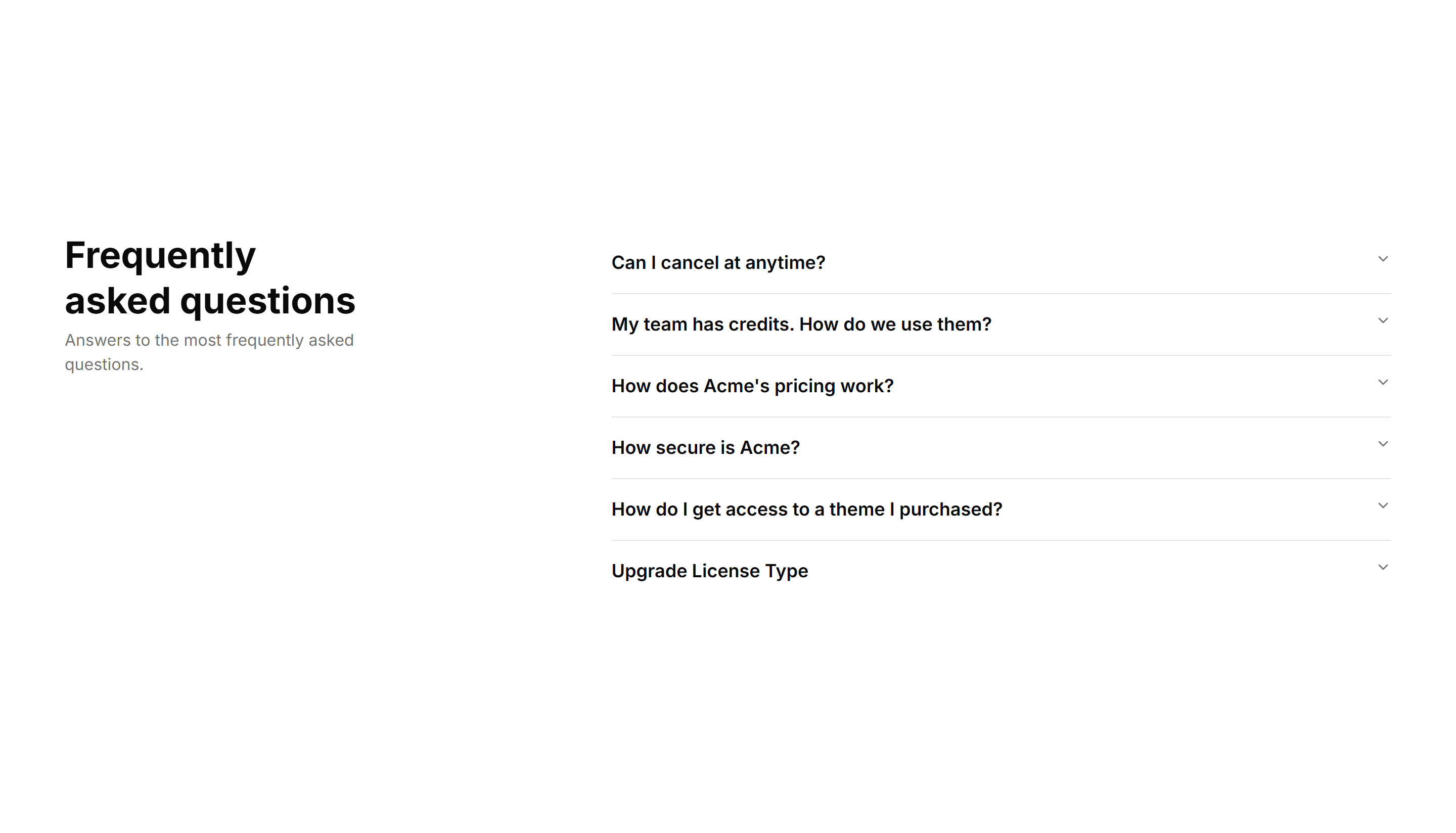
Marketing FAQ Section: Right Aligned
A two column FAQ with the heading and intro on the left and accordion items on the right. Balances explanation and detail across a wide support section.
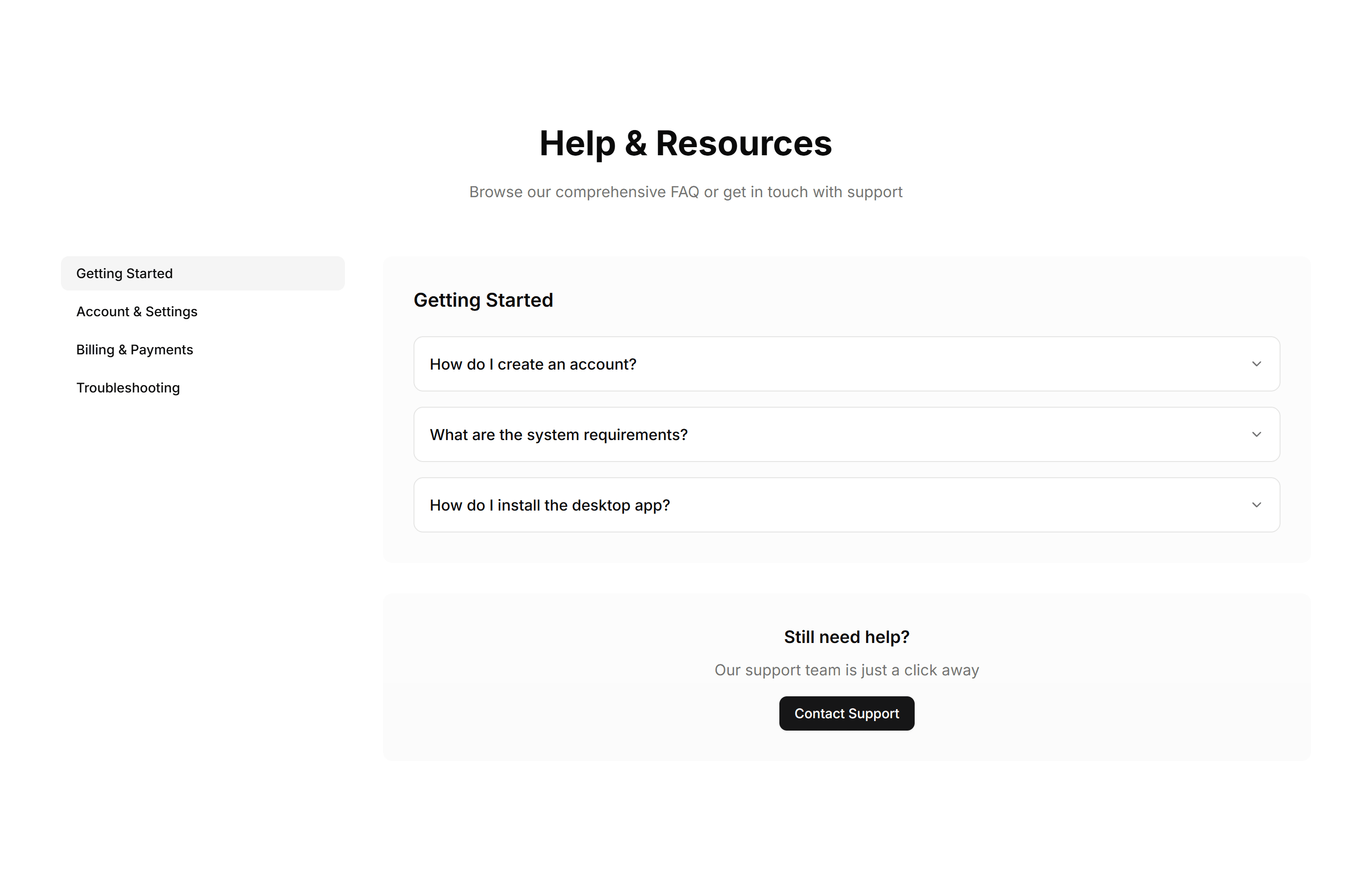
Marketing FAQ Section: Sidebar Navigation
An FAQ layout with a sidebar of categories beside the answers. Lets visitors switch topics quickly and keeps large help sections organized and navigable.

Marketing FAQ Section: Simple With Divider And Icon
A clean FAQ list with an icon by each question and dividers between rows. Keeps a long set of answers readable and clearly separated on any support page.
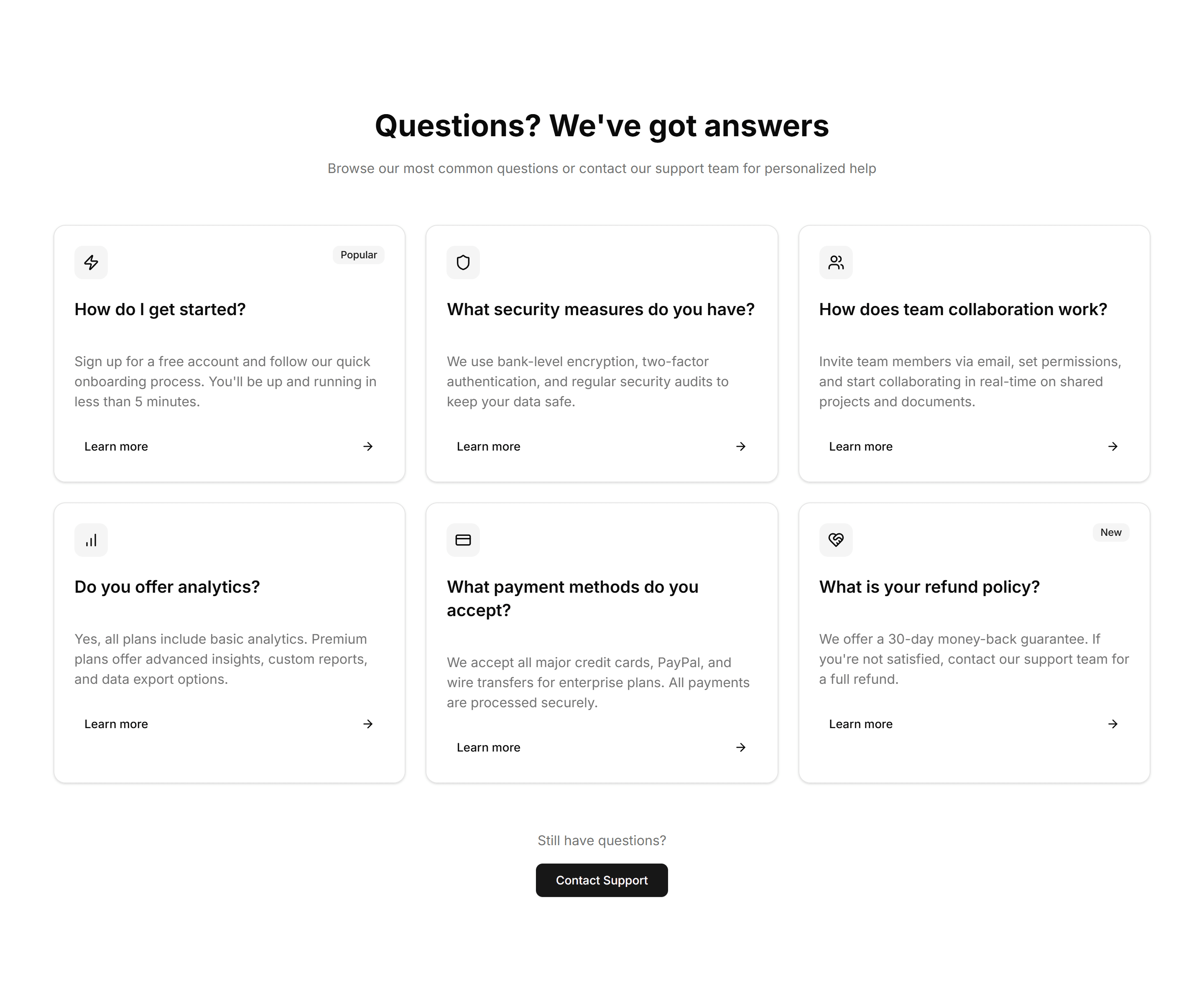
Marketing FAQ Section: Card Grid
A grid of question cards, each holding one query and its answer inline. Lays out frequent questions clearly so visitors find what they need at a glance.
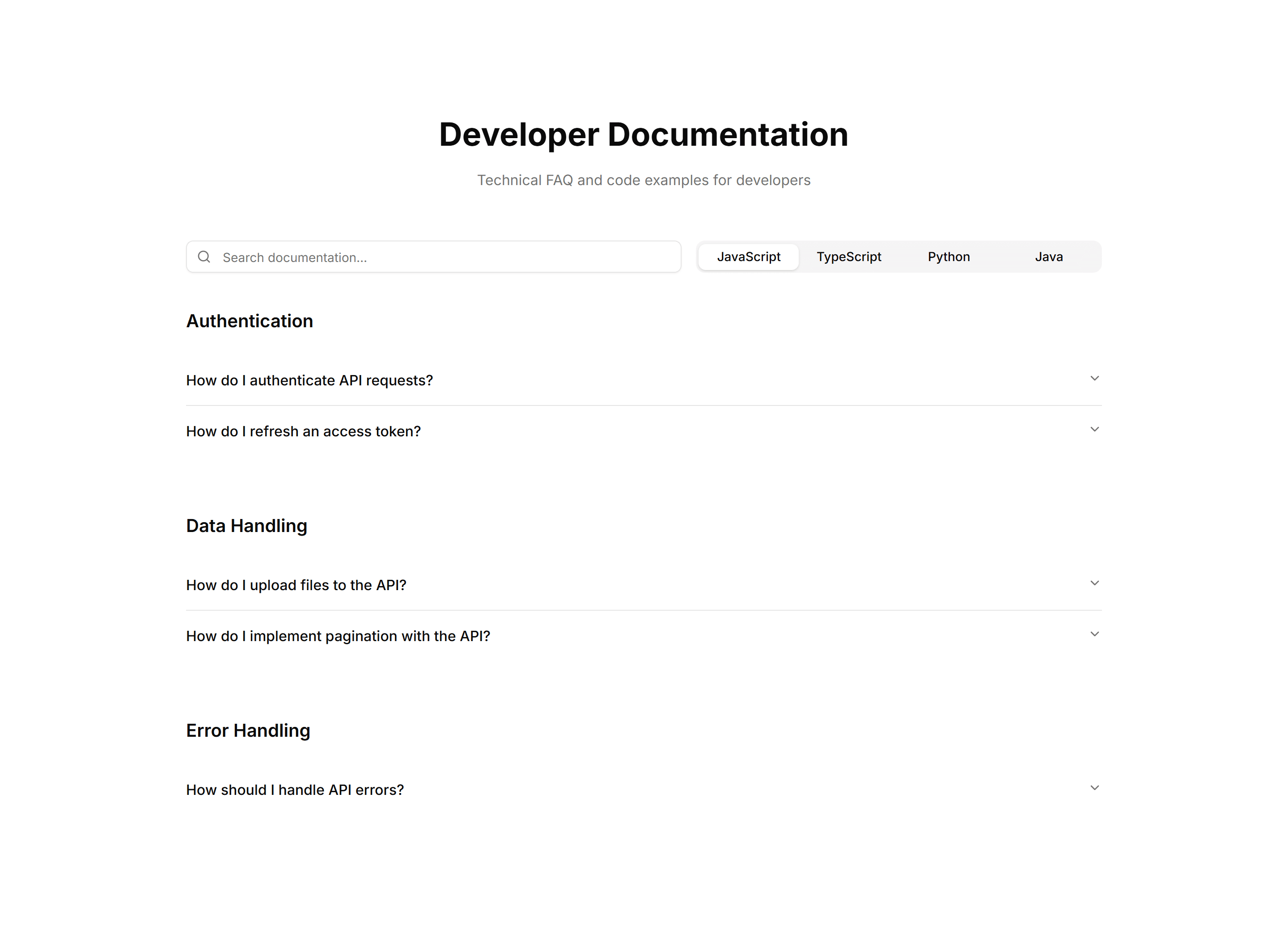
Marketing FAQ Section: Code Snippets
An FAQ layout with formatted code blocks inside answers. Built for developer docs where responses need syntax examples, commands, or configuration shown.
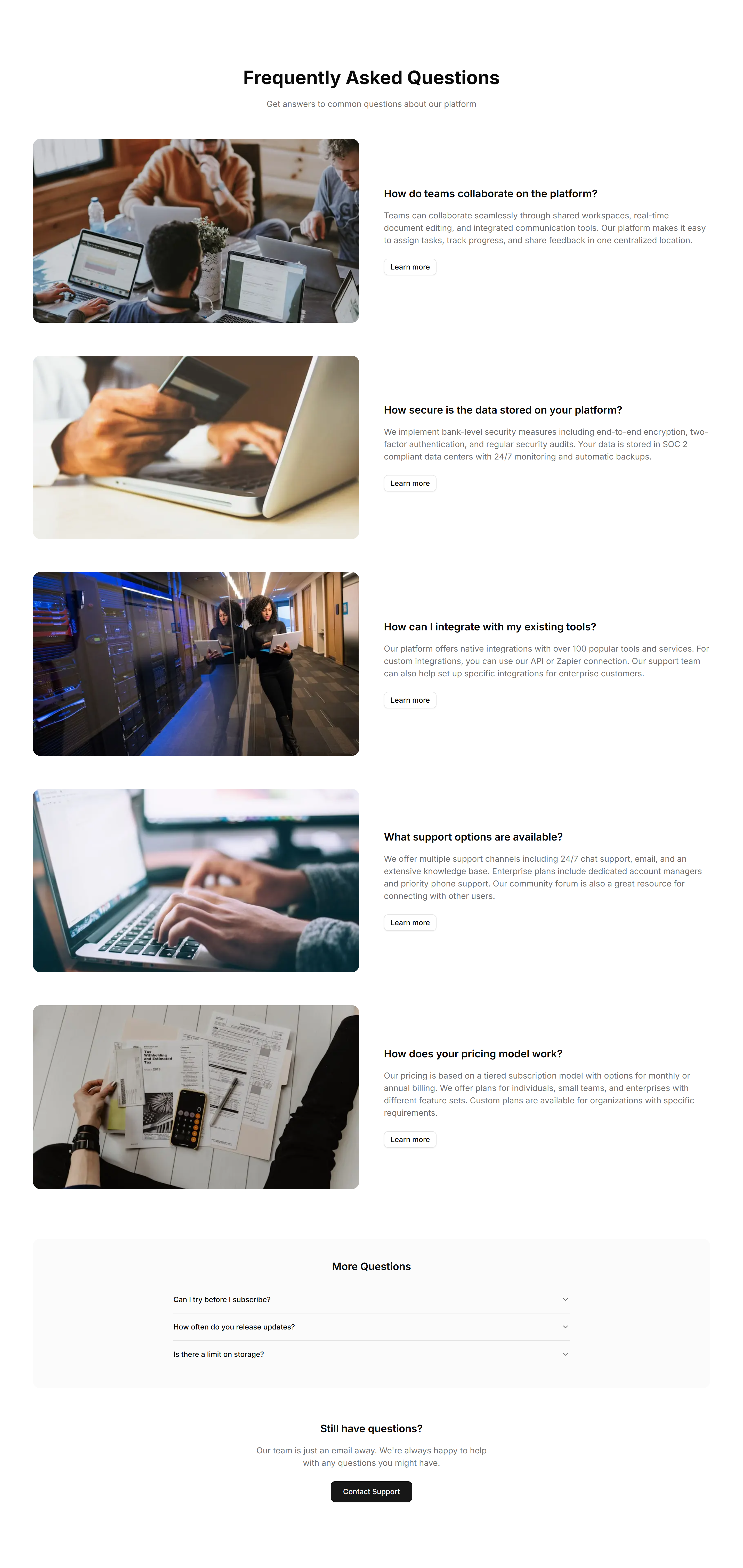
Marketing FAQ Section: Image Illustrated
An FAQ section with a supporting illustration beside the question list. Adds visual context and warmth to a help area while answers stay easy to read.