Shadcn Contact Section Blocks
Browse 5 contact section blocks for shadcn/ui. Forms, maps, social links, and split layouts so visitors can reach you from any portfolio page.
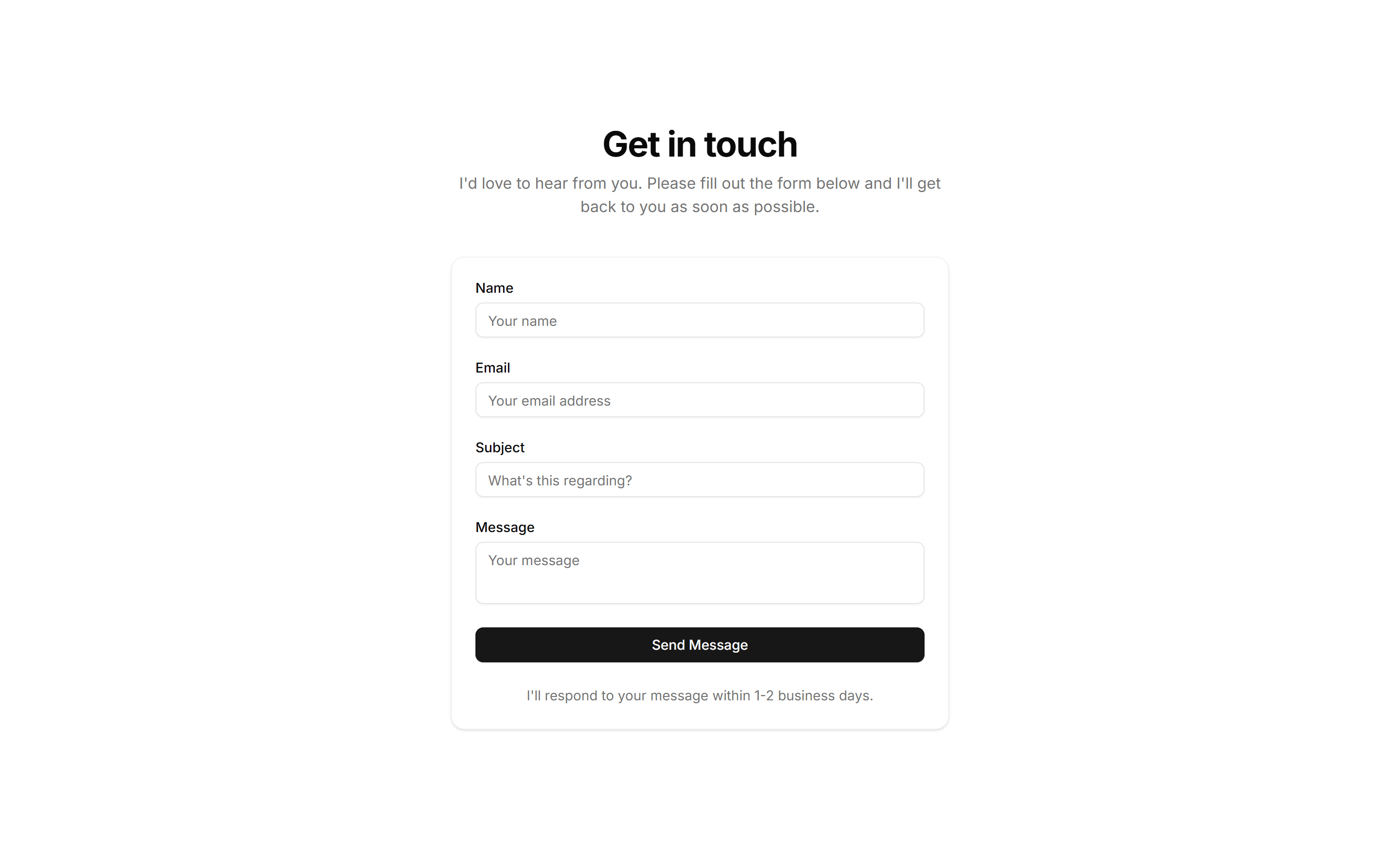
Portfolio Contact Section: Classic Contact Form
A straightforward contact form with name, email, and message fields plus a submit button. Drop it on a portfolio page so visitors can send a quick note.
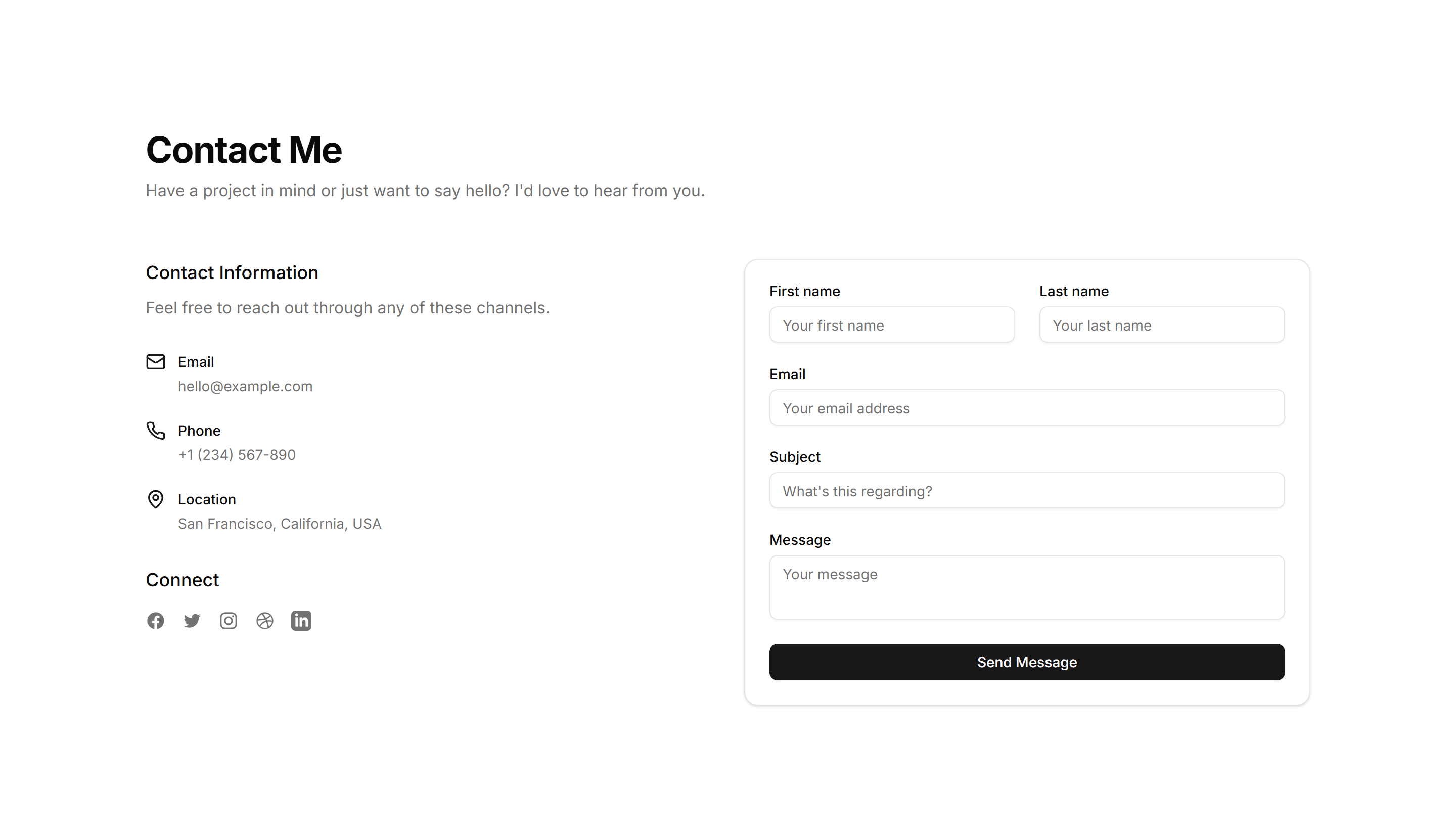
Portfolio Contact Section: Map With Contact Info
Pairs an embedded location map with address, phone, and email details. Use it when clients need to find your studio or office alongside ways to reach you.

Portfolio Contact Section: Minimal Form With Social
A compact contact form sitting beside a row of social media icons. Fits portfolios that want one simple message field and links to your other profiles.

Portfolio Contact Section: Popup Trigger Contact
A button that opens the contact form in a modal dialog, keeping the page clean. Good for portfolios where you want the form hidden until a visitor asks.

Portfolio Contact Section: Split Layout
A two column section with intro copy on one side and the contact form on the other. Balances a personal message with a clear path to get in touch.
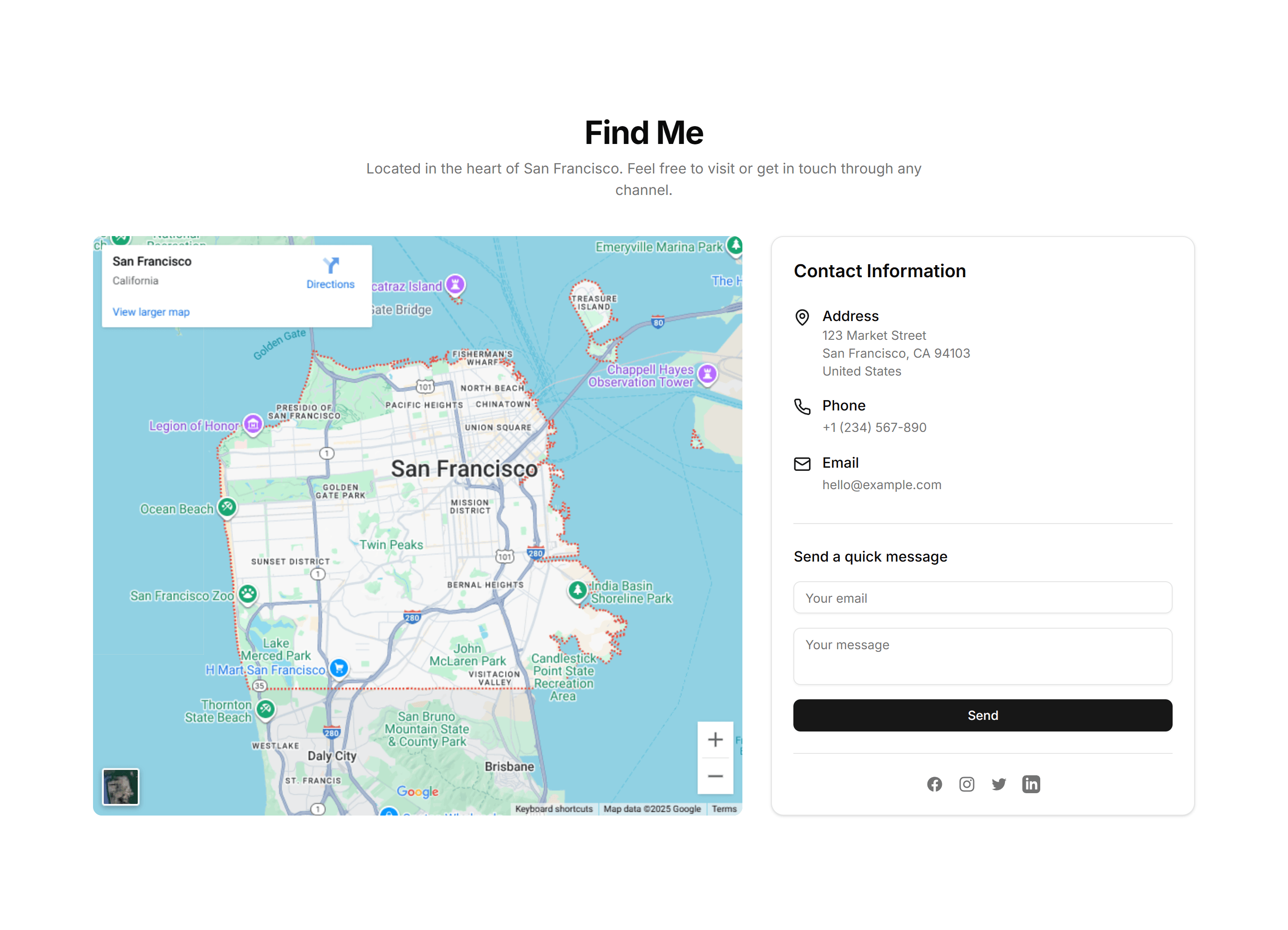
Portfolio Contact Section: Classic Contact Form
A straightforward contact form with name, email, and message fields plus a submit button. Drop it on a portfolio page so visitors can send a quick note.

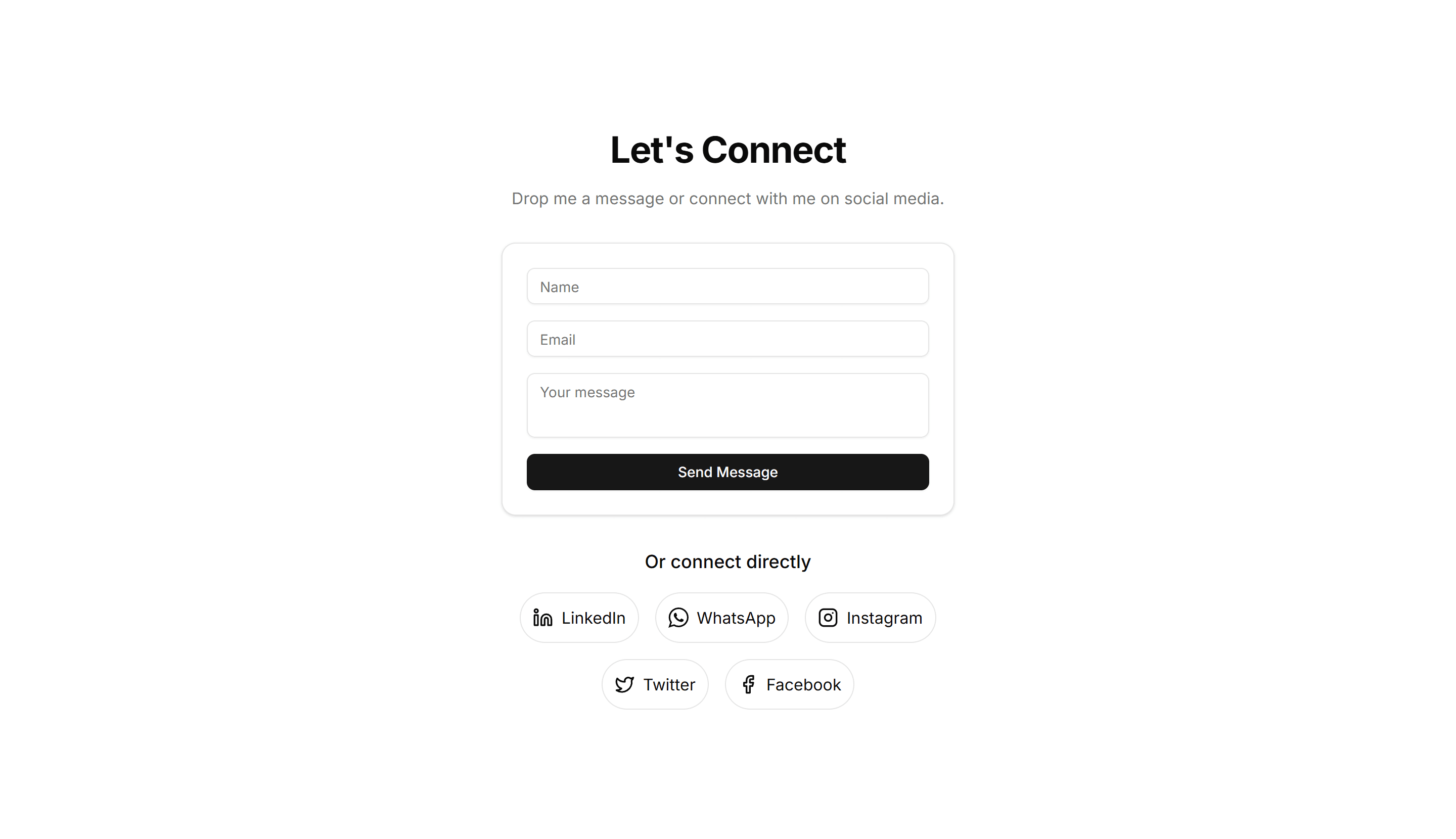
Portfolio Contact Section: Minimal Form With Social
A compact contact form sitting beside a row of social media icons. Fits portfolios that want one simple message field and links to your other profiles.
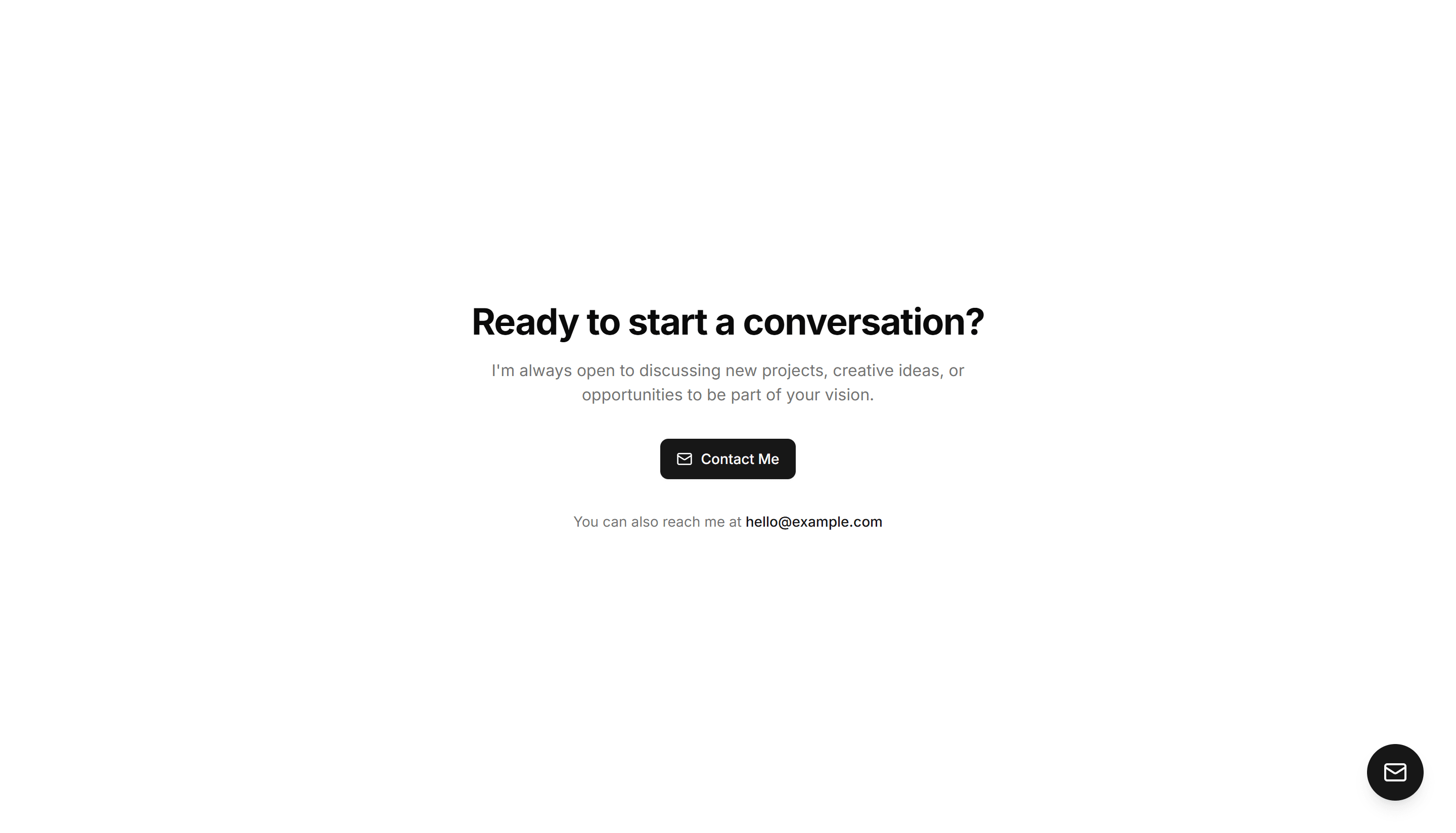
Portfolio Contact Section: Split Layout
A two column section with intro copy on one side and the contact form on the other. Balances a personal message with a clear path to get in touch.

Portfolio Contact Section: Map With Contact Info
Pairs an embedded location map with address, phone, and email details. Use it when clients need to find your studio or office alongside ways to reach you.

Portfolio Contact Section: Popup Trigger Contact
A button that opens the contact form in a modal dialog, keeping the page clean. Good for portfolios where you want the form hidden until a visitor asks.

Portfolio Contact Section: Classic Contact Form
A straightforward contact form with name, email, and message fields plus a submit button. Drop it on a portfolio page so visitors can send a quick note.

Portfolio Contact Section: Popup Trigger Contact
A button that opens the contact form in a modal dialog, keeping the page clean. Good for portfolios where you want the form hidden until a visitor asks.

Portfolio Contact Section: Map With Contact Info
Pairs an embedded location map with address, phone, and email details. Use it when clients need to find your studio or office alongside ways to reach you.

Portfolio Contact Section: Split Layout
A two column section with intro copy on one side and the contact form on the other. Balances a personal message with a clear path to get in touch.