Shadcn Integration Blocks
Browse 5 integrations blocks for shadcn/ui. Logo grids, category tabs, carousels, and API previews to show every app and tool your product connects to.
Marketing Integration: API Preview
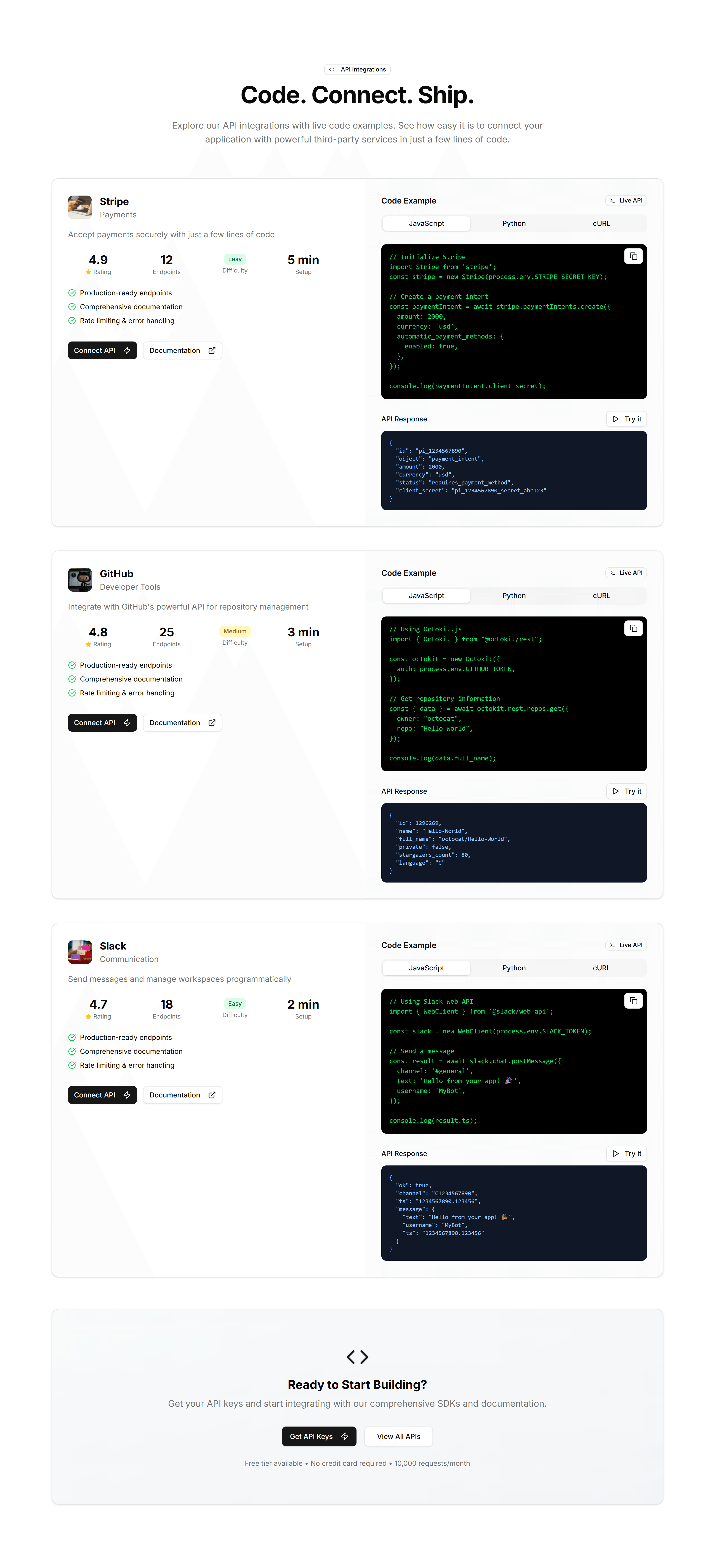
A code sample panel beside copy that explains your API. Drop it on a developer page to show how integrations connect in only a few short lines.

Marketing Integration: Carousel
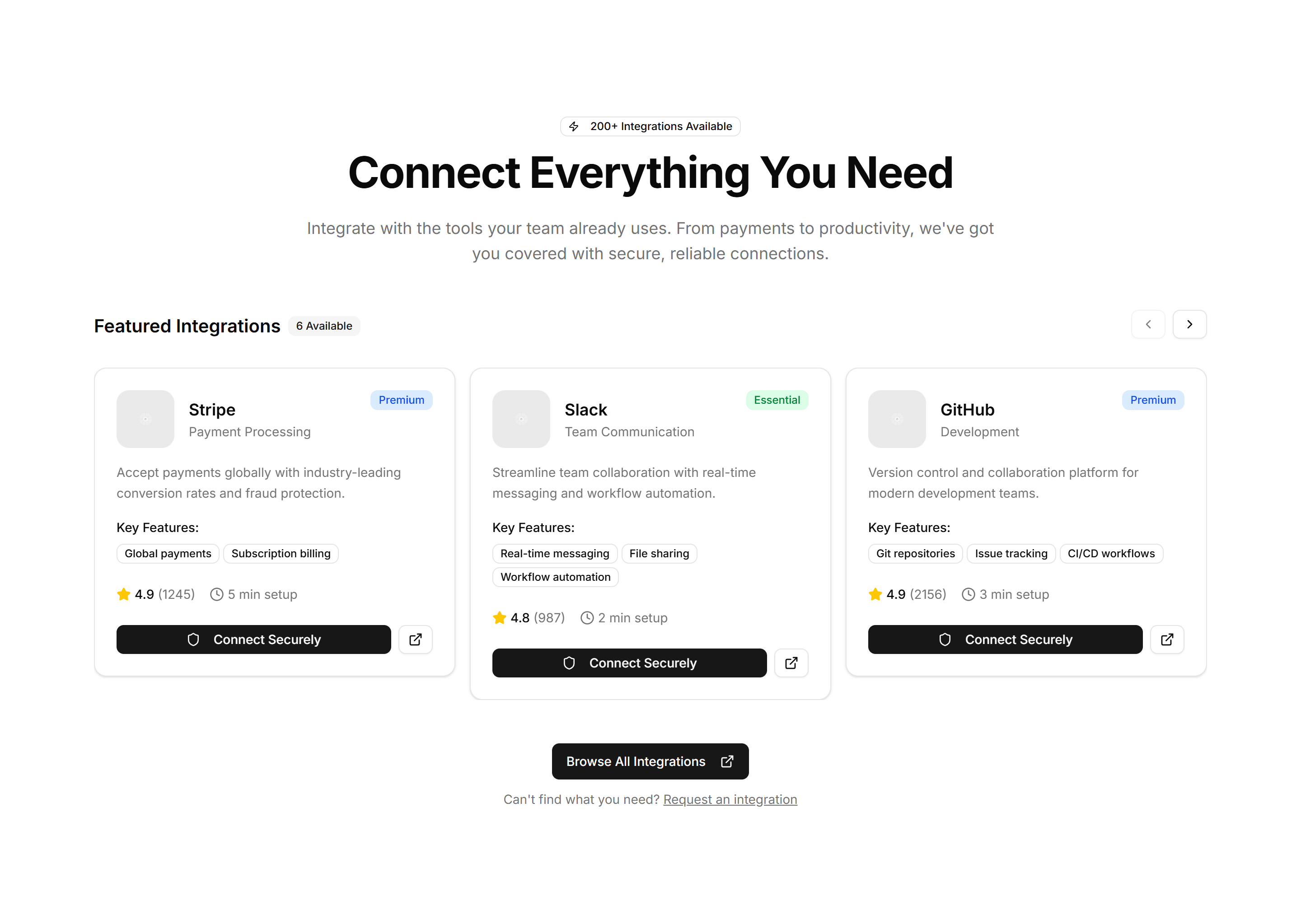
A scrolling row of partner and app logos that loops as visitors watch. Place it under a hero to prove your product fits neatly into an existing stack.
Marketing Integration: Category Tabs
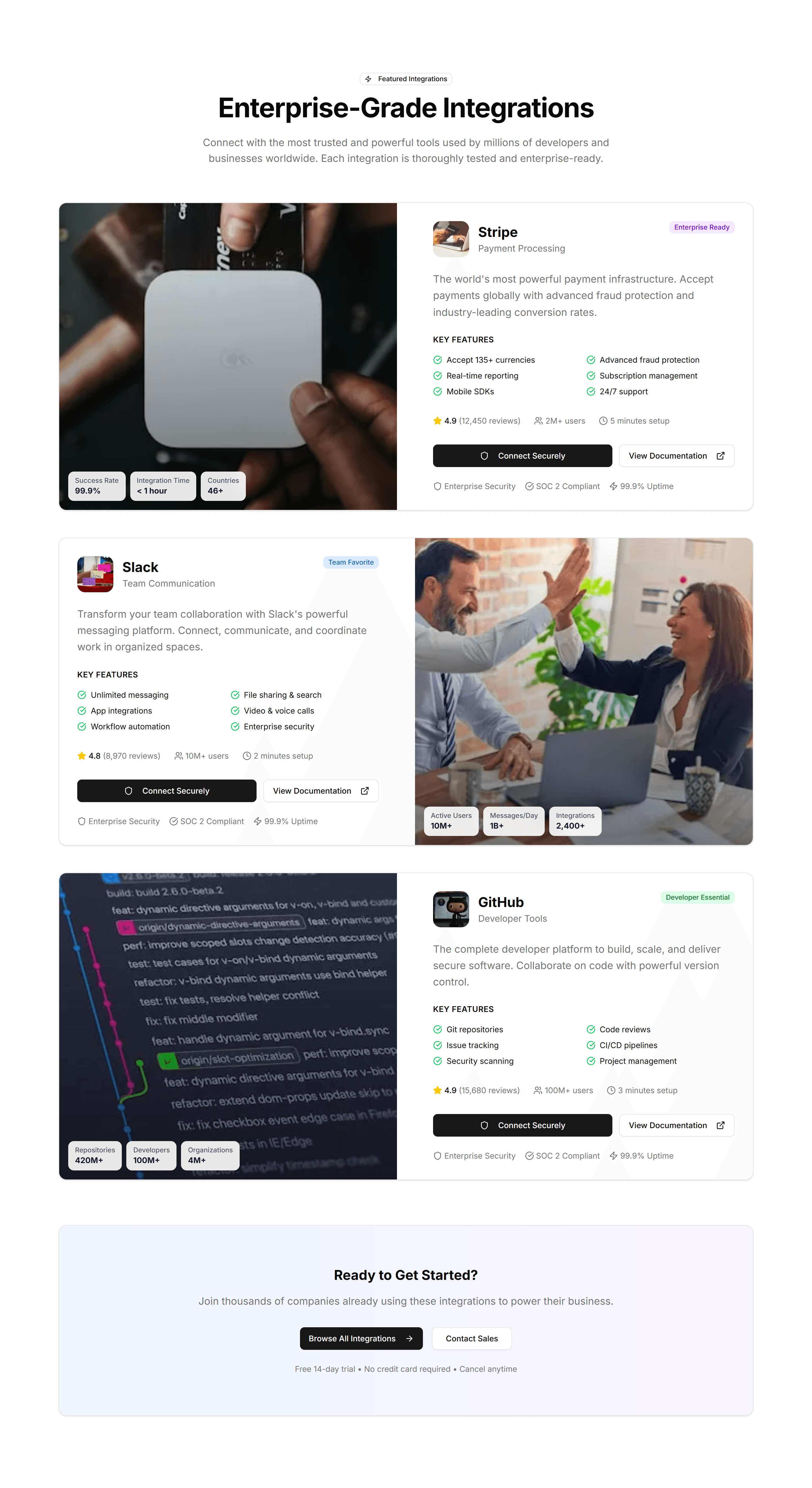
Tabs that sort connected apps by type, so visitors filter integrations to find the one they use. Ideal for a busy marketplace or directory page.

Marketing Integration: Featured Showcase
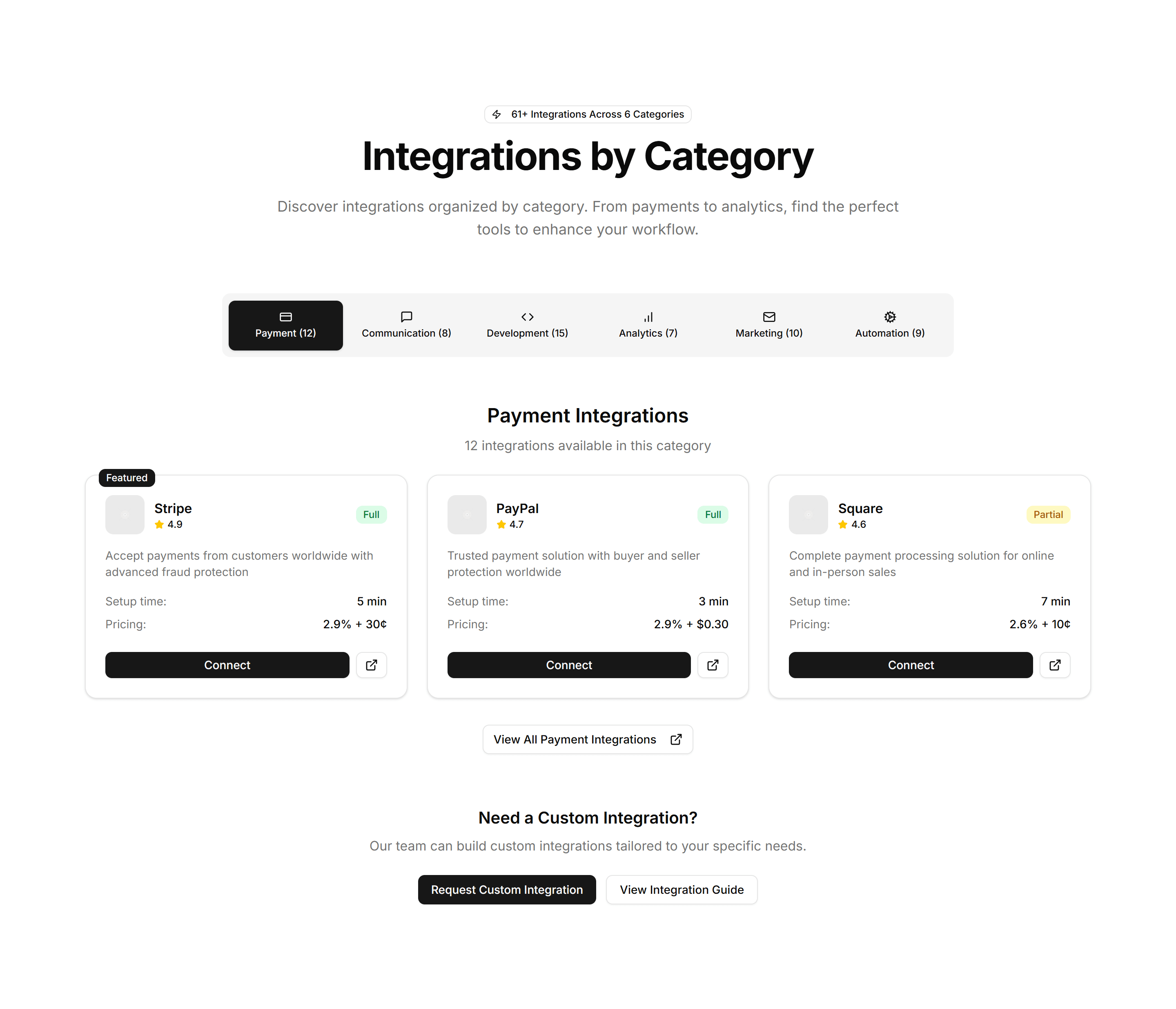
A large card spotlighting one key integration with its logo, summary, and a link. Use it to highlight a flagship partner above the full list.
Marketing Integration: Simple Grid
A clean grid of integration logos in even rows and columns. Use it on a connections page to display the apps and services your product supports.

Marketing Integration: API Preview
A code sample panel beside copy that explains your API. Drop it on a developer page to show how integrations connect in only a few short lines.

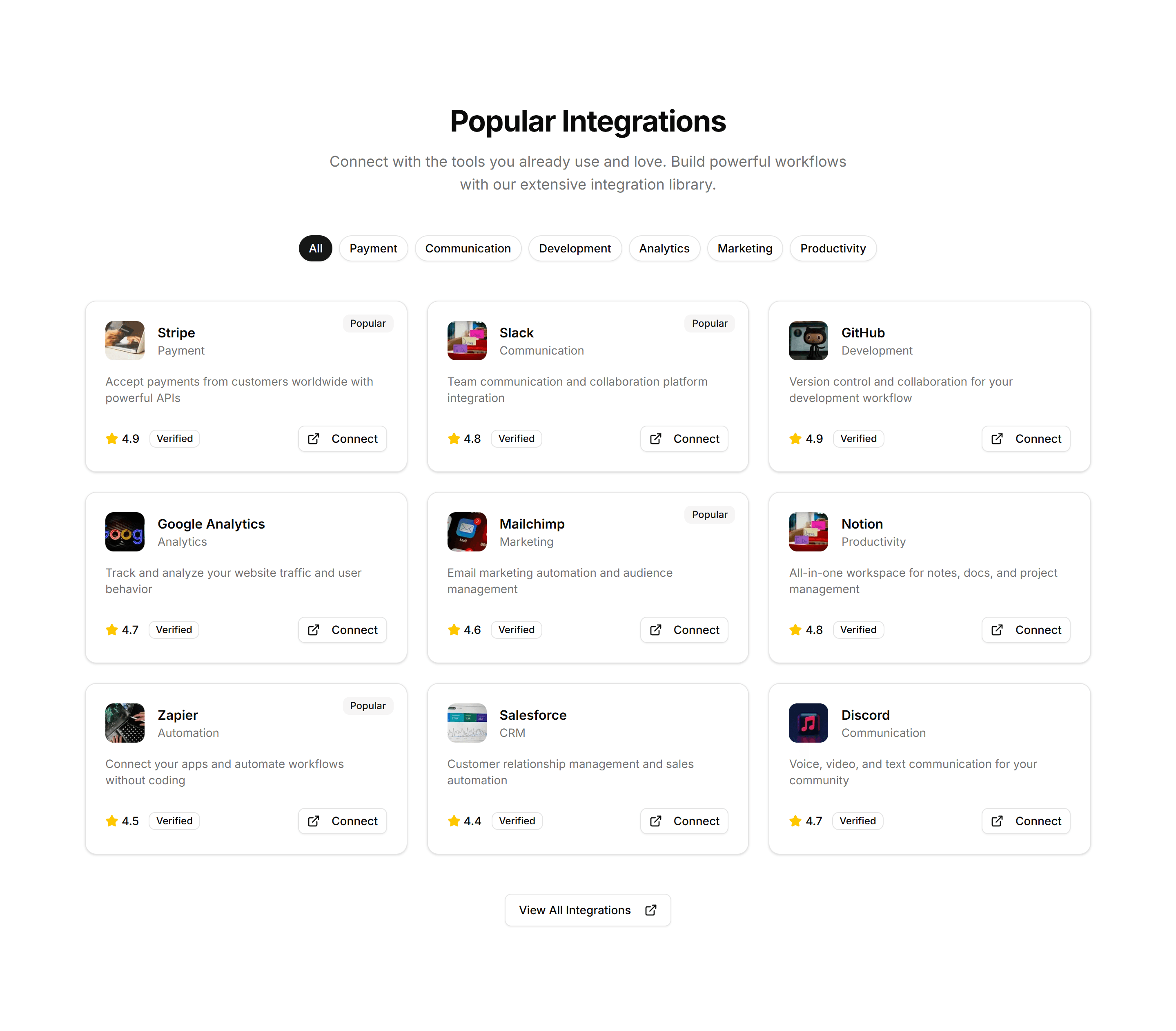
Marketing Integration: Category Tabs
Tabs that sort connected apps by type, so visitors filter integrations to find the one they use. Ideal for a busy marketplace or directory page.
Marketing Integration: Simple Grid
A clean grid of integration logos in even rows and columns. Use it on a connections page to display the apps and services your product supports.

Marketing Integration: Carousel
A scrolling row of partner and app logos that loops as visitors watch. Place it under a hero to prove your product fits neatly into an existing stack.

Marketing Integration: Featured Showcase
A large card spotlighting one key integration with its logo, summary, and a link. Use it to highlight a flagship partner above the full list.

Marketing Integration: API Preview
A code sample panel beside copy that explains your API. Drop it on a developer page to show how integrations connect in only a few short lines.

Marketing Integration: Featured Showcase
A large card spotlighting one key integration with its logo, summary, and a link. Use it to highlight a flagship partner above the full list.

Marketing Integration: Carousel
A scrolling row of partner and app logos that loops as visitors watch. Place it under a hero to prove your product fits neatly into an existing stack.

Marketing Integration: Simple Grid
A clean grid of integration logos in even rows and columns. Use it on a connections page to display the apps and services your product supports.