Shadcn Setting Blocks
Browse 25 Application Pro settings blocks for shadcn/ui. Profiles, workspaces, notifications, security, API keys, and danger zones.
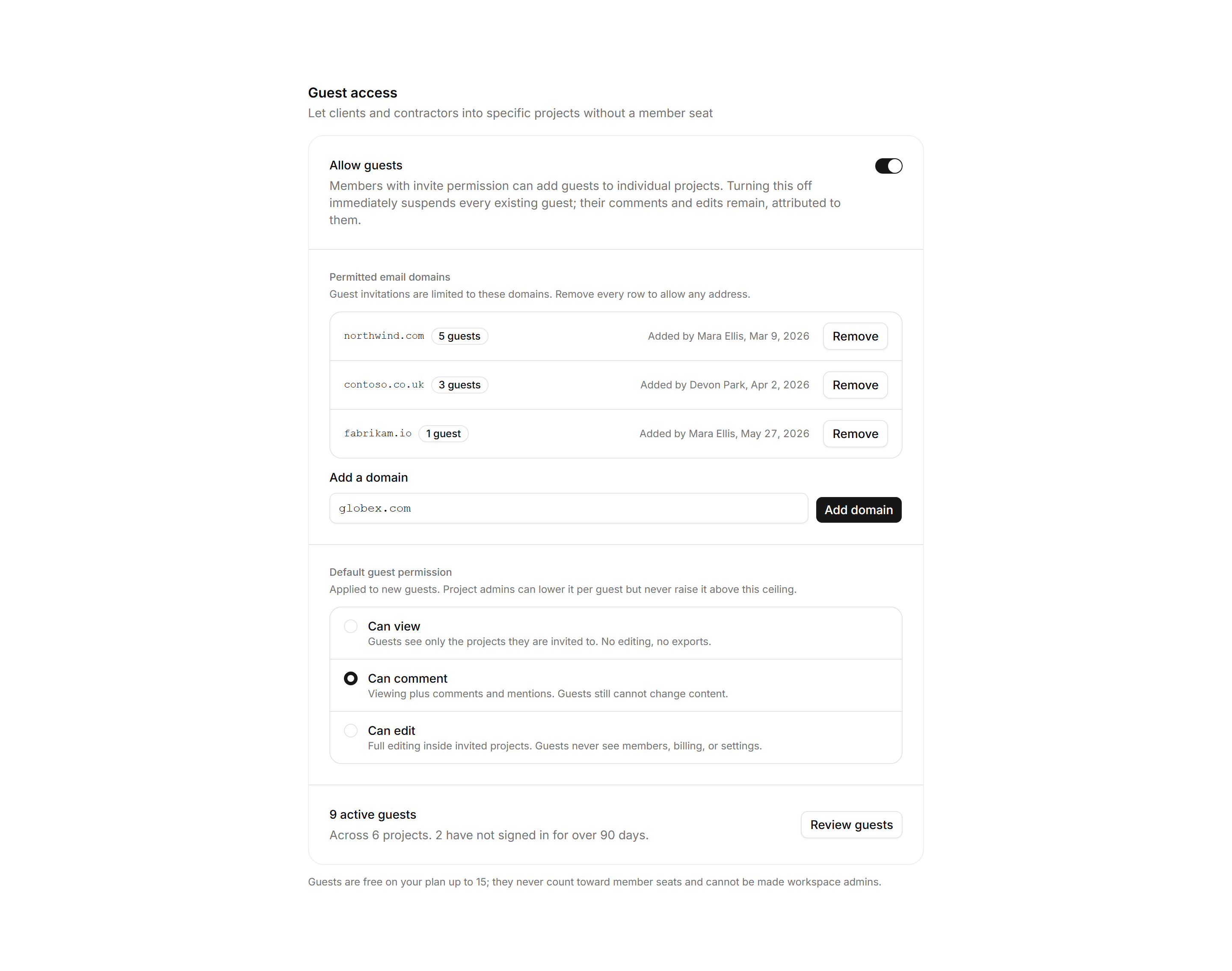
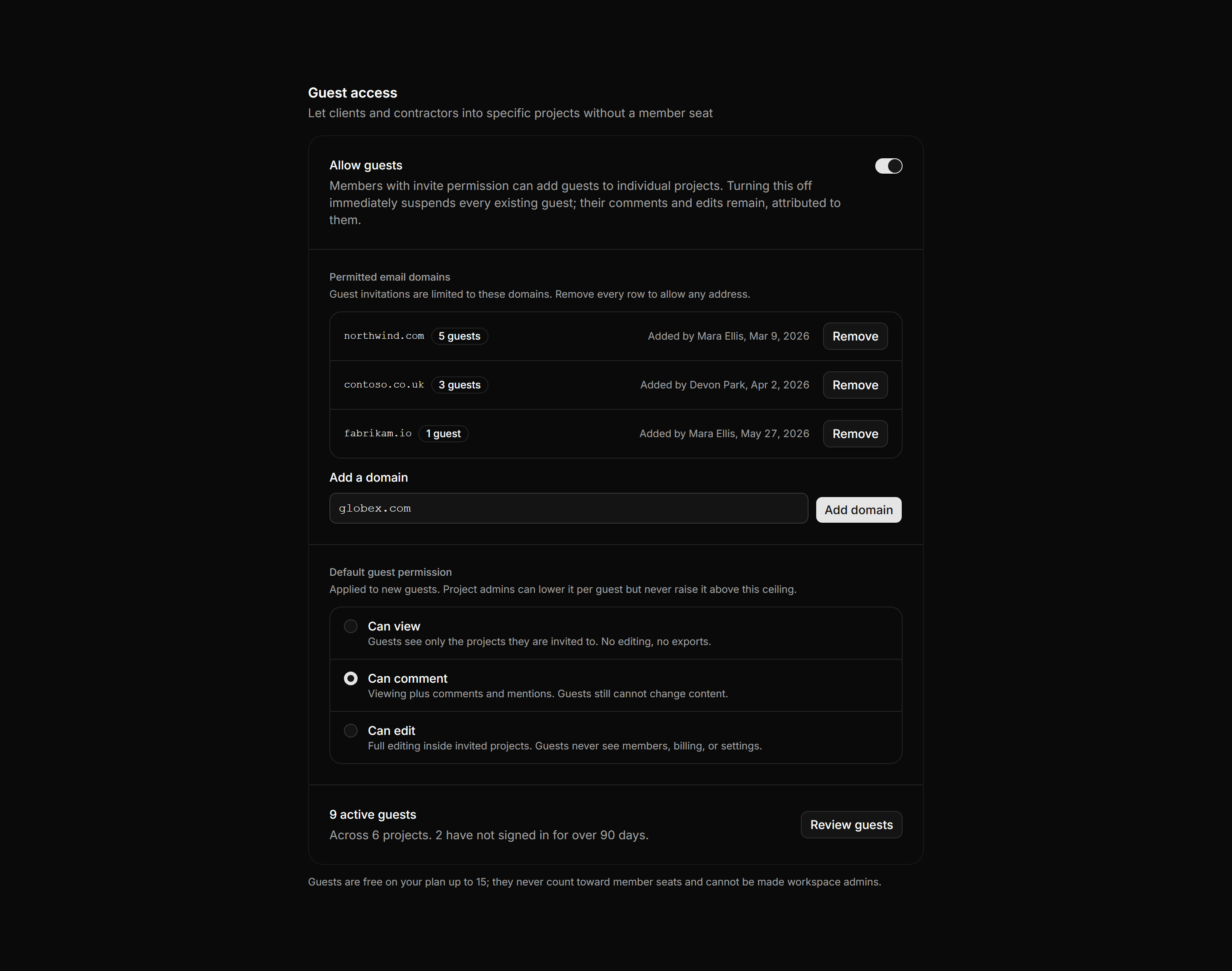
Application Setting: Guest Access Settings
A guest access panel with an allow guests switch, a permitted email domain list, default permission options, and an active guest count row.
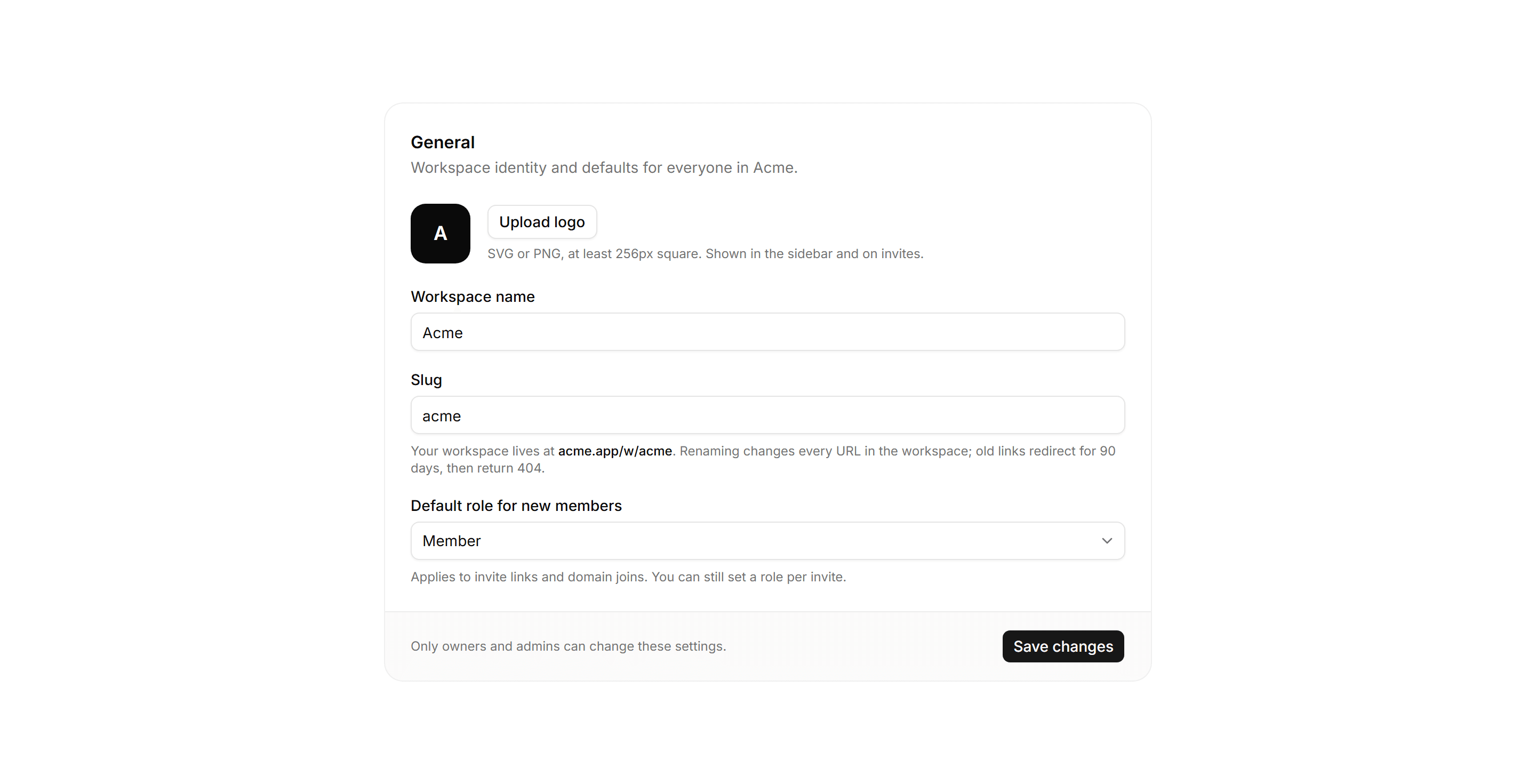
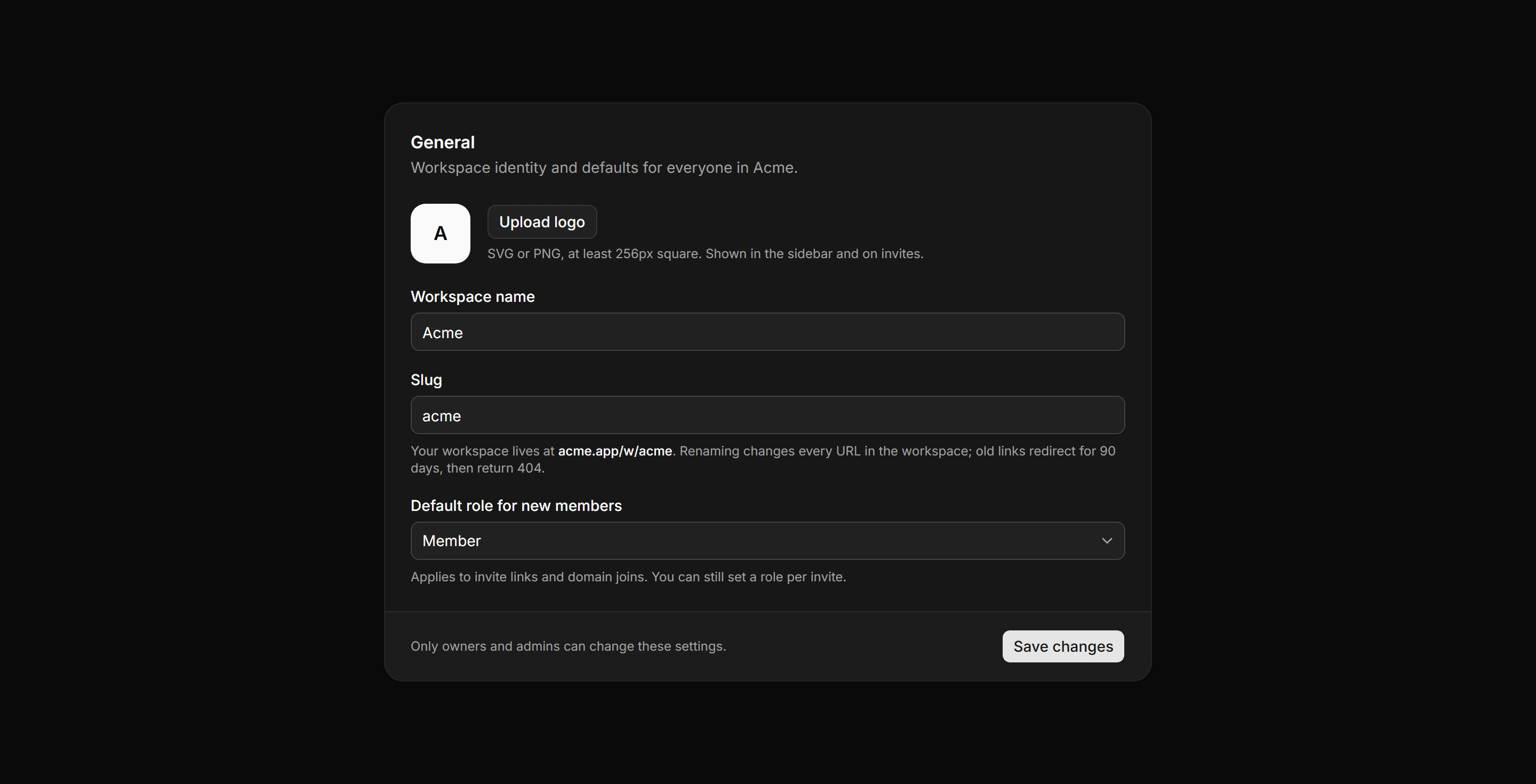
Application Setting: Workspace General Settings
Workspace identity panel with name, slug, URL preview, rename warning, logo upload, and default role select.
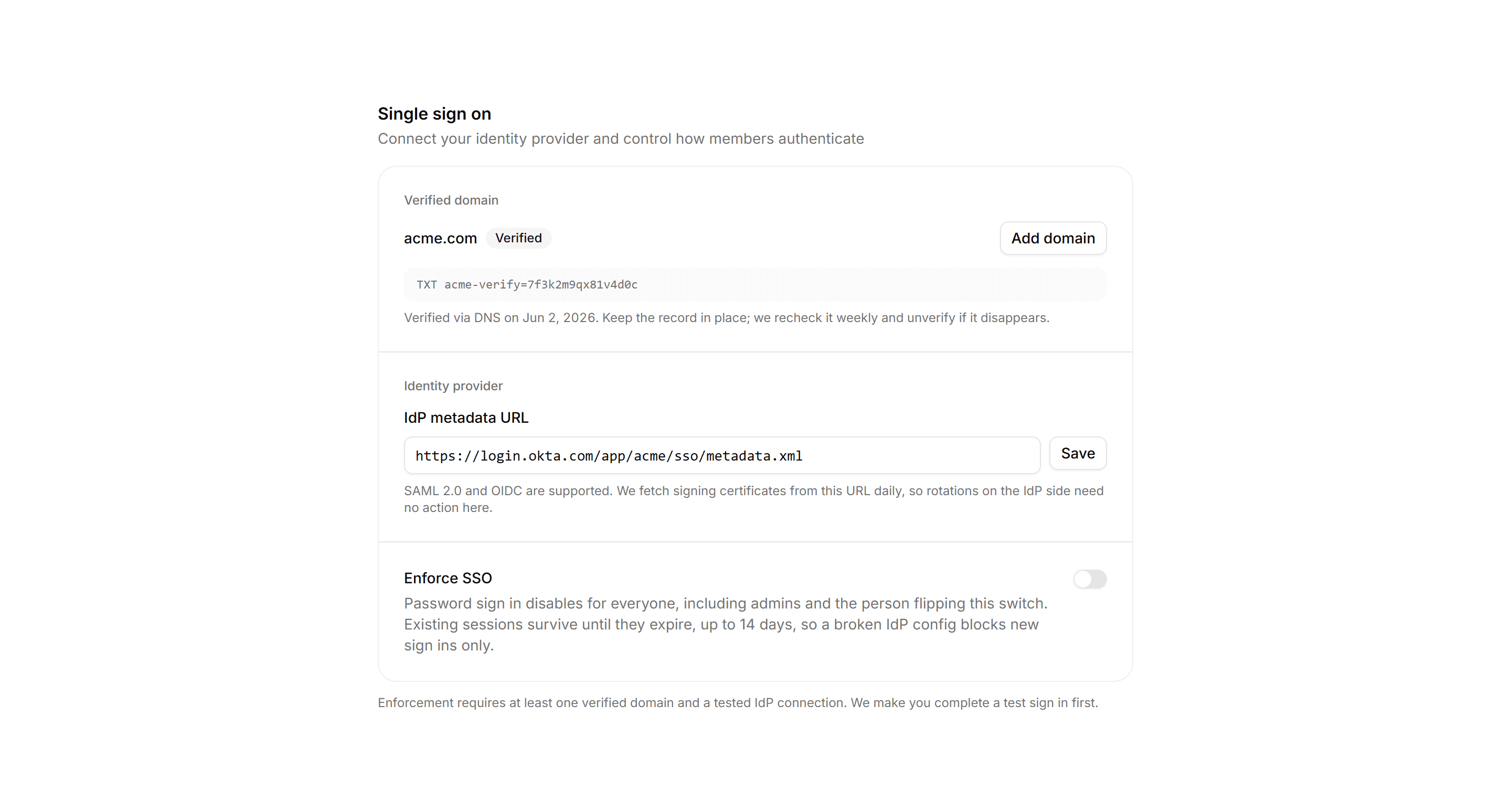
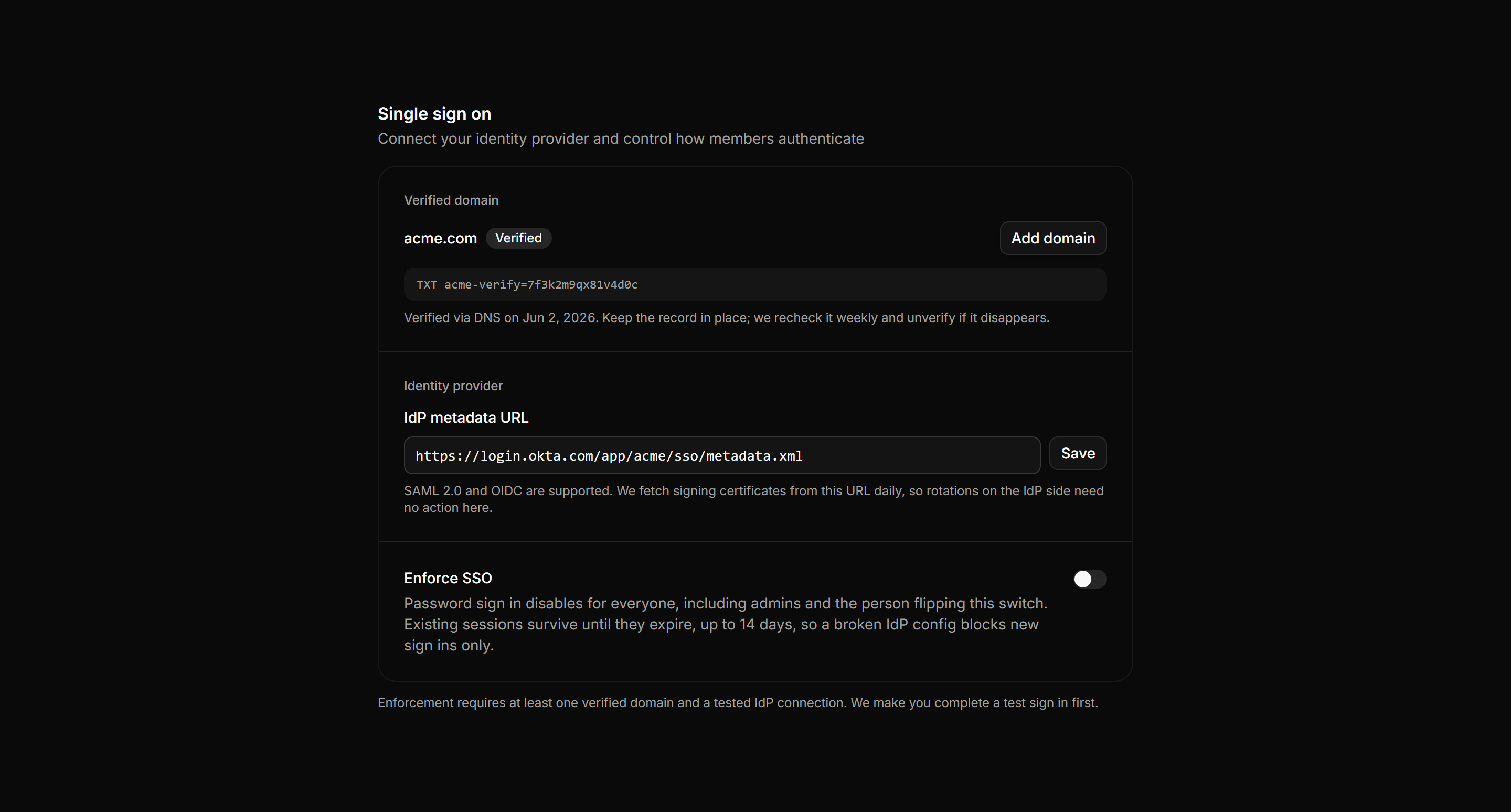
Application Setting: Sso And Domain Settings
Verified domain, IdP metadata, and the enforce switch with its full consequence.
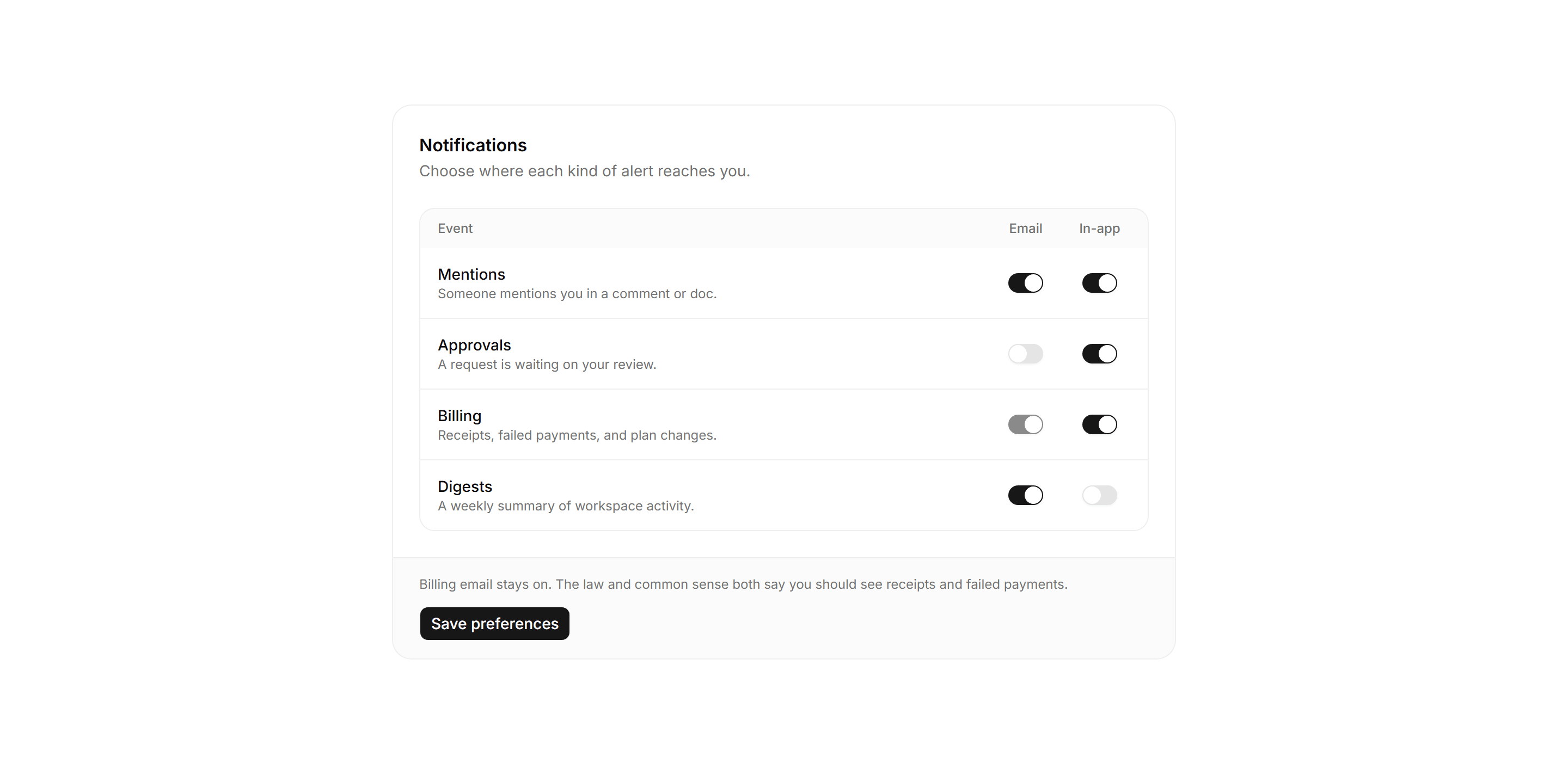
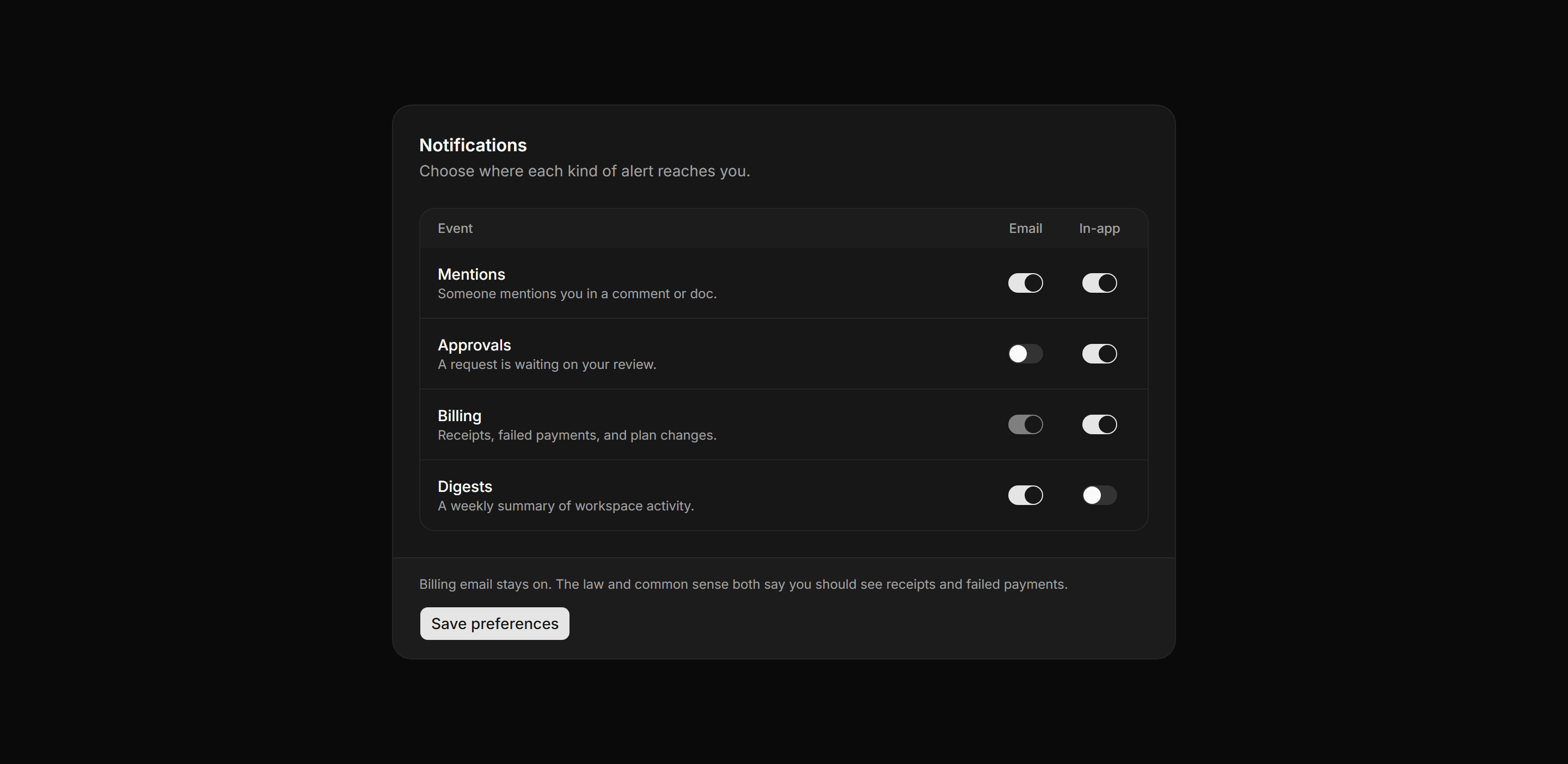
Application Setting: Notification Preferences
The email and in app switch matrix with the billing row locked on, honestly.
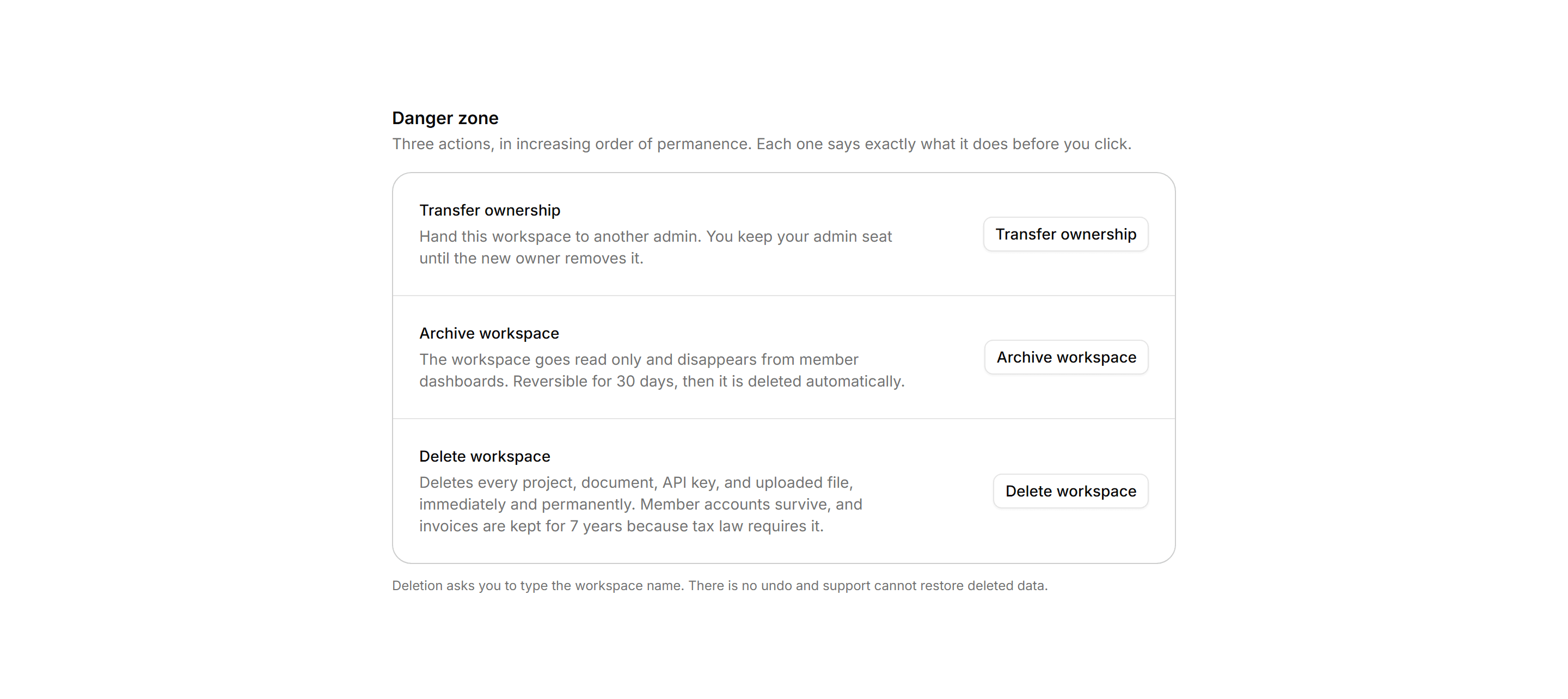
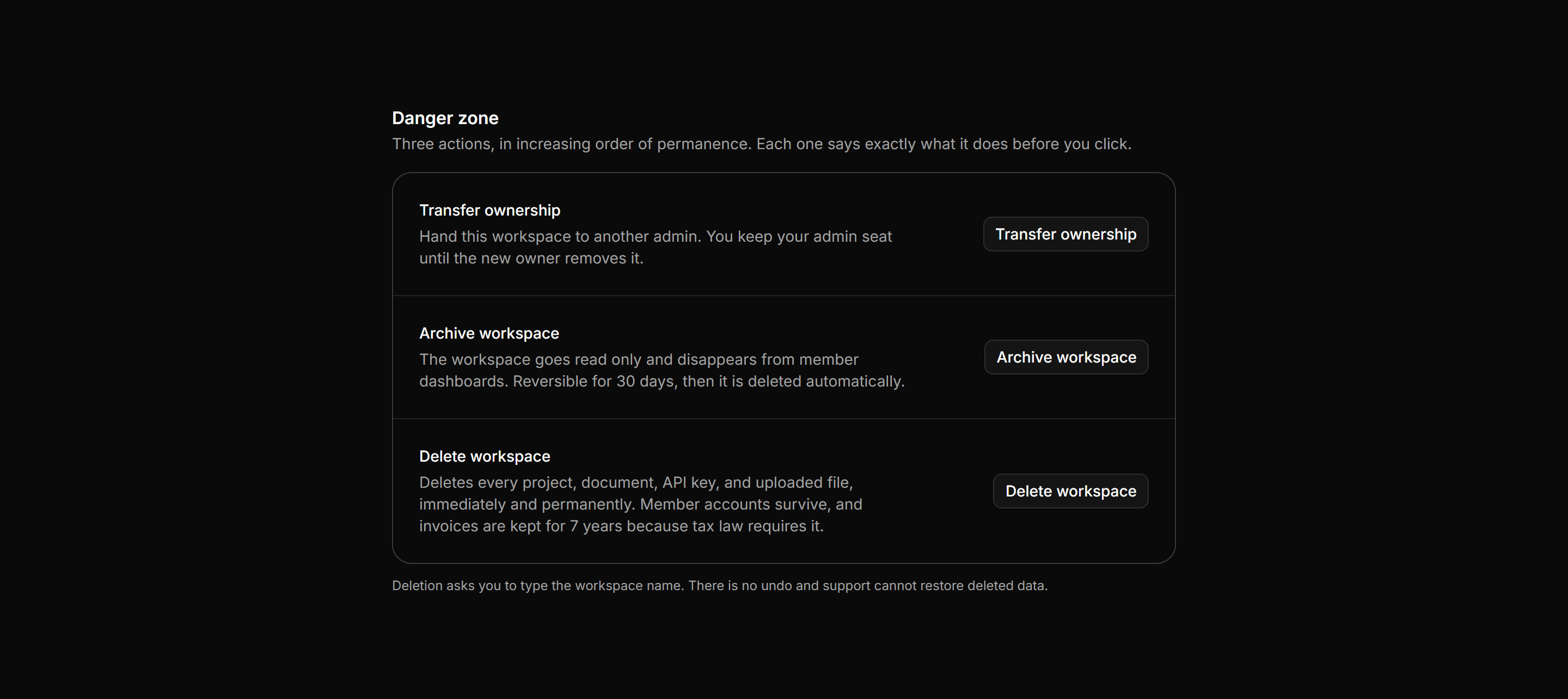
Application Setting: Danger Zone Card
Three escalating workspace actions stating exactly what each destroys and what survives, with outline buttons.
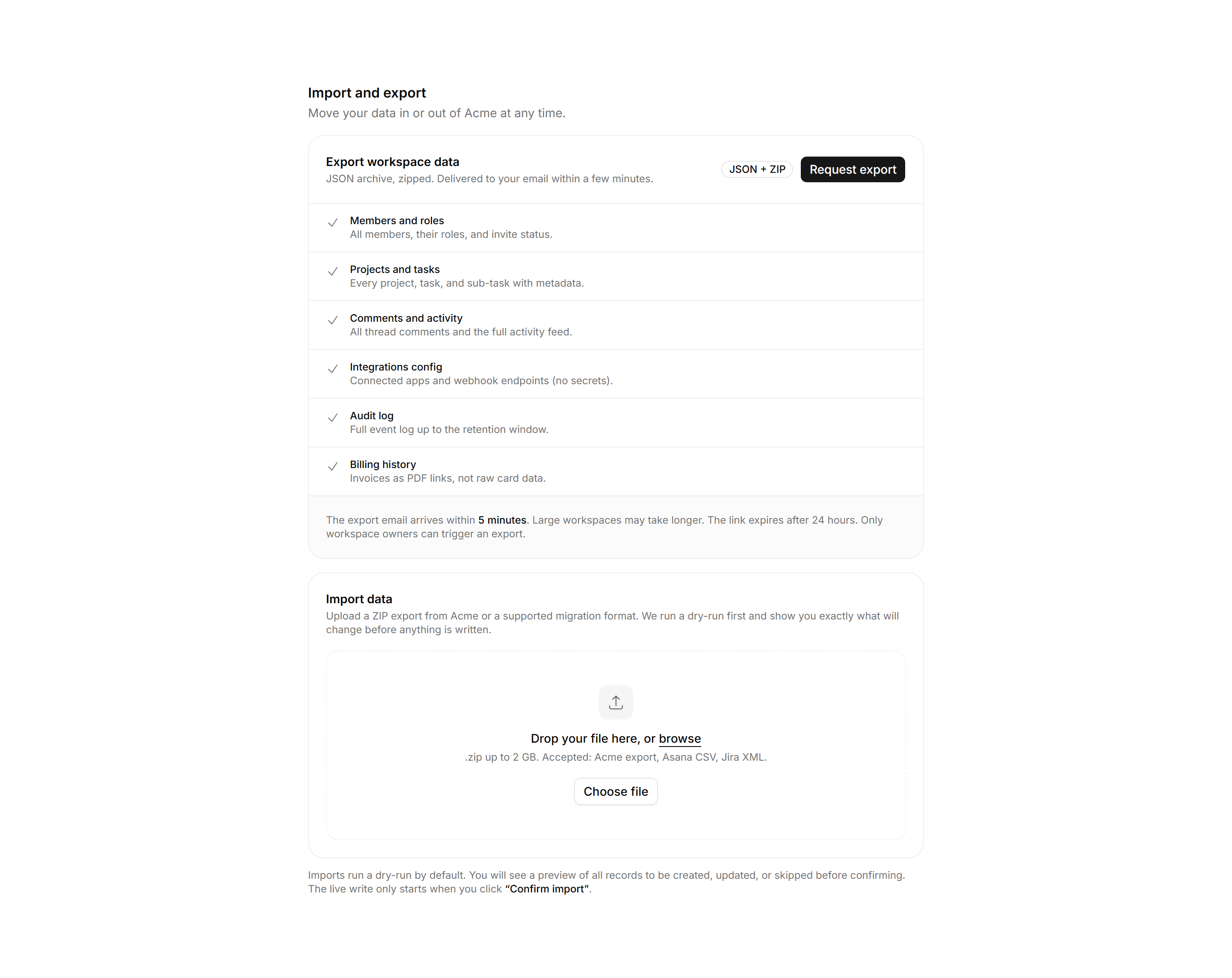
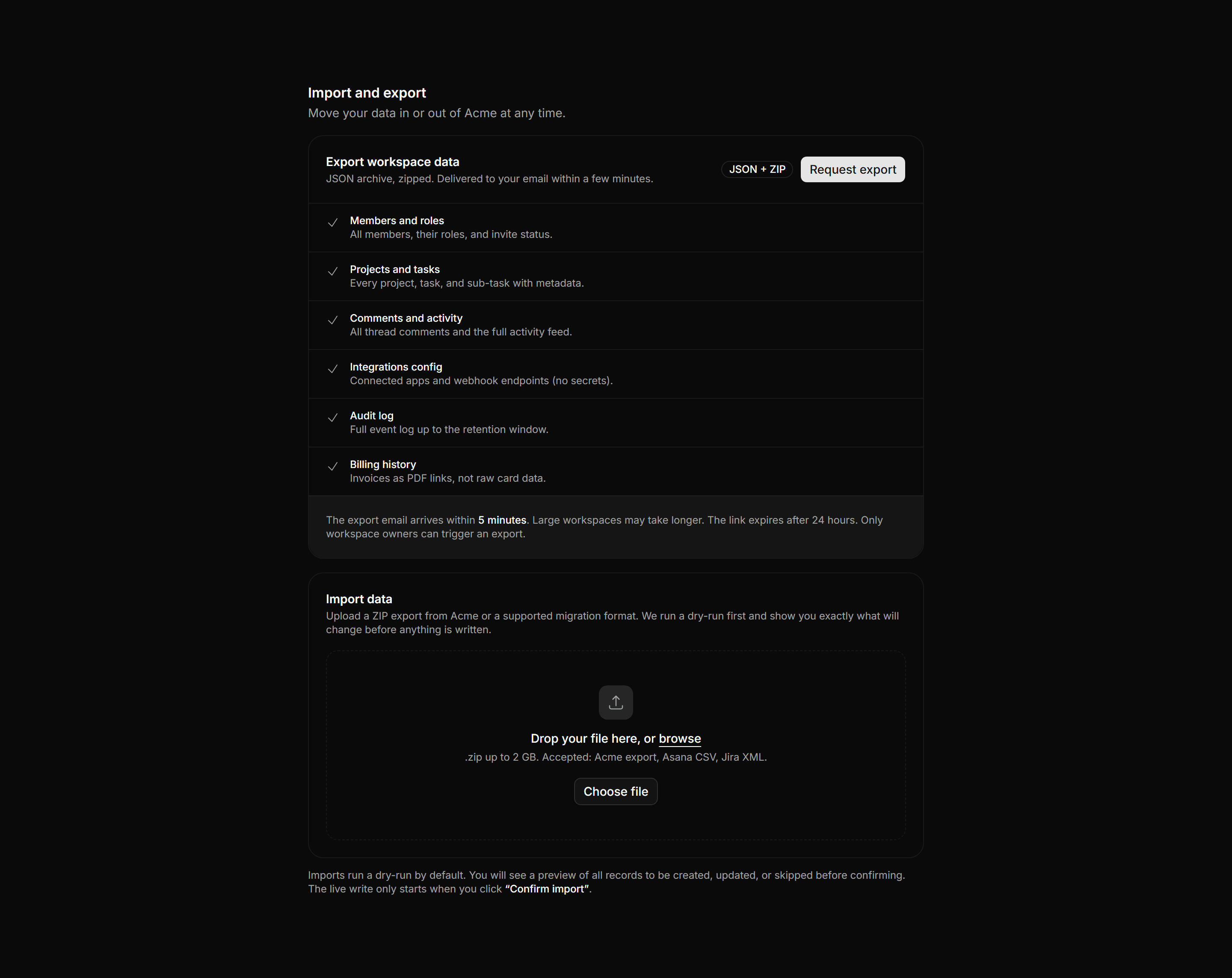
Application Setting: Import Export Settings
Data portability panel with an export card listing every included data type and an import dropzone with a dry-run promise before any write.
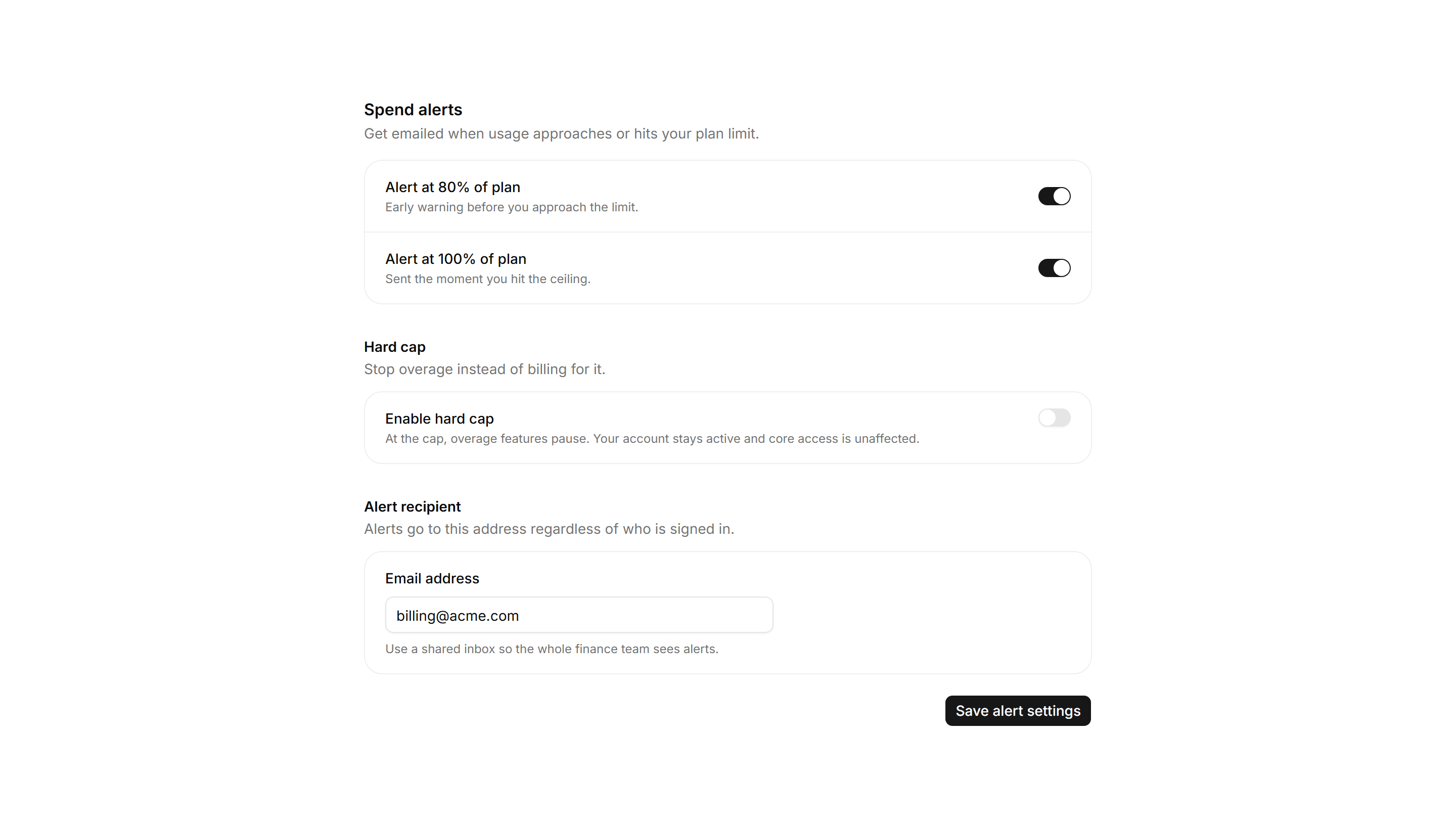
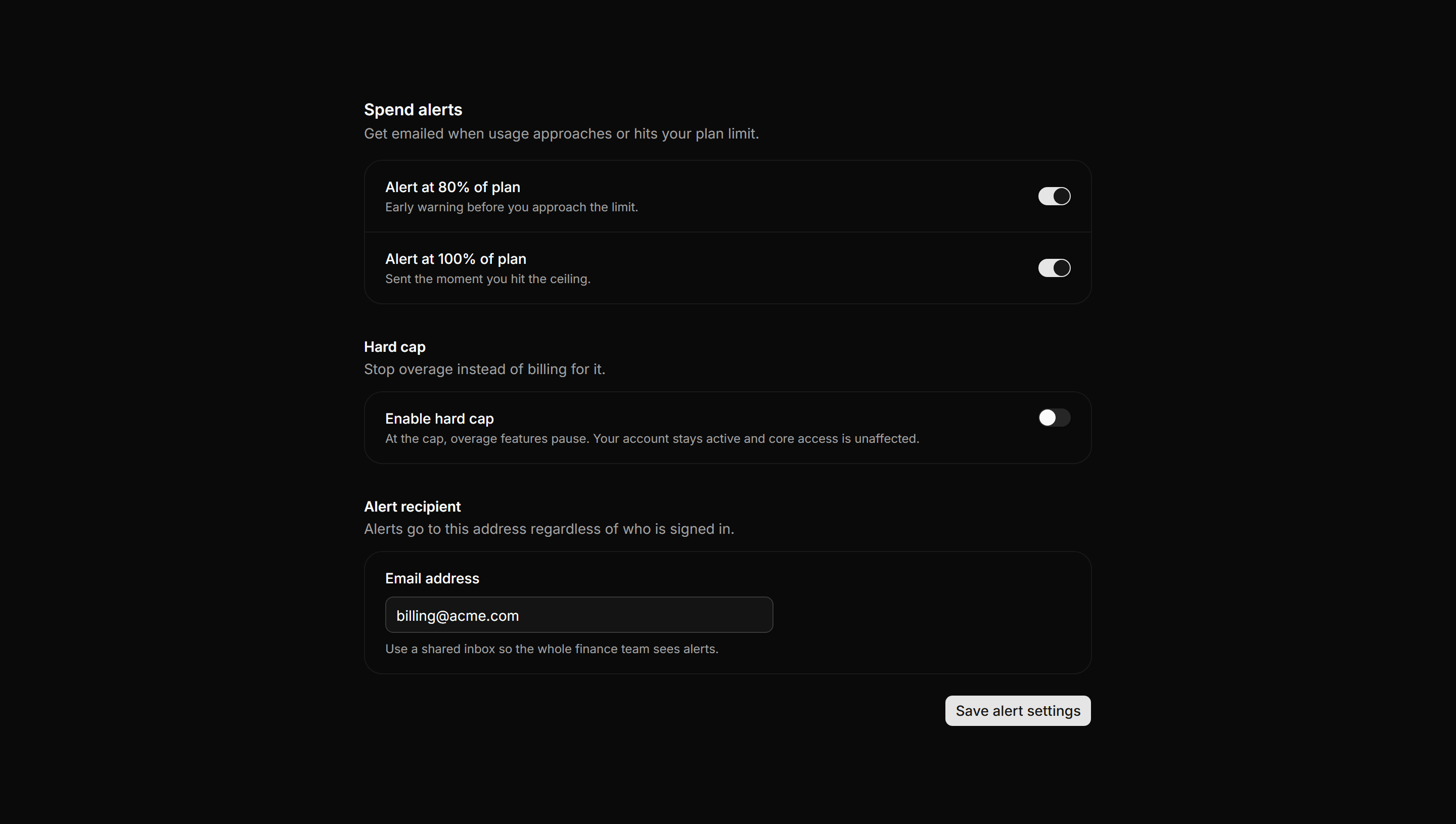
Application Setting: Billing Alerts Settings
Spend alert switches at 80 and 100 percent of plan, a hard-cap option with stated consequence, and a recipient email field.
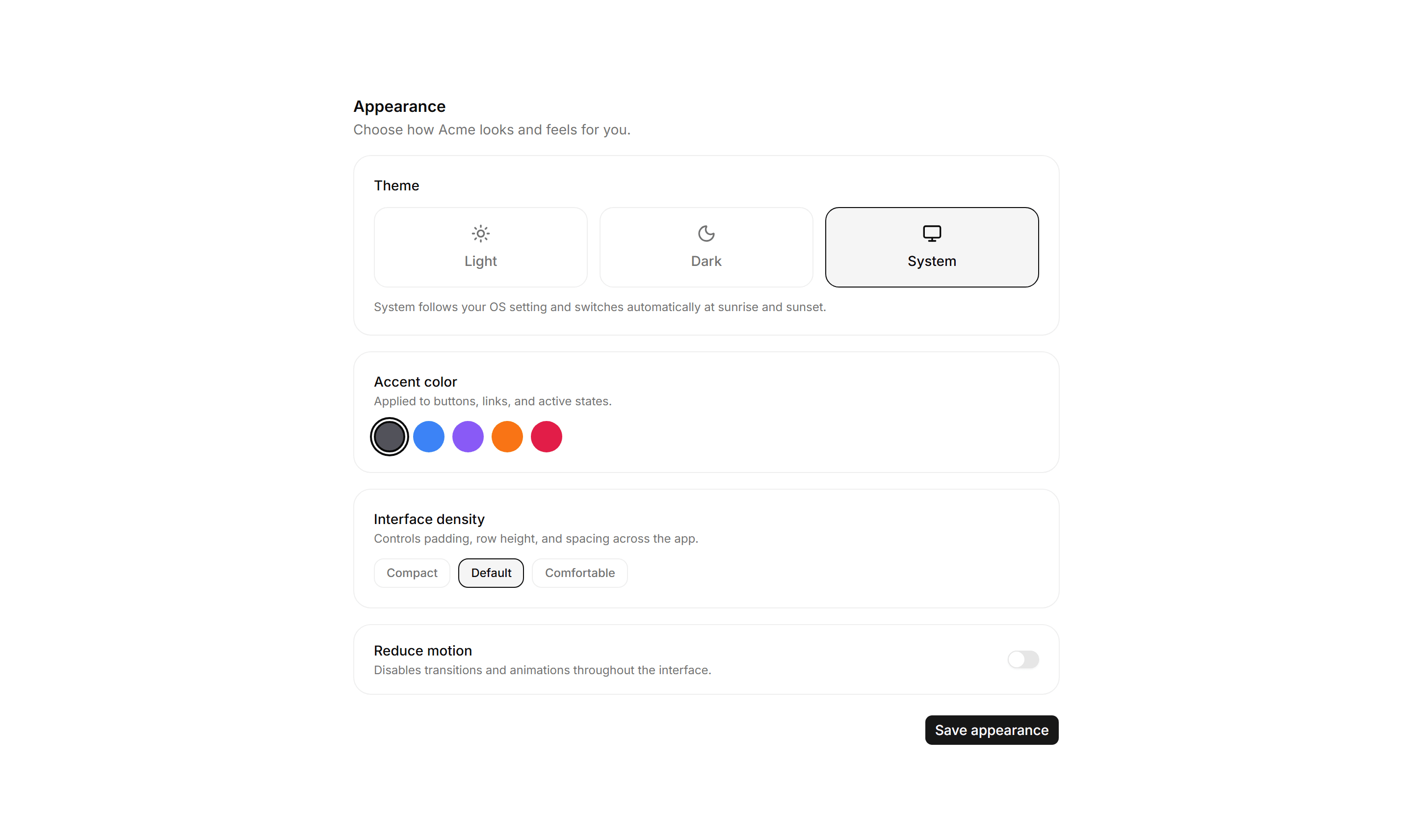
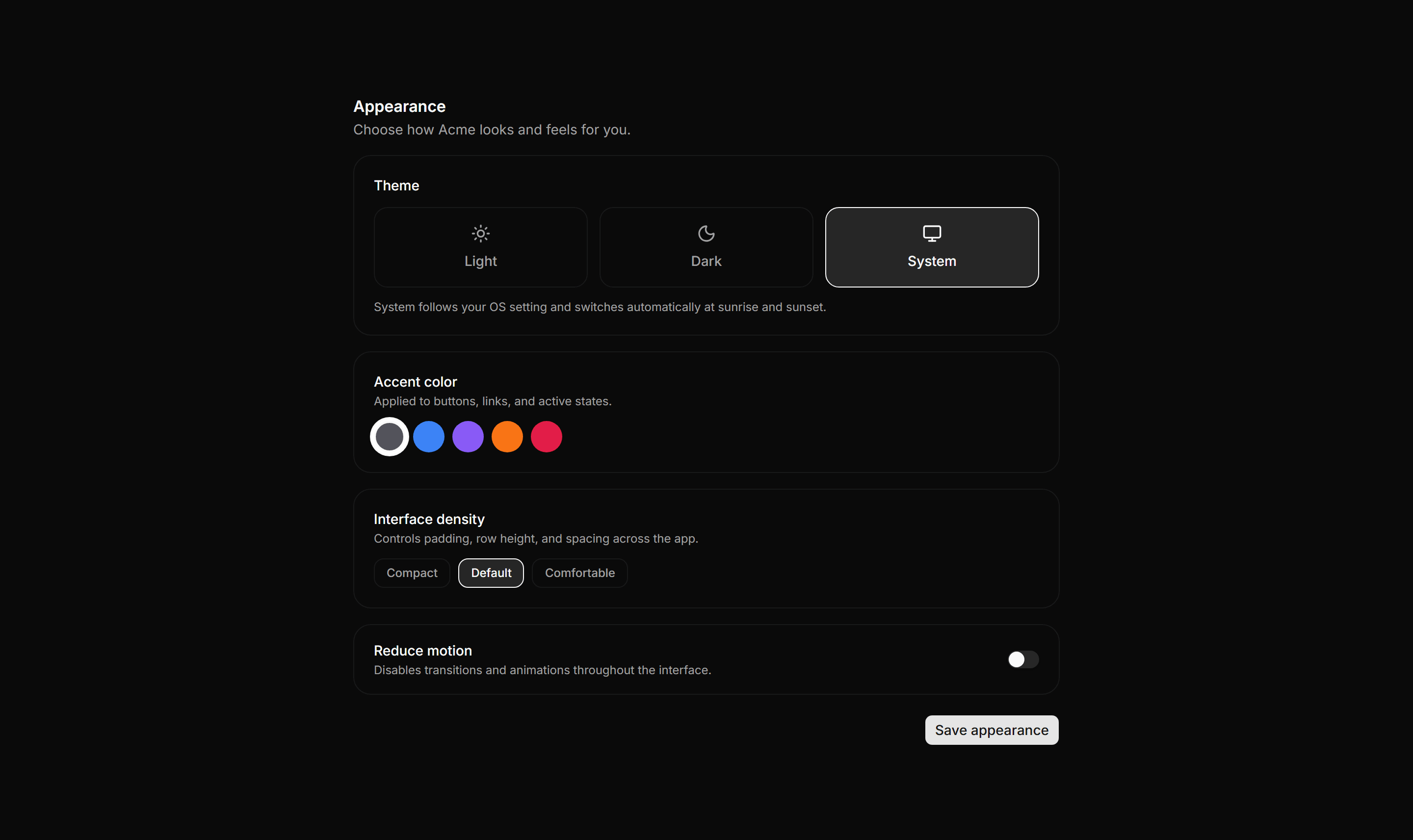
Application Setting: Appearance Settings
Theme tile selector, accent color swatches, interface density toggle, and a reduce-motion Switch for personal look-and-feel.
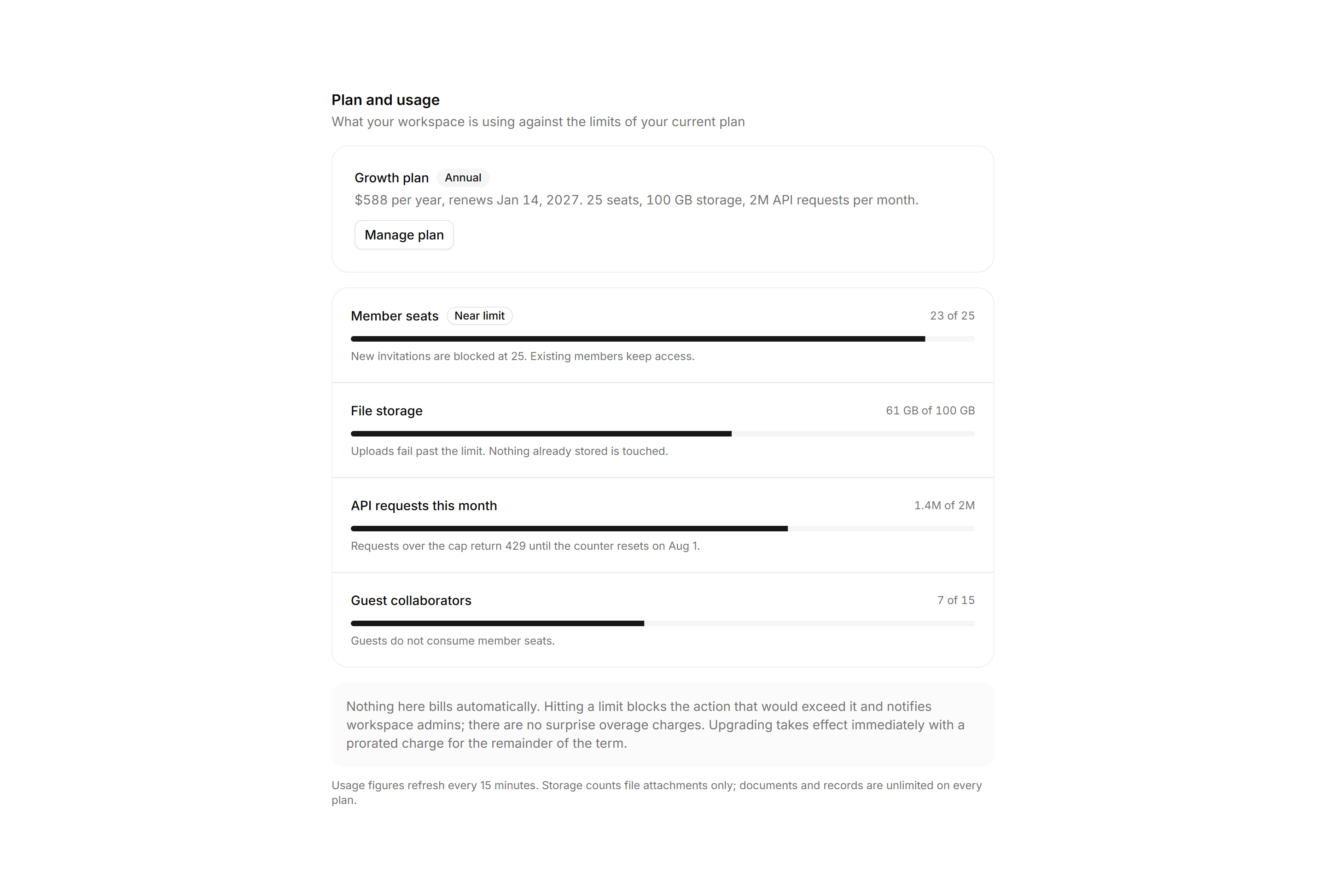
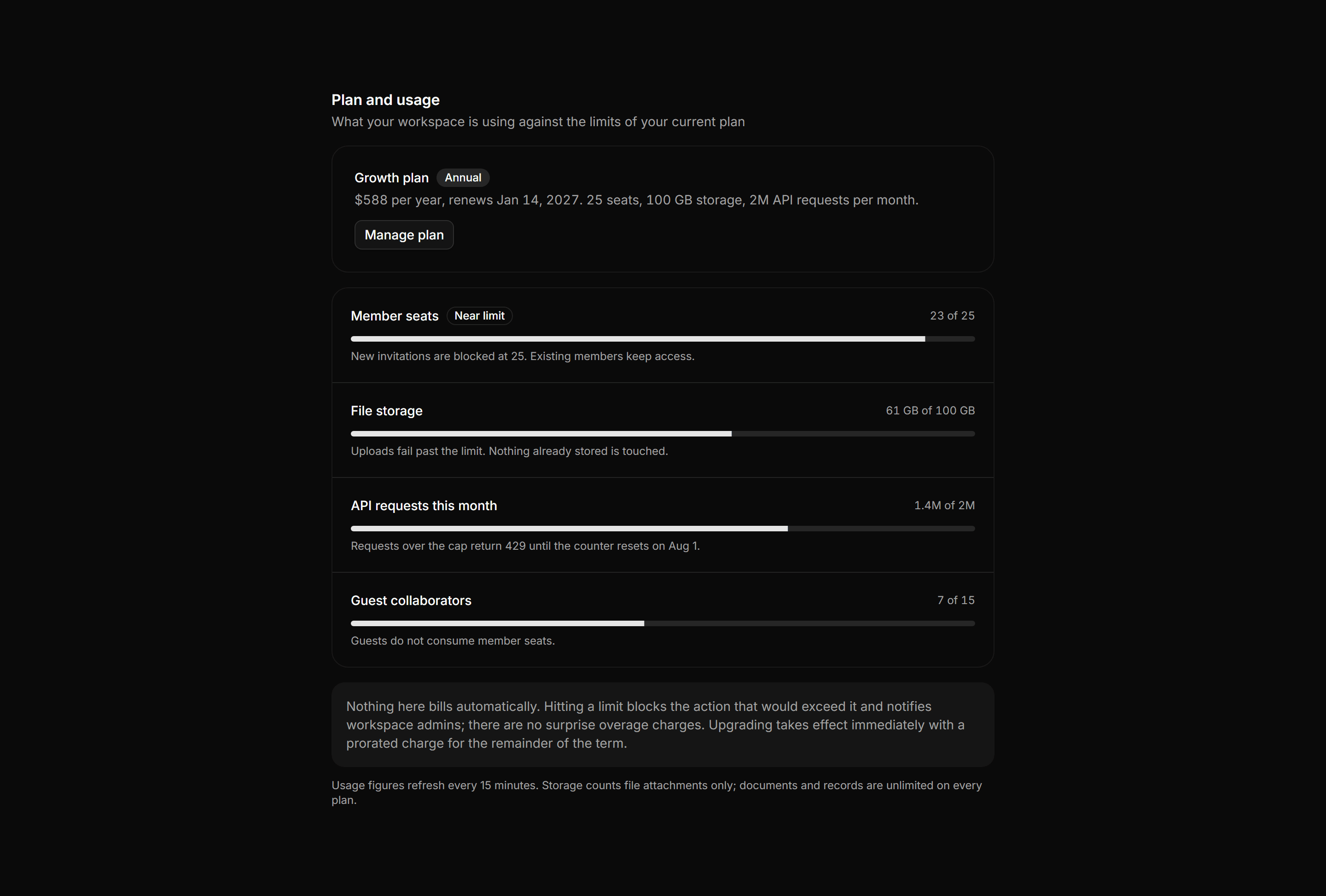
Application Setting: Plan and Usage Settings
A plan and usage panel with a current plan row, metered usage bars with per limit notes, a near limit badge, and a policy note.
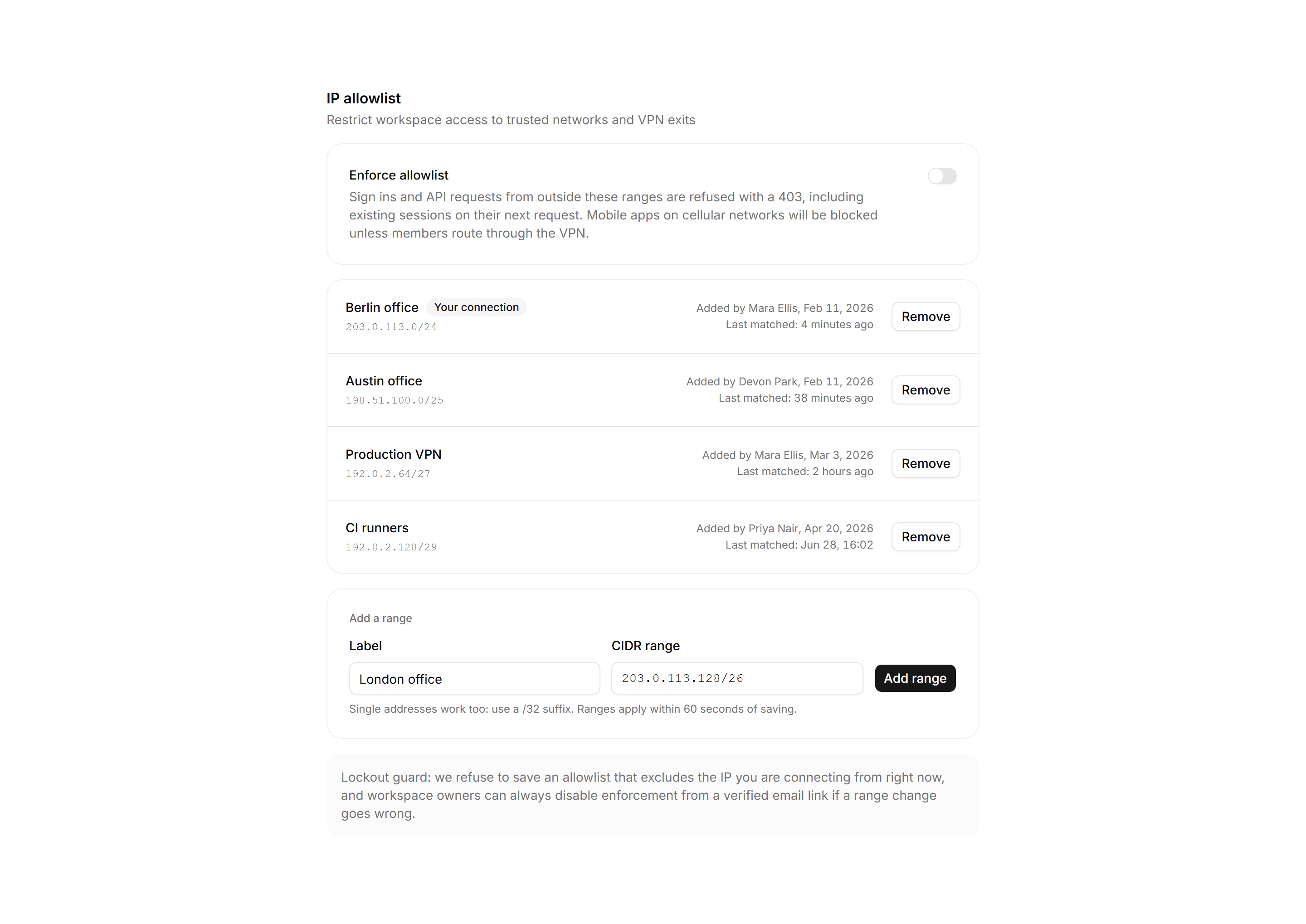
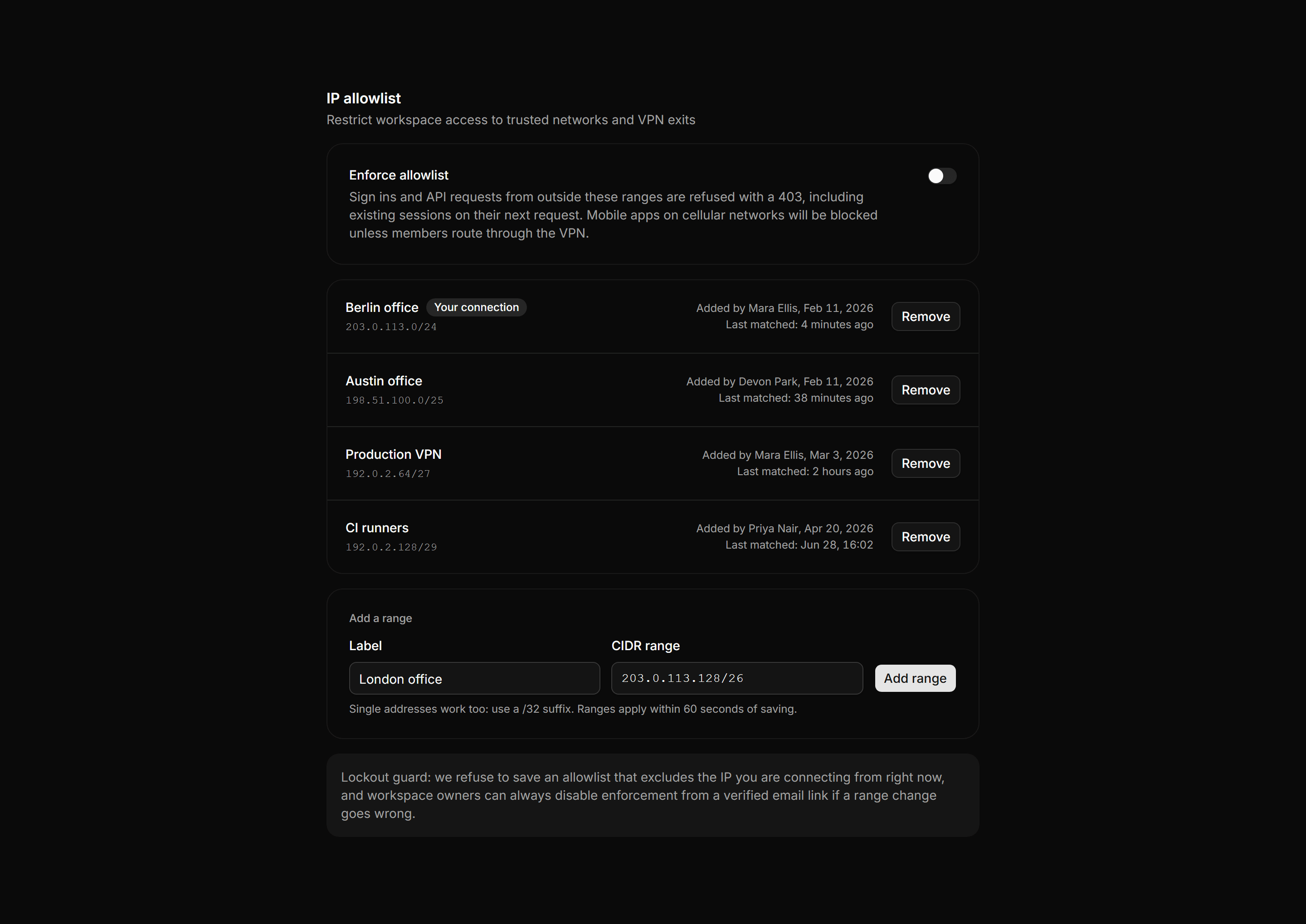
Application Setting: IP Allowlist Settings
An IP allowlist panel with an enforcement switch, a list of CIDR ranges with owners and last match times, and an add range form.
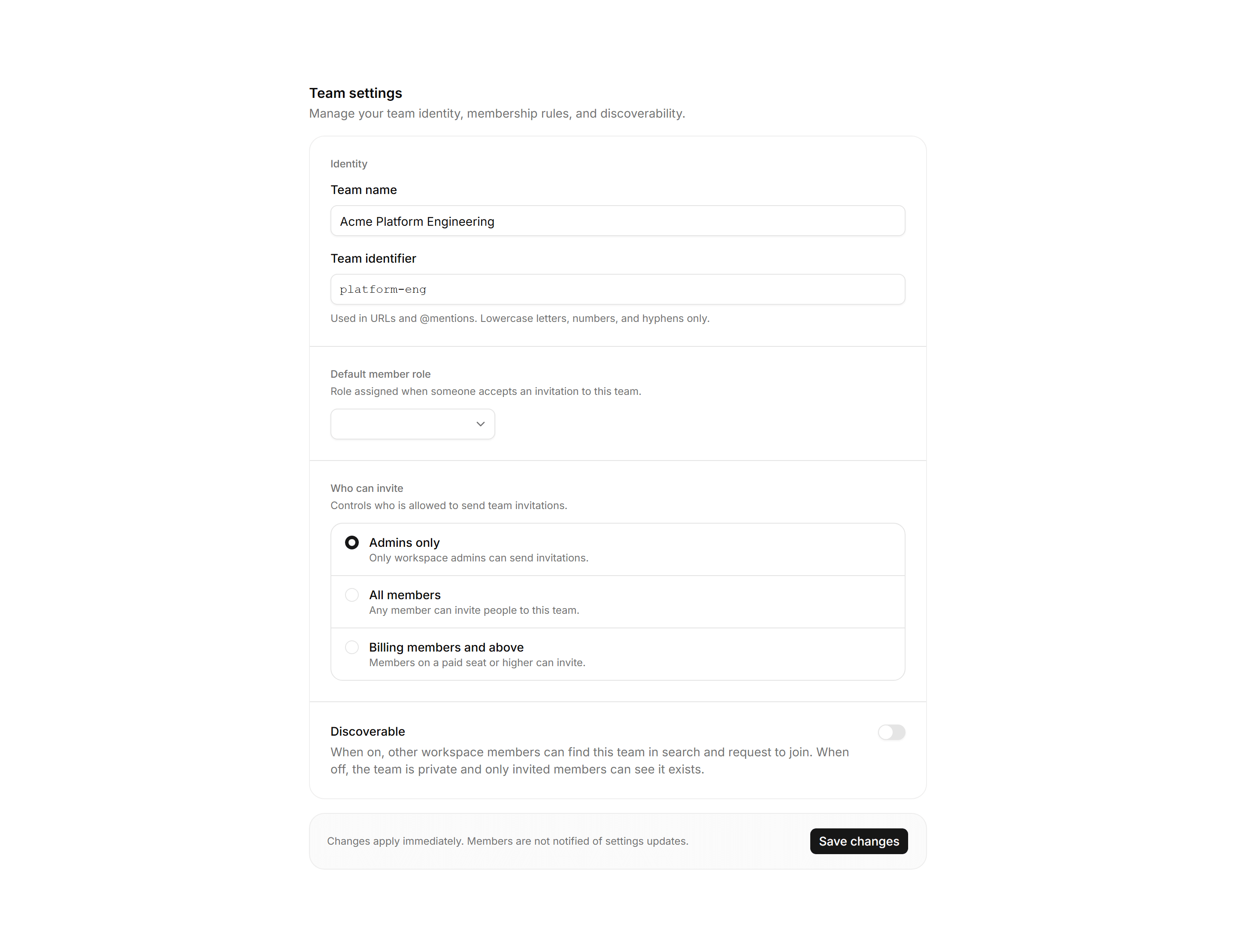
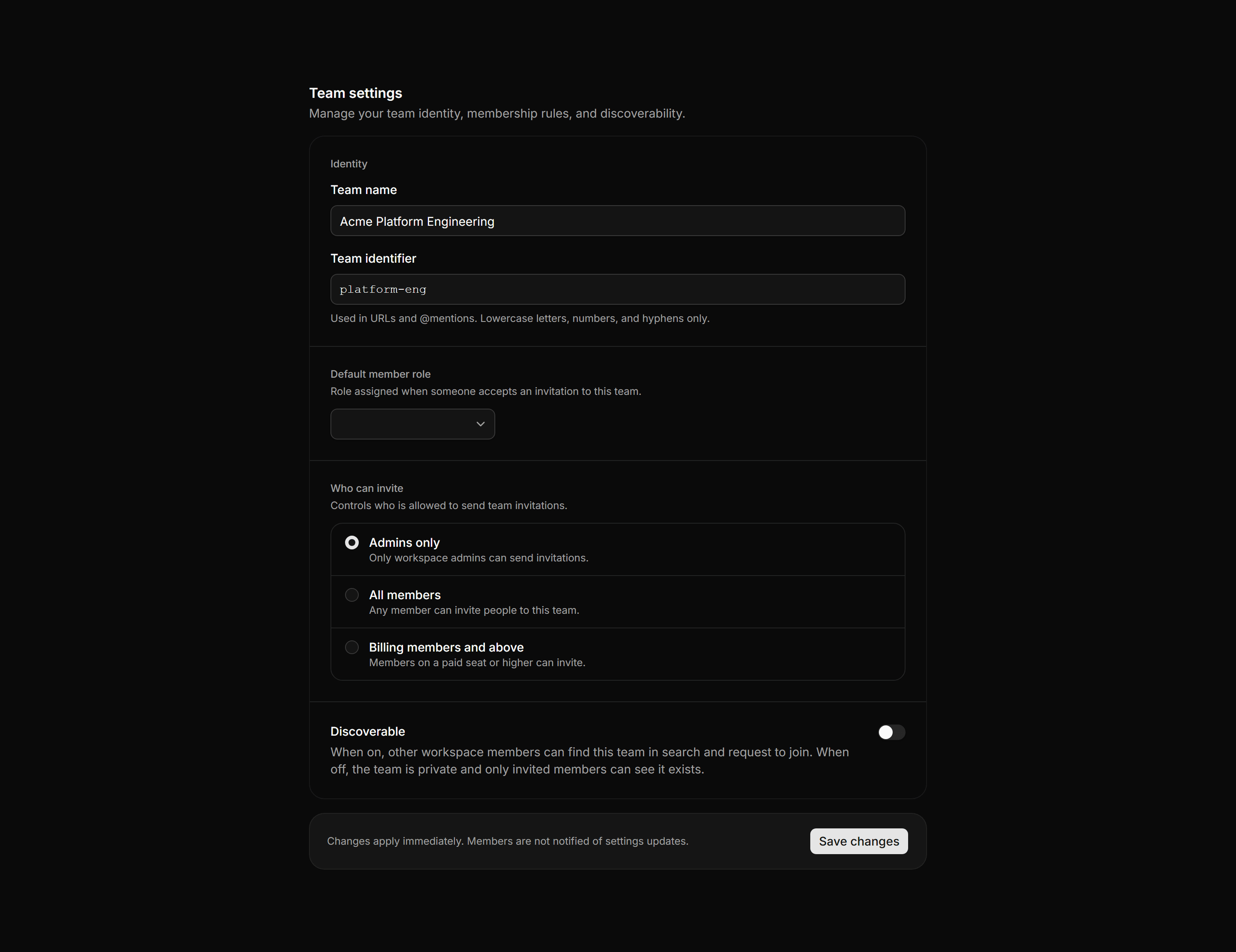
Application Setting: Team Settings
Team identity panel with name and identifier fields, a default member role Select, who-can-invite radio rows, and a discoverable toggle with its privacy consequence spelled out.
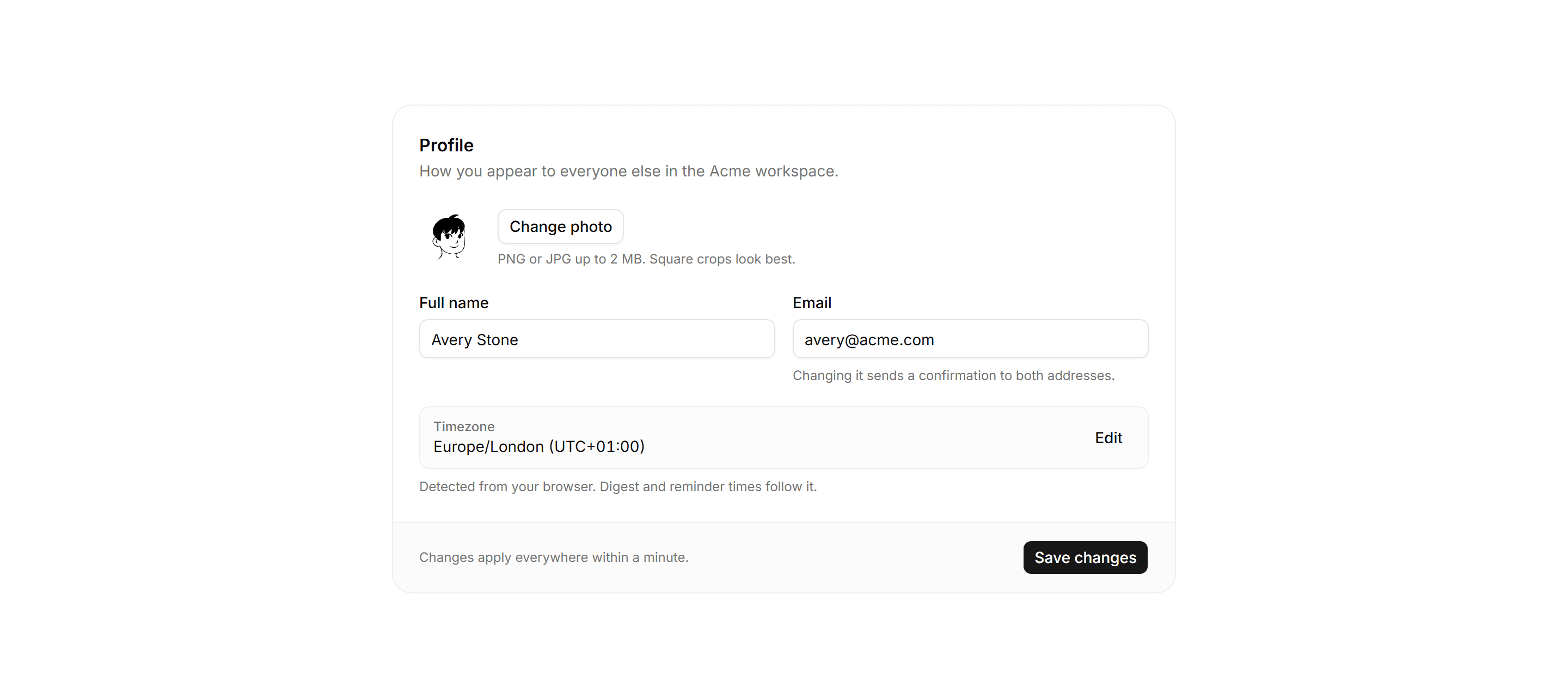
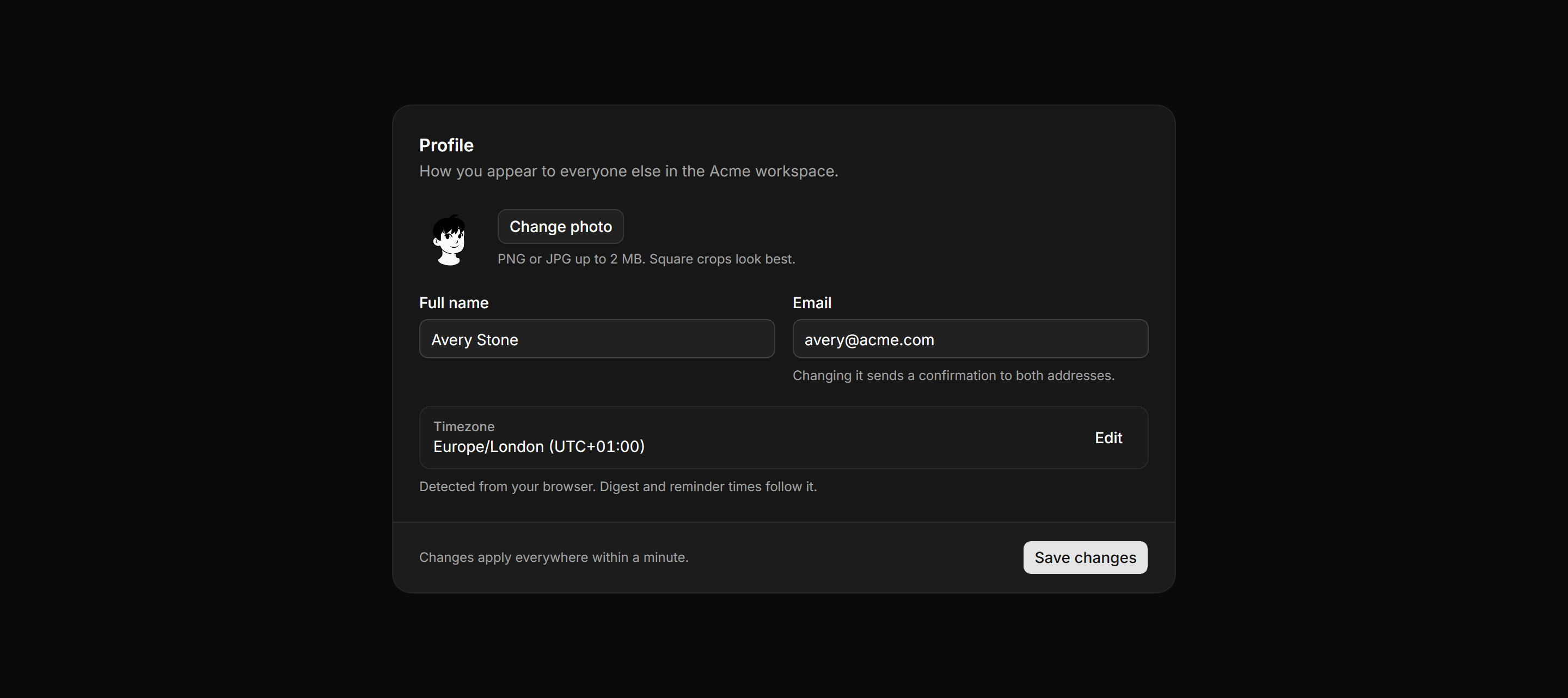
Application Setting: Profile Settings
Profile panel with avatar upload, name and email inputs, a read-only timezone row, and a save bar.
Application Setting: Data Retention Settings
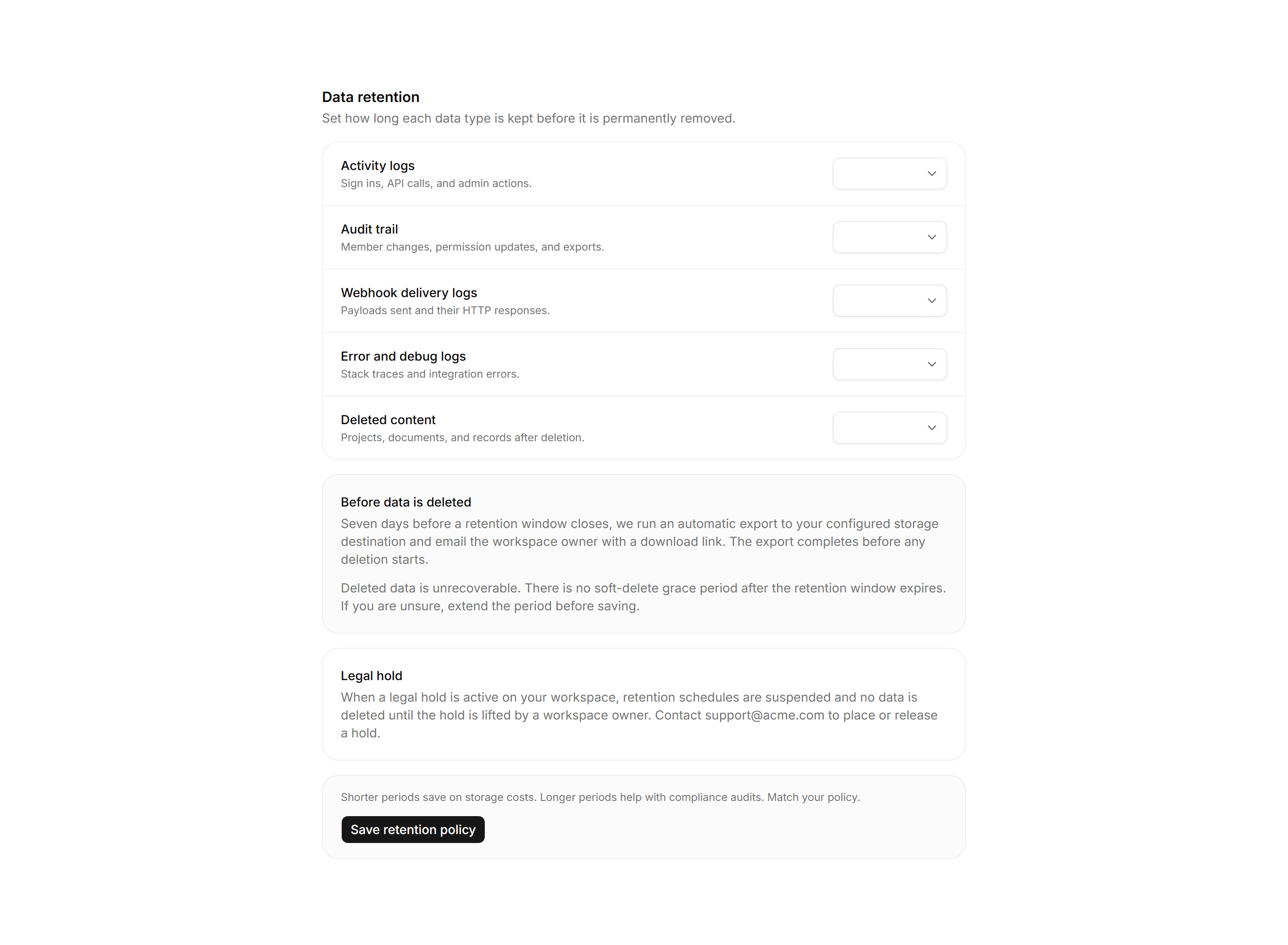
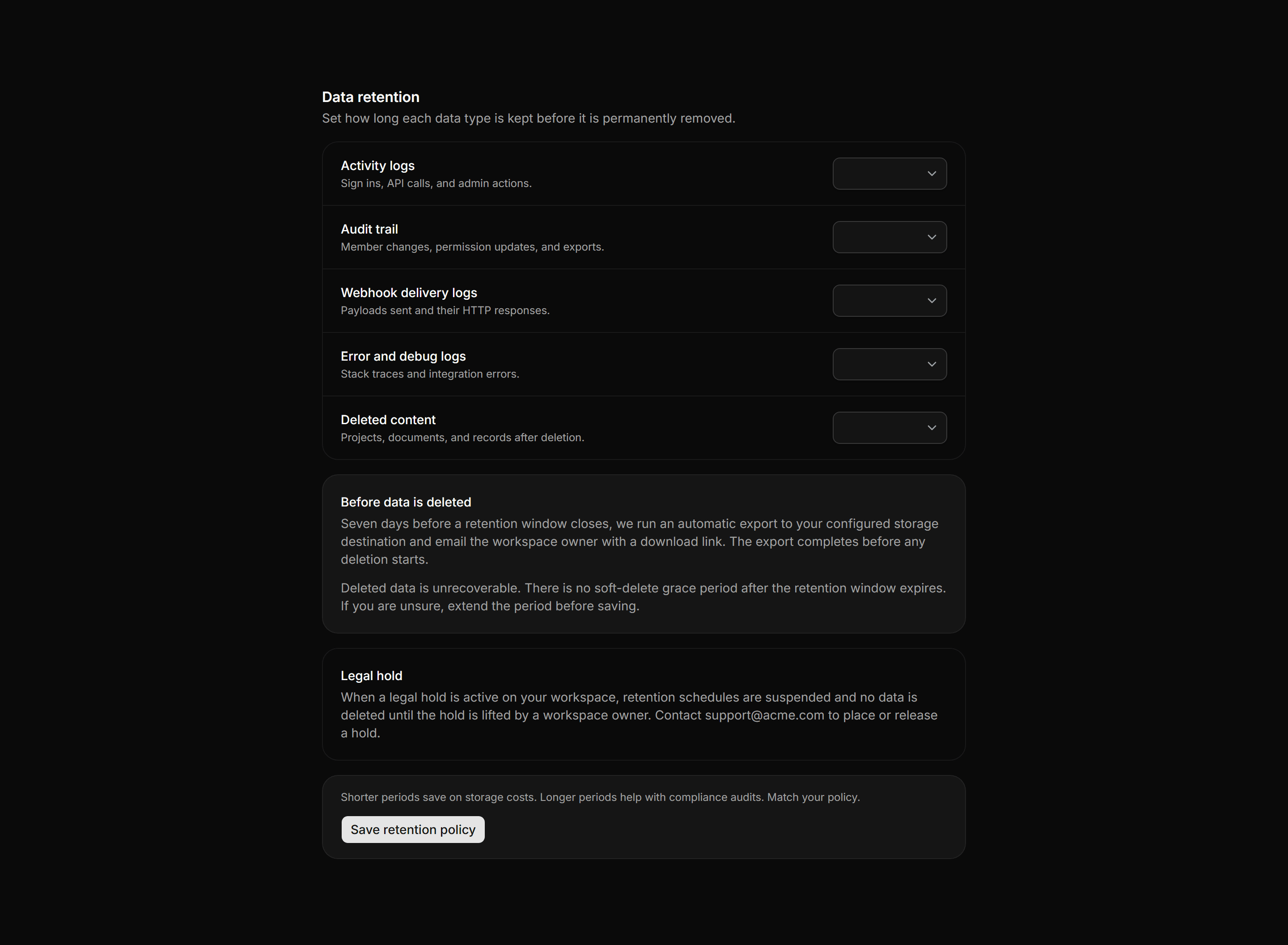
Per-data-type retention period Selects with export and deletion consequence panels, a legal hold note, and a save bar.
Application Setting: Language Region Settings
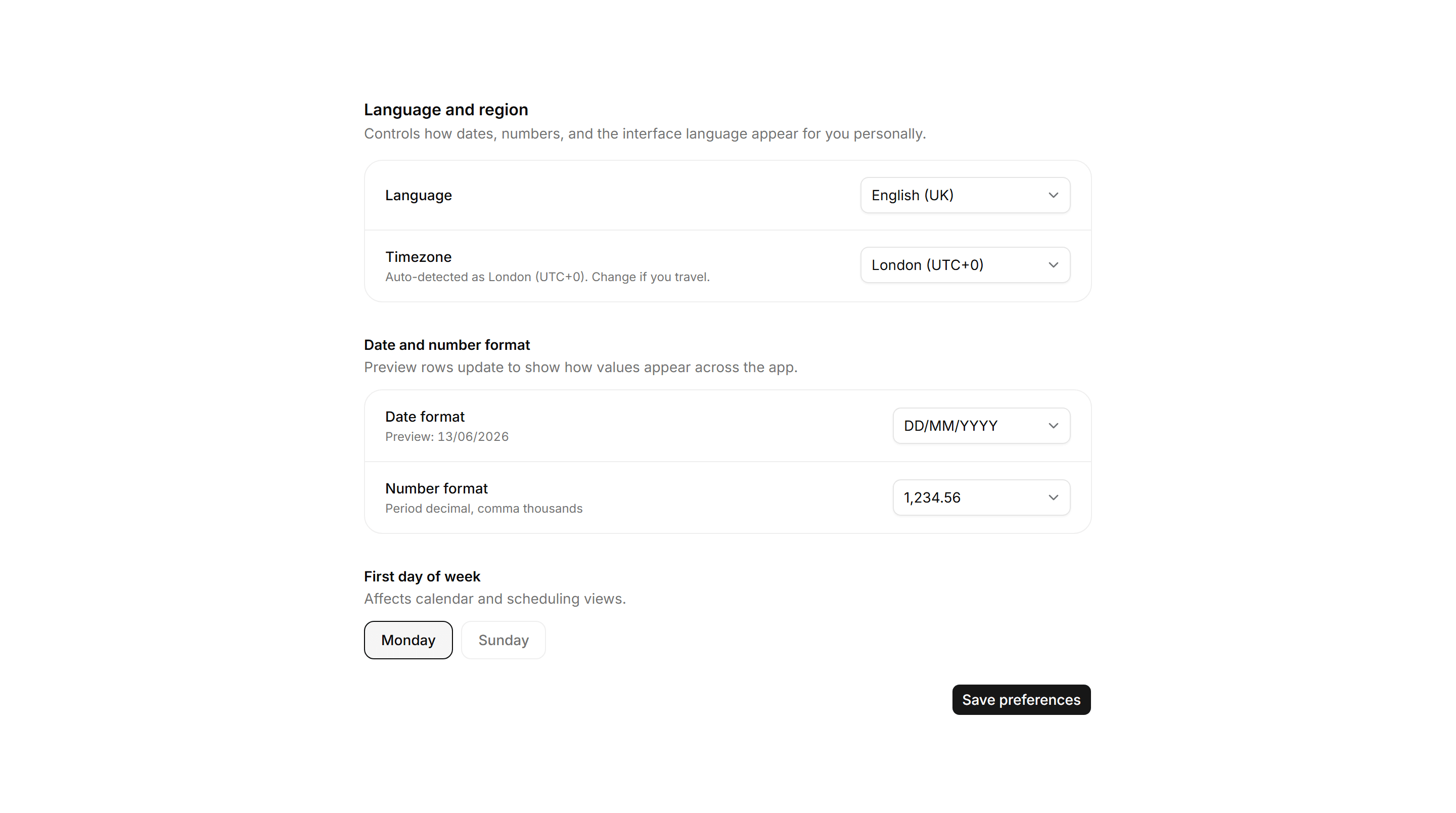
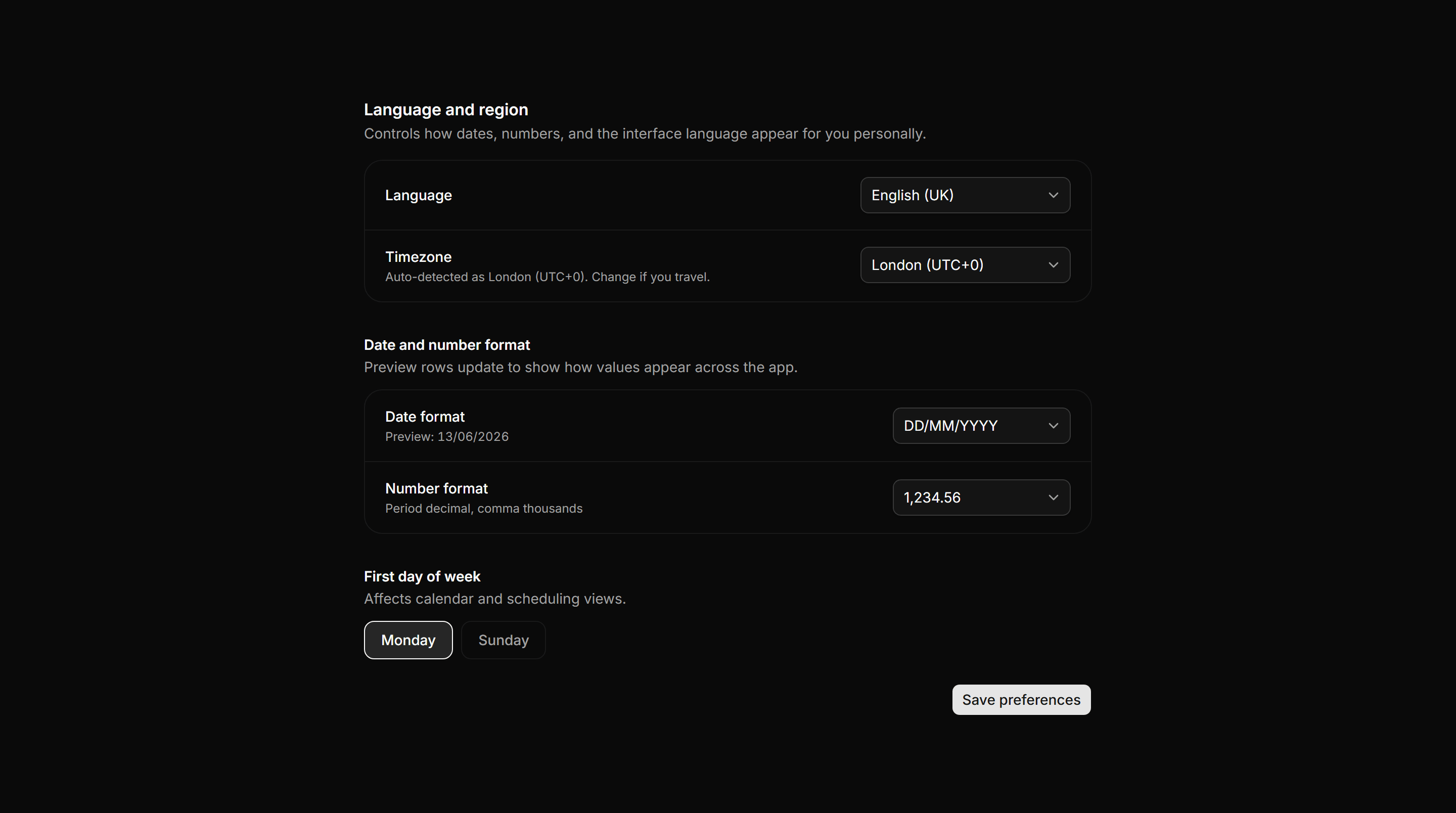
Language and timezone selects with a live date and number format preview row and a first-day-of-week toggle.
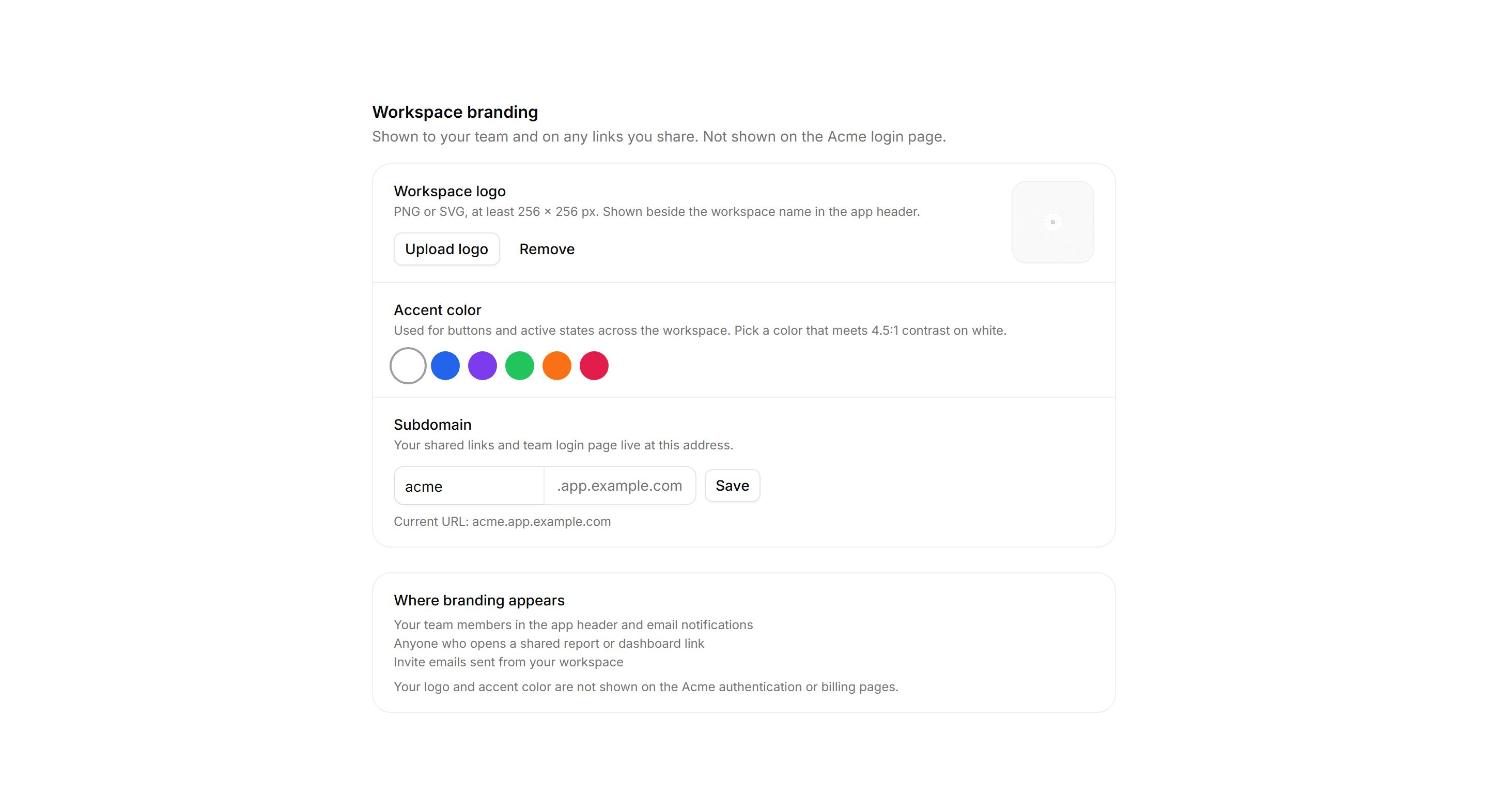
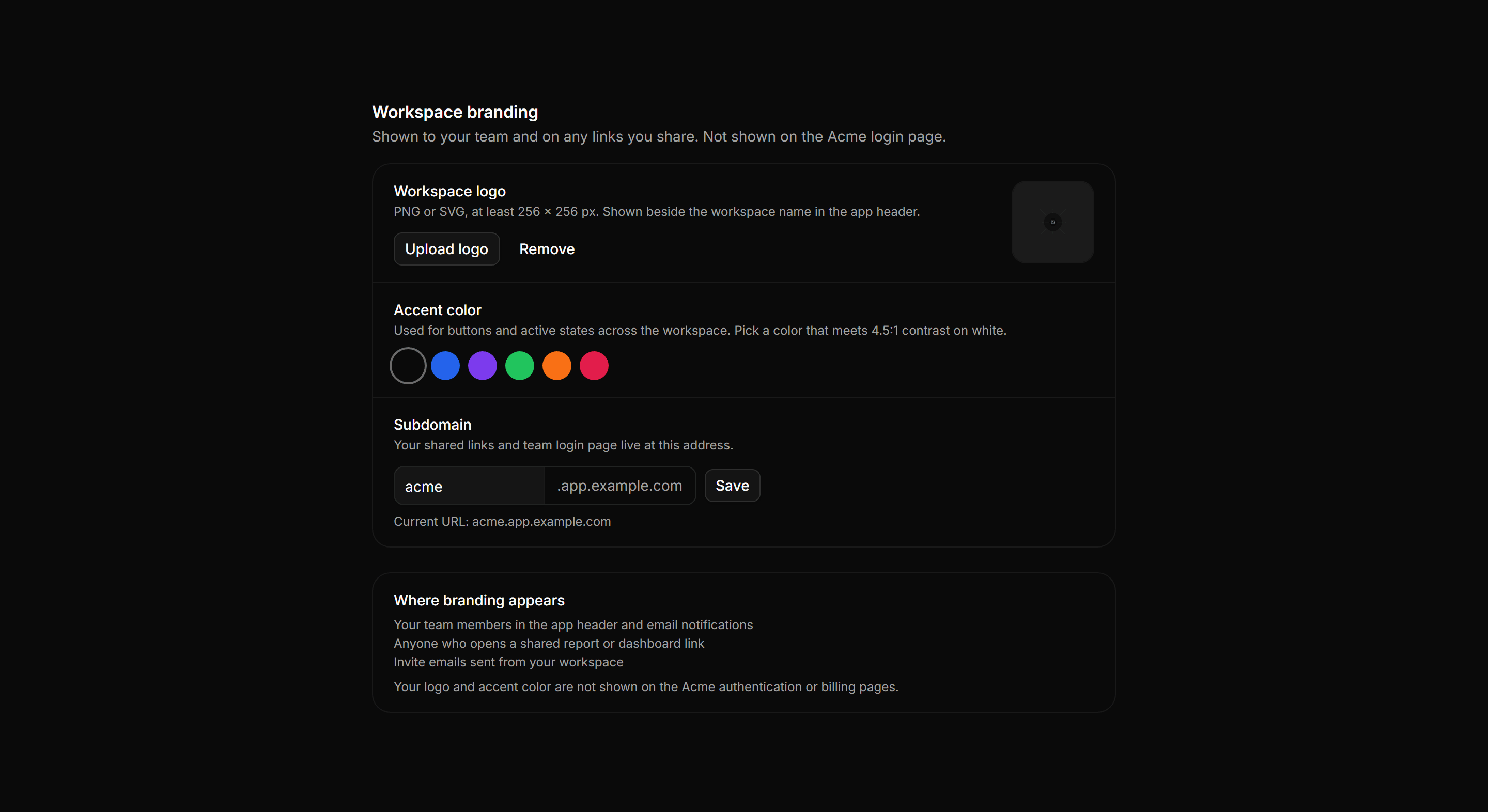
Application Setting: Branding Settings
Workspace branding panel with logo upload, accent color swatches, a subdomain field, and an honest note on where branding actually appears.
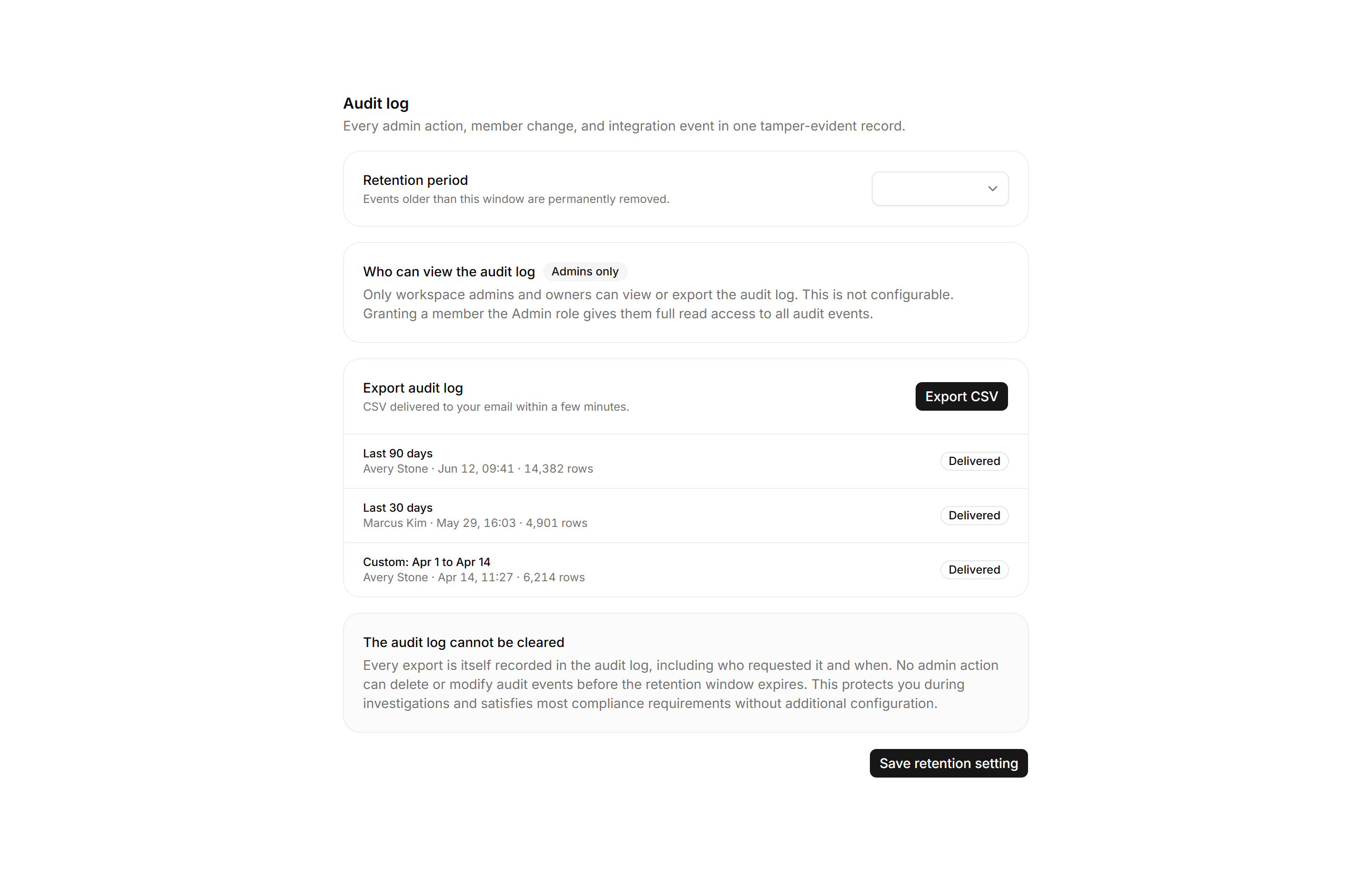
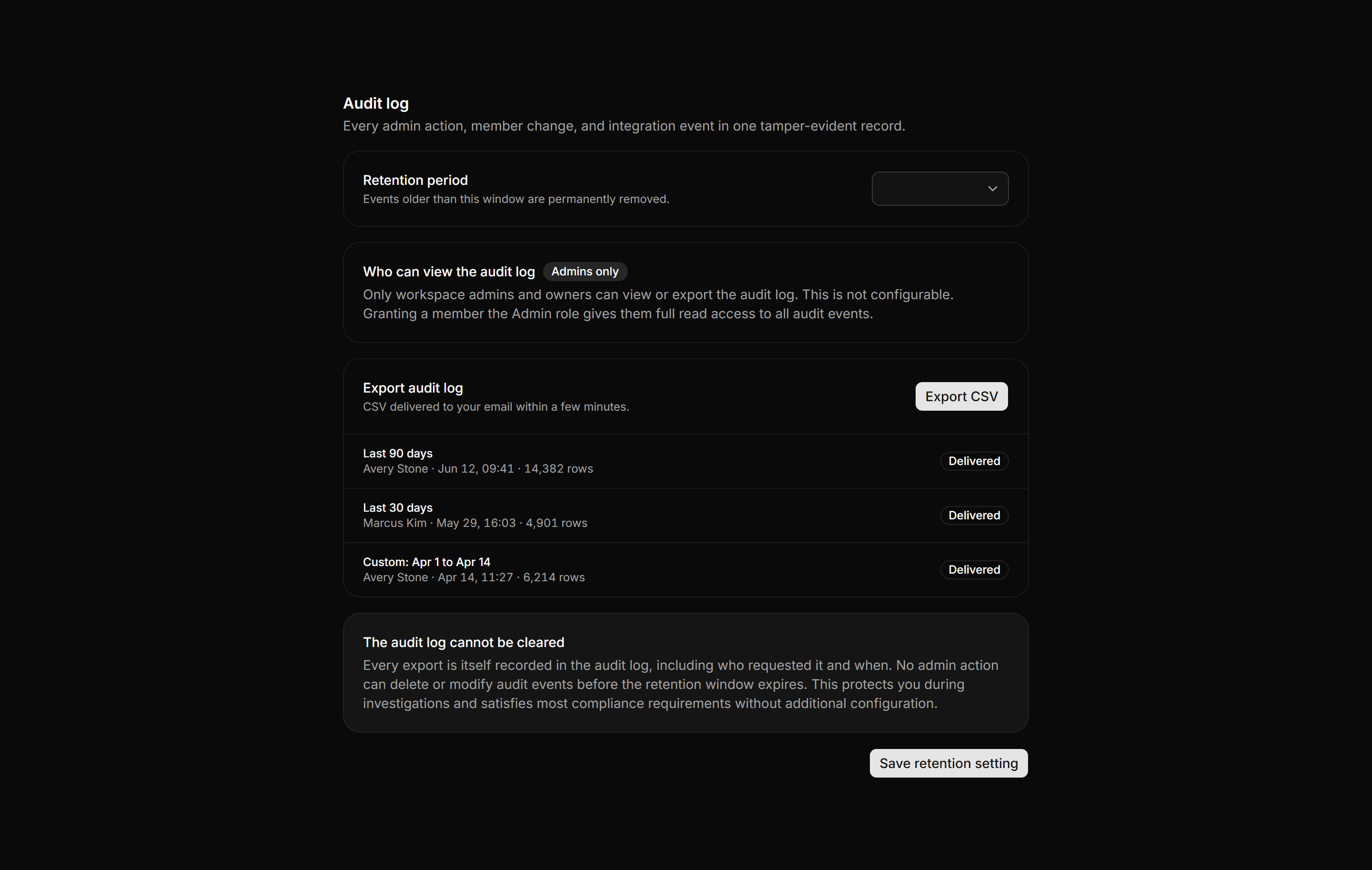
Application Setting: Audit Log Settings
Audit log configuration with a retention period select, an admins-only access note, a CSV export with recent export history, and an immutability callout.
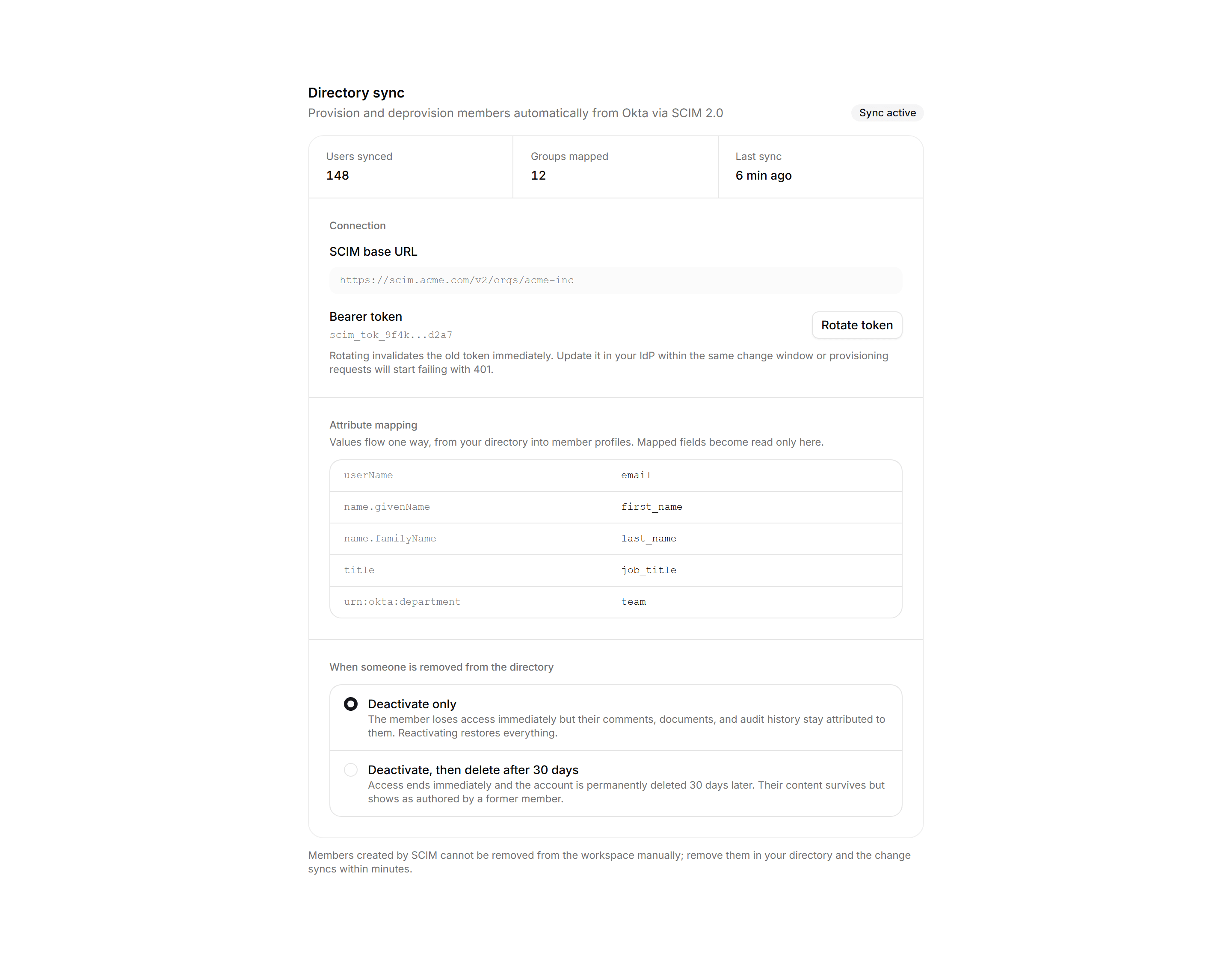
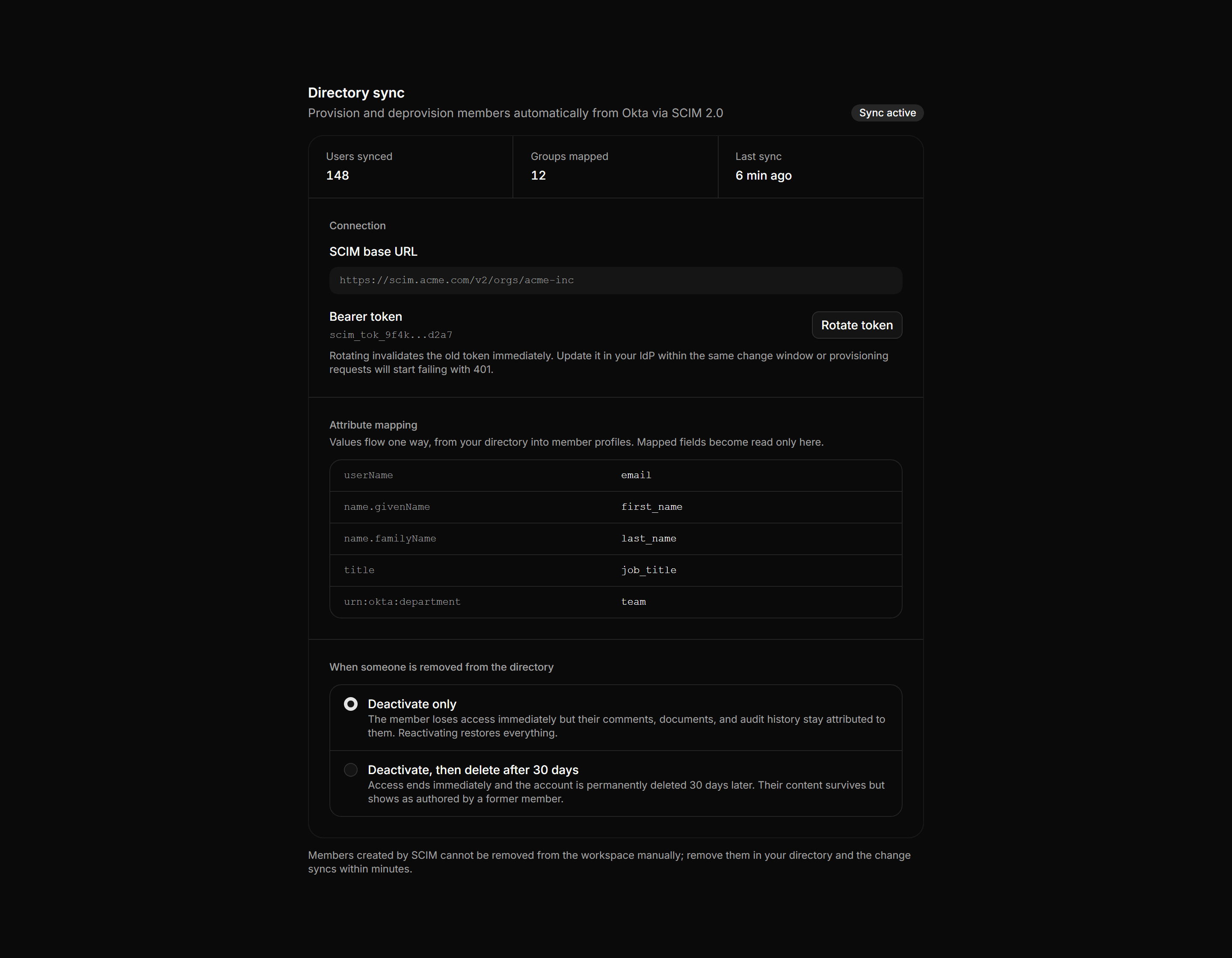
Application Setting: SCIM Provisioning Settings
A SCIM provisioning panel with sync stats, the base URL and masked bearer token, an attribute mapping grid, and deprovisioning options.
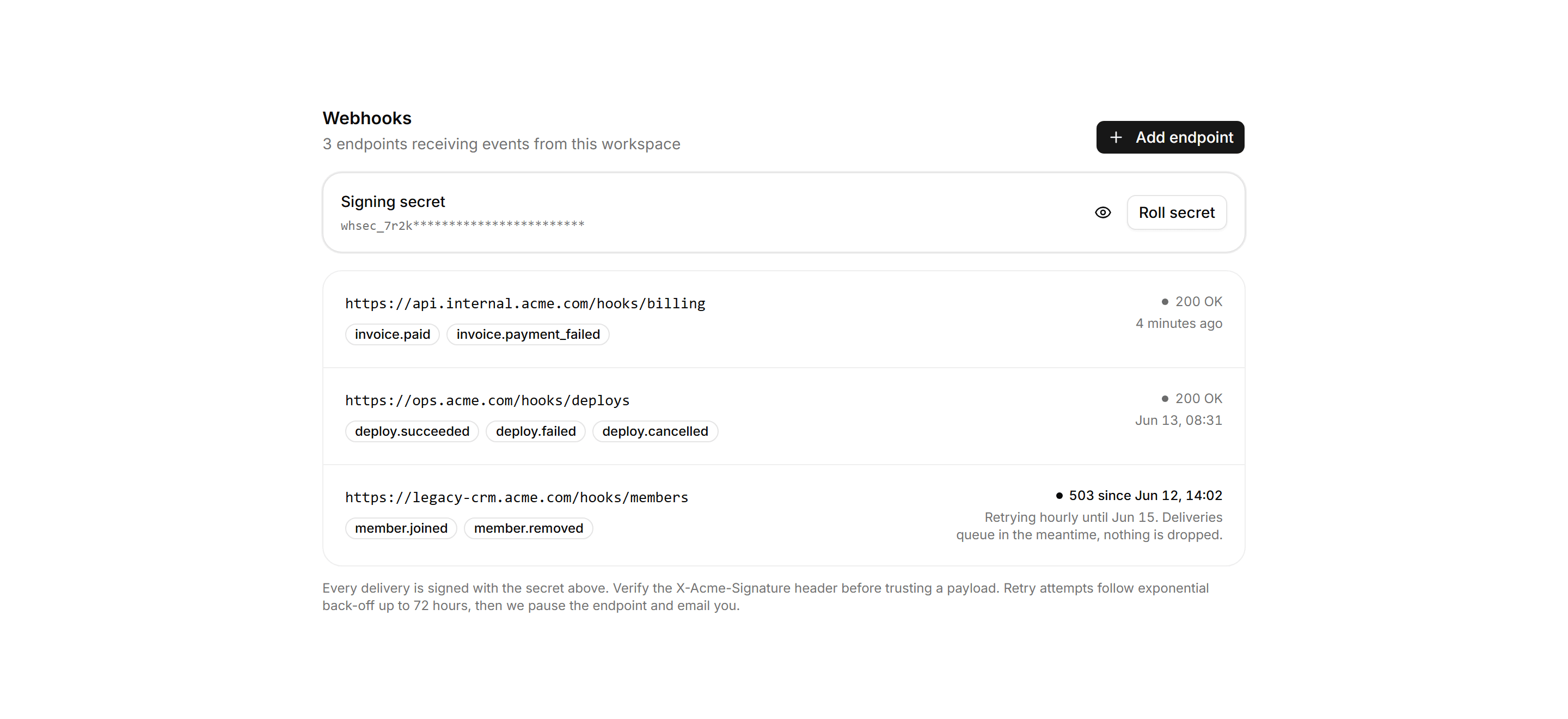
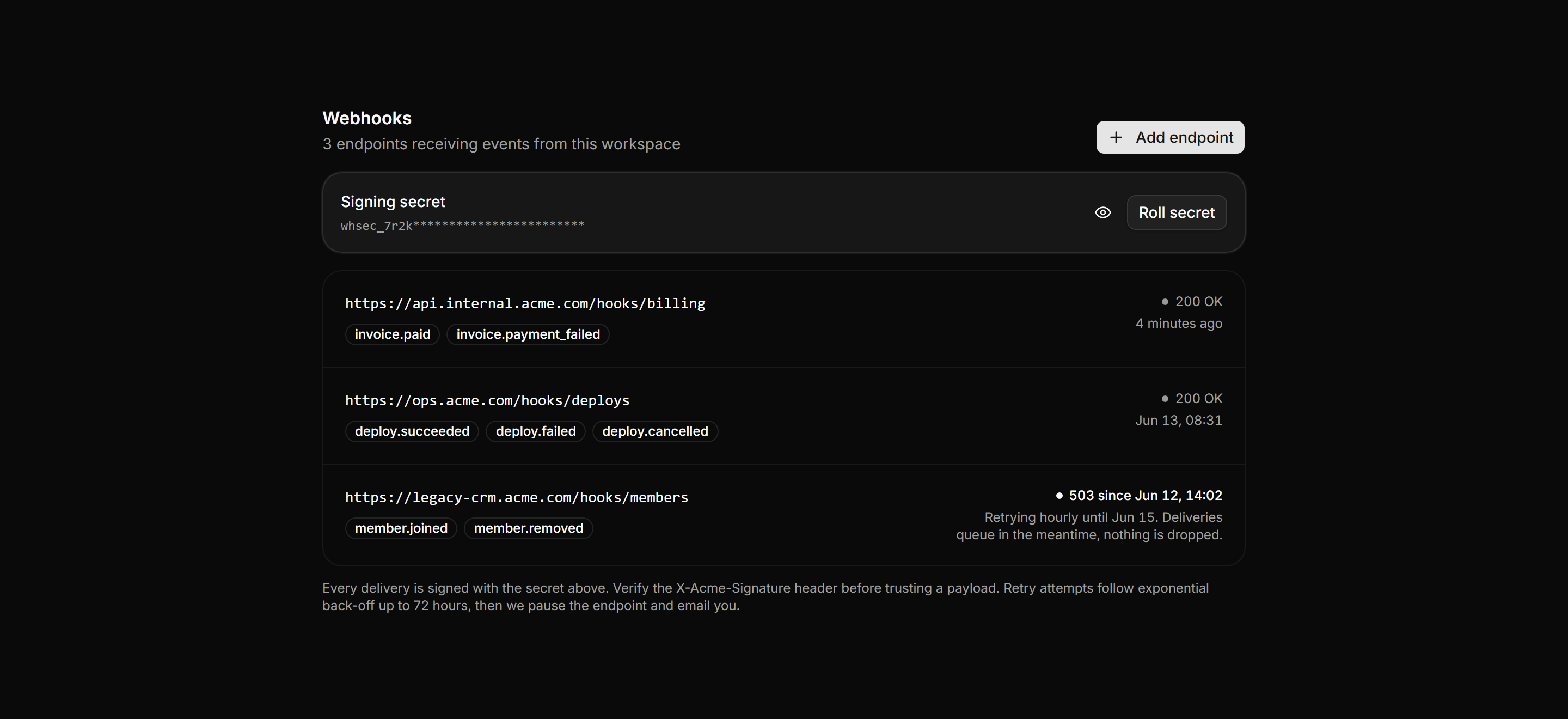
Application Setting: Webhooks Settings
Webhook endpoint list with mono URLs, event Badges, per-row delivery status, a masked signing secret with reveal and roll actions, and retry policy prose.
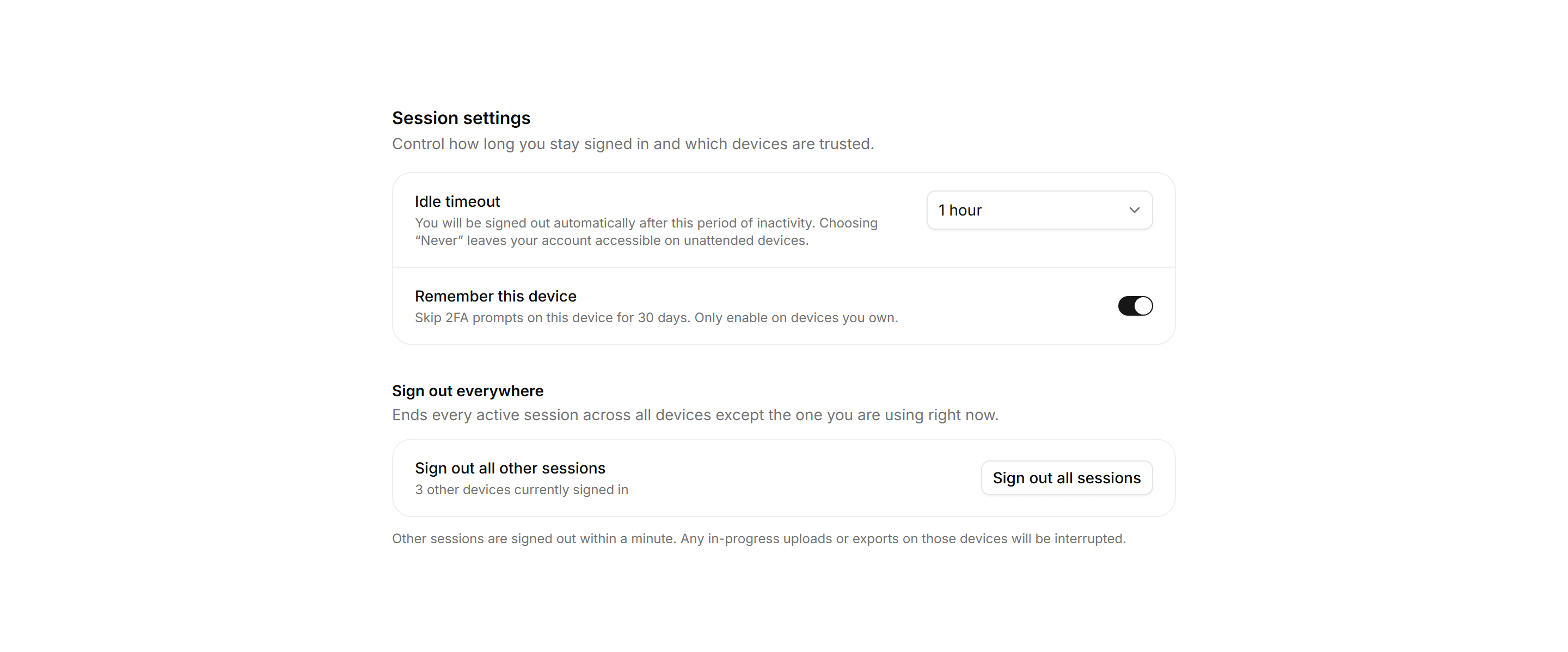
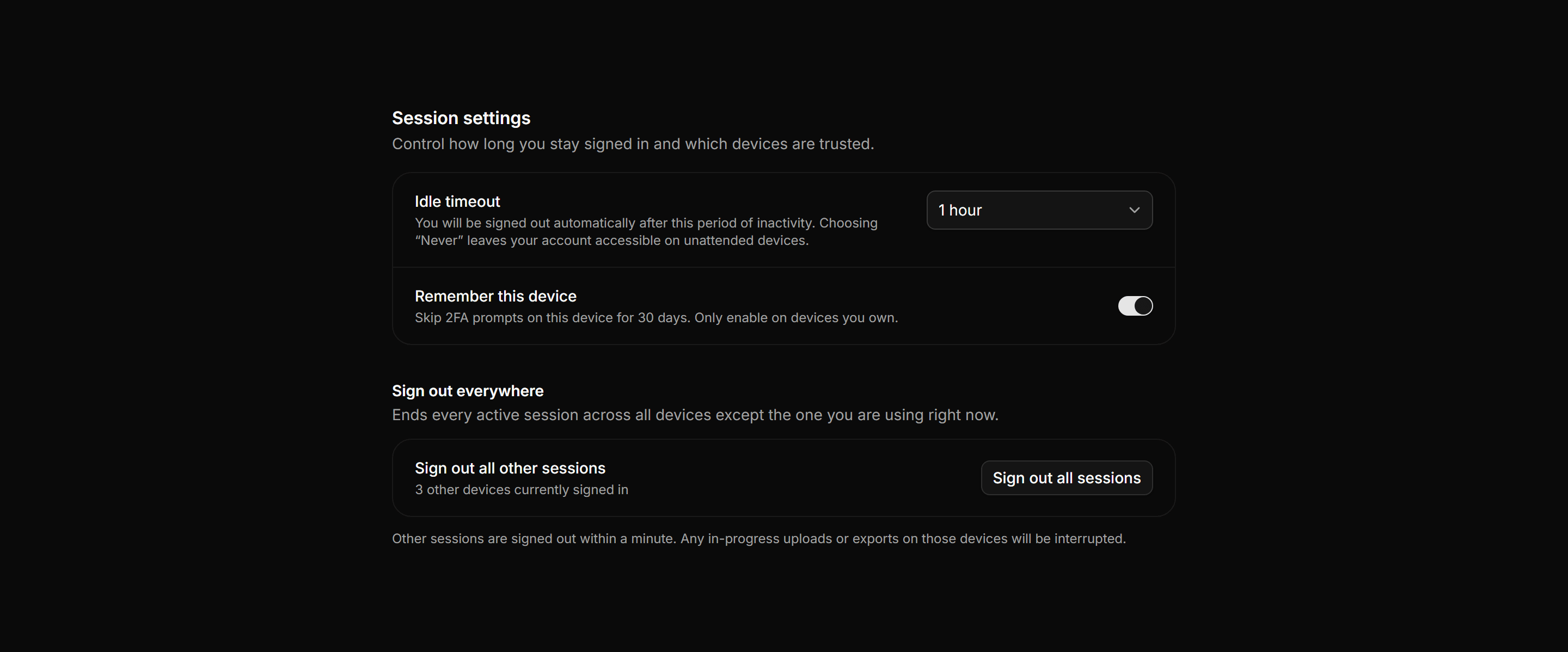
Application Setting: Session Timeout Settings
Session control panel with an idle timeout selector, a remember this device toggle, and a sign out all sessions action with its consequences listed.
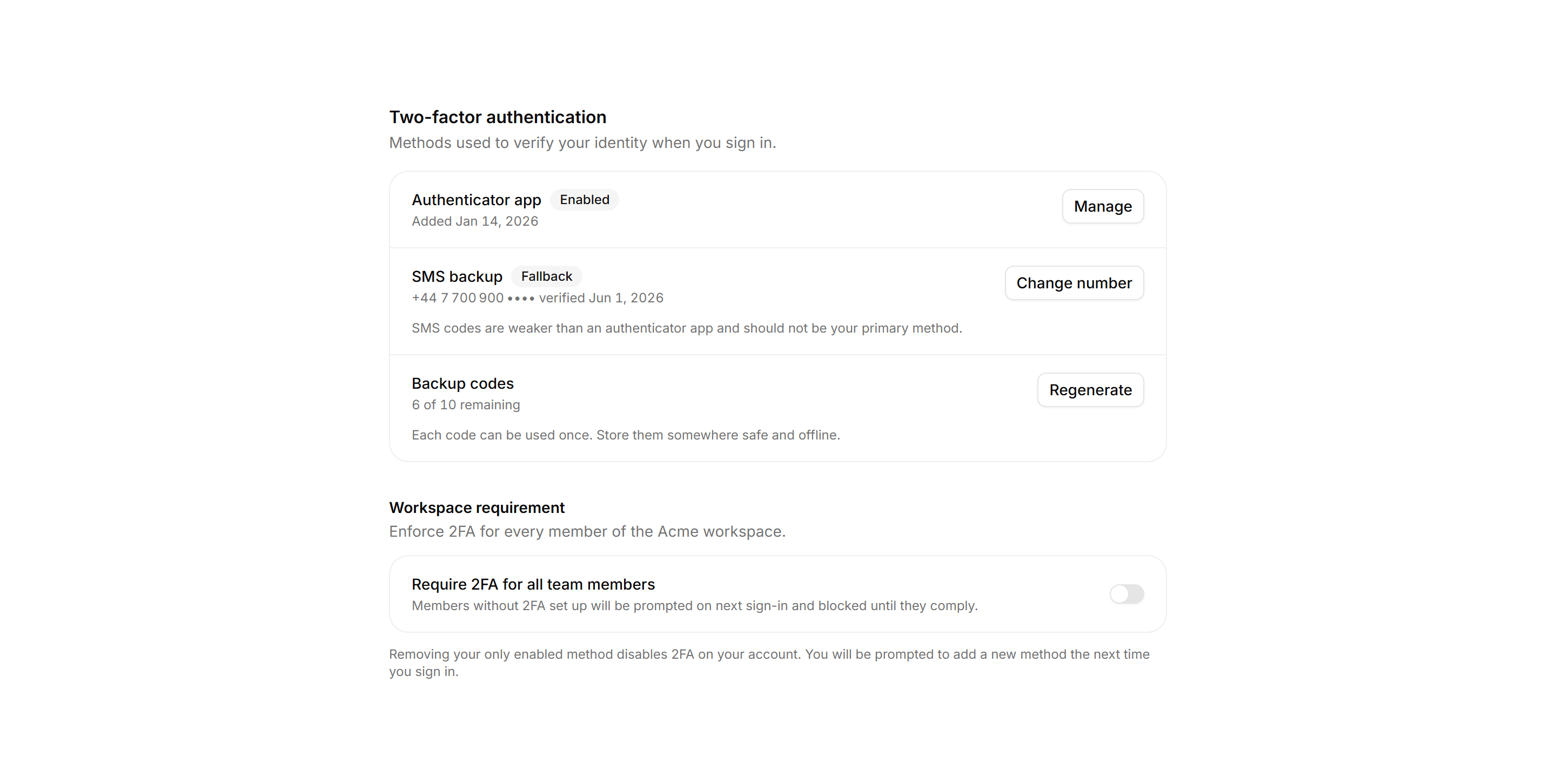
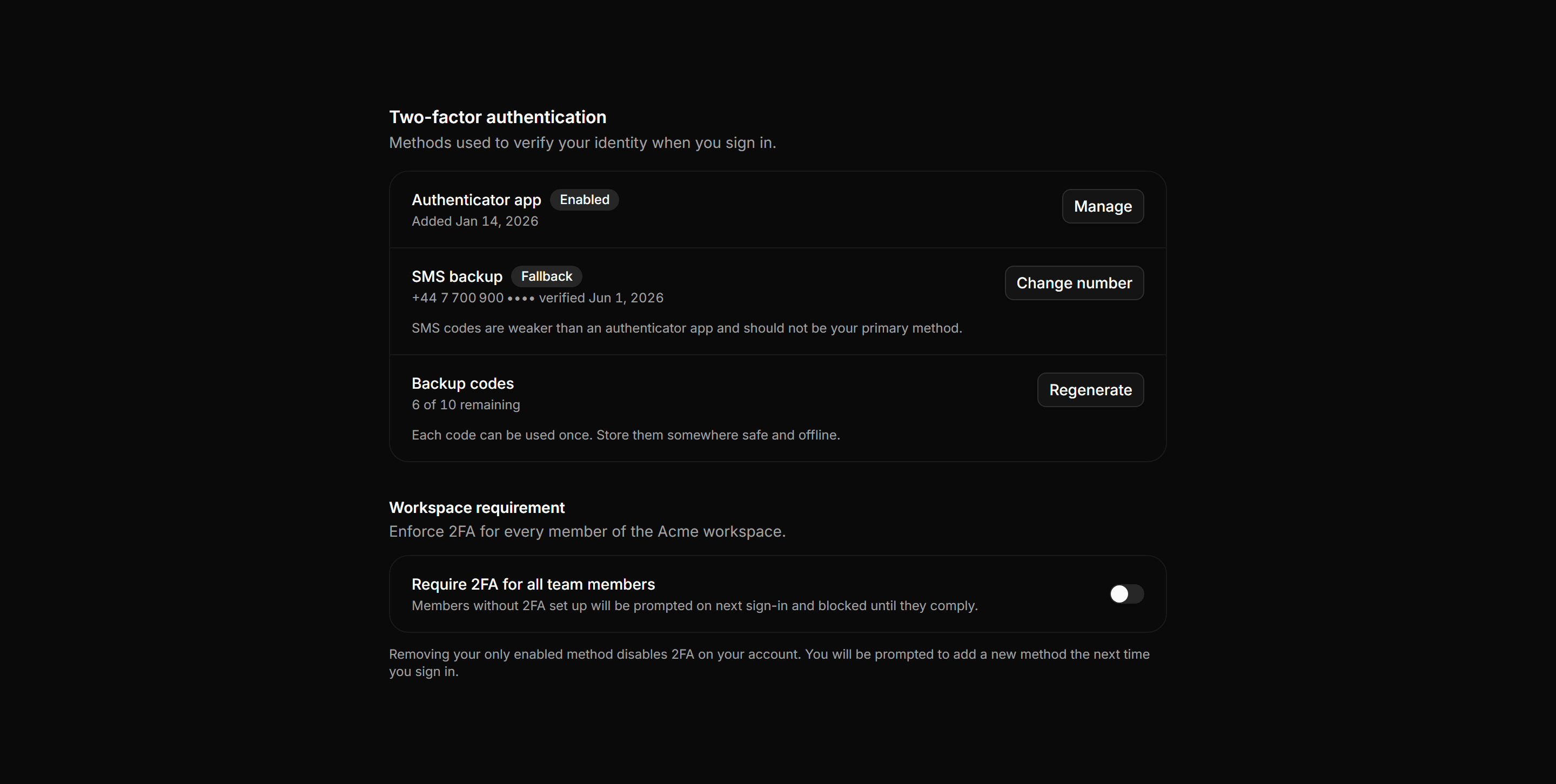
Application Setting: Two Factor Settings
2FA settings panel with authenticator app, SMS fallback, and backup codes rows plus a workspace-wide require 2FA toggle.
Application Setting: Security Settings
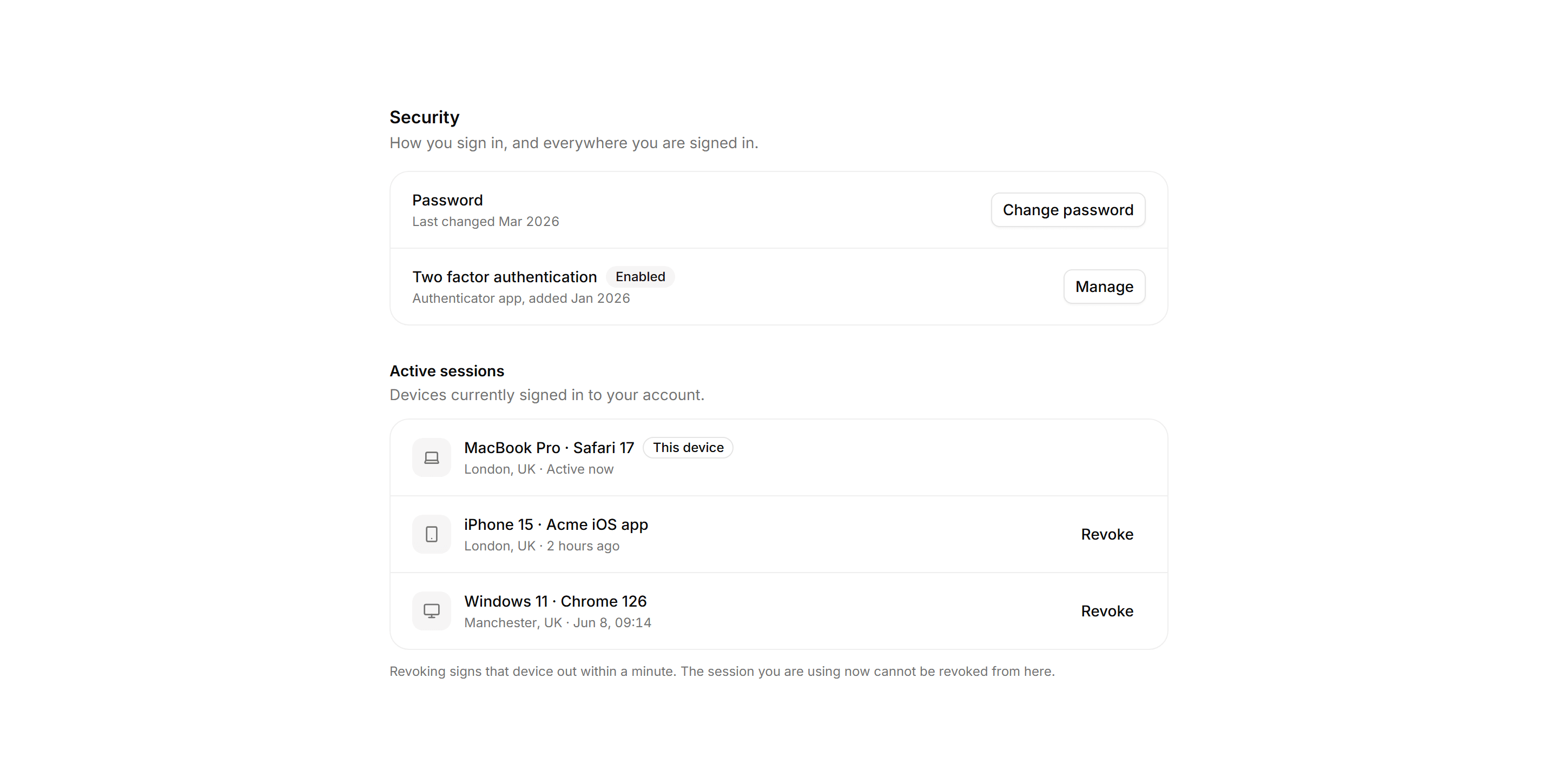
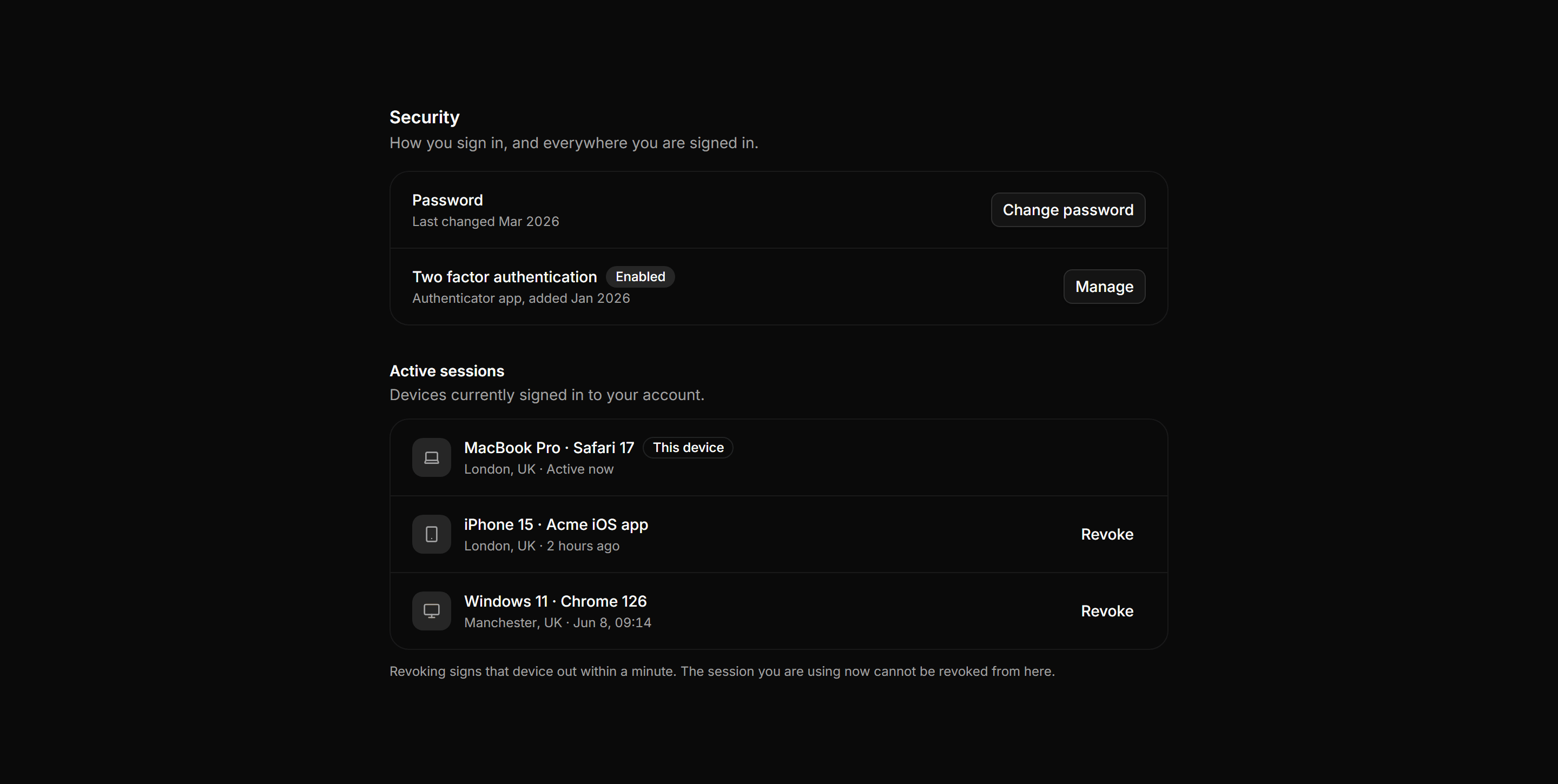
Security panel with password row, two factor status, and a ruled active sessions list with per device revoke.
Application Setting: Email Domain Settings
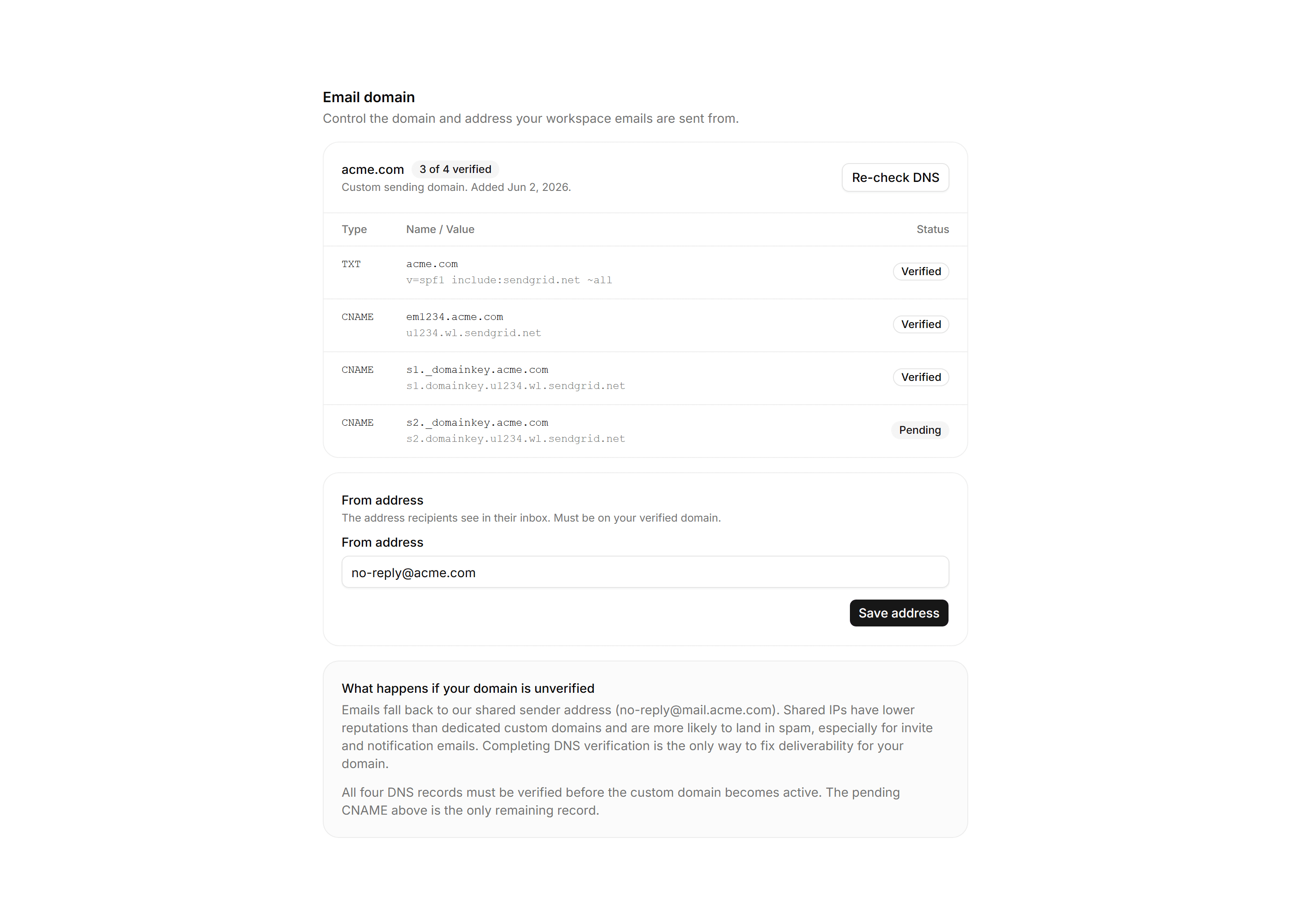
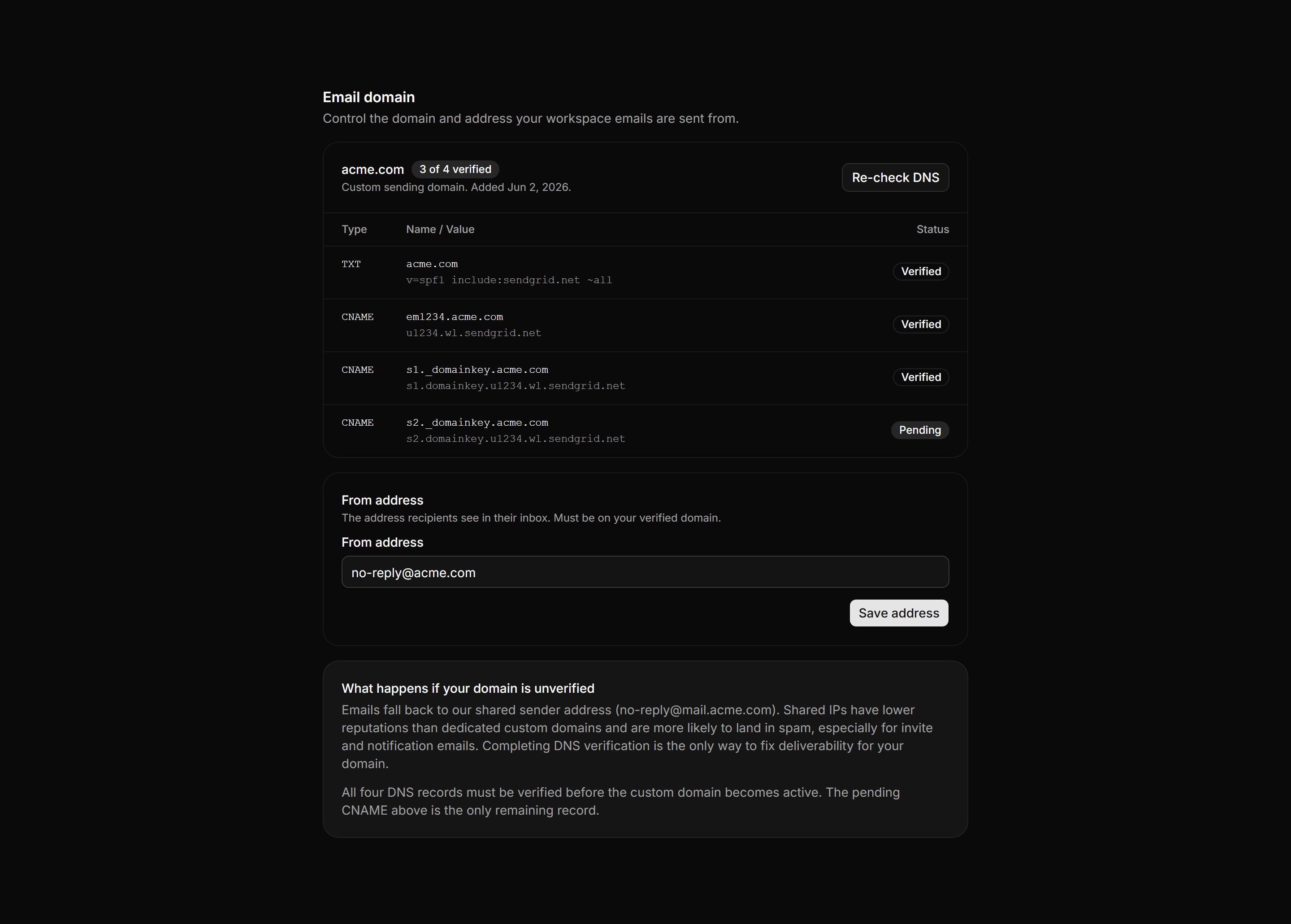
Sending domain panel with a monospace DNS record grid, per-record verified badges, a from-address field, and a deliverability fallback note for unverified domains.
Application Setting: Member Roles Table
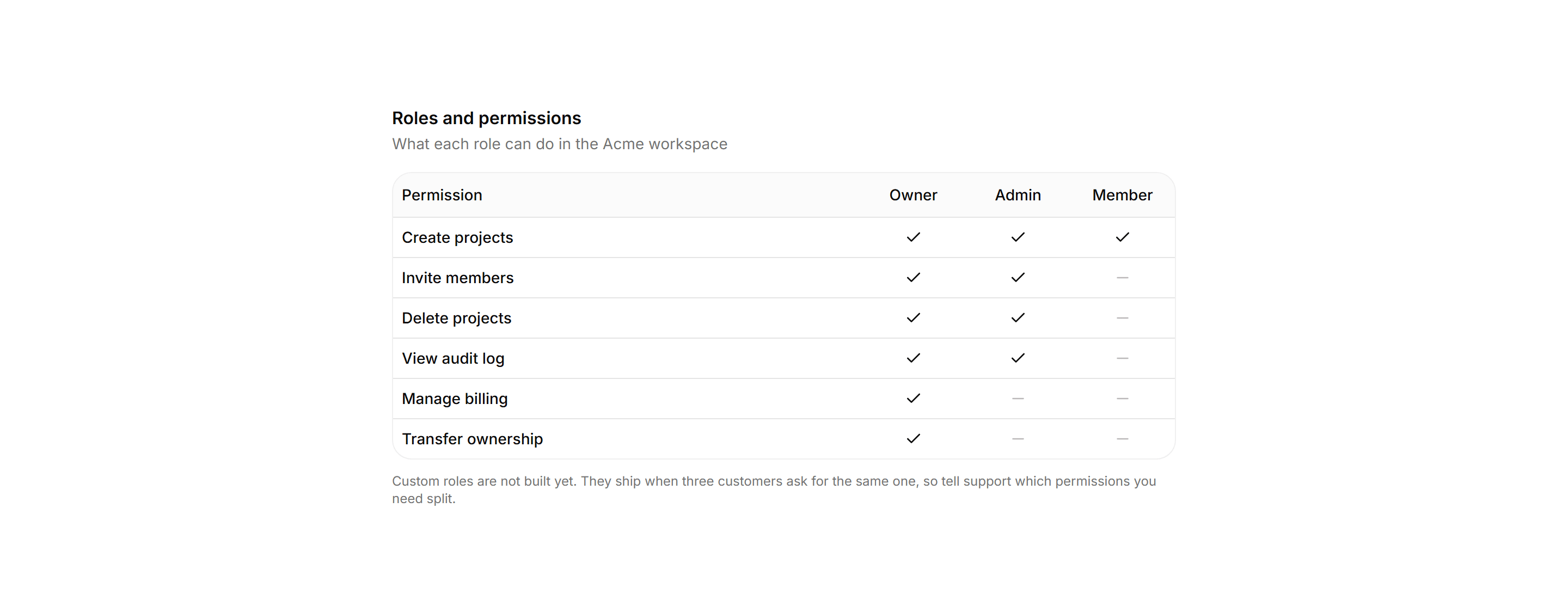
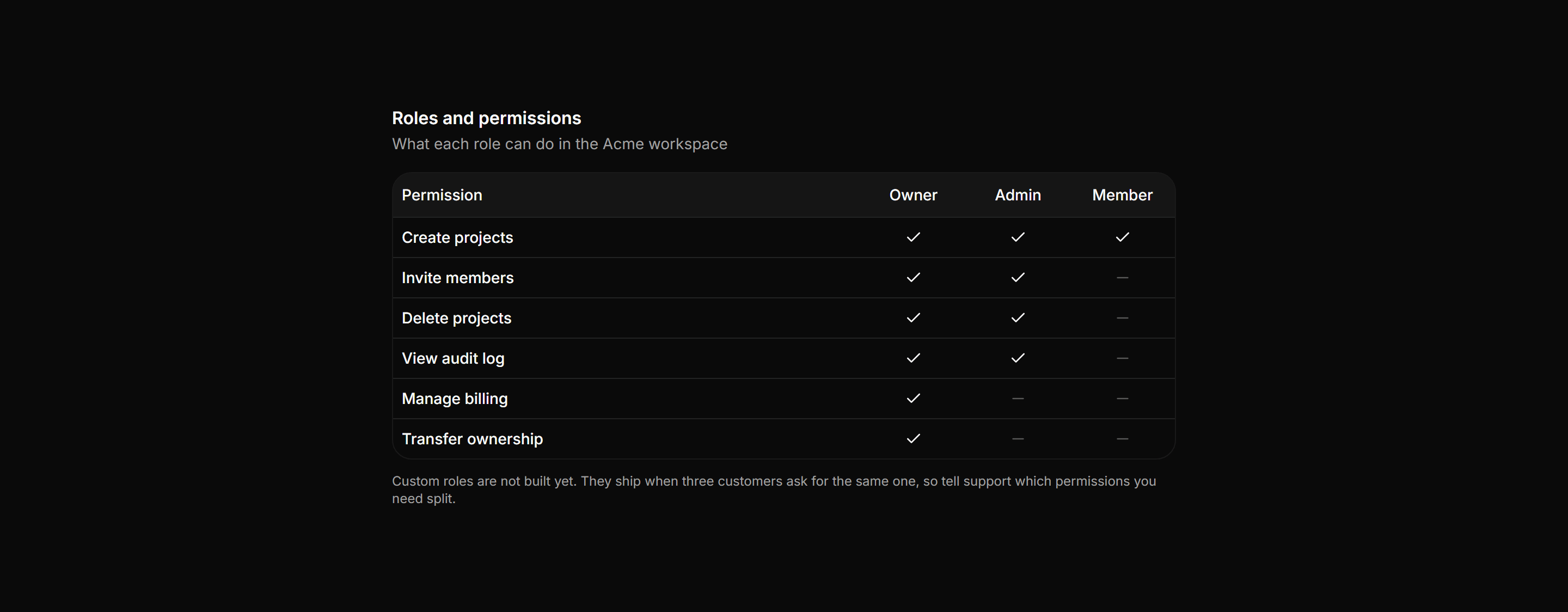
Six permissions across three roles, with the honest custom roles roadmap note.
Application Setting: Connected Apps Settings
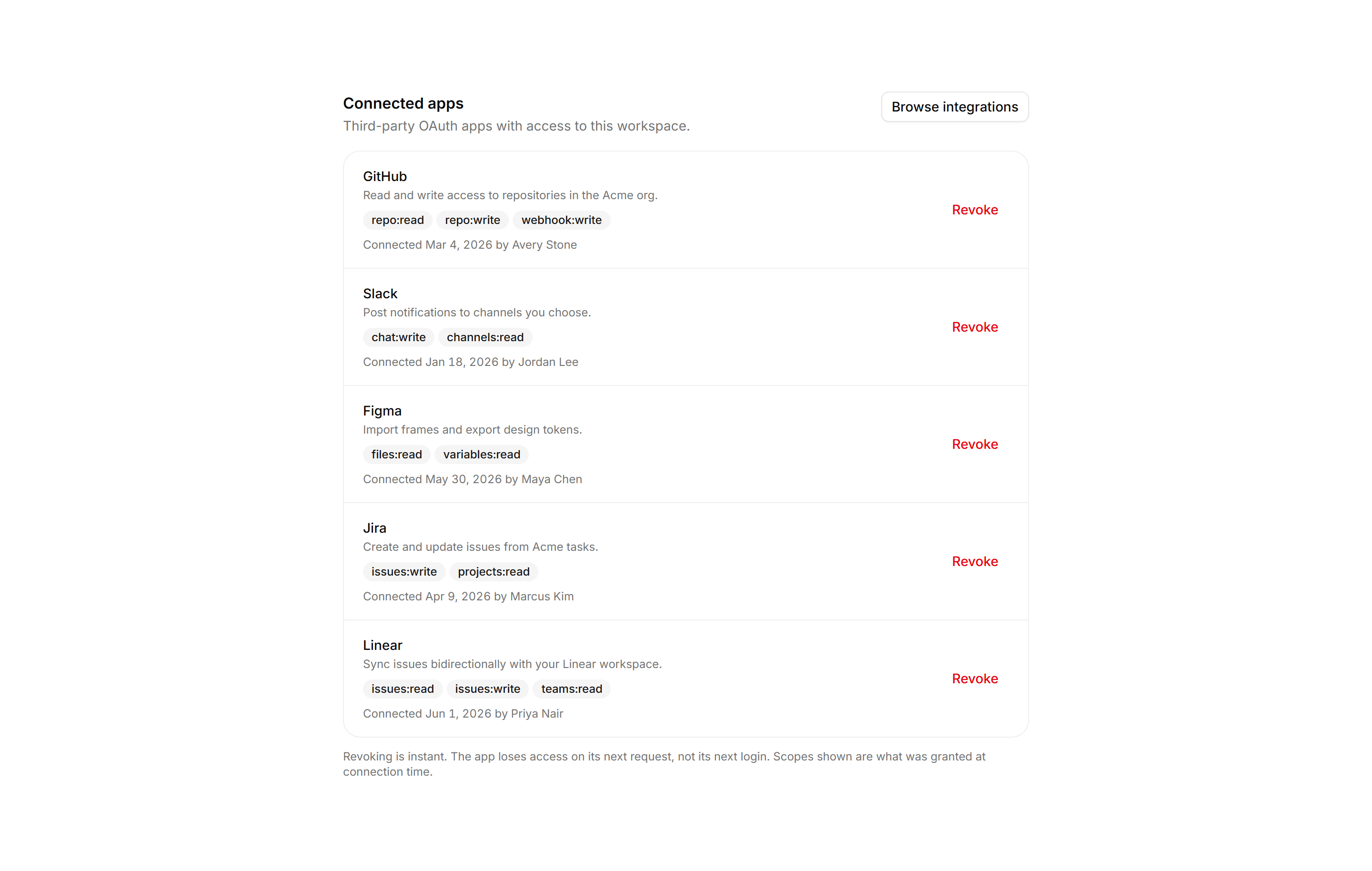
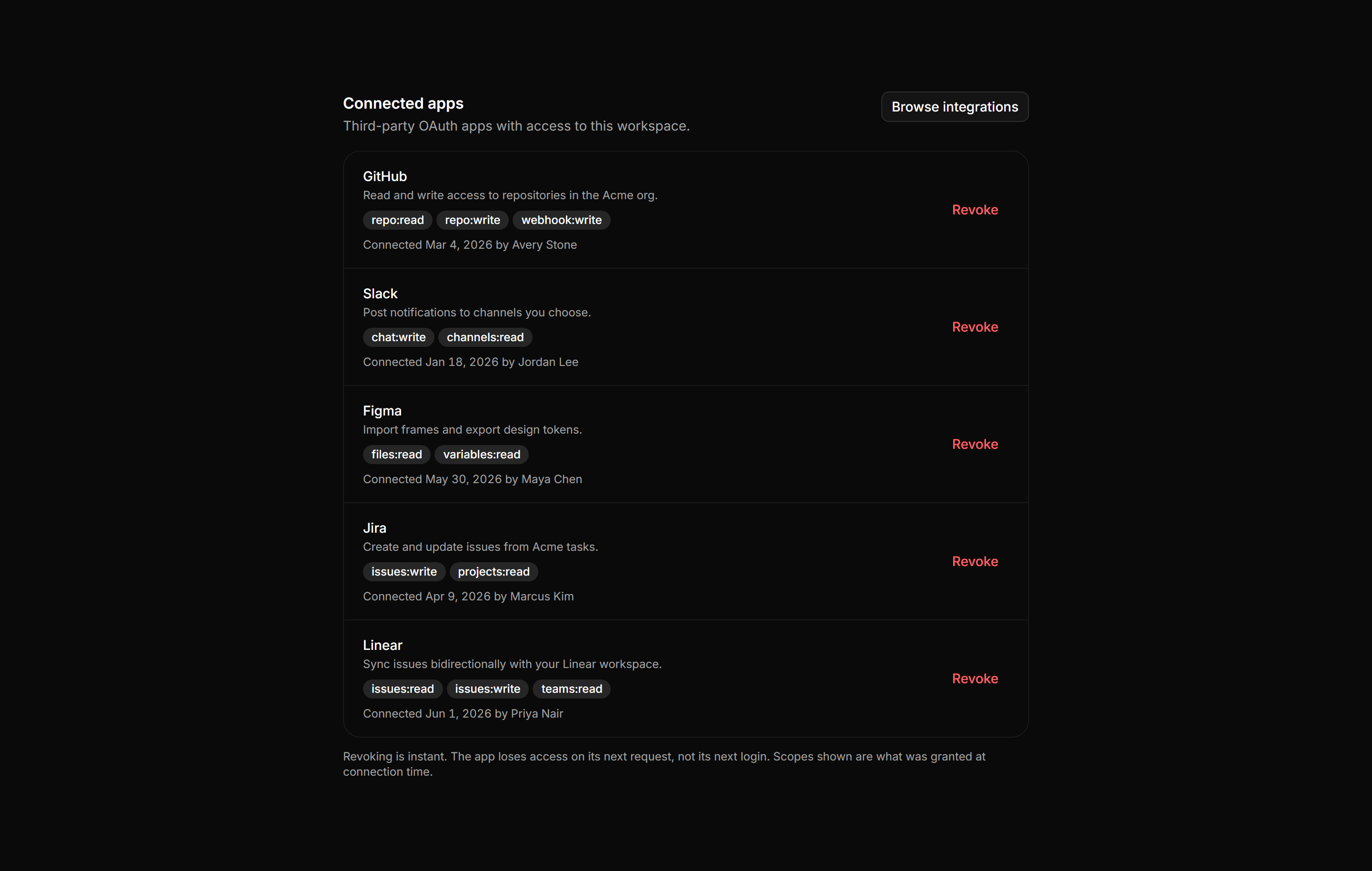
Ruled list of OAuth apps with scope badges, connected date, authorizing member, and an instant Revoke action per row.
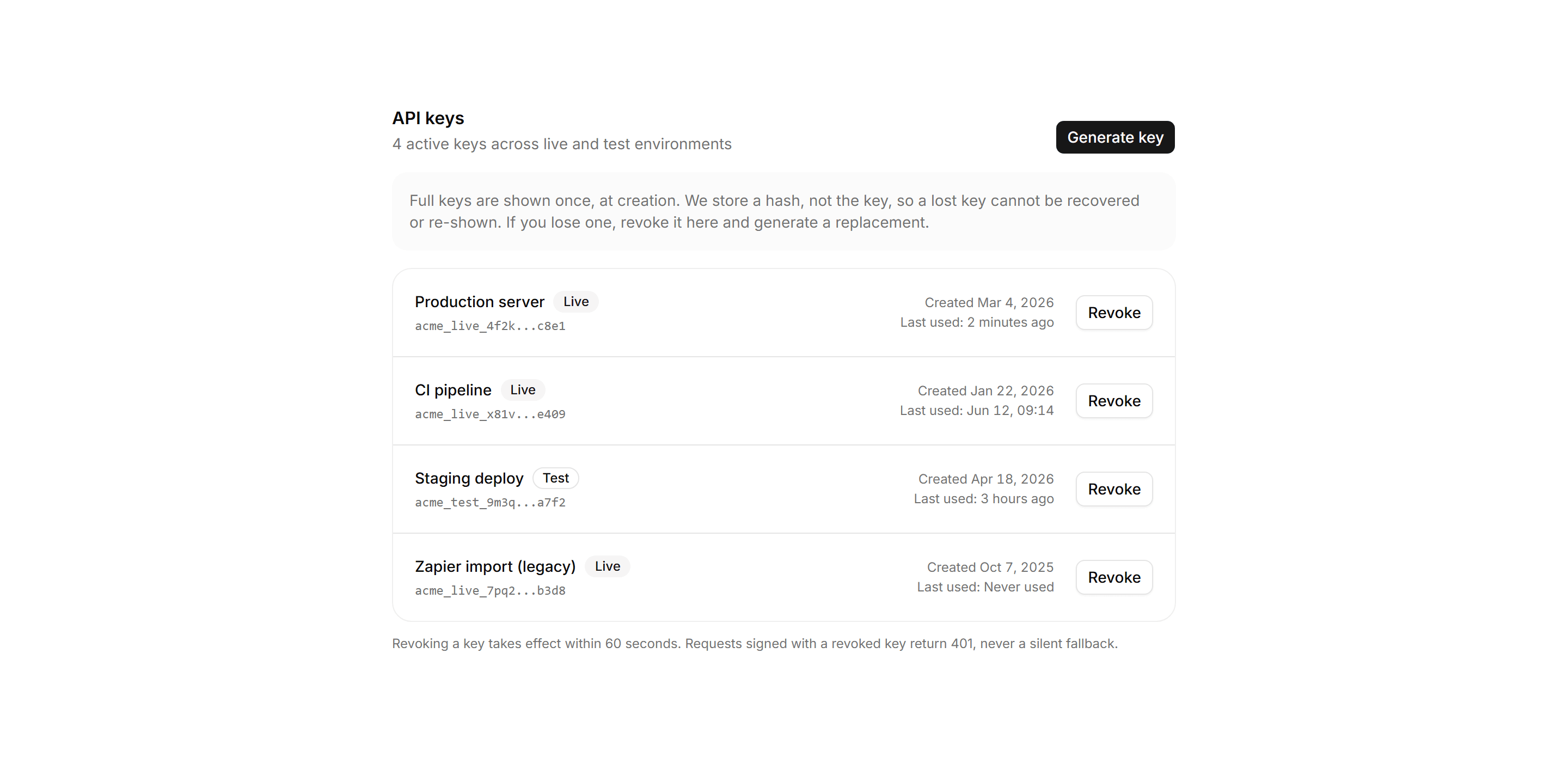
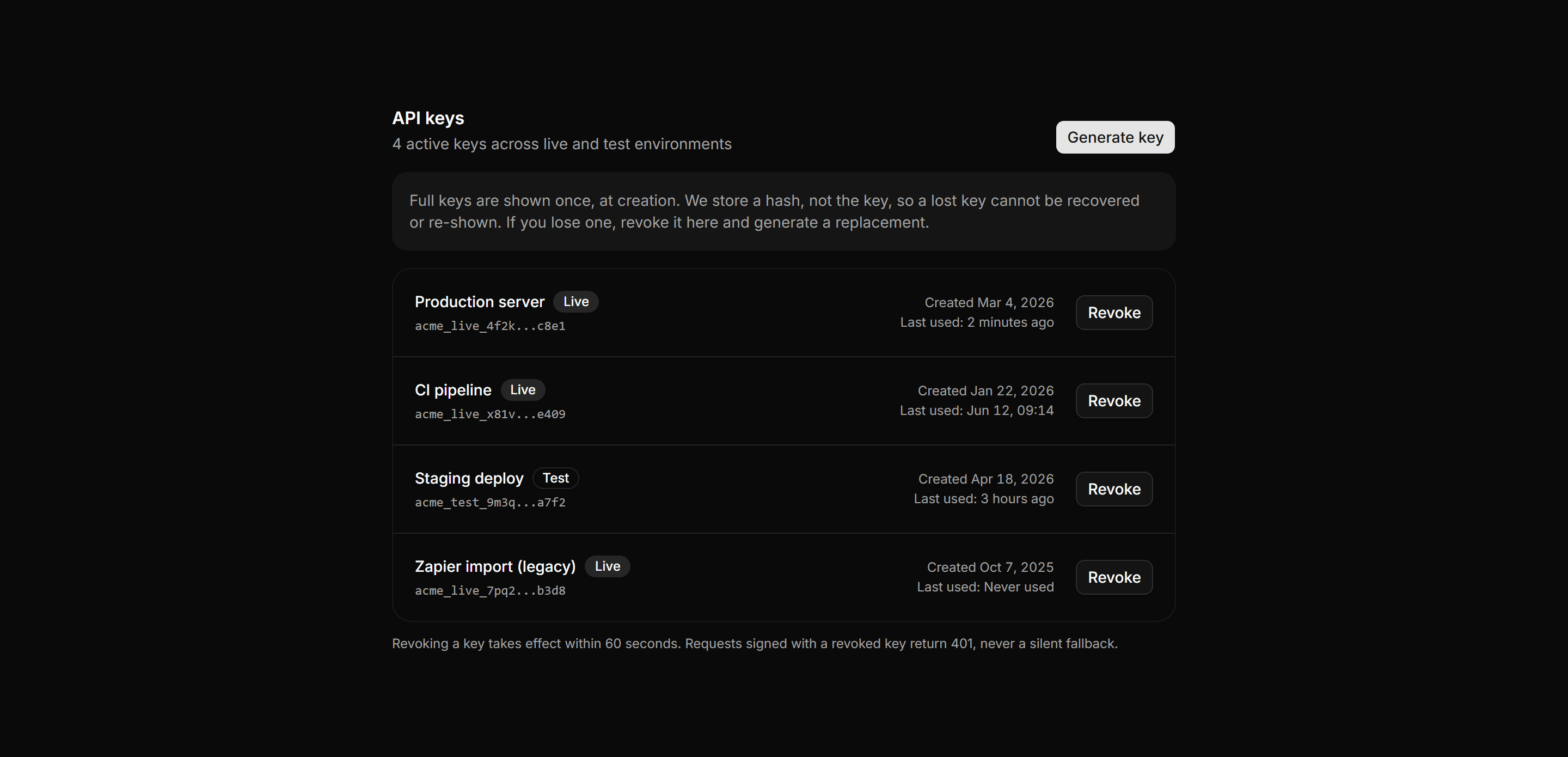
Application Setting: Api Keys Panel
API keys list with prefix-masked values, environment badges, created and last used dates, and a Revoke action.