Shadcn Page Heading Blocks
Browse 6 page heading blocks for shadcn/ui. Titles, actions, stats, tabs, steps, and search filters to top any app screen and orient your users.
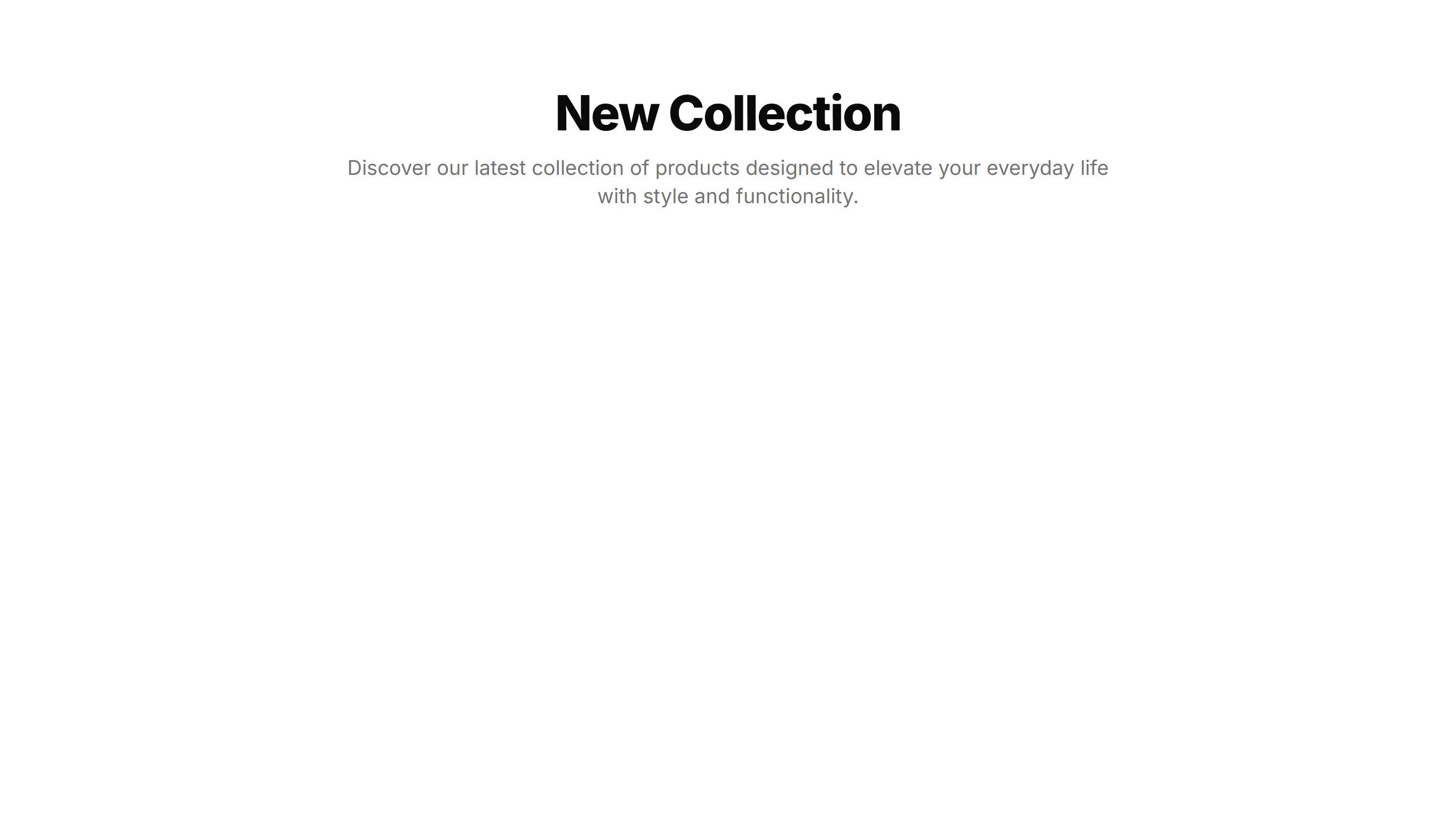
Application Page Heading: Simple Centered
A centered page title with optional description text, balanced on the screen. Use it on focused app views like settings or a single record detail.
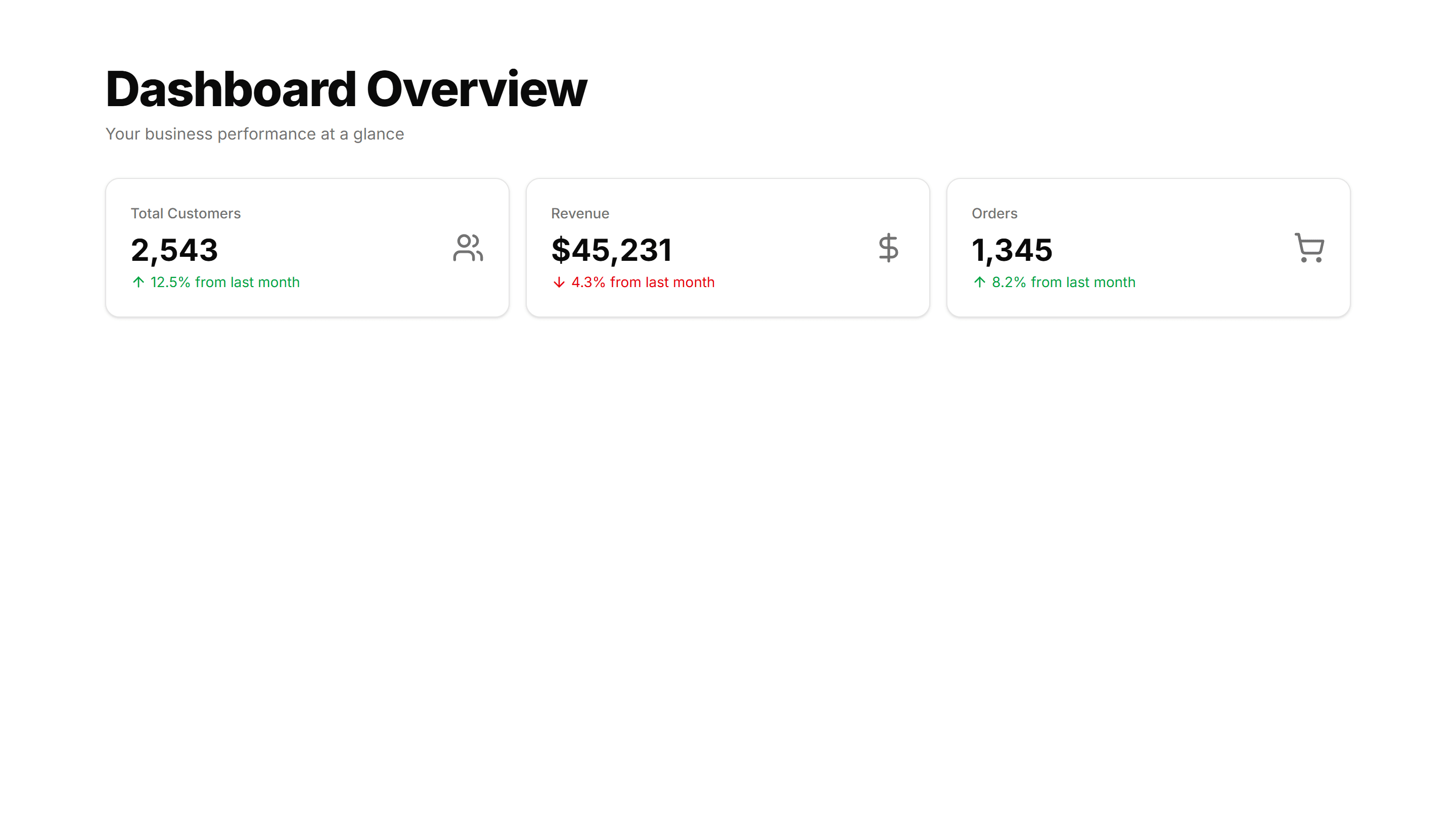
Application Page Heading: With Actions
A page title paired with buttons on the right for primary and secondary actions. Use it atop list or detail views where users create or edit.

Application Page Heading: With Search Filters
A page title with a search field and filter controls sitting below it. Use it on data heavy screens so users narrow long tables and lists fast.

Application Page Heading: With Stats
A page title sitting above a row of key metrics like totals and trends. Use it on dashboards to frame the view and surface numbers at a glance.
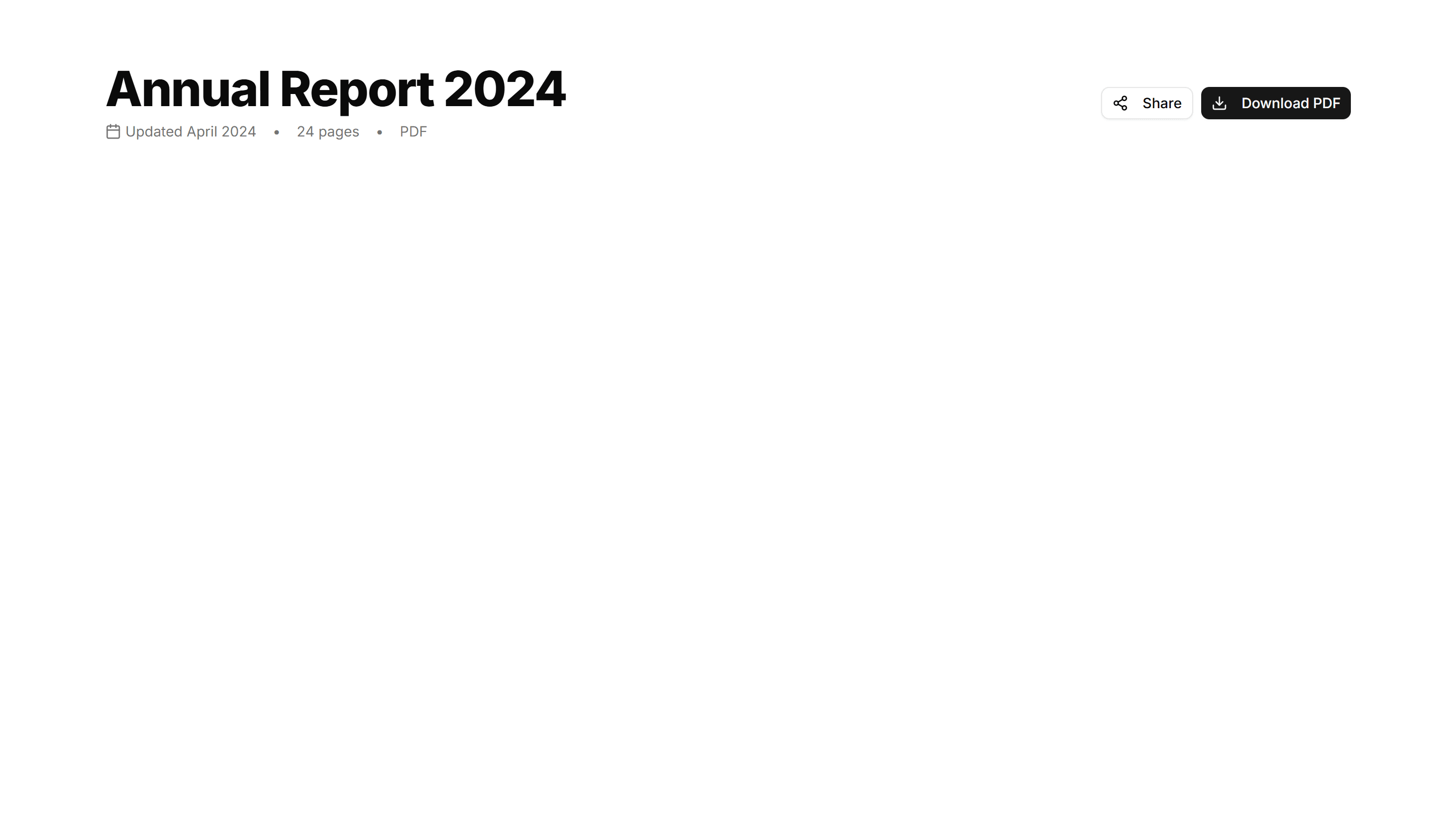
Application Page Heading: With Steps
A page title with a numbered step indicator that shows progress. Use it across multi screen flows like onboarding, checkout, or a setup wizard.

Application Page Heading: With Tabs
A page title with a row of tabs beneath it for switching sections. Use it on profile or settings screens that split content across many views.

Application Page Heading: Simple Centered
A centered page title with optional description text, balanced on the screen. Use it on focused app views like settings or a single record detail.

Application Page Heading: With Search Filters
A page title with a search field and filter controls sitting below it. Use it on data heavy screens so users narrow long tables and lists fast.

Application Page Heading: With Steps
A page title with a numbered step indicator that shows progress. Use it across multi screen flows like onboarding, checkout, or a setup wizard.

Application Page Heading: With Actions
A page title paired with buttons on the right for primary and secondary actions. Use it atop list or detail views where users create or edit.
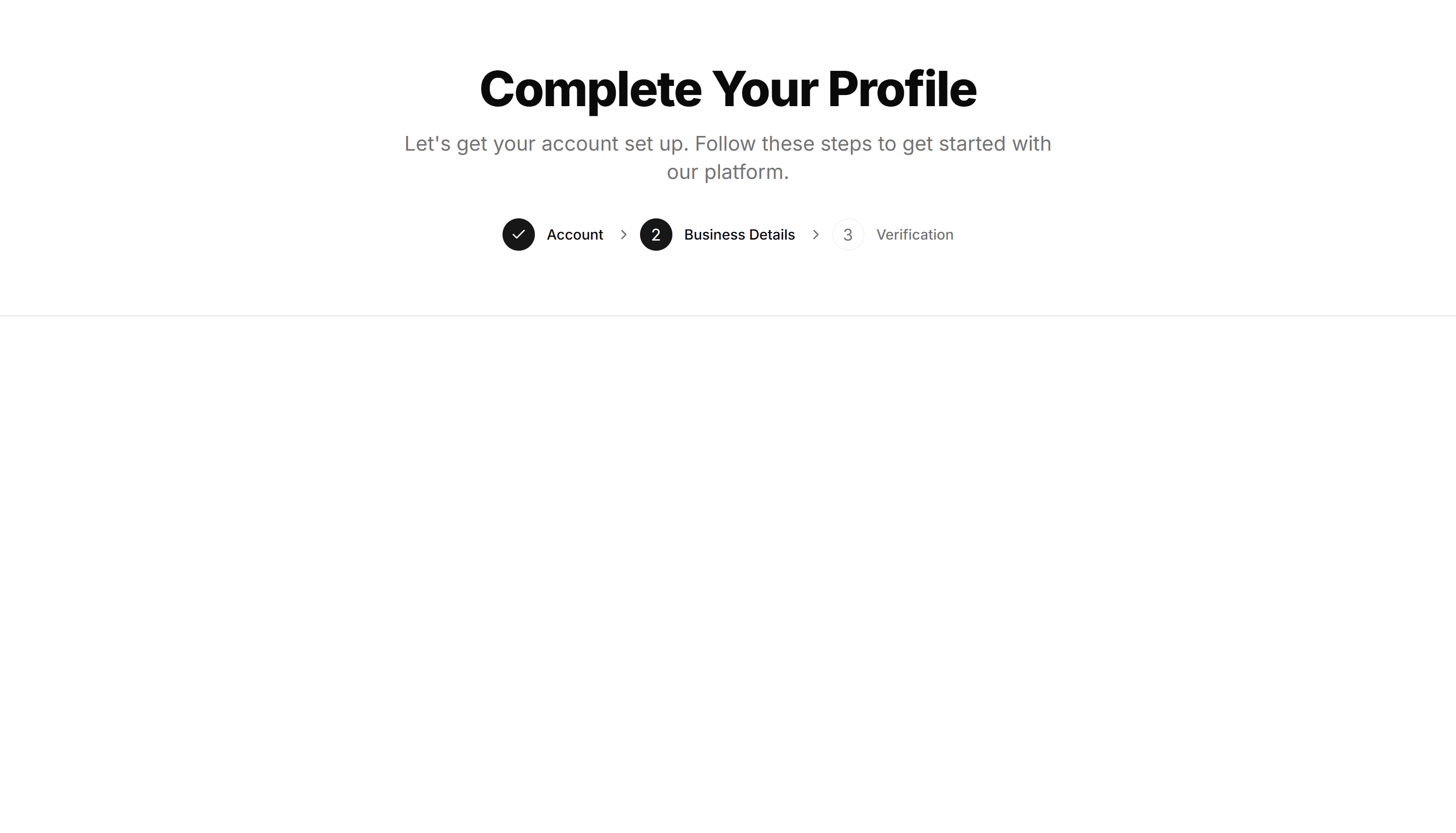
Application Page Heading: With Stats
A page title sitting above a row of key metrics like totals and trends. Use it on dashboards to frame the view and surface numbers at a glance.

Application Page Heading: With Tabs
A page title with a row of tabs beneath it for switching sections. Use it on profile or settings screens that split content across many views.

Application Page Heading: Simple Centered
A centered page title with optional description text, balanced on the screen. Use it on focused app views like settings or a single record detail.

Application Page Heading: With Stats
A page title sitting above a row of key metrics like totals and trends. Use it on dashboards to frame the view and surface numbers at a glance.

Application Page Heading: With Actions
A page title paired with buttons on the right for primary and secondary actions. Use it atop list or detail views where users create or edit.

Application Page Heading: With Steps
A page title with a numbered step indicator that shows progress. Use it across multi screen flows like onboarding, checkout, or a setup wizard.
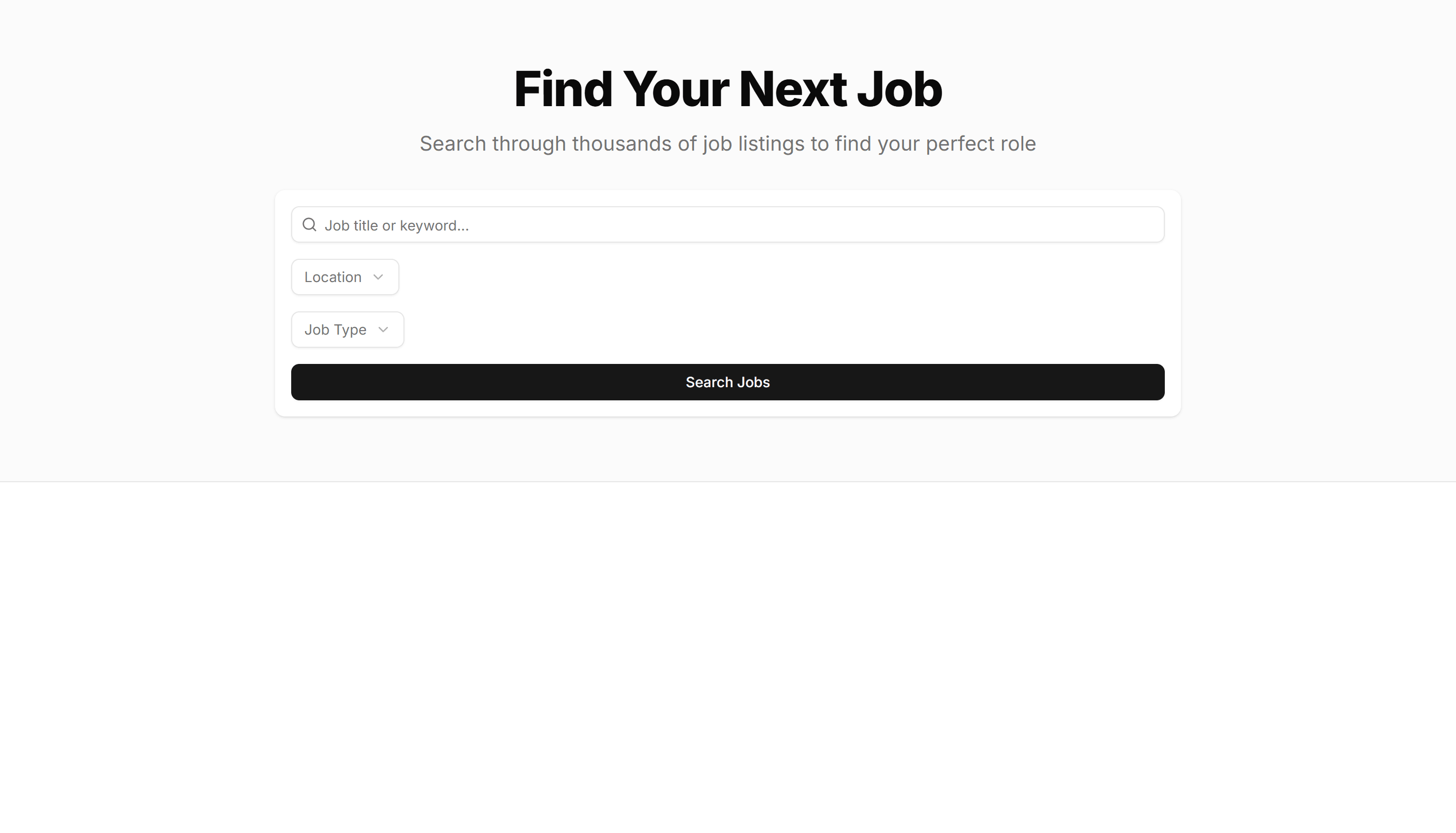
Application Page Heading: With Search Filters
A page title with a search field and filter controls sitting below it. Use it on data heavy screens so users narrow long tables and lists fast.
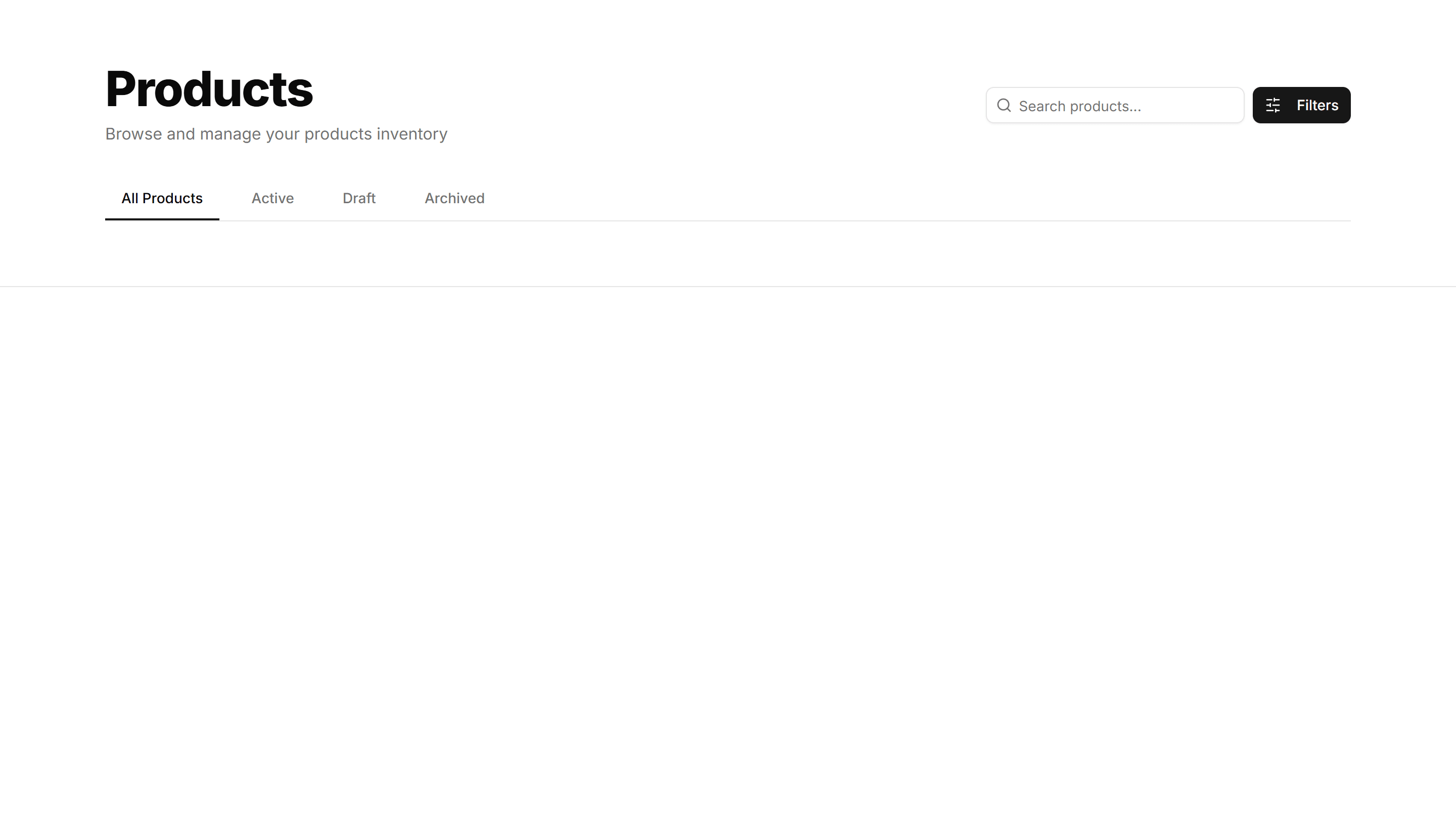
Application Page Heading: With Tabs
A page title with a row of tabs beneath it for switching sections. Use it on profile or settings screens that split content across many views.