Shadcn Application Stat Blocks
Browse 6 stats blocks for shadcn/ui. Metric cards with badges, colored icons, short descriptions, and progress bars to track dashboard numbers.

Application Application Stat: Simple Cards
Clean metric cards that display a label and a single number set side by side. Use across a dashboard header to surface key totals at a glance.

Application Application Stat: With Badges
Stat cards pairing each number with a small badge that shows change or trend. Use to flag growth or decline next to revenue and signup totals.
Application Application Stat: With Colored Icons
Metric cards that pair each figure with a tinted icon set in a colored circle. Use to make categories easy to scan on a busy analytics dashboard.
Application Application Stat: With Description
Stat cards that place a short line of context under each number. Use when a raw figure needs explanation, like a comparison to the prior month.
Application Application Stat: With Icons
Metric cards with a small icon beside every value for quick recognition. Use on overview screens where users skim totals by category very fast.

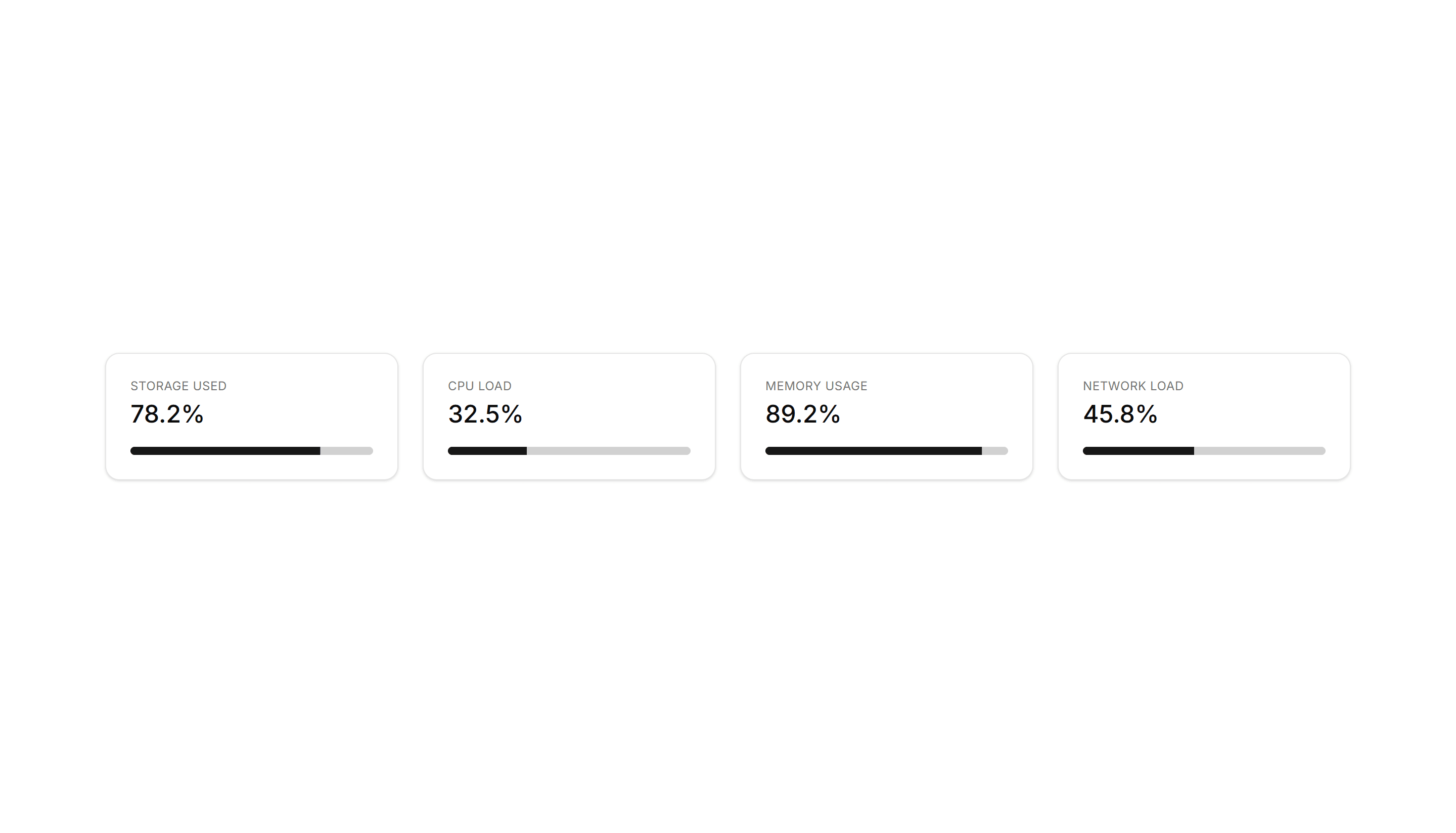
Application Application Stat: With Progress
Stat cards that pair a number with a progress bar moving toward a target. Use to show goal completion for revenue, storage, or active user counts.
Application Application Stat: Simple Cards
Clean metric cards that display a label and a single number set side by side. Use across a dashboard header to surface key totals at a glance.
Application Application Stat: With Colored Icons
Metric cards that pair each figure with a tinted icon set in a colored circle. Use to make categories easy to scan on a busy analytics dashboard.
Application Application Stat: With Icons
Metric cards with a small icon beside every value for quick recognition. Use on overview screens where users skim totals by category very fast.

Application Application Stat: With Badges
Stat cards pairing each number with a small badge that shows change or trend. Use to flag growth or decline next to revenue and signup totals.

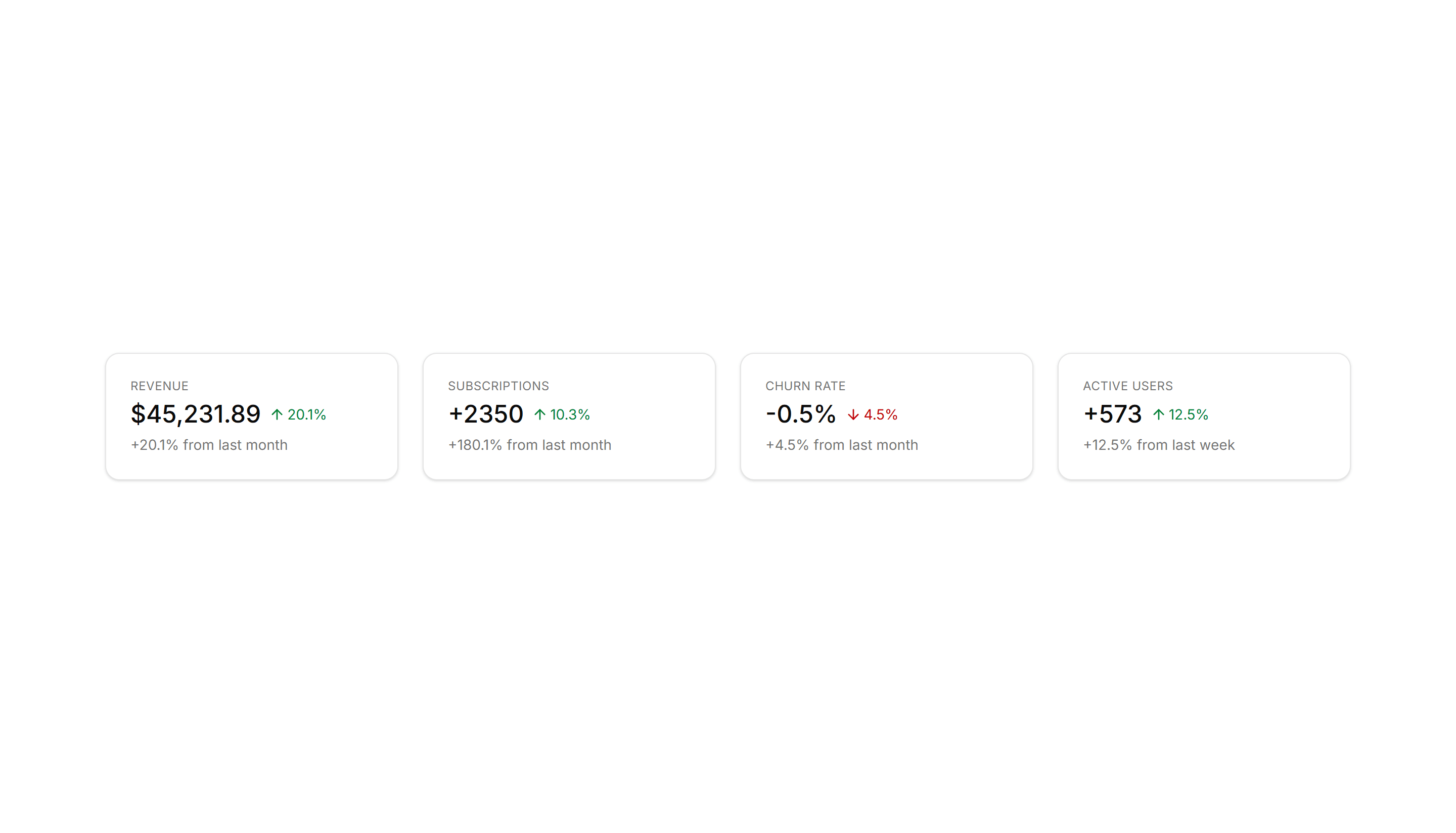
Application Application Stat: With Description
Stat cards that place a short line of context under each number. Use when a raw figure needs explanation, like a comparison to the prior month.
Application Application Stat: With Progress
Stat cards that pair a number with a progress bar moving toward a target. Use to show goal completion for revenue, storage, or active user counts.

Application Application Stat: Simple Cards
Clean metric cards that display a label and a single number set side by side. Use across a dashboard header to surface key totals at a glance.

Application Application Stat: With Description
Stat cards that place a short line of context under each number. Use when a raw figure needs explanation, like a comparison to the prior month.

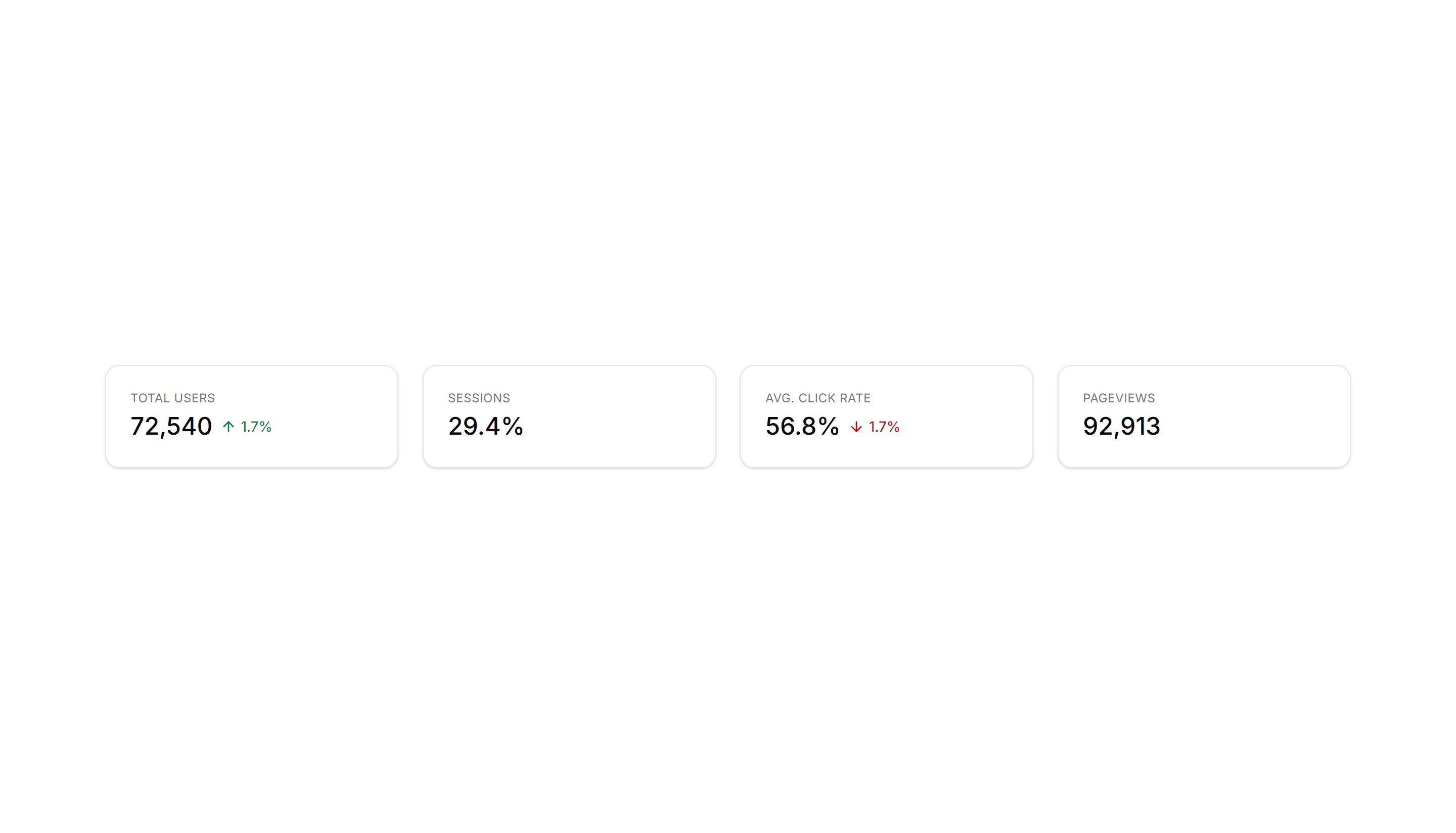
Application Application Stat: With Badges
Stat cards pairing each number with a small badge that shows change or trend. Use to flag growth or decline next to revenue and signup totals.
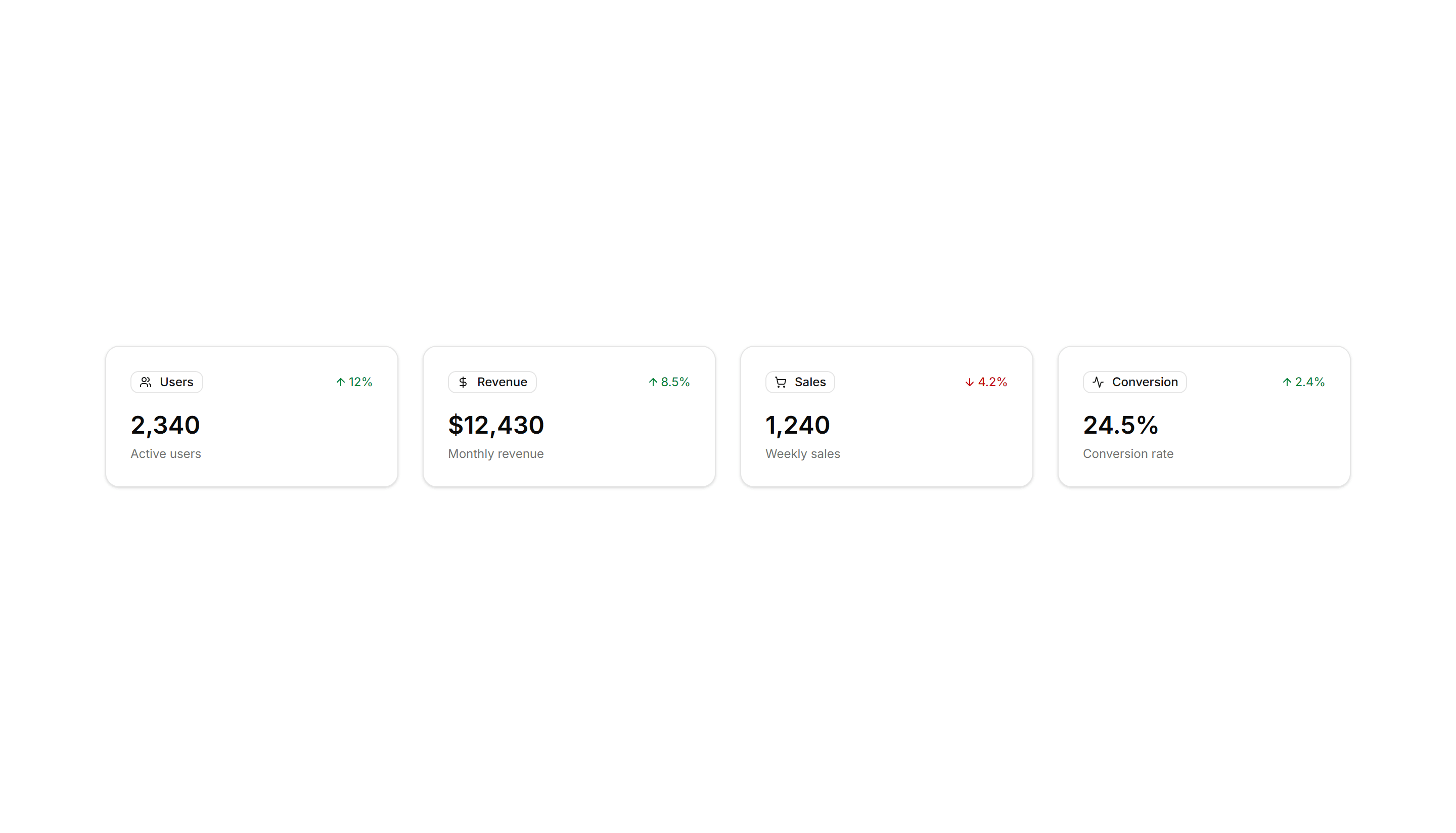
Application Application Stat: With Icons
Metric cards with a small icon beside every value for quick recognition. Use on overview screens where users skim totals by category very fast.
Application Application Stat: With Colored Icons
Metric cards that pair each figure with a tinted icon set in a colored circle. Use to make categories easy to scan on a busy analytics dashboard.

Application Application Stat: With Progress
Stat cards that pair a number with a progress bar moving toward a target. Use to show goal completion for revenue, storage, or active user counts.