Shadcn Auth Page Blocks
Browse 27 Application Pro auth blocks for shadcn/ui. Sign in, sign up, magic links, two factor, and invite acceptance.
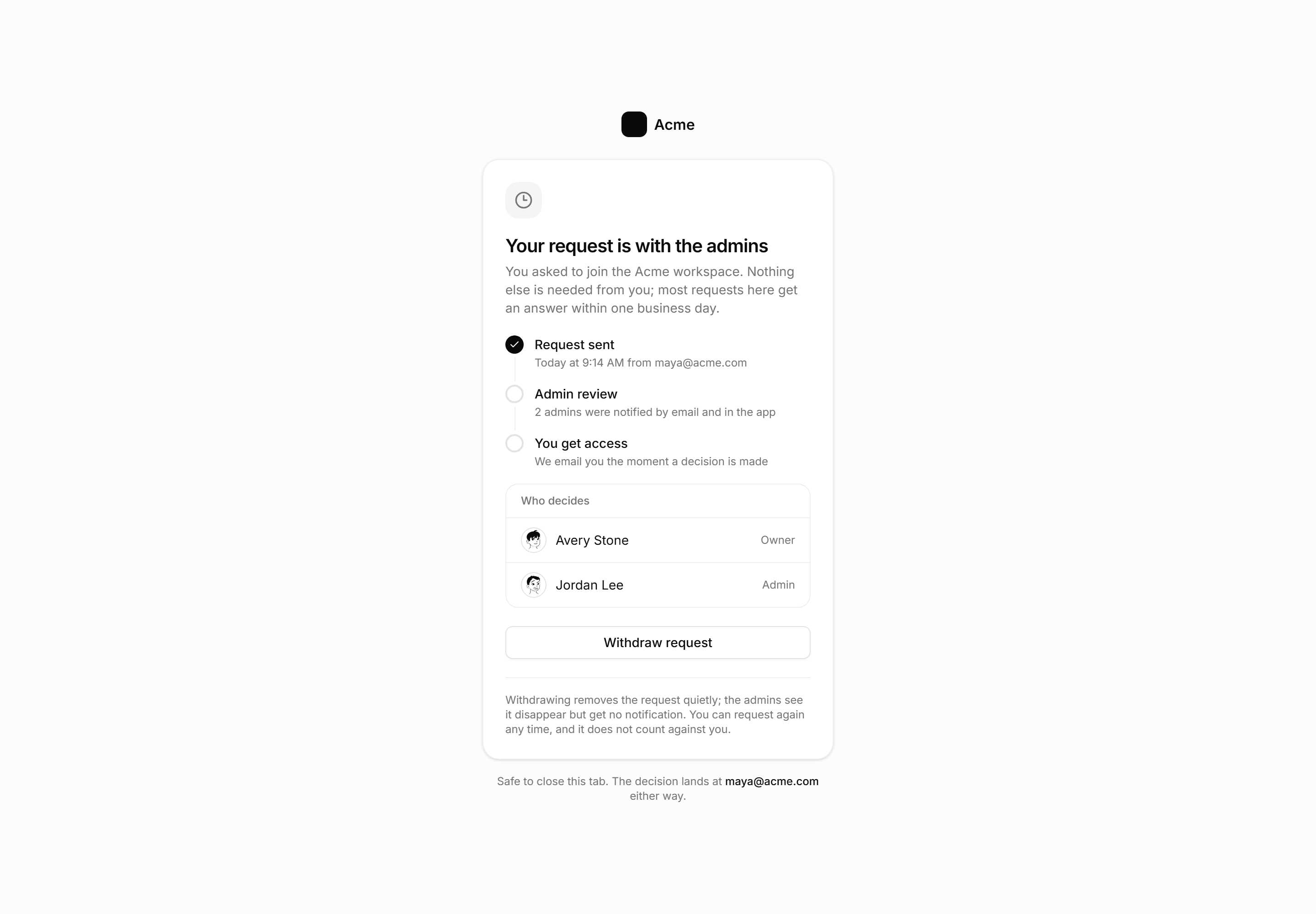
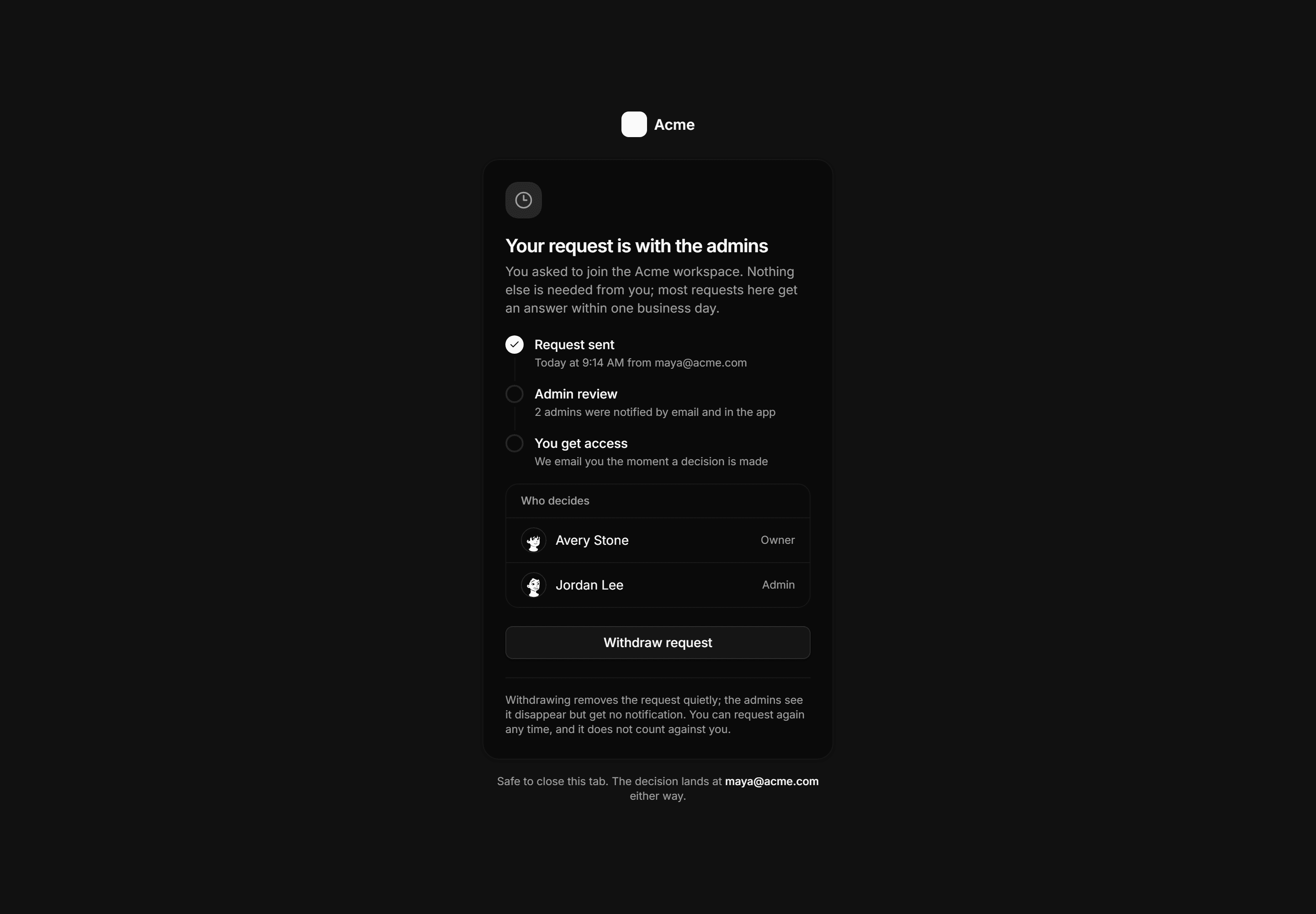
Application Auth Page: Approval Pending Page
A workspace join waiting state with a step timeline, the named admins who decide, the typical response time, and a withdraw request action.
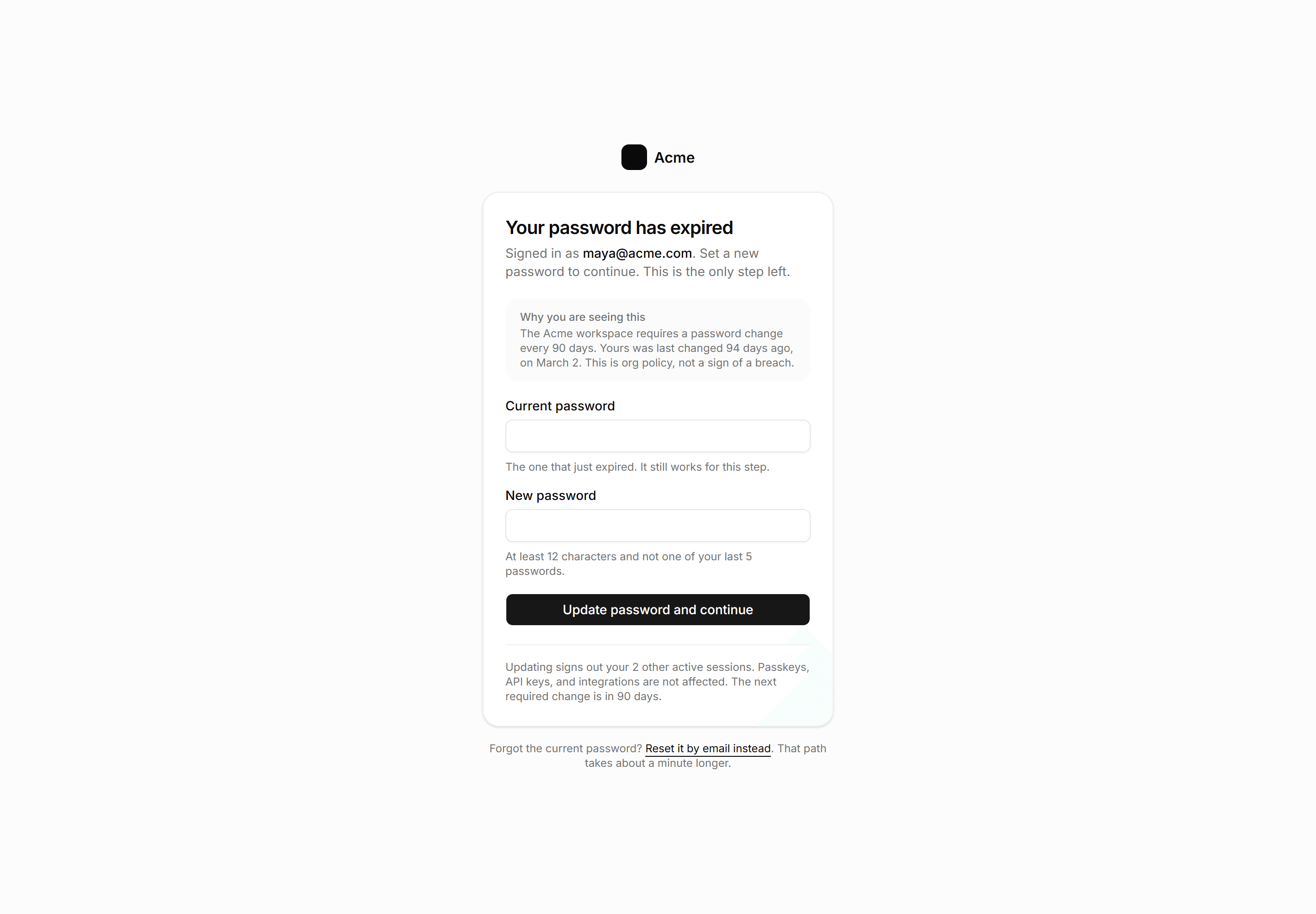
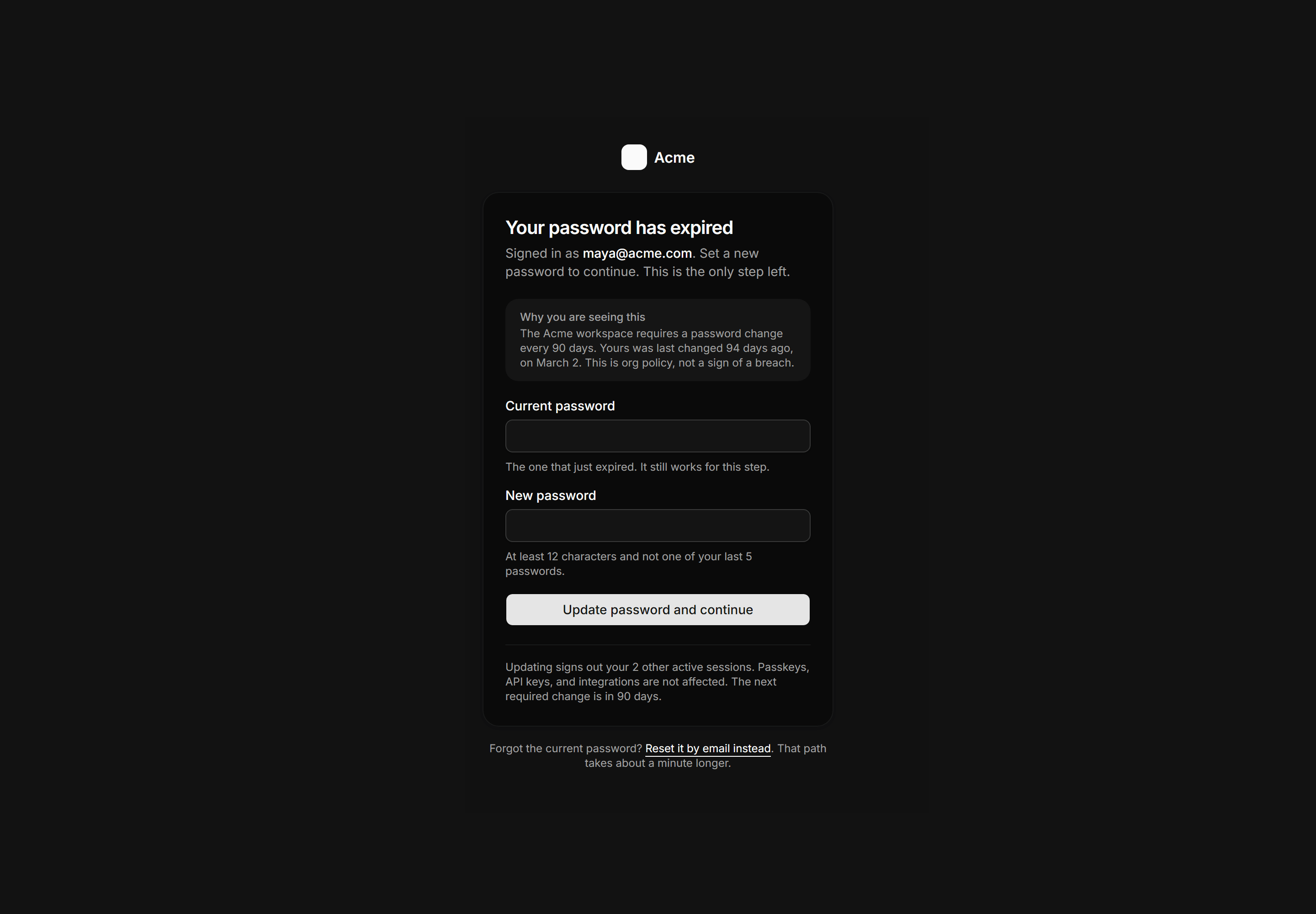
Application Auth Page: Password Expired Page
A forced password rotation gate with current and new password fields, a policy panel explaining the deadline, and a reset by email fallback.
Application Auth Page: Backup Codes Page
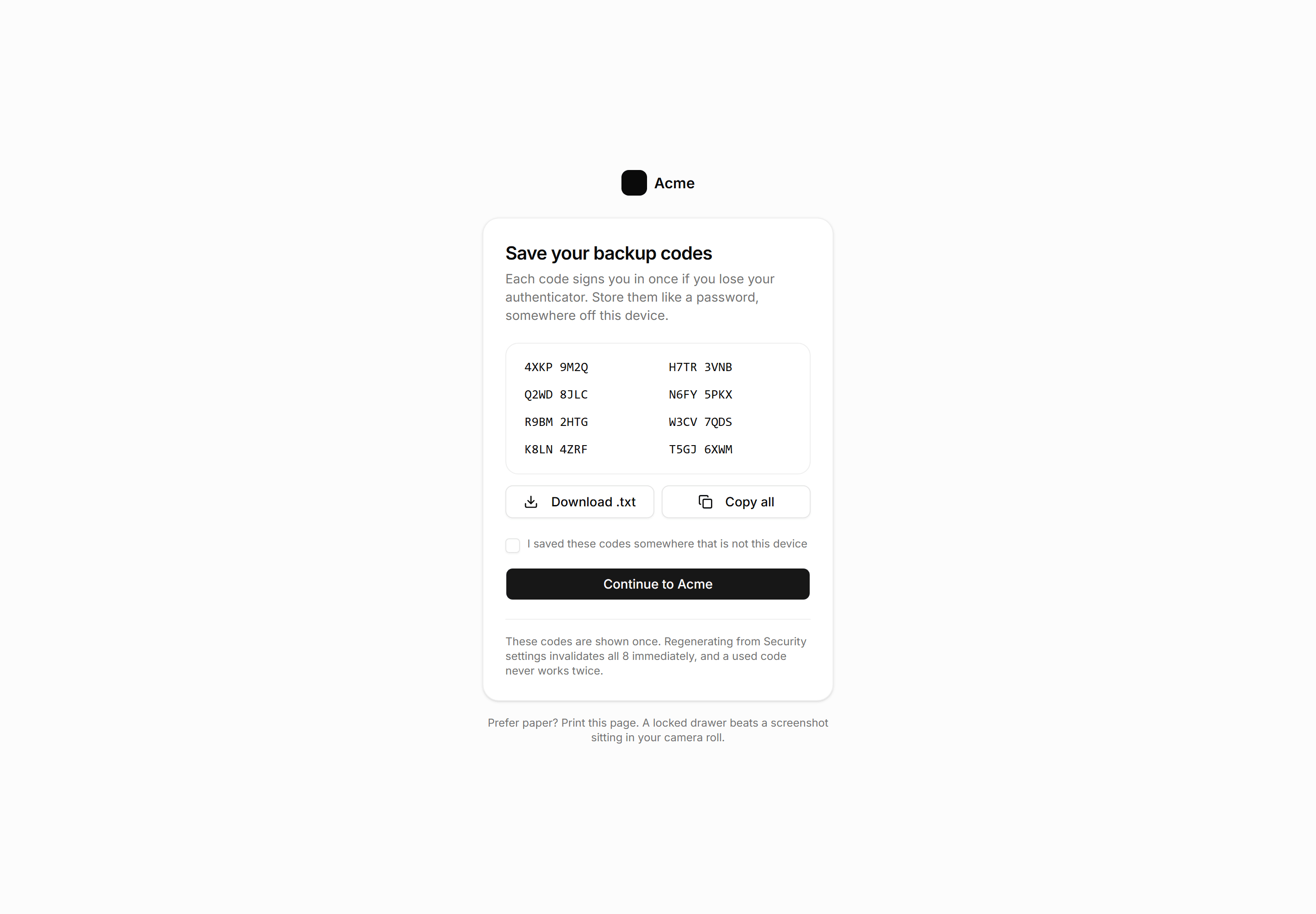
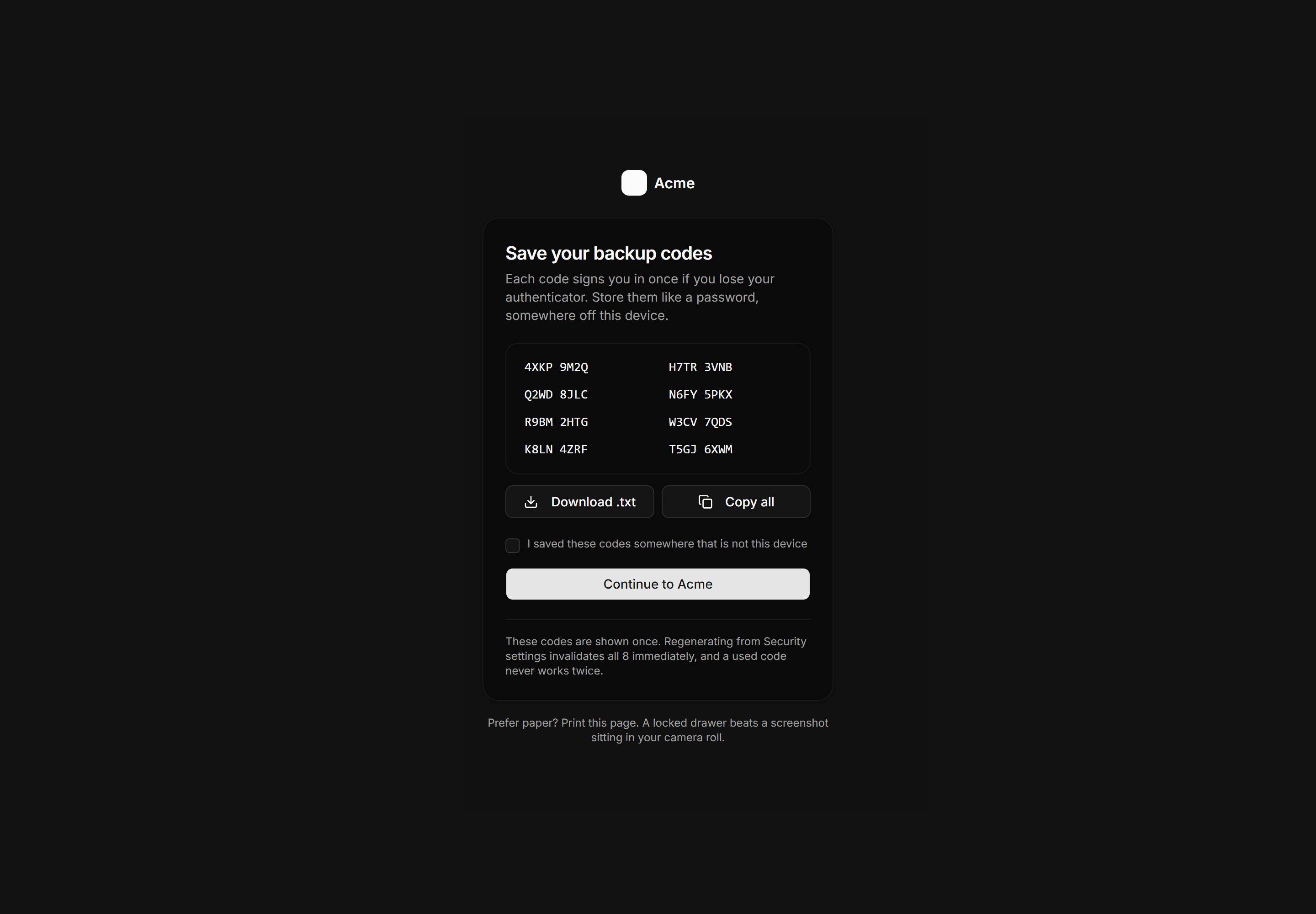
Recovery code save step with an eight code grid, download and copy actions, a saved confirmation checkbox, and a one time use warning.
Application Auth Page: Sign Up Page
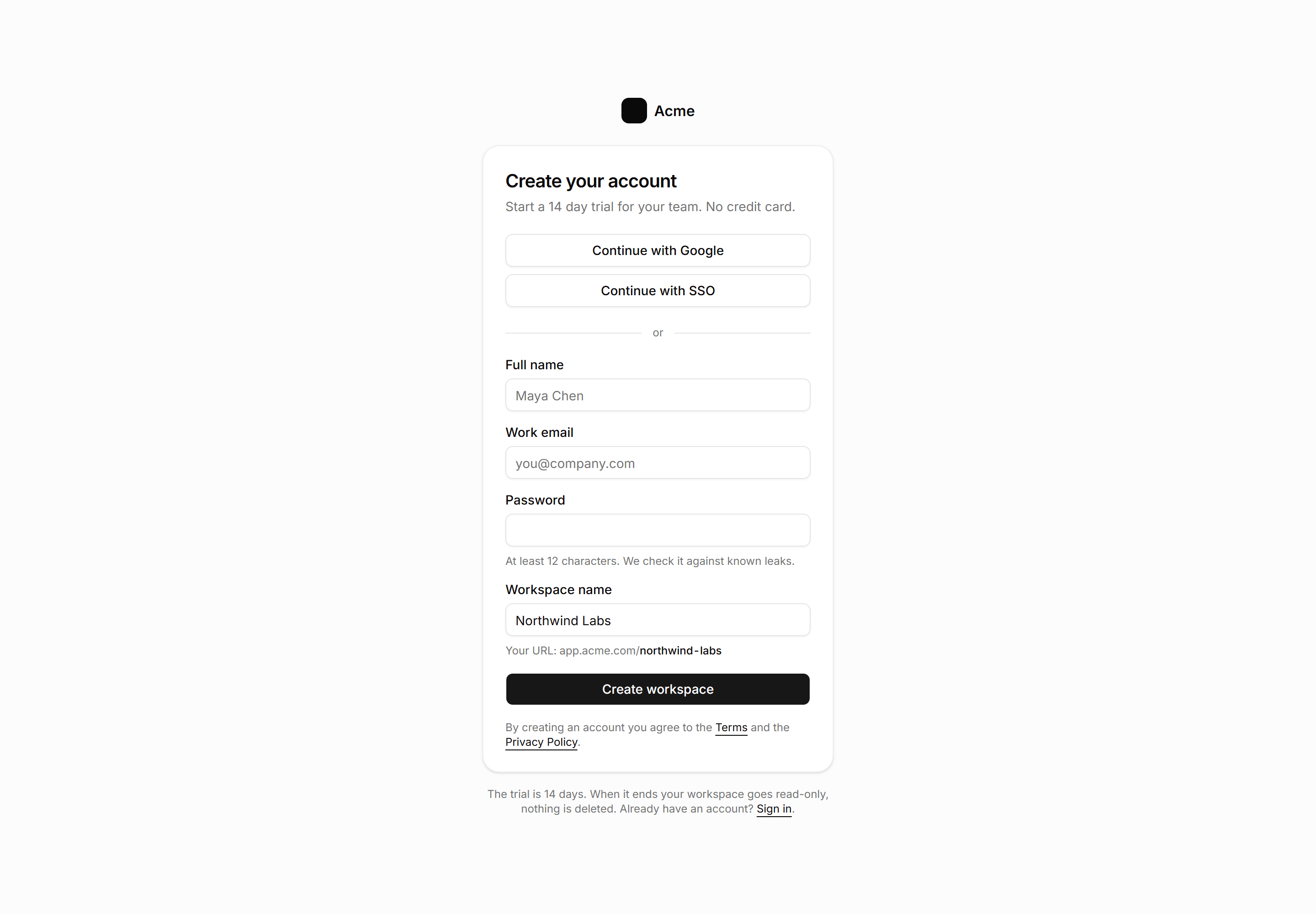
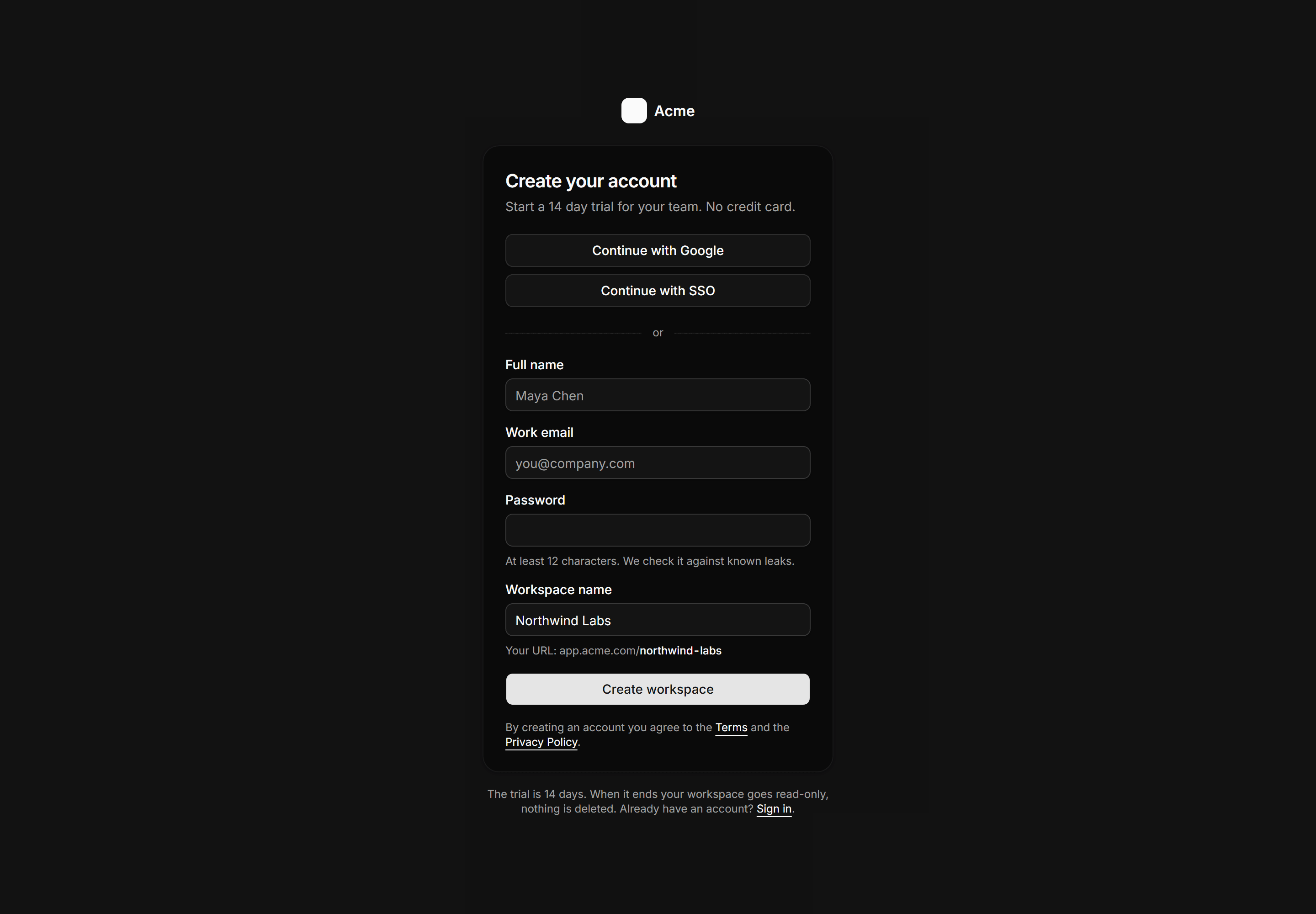
Workspace signup with SSO buttons first, slug preview, and plain 14 day read only trial terms.
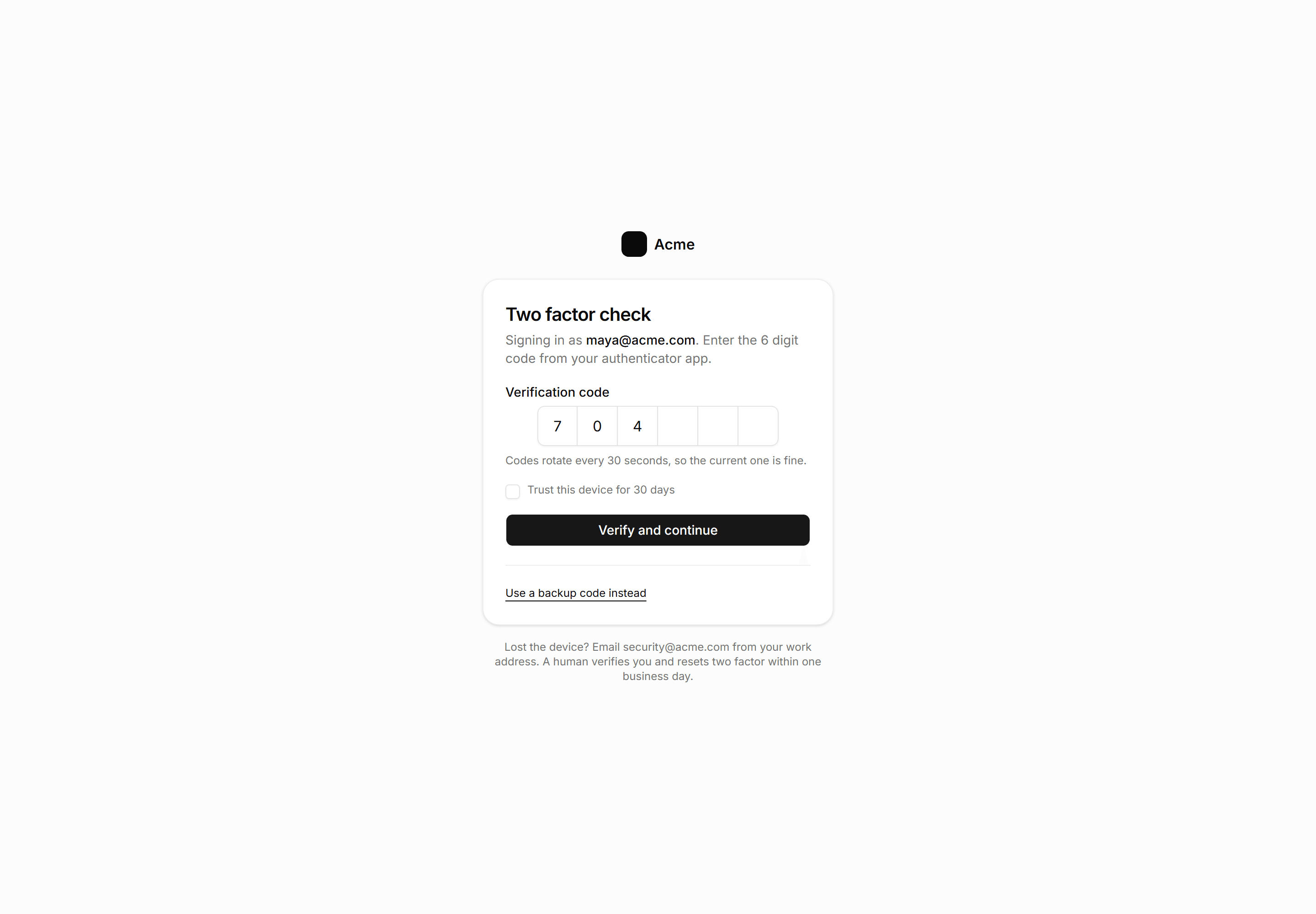
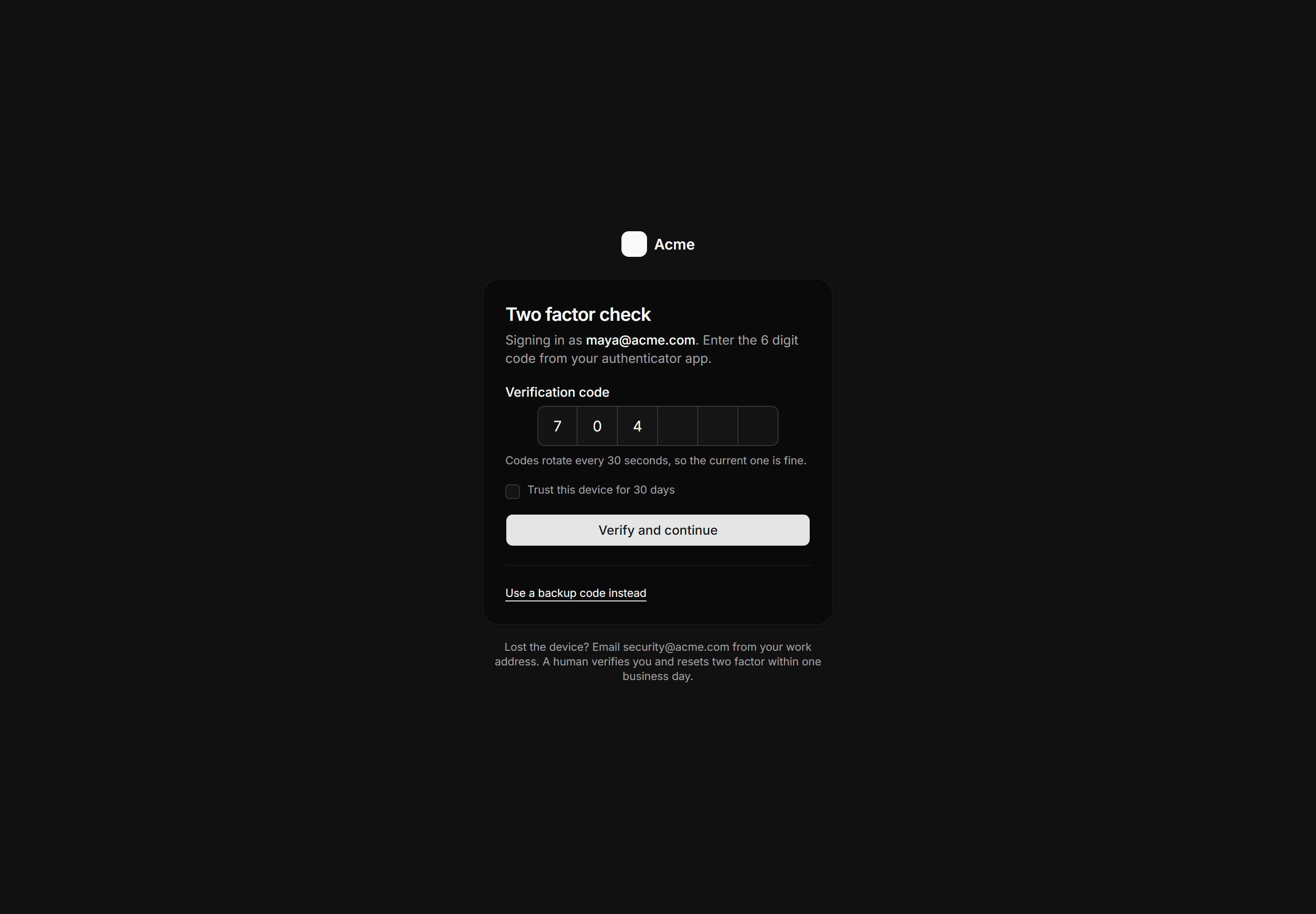
Application Auth Page: Two Factor Page
TOTP verification with six OTP slots, device trust checkbox, backup code link, and human recovery promise.
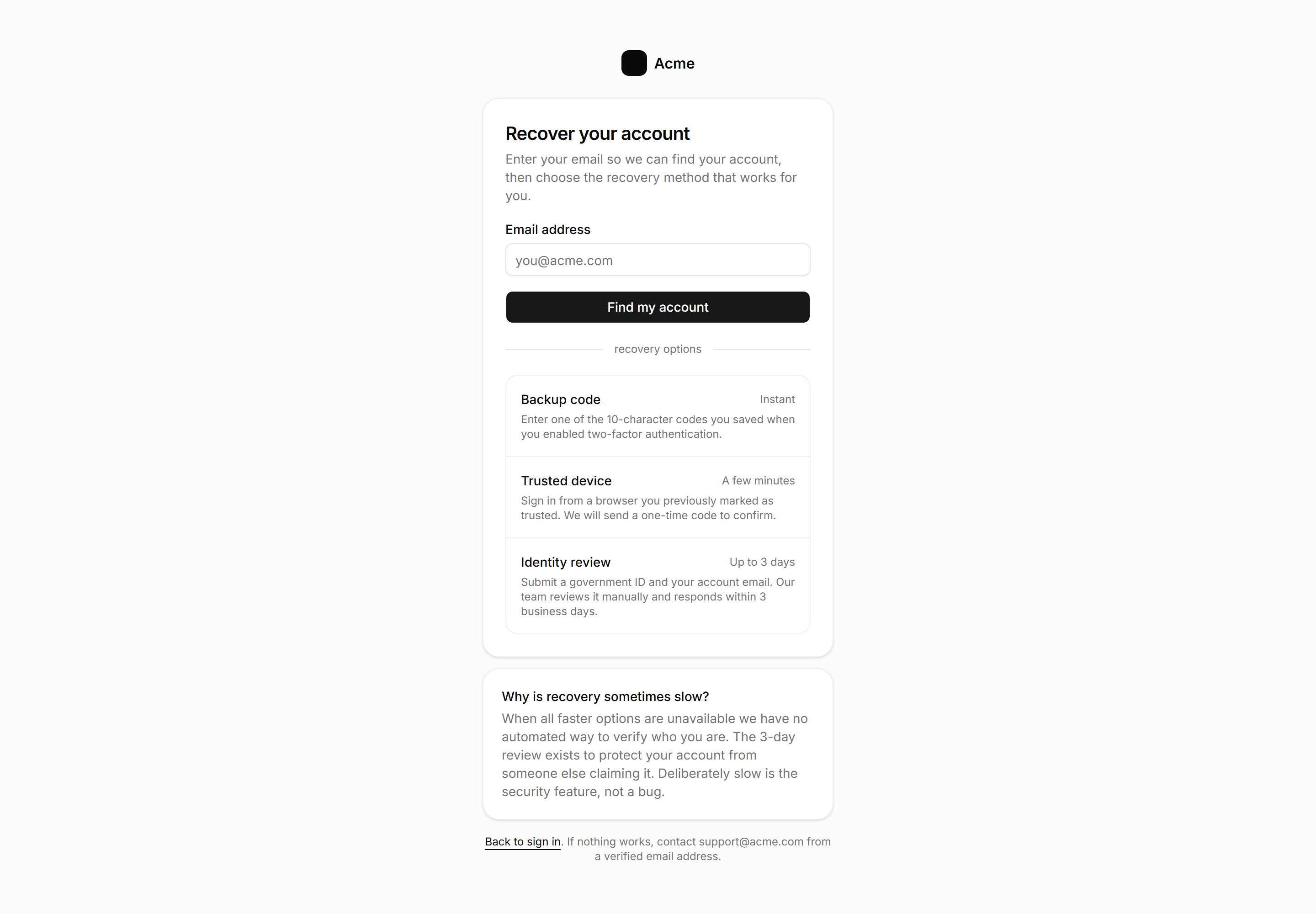
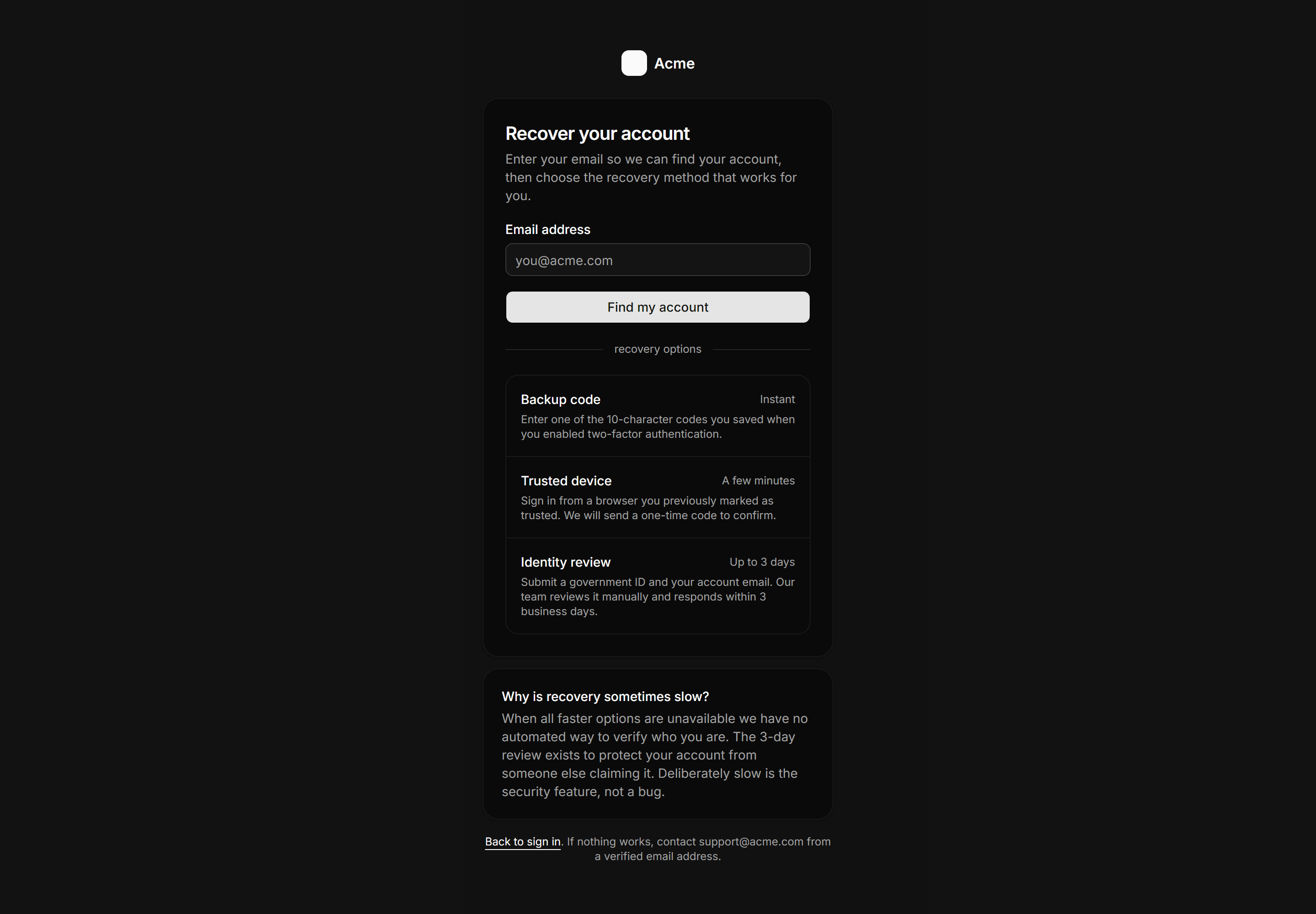
Application Auth Page: Account Recovery Page
Account recovery card with an email lookup form and three recovery options listed by speed, plus a plain explanation of why identity review takes up to 3 days.
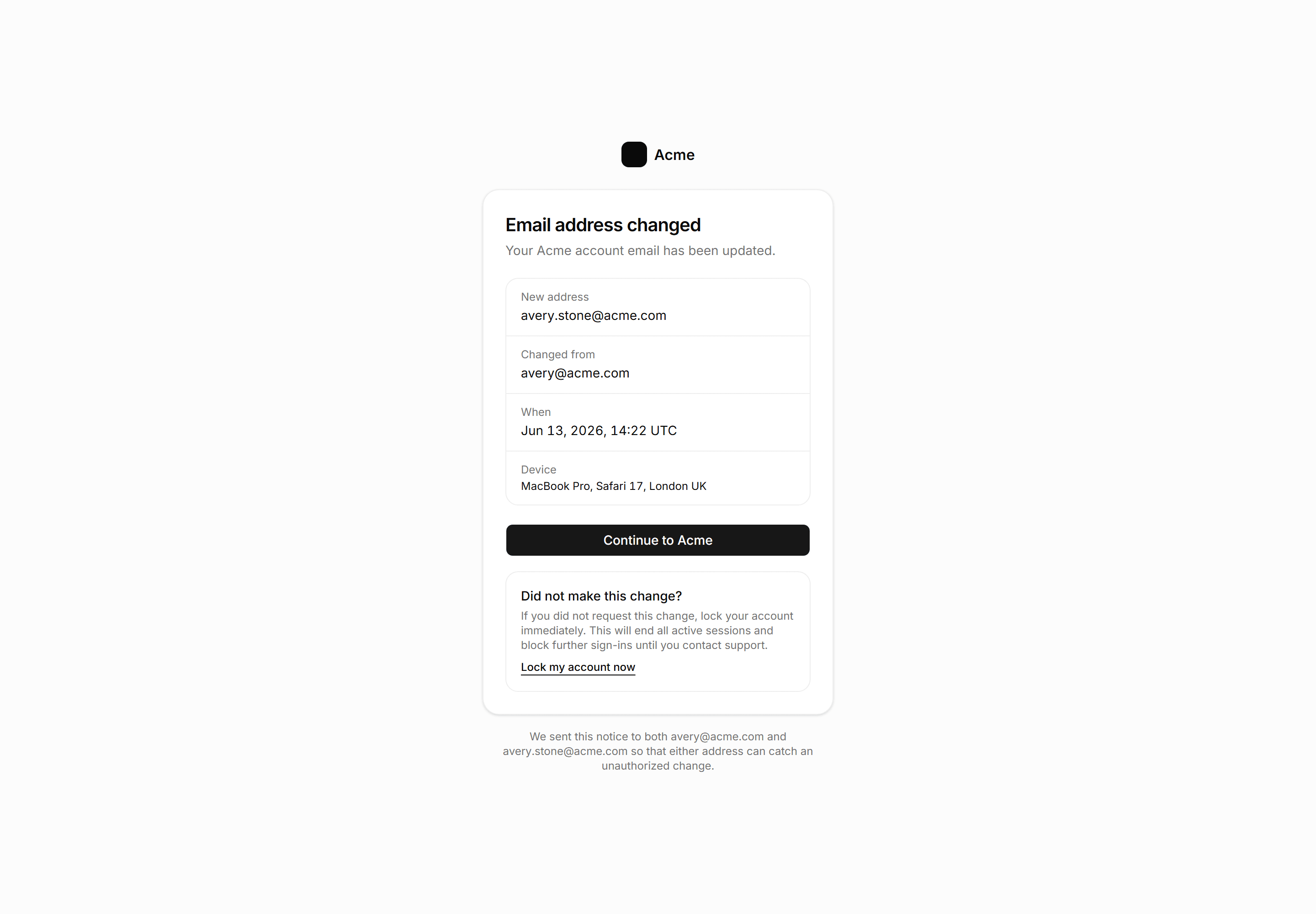
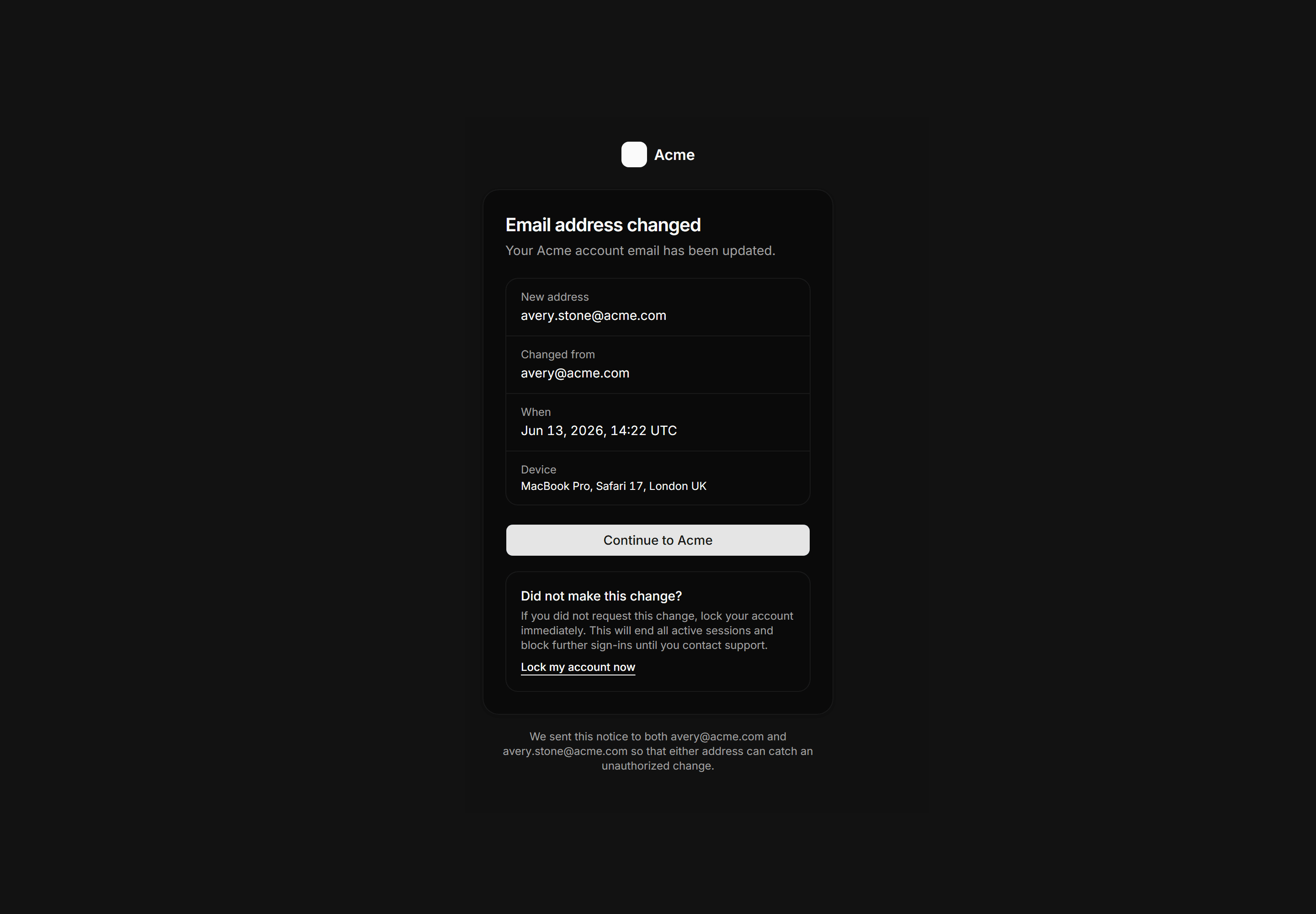
Application Auth Page: Email Changed Confirm
Email change confirmation page showing the new and old address with timestamp and device, a lock account alarm for unauthorized changes, and a dual address notice.
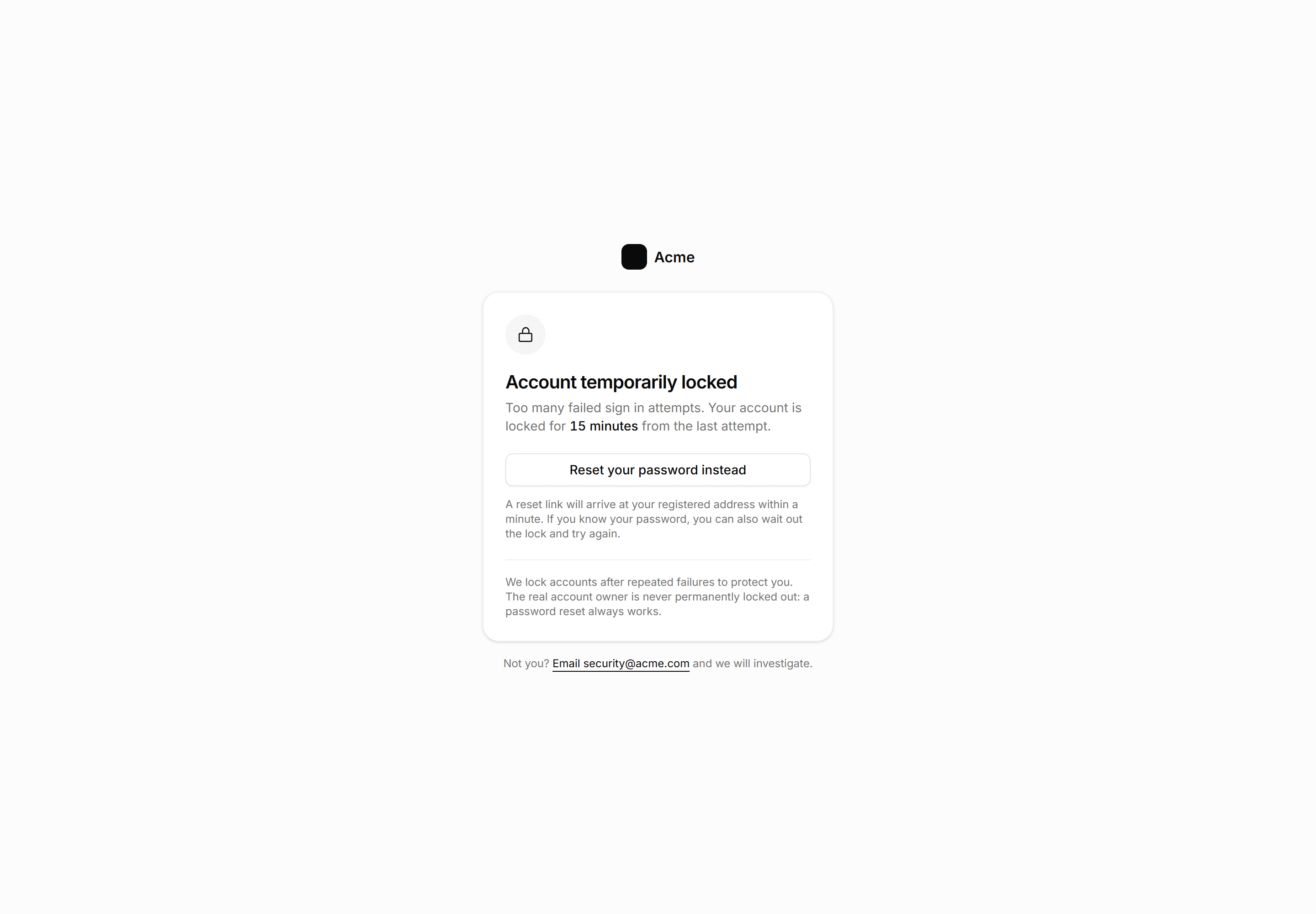
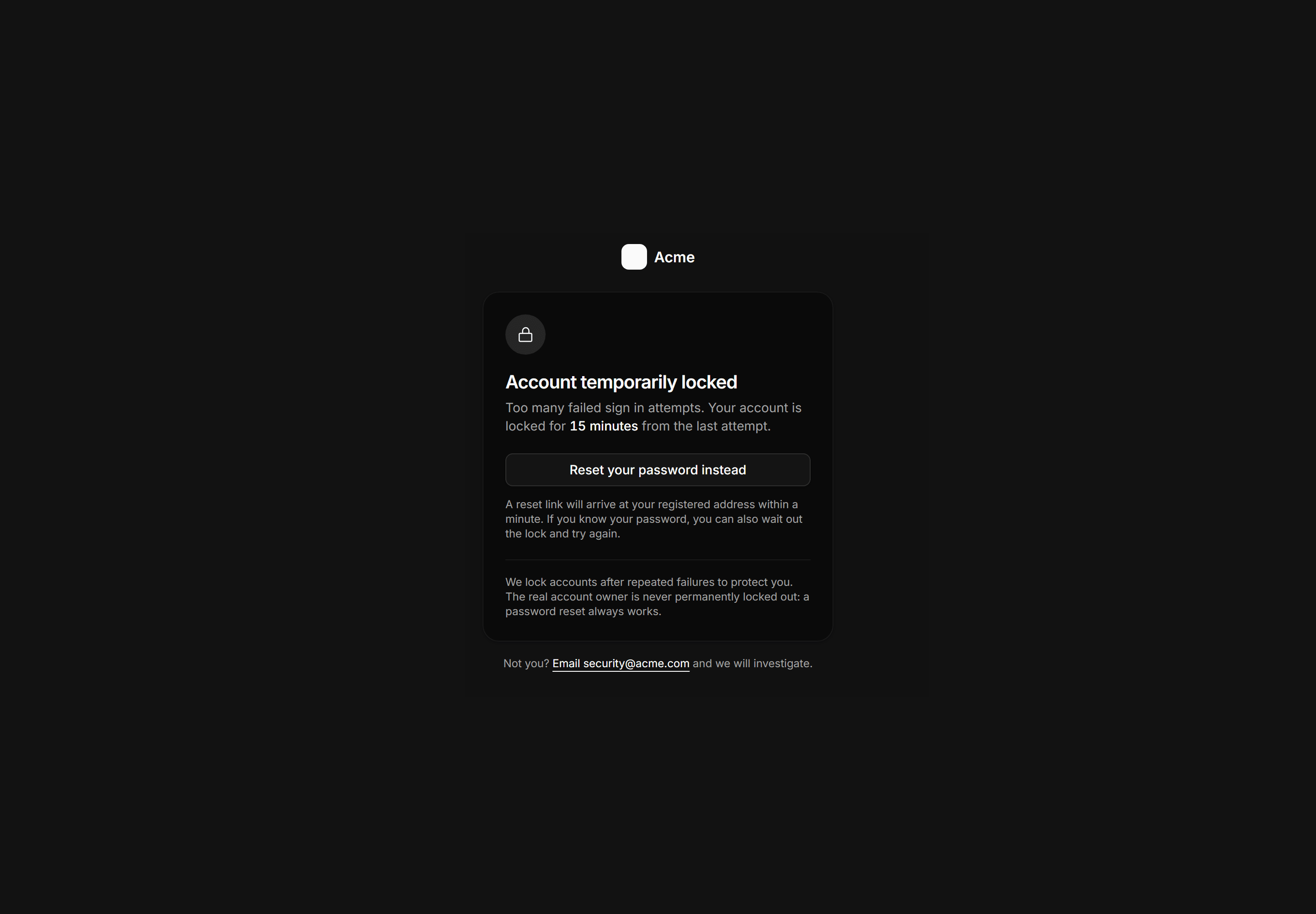
Application Auth Page: Locked Account Page
Account lockout page stating the 15-minute duration, a password reset shortcut, and the reassurance that lockouts are never permanent.
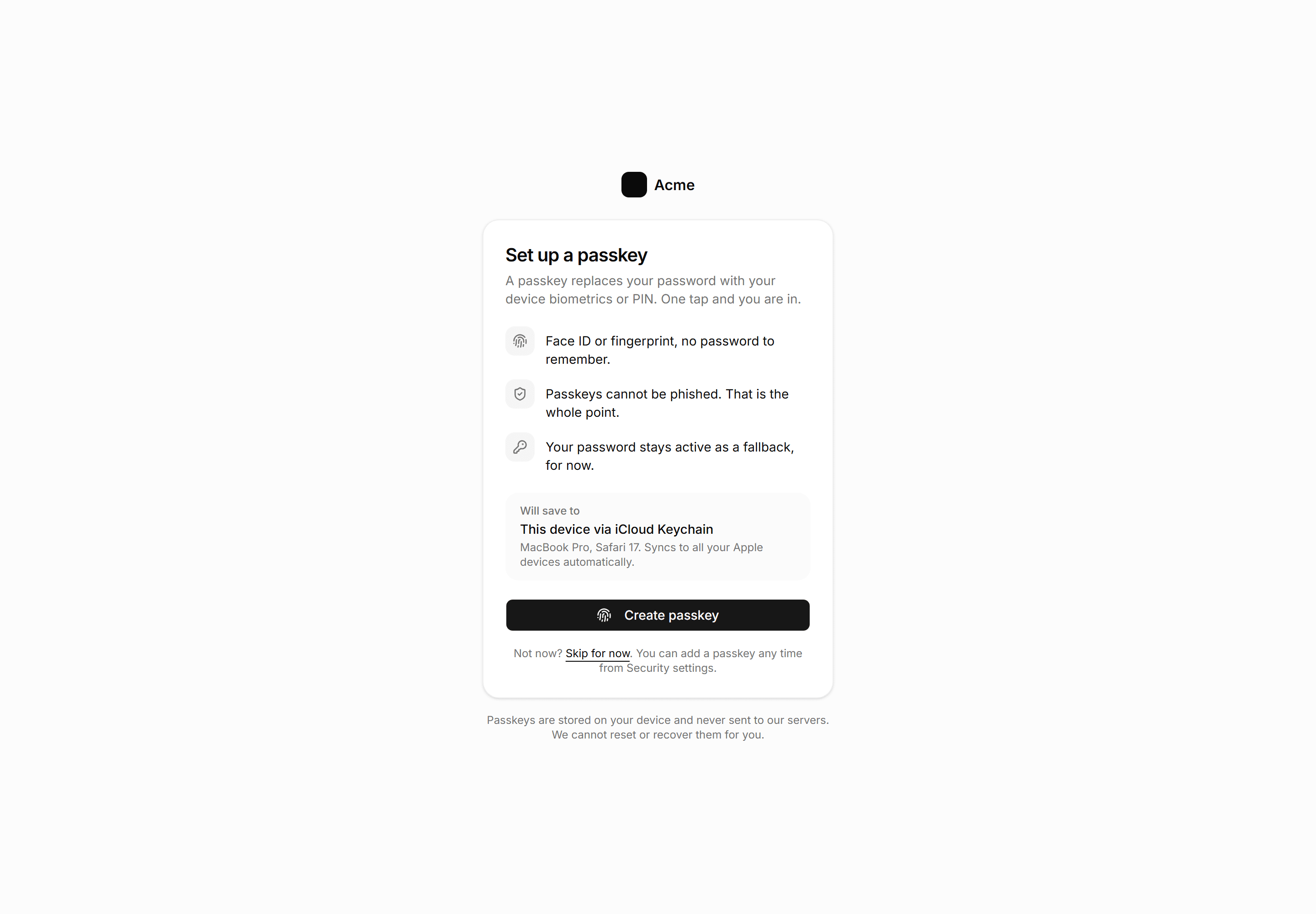
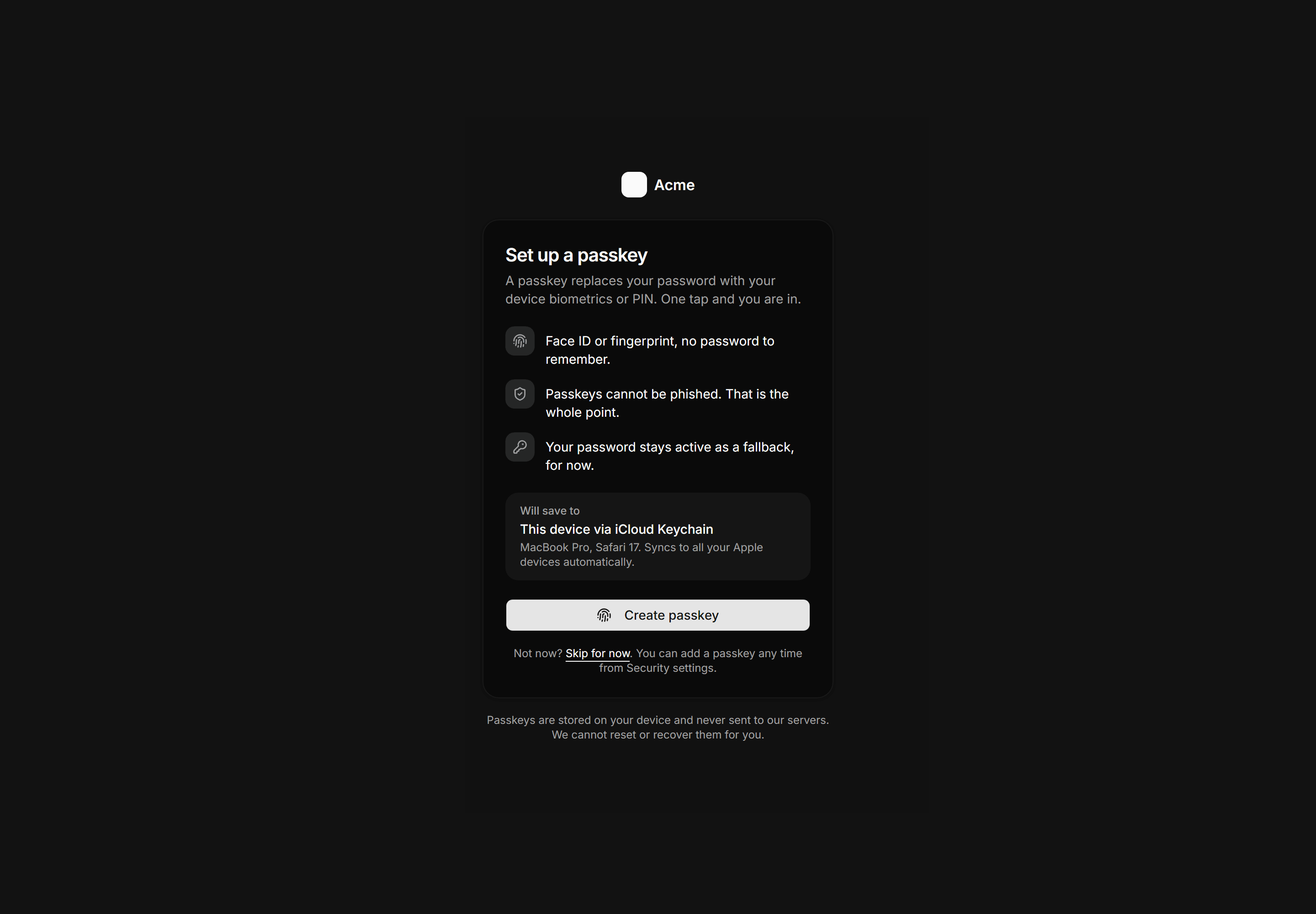
Application Auth Page: Passkey Setup Page
Centered auth card prompting passkey enrollment with three benefit rows, a device save target panel, and a skip fallback that keeps the existing password active.
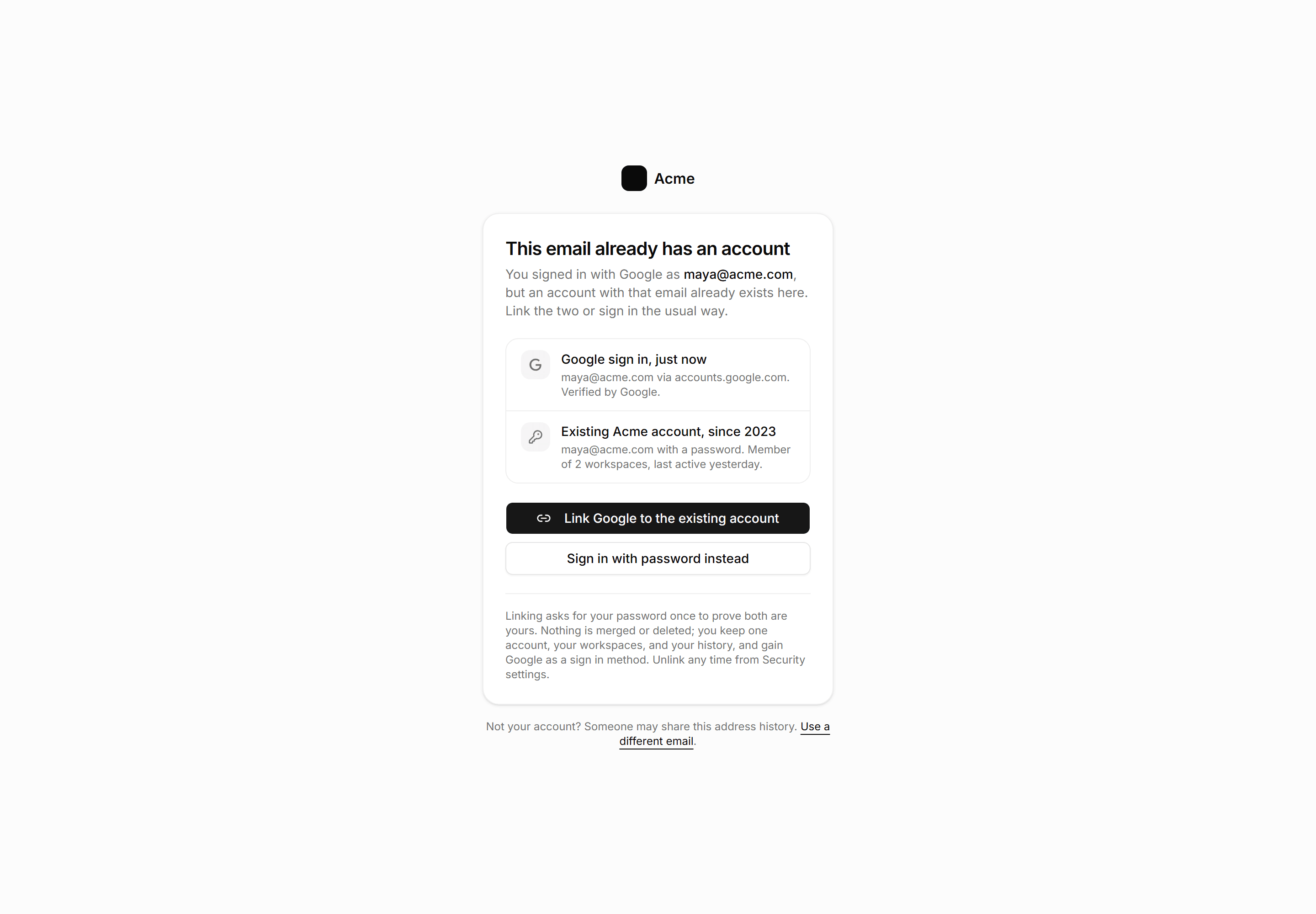
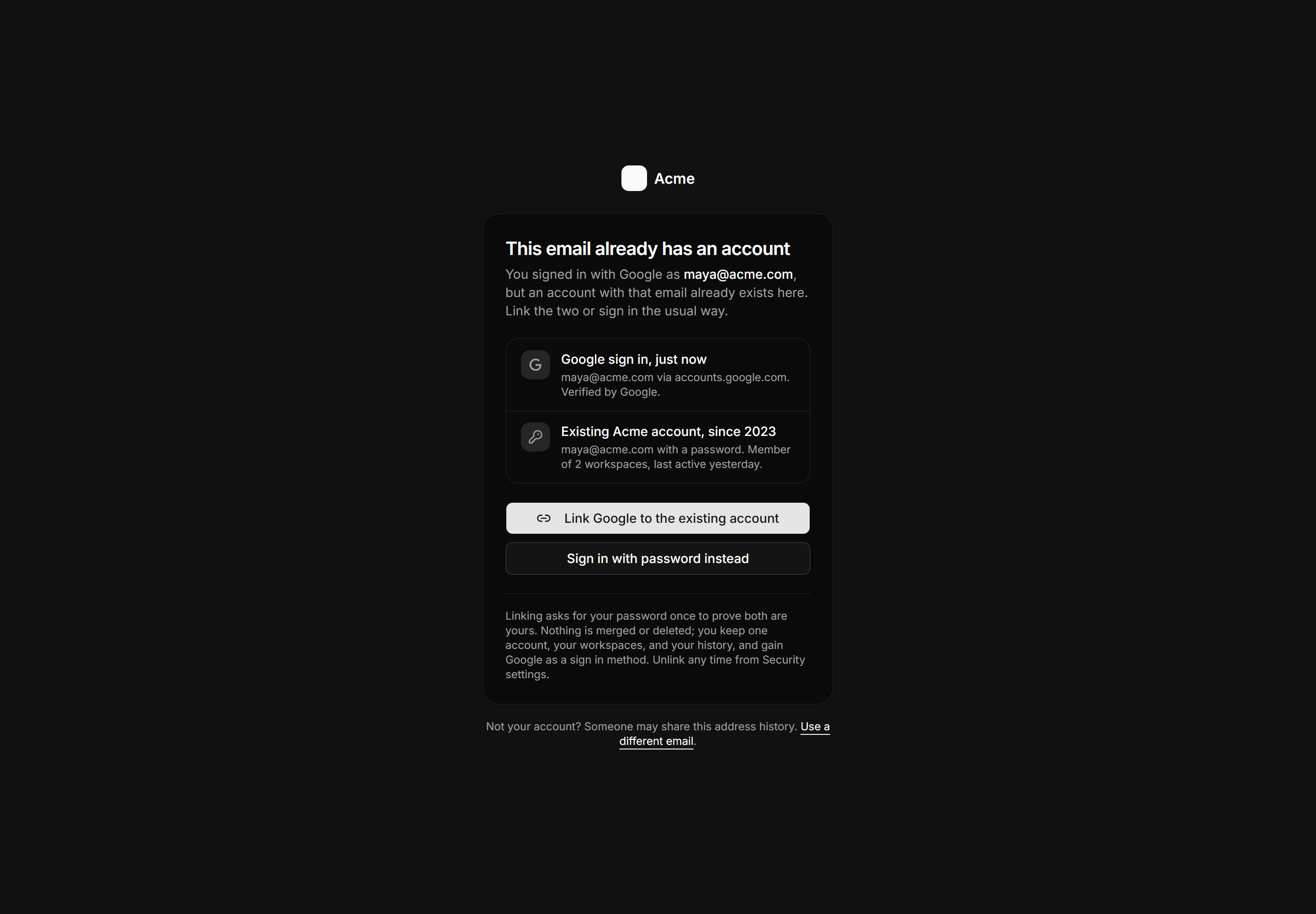
Application Auth Page: Account Linking Page
An account collision gate showing a Google sign in beside an existing password account, a link action, and a password sign in fallback.
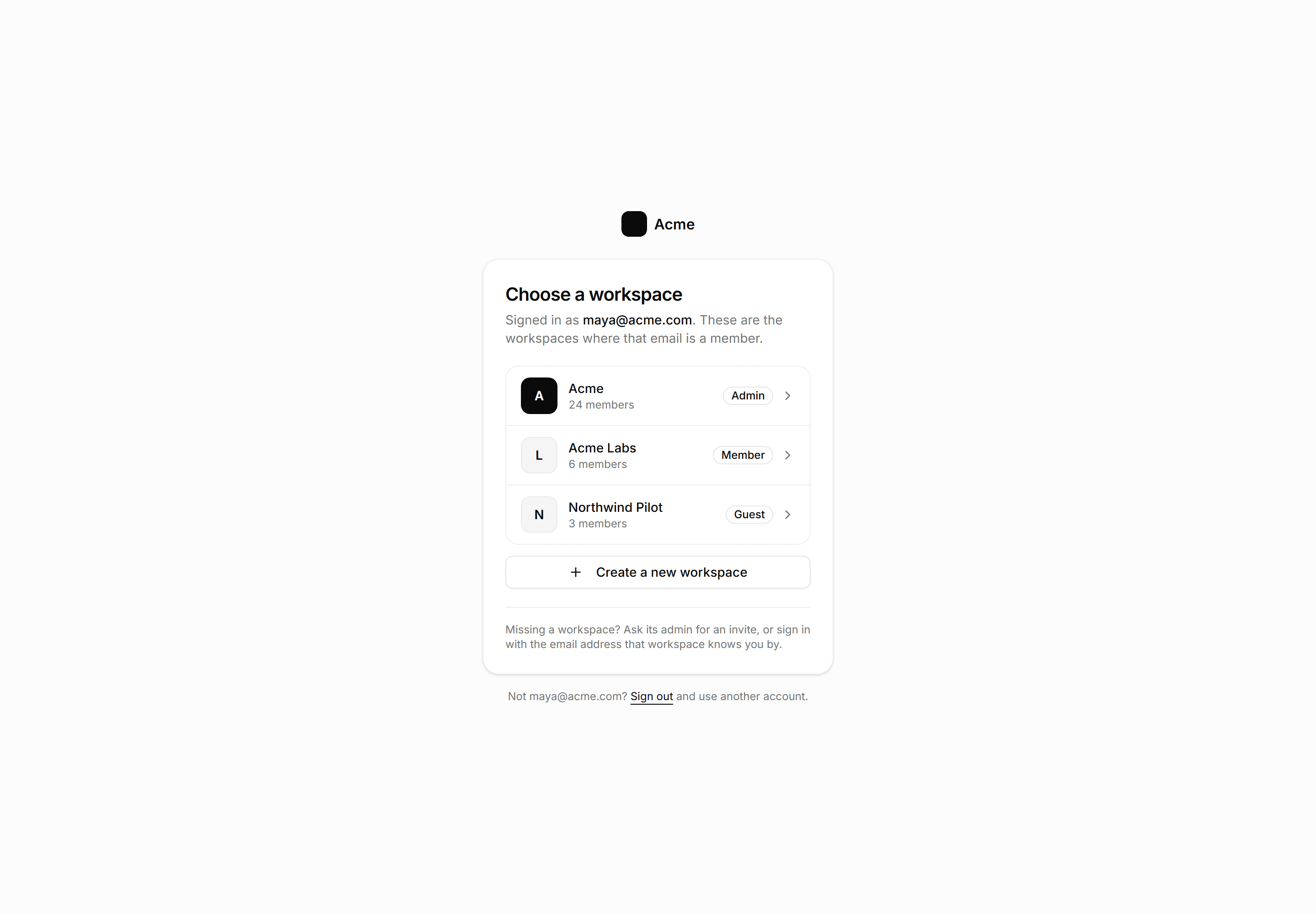
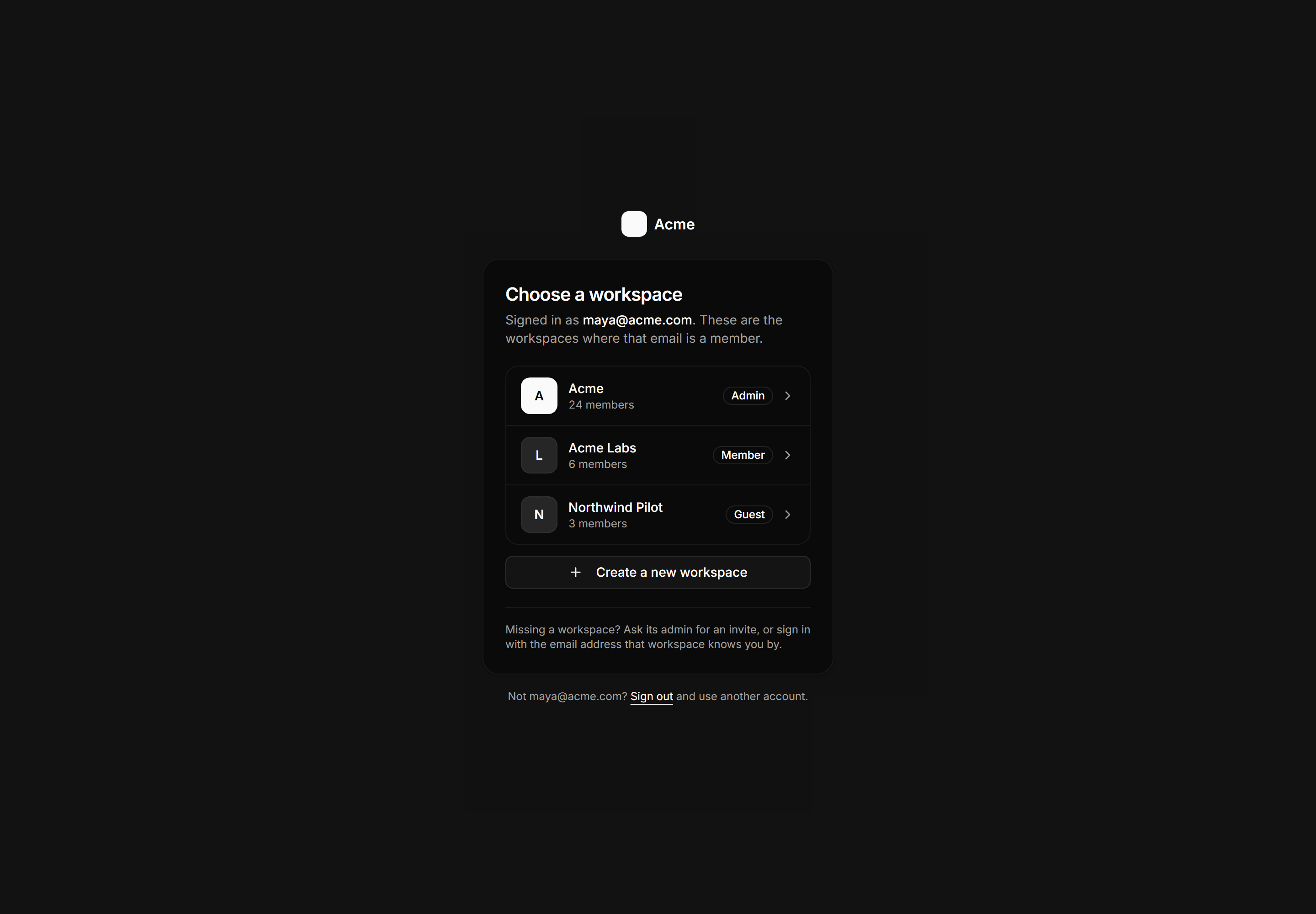
Application Auth Page: Workspace Picker Page
Post sign in workspace chooser listing memberships with marks, member counts, and role badges, plus a create workspace action and sign out link.
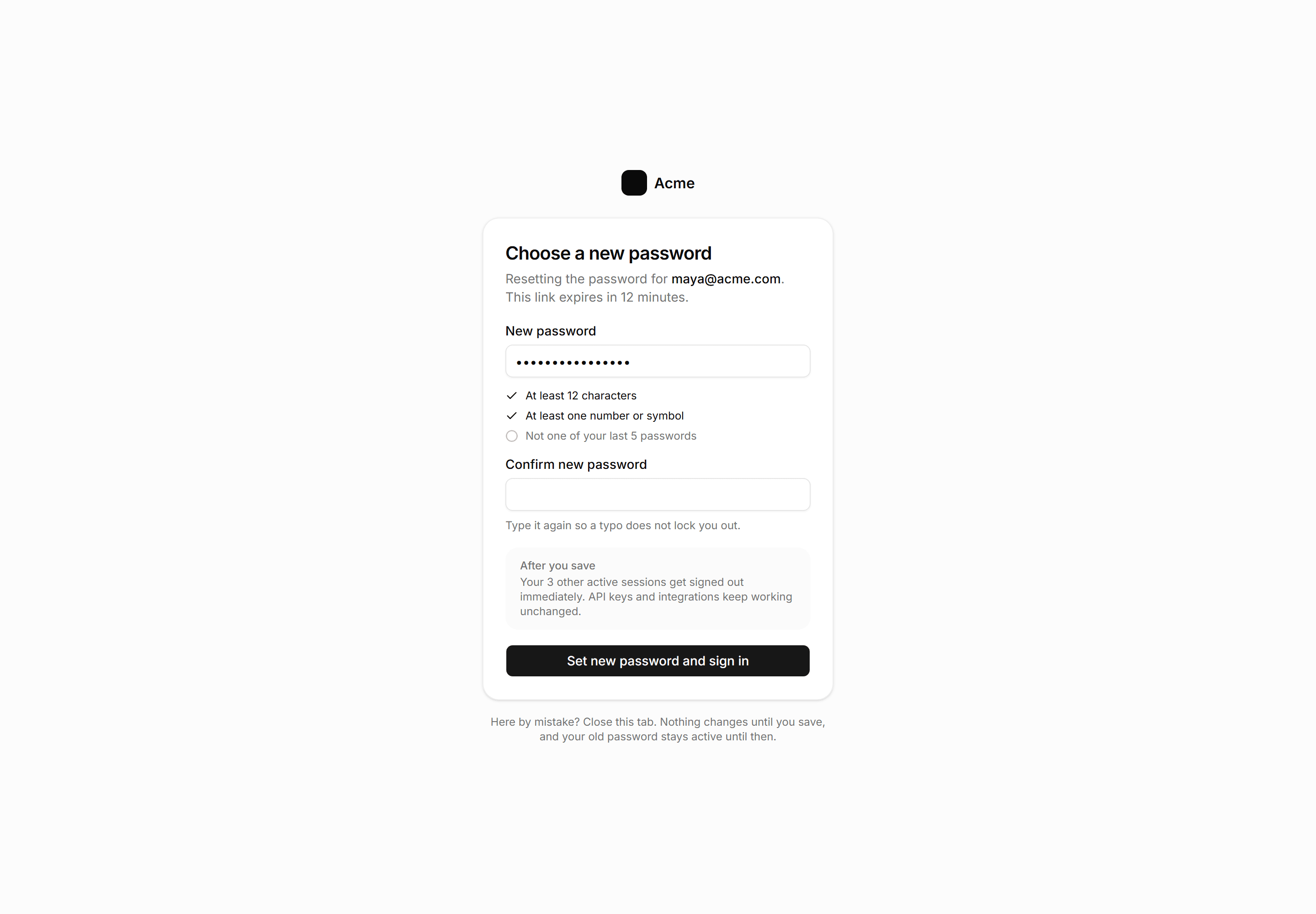
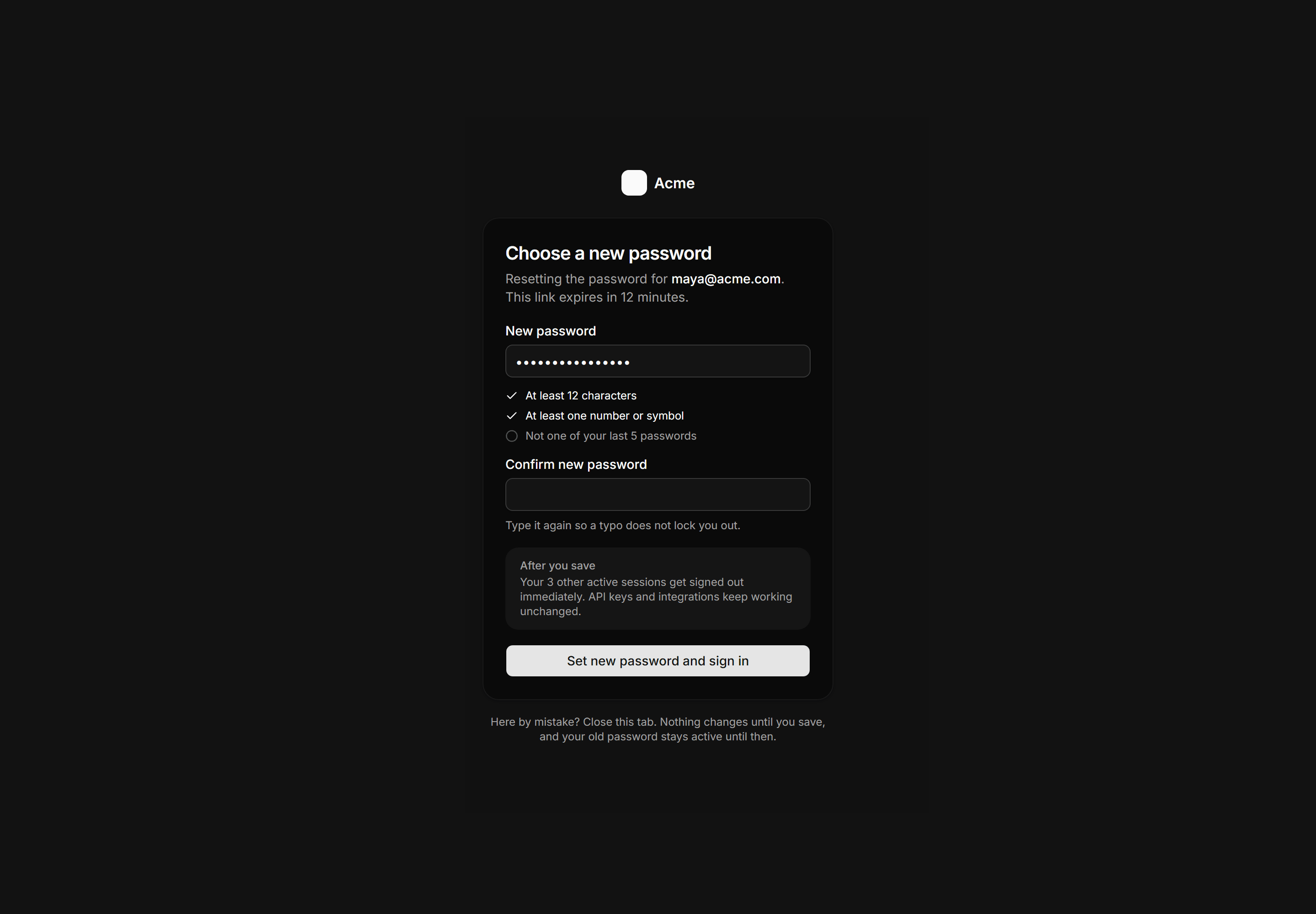
Application Auth Page: Reset Password Page
New password form reached from a reset link with a requirements checklist, a session sign out panel, and the note that nothing changes until save.
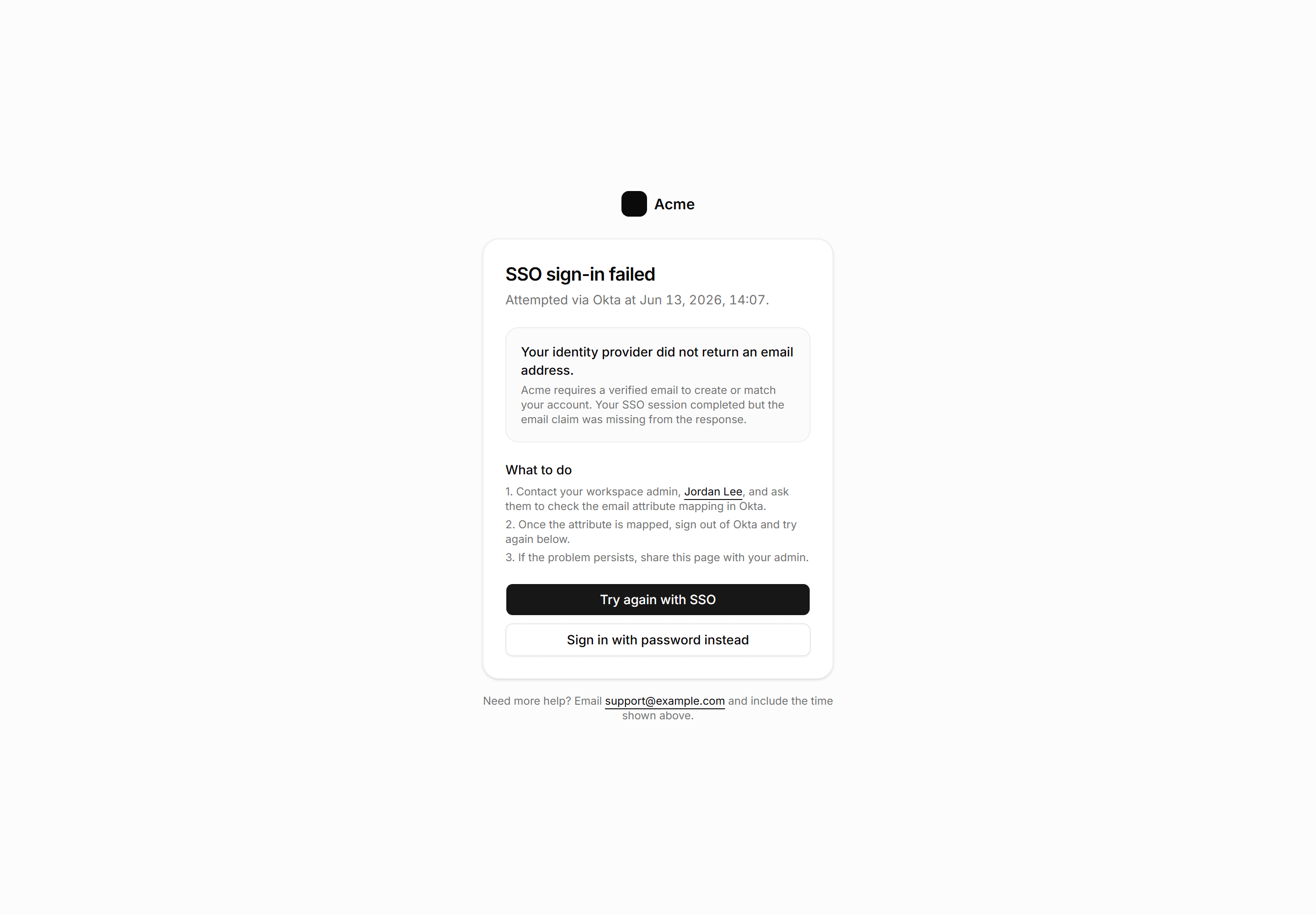
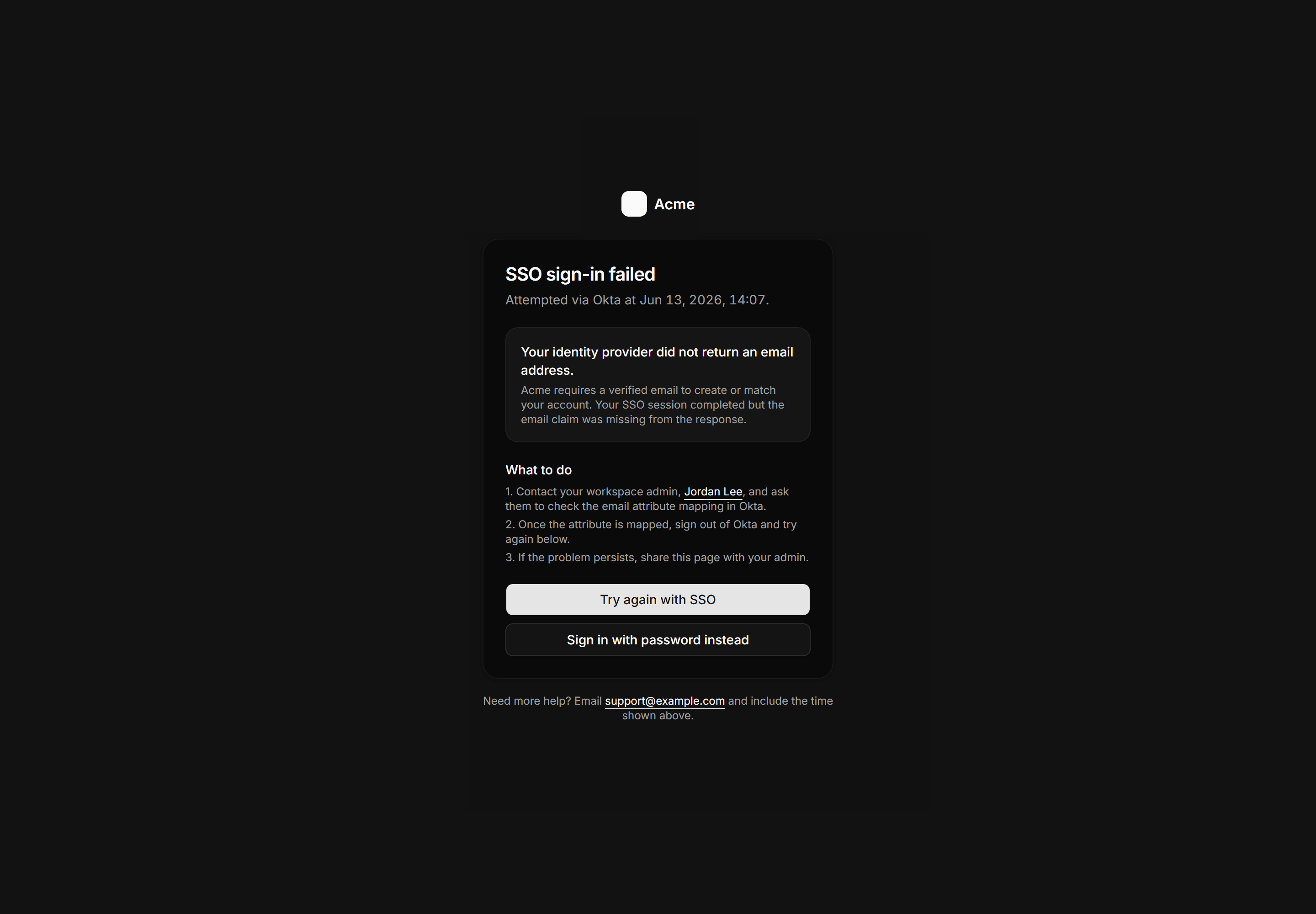
Application Auth Page: Sso Error Page
SSO failure page with the specific error reason, a named admin contact, numbered steps to resolve, and retry plus password fallback actions.
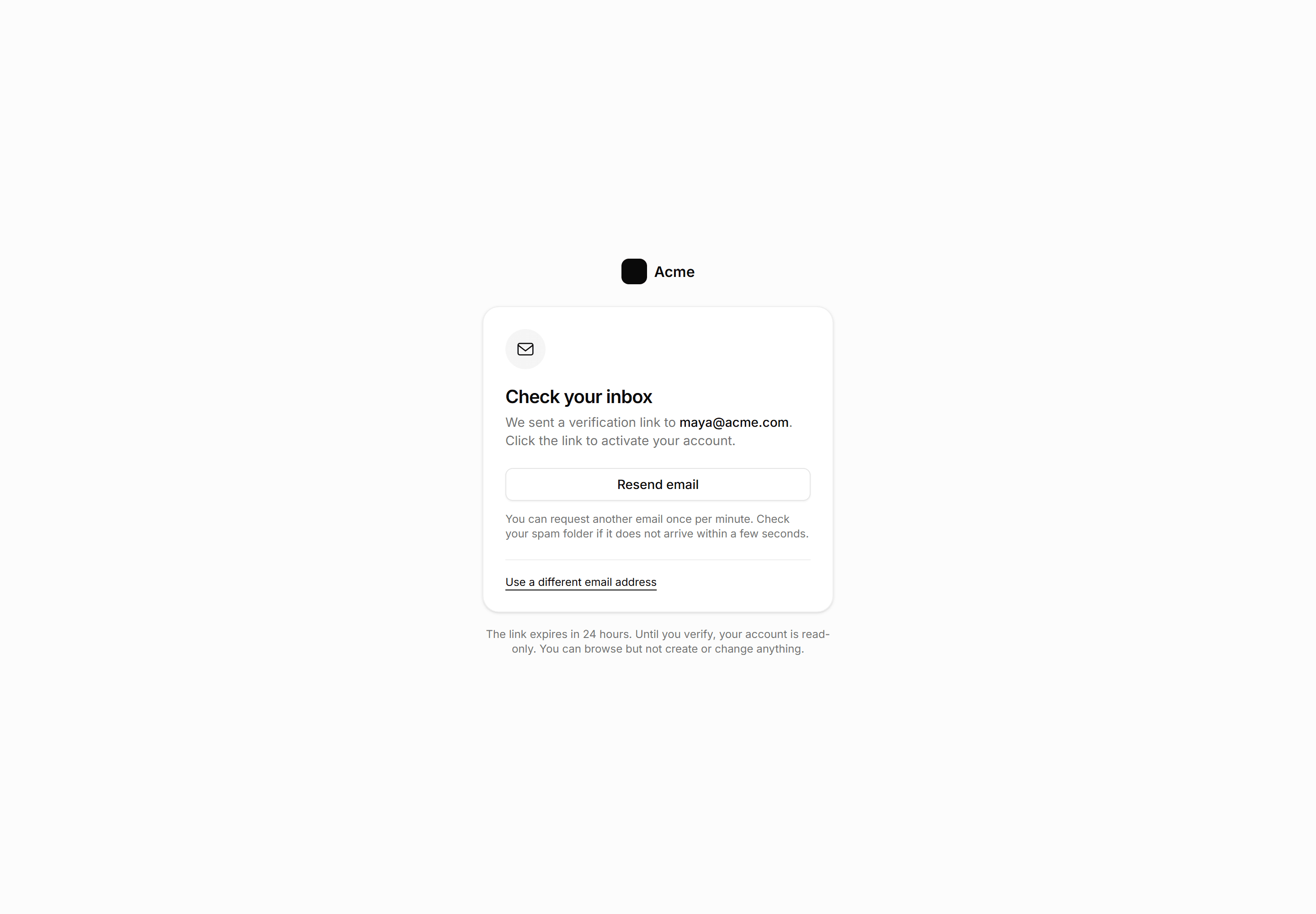
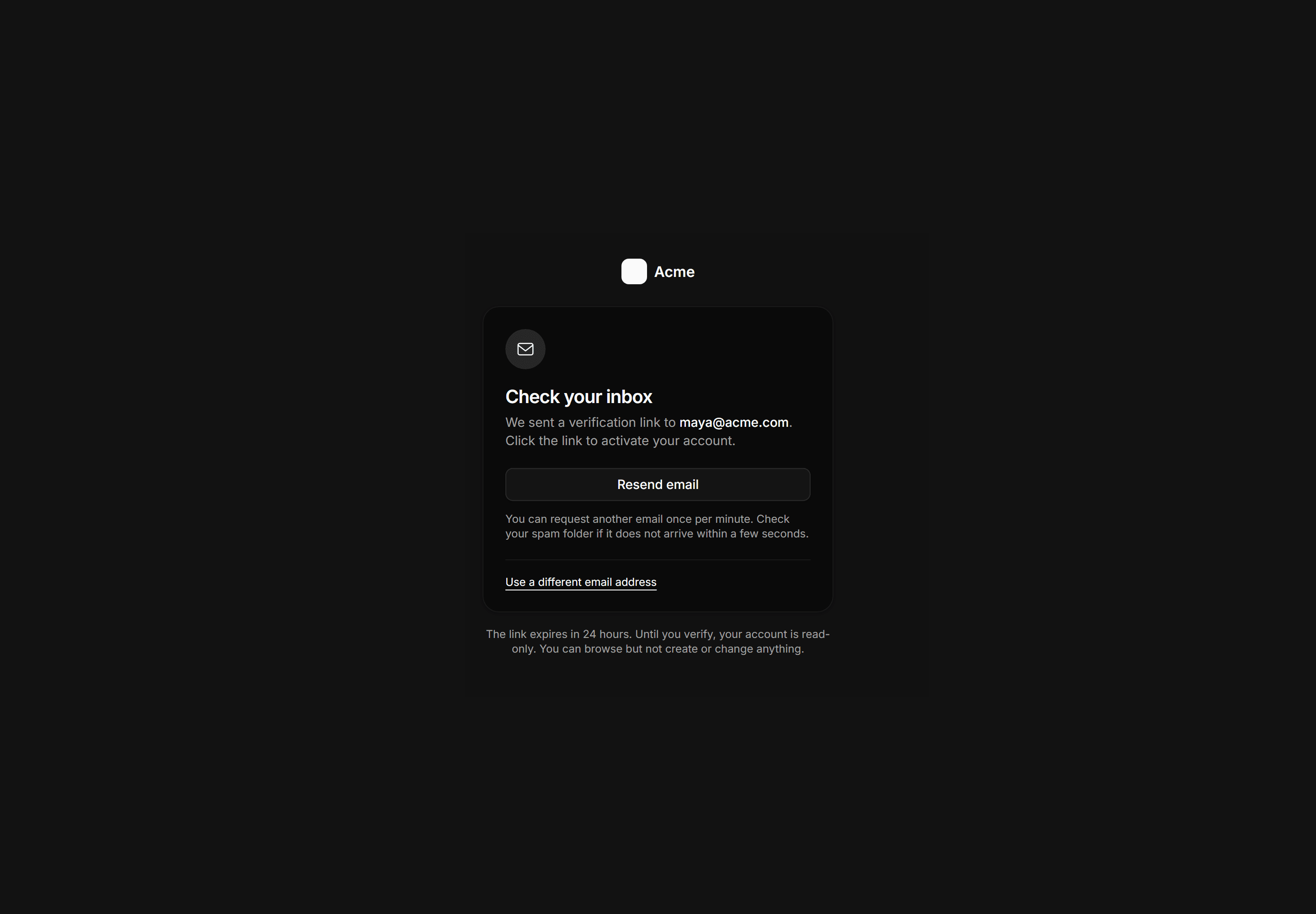
Application Auth Page: Verify Email Page
Check-your-inbox state showing the sent address, a throttled resend button, a change-email link, and the 24-hour expiry note.
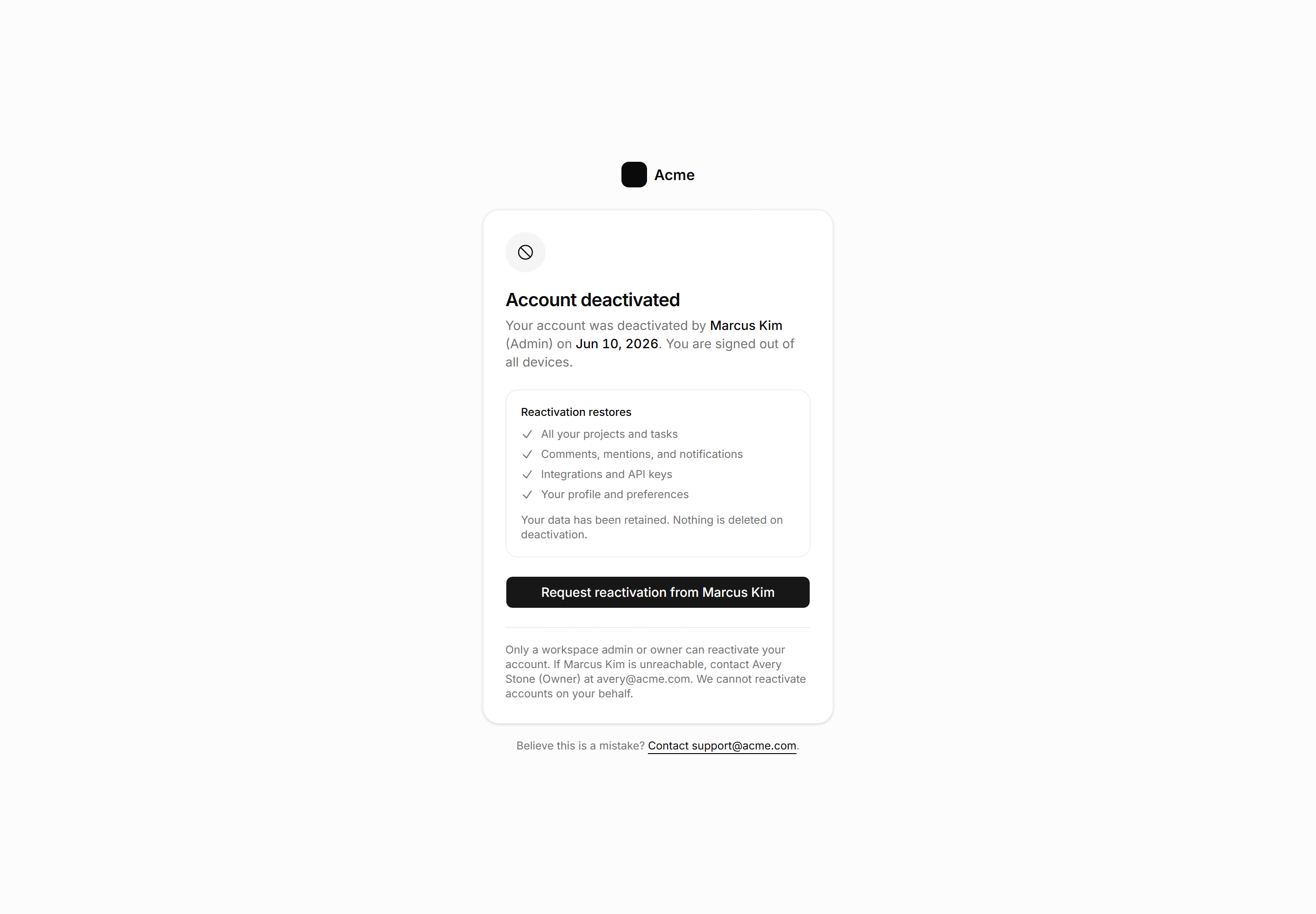
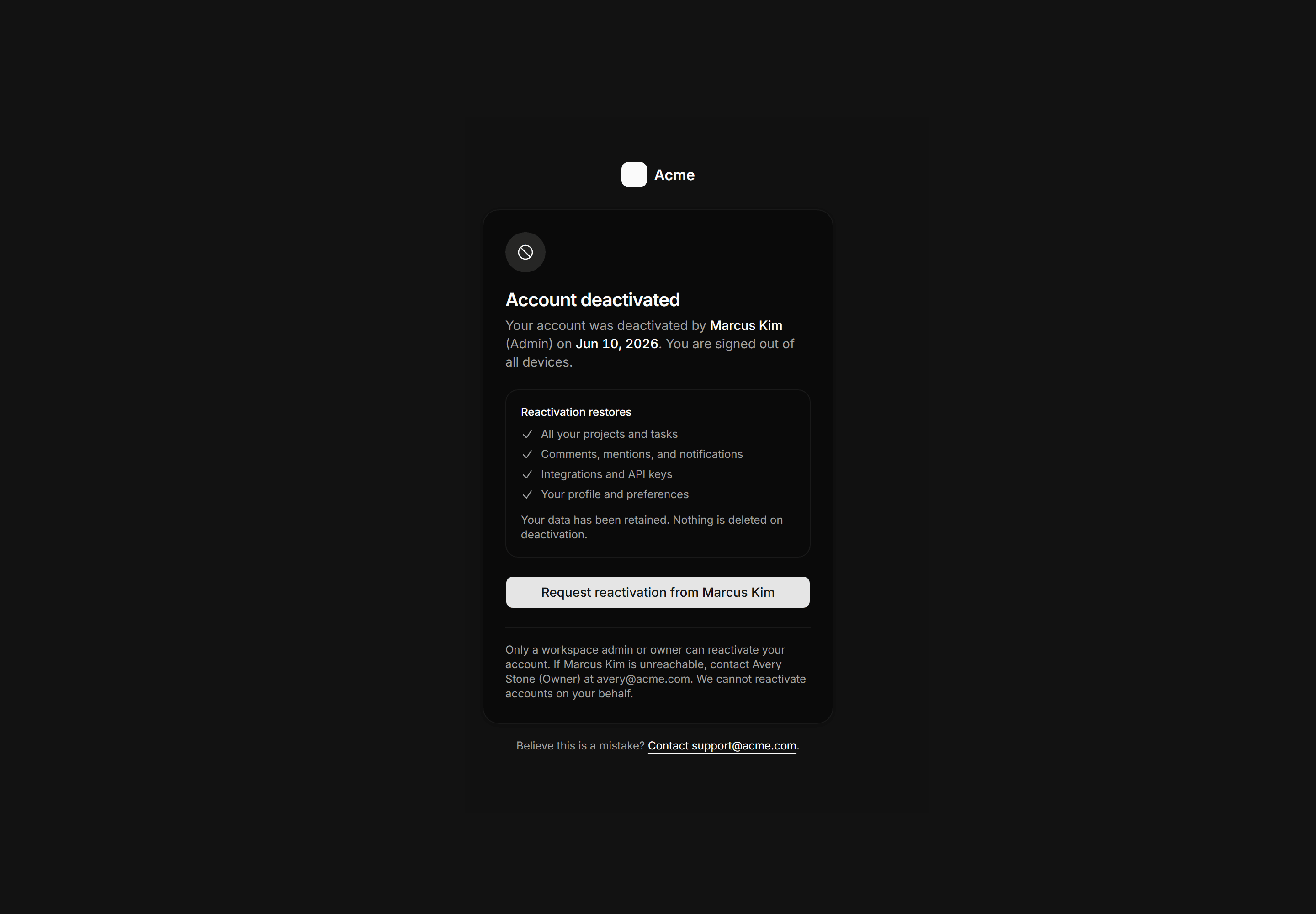
Application Auth Page: Deactivated Account Page
Account deactivation state page naming who deactivated the account and when, listing what reactivation restores, and linking directly to the named admin for recovery.
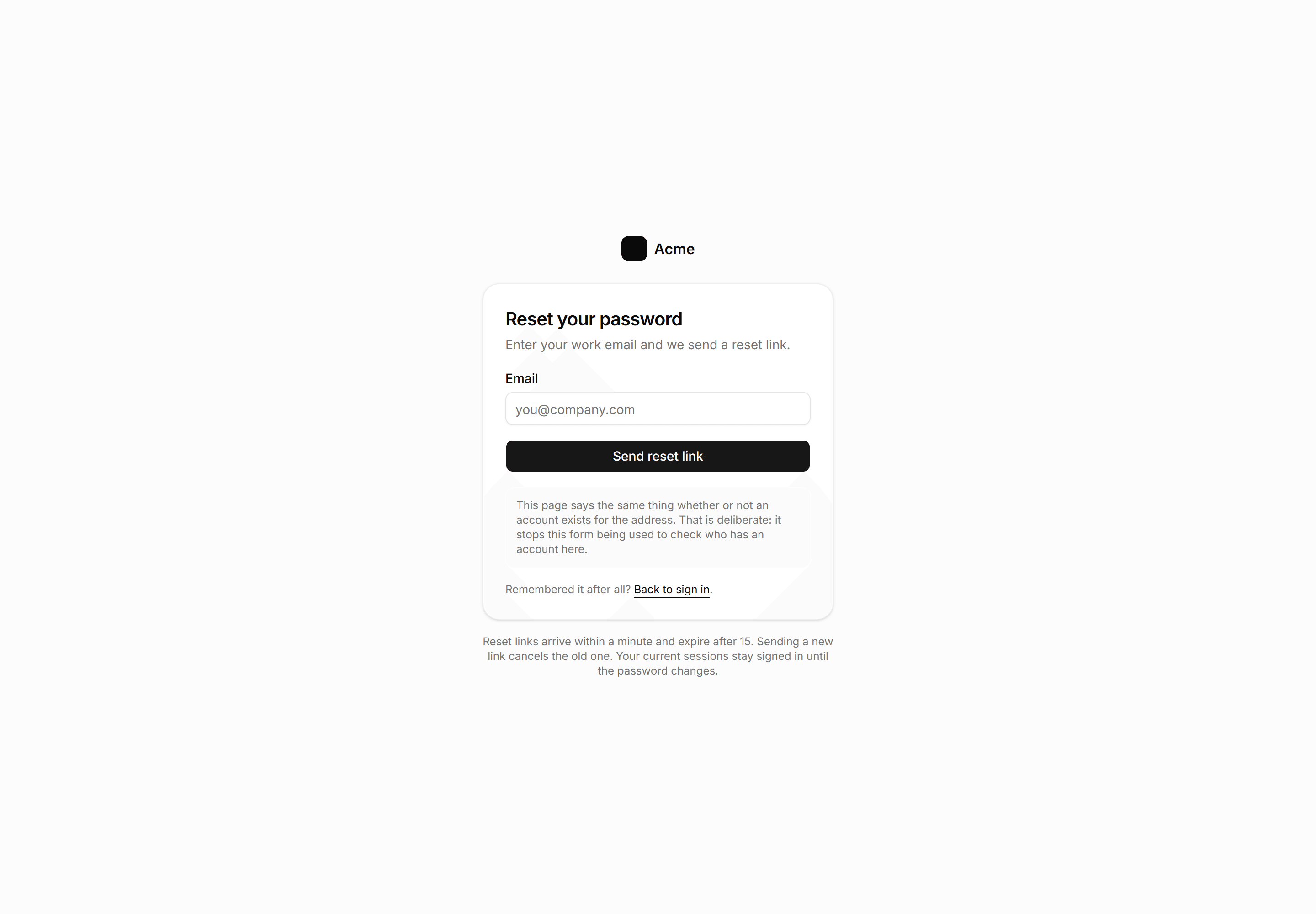
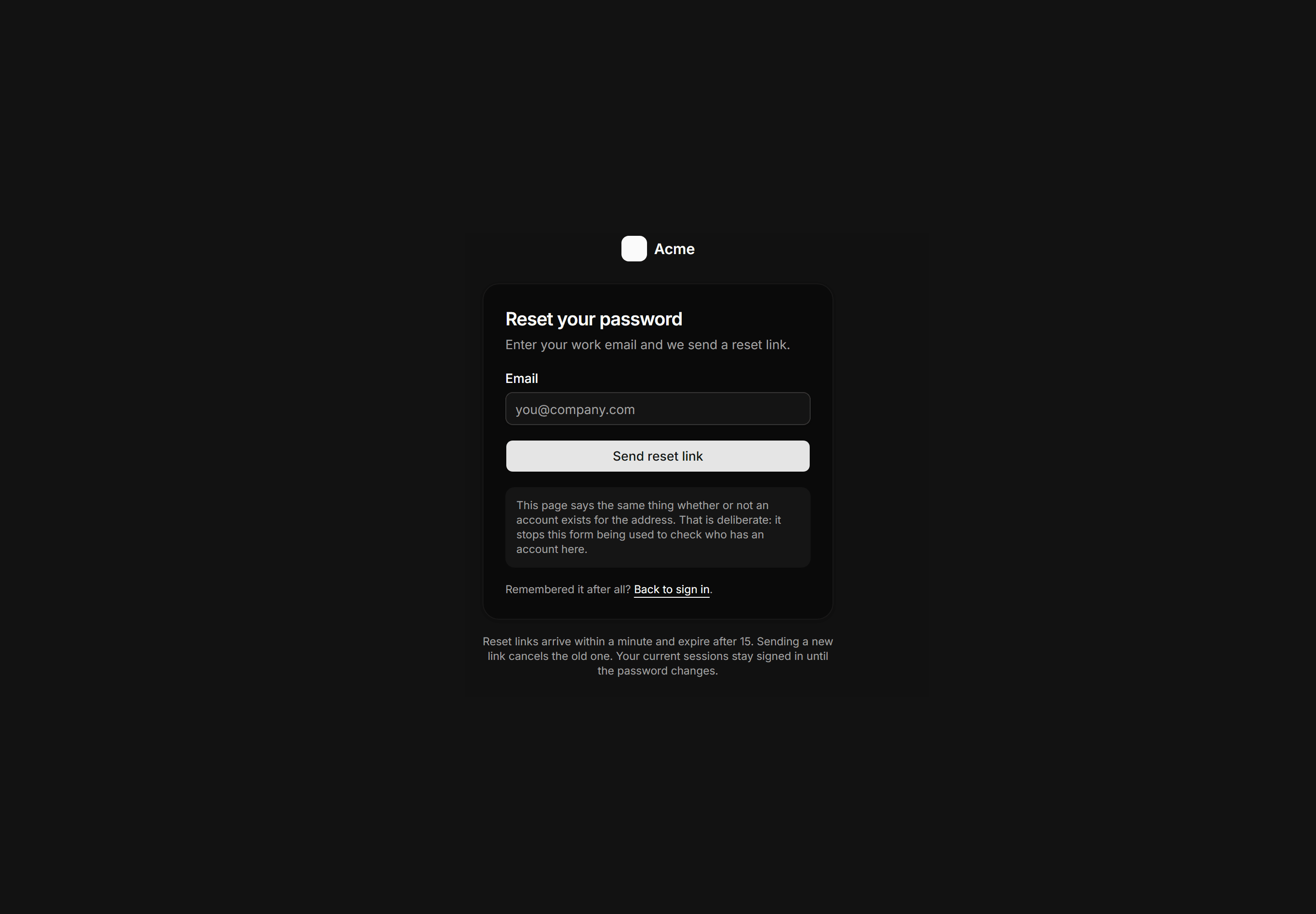
Application Auth Page: Forgot Password Page
Password reset form that openly explains its anti enumeration response and states reset link timing facts.
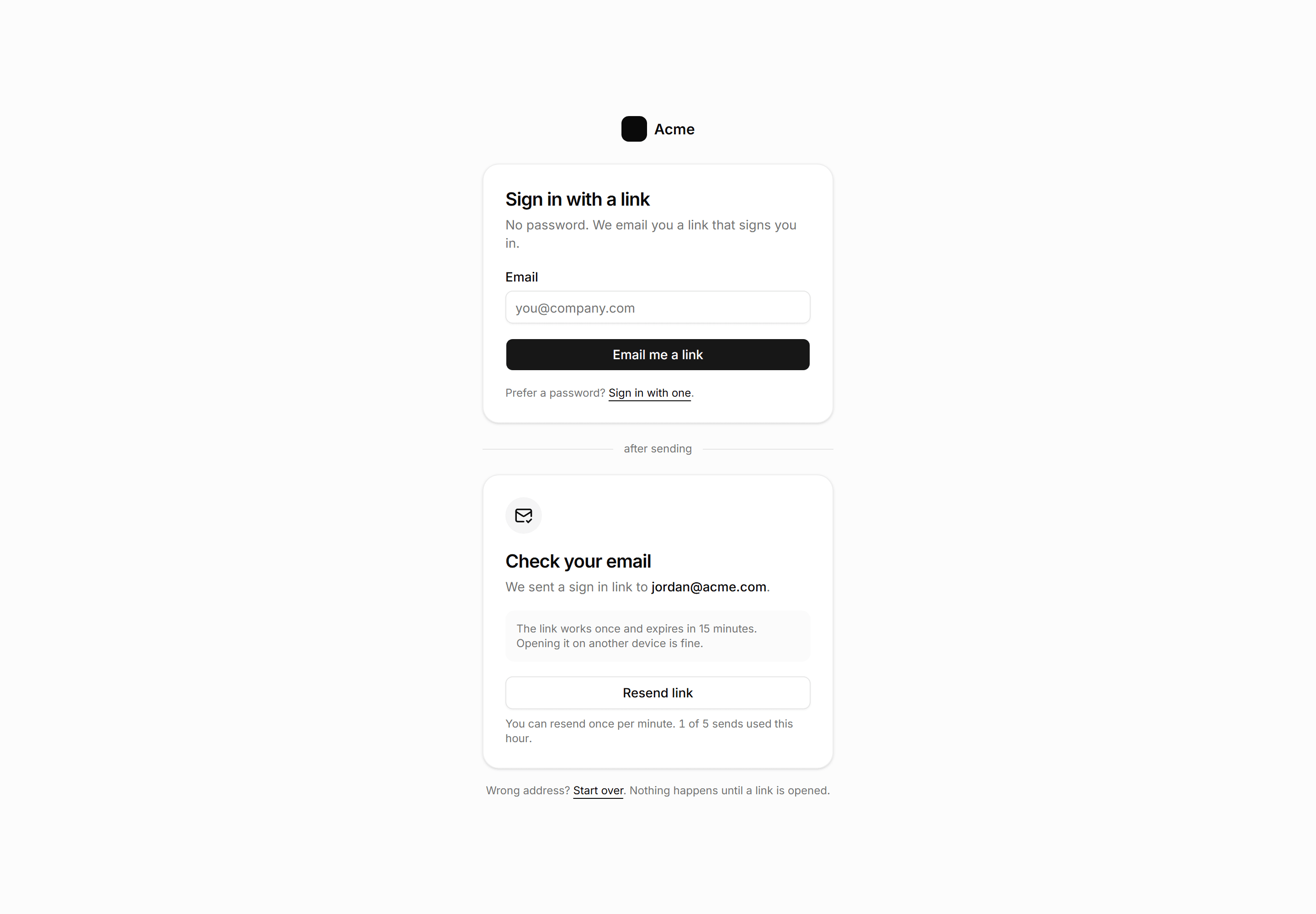
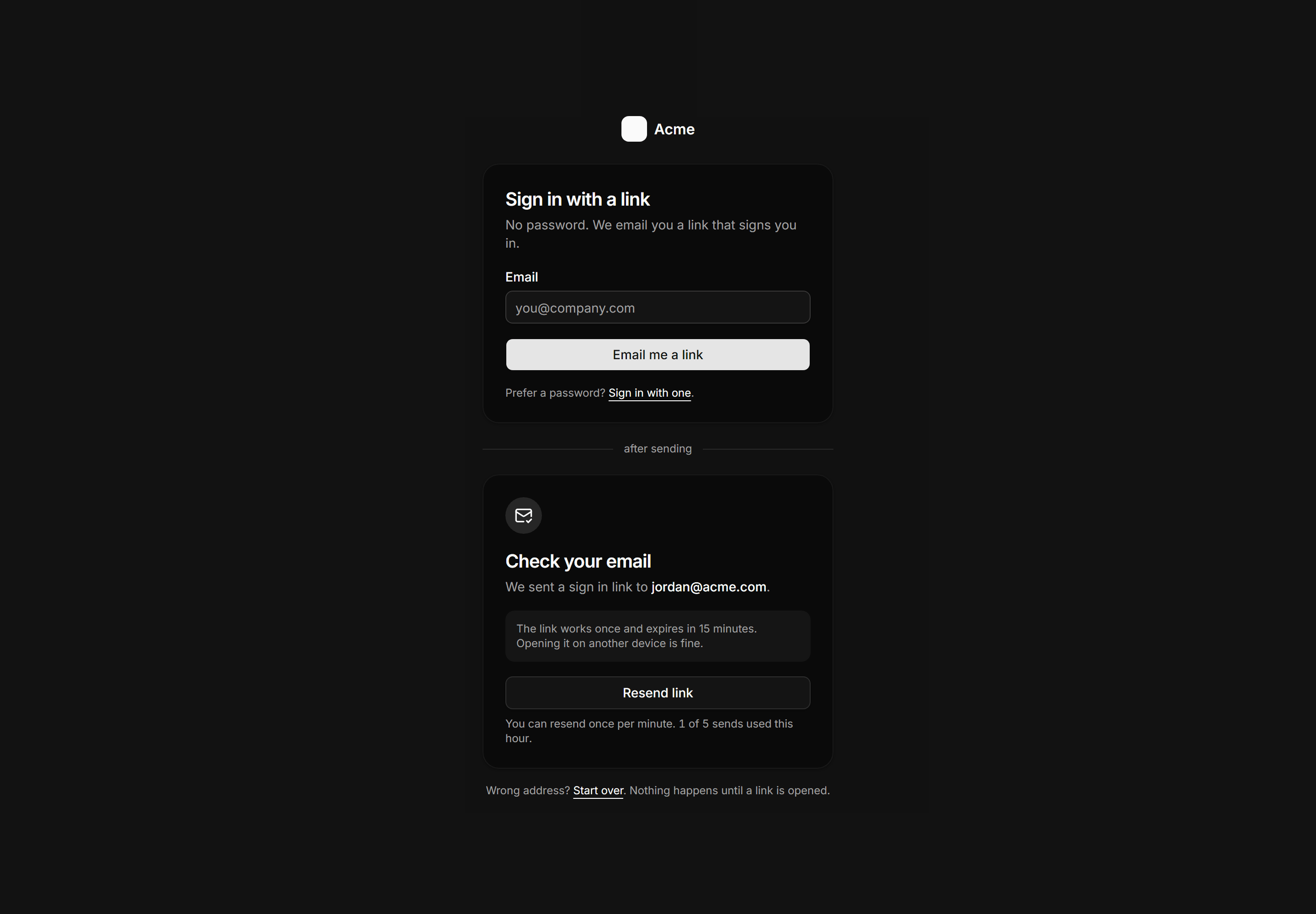
Application Auth Page: Magic Link Page
Passwordless sign in showing both the request and sent states with expiry and resend throttle facts.
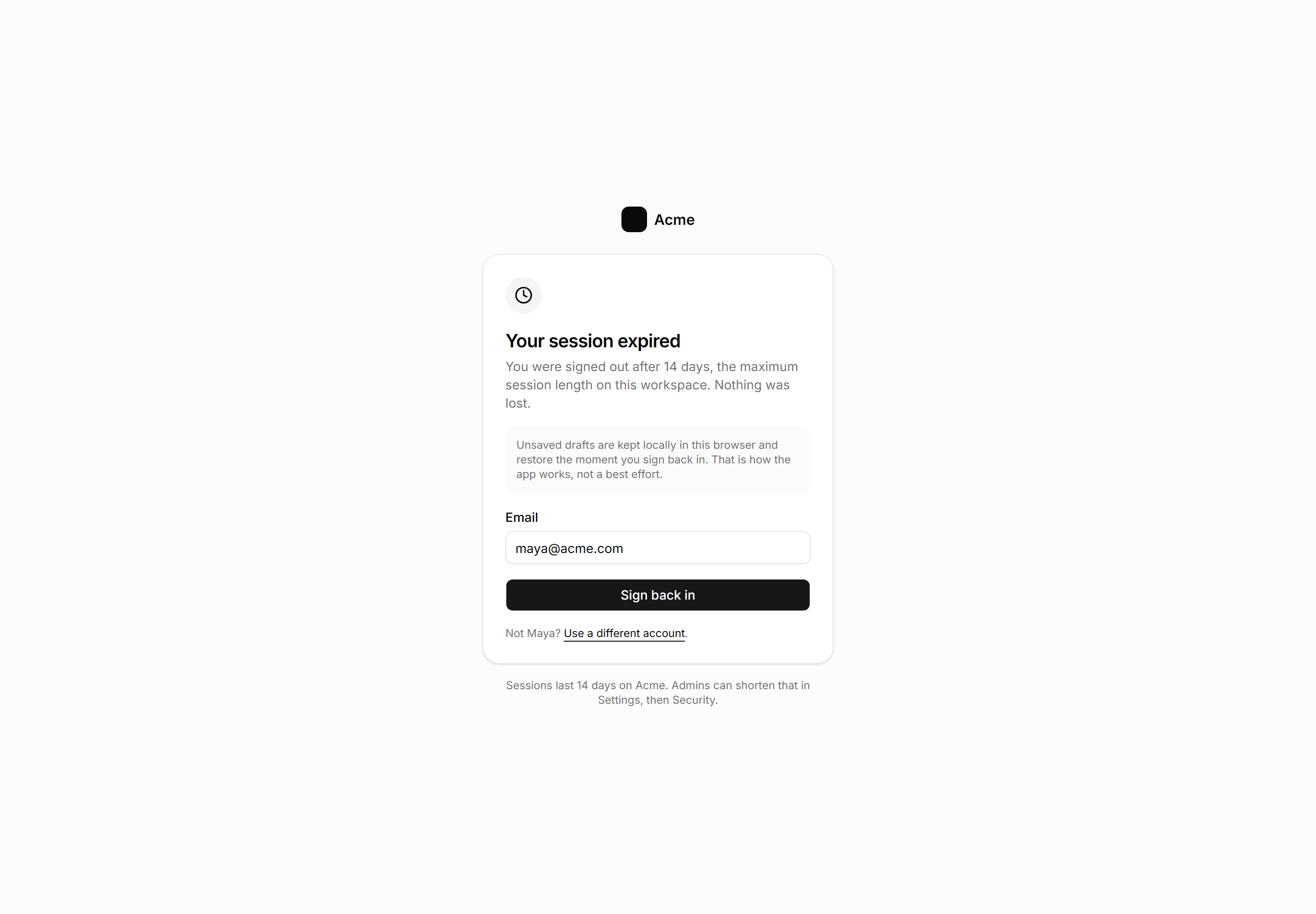
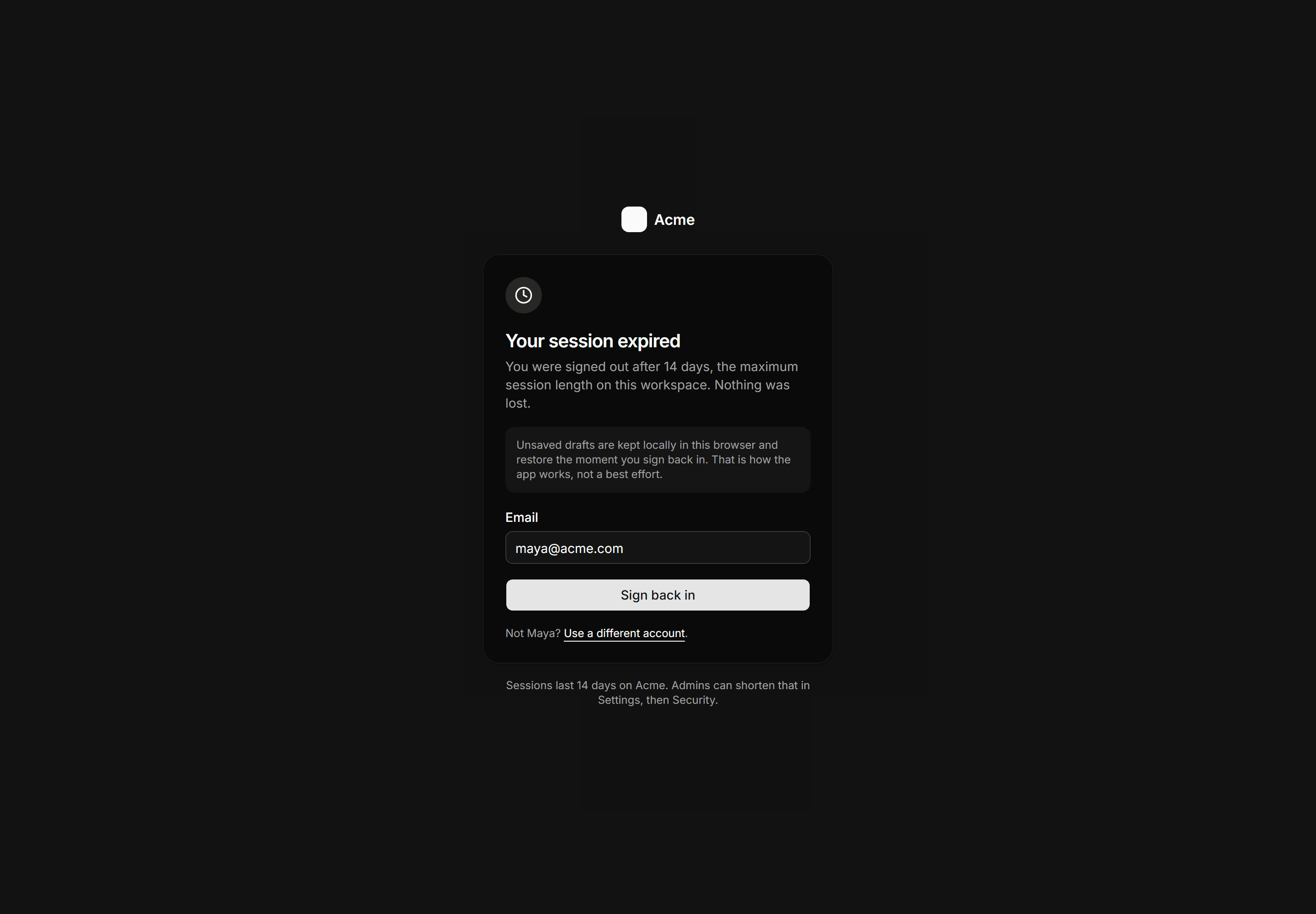
Application Auth Page: Session Expired Page
Calm session timeout screen that promises local draft restore and prefills the email for one click return.
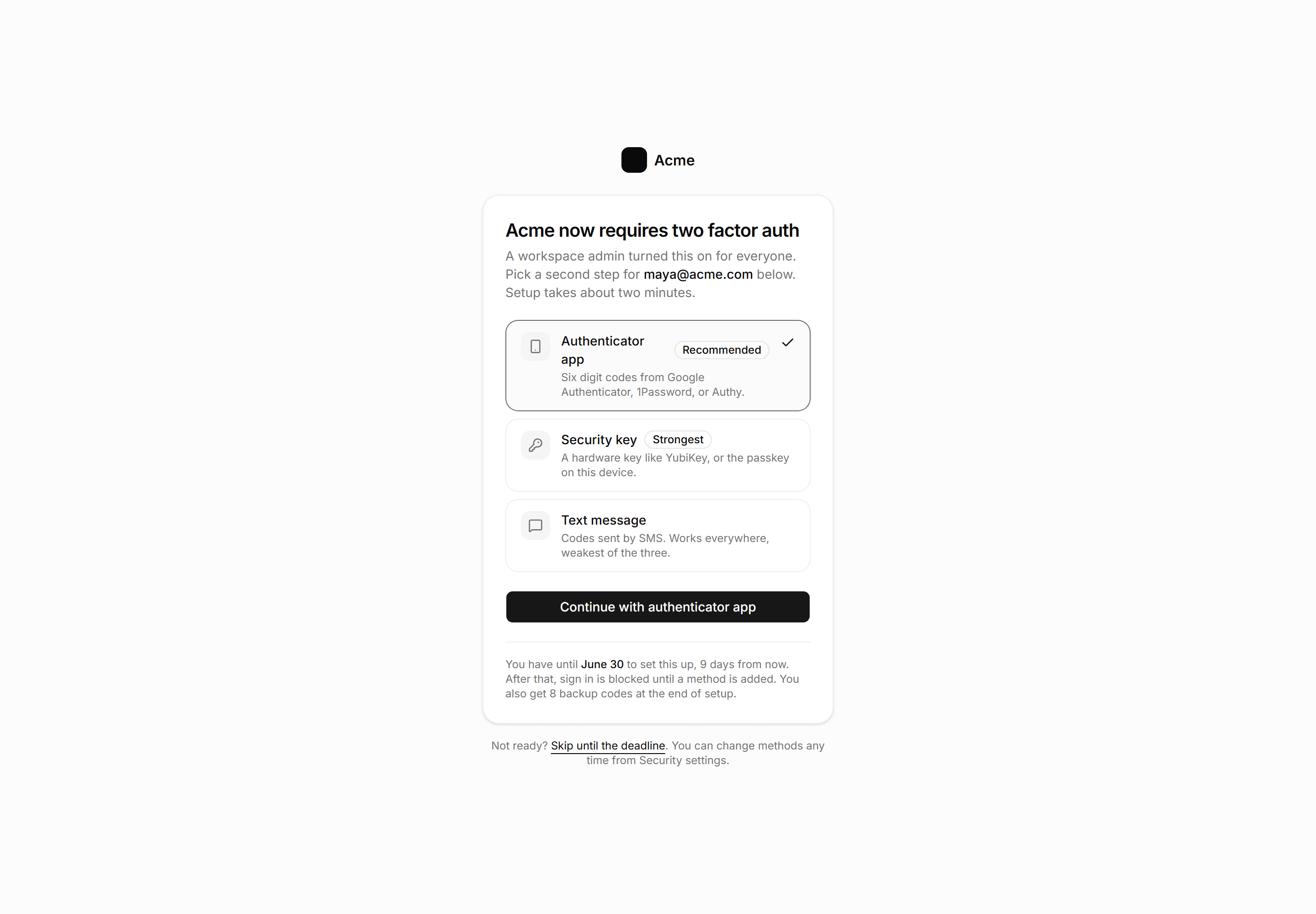
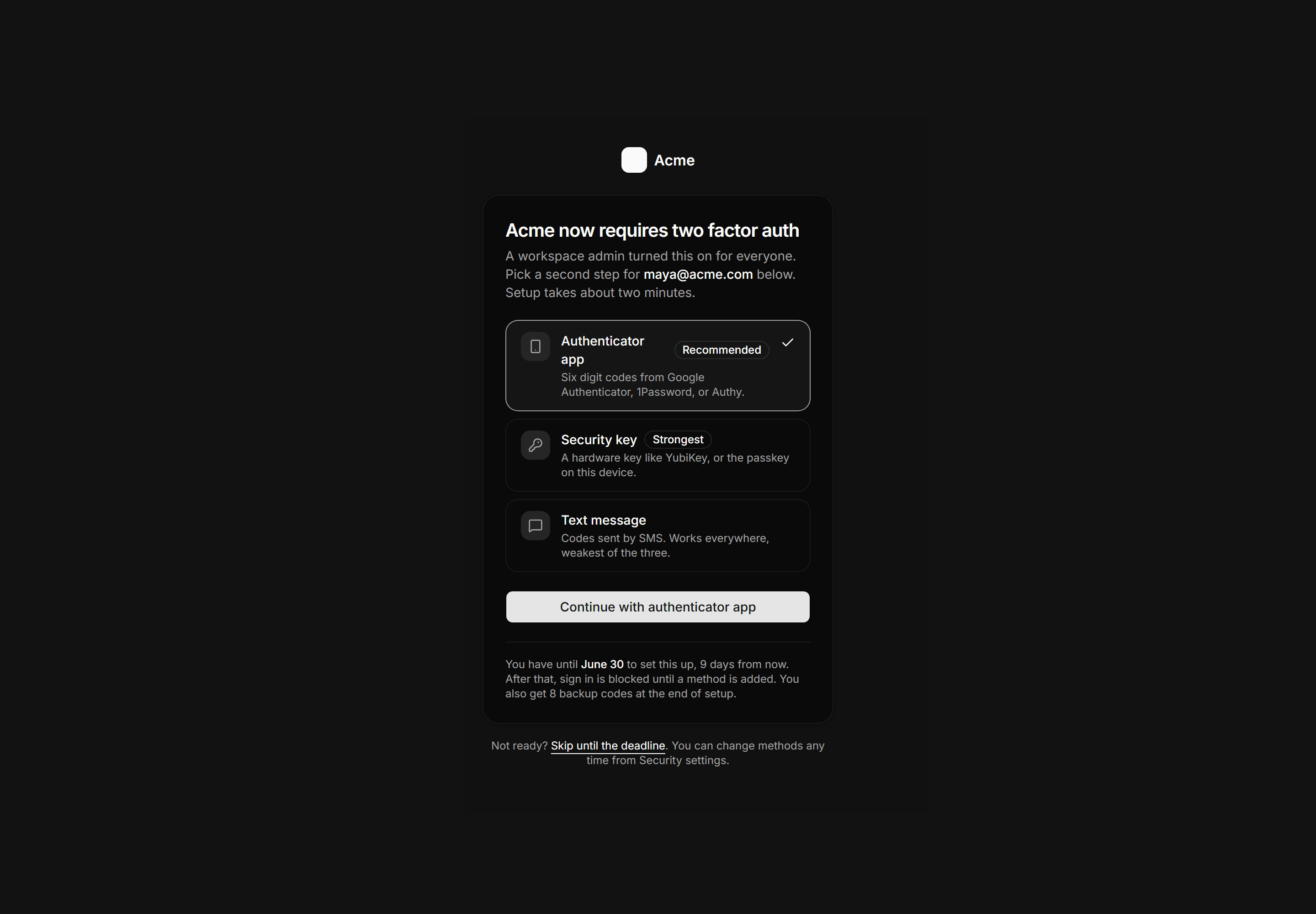
Application Auth Page: MFA Enrollment Page
A required two factor enrollment gate with three method rows ranked by strength, the authenticator app preselected, a grace period deadline, and a skip link.
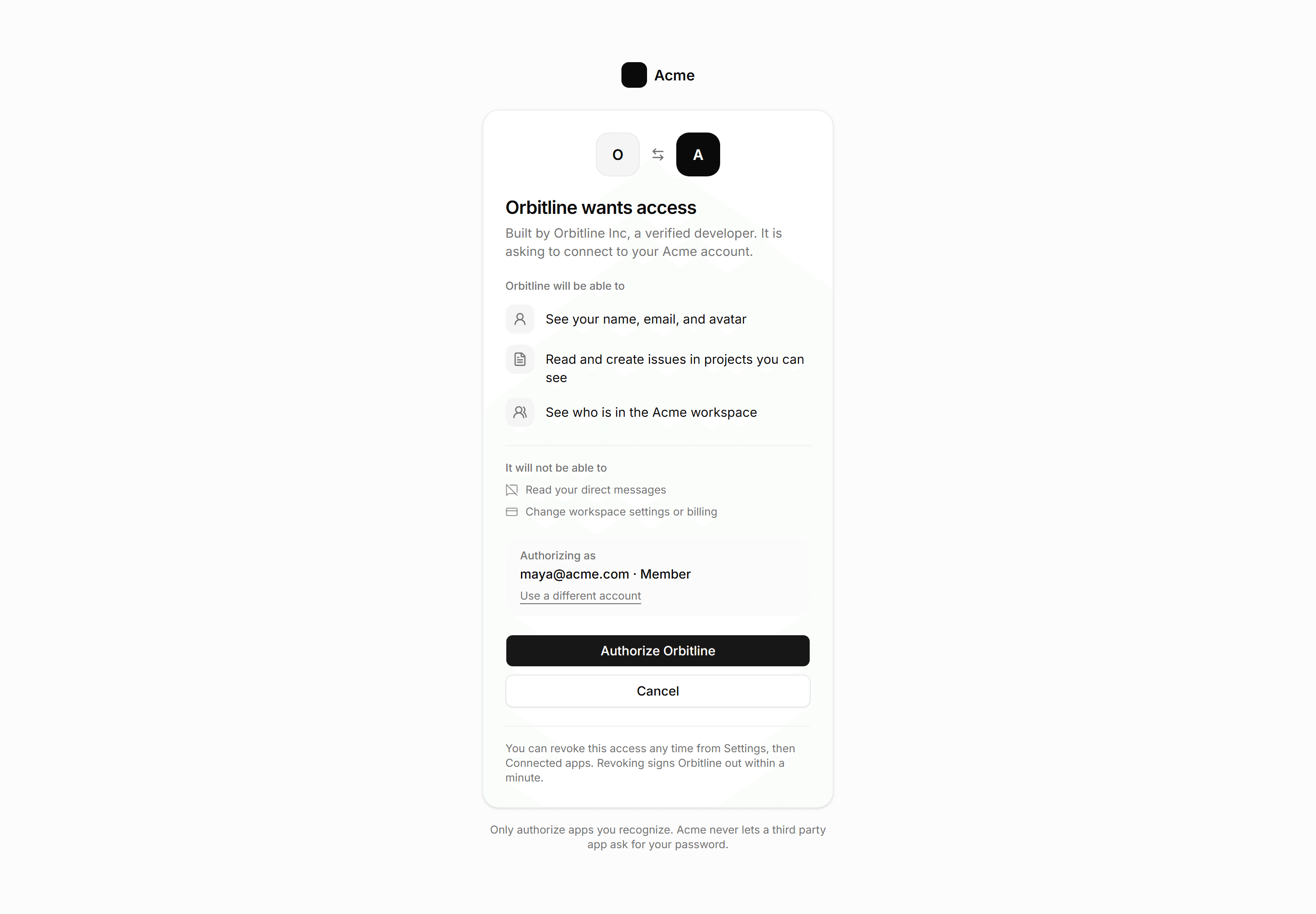
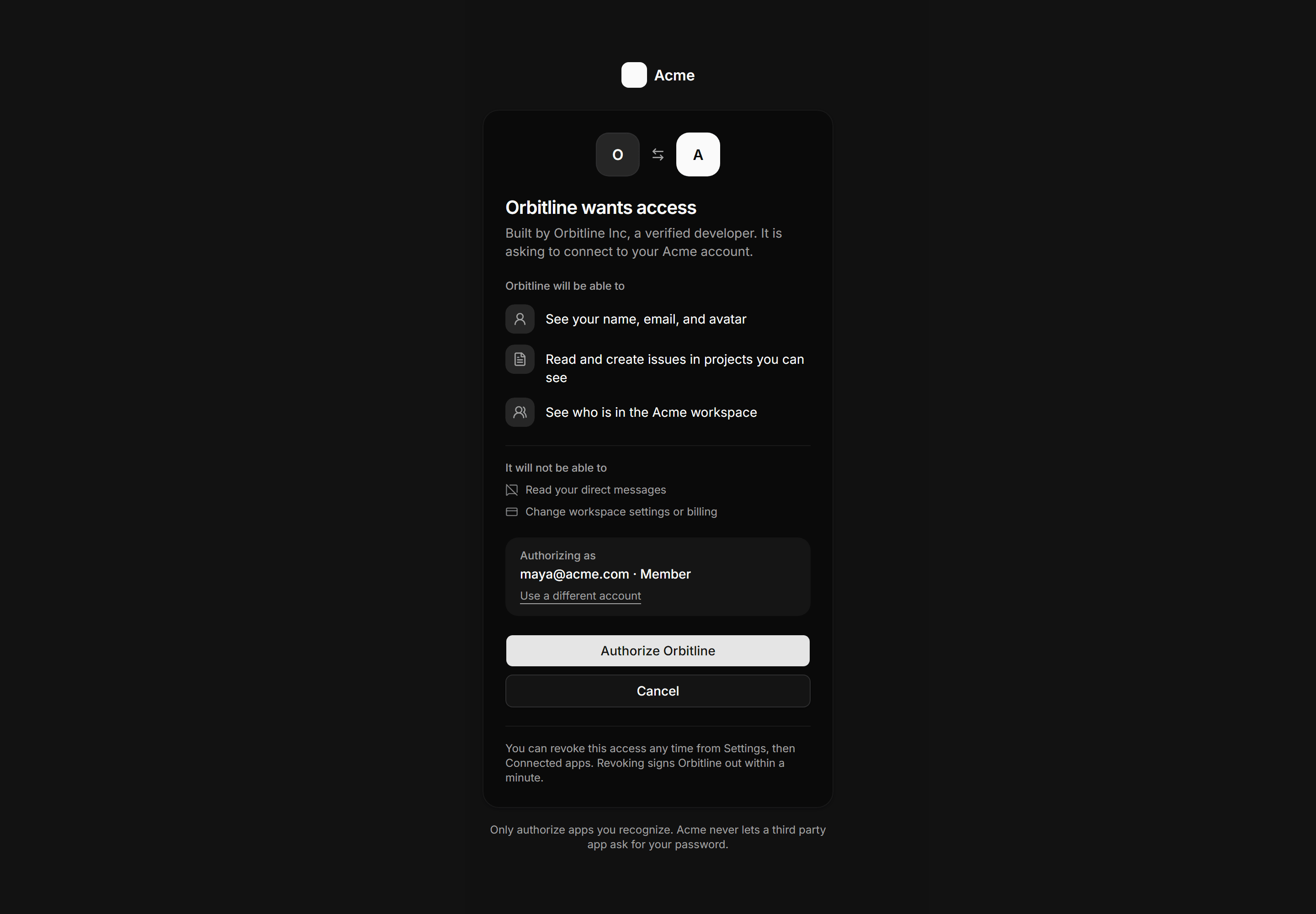
Application Auth Page: Oauth Consent Page
Third party app authorization card listing granted scopes and explicit exclusions, the acting account, and authorize or cancel actions with a revoke note.
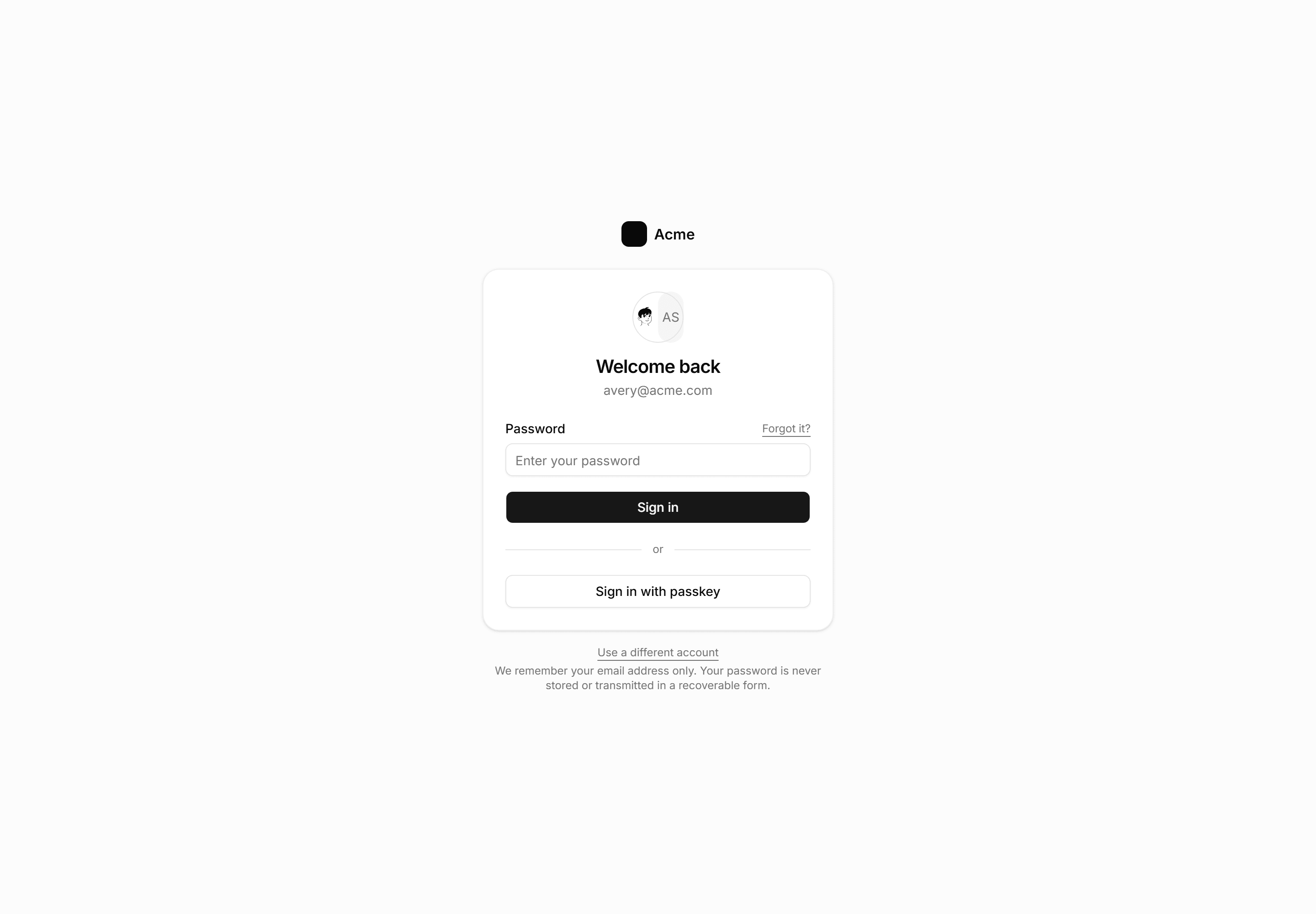
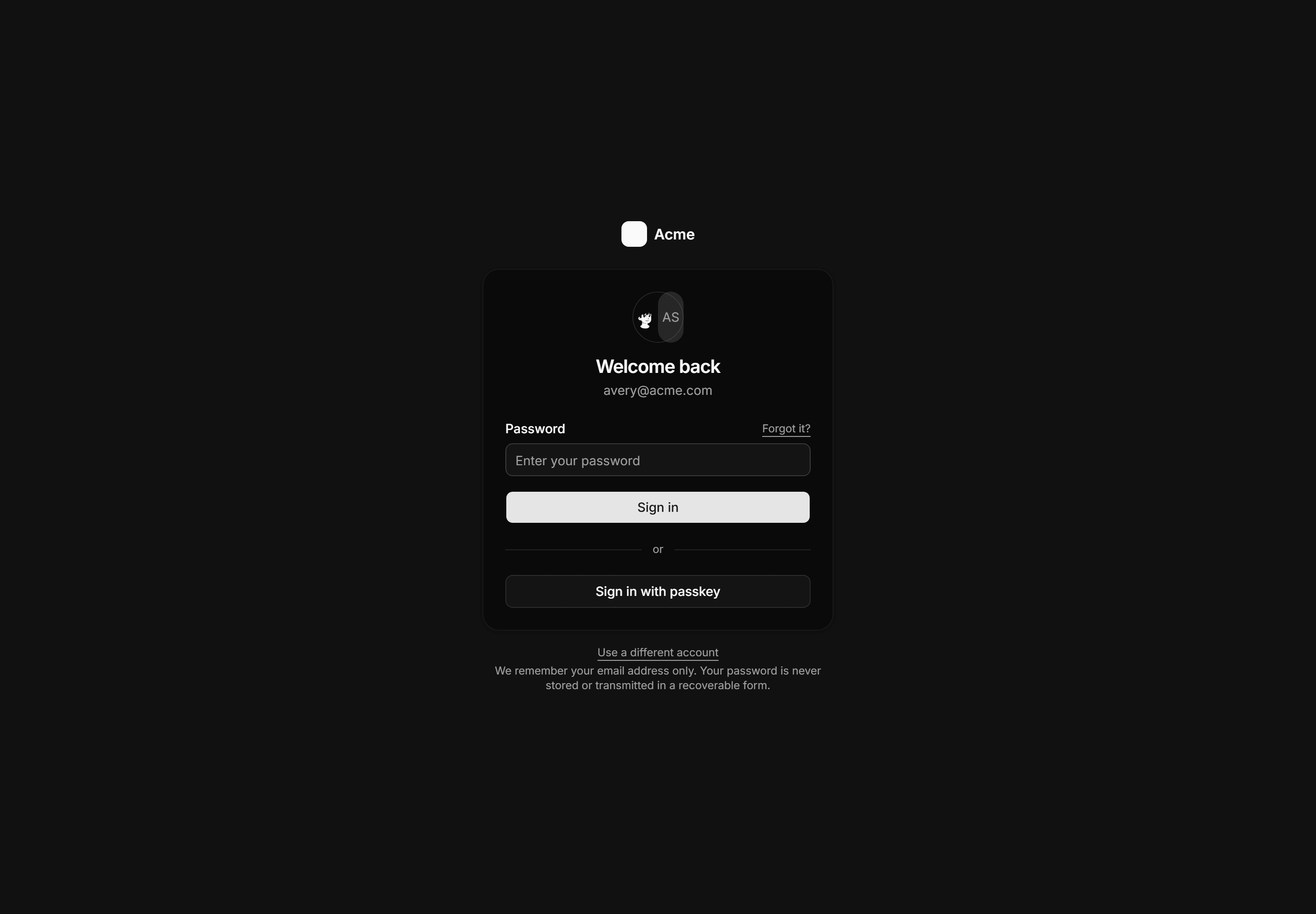
Application Auth Page: Welcome Back Login
Returning user login showing the known account avatar and email with a single password field, passkey option, and a use a different account escape hatch.
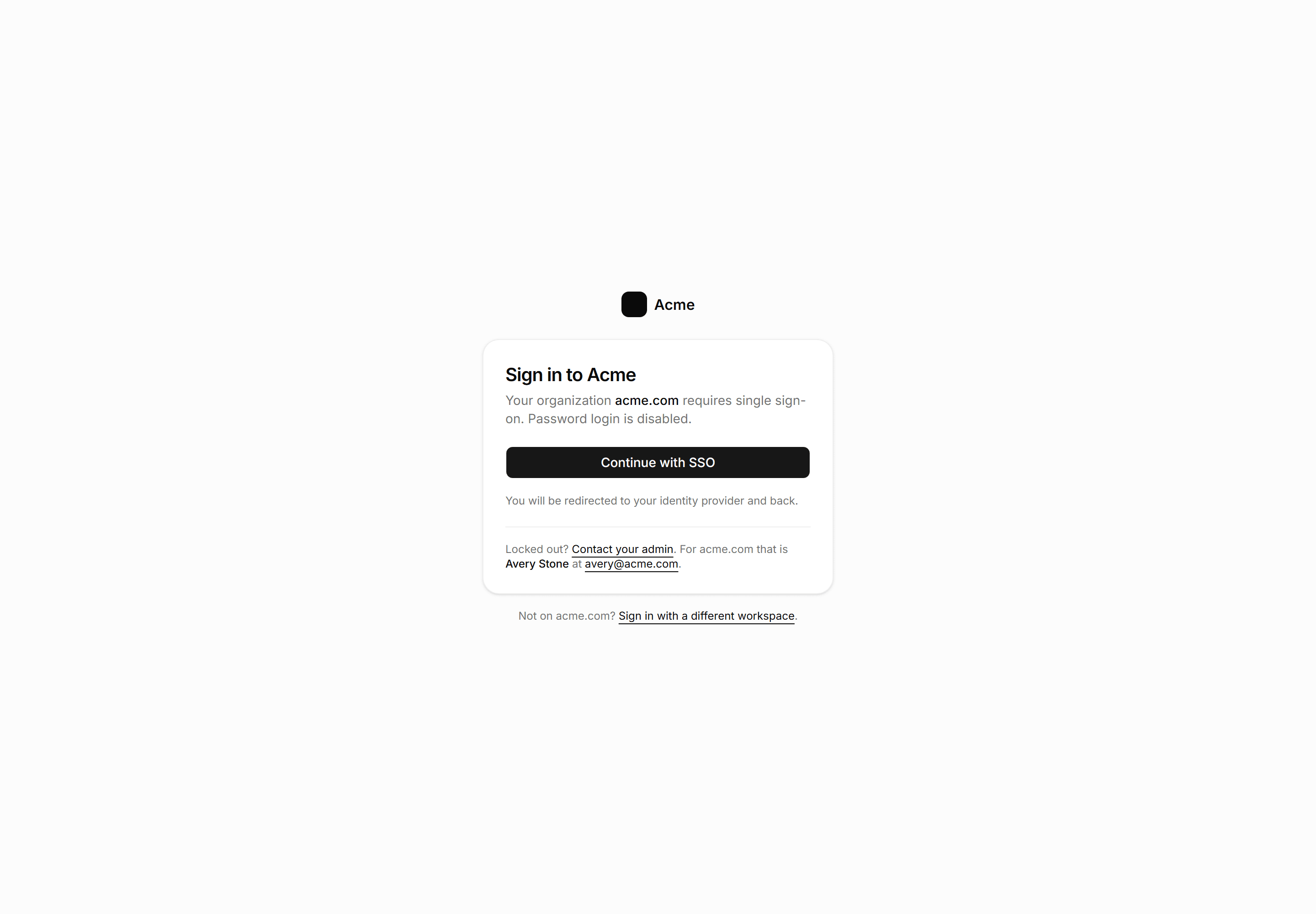
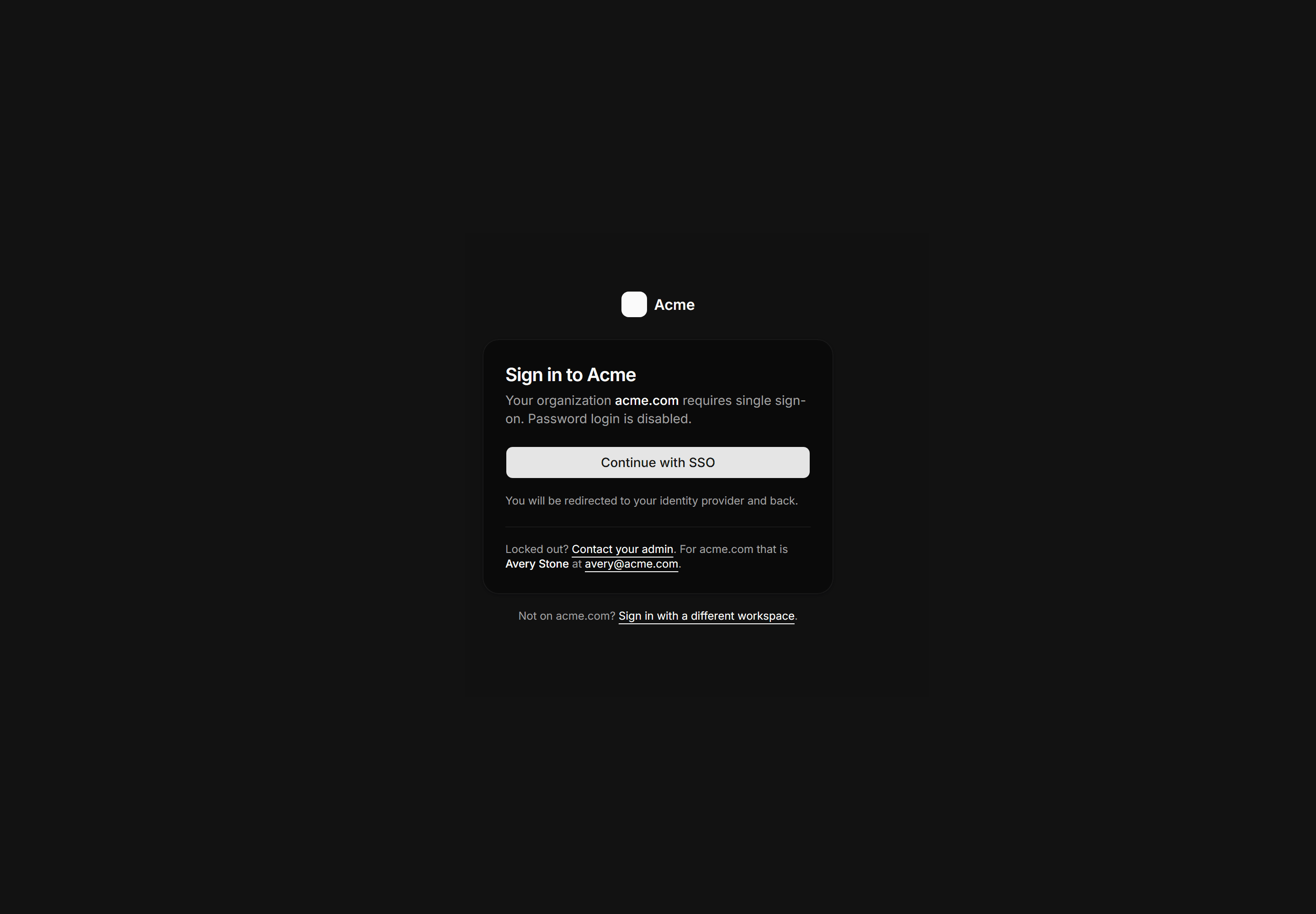
Application Auth Page: Sso Login Page
SSO-enforced sign in card with org domain shown, a single Continue with SSO button, and a named admin fallback for lockouts.
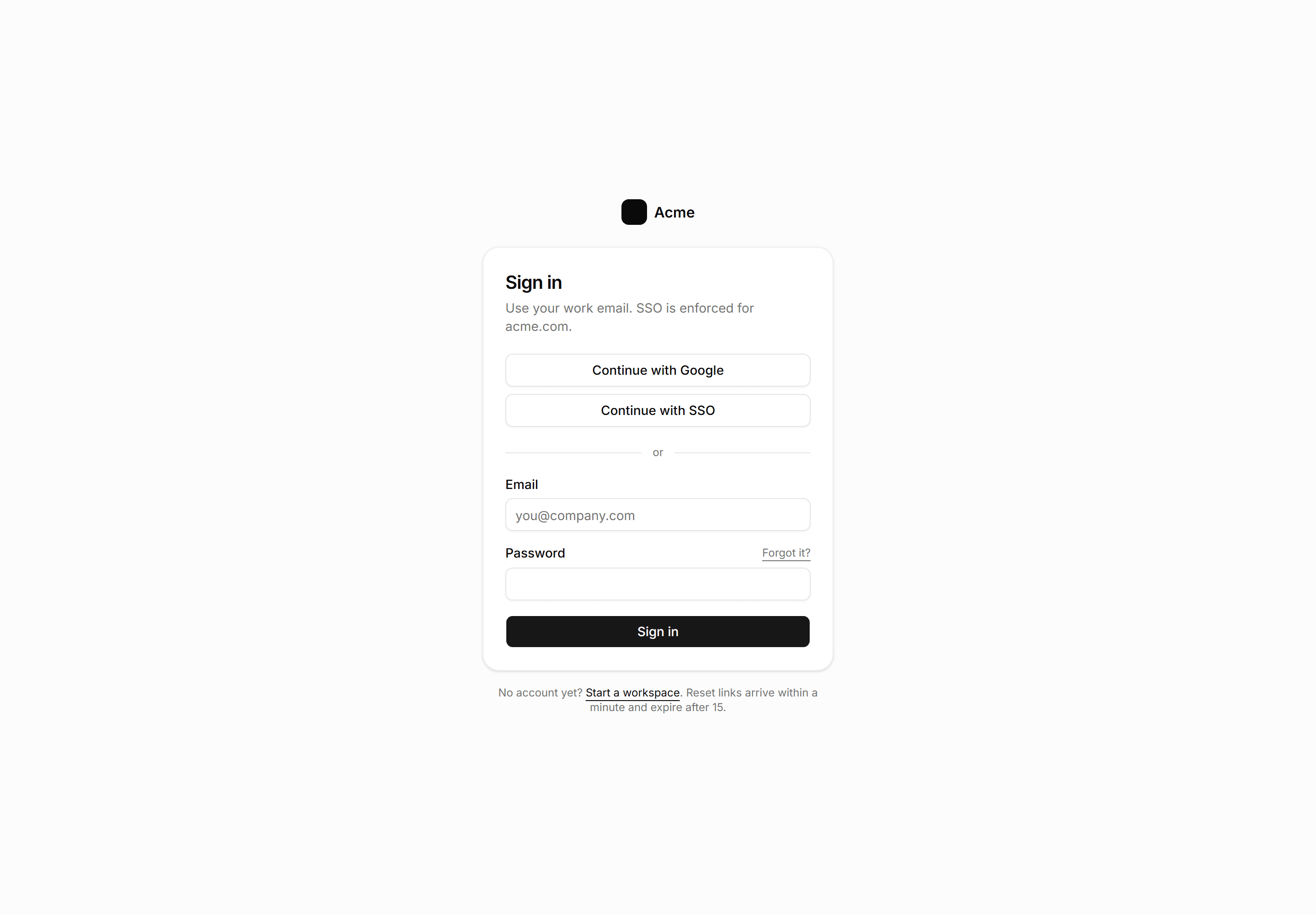
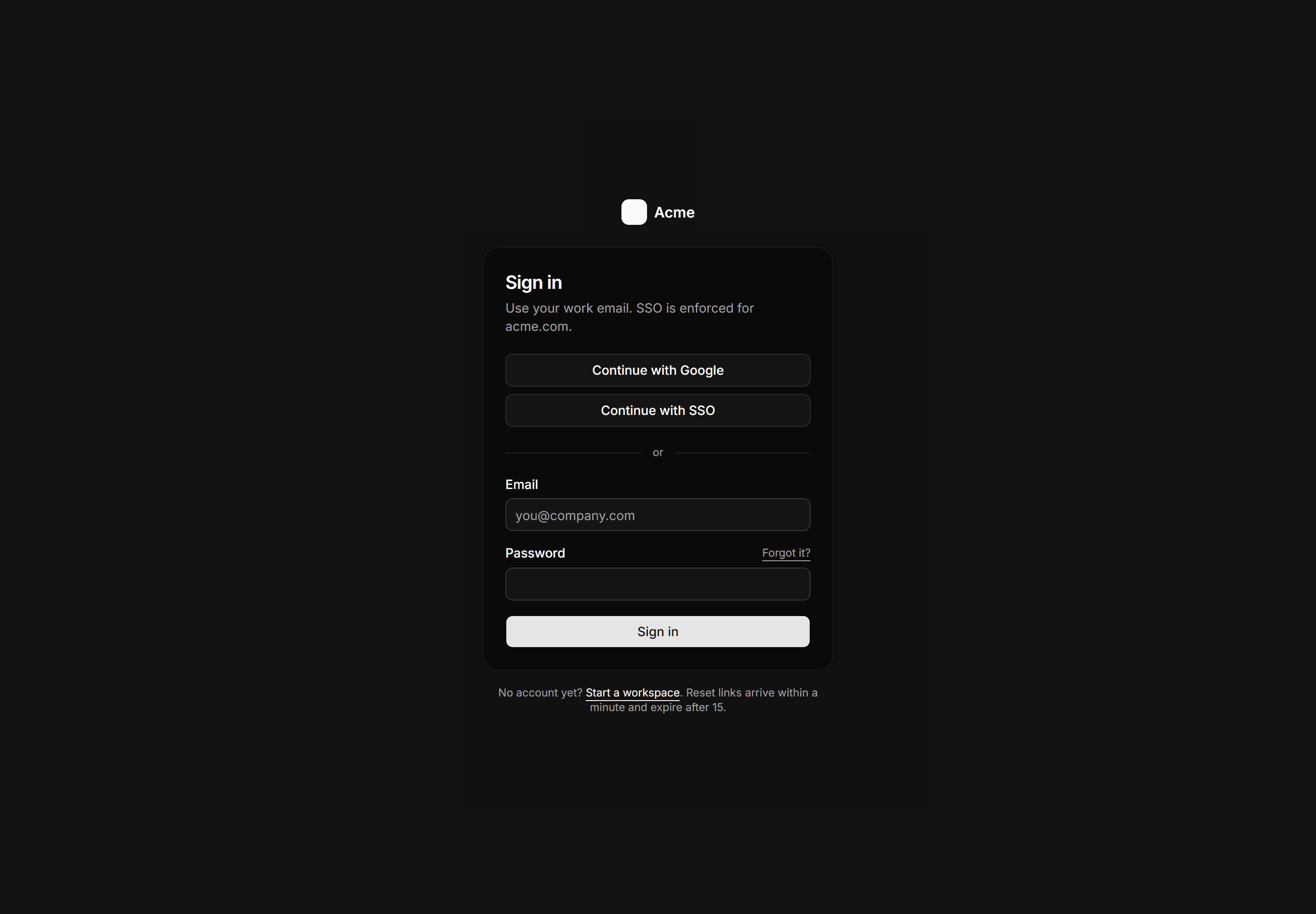
Application Auth Page: Sign In Page
SSO first sign in with the password fallback and honest reset link timing.
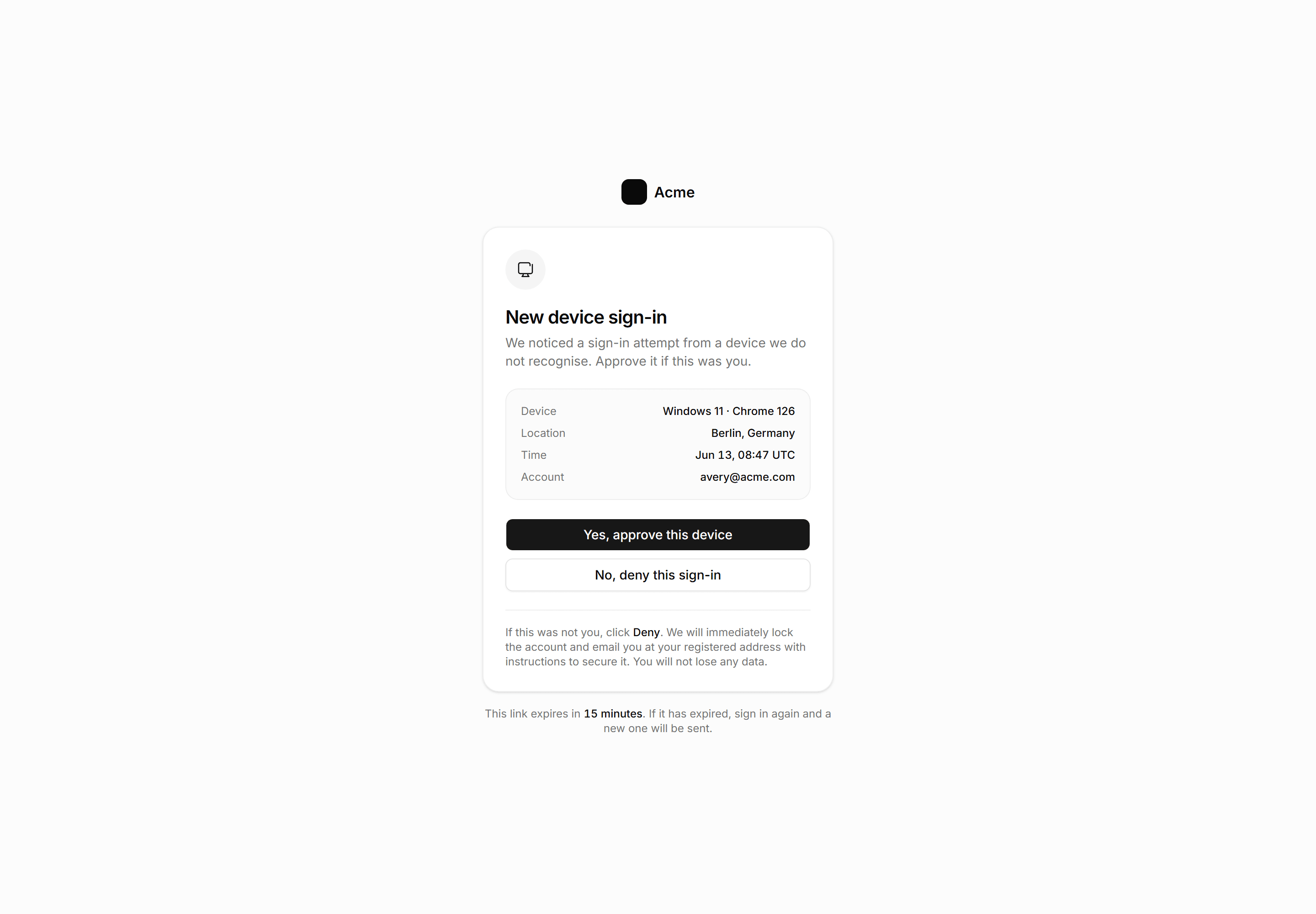
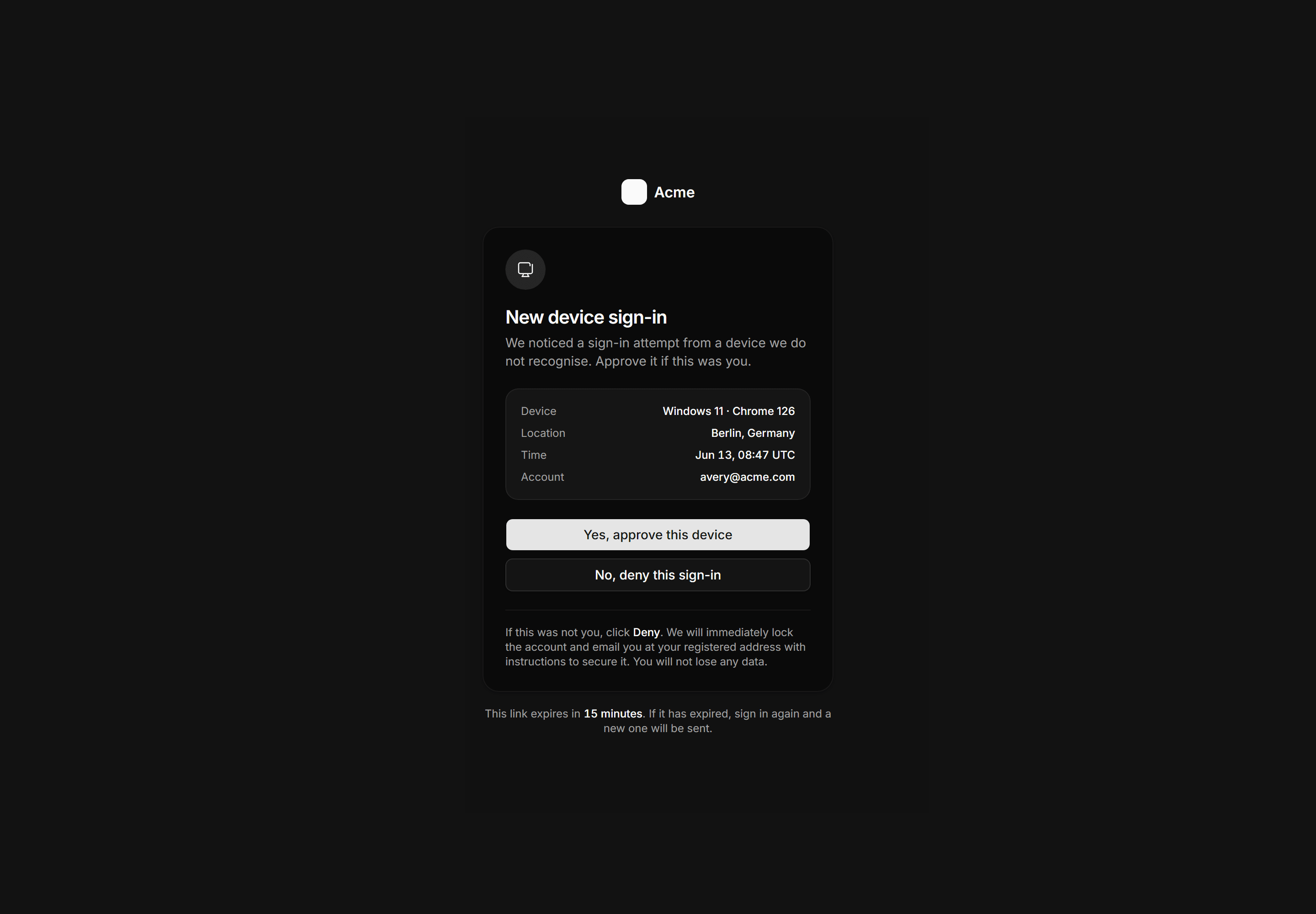
Application Auth Page: Device Approval Page
New device verification gate showing device, location, time, and account with approve and deny actions and an honest account-lock security note.
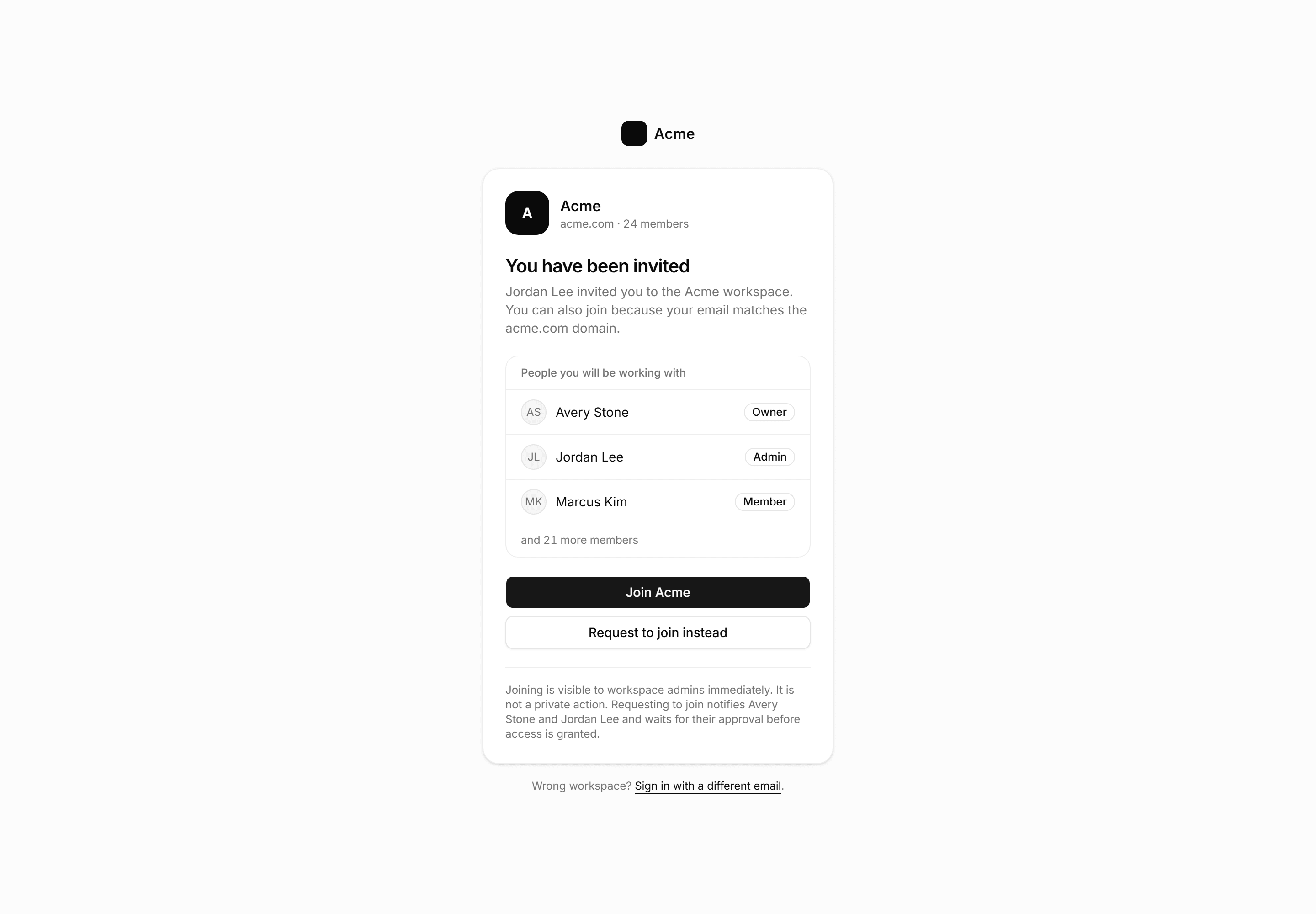
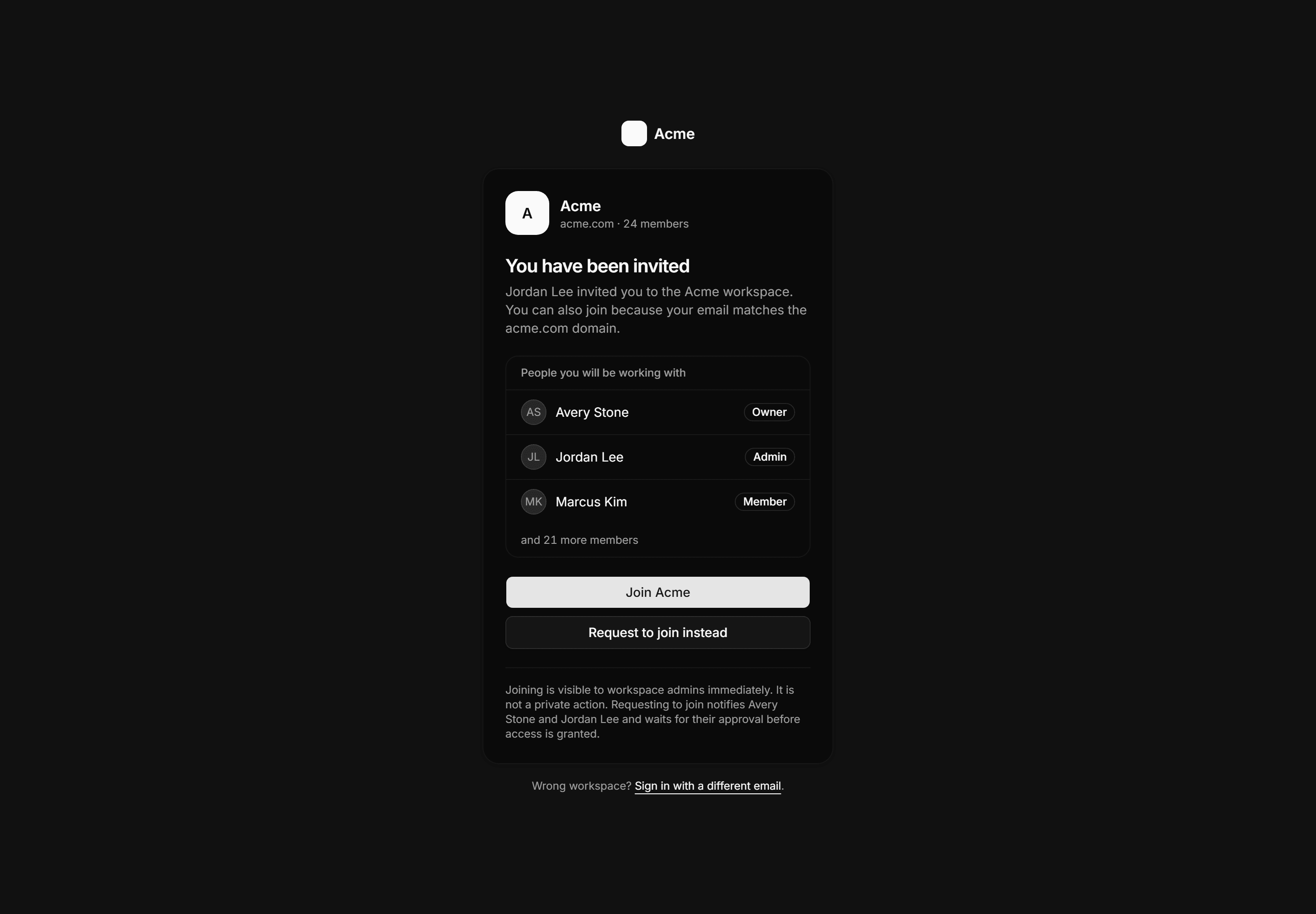
Application Auth Page: Join Workspace Page
Workspace entry page for invited and domain-matched users with a member preview, join or request buttons, and a note that joining is visible to admins immediately.
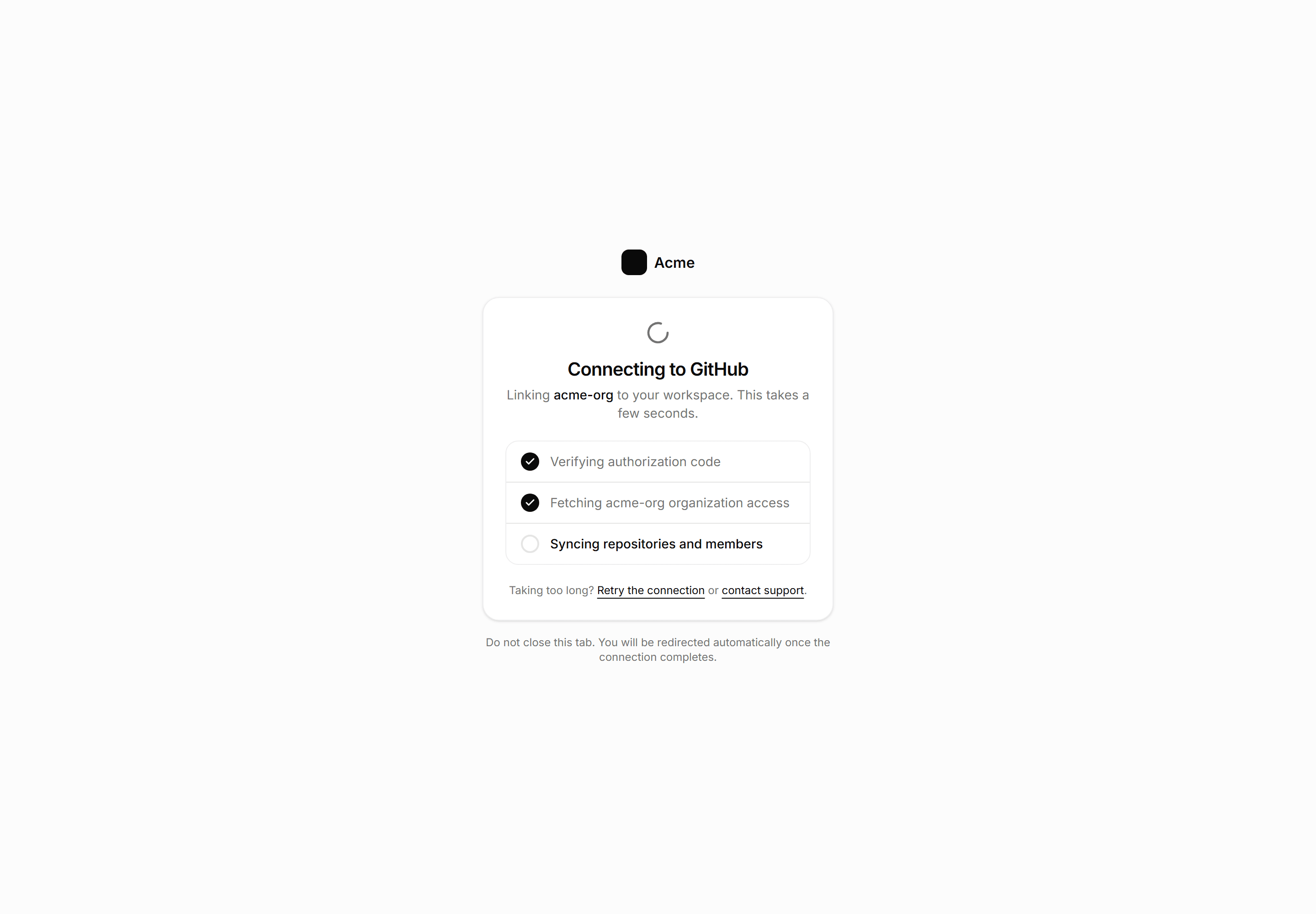
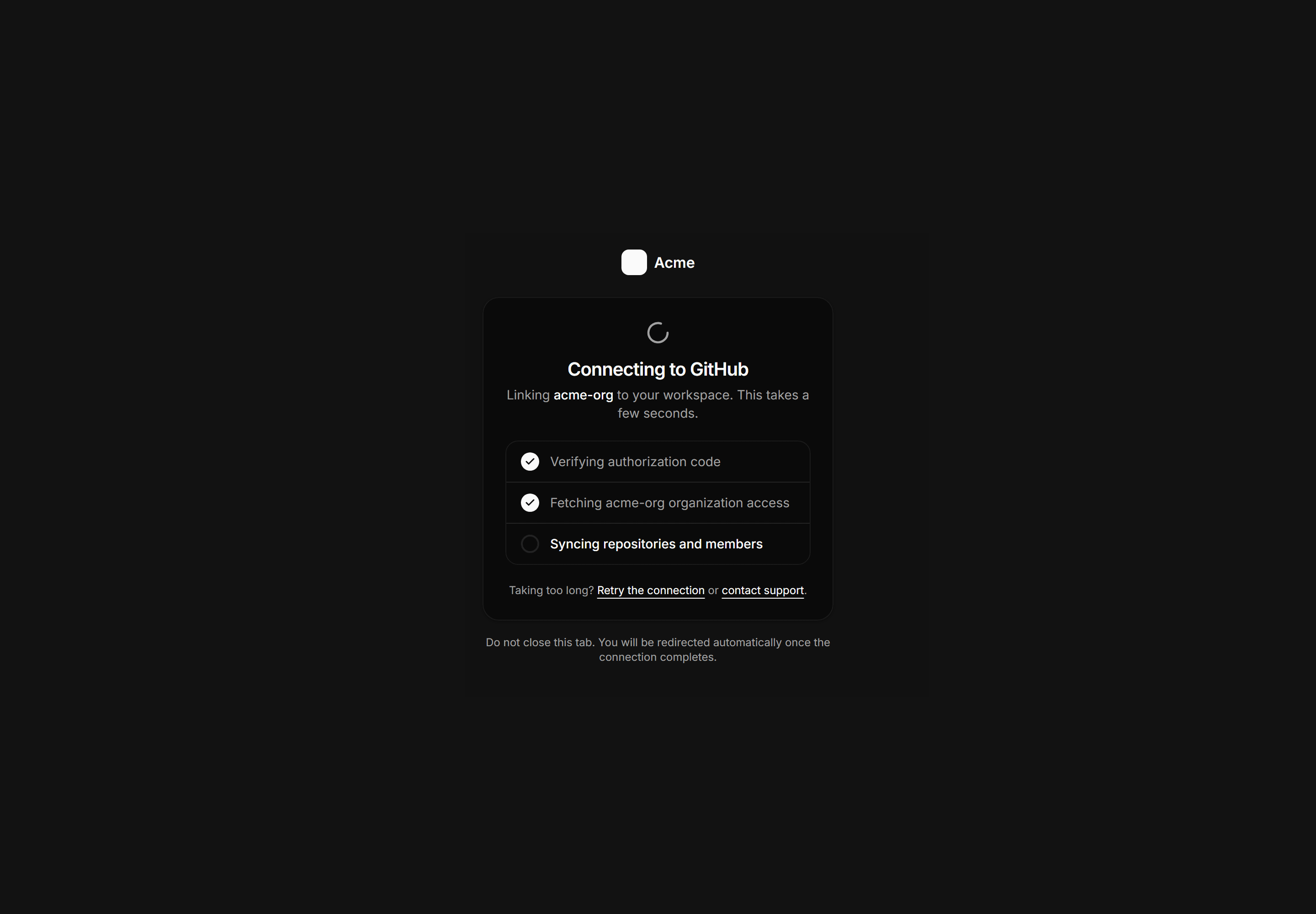
Application Auth Page: Oauth Callback Page
OAuth connecting state card with a Spinner, three step rows showing progress for a GitHub org link, and fallback links if the page hangs.
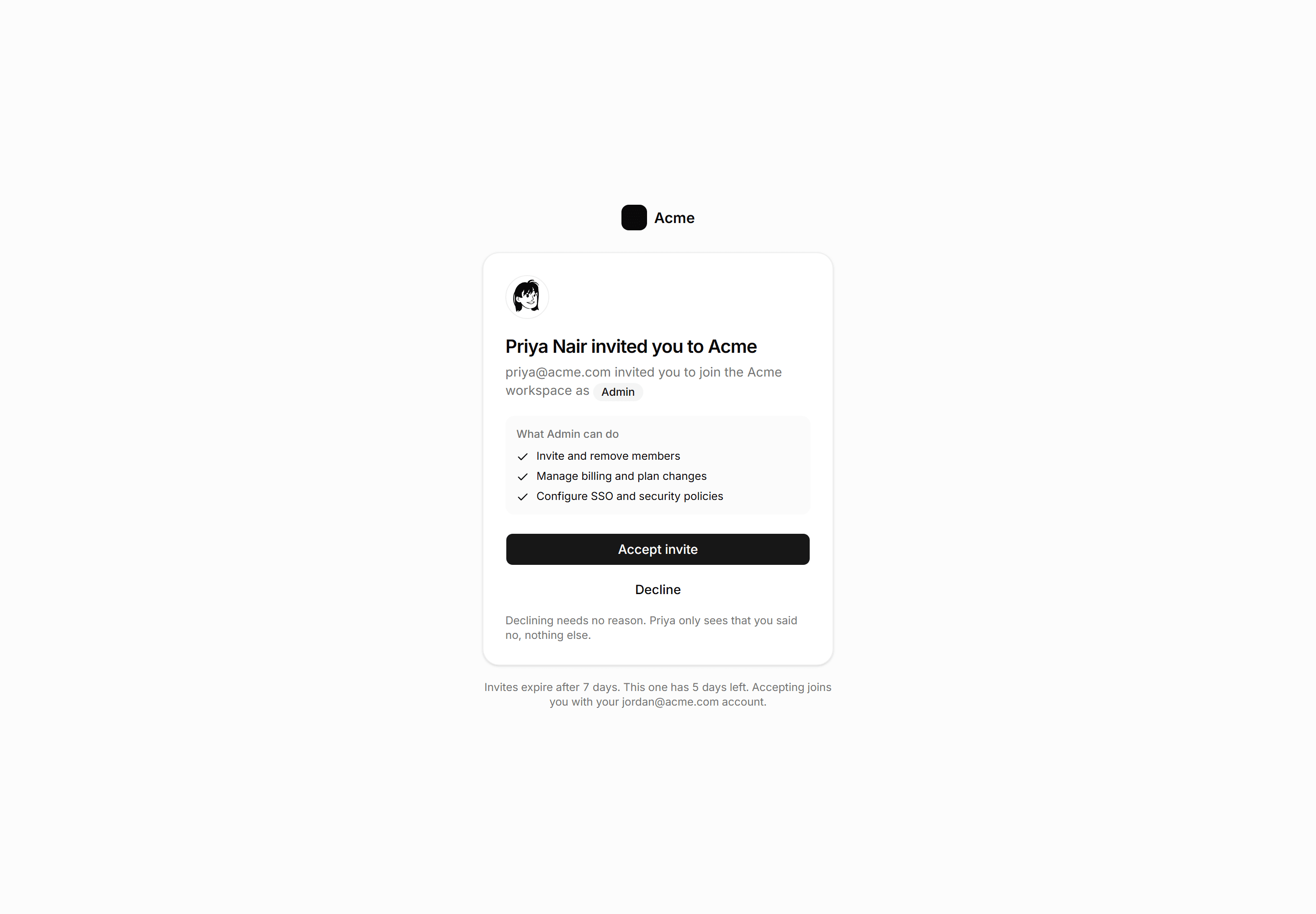
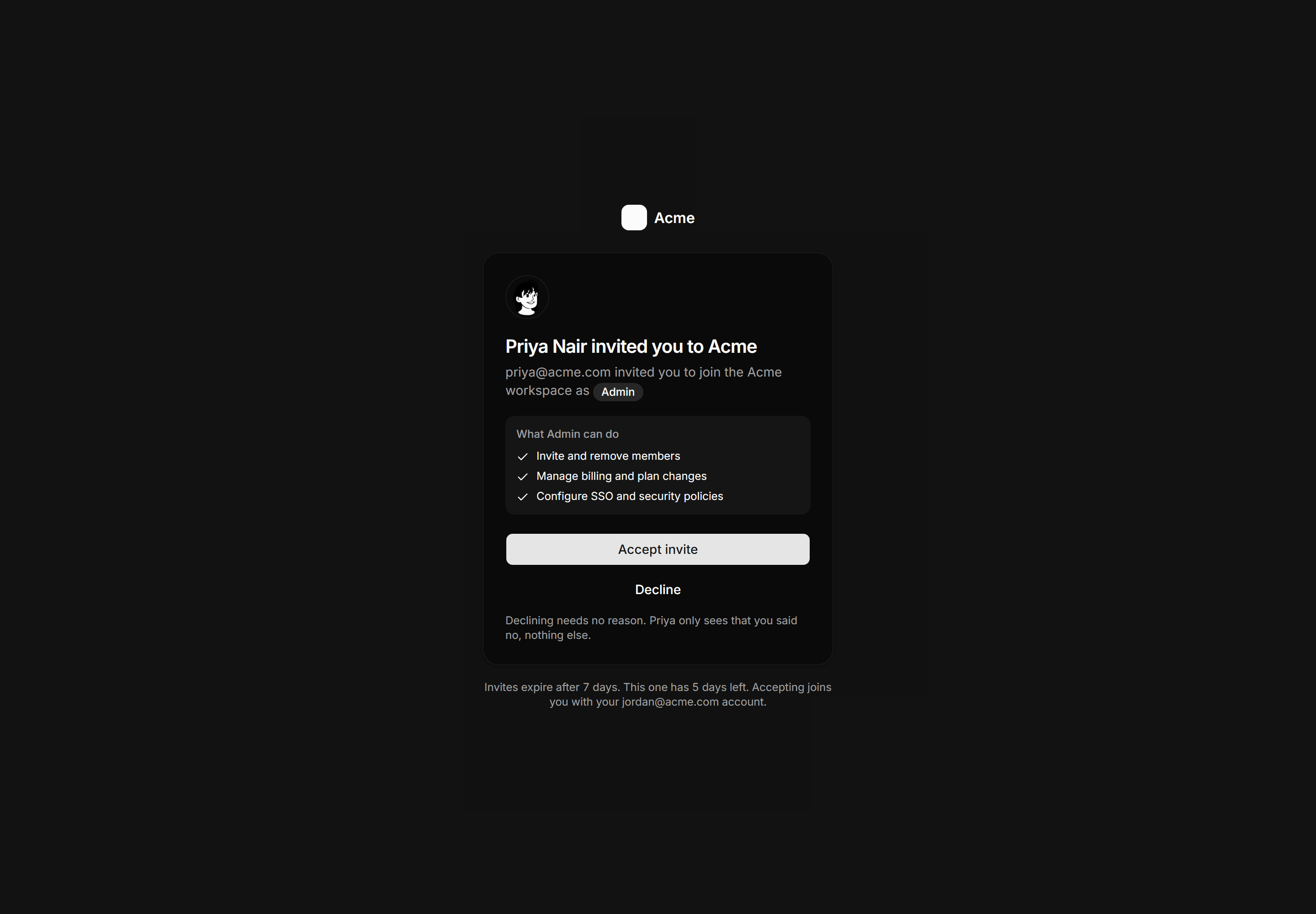
Application Auth Page: Accept Invite Page
The invite named, inviter, role, what it grants, and the days left to accept.