Shadcn Contact Blocks
Browse 24 Portfolio Pro contact blocks for shadcn/ui. Contact forms, details panels, and inquiry layouts.
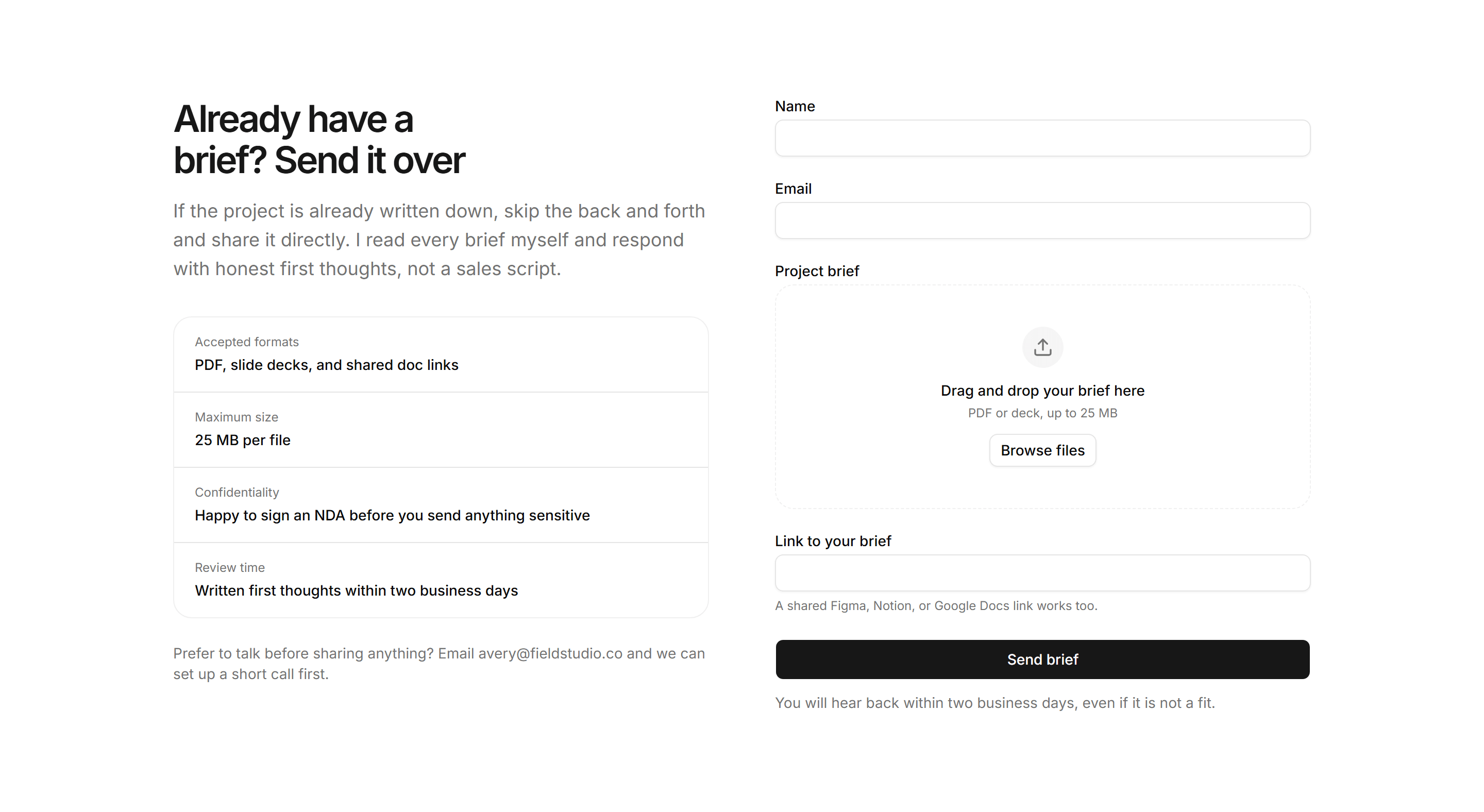
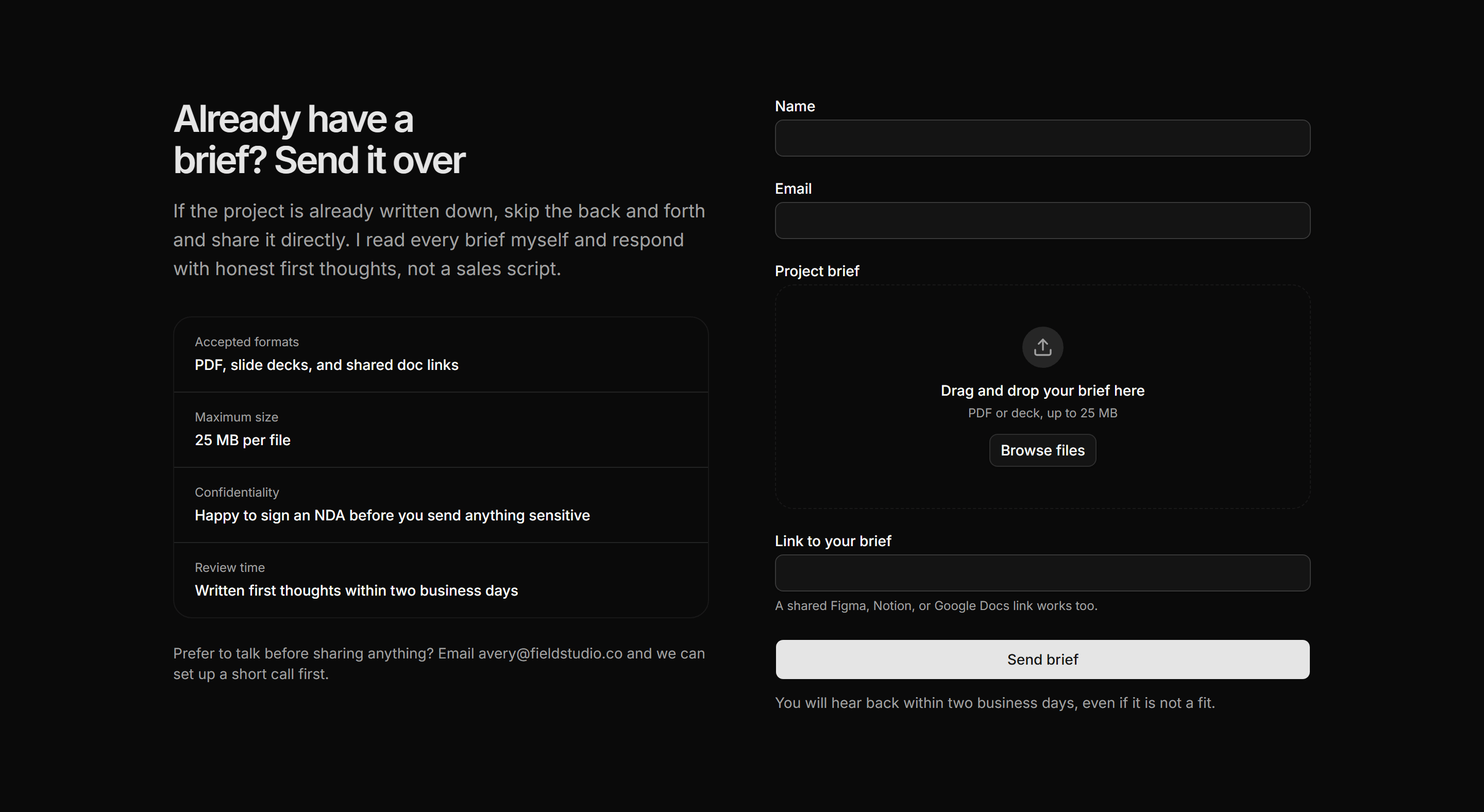
Portfolio Contact: Brief Upload Form
A two column brief intake with submission facts on the left and a form pairing contact fields, a static upload zone, and a link field.
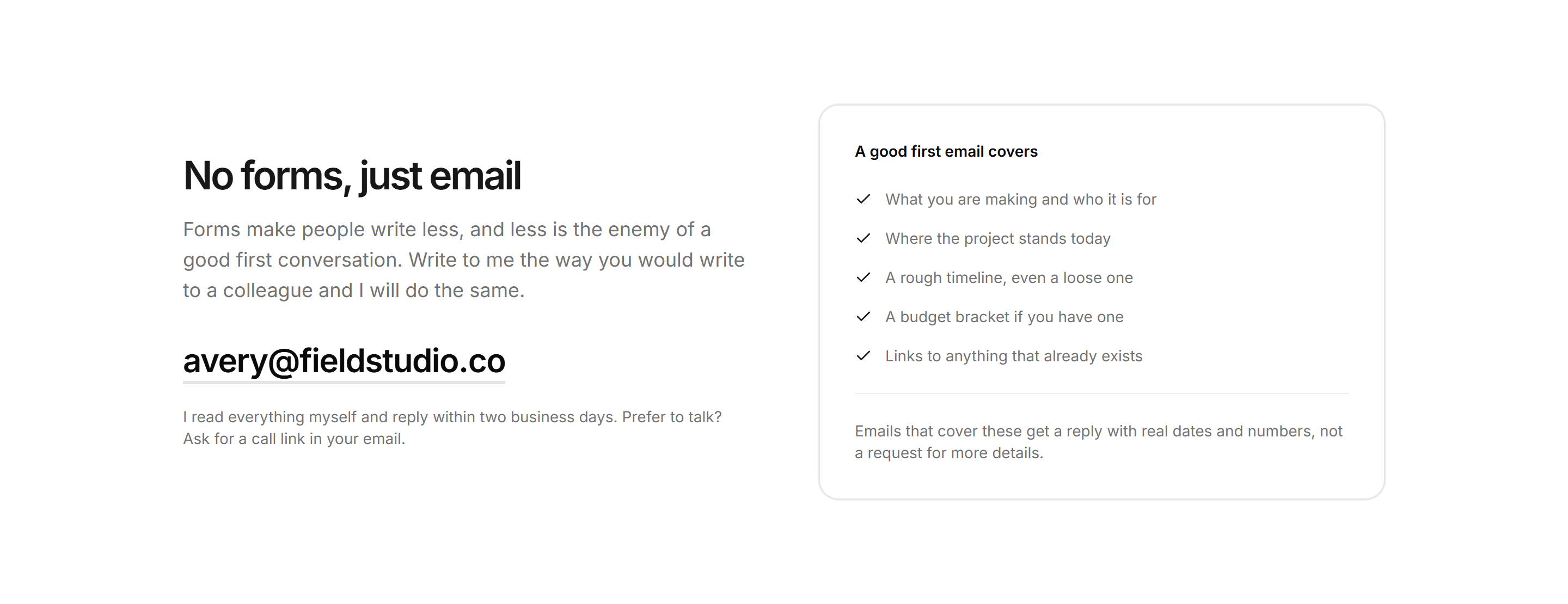
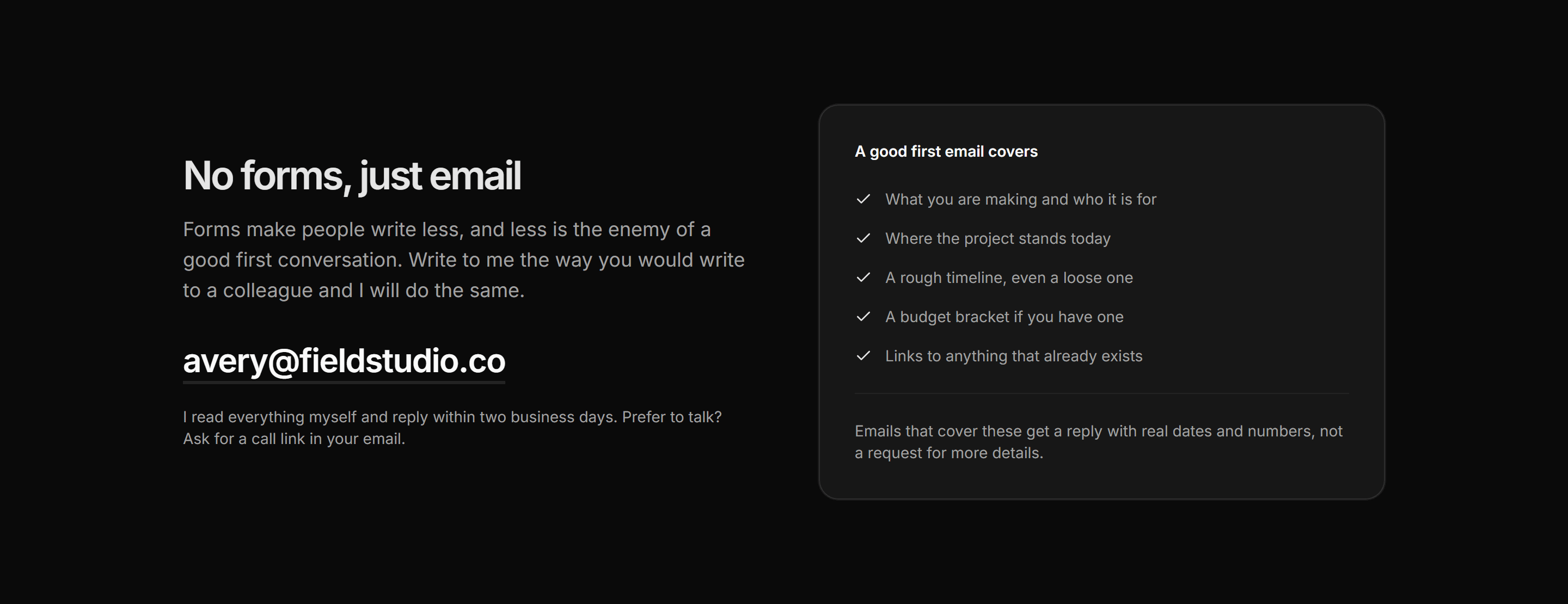
Portfolio Contact: Email Brief Checklist
A large mailto link and a no forms pitch beside a checklist card covering the five details a useful first email should include.
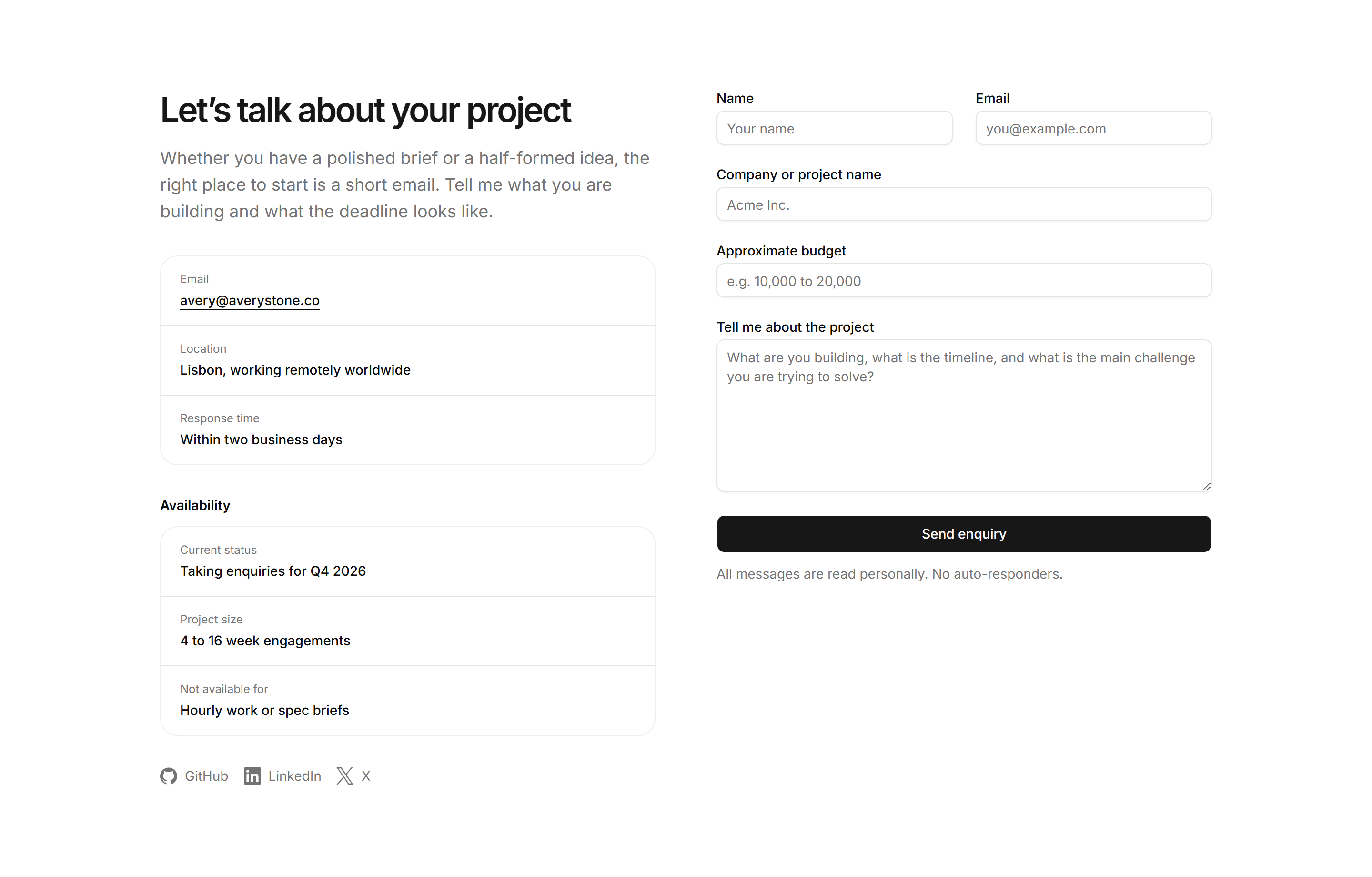
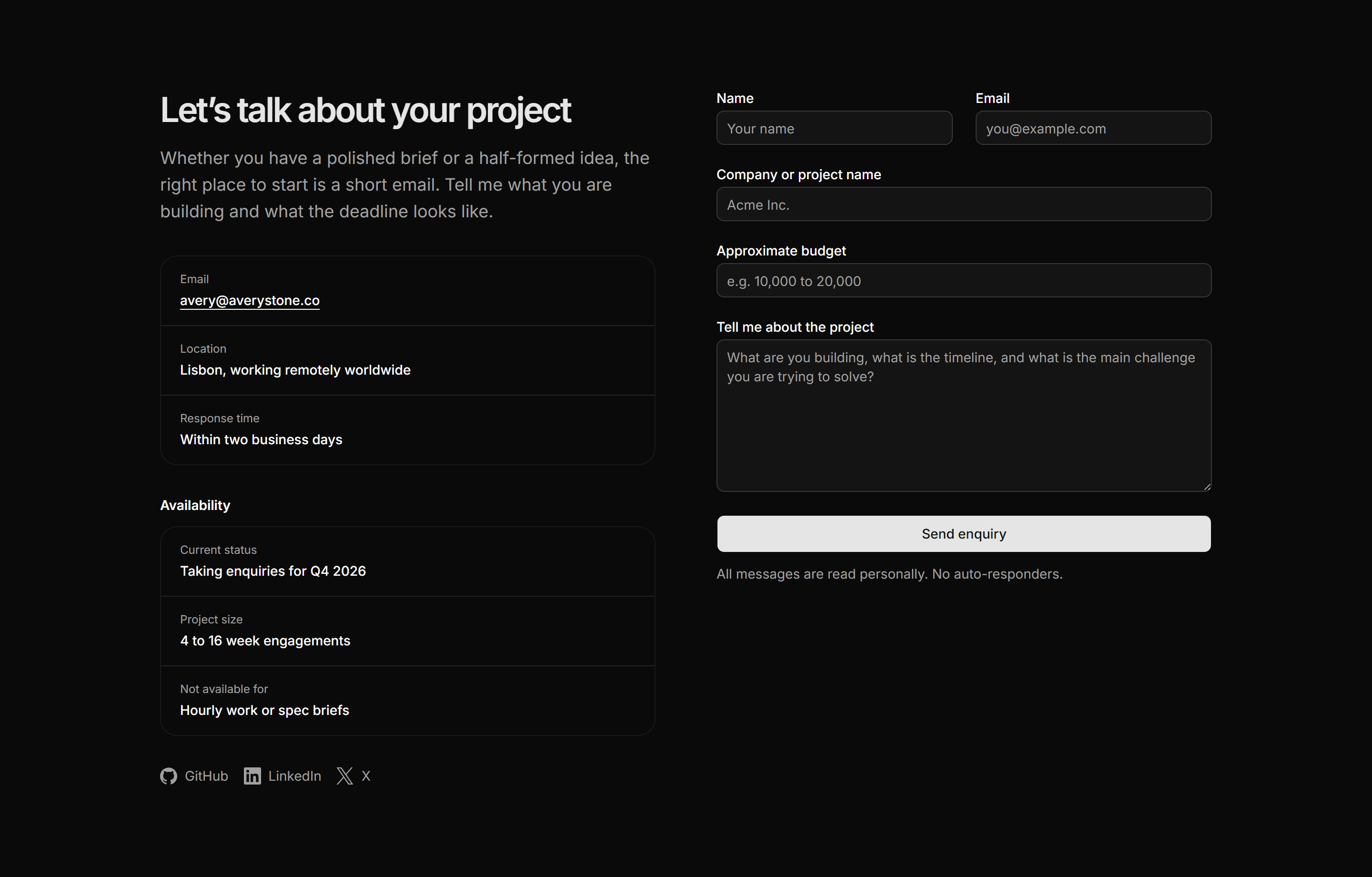
Portfolio Contact: Full Contact Page
A two-column contact section with a warm intro, ruled details list, availability block naming exclusions, social links, and a complete inquiry form.
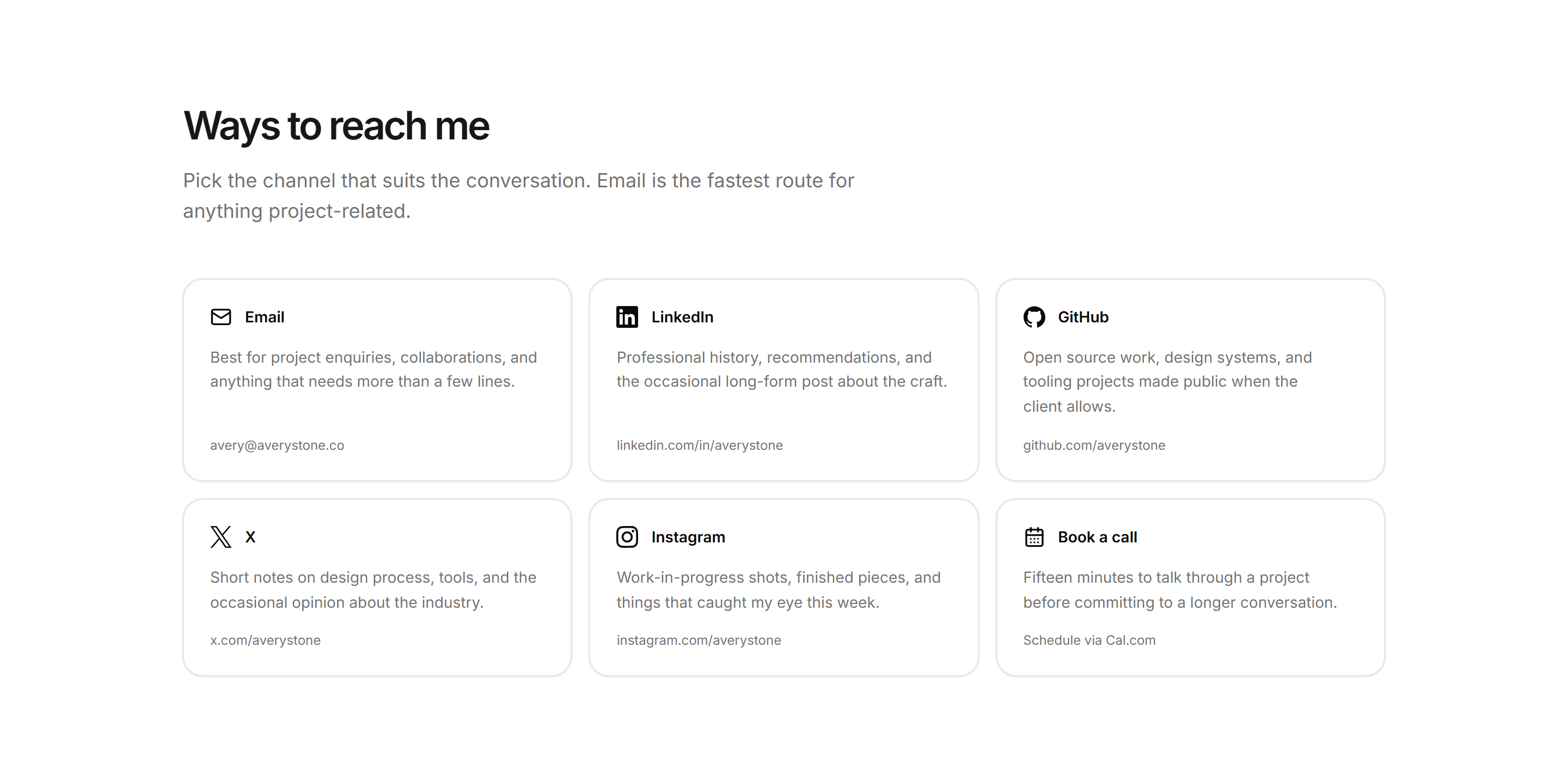
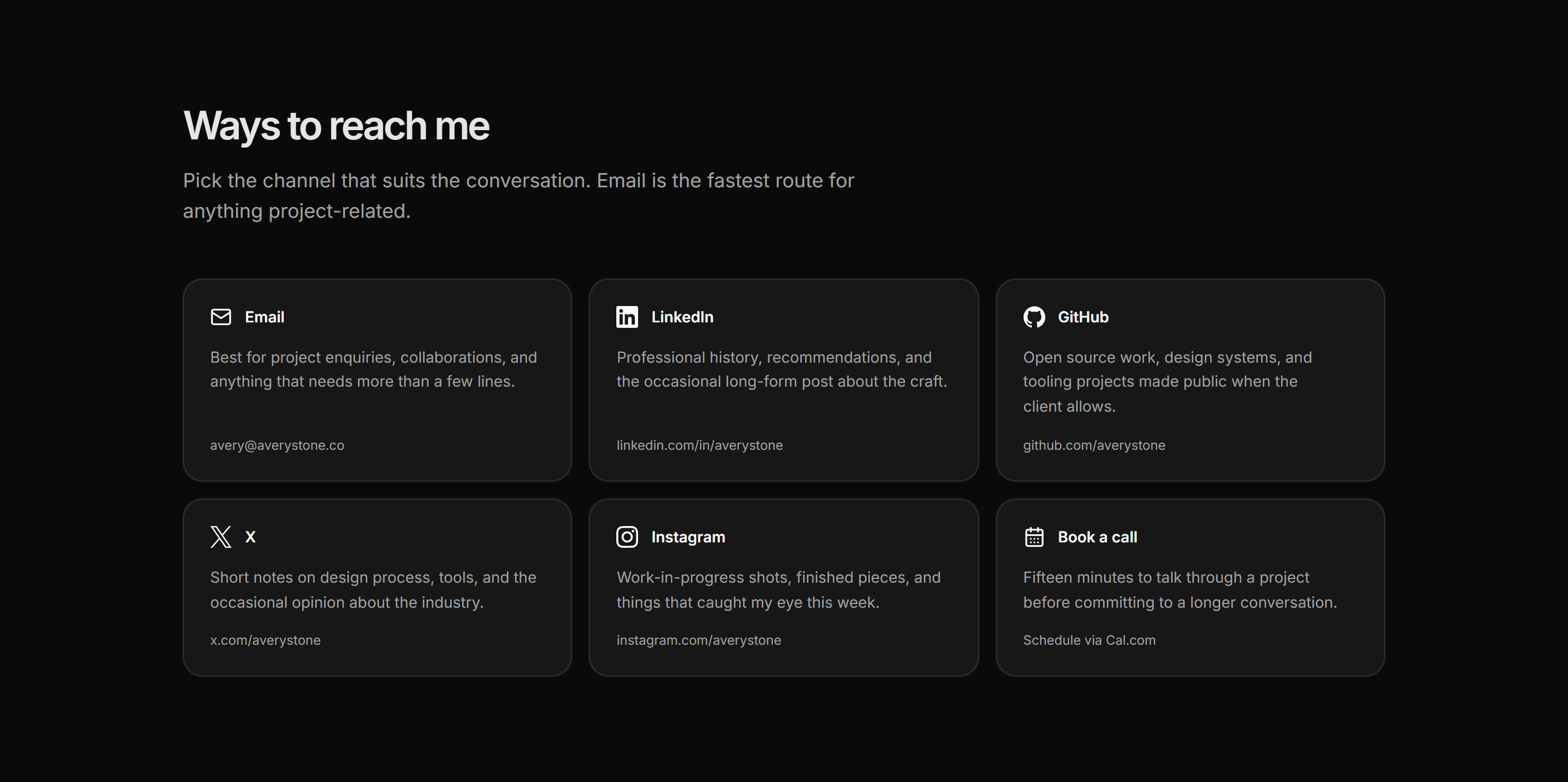
Portfolio Contact: Social Contact Grid
A grid of six destination cards covering email, LinkedIn, GitHub, X, Instagram, and a calendar booking link, each with a description of what lives there.
Portfolio Contact: Contact With Availability
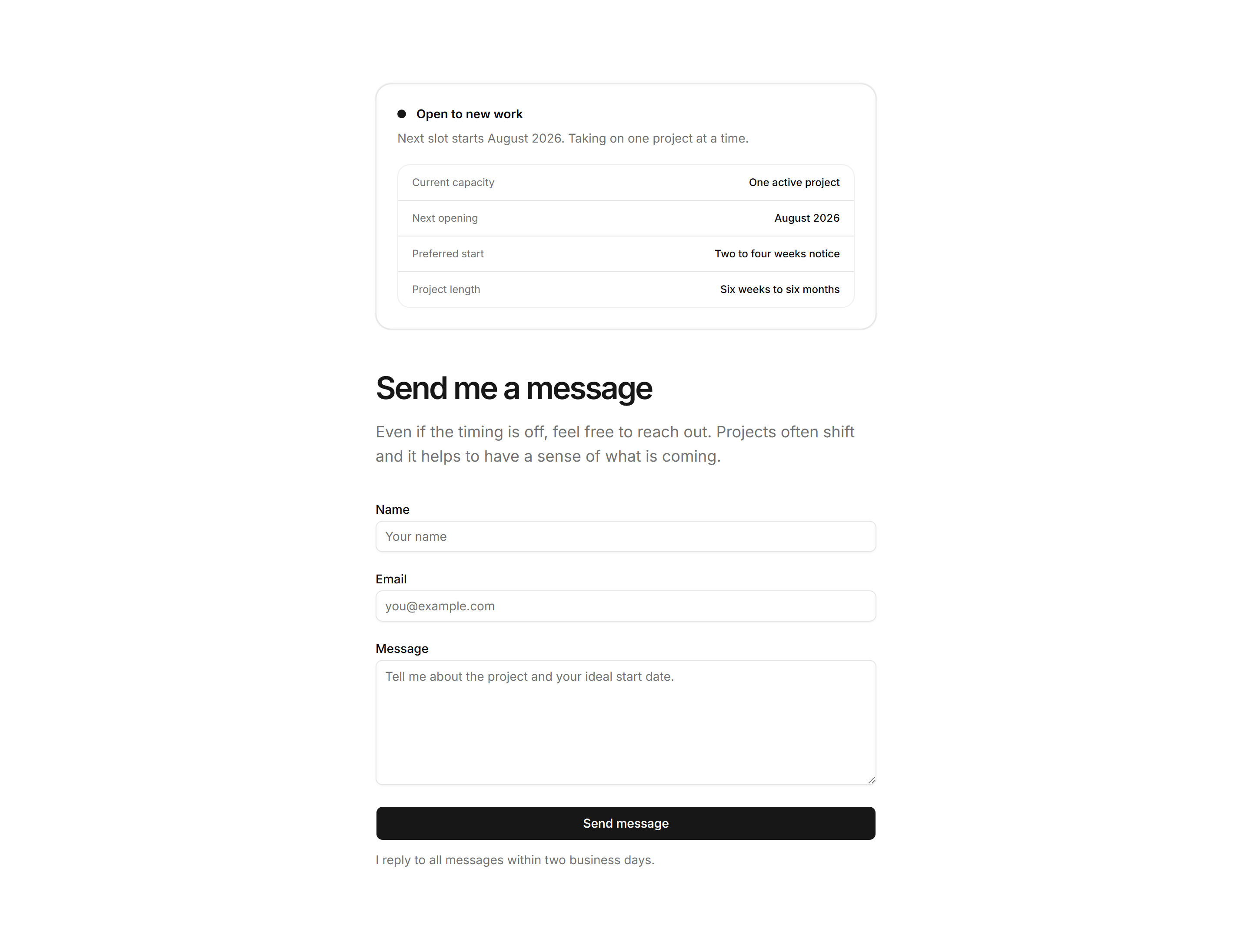
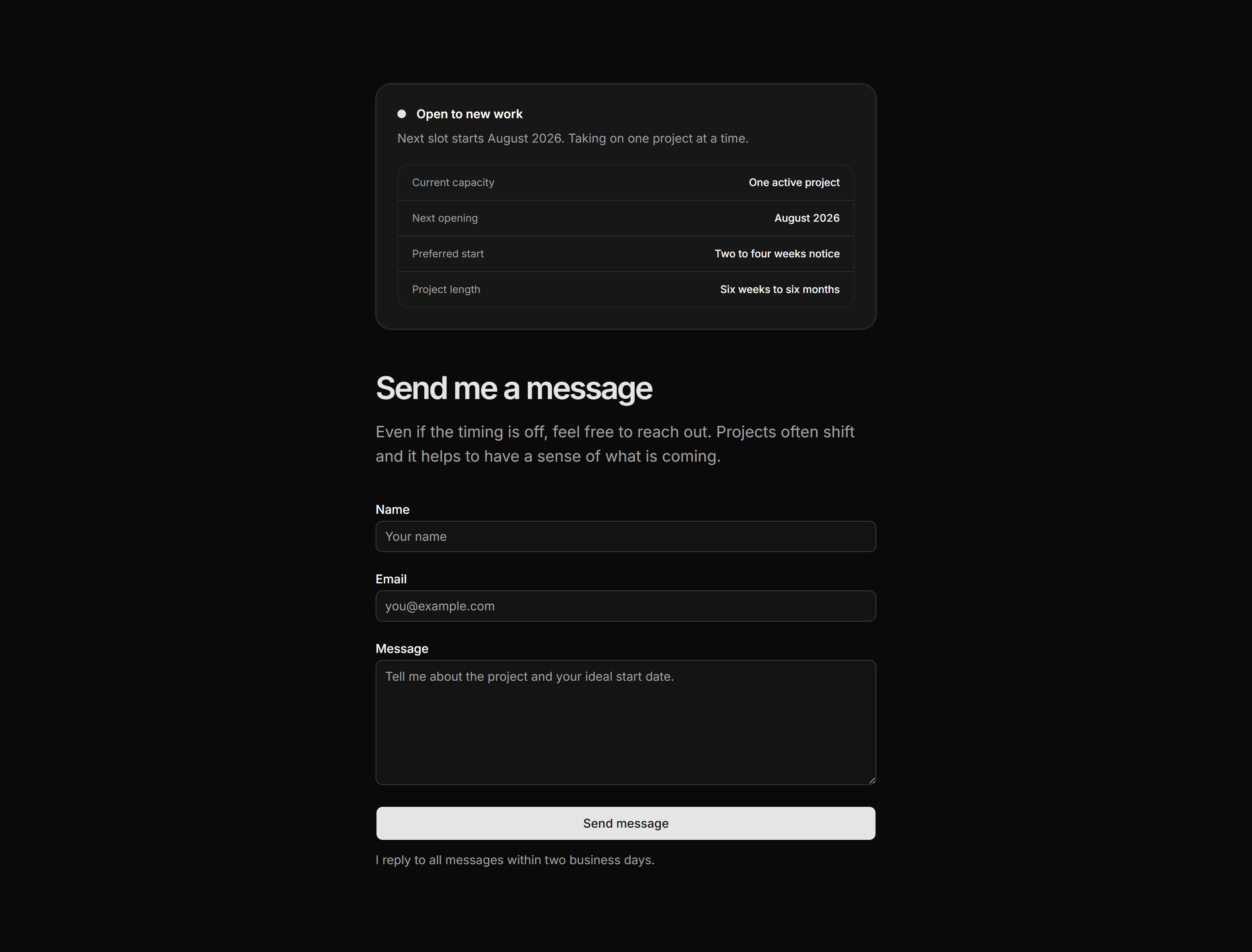
A contact section that opens with a status dot, availability label, and a four-row capacity table before presenting the inquiry form.
Portfolio Contact: Calendar Embed Blueprint
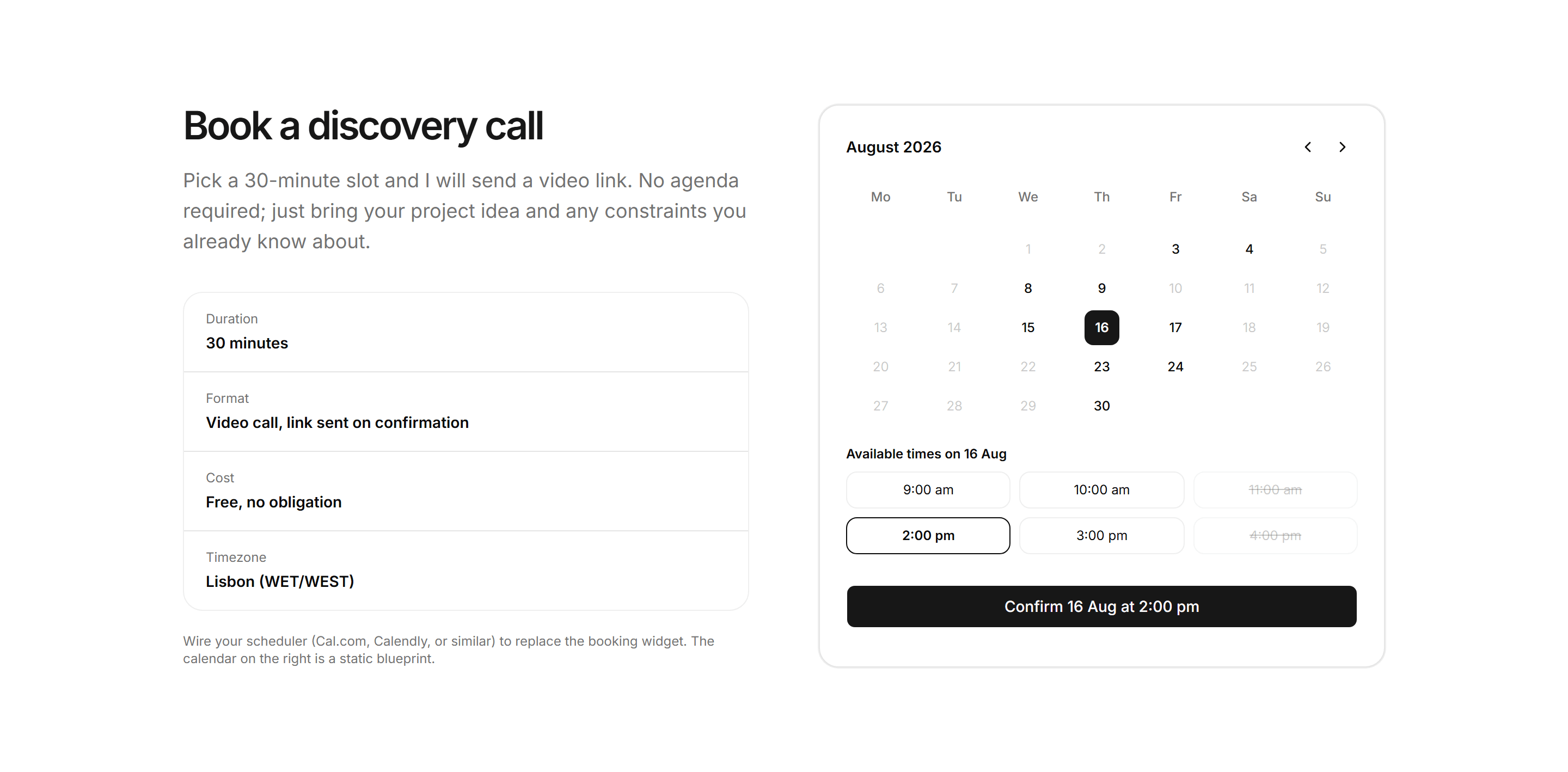
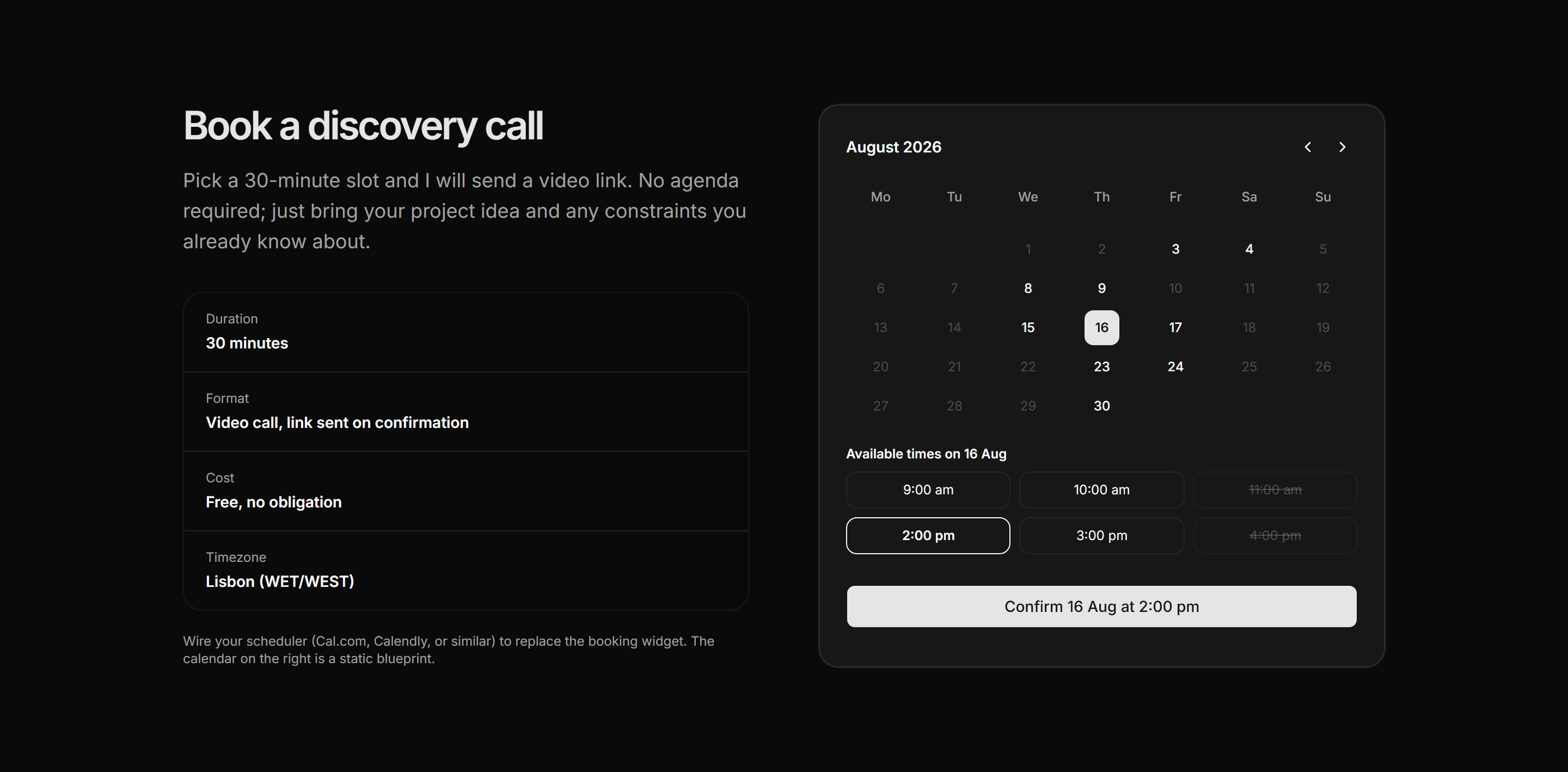
A static booking widget blueprint showing a month grid with available and selected dates, a time-slot row, and a confirm button beside a call fact strip, ready to wire to a real scheduler.
Portfolio Contact: Contact Card Grid
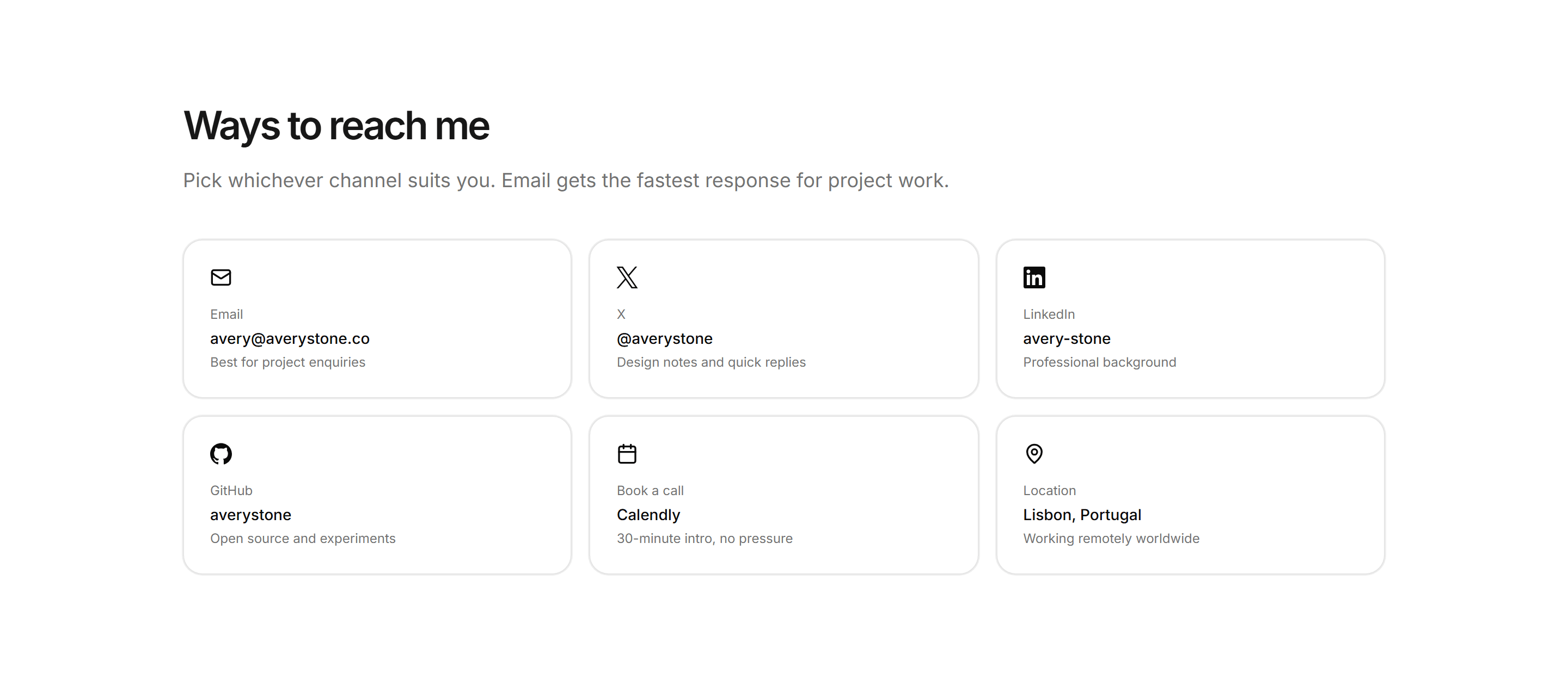
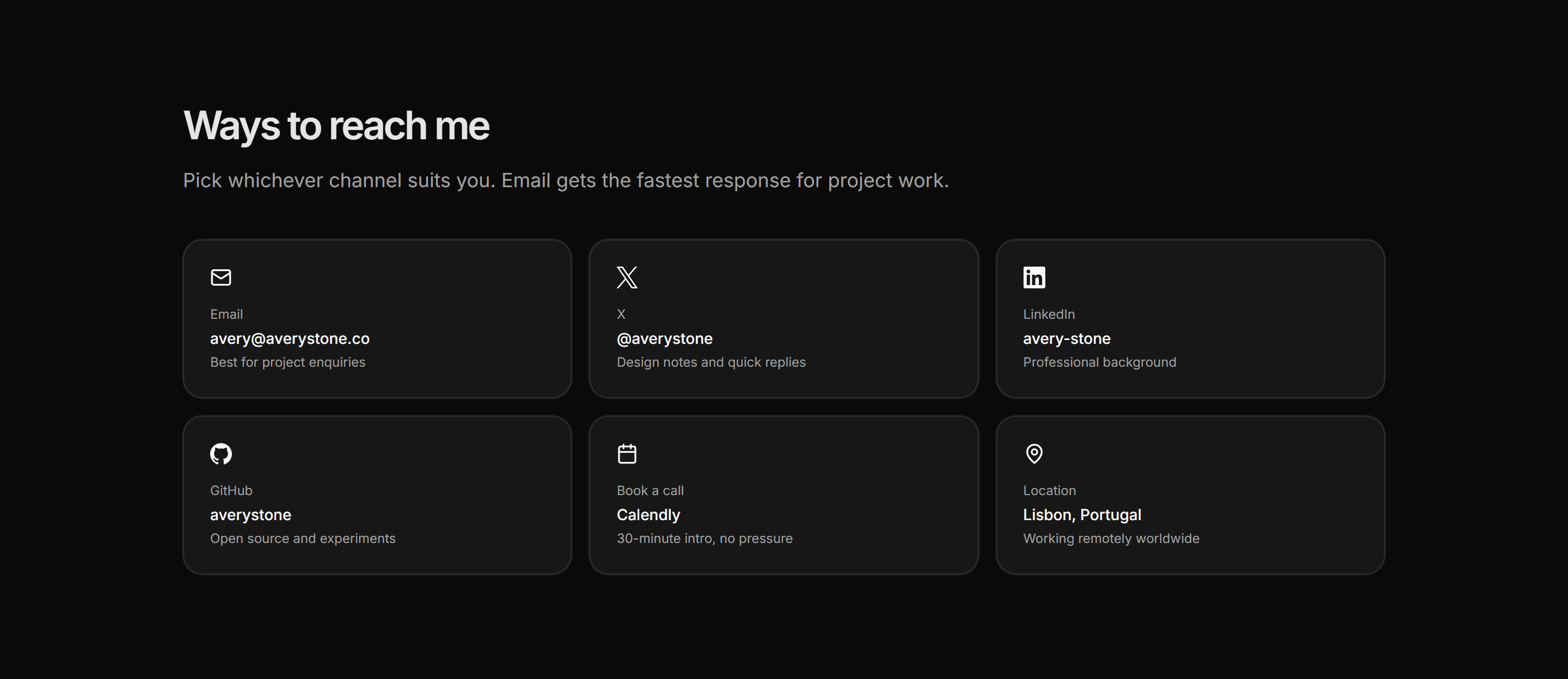
Six reach channels laid out as linked cards in a three-column grid, each naming the platform, the handle, and what that channel is best for.
Portfolio Contact: Contact Form
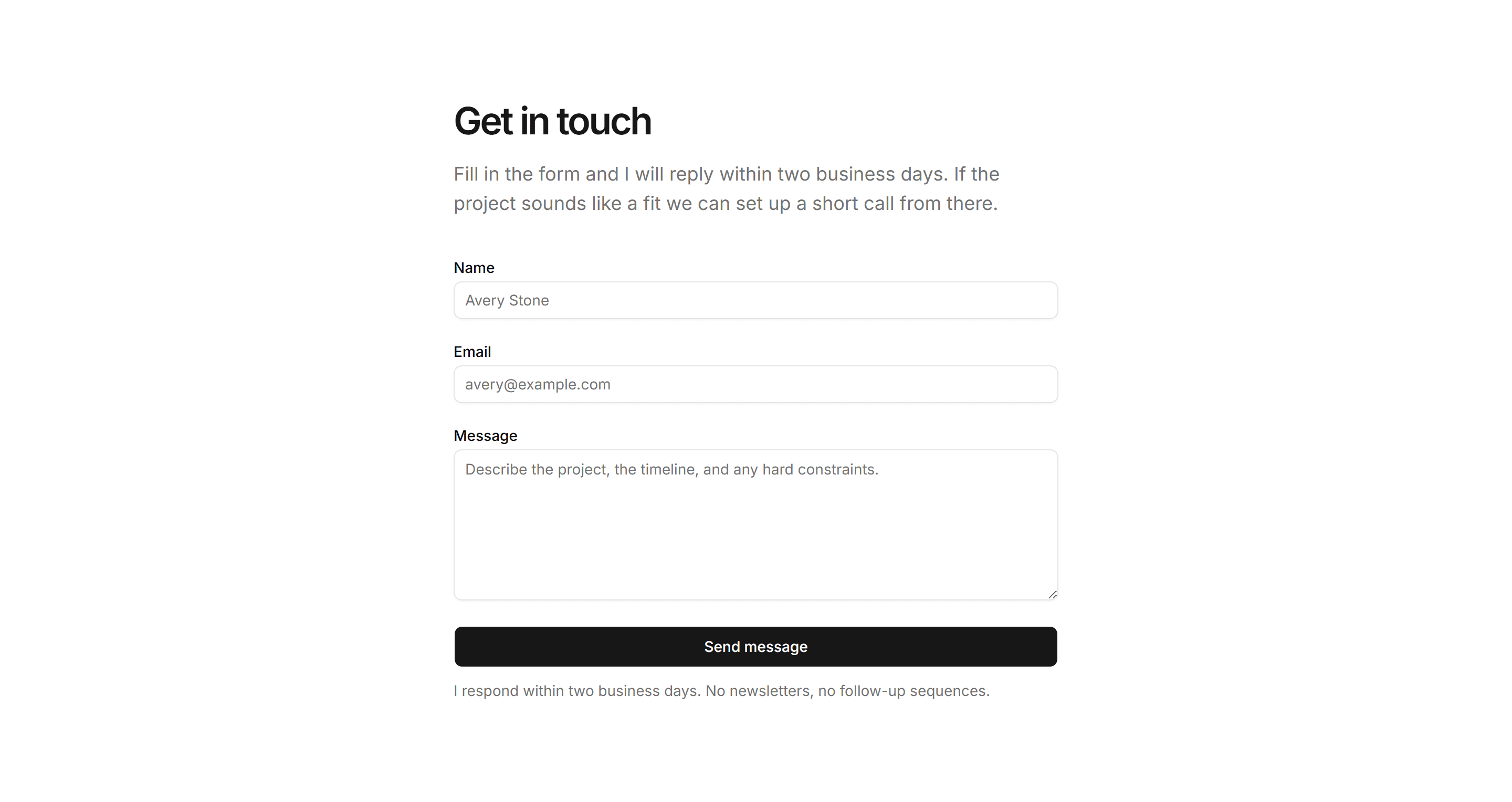
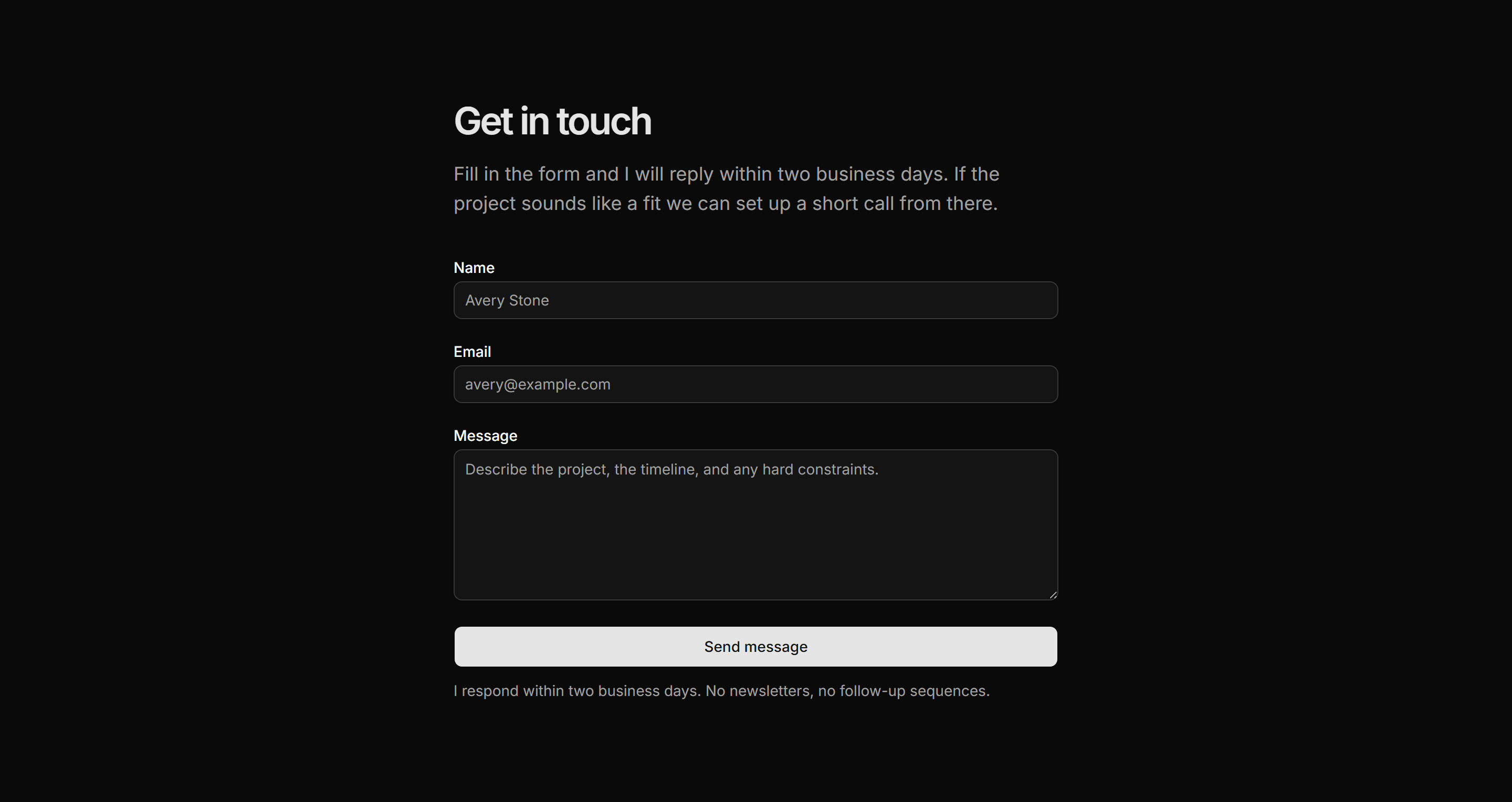
A centred name, email, and message form with a send button and an explicit two-business-day reply commitment below the submit action.
Portfolio Contact: Copy Email Contact
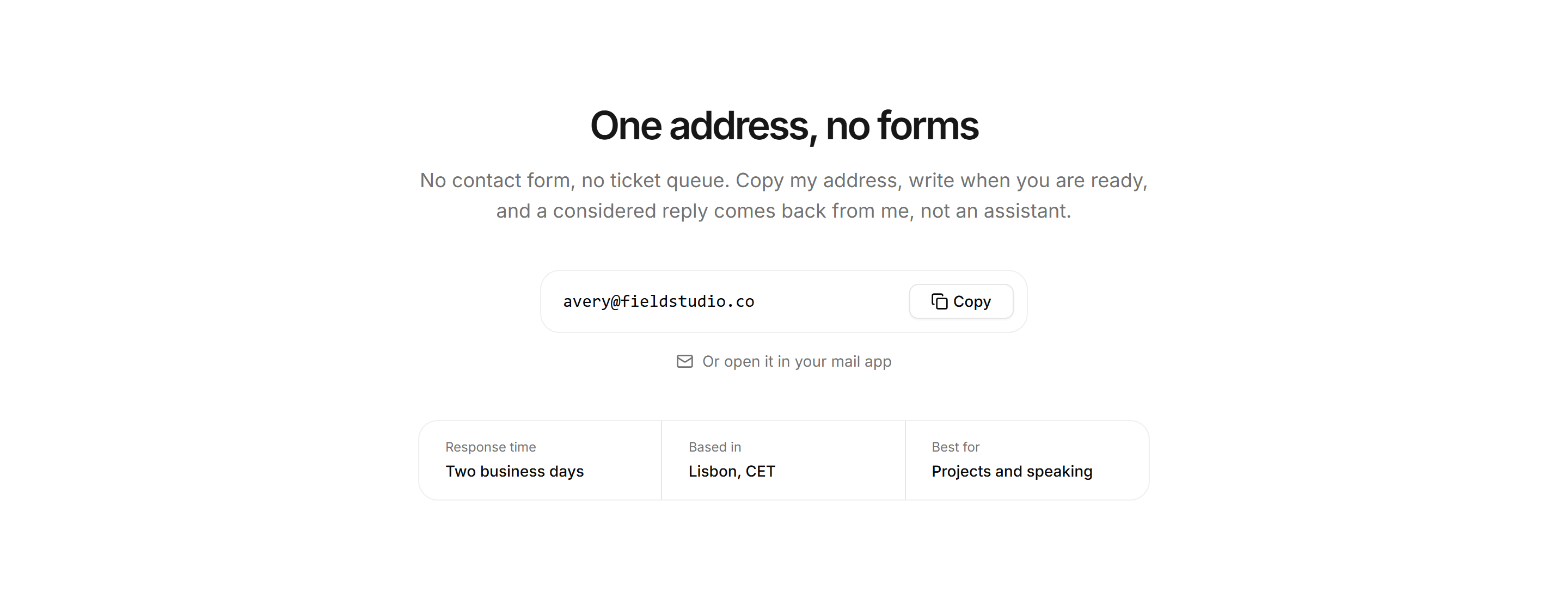
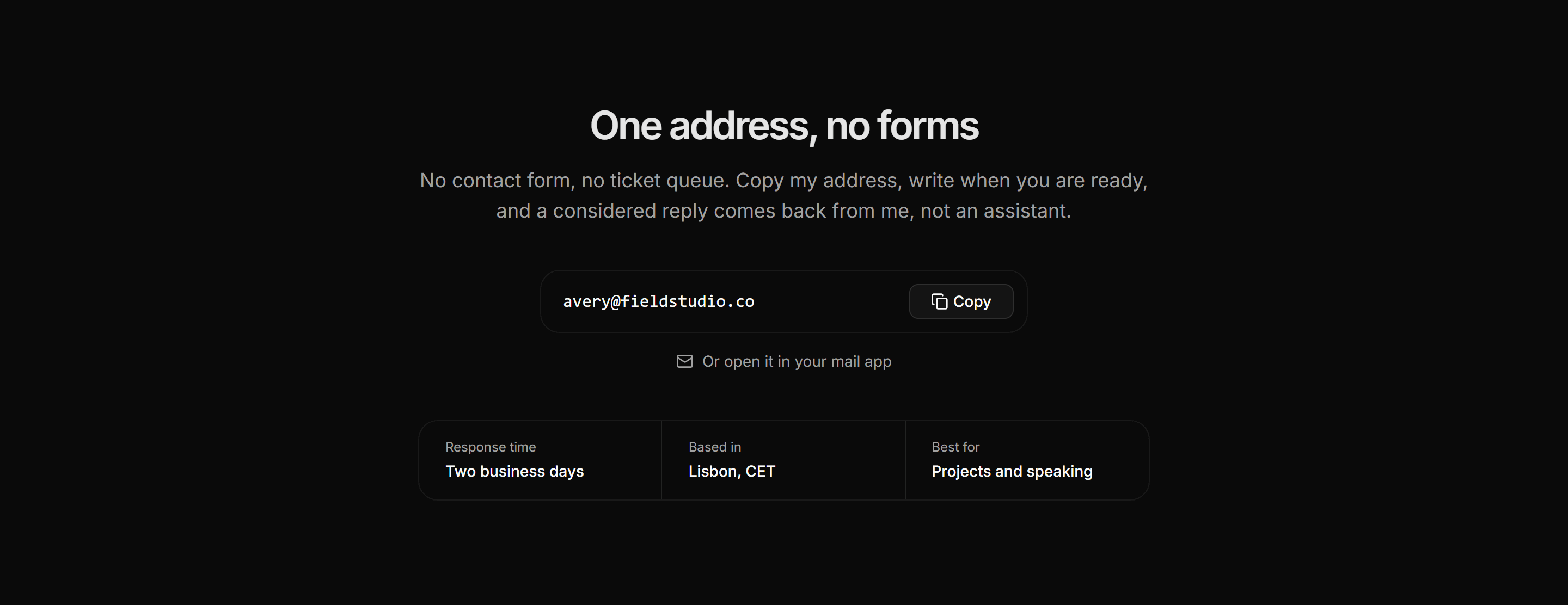
A centered formless contact block with one email in a bordered field, a copy button, a mailto link, and a three cell fact strip.
Portfolio Contact: Contact By Inquiry Type
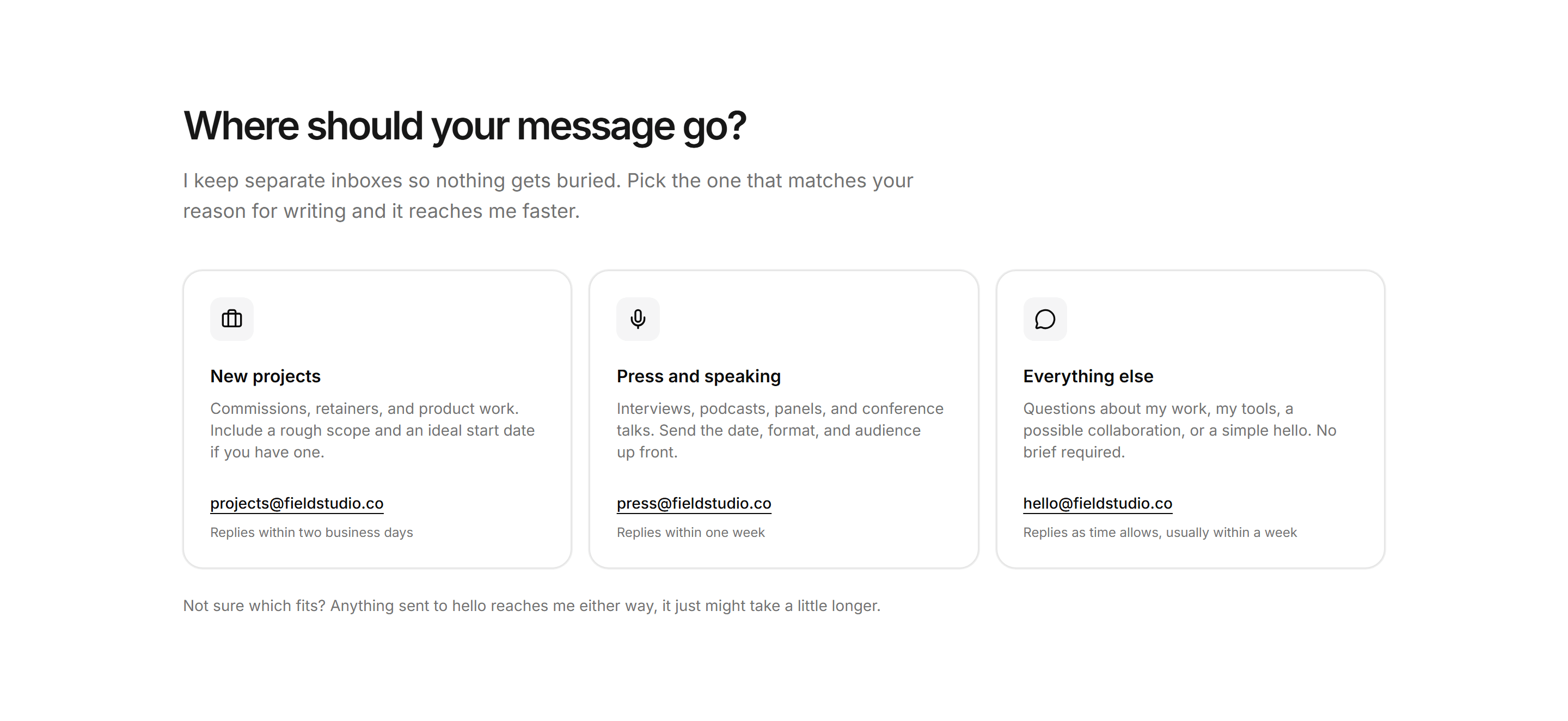
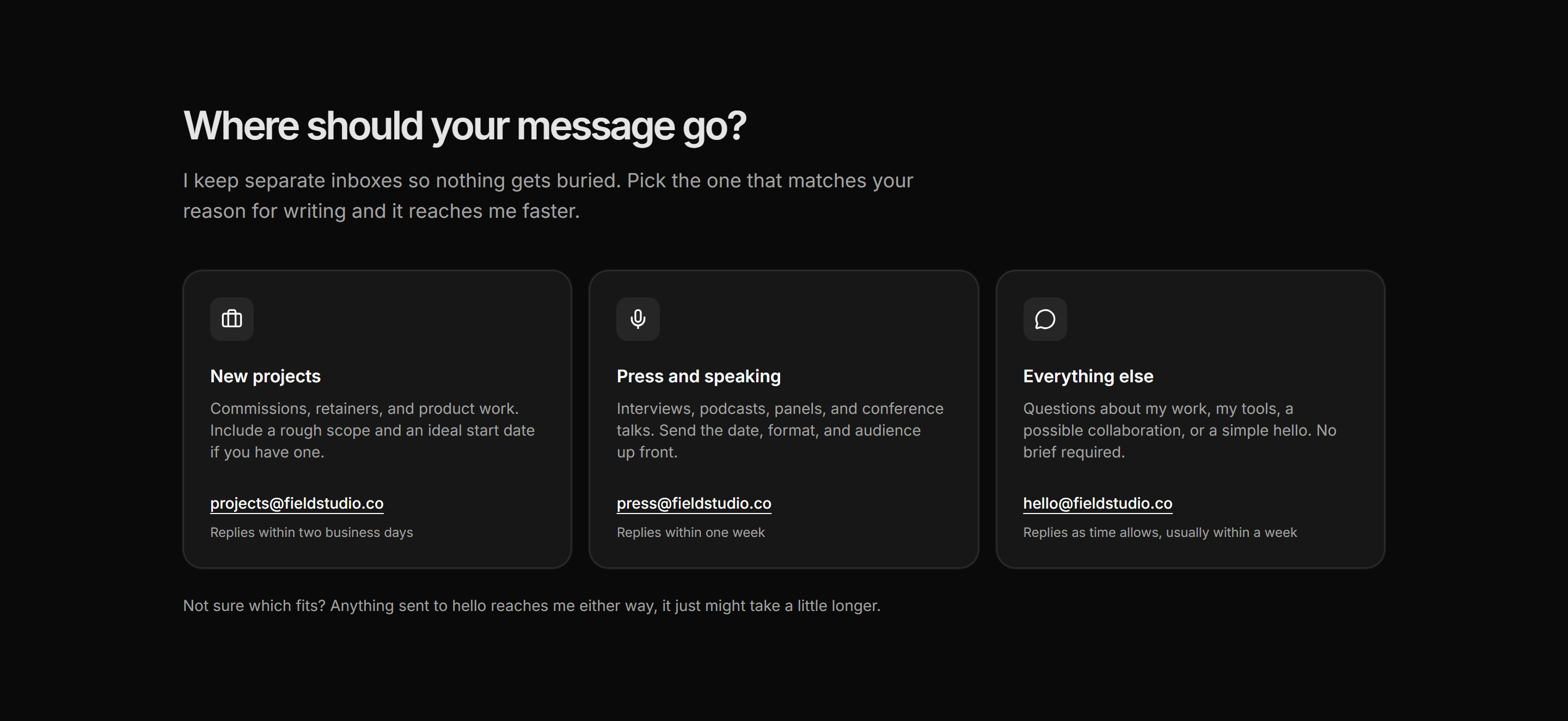
A three card contact router splitting inquiries by intent, each card pairing an icon, a description, a dedicated email, and a reply time note.
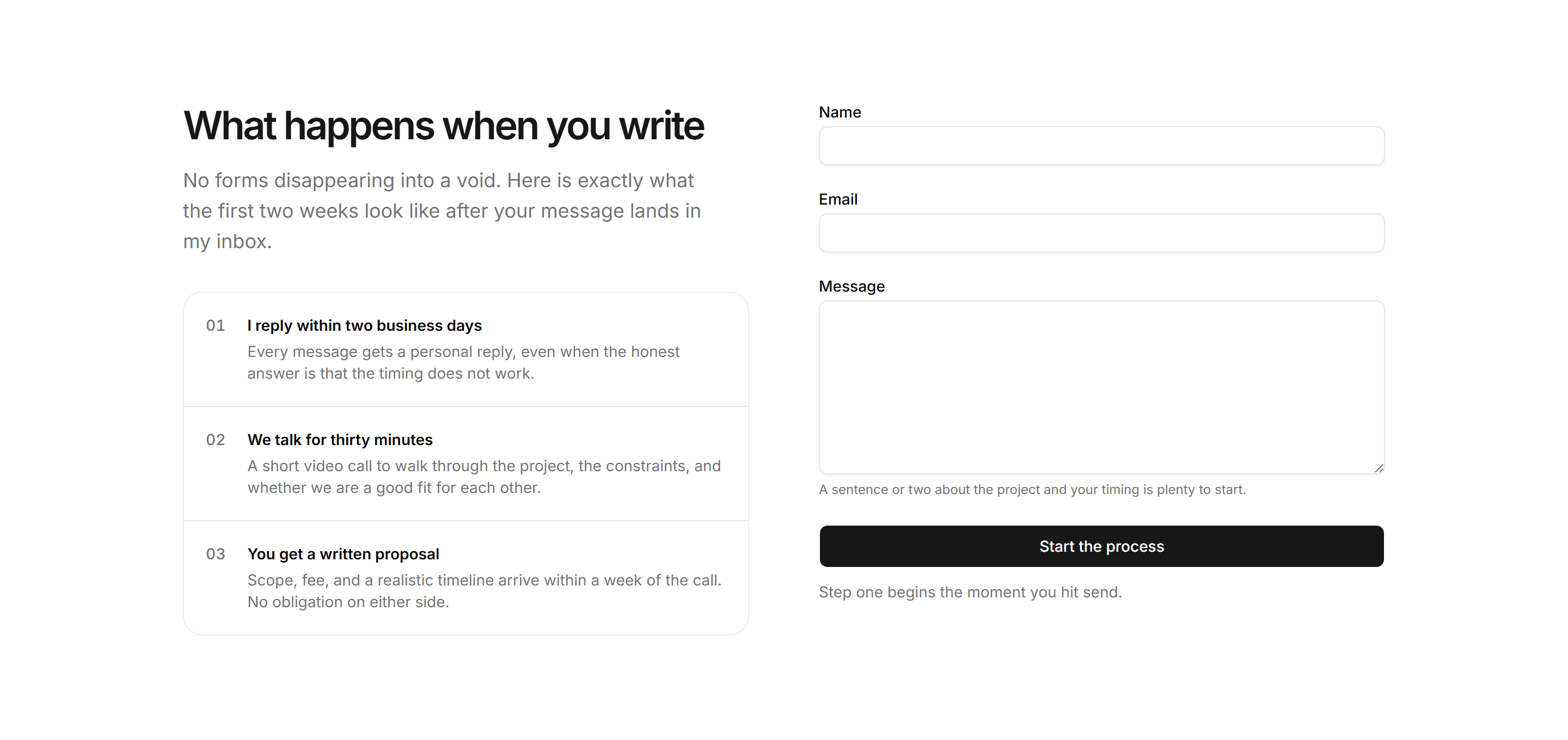
Portfolio Contact: Process And Form
A numbered three step outline of the reply, intro call, and written proposal sits beside a name plus email plus message form.
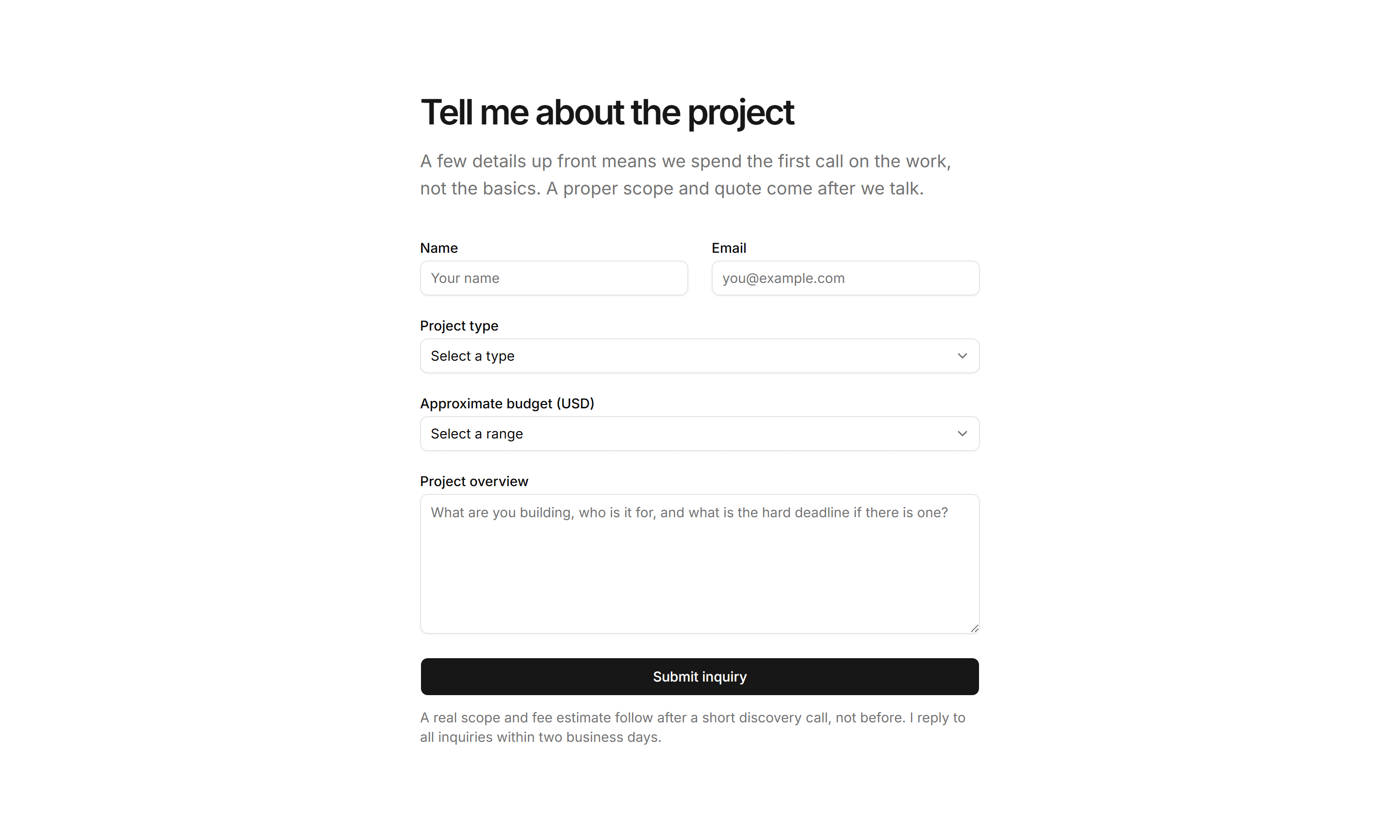
Portfolio Contact: Inquiry Form
A qualified project inquiry form with name, email, project-type and budget-range selects, a message field, and a note that scope and fee follow a discovery call.
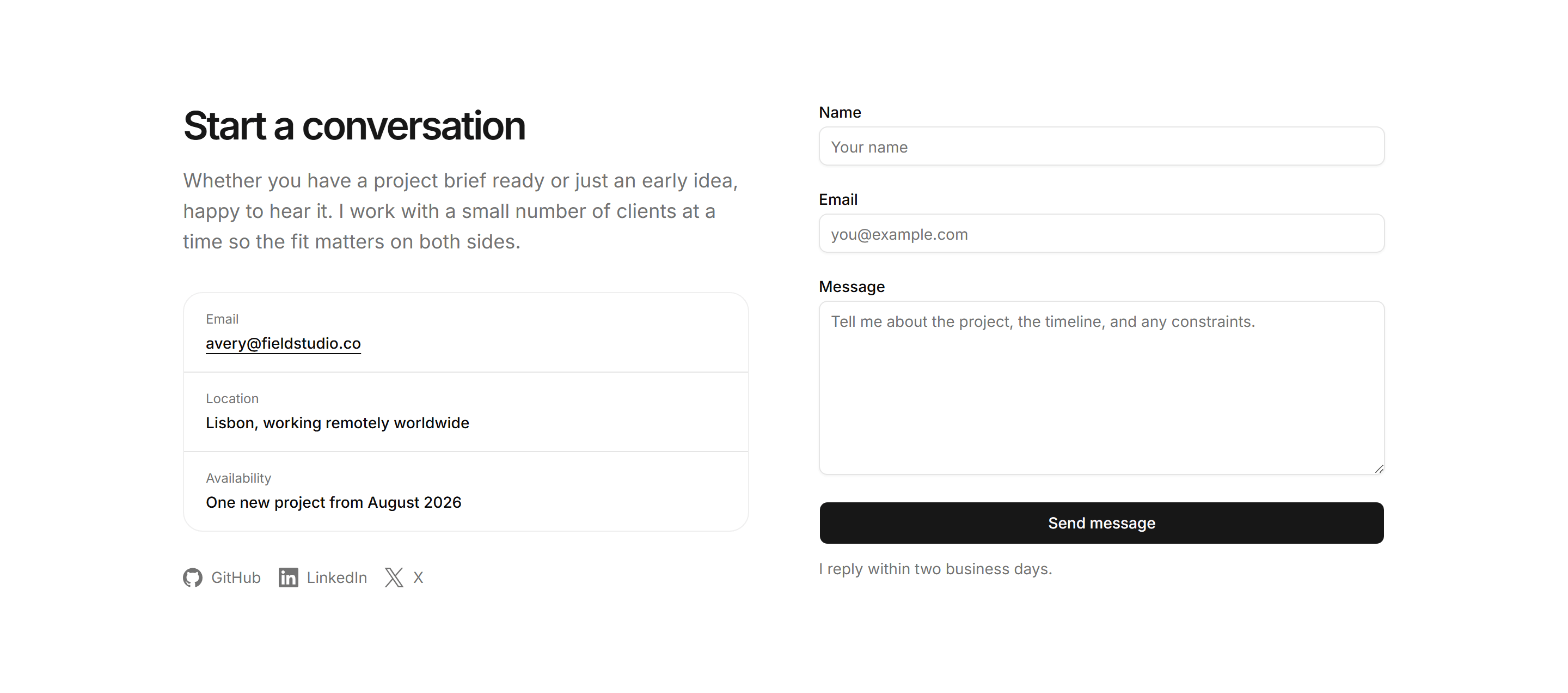
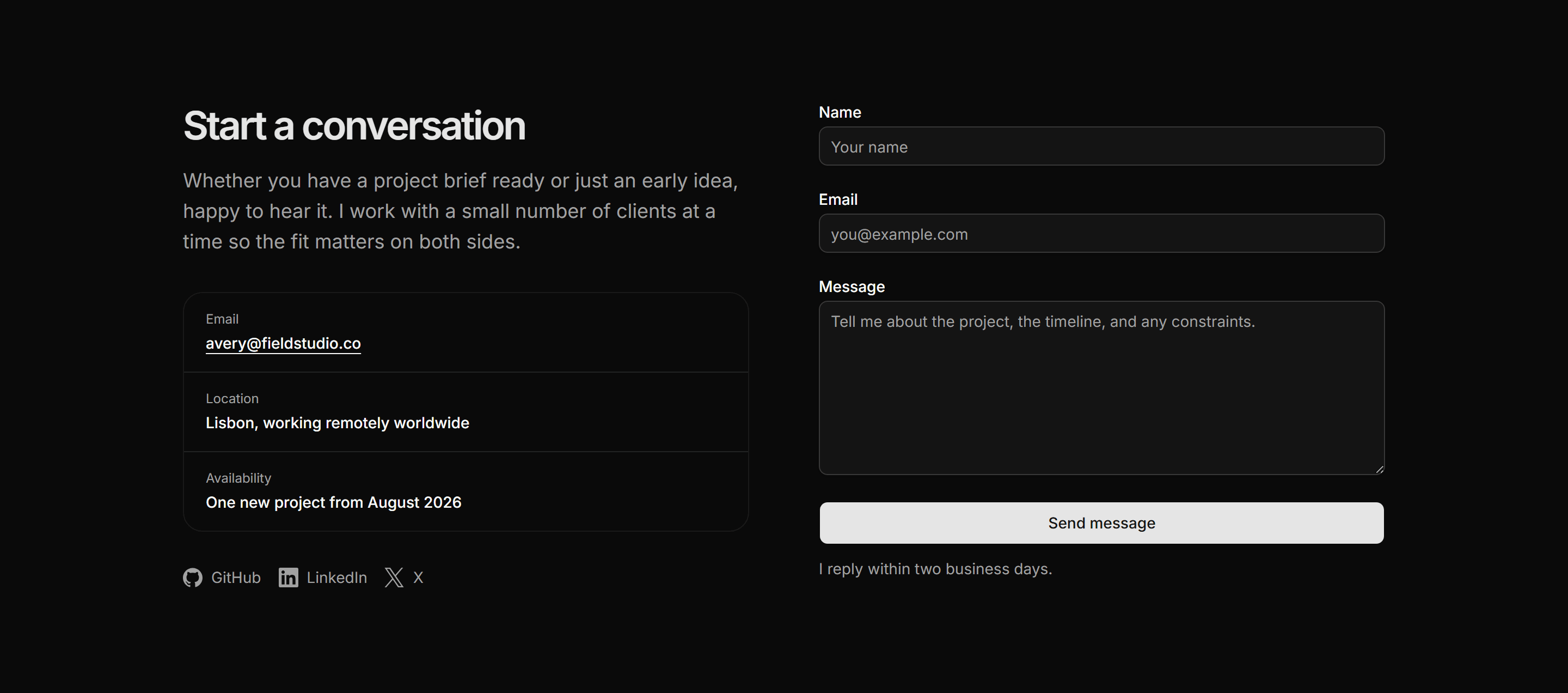
Portfolio Contact: Contact Split
A two-column contact section with a warm intro, ruled detail rows, and social links on the left and a name, email, and message form on the right.


Portfolio Contact: Email And Socials
A centred minimal contact block with the email address rendered large as a mailto link and a row of social platform links with brand icons beneath.
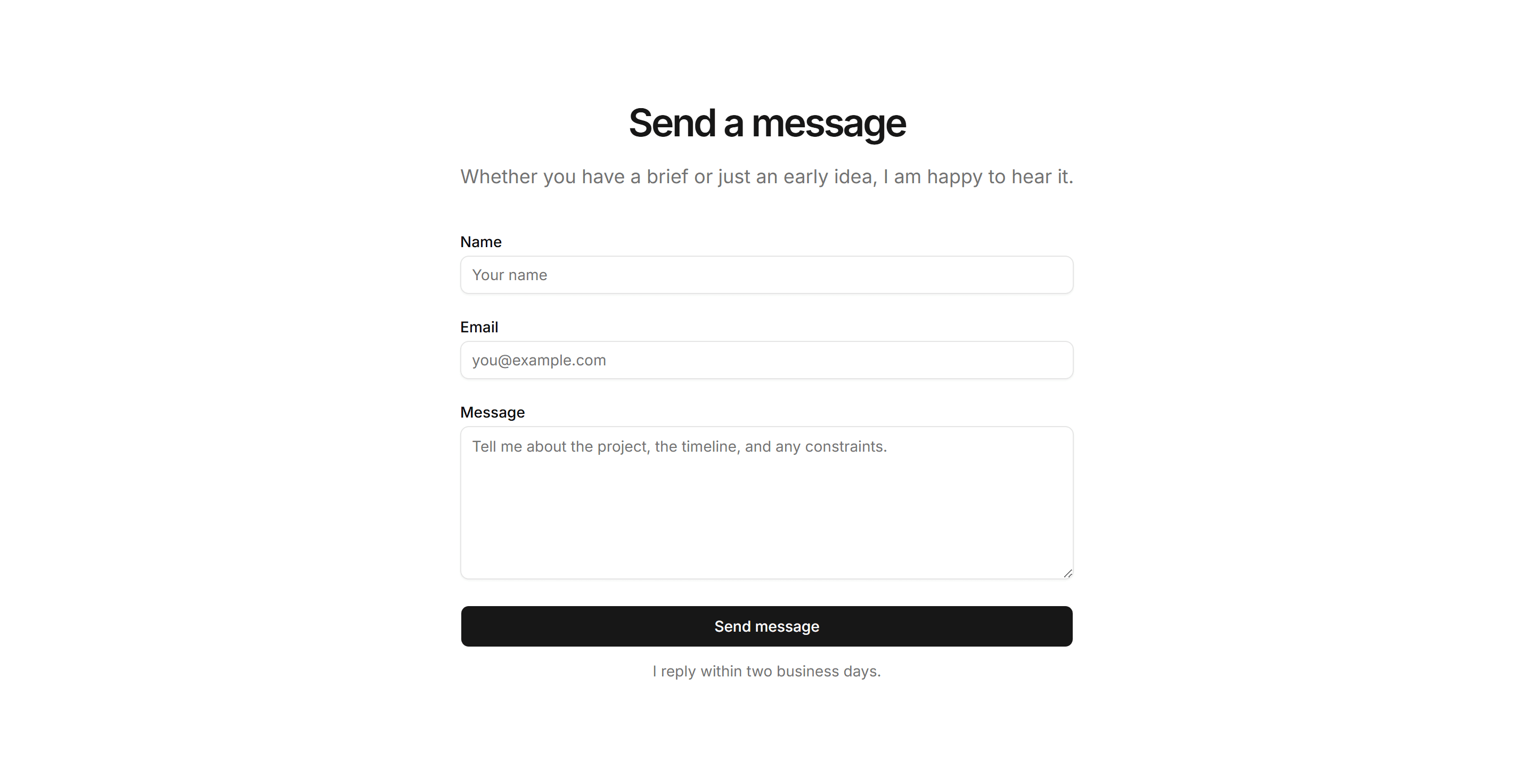
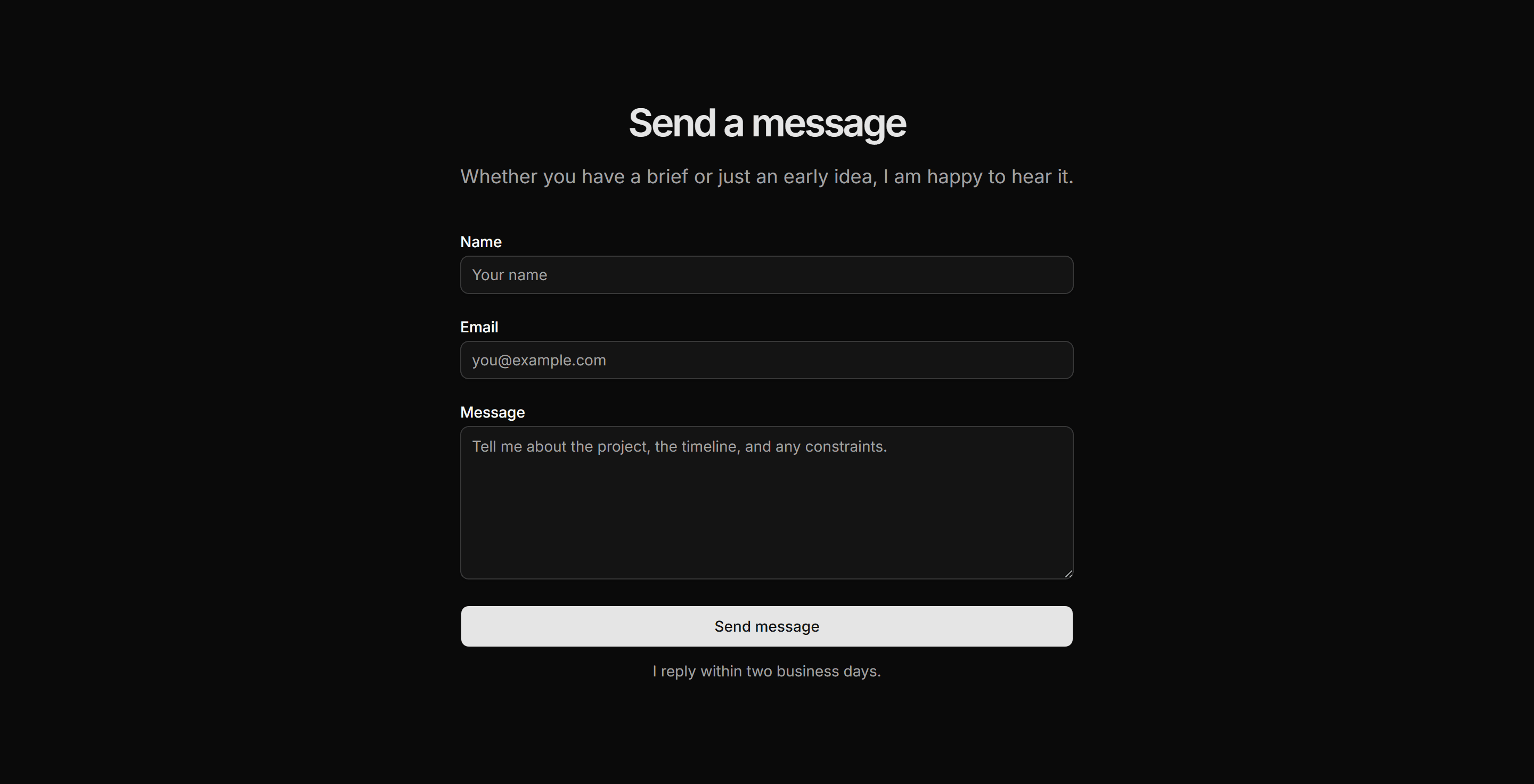
Portfolio Contact: Centered Contact
A centred narrow column with a heading, a framing sentence, and a name plus email plus message form with a reply-time note below the button.
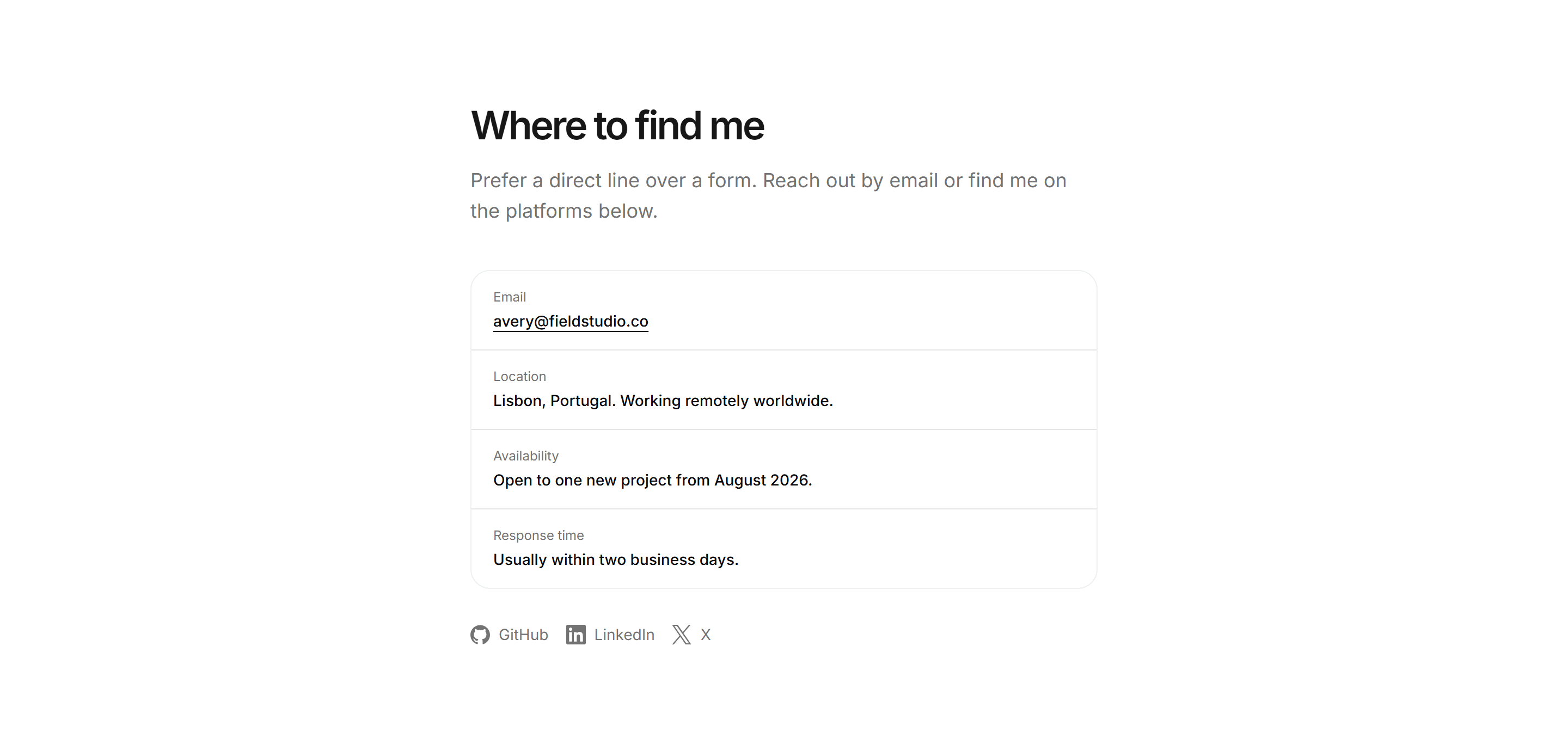
Portfolio Contact: Contact Details Panel
A text-only ruled list of email, location, availability, and response time rows with social links beneath, no form required.
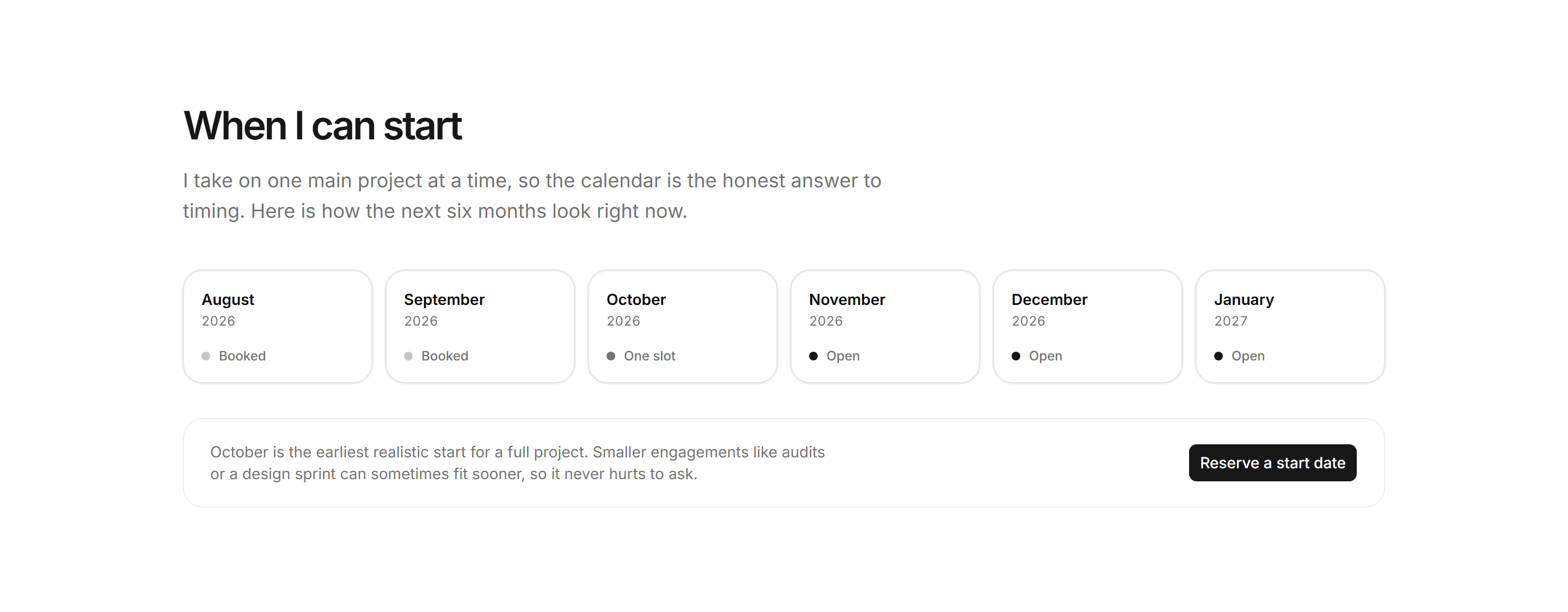
Portfolio Contact: Booking Window Strip
A six month availability strip of status dot cells, plus a footer pairing an earliest start note with a reserve by email action.
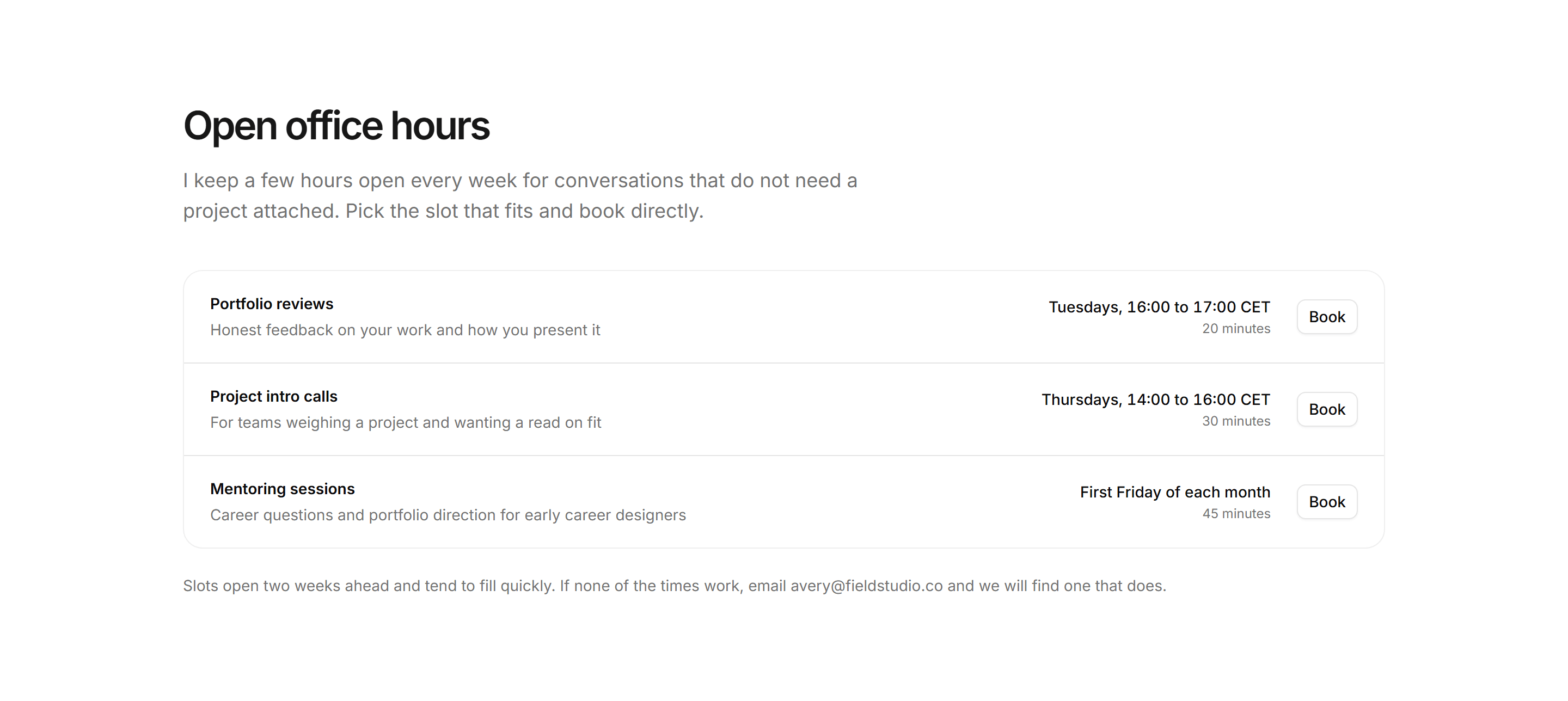
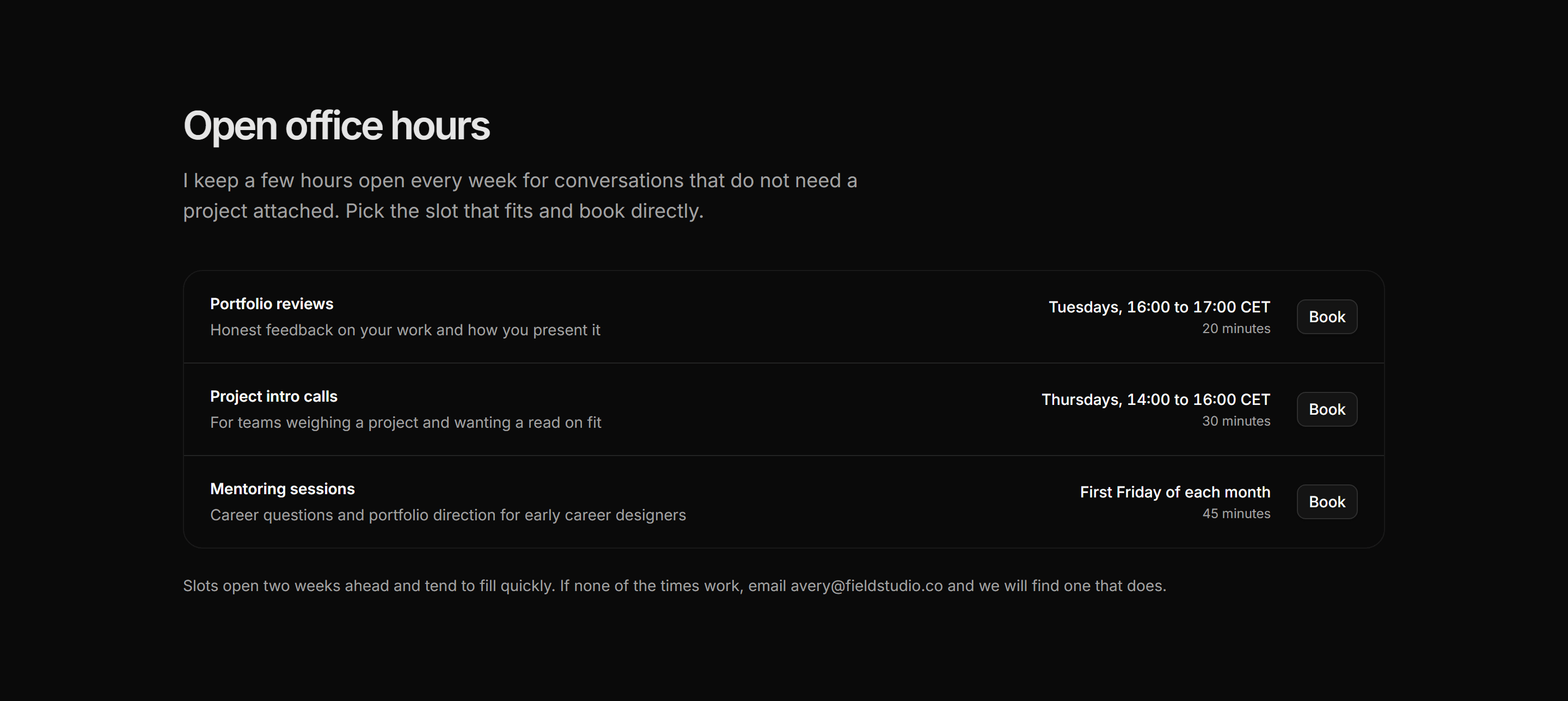
Portfolio Contact: Office Hours Booking
Three recurring office hour slots as ruled rows naming session, audience, schedule, and length, each with a book button and an email fallback.
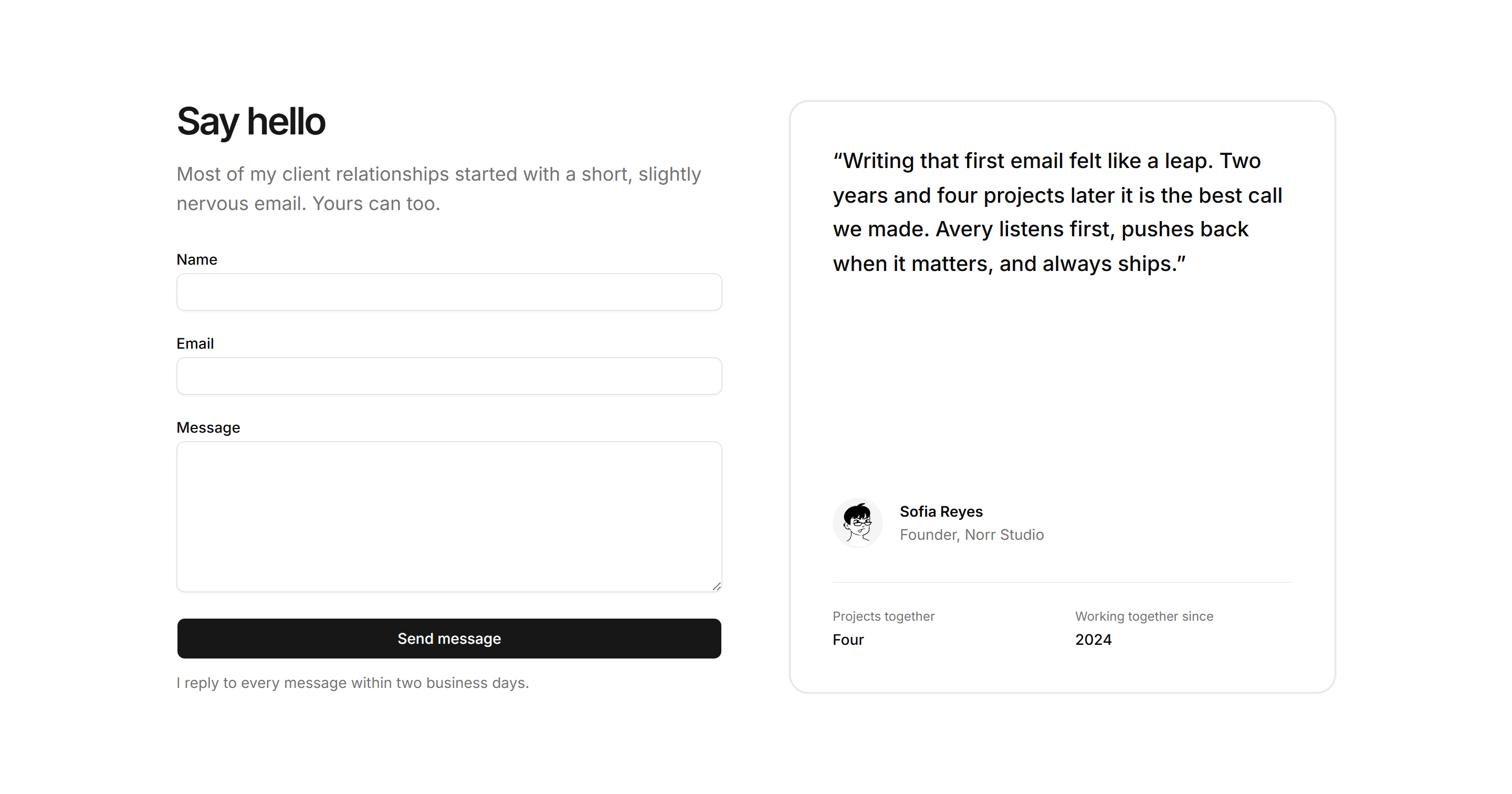
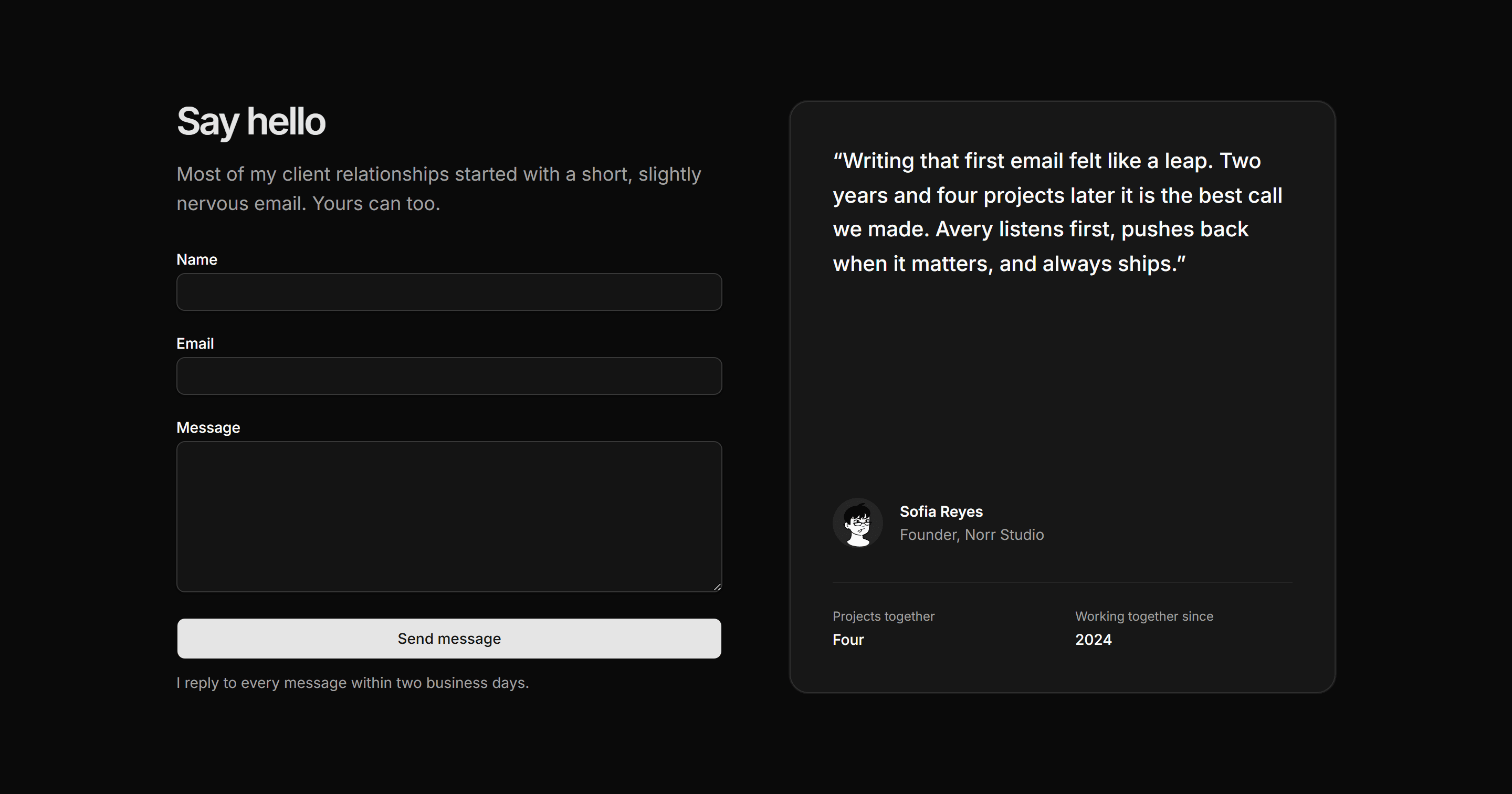
Portfolio Contact: Contact With Testimonial
A name plus email plus message form beside a bordered client testimonial panel with a quote, avatar attribution, and two relationship facts.


Portfolio Contact: Simple Contact Row
A single bordered row with a mailto email link on the left and three social icon and text links on the right, sized for footer-adjacent placement.
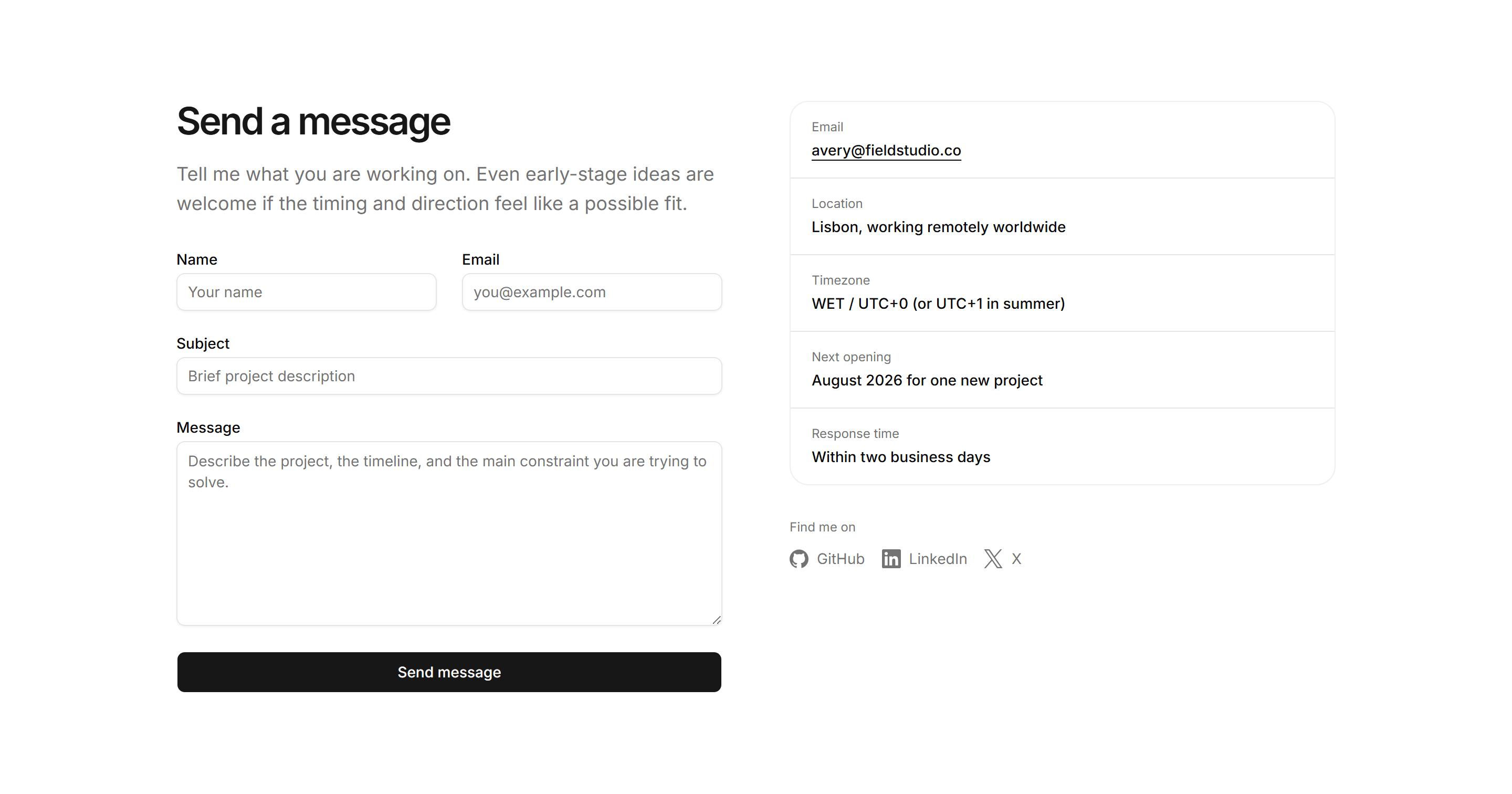
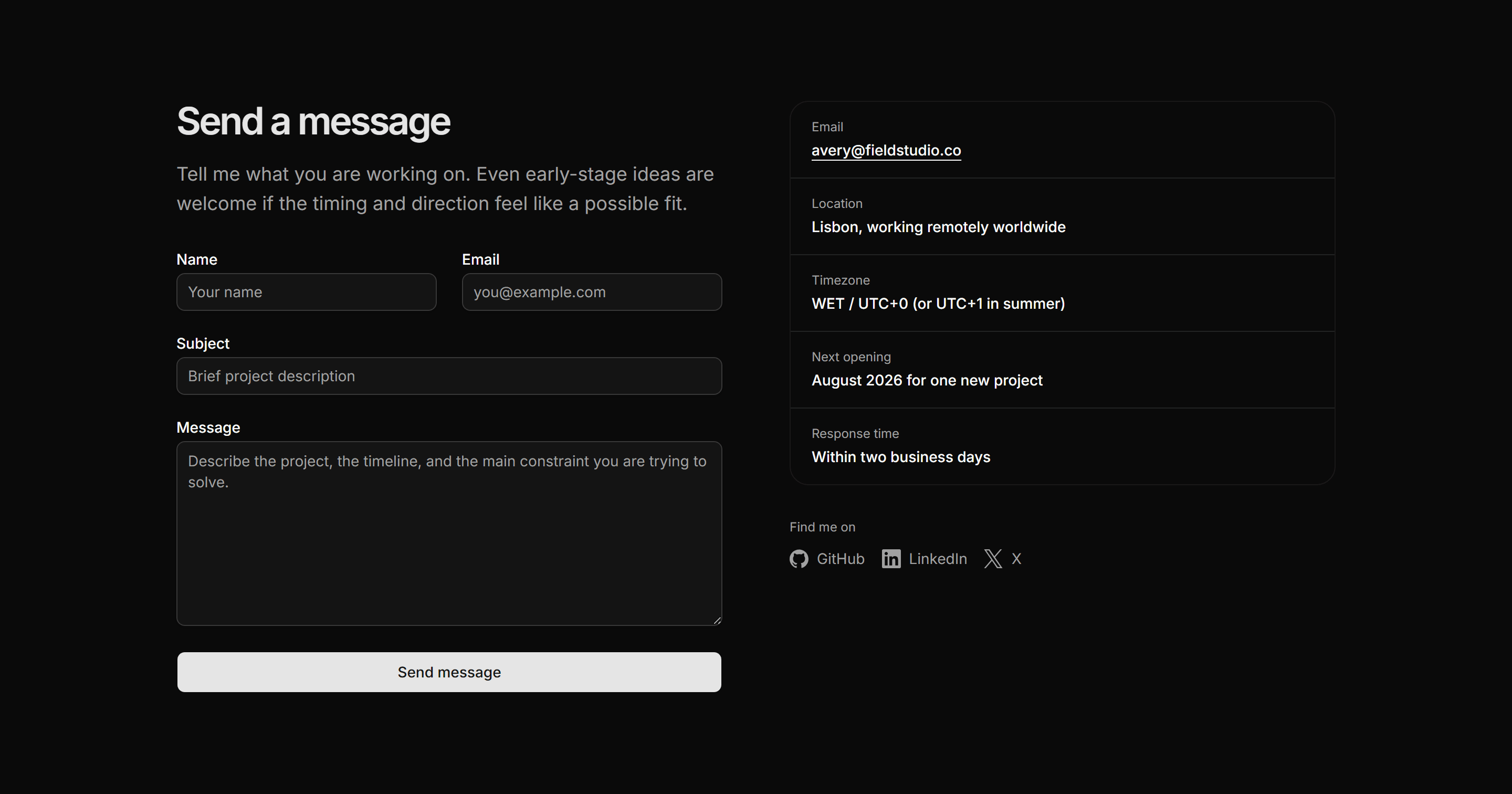
Portfolio Contact: Two Column Contact
A contact form on the left balanced against a ruled detail list of email, location, timezone, availability, and social links on the right.
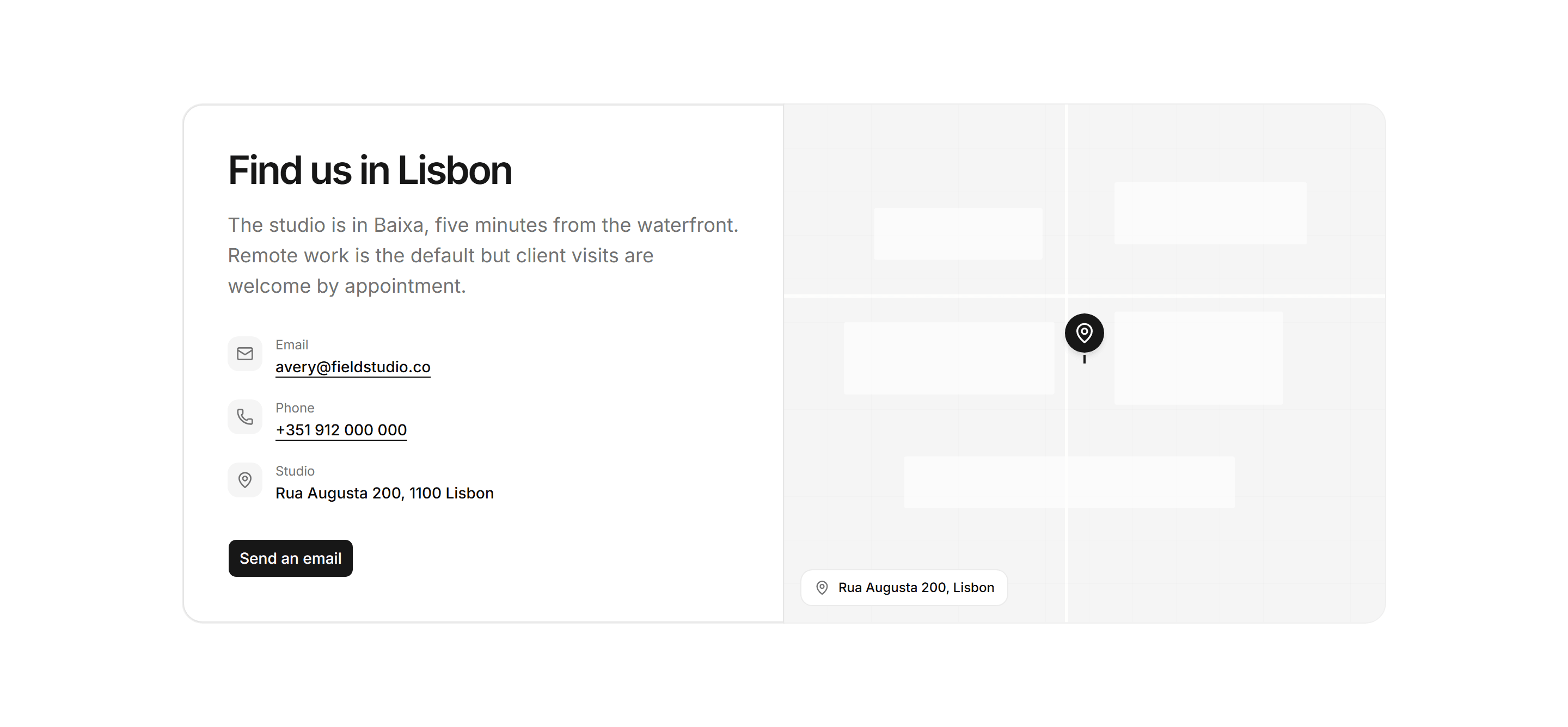
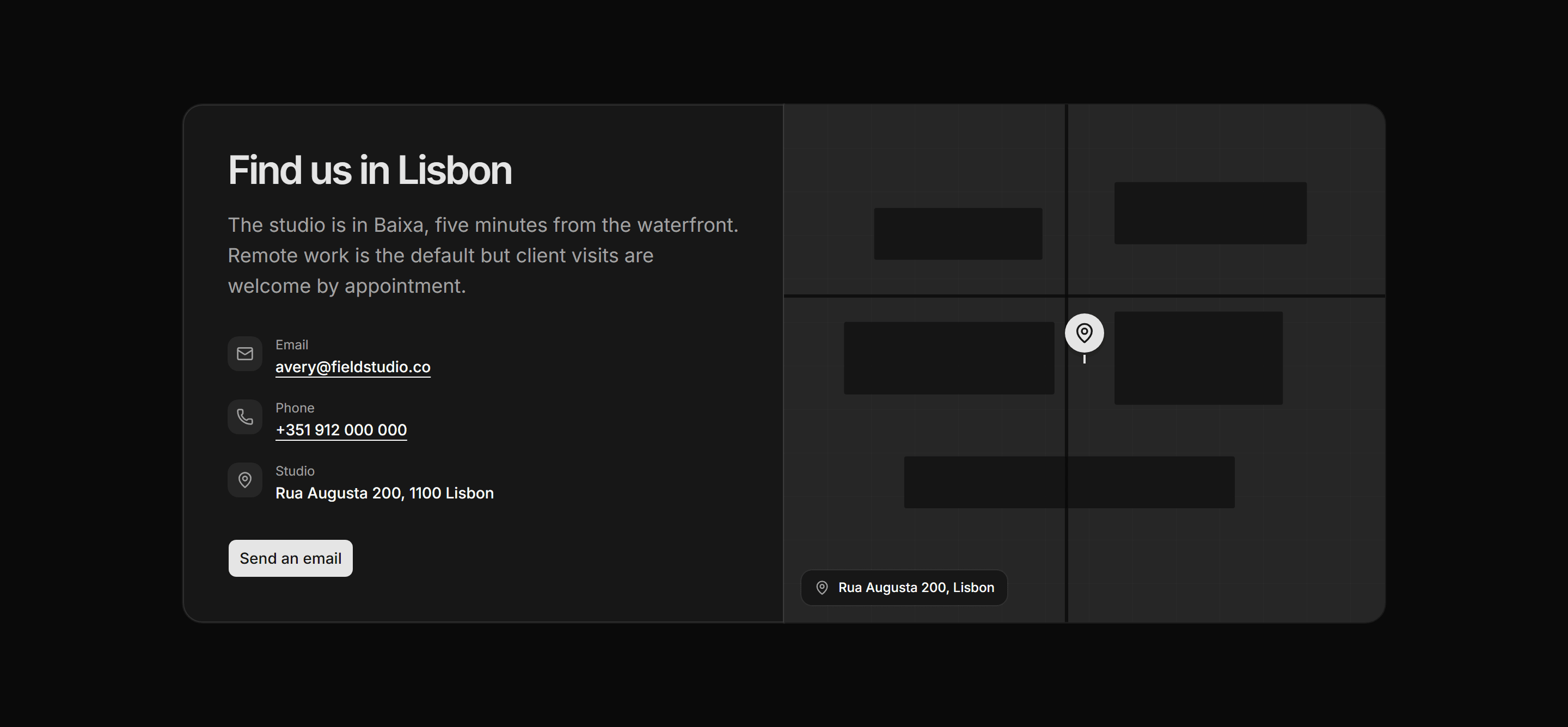
Portfolio Contact: Contact With Map Blueprint
A studio contact panel beside a bg-muted inline SVG map surface with a centred MapPin marker and a location chip, no third-party embed.
Portfolio Contact: Availability And Form
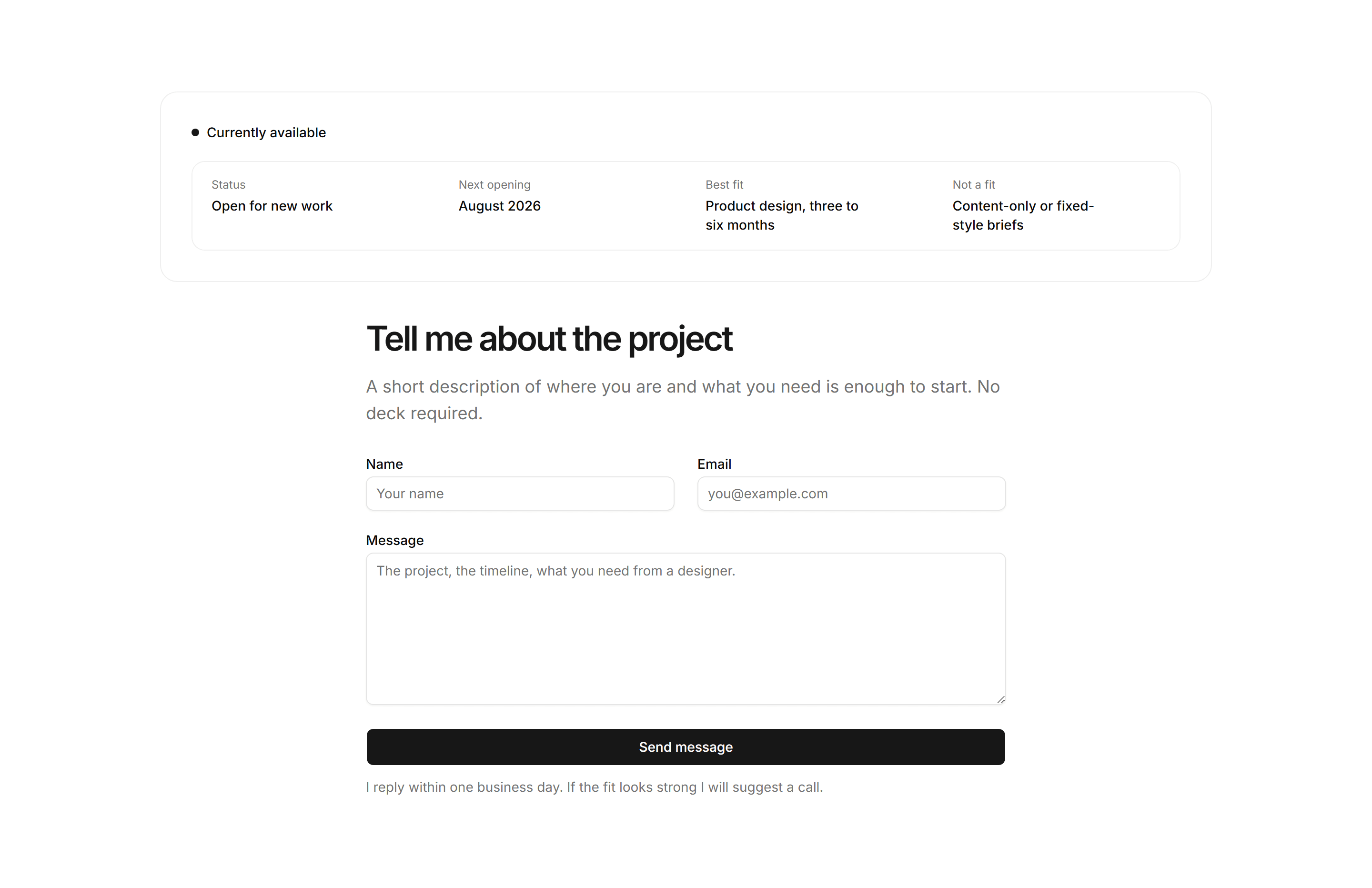
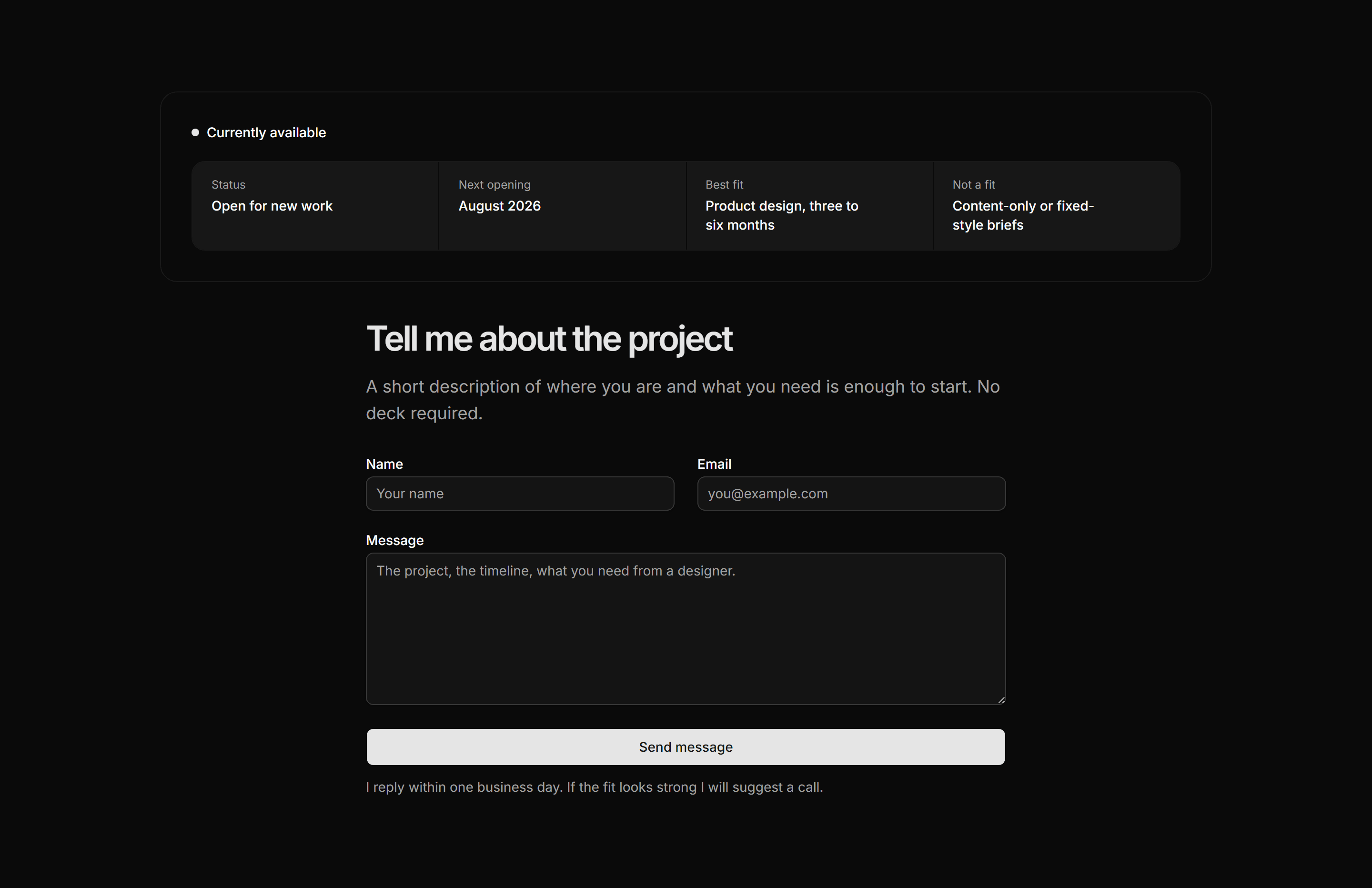
An availability strip showing current status and four project criteria sits above a name plus email plus message form so visitors self-qualify before writing.
Portfolio Contact: Contact Faq Combo
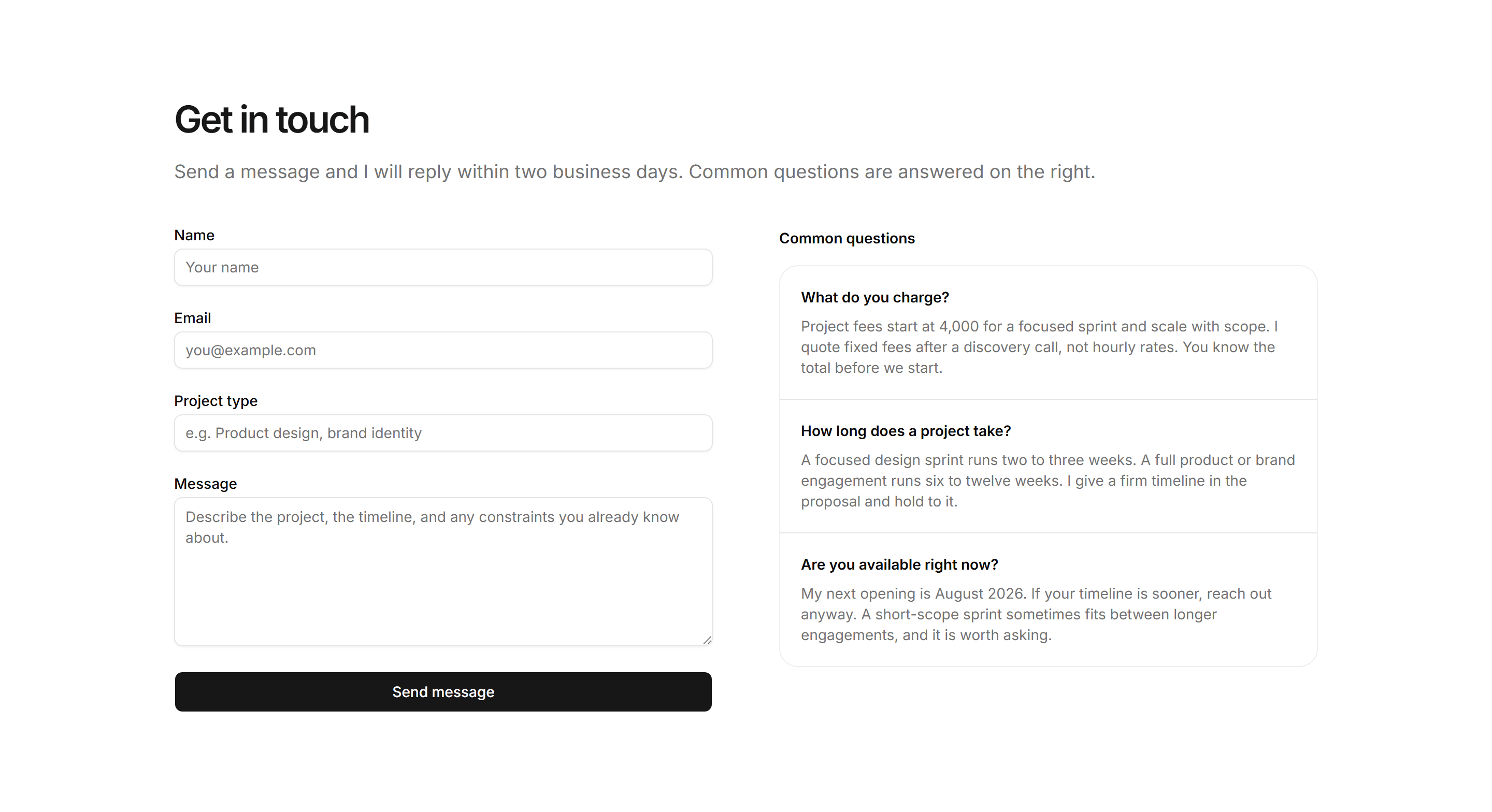
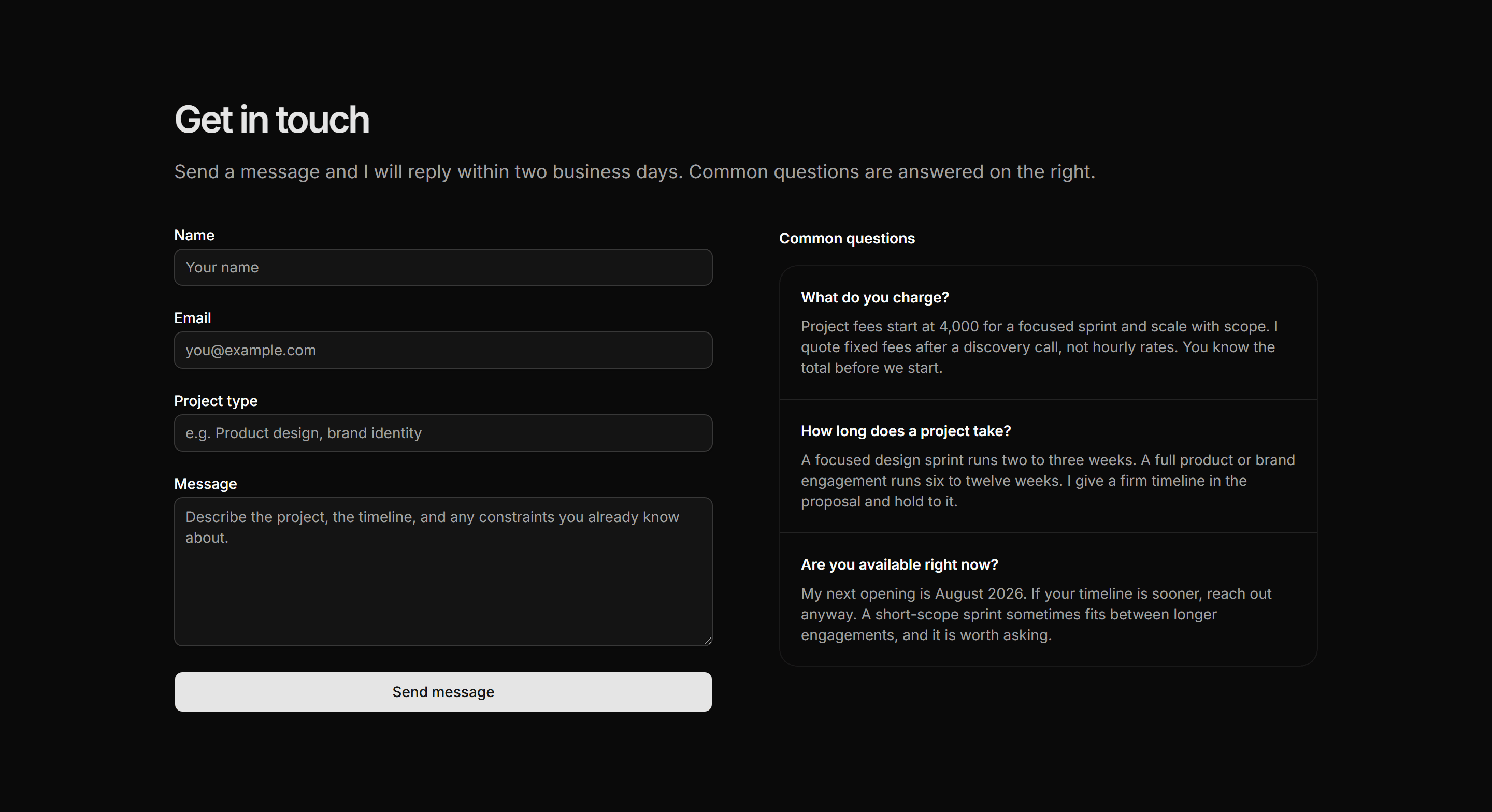
A contact form beside three pre-emptive FAQ answers covering rates, timeline, and availability so common objections are resolved before the message is sent.