Shadcn Project Display Blocks
Browse 5 project display blocks for shadcn/ui. Present your work with filterable grids, standard grids, zigzag rows, stat cards, and stacked quotes.
Portfolio Project Display: Filterable Grid
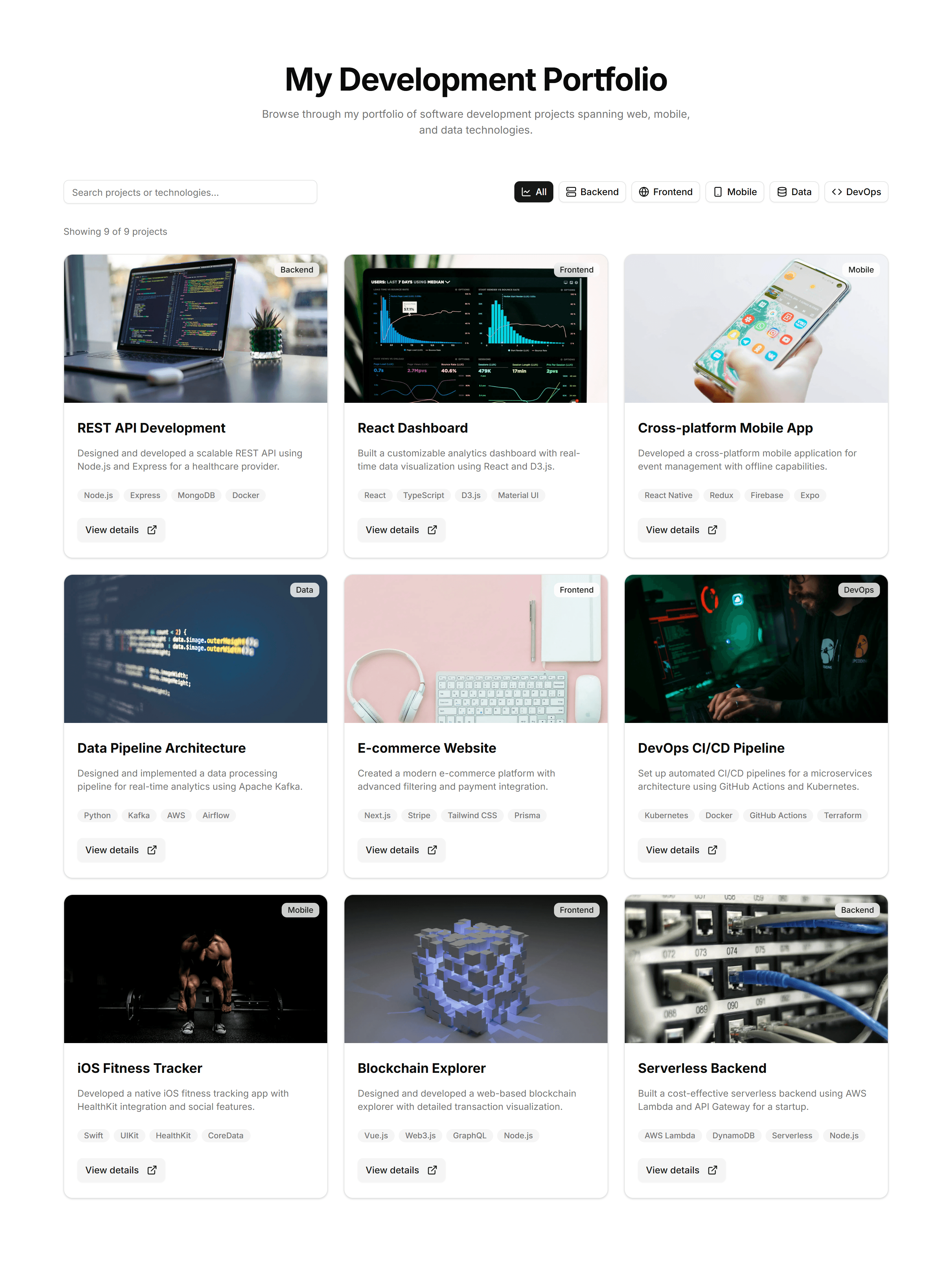
A project grid with category filters across the top so visitors narrow results by tag or type. Use it when a portfolio holds varied work across many fields.
Portfolio Project Display: Quote Stack
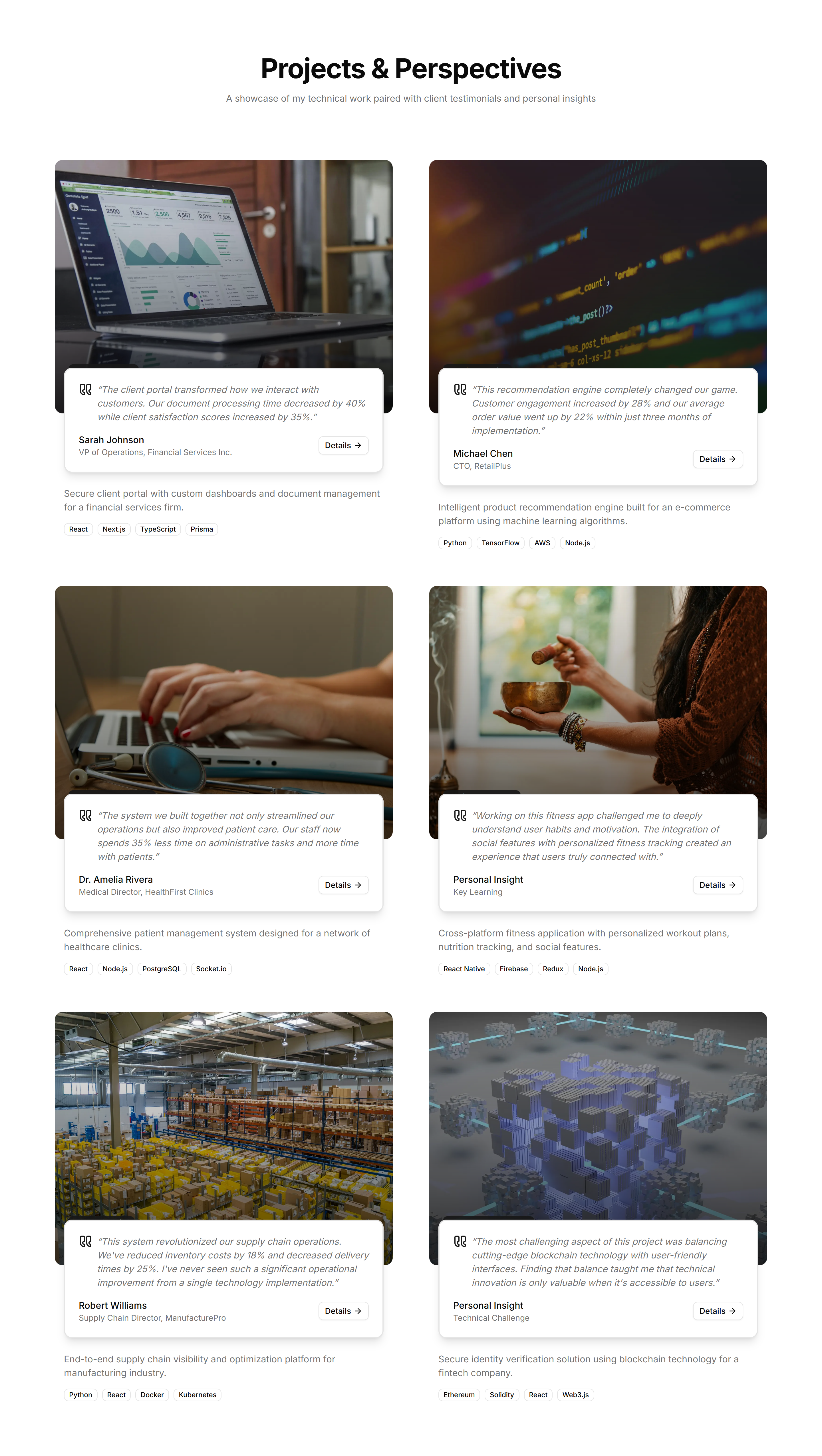
A vertical stack of client quotes paired with project names and roles. Use it to weave testimonials into a project page and back up your results with words.

Portfolio Project Display: Standard Grid
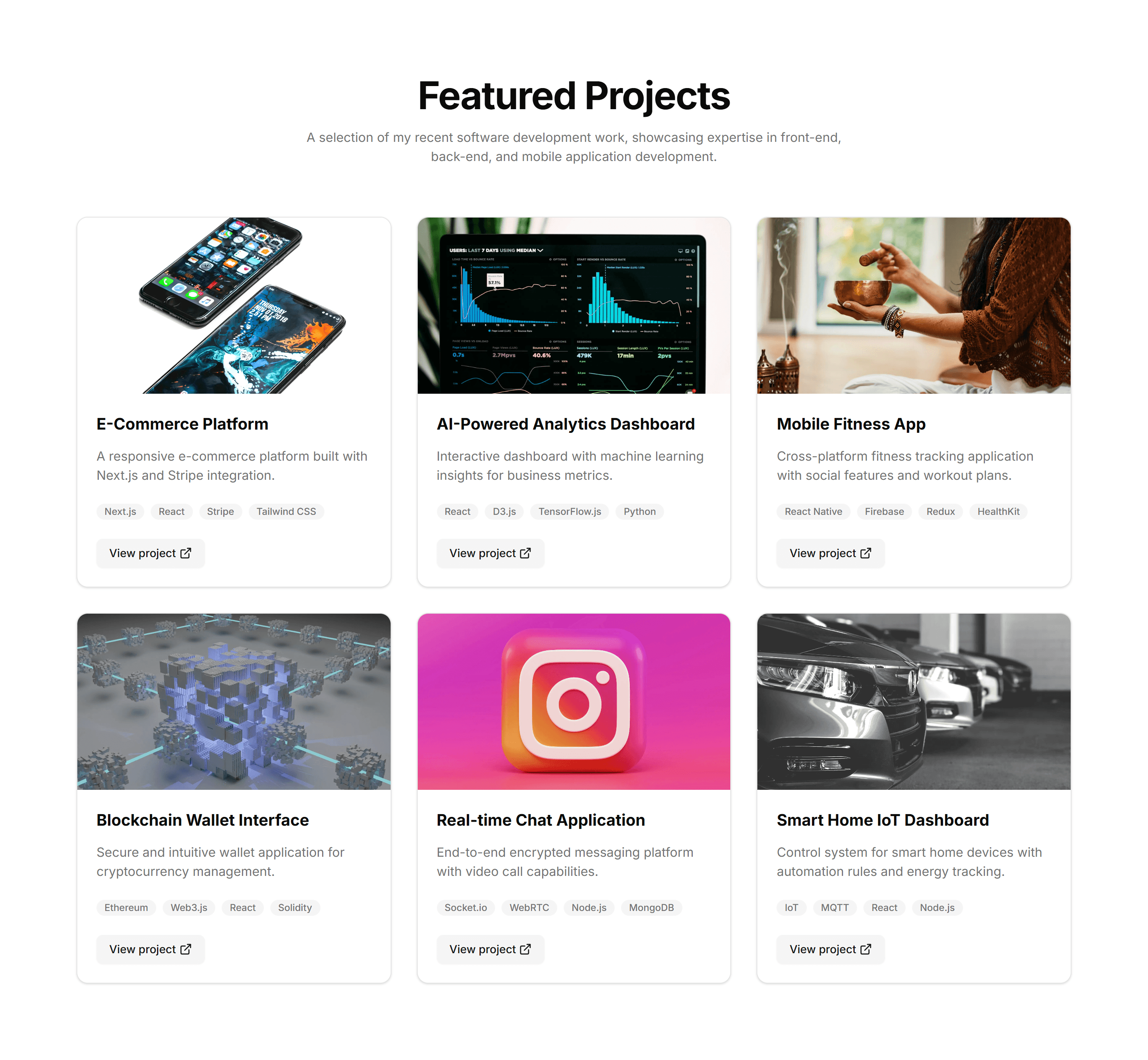
An even grid of project cards, each with a cover image, title, and short caption. Use it as the main index for browsing a portfolio at a glance.
Portfolio Project Display: Stats Cards
A row of cards calling out key numbers like projects shipped, clients, and years active. Use it to quantify your track record near the top of a portfolio.

Portfolio Project Display: Zigzag Layout
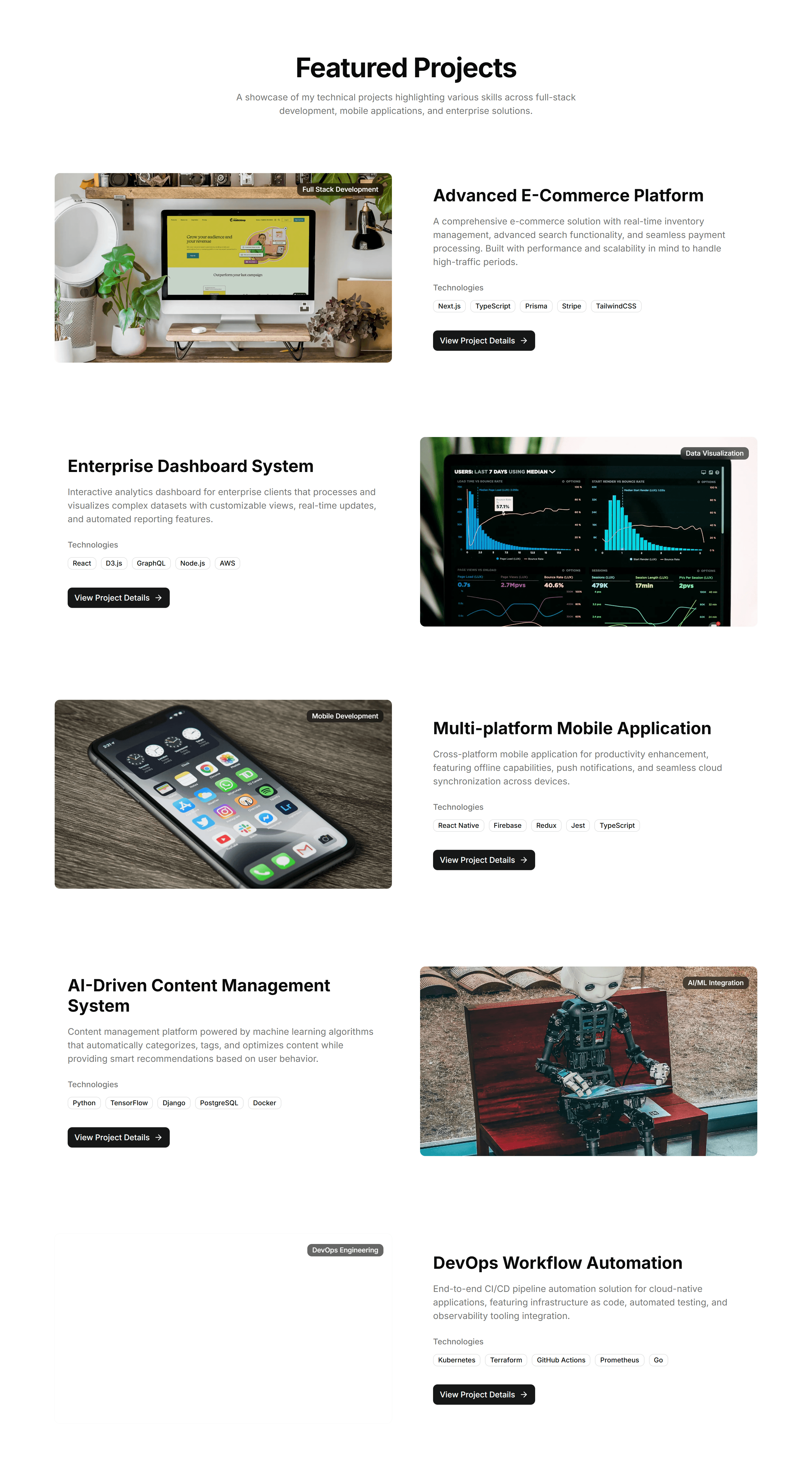
Alternating rows that flip image and text side to side down the page. Use it to give each project room to breathe with a clear narrative flow.

Portfolio Project Display: Filterable Grid
A project grid with category filters across the top so visitors narrow results by tag or type. Use it when a portfolio holds varied work across many fields.

Portfolio Project Display: Standard Grid
An even grid of project cards, each with a cover image, title, and short caption. Use it as the main index for browsing a portfolio at a glance.

Portfolio Project Display: Zigzag Layout
Alternating rows that flip image and text side to side down the page. Use it to give each project room to breathe with a clear narrative flow.

Portfolio Project Display: Quote Stack
A vertical stack of client quotes paired with project names and roles. Use it to weave testimonials into a project page and back up your results with words.
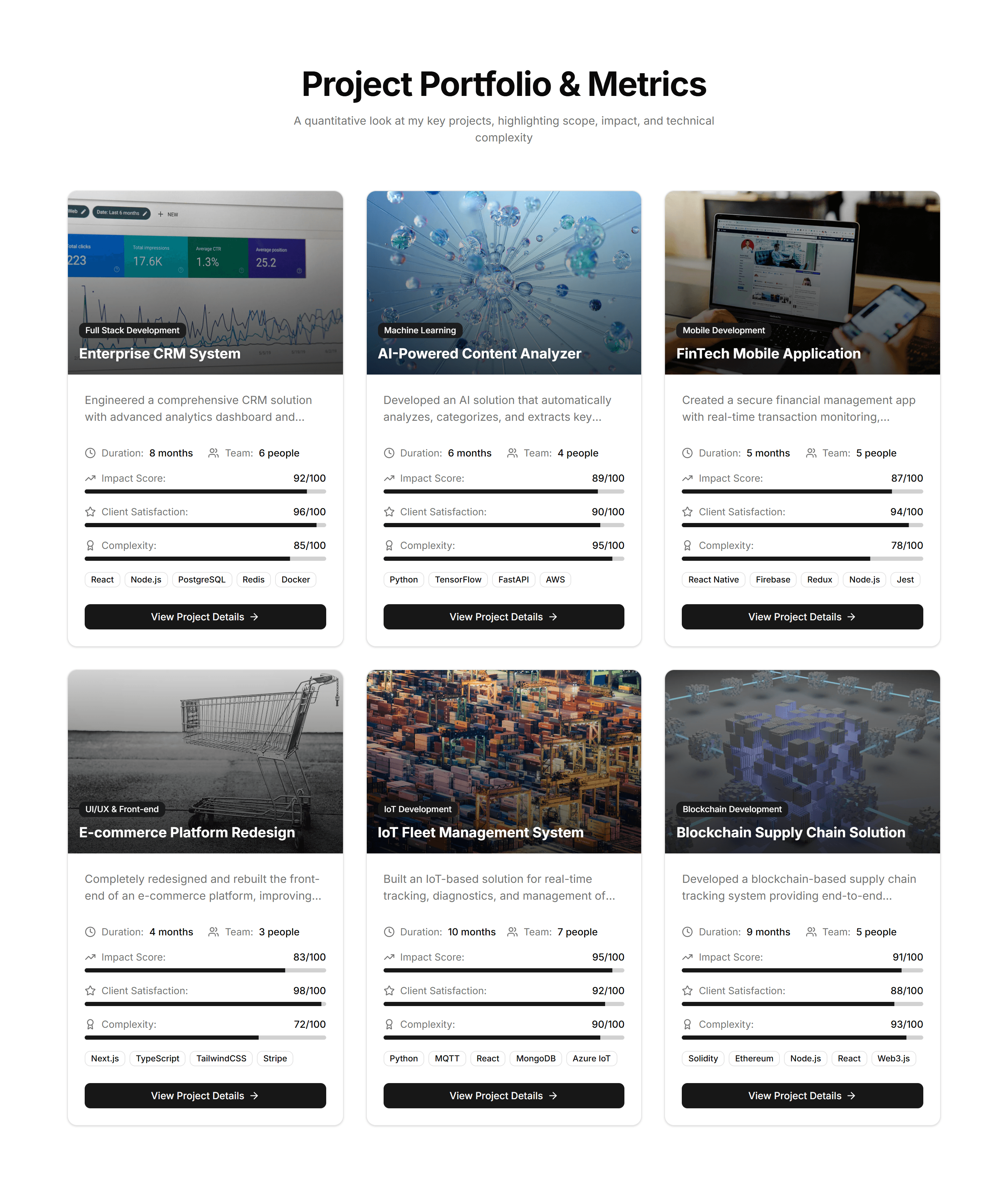
Portfolio Project Display: Stats Cards
A row of cards calling out key numbers like projects shipped, clients, and years active. Use it to quantify your track record near the top of a portfolio.

Portfolio Project Display: Filterable Grid
A project grid with category filters across the top so visitors narrow results by tag or type. Use it when a portfolio holds varied work across many fields.

Portfolio Project Display: Stats Cards
A row of cards calling out key numbers like projects shipped, clients, and years active. Use it to quantify your track record near the top of a portfolio.

Portfolio Project Display: Quote Stack
A vertical stack of client quotes paired with project names and roles. Use it to weave testimonials into a project page and back up your results with words.

Portfolio Project Display: Zigzag Layout
Alternating rows that flip image and text side to side down the page. Use it to give each project room to breathe with a clear narrative flow.