Shadcn Ecommerce Blocks
Shop 92 Ecommerce blocks for shadcn/ui. Product features, lists, carts, reviews, upsells, and trust sections built to convert and ready to ship.
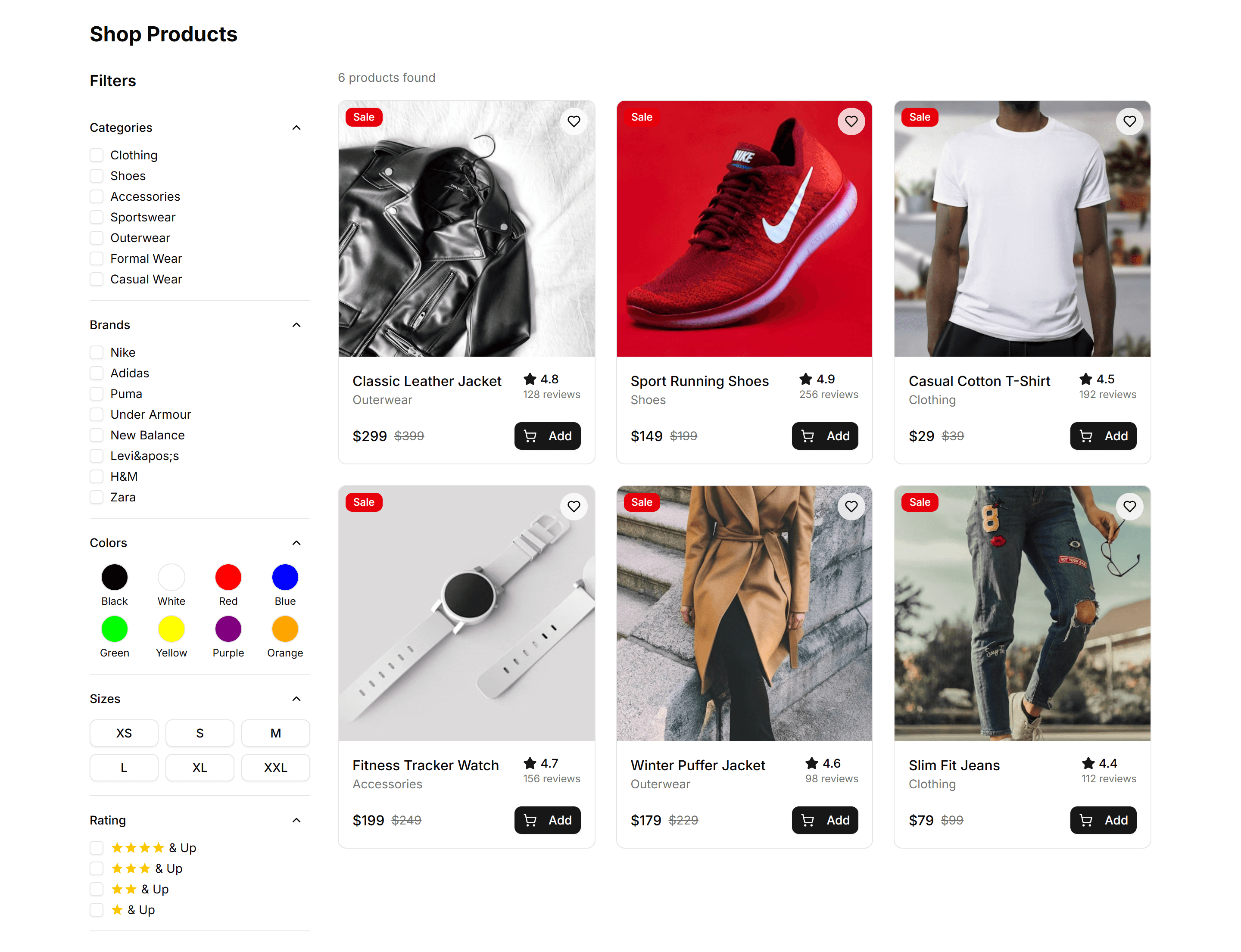
Ecommerce Category Filter: Filter Demo
A sidebar of category filters with checkboxes, price sliders, and color swatches beside a product grid. Refines large catalogs on a shop listing page.

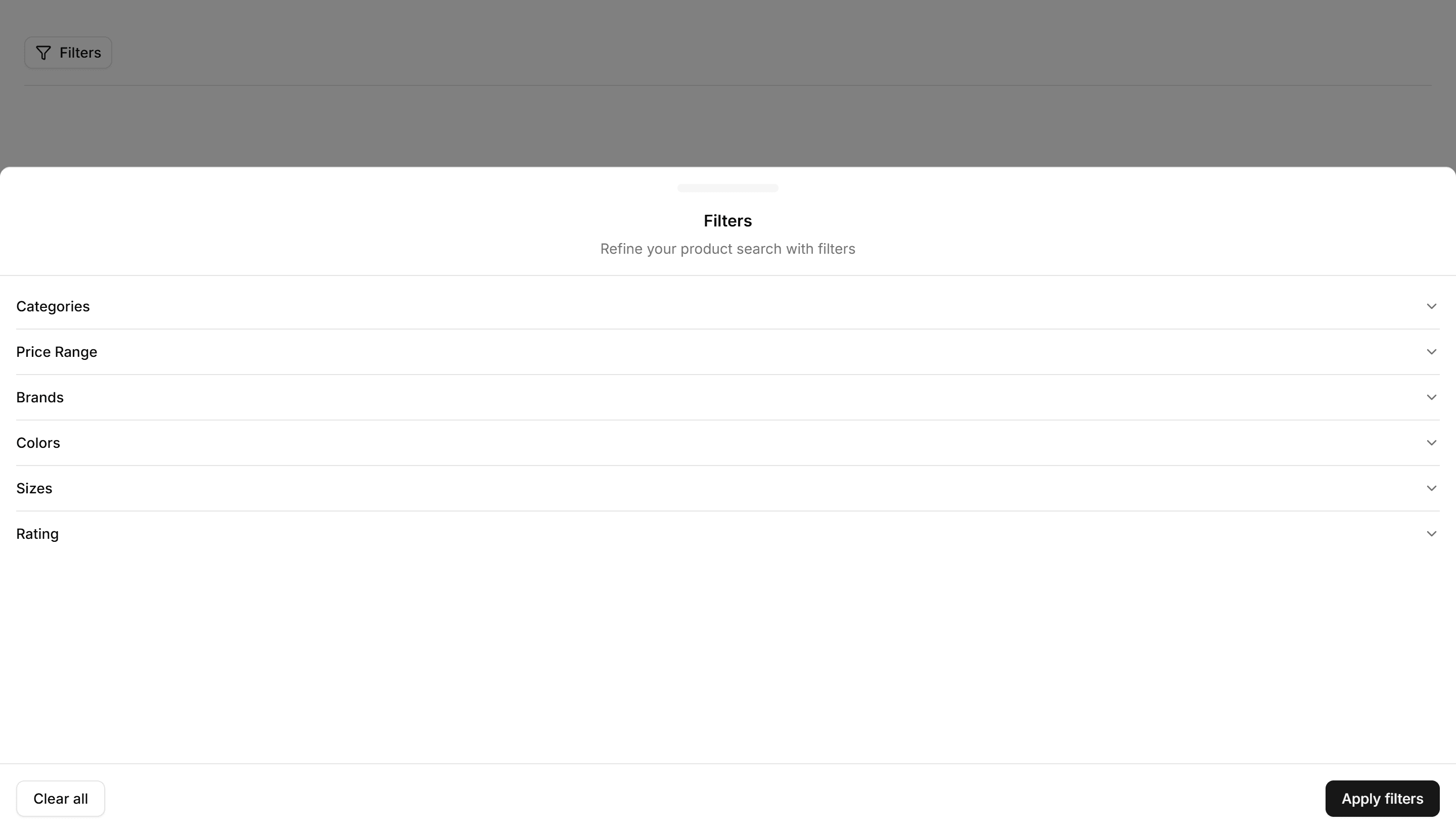
Ecommerce Category Filter: Filter Drawer
A slide in drawer holding category, price, and rating filters for small screens. Keeps the product grid full width until shoppers tap to refine on mobile.

Ecommerce Category Filter: Horizontal Filters
A row of filter dropdowns and chips sitting above the product grid. Lets shoppers narrow by category, price, and brand without giving up vertical space.

Ecommerce Category Preview: Carousel Preview
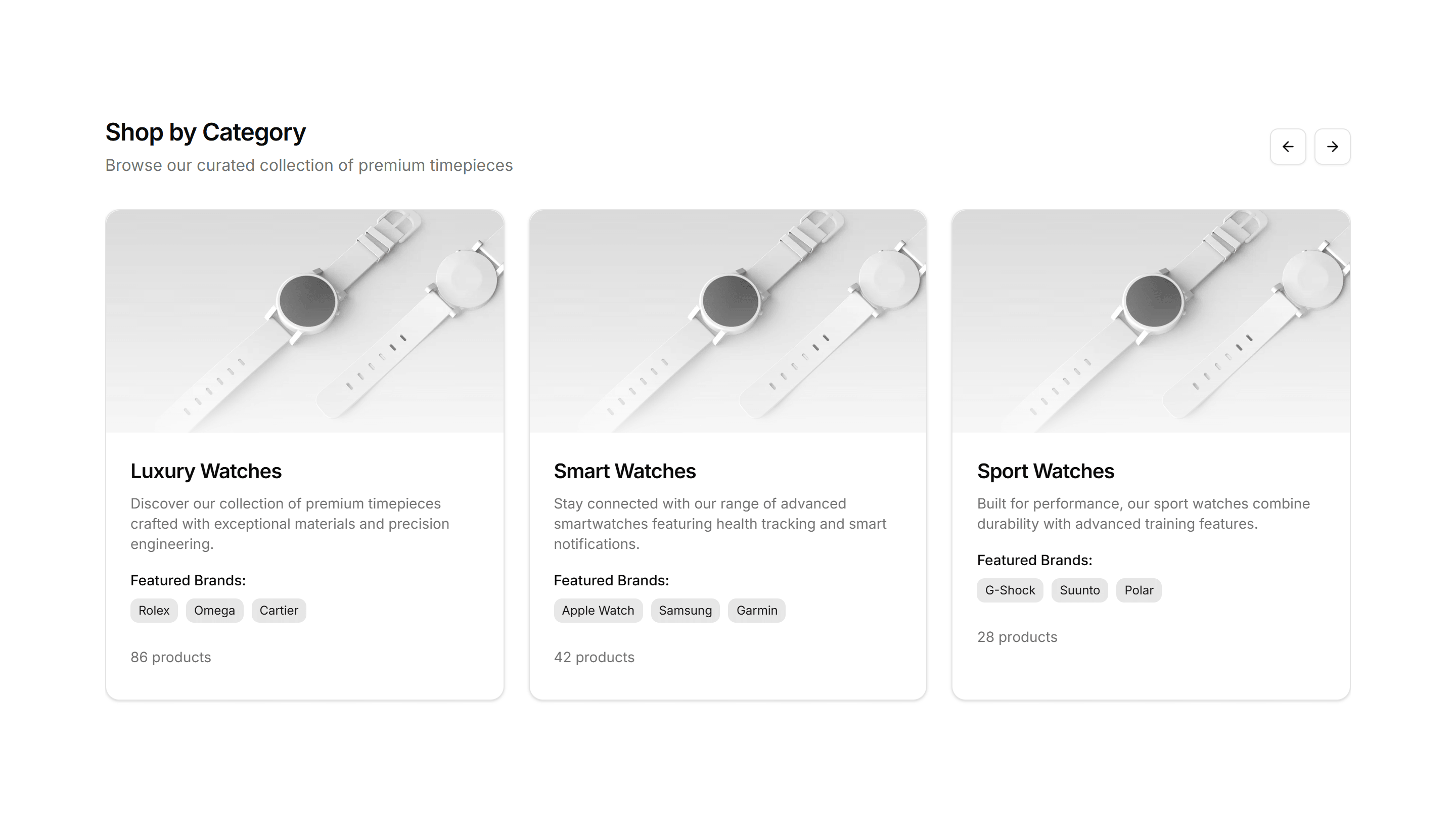
A category preview that slides products through a horizontal carousel, letting shoppers swipe across a collection without leaving the page on mobile.

Ecommerce Category Preview: Expandable Preview
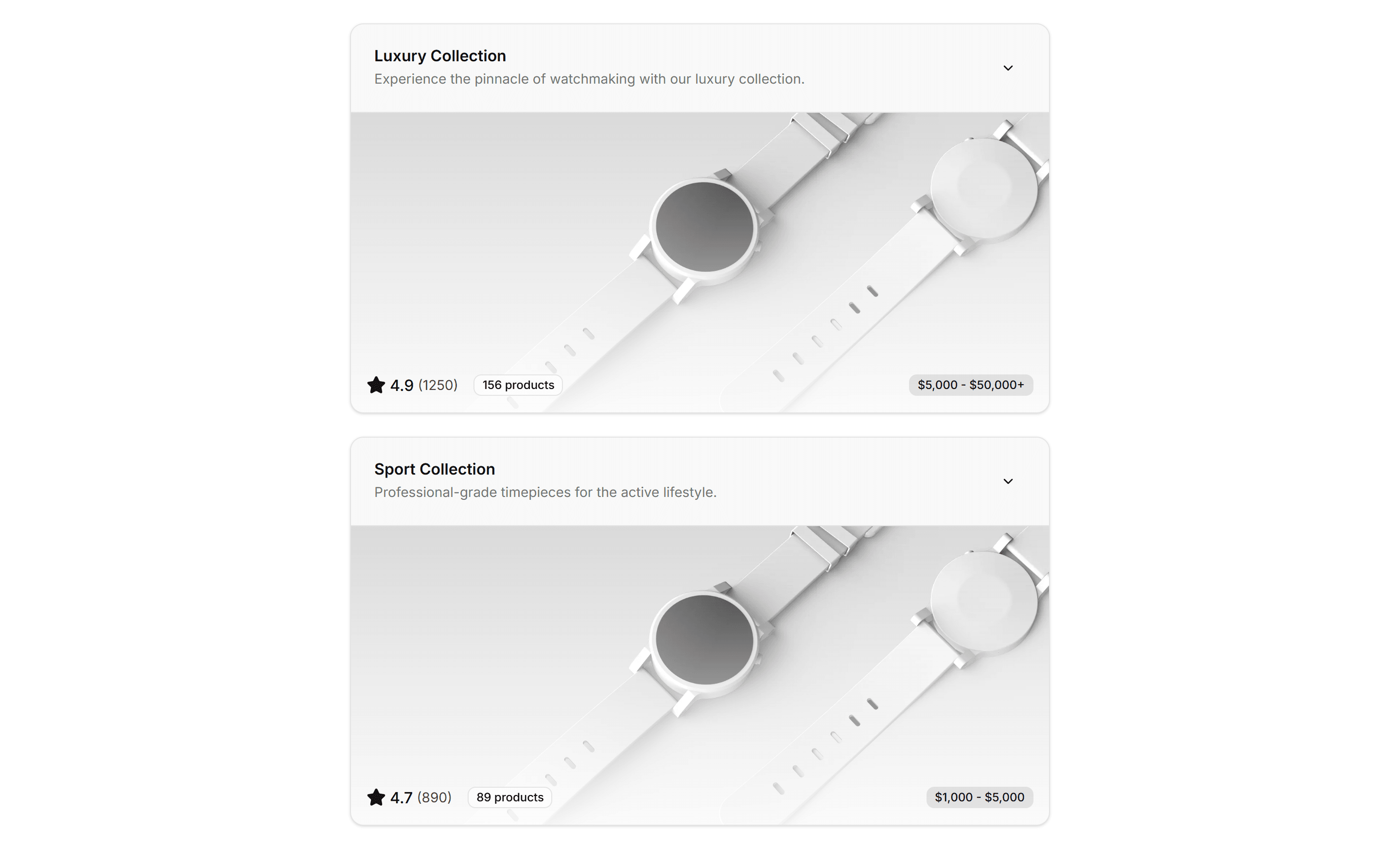
A category preview where each tile expands to reveal more products on click, keeping the storefront tidy while shoppers dig into one collection at a time.

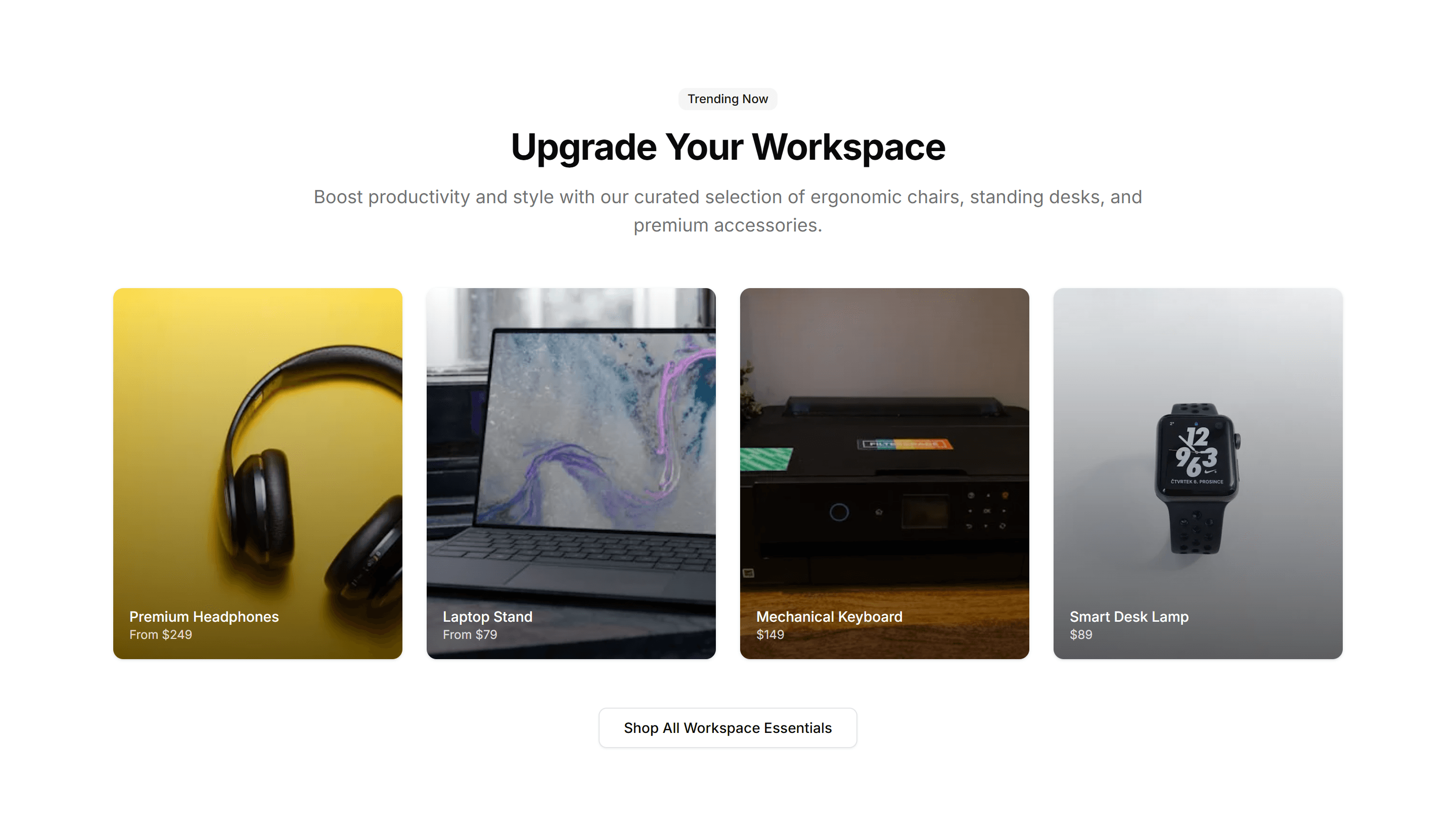
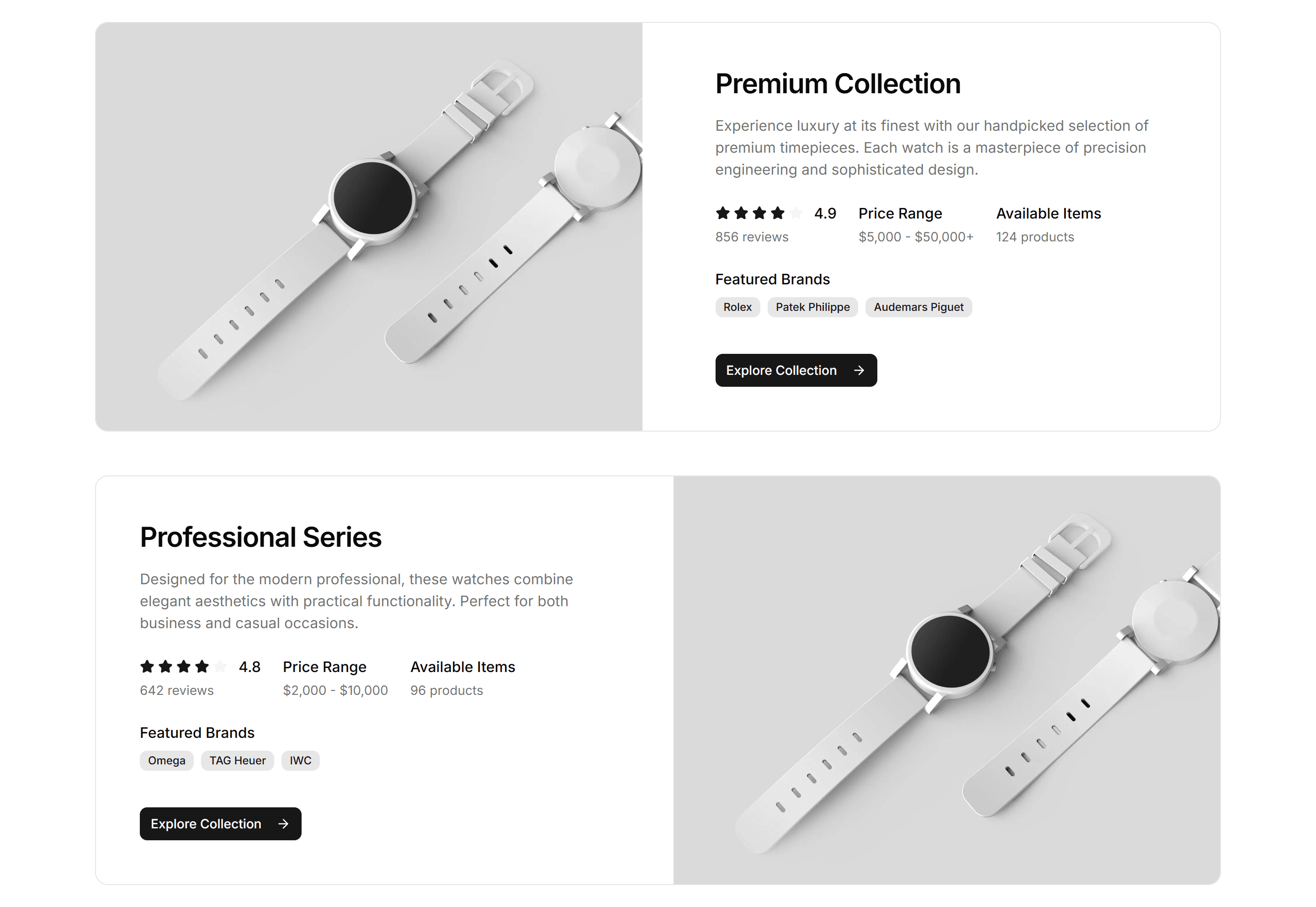
Ecommerce Category Preview: Grid Preview
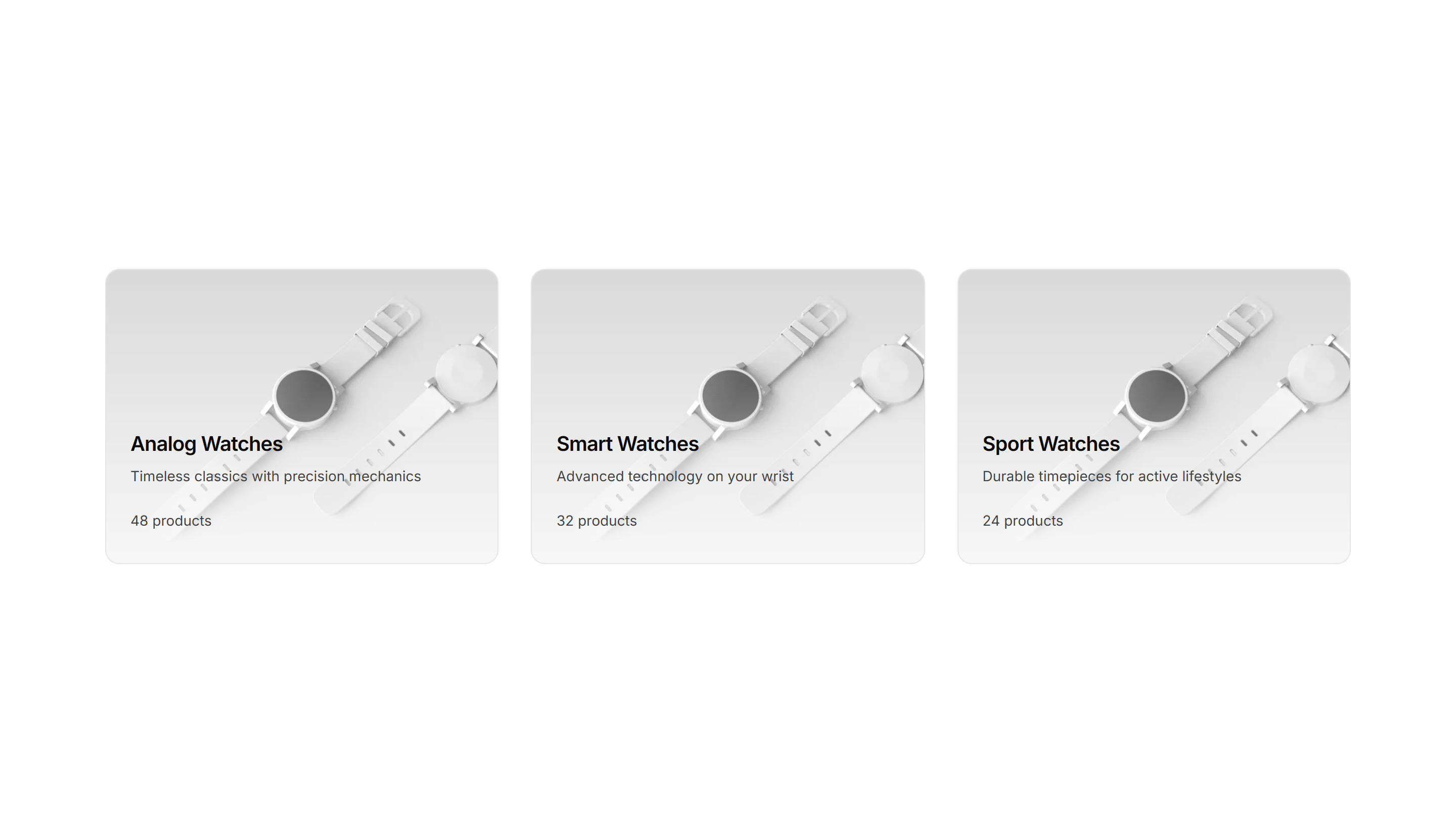
A category preview arranging collections in an even grid of image tiles, giving a clean overview of every department on a busy ecommerce home page.

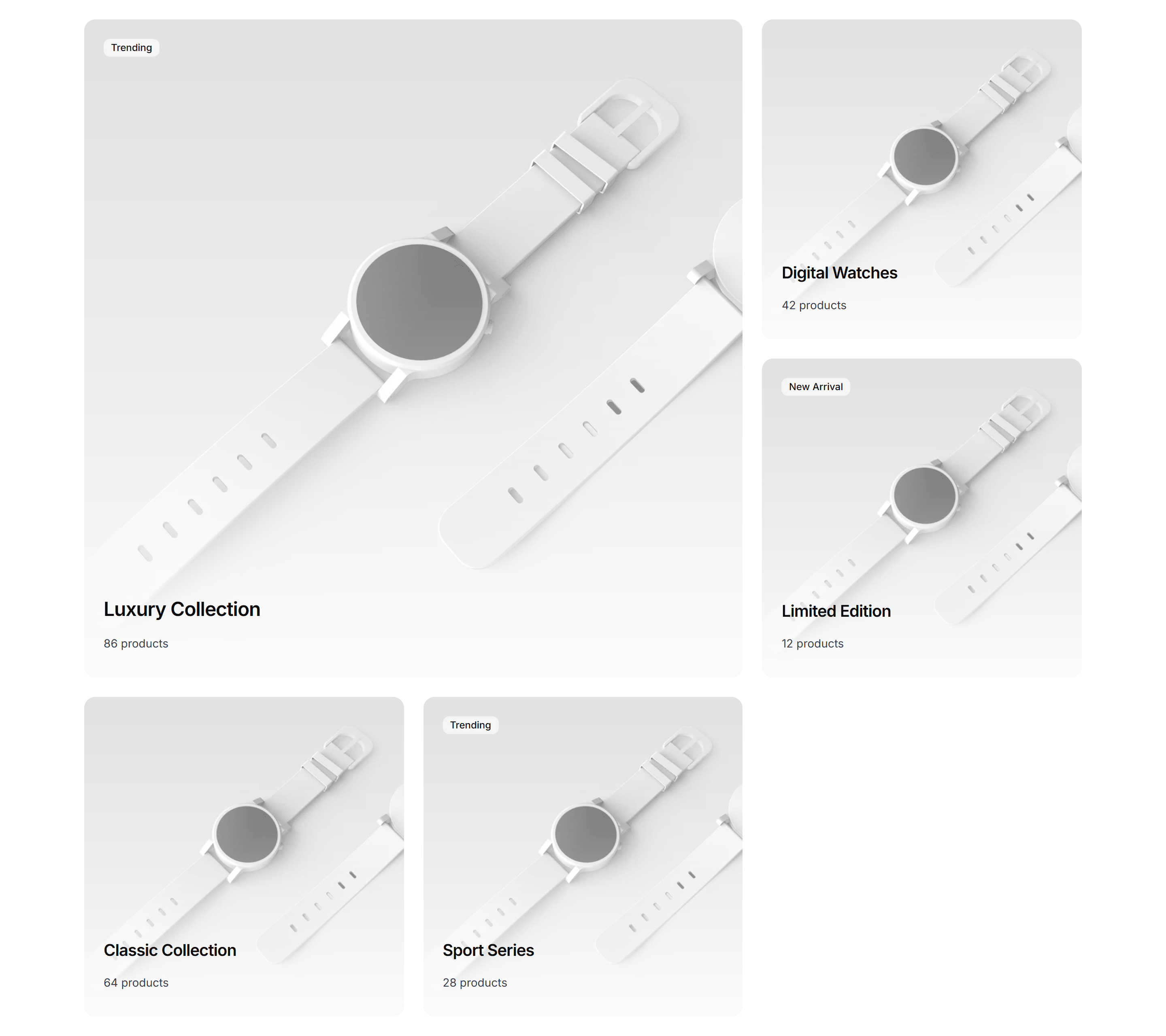
Ecommerce Category Preview: Magazine Preview
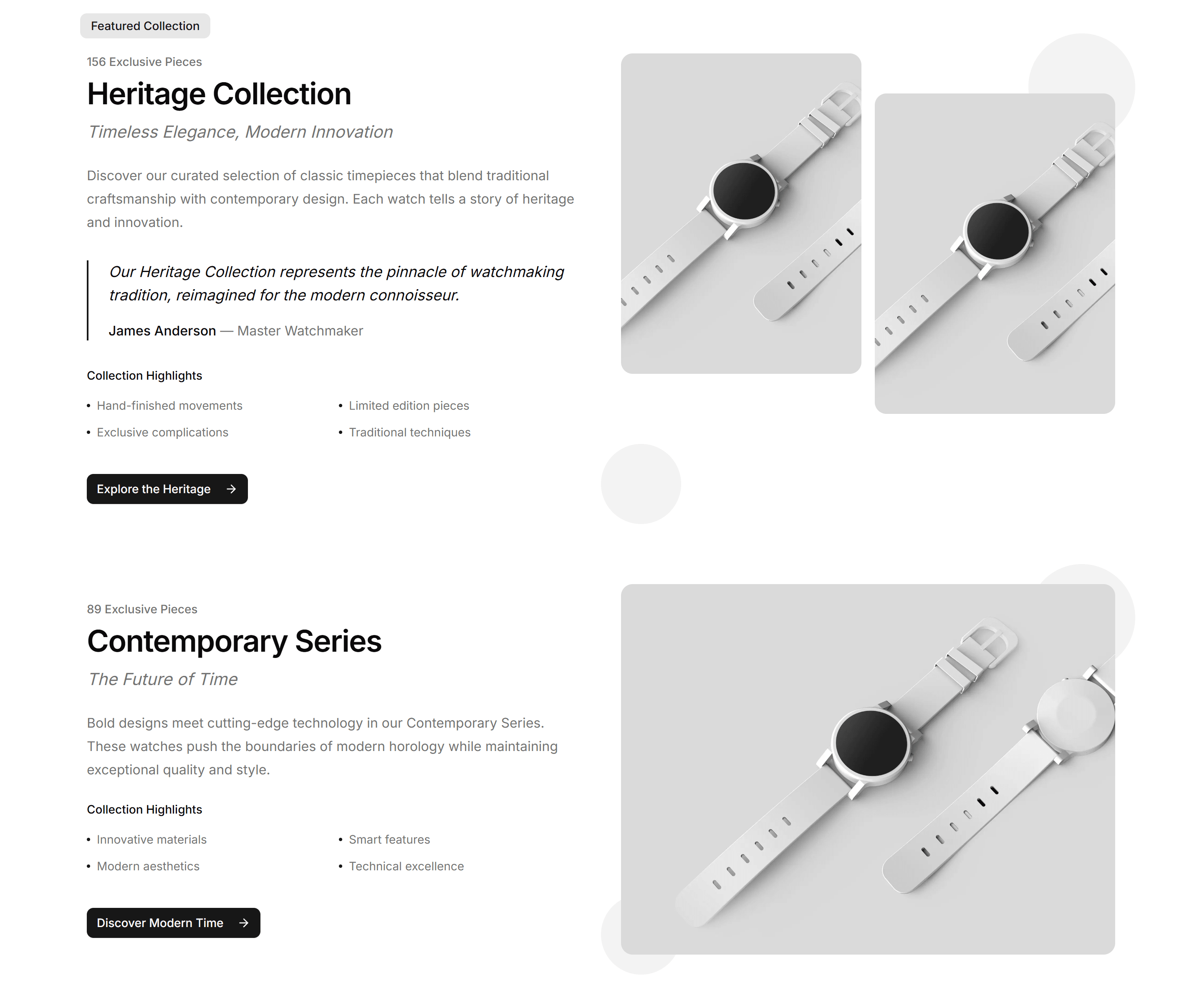
A category preview styled like a magazine spread, mixing large feature tiles with smaller ones to spotlight seasonal collections on a storefront landing page.

Ecommerce Category Preview: Scrolling Preview
A category preview that scrolls product cards in a continuous strip, ideal for showing many items while keeping a compact footprint on a collection page.

Ecommerce Category Preview: Split Preview
A category preview split between a featured image and a product list, pairing a strong visual with quick picks at the top of a collection page.

Ecommerce Category Preview: Three Column Preview
A category preview laid out in three balanced columns of image tiles, sorting collections into clear groups for a wide ecommerce navigation page.

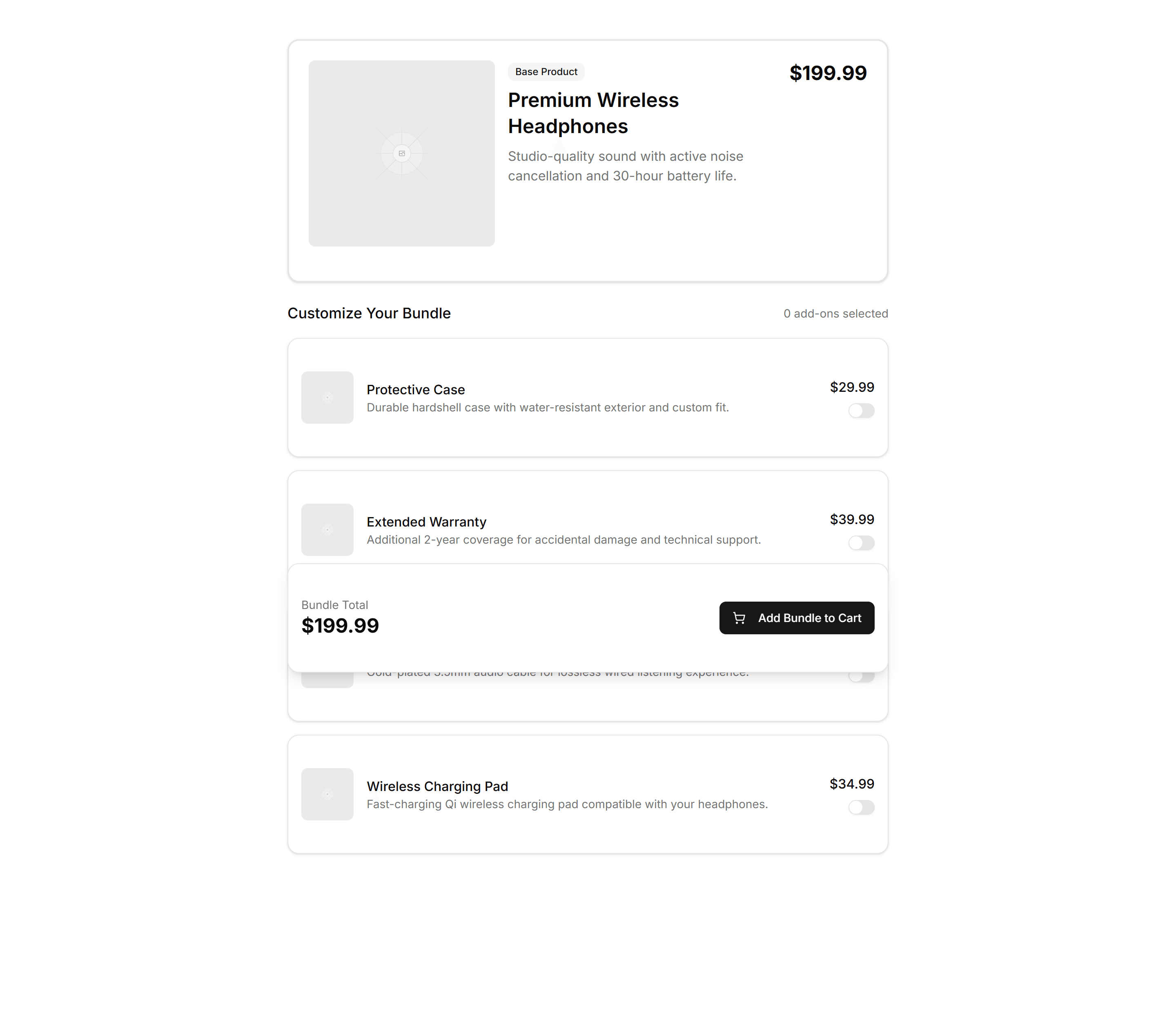
Ecommerce Bundle Upsell: Builder
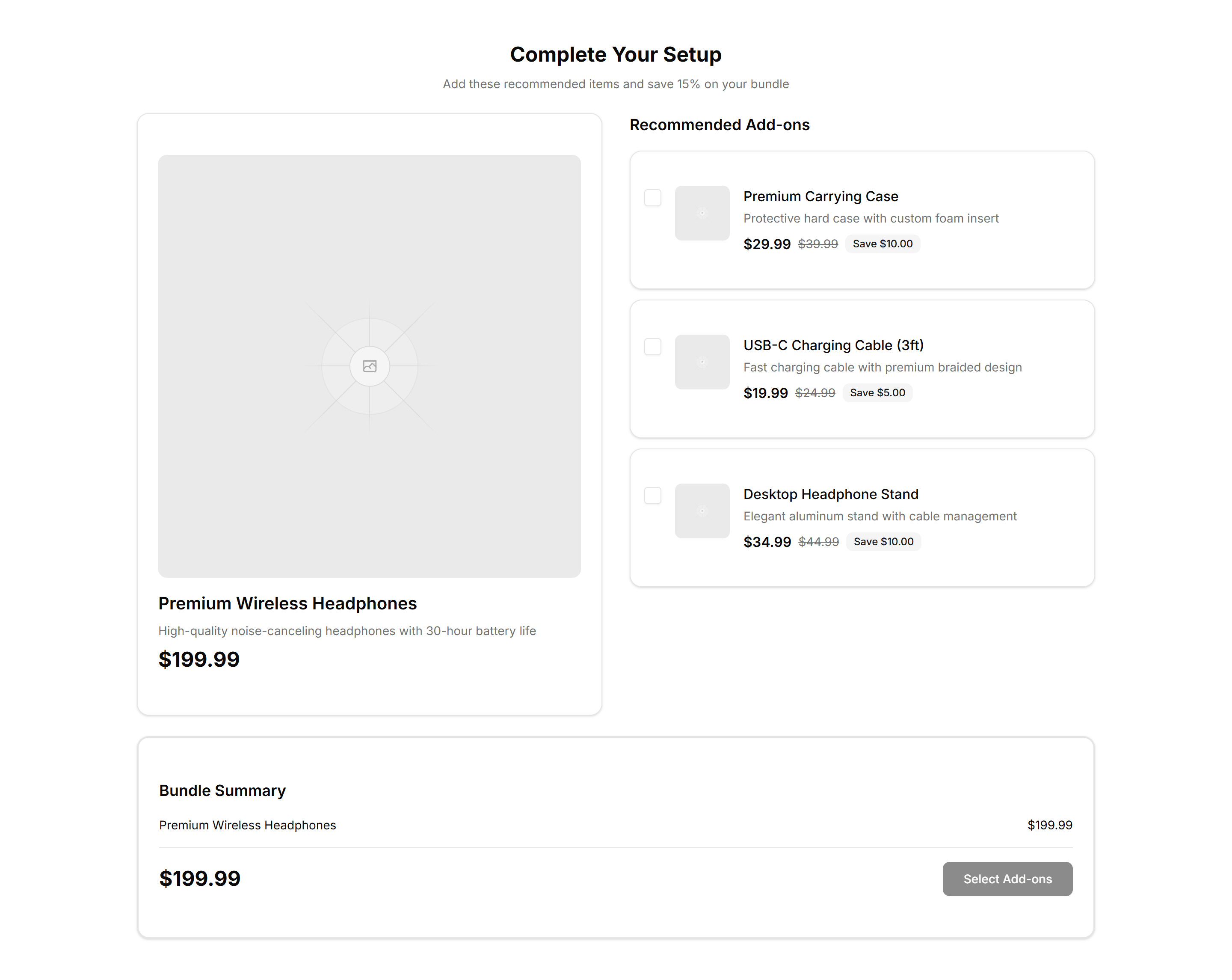
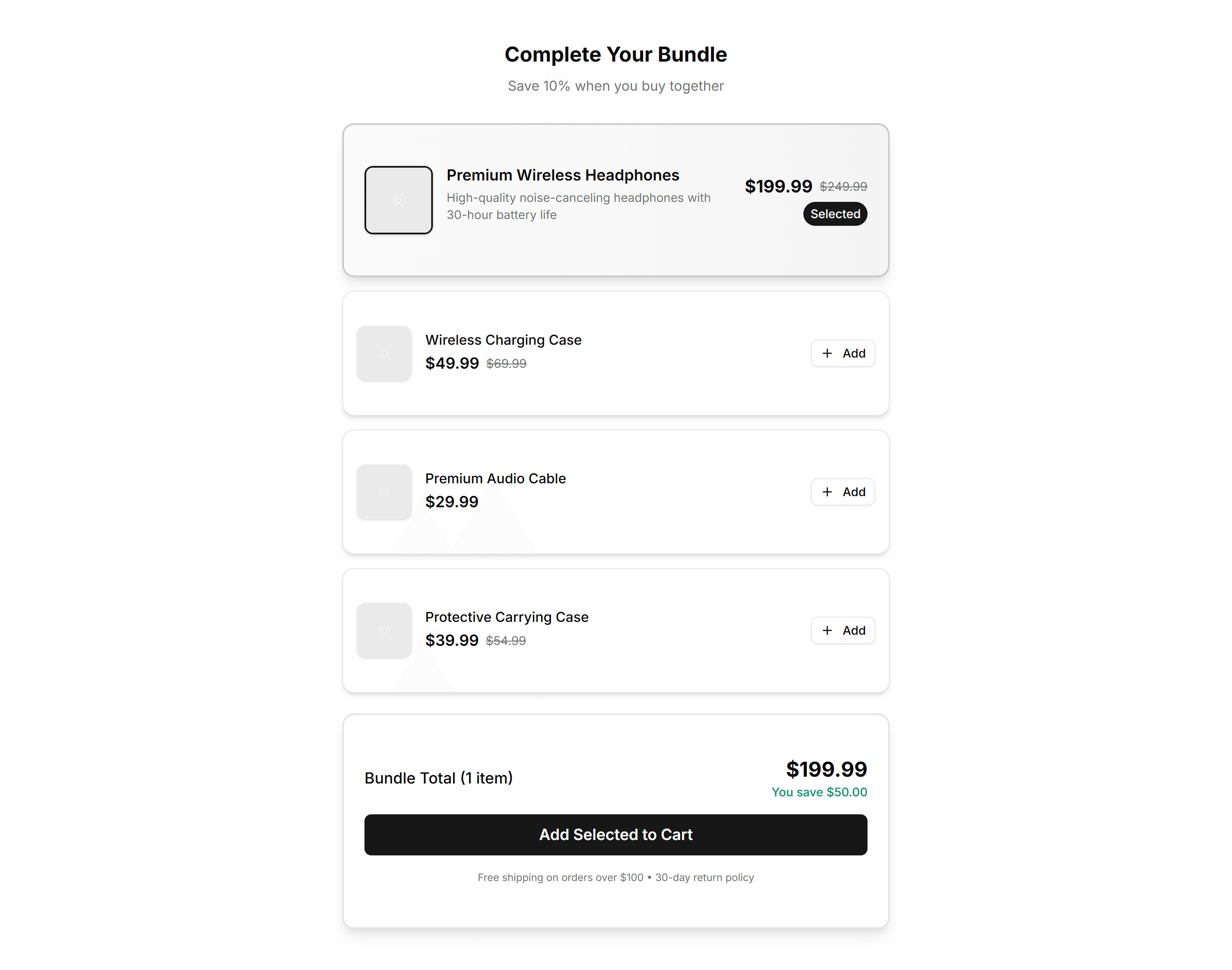
A bundle builder where shoppers pick add on products and watch the total update live. Use it on product pages to grow order value before checkout.

Ecommerce Bundle Upsell: Comparison
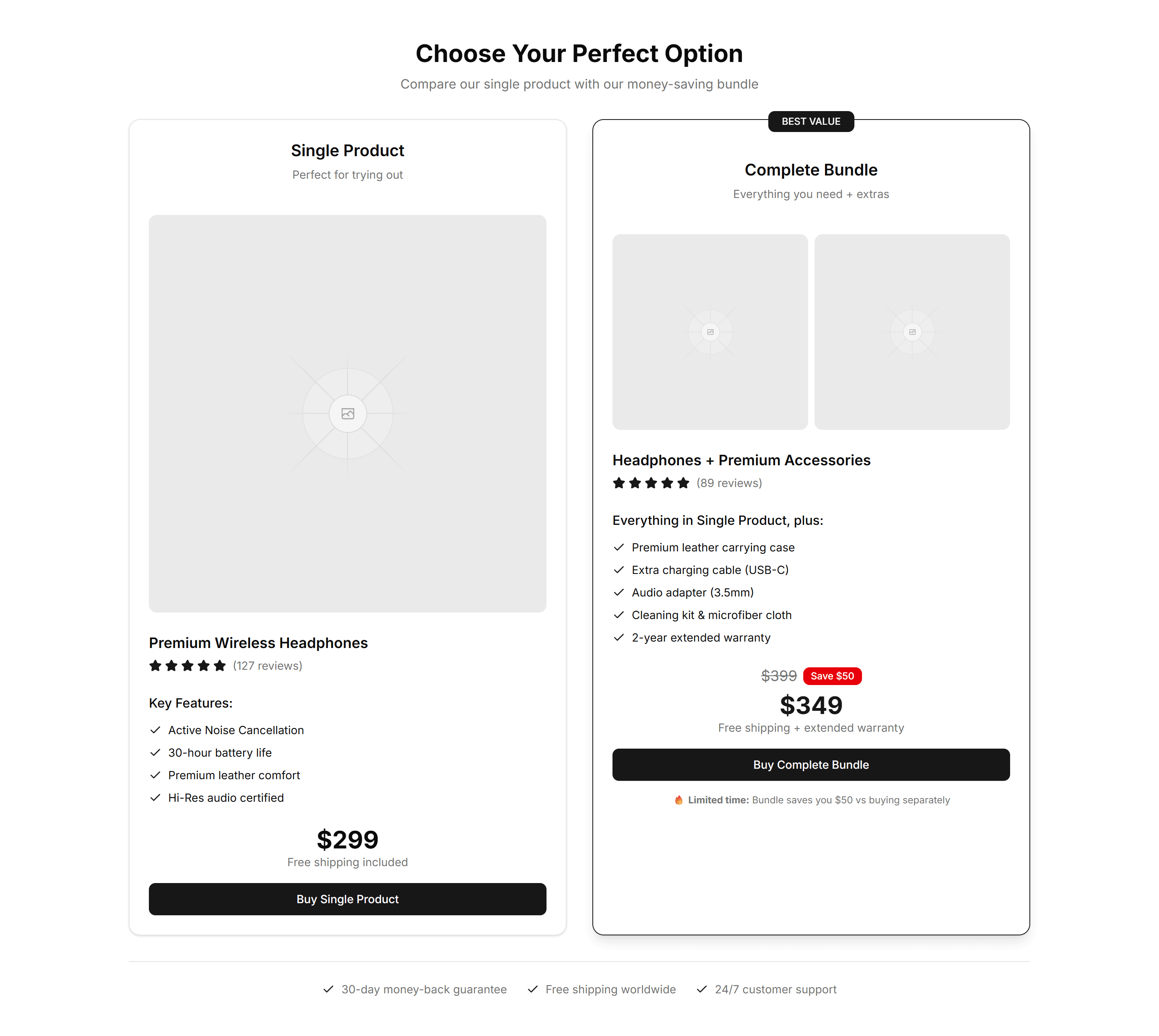
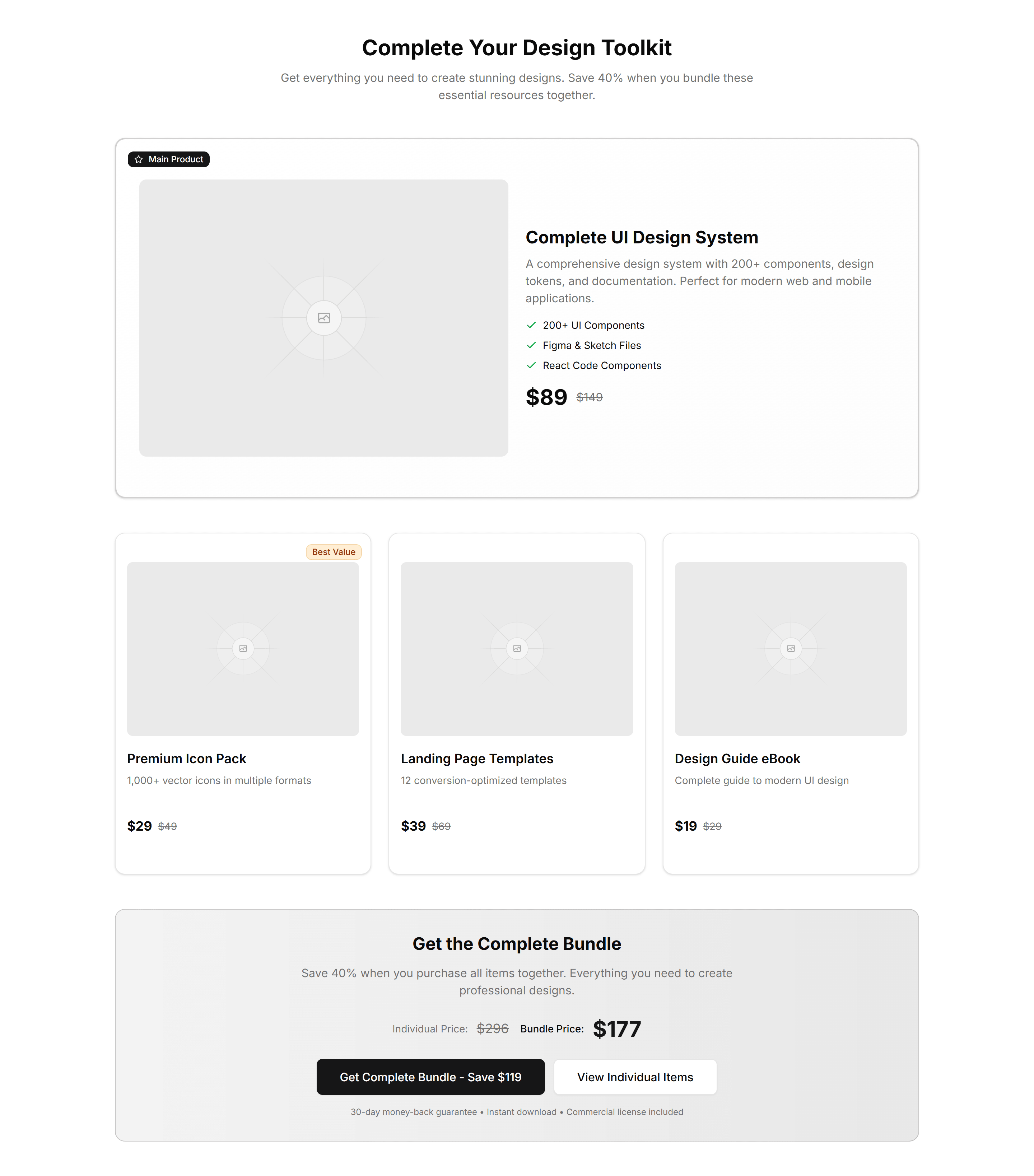
A side view comparing a single item against a bundle, with prices and savings shown. Use it to nudge shoppers toward the better value package.

Ecommerce Bundle Upsell: Minimalist Grid
A clean grid of bundle products with images, names, and prices in even cells. Use it to present a curated set of items shoppers add together in one tap.

Ecommerce Bundle Upsell: Side By Side
Two product cards placed next to each other with a plus sign and combined price. Use it to pair complementary items and lift the average order total.

Ecommerce Bundle Upsell: Stack
A vertical stack of bundle items with running totals and one add to cart action. Use it on mobile product pages to offer matching extras as shoppers scroll.
Ecommerce Cross Sell: Feature Icons
Recommended products laid out with an icon, short benefit, and price for each item. Highlights why shoppers should add a related pick to the cart.

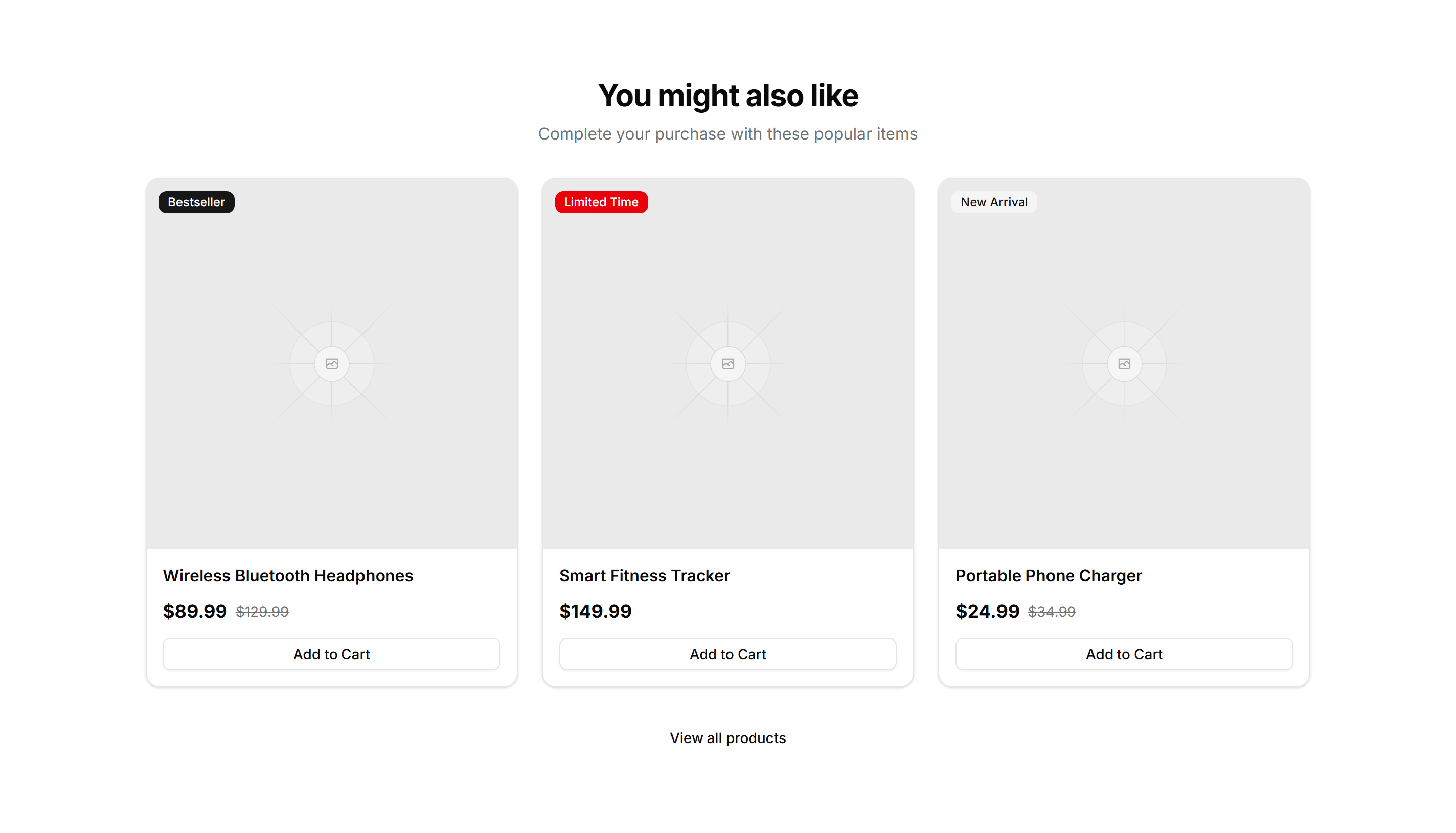
Ecommerce Cross Sell: Simple Grid
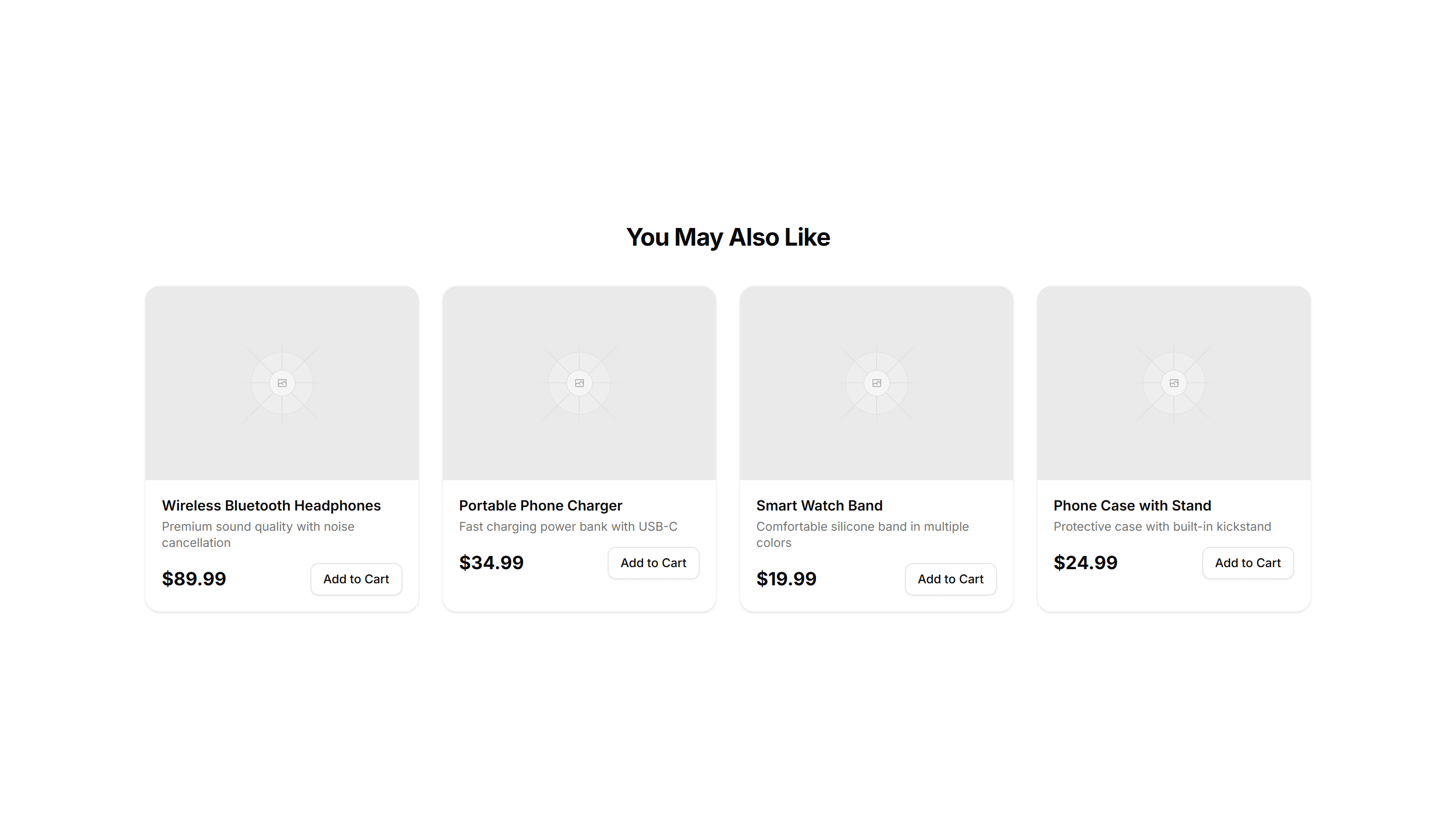
A clean grid of related products with image, title, and price per card. Drops below the cart or product page to suggest items shoppers may want.

Ecommerce Cross Sell: Stacked List
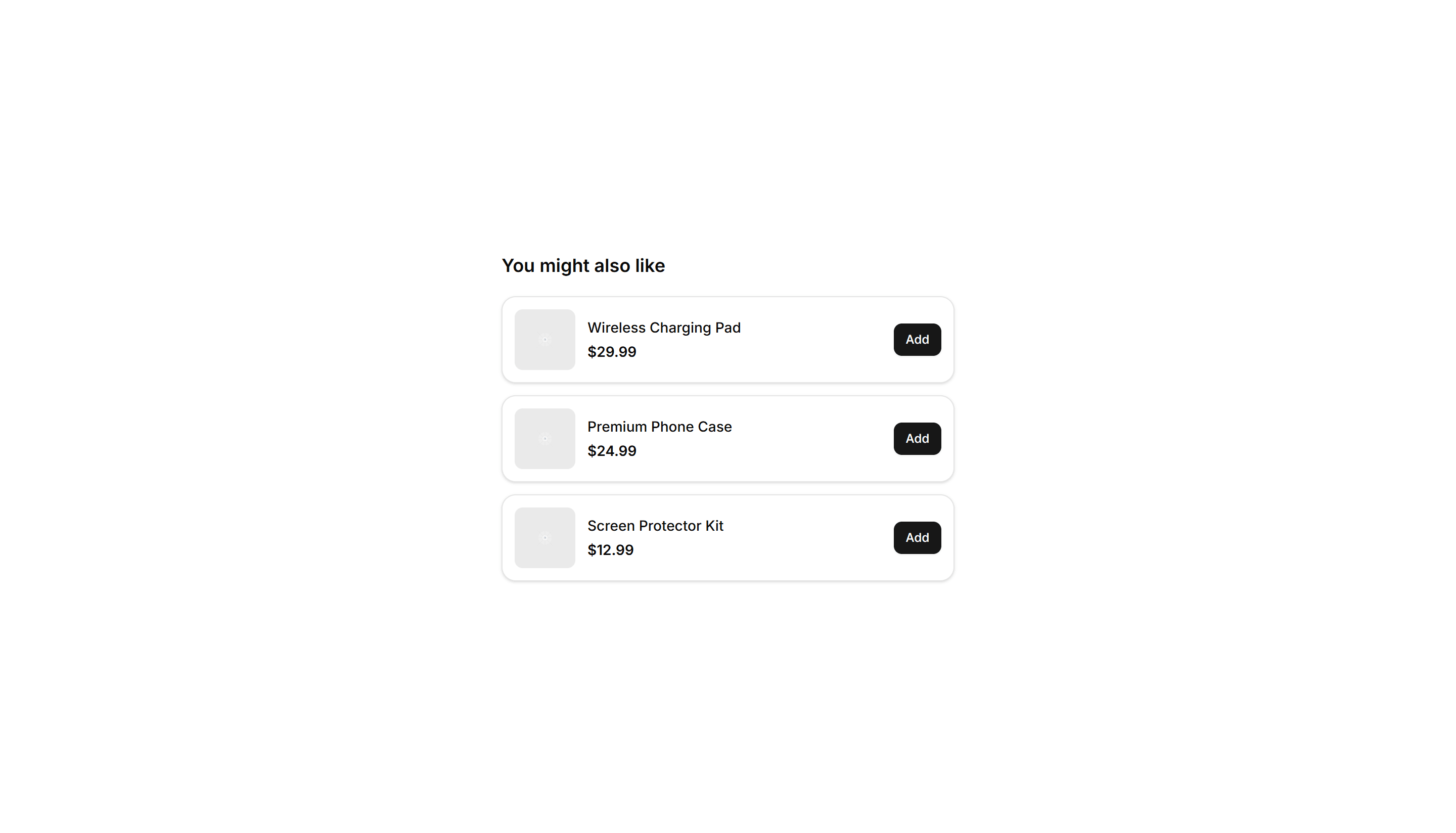
Suggested products in a vertical stacked list with thumbnail, name, and price. Fits a narrow sidebar or cart drawer to keep cross sells visible.

Ecommerce Cross Sell: With Badges
Related products in a card grid where each item carries a badge for sale, new, or low stock. Adds urgency to nudge shoppers toward another buy.

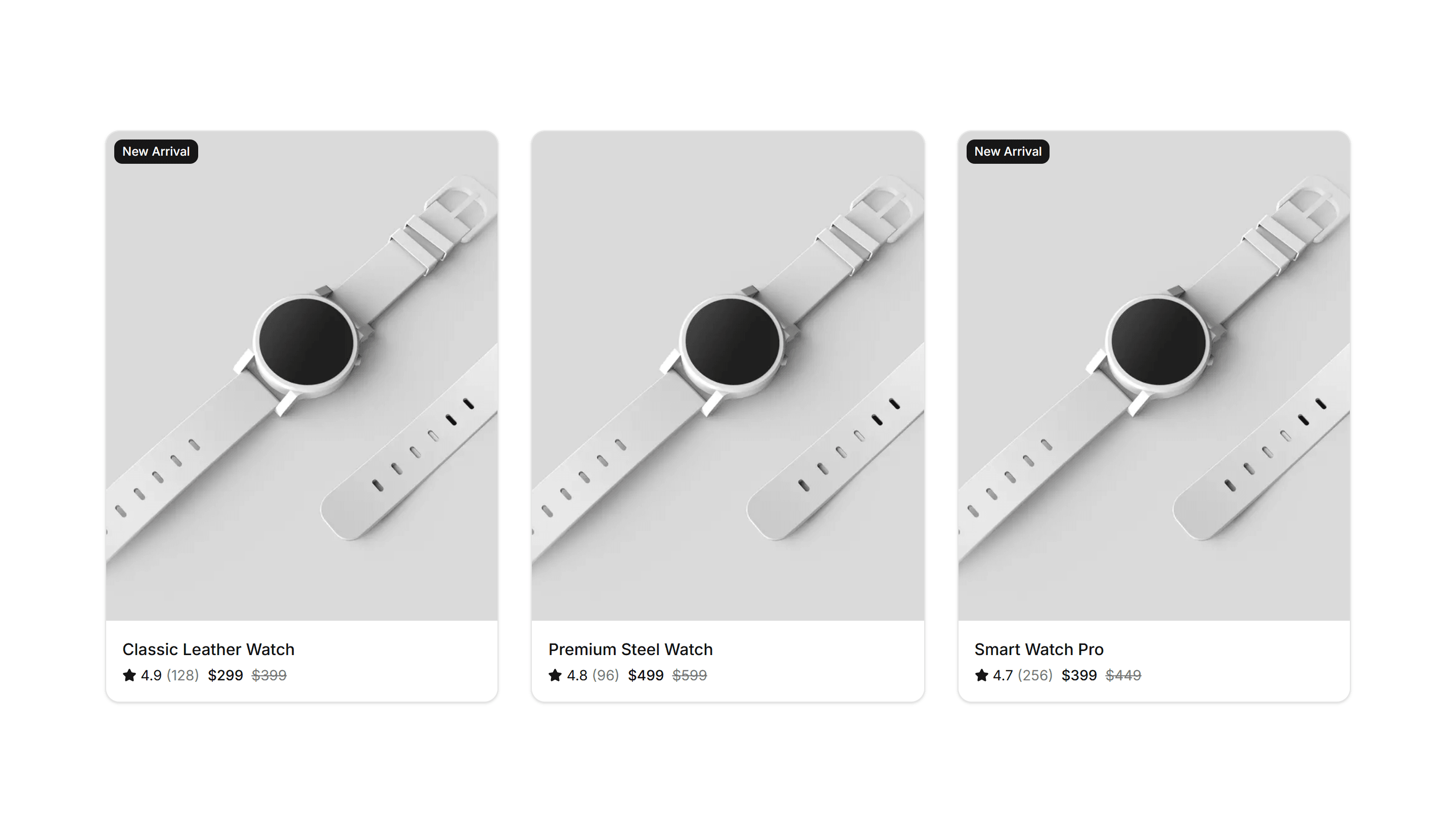
Ecommerce Cross Sell: With Ratings
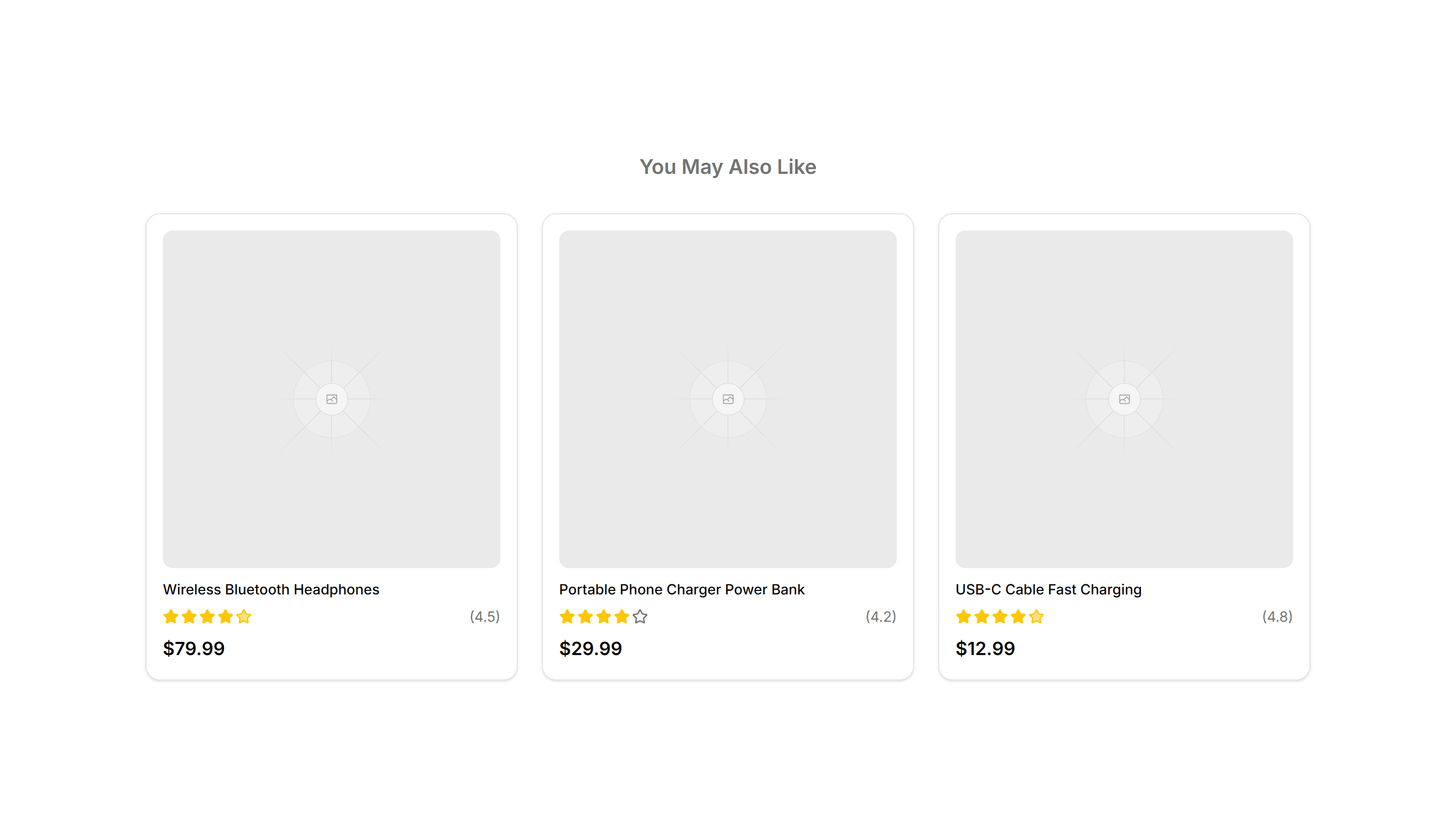
Recommended products shown with star ratings and review counts beside each price. Uses social proof to push complementary items into the cart.

Ecommerce Customer Review: Base
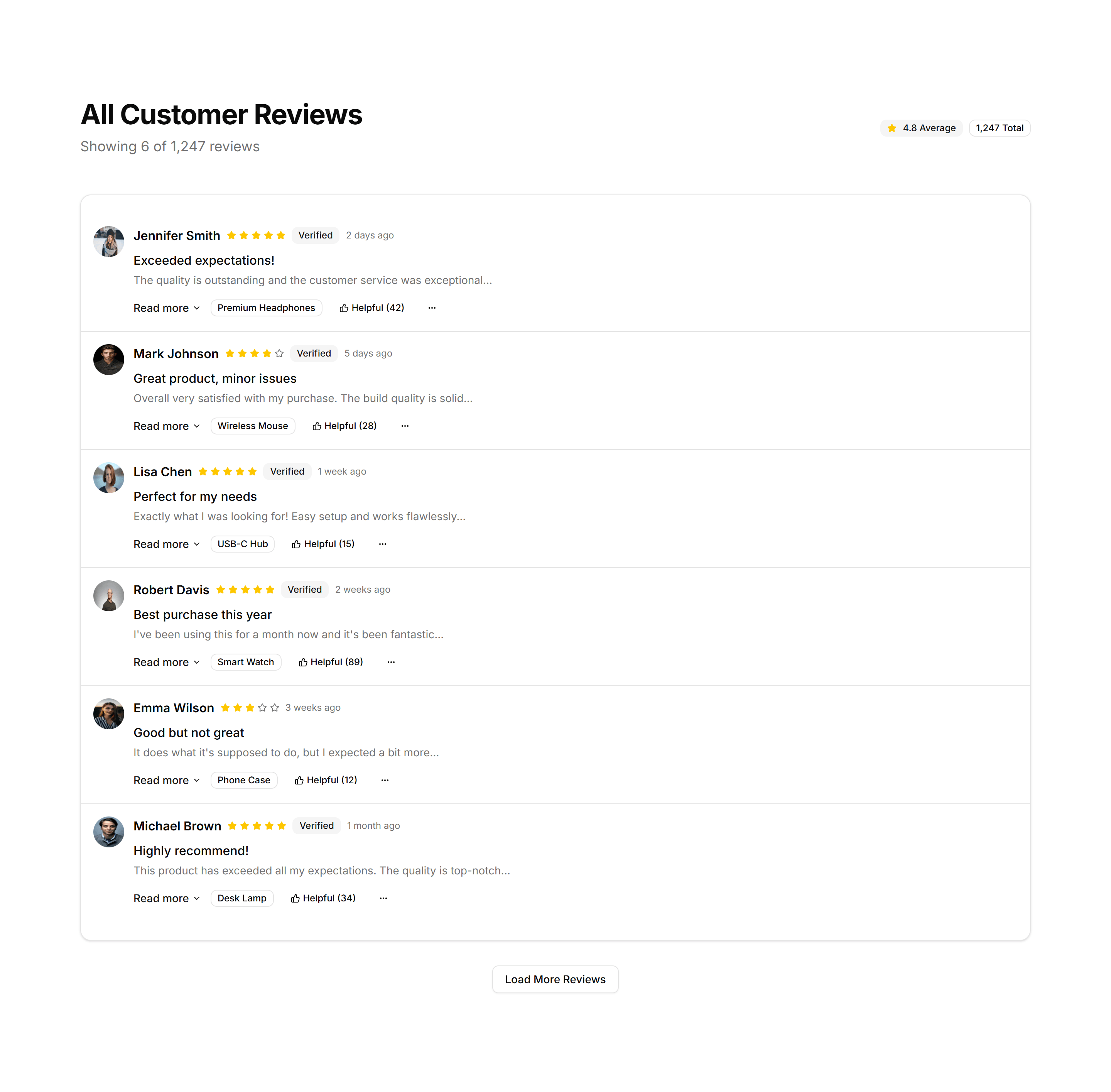
A starter customer review layout with star ratings, reviewer names, and comment text. Drop it onto a product page to show real shopper feedback fast.

Ecommerce Customer Review: Compact Review List
A tight vertical list of reviews with star ratings and short quotes. Fits narrow sidebars or product pages where space for feedback is limited.

Ecommerce Customer Review: Review Cards Grid
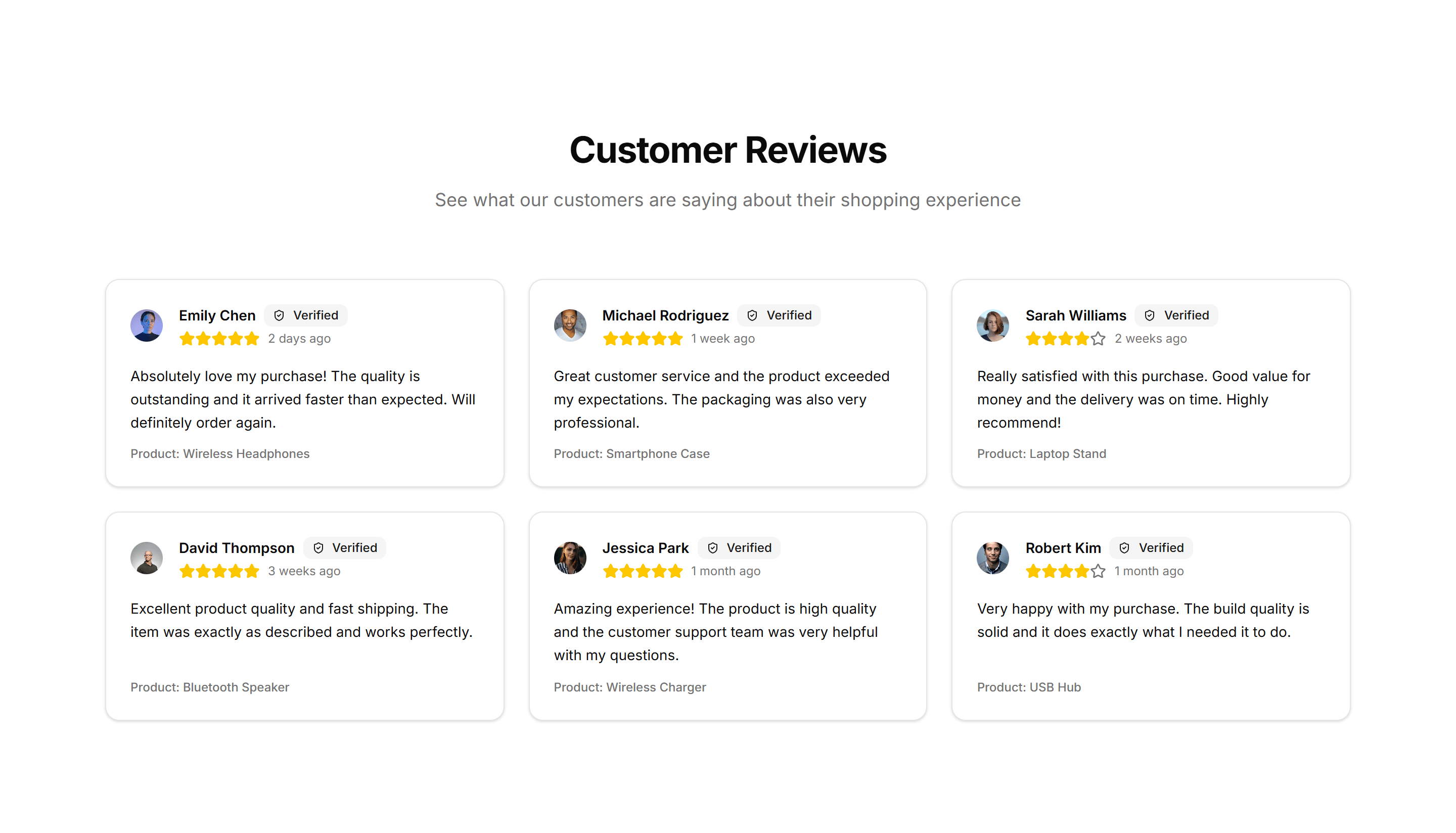
A grid of review cards showing star ratings, avatars, and short quotes. Use it to display many customer opinions at once on a product detail page.

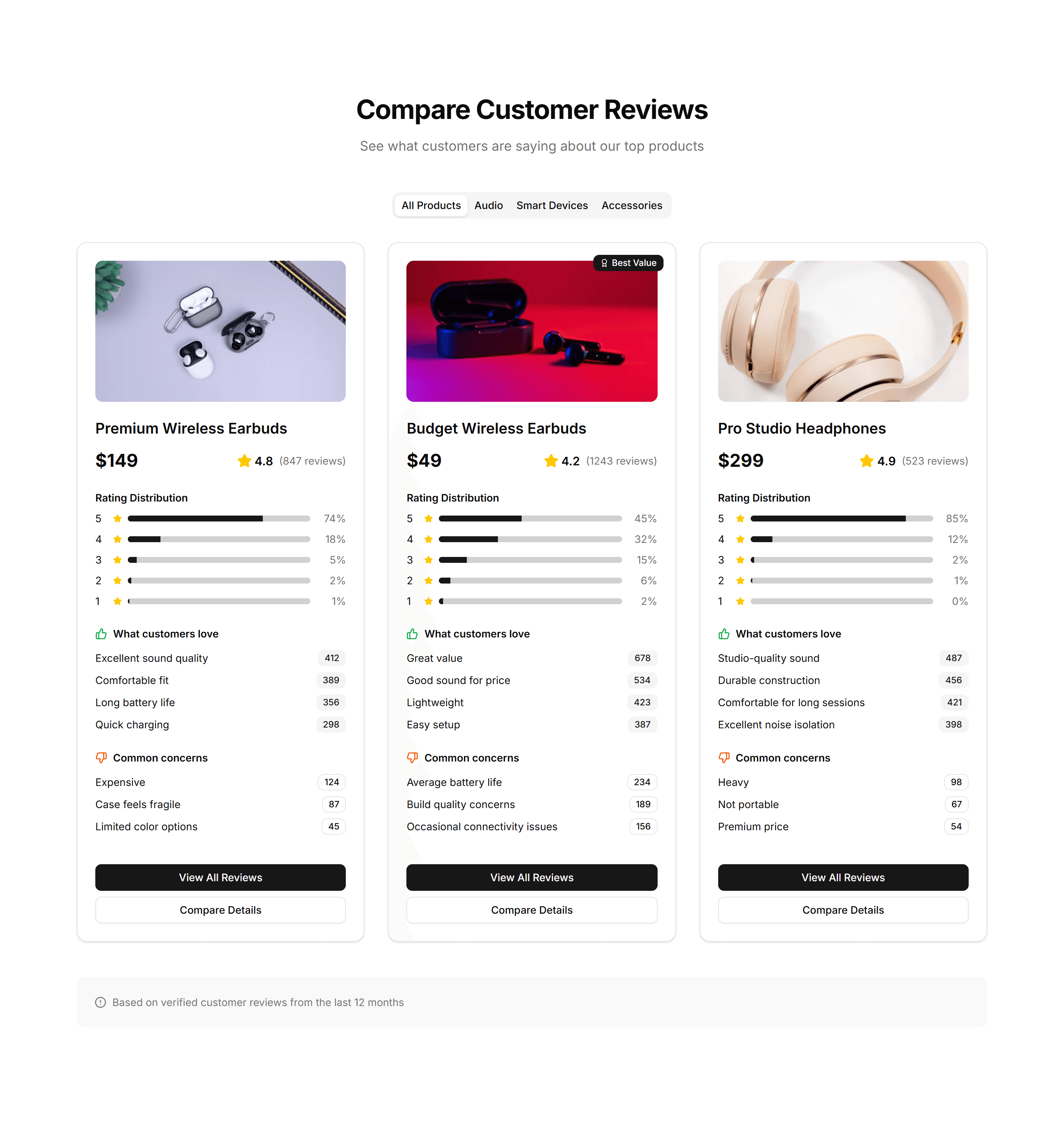
Ecommerce Customer Review: Review Comparison
A side by side view of the highest and lowest rated reviews so shoppers weigh pros and cons. Helps buyers decide quickly on a product detail page.

Ecommerce Customer Review: Review Stats Overview
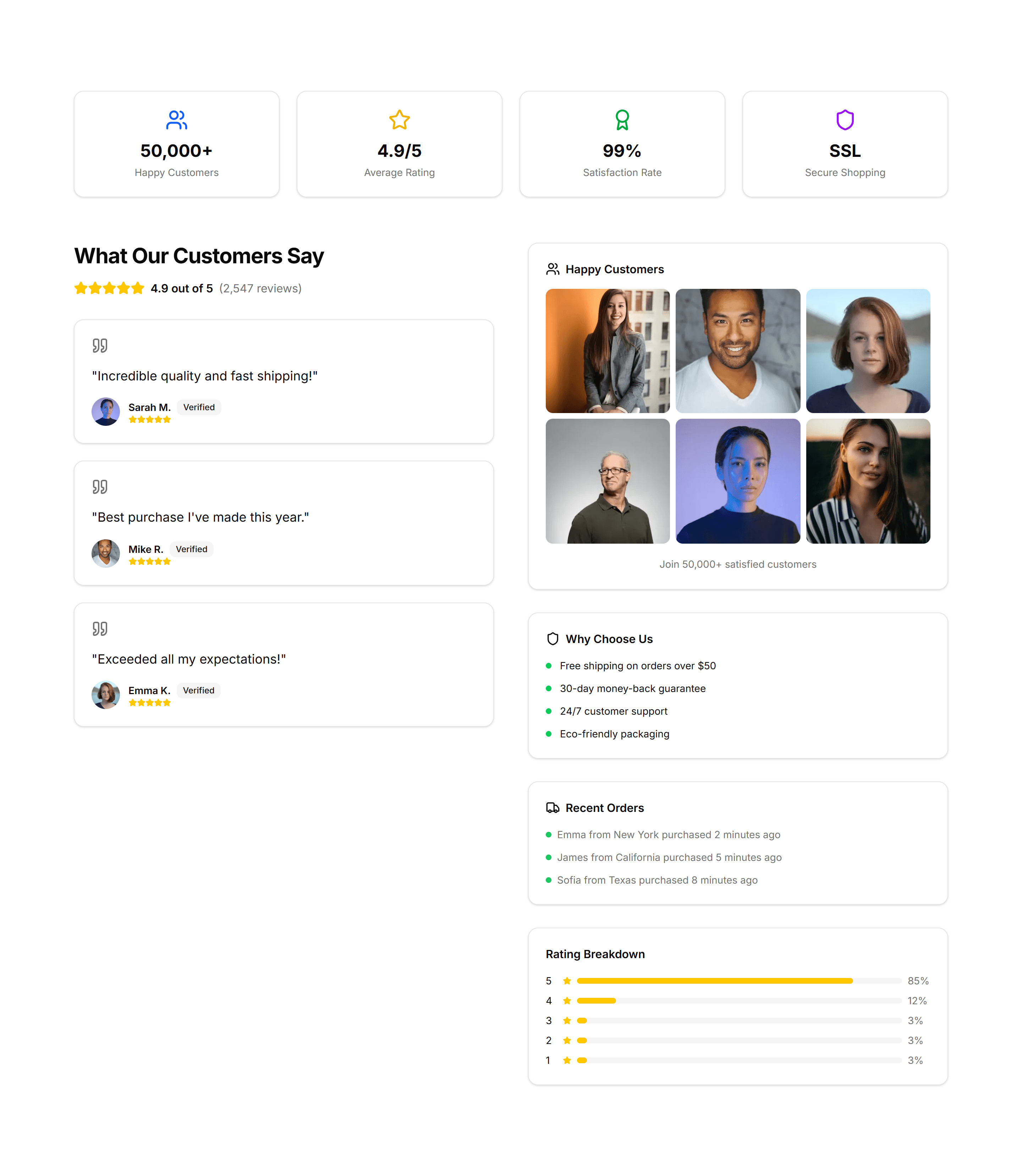
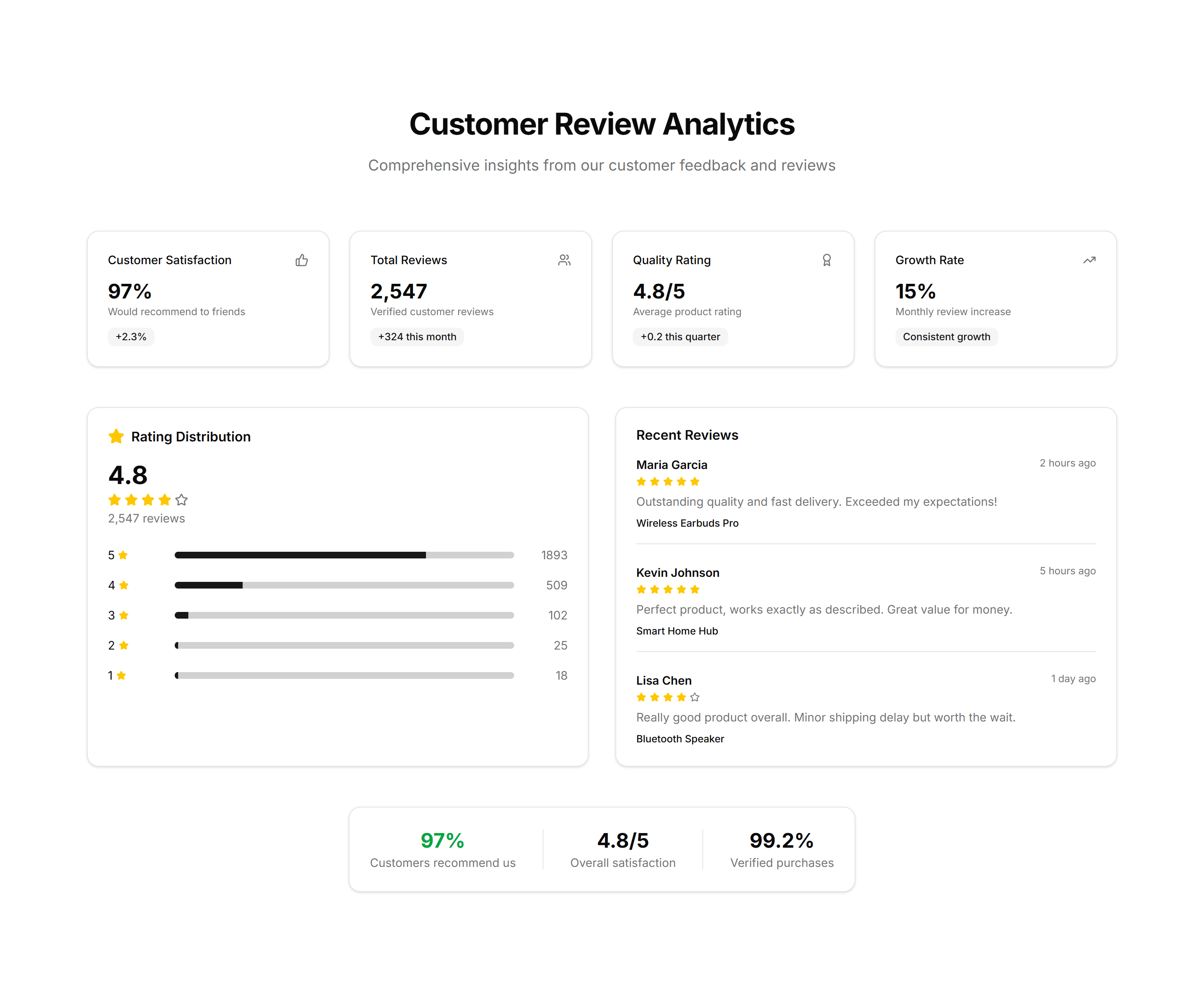
A summary panel with average rating, total count, and a bar chart by star level. Gives shoppers a quick read on overall product quality up front.

Ecommerce Customer Review: Social Proof Reviews
Featured customer quotes paired with ratings and verified buyer badges. Builds confidence near the buy button to encourage shoppers to checkout.

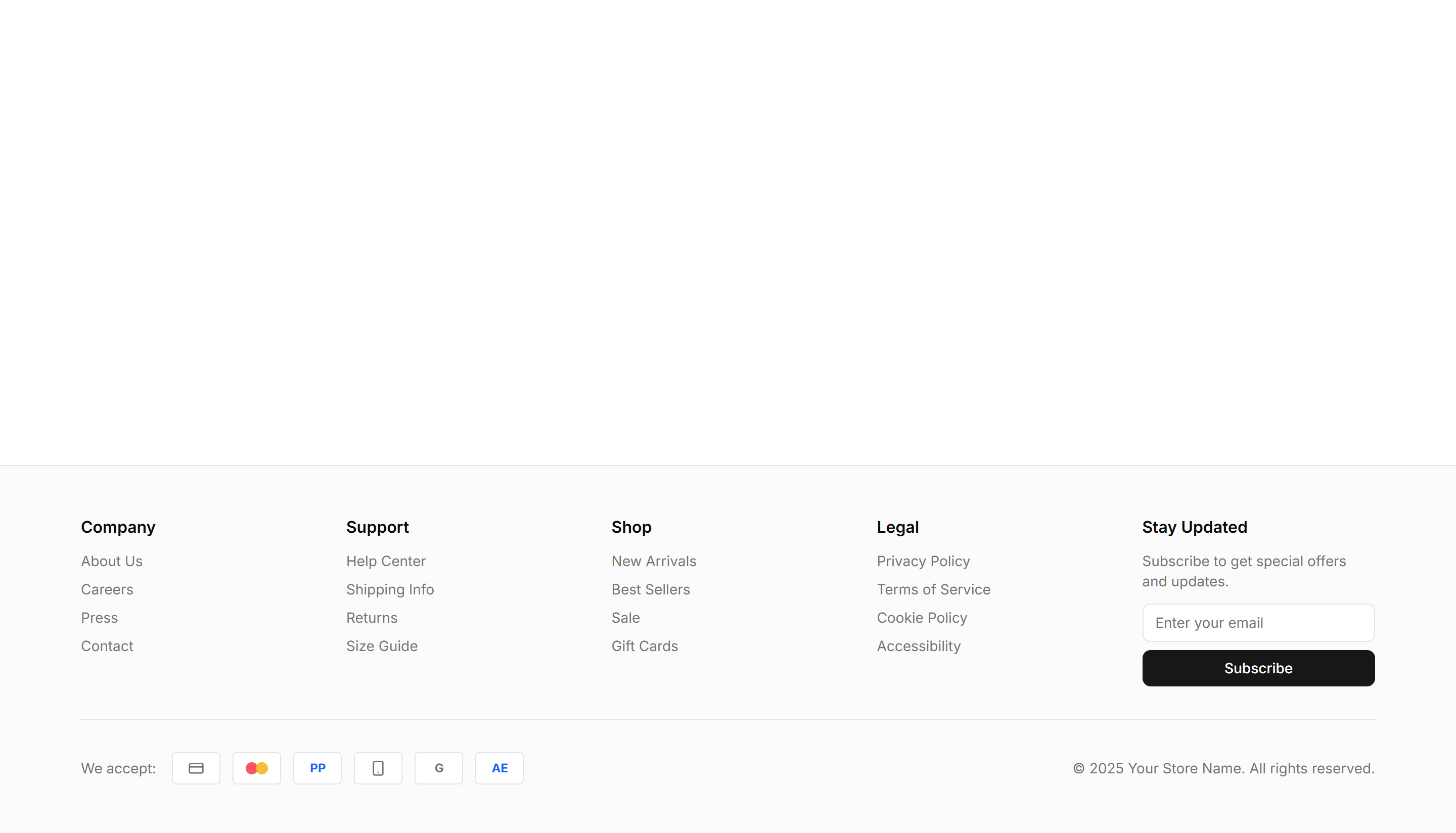
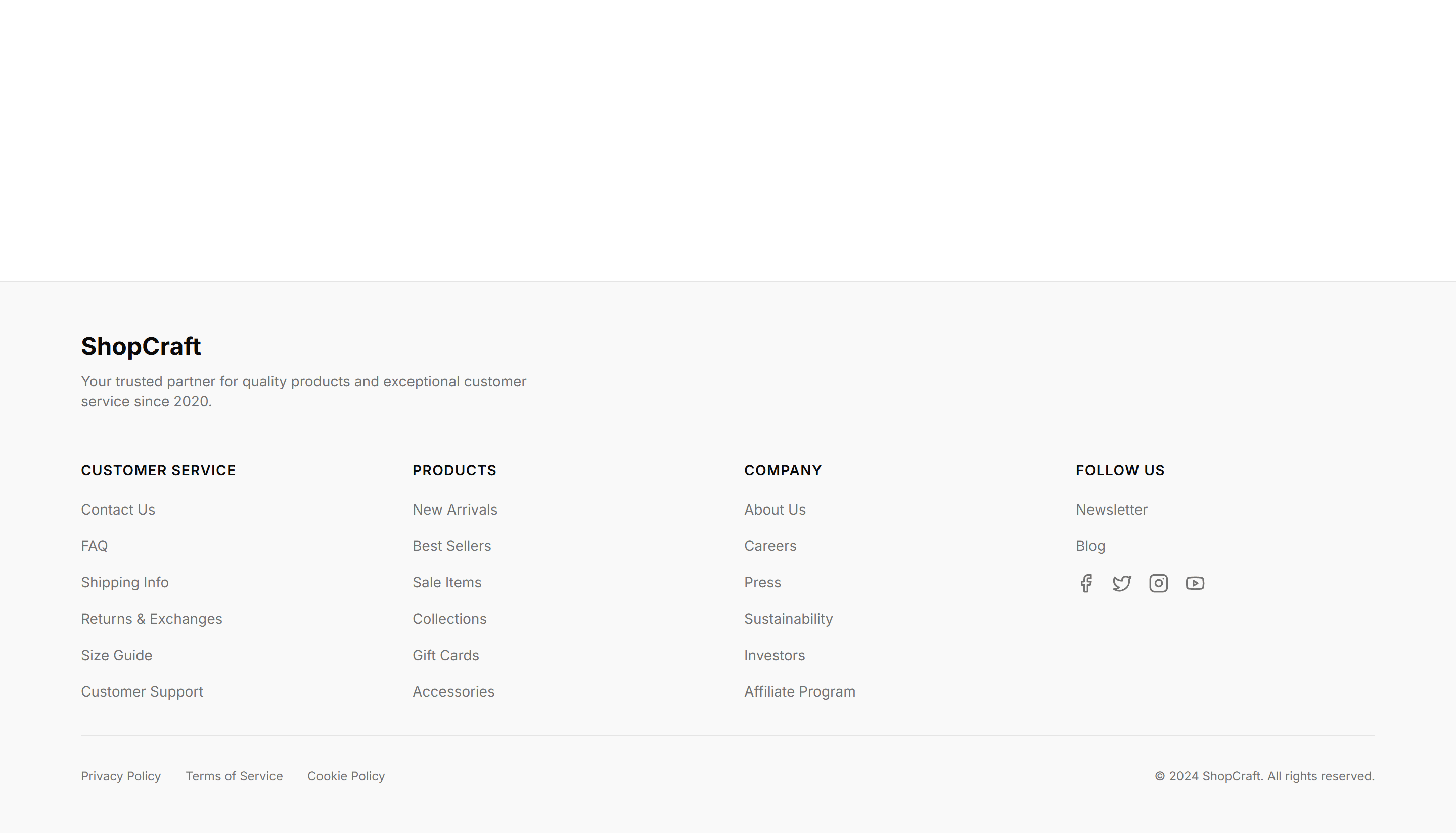
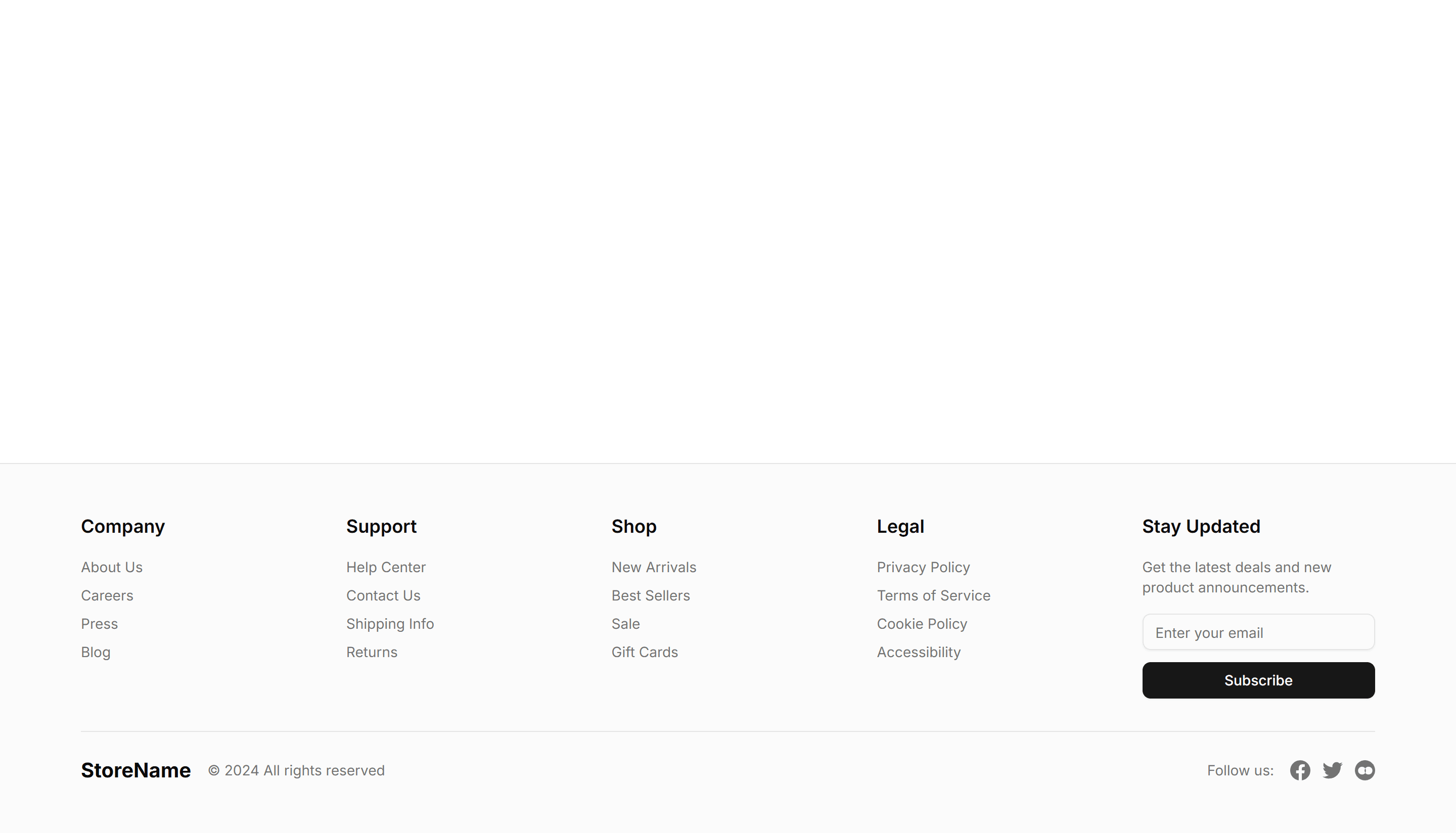
Ecommerce Footer: Multi Column
A footer with several columns of grouped links for shop, support, company, and legal. Organizes a large storefront so customers find any page fast.

Ecommerce Footer: Simple Links
A compact footer with a single row of essential links and a copyright line. Keeps the bottom of a small store clean, tidy, and quick to scan for shoppers.

Ecommerce Footer: With Newsletter
A footer pairing link columns with an email signup field and button. Captures subscribers for promotions and offers while customers browse your store.

Ecommerce Footer: With Payments
A footer that displays accepted card and wallet badges beside the usual store links. Reassures shoppers about secure checkout right before they buy.

Ecommerce Footer: With Socials
A footer with link columns plus a row of social media icons. Connects shoppers to your brand on Instagram, X, and other channels they already follow.

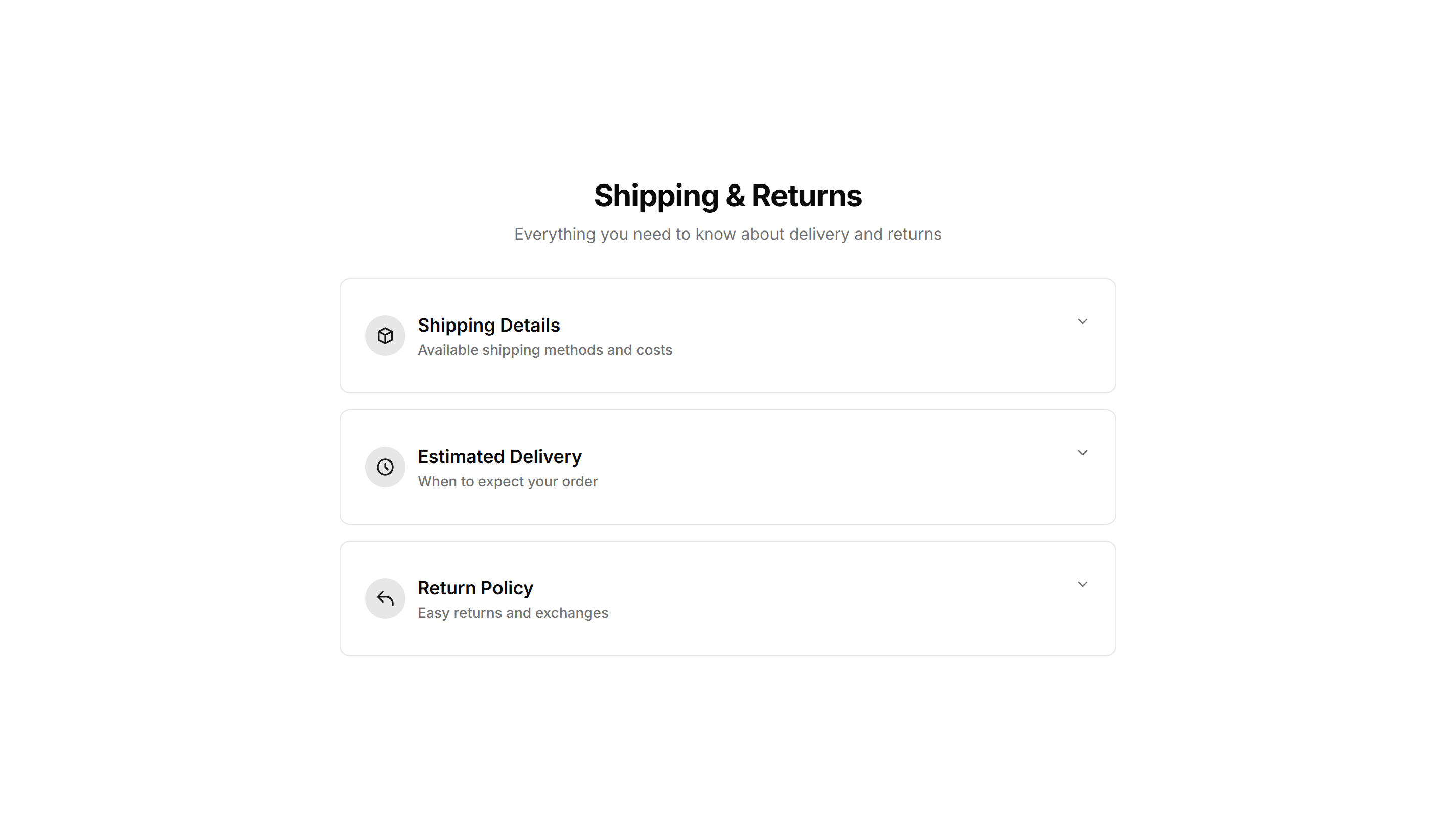
Ecommerce Shipping Return: Accordion
An accordion that collapses shipping and returns details into expandable rows. Keeps long policy text tidy on a product page until shoppers tap to read.

Ecommerce Shipping Return: Checklist
A checklist that lays out shipping steps and return conditions as ticked items. Helps buyers confirm eligibility before they start a refund request.

Ecommerce Shipping Return: Full Text
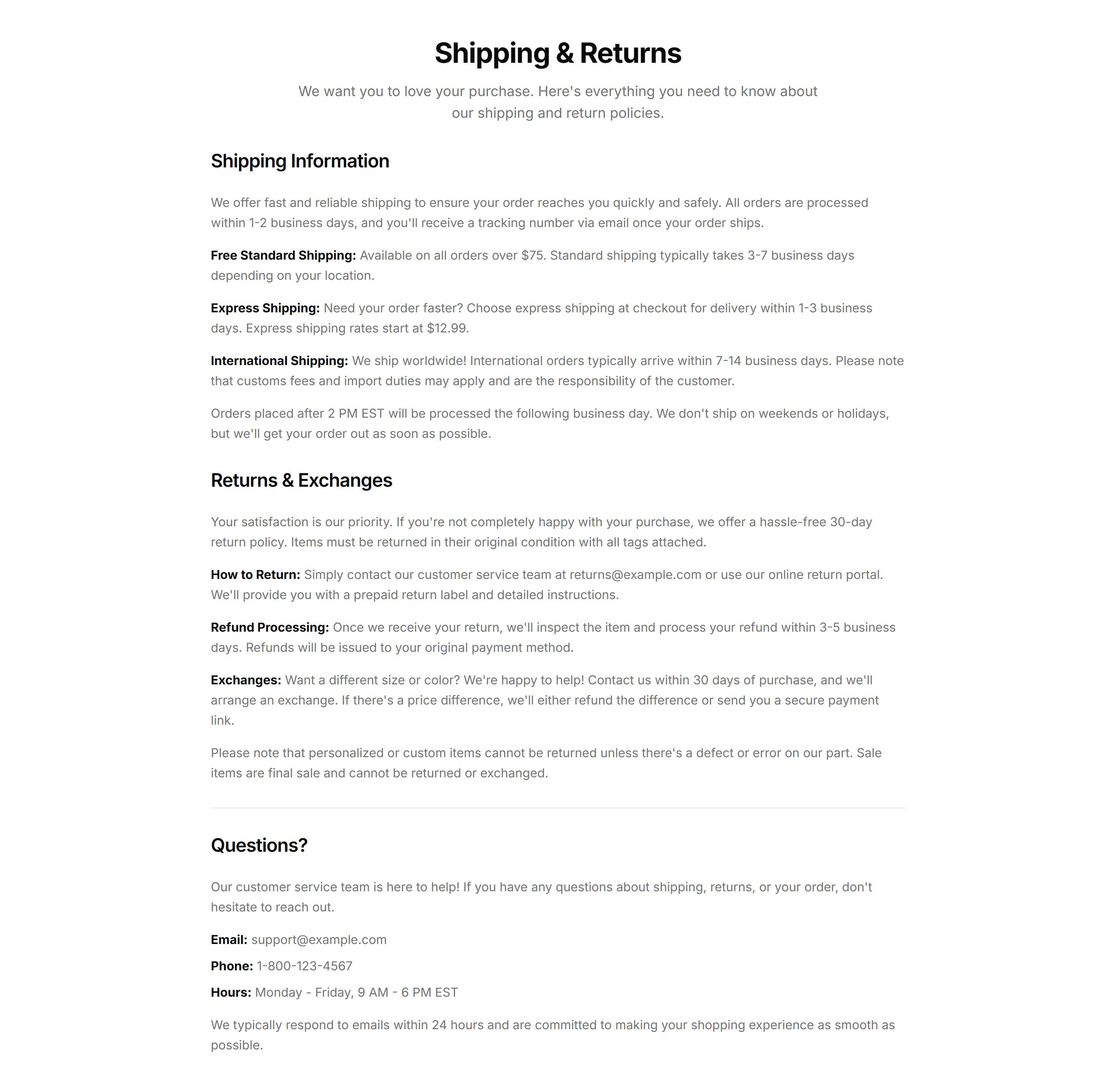
A full text panel covering delivery times, costs, and the returns process in plain prose. Use on a dedicated policy page where shoppers expect complete detail.

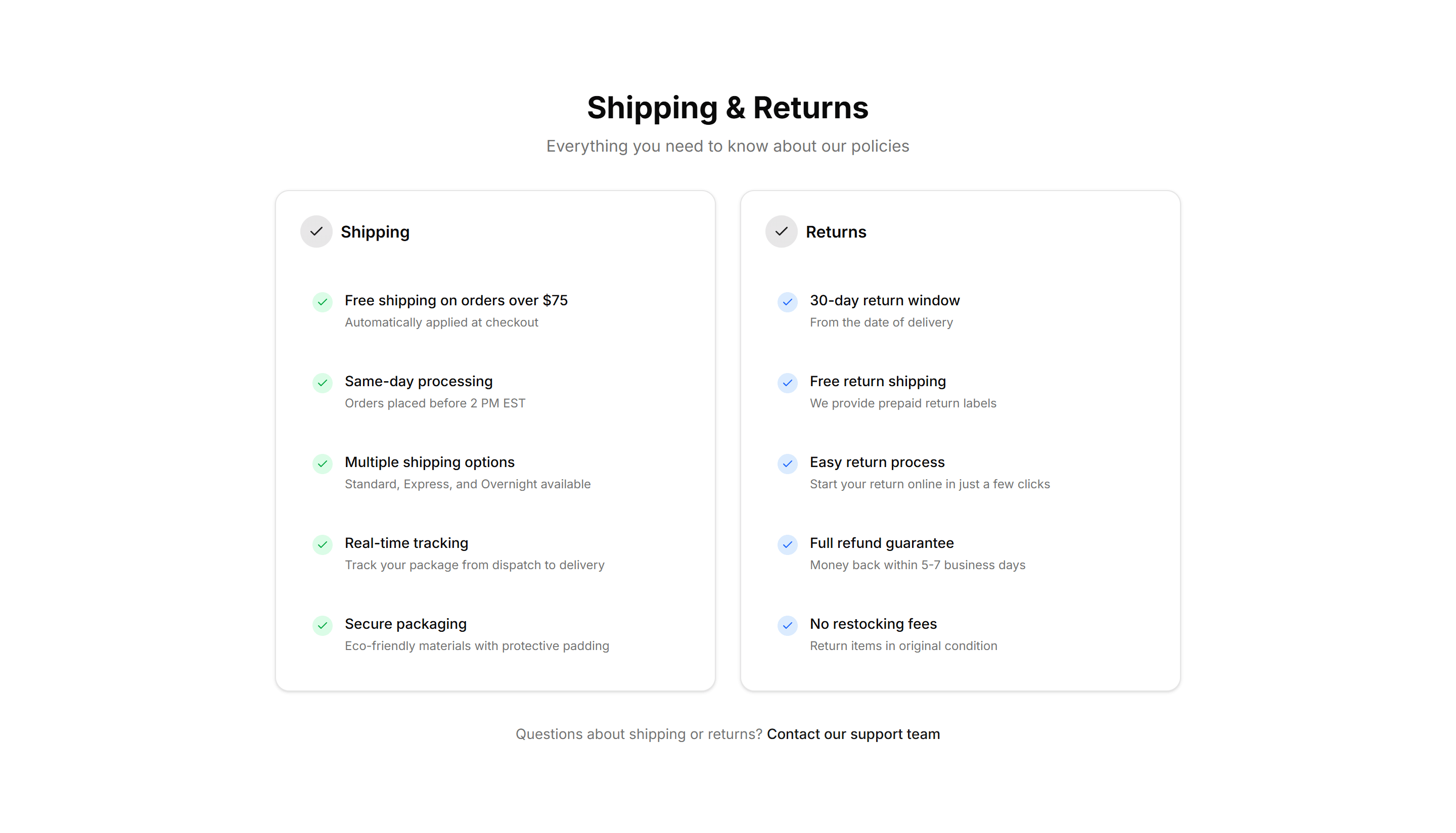
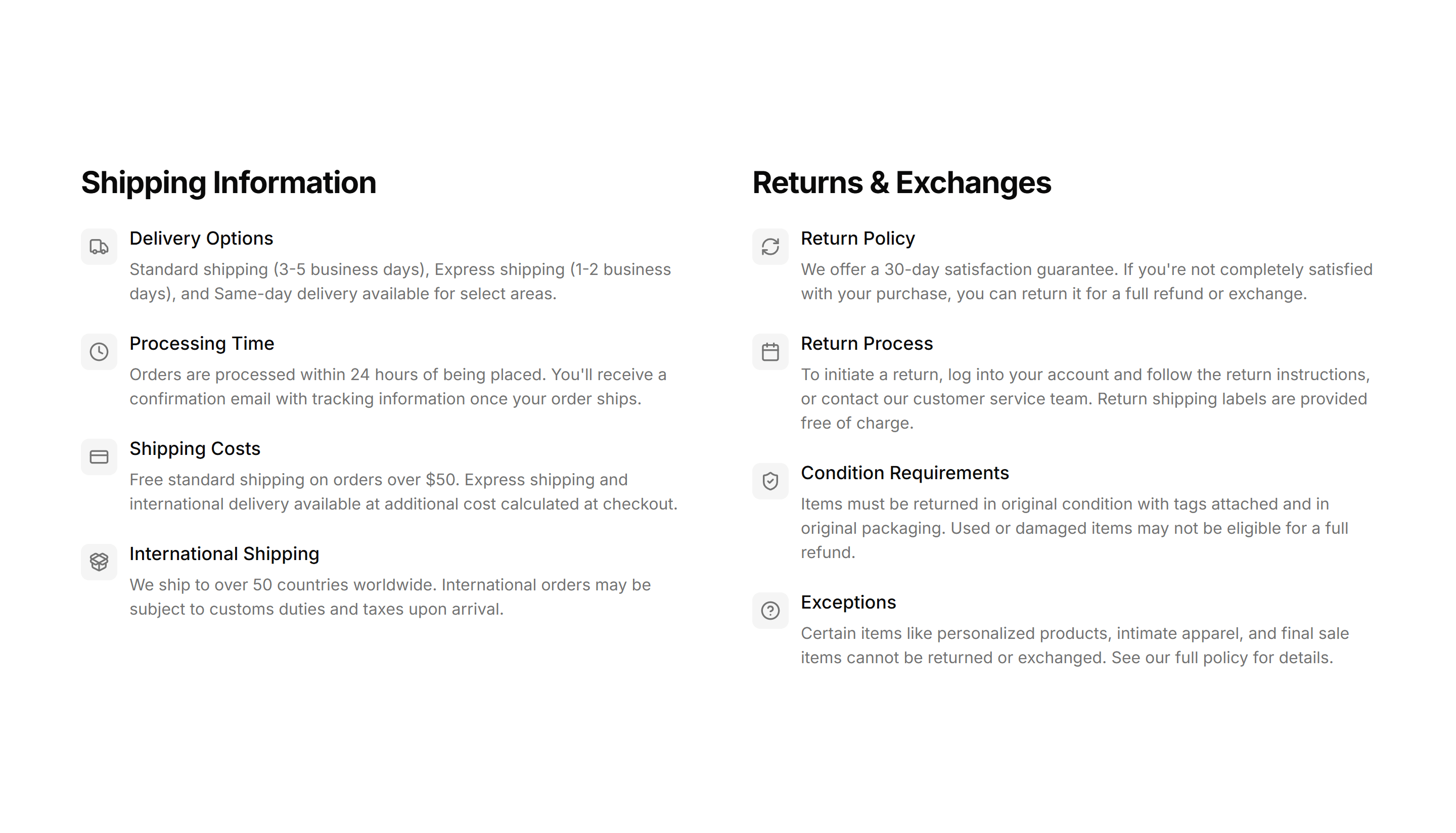
Ecommerce Shipping Return: Split Columns
A split column layout that places shipping on one side and returns on the other. Lets customers compare delivery and refund terms in one quick glance.
Ecommerce Shipping Return: With Icons
An icons layout pairing each shipping and returns point with a small symbol. Makes delivery speed, free returns, and refund windows scannable at a glance.

Ecommerce Trust Guarantee: Badge Row
A horizontal row of trust badges showing secure payment, returns, and warranty icons. Place under an add to cart button to calm buyer worry.

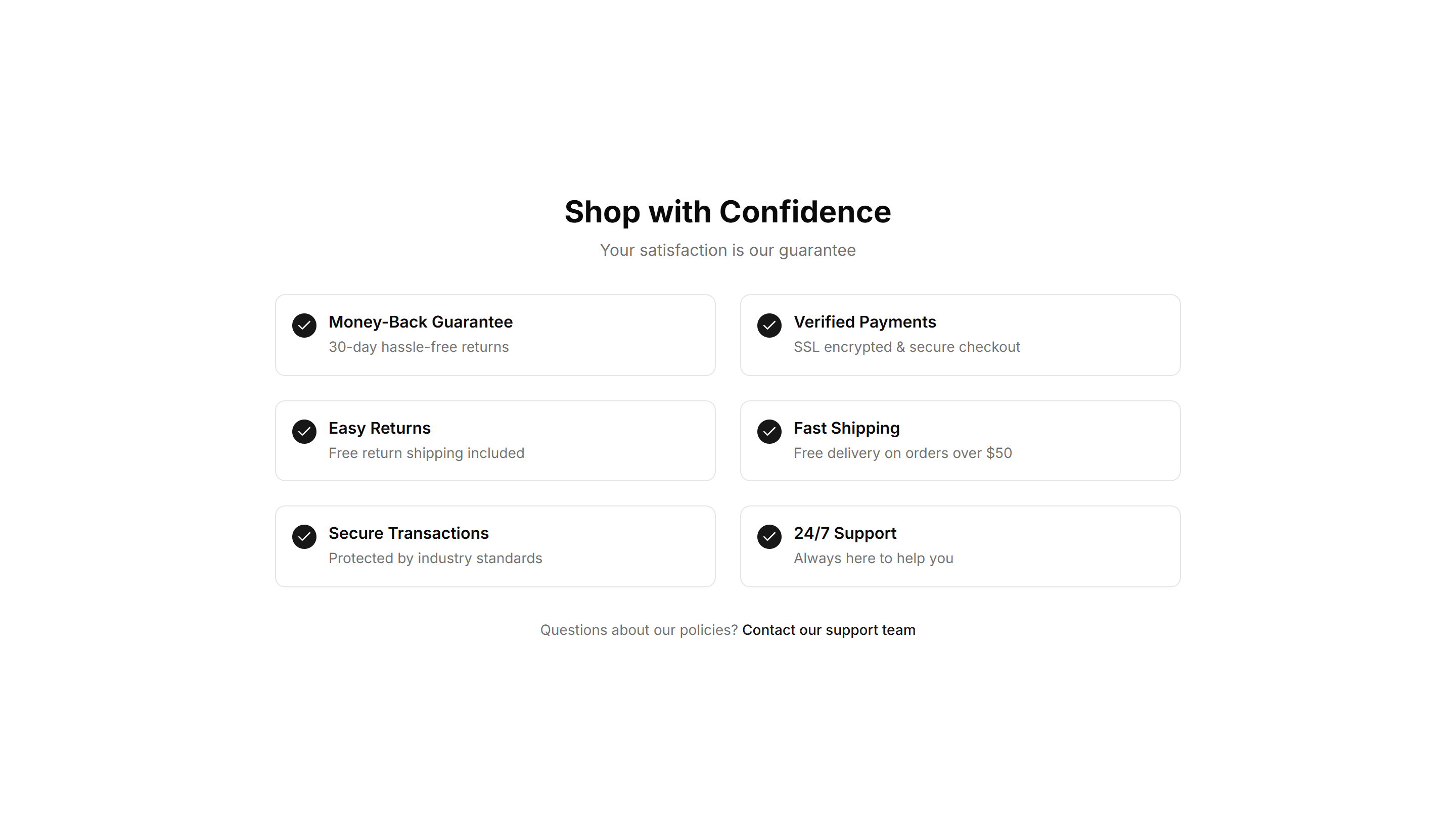
Ecommerce Trust Guarantee: Checklist
A vertical checklist of product promises with check icons and short labels. Use it on a product page to spell out exactly what every order includes.

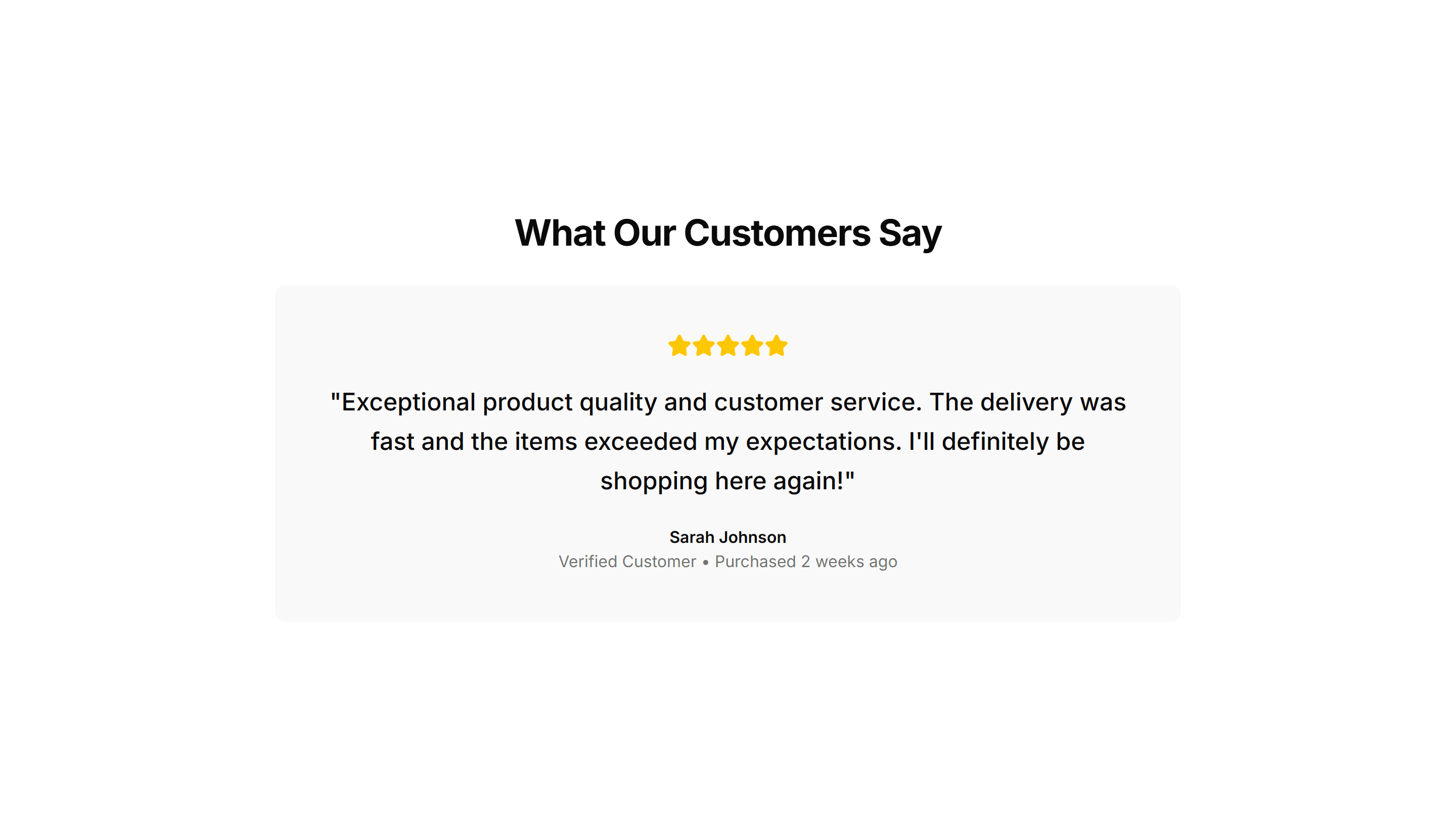
Ecommerce Trust Guarantee: Highlighted Quote
A large pull quote with author name and star rating that features a happy customer. Drop it near pricing to back your claims with real social proof.
Ecommerce Trust Guarantee: Icon List
A compact list pairing small icons with guarantee statements like free shipping and easy returns. Fits neatly in a sidebar or below the buy section.

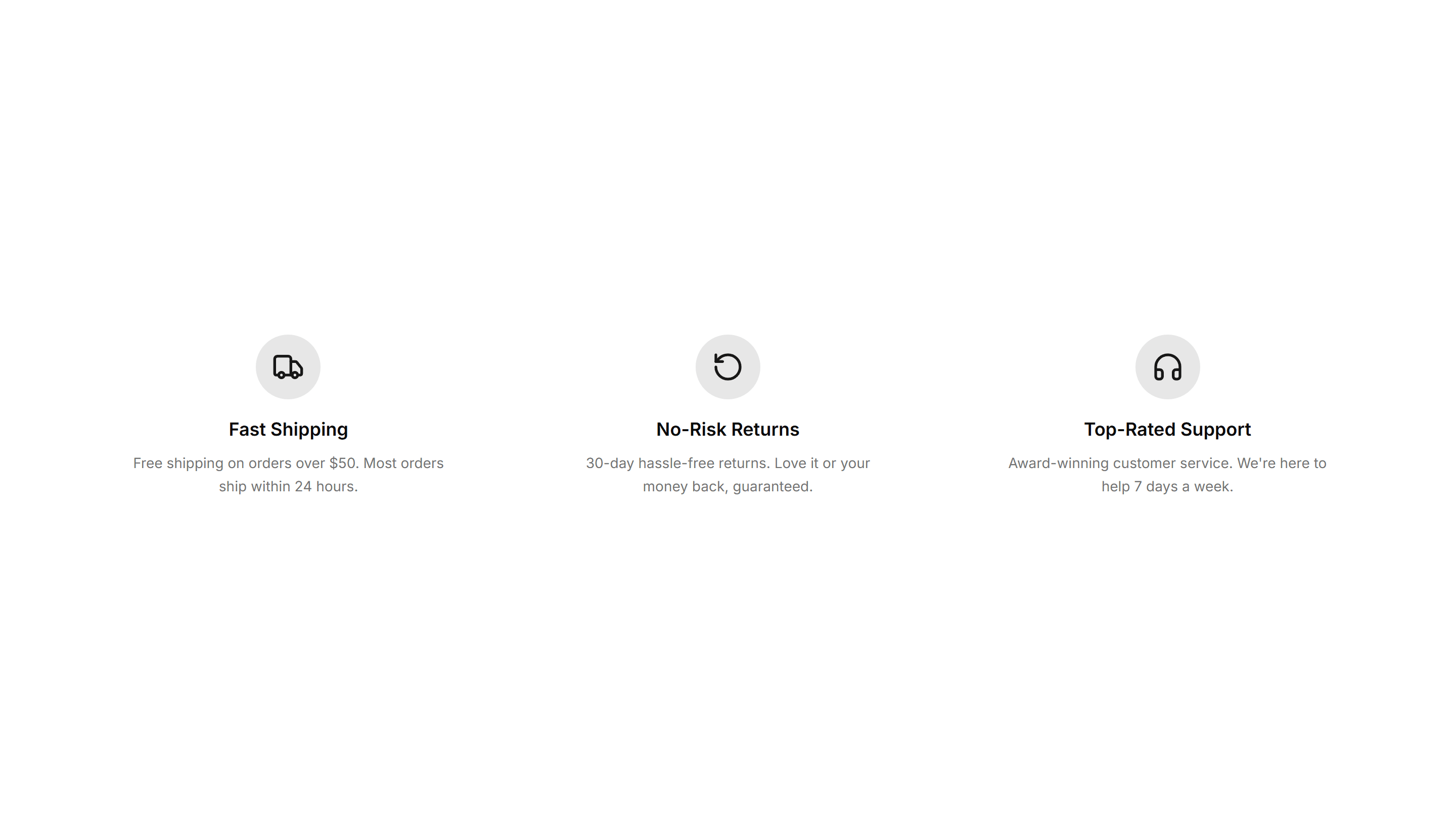
Ecommerce Trust Guarantee: Three Pillars
Three equal columns, each with an icon, heading, and a line on quality, security, and support. Builds buyer confidence across the full storefront.

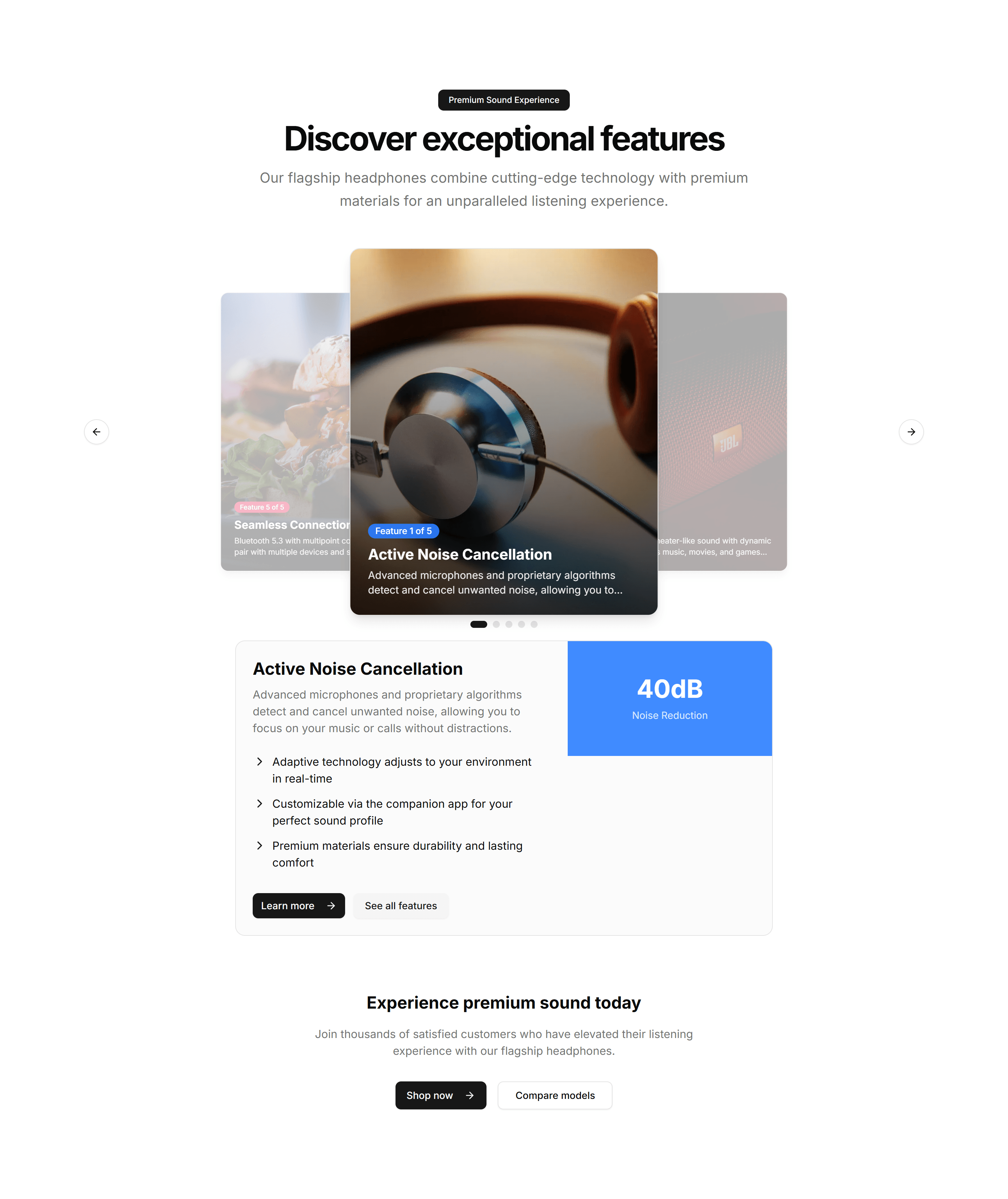
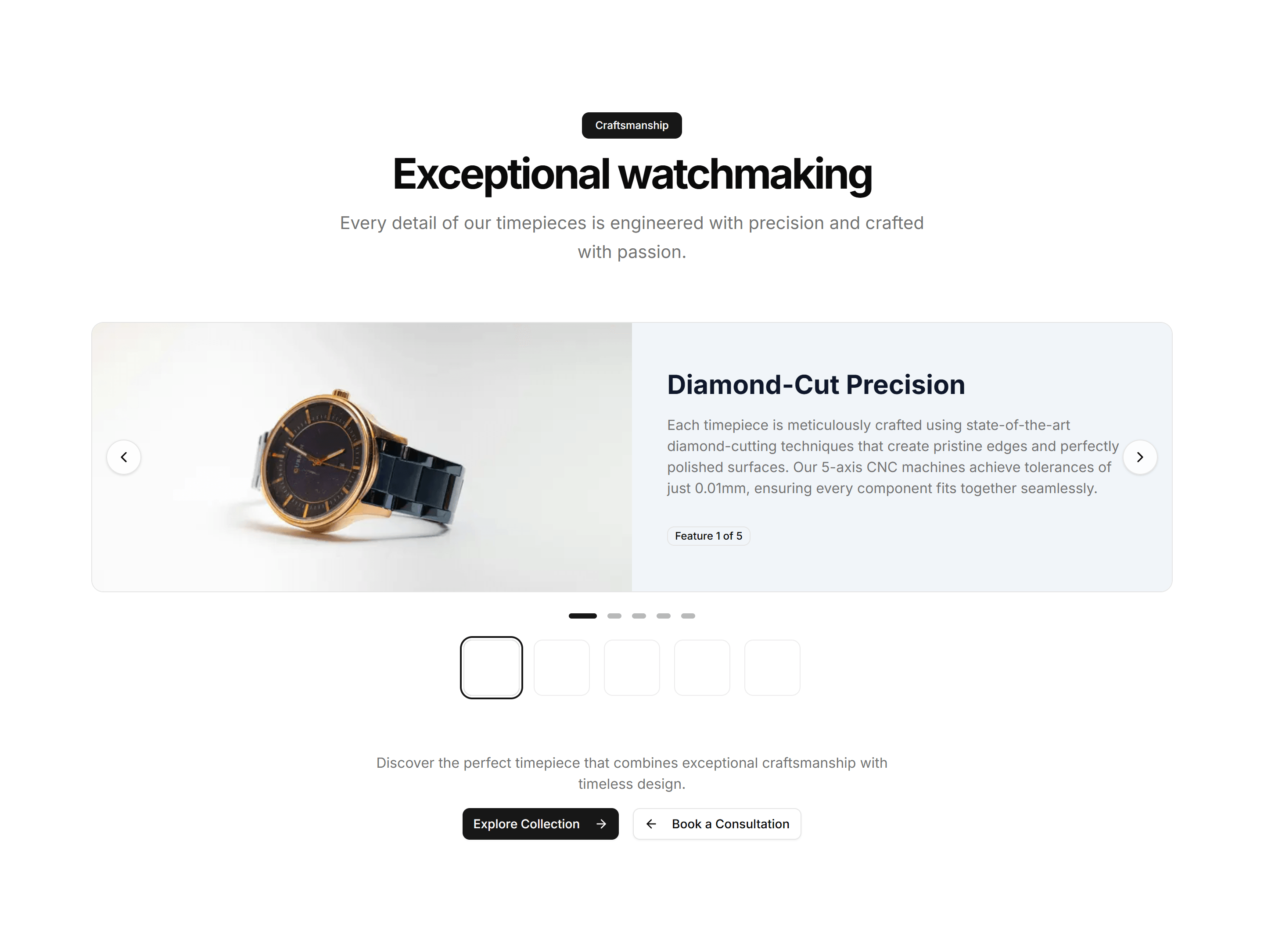
Ecommerce Product Feature: 3D Feature Carousel
A rotating carousel that shows product features on 3D cards with depth and motion. Great for highlighting a few standout capabilities on a landing page.

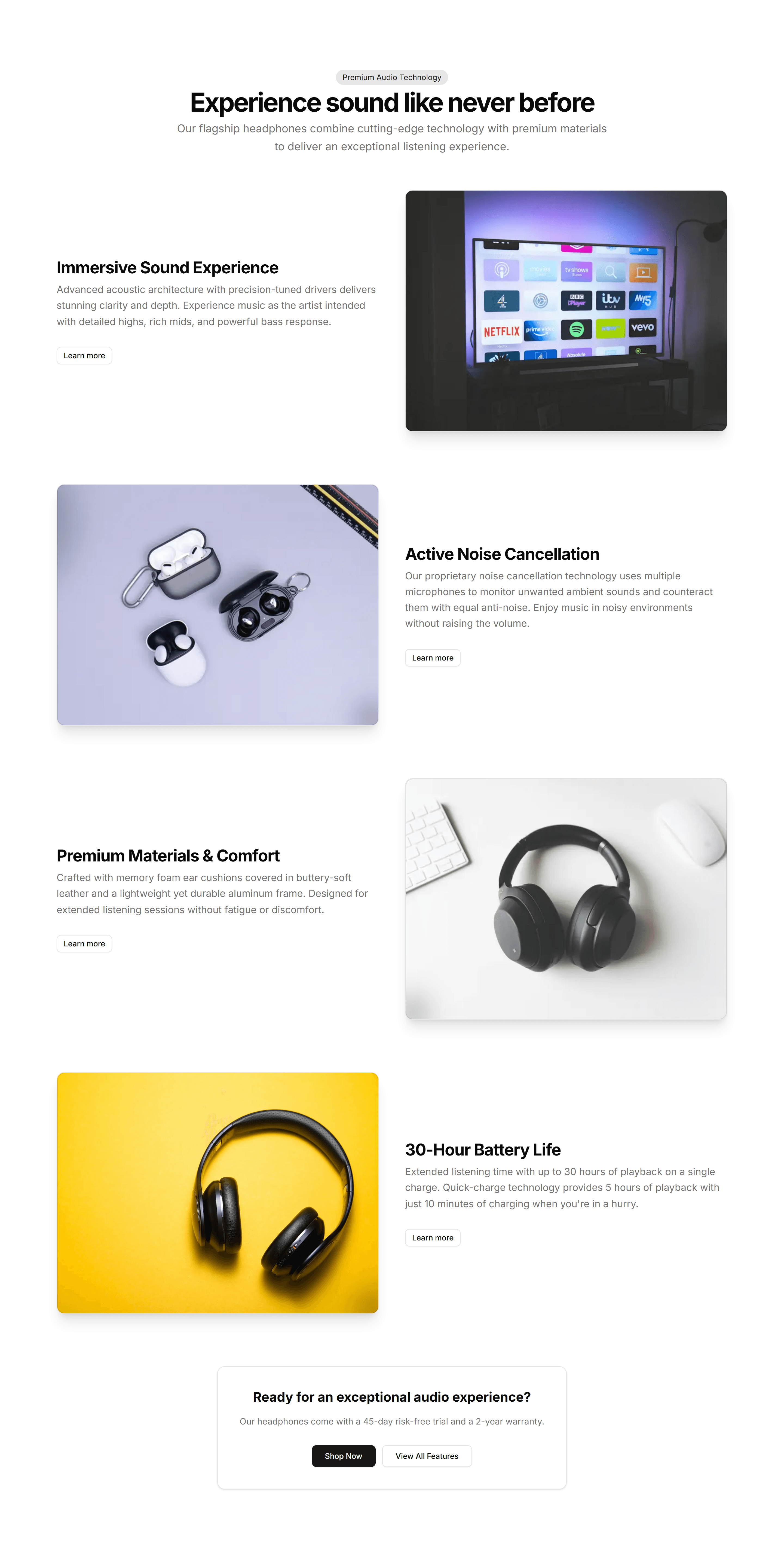
Ecommerce Product Feature: Alternating Features
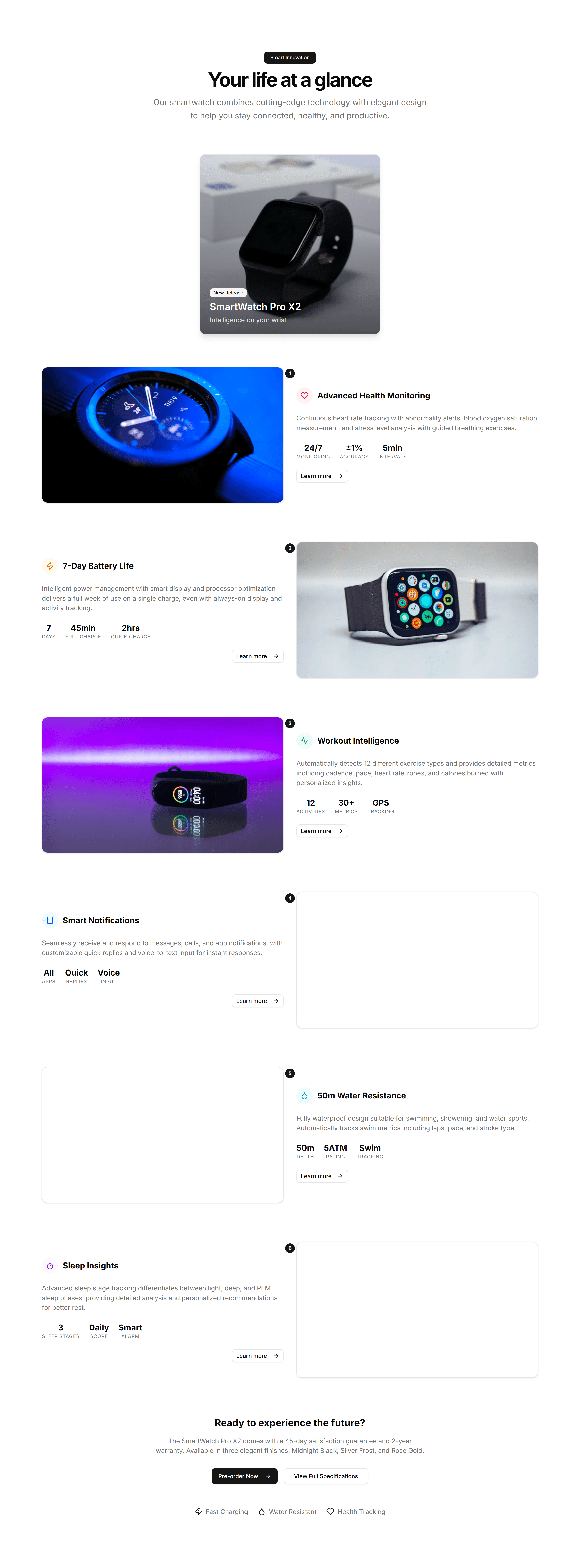
Stacked rows that flip image and text from left to right as you scroll. Walks shoppers through key product benefits one clear section at a time.

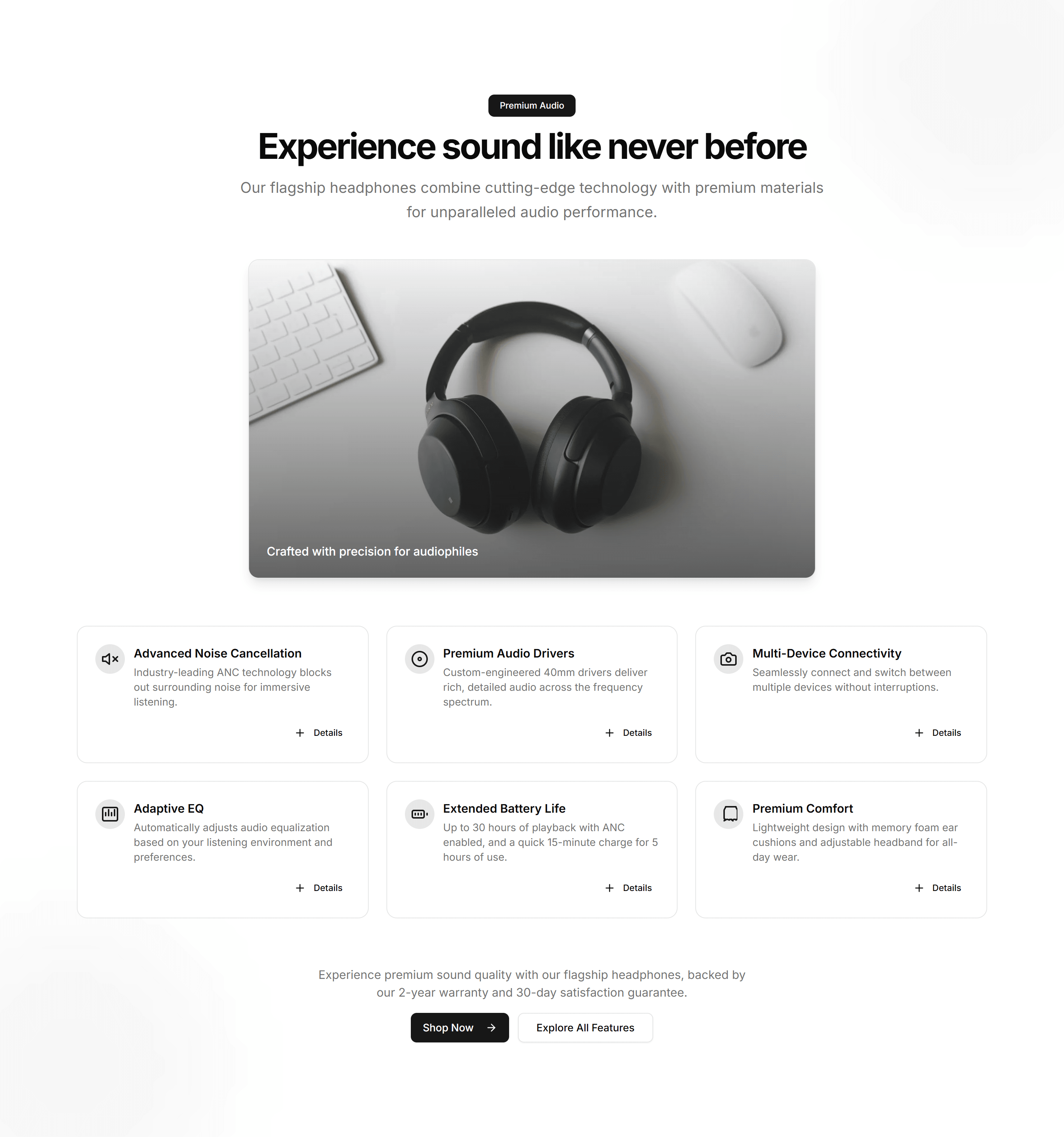
Ecommerce Product Feature: Animated Features Grid
A grid of feature cards with icons and motion that triggers as cards enter view. Adds life to a benefits section without burying the message.

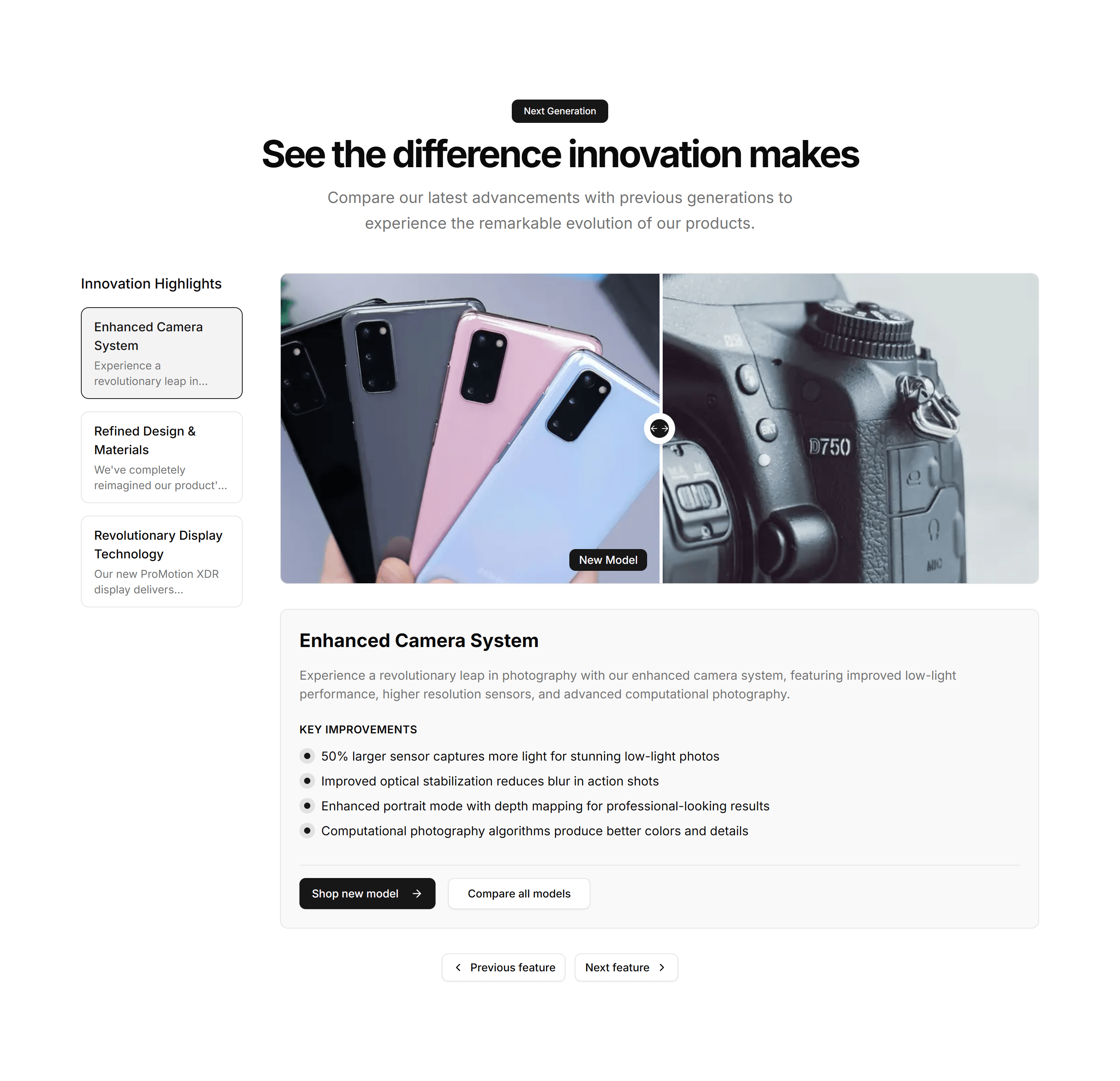
Ecommerce Product Feature: Before After Comparison
A slider that wipes between two product images so buyers see the difference at a glance. Ideal for skincare, editing tools, or cleaning results.

Ecommerce Product Feature: Carousel Feature Showcase
A swipeable carousel that steps through product features with image and copy per slide. Fits compact pages where space for many cards is tight.

Ecommerce Product Feature: Expandable Features Grid
A grid of feature cards that open to reveal more detail on click. Keeps the overview tidy while letting curious shoppers dig into the specifics.

Ecommerce Product Feature: Feature Accordion
Stacked panels that expand one feature at a time so each gets full focus. A clean way to present detailed product benefits without a wall of text.

Ecommerce Product Feature: Feature Comparison Table
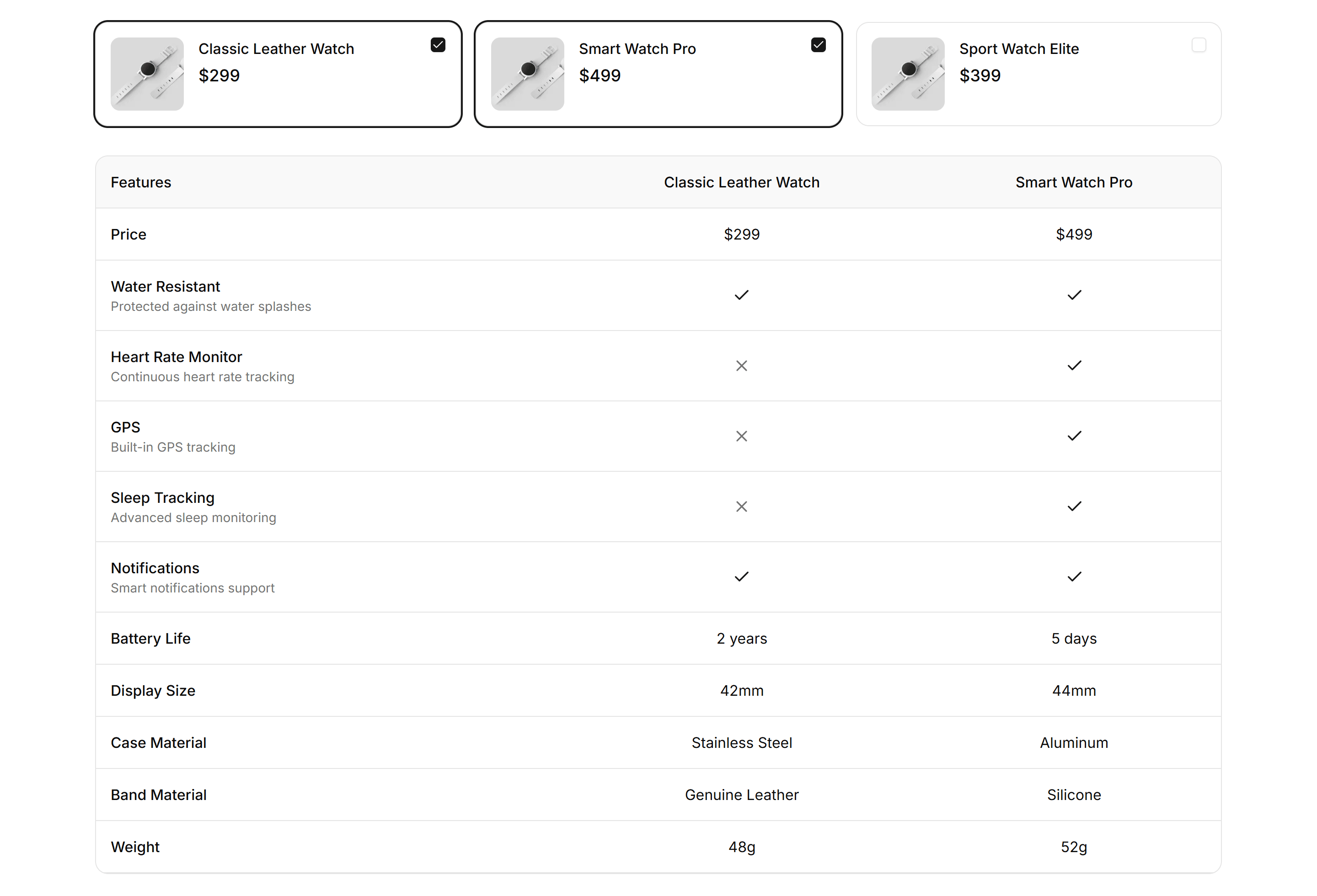
A table that lines up features across plans or models with clear check marks. Helps shoppers weigh every option and pick the right product fast.

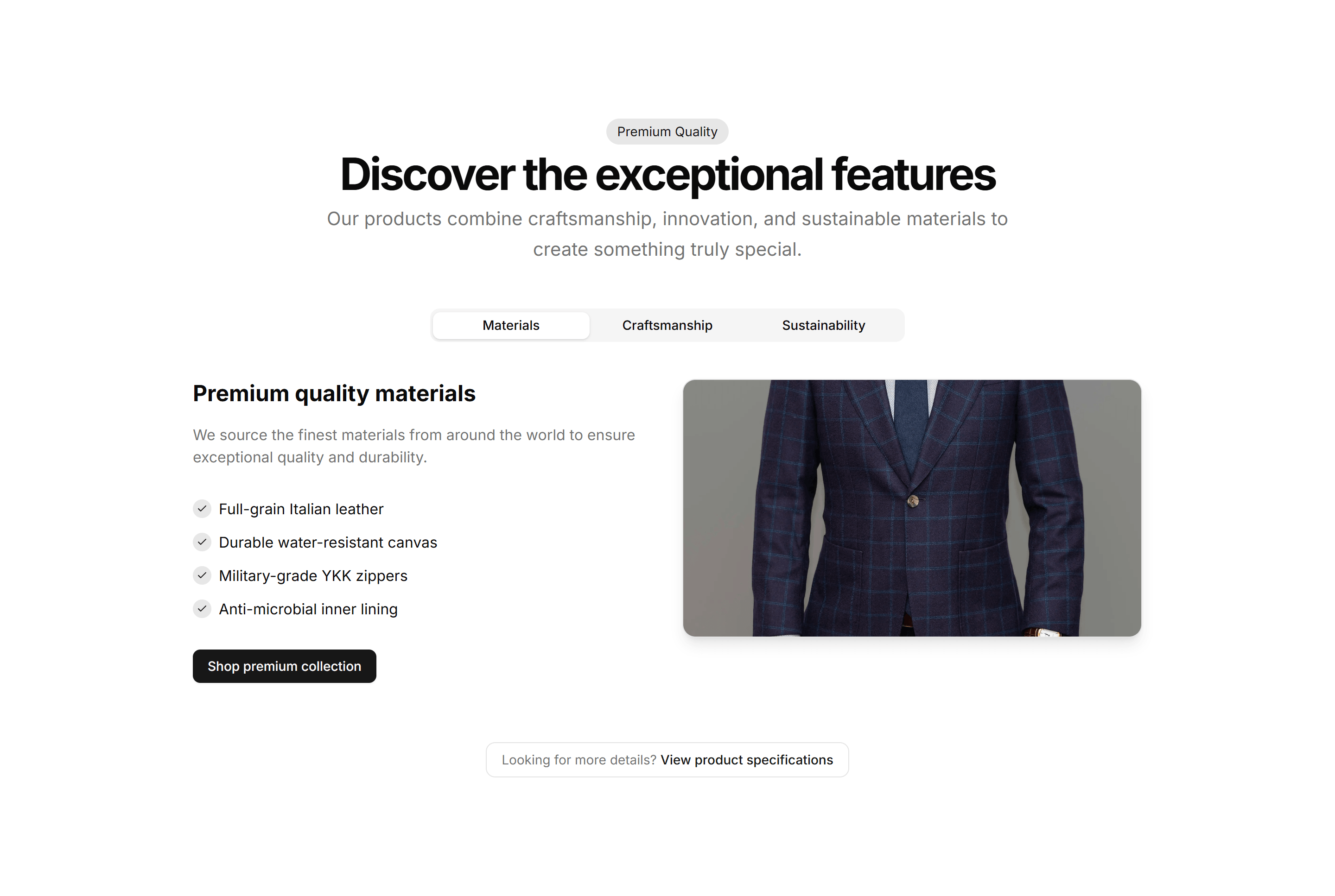
Ecommerce Product Feature: Feature Tabs Navigation
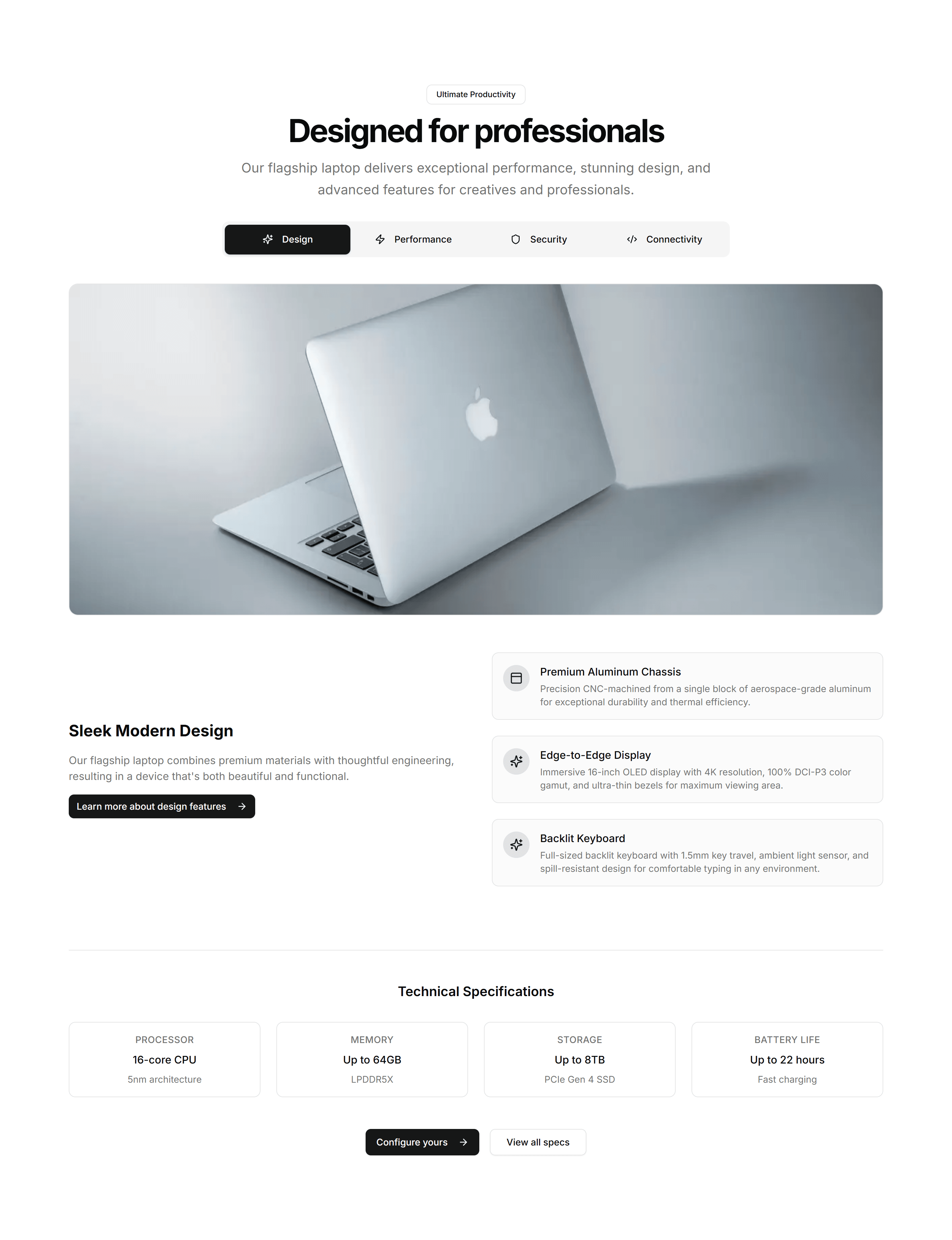
Tabbed sections that swap feature content as buyers click each label. Organizes a deep feature set into bite sized views on one tidy single panel.

Ecommerce Product Feature: Feature Timeline
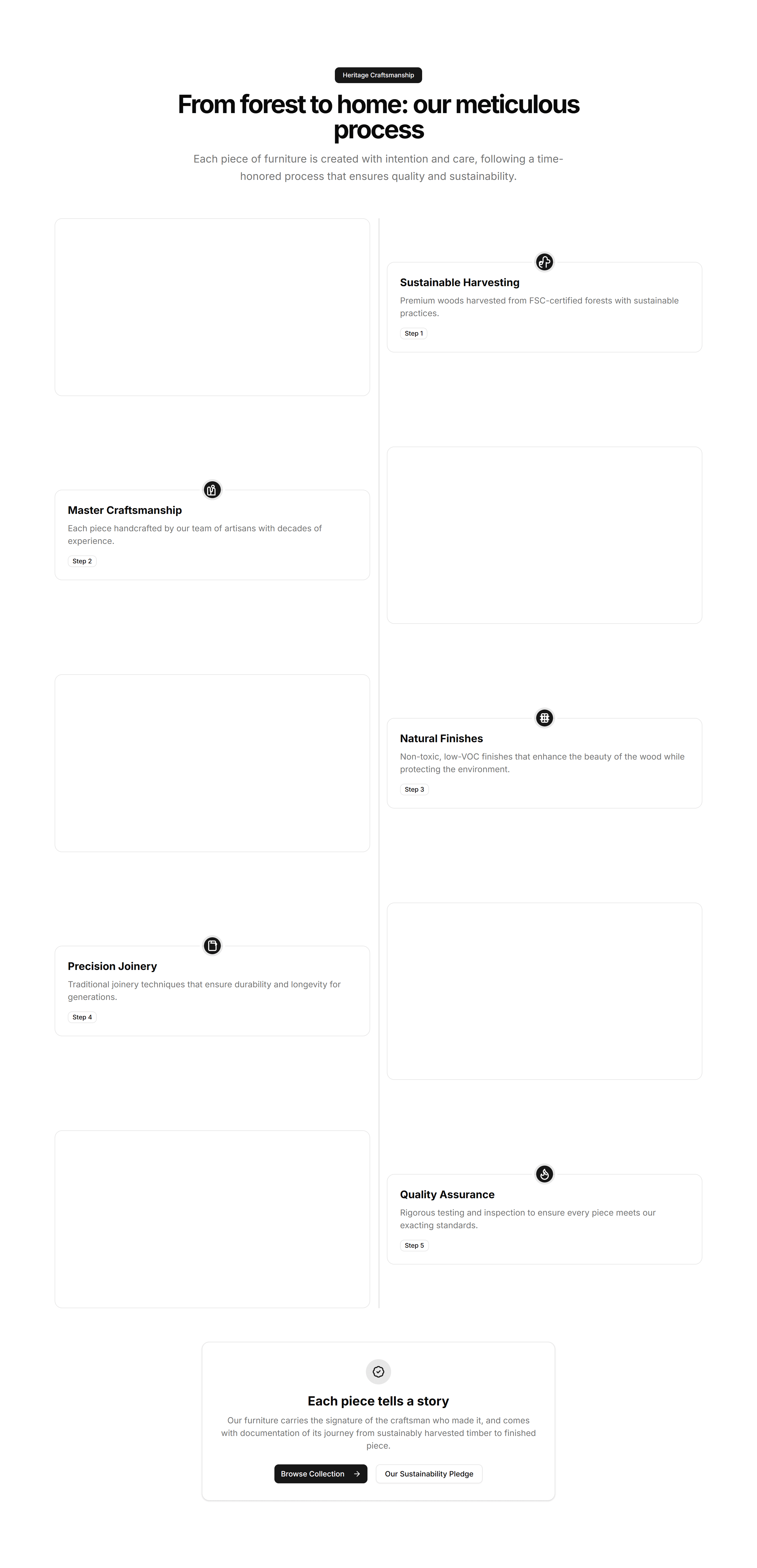
A vertical timeline that walks through product features in sequence. Useful for showing a setup flow or how capabilities build on each other.

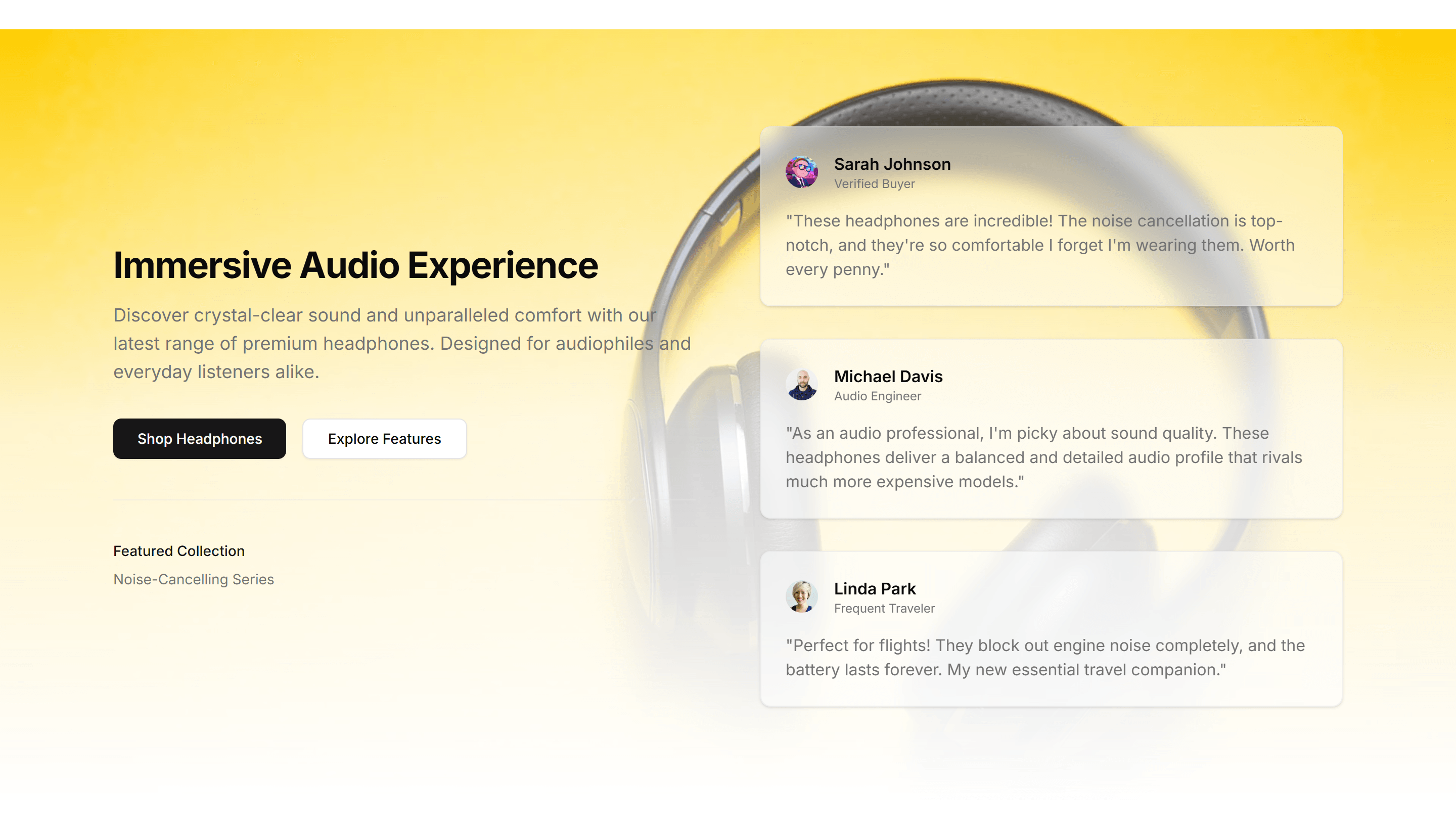
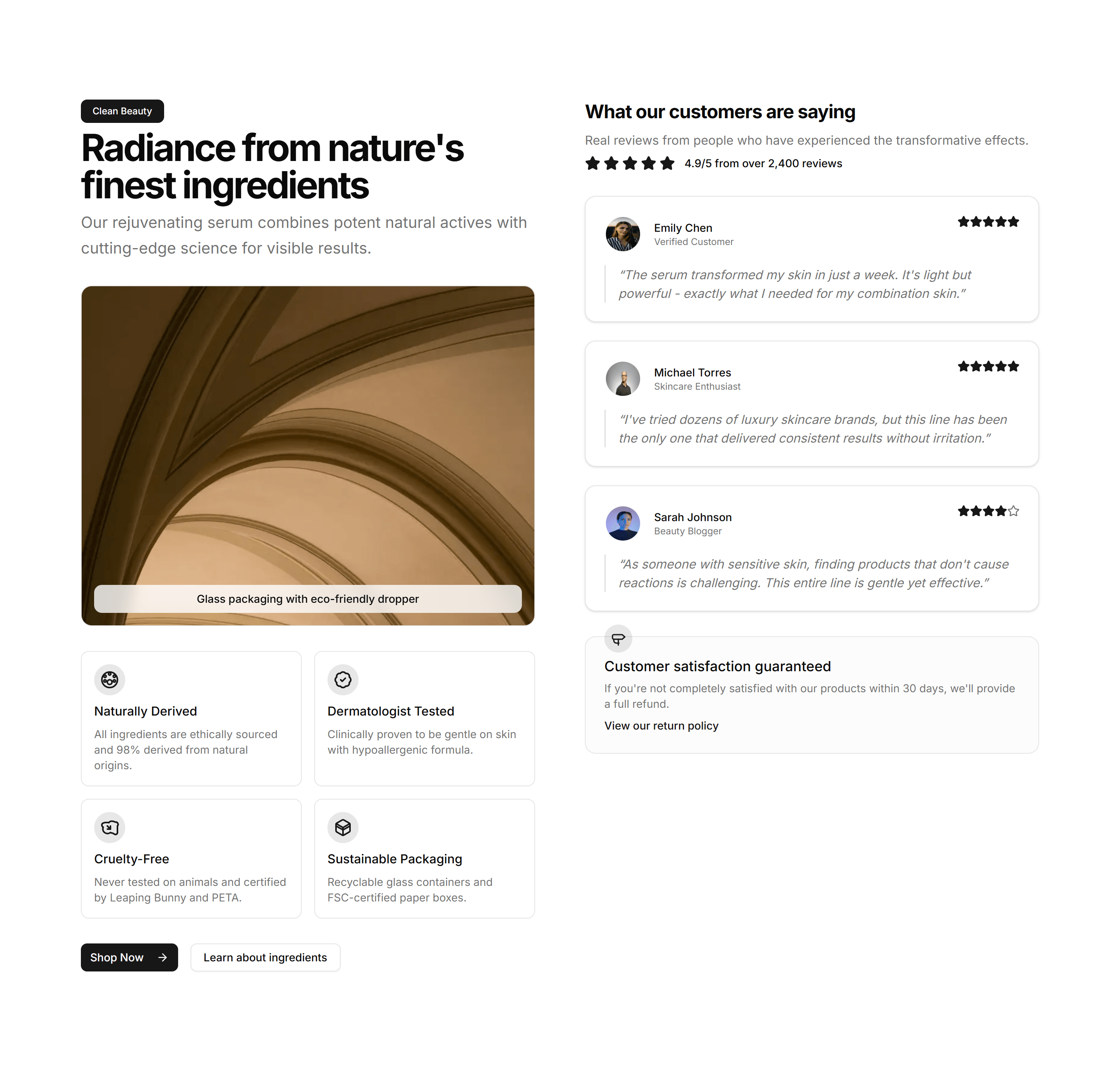
Ecommerce Product Feature: Features Testimonial Combo
A layout that pairs product features with a customer quote beside them. Backs each benefit claim with real proof to win hesitant buyers over.

Ecommerce Product Feature: Horizontal Scrolling Features
A row of feature panels that scroll sideways as the page moves. Shows many product capabilities in a compact, playful strip that invites swiping.

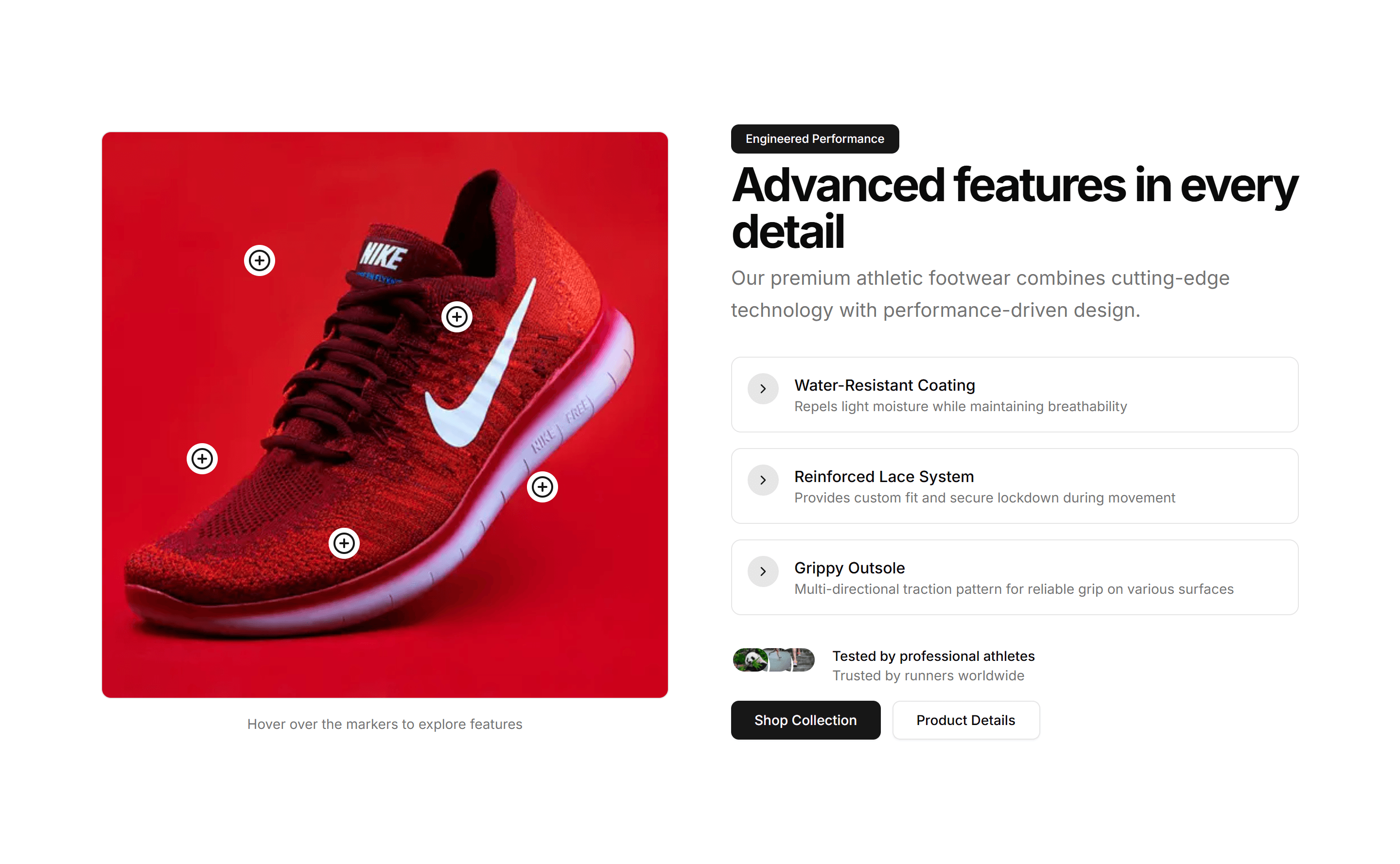
Ecommerce Product Feature: Image Hotspot Features
A product image dotted with clickable hotspots that reveal each feature in place. Perfect for showing exactly where a capability lives on the item.

Ecommerce Product Feature: Interactive Feature Tabs
Tabs paired with a live preview that updates as buyers select a feature. Lets shoppers explore what each capability looks like before they buy.

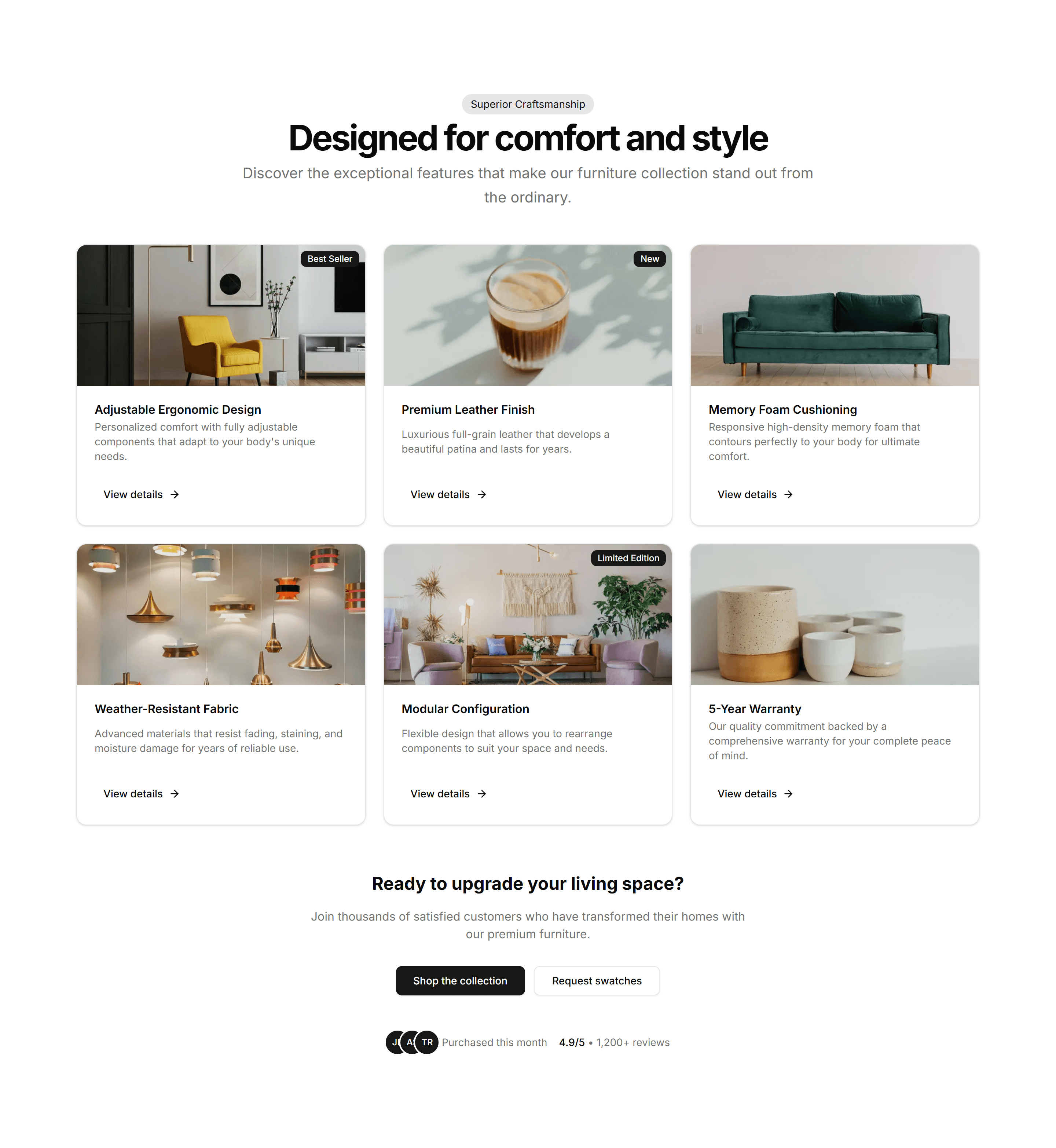
Ecommerce Product Feature: Simple Feature Grid
A clean grid of feature cards with an icon, title, and short blurb each. The reliable choice for listing core product benefits at a quick glance.

Ecommerce Product Feature: Split Image Features
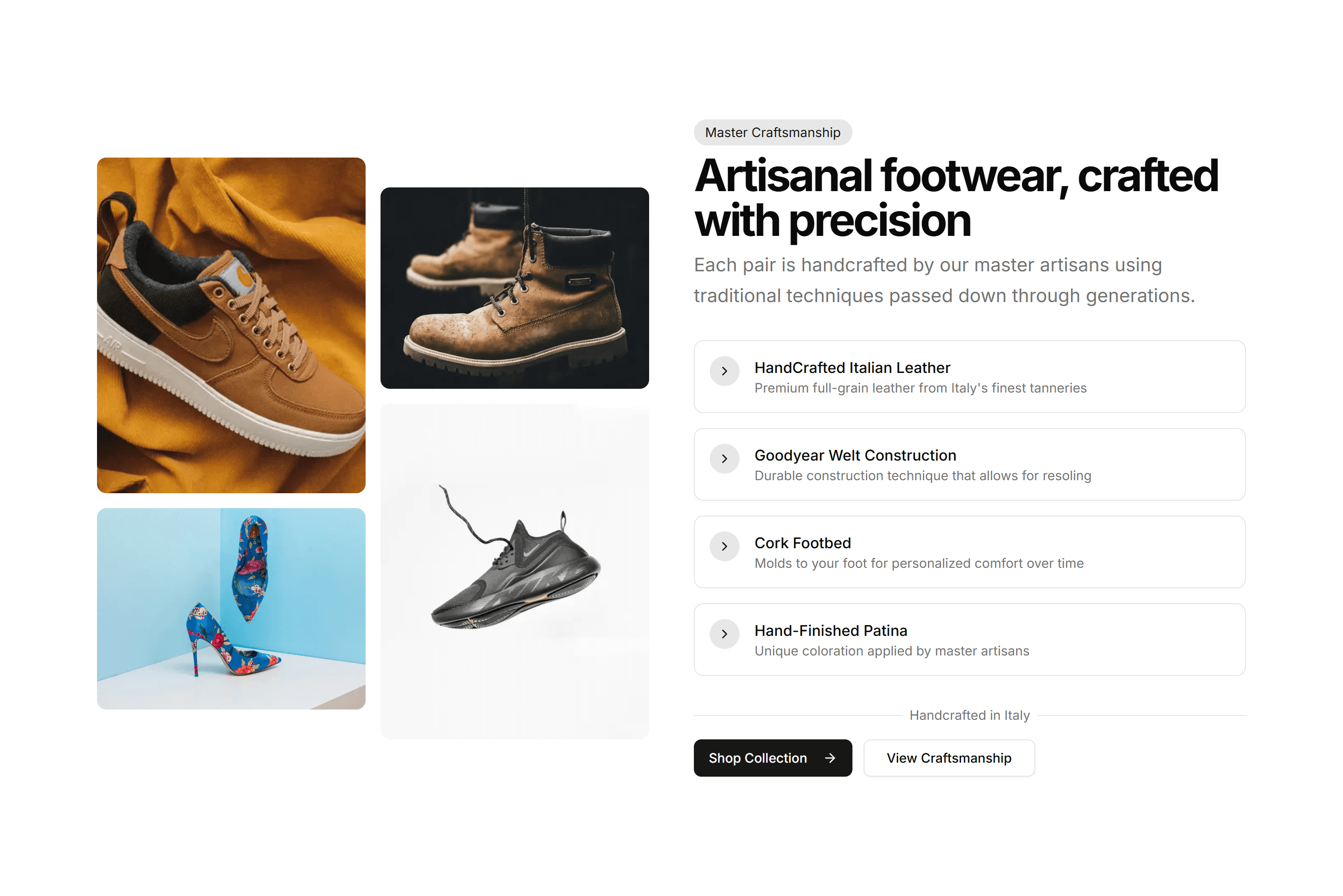
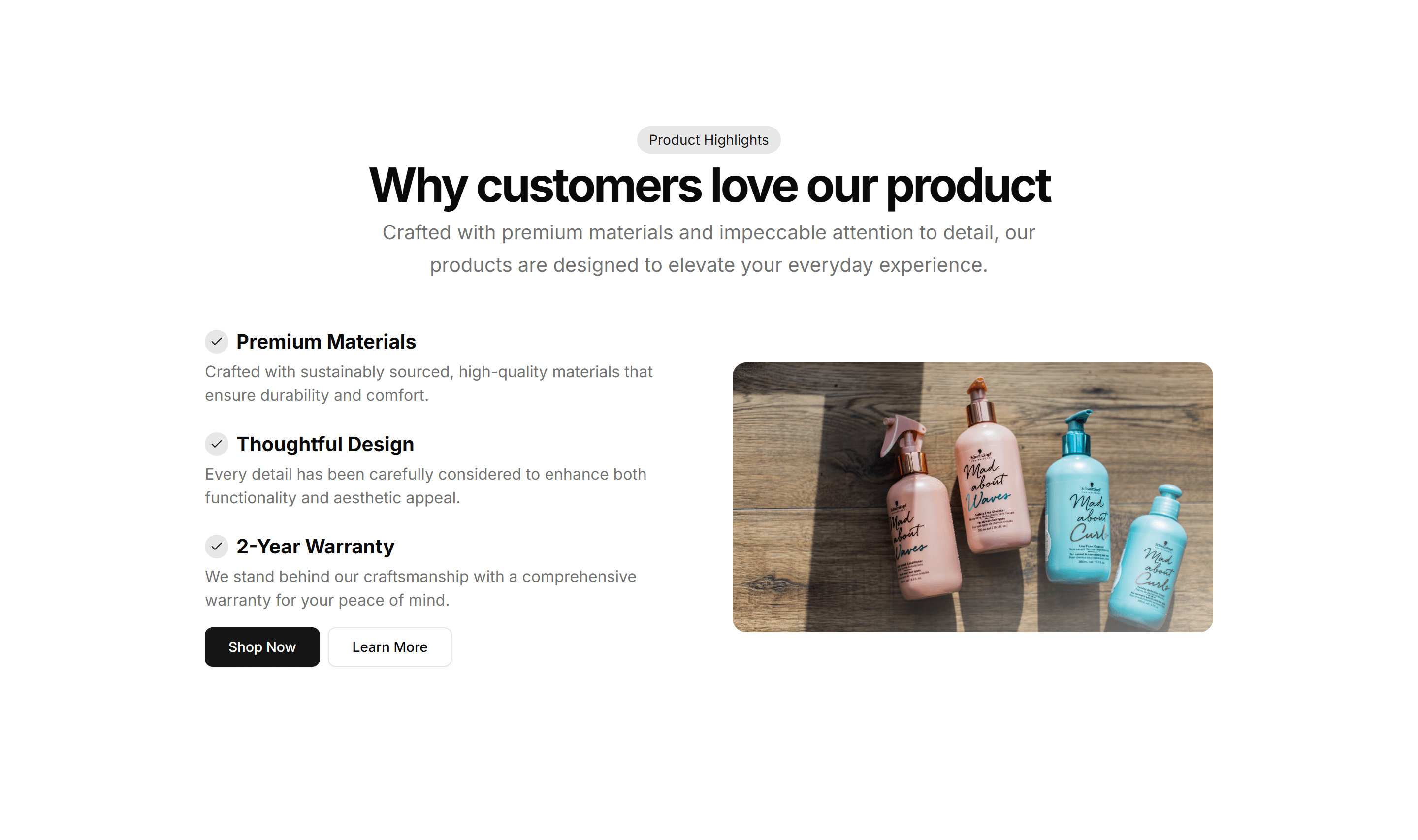
A two column section with a product photo on one side and feature copy on the other. Balances visual and text to sell a single hero capability.

Ecommerce Product Feature: Stats Feature Showcase
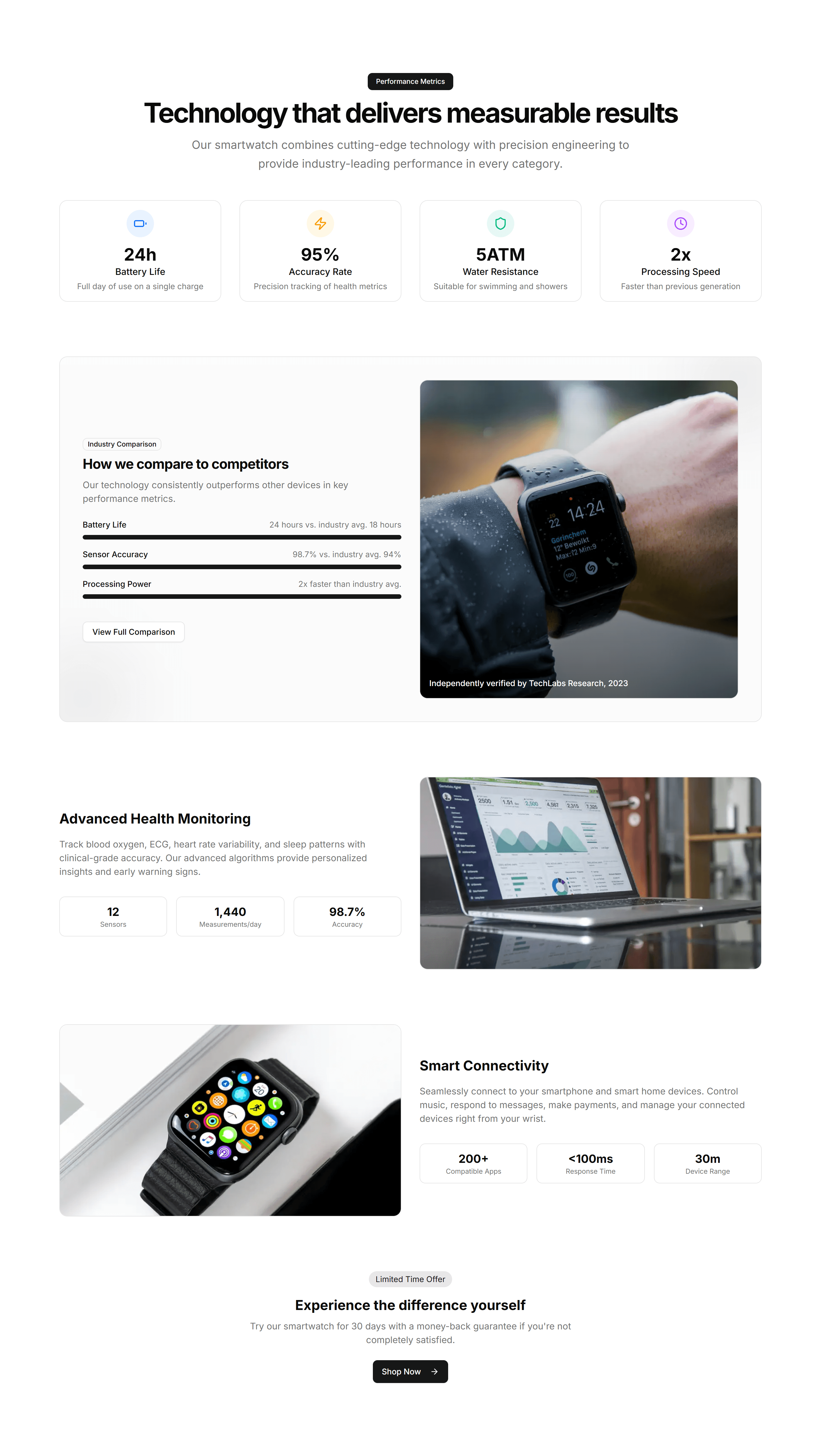
A section that pairs product features with hard numbers and metrics. Use it when figures like speed or savings make the strongest case to buy.

Ecommerce Product Feature: Timeline Feature Showcase
A timeline that reveals product features step by step as buyers scroll. Good for guiding readers through a journey from first use to results.

Ecommerce Product Feature: Video Feature Showcase
A section that pairs an embedded product video with supporting feature copy. Shows the item in action when motion sells better than a still.

Ecommerce Product List: Compact List
A dense list packing each product into a slim row with thumbnail, name, and price. Fits long catalogs and search results where space is tight.

Ecommerce Product List: Comparison List
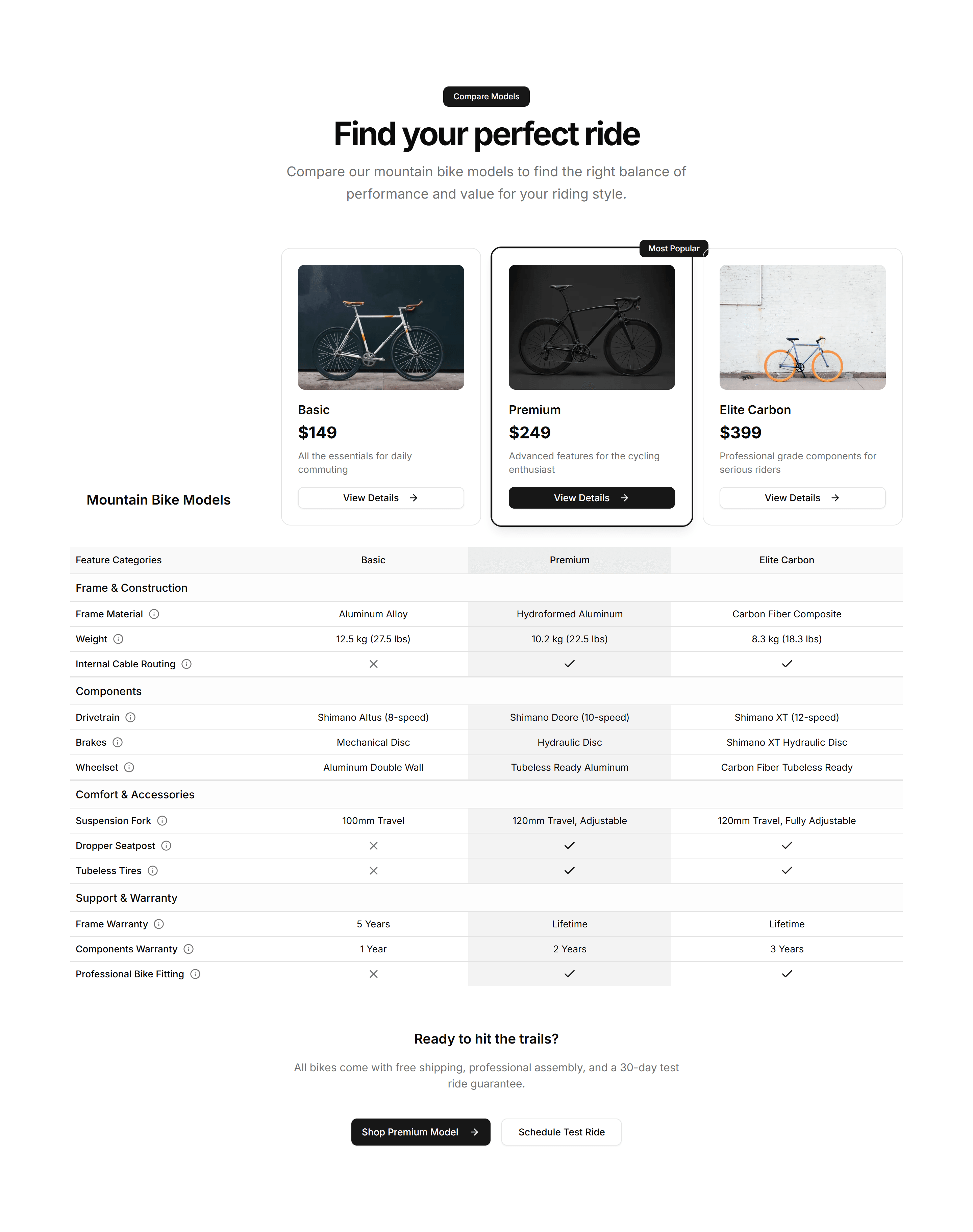
A side by side list lining up products with specs, prices, and features in columns. Helps shoppers weigh options before they commit to a purchase.

Ecommerce Product List: Featured List
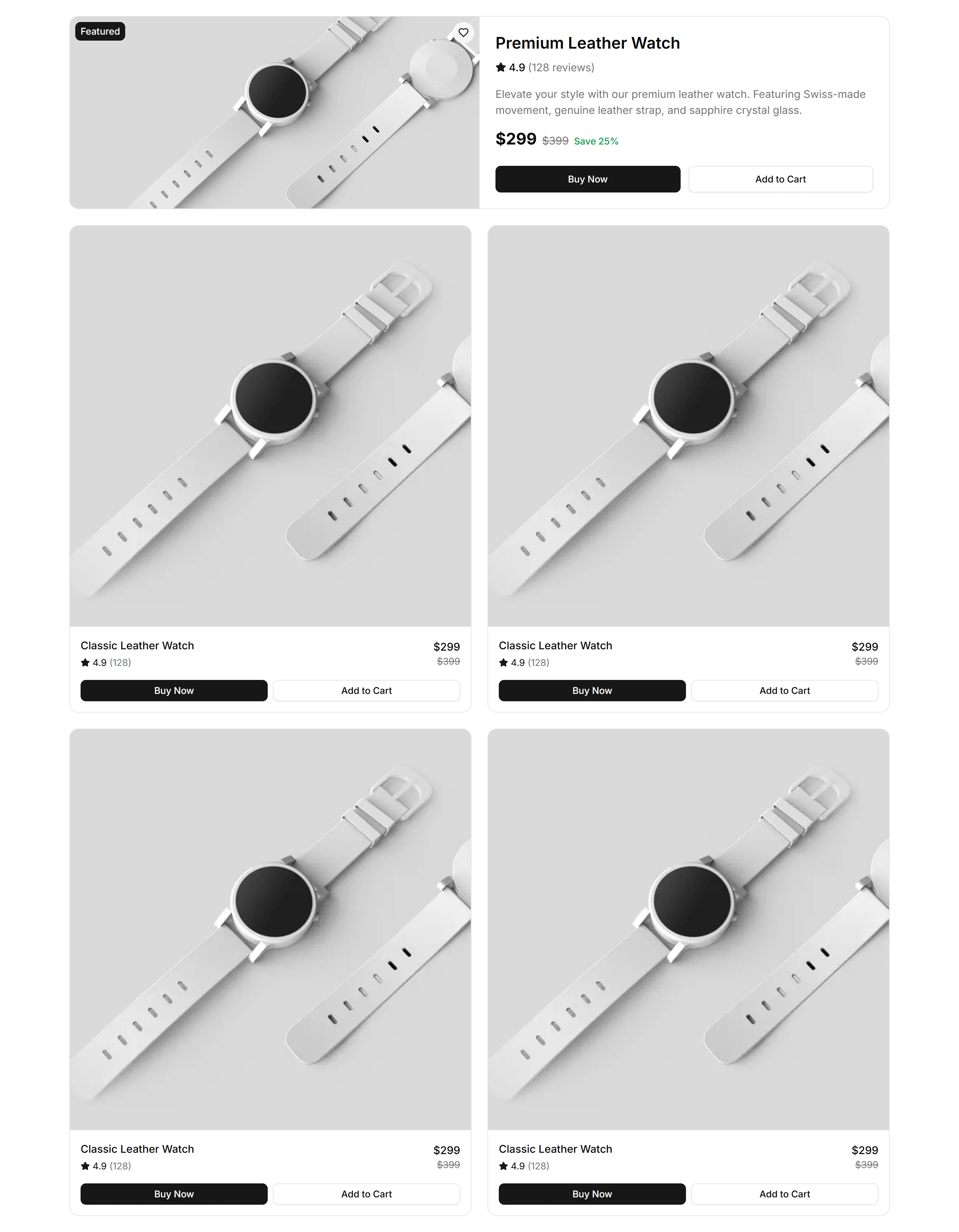
A list spotlighting select products with large imagery, descriptions, and prices. Highlights bestsellers or promotions on a storefront landing page.

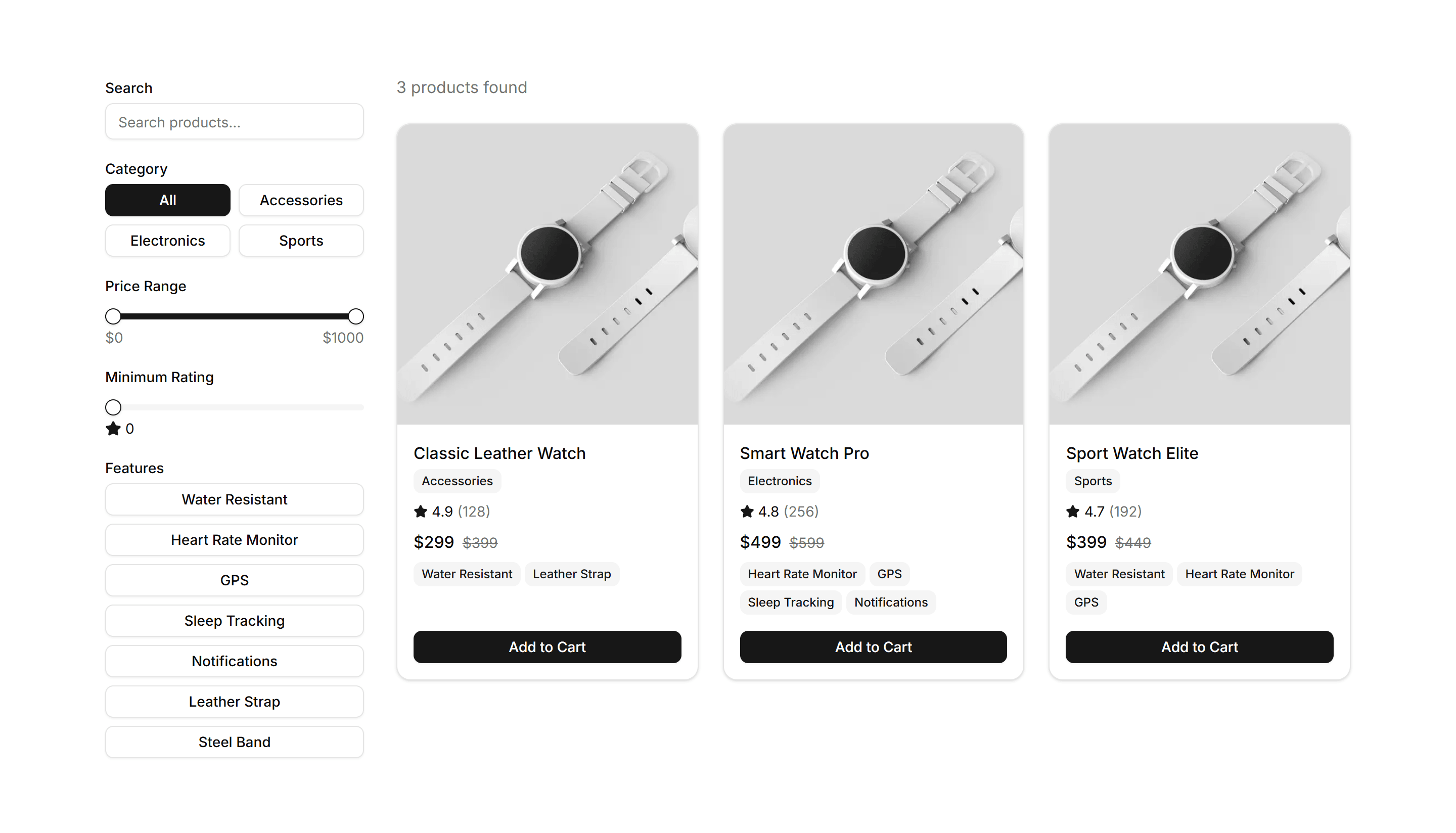
Ecommerce Product List: Filter List
A product list paired with category, price, and attribute filters in a sidebar. Lets shoppers narrow large catalogs and find the right item fast.

Ecommerce Product List: Gallery List
An image first list showing products as large photo cards with name and price. Suits visual categories like fashion, home decor, and art prints.

Ecommerce Product List: Grid List
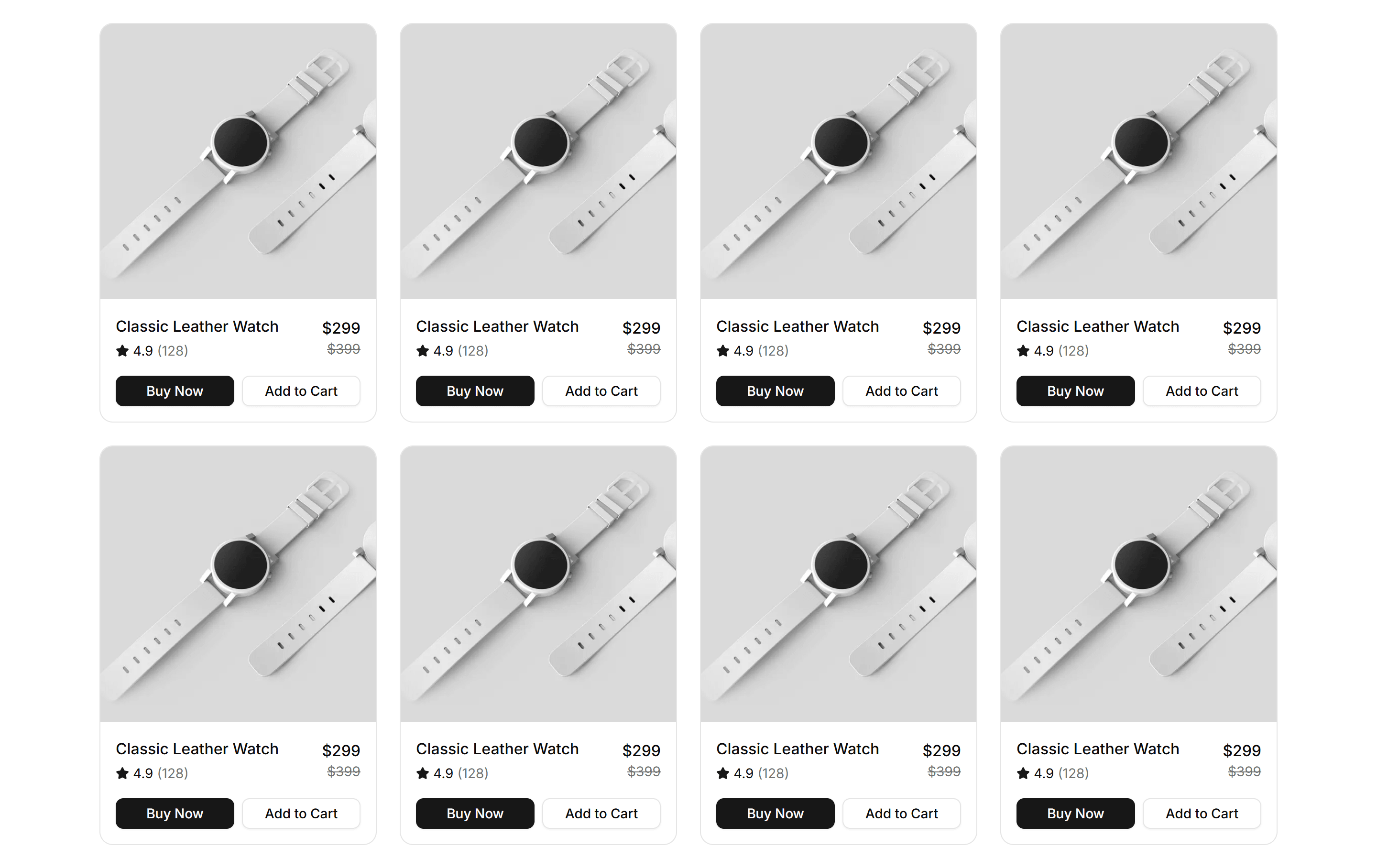
A responsive grid of product cards with images, titles, prices, and buttons. The standard catalog layout for category and search pages in a store.

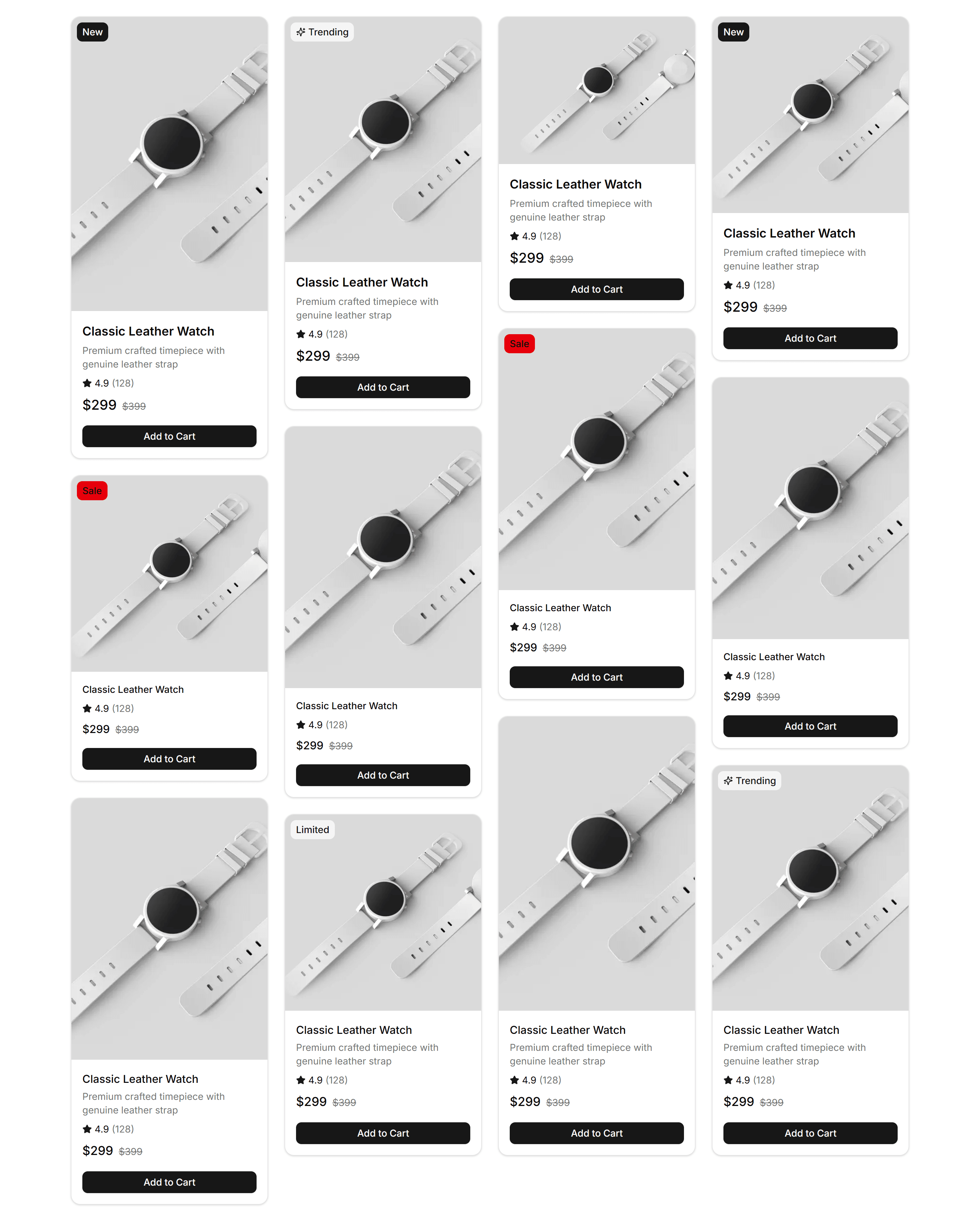
Ecommerce Product List: Masonry List
A masonry grid fitting product cards of varying heights into tight columns. Works well for mixed imagery in lookbooks and curated collections.

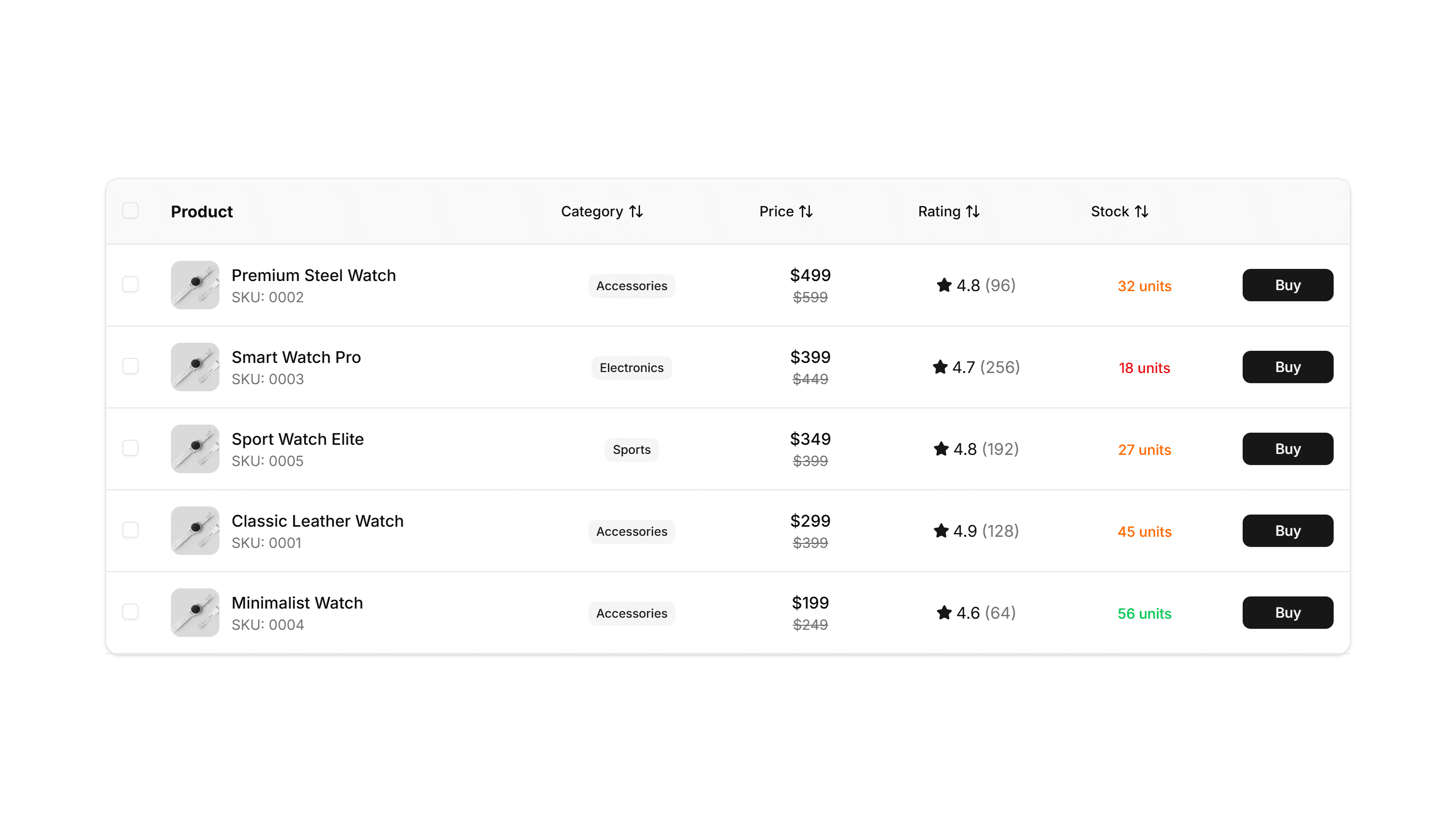
Ecommerce Product List: Table List
A table listing products in rows with columns for image, name, stock, and price. Ideal for dashboards, admin catalogs, and bulk inventory views.

Ecommerce Product List: Timeline List
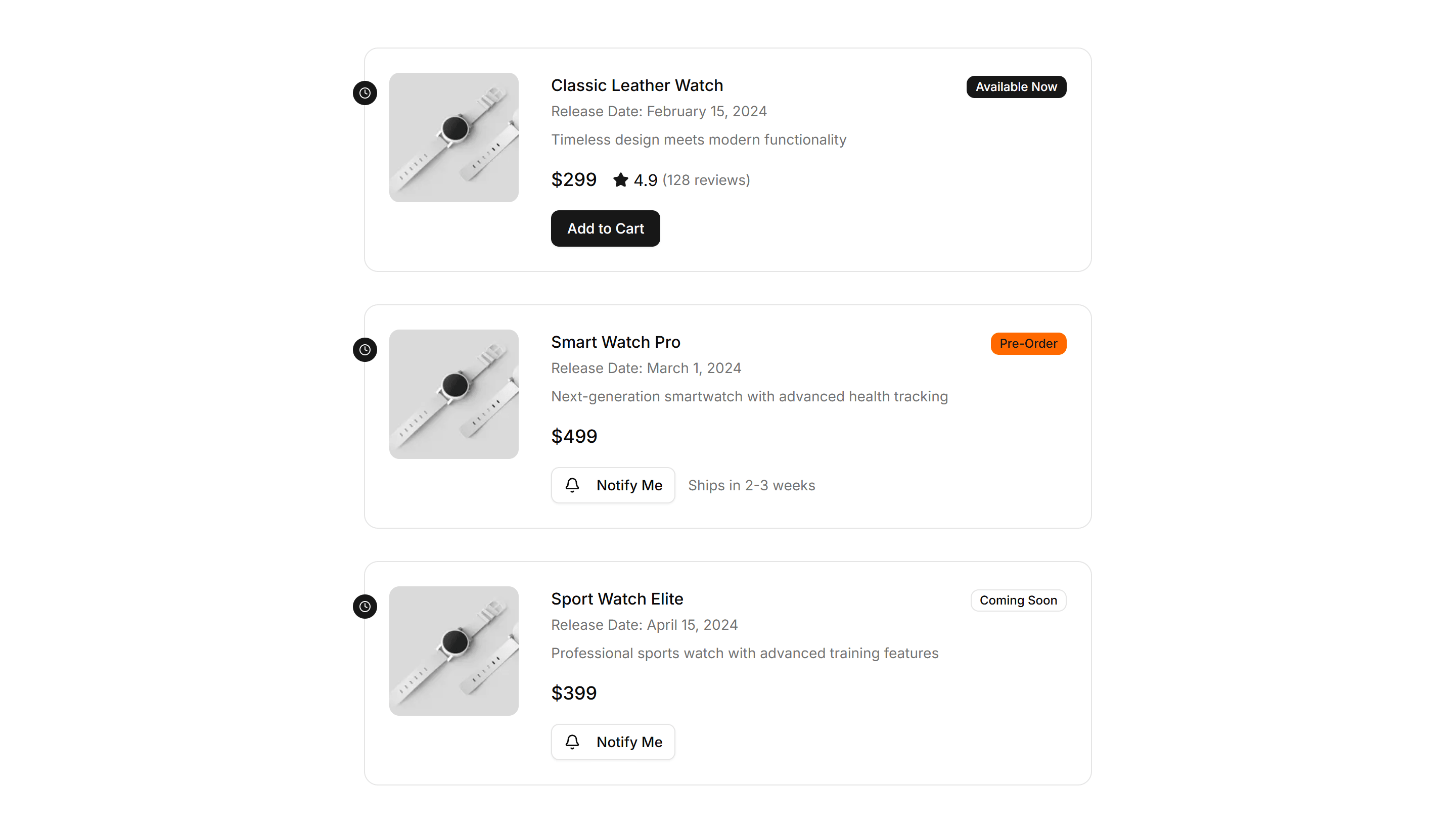
A vertical timeline arranging products or drops by date with images and prices. Good for release schedules, new arrivals, and limited editions.

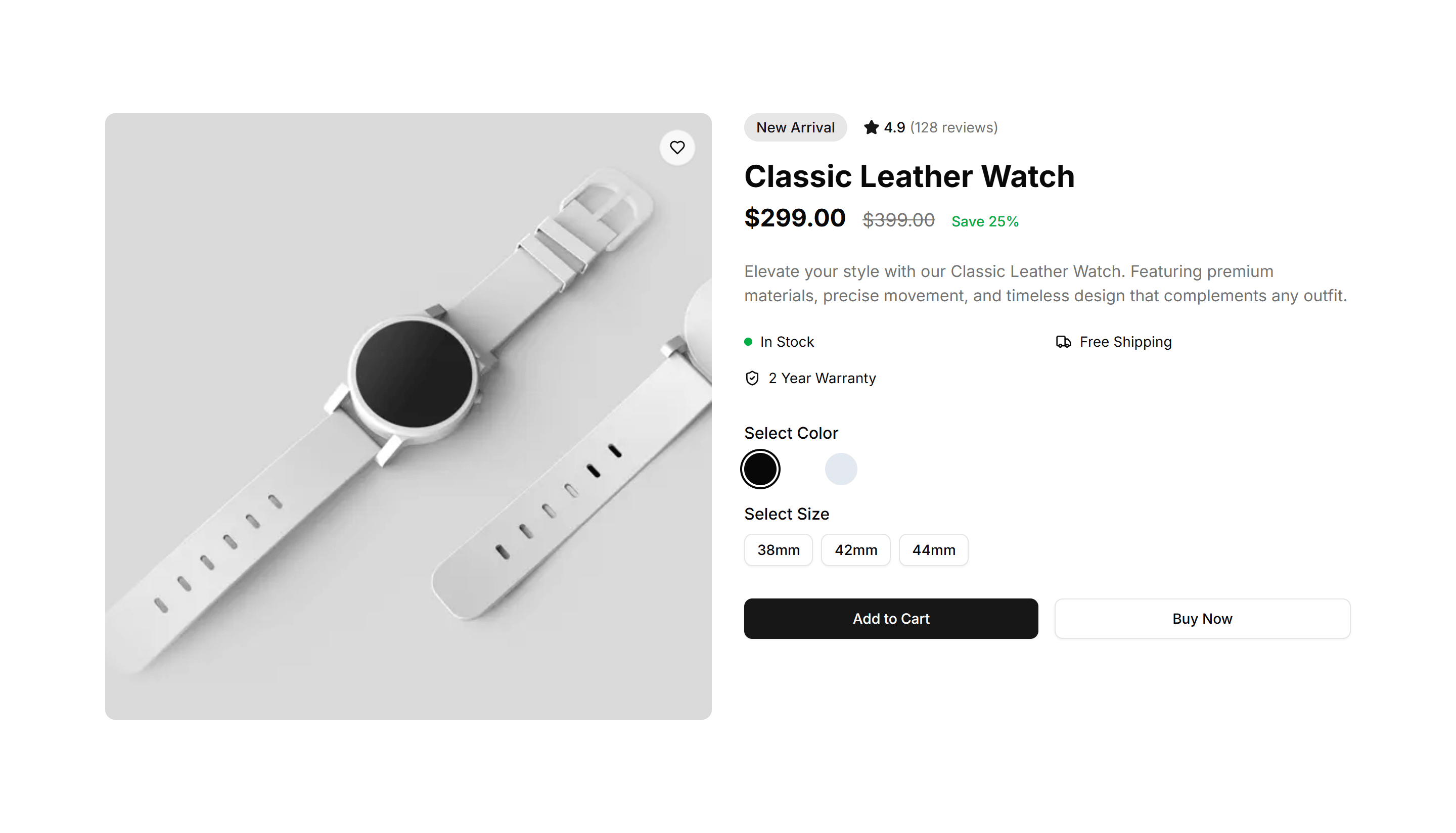
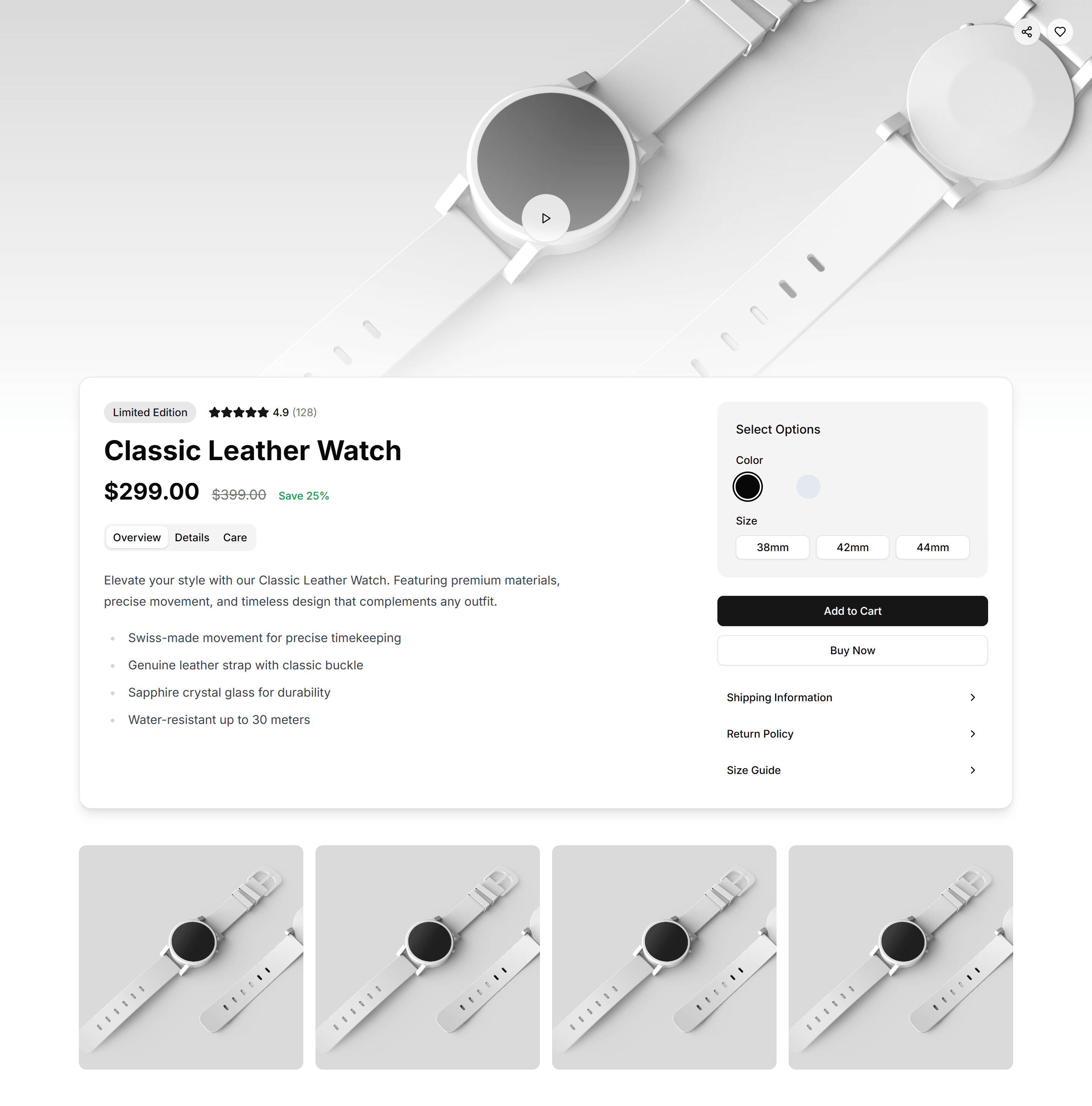
Ecommerce Product Overview: Classic Overview
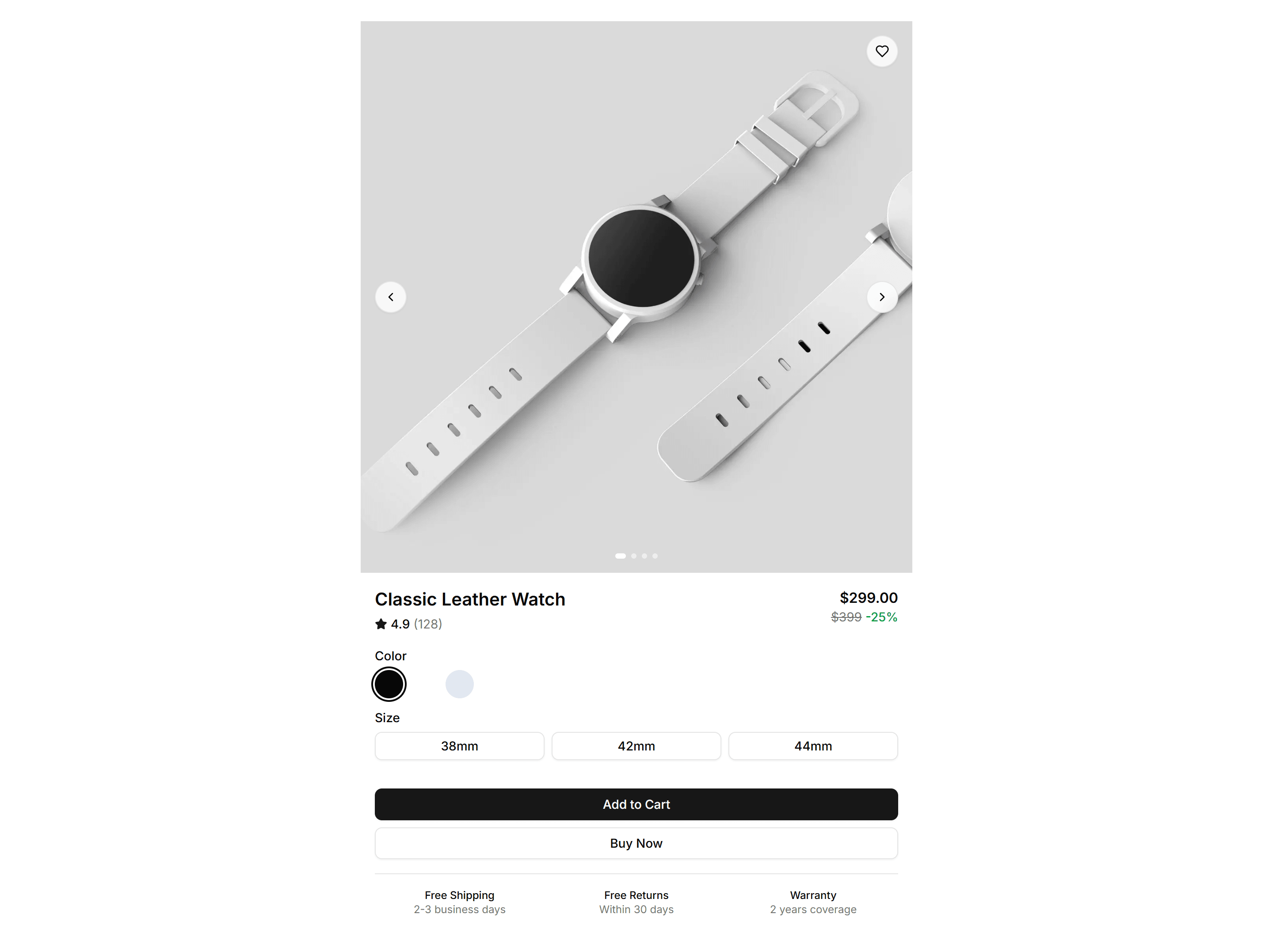
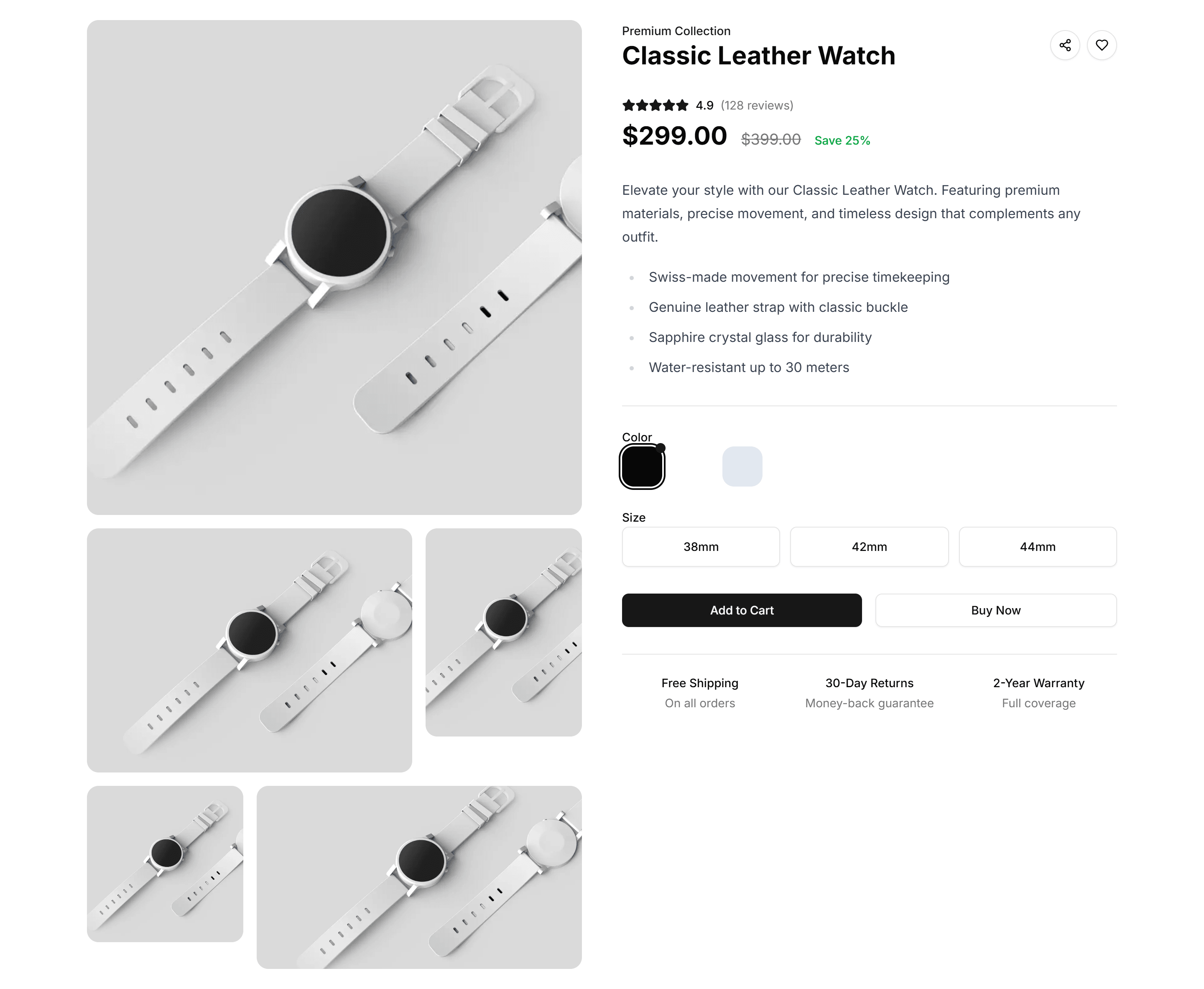
A classic product page with a large image on the left, title, price, variant options, and add to cart on the right. Familiar layout shoppers expect.

Ecommerce Product Overview: Compact Overview
A tight product layout that fits the image, price, options, and buy button above the fold. Built for small screens and quick mobile purchases.

Ecommerce Product Overview: Gallery Overview
A product page led by a multi image gallery with thumbnails beside the details. Lets shoppers study every angle before they add the item to cart.

Ecommerce Product Overview: Immersive Overview
A full bleed product page with edge to edge imagery, floating details, and a sticky buy bar. Best for premium goods that sell on visual impact.

Ecommerce Product Overview: Minimal Overview
A pared back product page with one clean image, title, price, and a single buy button. Keeps focus on the item for simple, low clutter catalogs.

Ecommerce Product Overview: Modern Overview
A contemporary product page mixing a bold image grid, accent typography, and clear pricing. Suits fashion and lifestyle brands that want a fresh look.
Ecommerce Promo Section: Centered Icon Promo
A centered promo with an icon, headline, and supporting copy. Highlights a single offer or shipping perk in the middle of a store landing page.

Ecommerce Promo Section: Centered Image Grid
A centered promo paired with a tidy grid of product images. Showcases a curated collection or a seasonal lineup right on your shop homepage.

Ecommerce Promo Section: Centered Simple Promo
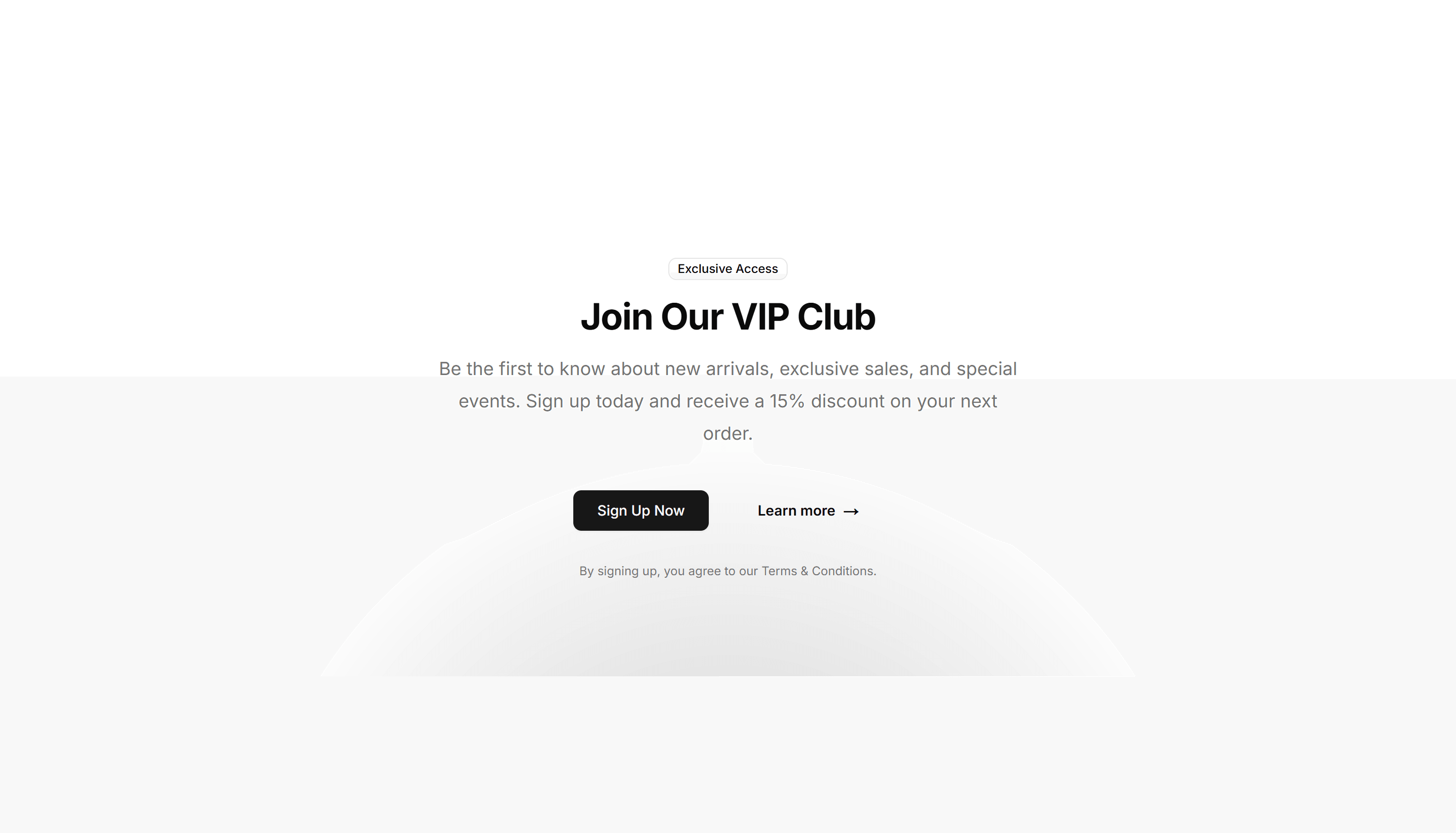
A clean centered promo with a headline, short message, and button. Drop it onto any store page to push a sale, a discount code, or a new arrival.

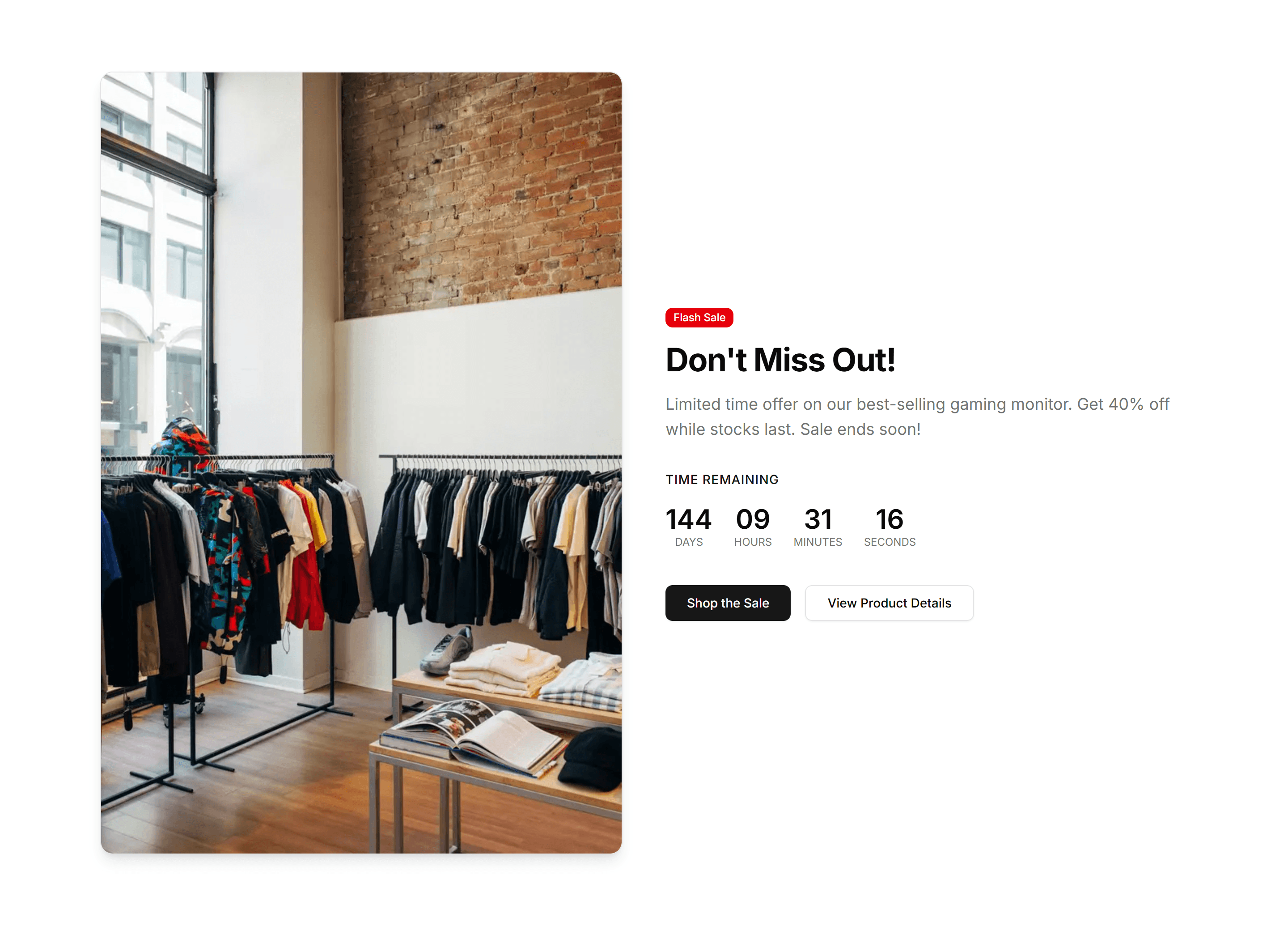
Ecommerce Promo Section: Countdown Timer Promo
A promo block with a live countdown timer, headline, and call to action. Builds urgency around flash sales and limited time offers that expire soon.

Ecommerce Promo Section: Fading Background Testimonial
A testimonial promo with a soft fading background and a customer quote. Builds trust on a product page while reinforcing the offer you are running.

Ecommerce Promo Section: Full Width Large Content
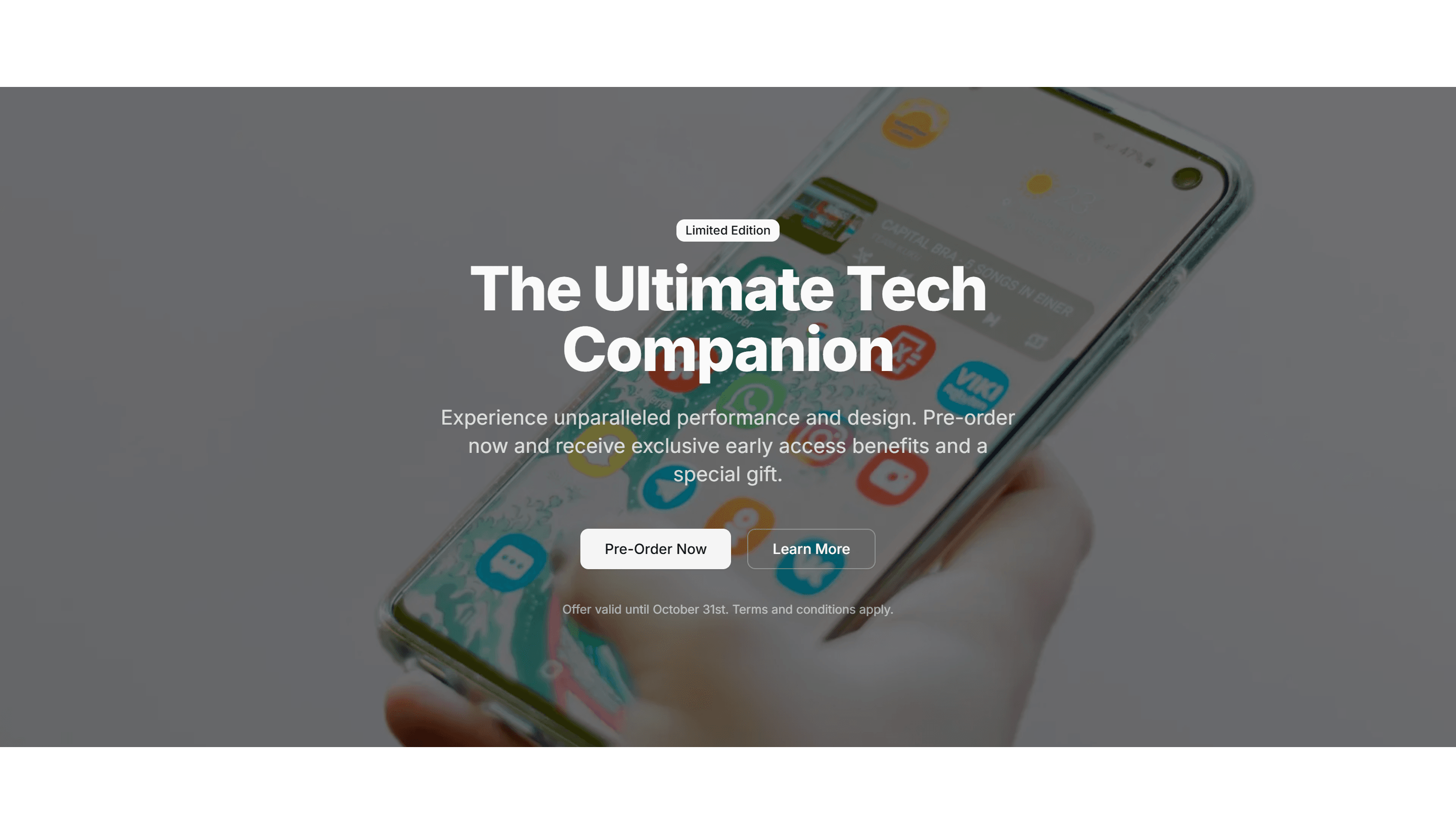
A full width promo with oversized type and a clear button. Commands attention across the whole page for a headline campaign or a seasonal launch.

Ecommerce Promo Section: Image Aside
A promo with copy on one side and a product image alongside it. Pairs your offer with a visual so shoppers see exactly what is on sale right now.

Ecommerce Promo Section: Large Image Split
A split promo with a large image filling one half and an offer on the other. Frames a hero product next to a discount and a clear, single button.

Ecommerce Promo Section: Multi Column Cards
A promo arranged as several cards in columns, each holding its own offer. Presents multiple deals or categories side by side on one store page.

Ecommerce Promo Section: Simple Banner
A slim promo banner with a short message and a link. Sits at the top of a store to announce free shipping, a running sale, or a fresh discount code.

Ecommerce Promo Section: Split Offers
A promo split into two panels, each holding a separate offer and button. Lets shoppers pick between two competing deals within one store section.

Ecommerce Shopping Cart: Compact Cart
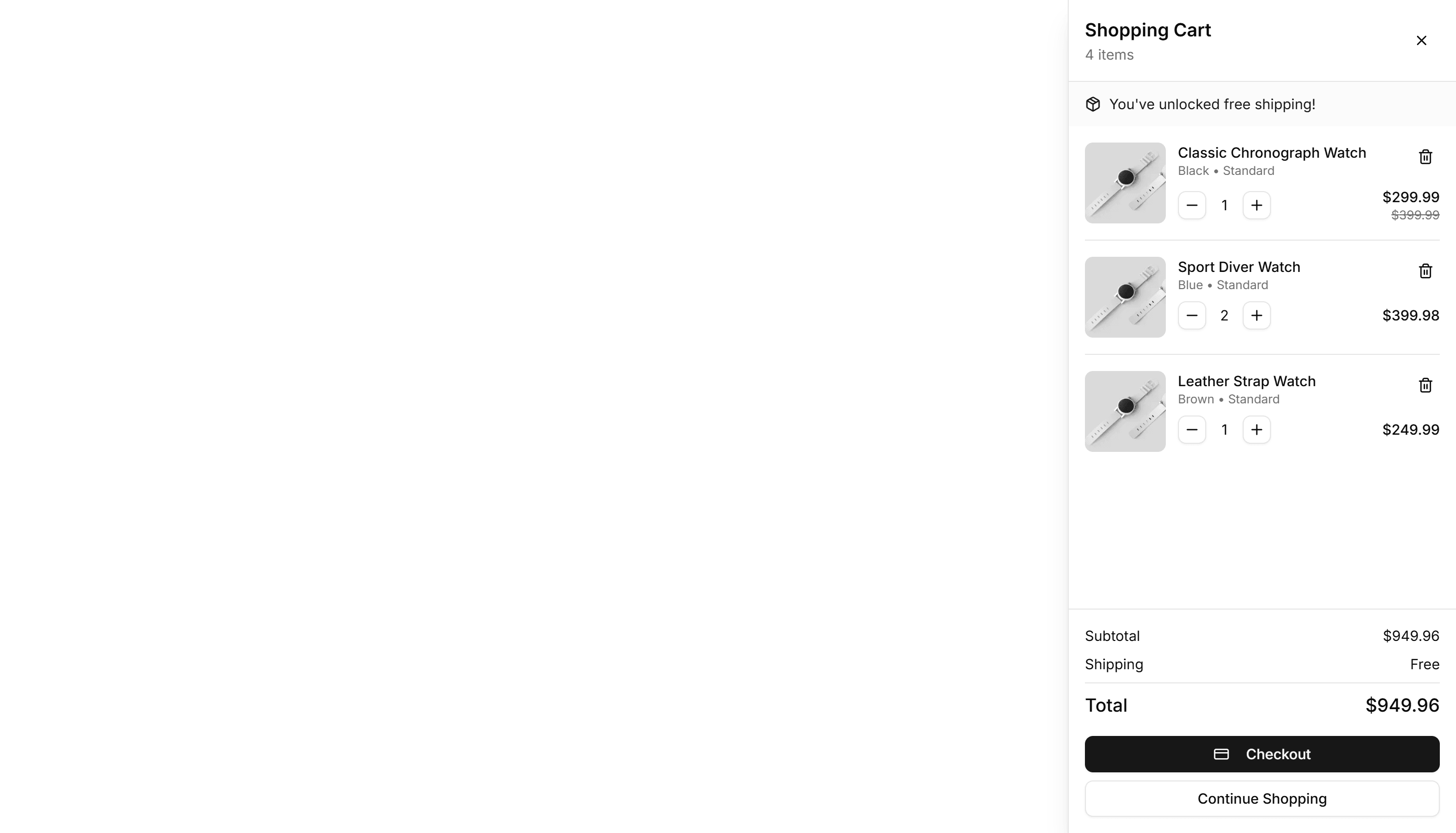
A condensed cart panel listing items, quantities, and a running total in tight space. Fits a header dropdown or a narrow column without crowding the layout.

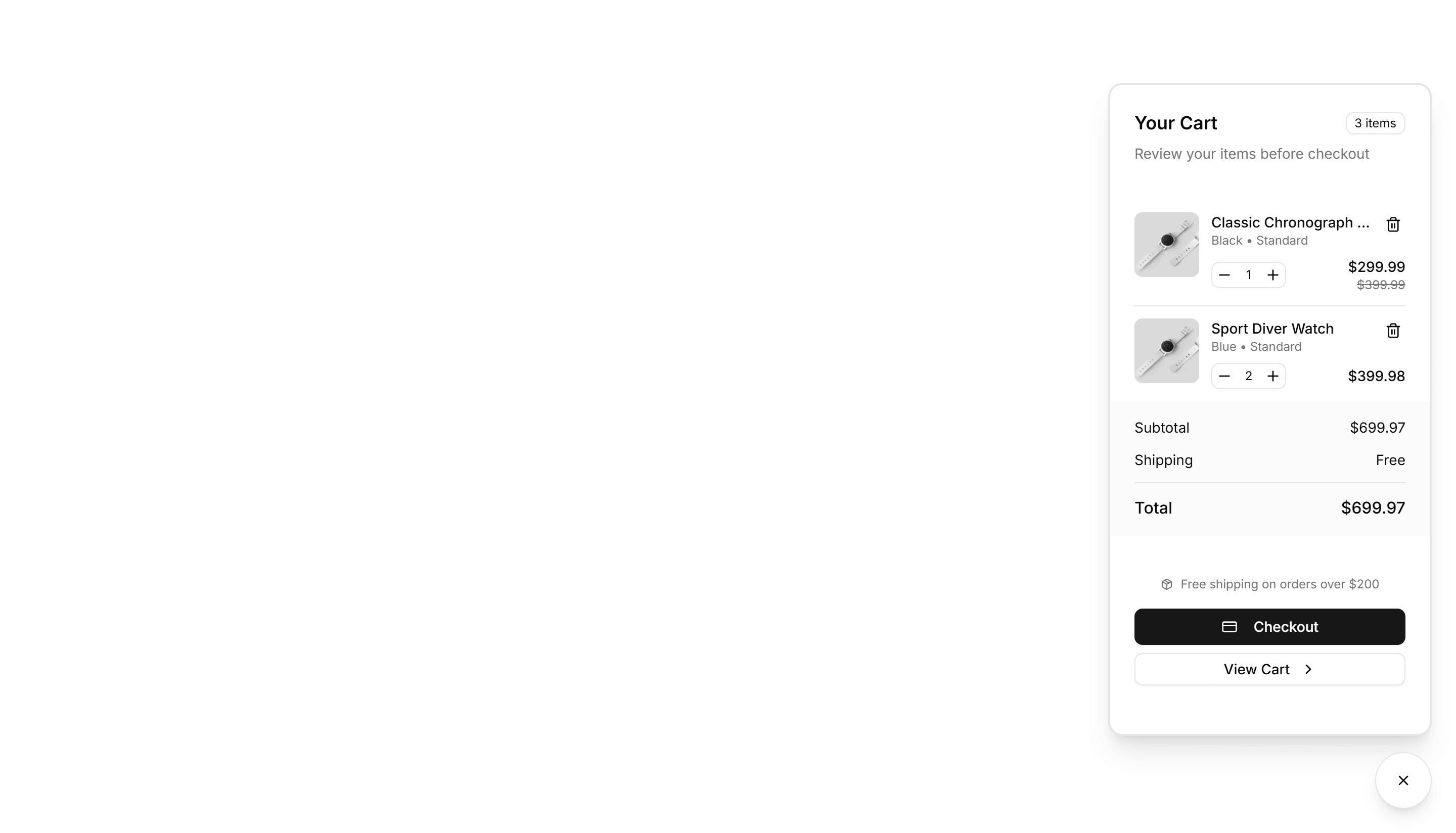
Ecommerce Shopping Cart: Floating Cart
A cart that floats over the page as a small overlay, showing added items and a subtotal. Lets shoppers review picks without leaving the product they browse.

Ecommerce Shopping Cart: Mini Cart
A small summary cart with thumbnails, prices, and a checkout button. Pops from a cart icon so shoppers confirm contents fast before moving on to pay.

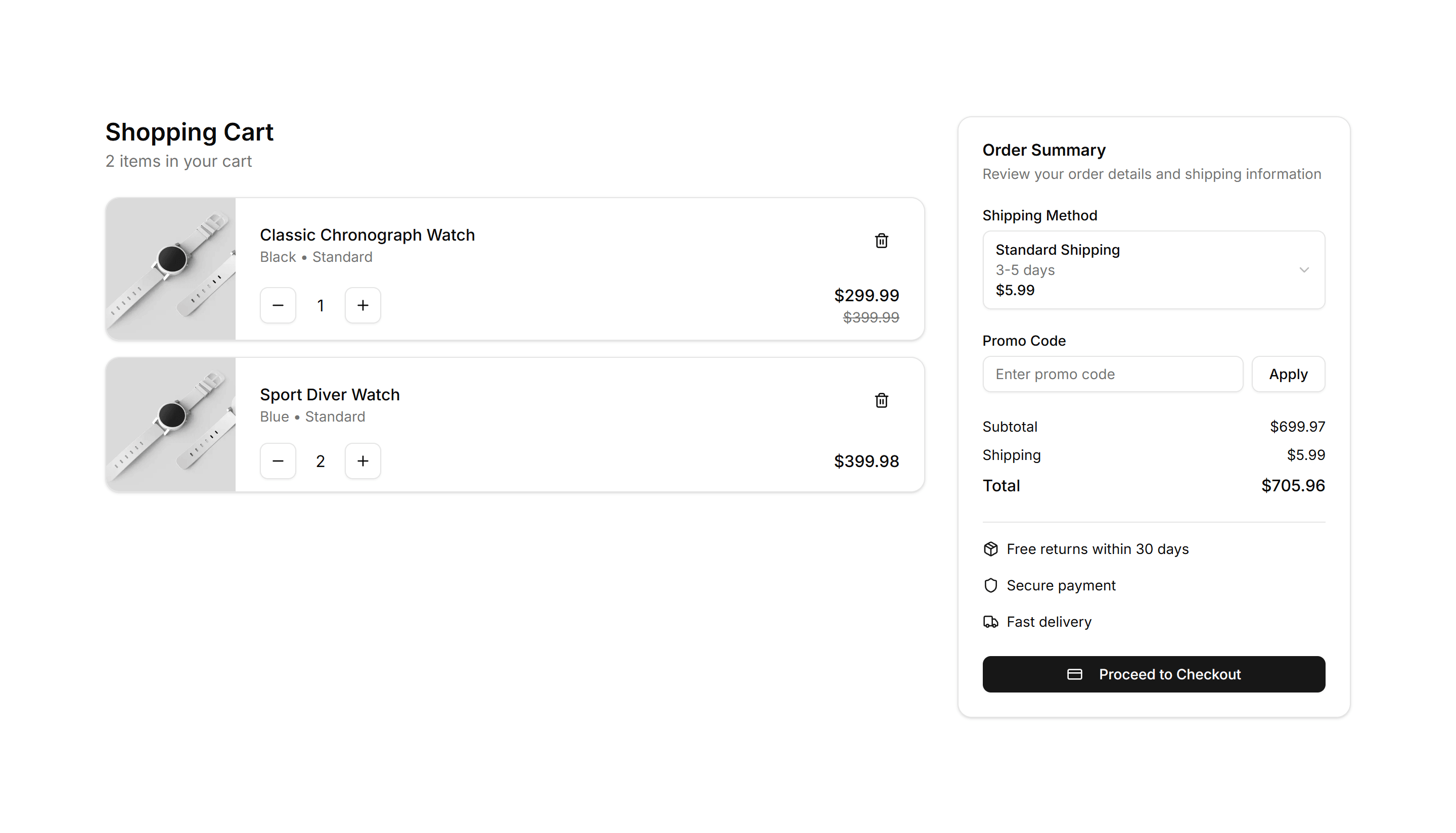
Ecommerce Shopping Cart: Modern Cart
A clean cart layout with product images, quantity steppers, and an order summary. Suits a full cart page where shoppers review items before checkout.
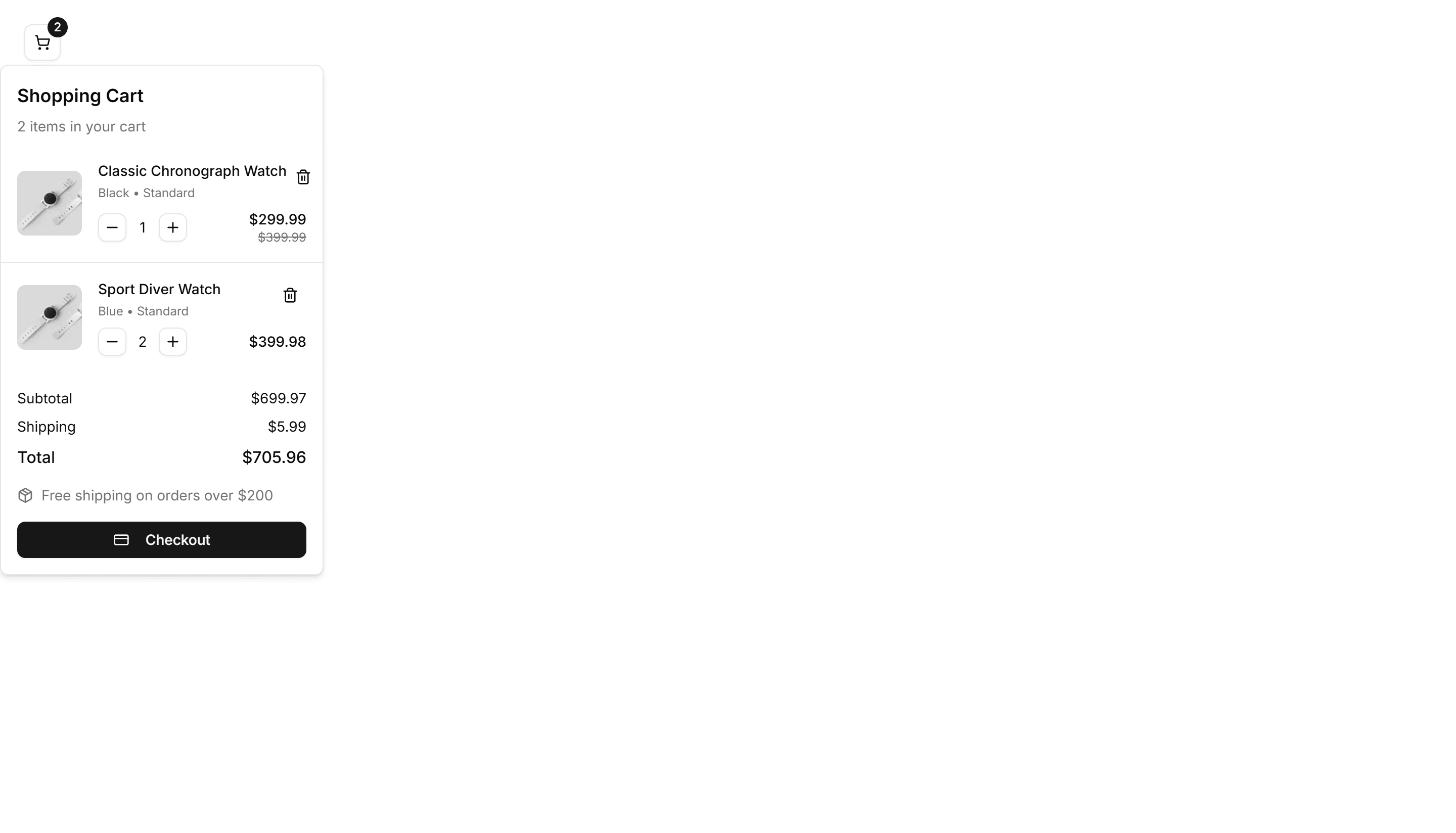
Ecommerce Shopping Cart: Sidebar Cart
A cart that slides in from the side as a panel over the page, listing items and totals. Keeps shopping in view while customers adjust quantities and pay.

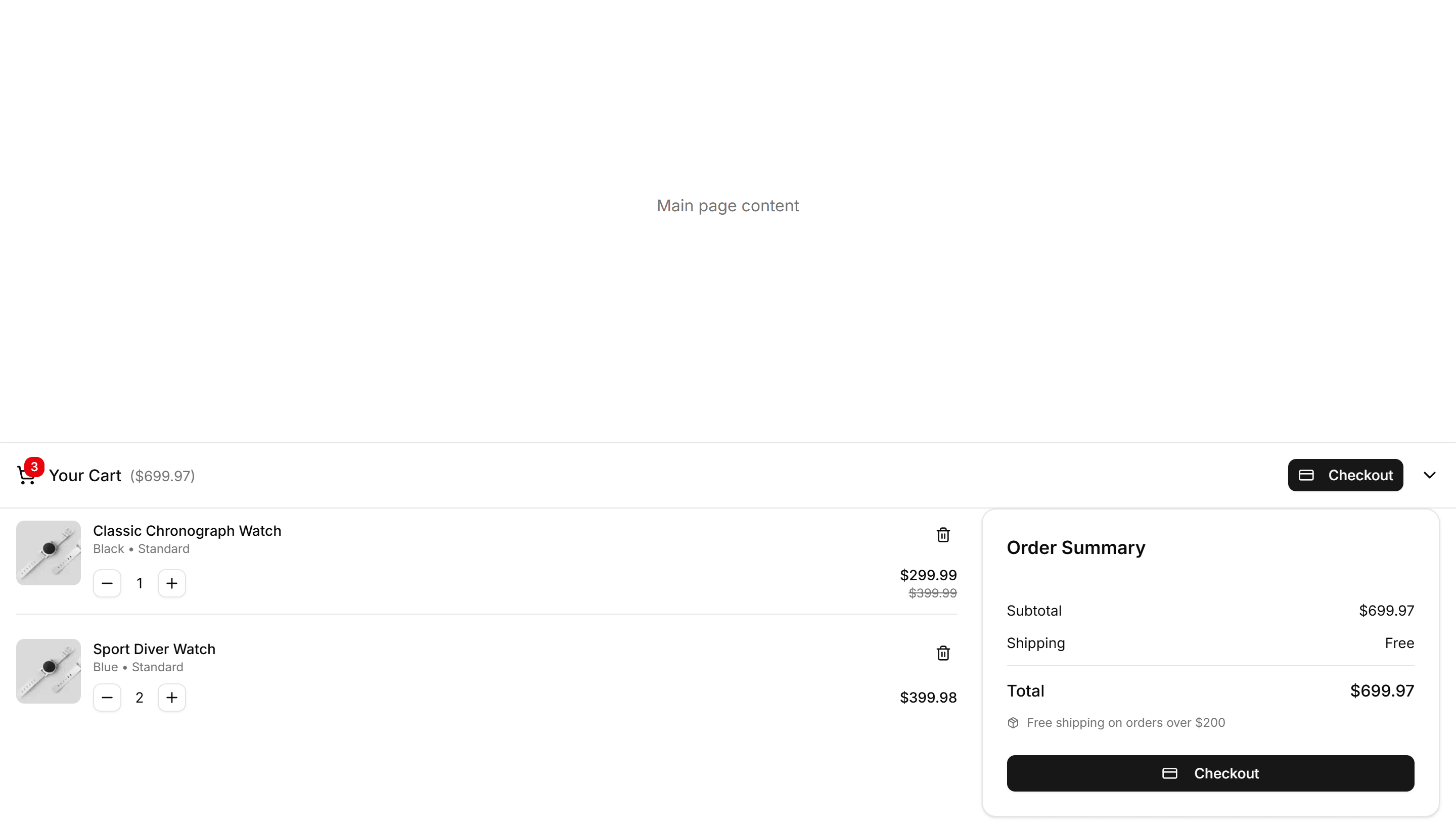
Ecommerce Shopping Cart: Sticky Cart
A cart summary pinned to the side as you scroll, holding items, totals, and a checkout button. Keeps payment in reach on long product and listing pages.

Ecommerce Category Filter: Filter Demo
A sidebar of category filters with checkboxes, price sliders, and color swatches beside a product grid. Refines large catalogs on a shop listing page.

Ecommerce Category Filter: Horizontal Filters
A row of filter dropdowns and chips sitting above the product grid. Lets shoppers narrow by category, price, and brand without giving up vertical space.

Ecommerce Category Preview: Expandable Preview
A category preview where each tile expands to reveal more products on click, keeping the storefront tidy while shoppers dig into one collection at a time.

Ecommerce Category Preview: Magazine Preview
A category preview styled like a magazine spread, mixing large feature tiles with smaller ones to spotlight seasonal collections on a storefront landing page.

Ecommerce Category Preview: Split Preview
A category preview split between a featured image and a product list, pairing a strong visual with quick picks at the top of a collection page.

Ecommerce Bundle Upsell: Builder
A bundle builder where shoppers pick add on products and watch the total update live. Use it on product pages to grow order value before checkout.

Ecommerce Bundle Upsell: Minimalist Grid
A clean grid of bundle products with images, names, and prices in even cells. Use it to present a curated set of items shoppers add together in one tap.

Ecommerce Bundle Upsell: Stack
A vertical stack of bundle items with running totals and one add to cart action. Use it on mobile product pages to offer matching extras as shoppers scroll.

Ecommerce Cross Sell: Simple Grid
A clean grid of related products with image, title, and price per card. Drops below the cart or product page to suggest items shoppers may want.

Ecommerce Cross Sell: With Badges
Related products in a card grid where each item carries a badge for sale, new, or low stock. Adds urgency to nudge shoppers toward another buy.

Ecommerce Customer Review: Base
A starter customer review layout with star ratings, reviewer names, and comment text. Drop it onto a product page to show real shopper feedback fast.

Ecommerce Customer Review: Review Cards Grid
A grid of review cards showing star ratings, avatars, and short quotes. Use it to display many customer opinions at once on a product detail page.

Ecommerce Customer Review: Review Stats Overview
A summary panel with average rating, total count, and a bar chart by star level. Gives shoppers a quick read on overall product quality up front.

Ecommerce Footer: Multi Column
A footer with several columns of grouped links for shop, support, company, and legal. Organizes a large storefront so customers find any page fast.

Ecommerce Footer: With Newsletter
A footer pairing link columns with an email signup field and button. Captures subscribers for promotions and offers while customers browse your store.

Ecommerce Footer: With Socials
A footer with link columns plus a row of social media icons. Connects shoppers to your brand on Instagram, X, and other channels they already follow.

Ecommerce Shipping Return: Checklist
A checklist that lays out shipping steps and return conditions as ticked items. Helps buyers confirm eligibility before they start a refund request.

Ecommerce Shipping Return: Split Columns
A split column layout that places shipping on one side and returns on the other. Lets customers compare delivery and refund terms in one quick glance.

Ecommerce Trust Guarantee: Badge Row
A horizontal row of trust badges showing secure payment, returns, and warranty icons. Place under an add to cart button to calm buyer worry.

Ecommerce Trust Guarantee: Highlighted Quote
A large pull quote with author name and star rating that features a happy customer. Drop it near pricing to back your claims with real social proof.

Ecommerce Trust Guarantee: Three Pillars
Three equal columns, each with an icon, heading, and a line on quality, security, and support. Builds buyer confidence across the full storefront.

Ecommerce Product Feature: Alternating Features
Stacked rows that flip image and text from left to right as you scroll. Walks shoppers through key product benefits one clear section at a time.

Ecommerce Product Feature: Before After Comparison
A slider that wipes between two product images so buyers see the difference at a glance. Ideal for skincare, editing tools, or cleaning results.

Ecommerce Product Feature: Expandable Features Grid
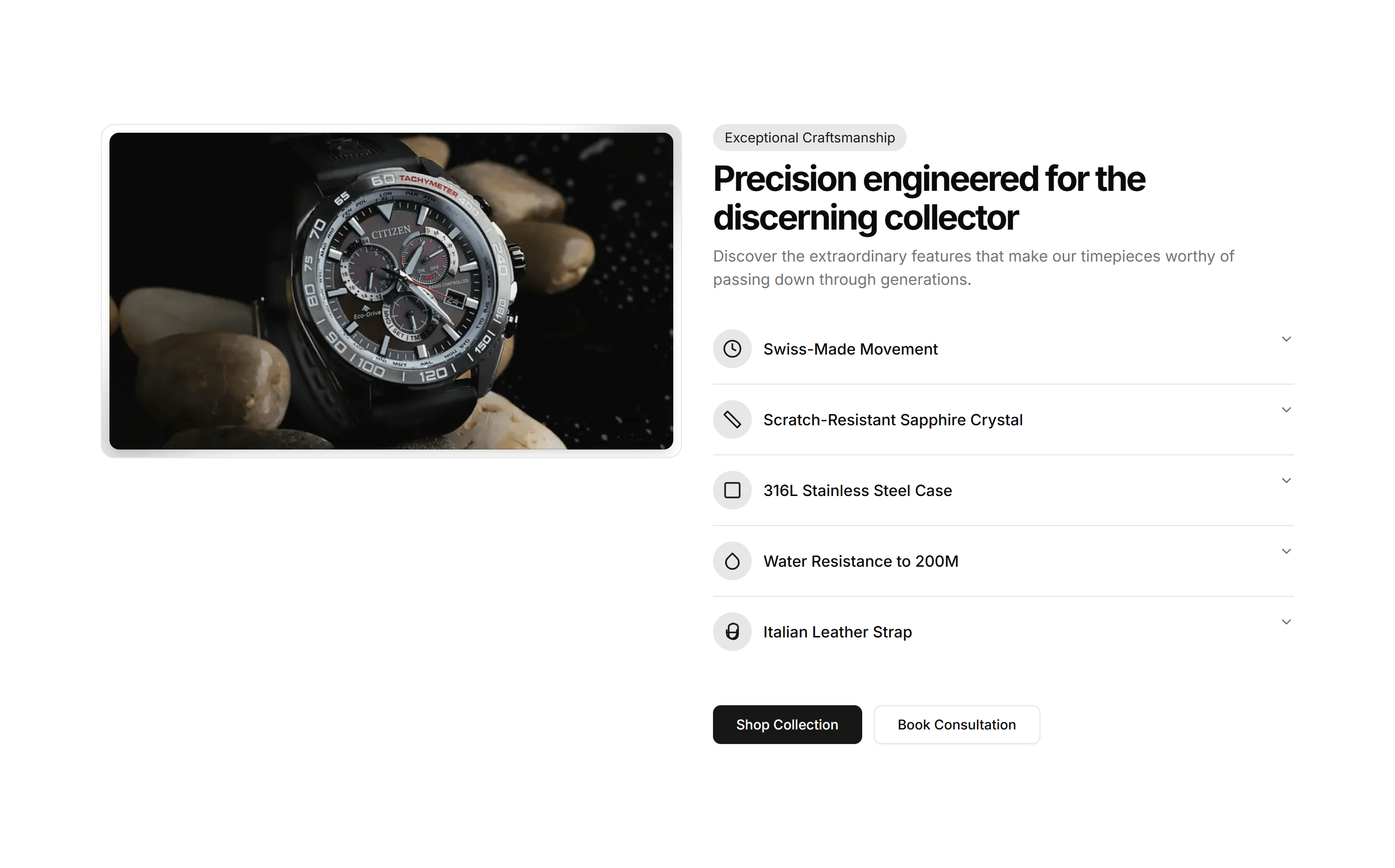
A grid of feature cards that open to reveal more detail on click. Keeps the overview tidy while letting curious shoppers dig into the specifics.

Ecommerce Product Feature: Feature Comparison Table
A table that lines up features across plans or models with clear check marks. Helps shoppers weigh every option and pick the right product fast.

Ecommerce Product Feature: Feature Timeline
A vertical timeline that walks through product features in sequence. Useful for showing a setup flow or how capabilities build on each other.

Ecommerce Product Feature: Horizontal Scrolling Features
A row of feature panels that scroll sideways as the page moves. Shows many product capabilities in a compact, playful strip that invites swiping.

Ecommerce Product Feature: Interactive Feature Tabs
Tabs paired with a live preview that updates as buyers select a feature. Lets shoppers explore what each capability looks like before they buy.

Ecommerce Product Feature: Split Image Features
A two column section with a product photo on one side and feature copy on the other. Balances visual and text to sell a single hero capability.

Ecommerce Product Feature: Timeline Feature Showcase
A timeline that reveals product features step by step as buyers scroll. Good for guiding readers through a journey from first use to results.

Ecommerce Product List: Compact List
A dense list packing each product into a slim row with thumbnail, name, and price. Fits long catalogs and search results where space is tight.

Ecommerce Product List: Featured List
A list spotlighting select products with large imagery, descriptions, and prices. Highlights bestsellers or promotions on a storefront landing page.

Ecommerce Product List: Gallery List
An image first list showing products as large photo cards with name and price. Suits visual categories like fashion, home decor, and art prints.

Ecommerce Product List: Masonry List
A masonry grid fitting product cards of varying heights into tight columns. Works well for mixed imagery in lookbooks and curated collections.

Ecommerce Product List: Timeline List
A vertical timeline arranging products or drops by date with images and prices. Good for release schedules, new arrivals, and limited editions.

Ecommerce Product Overview: Compact Overview
A tight product layout that fits the image, price, options, and buy button above the fold. Built for small screens and quick mobile purchases.

Ecommerce Product Overview: Immersive Overview
A full bleed product page with edge to edge imagery, floating details, and a sticky buy bar. Best for premium goods that sell on visual impact.

Ecommerce Product Overview: Modern Overview
A contemporary product page mixing a bold image grid, accent typography, and clear pricing. Suits fashion and lifestyle brands that want a fresh look.

Ecommerce Promo Section: Centered Image Grid
A centered promo paired with a tidy grid of product images. Showcases a curated collection or a seasonal lineup right on your shop homepage.

Ecommerce Promo Section: Countdown Timer Promo
A promo block with a live countdown timer, headline, and call to action. Builds urgency around flash sales and limited time offers that expire soon.

Ecommerce Promo Section: Full Width Large Content
A full width promo with oversized type and a clear button. Commands attention across the whole page for a headline campaign or a seasonal launch.

Ecommerce Promo Section: Large Image Split
A split promo with a large image filling one half and an offer on the other. Frames a hero product next to a discount and a clear, single button.

Ecommerce Promo Section: Simple Banner
A slim promo banner with a short message and a link. Sits at the top of a store to announce free shipping, a running sale, or a fresh discount code.

Ecommerce Shopping Cart: Compact Cart
A condensed cart panel listing items, quantities, and a running total in tight space. Fits a header dropdown or a narrow column without crowding the layout.

Ecommerce Shopping Cart: Mini Cart
A small summary cart with thumbnails, prices, and a checkout button. Pops from a cart icon so shoppers confirm contents fast before moving on to pay.
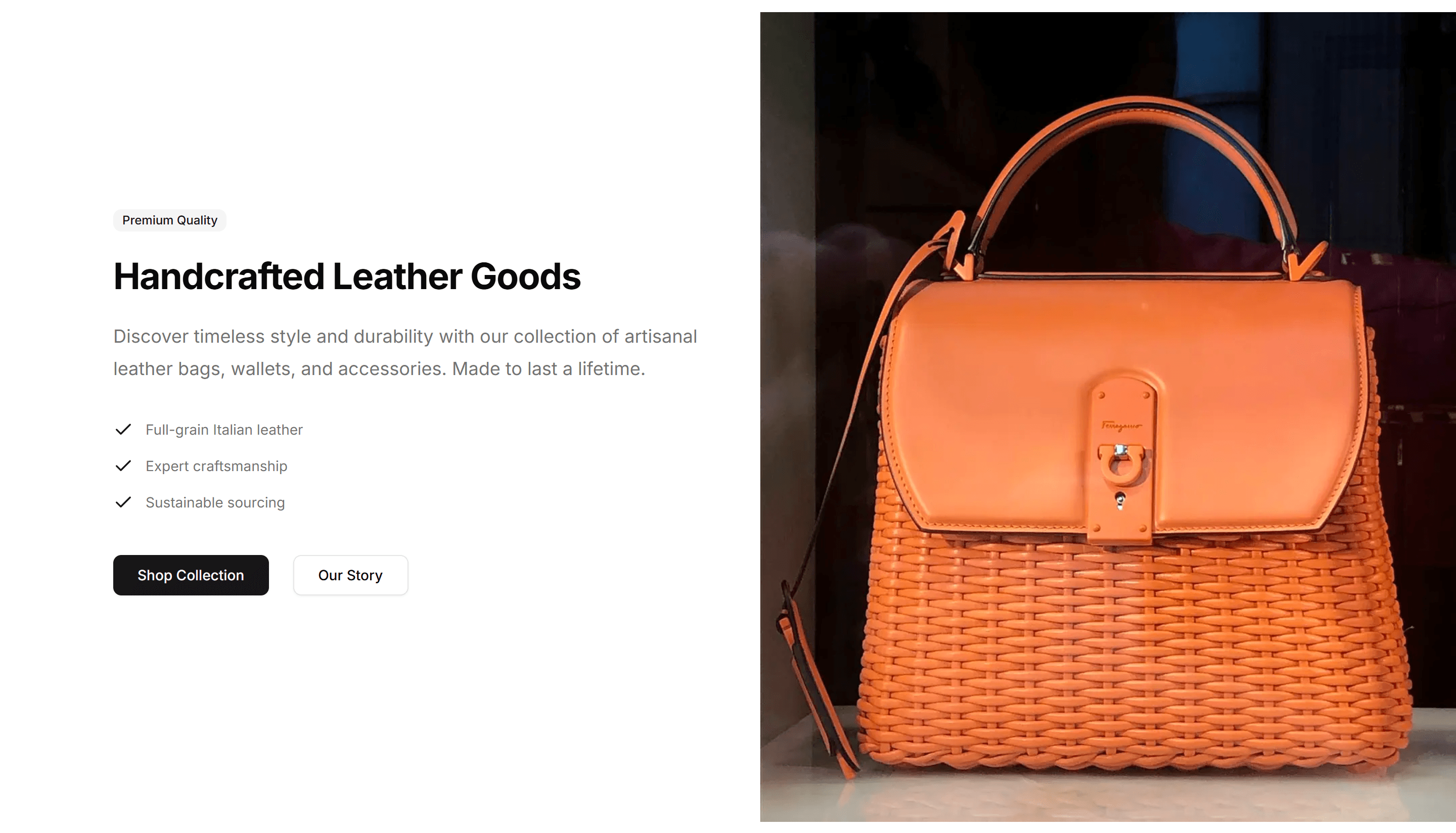
Ecommerce Shopping Cart: Sidebar Cart
A cart that slides in from the side as a panel over the page, listing items and totals. Keeps shopping in view while customers adjust quantities and pay.

Ecommerce Category Filter: Filter Drawer
A slide in drawer holding category, price, and rating filters for small screens. Keeps the product grid full width until shoppers tap to refine on mobile.

Ecommerce Category Preview: Carousel Preview
A category preview that slides products through a horizontal carousel, letting shoppers swipe across a collection without leaving the page on mobile.

Ecommerce Category Preview: Grid Preview
A category preview arranging collections in an even grid of image tiles, giving a clean overview of every department on a busy ecommerce home page.

Ecommerce Category Preview: Scrolling Preview
A category preview that scrolls product cards in a continuous strip, ideal for showing many items while keeping a compact footprint on a collection page.

Ecommerce Category Preview: Three Column Preview
A category preview laid out in three balanced columns of image tiles, sorting collections into clear groups for a wide ecommerce navigation page.

Ecommerce Bundle Upsell: Comparison
A side view comparing a single item against a bundle, with prices and savings shown. Use it to nudge shoppers toward the better value package.

Ecommerce Bundle Upsell: Side By Side
Two product cards placed next to each other with a plus sign and combined price. Use it to pair complementary items and lift the average order total.
Ecommerce Cross Sell: Feature Icons
Recommended products laid out with an icon, short benefit, and price for each item. Highlights why shoppers should add a related pick to the cart.

Ecommerce Cross Sell: Stacked List
Suggested products in a vertical stacked list with thumbnail, name, and price. Fits a narrow sidebar or cart drawer to keep cross sells visible.

Ecommerce Cross Sell: With Ratings
Recommended products shown with star ratings and review counts beside each price. Uses social proof to push complementary items into the cart.

Ecommerce Customer Review: Compact Review List
A tight vertical list of reviews with star ratings and short quotes. Fits narrow sidebars or product pages where space for feedback is limited.

Ecommerce Customer Review: Review Comparison
A side by side view of the highest and lowest rated reviews so shoppers weigh pros and cons. Helps buyers decide quickly on a product detail page.

Ecommerce Customer Review: Social Proof Reviews
Featured customer quotes paired with ratings and verified buyer badges. Builds confidence near the buy button to encourage shoppers to checkout.

Ecommerce Footer: Simple Links
A compact footer with a single row of essential links and a copyright line. Keeps the bottom of a small store clean, tidy, and quick to scan for shoppers.

Ecommerce Footer: With Payments
A footer that displays accepted card and wallet badges beside the usual store links. Reassures shoppers about secure checkout right before they buy.

Ecommerce Shipping Return: Accordion
An accordion that collapses shipping and returns details into expandable rows. Keeps long policy text tidy on a product page until shoppers tap to read.

Ecommerce Shipping Return: Full Text
A full text panel covering delivery times, costs, and the returns process in plain prose. Use on a dedicated policy page where shoppers expect complete detail.
Ecommerce Shipping Return: With Icons
An icons layout pairing each shipping and returns point with a small symbol. Makes delivery speed, free returns, and refund windows scannable at a glance.

Ecommerce Trust Guarantee: Checklist
A vertical checklist of product promises with check icons and short labels. Use it on a product page to spell out exactly what every order includes.
Ecommerce Trust Guarantee: Icon List
A compact list pairing small icons with guarantee statements like free shipping and easy returns. Fits neatly in a sidebar or below the buy section.

Ecommerce Product Feature: 3D Feature Carousel
A rotating carousel that shows product features on 3D cards with depth and motion. Great for highlighting a few standout capabilities on a landing page.

Ecommerce Product Feature: Animated Features Grid
A grid of feature cards with icons and motion that triggers as cards enter view. Adds life to a benefits section without burying the message.

Ecommerce Product Feature: Carousel Feature Showcase
A swipeable carousel that steps through product features with image and copy per slide. Fits compact pages where space for many cards is tight.

Ecommerce Product Feature: Feature Accordion
Stacked panels that expand one feature at a time so each gets full focus. A clean way to present detailed product benefits without a wall of text.

Ecommerce Product Feature: Feature Tabs Navigation
Tabbed sections that swap feature content as buyers click each label. Organizes a deep feature set into bite sized views on one tidy single panel.

Ecommerce Product Feature: Features Testimonial Combo
A layout that pairs product features with a customer quote beside them. Backs each benefit claim with real proof to win hesitant buyers over.

Ecommerce Product Feature: Image Hotspot Features
A product image dotted with clickable hotspots that reveal each feature in place. Perfect for showing exactly where a capability lives on the item.

Ecommerce Product Feature: Simple Feature Grid
A clean grid of feature cards with an icon, title, and short blurb each. The reliable choice for listing core product benefits at a quick glance.

Ecommerce Product Feature: Stats Feature Showcase
A section that pairs product features with hard numbers and metrics. Use it when figures like speed or savings make the strongest case to buy.

Ecommerce Product Feature: Video Feature Showcase
A section that pairs an embedded product video with supporting feature copy. Shows the item in action when motion sells better than a still.

Ecommerce Product List: Comparison List
A side by side list lining up products with specs, prices, and features in columns. Helps shoppers weigh options before they commit to a purchase.

Ecommerce Product List: Filter List
A product list paired with category, price, and attribute filters in a sidebar. Lets shoppers narrow large catalogs and find the right item fast.

Ecommerce Product List: Grid List
A responsive grid of product cards with images, titles, prices, and buttons. The standard catalog layout for category and search pages in a store.

Ecommerce Product List: Table List
A table listing products in rows with columns for image, name, stock, and price. Ideal for dashboards, admin catalogs, and bulk inventory views.

Ecommerce Product Overview: Classic Overview
A classic product page with a large image on the left, title, price, variant options, and add to cart on the right. Familiar layout shoppers expect.

Ecommerce Product Overview: Gallery Overview
A product page led by a multi image gallery with thumbnails beside the details. Lets shoppers study every angle before they add the item to cart.

Ecommerce Product Overview: Minimal Overview
A pared back product page with one clean image, title, price, and a single buy button. Keeps focus on the item for simple, low clutter catalogs.
Ecommerce Promo Section: Centered Icon Promo
A centered promo with an icon, headline, and supporting copy. Highlights a single offer or shipping perk in the middle of a store landing page.

Ecommerce Promo Section: Centered Simple Promo
A clean centered promo with a headline, short message, and button. Drop it onto any store page to push a sale, a discount code, or a new arrival.

Ecommerce Promo Section: Fading Background Testimonial
A testimonial promo with a soft fading background and a customer quote. Builds trust on a product page while reinforcing the offer you are running.

Ecommerce Promo Section: Image Aside
A promo with copy on one side and a product image alongside it. Pairs your offer with a visual so shoppers see exactly what is on sale right now.

Ecommerce Promo Section: Multi Column Cards
A promo arranged as several cards in columns, each holding its own offer. Presents multiple deals or categories side by side on one store page.

Ecommerce Promo Section: Split Offers
A promo split into two panels, each holding a separate offer and button. Lets shoppers pick between two competing deals within one store section.

Ecommerce Shopping Cart: Floating Cart
A cart that floats over the page as a small overlay, showing added items and a subtotal. Lets shoppers review picks without leaving the product they browse.

Ecommerce Shopping Cart: Modern Cart
A clean cart layout with product images, quantity steppers, and an order summary. Suits a full cart page where shoppers review items before checkout.

Ecommerce Shopping Cart: Sticky Cart
A cart summary pinned to the side as you scroll, holding items, totals, and a checkout button. Keeps payment in reach on long product and listing pages.

Ecommerce Category Filter: Filter Demo
A sidebar of category filters with checkboxes, price sliders, and color swatches beside a product grid. Refines large catalogs on a shop listing page.

Ecommerce Category Preview: Carousel Preview
A category preview that slides products through a horizontal carousel, letting shoppers swipe across a collection without leaving the page on mobile.

Ecommerce Category Preview: Magazine Preview
A category preview styled like a magazine spread, mixing large feature tiles with smaller ones to spotlight seasonal collections on a storefront landing page.

Ecommerce Category Preview: Three Column Preview
A category preview laid out in three balanced columns of image tiles, sorting collections into clear groups for a wide ecommerce navigation page.

Ecommerce Bundle Upsell: Minimalist Grid
A clean grid of bundle products with images, names, and prices in even cells. Use it to present a curated set of items shoppers add together in one tap.
Ecommerce Cross Sell: Feature Icons
Recommended products laid out with an icon, short benefit, and price for each item. Highlights why shoppers should add a related pick to the cart.

Ecommerce Cross Sell: With Badges
Related products in a card grid where each item carries a badge for sale, new, or low stock. Adds urgency to nudge shoppers toward another buy.

Ecommerce Customer Review: Compact Review List
A tight vertical list of reviews with star ratings and short quotes. Fits narrow sidebars or product pages where space for feedback is limited.

Ecommerce Customer Review: Review Stats Overview
A summary panel with average rating, total count, and a bar chart by star level. Gives shoppers a quick read on overall product quality up front.

Ecommerce Footer: Simple Links
A compact footer with a single row of essential links and a copyright line. Keeps the bottom of a small store clean, tidy, and quick to scan for shoppers.

Ecommerce Footer: With Socials
A footer with link columns plus a row of social media icons. Connects shoppers to your brand on Instagram, X, and other channels they already follow.

Ecommerce Shipping Return: Full Text
A full text panel covering delivery times, costs, and the returns process in plain prose. Use on a dedicated policy page where shoppers expect complete detail.

Ecommerce Trust Guarantee: Badge Row
A horizontal row of trust badges showing secure payment, returns, and warranty icons. Place under an add to cart button to calm buyer worry.
Ecommerce Trust Guarantee: Icon List
A compact list pairing small icons with guarantee statements like free shipping and easy returns. Fits neatly in a sidebar or below the buy section.

Ecommerce Product Feature: Alternating Features
Stacked rows that flip image and text from left to right as you scroll. Walks shoppers through key product benefits one clear section at a time.

Ecommerce Product Feature: Carousel Feature Showcase
A swipeable carousel that steps through product features with image and copy per slide. Fits compact pages where space for many cards is tight.

Ecommerce Product Feature: Feature Comparison Table
A table that lines up features across plans or models with clear check marks. Helps shoppers weigh every option and pick the right product fast.

Ecommerce Product Feature: Features Testimonial Combo
A layout that pairs product features with a customer quote beside them. Backs each benefit claim with real proof to win hesitant buyers over.

Ecommerce Product Feature: Interactive Feature Tabs
Tabs paired with a live preview that updates as buyers select a feature. Lets shoppers explore what each capability looks like before they buy.

Ecommerce Product Feature: Stats Feature Showcase
A section that pairs product features with hard numbers and metrics. Use it when figures like speed or savings make the strongest case to buy.

Ecommerce Product List: Compact List
A dense list packing each product into a slim row with thumbnail, name, and price. Fits long catalogs and search results where space is tight.

Ecommerce Product List: Filter List
A product list paired with category, price, and attribute filters in a sidebar. Lets shoppers narrow large catalogs and find the right item fast.

Ecommerce Product List: Masonry List
A masonry grid fitting product cards of varying heights into tight columns. Works well for mixed imagery in lookbooks and curated collections.

Ecommerce Product Overview: Classic Overview
A classic product page with a large image on the left, title, price, variant options, and add to cart on the right. Familiar layout shoppers expect.

Ecommerce Product Overview: Immersive Overview
A full bleed product page with edge to edge imagery, floating details, and a sticky buy bar. Best for premium goods that sell on visual impact.
Ecommerce Promo Section: Centered Icon Promo
A centered promo with an icon, headline, and supporting copy. Highlights a single offer or shipping perk in the middle of a store landing page.

Ecommerce Promo Section: Countdown Timer Promo
A promo block with a live countdown timer, headline, and call to action. Builds urgency around flash sales and limited time offers that expire soon.

Ecommerce Promo Section: Image Aside
A promo with copy on one side and a product image alongside it. Pairs your offer with a visual so shoppers see exactly what is on sale right now.

Ecommerce Promo Section: Simple Banner
A slim promo banner with a short message and a link. Sits at the top of a store to announce free shipping, a running sale, or a fresh discount code.

Ecommerce Shopping Cart: Floating Cart
A cart that floats over the page as a small overlay, showing added items and a subtotal. Lets shoppers review picks without leaving the product they browse.

Ecommerce Shopping Cart: Sidebar Cart
A cart that slides in from the side as a panel over the page, listing items and totals. Keeps shopping in view while customers adjust quantities and pay.

Ecommerce Category Filter: Filter Drawer
A slide in drawer holding category, price, and rating filters for small screens. Keeps the product grid full width until shoppers tap to refine on mobile.

Ecommerce Category Preview: Expandable Preview
A category preview where each tile expands to reveal more products on click, keeping the storefront tidy while shoppers dig into one collection at a time.

Ecommerce Category Preview: Scrolling Preview
A category preview that scrolls product cards in a continuous strip, ideal for showing many items while keeping a compact footprint on a collection page.

Ecommerce Bundle Upsell: Builder
A bundle builder where shoppers pick add on products and watch the total update live. Use it on product pages to grow order value before checkout.

Ecommerce Bundle Upsell: Side By Side
Two product cards placed next to each other with a plus sign and combined price. Use it to pair complementary items and lift the average order total.

Ecommerce Cross Sell: Simple Grid
A clean grid of related products with image, title, and price per card. Drops below the cart or product page to suggest items shoppers may want.

Ecommerce Cross Sell: With Ratings
Recommended products shown with star ratings and review counts beside each price. Uses social proof to push complementary items into the cart.

Ecommerce Customer Review: Review Cards Grid
A grid of review cards showing star ratings, avatars, and short quotes. Use it to display many customer opinions at once on a product detail page.

Ecommerce Customer Review: Social Proof Reviews
Featured customer quotes paired with ratings and verified buyer badges. Builds confidence near the buy button to encourage shoppers to checkout.

Ecommerce Footer: With Newsletter
A footer pairing link columns with an email signup field and button. Captures subscribers for promotions and offers while customers browse your store.

Ecommerce Shipping Return: Accordion
An accordion that collapses shipping and returns details into expandable rows. Keeps long policy text tidy on a product page until shoppers tap to read.

Ecommerce Shipping Return: Split Columns
A split column layout that places shipping on one side and returns on the other. Lets customers compare delivery and refund terms in one quick glance.

Ecommerce Trust Guarantee: Checklist
A vertical checklist of product promises with check icons and short labels. Use it on a product page to spell out exactly what every order includes.

Ecommerce Trust Guarantee: Three Pillars
Three equal columns, each with an icon, heading, and a line on quality, security, and support. Builds buyer confidence across the full storefront.

Ecommerce Product Feature: Animated Features Grid
A grid of feature cards with icons and motion that triggers as cards enter view. Adds life to a benefits section without burying the message.

Ecommerce Product Feature: Expandable Features Grid
A grid of feature cards that open to reveal more detail on click. Keeps the overview tidy while letting curious shoppers dig into the specifics.

Ecommerce Product Feature: Feature Tabs Navigation
Tabbed sections that swap feature content as buyers click each label. Organizes a deep feature set into bite sized views on one tidy single panel.

Ecommerce Product Feature: Horizontal Scrolling Features
A row of feature panels that scroll sideways as the page moves. Shows many product capabilities in a compact, playful strip that invites swiping.

Ecommerce Product Feature: Simple Feature Grid
A clean grid of feature cards with an icon, title, and short blurb each. The reliable choice for listing core product benefits at a quick glance.

Ecommerce Product Feature: Timeline Feature Showcase
A timeline that reveals product features step by step as buyers scroll. Good for guiding readers through a journey from first use to results.

Ecommerce Product List: Comparison List
A side by side list lining up products with specs, prices, and features in columns. Helps shoppers weigh options before they commit to a purchase.

Ecommerce Product List: Gallery List
An image first list showing products as large photo cards with name and price. Suits visual categories like fashion, home decor, and art prints.

Ecommerce Product List: Table List
A table listing products in rows with columns for image, name, stock, and price. Ideal for dashboards, admin catalogs, and bulk inventory views.

Ecommerce Product Overview: Compact Overview
A tight product layout that fits the image, price, options, and buy button above the fold. Built for small screens and quick mobile purchases.

Ecommerce Product Overview: Minimal Overview
A pared back product page with one clean image, title, price, and a single buy button. Keeps focus on the item for simple, low clutter catalogs.

Ecommerce Promo Section: Centered Image Grid
A centered promo paired with a tidy grid of product images. Showcases a curated collection or a seasonal lineup right on your shop homepage.

Ecommerce Promo Section: Fading Background Testimonial
A testimonial promo with a soft fading background and a customer quote. Builds trust on a product page while reinforcing the offer you are running.

Ecommerce Promo Section: Large Image Split
A split promo with a large image filling one half and an offer on the other. Frames a hero product next to a discount and a clear, single button.
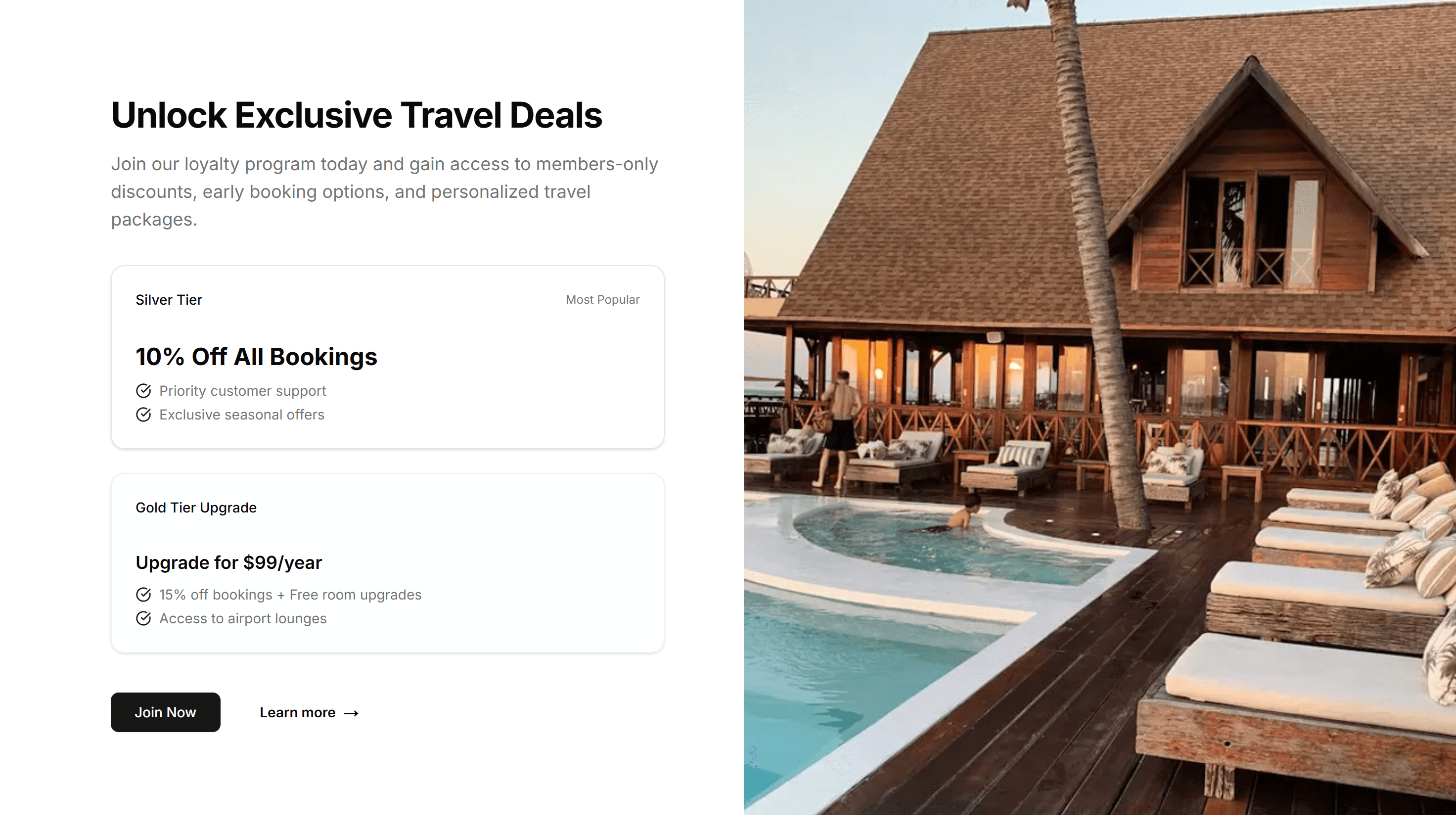
Ecommerce Promo Section: Split Offers
A promo split into two panels, each holding a separate offer and button. Lets shoppers pick between two competing deals within one store section.
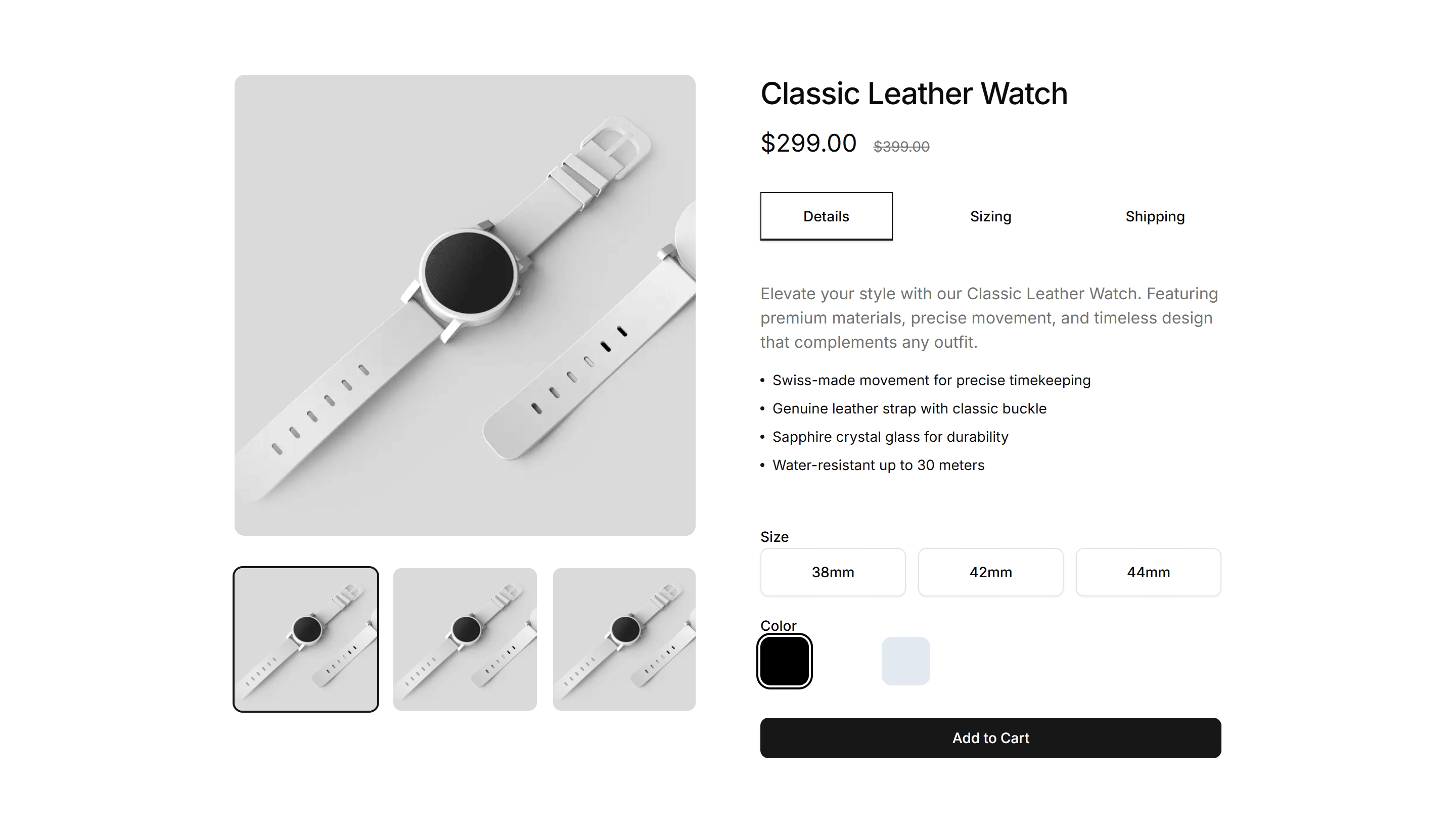
Ecommerce Shopping Cart: Mini Cart
A small summary cart with thumbnails, prices, and a checkout button. Pops from a cart icon so shoppers confirm contents fast before moving on to pay.

Ecommerce Shopping Cart: Sticky Cart
A cart summary pinned to the side as you scroll, holding items, totals, and a checkout button. Keeps payment in reach on long product and listing pages.

Ecommerce Category Filter: Horizontal Filters
A row of filter dropdowns and chips sitting above the product grid. Lets shoppers narrow by category, price, and brand without giving up vertical space.

Ecommerce Category Preview: Grid Preview
A category preview arranging collections in an even grid of image tiles, giving a clean overview of every department on a busy ecommerce home page.

Ecommerce Category Preview: Split Preview
A category preview split between a featured image and a product list, pairing a strong visual with quick picks at the top of a collection page.

Ecommerce Bundle Upsell: Comparison
A side view comparing a single item against a bundle, with prices and savings shown. Use it to nudge shoppers toward the better value package.

Ecommerce Bundle Upsell: Stack
A vertical stack of bundle items with running totals and one add to cart action. Use it on mobile product pages to offer matching extras as shoppers scroll.

Ecommerce Cross Sell: Stacked List
Suggested products in a vertical stacked list with thumbnail, name, and price. Fits a narrow sidebar or cart drawer to keep cross sells visible.

Ecommerce Customer Review: Base
A starter customer review layout with star ratings, reviewer names, and comment text. Drop it onto a product page to show real shopper feedback fast.

Ecommerce Customer Review: Review Comparison
A side by side view of the highest and lowest rated reviews so shoppers weigh pros and cons. Helps buyers decide quickly on a product detail page.

Ecommerce Footer: Multi Column
A footer with several columns of grouped links for shop, support, company, and legal. Organizes a large storefront so customers find any page fast.

Ecommerce Footer: With Payments
A footer that displays accepted card and wallet badges beside the usual store links. Reassures shoppers about secure checkout right before they buy.

Ecommerce Shipping Return: Checklist
A checklist that lays out shipping steps and return conditions as ticked items. Helps buyers confirm eligibility before they start a refund request.
Ecommerce Shipping Return: With Icons
An icons layout pairing each shipping and returns point with a small symbol. Makes delivery speed, free returns, and refund windows scannable at a glance.

Ecommerce Trust Guarantee: Highlighted Quote
A large pull quote with author name and star rating that features a happy customer. Drop it near pricing to back your claims with real social proof.

Ecommerce Product Feature: 3D Feature Carousel
A rotating carousel that shows product features on 3D cards with depth and motion. Great for highlighting a few standout capabilities on a landing page.

Ecommerce Product Feature: Before After Comparison
A slider that wipes between two product images so buyers see the difference at a glance. Ideal for skincare, editing tools, or cleaning results.

Ecommerce Product Feature: Feature Accordion
Stacked panels that expand one feature at a time so each gets full focus. A clean way to present detailed product benefits without a wall of text.

Ecommerce Product Feature: Feature Timeline
A vertical timeline that walks through product features in sequence. Useful for showing a setup flow or how capabilities build on each other.

Ecommerce Product Feature: Image Hotspot Features
A product image dotted with clickable hotspots that reveal each feature in place. Perfect for showing exactly where a capability lives on the item.

Ecommerce Product Feature: Split Image Features
A two column section with a product photo on one side and feature copy on the other. Balances visual and text to sell a single hero capability.
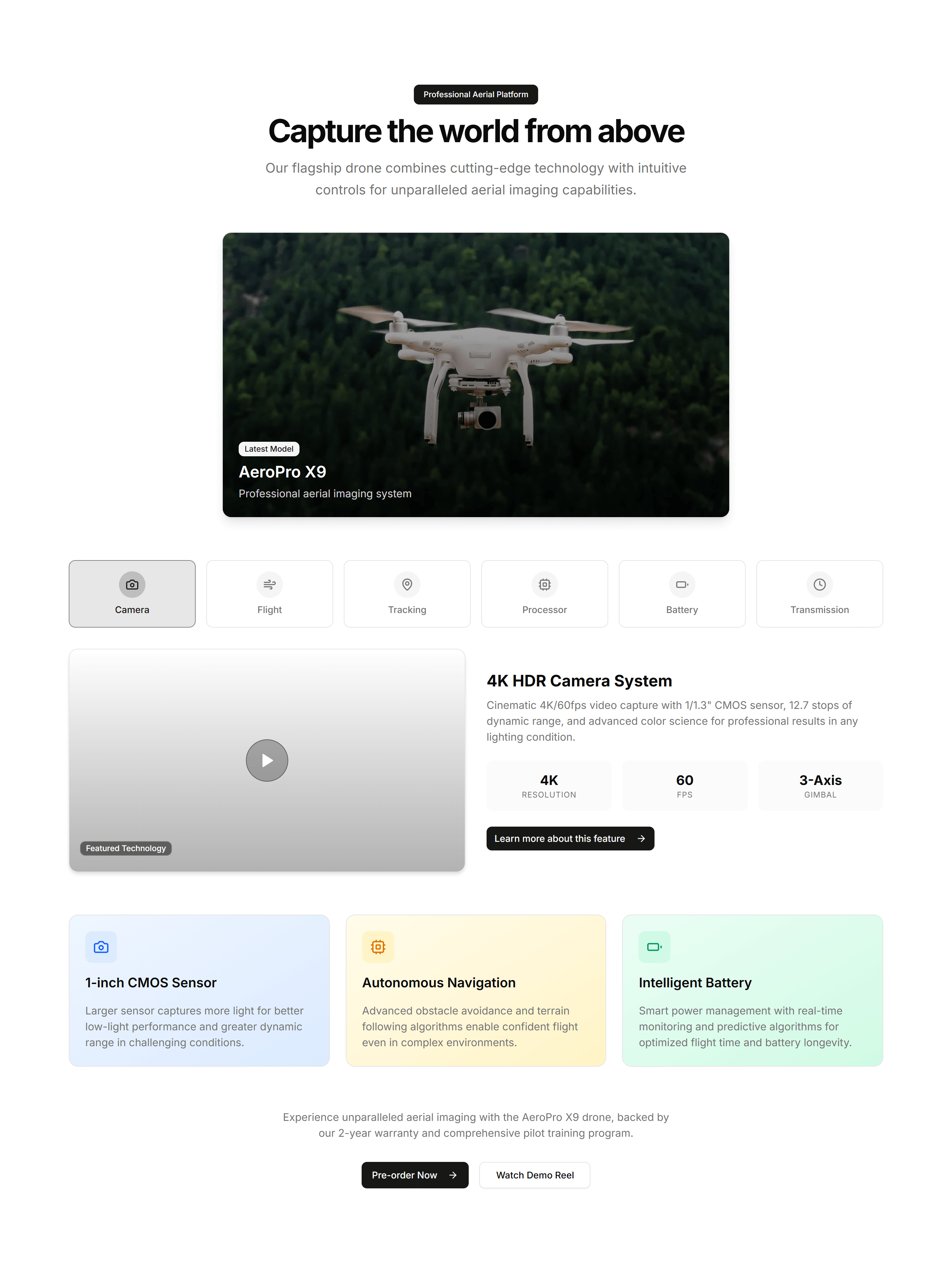
Ecommerce Product Feature: Video Feature Showcase
A section that pairs an embedded product video with supporting feature copy. Shows the item in action when motion sells better than a still.
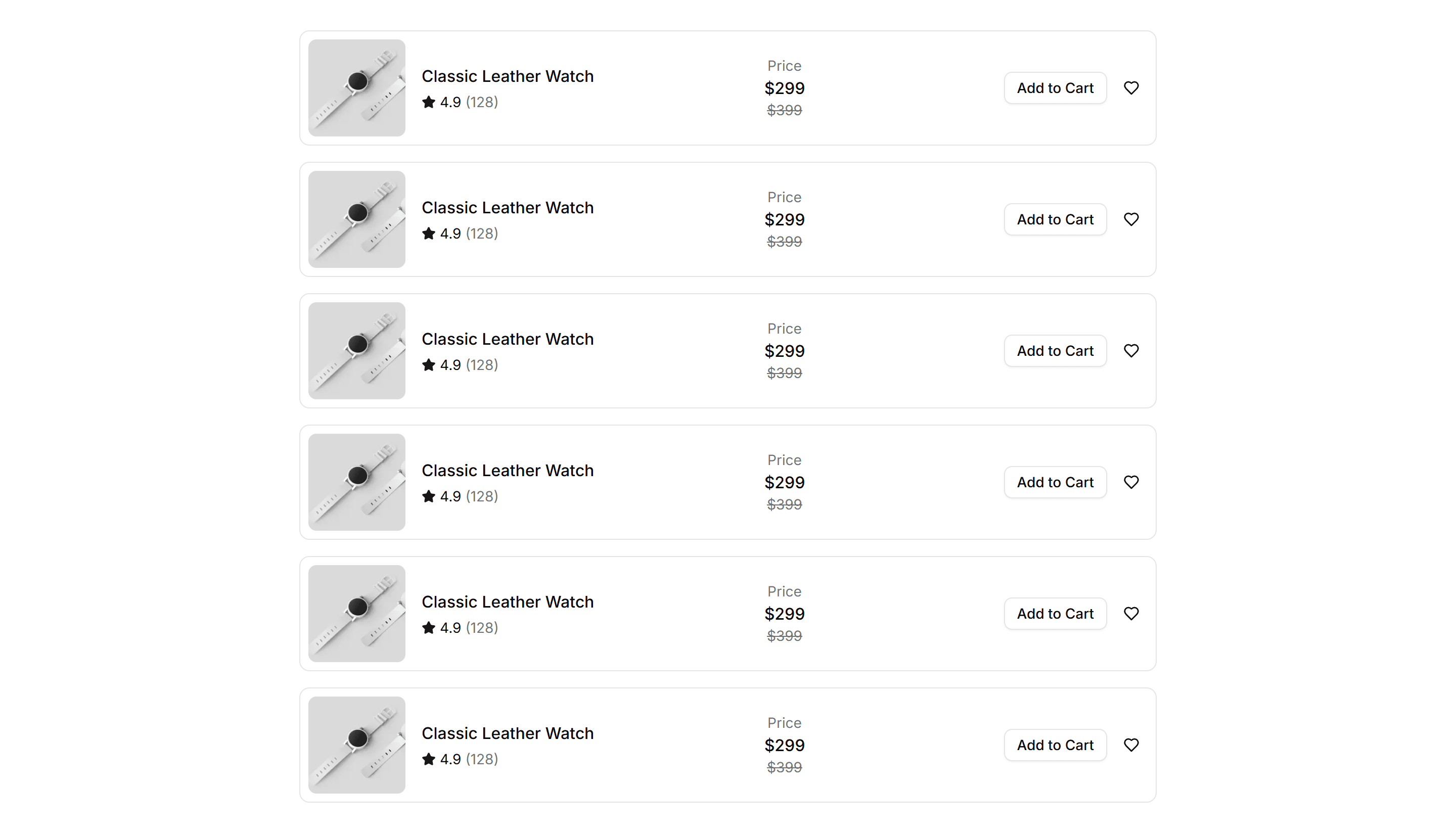
Ecommerce Product List: Featured List
A list spotlighting select products with large imagery, descriptions, and prices. Highlights bestsellers or promotions on a storefront landing page.

Ecommerce Product List: Grid List
A responsive grid of product cards with images, titles, prices, and buttons. The standard catalog layout for category and search pages in a store.

Ecommerce Product List: Timeline List
A vertical timeline arranging products or drops by date with images and prices. Good for release schedules, new arrivals, and limited editions.

Ecommerce Product Overview: Gallery Overview
A product page led by a multi image gallery with thumbnails beside the details. Lets shoppers study every angle before they add the item to cart.

Ecommerce Product Overview: Modern Overview
A contemporary product page mixing a bold image grid, accent typography, and clear pricing. Suits fashion and lifestyle brands that want a fresh look.

Ecommerce Promo Section: Centered Simple Promo
A clean centered promo with a headline, short message, and button. Drop it onto any store page to push a sale, a discount code, or a new arrival.

Ecommerce Promo Section: Full Width Large Content
A full width promo with oversized type and a clear button. Commands attention across the whole page for a headline campaign or a seasonal launch.
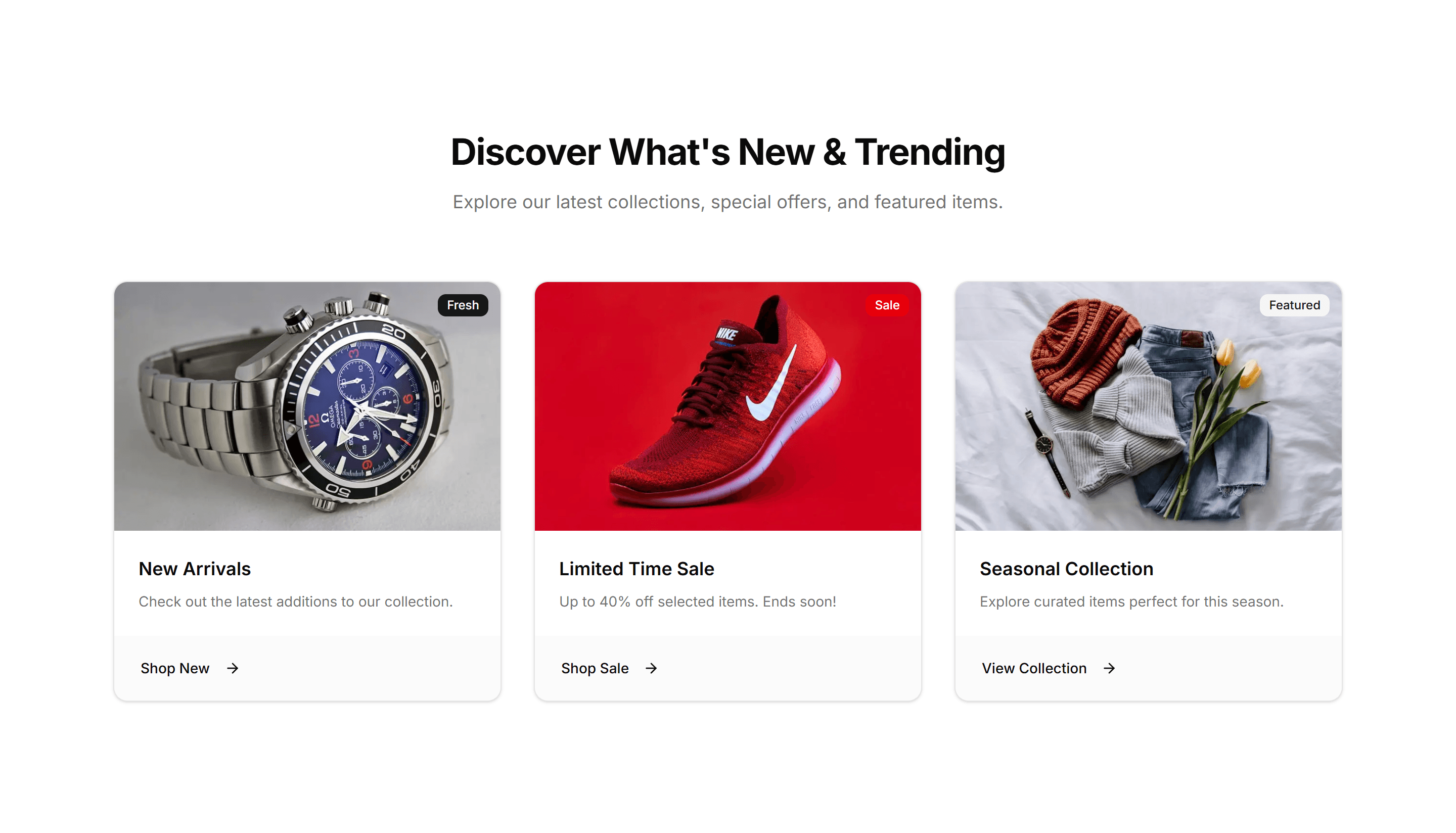
Ecommerce Promo Section: Multi Column Cards
A promo arranged as several cards in columns, each holding its own offer. Presents multiple deals or categories side by side on one store page.
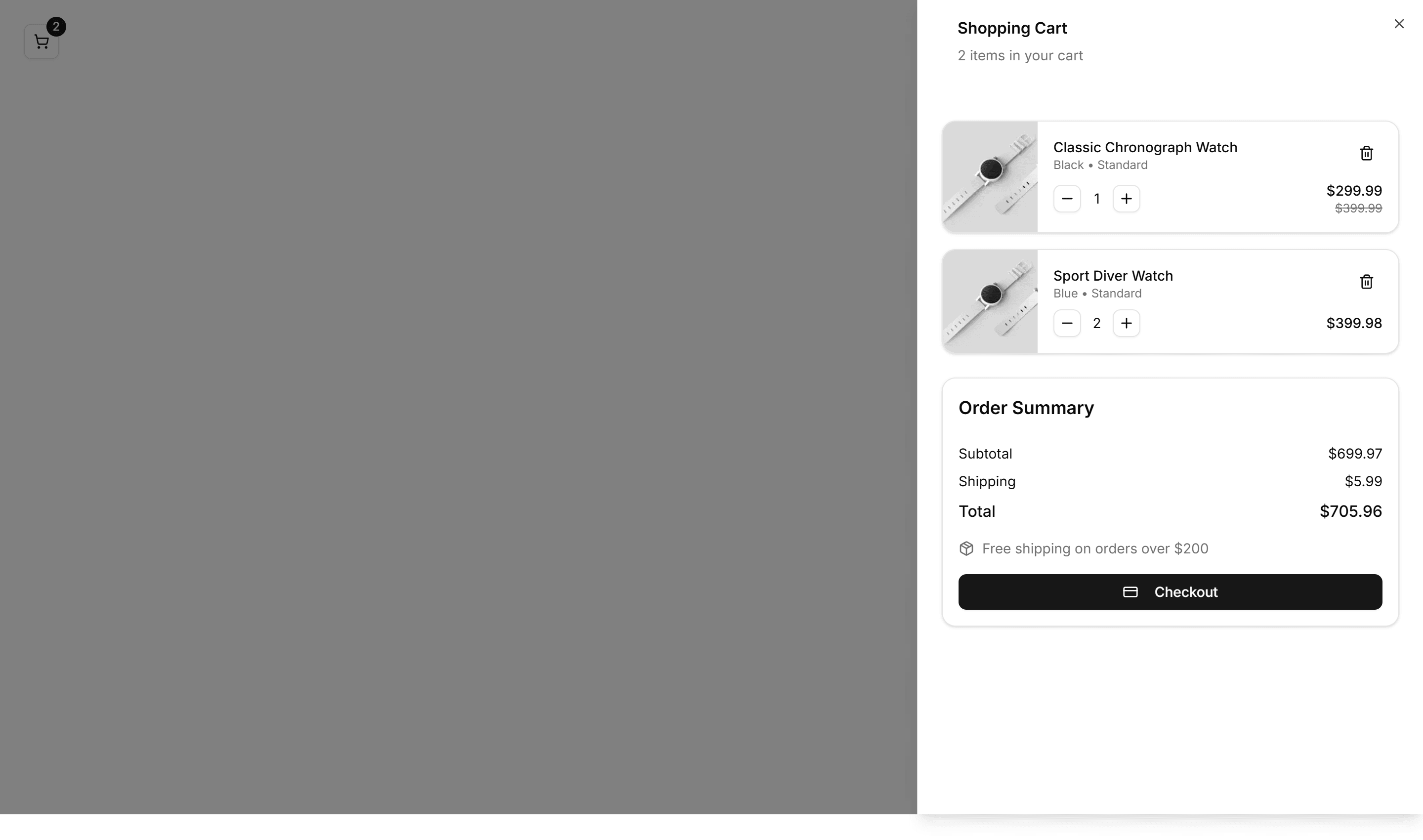
Ecommerce Shopping Cart: Compact Cart
A condensed cart panel listing items, quantities, and a running total in tight space. Fits a header dropdown or a narrow column without crowding the layout.
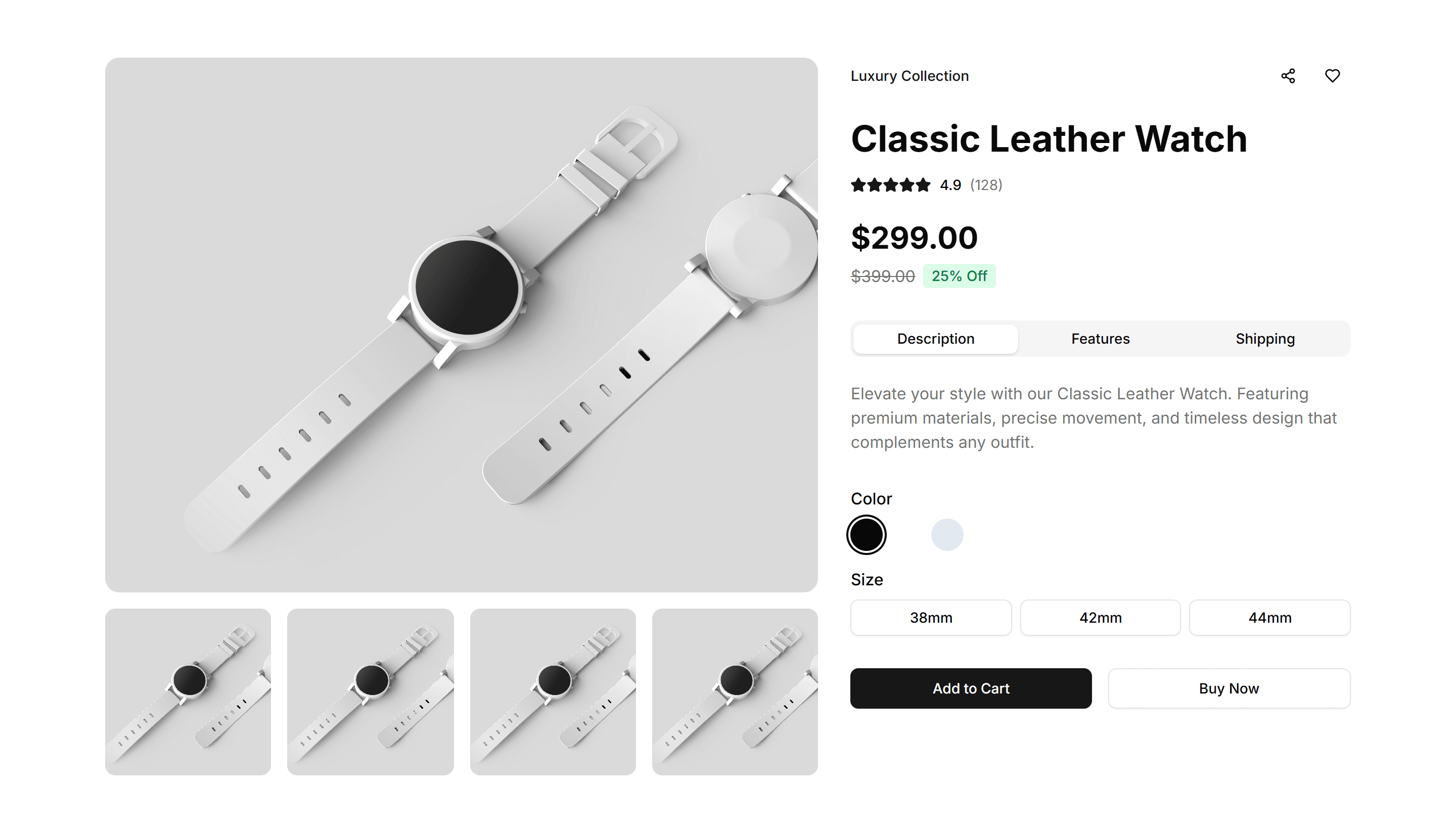
Ecommerce Shopping Cart: Modern Cart
A clean cart layout with product images, quantity steppers, and an order summary. Suits a full cart page where shoppers review items before checkout.