Shadcn Application Blocks
Explore 31 free Application blocks for shadcn/ui. Forms, logins, dashboards, stats, page headings, and user profiles you can drop into any product UI.
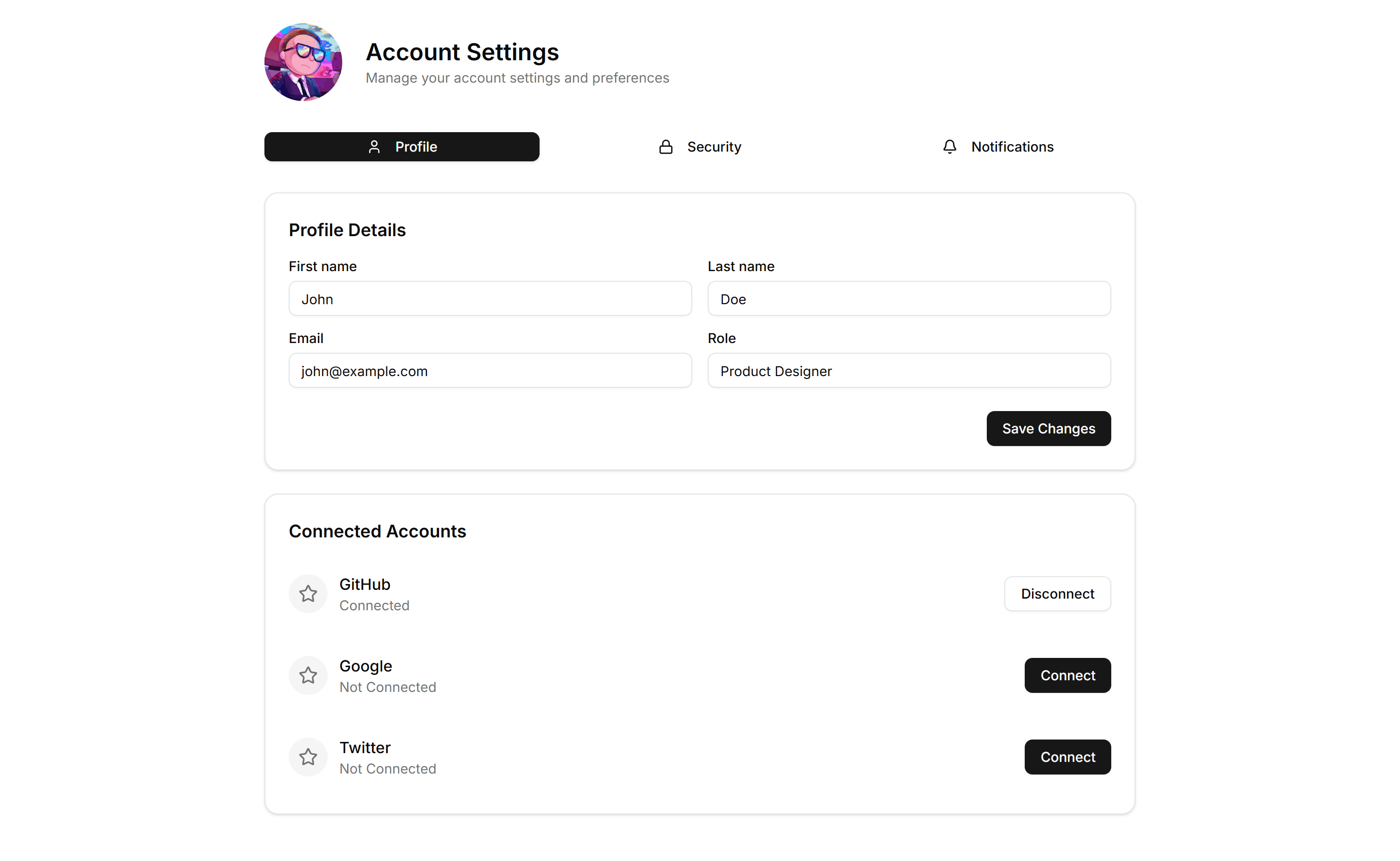
Application User Profile: Tabbed
A profile layout split into tabs for account, security, and notifications. Use it to organize many settings without crowding a single long page.
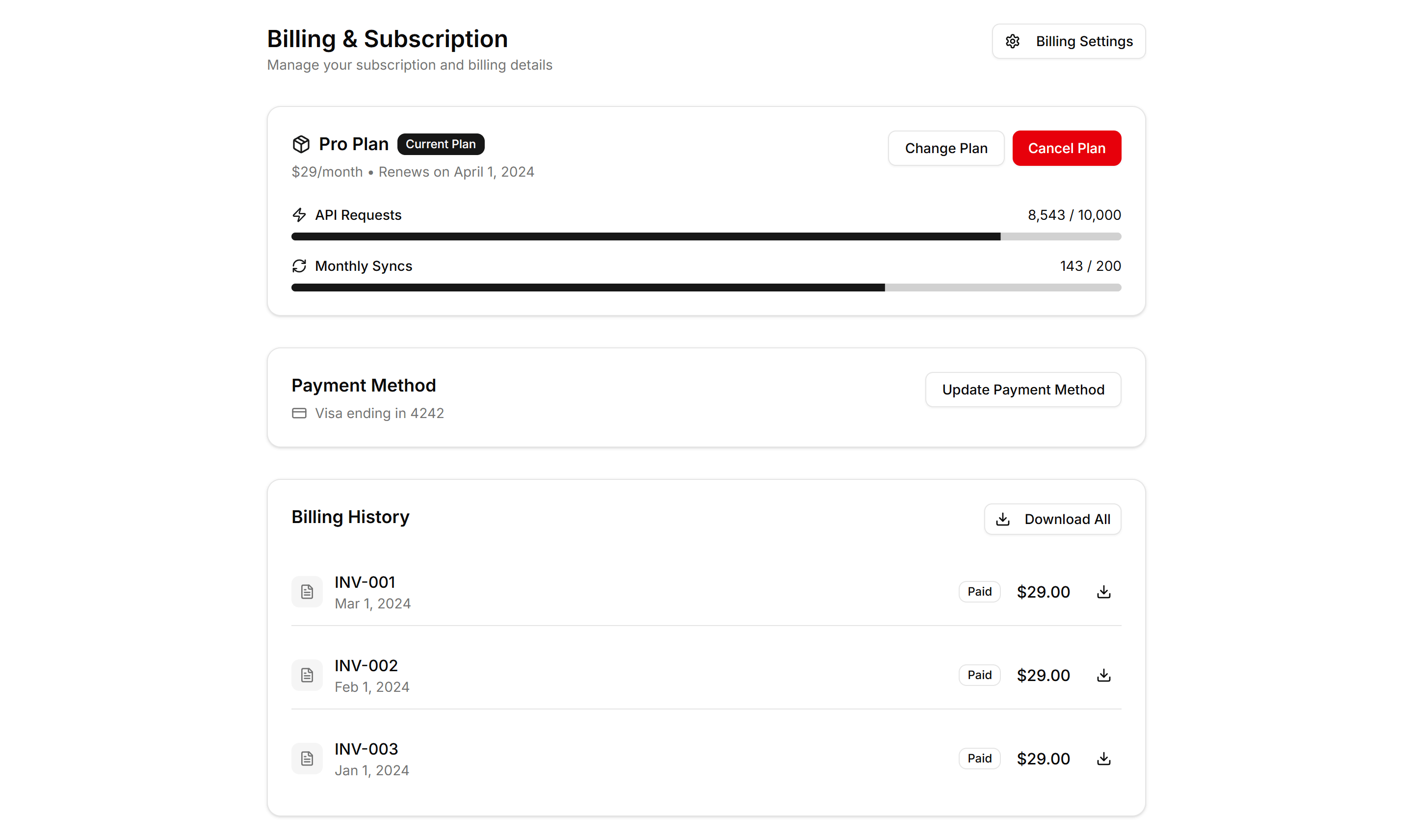
Application User Profile: Billing
A profile billing view with current plan, payment method, invoice history, and an upgrade prompt. Use it where members manage subscriptions and receipts.
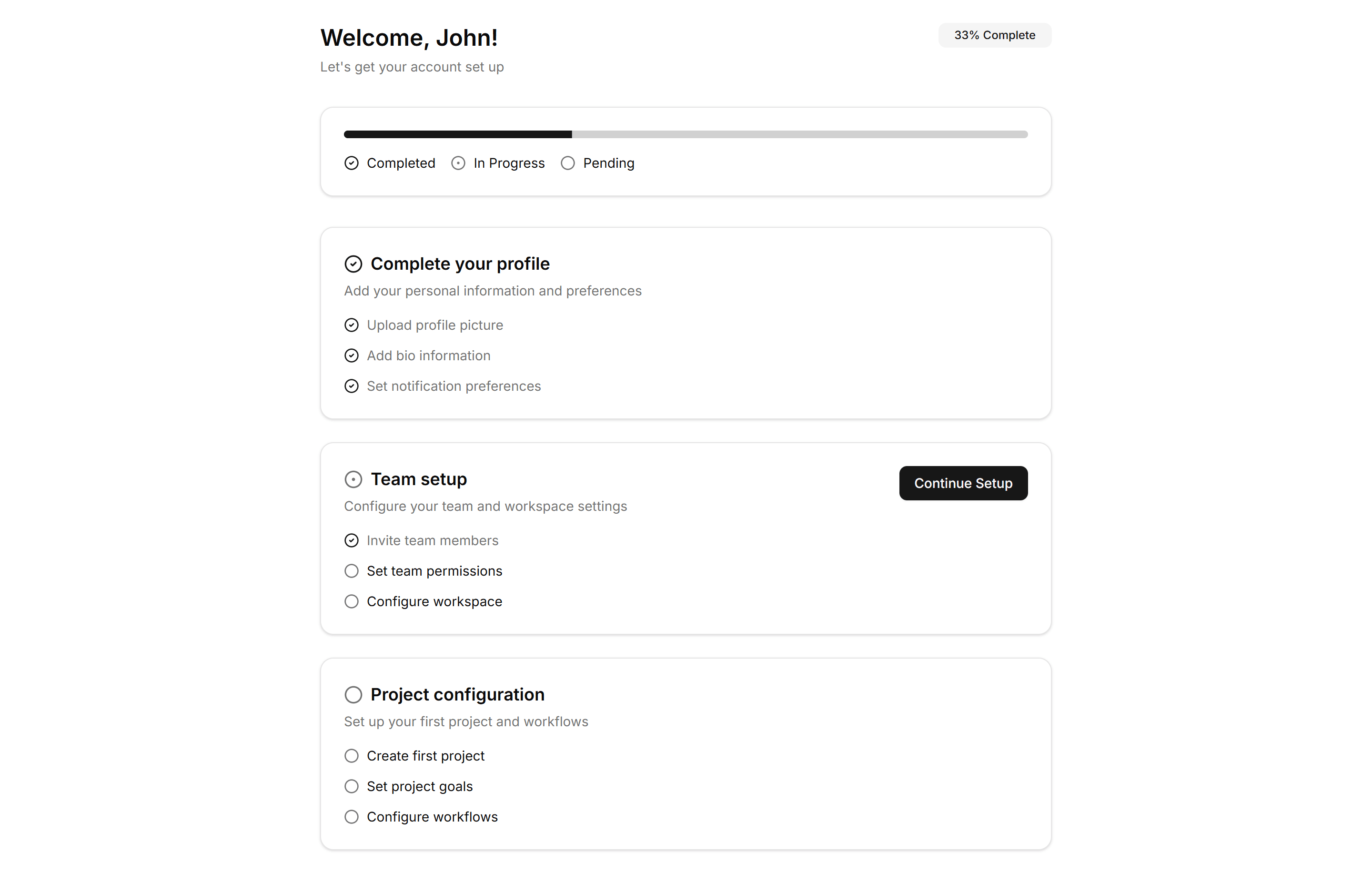
Application User Profile: Onboarding
A guided profile setup with steps for avatar, name, and preferences. Use it right after signup to help new users finish their account quickly.
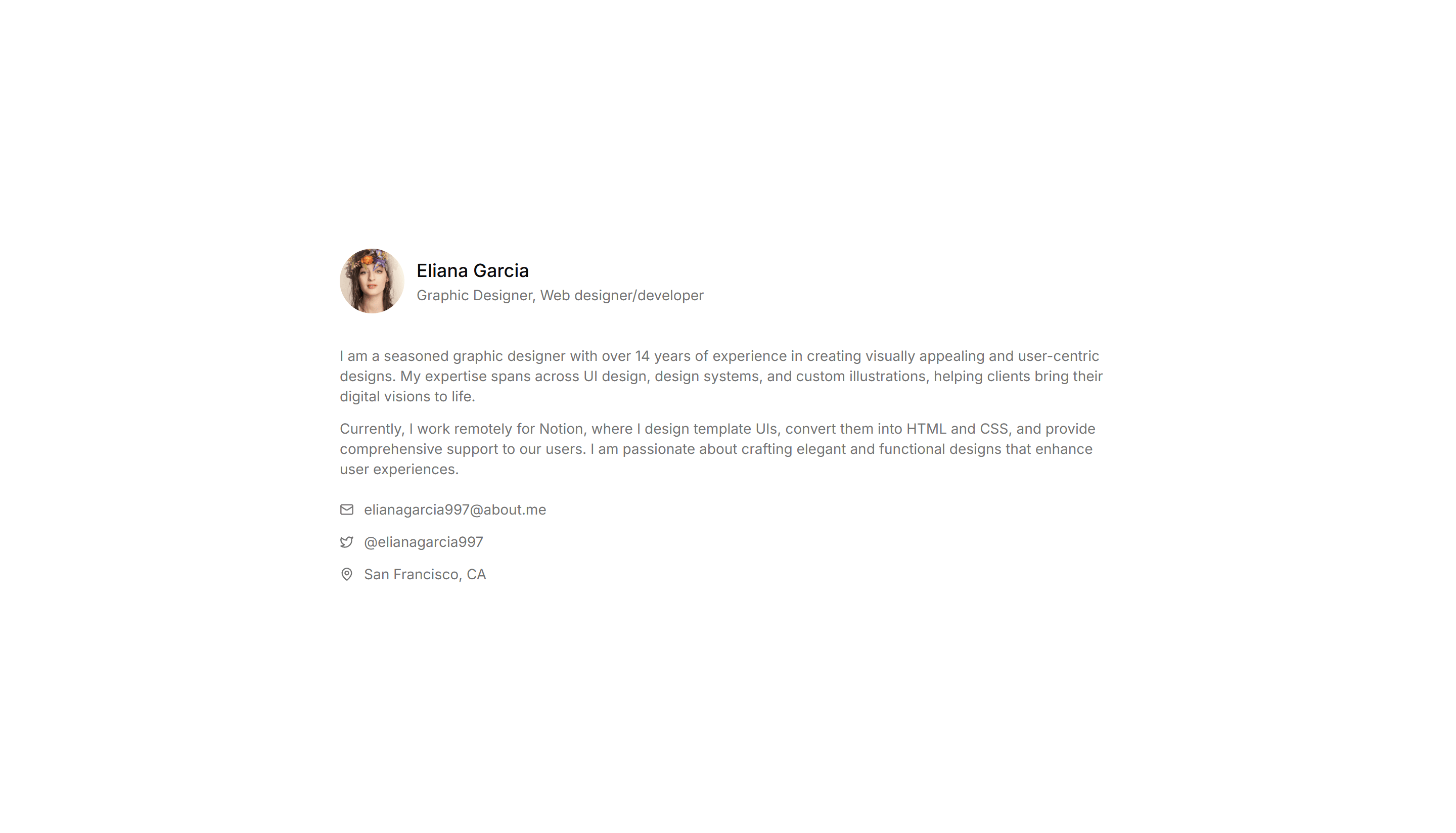
Application User Profile: Simple
A clean profile card with avatar, name, bio, and a few key details. Use it for a focused account summary on dashboards or member directory pages.
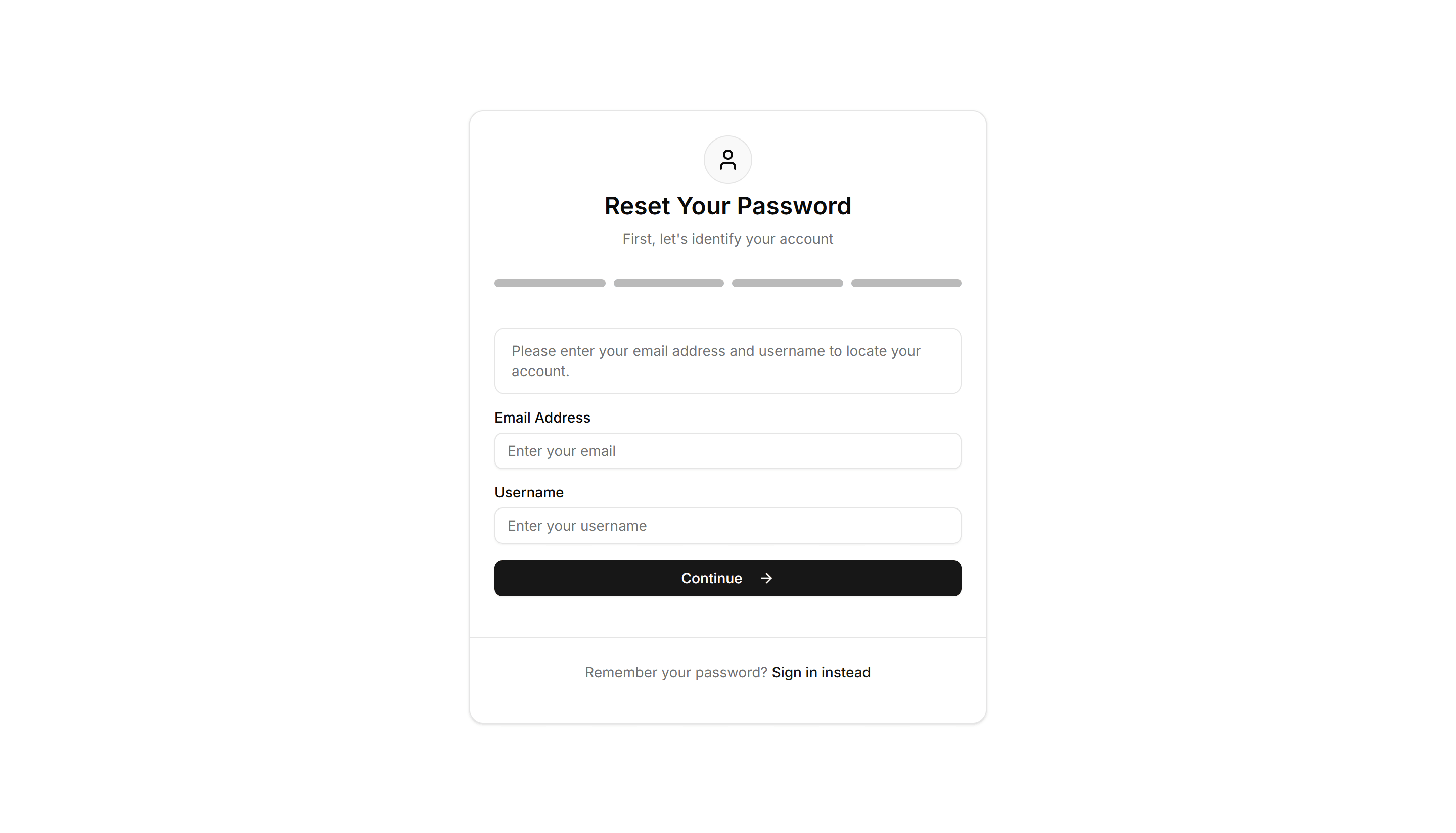
Application Reset Password: Security Question Reset
A reset password form that verifies identity with a saved security question and answer before allowing a new password. Use as a passwordless recovery path.
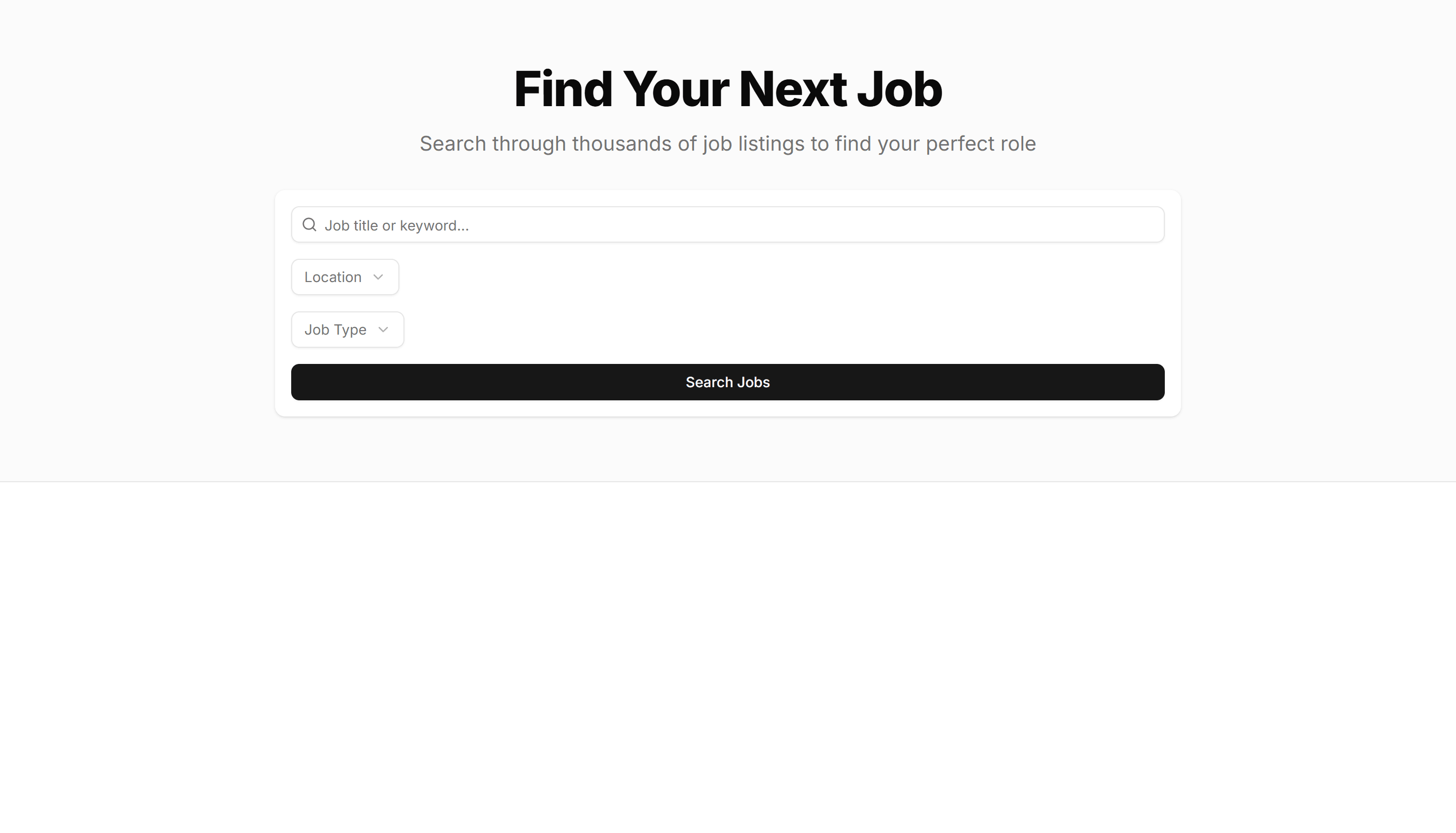
Application Page Heading: With Search Filters
A page title with a search field and filter controls sitting below it. Use it on data heavy screens so users narrow long tables and lists fast.
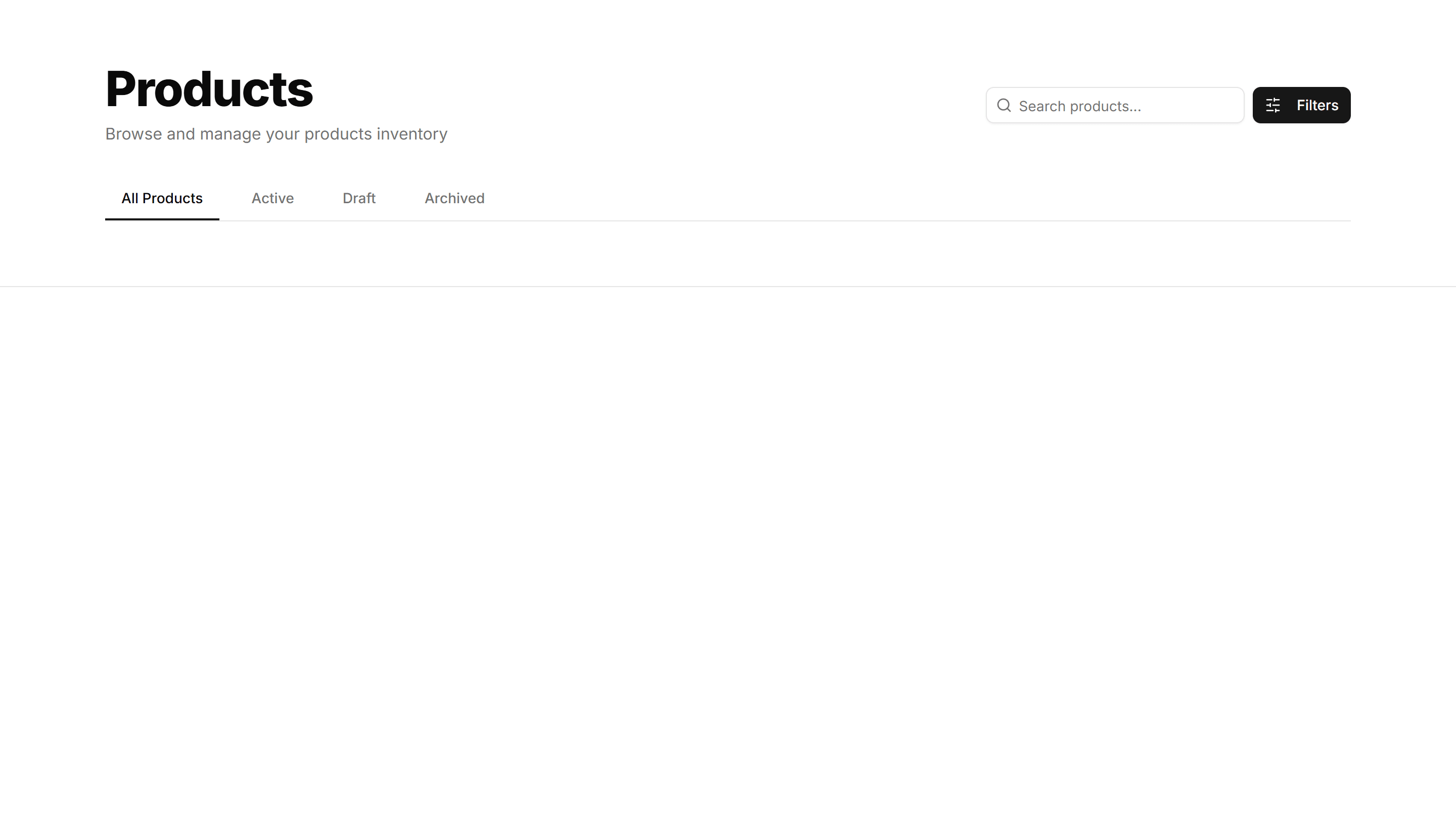
Application Page Heading: With Tabs
A page title with a row of tabs beneath it for switching sections. Use it on profile or settings screens that split content across many views.

Application Application Stat: With Colored Icons
Metric cards that pair each figure with a tinted icon set in a colored circle. Use to make categories easy to scan on a busy analytics dashboard.
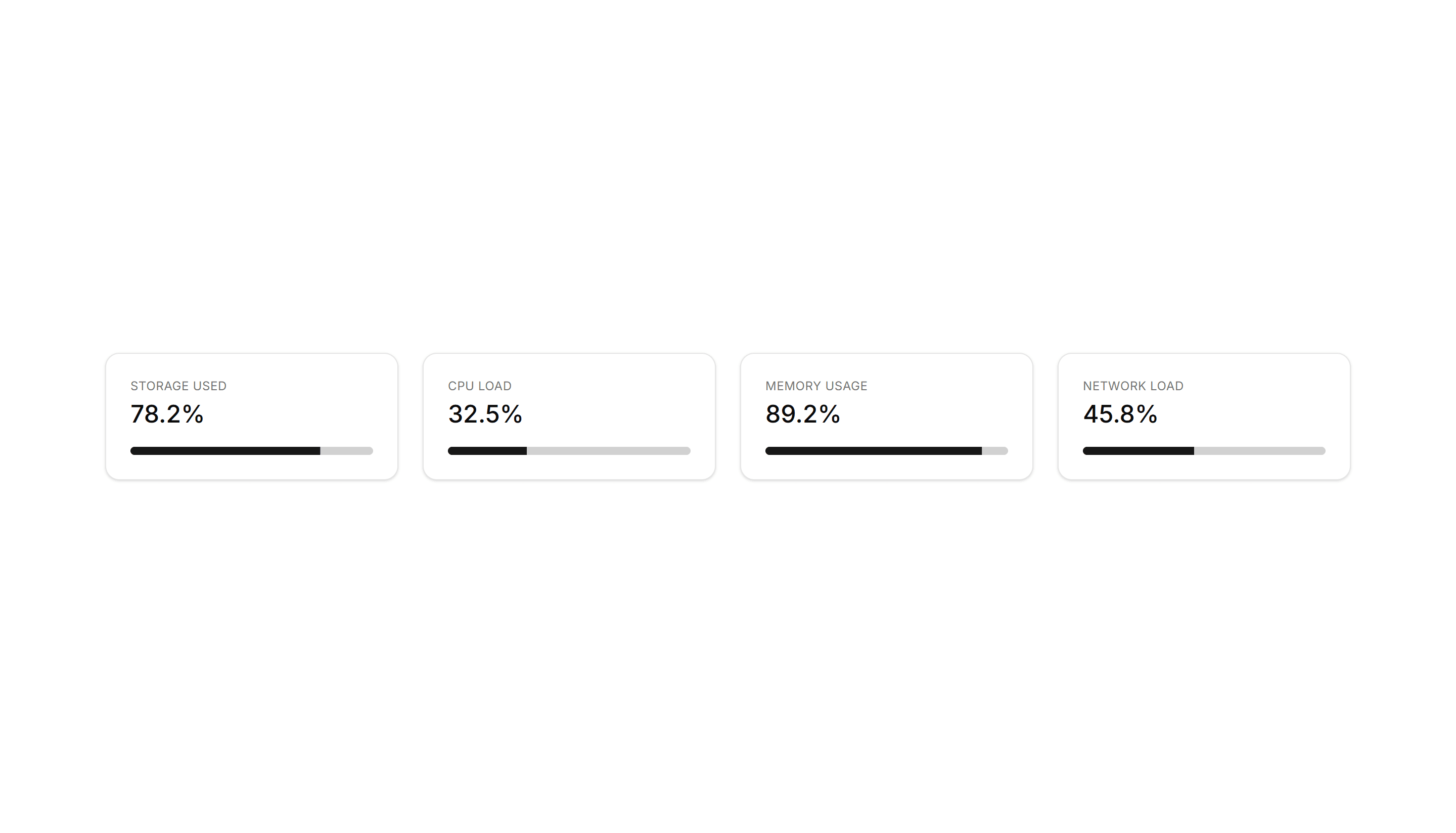
Application Application Stat: With Progress
Stat cards that pair a number with a progress bar moving toward a target. Use to show goal completion for revenue, storage, or active user counts.
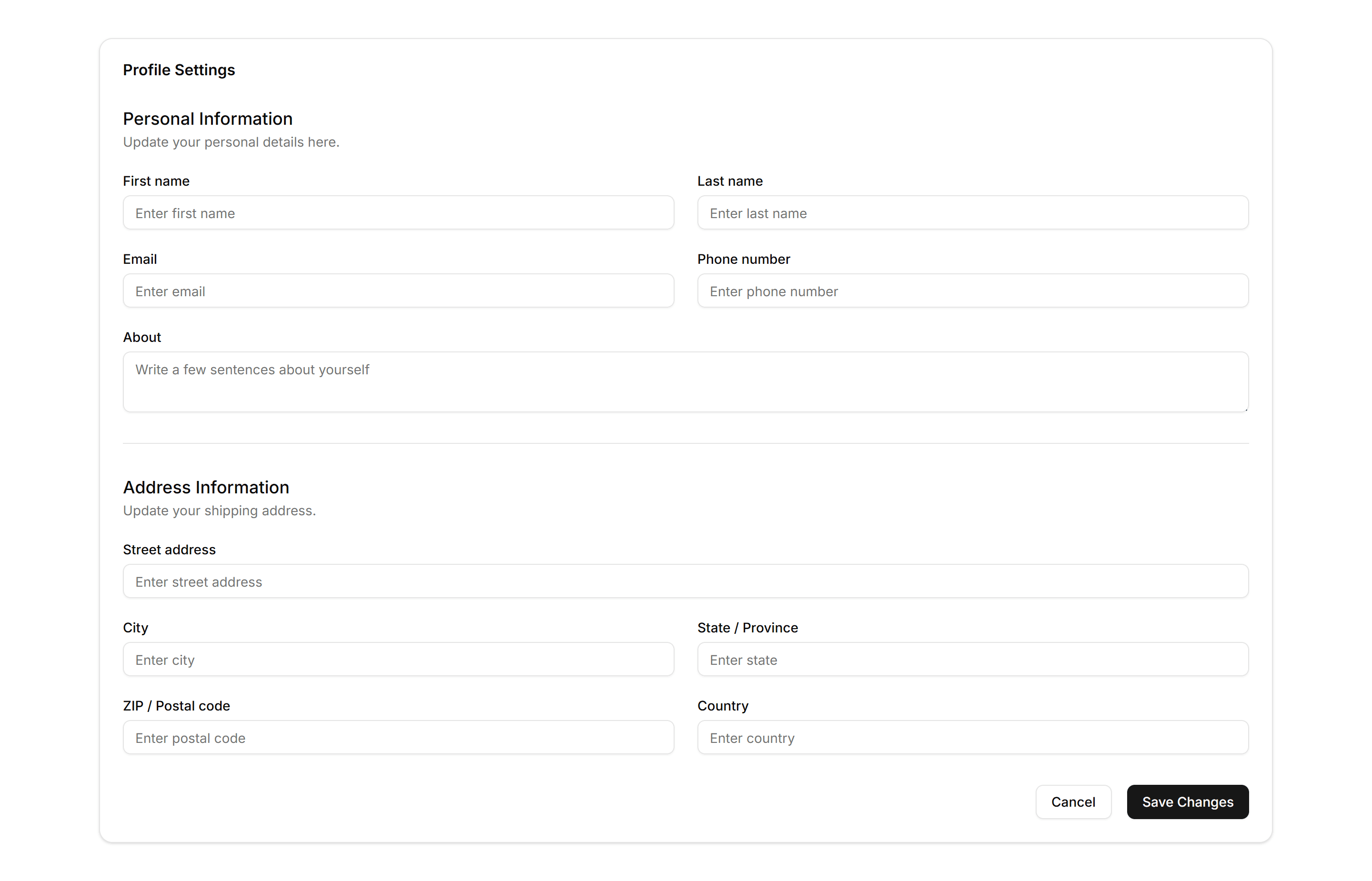
Application Form Layout: Two Column
A form split into two columns of fields with a shared header and footer actions. Use it for longer profiles or billing details that fit a wider screen.
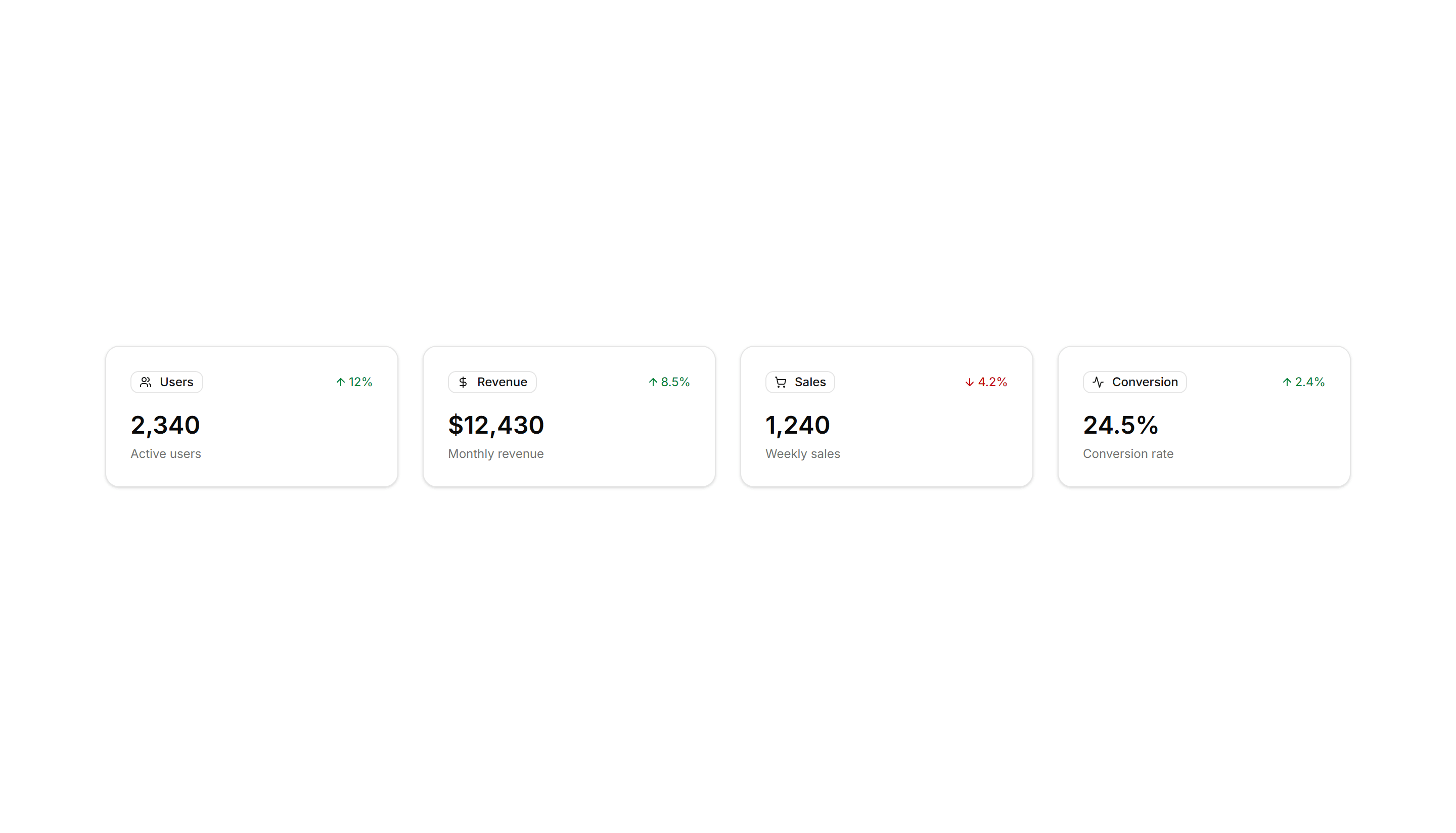
Application Application Stat: With Badges
Stat cards pairing each number with a small badge that shows change or trend. Use to flag growth or decline next to revenue and signup totals.
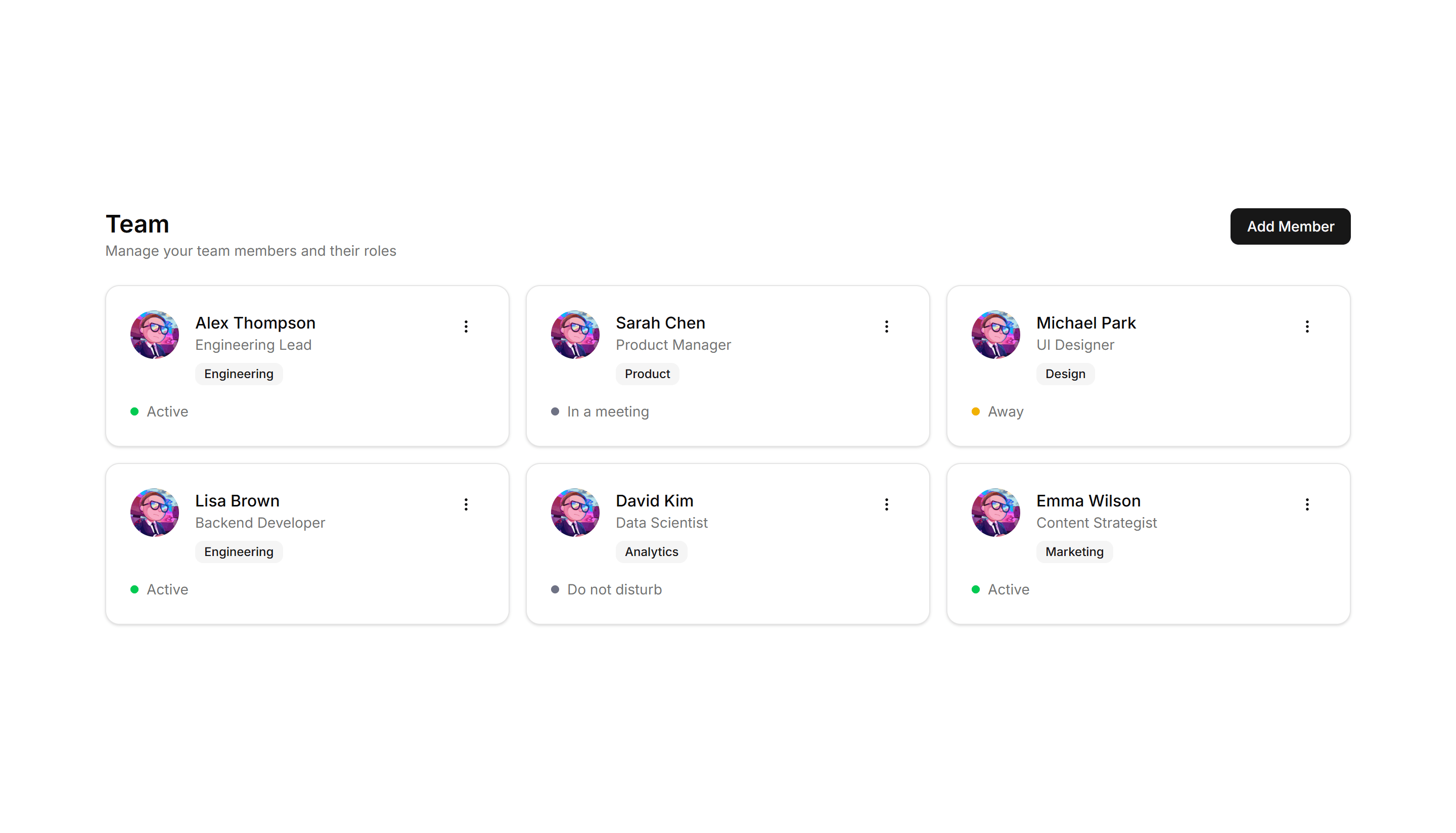
Application User Profile: Team Grid
A grid of teammate profiles with photos, titles, and contact buttons. Use it on an about page or internal directory to introduce the whole team.
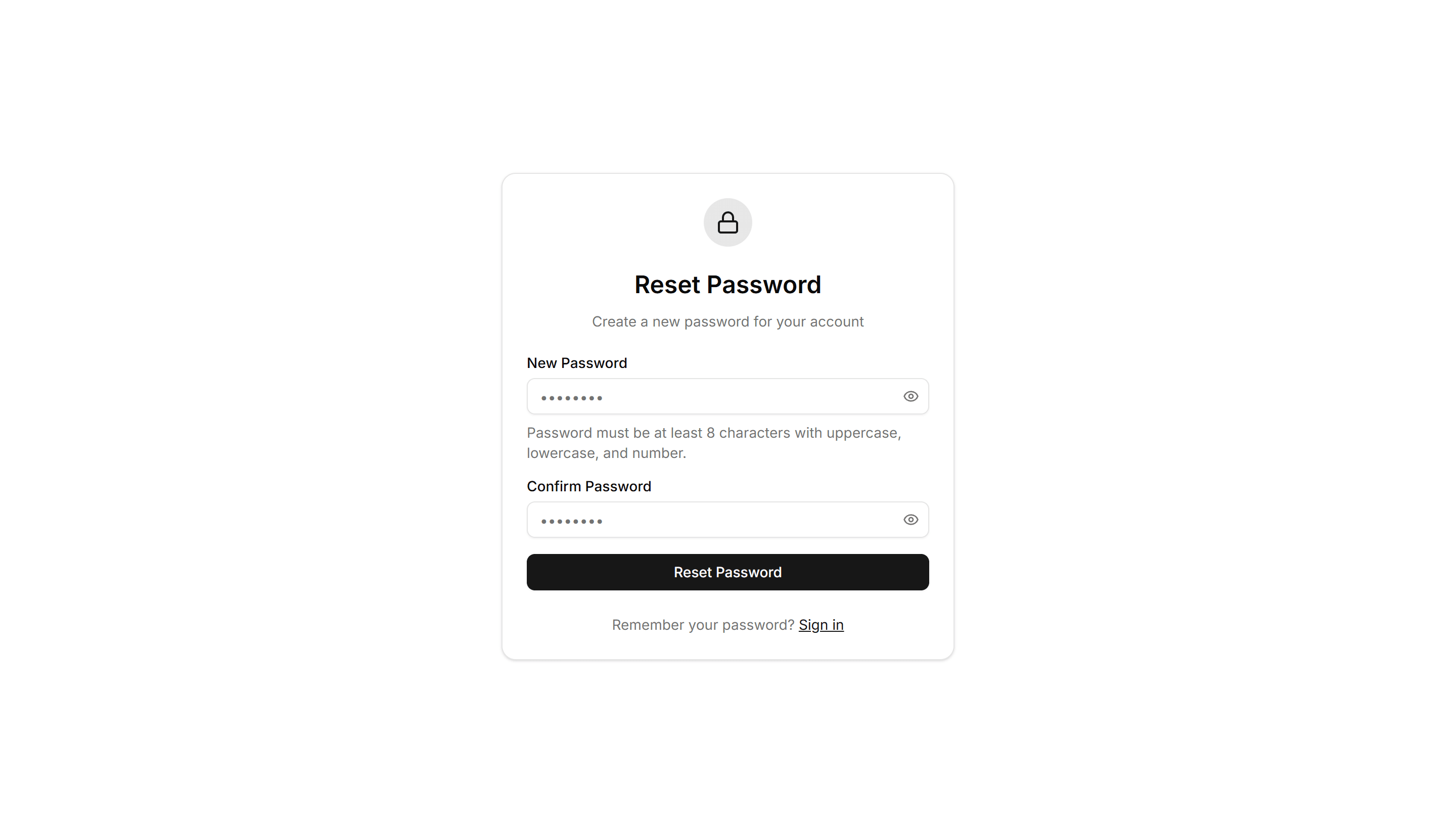
Application Reset Password: Simple Reset
A clean reset password form with new password and confirm fields plus a submit button. Use on the final step after a user clicks a recovery link.
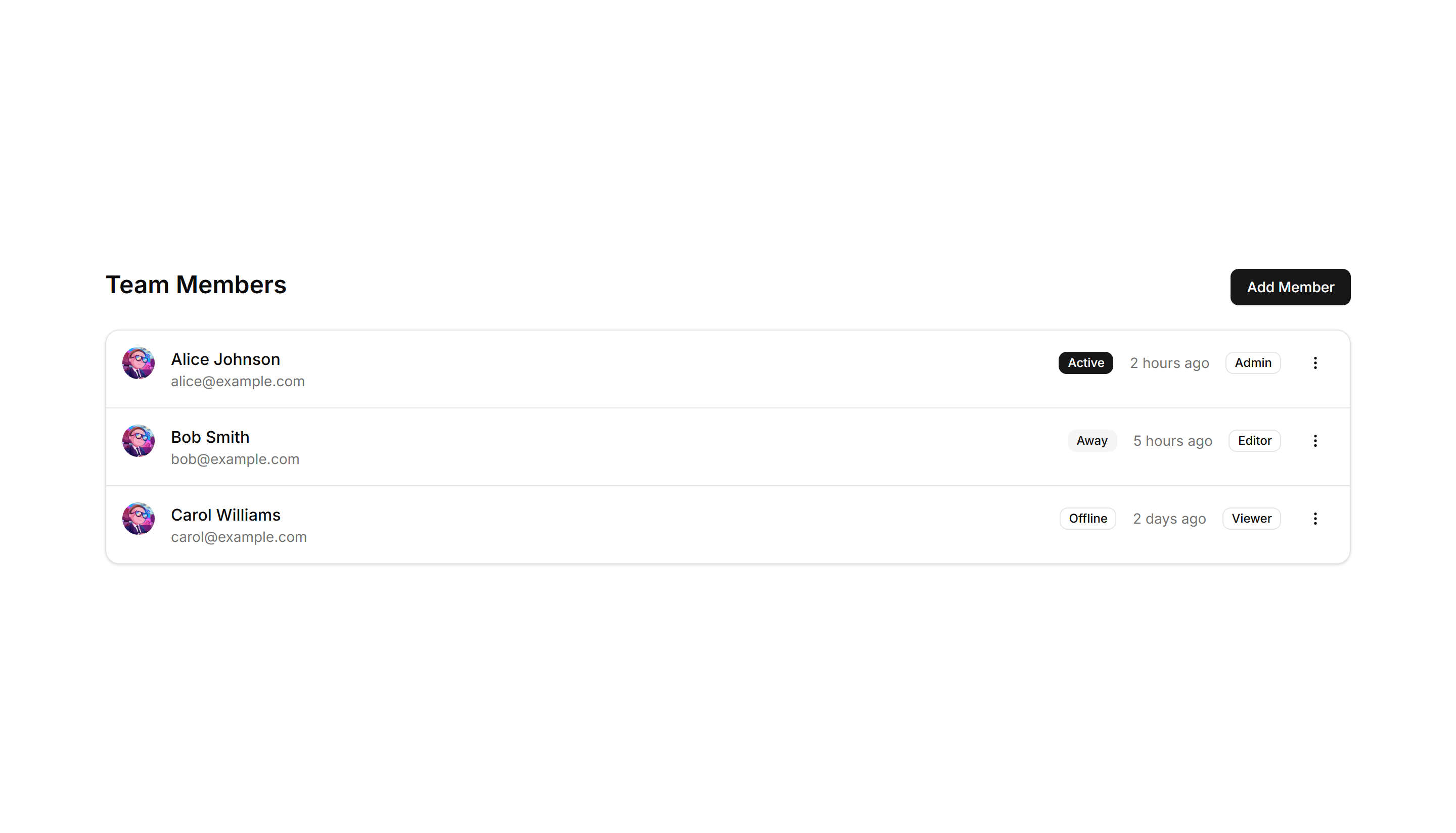
Application User Profile: Compact List
A dense list of user profiles with avatar, name, role, and quick actions per row. Fits admin tables and directories where space stays tight.
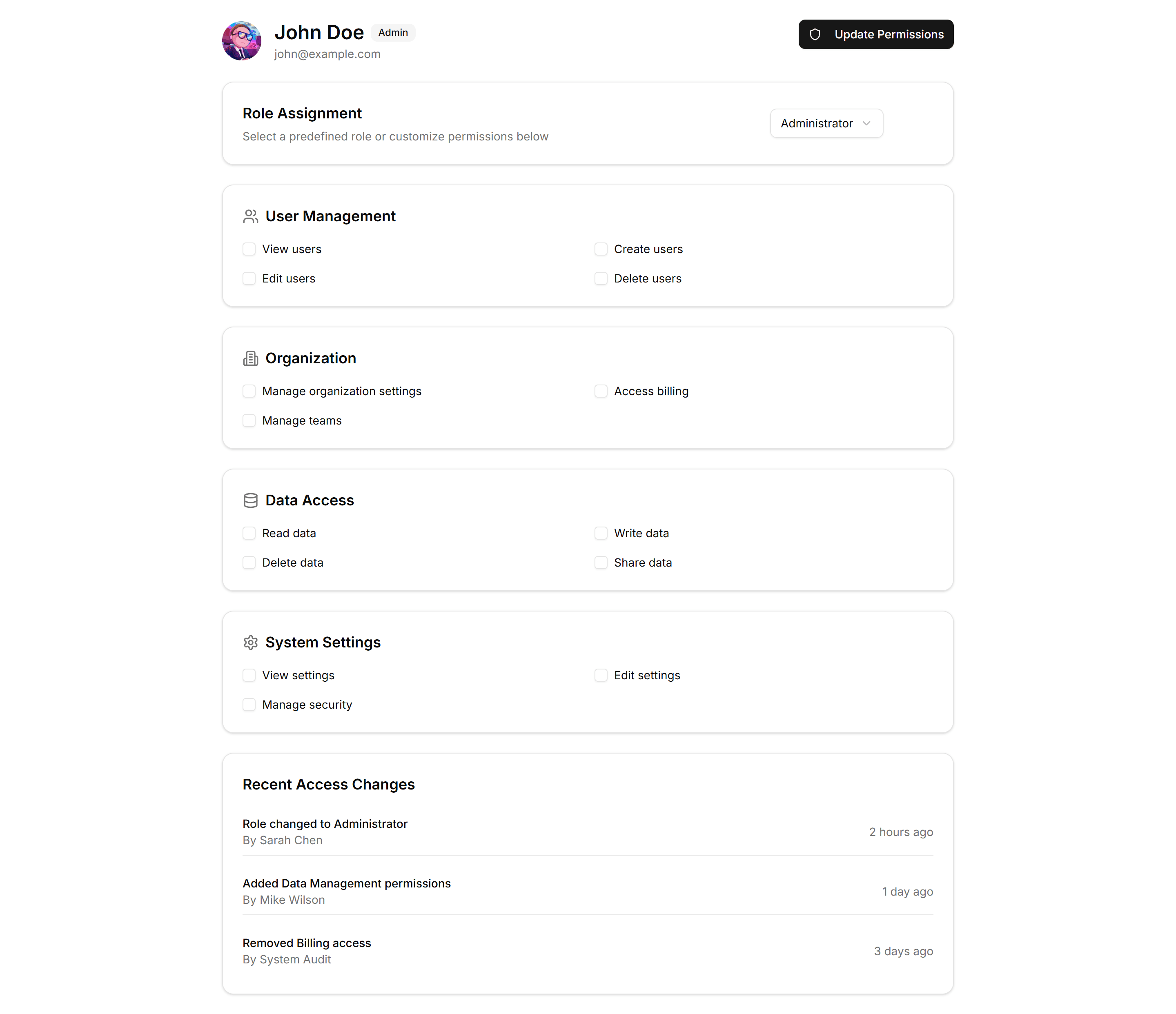
Application User Profile: Permissions
A profile permissions panel listing roles and toggles for what a member can view or edit. Use it where admins grant access across an application.
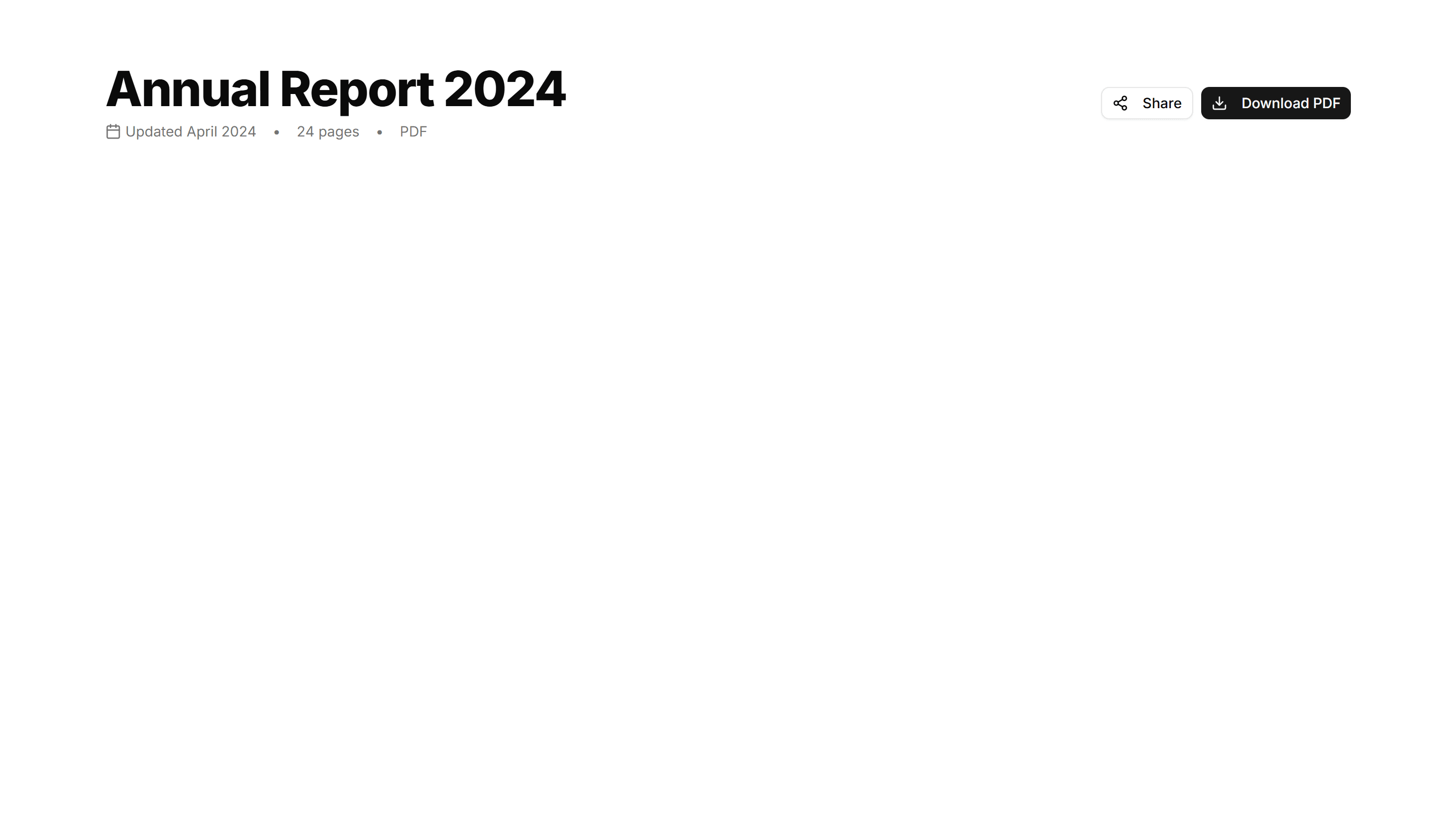
Application Page Heading: With Actions
A page title paired with buttons on the right for primary and secondary actions. Use it atop list or detail views where users create or edit.
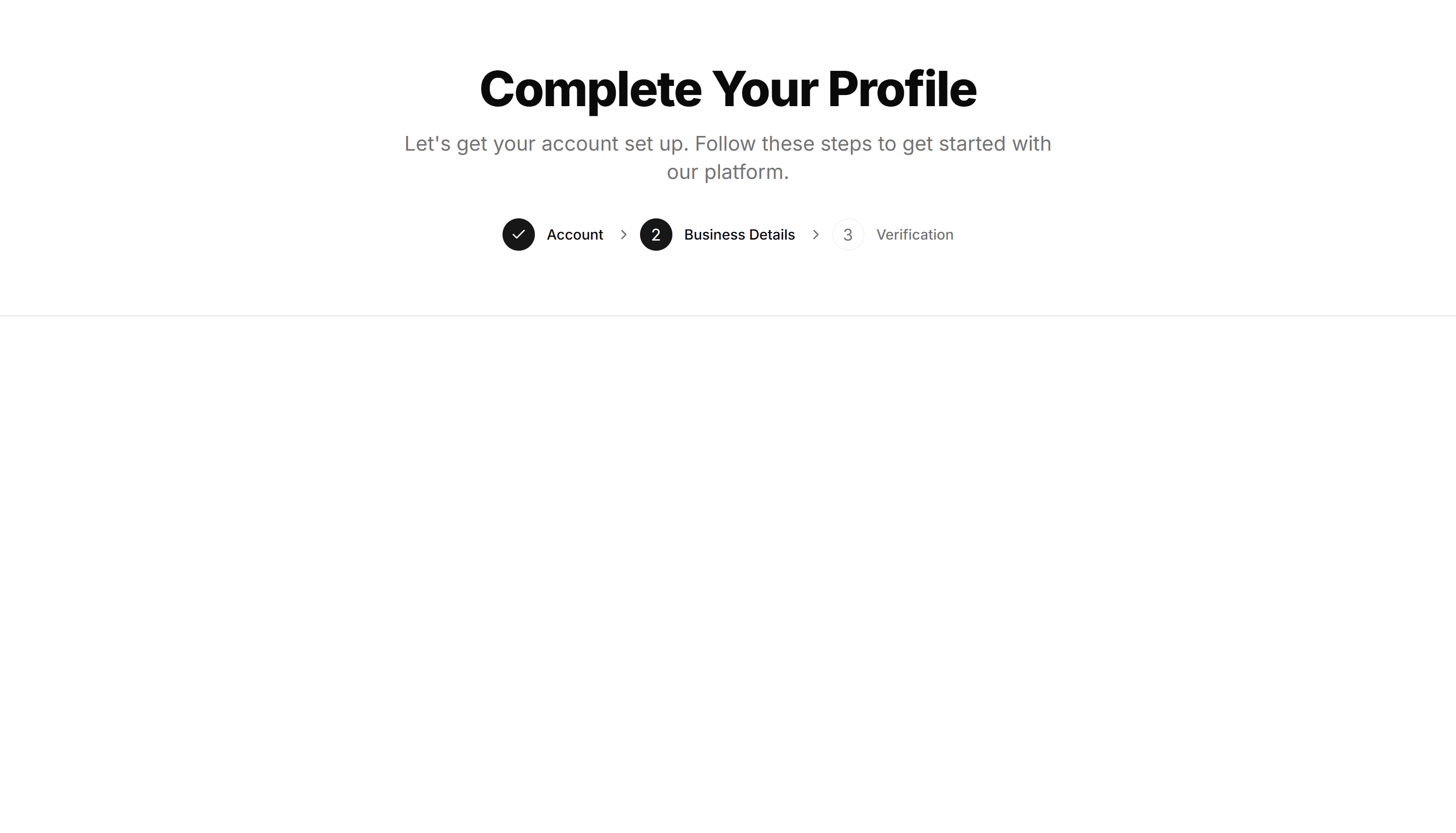
Application Page Heading: With Steps
A page title with a numbered step indicator that shows progress. Use it across multi screen flows like onboarding, checkout, or a setup wizard.
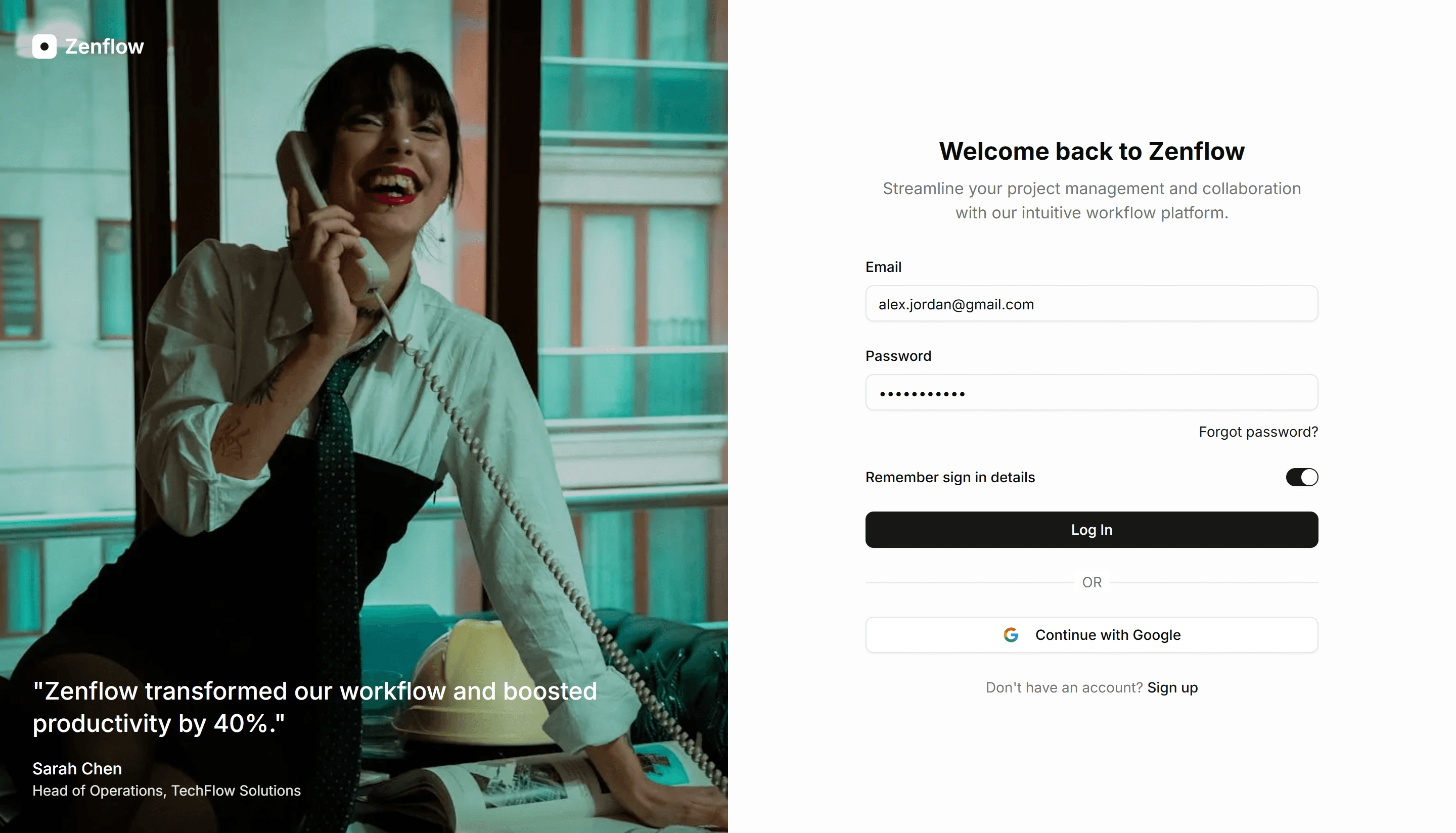
Application Login: Split With Image
A two panel login screen pairing a sign in form with a side image. Use it to add brand personality to authentication on web apps and dashboards.

Application Application Stat: With Icons
Metric cards with a small icon beside every value for quick recognition. Use on overview screens where users skim totals by category very fast.
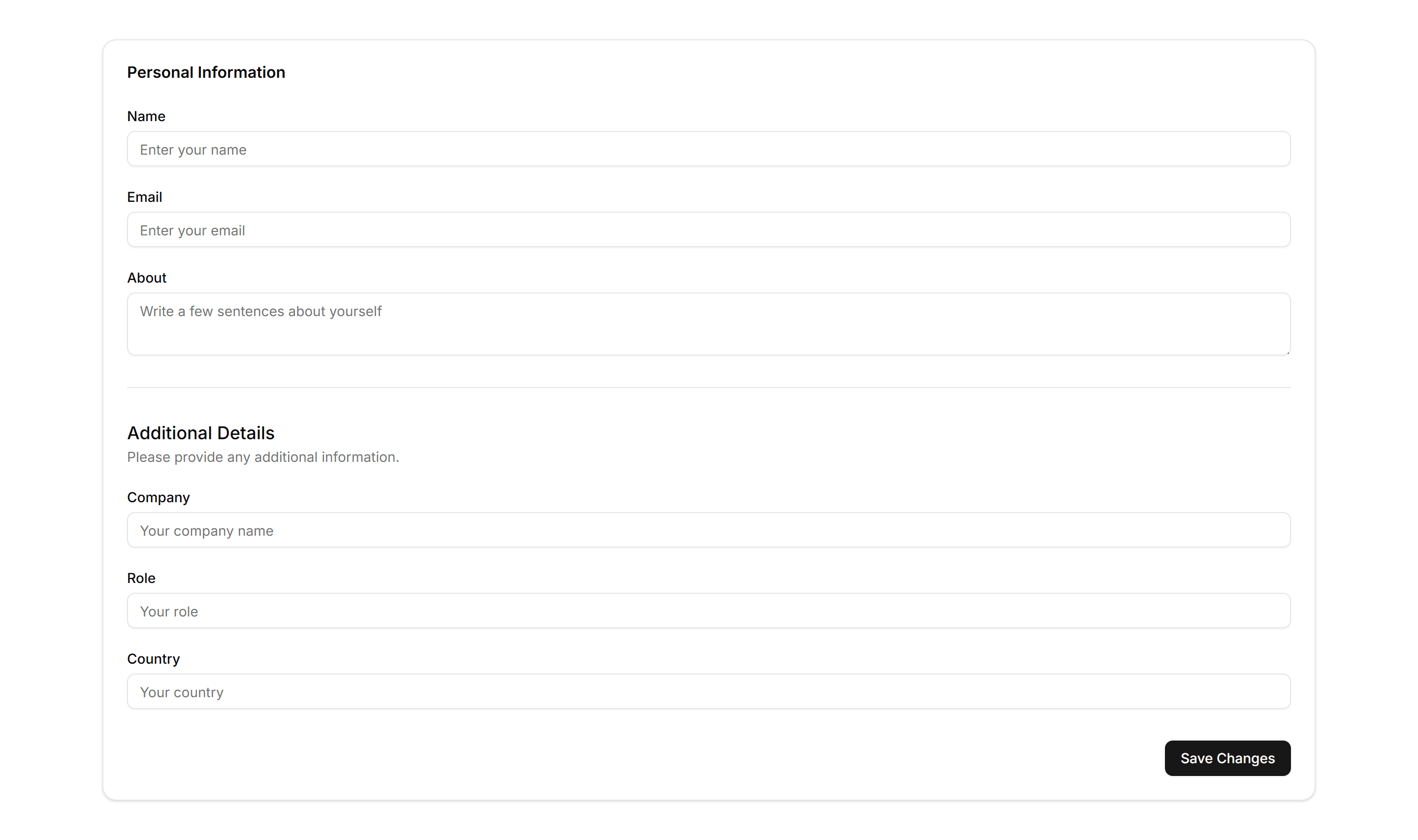
Application Form Layout: Stacked
A single column form with labels stacked above each input and a clear submit action. Ideal for short flows like sign in, contact, or quick profile edits.
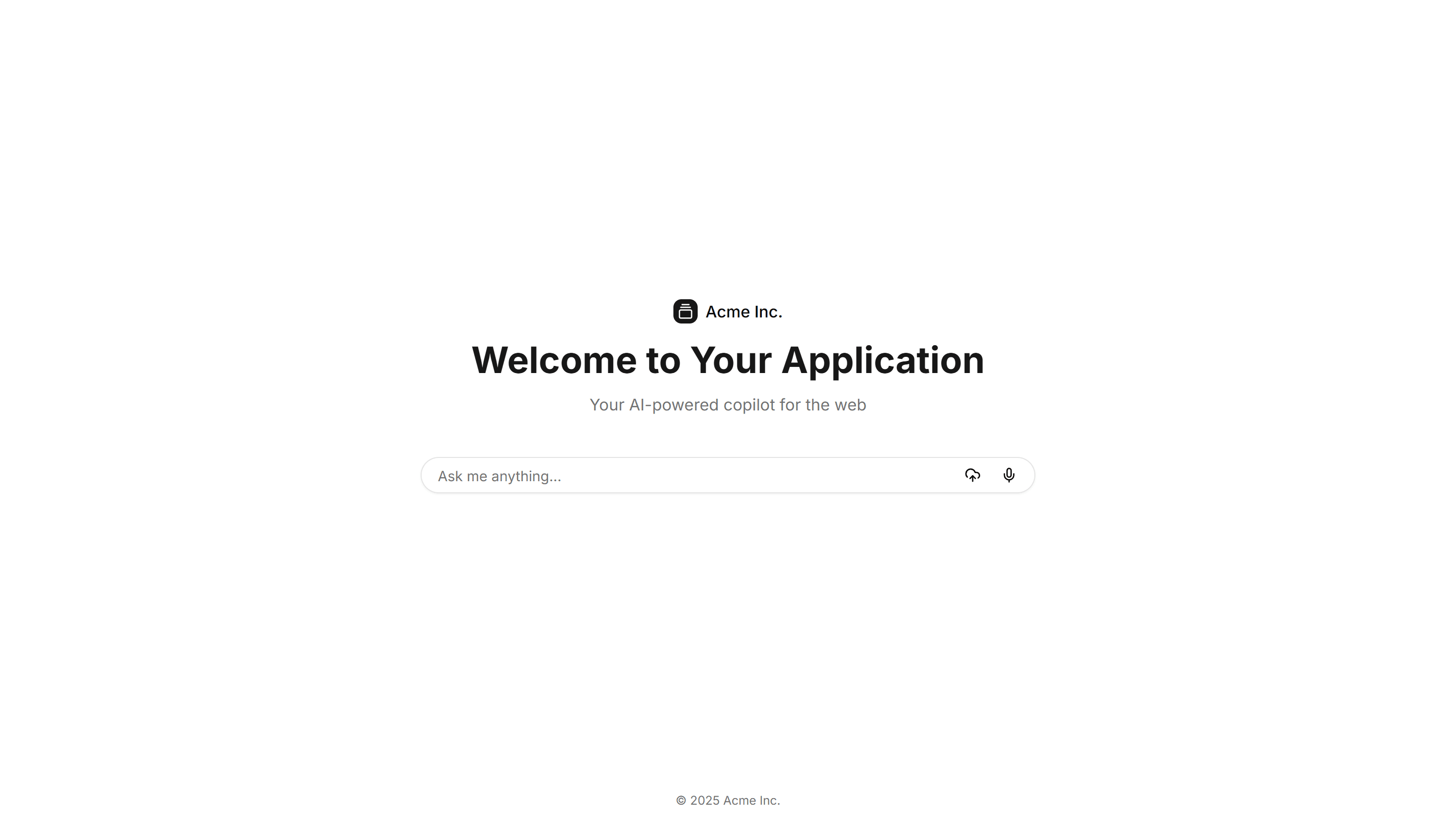
Application AI Prompt: Welcome Page
A welcome screen with a centered prompt field, suggested actions, and a short intro. Greets users and invites the first message in an AI assistant.
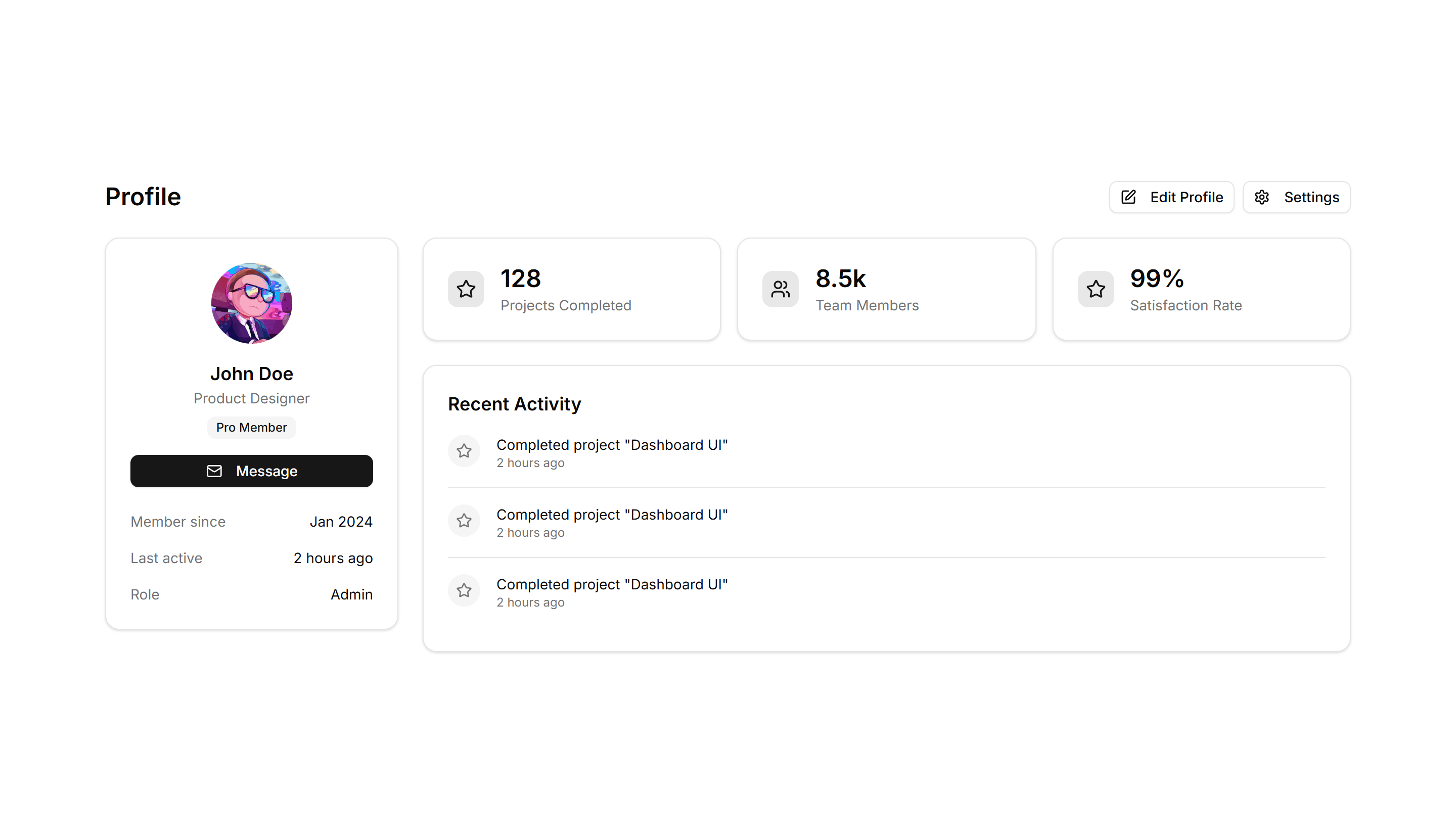
Application User Profile: With Stats
A profile header paired with metrics like followers, posts, and reputation. Use it on social or community pages to show a member at a glance.
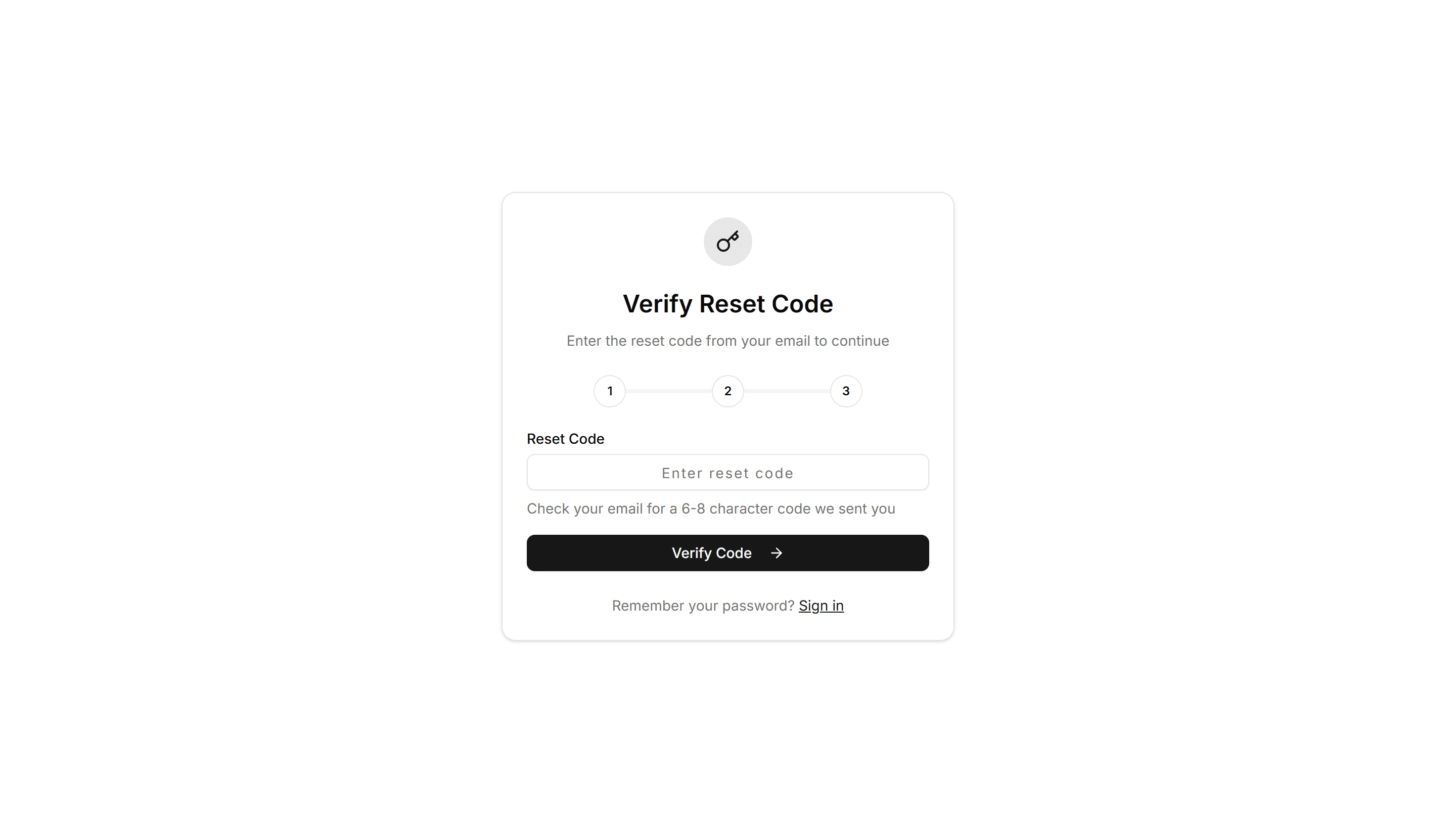
Application Reset Password: Token Reset
A reset password form that reads a token from the recovery link, confirms it, then collects a new password. Use to complete a tokened email reset flow.
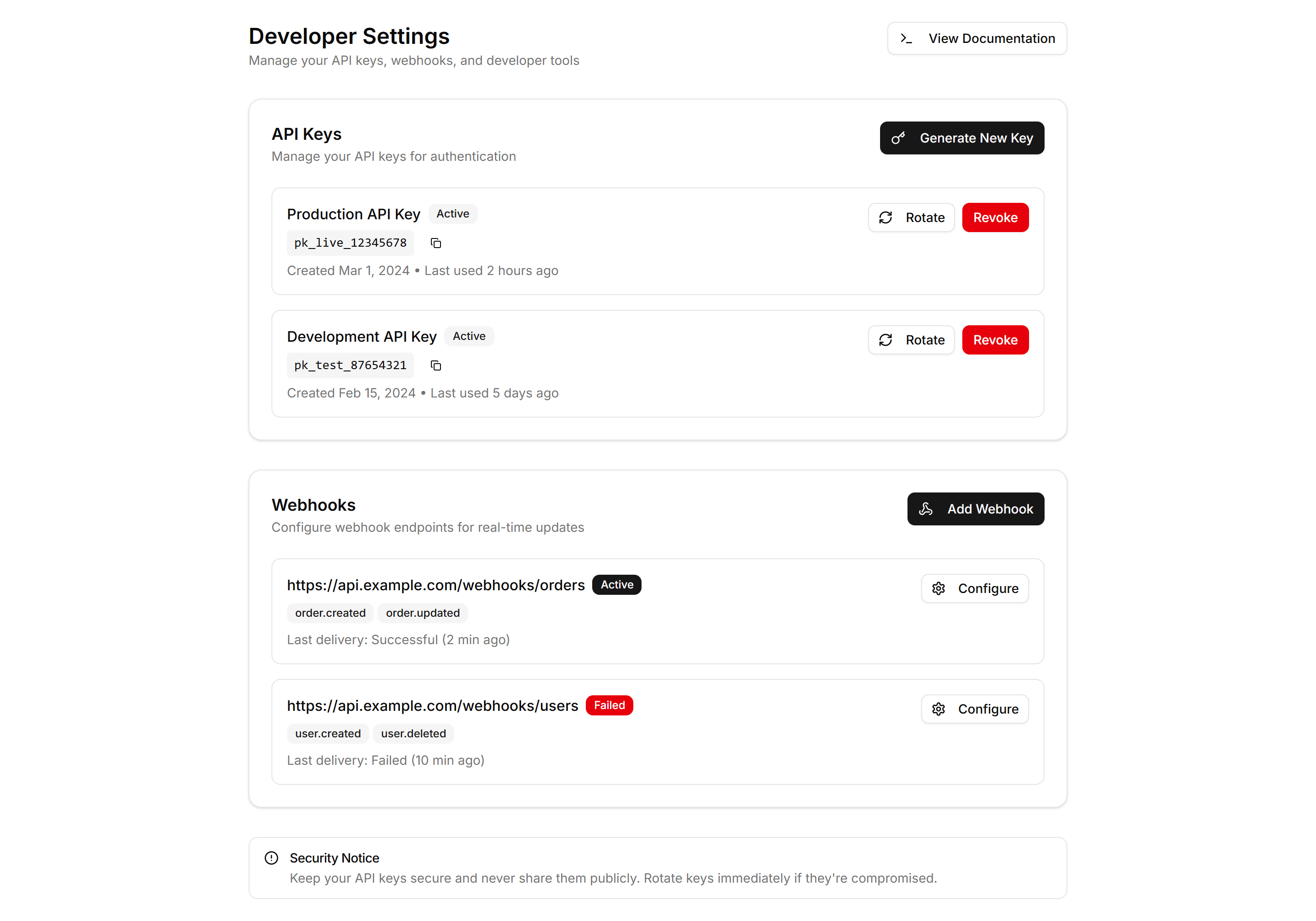
Application User Profile: Developer
A developer profile with API keys, access tokens, connected apps, and usage notes. Use it on settings pages where engineers manage their integrations.
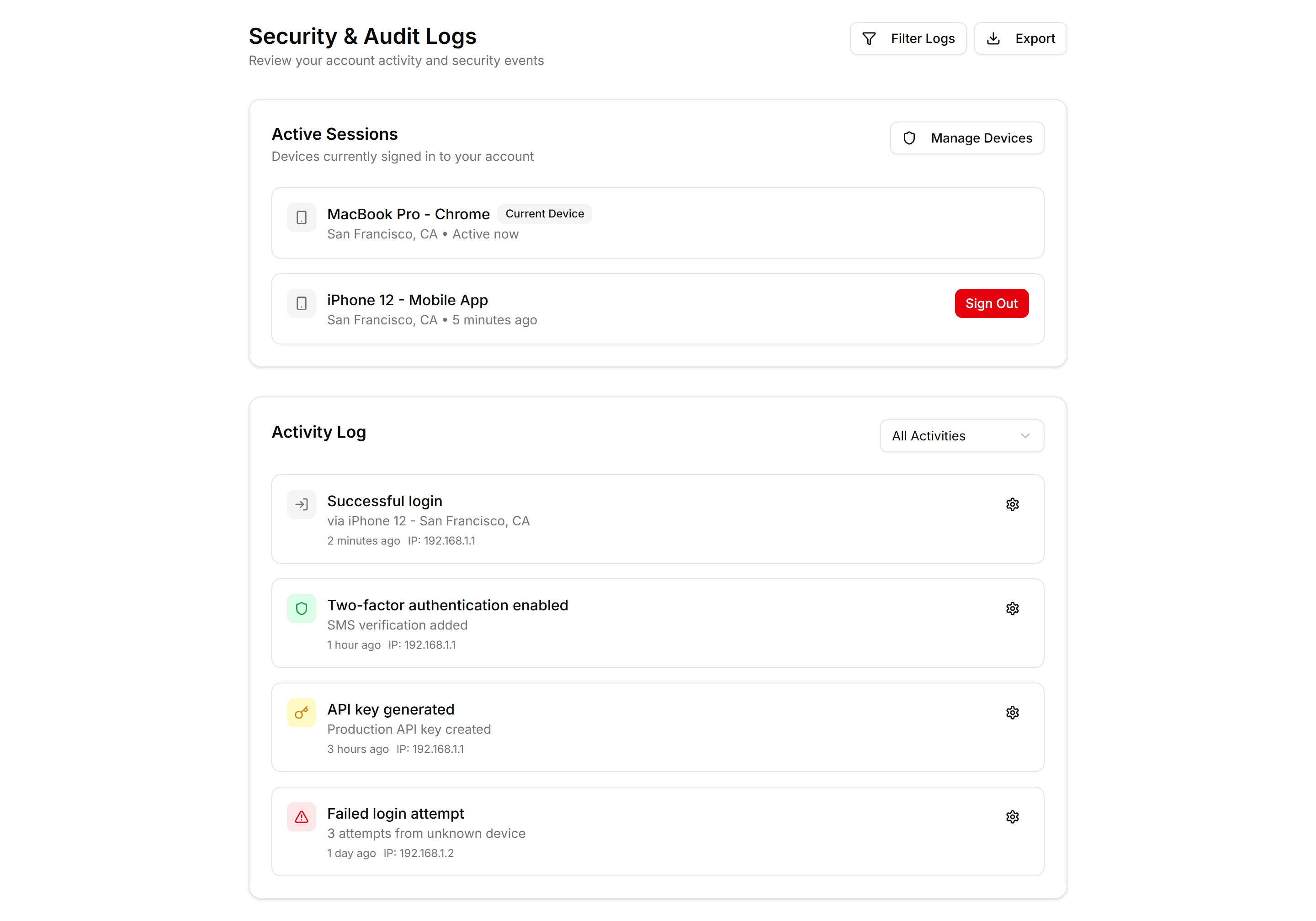
Application User Profile: Security Logs
A profile security view showing recent sign ins, devices, locations, and times. Use it so members can spot odd activity and protect their account.
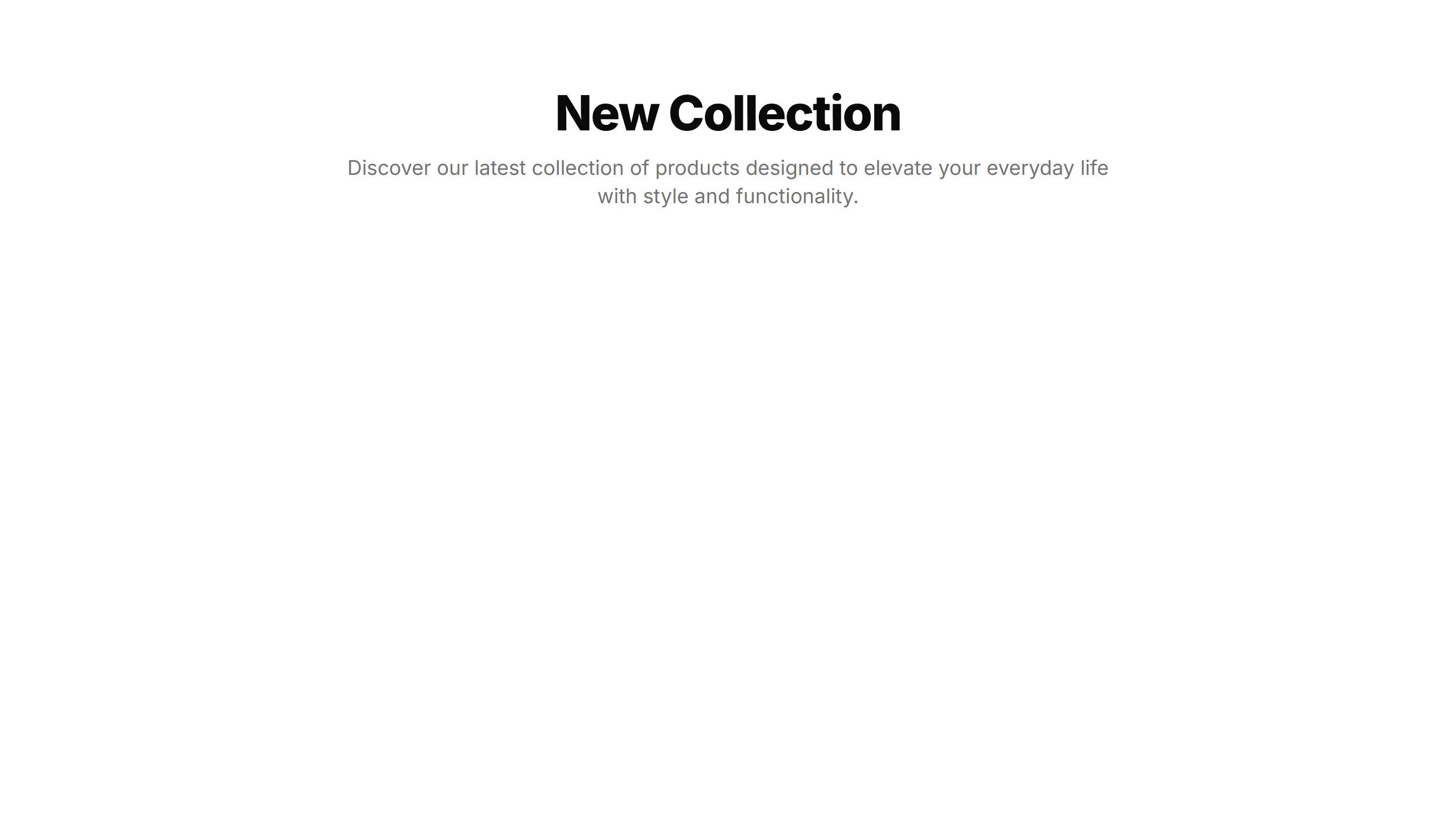
Application Page Heading: Simple Centered
A centered page title with optional description text, balanced on the screen. Use it on focused app views like settings or a single record detail.
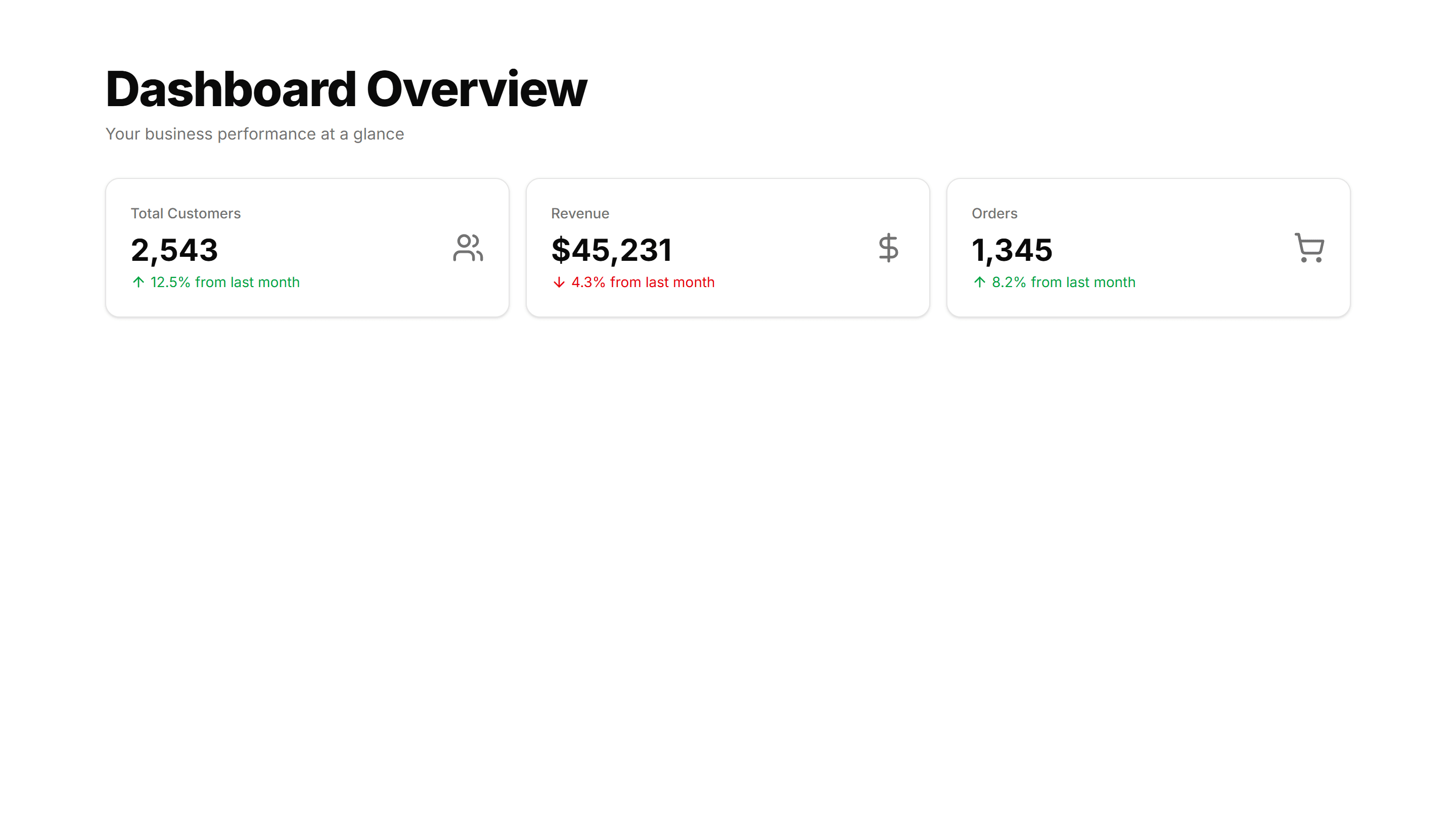
Application Page Heading: With Stats
A page title sitting above a row of key metrics like totals and trends. Use it on dashboards to frame the view and surface numbers at a glance.
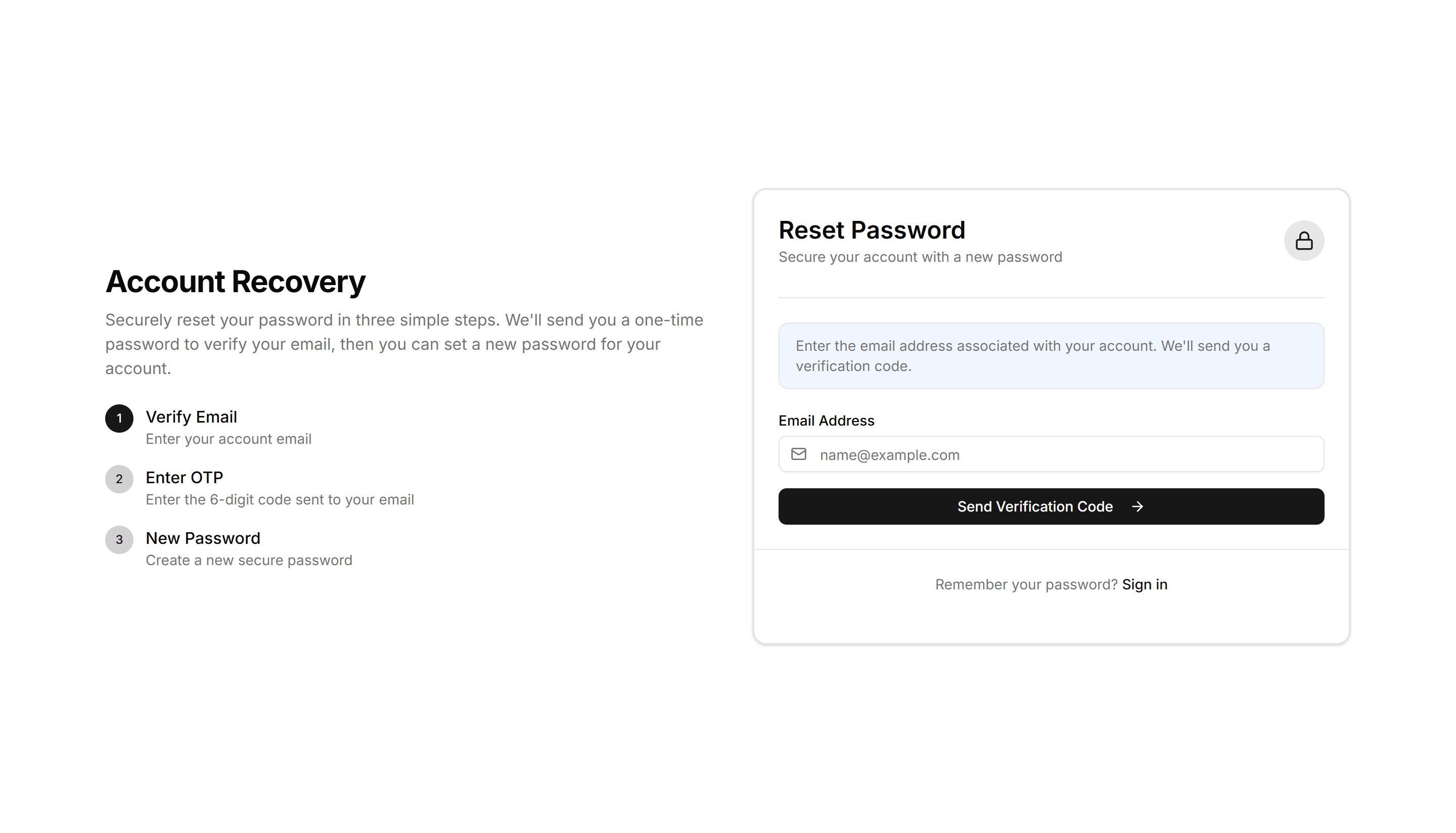
Application Reset Password: Email OTP Reset
A reset password form that emails a one time code, then prompts users to enter the OTP digits before setting a new password. Use for secure email recovery.
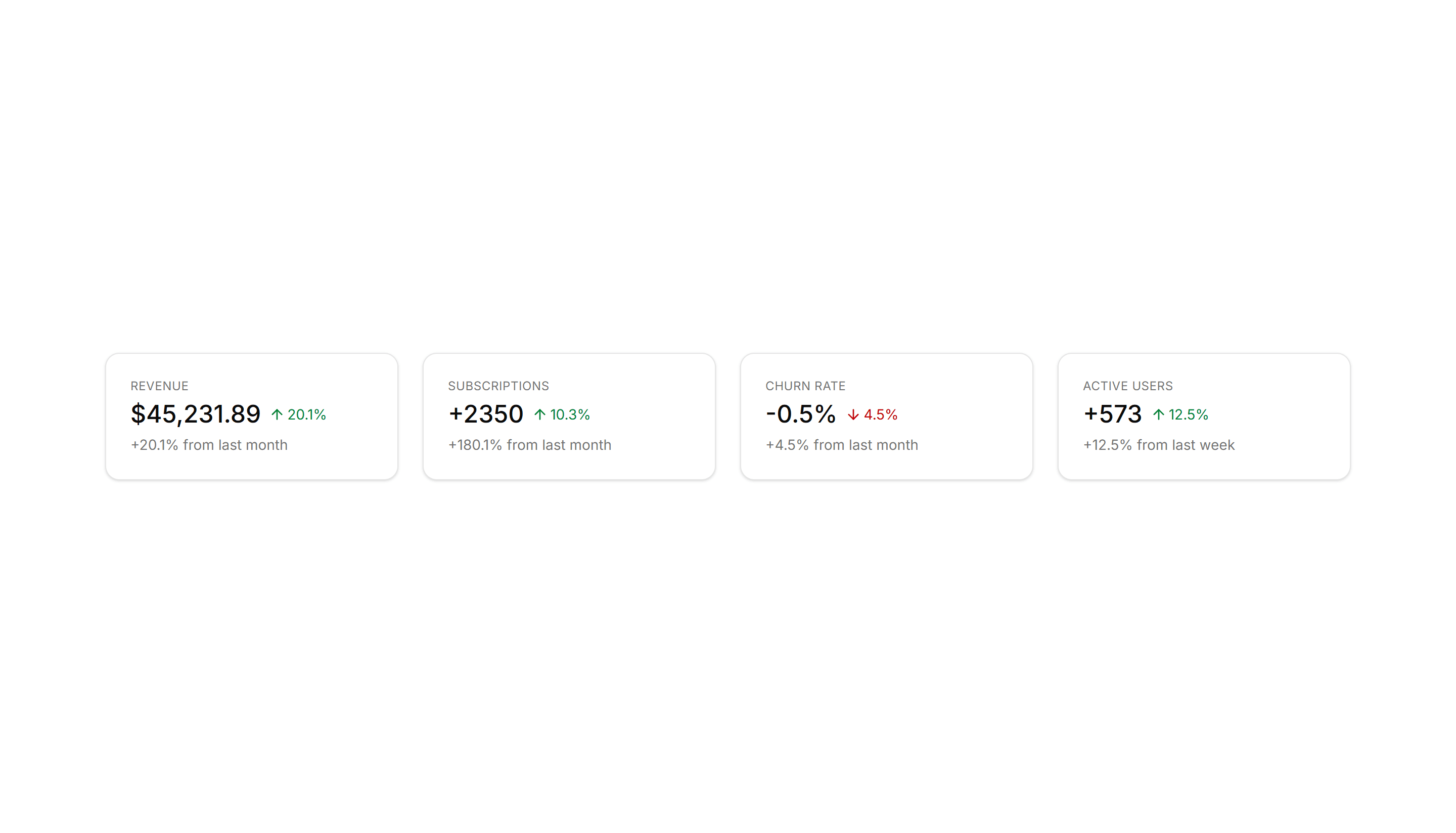
Application Application Stat: With Description
Stat cards that place a short line of context under each number. Use when a raw figure needs explanation, like a comparison to the prior month.
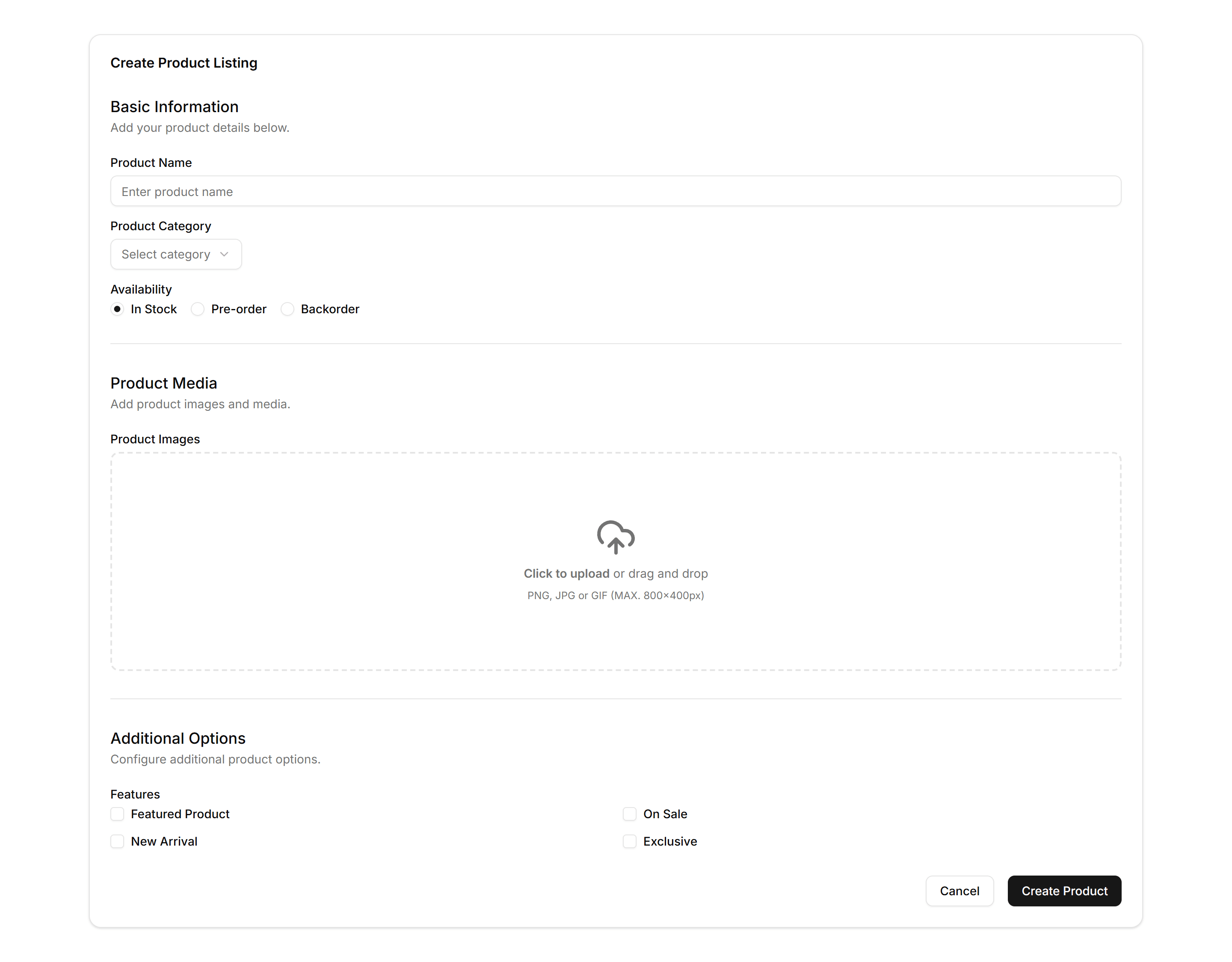
Application Form Layout: Complex Form
A dense form with grouped sections, multiple field types, and a sticky action bar. Use it for detailed settings, account creation, or admin record editing.
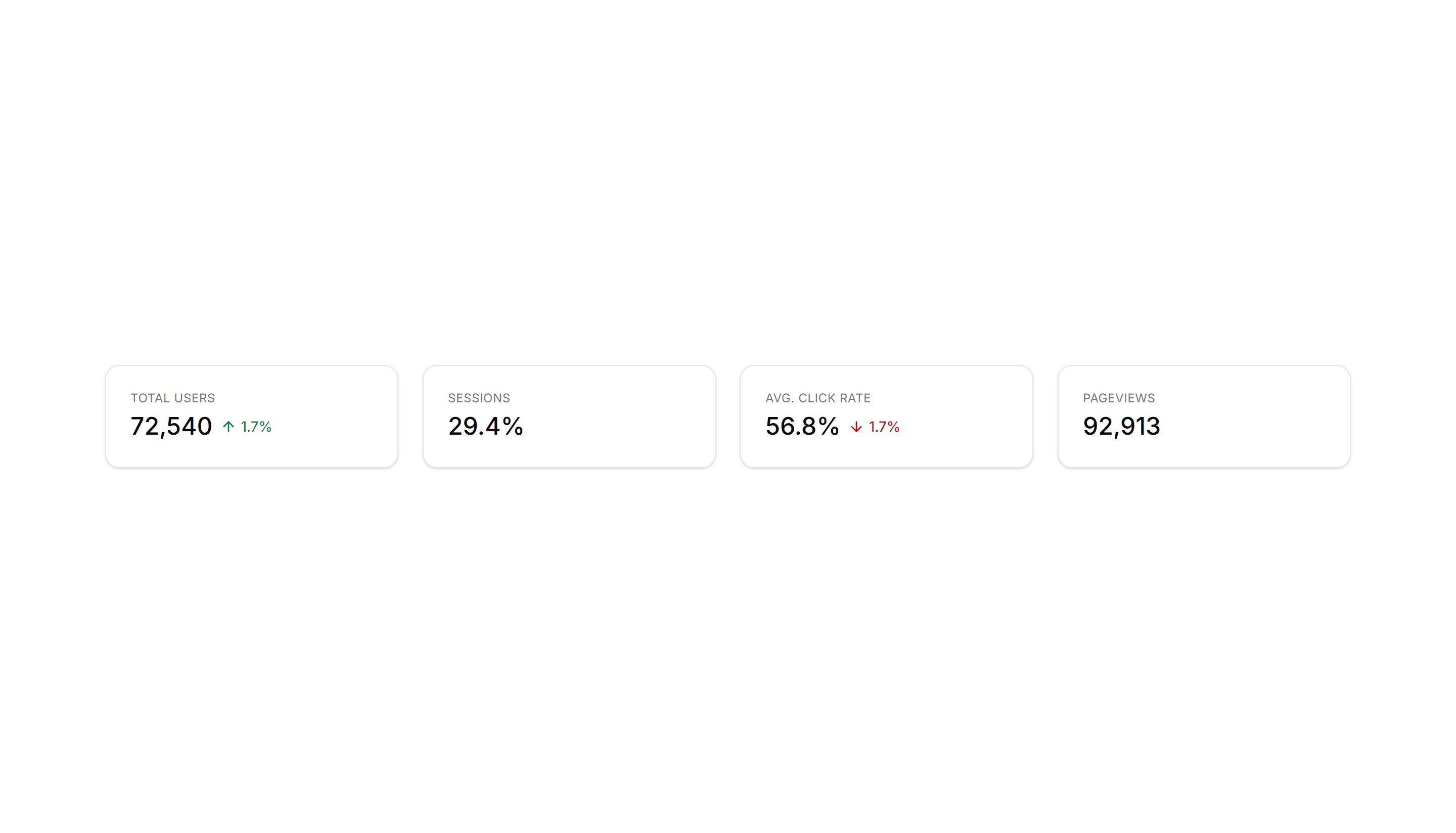
Application Application Stat: Simple Cards
Clean metric cards that display a label and a single number set side by side. Use across a dashboard header to surface key totals at a glance.