Shadcn Dialog Blocks
Browse 30 Application Pro dialog blocks for shadcn/ui. Confirms, invites, sharing, shortcuts, and exports as open state blueprints.
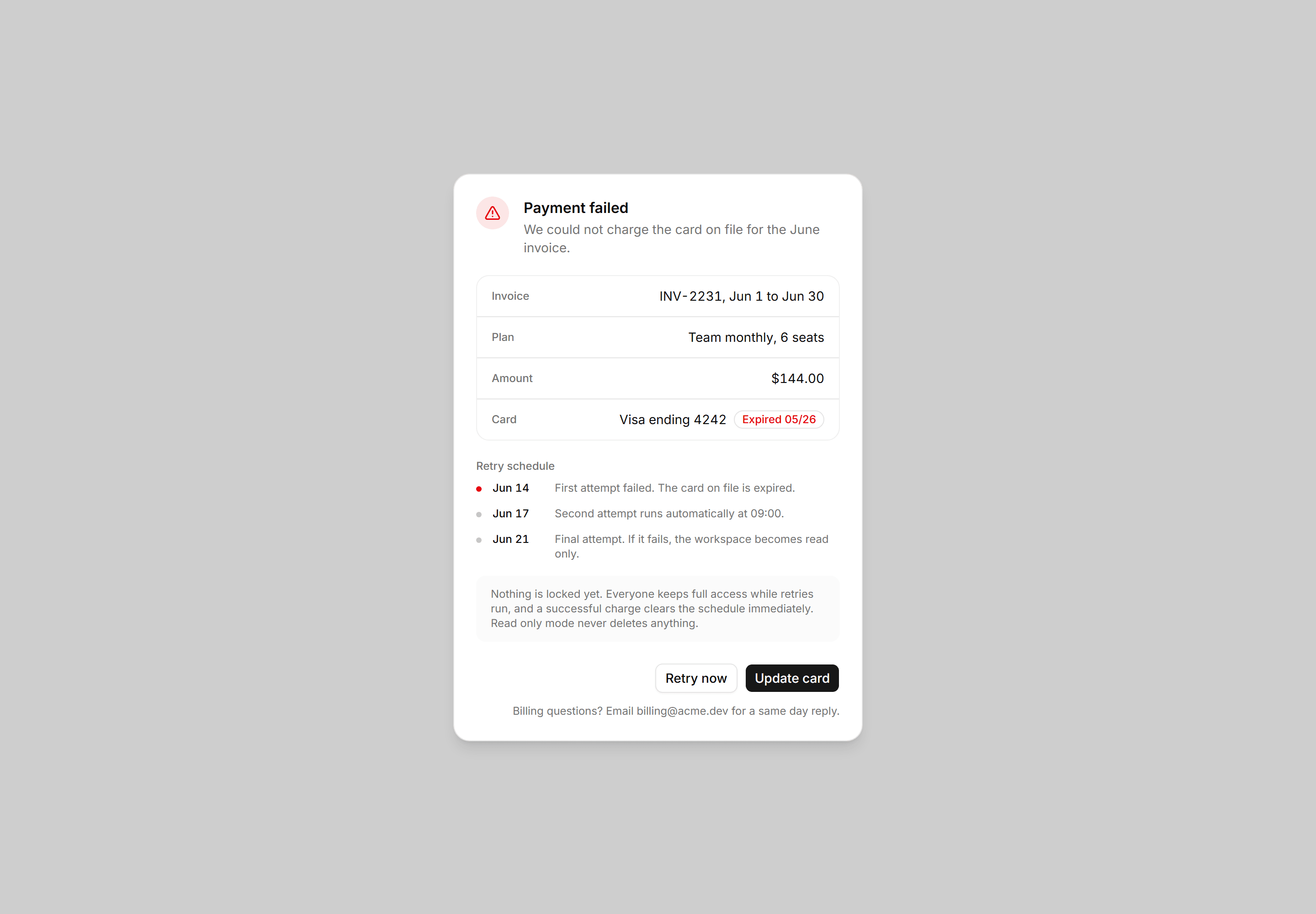
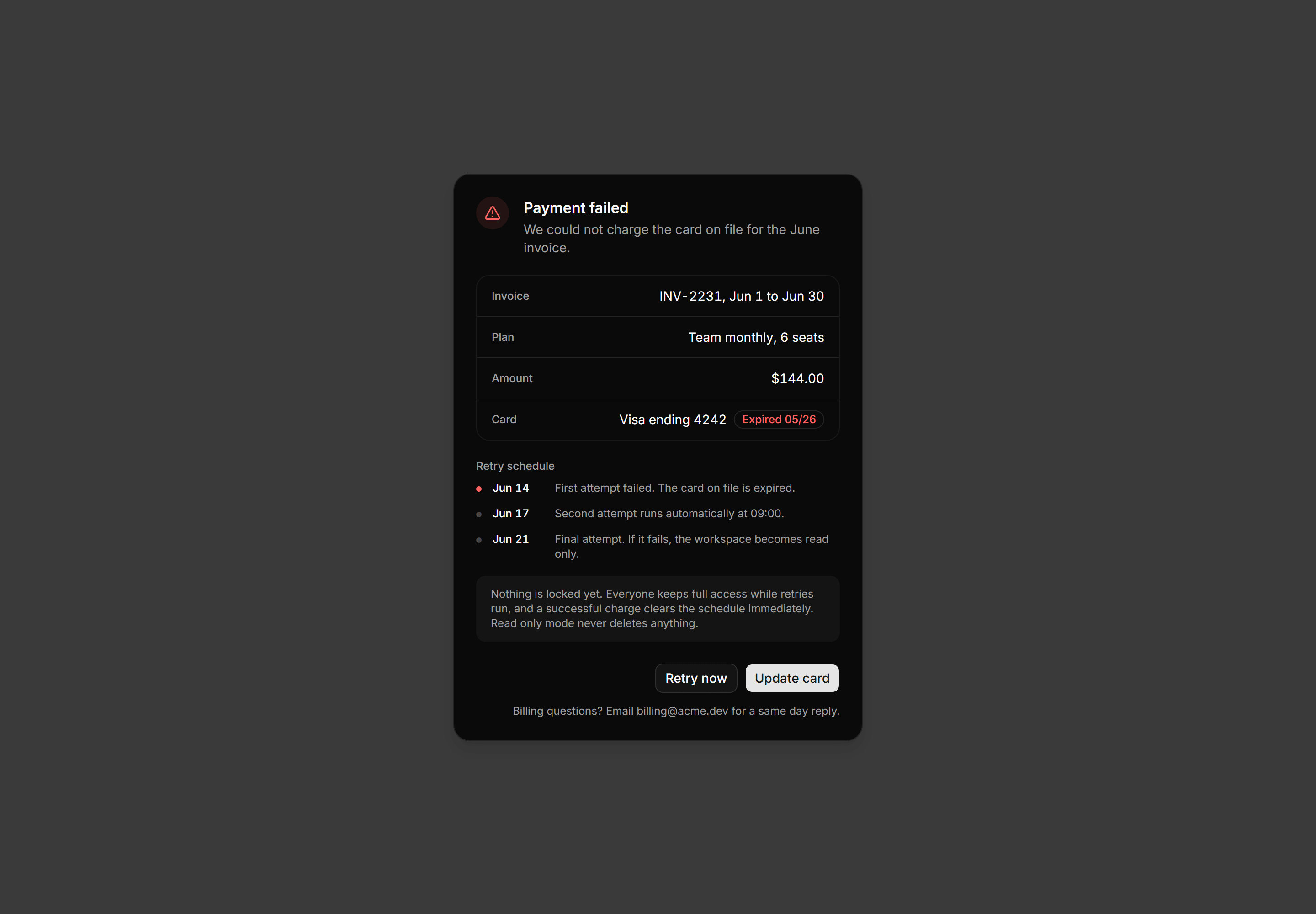
Application Dialog: Payment Failed Dialog
Payment failed dialog with the invoice in label and value rows, an expired card flagged inline, a dated retry schedule, and card actions.
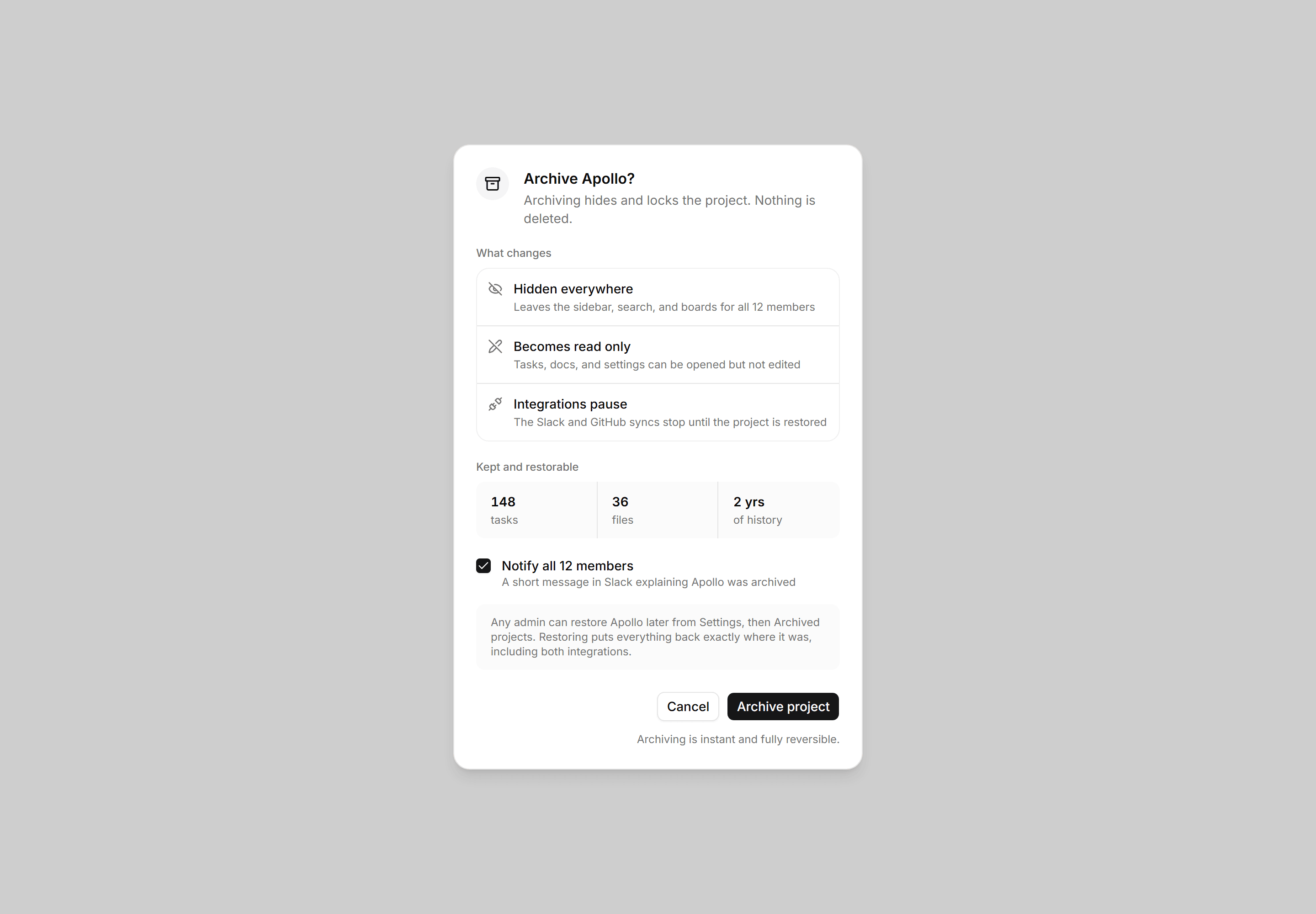
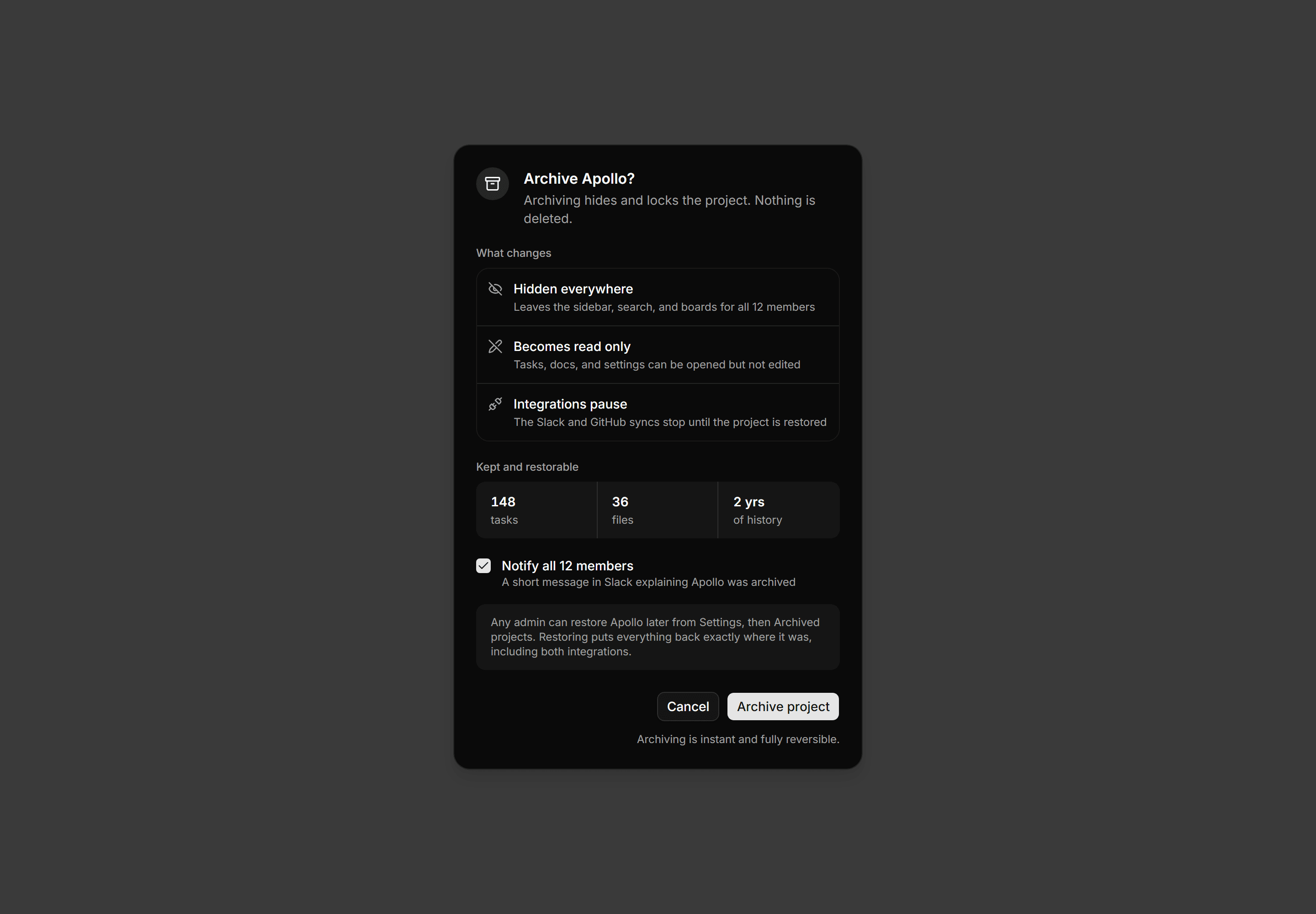
Application Dialog: Archive Project Dialog
Archive confirmation dialog with icon rows for what changes, a kept and restorable stats strip, a notify members checkbox, and a restore note.
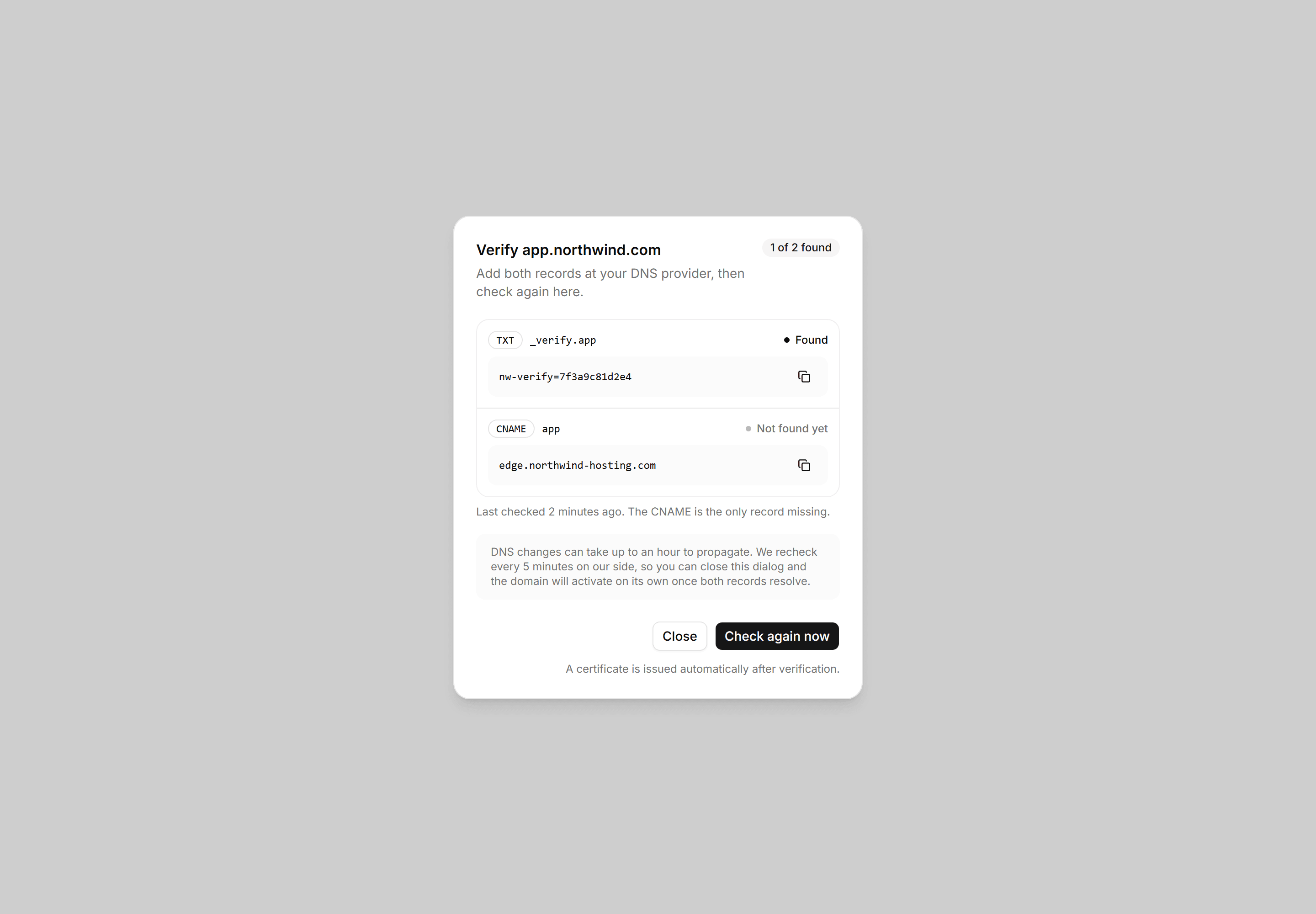
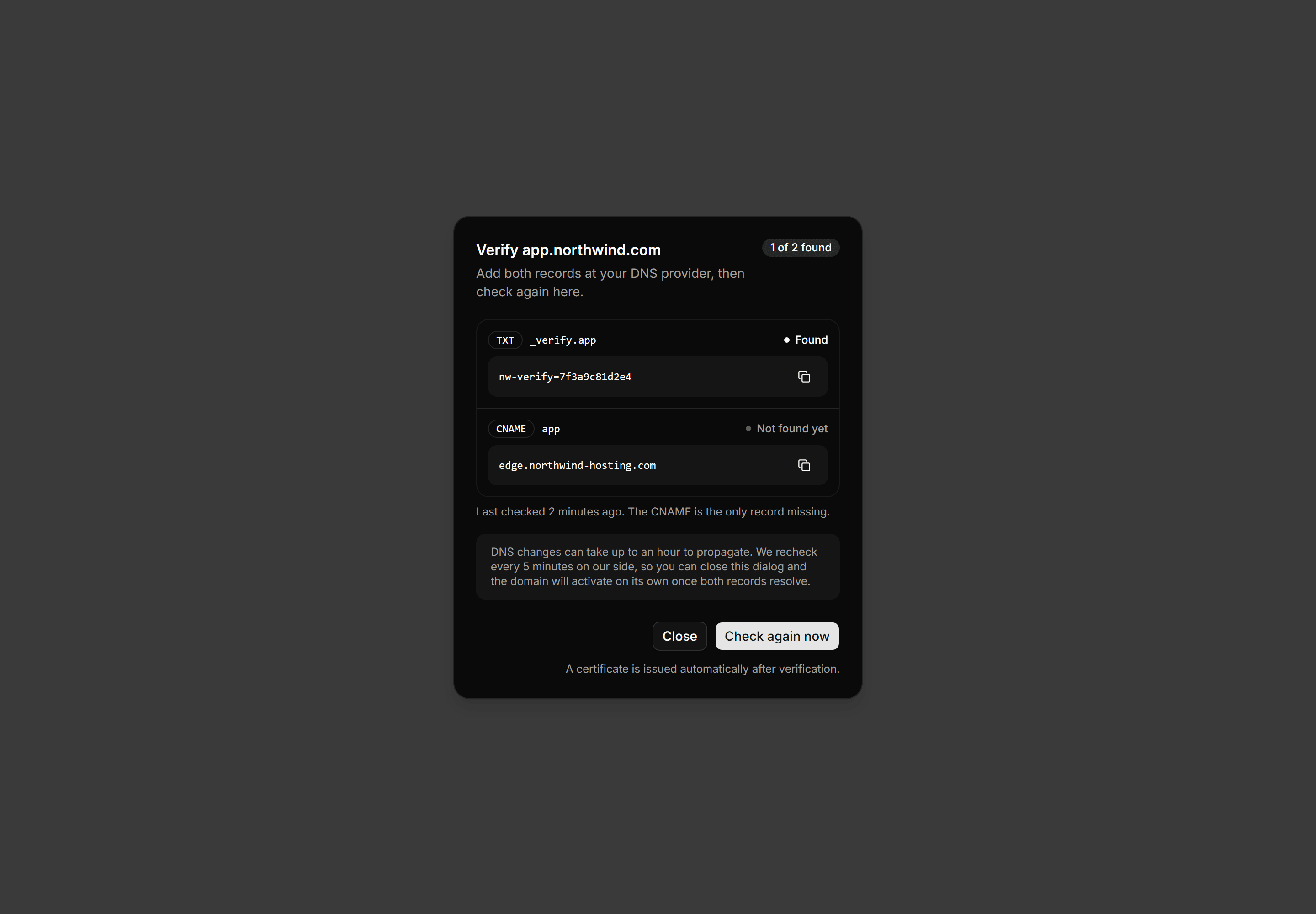
Application Dialog: Verify Domain Dialog
A verify domain dialog with two copyable DNS record rows showing type and host, a found or pending status each, and a check again action.
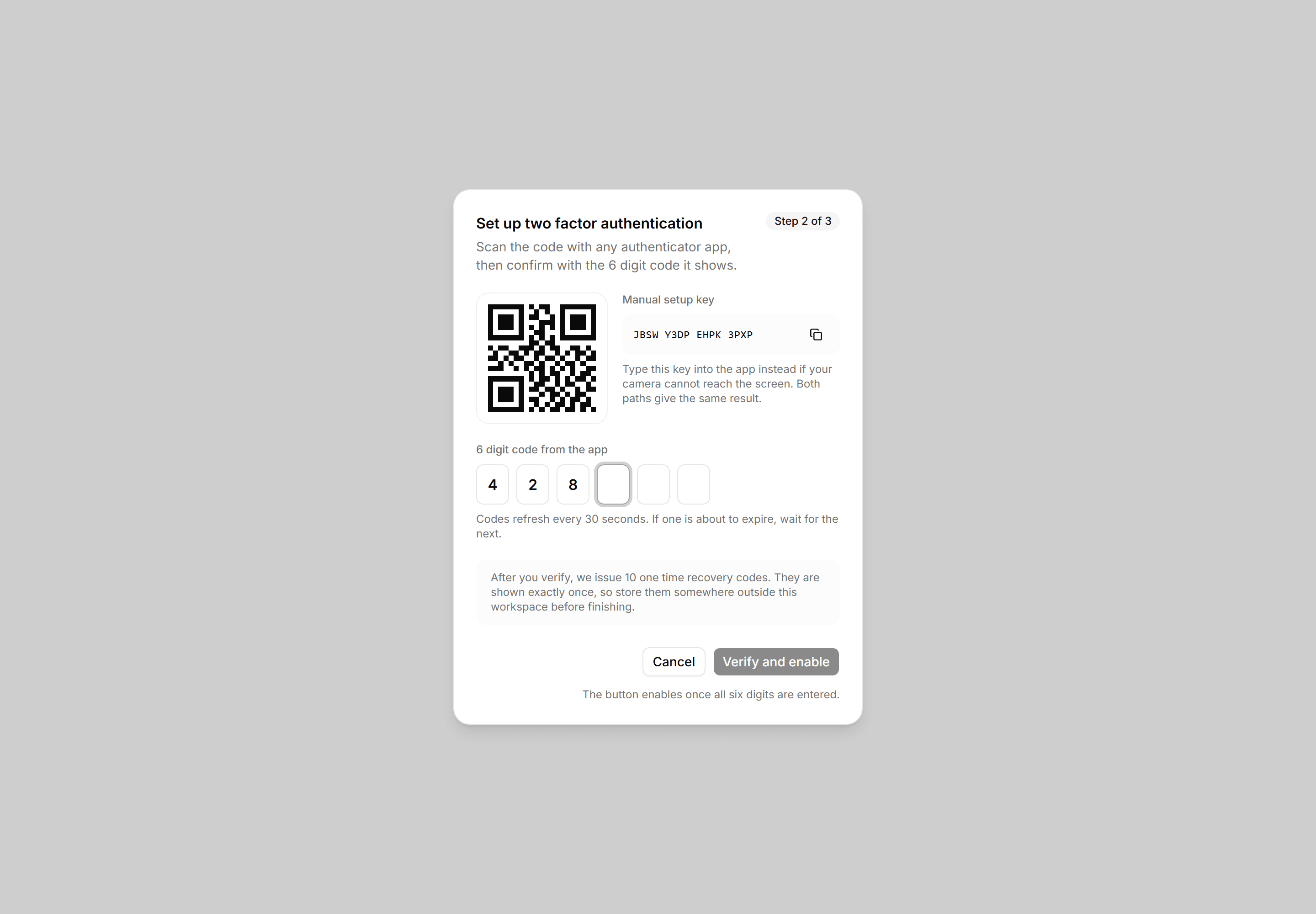
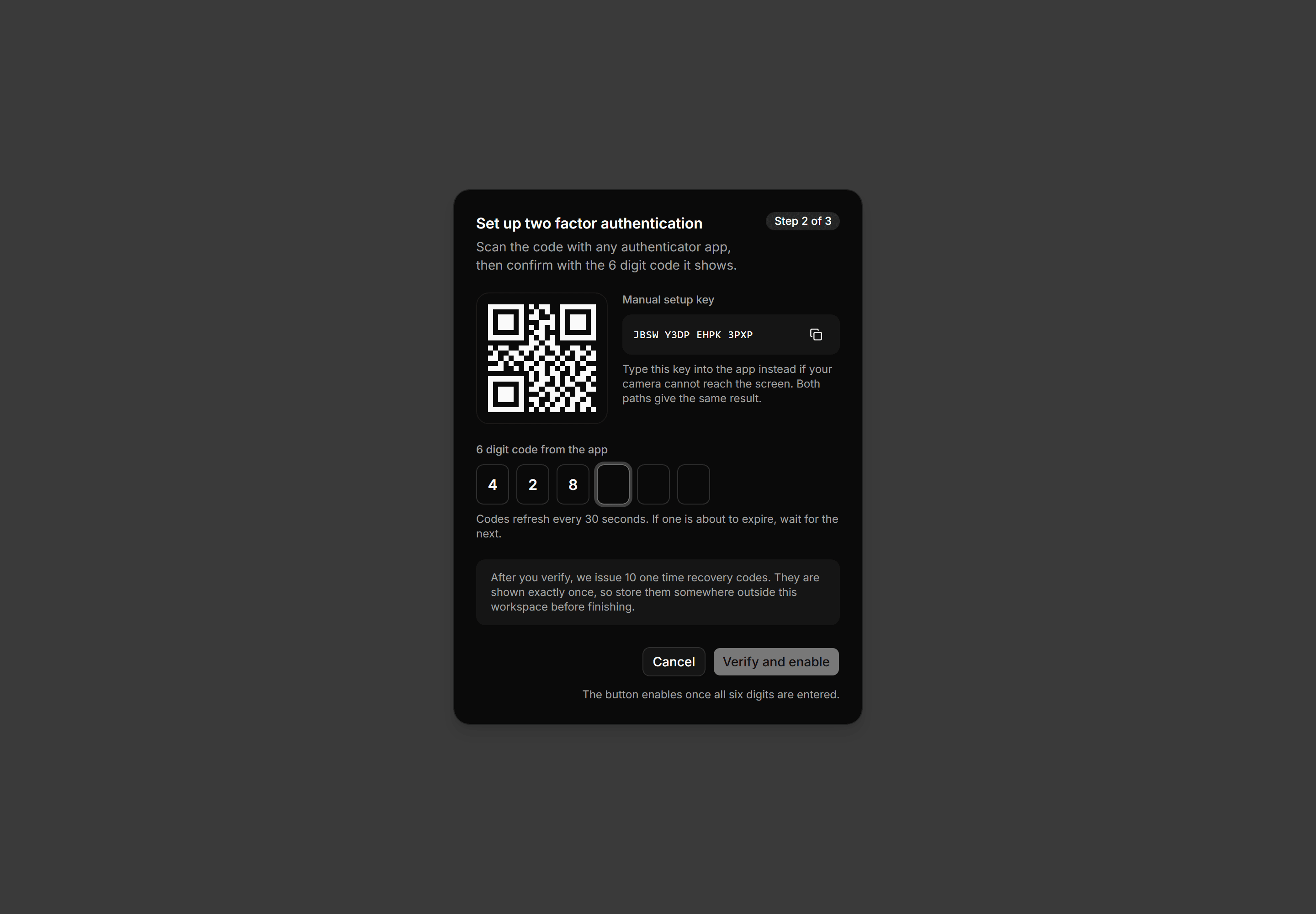
Application Dialog: Two Factor Setup Dialog
A two factor setup dialog with a QR mockup beside a copyable manual key, a six cell code entry, and a one time recovery codes note.
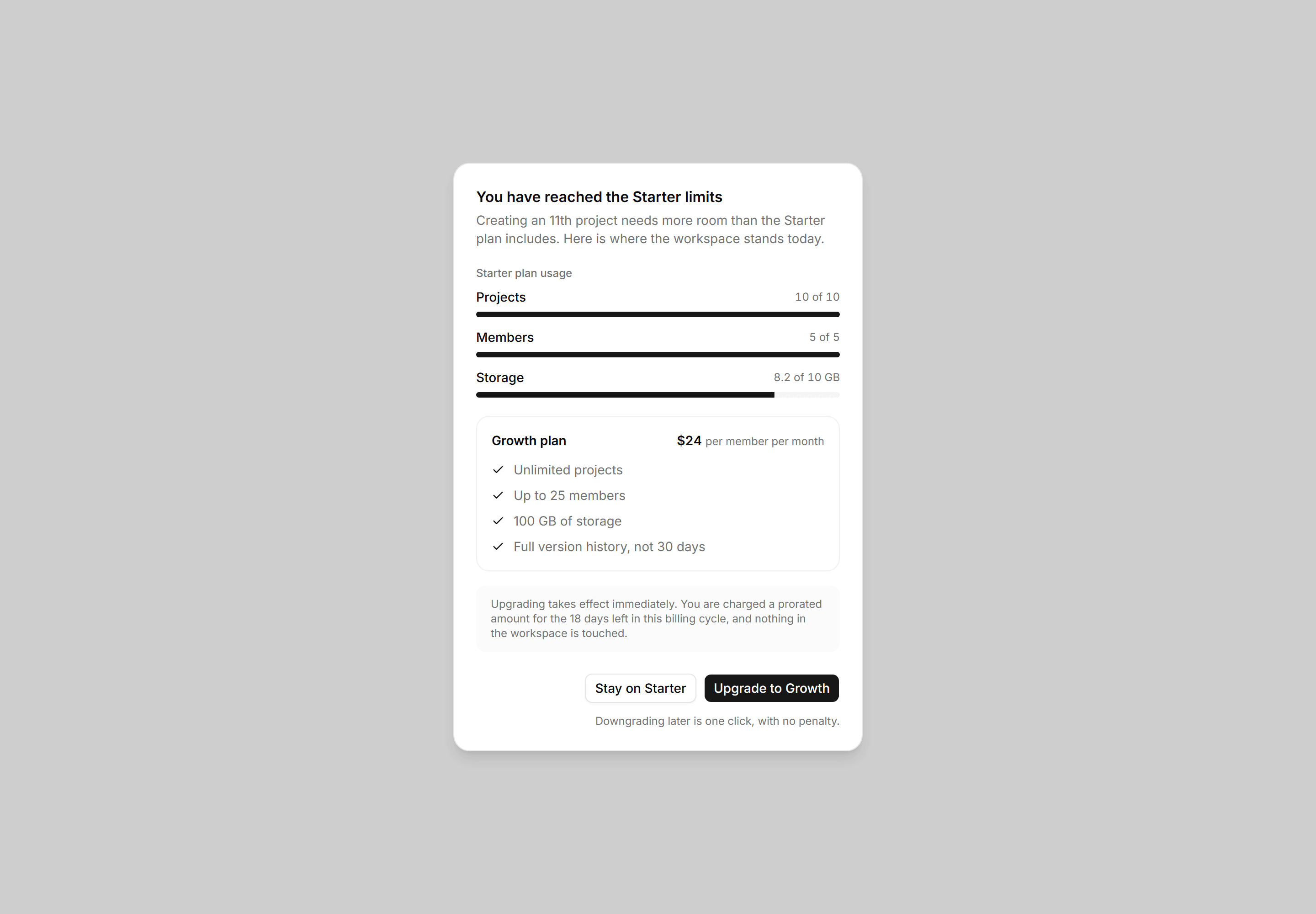
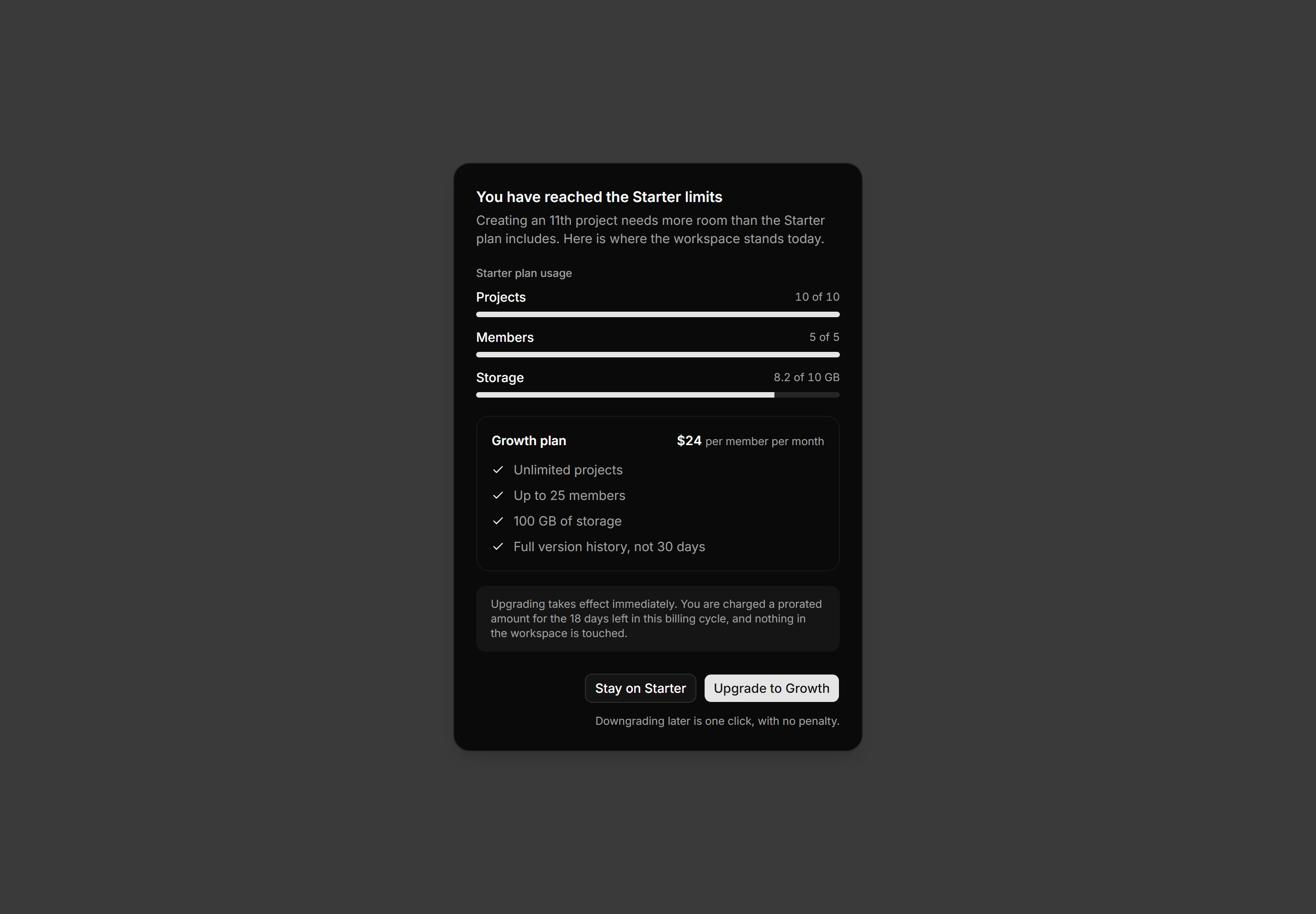
Application Dialog: Upgrade Plan Dialog
A plan limit dialog with per resource usage meters, a bordered next tier card listing features and price, and a prorated billing note.
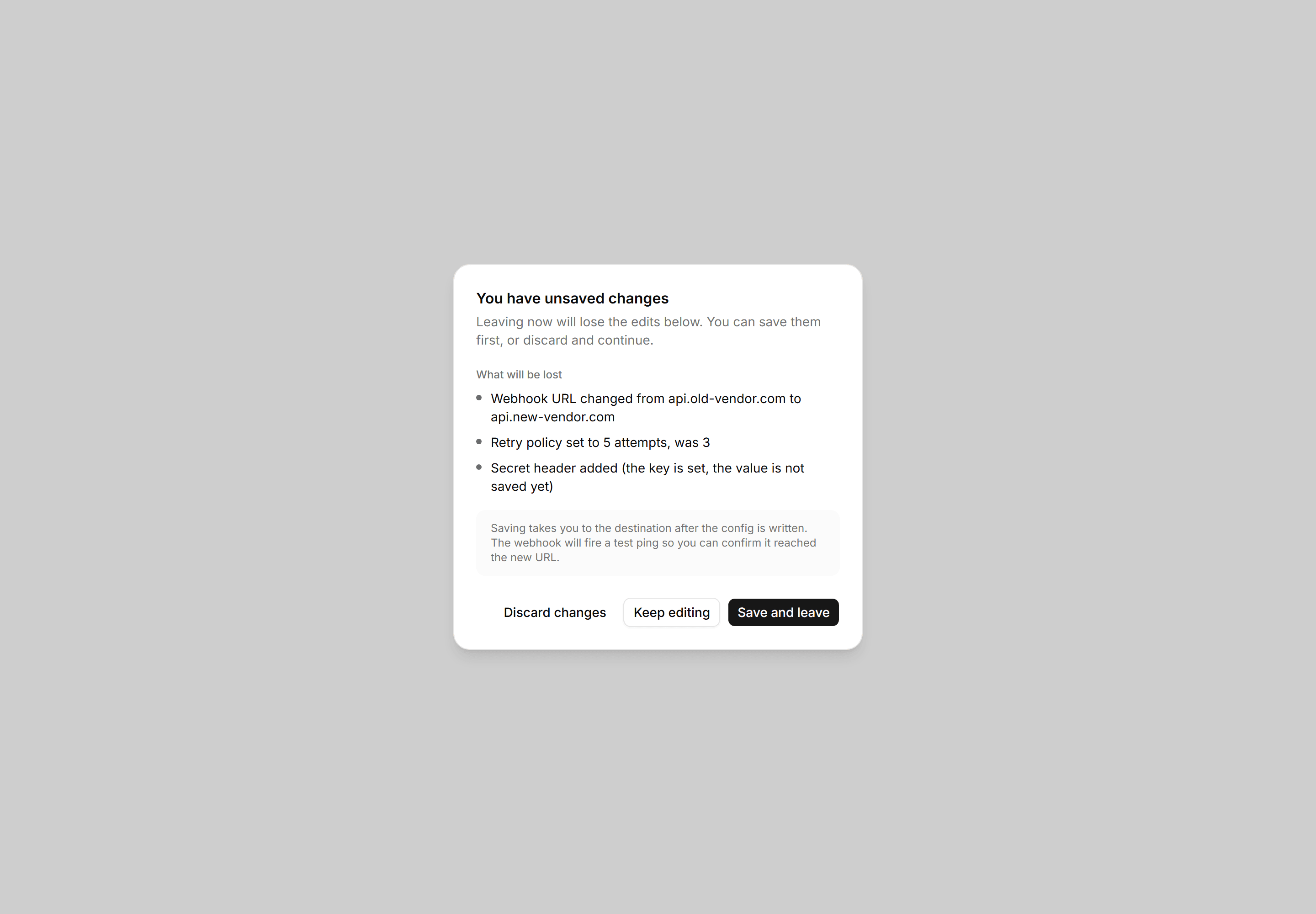
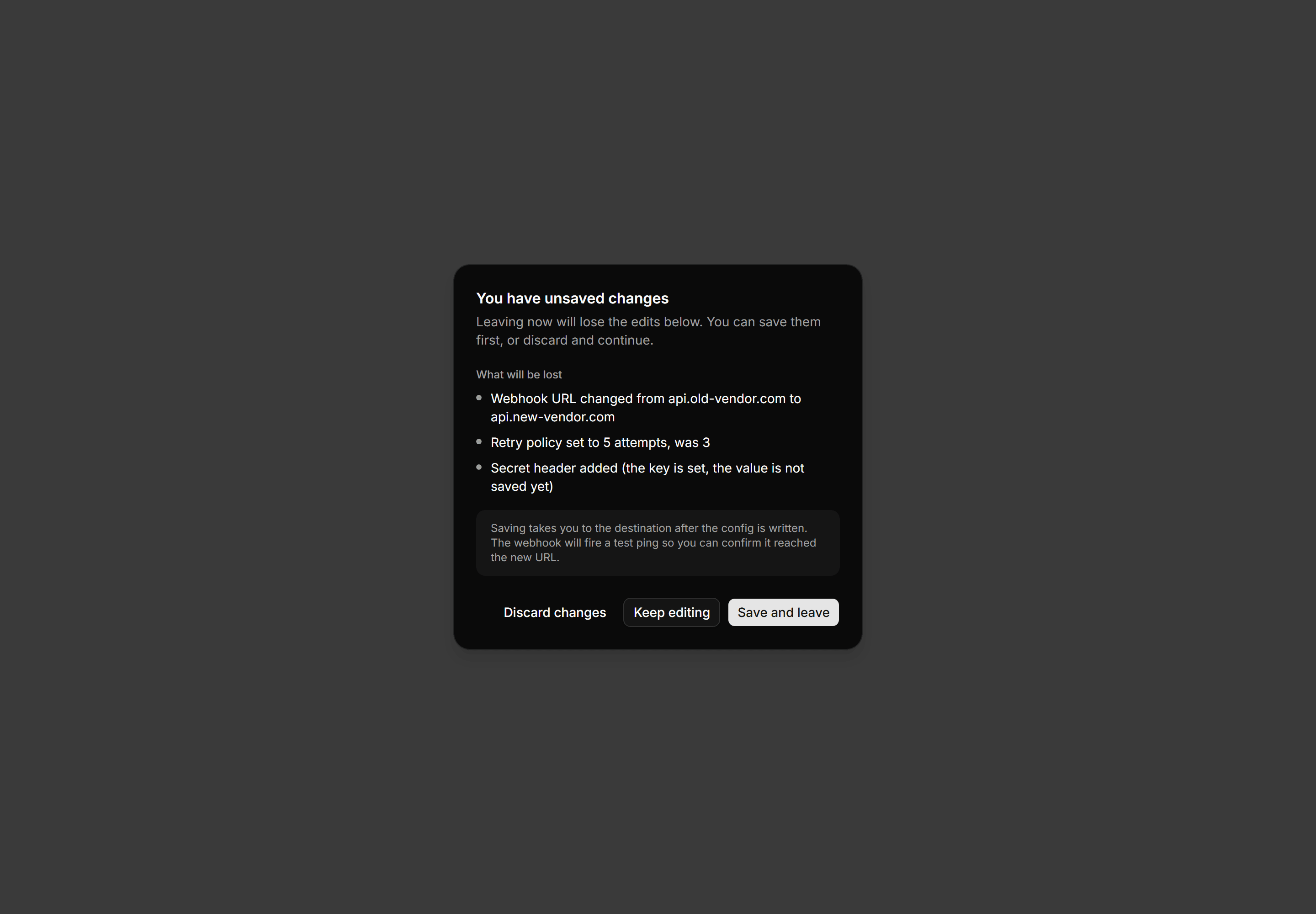
Application Dialog: Unsaved Changes Dialog
Leave confirmation dialog listing three specific unsaved field changes with Discard, Keep editing, and Save and leave actions.
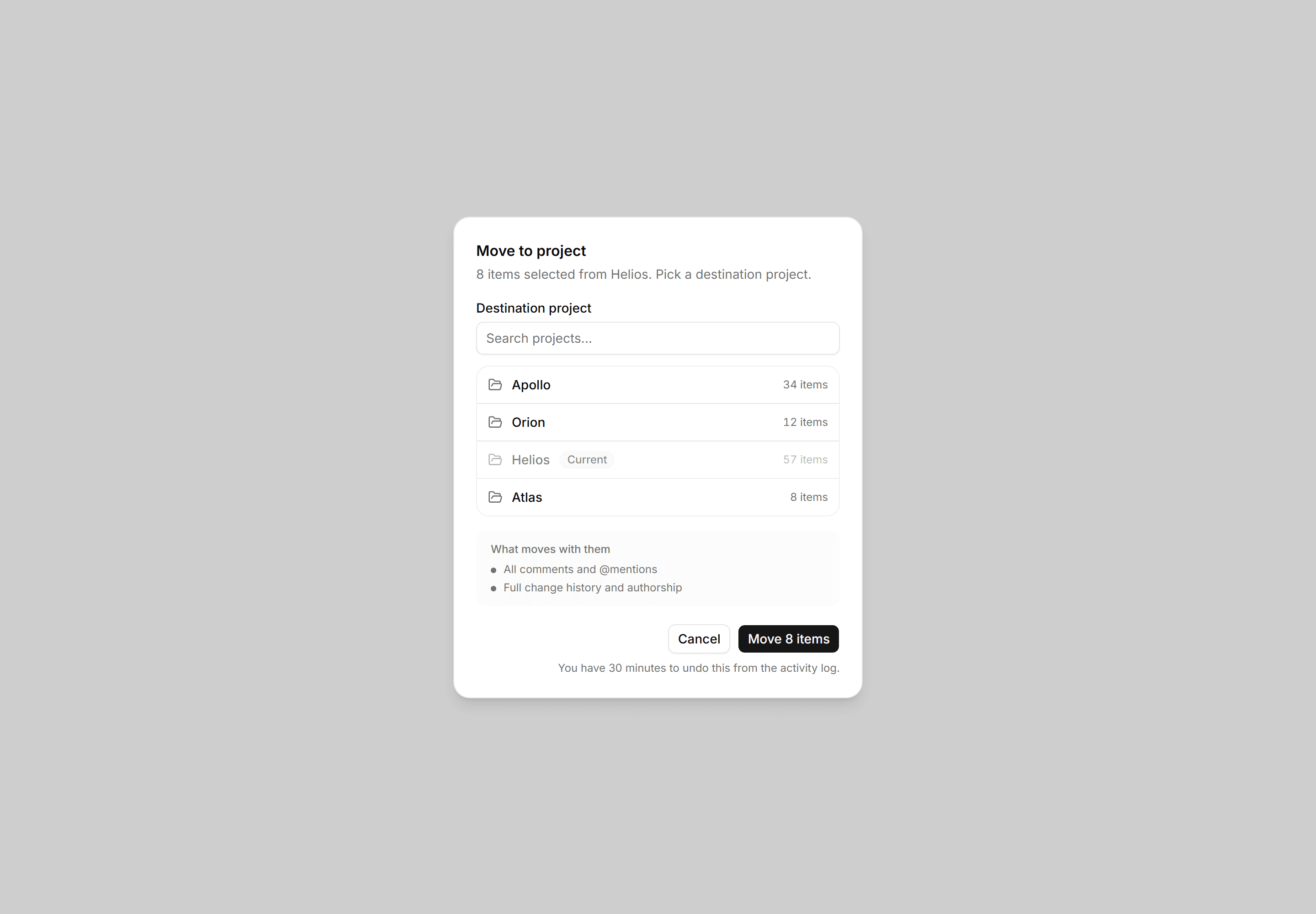
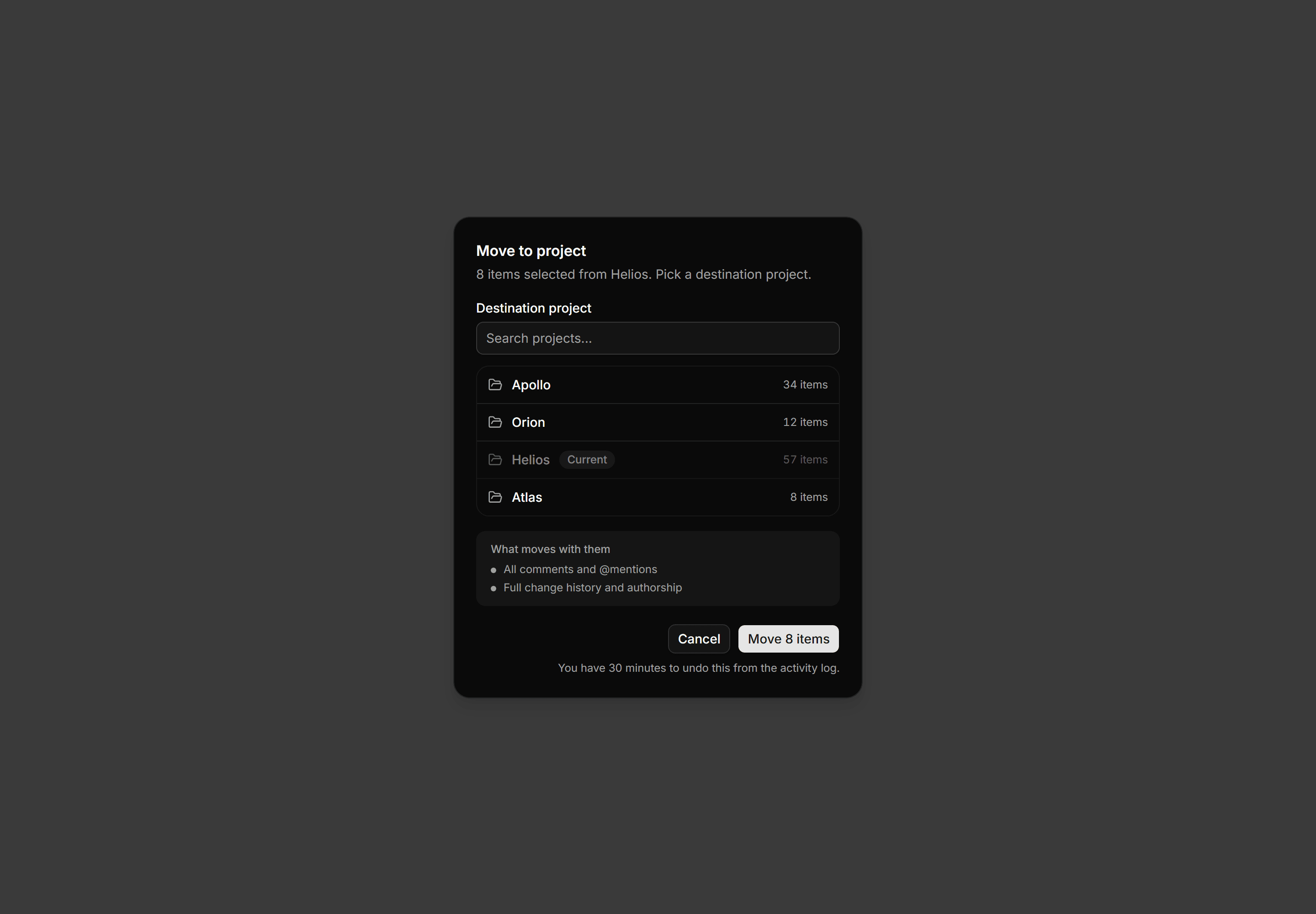
Application Dialog: Move To Project Dialog
Bulk-move dialog for 8 selected items with a searchable project list, a what-moves callout, and a 30-minute undo window note.
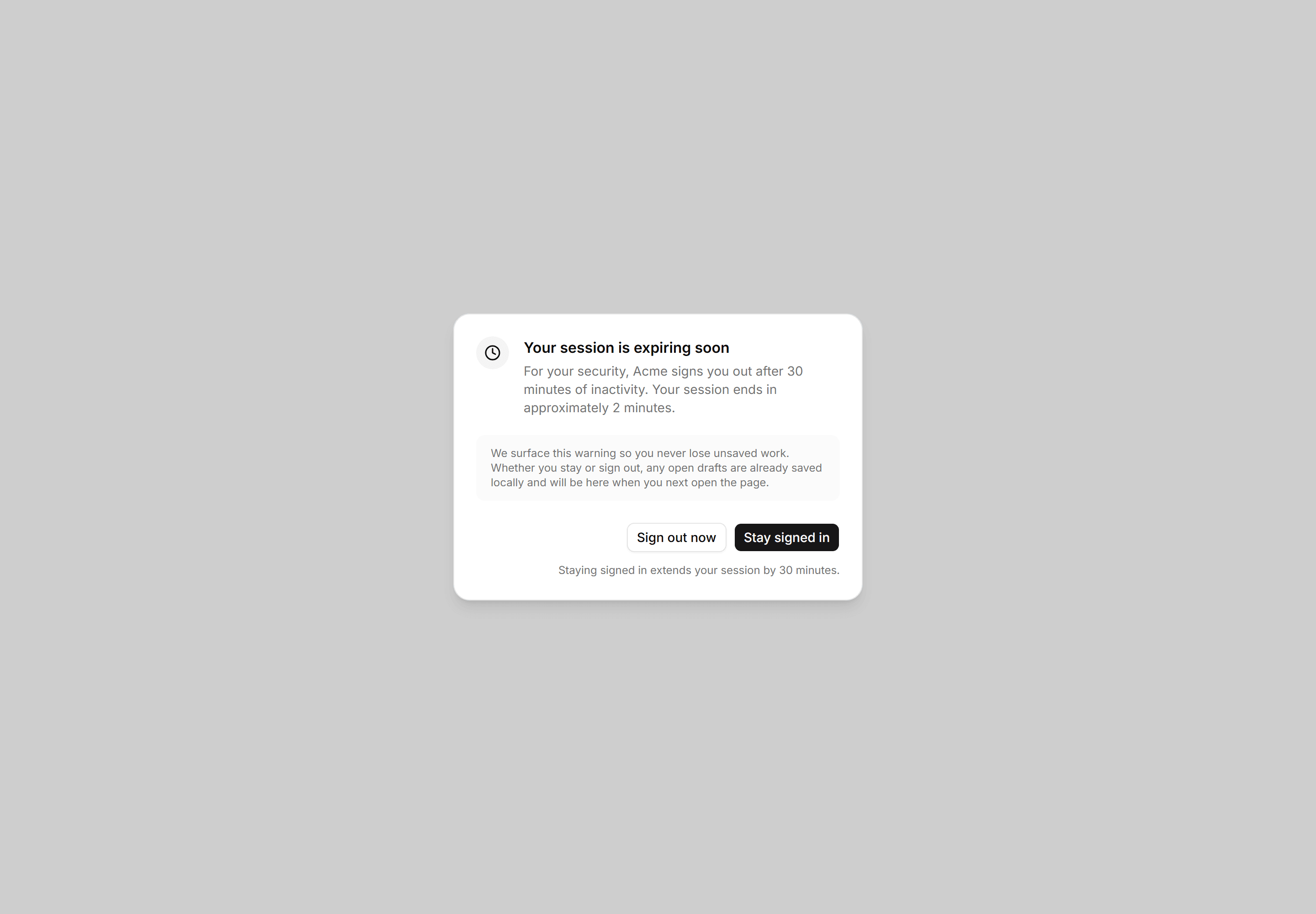
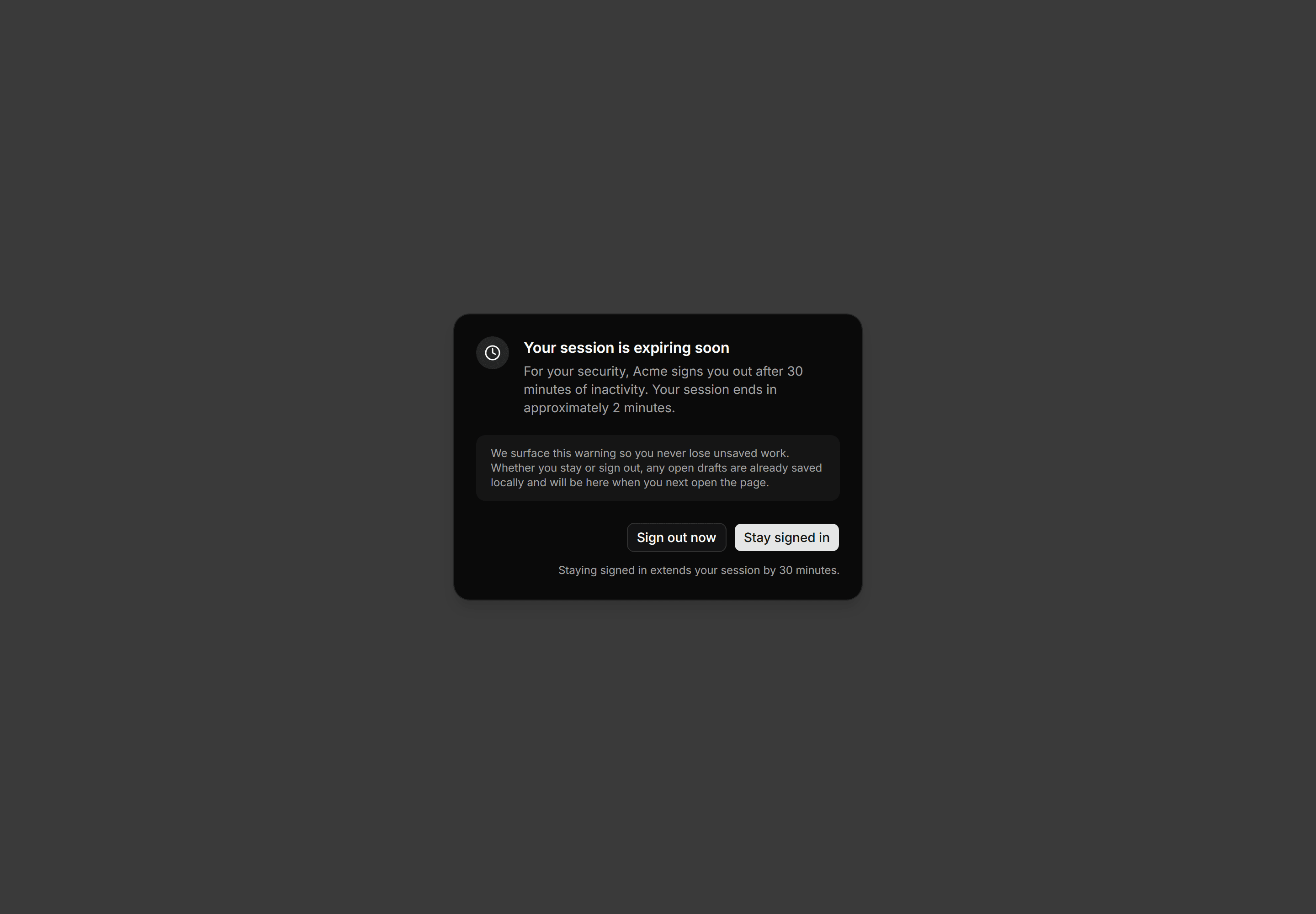
Application Dialog: Session Expiring Dialog
Session expiry warning dialog giving two minutes notice, a stay-signed-in action, and a guarantee that open drafts are saved regardless of choice.
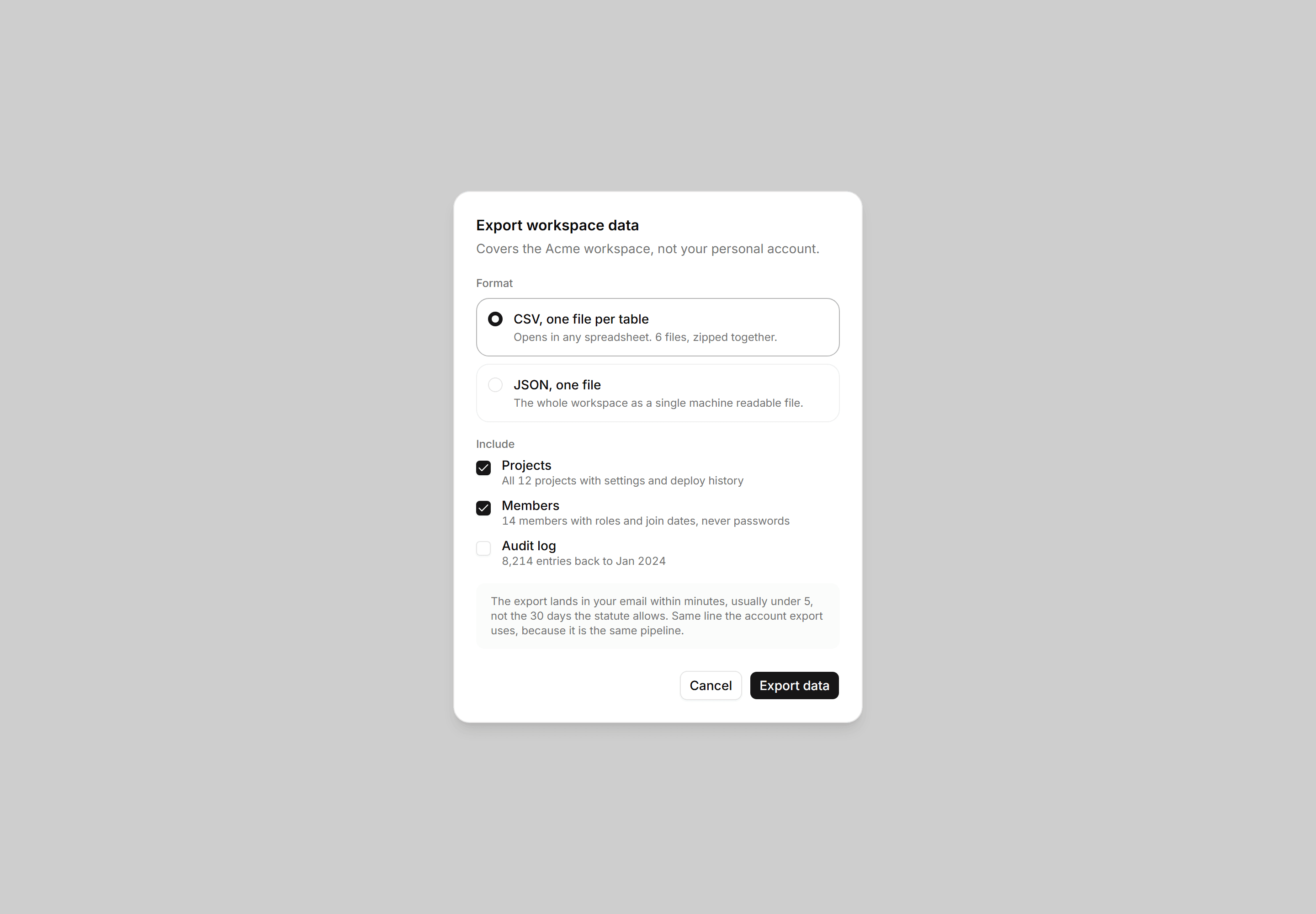
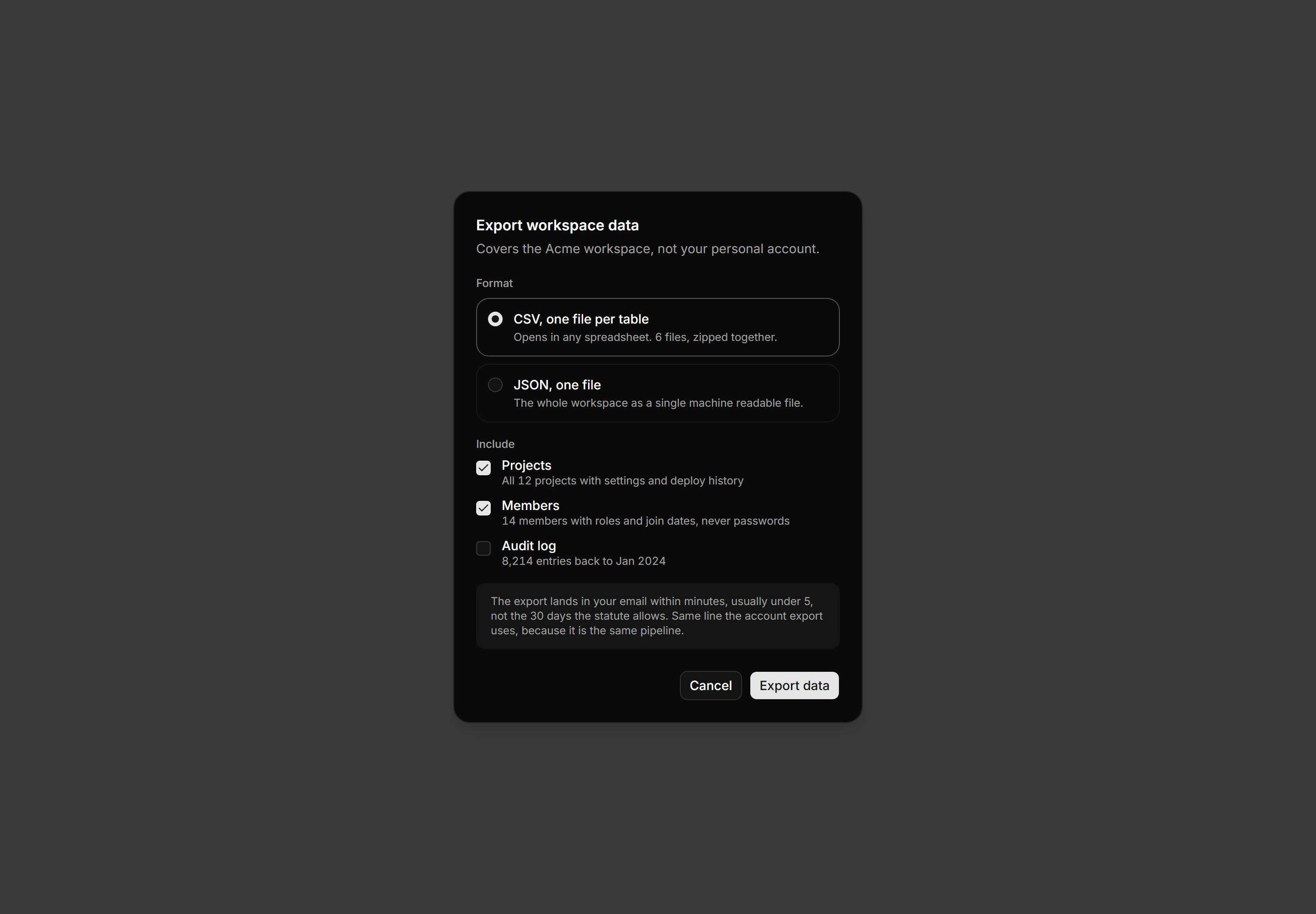
Application Dialog: Export Data Dialog
Format and scope choices with real counts, delivered in minutes, not 30 days.
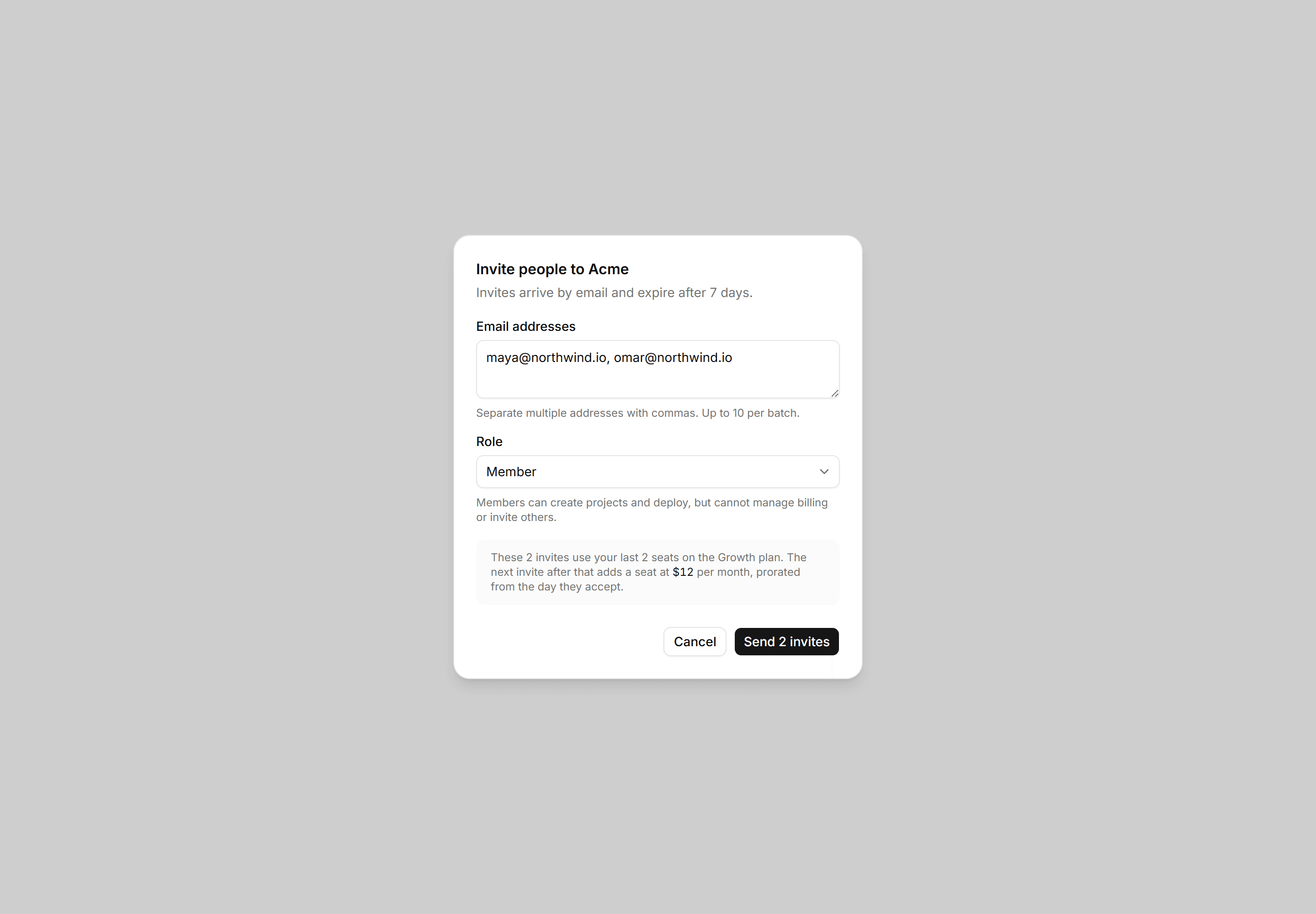
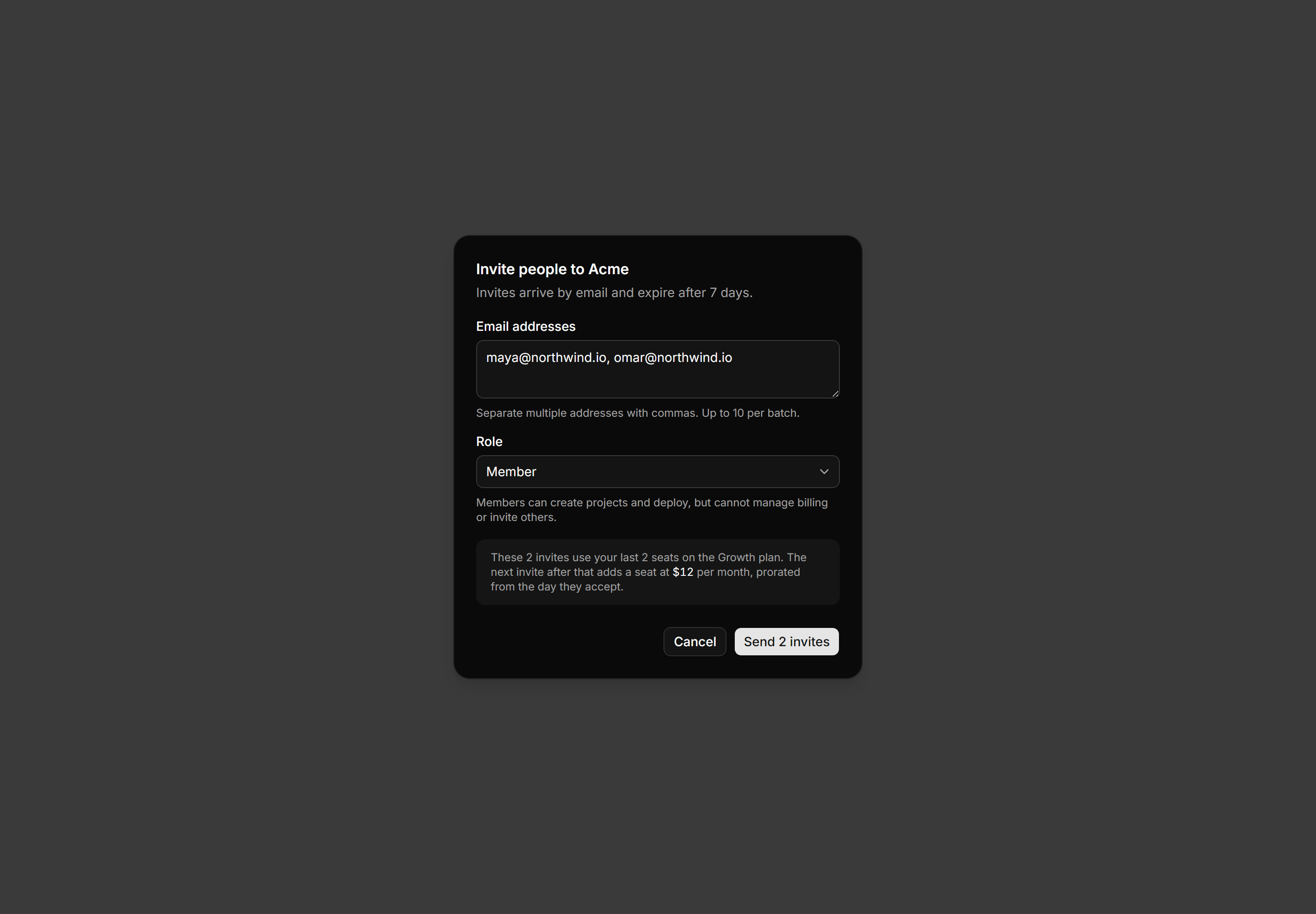
Application Dialog: Invite Members Dialog
Emails, role, and the seat consequence stated before send, not after.
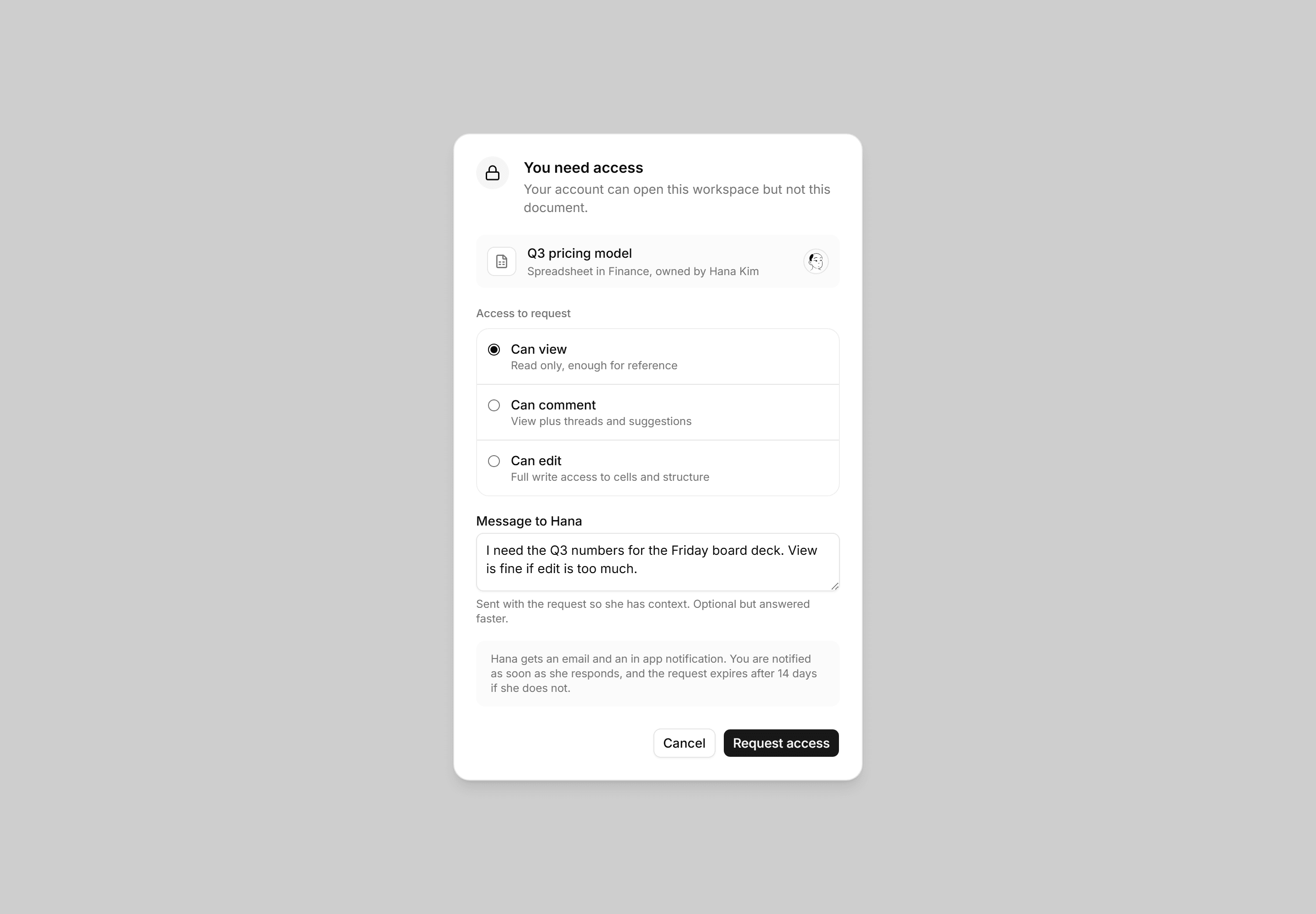
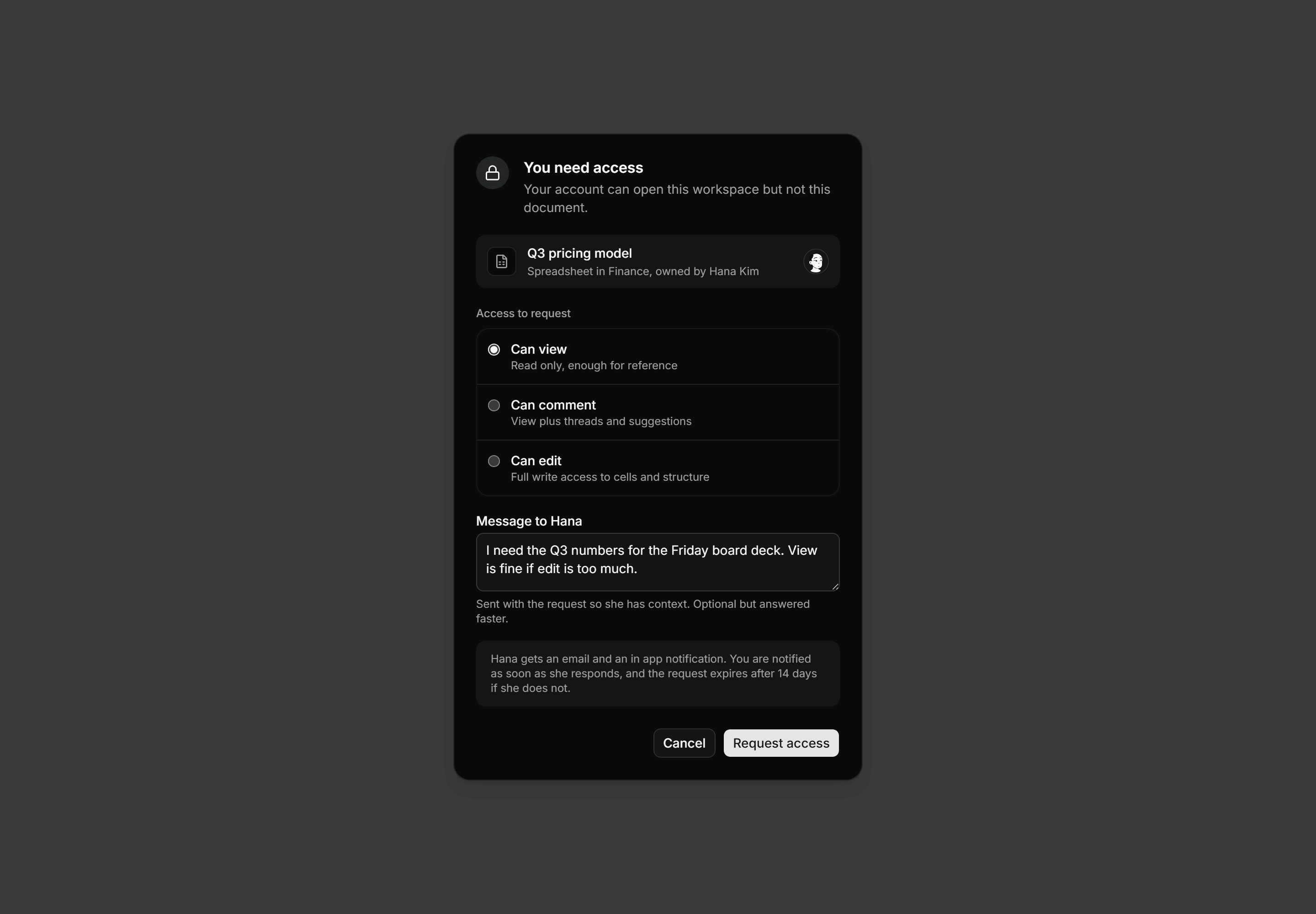
Application Dialog: Request Access Dialog
Request access dialog with a locked document card, an access level radio list from view to edit, a message field, and a response note.
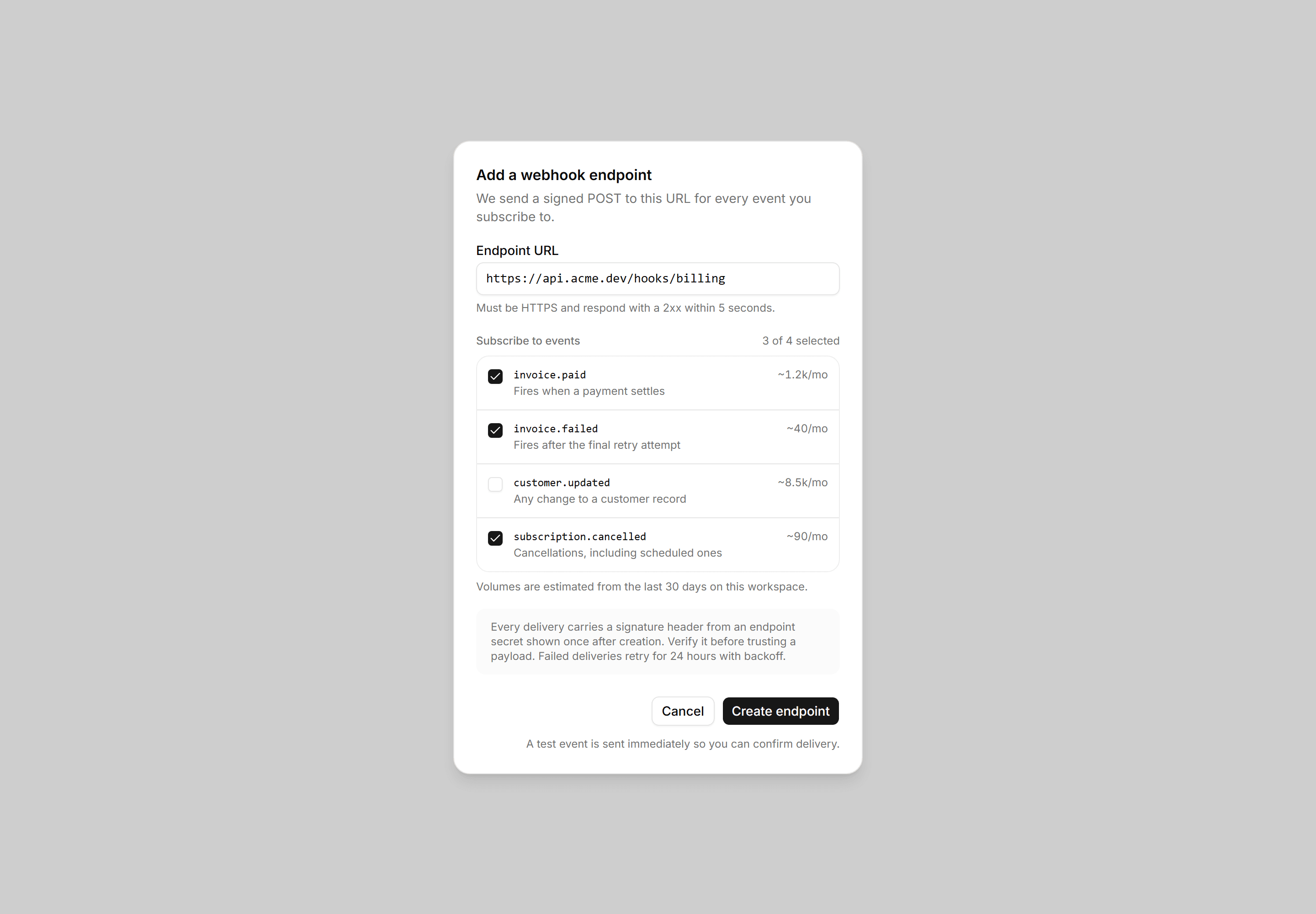
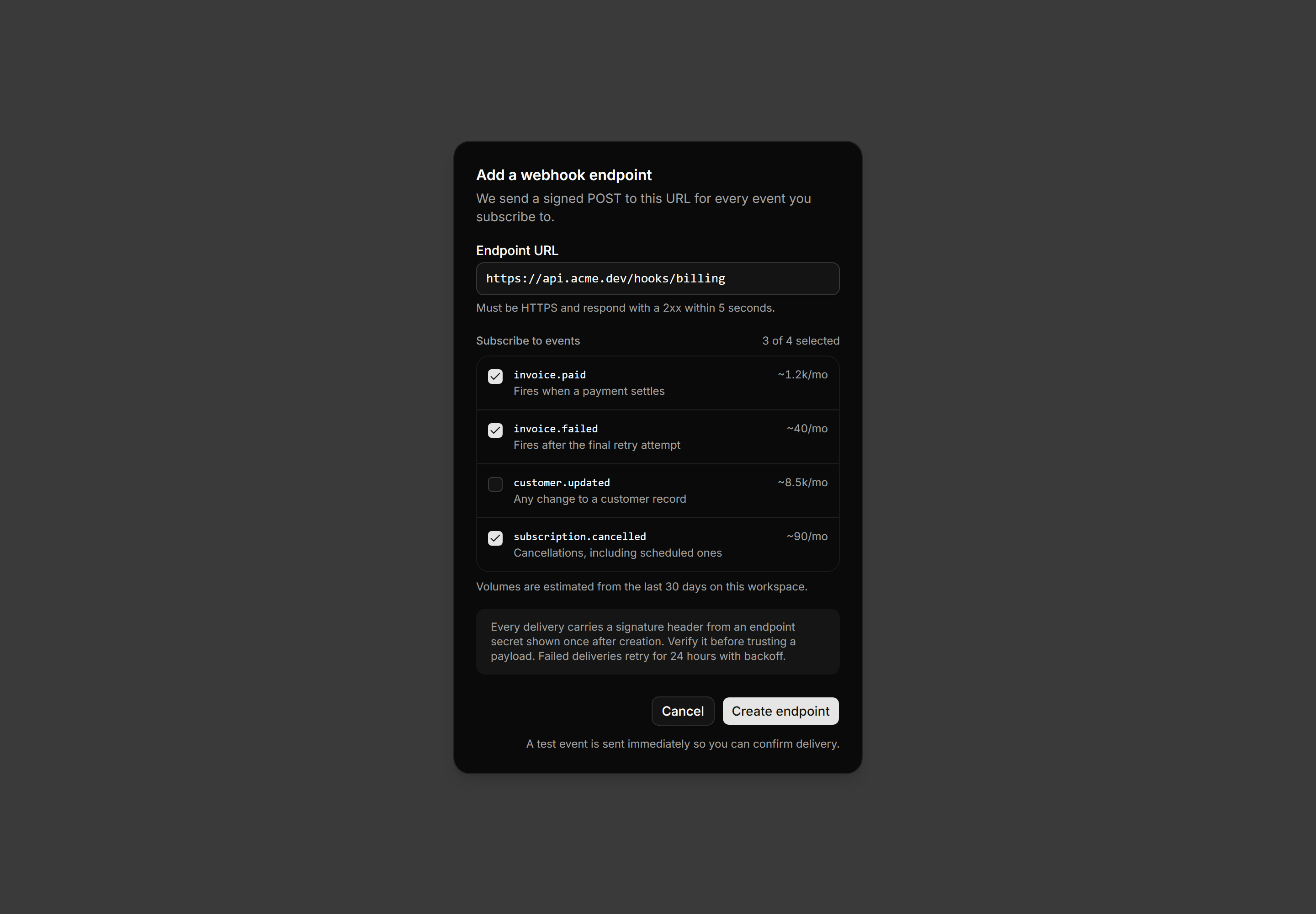
Application Dialog: Create Webhook Dialog
A create webhook dialog with an endpoint URL field, a checklist of subscribable events showing volume estimates, a signing note, and create actions.
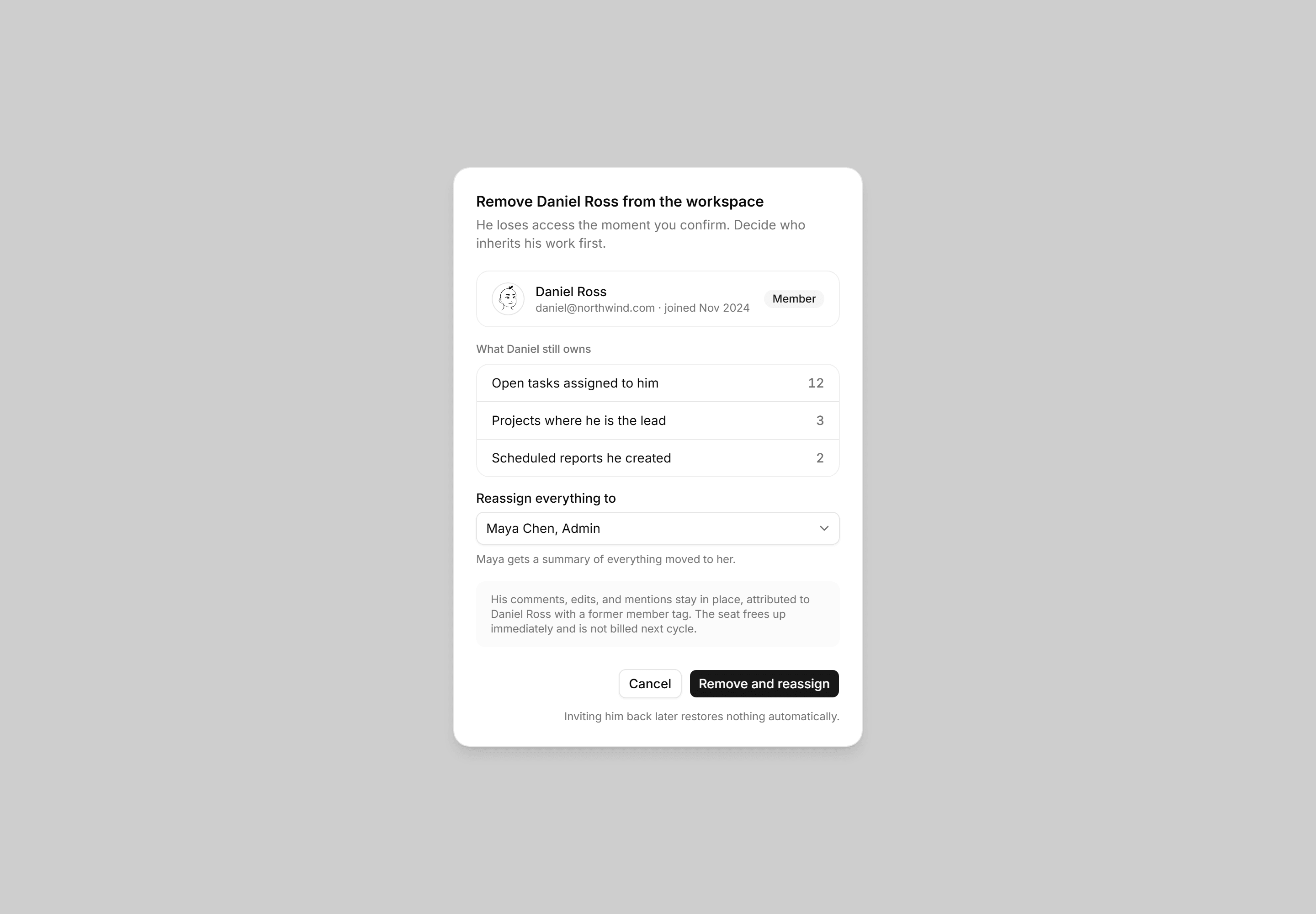
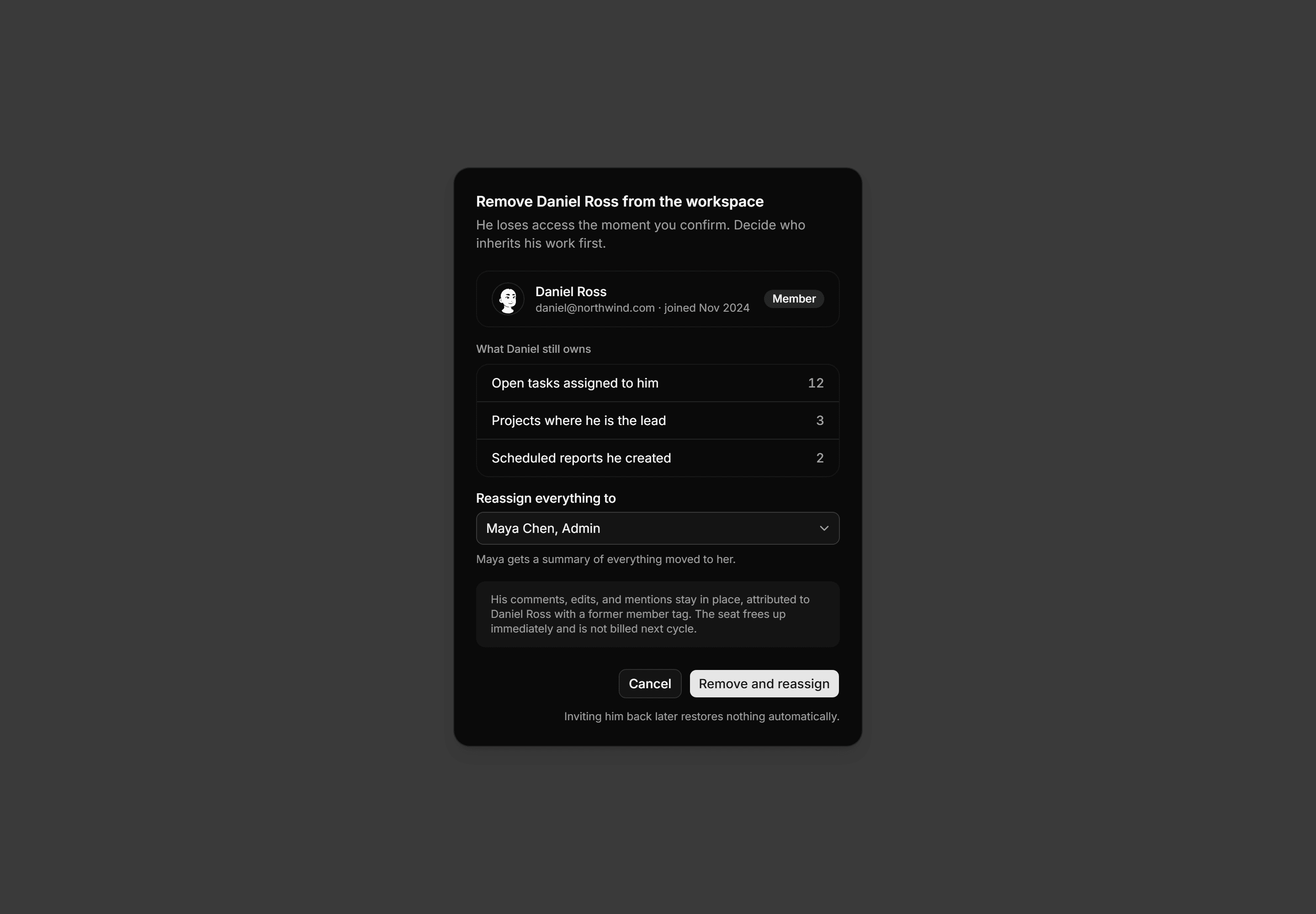
Application Dialog: Remove Member Dialog
A remove member dialog with the member card, a counted list of what they still own, a reassign select, and a confirm and reassign action.
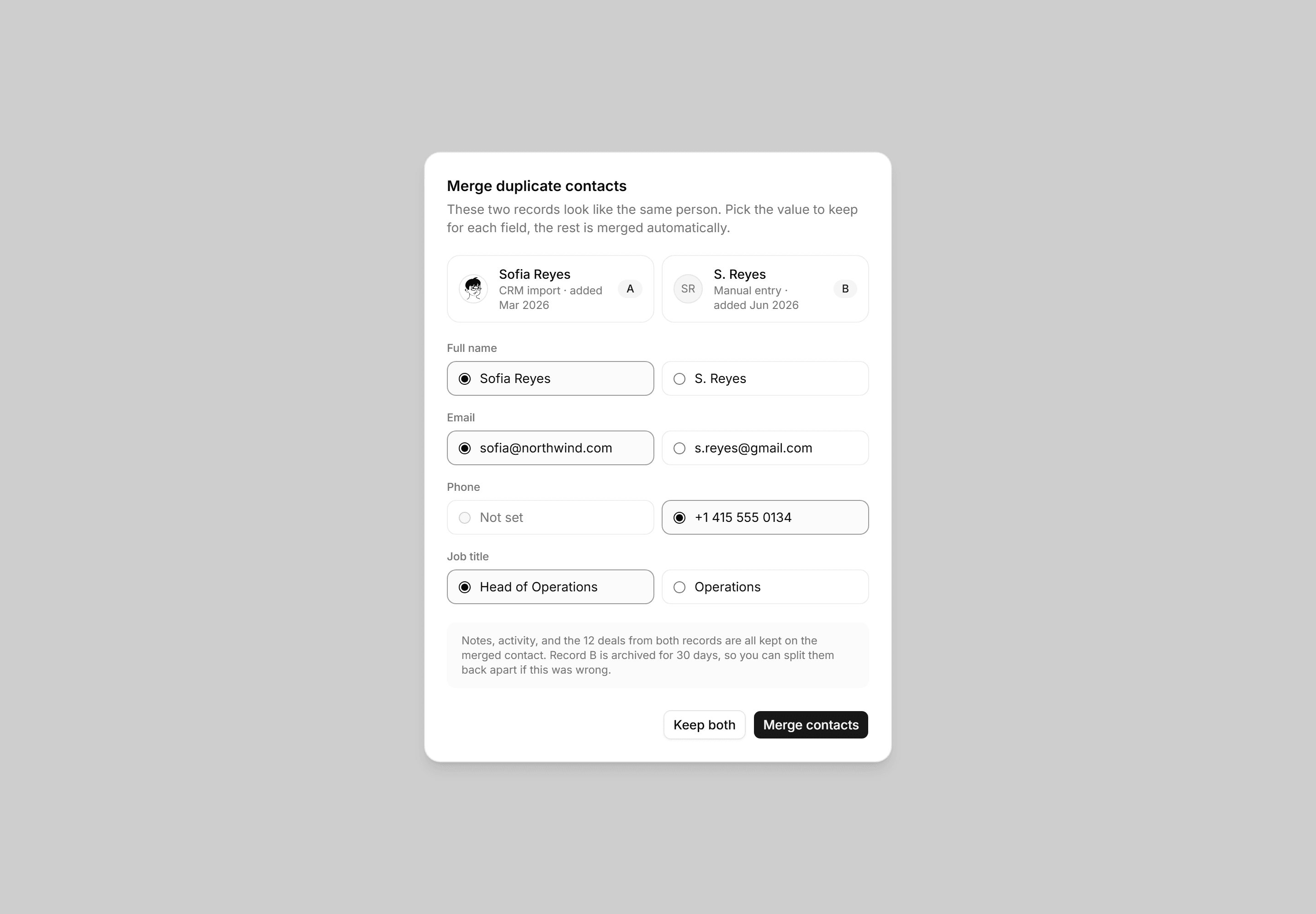
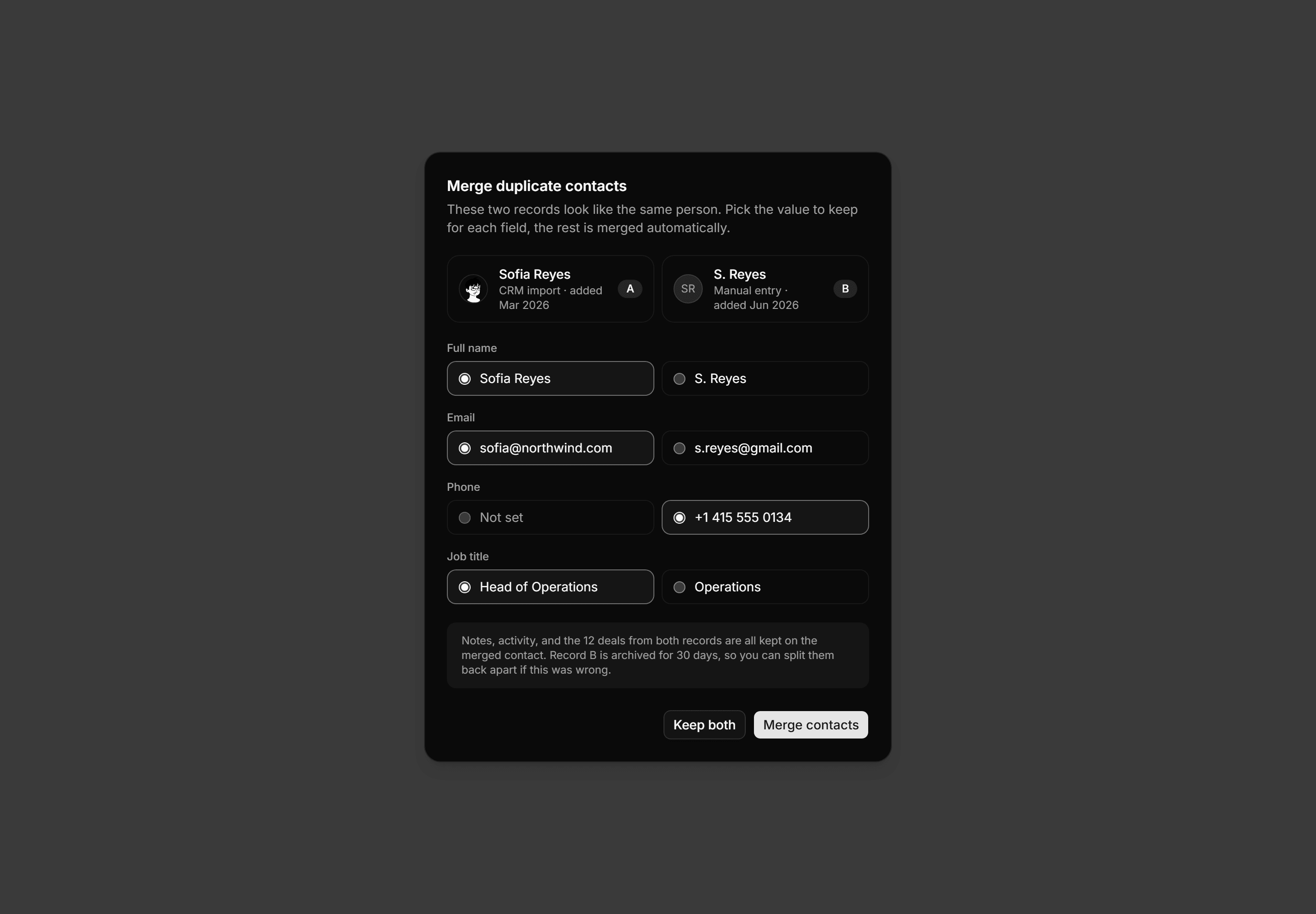
Application Dialog: Merge Duplicates Dialog
A merge dialog pairing two contact records with per field radio picks for the winning value, a retention note, and keep or merge actions.
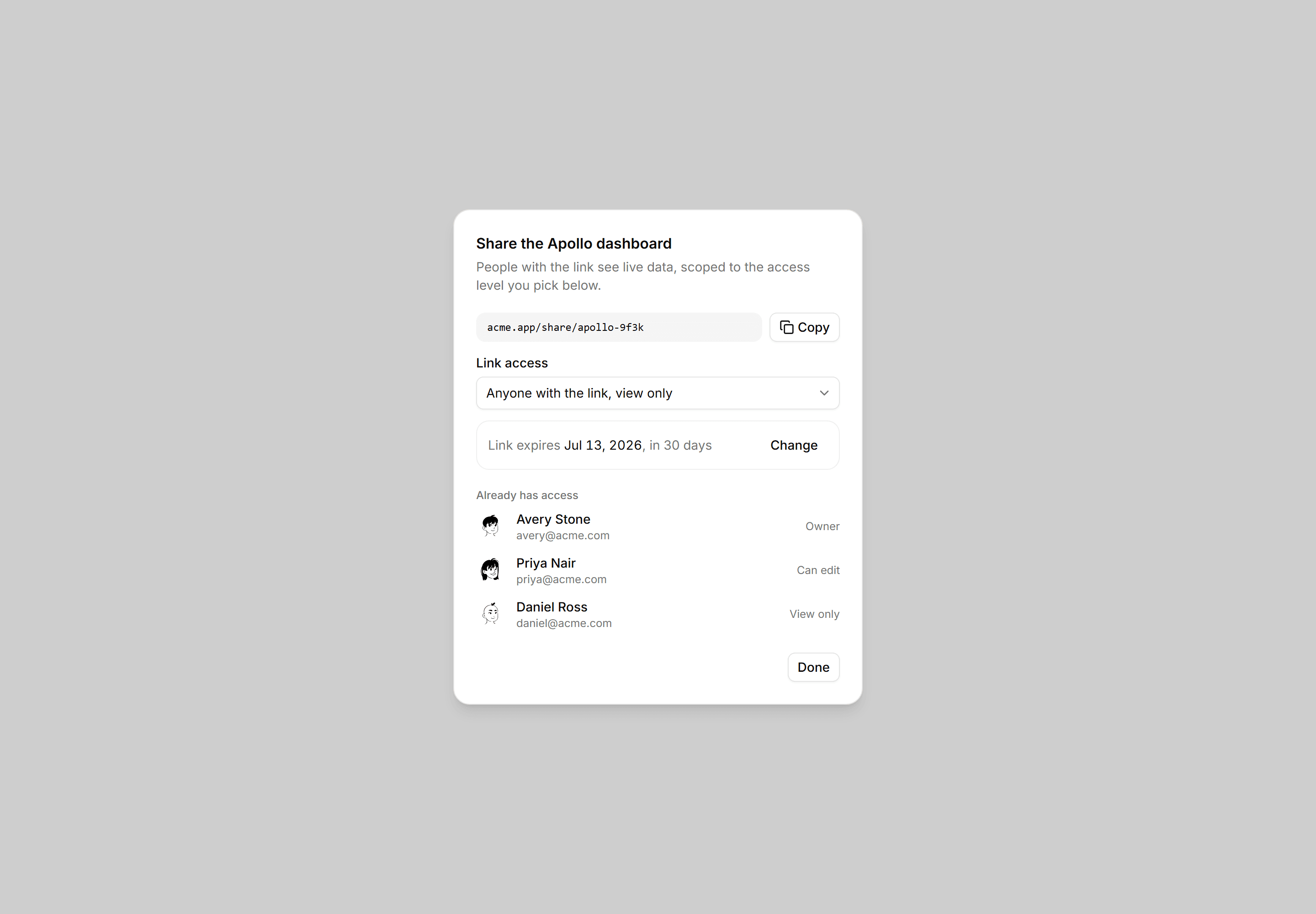
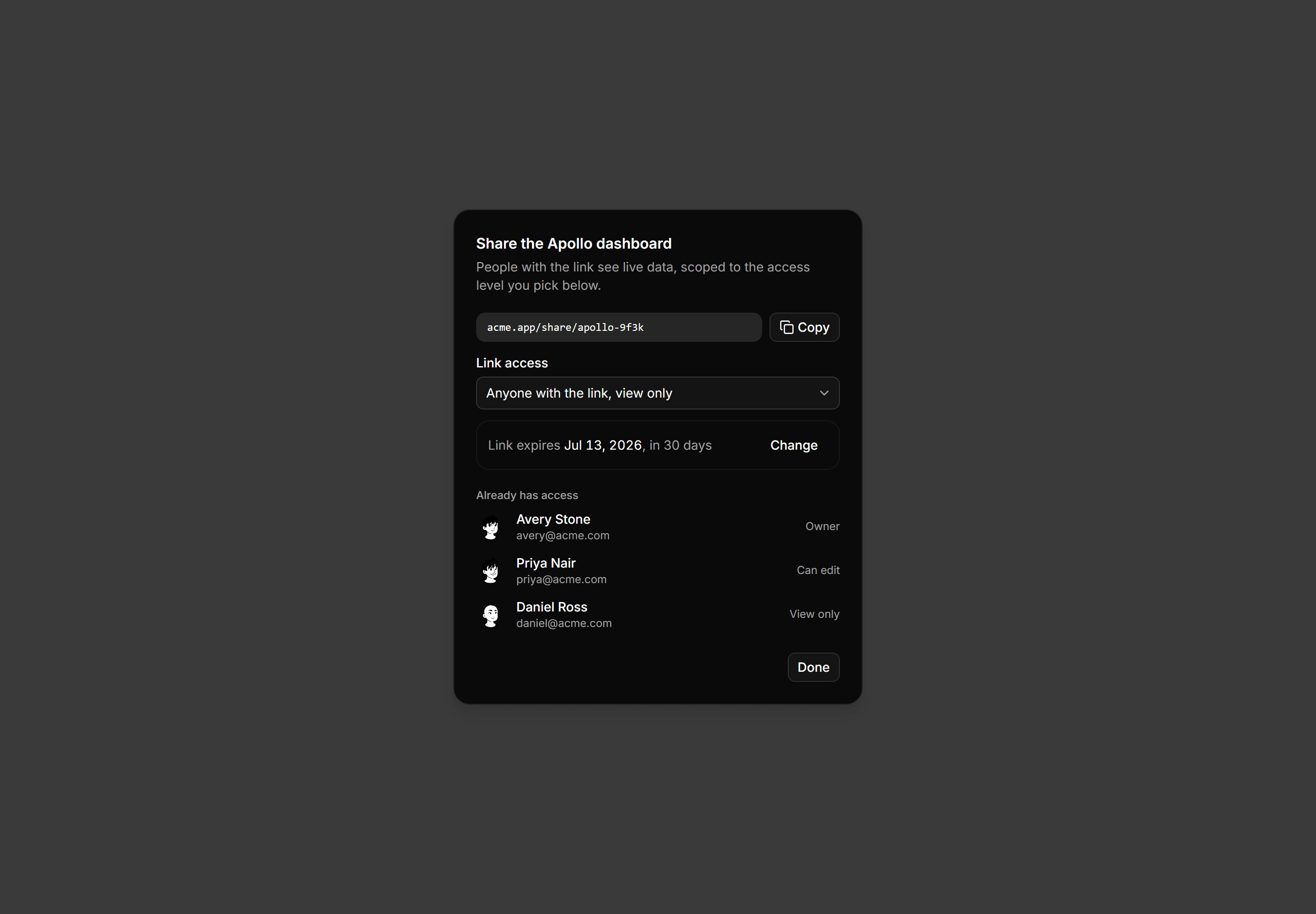
Application Dialog: Share Link Dialog
The link as a copyable chip, access level, expiry, and who already has it.
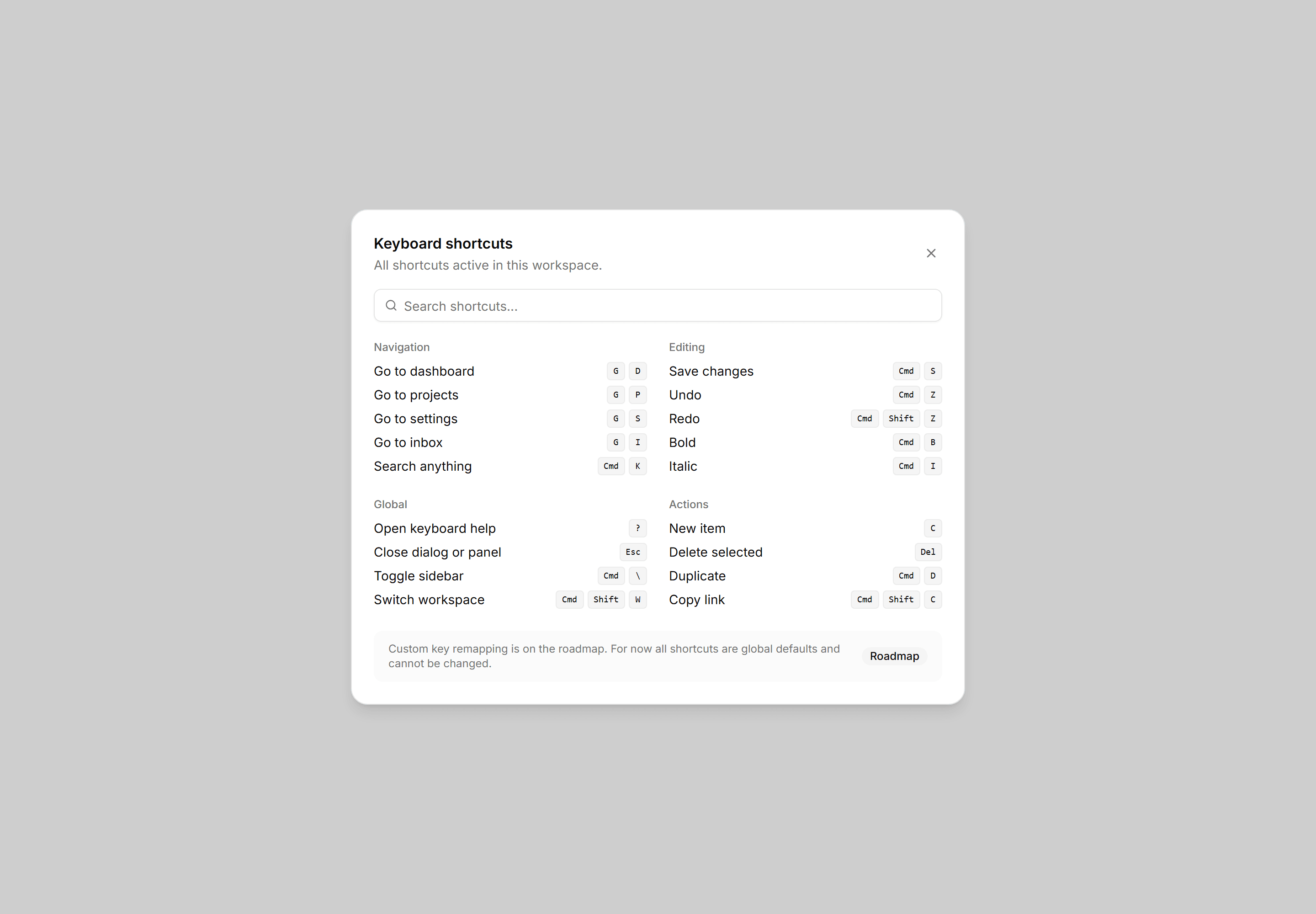
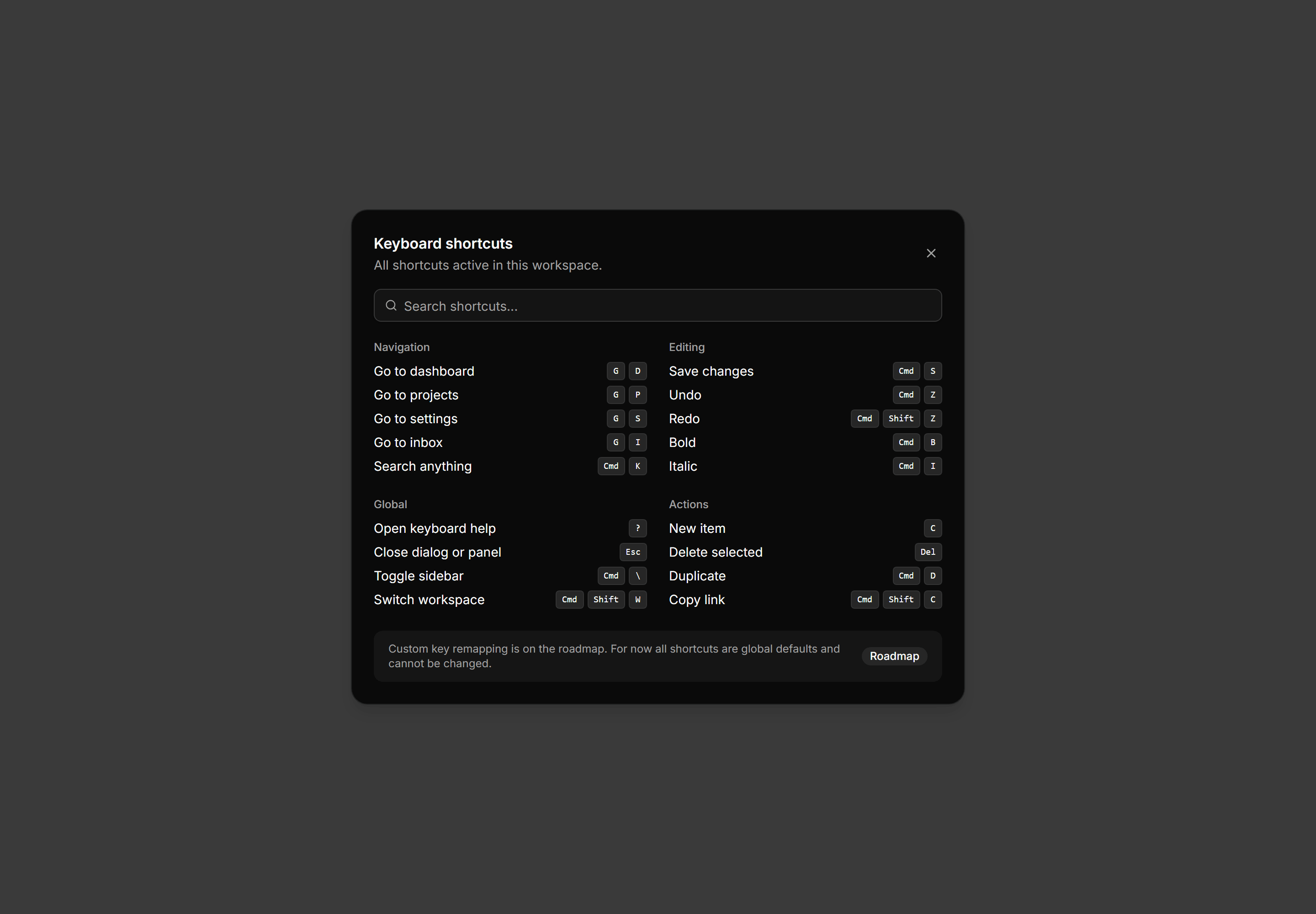
Application Dialog: Keyboard Help Dialog
Keyboard shortcuts reference dialog with two columns of grouped Kbd combos, a search bar, and a roadmap note that remapping is not yet available.
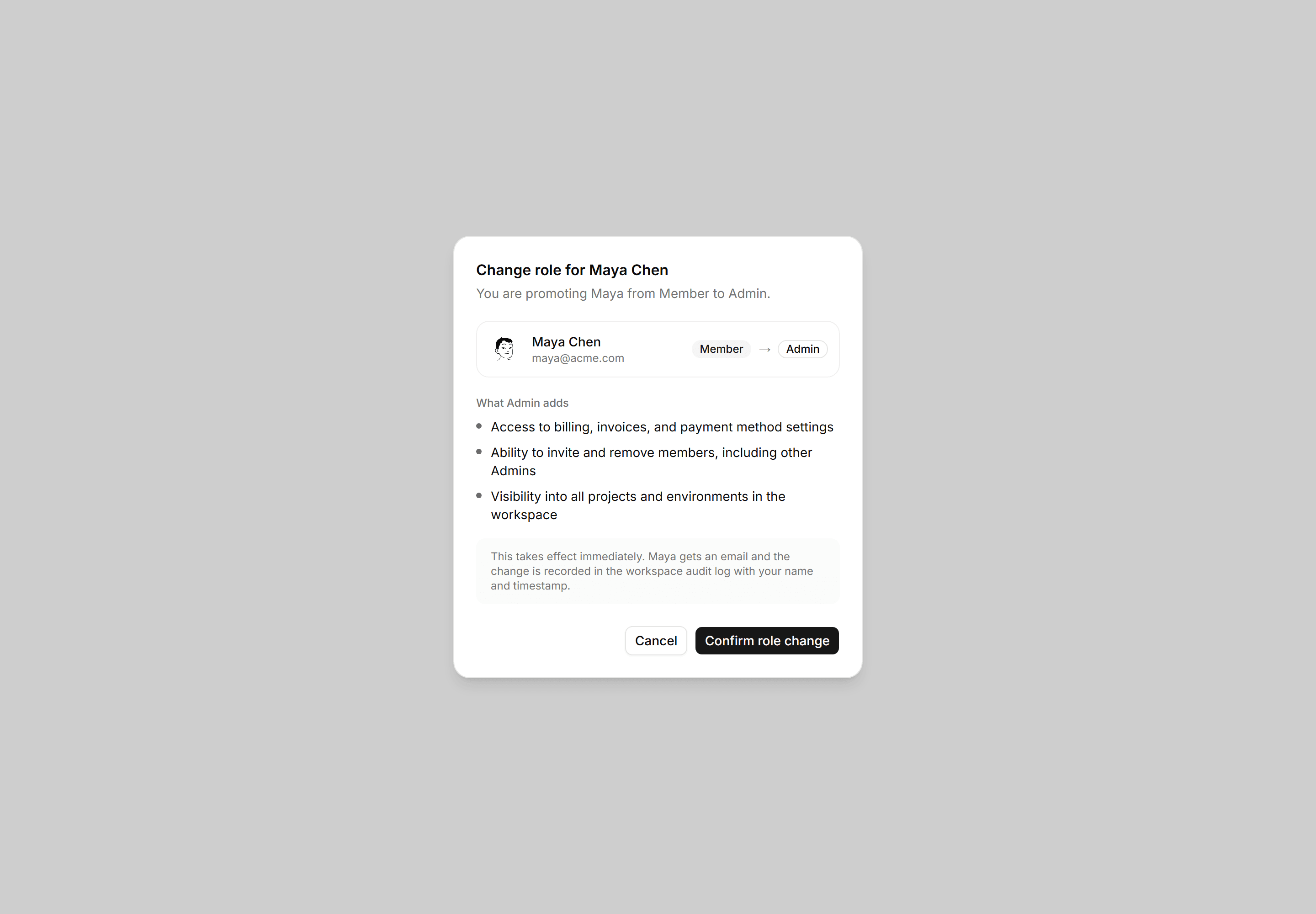
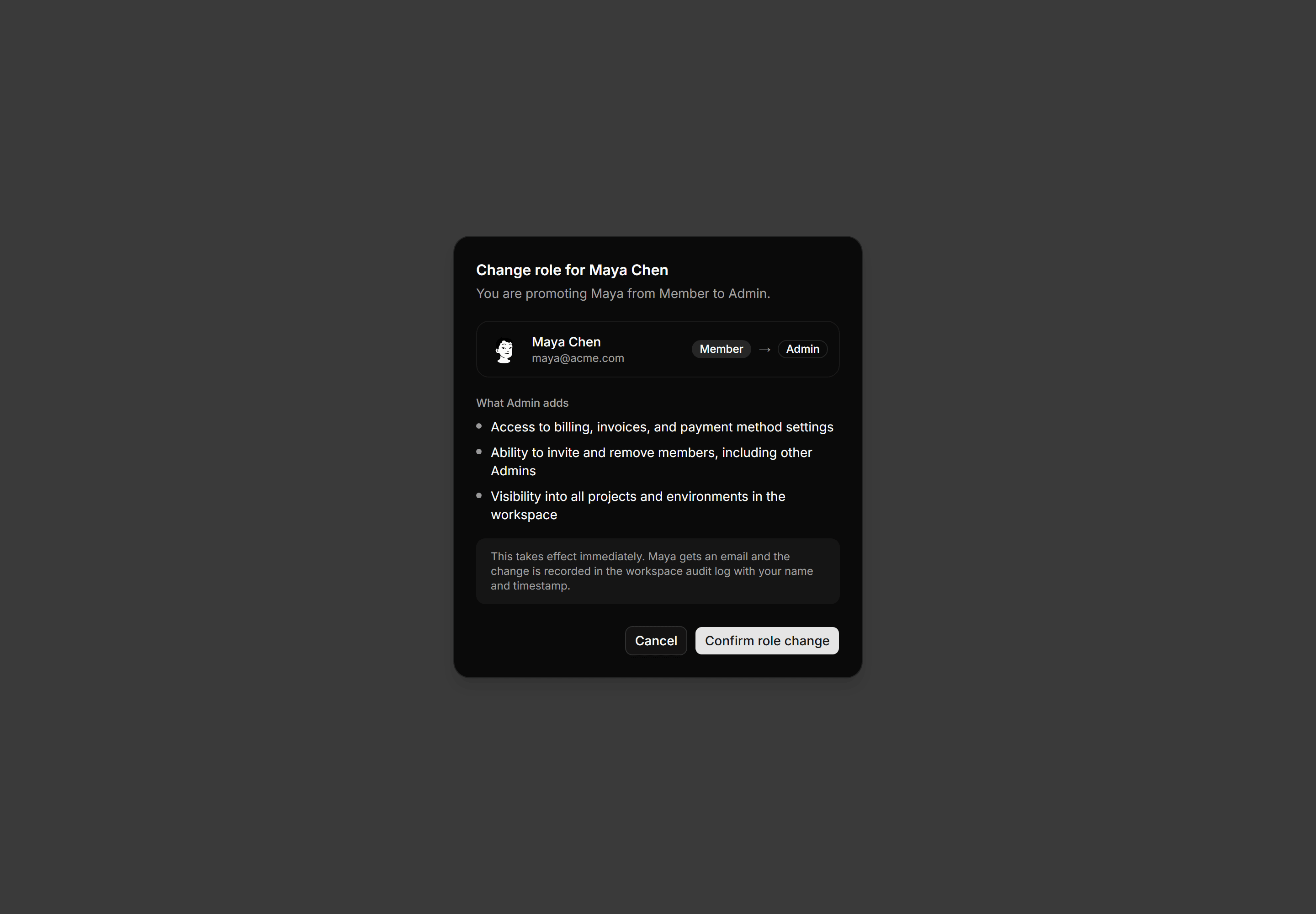
Application Dialog: Role Change Dialog
Role change confirmation for Maya Chen from Member to Admin with three access gain bullets and an effective immediately note.
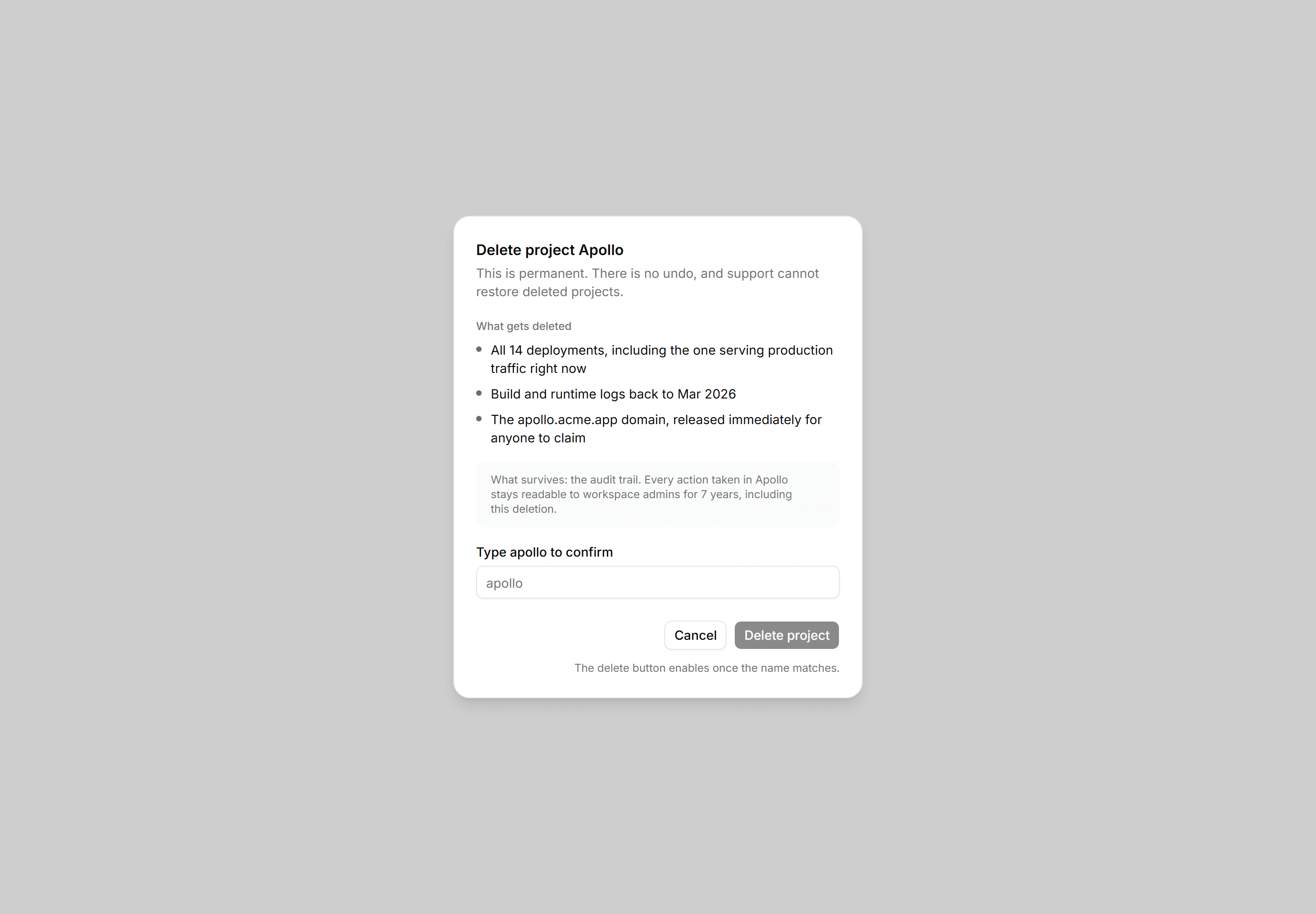
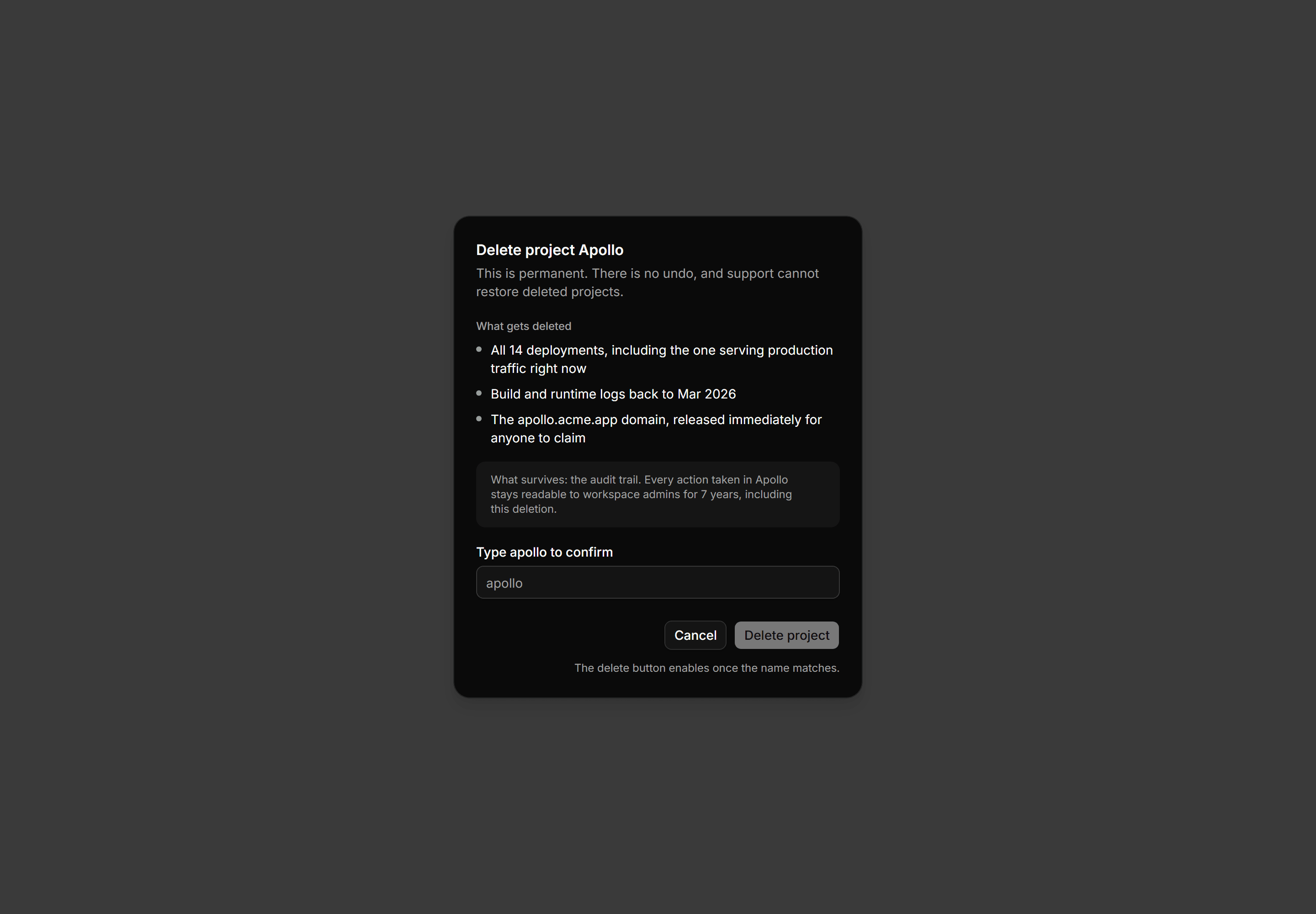
Application Dialog: Confirm Delete Dialog
What deleting Apollo destroys and what survives, gated by typing the name.
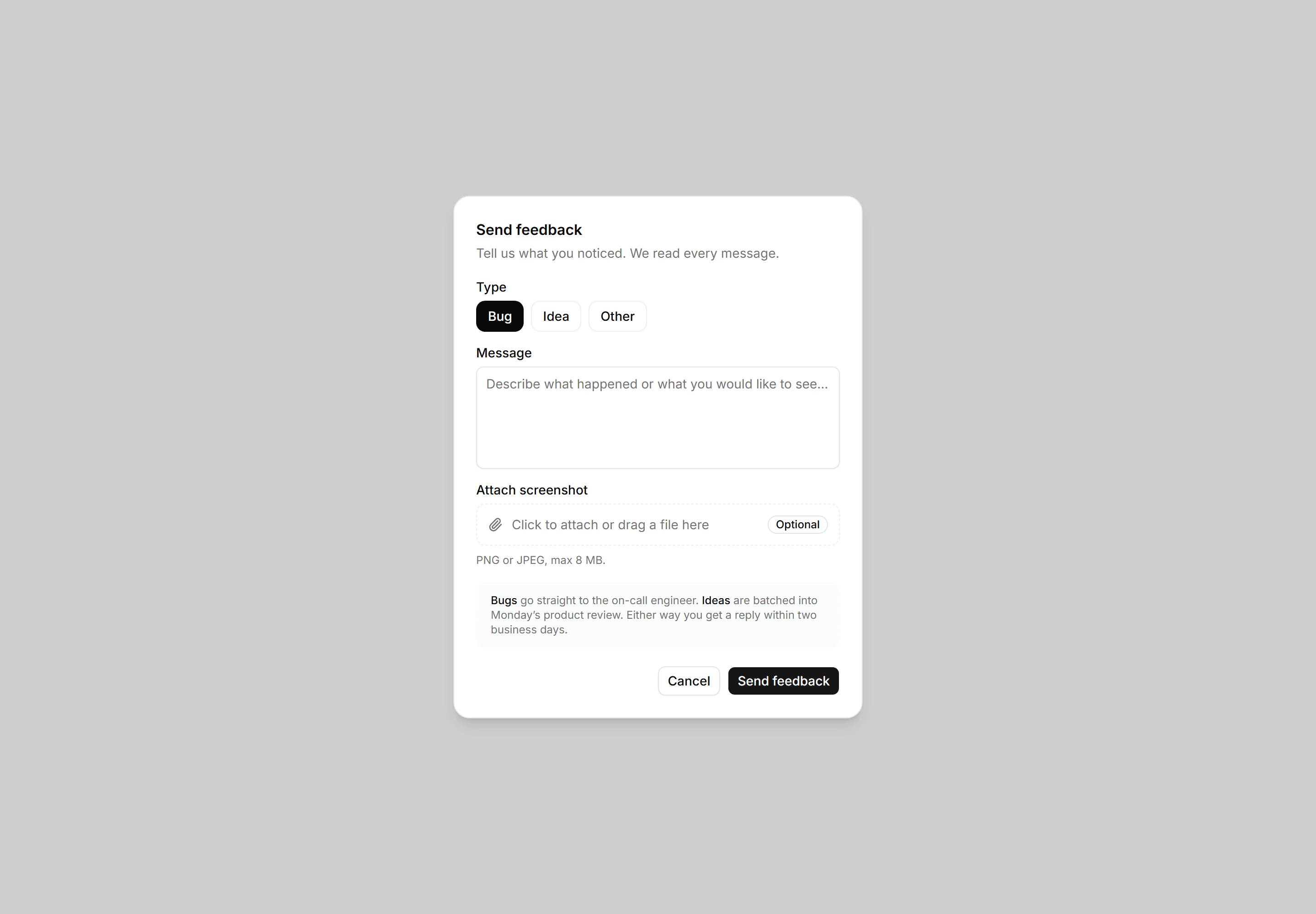
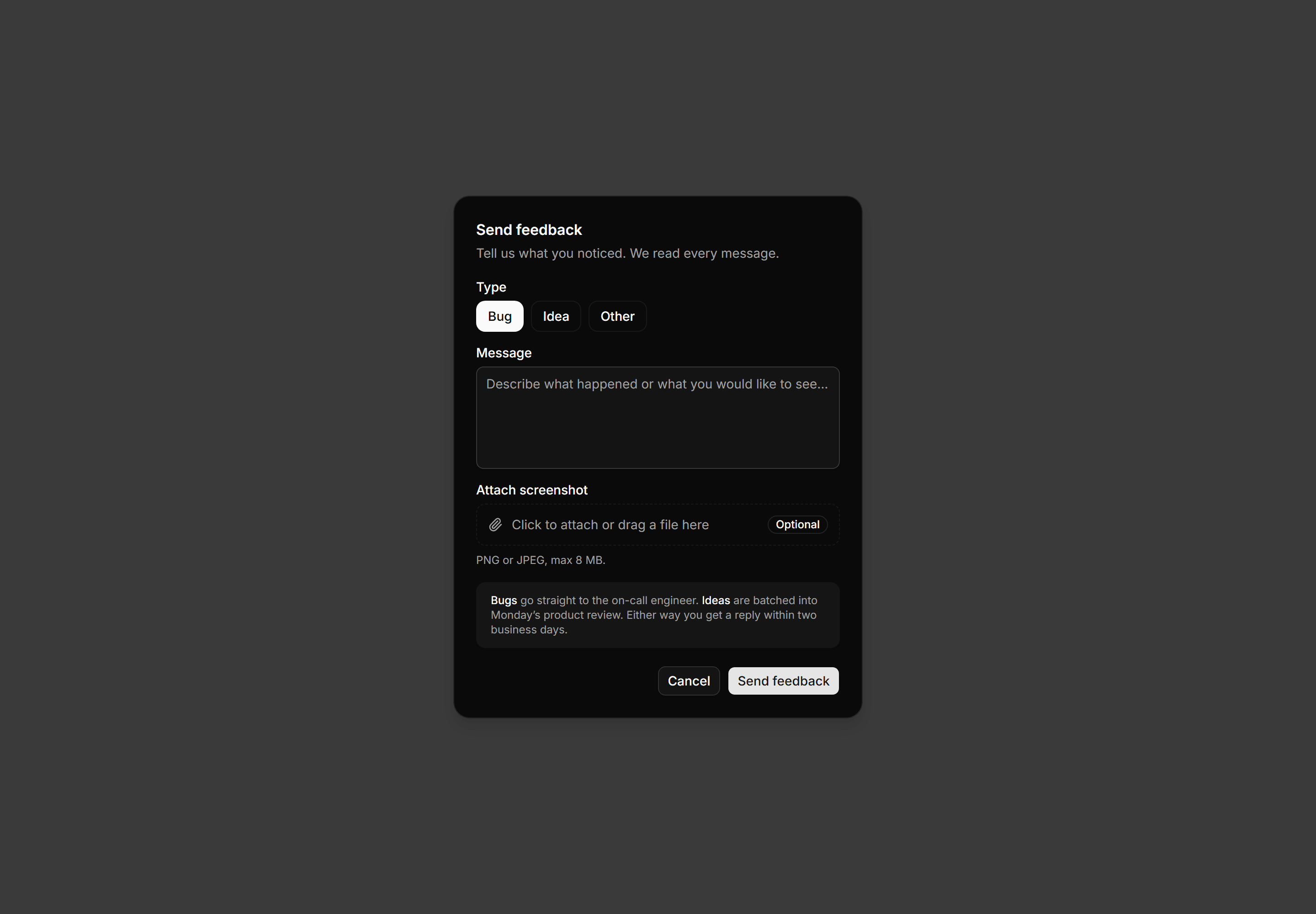
Application Dialog: Feedback Dialog
Feedback dialog with a Bug, Idea, or Other type toggle, a message textarea, an optional screenshot attachment, and honest per-type routing copy.
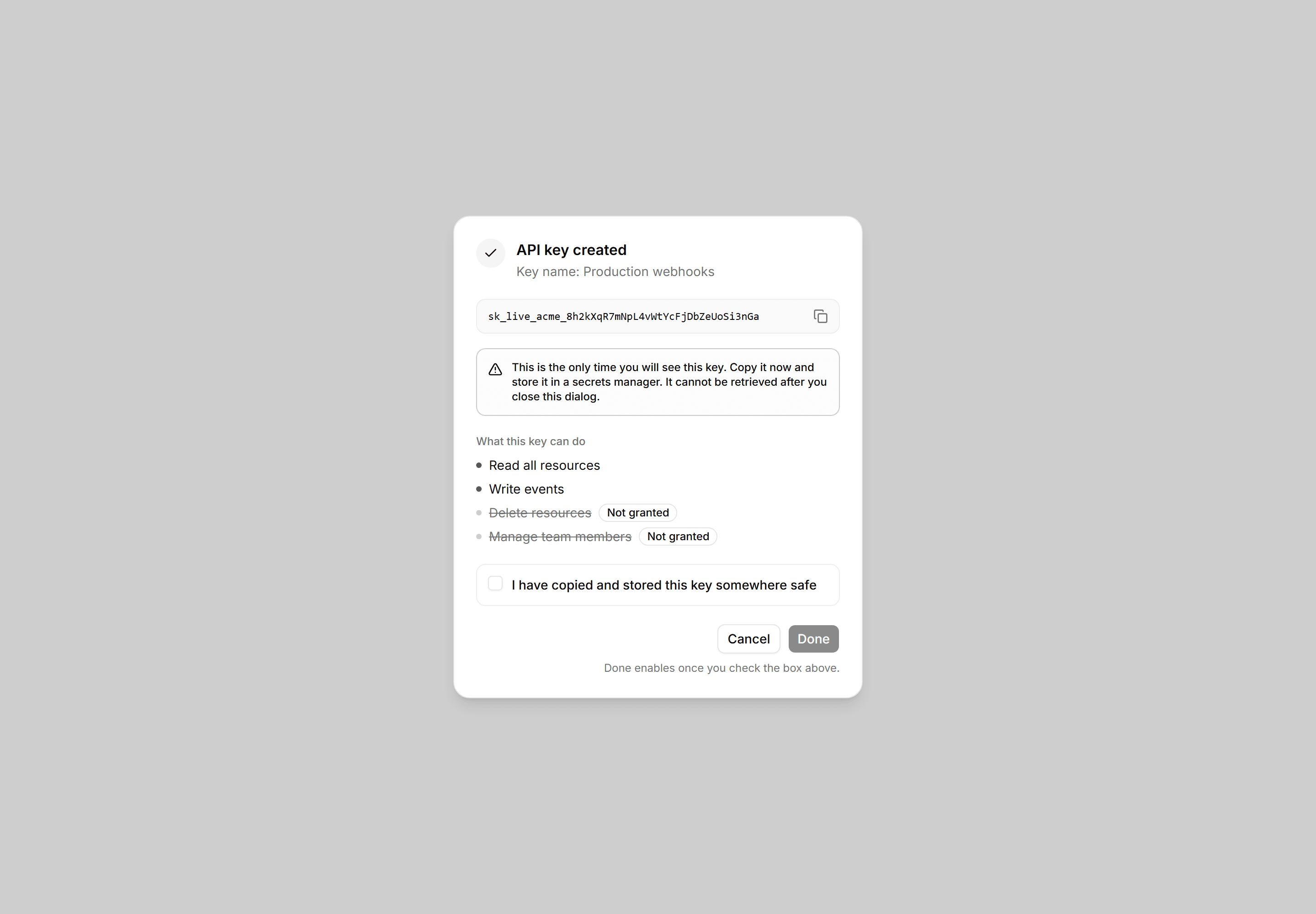
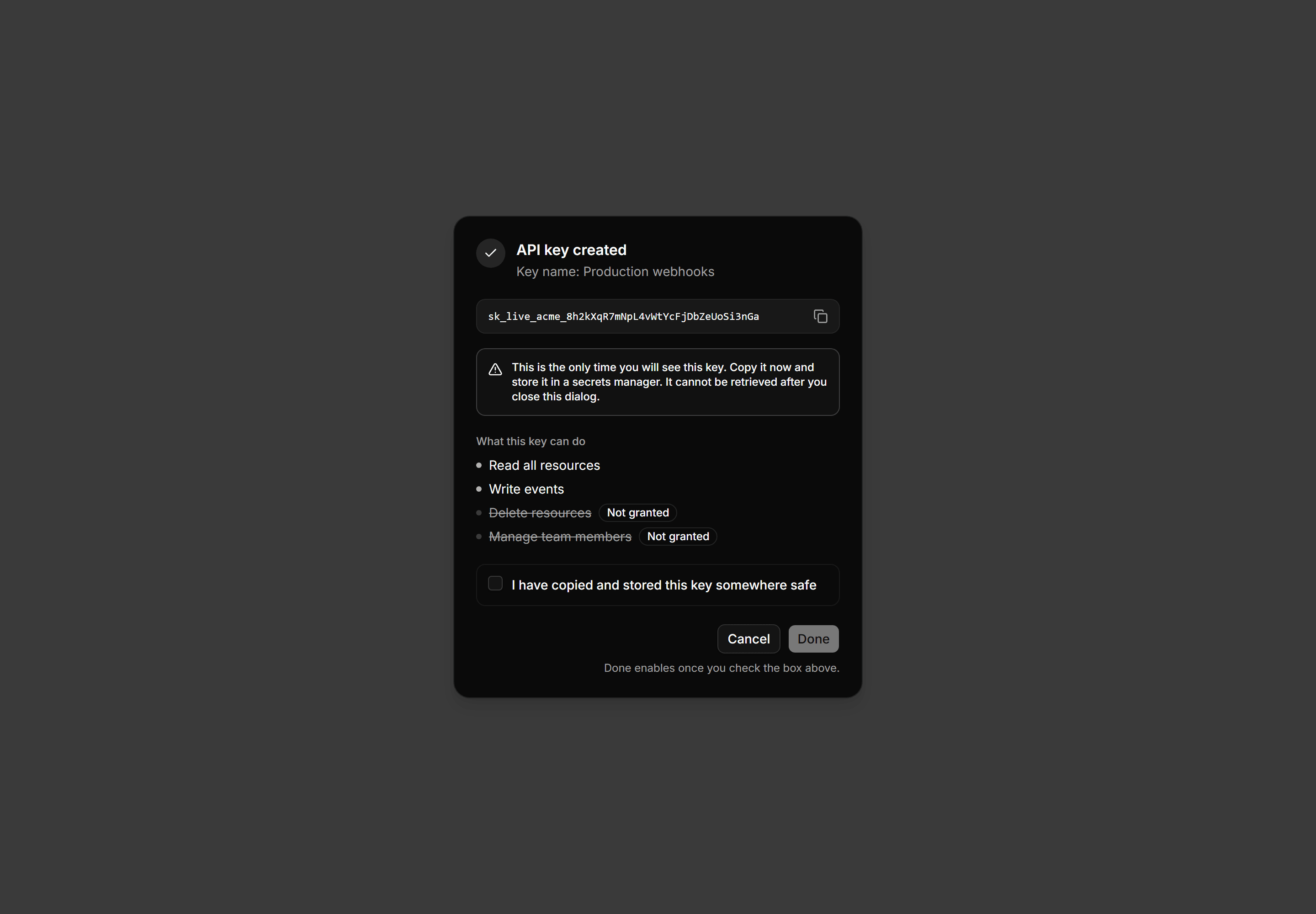
Application Dialog: Api Key Created Dialog
One-time API key reveal dialog with a monospaced copy field, a one-time-only warning, scoped permissions, and a checkbox-gated Done button.
Application Dialog: Edit Conflict Dialog
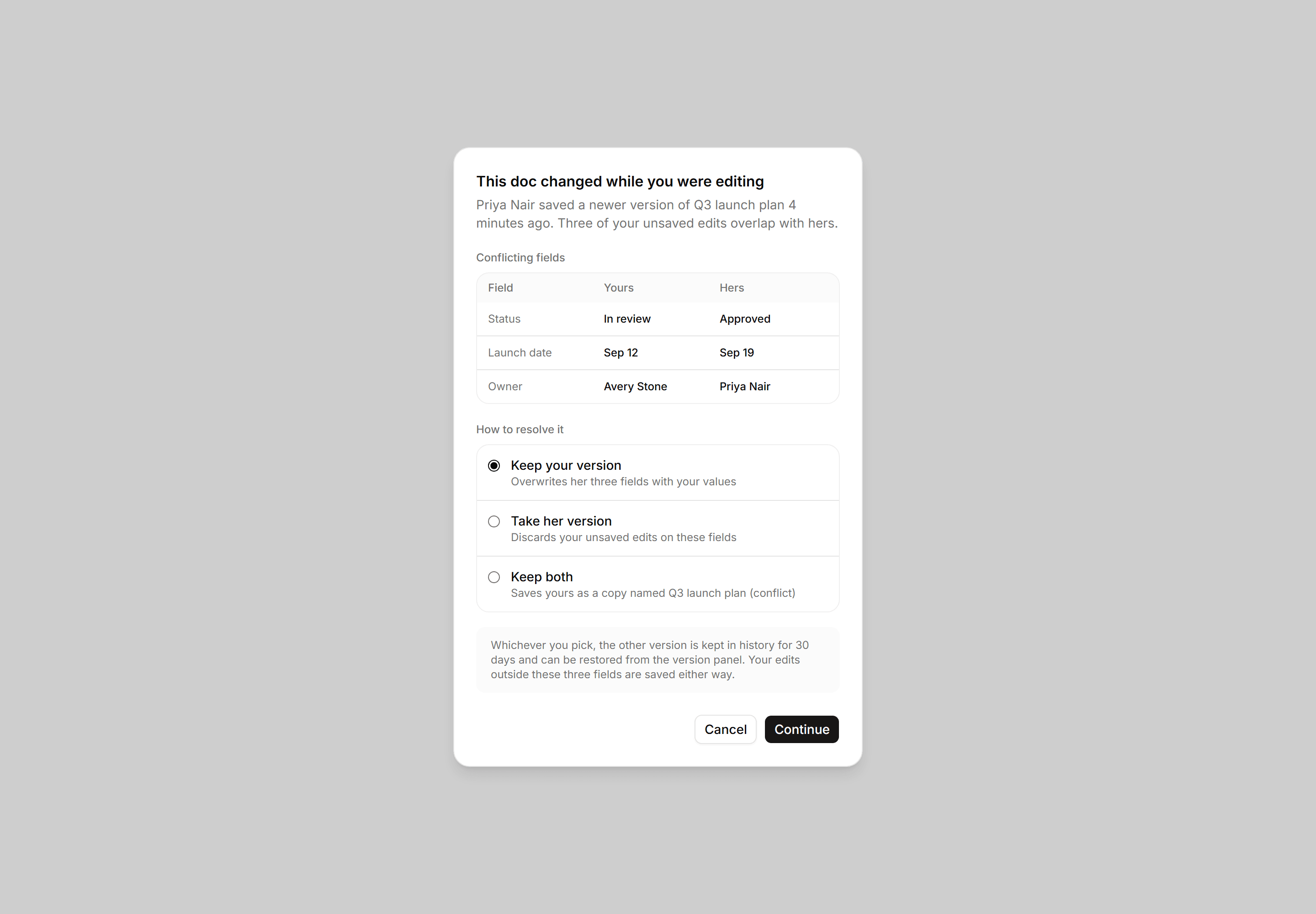
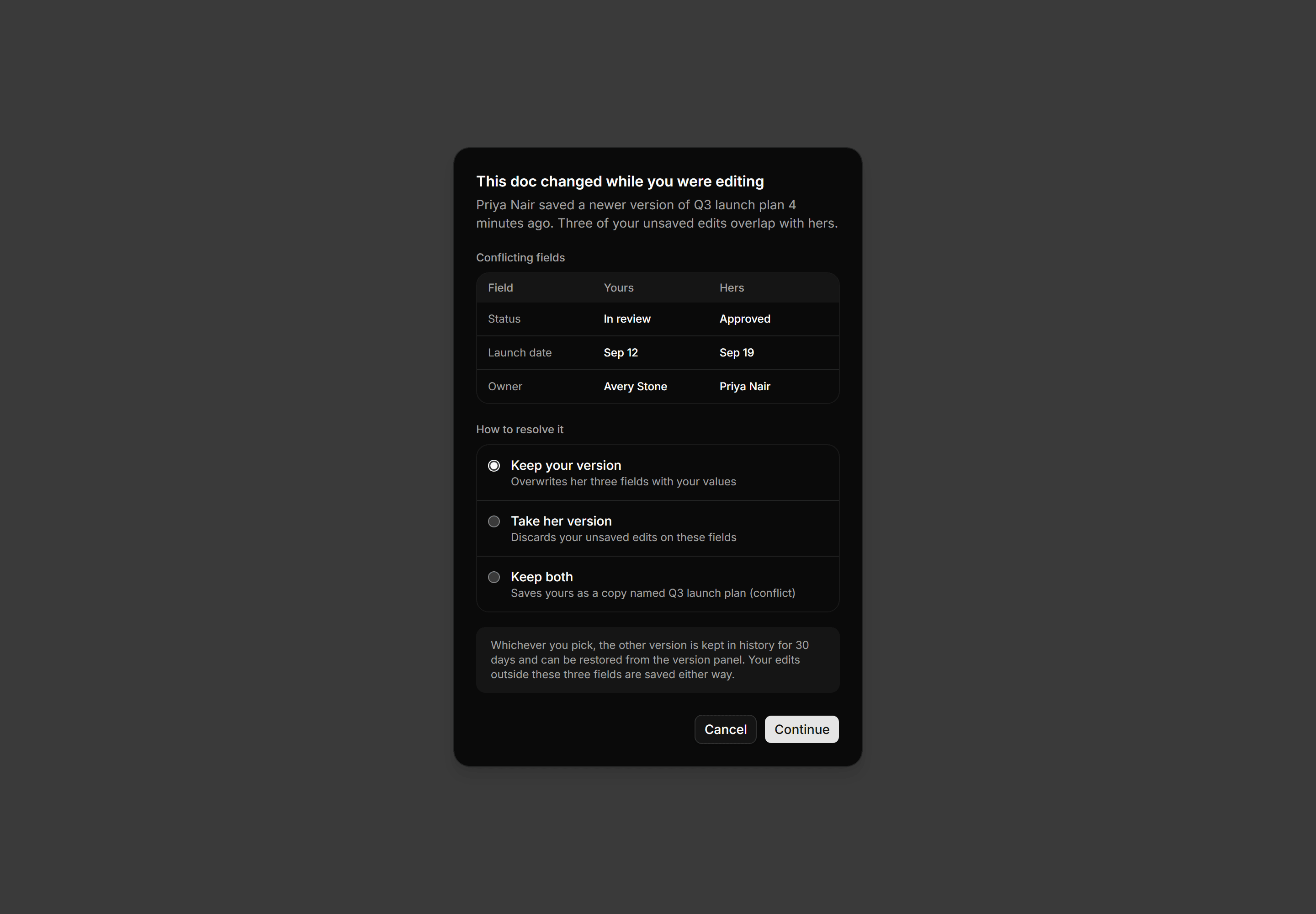
Edit conflict dialog with a three column yours versus theirs field diff, a radio list of resolutions, and a version history safety note.
Application Dialog: Sign Out Sessions Dialog
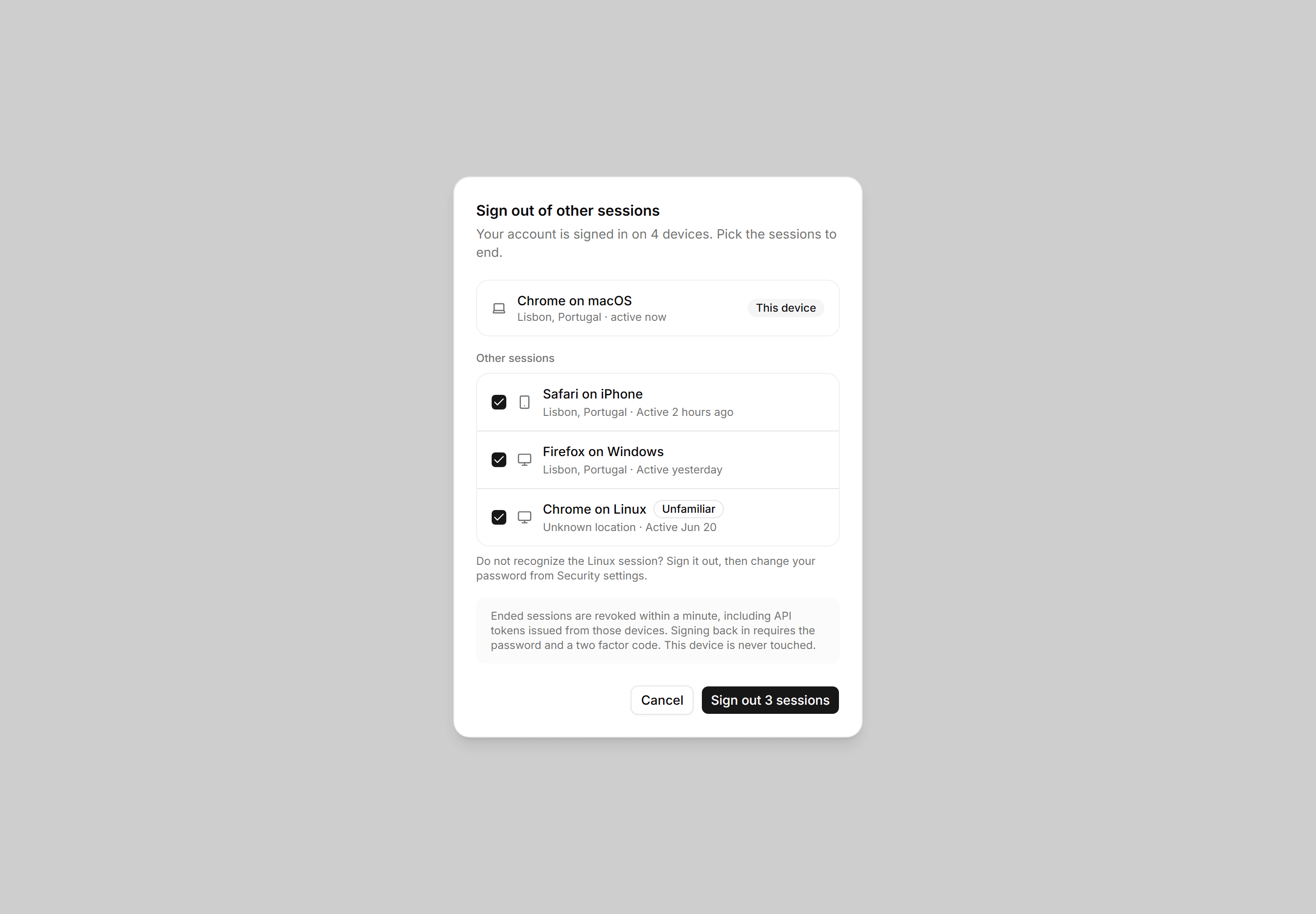
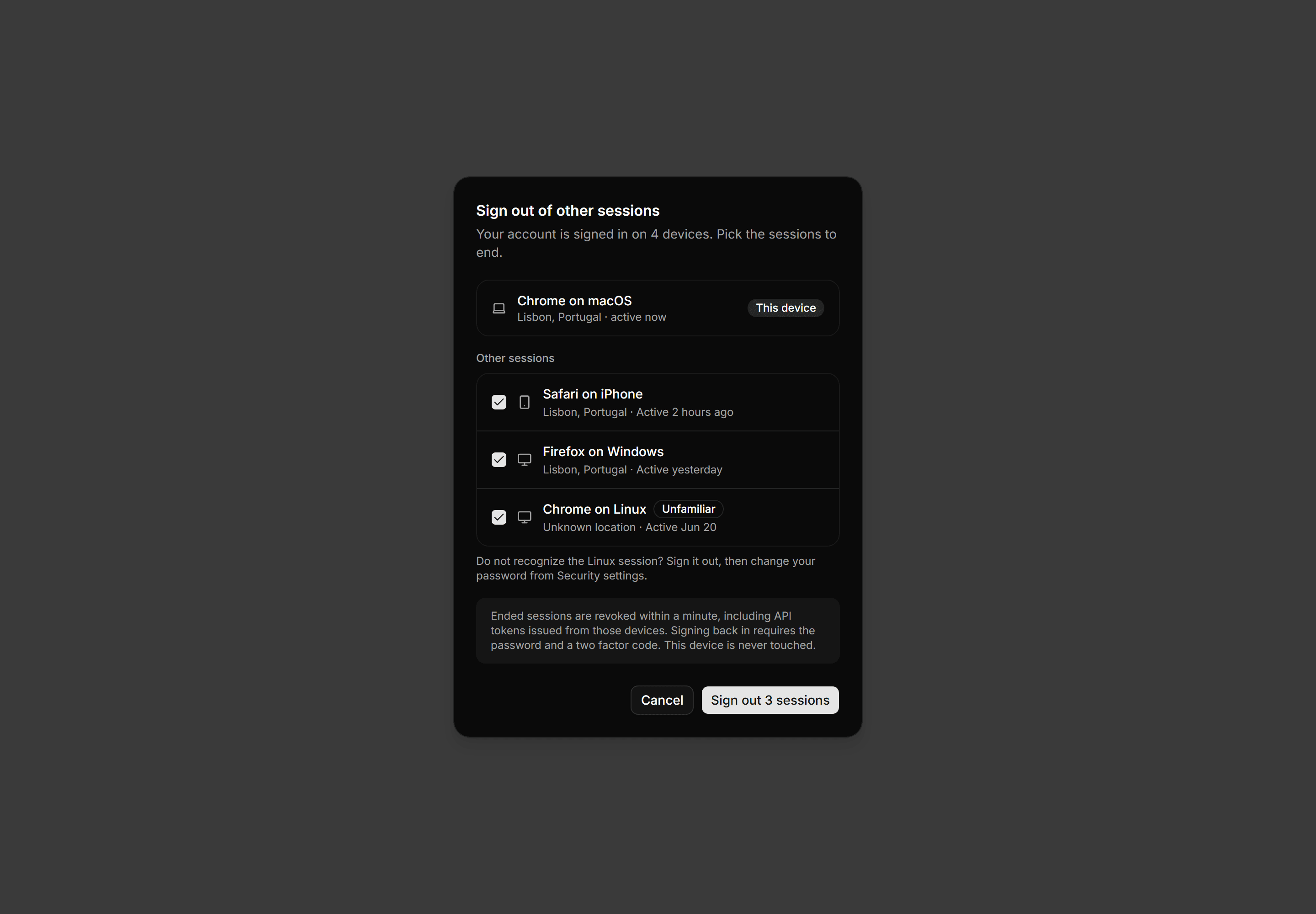
A sign out sessions dialog with the current device pinned, a checkbox list of other active sessions, an unfamiliar flag, and a sign out action.
Application Dialog: Cancel Subscription Dialog
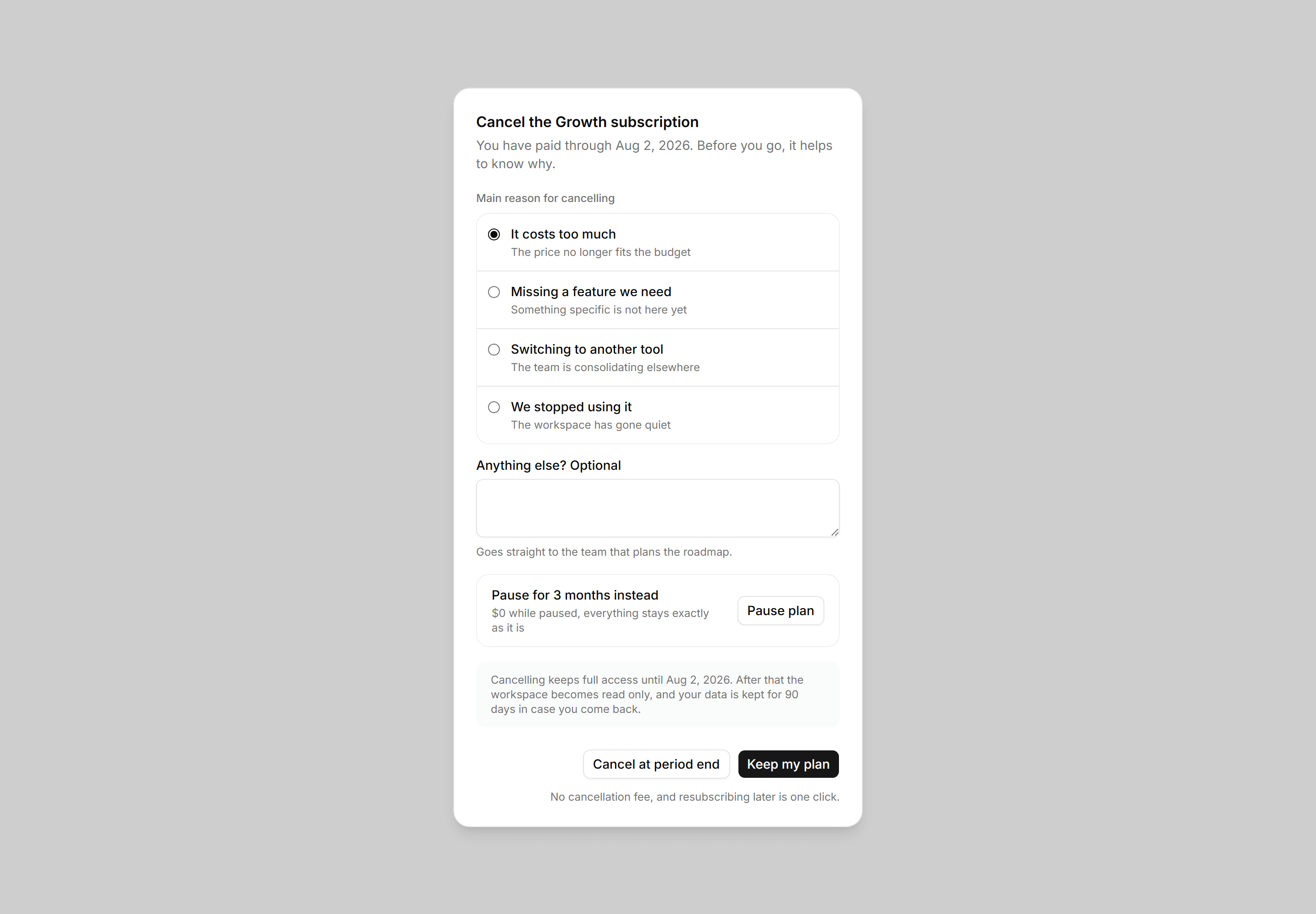
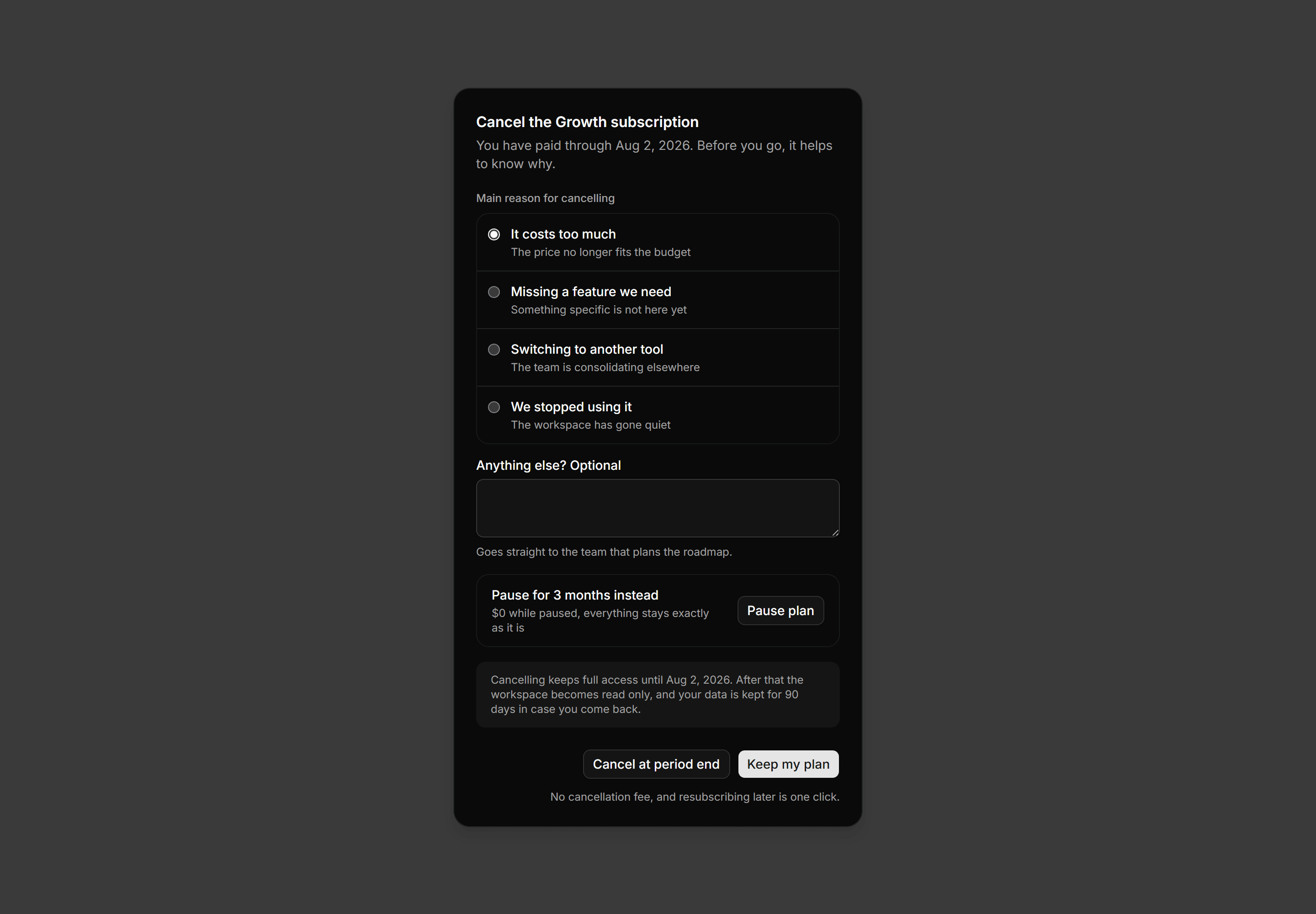
A cancel subscription dialog with a reason radio list, a pause offer panel, a period end access note, and a keep plan primary action.
Application Dialog: Restore Version Dialog
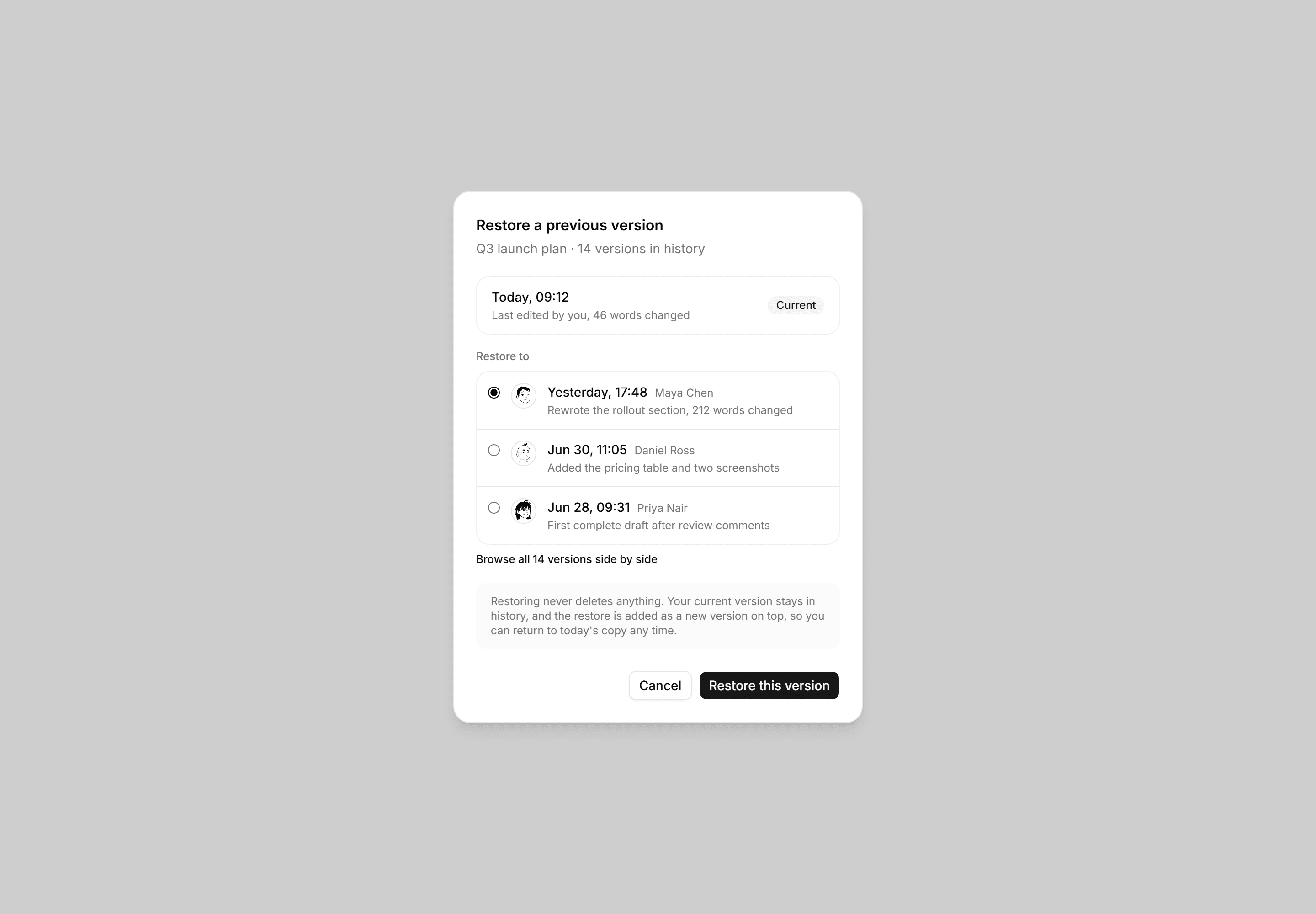
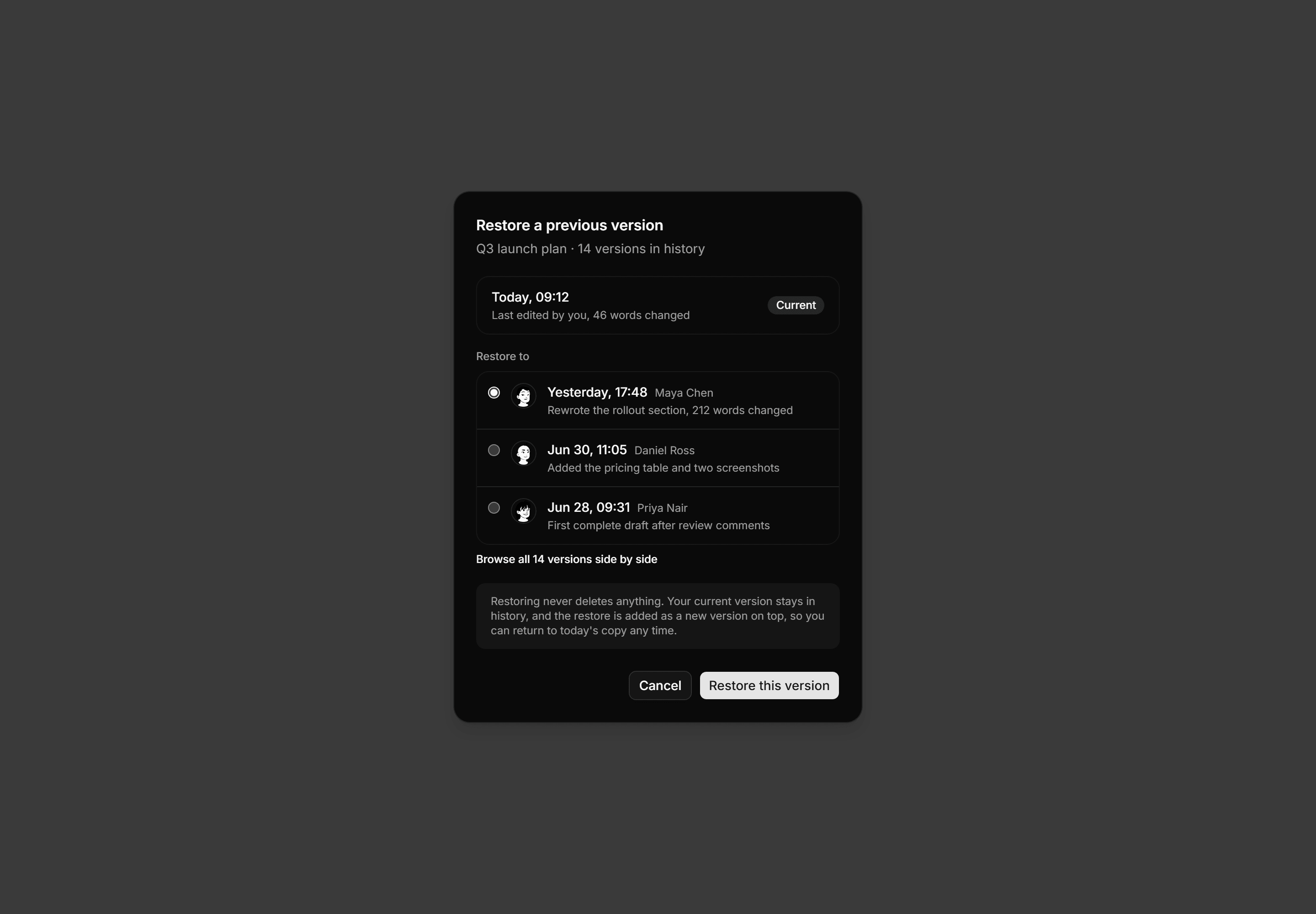
A version history dialog with the current revision pinned above a radio list of prior versions showing authors, timestamps, and change summaries.
Application Dialog: Transfer Ownership Dialog
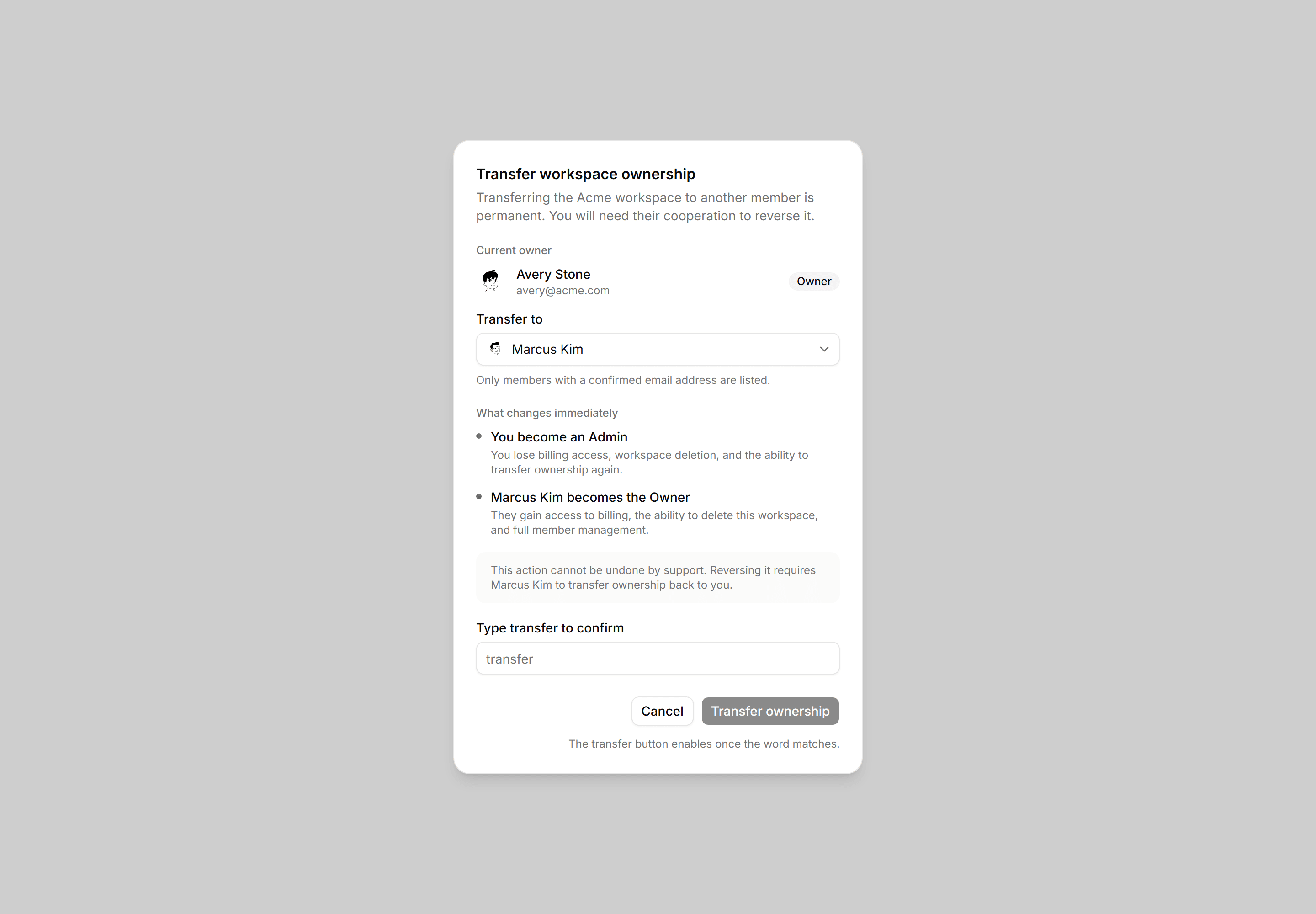
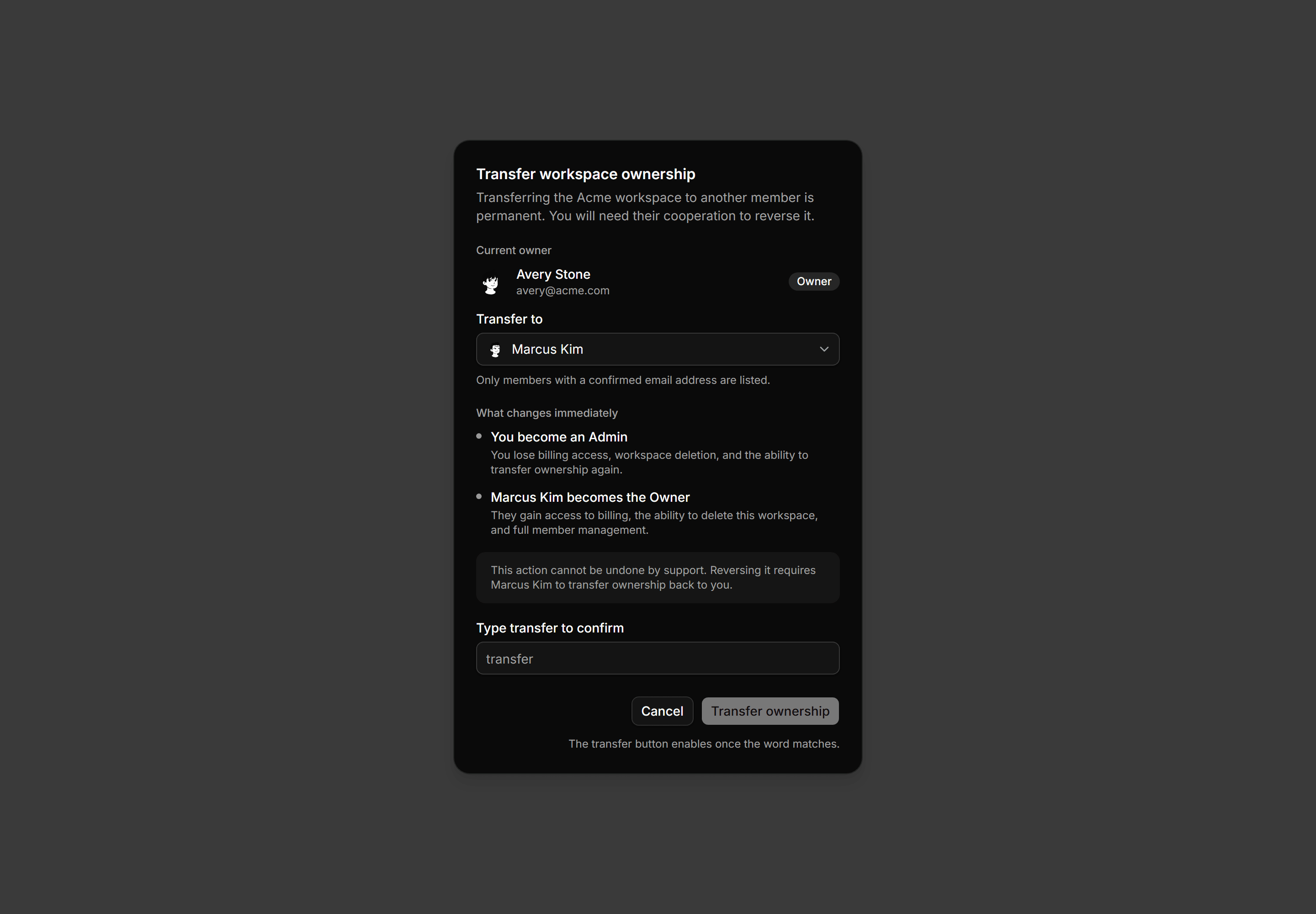
Transfer-ownership dialog with a member Select, two named consequence rows, a type-to-confirm input, and the irreversible-without-them note.
Application Dialog: Keyboard Shortcuts Dialog
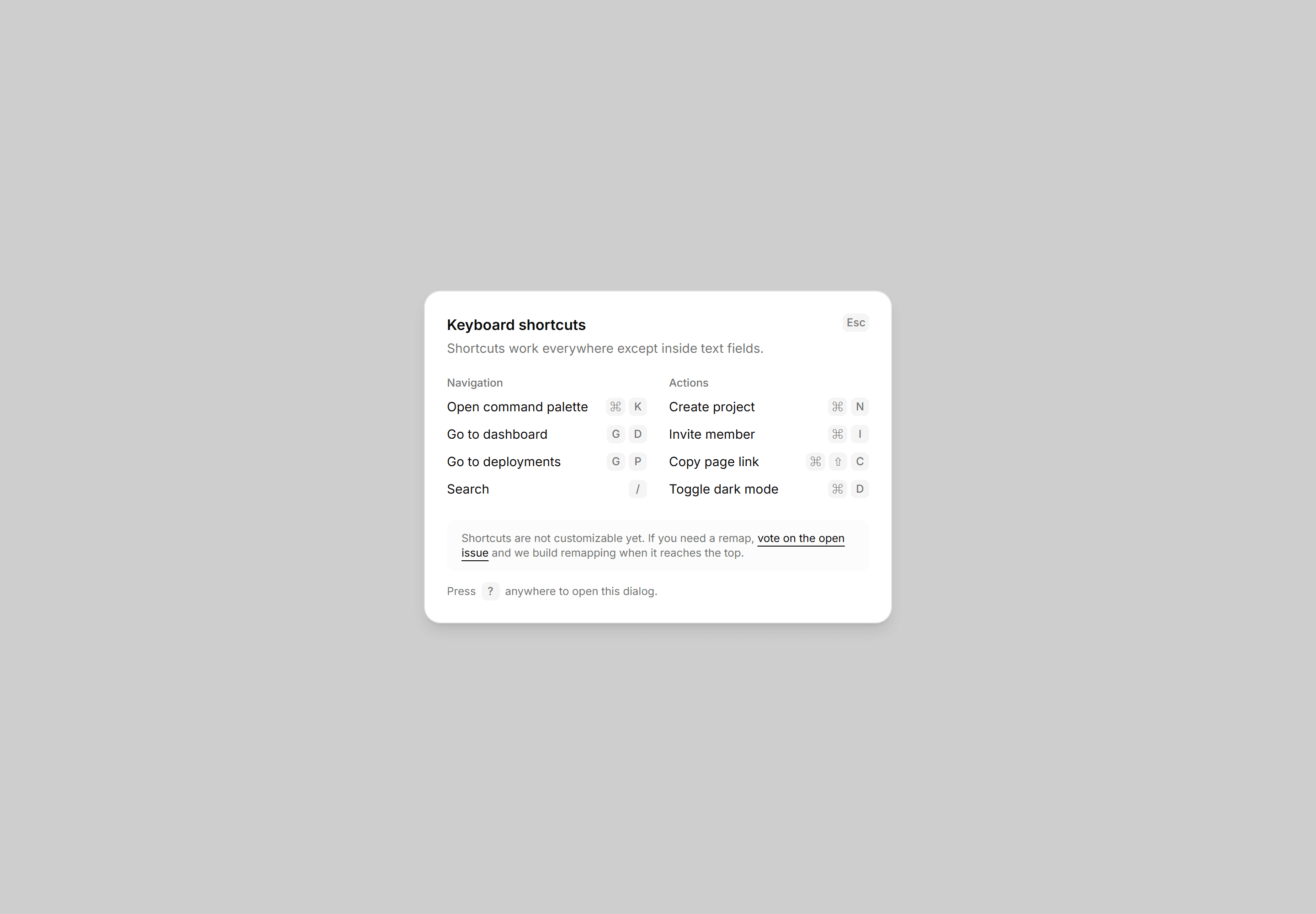
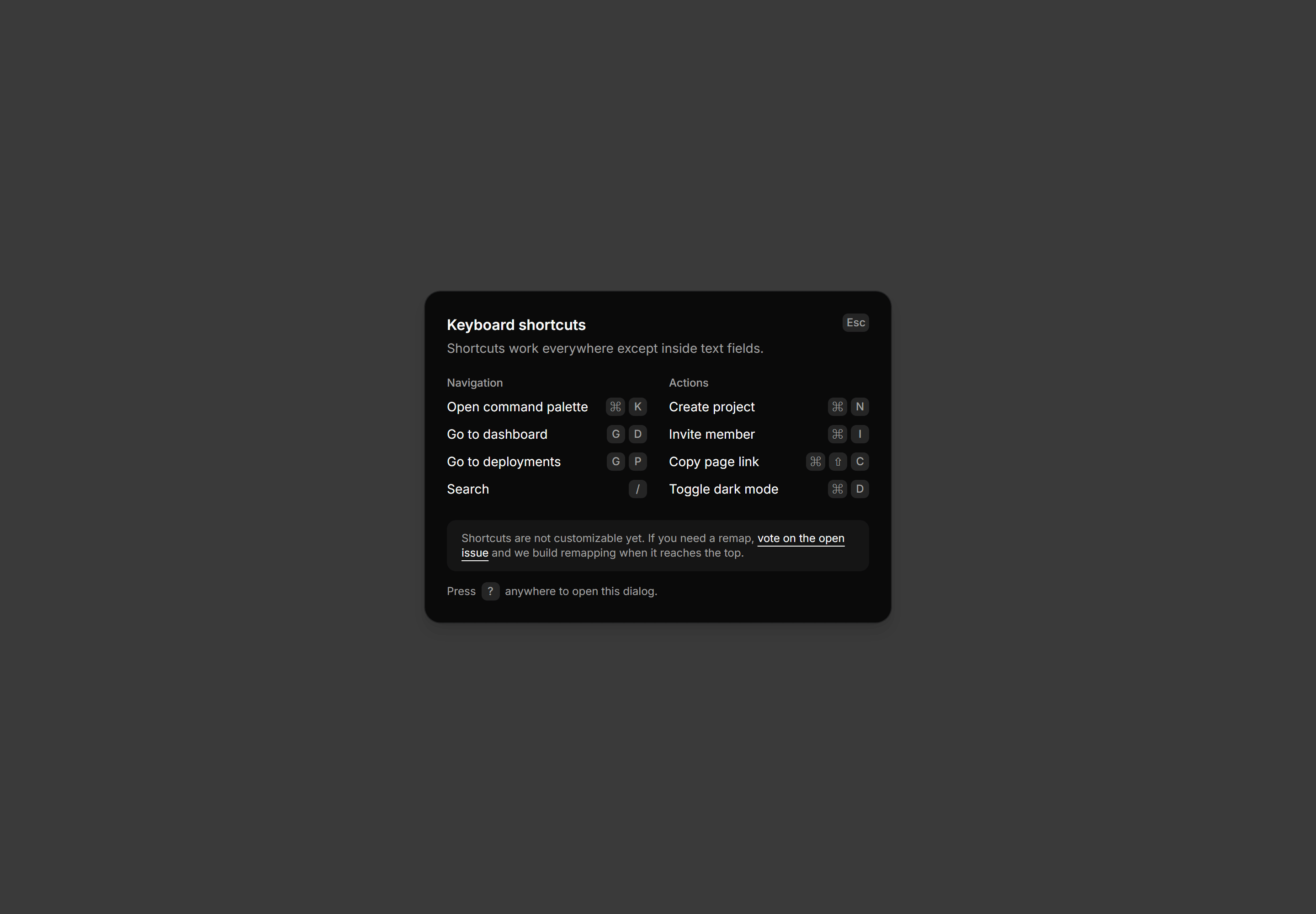
Two columns of Kbd combos with the honest note that remapping is not here yet.
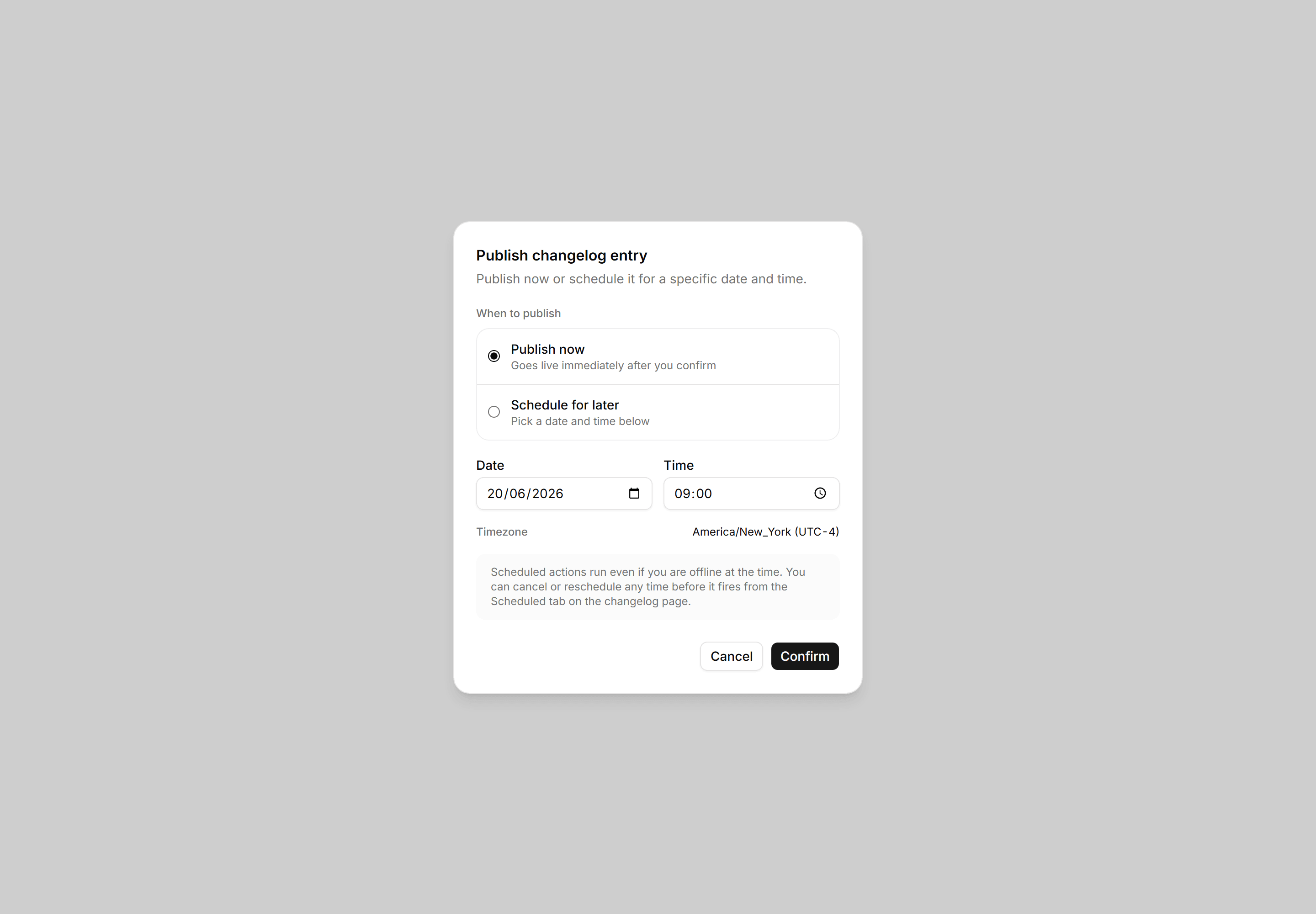
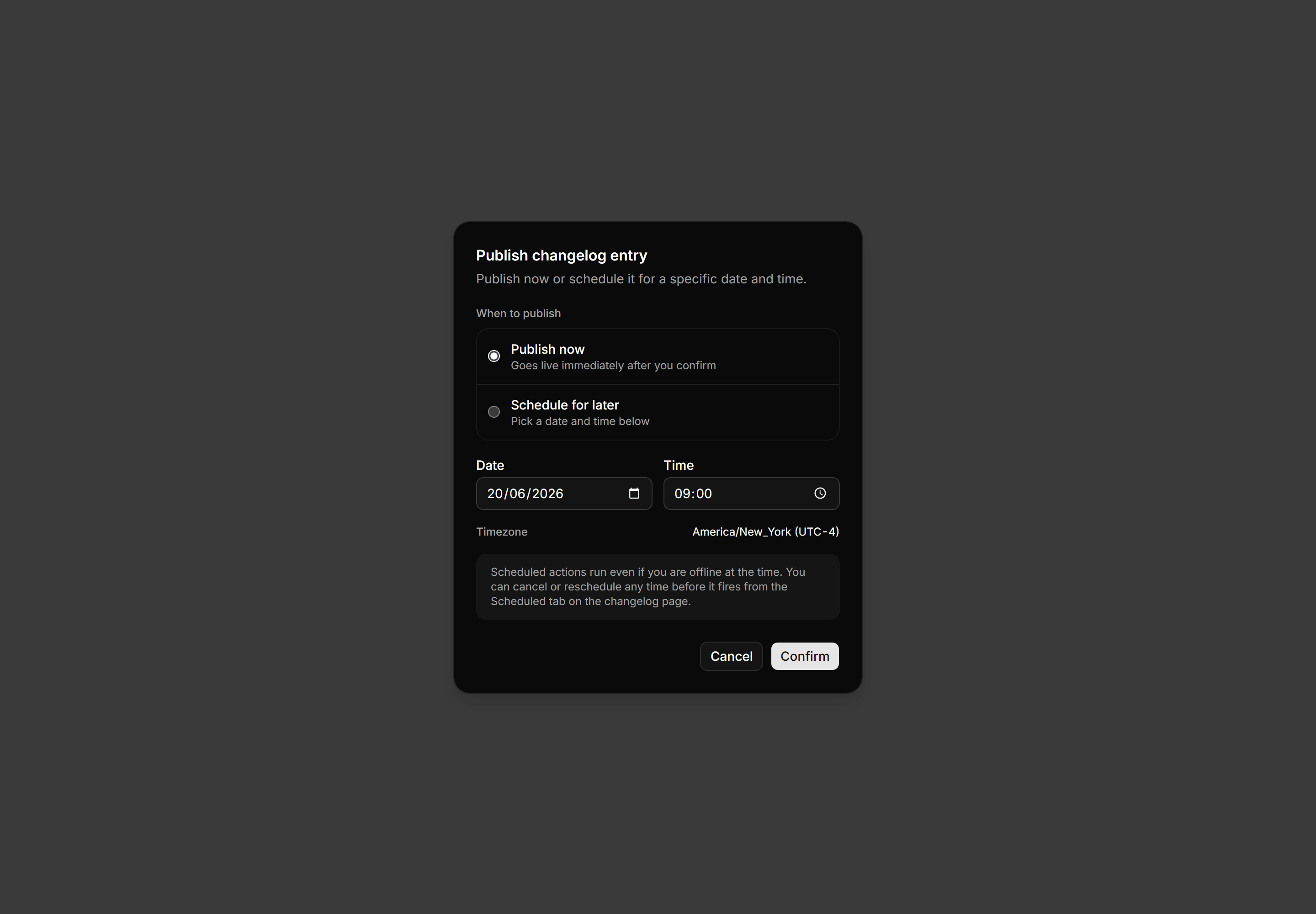
Application Dialog: Schedule Action Dialog
Publish now or schedule for later dialog with a date and time pair, inline timezone, and an offline-safe run note.
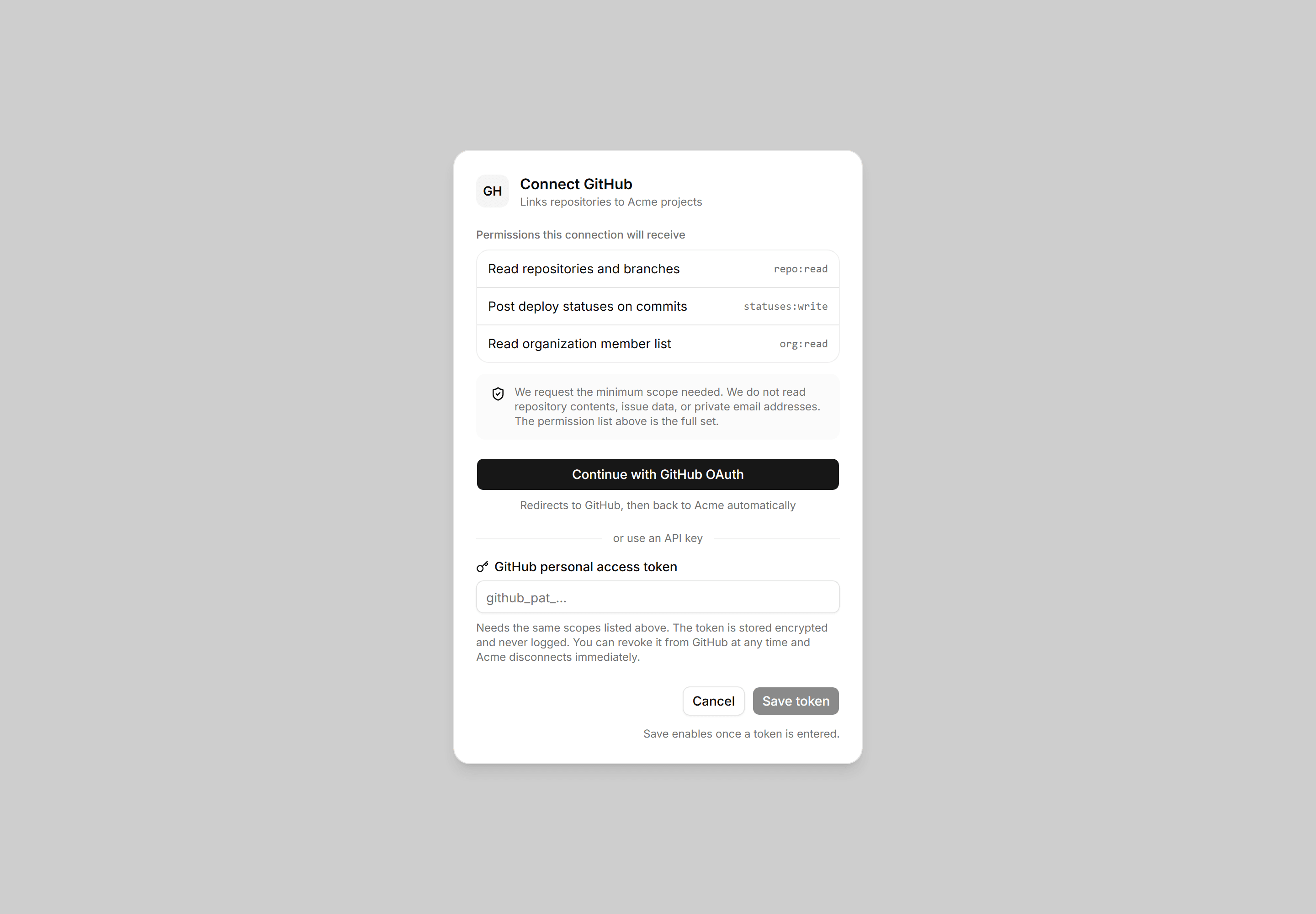
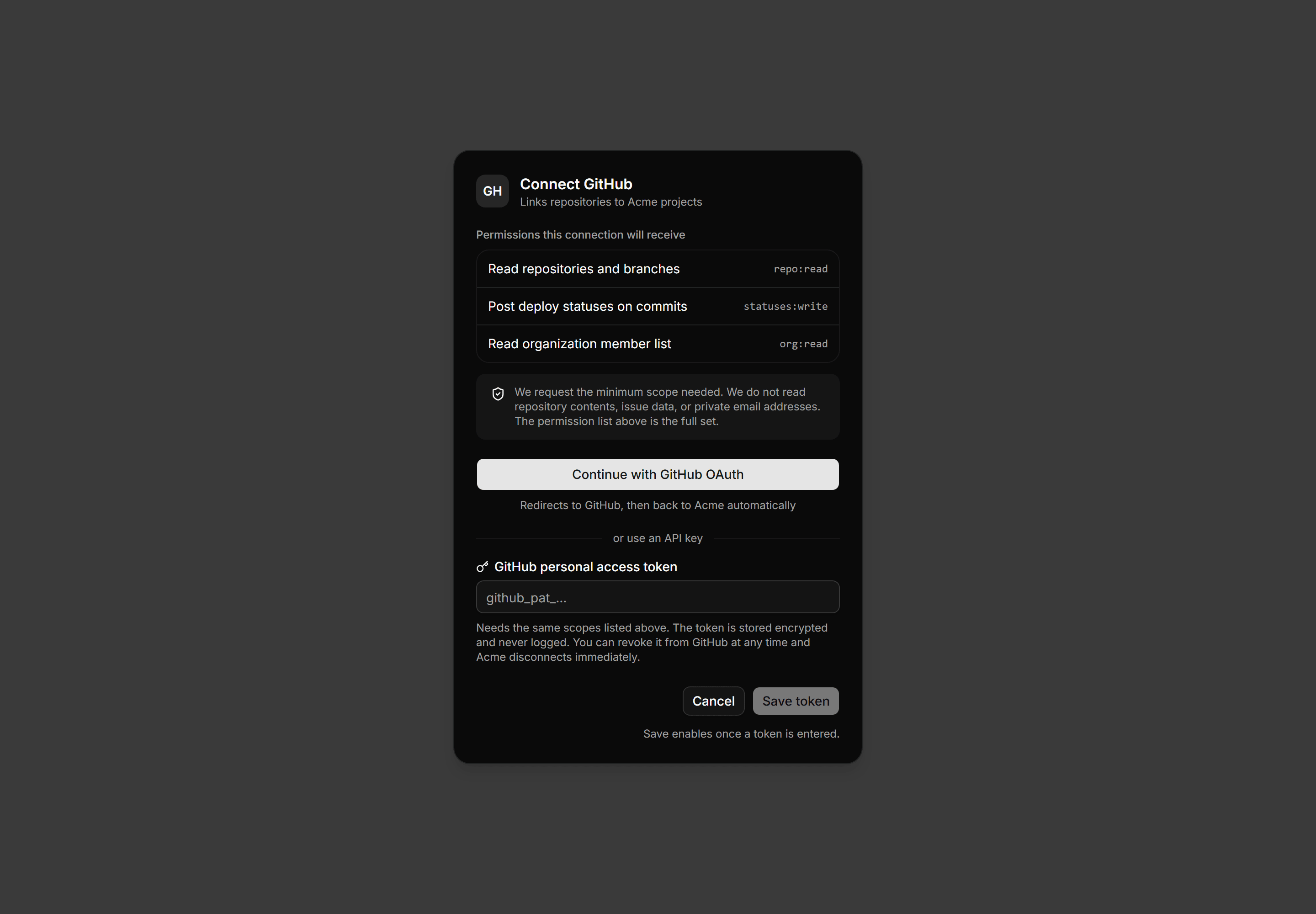
Application Dialog: Connect Account Dialog
Integration connect dialog listing exact OAuth scopes, a minimal-scope trust note, and both an OAuth button and an API key path.
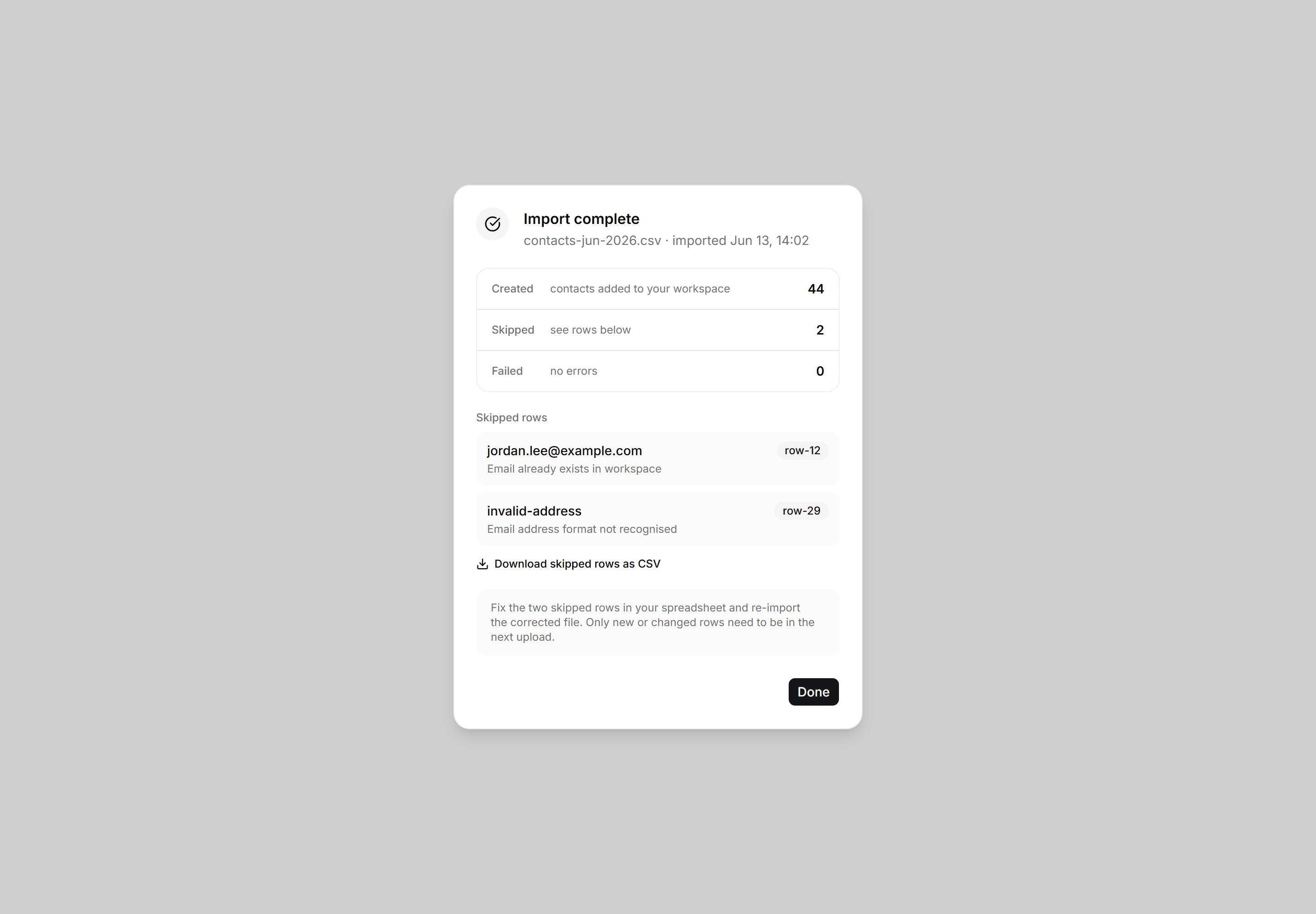
Application Dialog: Import Result Dialog
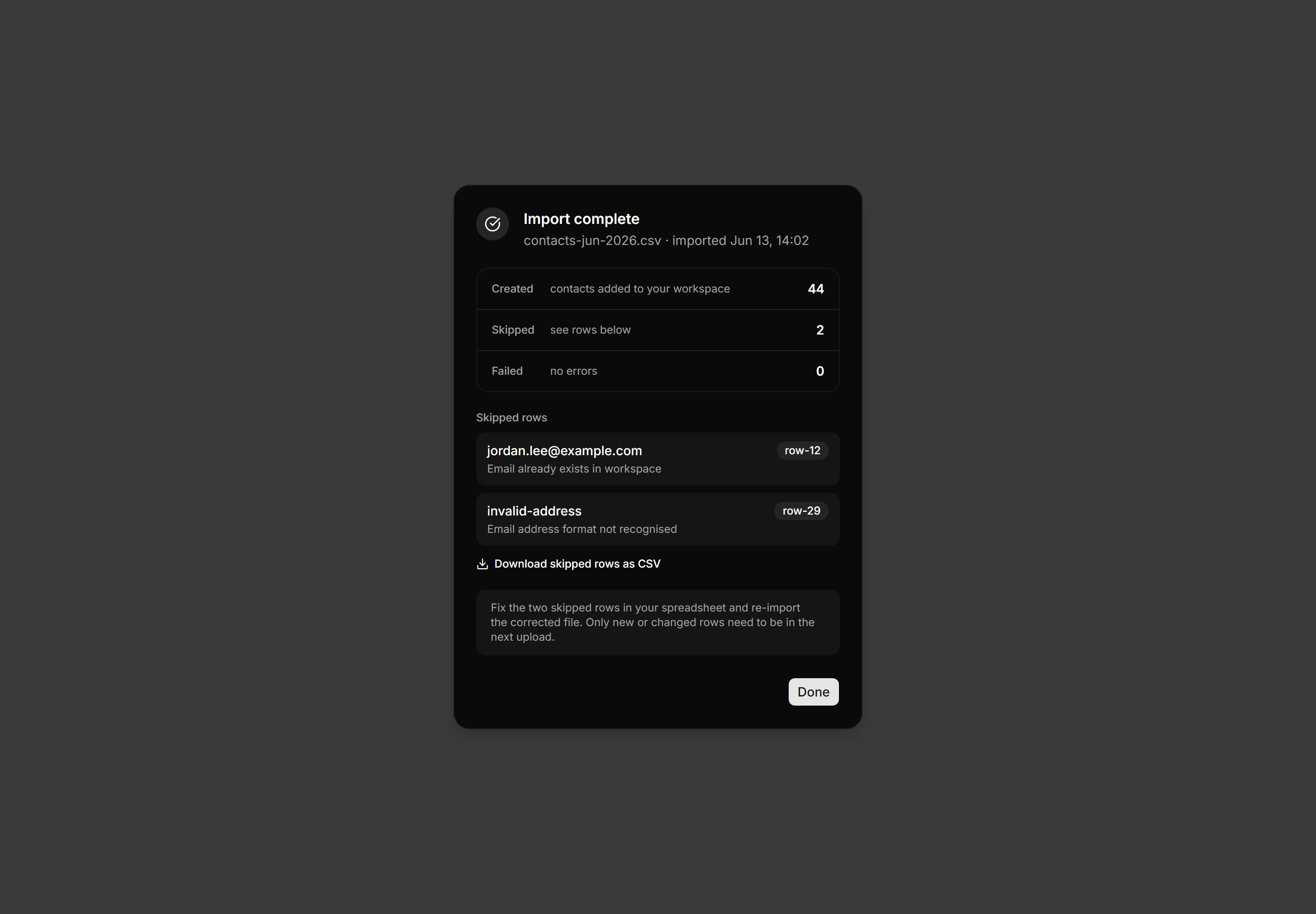
Post-import report dialog showing created, skipped, and failed row counts with named skip reasons and a download link for the skipped rows.
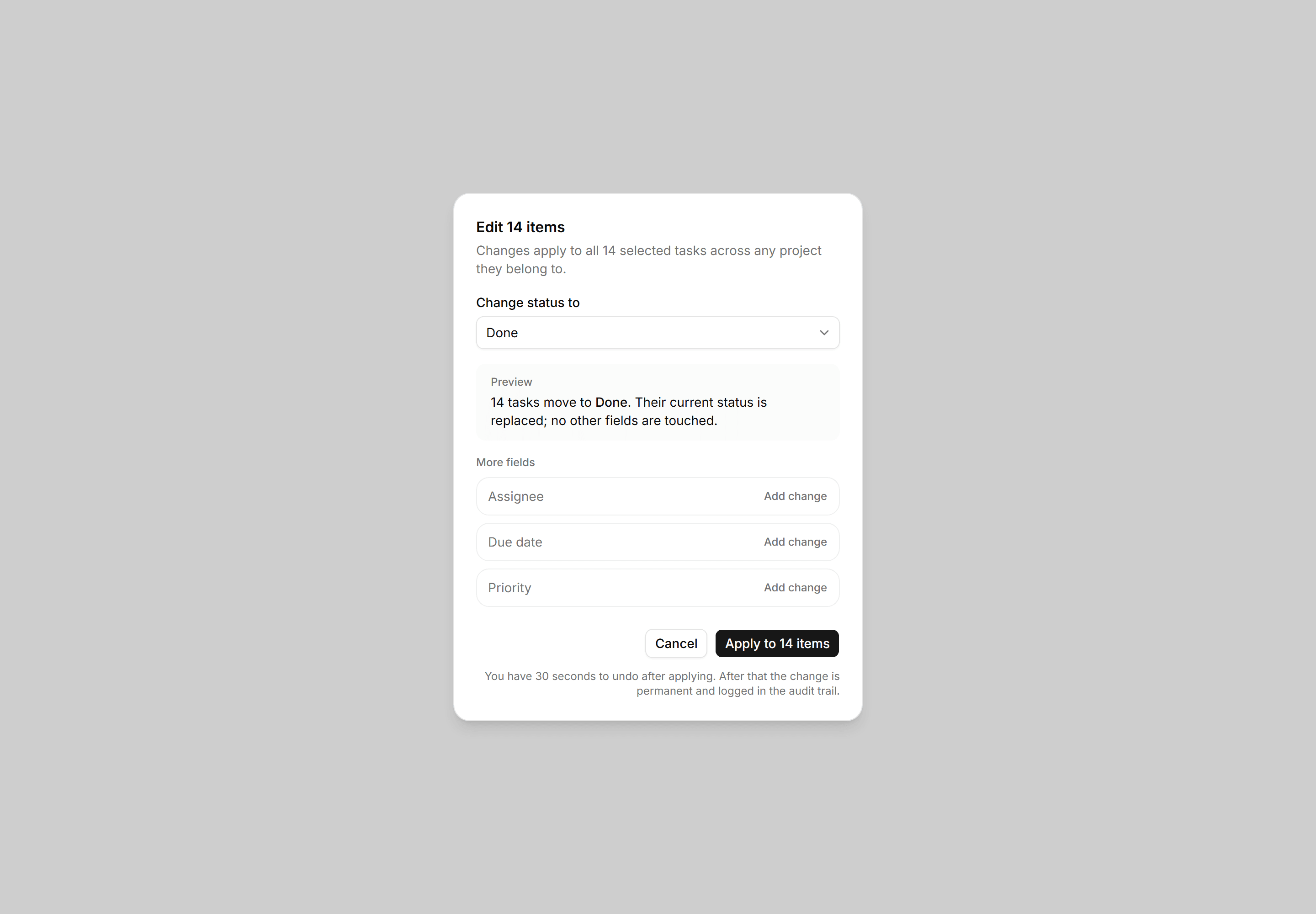
Application Dialog: Bulk Edit Dialog
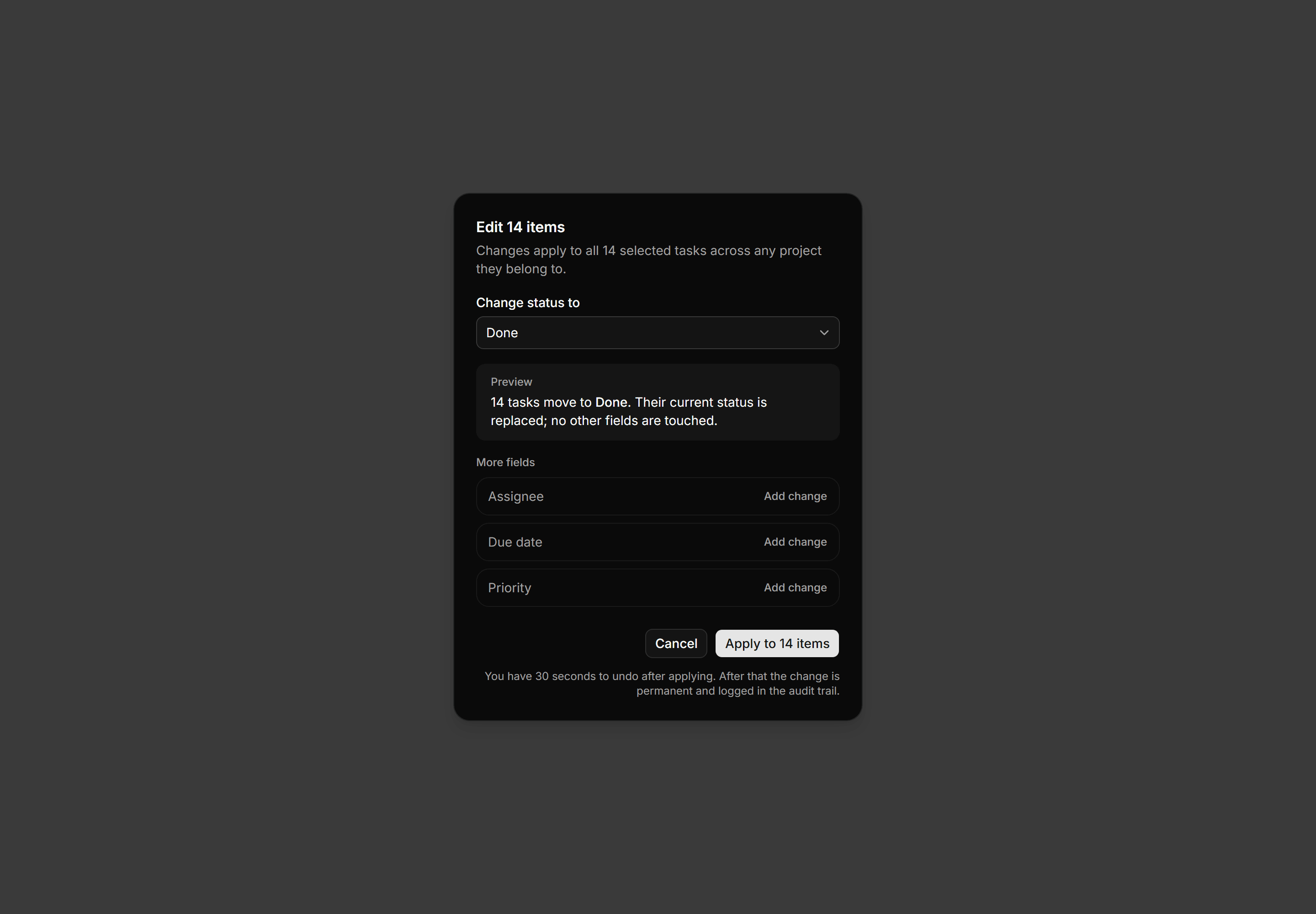
Bulk-edit dialog for 14 selected items with a status Select, a change-preview callout, optional fields, and a 30-second undo-window note.