Shadcn Empty State Blocks
Browse 29 Application Pro empty state blocks for shadcn/ui. Empty tables, no results, permission walls, and error pages.
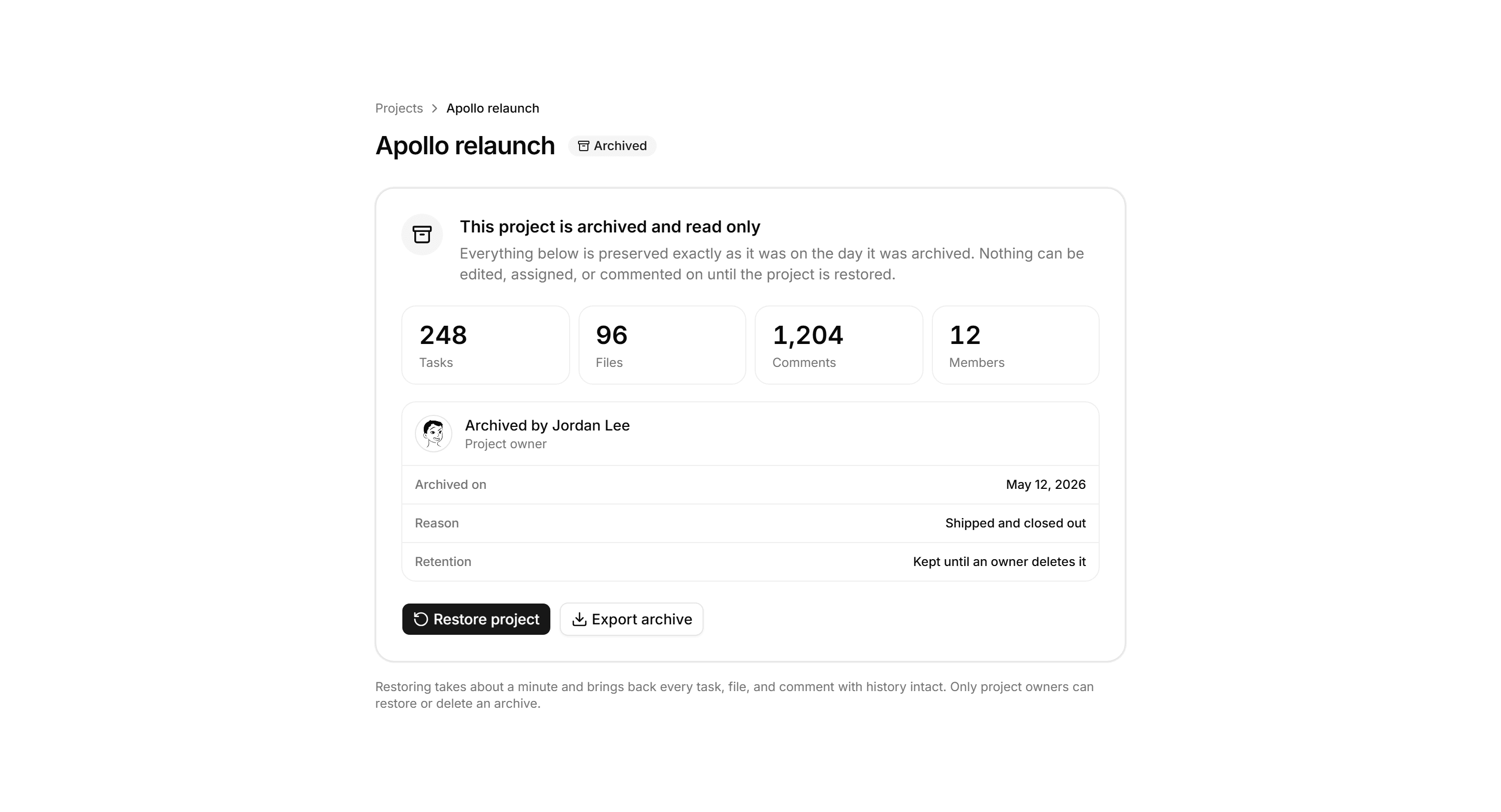
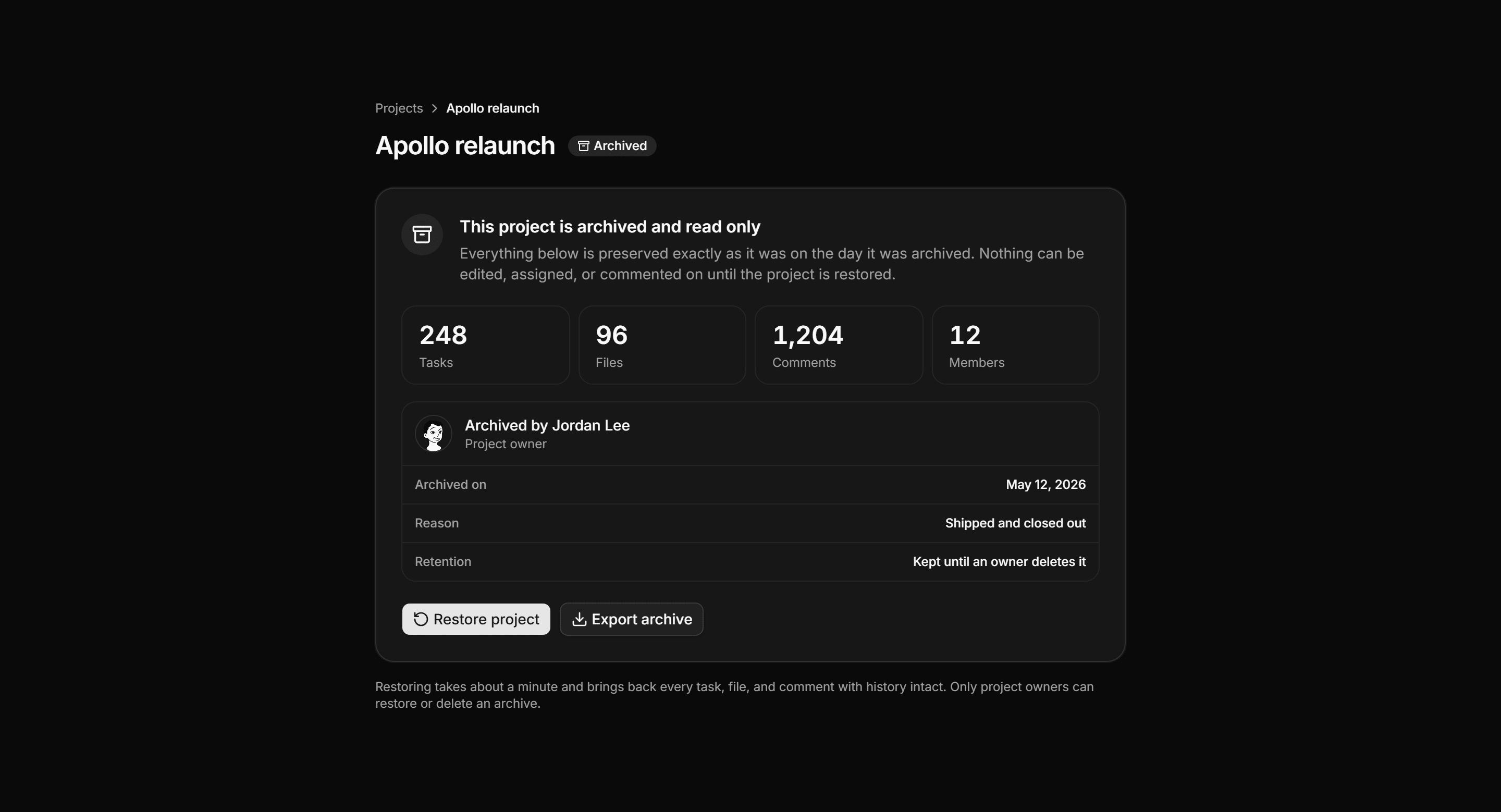
Application Empty State: Archived Project State
Read only archived project page with a preserved banner, a snapshot count grid, an archive record card, and restore and export actions.
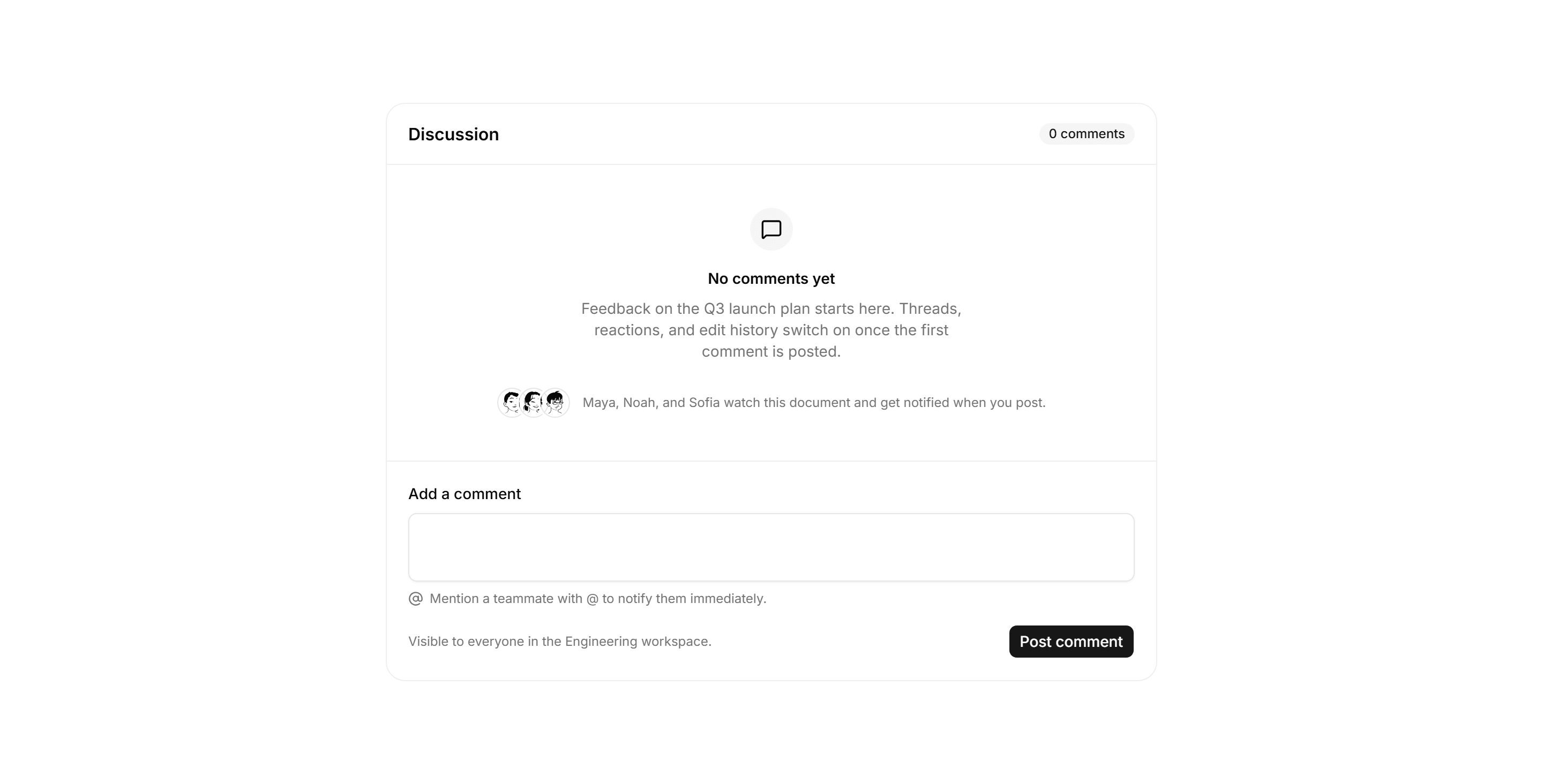
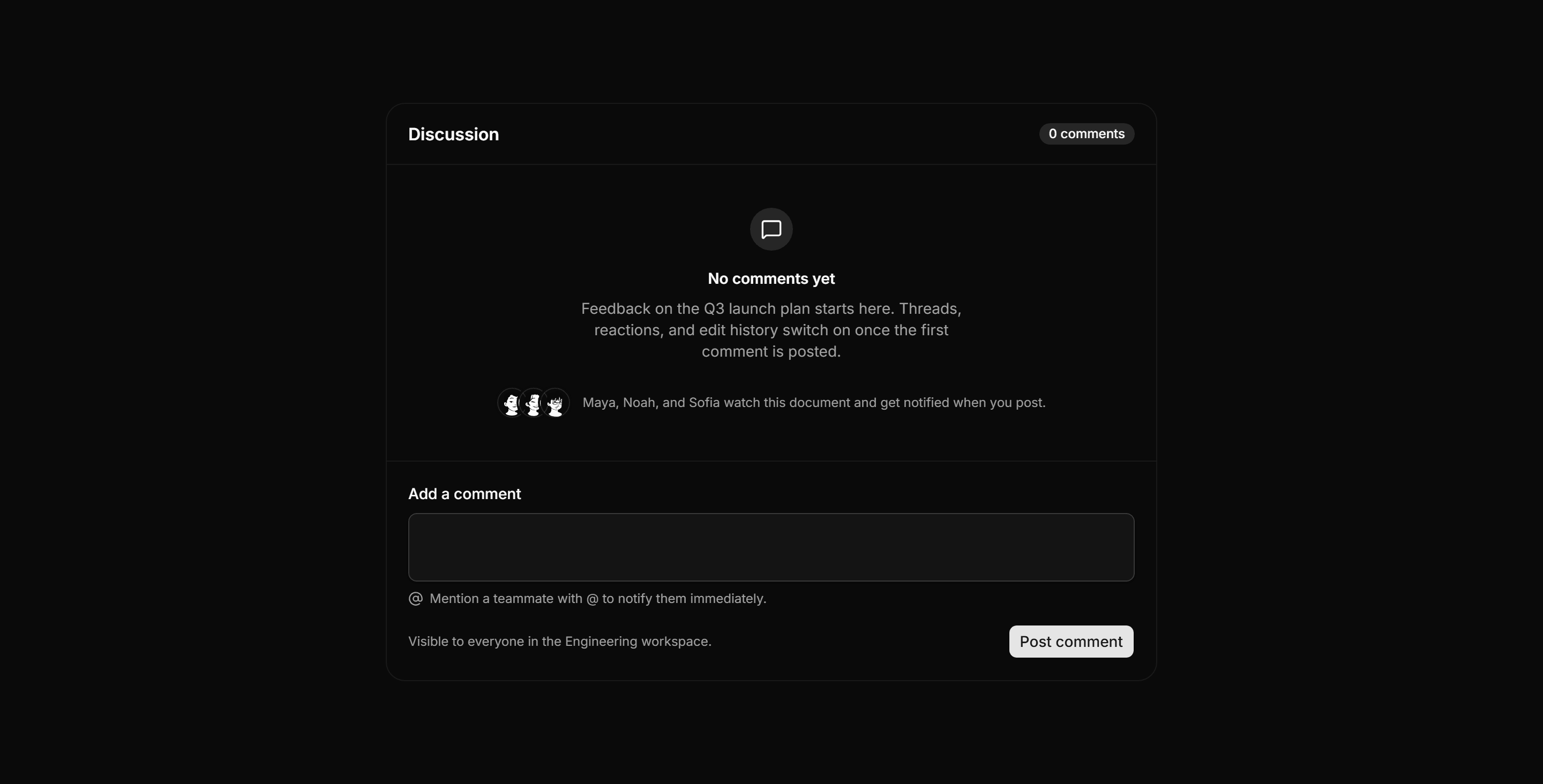
Application Empty State: Empty Comments State
Empty discussion panel with a zero comment header, a watcher avatar row, and an inline composer with a mention hint and visibility note.
Application Empty State: Trial Expired State
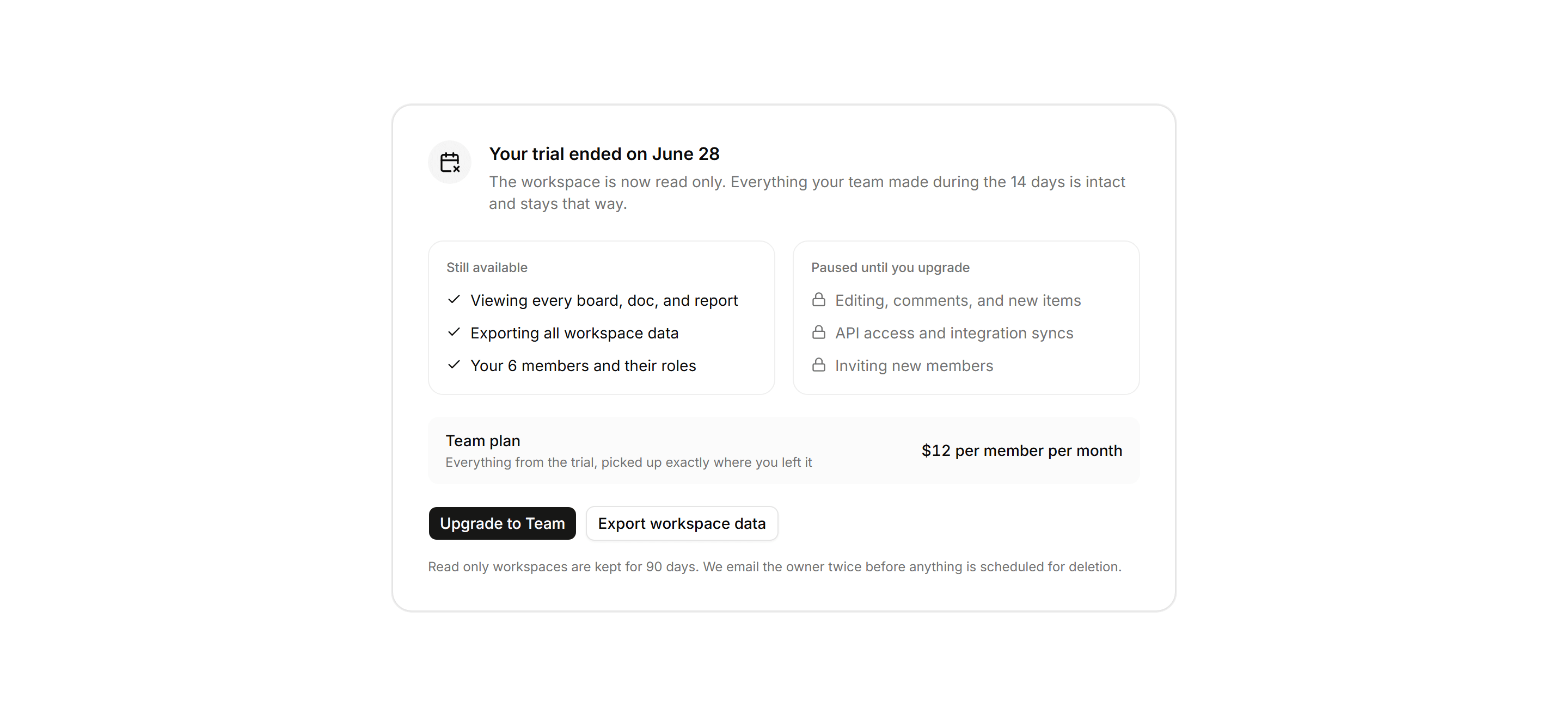
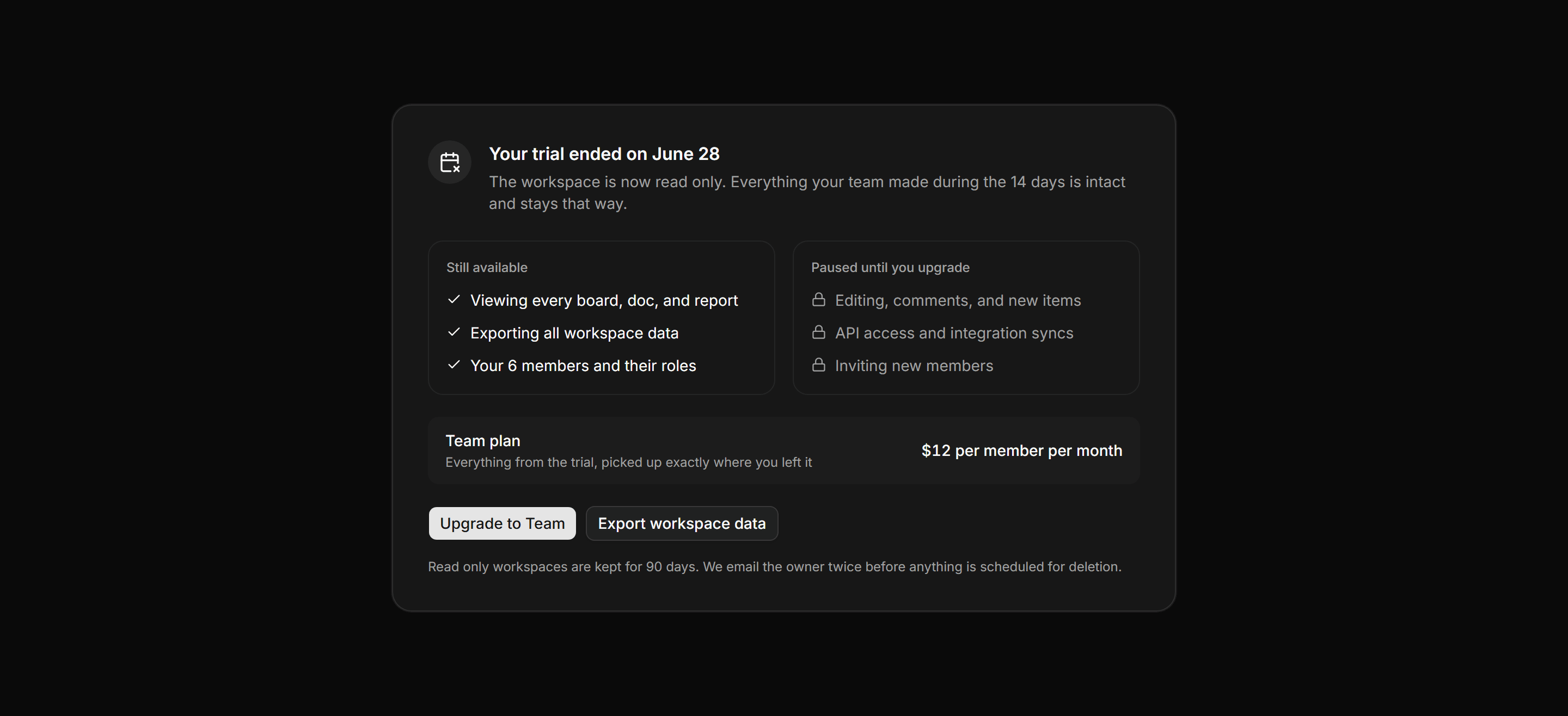
Trial expired gate stating the end date, side by side lists of what stays read only versus what is paused, the plan price, and export.
Application Empty State: Storage Full State
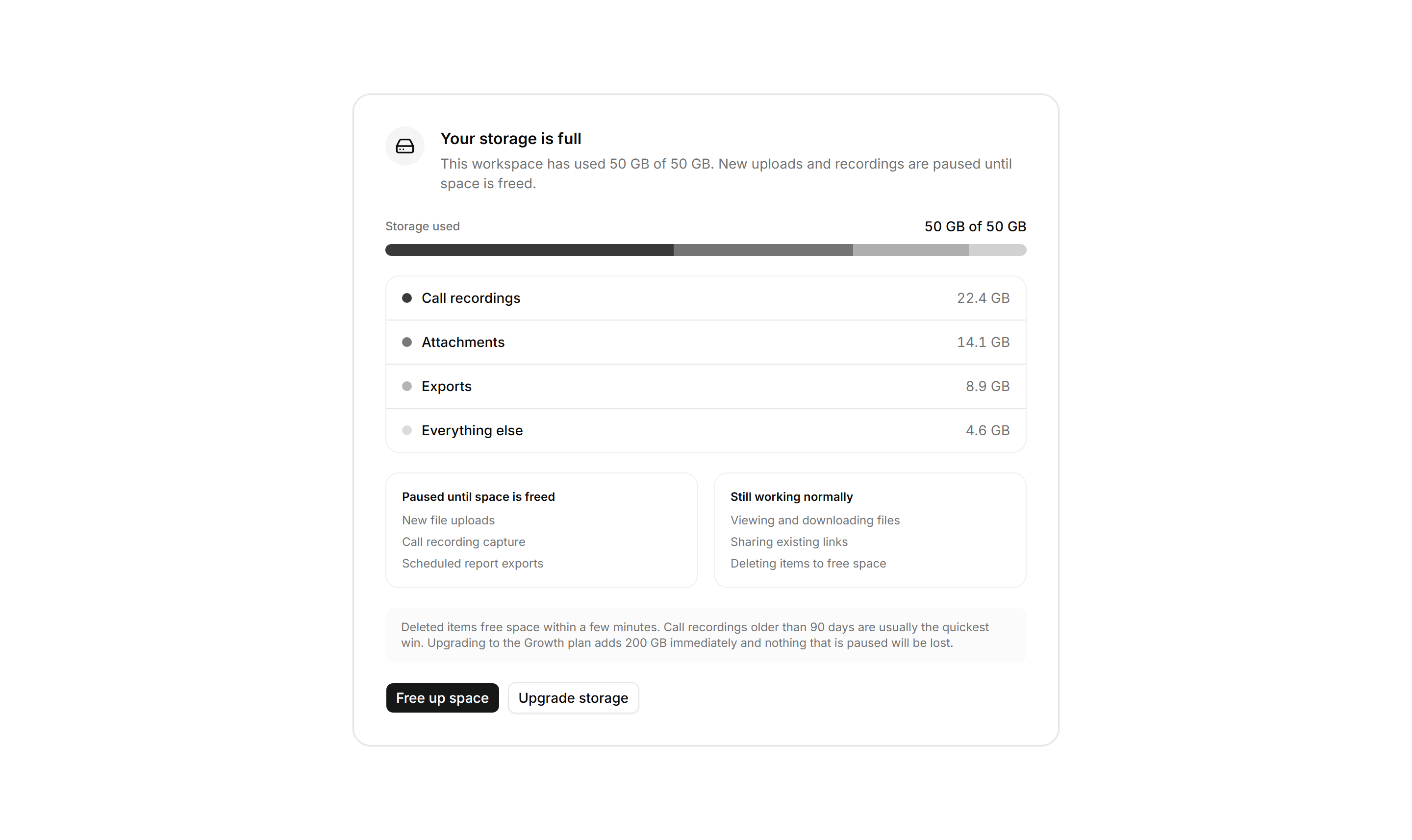
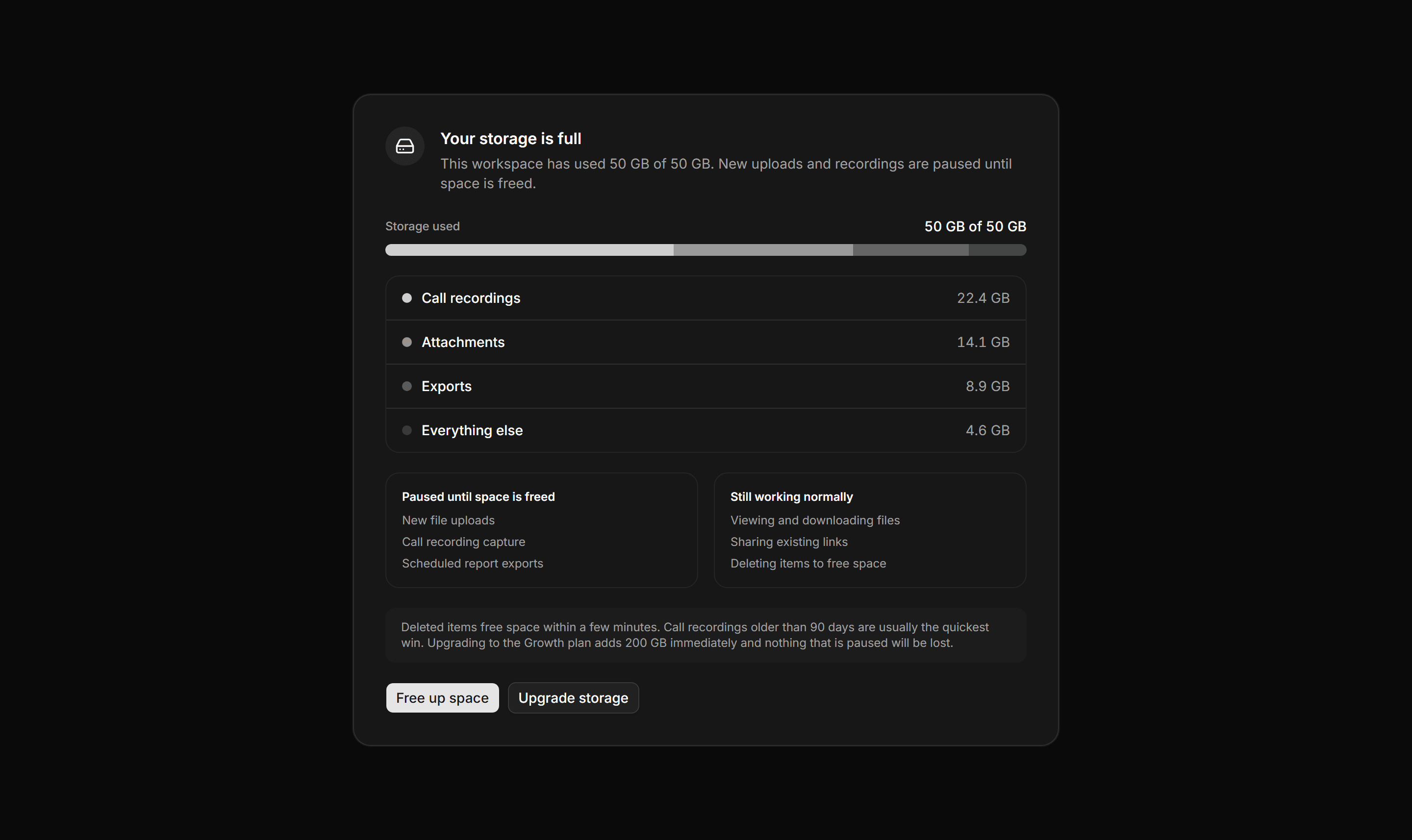
A storage quota panel with a segmented usage bar at capacity, a category breakdown, paused versus working lists, and free space or upgrade actions.
Application Empty State: Rate Limited State
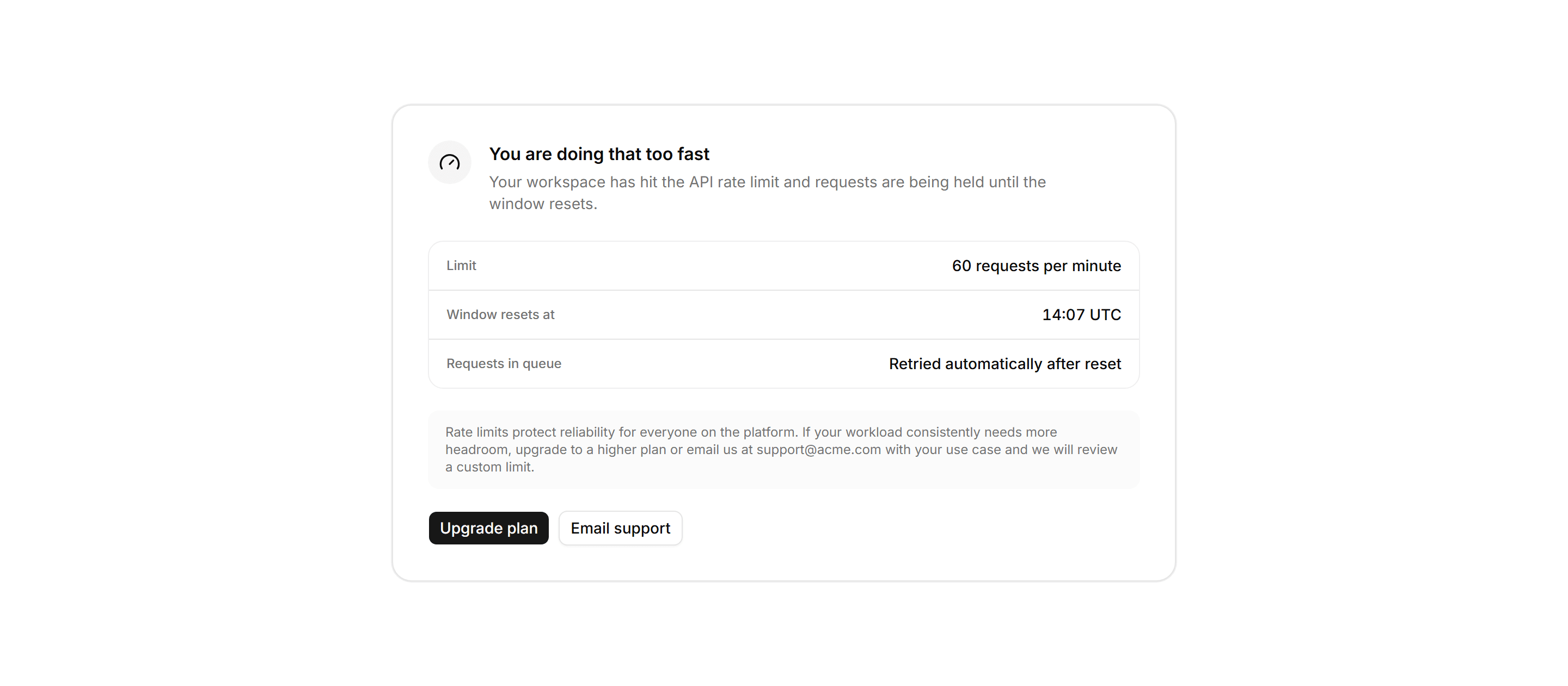
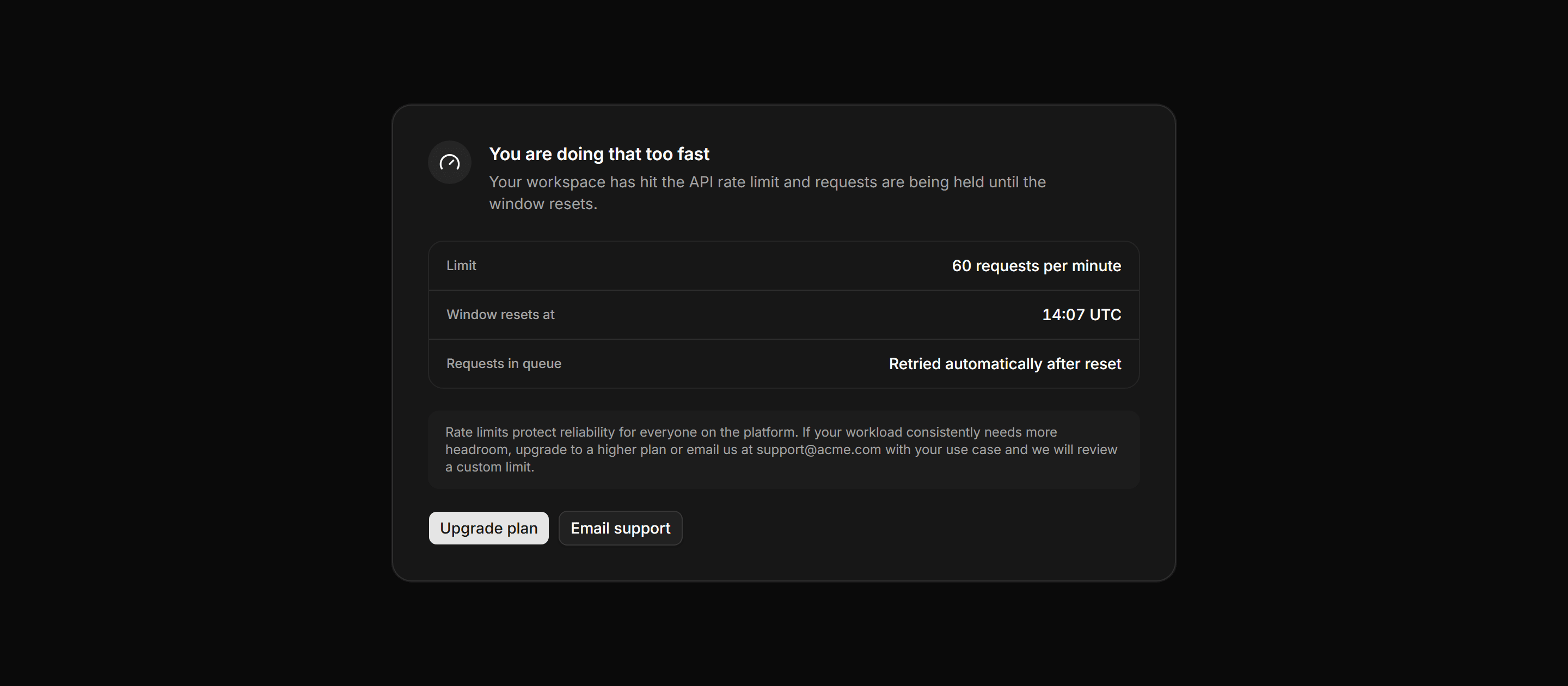
Rate limit panel showing the 60 requests per minute cap, the reset time, and upgrade or support paths to increase the limit.
Application Empty State: No Data Yet State
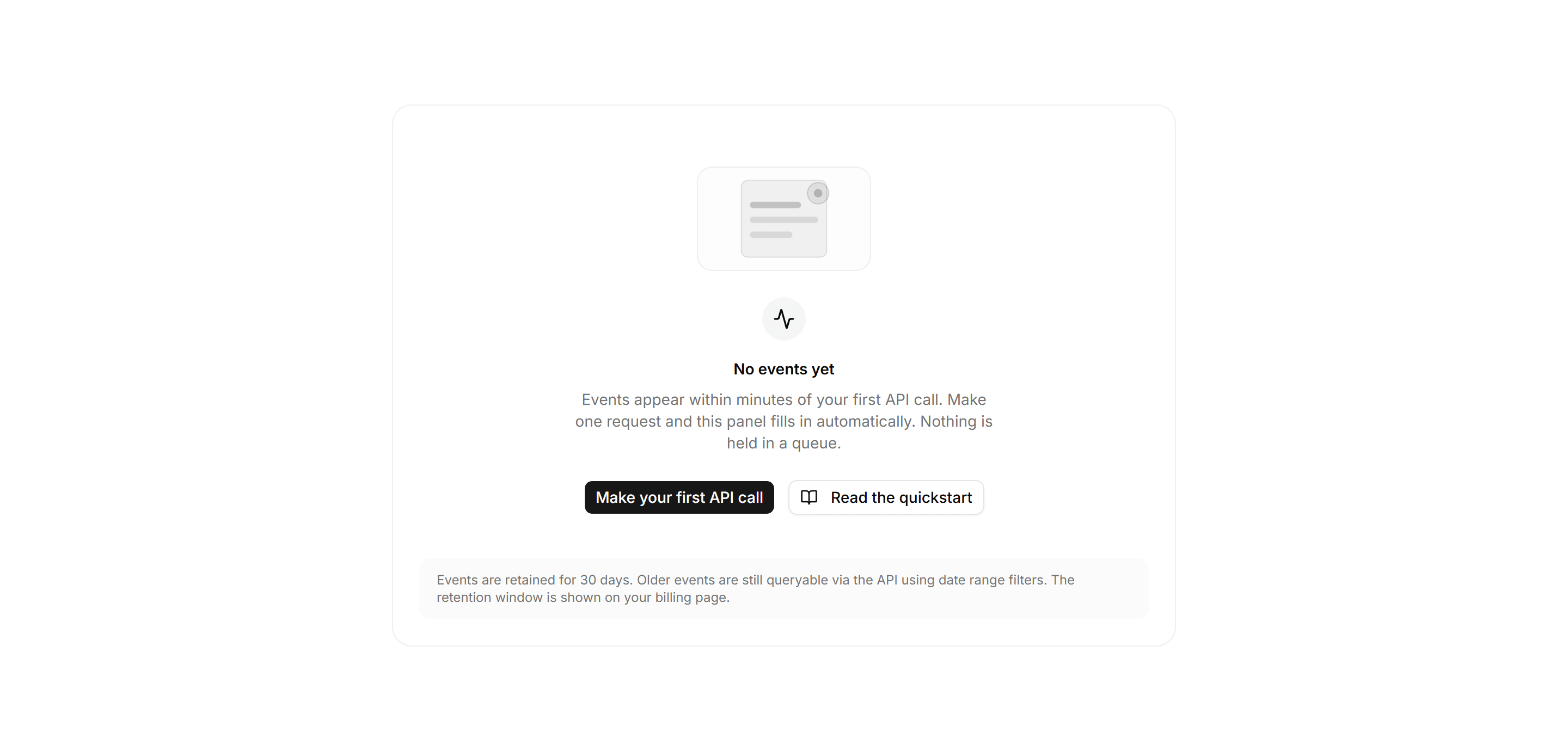
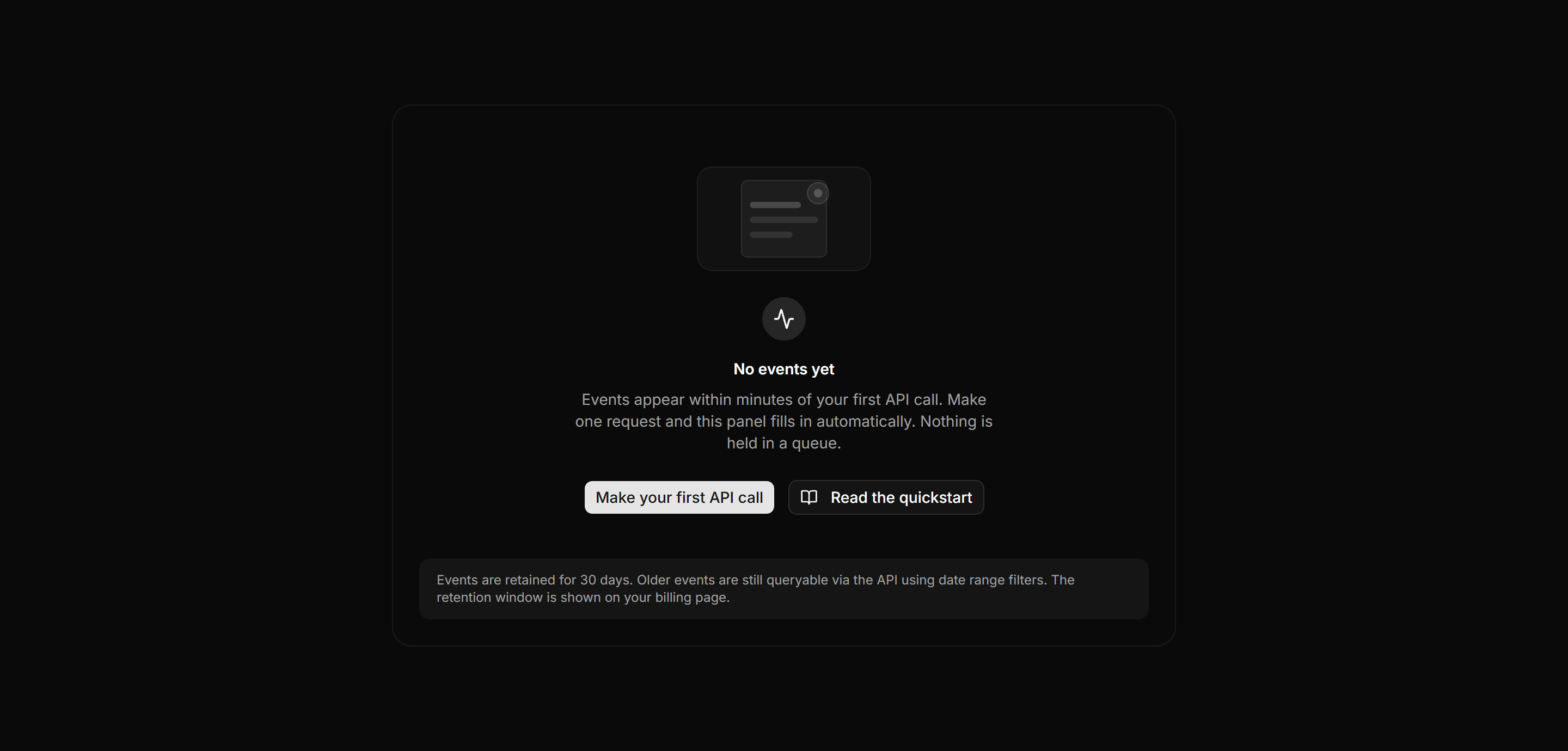
Empty panel with a geometric illustration, an events headline, an explanation of when data appears, and a primary API call action.
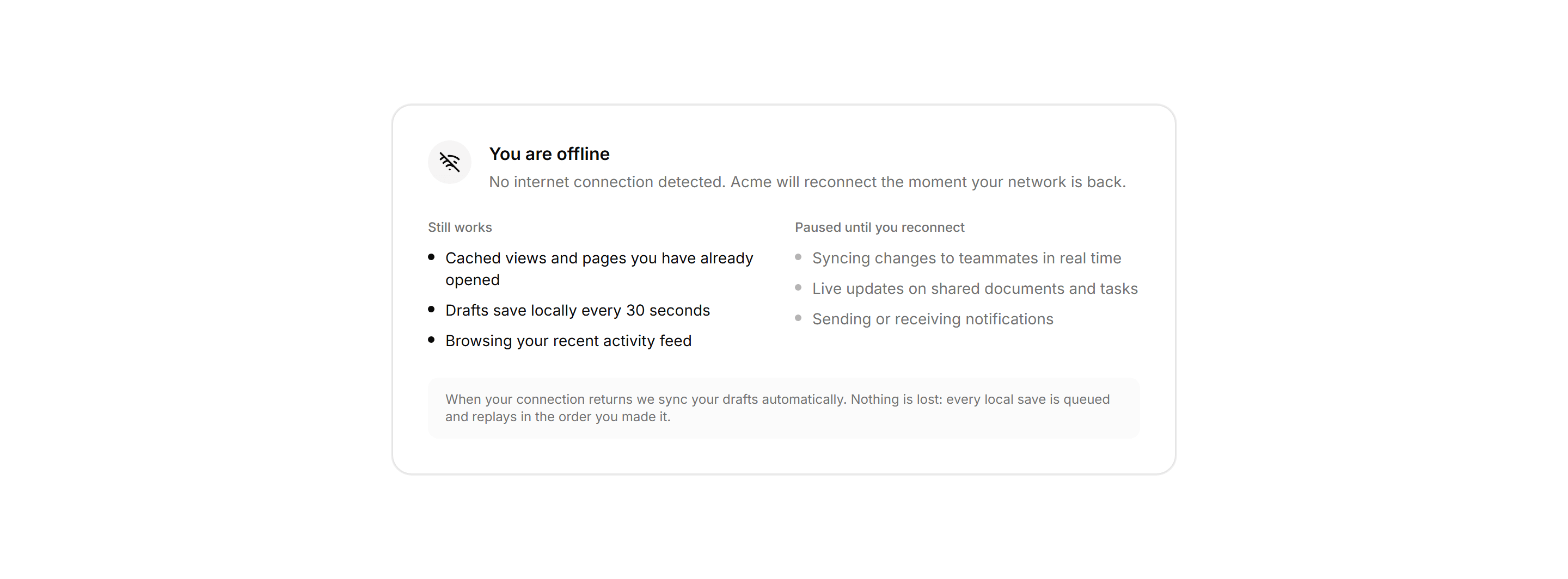
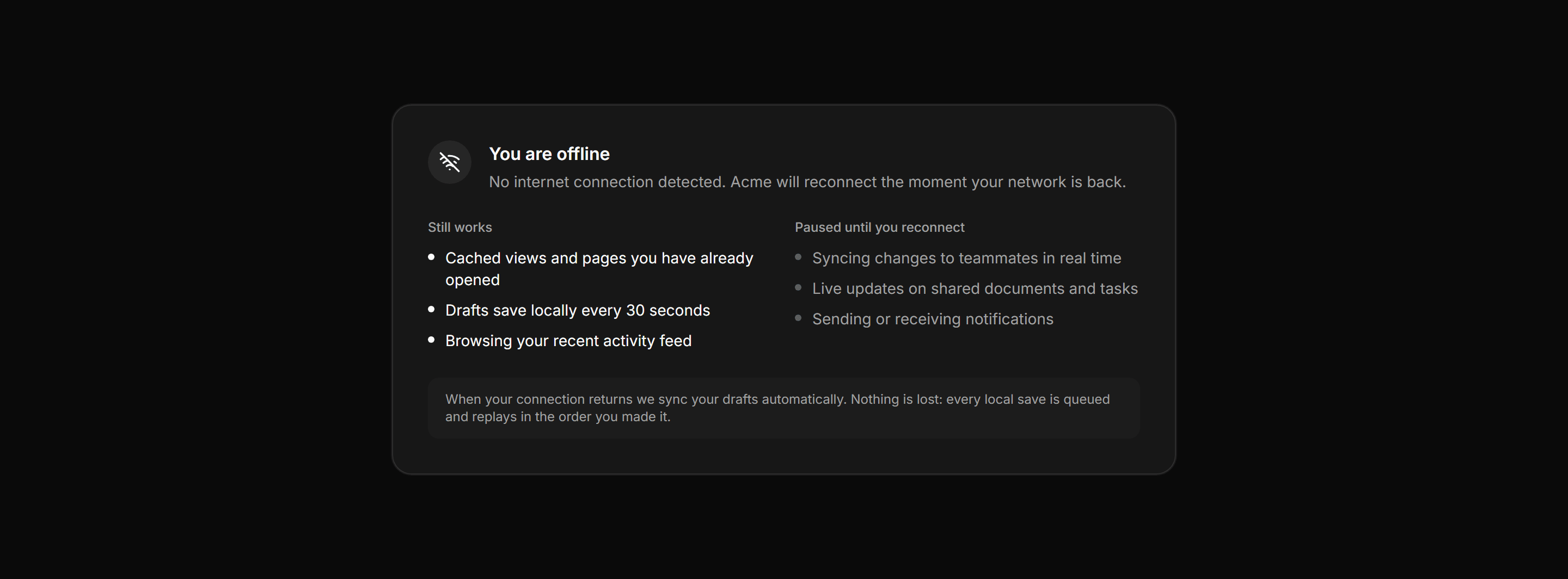
Application Empty State: Offline State
Offline state panel listing what still works locally and what is paused until reconnection, with a guarantee that queued drafts are never lost.
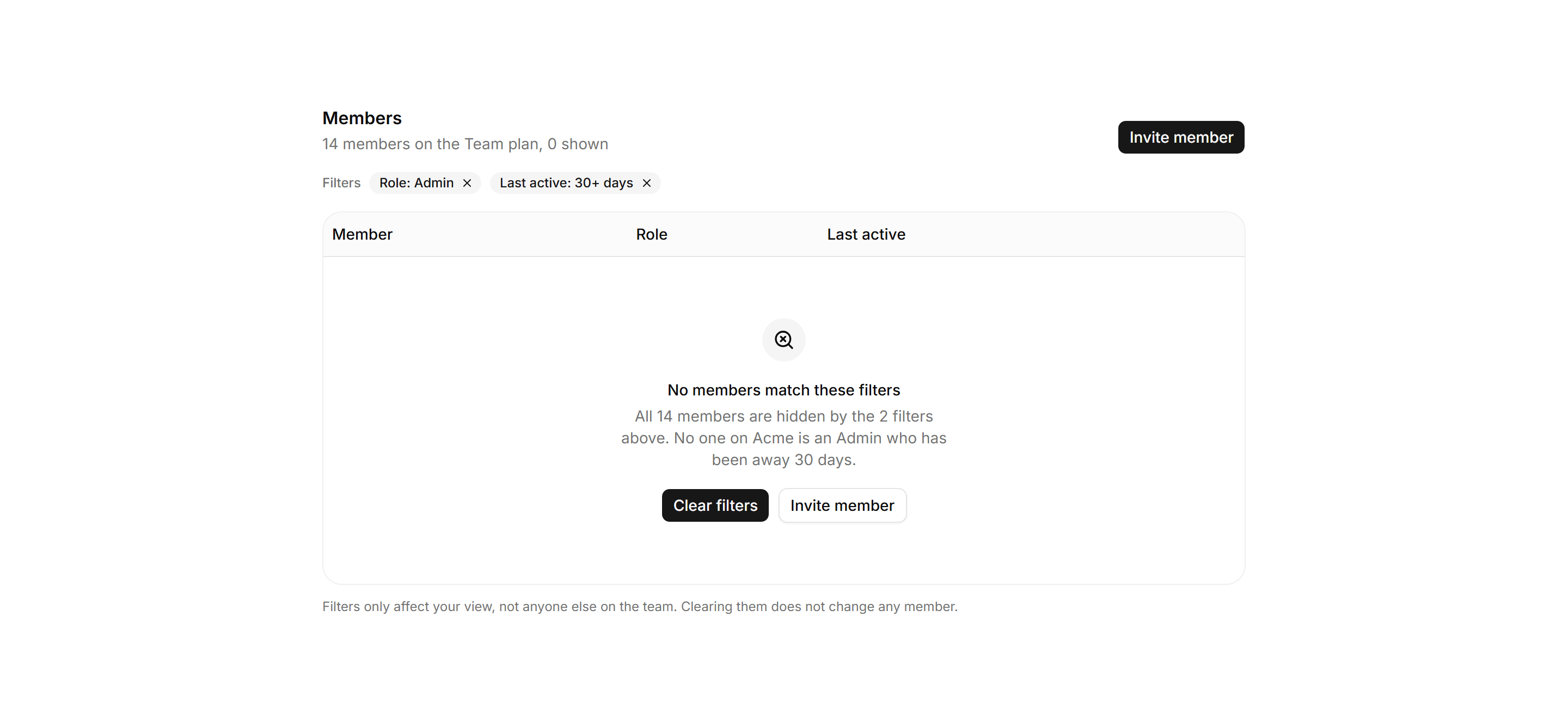
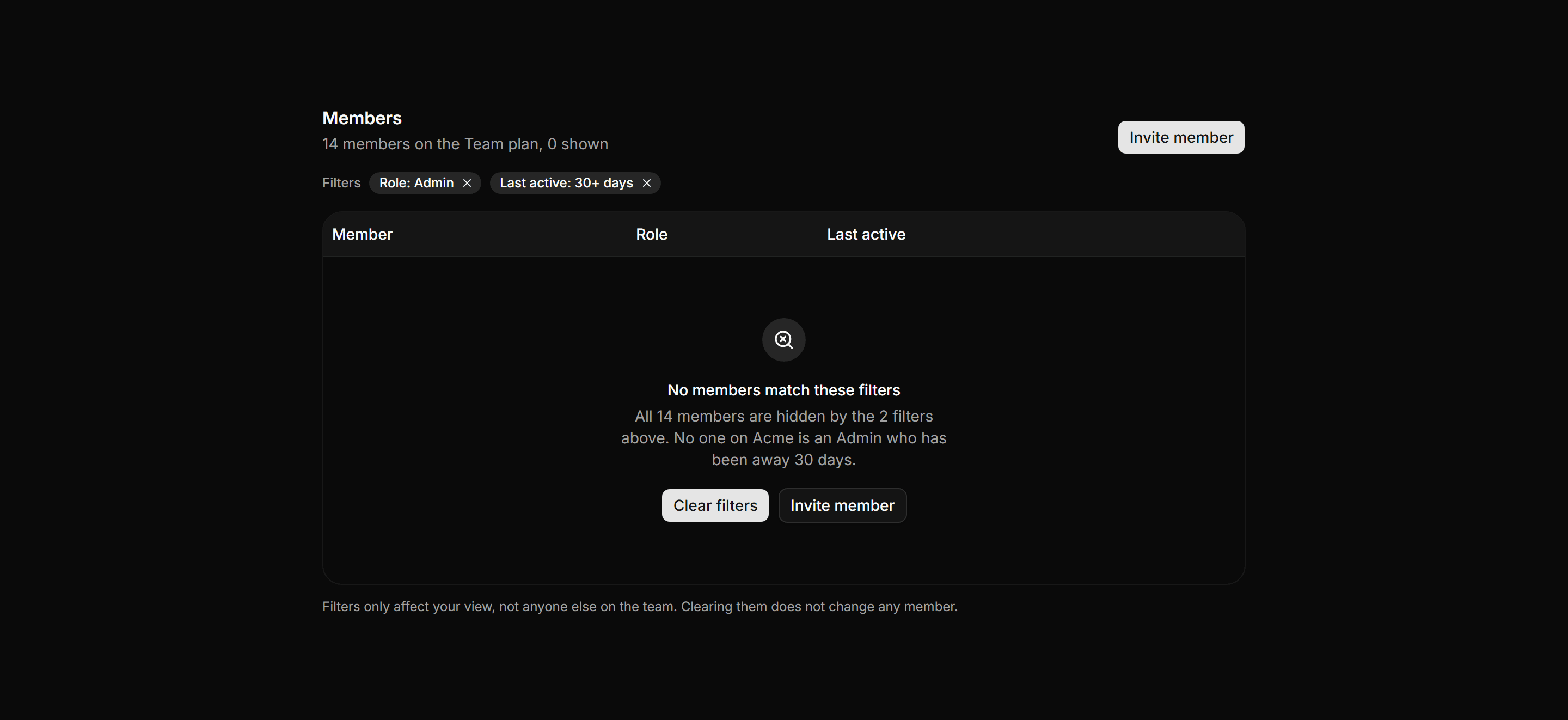
Application Empty State: Empty Table State
Members table with the real header row visible and an empty body explaining which filters hid all 14 rows.
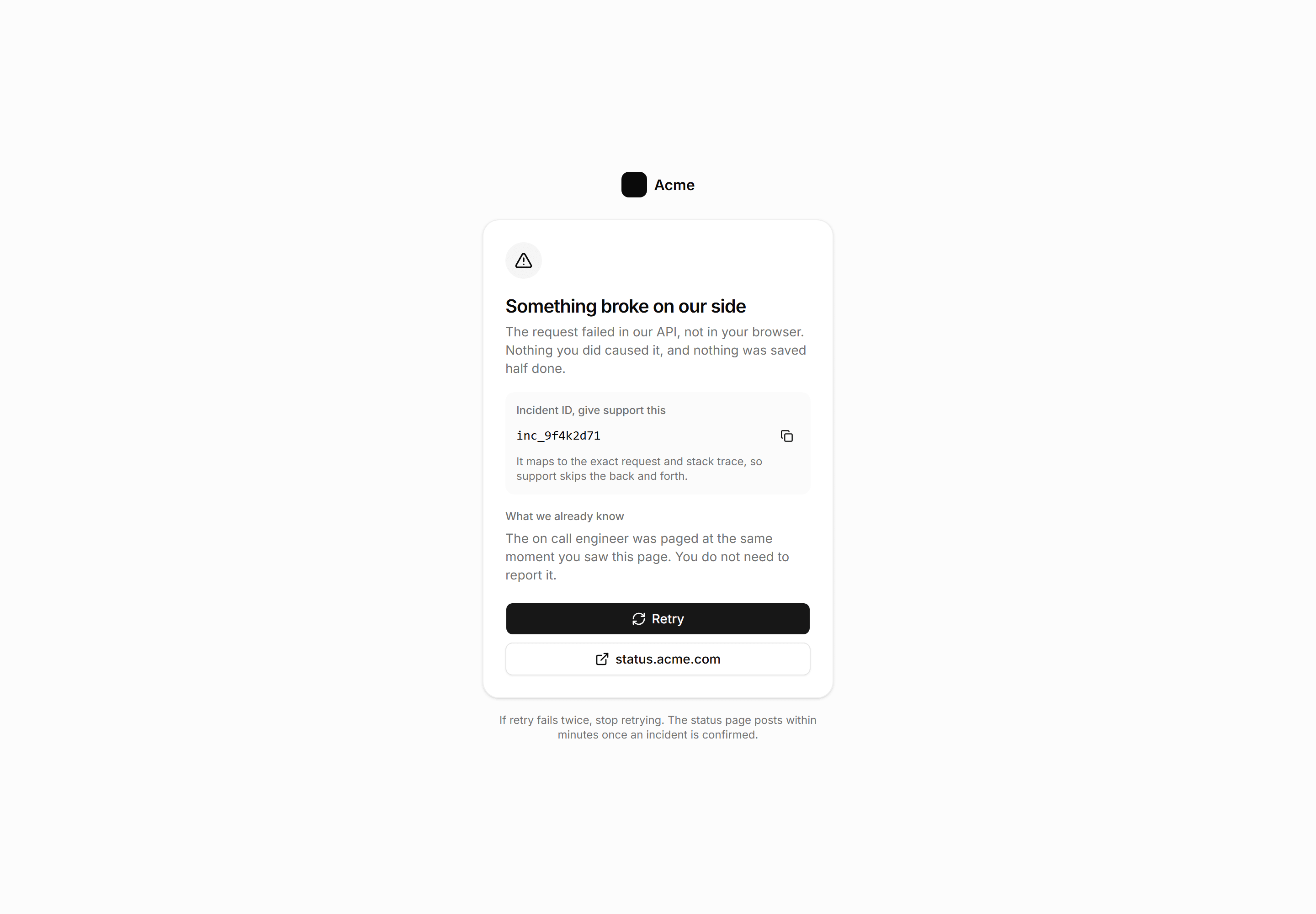
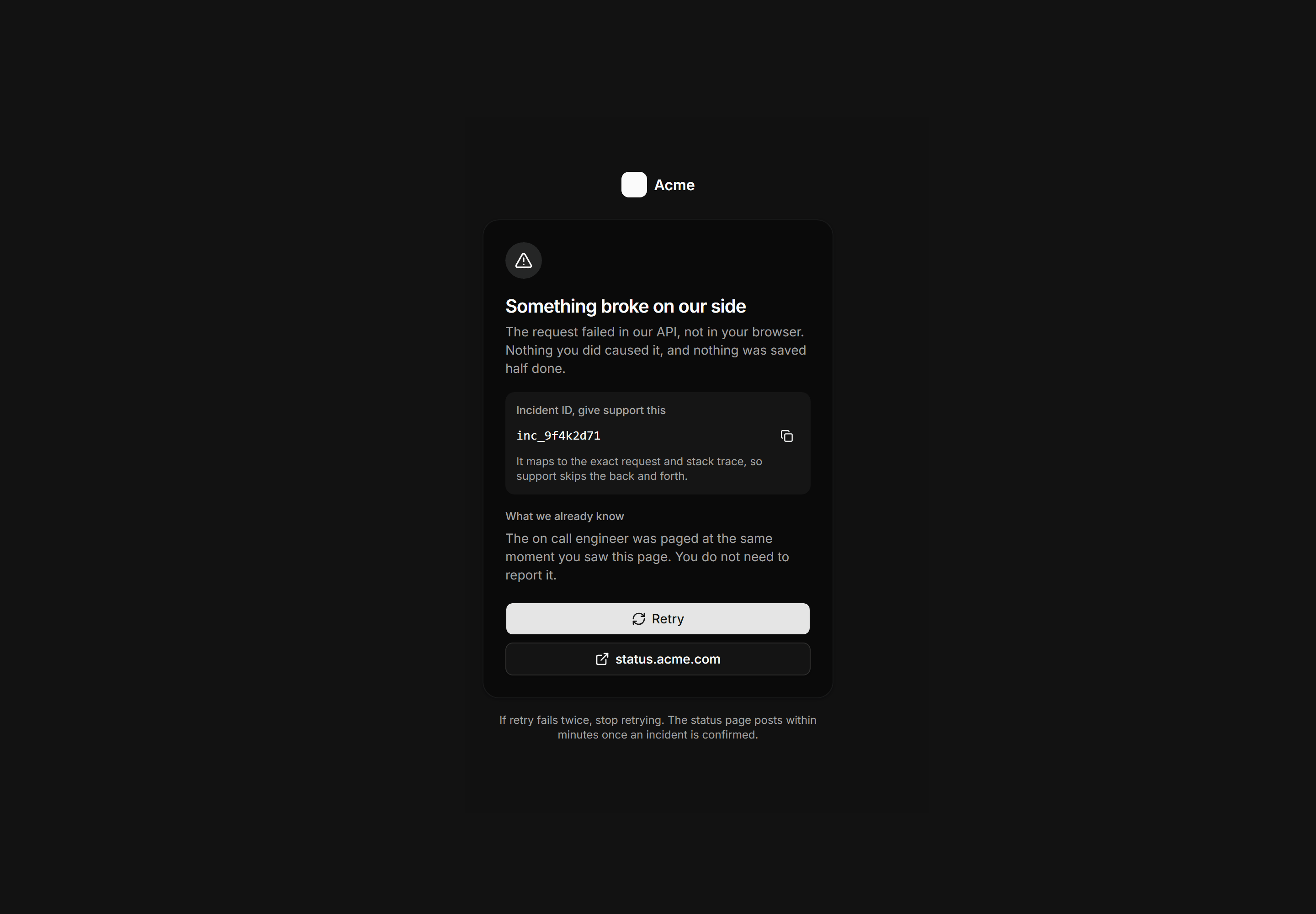
Application Empty State: Error Page 500
The 500 with a mono incident id, the team already paged, retry and status links.
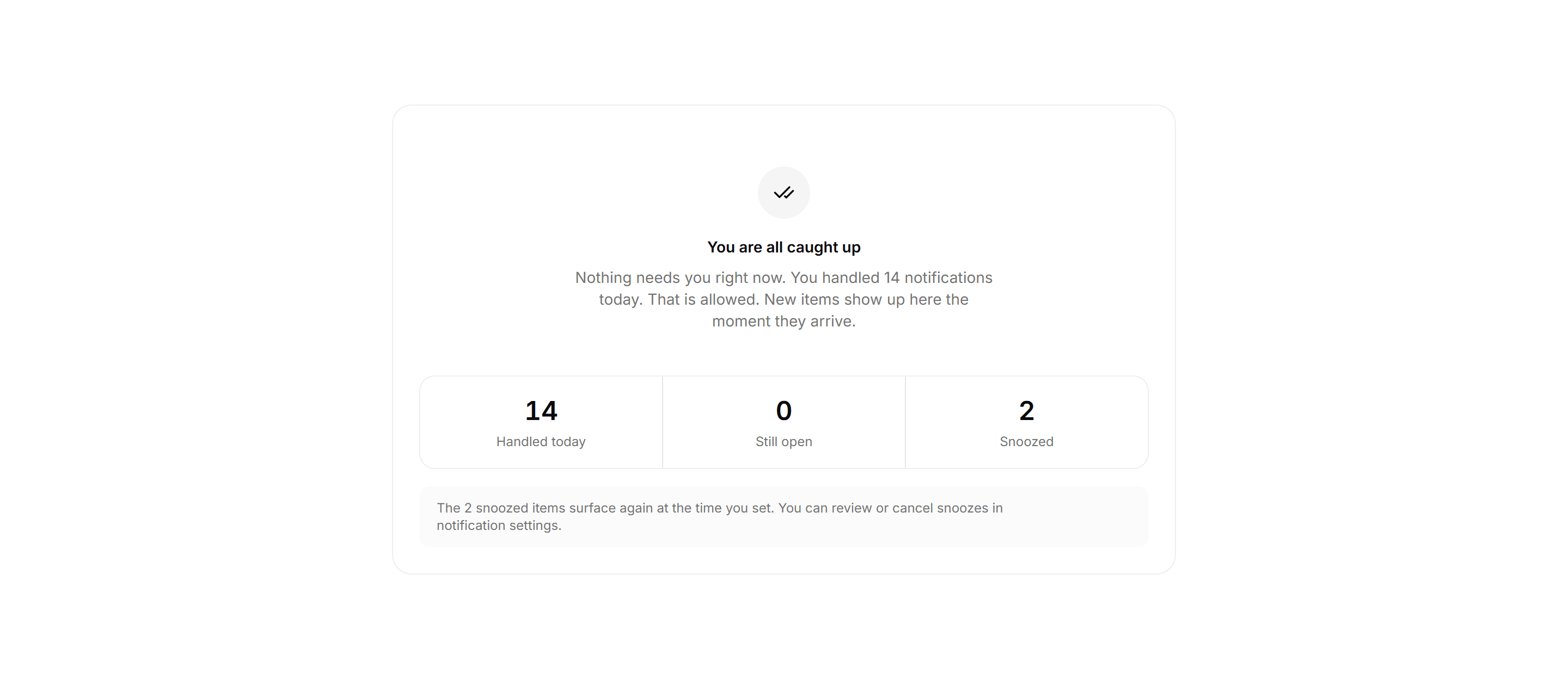
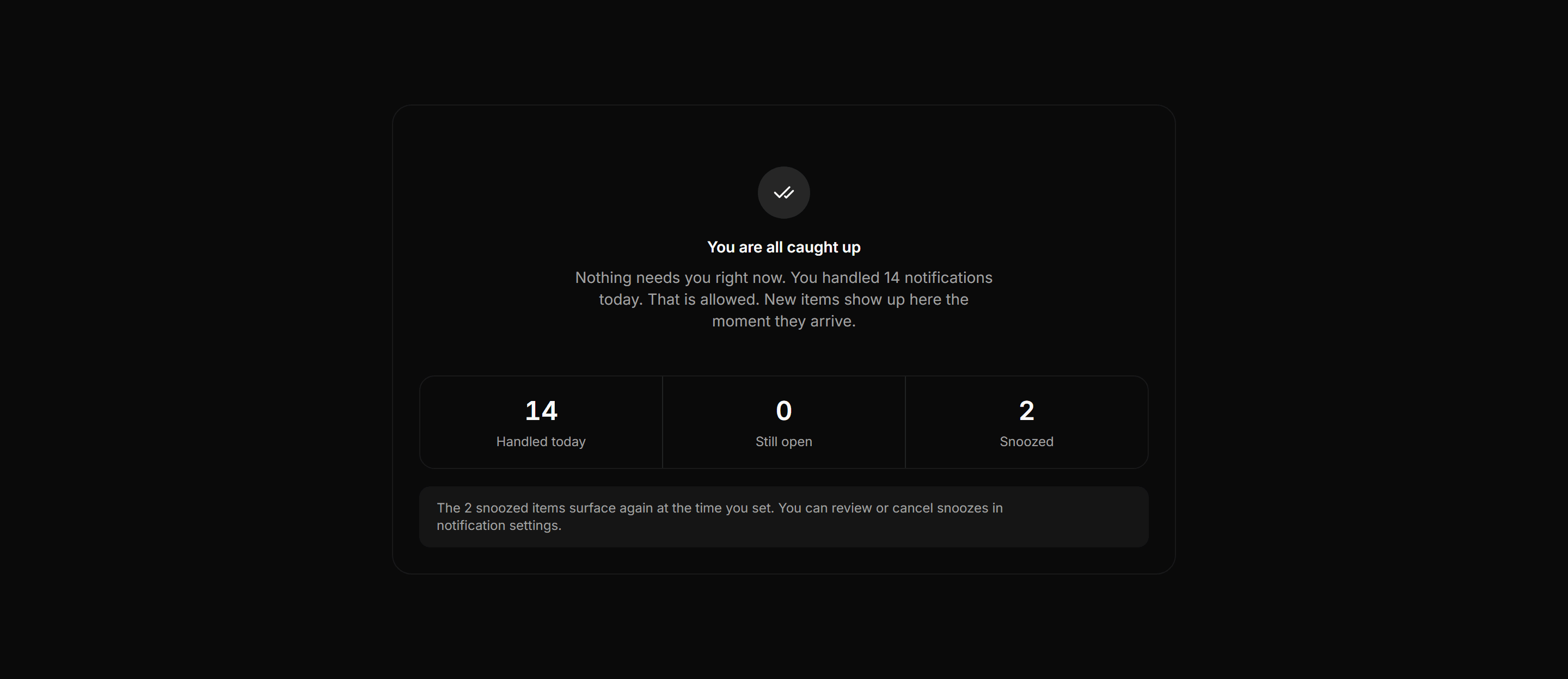
Application Empty State: Cleared Inbox State
Inbox zero panel showing 14 handled today, 0 open, and 2 snoozed with a calm no-action-needed message.
Application Empty State: Payment Failed State
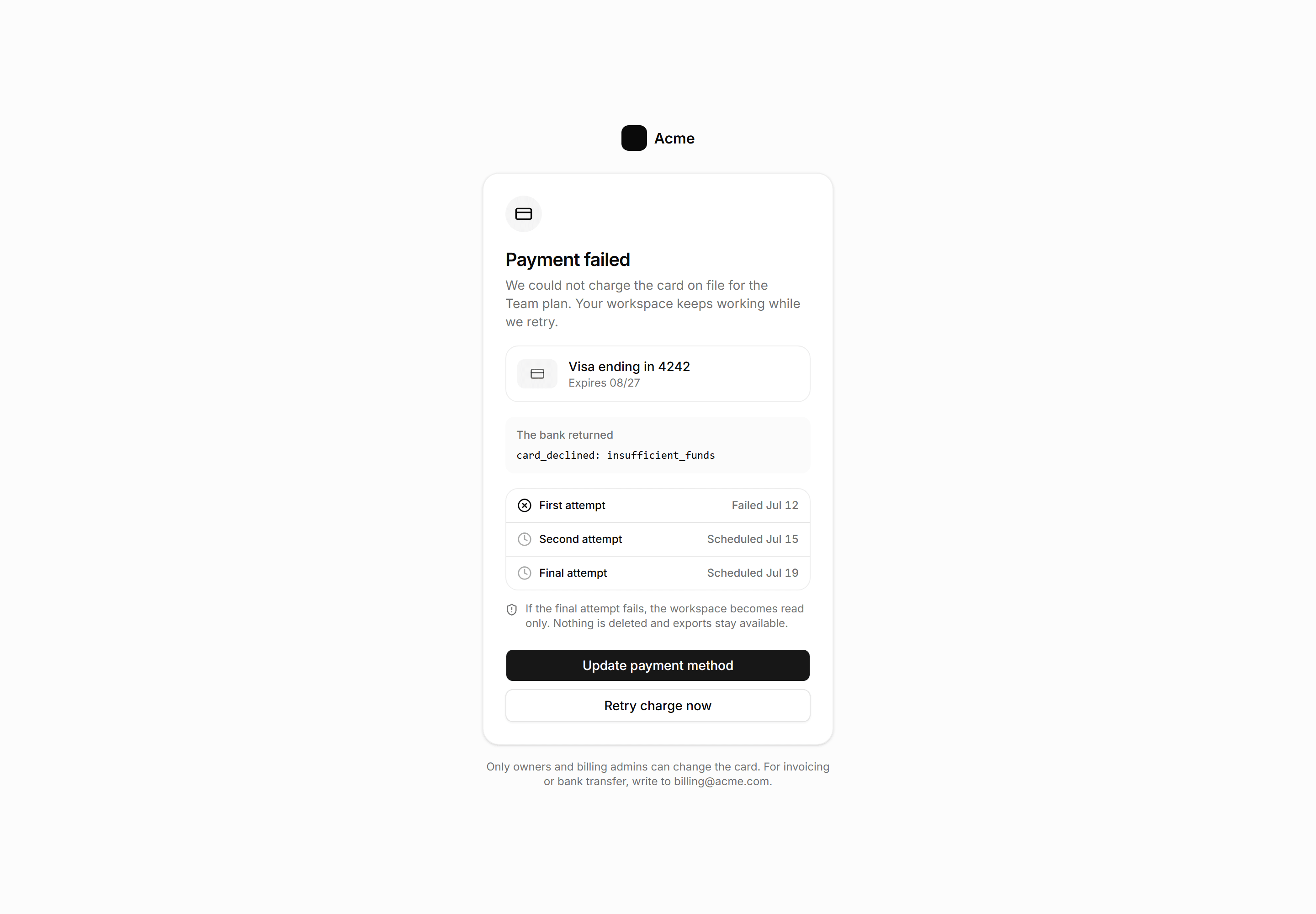
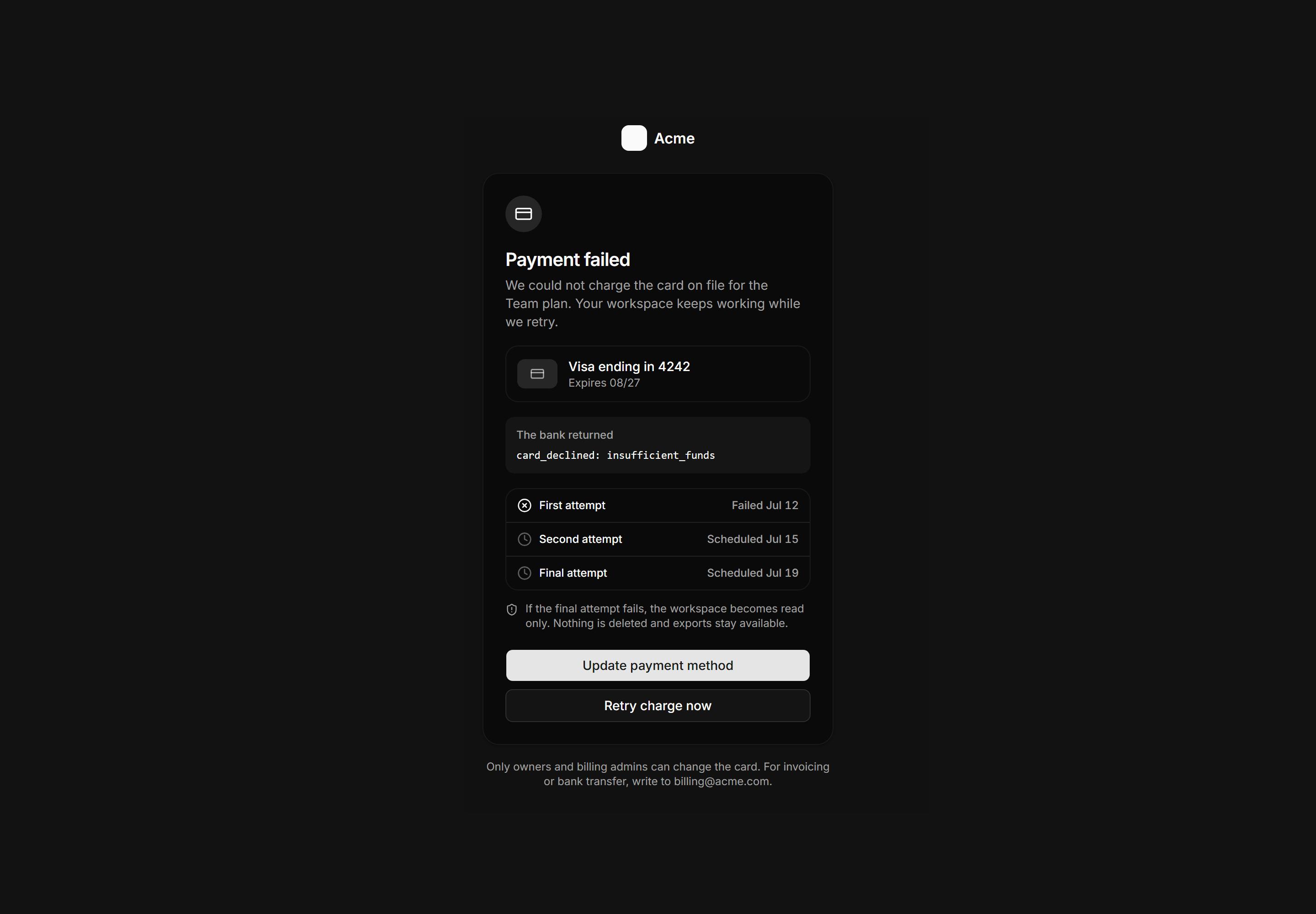
Payment failed billing gate showing the card on file, the exact decline code, a three attempt retry schedule, and update and retry actions.
Application Empty State: Empty Chart State
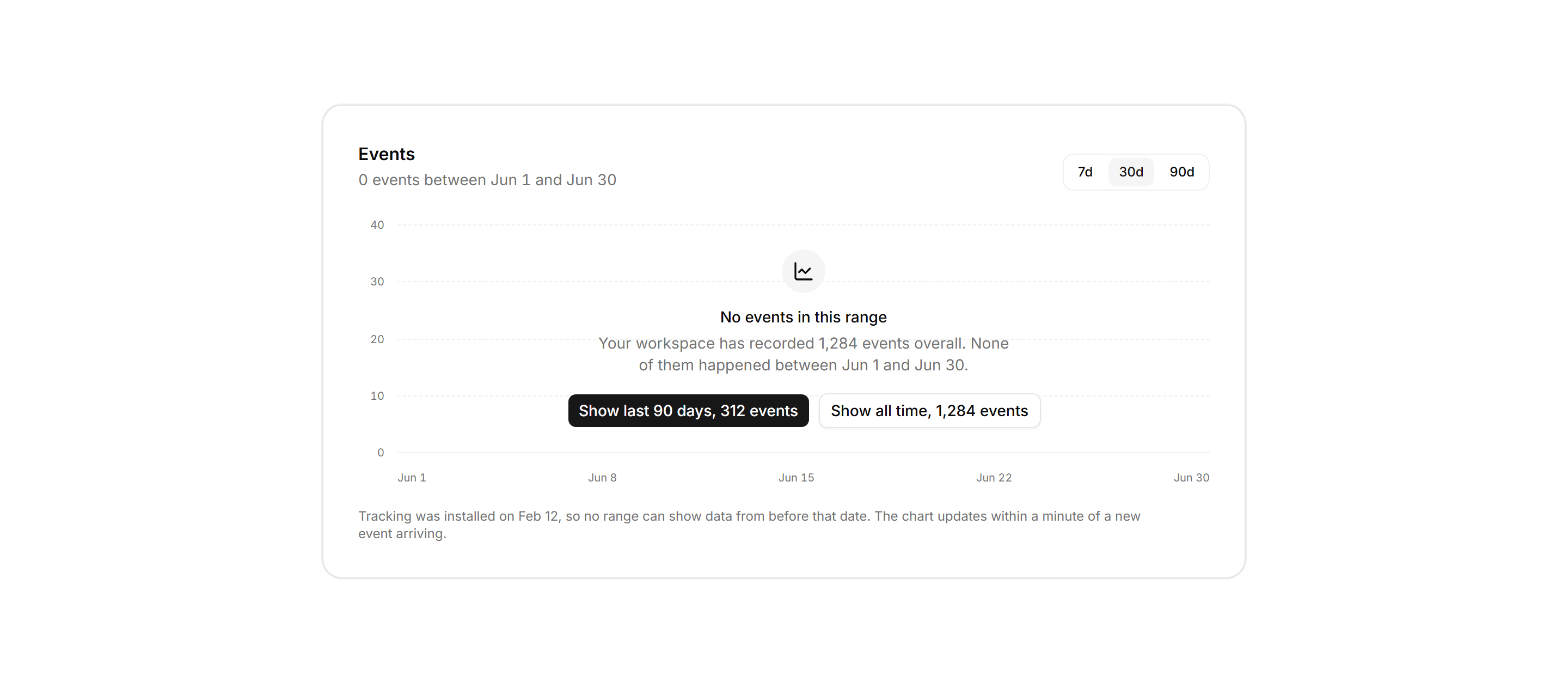
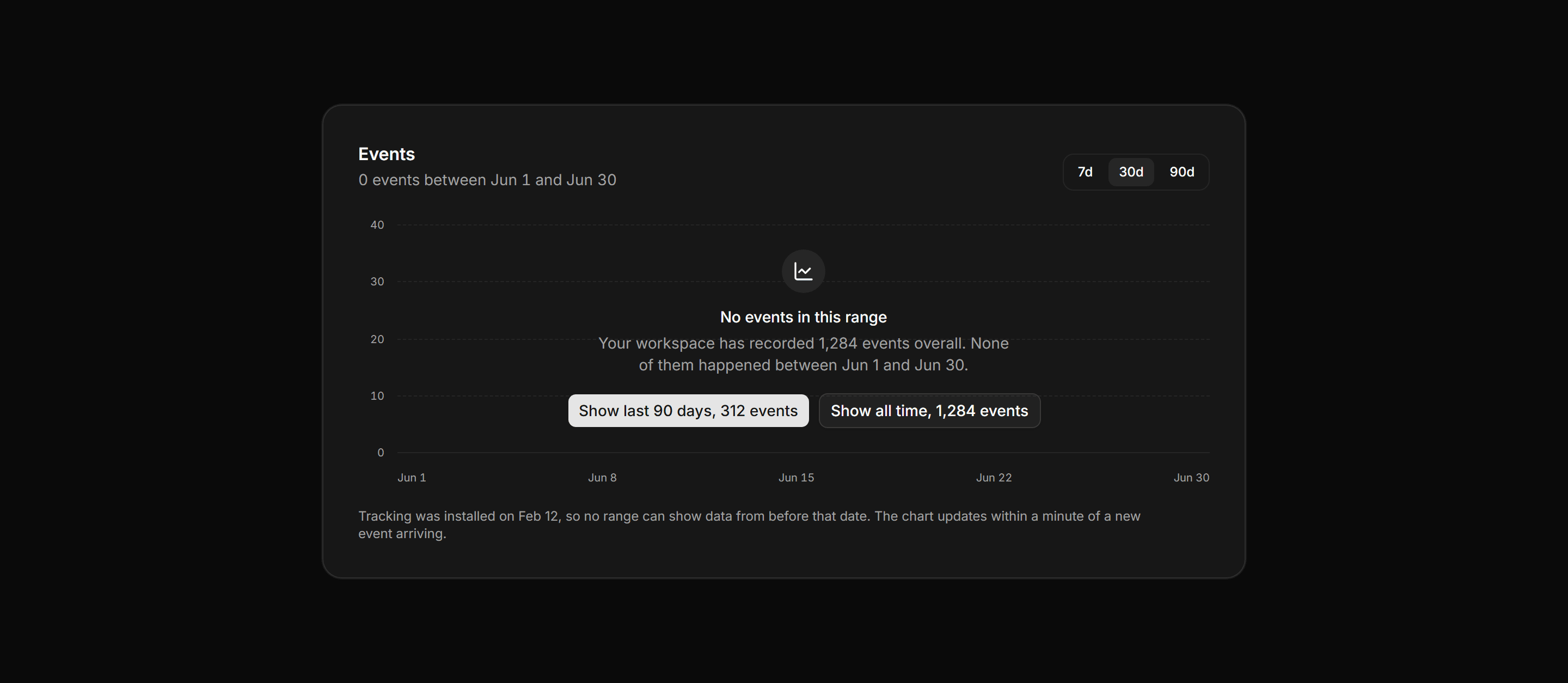
Analytics panel keeping the full chart frame and axis ticks, with a zero range message offering wider ranges and their real event counts.
Application Empty State: Error Page 404
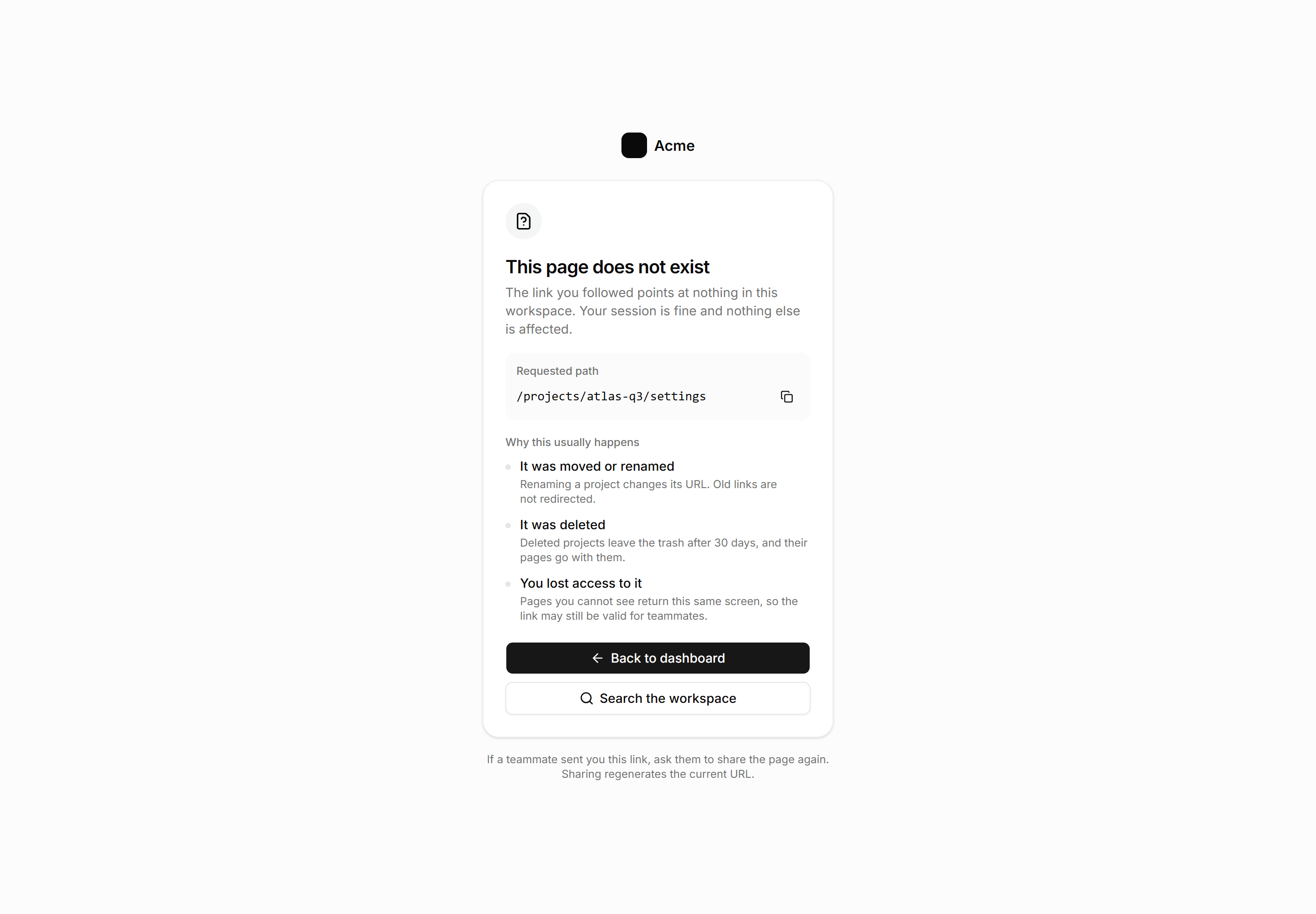
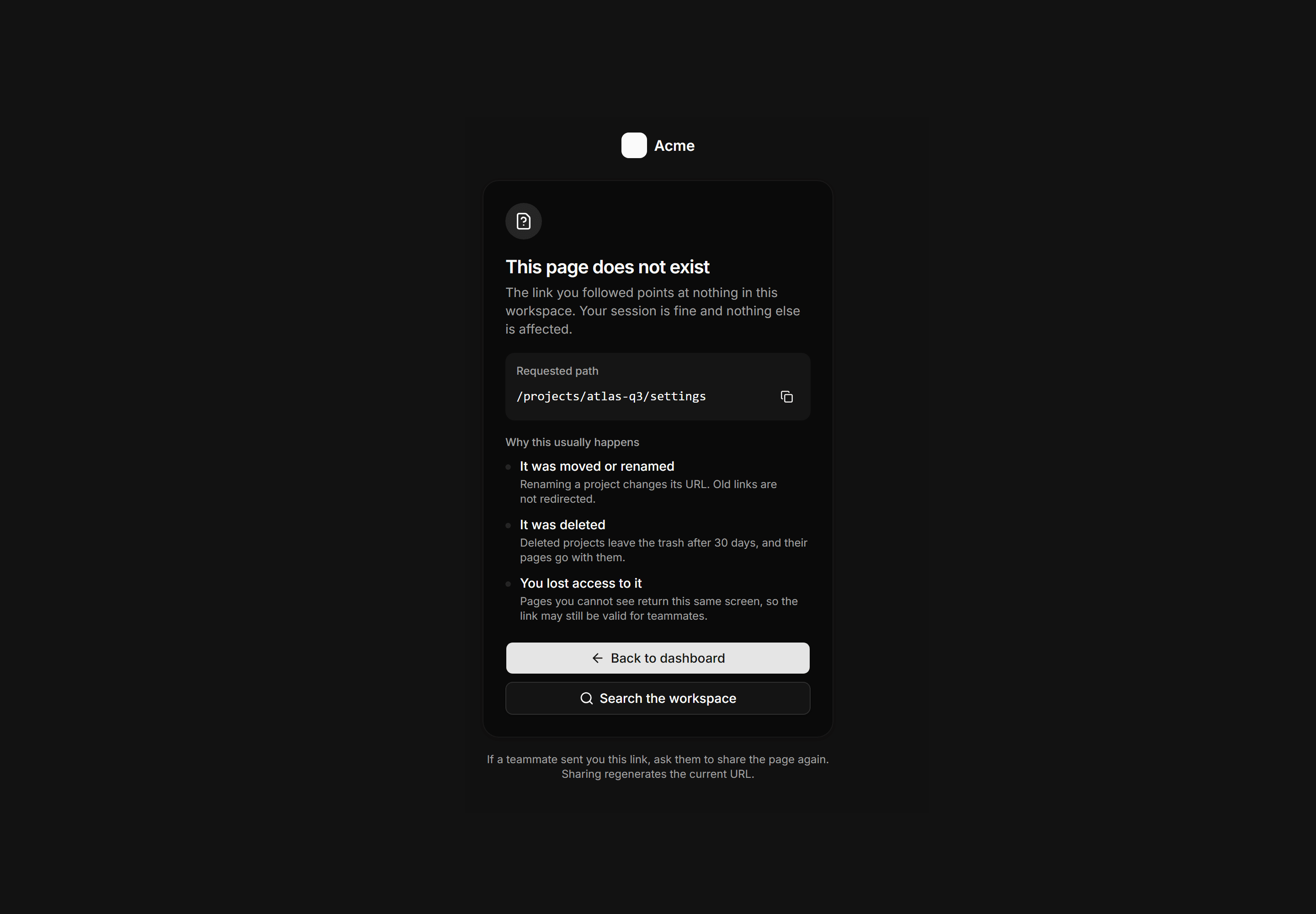
Centered 404 page showing the failed path in mono, three reasons a workspace link goes stale, and search or dashboard as recovery actions.
Application Empty State: Empty Uploads Dropzone
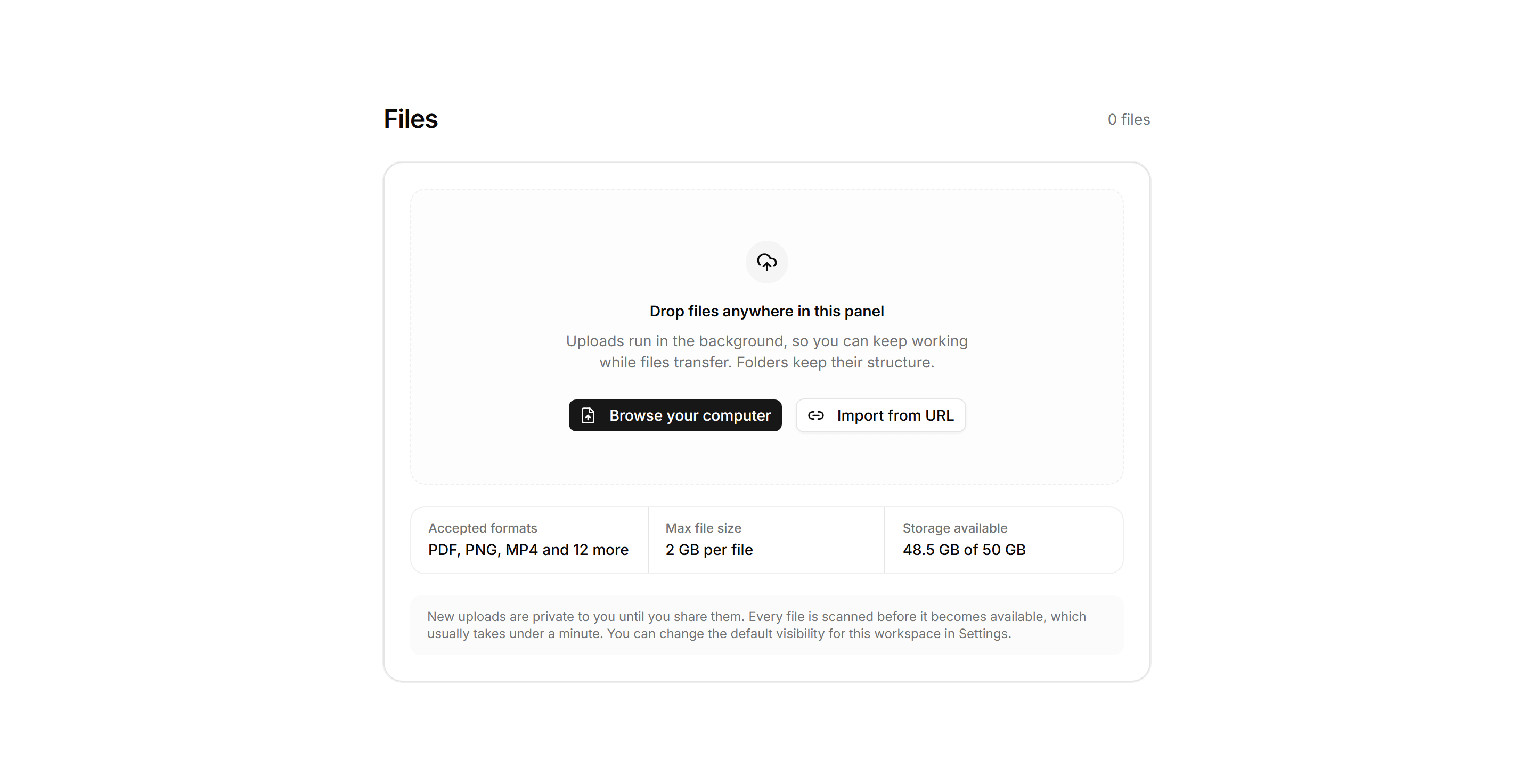
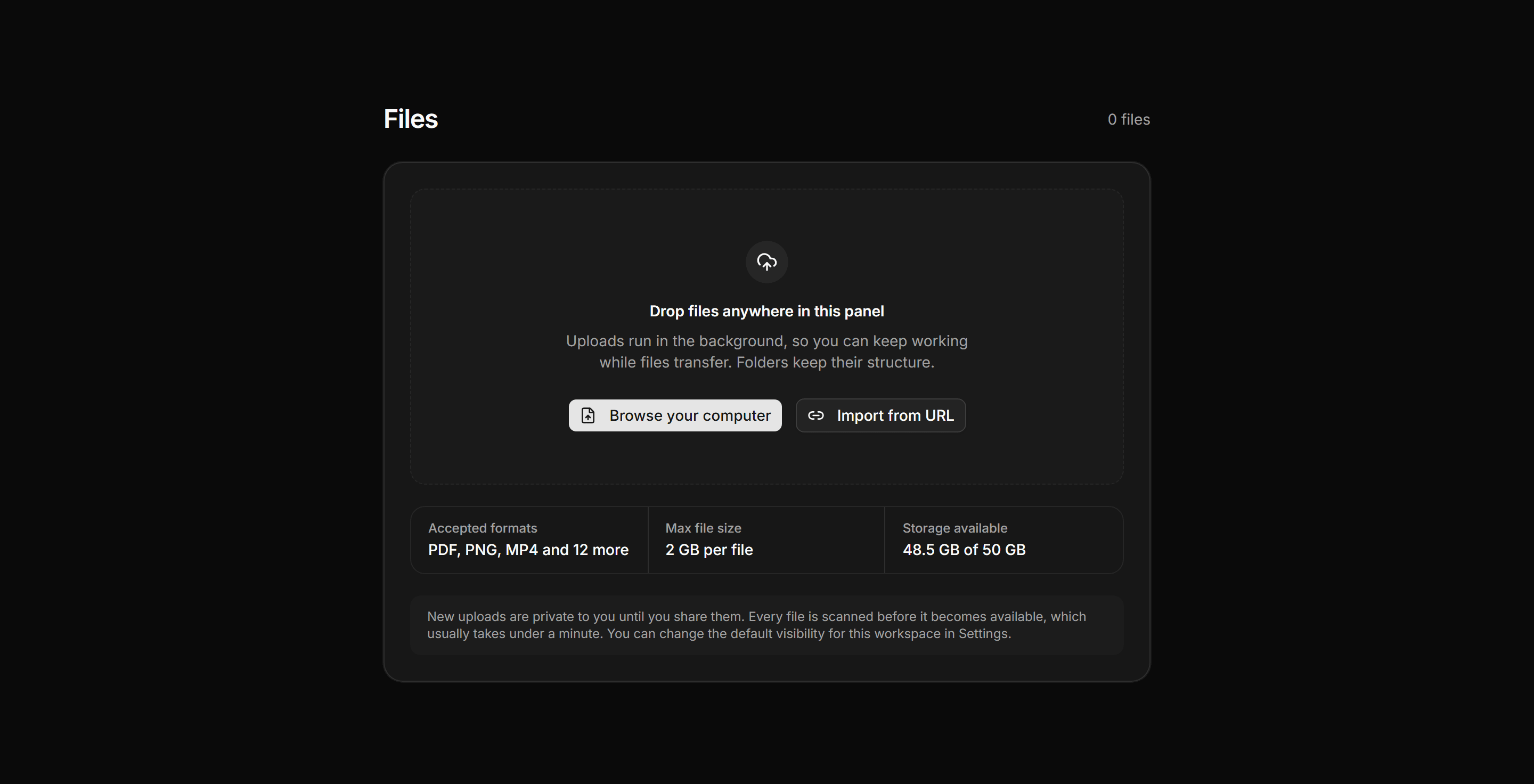
An empty file library with a dashed dropzone, browse and import from URL actions, a facts row for formats and storage, and a privacy note.
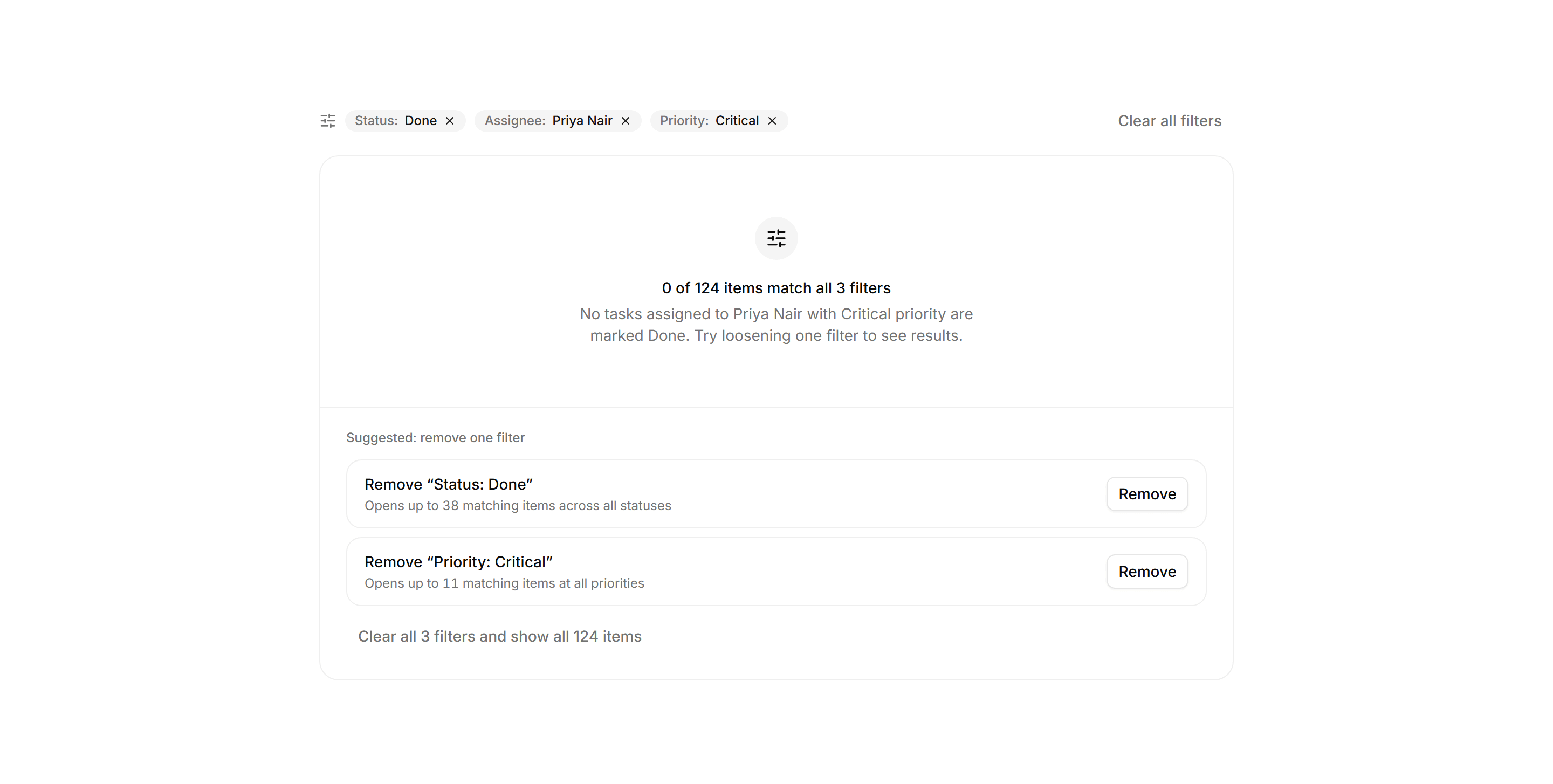
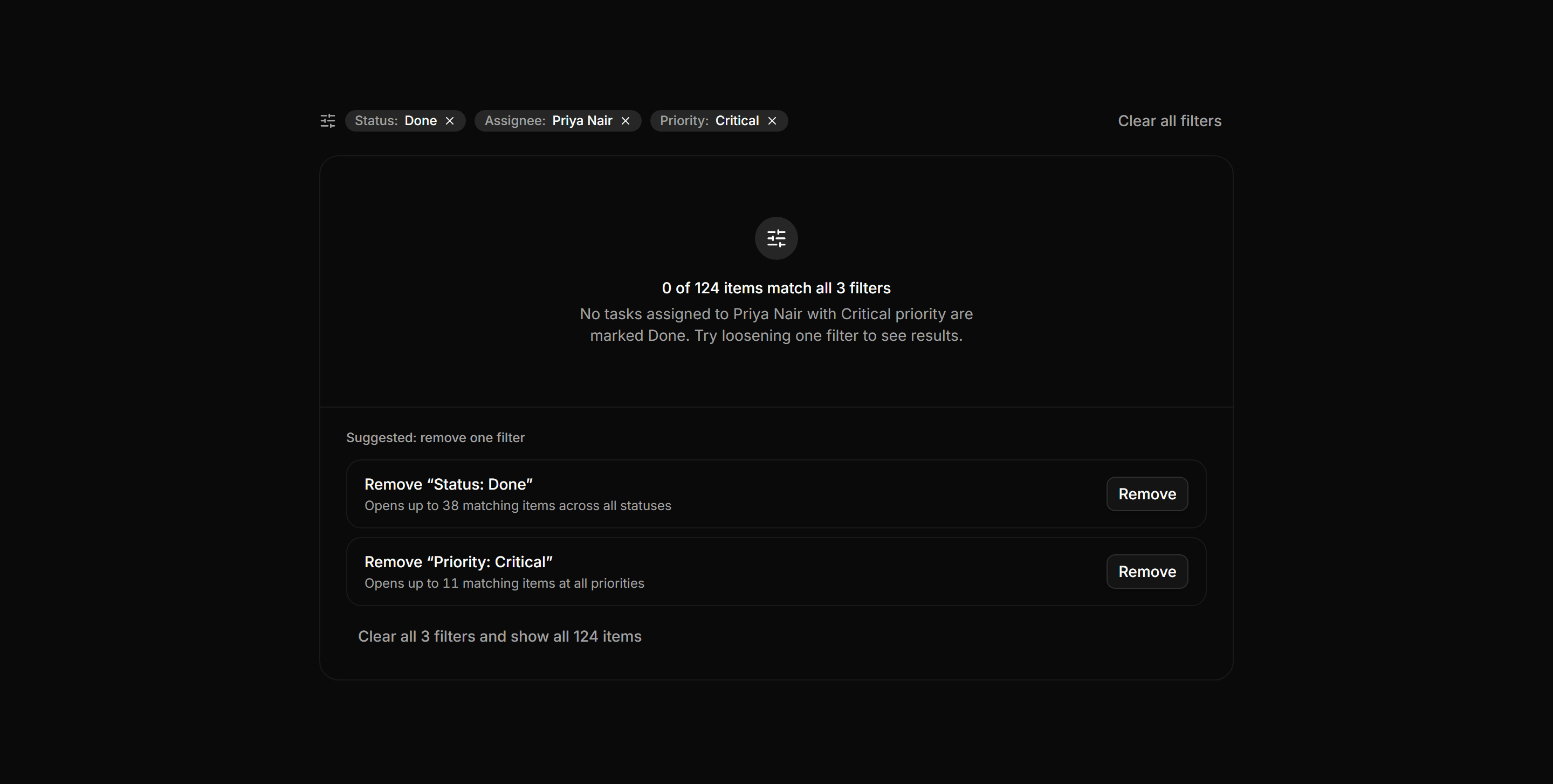
Application Empty State: Search No Matches
Zero-result state echoing 3 active filter chips, the count 0 of 124, and per-filter recovery suggestions with item counts.
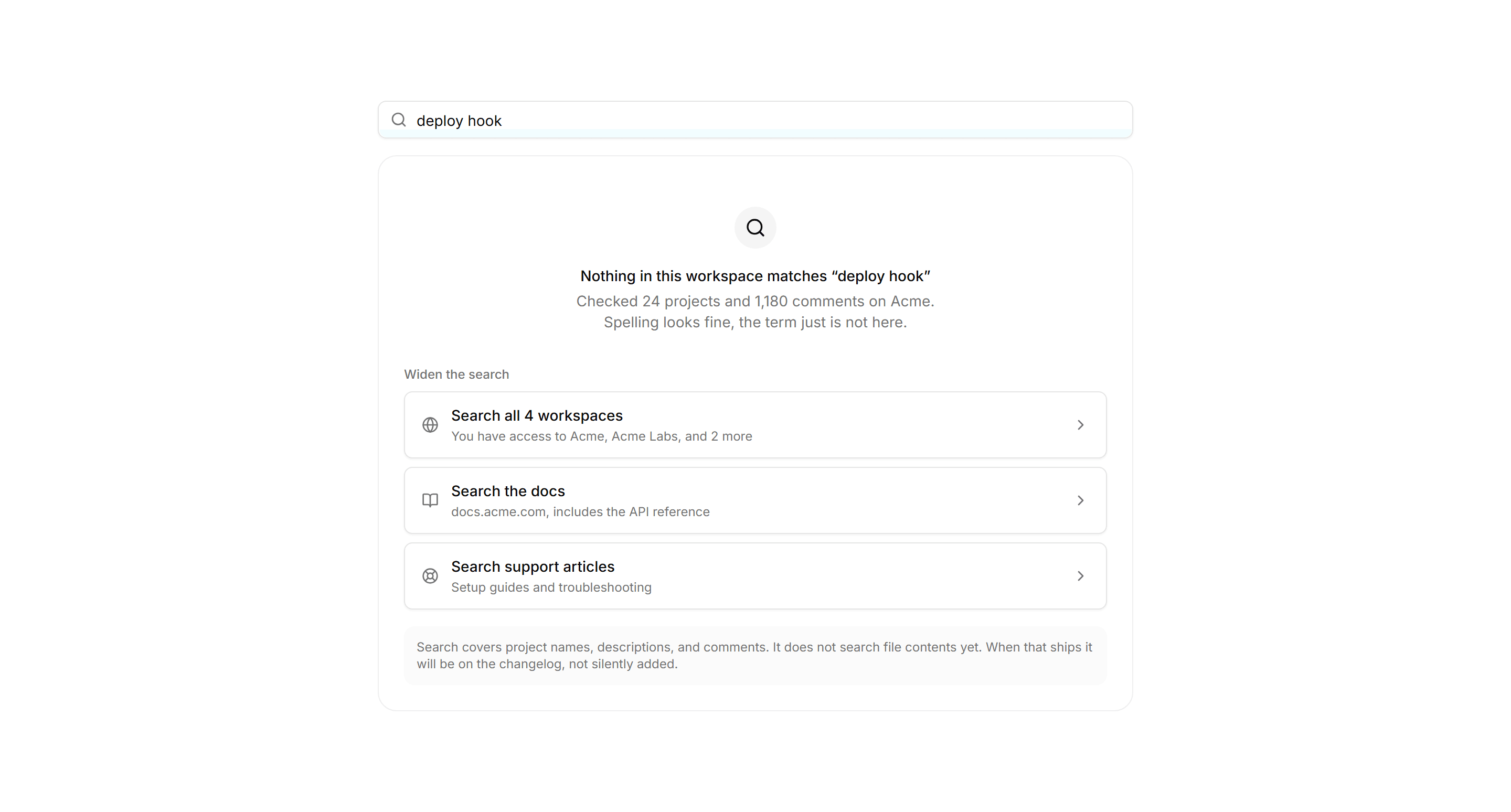
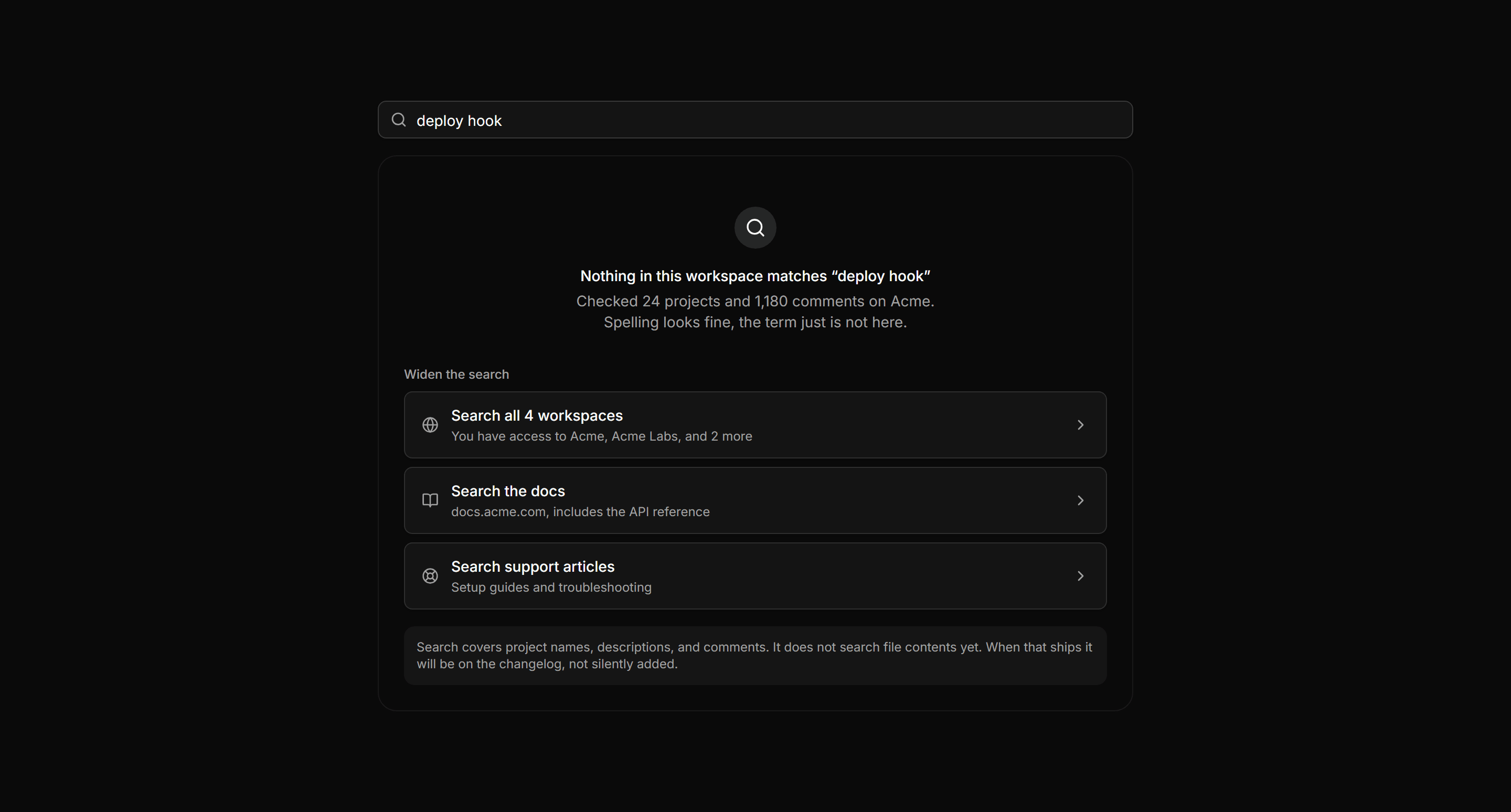
Application Empty State: No Search Results State
The query kept, three scopes to widen, and what search covers stated.
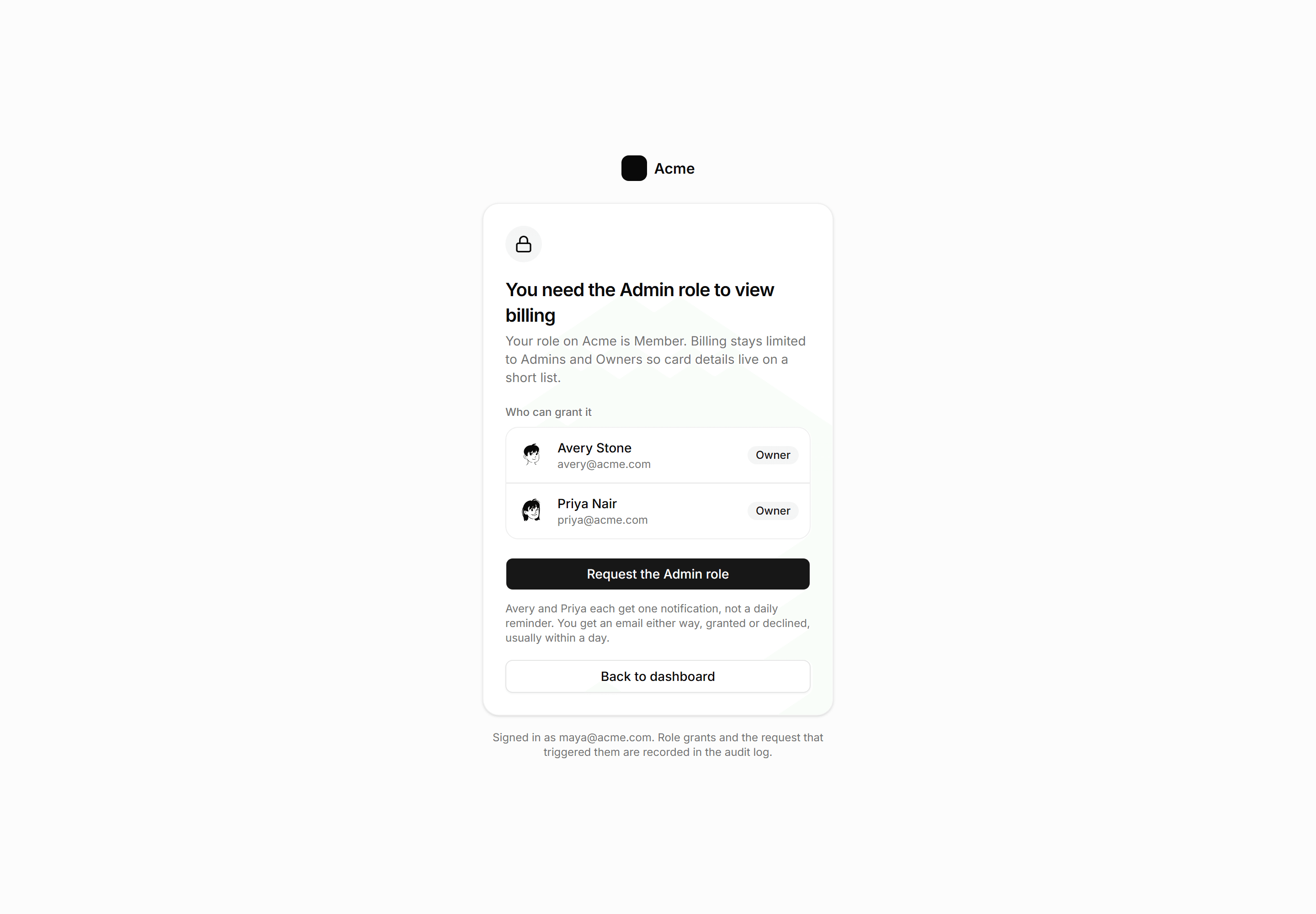
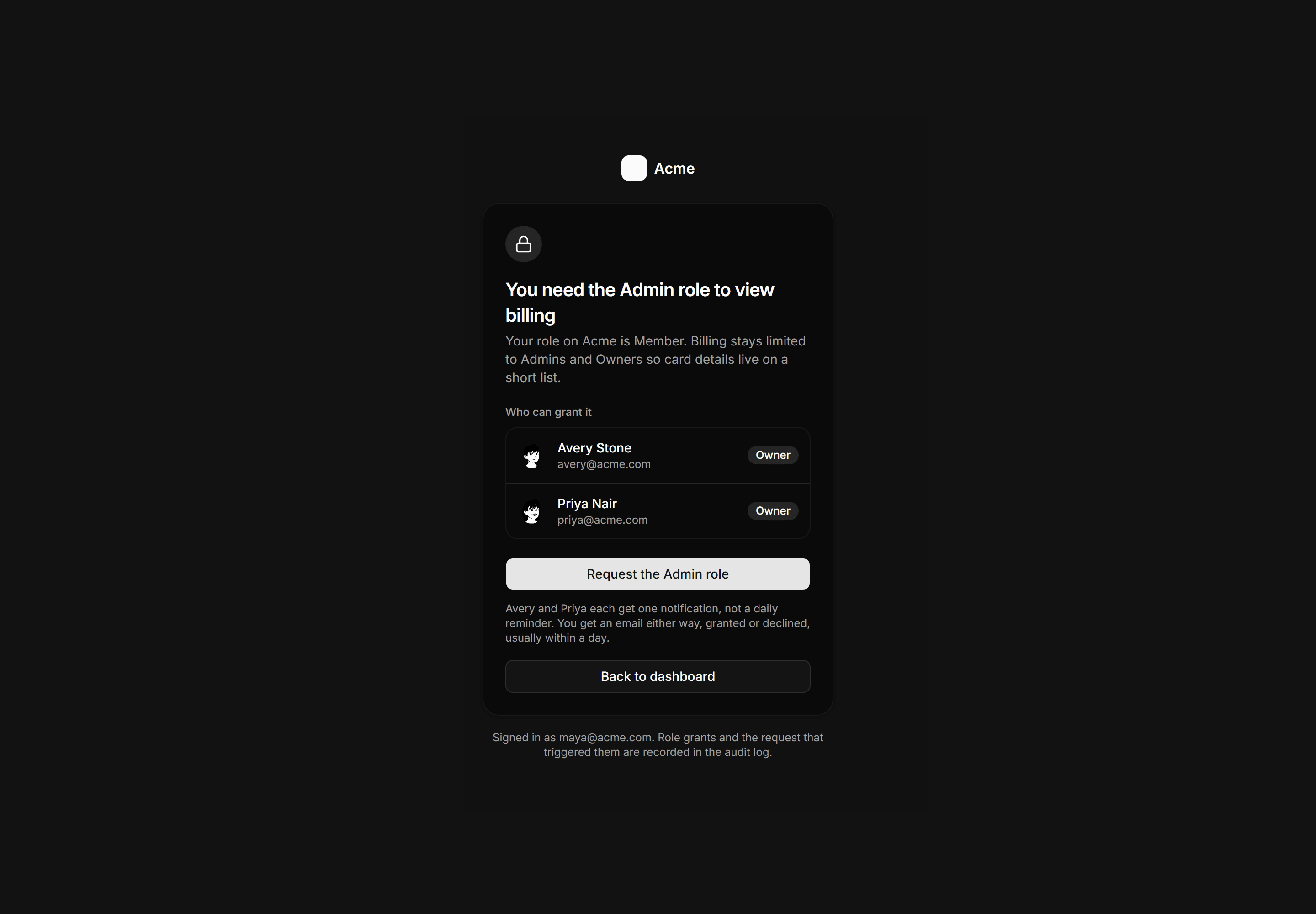
Application Empty State: Permission Denied State
The 403 that names the role, the owners who grant it, and the request flow.
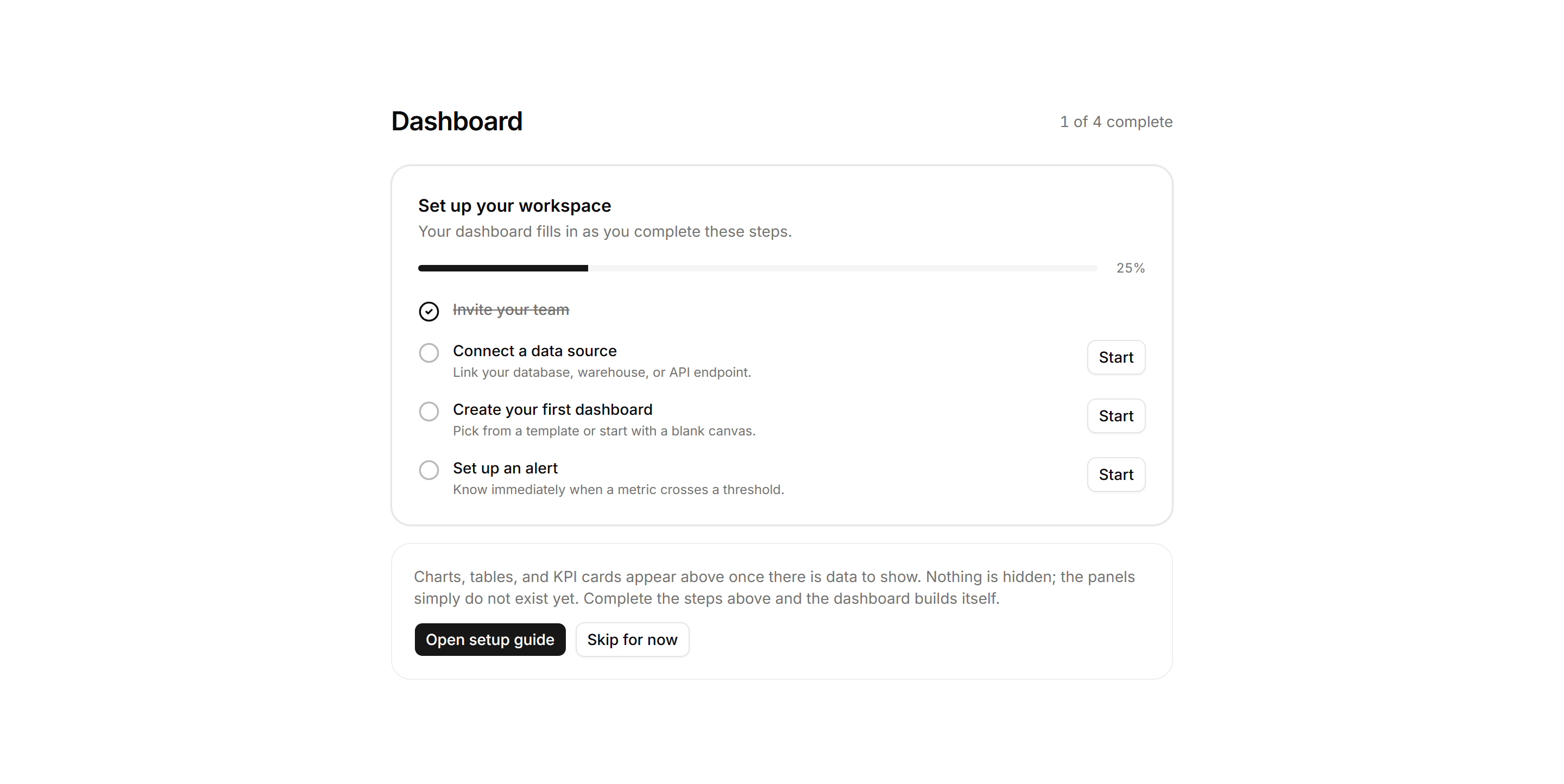
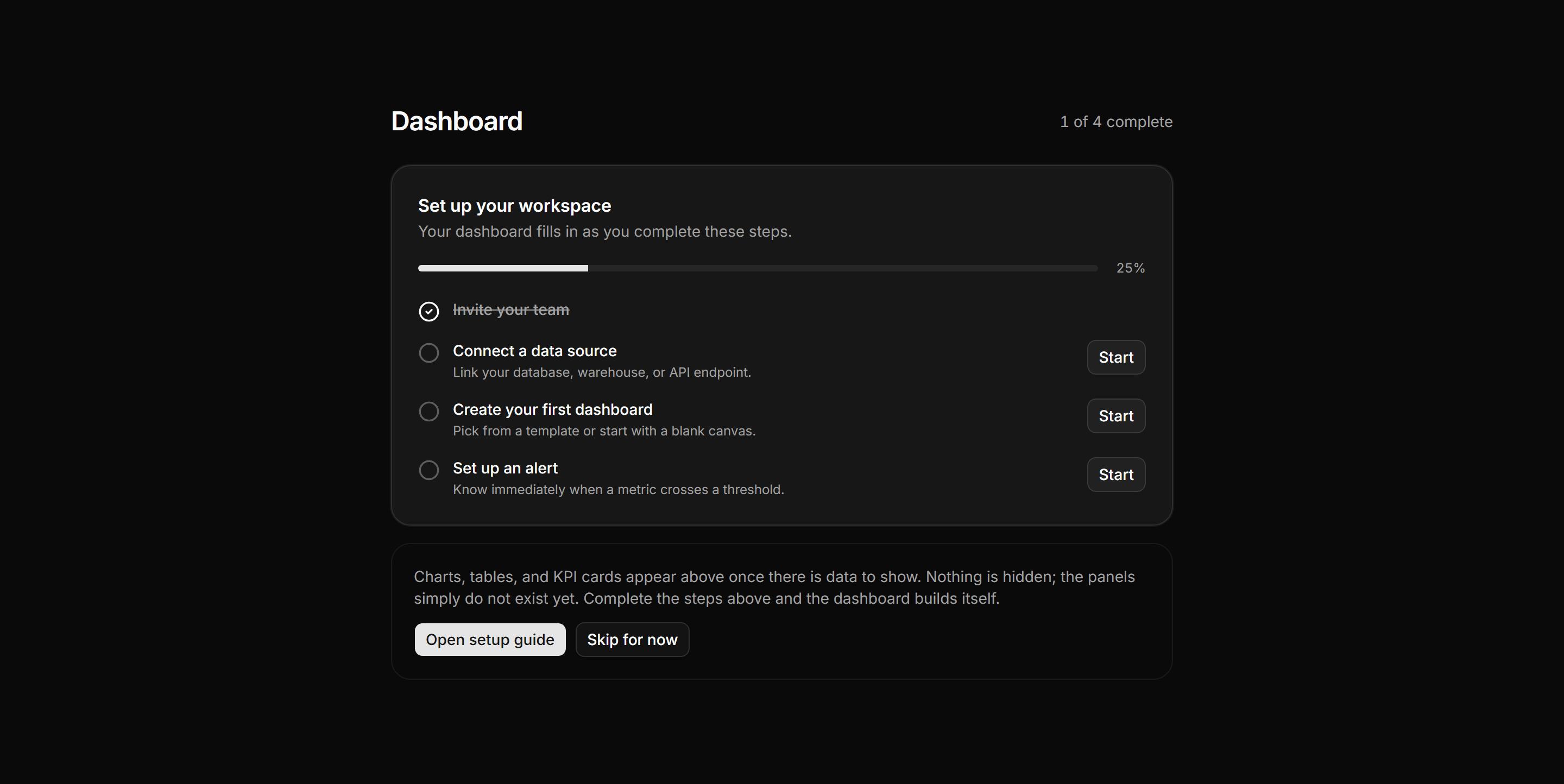
Application Empty State: First Run Checklist Empty
Empty dashboard state with a 4-step setup checklist, progress bar, and honest note that panels appear as steps are completed.
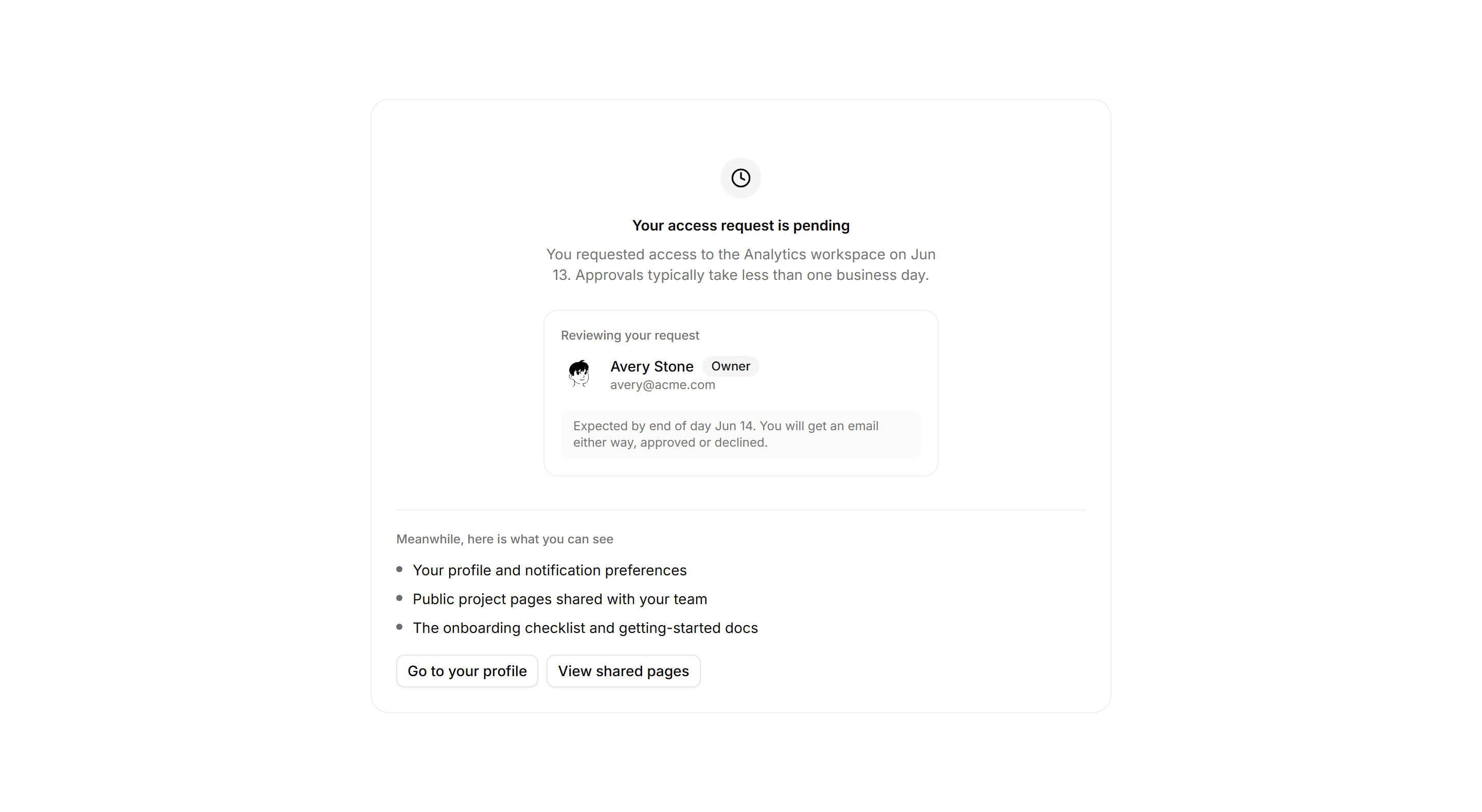
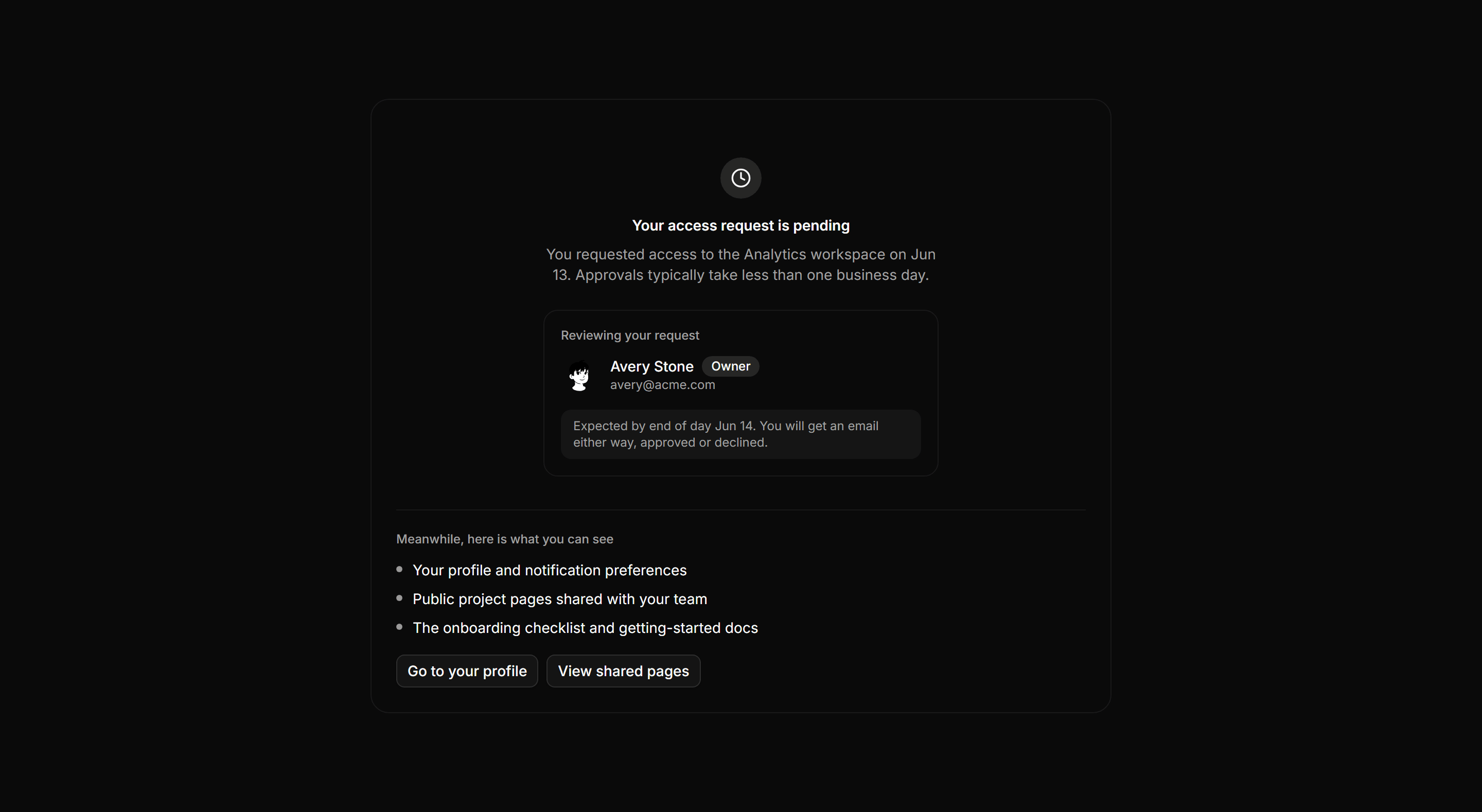
Application Empty State: No Access Yet State
Pending-access gate naming the reviewer with avatar and ETA, plus a list of surfaces the user can reach in the meantime.
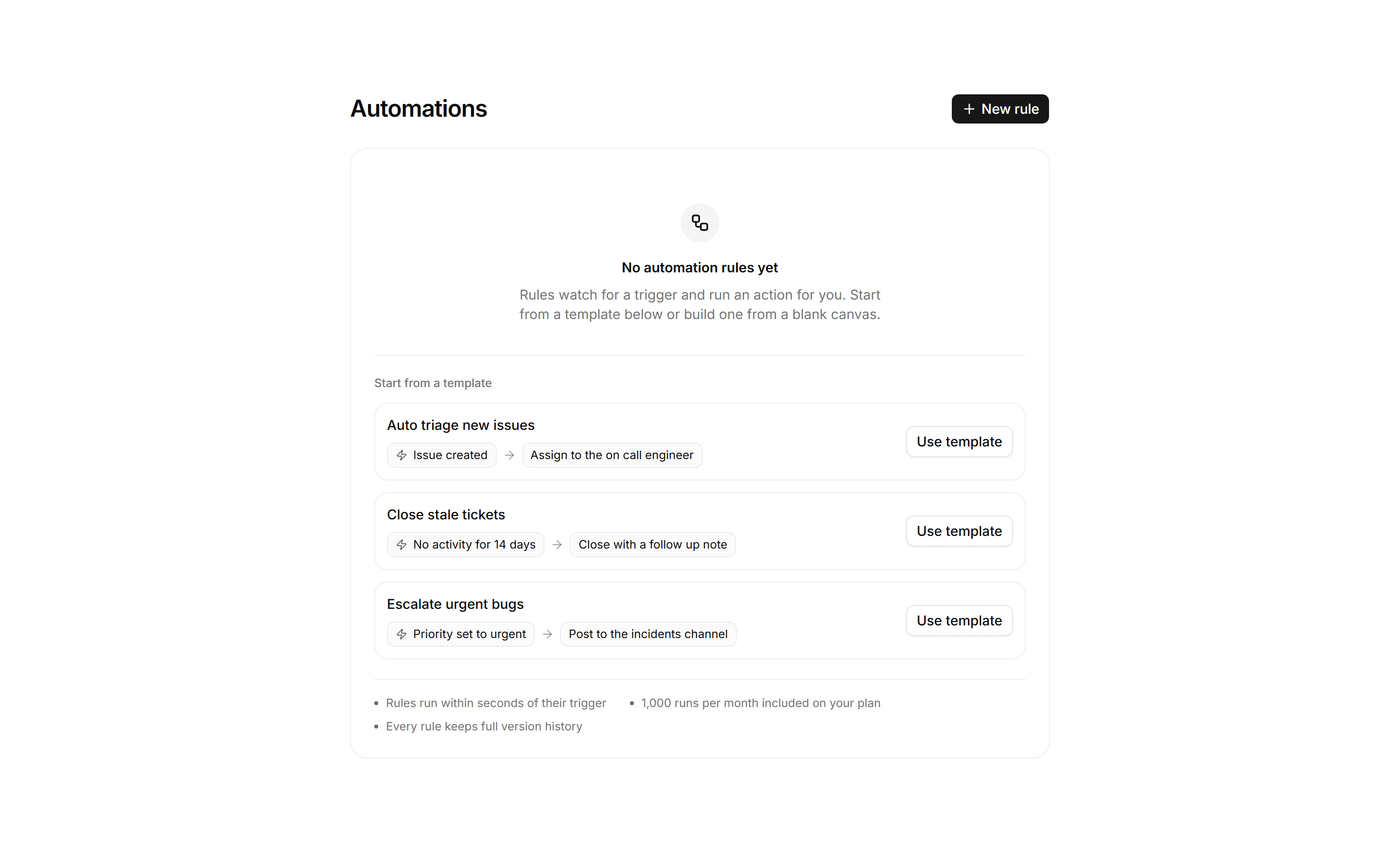
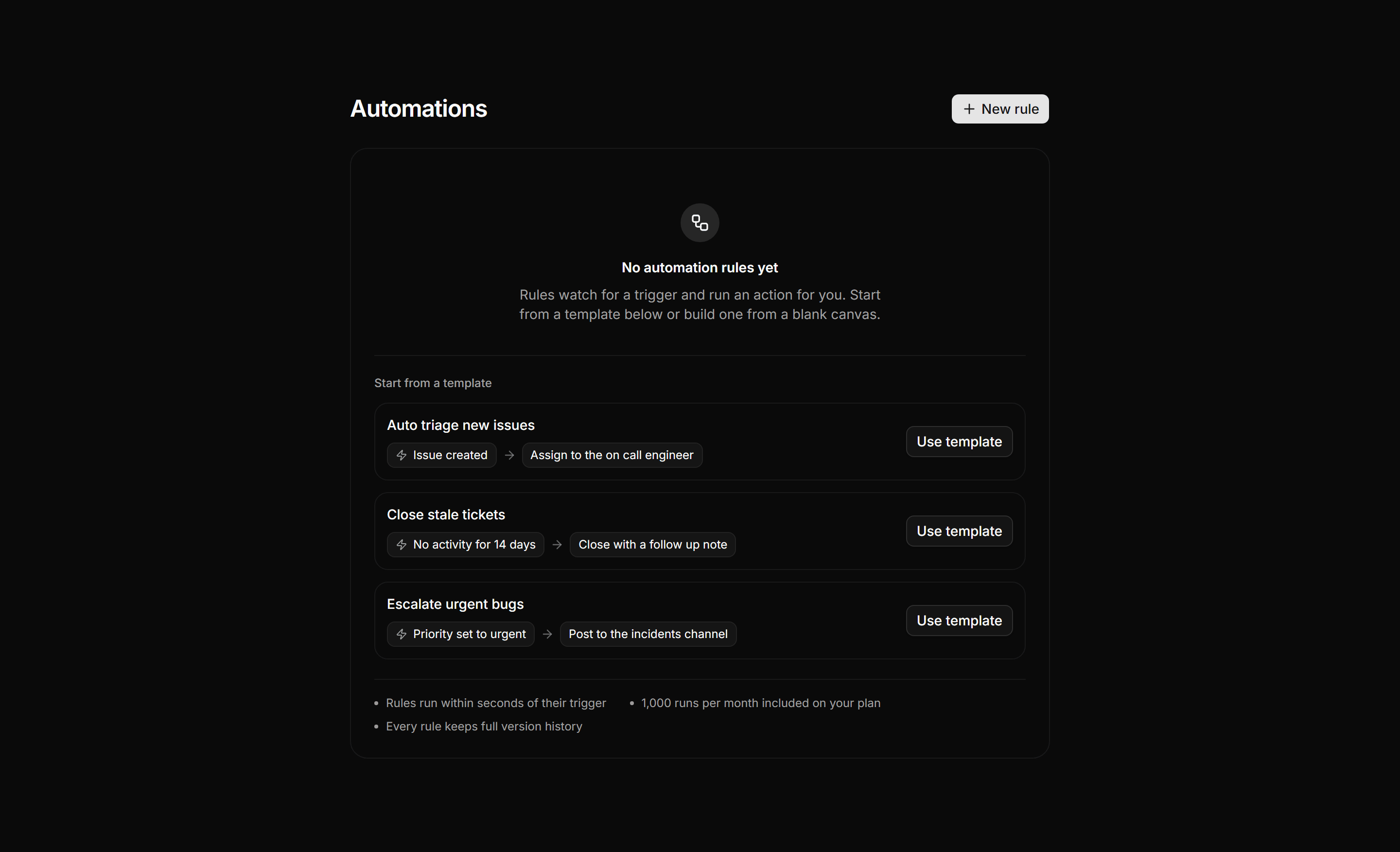
Application Empty State: Empty Automations State
Empty automations panel pairing a build from scratch action with three starter template recipe rows and a facts row on run speed and quota.
Application Empty State: Session Expired State
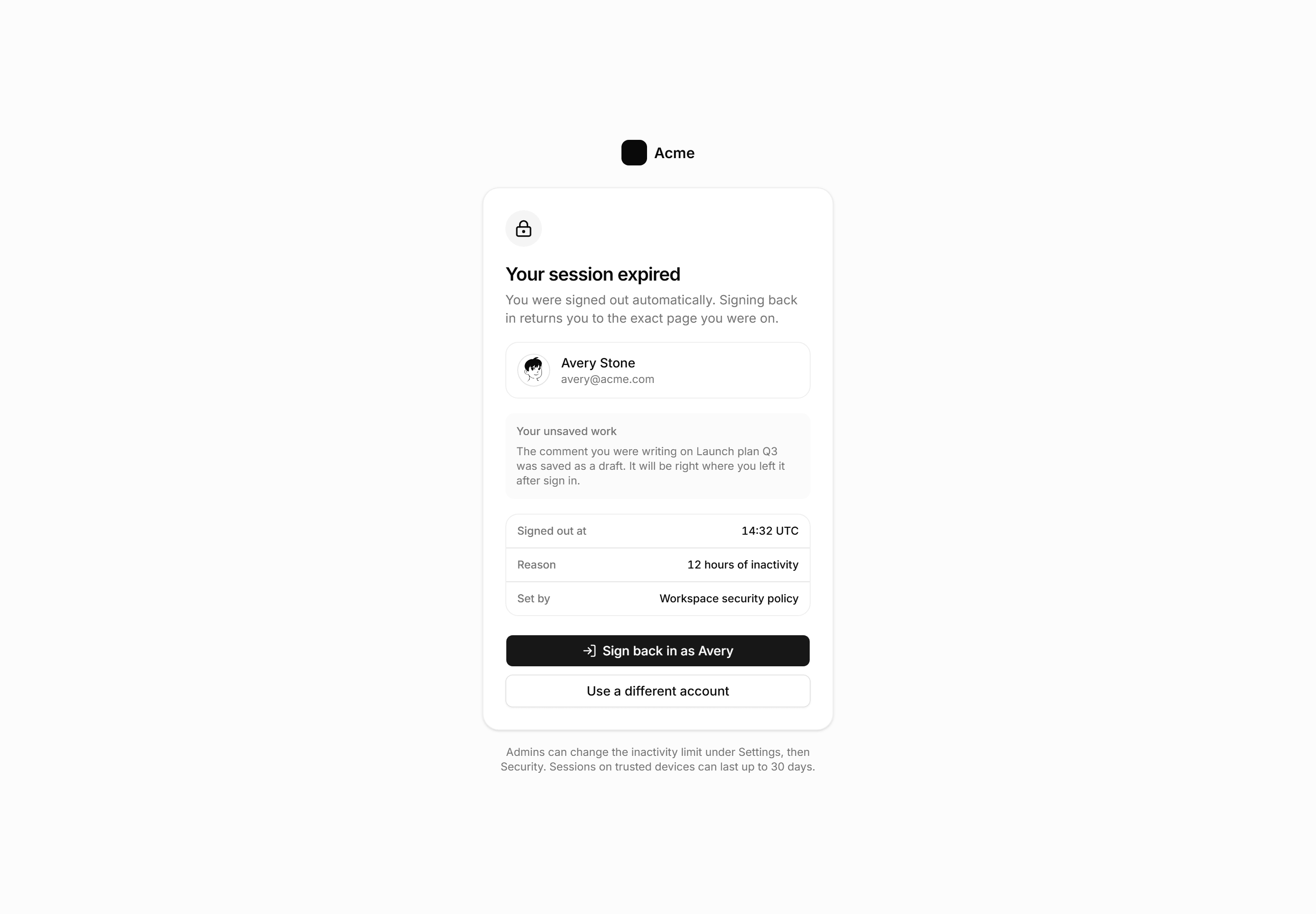
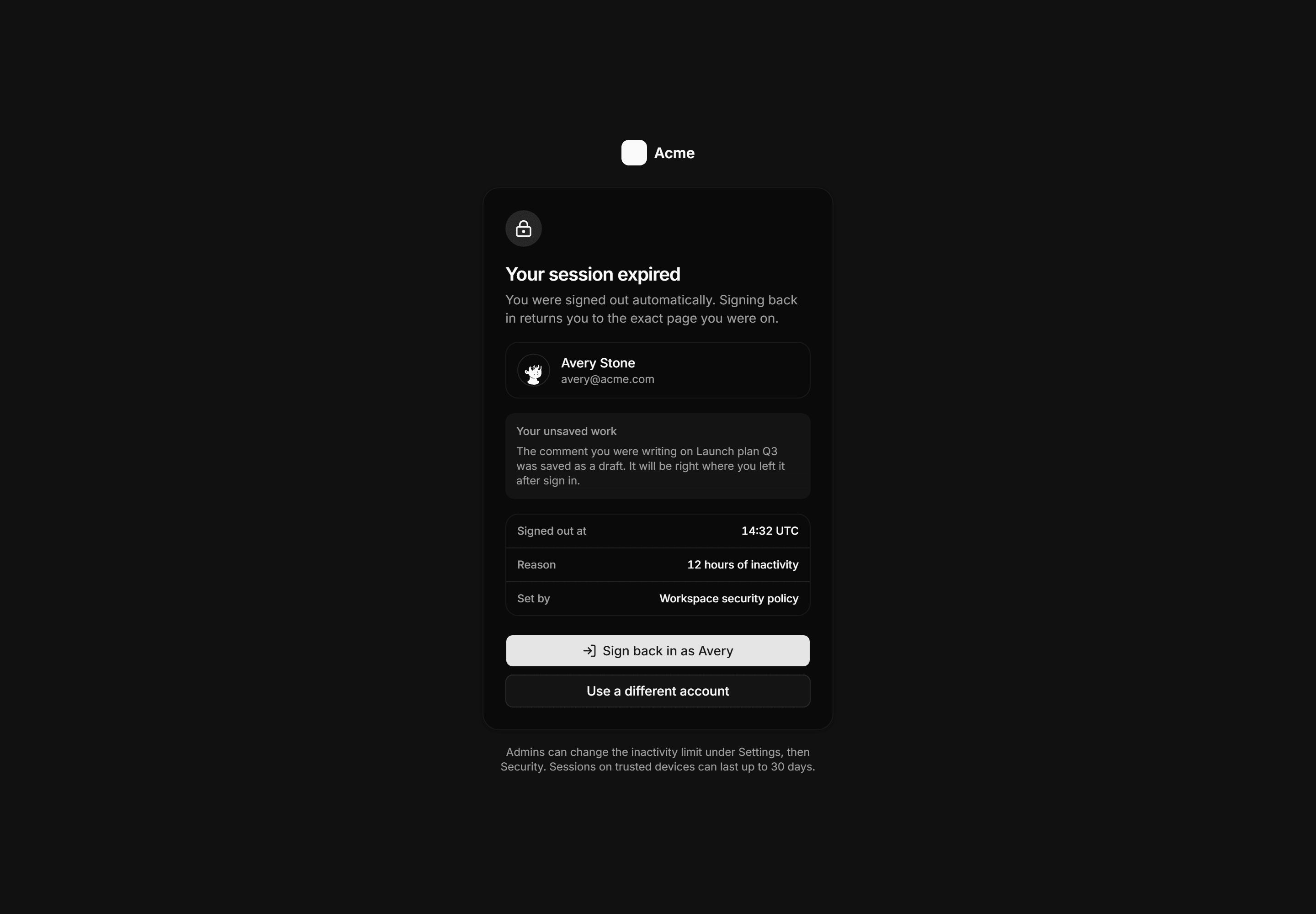
Session expired screen showing the account for one click resume, a saved draft note, meta rows naming the policy, and sign in actions.
Application Empty State: Deleted Resource State
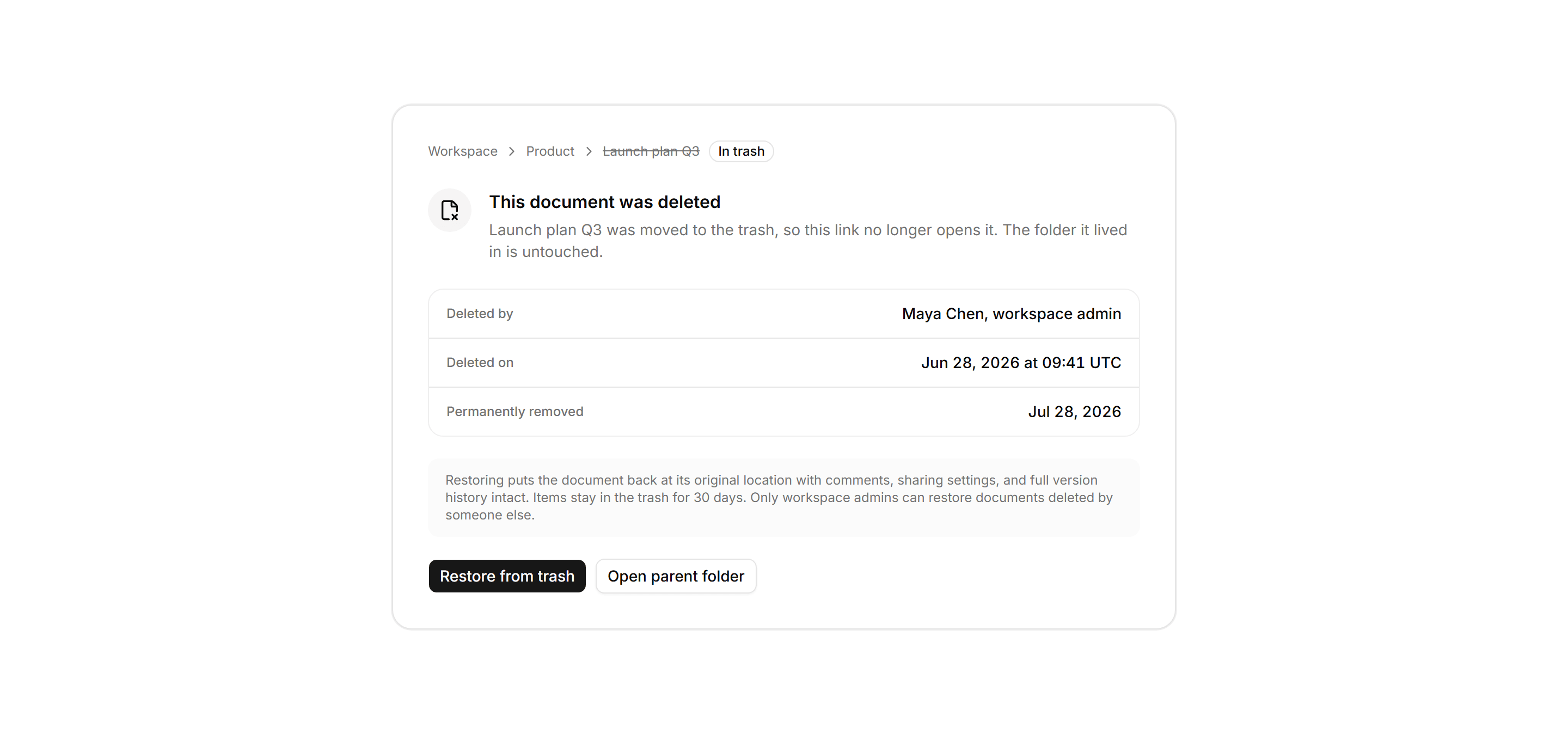
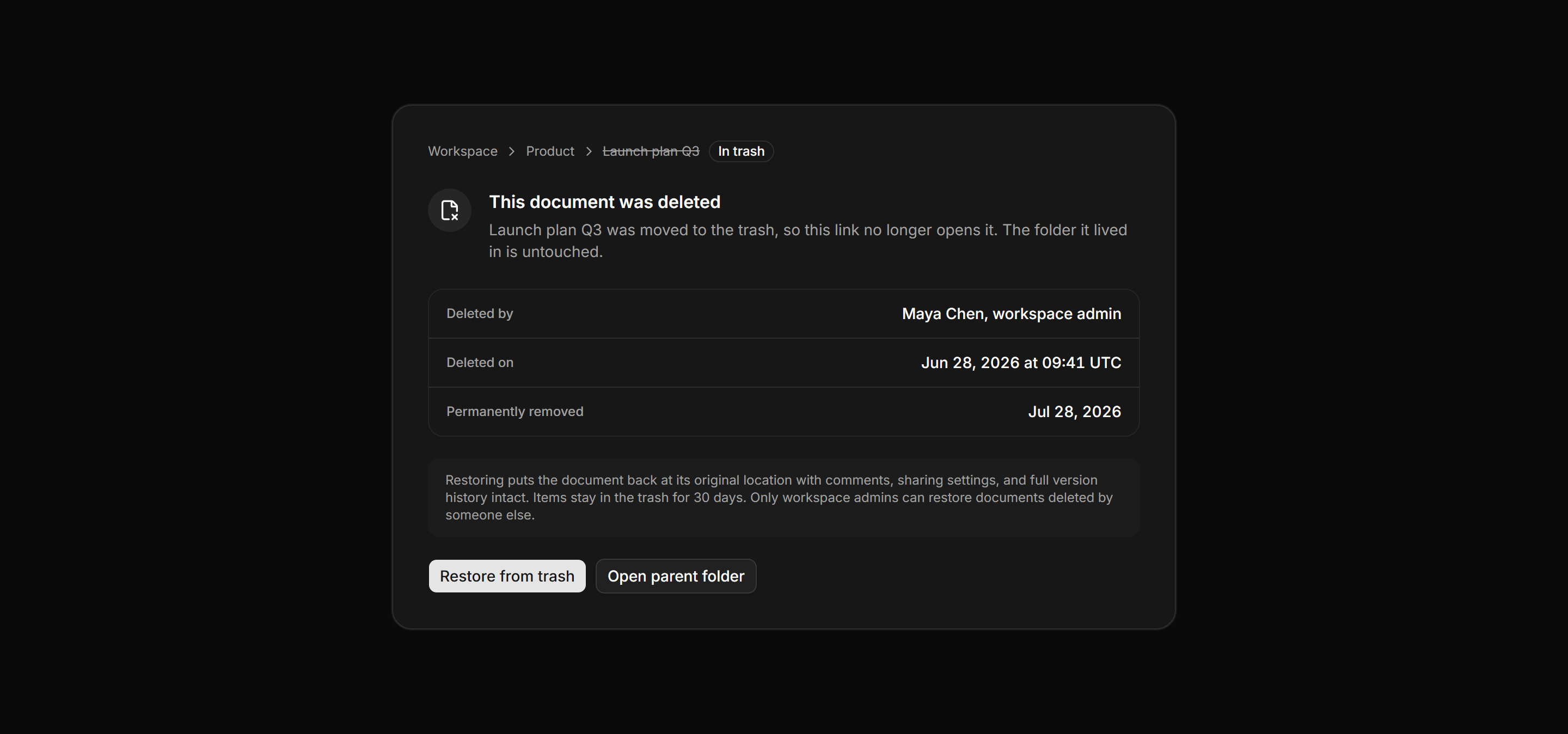
A not found panel for a deleted document with a struck through breadcrumb trail, a deletion record, a restore note, and two recovery actions.
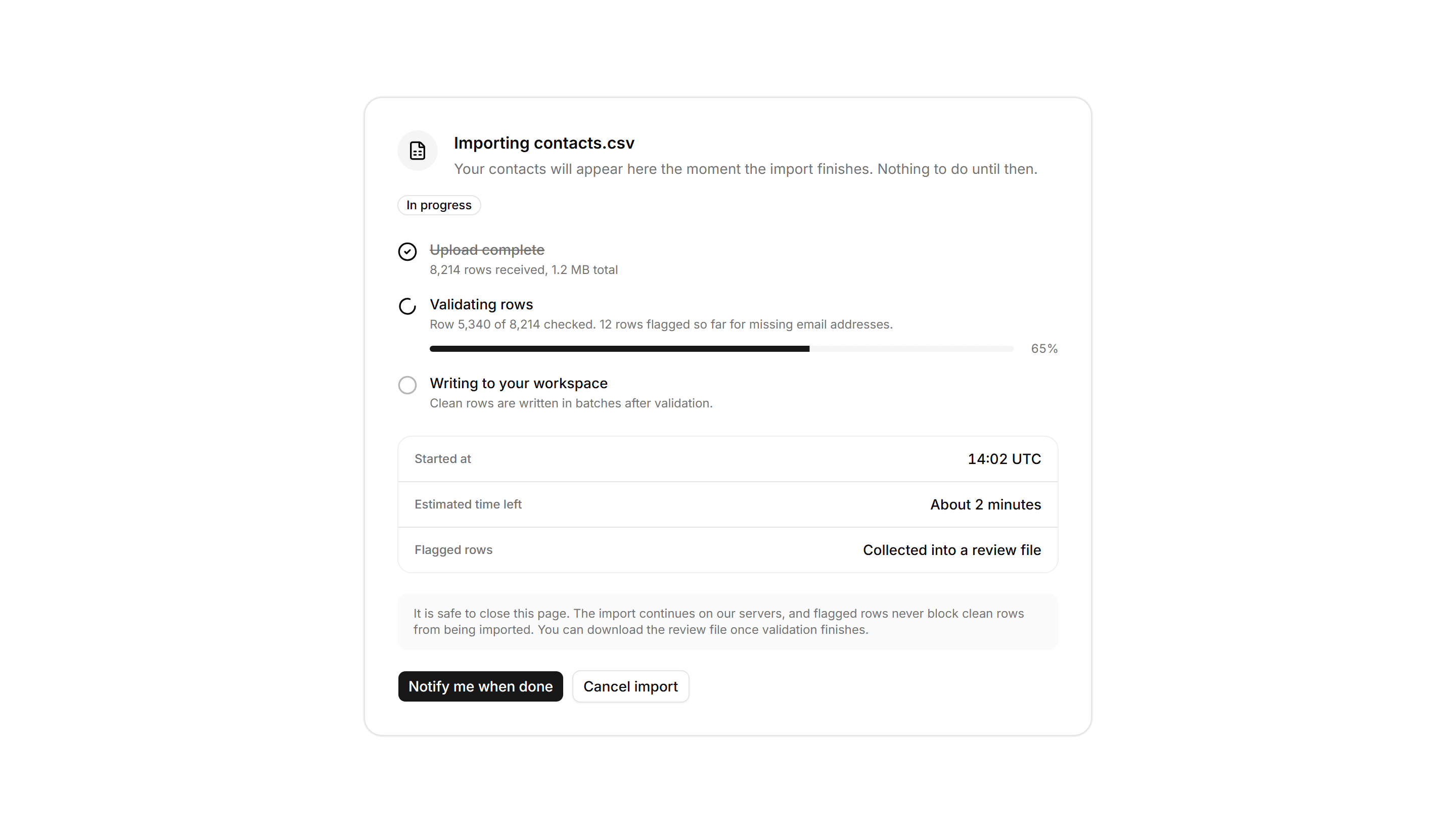
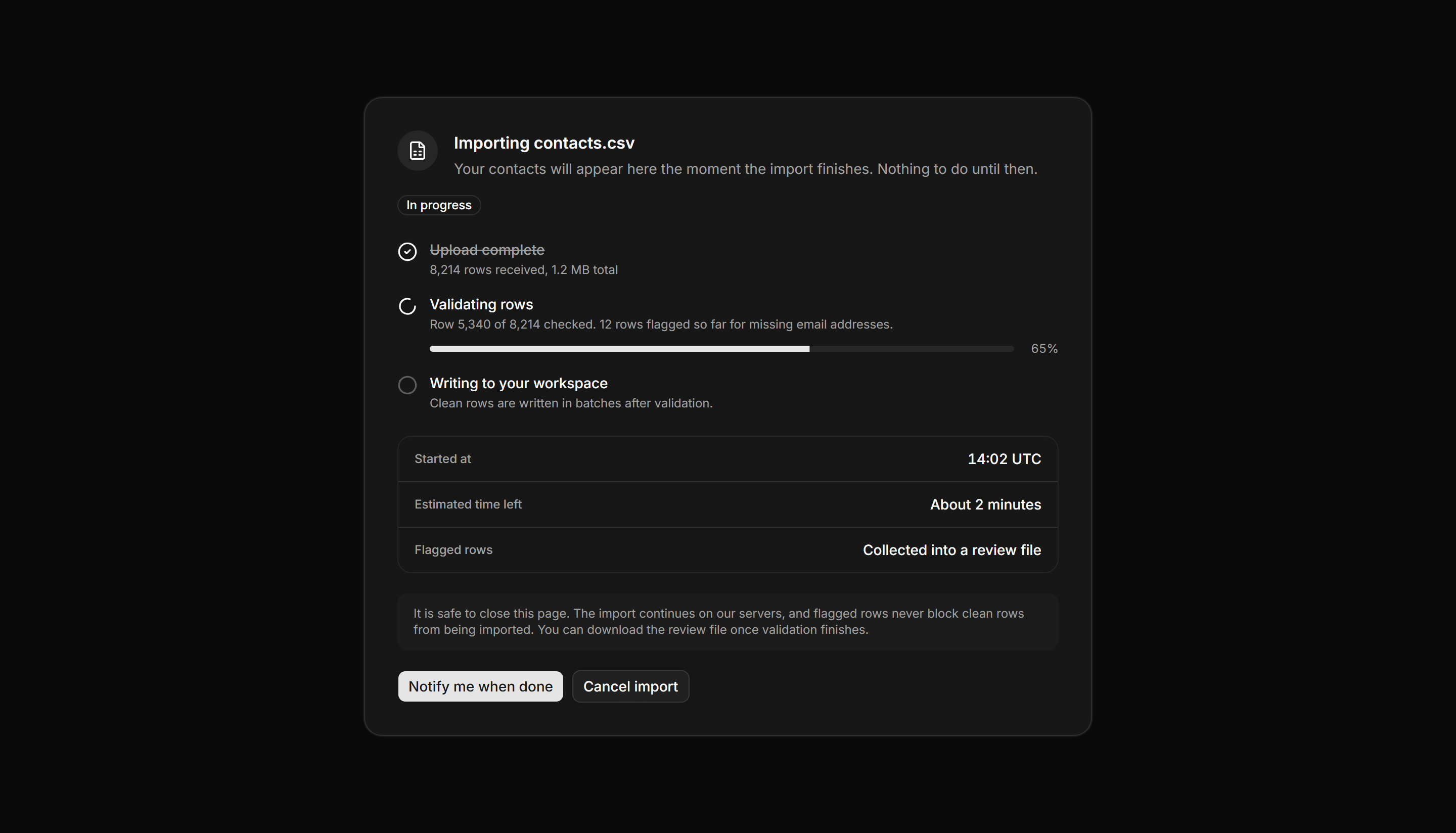
Application Empty State: Import In Progress State
A panel for a running data import with a three step pipeline, a live progress bar, meta rows for timing, and notify or cancel actions.
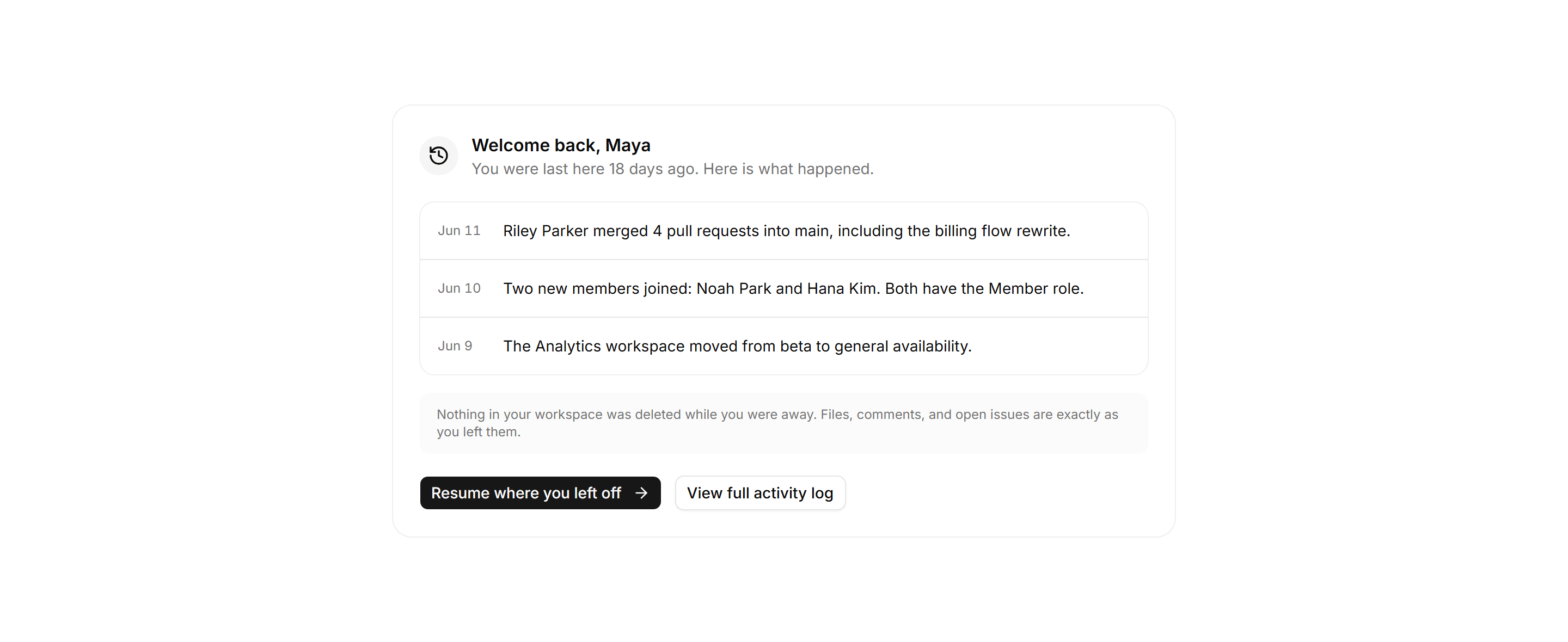
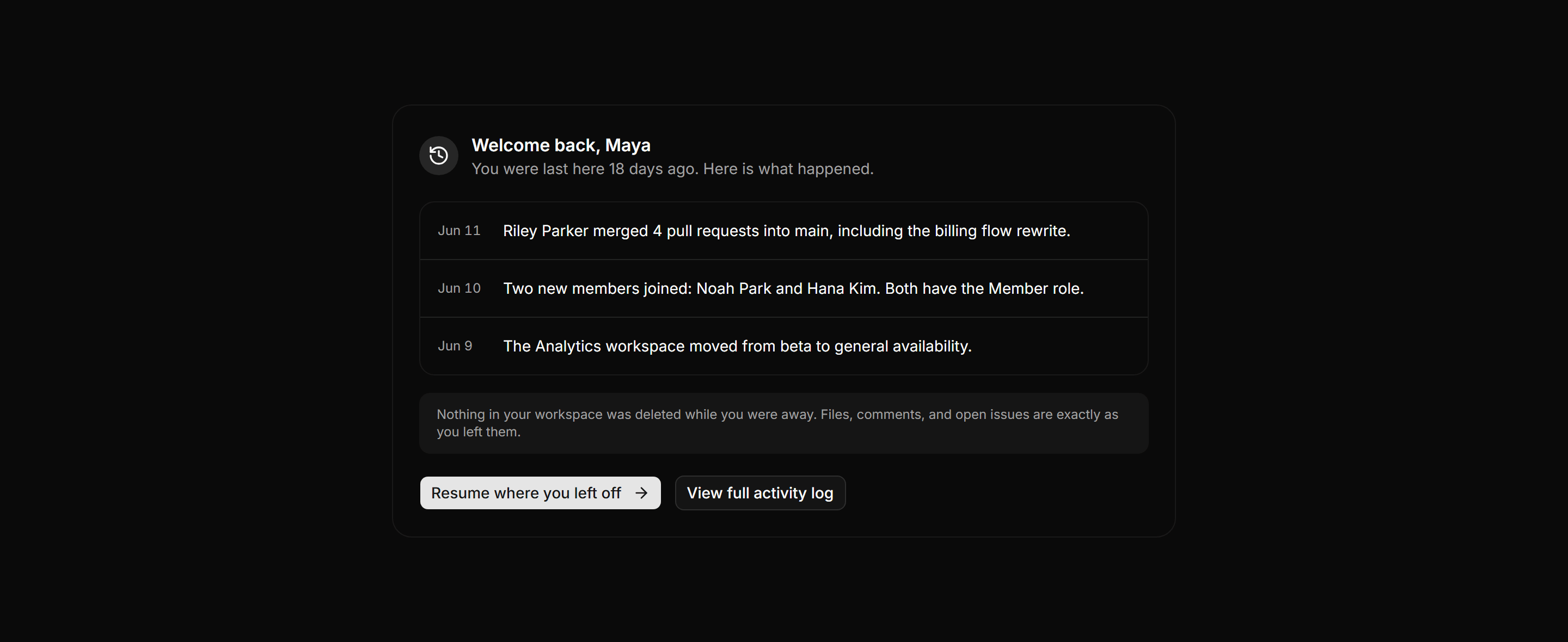
Application Empty State: Welcome Back State
Returning-user digest showing three dated workspace changes, a resume link, and an explicit note that nothing was deleted.
Application Empty State: No Integrations State
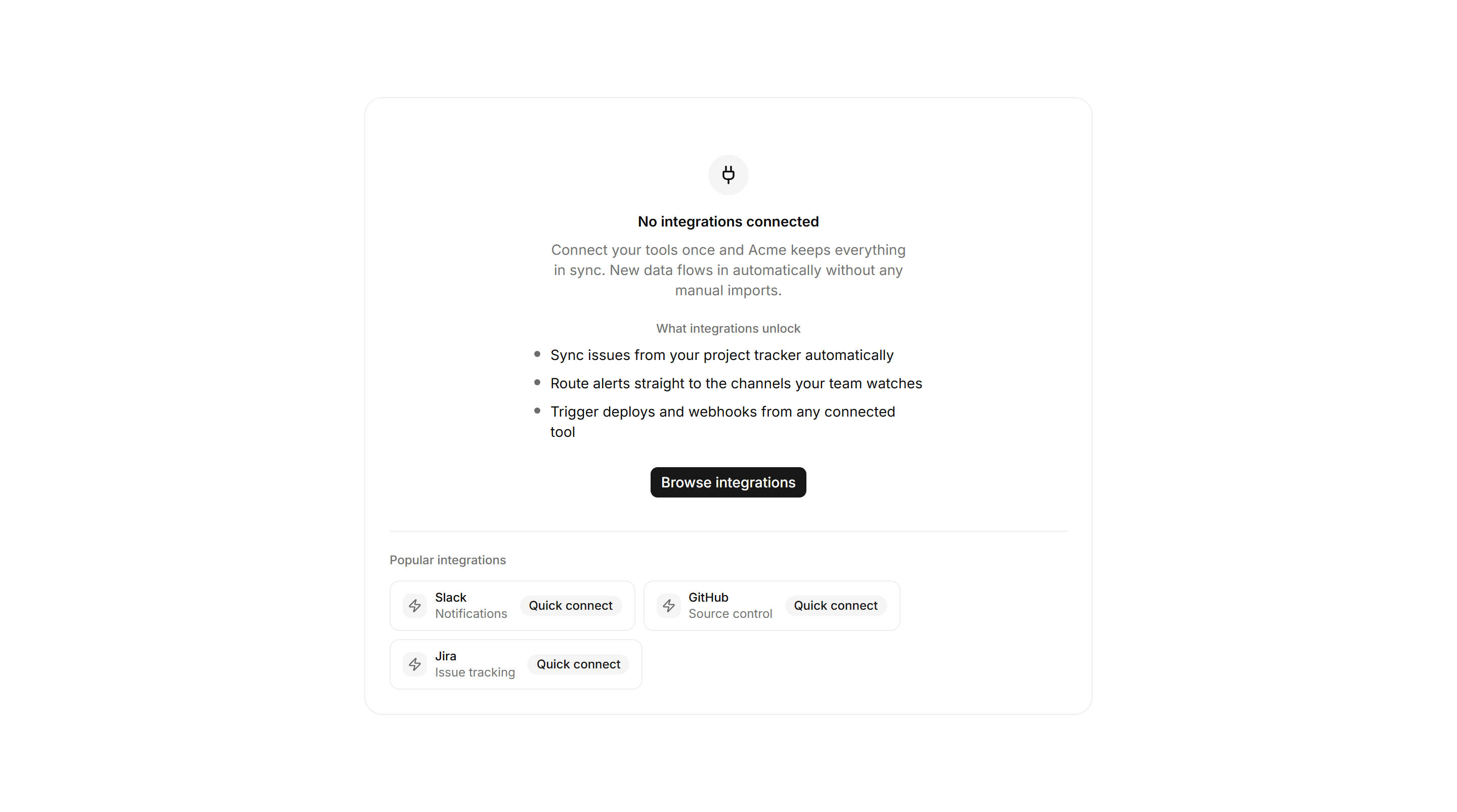
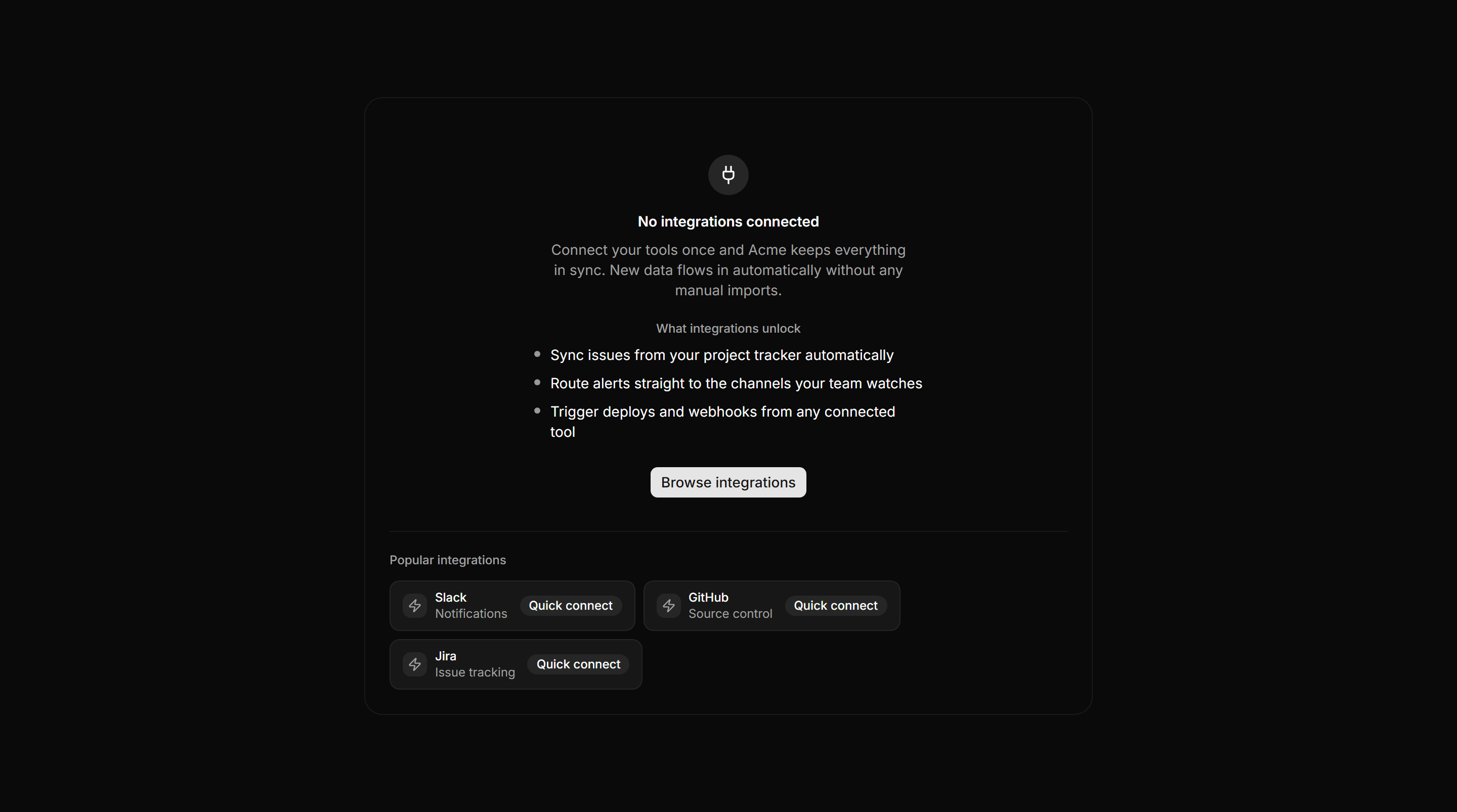
Empty integrations surface with unlock bullets, a browse CTA, and Slack, GitHub, and Jira quick-connect chips.
Application Empty State: Onboarding Empty Dashboard
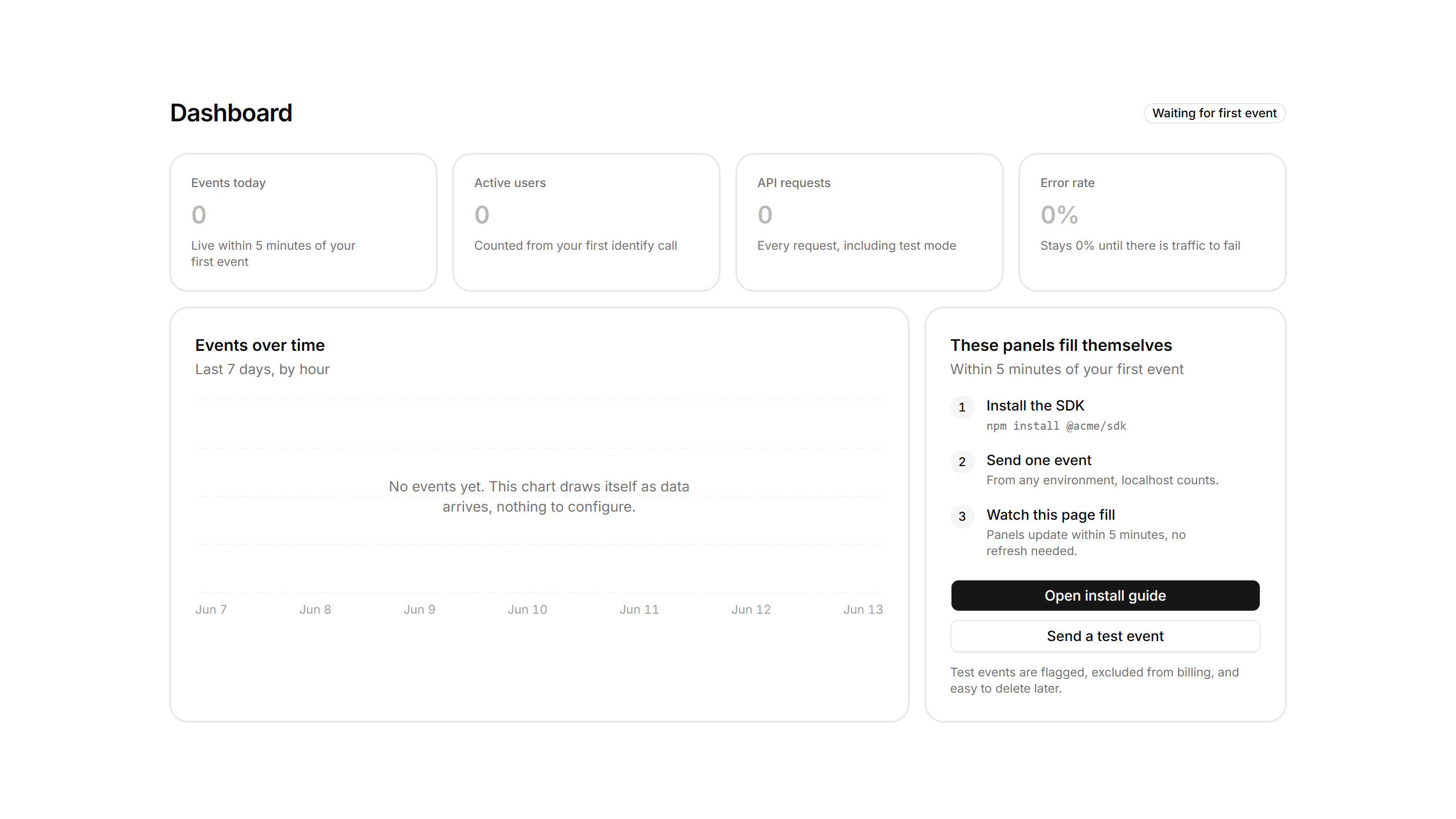
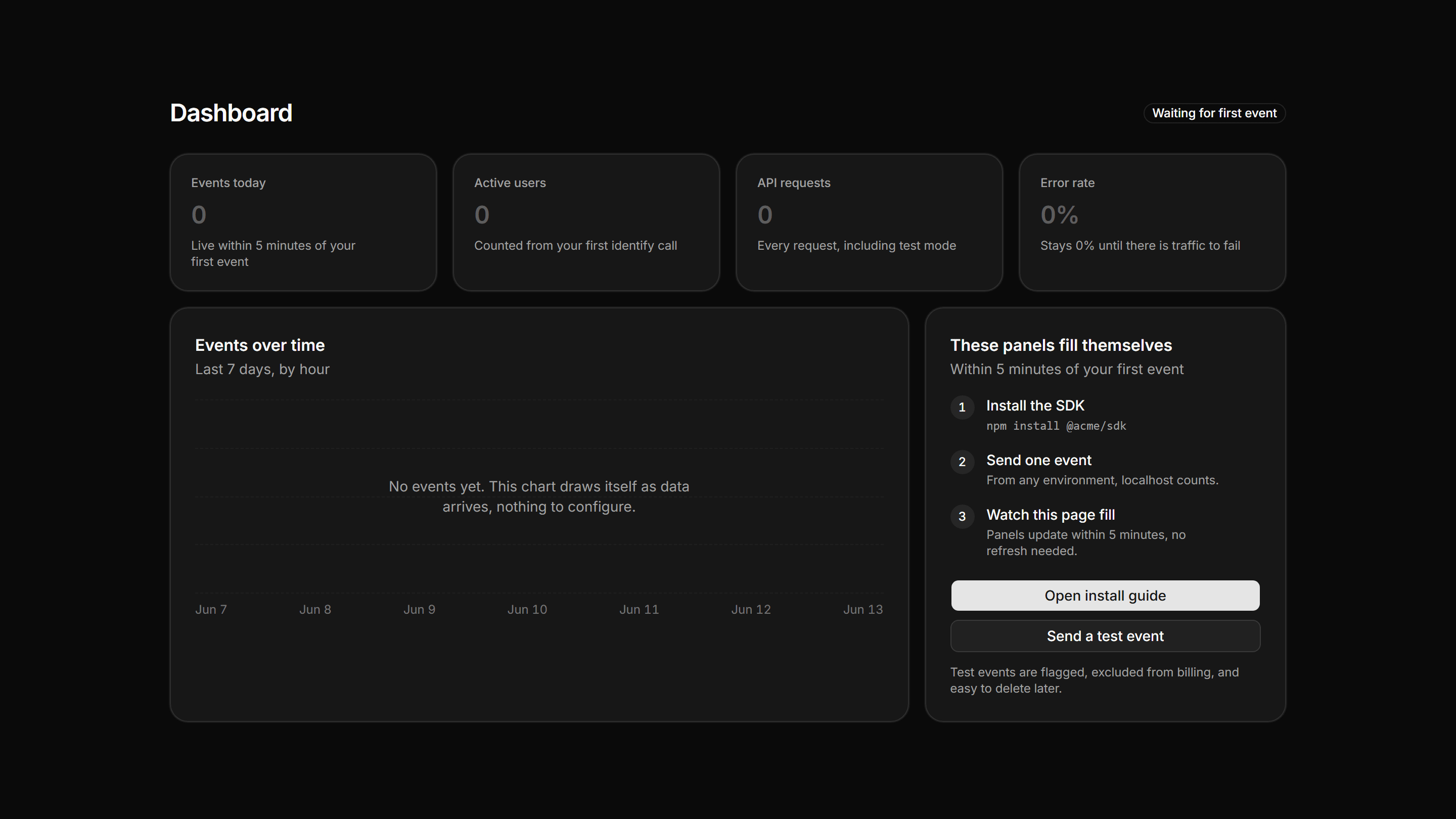
The dashboard before data, zeroed KPIs and the five minute fill promise.
Application Empty State: Error Boundary Card
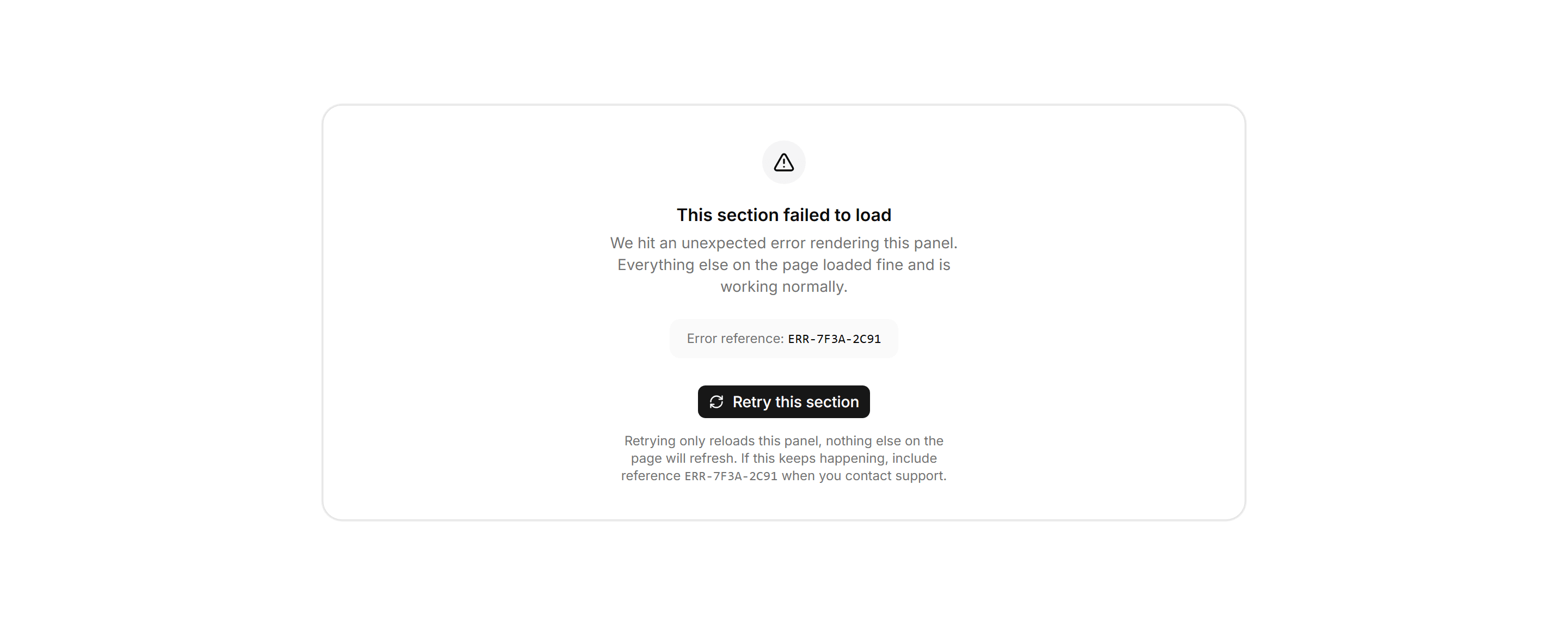
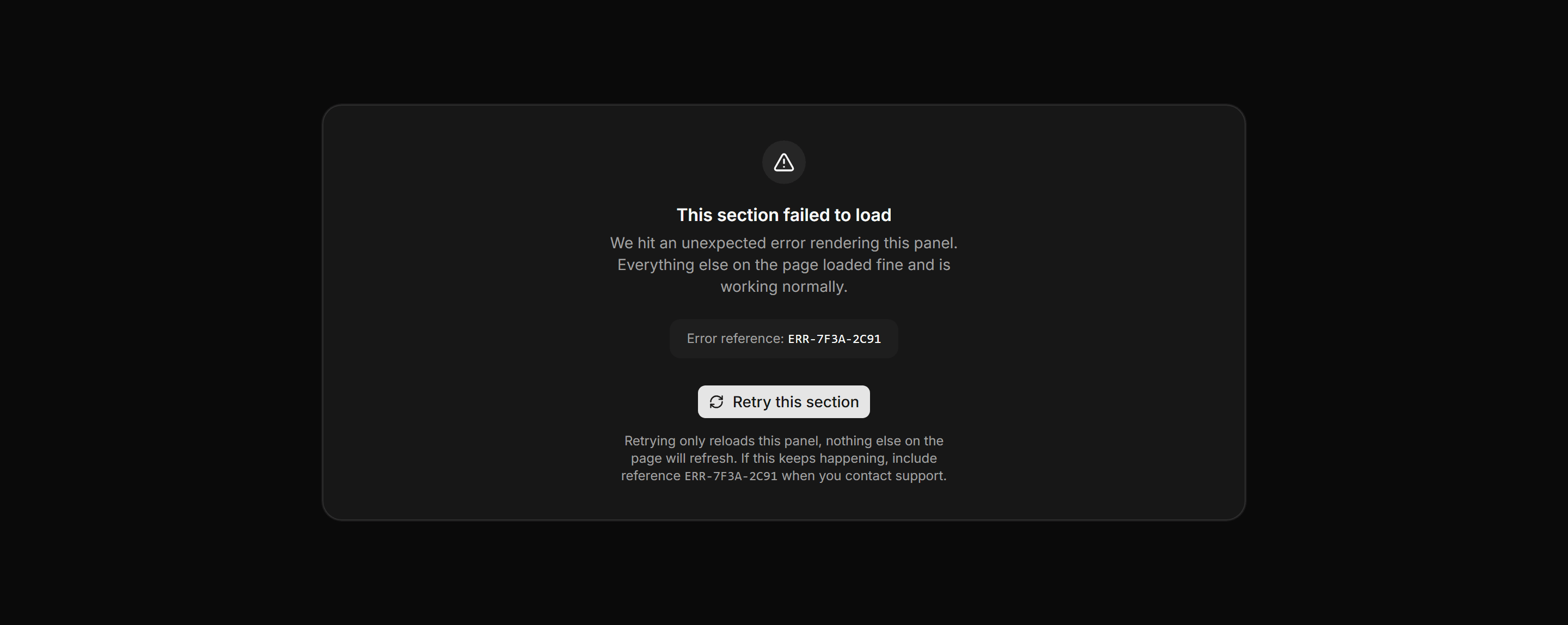
In-place panel fallback showing a mono error reference, a section-scoped retry button, and confirmation that the rest of the page is unaffected.
Application Empty State: Maintenance Page
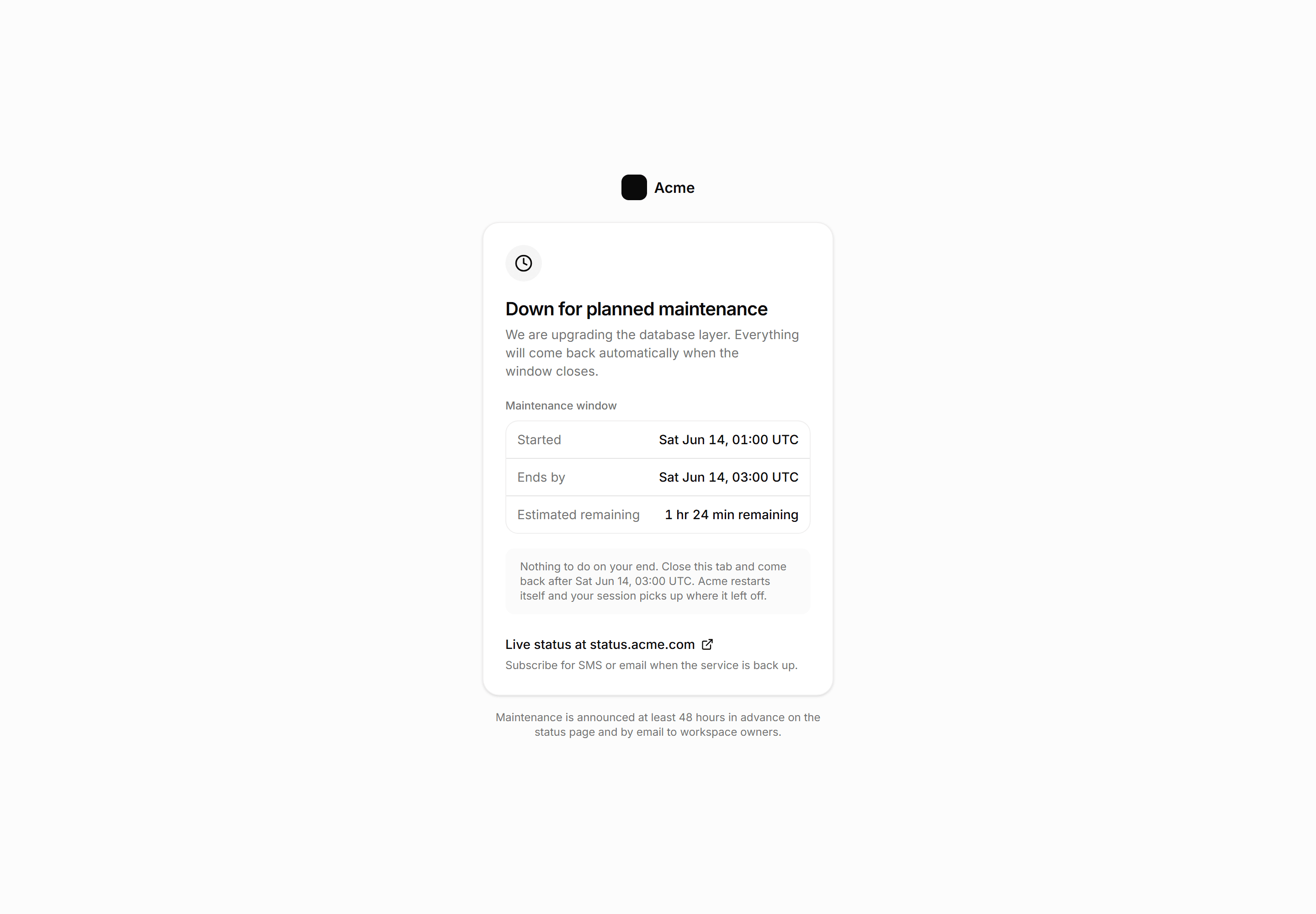
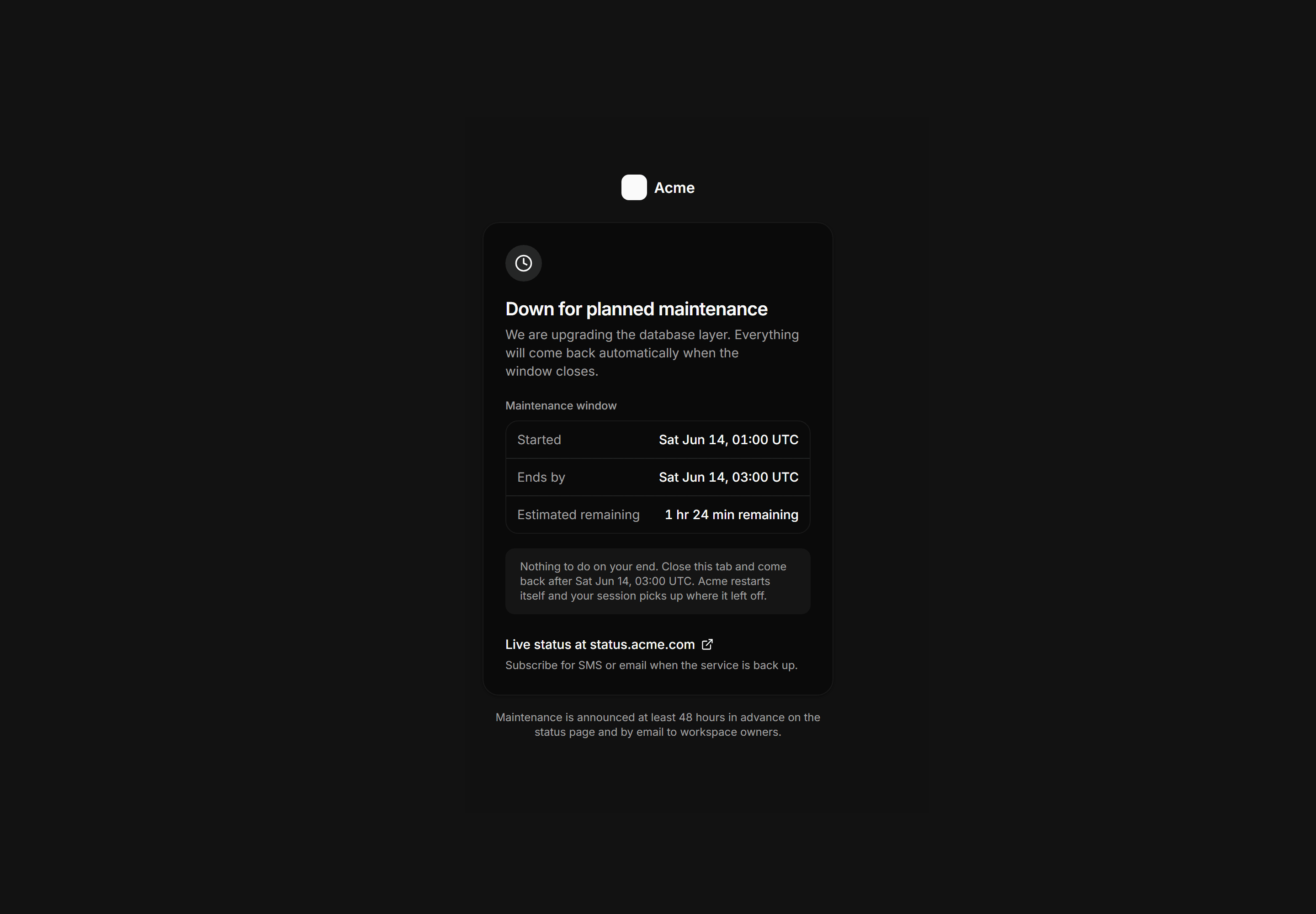
Full-page planned maintenance screen with a stated window, estimated time remaining, a do-nothing instruction, and a status-page link.
Application Empty State: Coming Soon State
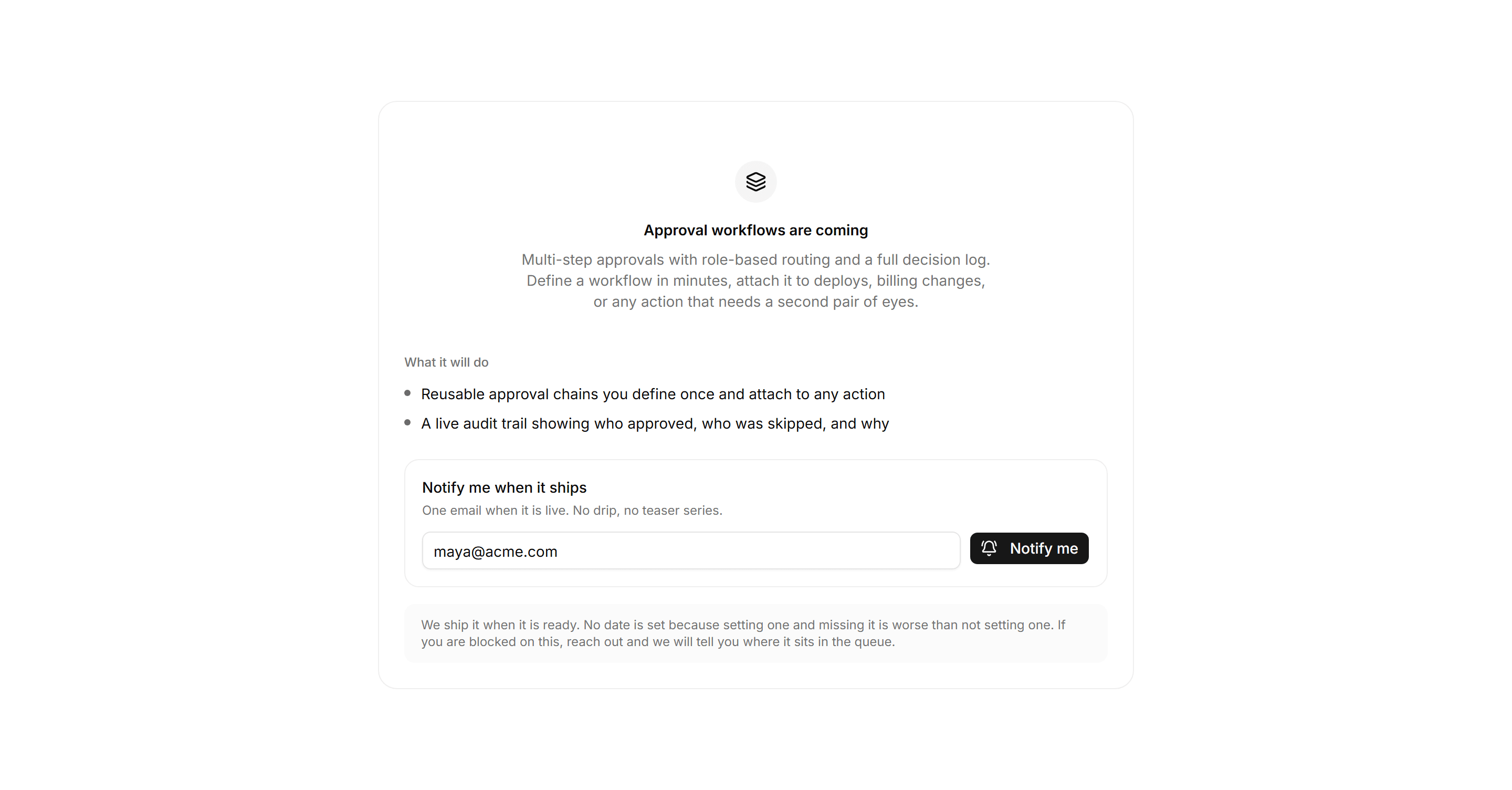
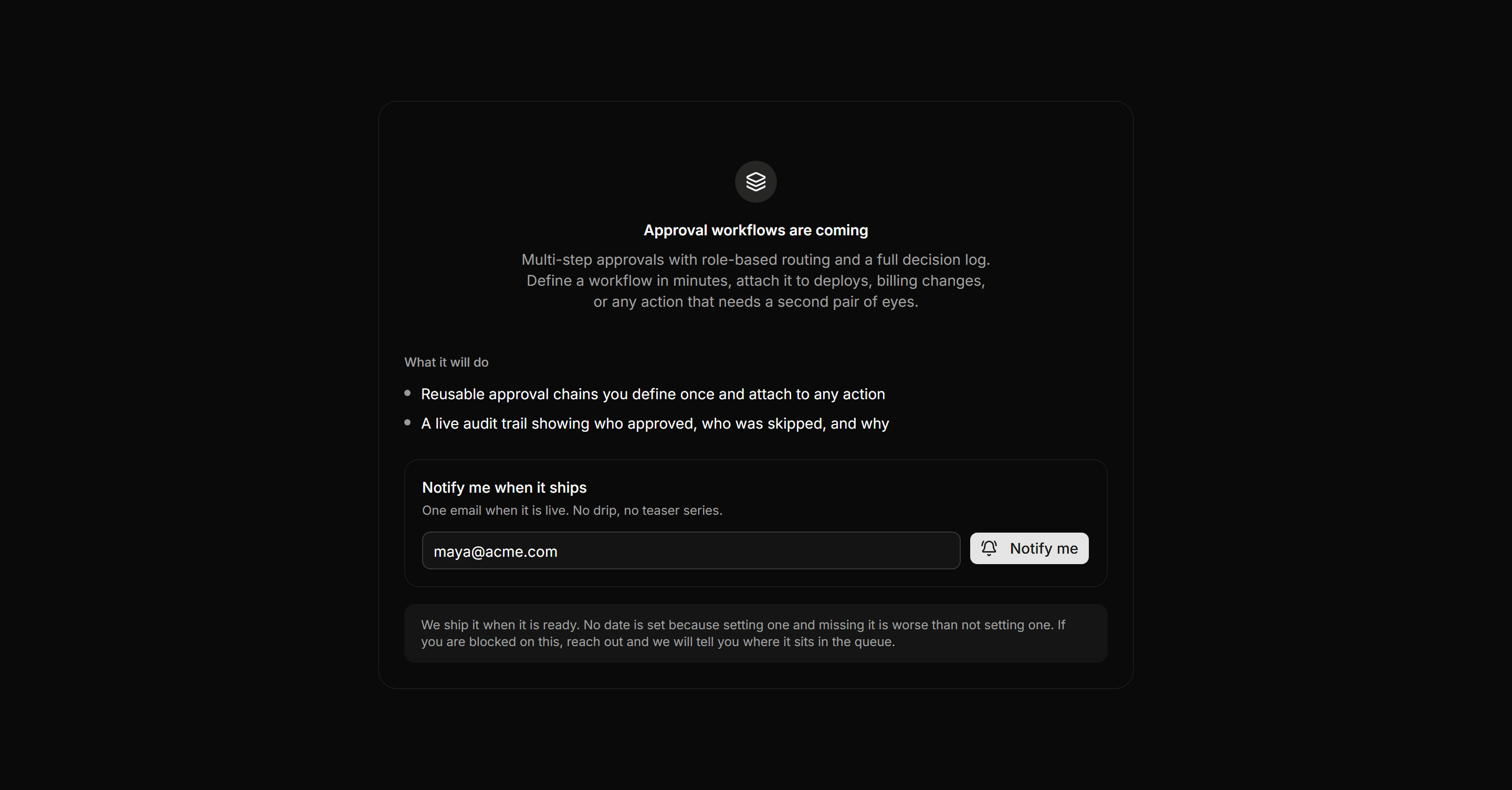
Feature placeholder naming the section, two capability bullets, a notify-me email form, and an honest no-date timeframe.