Shadcn Reset Password Blocks
Browse 4 reset password blocks for shadcn/ui. OTP codes, security questions, tokens, and simple email flows so users can recover their accounts.
Application Reset Password: Email OTP Reset
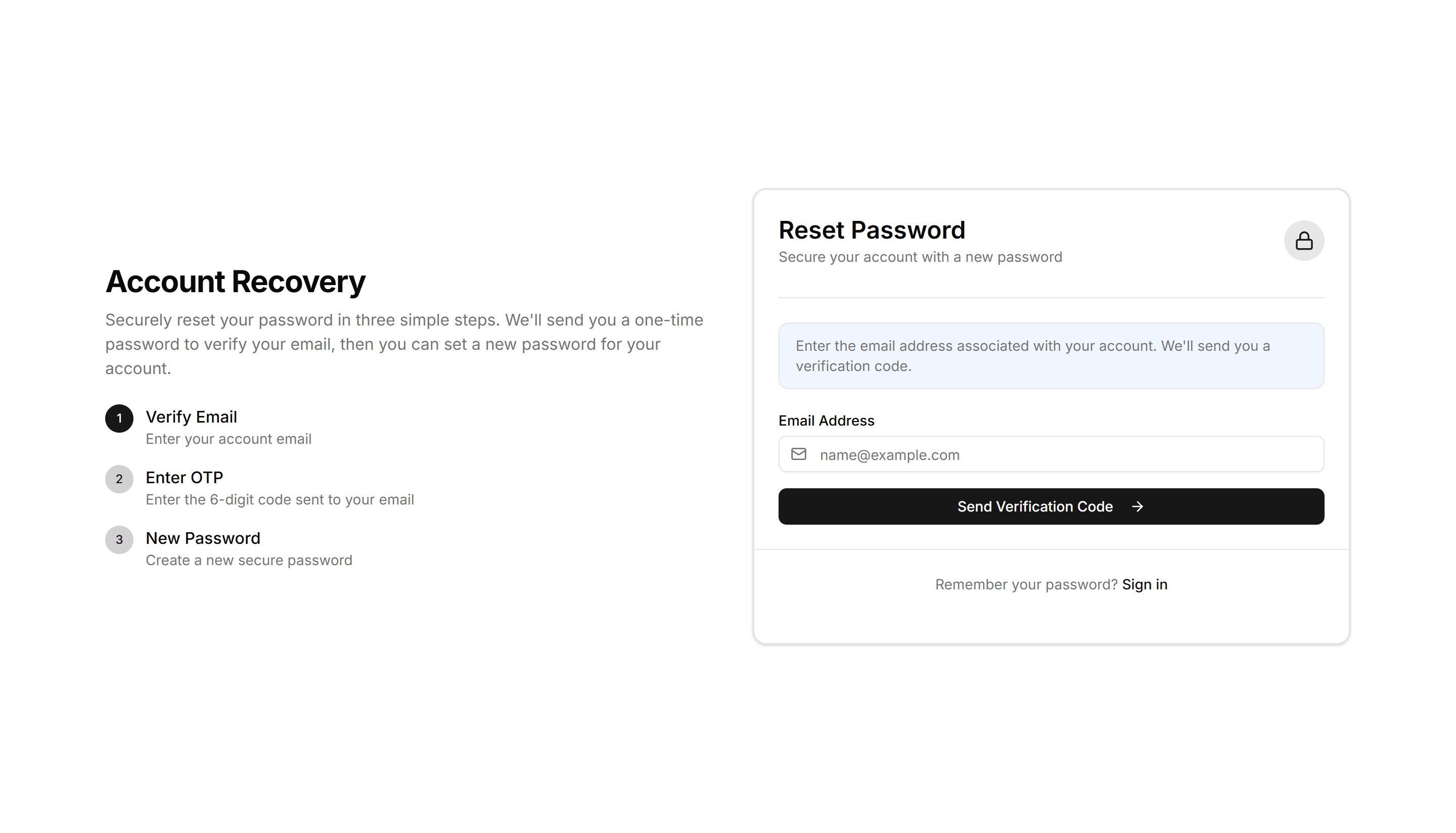
A reset password form that emails a one time code, then prompts users to enter the OTP digits before setting a new password. Use for secure email recovery.

Application Reset Password: Security Question Reset
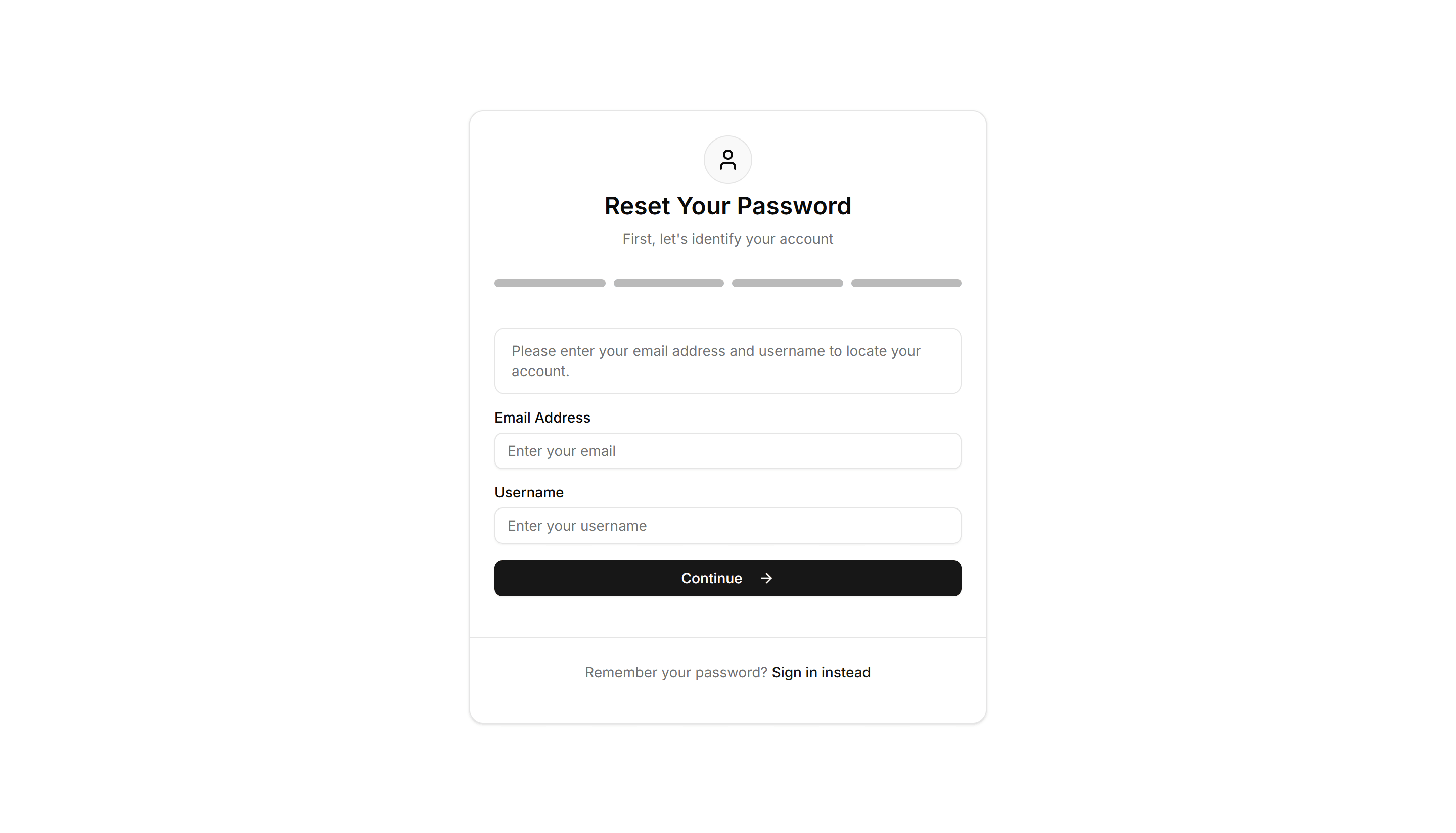
A reset password form that verifies identity with a saved security question and answer before allowing a new password. Use as a passwordless recovery path.

Application Reset Password: Simple Reset
A clean reset password form with new password and confirm fields plus a submit button. Use on the final step after a user clicks a recovery link.
Application Reset Password: Token Reset
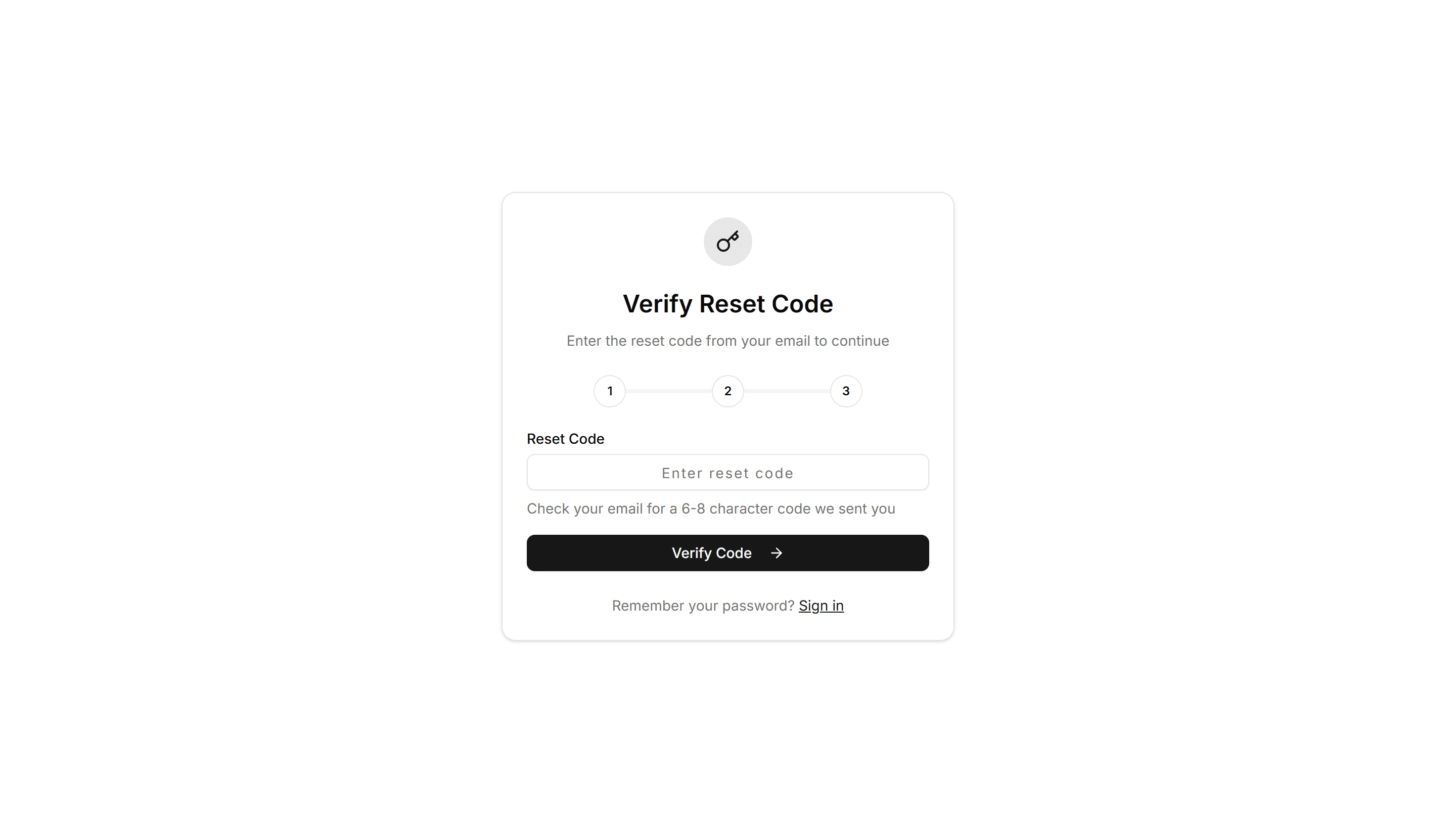
A reset password form that reads a token from the recovery link, confirms it, then collects a new password. Use to complete a tokened email reset flow.

Application Reset Password: Email OTP Reset
A reset password form that emails a one time code, then prompts users to enter the OTP digits before setting a new password. Use for secure email recovery.
Application Reset Password: Simple Reset
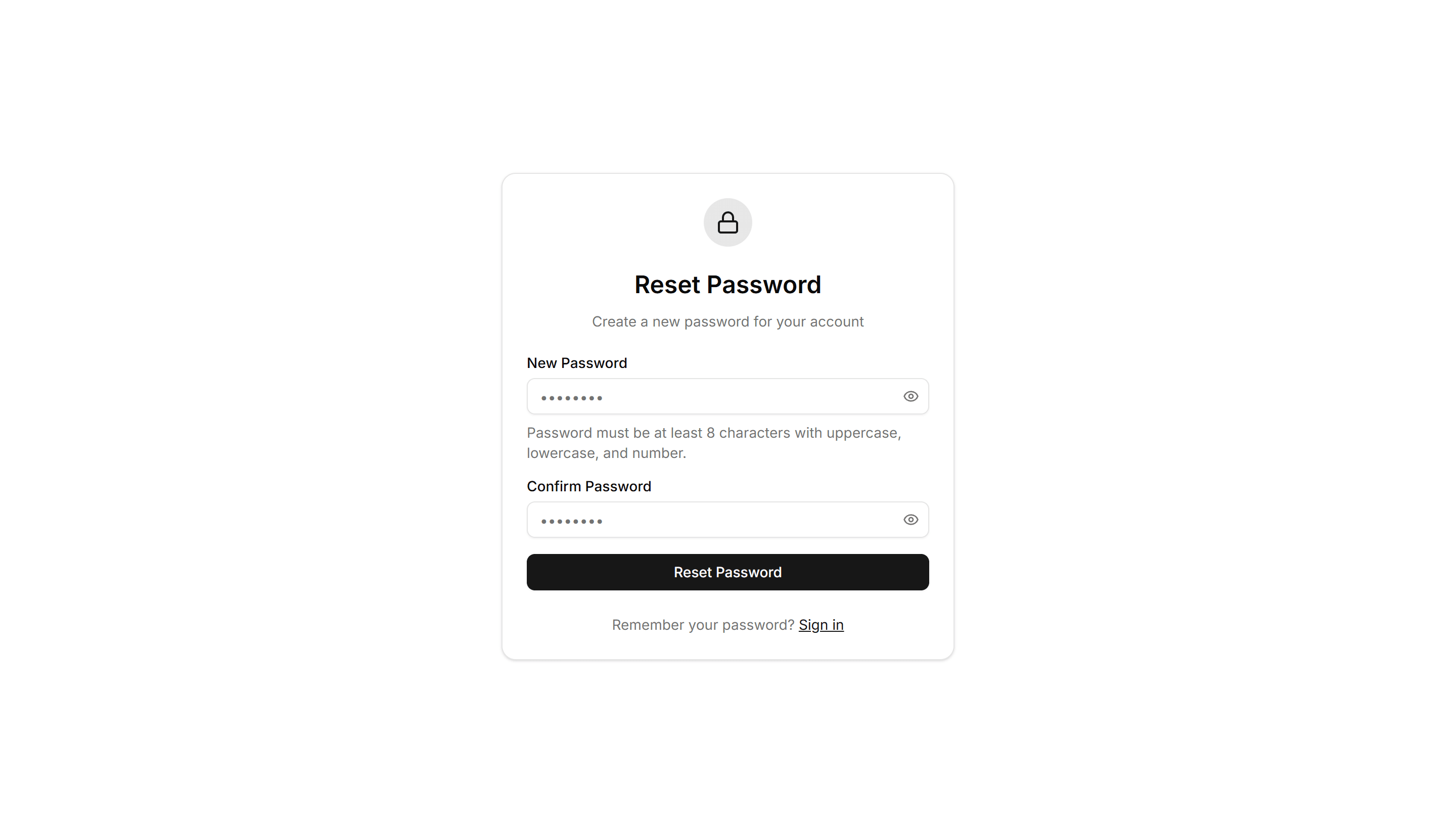
A clean reset password form with new password and confirm fields plus a submit button. Use on the final step after a user clicks a recovery link.

Application Reset Password: Security Question Reset
A reset password form that verifies identity with a saved security question and answer before allowing a new password. Use as a passwordless recovery path.

Application Reset Password: Token Reset
A reset password form that reads a token from the recovery link, confirms it, then collects a new password. Use to complete a tokened email reset flow.

Application Reset Password: Email OTP Reset
A reset password form that emails a one time code, then prompts users to enter the OTP digits before setting a new password. Use for secure email recovery.

Application Reset Password: Token Reset
A reset password form that reads a token from the recovery link, confirms it, then collects a new password. Use to complete a tokened email reset flow.