Shadcn Changelog Blocks
Browse 11 changelog blocks for shadcn/ui. Timeline, tabbed, grouped, and table layouts to announce releases, fixes, and new features clearly.
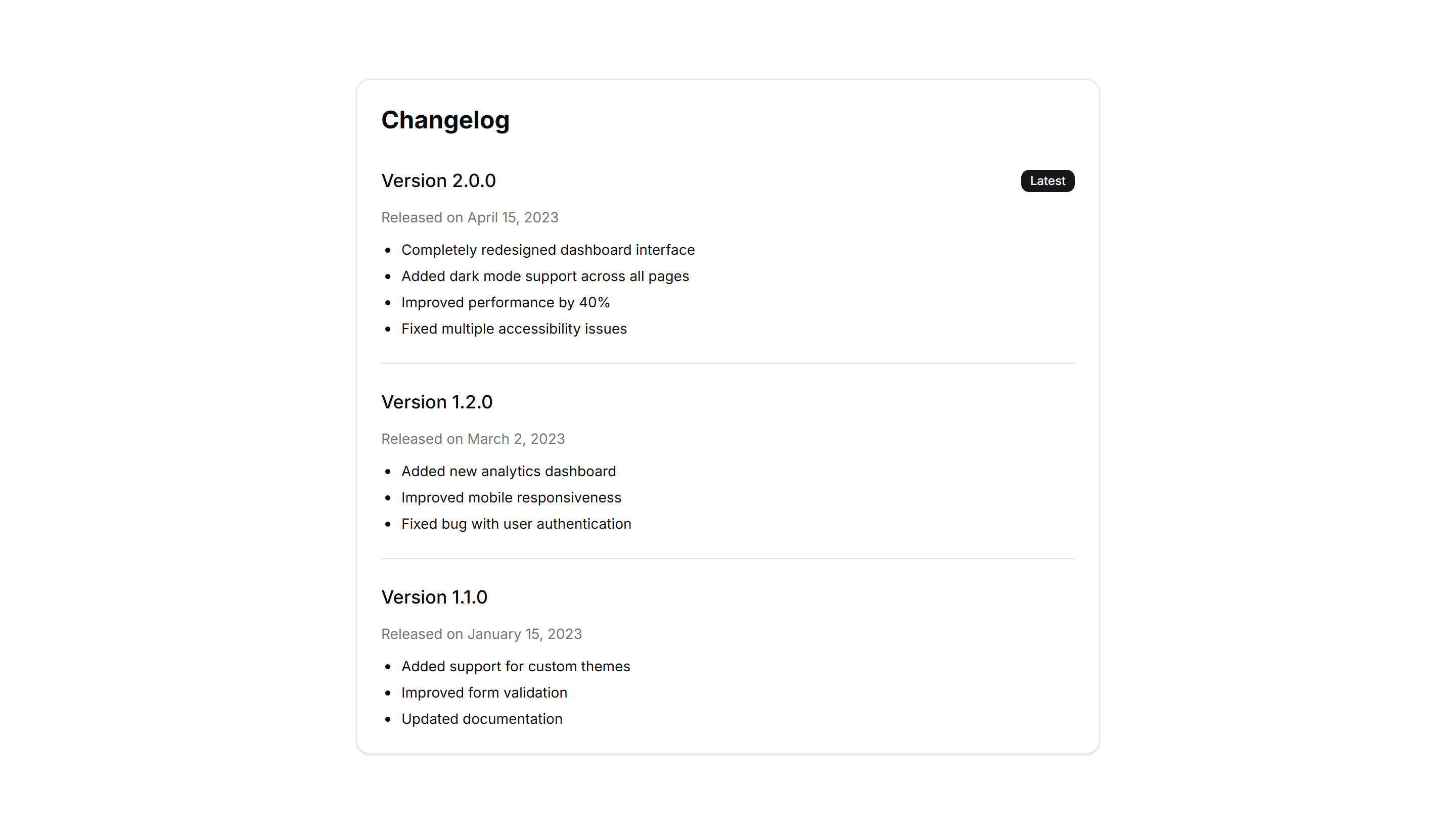
Marketing Changelog: Basic Changelog
A straightforward changelog list with version numbers, dates, and bullet points. Use it to post release notes when you want clarity over visual flourish.

Marketing Changelog: Categorized Changelog
Release notes split into Added, Fixed, and Changed sections under each version. Helps readers scan a busy update and jump to the changes they care about.

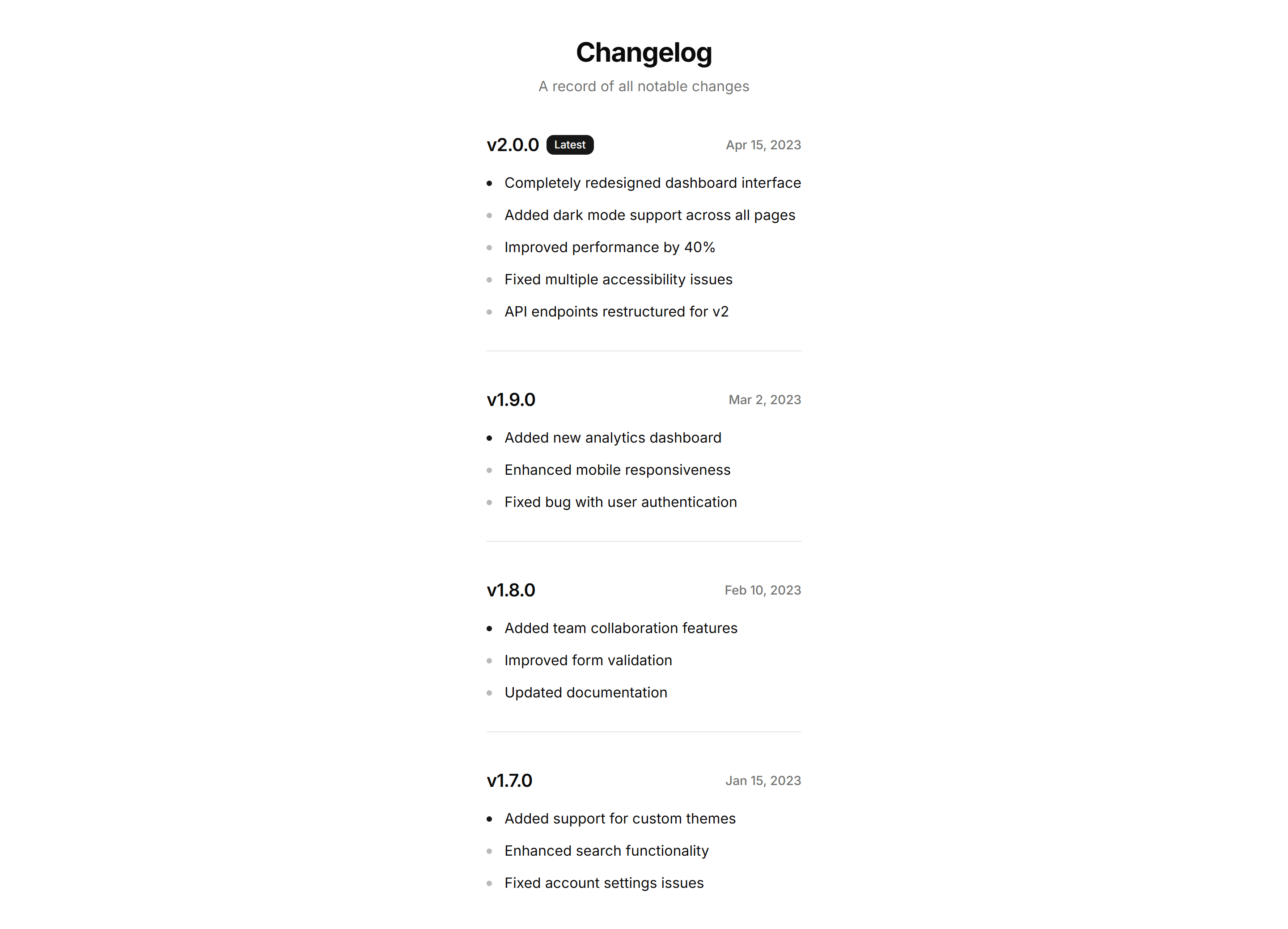
Marketing Changelog: Compact Changelog
A dense changelog that packs many versions into a tight column. Ideal when you ship often and want the full history visible without heavy scrolling.

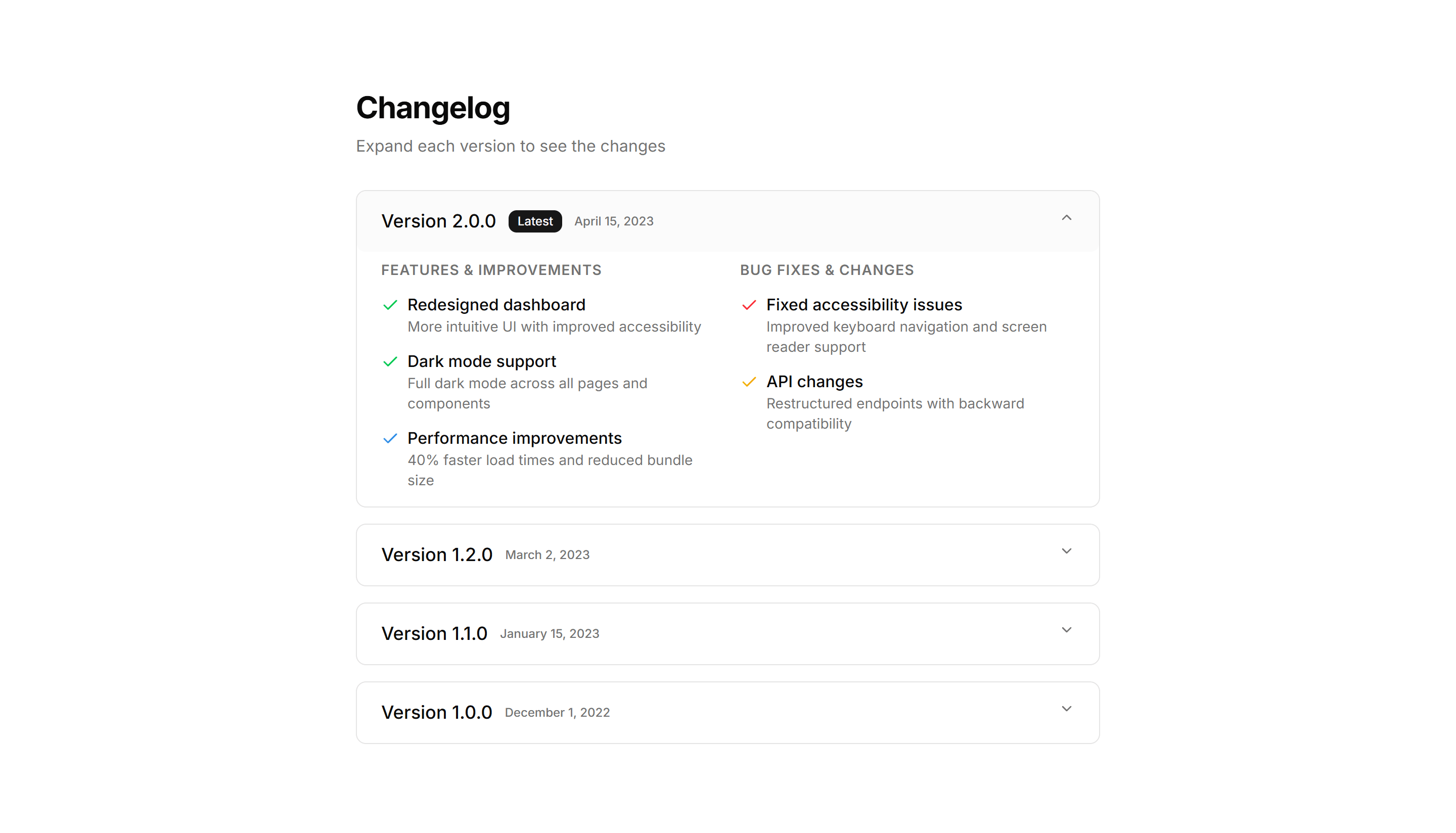
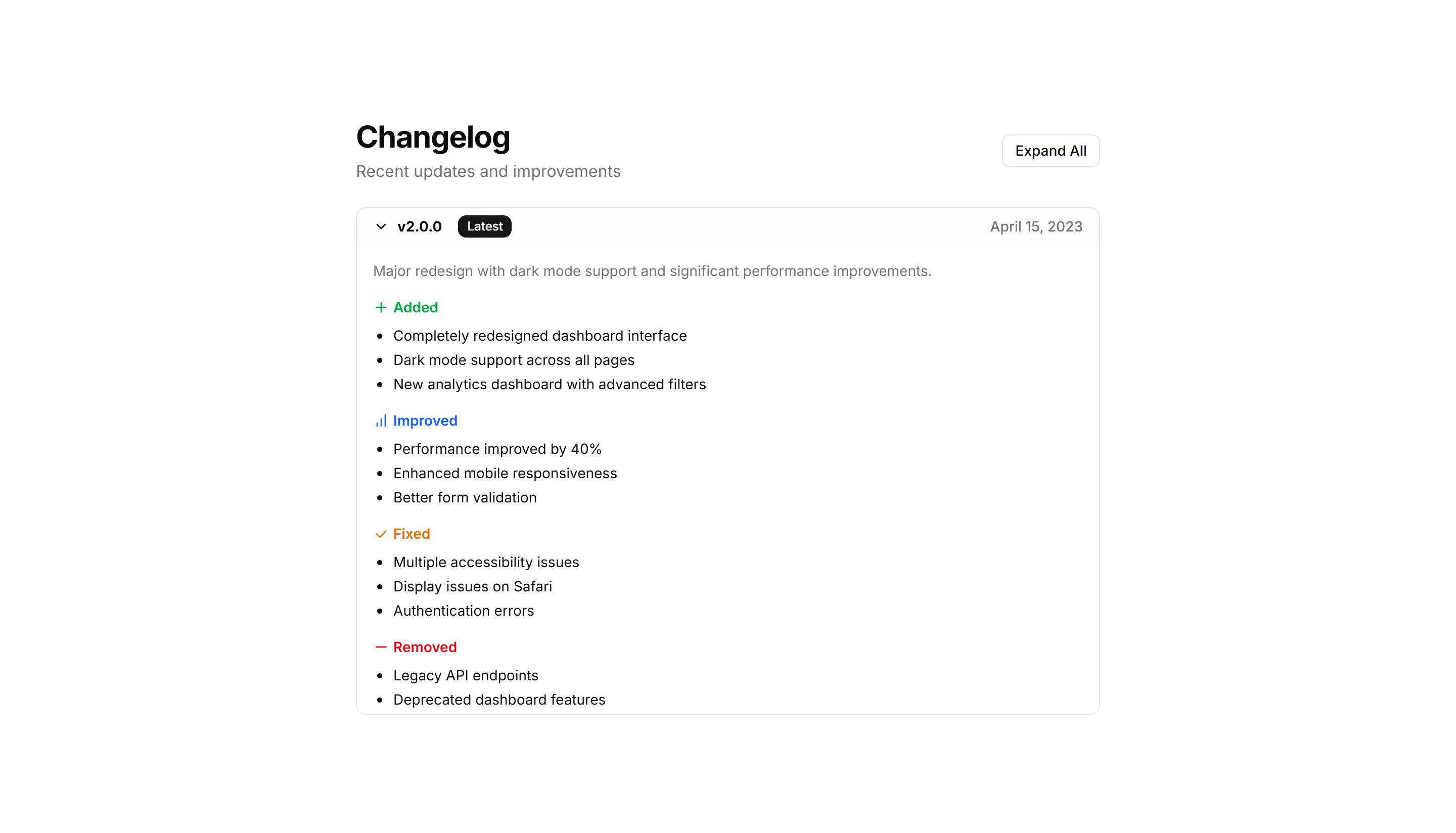
Marketing Changelog: Expandable Changelog
Collapsed version entries that open on click to reveal full details. Keeps a long release history short while letting readers drill into any update.

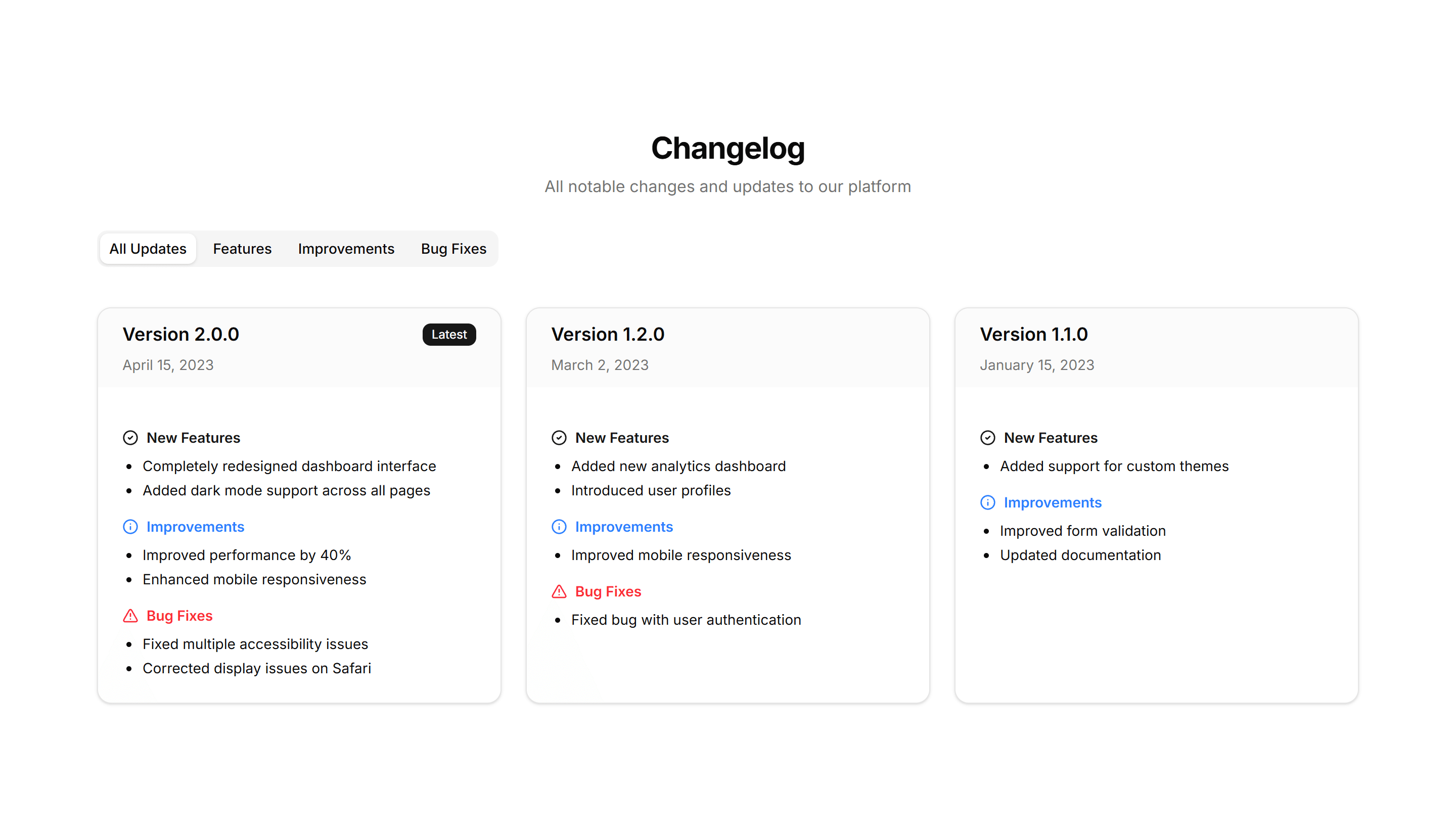
Marketing Changelog: Grid Changelog
Release entries laid out as cards in a responsive grid. Use it to show recent updates side by side with badges, dates, and short summaries at a glance.

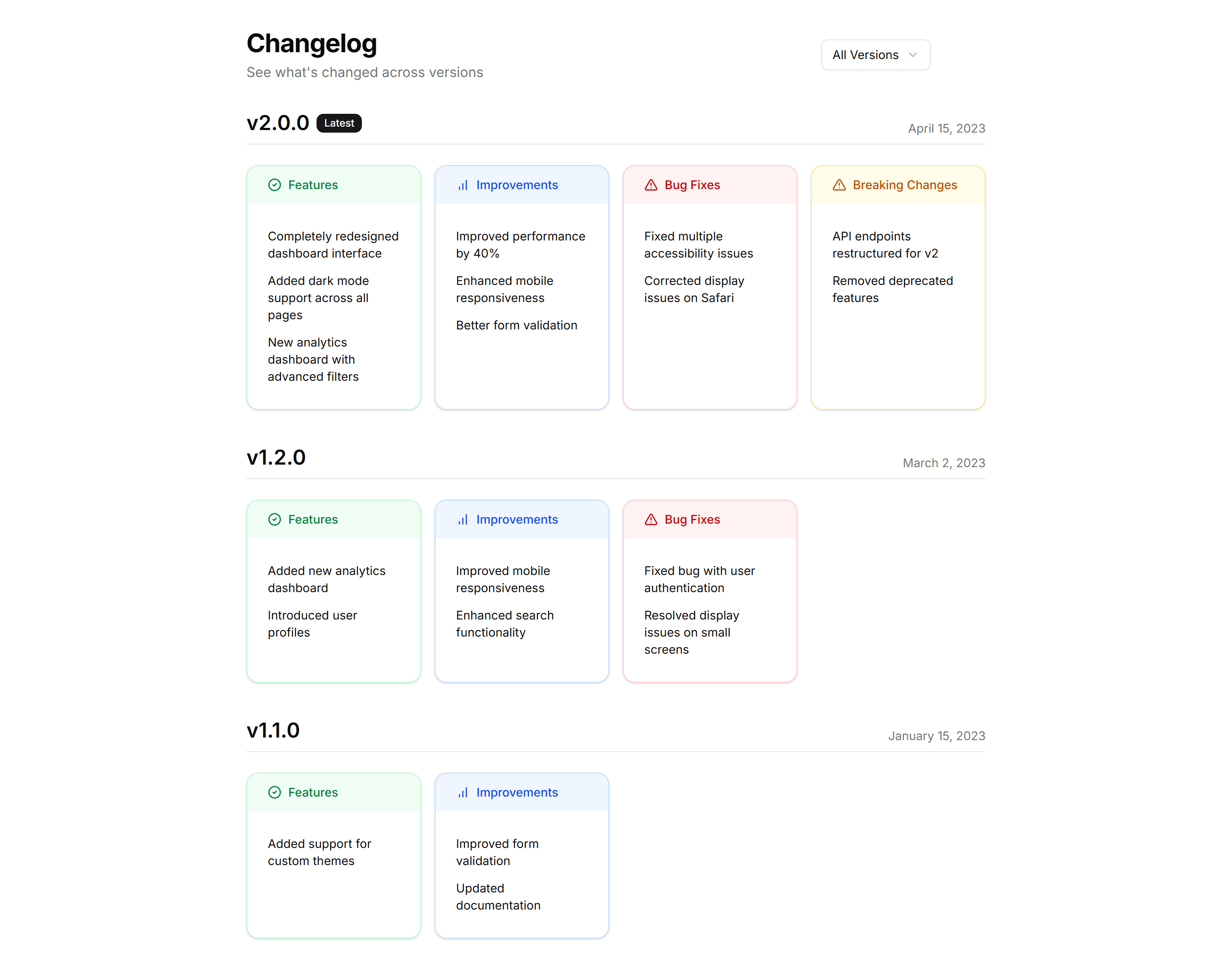
Marketing Changelog: Grouped Changelog
Updates clustered by month or release so related entries sit together. Good for products with frequent shipping where context across versions matters.

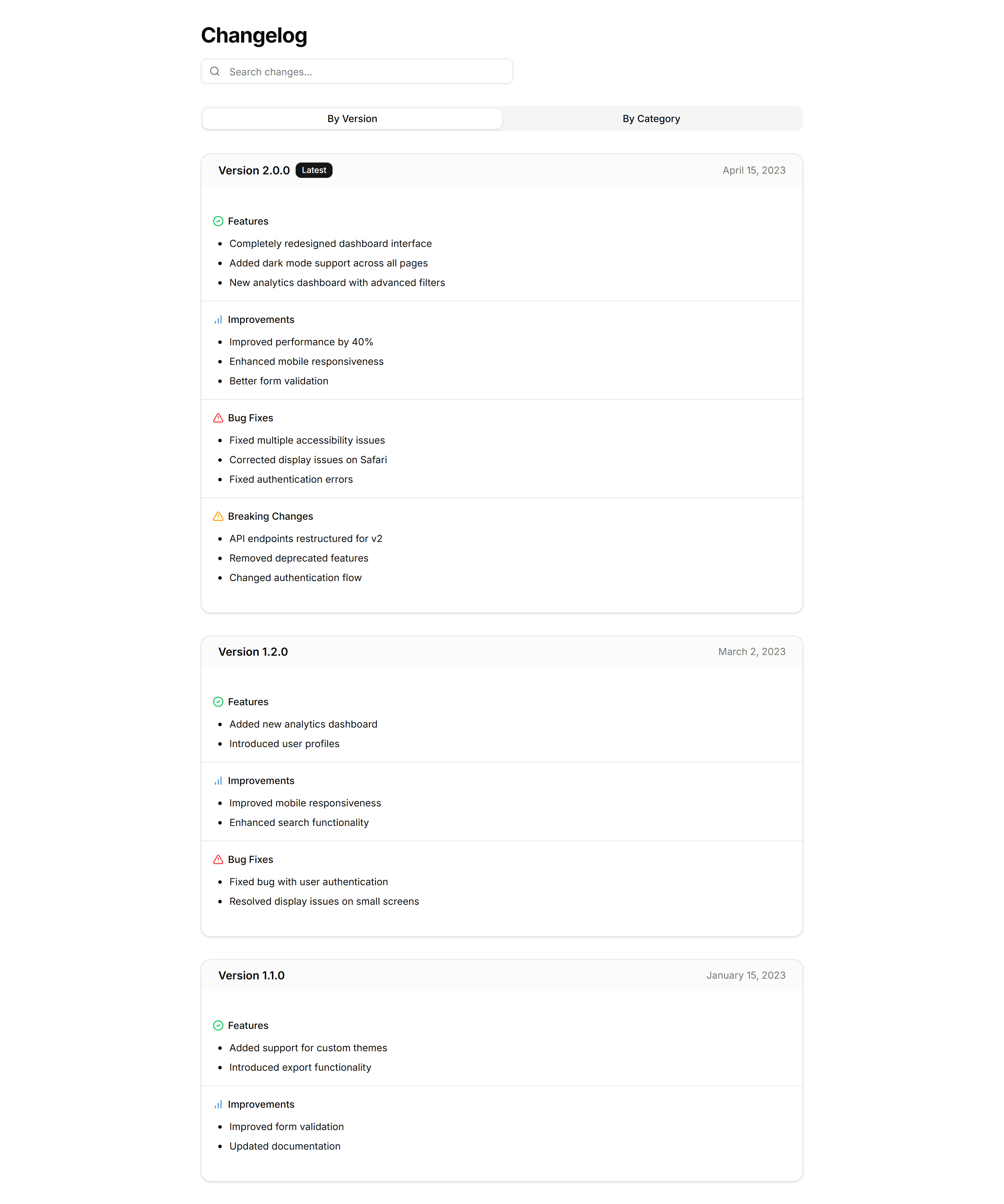
Marketing Changelog: Interactive Changelog
A changelog with filters and clickable entries that reveal more detail. Lets visitors explore updates by type and focus on the releases that matter.

Marketing Changelog: Minimalist Changelog
A pared back changelog with just dates, versions, and one line per change. Use it when you want updates to feel quiet and stay out of the way.

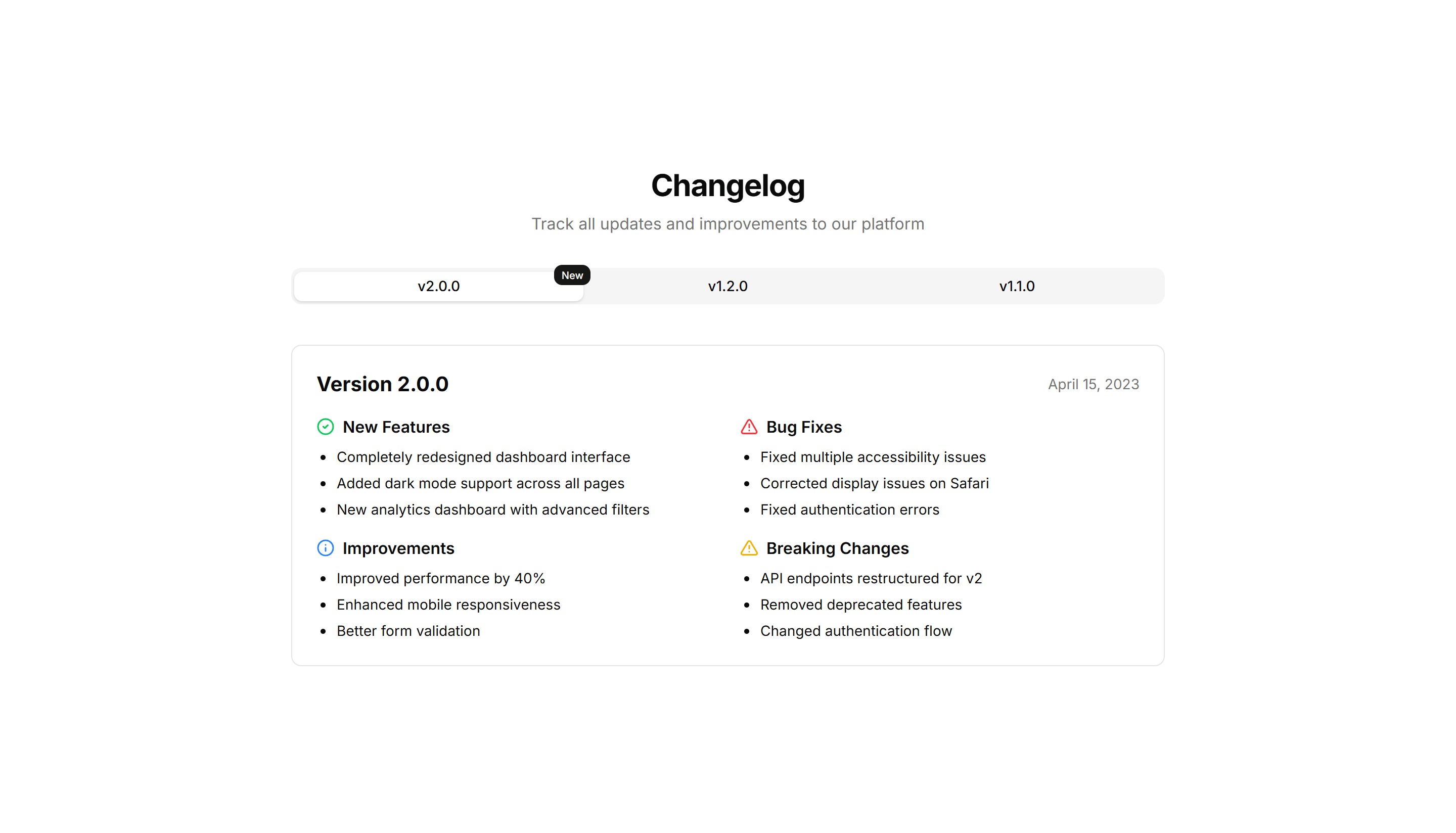
Marketing Changelog: Tabbed Changelog
Release notes organized into tabs by version or category. Lets readers switch between updates without scrolling, keeping each release neatly contained.

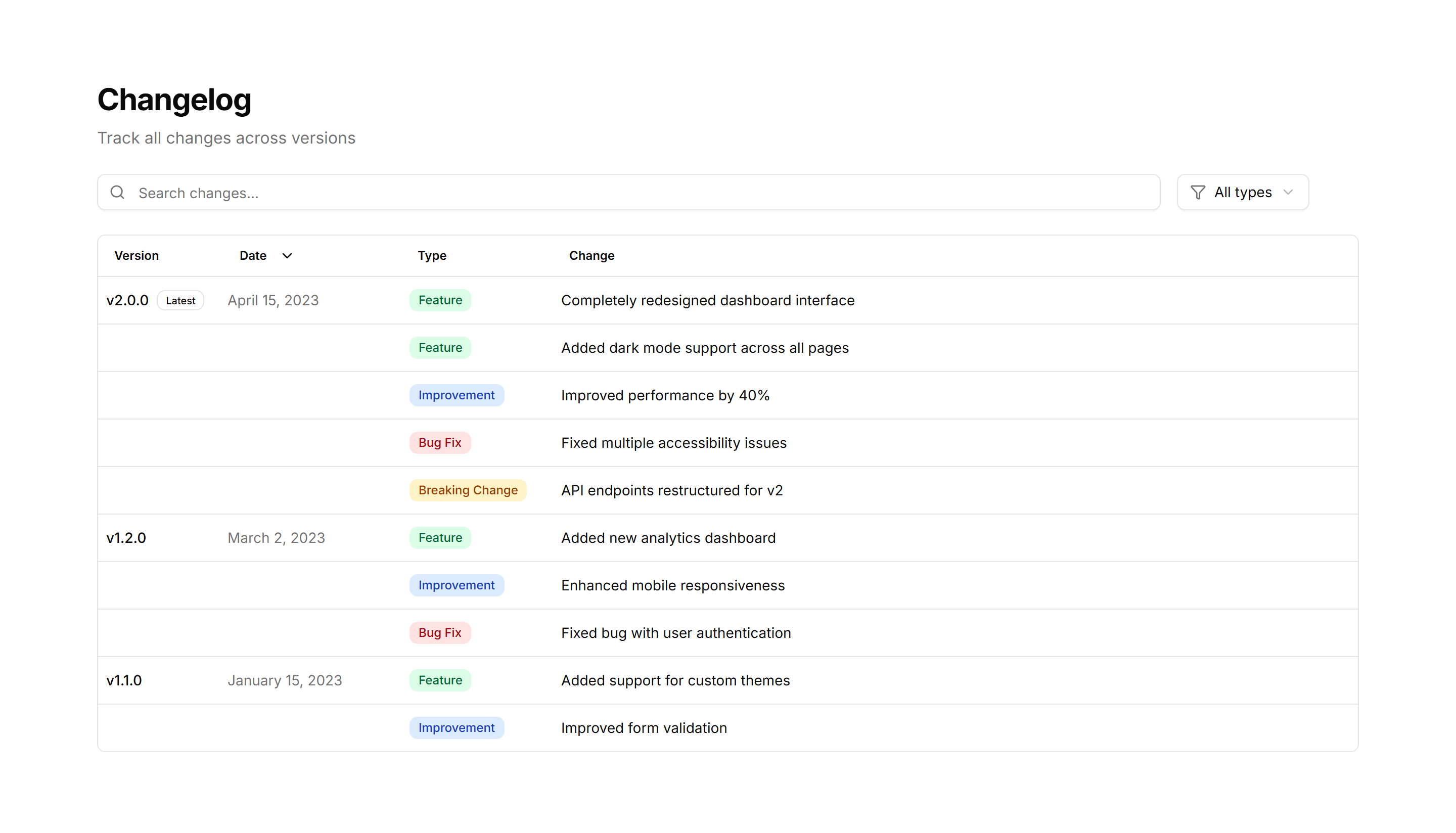
Marketing Changelog: Table Changelog
A changelog rendered as a table with columns for version, date, and notes. Use it when readers need to scan and compare many releases quickly.
Marketing Changelog: Timeline Changelog
A vertical timeline that plots releases in order with dates and notes. Use it to tell the story of a product as it grows version over version.

Marketing Changelog: Basic Changelog
A straightforward changelog list with version numbers, dates, and bullet points. Use it to post release notes when you want clarity over visual flourish.

Marketing Changelog: Compact Changelog
A dense changelog that packs many versions into a tight column. Ideal when you ship often and want the full history visible without heavy scrolling.

Marketing Changelog: Grid Changelog
Release entries laid out as cards in a responsive grid. Use it to show recent updates side by side with badges, dates, and short summaries at a glance.

Marketing Changelog: Interactive Changelog
A changelog with filters and clickable entries that reveal more detail. Lets visitors explore updates by type and focus on the releases that matter.

Marketing Changelog: Tabbed Changelog
Release notes organized into tabs by version or category. Lets readers switch between updates without scrolling, keeping each release neatly contained.
Marketing Changelog: Timeline Changelog
A vertical timeline that plots releases in order with dates and notes. Use it to tell the story of a product as it grows version over version.

Marketing Changelog: Categorized Changelog
Release notes split into Added, Fixed, and Changed sections under each version. Helps readers scan a busy update and jump to the changes they care about.

Marketing Changelog: Expandable Changelog
Collapsed version entries that open on click to reveal full details. Keeps a long release history short while letting readers drill into any update.

Marketing Changelog: Grouped Changelog
Updates clustered by month or release so related entries sit together. Good for products with frequent shipping where context across versions matters.

Marketing Changelog: Minimalist Changelog
A pared back changelog with just dates, versions, and one line per change. Use it when you want updates to feel quiet and stay out of the way.

Marketing Changelog: Table Changelog
A changelog rendered as a table with columns for version, date, and notes. Use it when readers need to scan and compare many releases quickly.

Marketing Changelog: Basic Changelog
A straightforward changelog list with version numbers, dates, and bullet points. Use it to post release notes when you want clarity over visual flourish.

Marketing Changelog: Expandable Changelog
Collapsed version entries that open on click to reveal full details. Keeps a long release history short while letting readers drill into any update.

Marketing Changelog: Interactive Changelog
A changelog with filters and clickable entries that reveal more detail. Lets visitors explore updates by type and focus on the releases that matter.

Marketing Changelog: Table Changelog
A changelog rendered as a table with columns for version, date, and notes. Use it when readers need to scan and compare many releases quickly.

Marketing Changelog: Categorized Changelog
Release notes split into Added, Fixed, and Changed sections under each version. Helps readers scan a busy update and jump to the changes they care about.

Marketing Changelog: Grid Changelog
Release entries laid out as cards in a responsive grid. Use it to show recent updates side by side with badges, dates, and short summaries at a glance.

Marketing Changelog: Minimalist Changelog
A pared back changelog with just dates, versions, and one line per change. Use it when you want updates to feel quiet and stay out of the way.

Marketing Changelog: Timeline Changelog
A vertical timeline that plots releases in order with dates and notes. Use it to tell the story of a product as it grows version over version.

Marketing Changelog: Compact Changelog
A dense changelog that packs many versions into a tight column. Ideal when you ship often and want the full history visible without heavy scrolling.
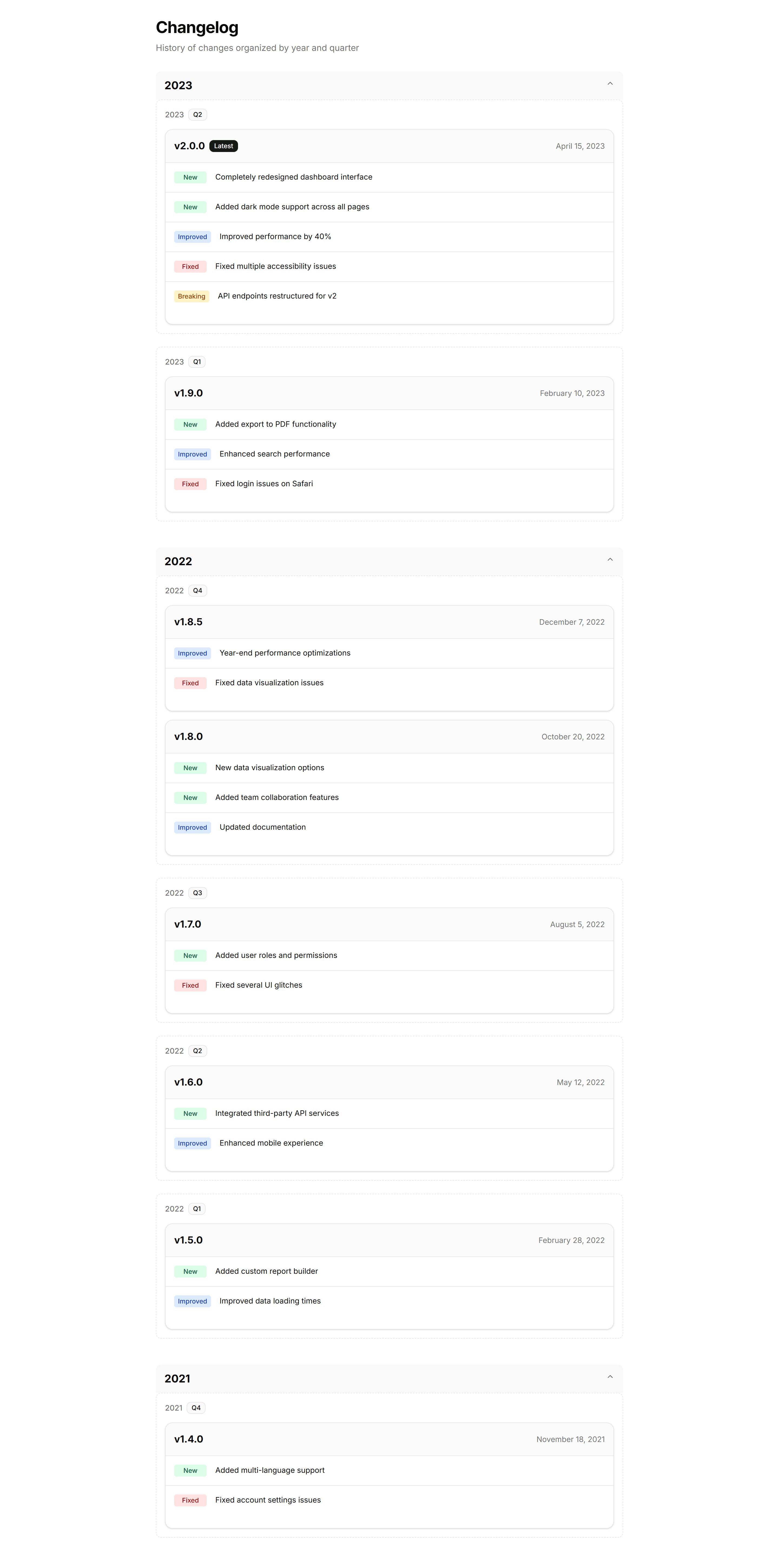
Marketing Changelog: Grouped Changelog
Updates clustered by month or release so related entries sit together. Good for products with frequent shipping where context across versions matters.
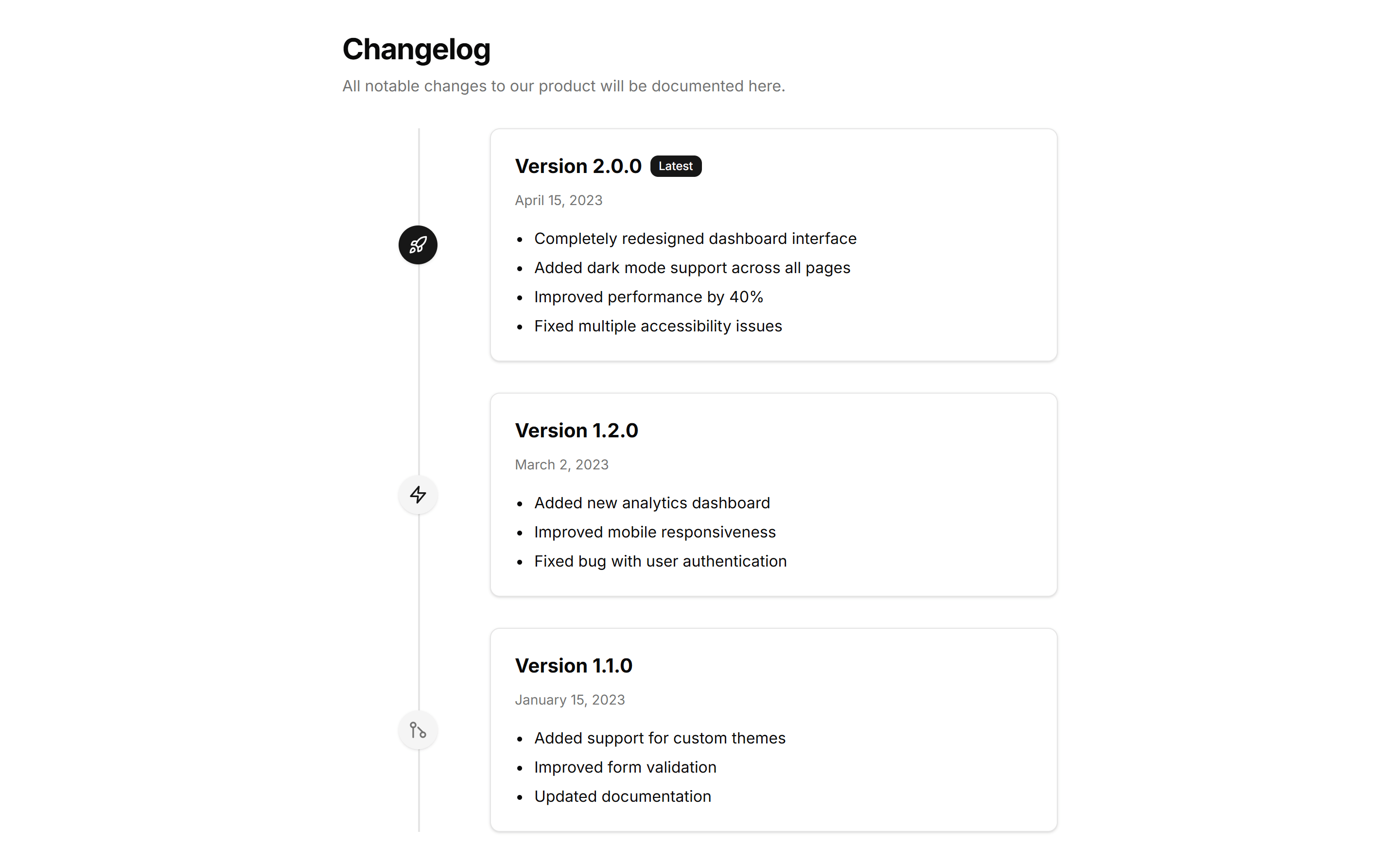
Marketing Changelog: Tabbed Changelog
Release notes organized into tabs by version or category. Lets readers switch between updates without scrolling, keeping each release neatly contained.