previewcode
Copy codeInstall command
Search blocks by description or jump to a page.
Sidebar Docs Shell is a whole docs page for a release tool, in three columns. The sidebar holds a small search field and five groups of links under mono labels. The article runs from a breadcrumb, title and lede through two sections with terminal blocks and a callout, and ends on previous and next cards. The rail lists the sections on this page and asks whether the page helped, with Yes and No ghost pills.
The article stands alone below lg, the sidebar joins from lg and the rail from xl. Each terminal block has a working Copy button that writes its lines to the clipboard and reads Copied for a moment. The rest is static: the search has no handler, the current page is set by hand, and the Yes and No pills do nothing yet.
Use it for the docs of a developer tool or any app with a CLI or an API, where readers move through pages in order and copy commands as they go. Below lg the sidebar is hidden with no menu in its place, so add one for phones.
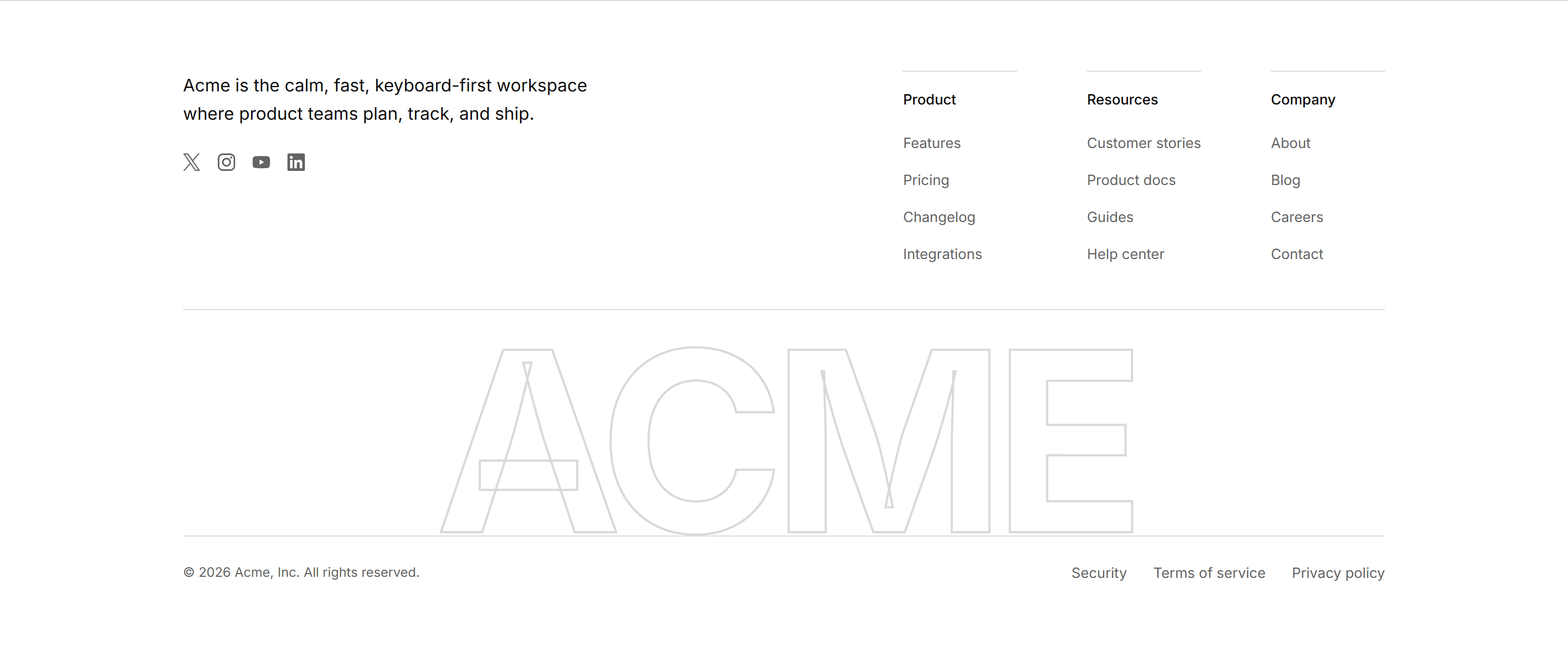
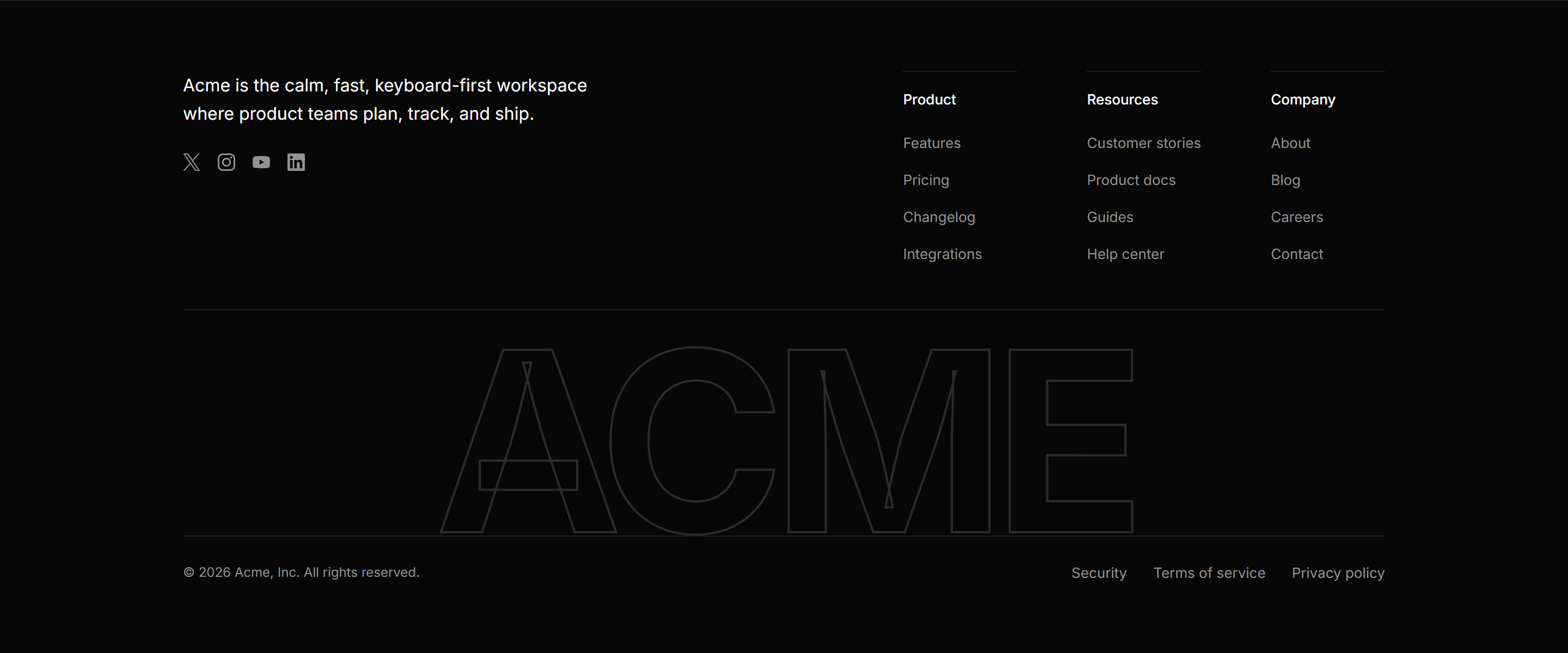
A natural flow around it on a Modern SaaS page:
Before
After
sidebar array: each group has a label and its
items. Every link points to #, and the first item is styled as
current; set both from your router.Terminal takes lines, shown one per line and
copied together. Give each heading an id so the rail can jump to it.onThisPage: a label, an href to a heading id and an
optional active flag. Only the first two point at real headings.Tip: keep each terminal block to the commands a reader runs in one go, so a single copy gives them something that works when pasted.




The source for every Modern SaaS block is included with Pro and Team. Start a plan to copy the code.
Every block and every tool, for one person.
Pro for every seat, plus what a team needs.
Already on a plan? Log in